



ASUS ZenBook 14 vs ZenBook 16: Which Is Right for You?
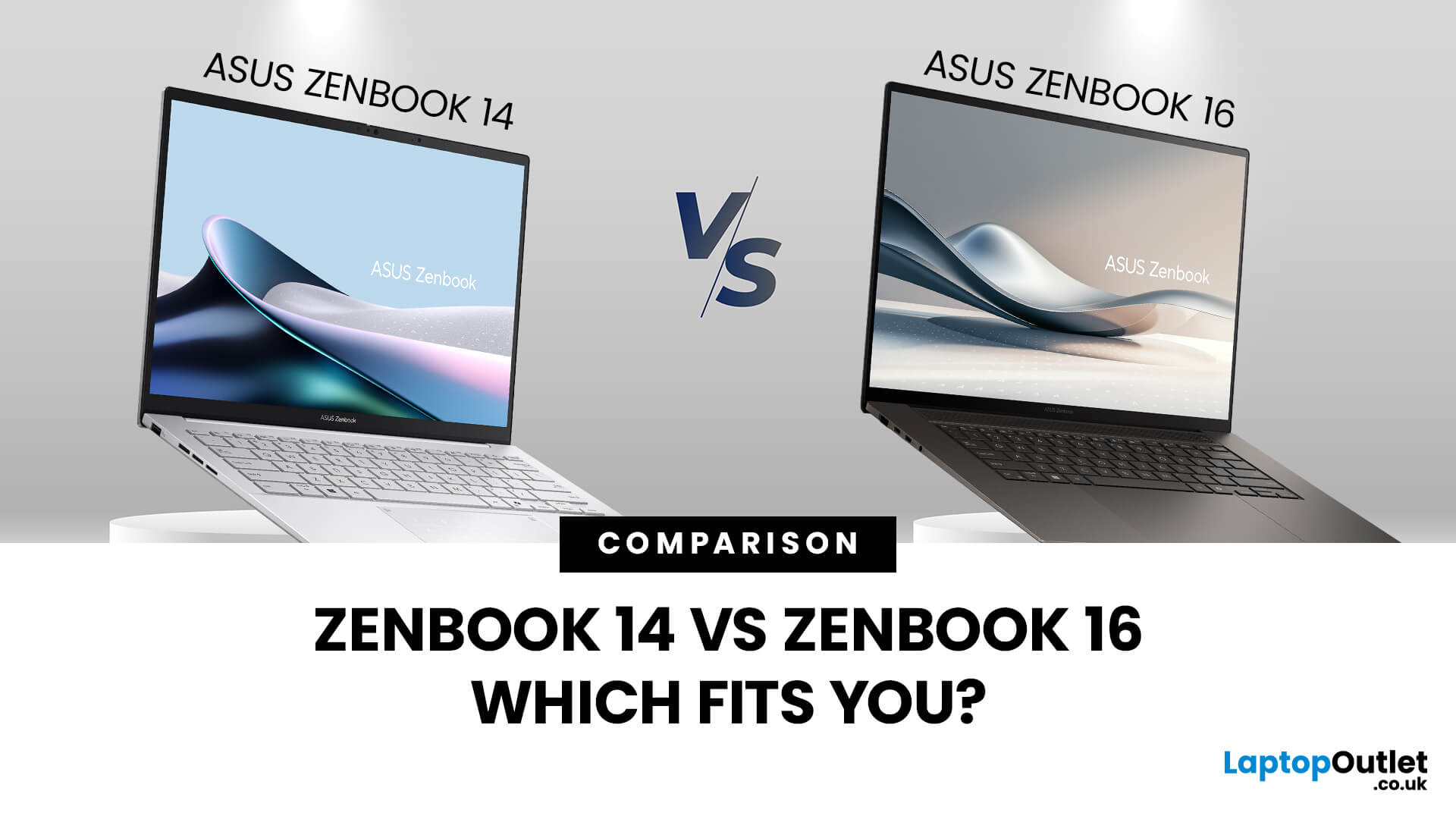
When you’re shopping around and weighing up the choice between the ASUS ZenBook 14 vs ZenBook 16, you’ll find there’s more than just the screen size difference. The ASUS ZenBook 14 and ZenBook 16 bring together premium design, OLED displays, and strong performance in sleek ultrabook form. The ZenBook 14 is ideal for portability and everyday productivity, while the ZenBook 16 offers a larger screen and extra power for creative professionals. Both models reflect ASUS’s commitment to quality and innovation, making them top choices for modern users. This blog is a comparison of both for user to choose according to their requirements.
Overview of the ZenBook Series
The Appeal of Ultrabooks
Ultrabooks such as the ZenBook line from ASUS deliver a potent mix of portability, premium build quality and enough performance for modern tasks. As the ultra-thin, ultra-light category has matured, buyers have come to expect metal-chassis design, high-resolution or OLED displays, quick SSD storage and long battery life.
For students, professionals or creators who want to carry a laptop without compromising quality, the ZenBook models deliver.
ASUS ZenBook 14 — Key Specs & What You Get
ASUS ZenBook 14 Specs at a Glance
The ZenBook 14 (in recent variants) features some seriously strong technical credentials:
- For example, the models have14″ display, 2.8K or 3K OLED, 16:10 aspect ratio, up to Intel Core Ultra 9 or AMD Ryzen AI processors.
- Latest Battery Sizes: 75 Wh battery offering “17+ hours non-stop” in some marketing specs.
- Lightweight Build: as little as around 1-1.2 kg and thin form-factor (~14‐17 mm thick).
- Display Quality: OLED, 100% DCI-P3 or high colour accuracy, Pantone validation in some models.
These specs make the ZenBook 14 a compelling choice for anyone who values portability without sacrificing quality.
ZenBook 14 Battery Life and Portability
Portability is one of the strongest selling points of the ZenBook 14. Thanks to its slim form and lower weight, you’re looking at laptop that shifts easily between home, campus, café or the office.
The battery life is impressive for its class. ASUS claims longer battery life for some ZenBook 14 OLED models. In real-world usage you’ll likely get a full working or study day (4-8 hours) comfortably, and it gives you extra headroom compared with many 15-inch models.
Ideal for Students and Everyday Use
Whether you’re a university student carrying around lectures, or someone working from cafes or co-working spaces, the ZenBook 14 ticks many boxes:
- Lightweight and compact enough to slip into a backpack or shoulder-bag without feeling bulky
- Quality display and build that give a premium feel (so you’re not compromising on style)
- Sufficient performance for most productivity tasks, light creative work and everyday use
- Great value when compared with larger, heavier models
If your primary tasks include writing essays, spreadsheets, web browsing, Zoom calls, general creative tasks (light photo-editing), the ZenBook 14 is a solid contender.
ASUS ZenBook 16 — Performance, Display & Bigger Format
ASUS ZenBook 16 Performance Features
When you move up to a 16-inch model such as a ZenBook 16 (or the ZenBook S 16 in some cases), performance capability goes up significantly.
Take for example the ZenBook S 16 model:
- 16.0″, 3K (2880×1800), 120 Hz OLED display.
- CPU: Intel Core Ultra 7 258V (or Ultra 9) in some models; or AMD Ryzen AI 9 HX 370 in others.
- GPU: Some configurations include Intel Arc Graphics 140V etc.
- Weight: Around 1.50 kg in 16″ format.
These specs make the 16-inch model significantly more capable for creative/junior-pro workflows, handling more substantial workloads, multitasking, richer editing, maybe even light graphics work.
ZenBook 16 Display Quality and Screen Size
One major advantage of the 16-inch format (versus 14-inch) is the extra screen real estate and quality. Some key points:
- Larger 16″ screen means more room for multitasking, side-by-side windows, editing timelines, or simply enjoying multimedia content.
- Display quality is very high: e.g., the 3K OLED, 120 Hz refresh, 100% DCI-P3 colour gamut are seen in some ZenBook 16/S 16 models.
- Colour accuracy and brightness matter for creators or anyone working on photo/video. The 16″ format supports that very well.
If display quality is a priority, and you don’t mind a slightly larger machine, the ZenBook 16 is a strong pick.
Who the 16-inch Format Suits (Creators, Power Users)
The ZenBook 16 is well suited for:
- Content creators: photo-editing, video-editing, design work, where screen size and colour accuracy count.
- Professionals who want a “desktop-feel” laptop but still portable.
- People who rarely carry the laptop off desk and value display and performance over ultra-mobility.
However, if you’re heavily on the move (train, bus, coffee shops) and carrying minimal gear, the larger size might be a trade-off.
ZenBook 14 vs 16 – Side-by-Side Comparison
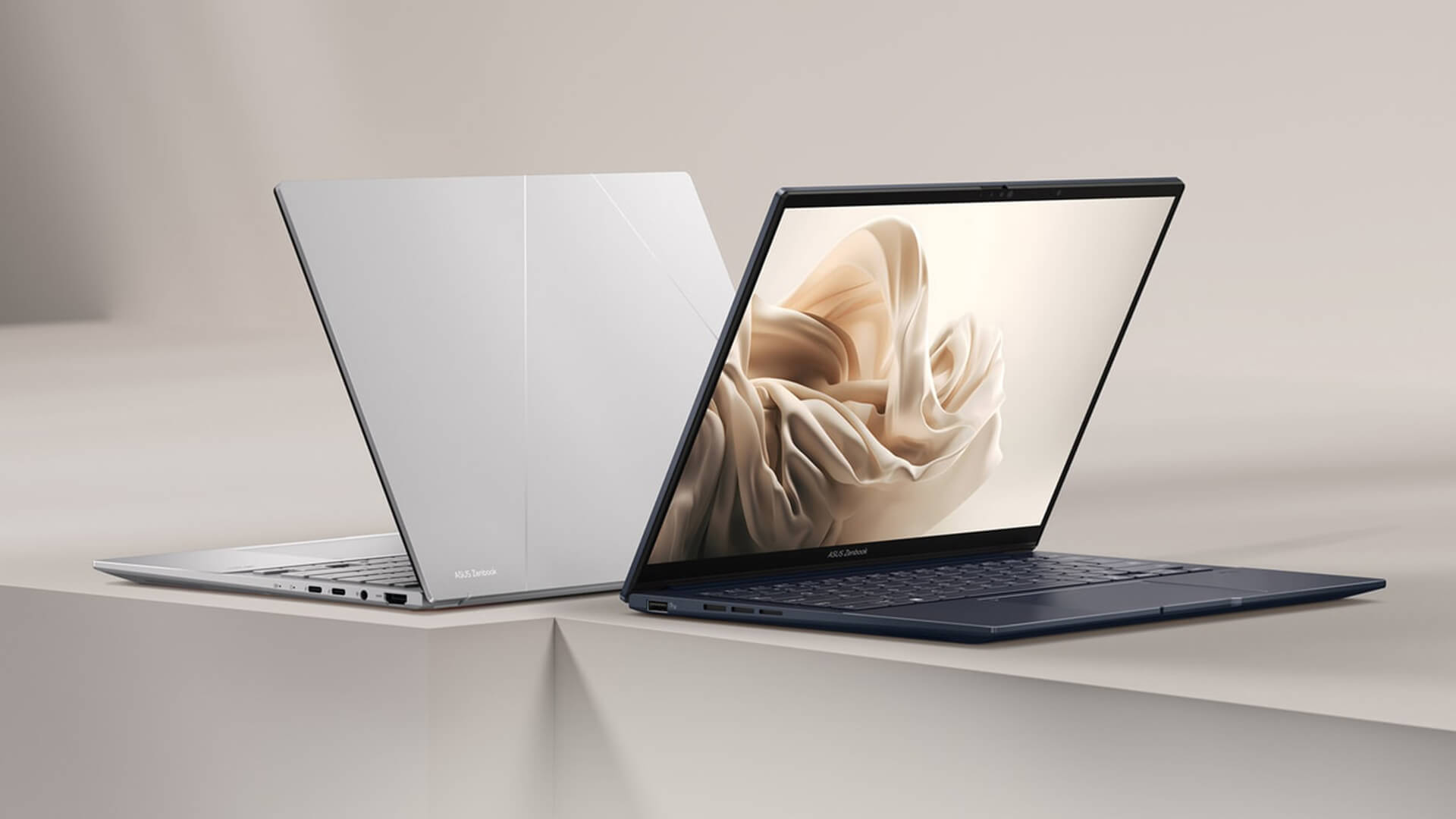
Screen Size & Portability Trade-Off
- ZenBook 14: ~14″ screen → lighter weight (~1.2-1.4 kg), thinner chassis → easier to carry around, ideal for mobility.
- ZenBook 16: ~16″ screen → more bulk, slightly heavier (~1.5 kg or more) → less ultra-portable but offers more workspace.
Thus, if portability is your primary concern, the 14″ wins. If screen size and workspace matter more, the 16″ wins.
Performance and Power Demands
- The 16″ variant typically includes more powerful CPU/GPU options, enabling higher performance for heavier workloads.
- The 14″ still delivers strong performance (especially the latest models with 13th/14th Gen Intel or AMD Ryzen AI processors) for most daily tasks and moderate creative work.
Thus, for standard productivity + casual creative use, the 14″ is more than adequate; for heavier workloads, creative workflows, the 16″ pulls ahead.
Battery Life, Thermal Behaviour & Build
- Generally, smaller chassis = less thermal headroom and smaller battery; in the 14″ models you’ll still get excellent battery life (17+ hours claimed in some cases).
- Larger chassis (16″) may host bigger battery but also more powerful components which can draw more power, so real-world battery life might be similar or slightly less depending on configuration. For example, the review for ZenBook S 16 notes “middling battery life” even though its overall performance is excellent.
- Build quality: both models deliver premium build, but your comfort carrying around and using on the move will differ based on size/weight.
Price, Value and Use-Case Fit
- At Laptop Outlet, you’ll want value for money. Smaller size often means lower price but still excellent spec.
- The 16″ adds premium display/performance, hence higher asking price.
- Evaluate your use-case: If you’re going to mostly carry it around, working across locations, presenting, you might not need the extra screen size/performance of the 16″ and can save money.
- On the other hand, if you’re using it as a main workstation or for creative tasks regularly, the extra investment might pay off.
Which One Should You Choose?
Choosing the 14-inch model
Pick the ZenBook 14 if you:
- Prioritise portability, frequent travel between home/uni/cafe/office.
- Want strong all-round performance but for everyday tasks, study, work-from-home.
- Value battery life and a lighter carry.
- Are working mostly with documents, spreadsheets, light photo editing, general productivity.
- Want to keep budget reasonable and still get a premium ultrabook.
Choosing the 16-inch model
Choose the ZenBook 16 if you:
- Want a larger workspace for multitasking, photo/video editing, design.
- Are less concerned about ultra-light mobility and more about performance and display.
- Use the laptop as a primary machine (desk + mobile) rather than just a mobile secondary device.
- Are comfortable investing more and want futureproofing for higher workloads.
- Appreciate the best display quality, colour accuracy, immersive size.
The “Sweet Spot” for Your Lifestyle and Budget
- If you split your time between home and mobile locations and carry your laptop daily, the 14″ is probably the sweet spot.
- If you sit at your desk 70%+ of the time and use your laptop for creative or heavier workflows, the 16″ gives you more headroom.
- Check which configurations are available at Laptop Outlet (for instance whether the 14″ has latest Intel/AMD chip, size of SSD, RAM) and compare deals, sometimes the 14″ “premium build” deals make it unbeatable value.
- Also consider upgrade-paths: while ultrabooks are less upgradeable than desktops, pick the most RAM/SSD you can afford since you’ll likely keep it 3-5 years.

Bottom Line
In the debate ASUS ZenBook 14 vs ZenBook 16, there’s no one-size-fits-all answer, it comes down to how you use the machine, how mobile you are, and what you value most.
- If you prioritise mobility, lightweight carry, and still want a high-quality ultrabook, the ZenBook 14 is a brilliant choice: top build, strong battery life, premium display, ideal for study, travel and everyday productivity.
- If you lean more towards performance, creativity, multitasking, and want more screen real estate (even if it means a bit more size), the ZenBook 16 delivers elite specs and a larger canvas.
At Laptop Outlet you can assess the ASUS deals available, check configuration (RAM, SSD, CPU), and decide which model will serve you best for years to come. Ultimately, by aligning your usage profile with model strengths, you’ll get the laptop that works for you, not just "the one with a bigger screen".

Your What & Why
What is the difference between ASUS ZenBook 14 vs ZenBook 16?
The main differences lie in screen size (14″ vs 16″), portability (14″ lighter), performance ceiling (16″ may offer more powerful CPU/GPU options), and workspace (16″ has more screen real estate). Each has strengths tailored to different use-cases (students/mobility vs creators/power users).
How good is the ZenBook 14 battery life?
Very good for its class, some ZenBook 14 models claim “17+ hours non-stop” usage. Real-world use will vary depending on screen brightness, workload and configuration, but you can expect a full working day in many cases.
What about ZenBook 16 display quality?
Excellent, in models like the 16″ ZenBook/S 16 you’ll find 3K resolution, OLED panel, high refresh rate (120 Hz in some cases), and high colour gamut (100% DCI-P3) making it ideal for creators.
Is the 14-inch model still good for creatives or editing video/photo?
Absolutely, depending on its configuration (RAM, SSD, CPU/GPU) the ZenBook 14 can handle moderate creative work. However, if you’re doing heavy, professional-level editing or multiple timelines, the extra screen and performance of a 16″ model may serve you better.
How should I decide which size to buy?
Ask yourself: how often will I carry the laptop around? Do I value screen size or mobility more? What tasks will I perform regularly (productivity vs creative)? How much can I spend? If portability is key: go 14″. If screen/workspace is priority: go 16″.
Are ASUS ZenBooks good value in the UK market?
Yes, ASUS has a strong reputation for build quality, innovation and performance. With ultrabooks you do pay a premium compared to budget laptops, but the value (durability, specs, brand) tends to pay off, especially when you shop at trusted outlets like Laptop Outlet. Furthermore, their ultrabook line (including the ZenBook 14/16) features premium features often reserved for higher price-tiers.
| Read More: |
| Best ASUS ZenBooks for Video Editing & Creative Work |
| Is ASUS ZenBook Good for Students |
| Battery Life & Performance Optimisation Tips for ZenBook Users |
Related Articles

Last Updated: September 09, 2026
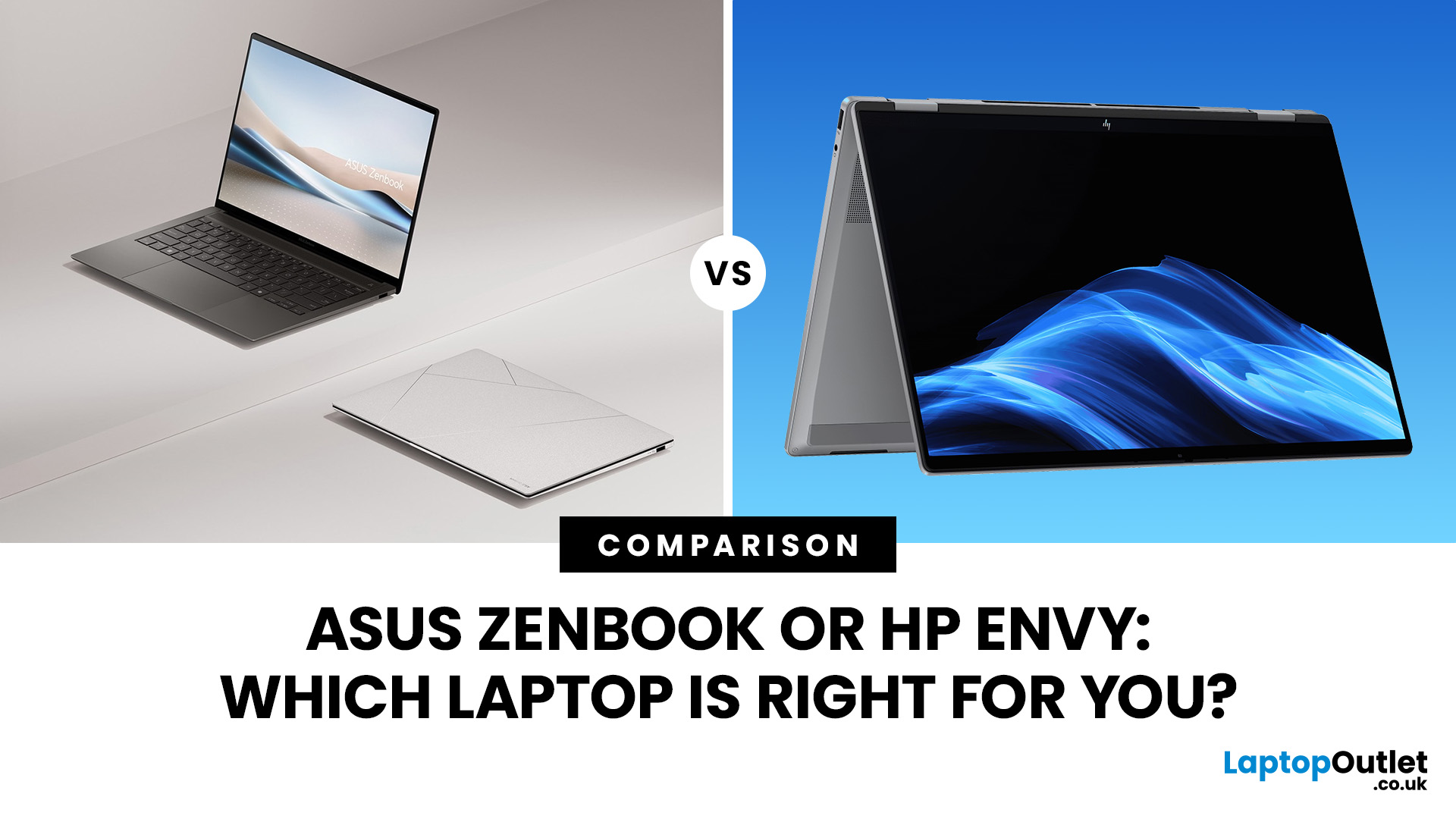
ASUS Zenbook and HP Envy have long competed for buyers wanting a premium Windows laptop without moving into workstation or gaming territory. That comparison has changed though: Zenbook remains an active ASUS family, while HP has retired Envy as part of its move to the OmniBook range.
So, is an ASUS Zenbook better than an HP Envy today? That depends on whether you are comparing a new Zenbook against an older or refurbished Envy, or looking for HP's current equivalent.
ASUS Zenbook vs HP Envy: Quick Answer
Buying new? ASUS Zenbook is the more relevant choice because HP Envy is no longer an active current-generation range. HP says its newer OmniBook X family replaces Envy in its reorganised consumer line-up.
Buying refurbished or discounted? An HP Envy can still make sense if the processor generation, RAM, storage, battery condition and price compare favourably with newer alternatives.
| Area | ASUS Zenbook | HP Envy | HP's Current Alternative |
| Status | Current | Legacy/discontinued family | OmniBook X |
| Processors |
Last Updated: December 09, 2025
Two ZenBooks, One Big Decision
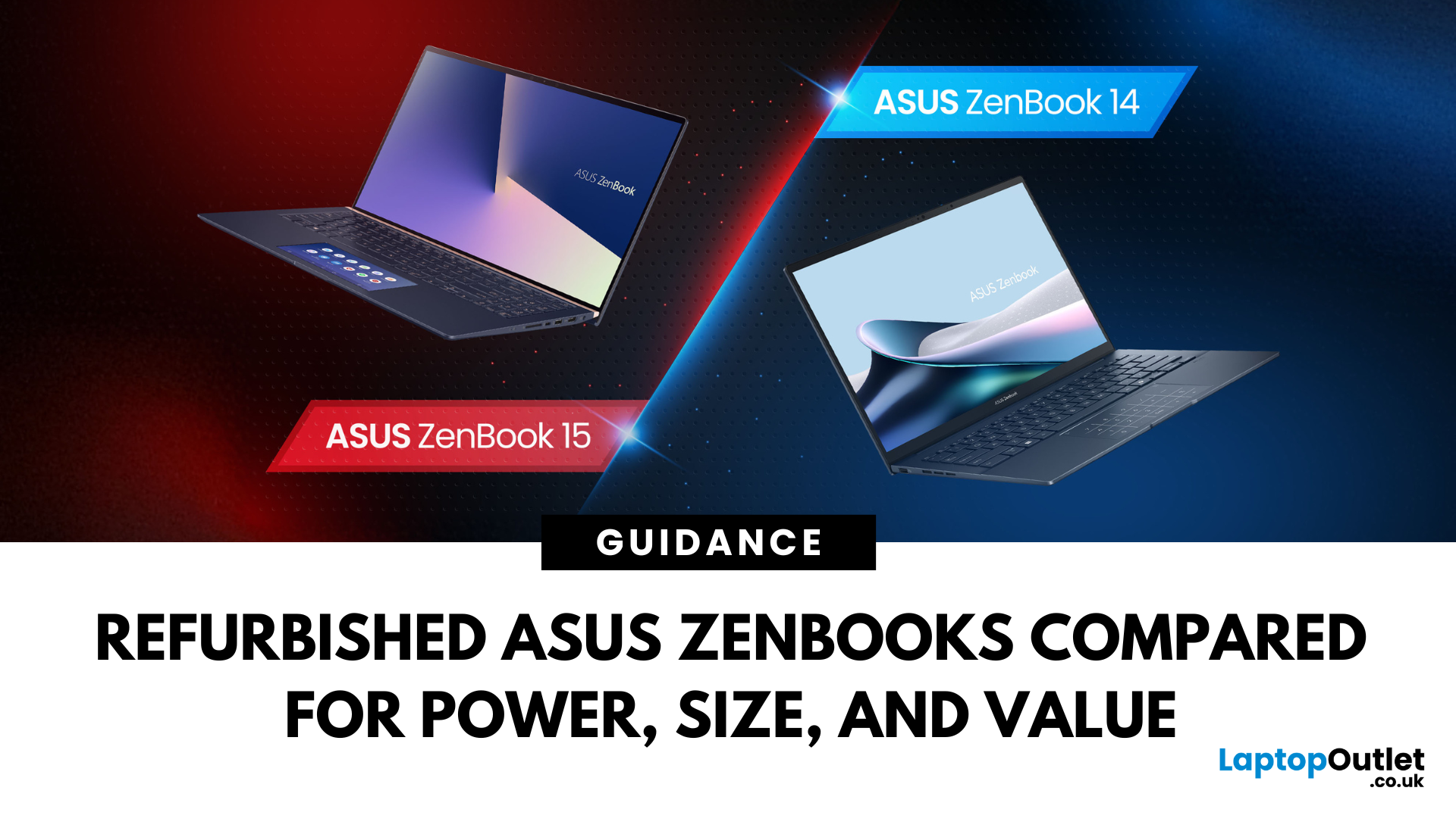
Looking for a slick ASUS ZenBook but stuck between the 14 and 15? Whether you’re a student on the move or a creator chasing peak performance, the refurbished ASUS ZenBook 14 and 15 pack serious punch — without the premium price tag.
In this guide, we break down the key differences in size, specs, and use cases, and help you decide which one’s right for you. Refurbished laptops offer incredible value – and we’re here to help you score the best one for your setup.
Key Differences Between Refurbished ASUS ZenBook 14 and ZenBook 15
While both the ASUS ZenBook 14 and 15 deliver premium performance at unbeatable prices when refurbished, their differences go beyond screen size. If you're choosing between them, it's all about how and where you'll use your laptop — whether you're on the go, creating content, or just want a smooth daily experience.
Portability and Everyday Use
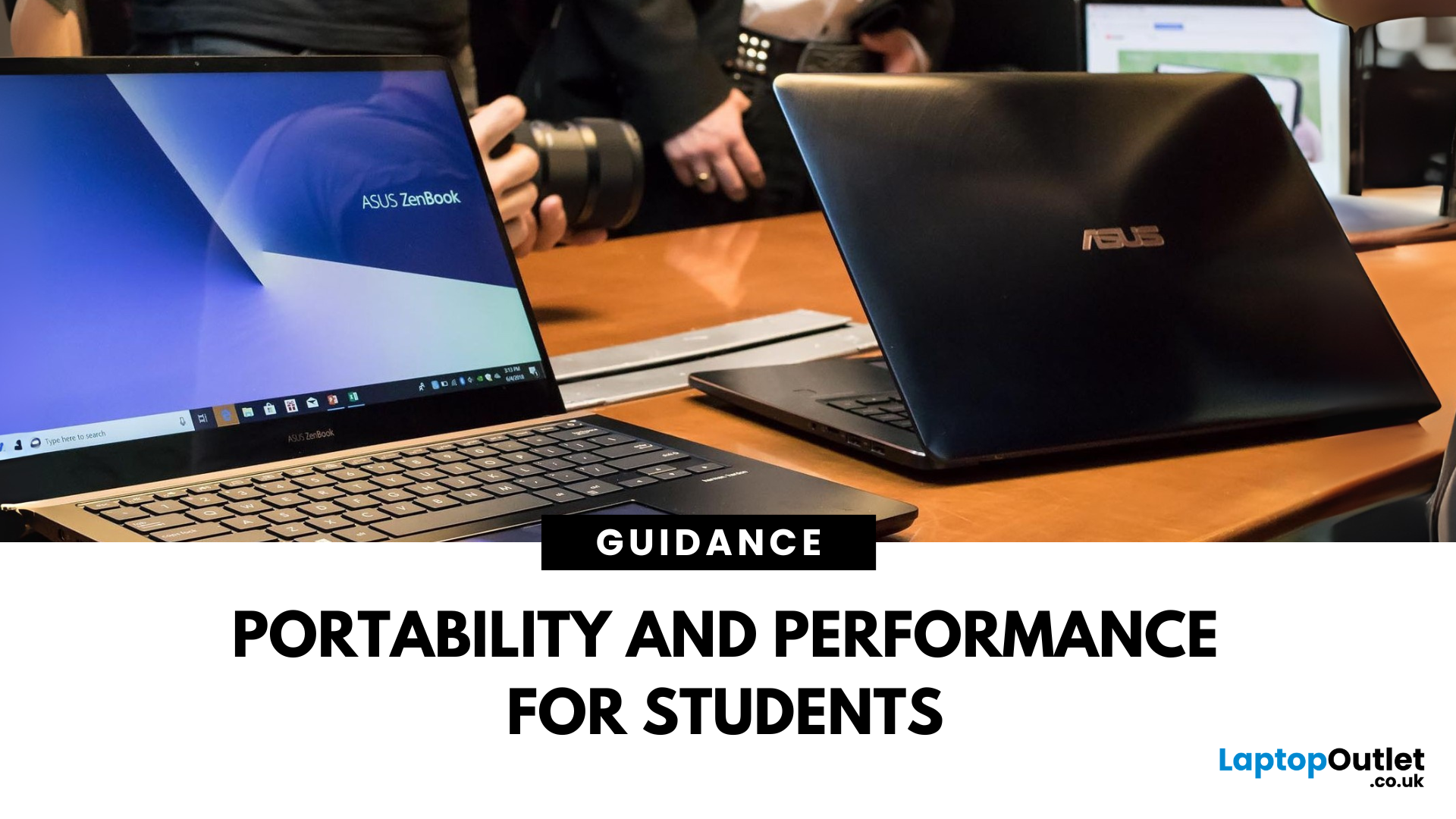
The Refurbished ZenBook 14 OLED is built for mobility. Weighing just around 1.39kg and measuring
Last Updated: September 09, 2025
A Smart Choice for Smarter Study?
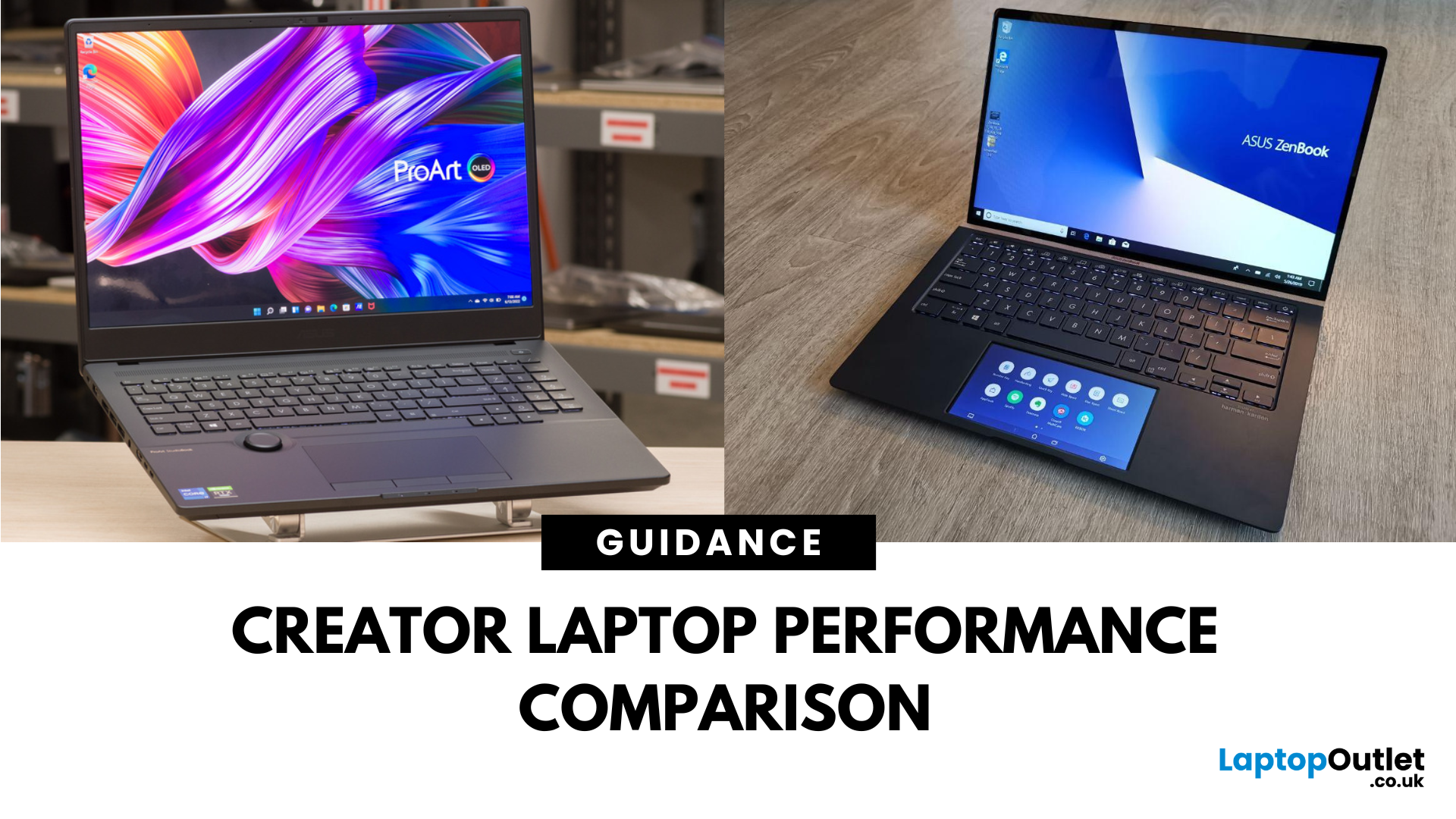
Choosing a laptop for school or university? The ASUS ZenBook is often praised for its sleek design and solid specs—but is it really the best laptop for students in 2025? Let’s break down its strengths, weaknesses, and whether it’s right for your academic life.
What Is the ASUS ZenBook?
The ZenBook is ASUS’s premium ultrabook range—lightweight, stylish, and packed with high-performance components. Designed for productivity and mobility, it’s a go-to for professionals, creatives, and yes—students.
Why Students Love the ZenBook
- Lightweight design – easy to carry to lectures or cafes
- Long battery life – up to 10–14 hours depending on model
- Fast processors – Intel Core i5/i7 or AMD Ryzen 5/7
- Full HD or OLED screens – clear visuals for research and video
- Great keyboard & trackpad – for comfortable writing and multitasking
ZenBook Models for Students (2025 Picks)
ZenBook 14 (UX425)
- Ultra-light (1.2kg)
- 11th/12th Gen Intel or Ryzen processors
Last Updated: October 03, 2025
What’s the Main Difference Between ASUS ProArt and ZenBook?
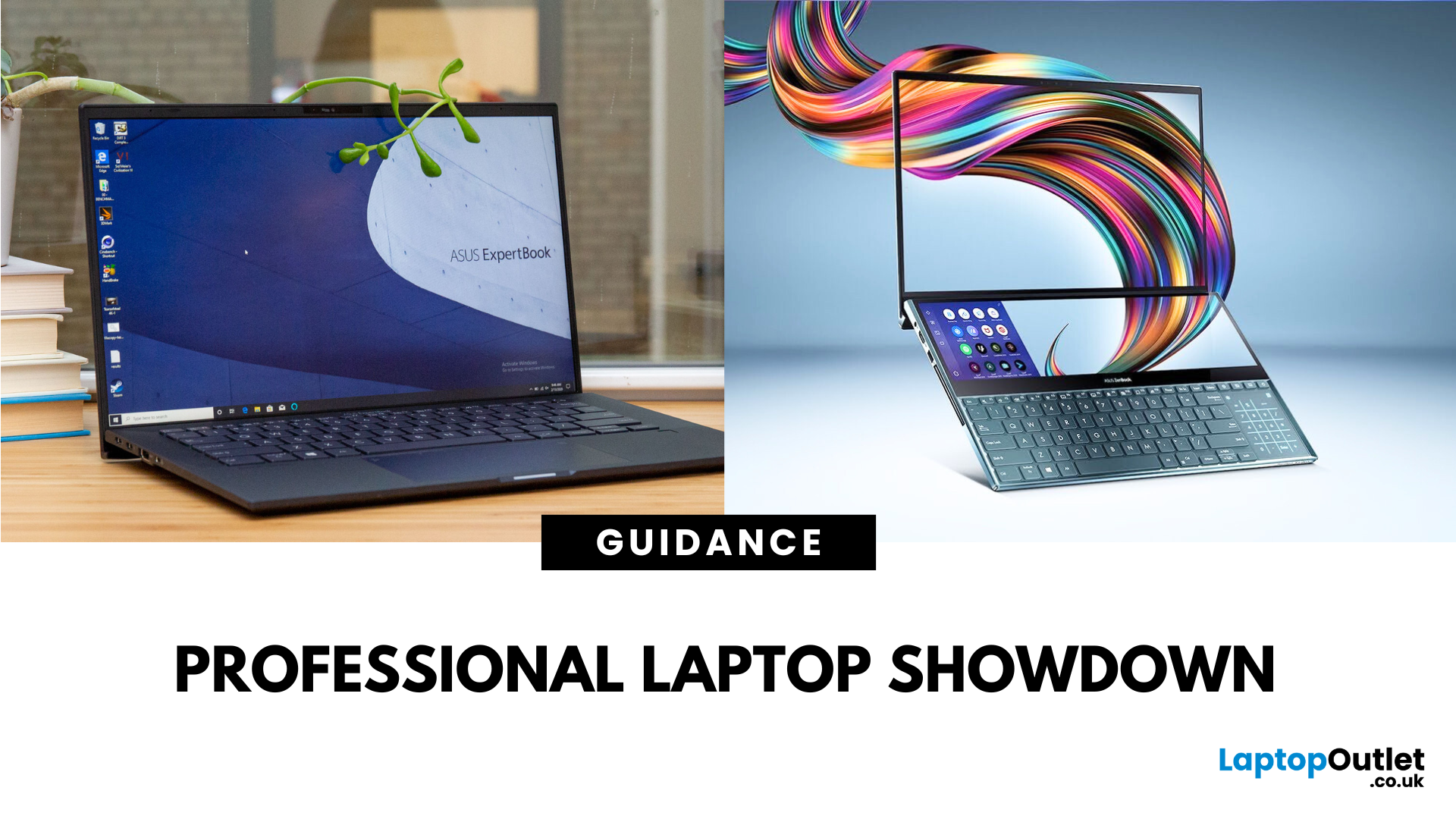
The ASUS ProArt series is engineered for professional content creators working in video production, photography, animation, and 3D modelling. It delivers ISV-certified performance, ultra-accurate colour displays, and AI-powered creator tools like ASUS DialPad and Creator Hub.
The ASUS ZenBook series targets professionals and creatives who need portability, battery endurance, and sleek aesthetics. While still capable for creative work, ZenBooks are tuned for light-to-moderate creative tasks, multitasking, and on-the-go use rather than maximum workstation output.
Specs Face-Off: ASUS ProArt vs ZenBook
| Feature | ASUS ProArt Series | ASUS ZenBook Series |
| Target Audience | Professional creators needing maximum power and colour precision | Mobile creatives, designers, and professionals seeking portability and style |
| Performance Focus | Workstation CPUs & NVIDIA RTX GPUs, ISV-certified for Adobe/Autodesk | Efficient CPUs, integrated or mid-tier GPUs, |
Last Updated: April 02, 2026
What’s the Difference Between ExpertBook and ZenBook?
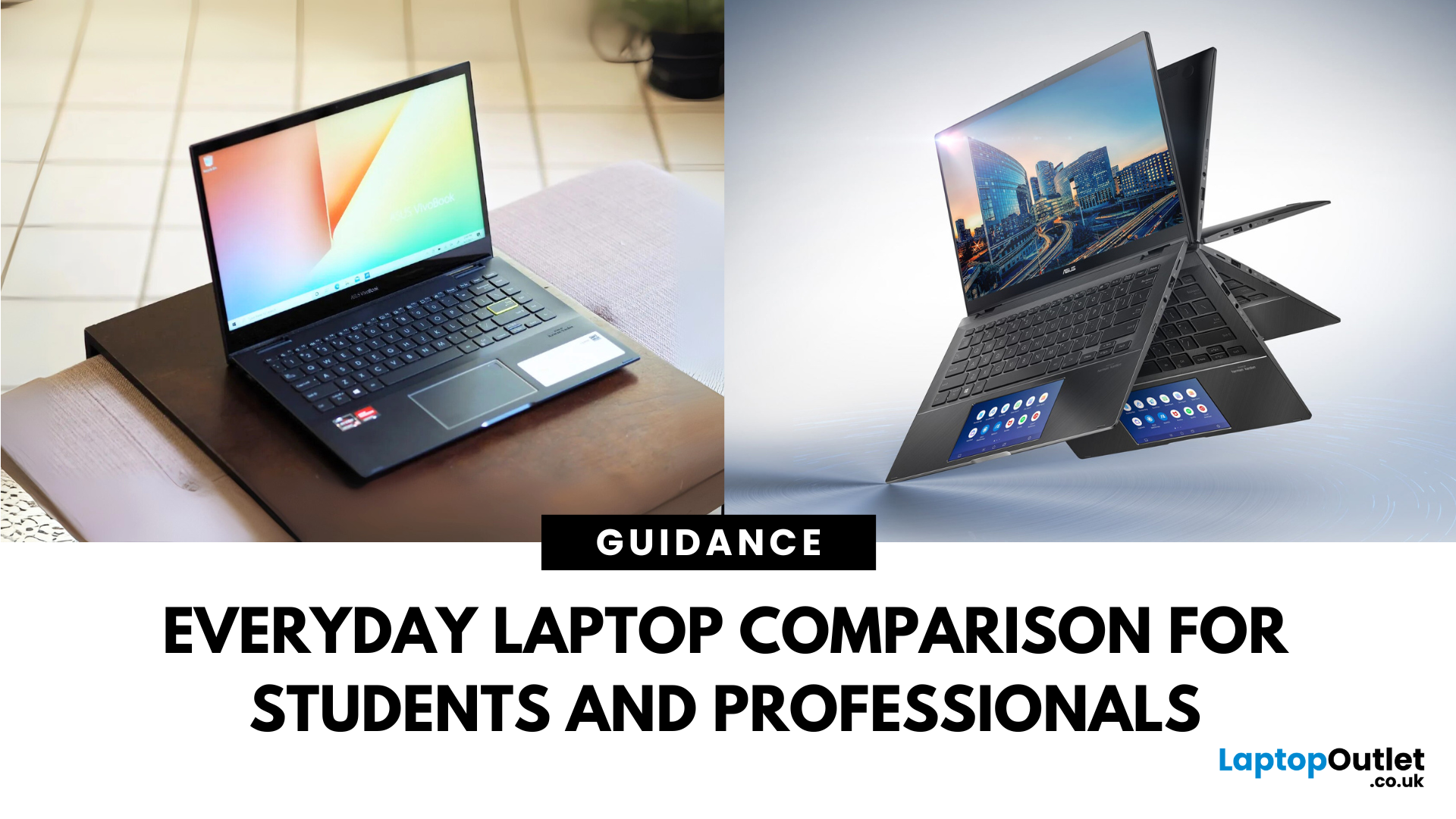
The ExpertBook line is designed for professionals who demand durability, lightweight builds, enterprise features, and long battery life often with vPro support and MIL-STD testing. The ZenBook series decks out innovators and creators with premium OLED (and even dual-screen) displays, ultra-light designs, and high-end performance geared toward aesthetics and mobility.
Specs Face-Off: ExpertBook vs ZenBook
| Spec Category | ExpertBook (e.g., B5, B1, P3) | ZenBook (e.g., 14 OLED, Duo, S16) |
| Build & Weight | Ultra-light (~1.27–1.41 kg), MILSTD durability | Super-slim (~1.2–1.5 kg), aluminium/titanium builds, dual-screen option |
| Display & Visuals | Business-friendly 14" FHD or WQXGA screens, optional touch/stylus | Stunning 14" 2.8K OLED at 120 Hz, vivid dual-screen Duo models, immersive S16 displays |
| Performance | Up to Intel Ultra 7 with vPro, optional Arc/RTX GPU in some models | Core Ultra 7 or Ryzen AI CPUs, upgraded for creatives and heavy multitasking |
Last Updated: September 09, 2025
What’s the Difference Between VivoBook and ZenBook?
VivoBook is ASUS’s mainstream lineup—affordable, performance-balanced laptops for everyday use, students, and casual users. On the other hand, ZenBook is the premium alternative—sleek, aluminum builds, slim profiles, higher specs, and aimed at professionals or users who want long-term durability and style.
Feature Comparison Table
| Feature | VivoBook | ZenBook |
| Build & Design | Plastic/metal mix, budget-friendly | All-metal, ultra-slim premium build |
| Performance | Good everyday CPUs (e.g. Ryzen 5, Intel U-series) | Higher-end CPUs, often Core Ultra or better |
| Display | Reliable FHD panels | Often OLED or higher-quality touchscreens |
| Battery Life | Solid, entry-level (~8–10 h) | Excellent endurance—up to ~16 h on OLED ZenBook 14 OLED |
| Portability | Moderate—lighter options available | Thinner and lighter overall |
| Price | Very budget-friendly | Premium pricing, but great value for specs |
Performance & Design
- VivoBook: Offers solid specs for
Last Updated: July 02, 2026
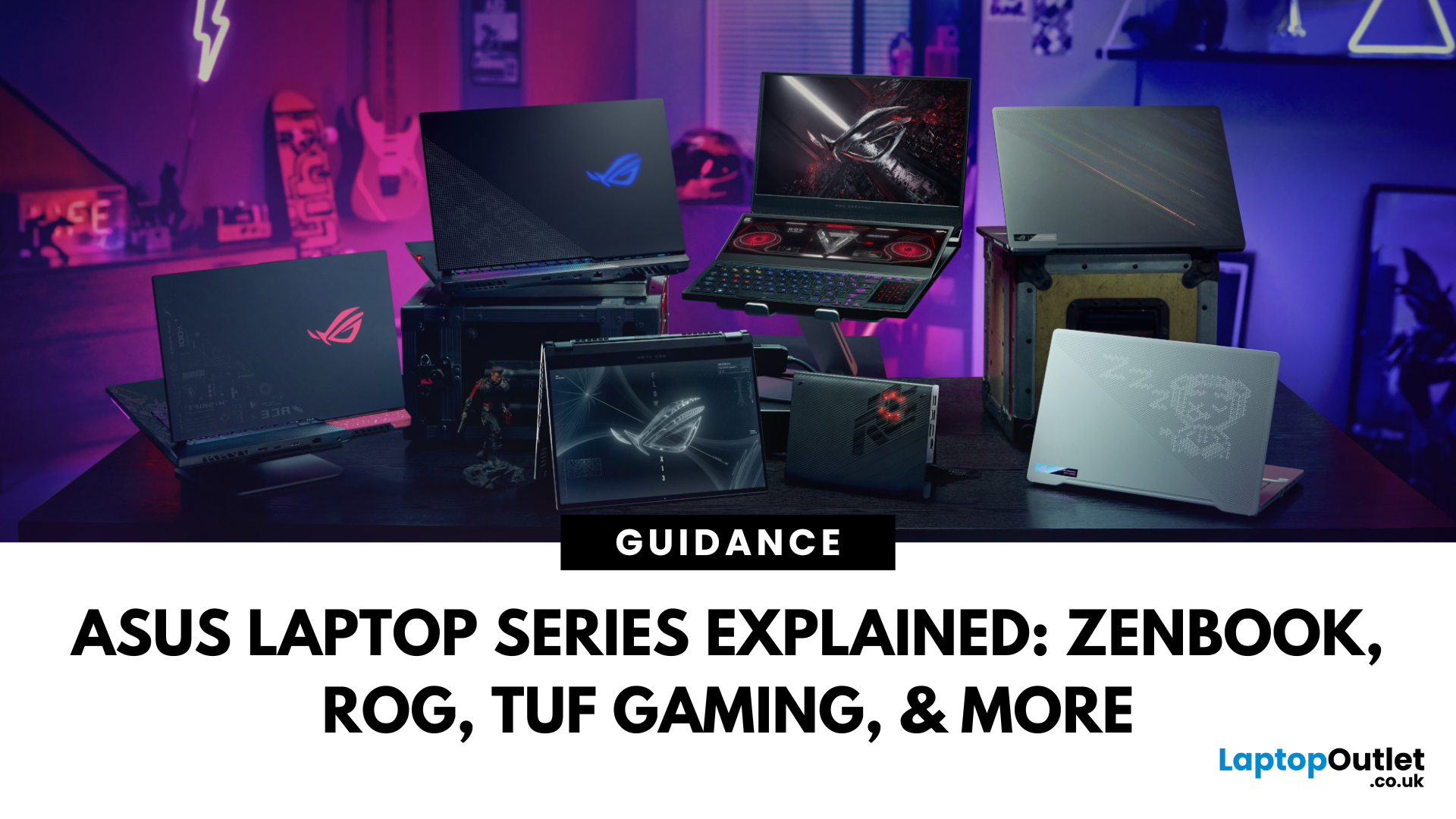
Choosing the right laptop in 2025 can feel like a challenge. With endless options in the UK market, different brands, specifications, and price points, it’s easy to feel overwhelmed. This is where ASUS makes the decision simpler. Over the years, ASUS has built a reputation as one of the most trusted technology brands by offering laptops that combine performance, reliability, and affordability.
Think about the wide variety of users today: a student who needs a lightweight laptop for lectures, a business professional who spends hours travelling, a gamer chasing the ultimate performance, or a creative tackling demanding design projects. Each has unique needs, but ASUS has carefully designed a laptop series for all of them.
In this ASUS laptop Series explained blog, we’ll explore the full 2025 lineup: ZenBook, VivoBook, ROG, TUF Gaming, ExpertBook, Chromebook, and ProArt StudioBook, so you can confidently choose the ASUS laptop that fits your life.
A Quick Overview of the ASUS Laptop Series
Last Updated: October 30, 2025
Ever been in the middle of editing a video, sending that last-minute client report, or streaming a movie and your ZenBook suddenly flashes the dreaded ‘save me, lord, I’m dying (low battery) warning?’ You’re not alone. Even the most efficient ASUS ZenBooks can drain faster than expected if they’re not set up for peak performance.
The good news? These laptops are packed with smart power management tools, hidden Windows settings, and ASUS-exclusive features that can stretch every per cent of your battery while keeping your system running smoothly. Whether you use your ZenBook for creative projects, business, or all-day multitasking, a few intelligent tweaks can make it feel like new again.
In this guide, we’ll skip the generic “dim your screen” advice and dive into real ZenBook-specific tips that actually make a difference.
Understanding How ZenBook Power Management Actually Works
So, here’s the thing - your ZenBook isn’t just another sleek slab of metal with a keyboard. It’s got a mini
Published: October 28, 2025
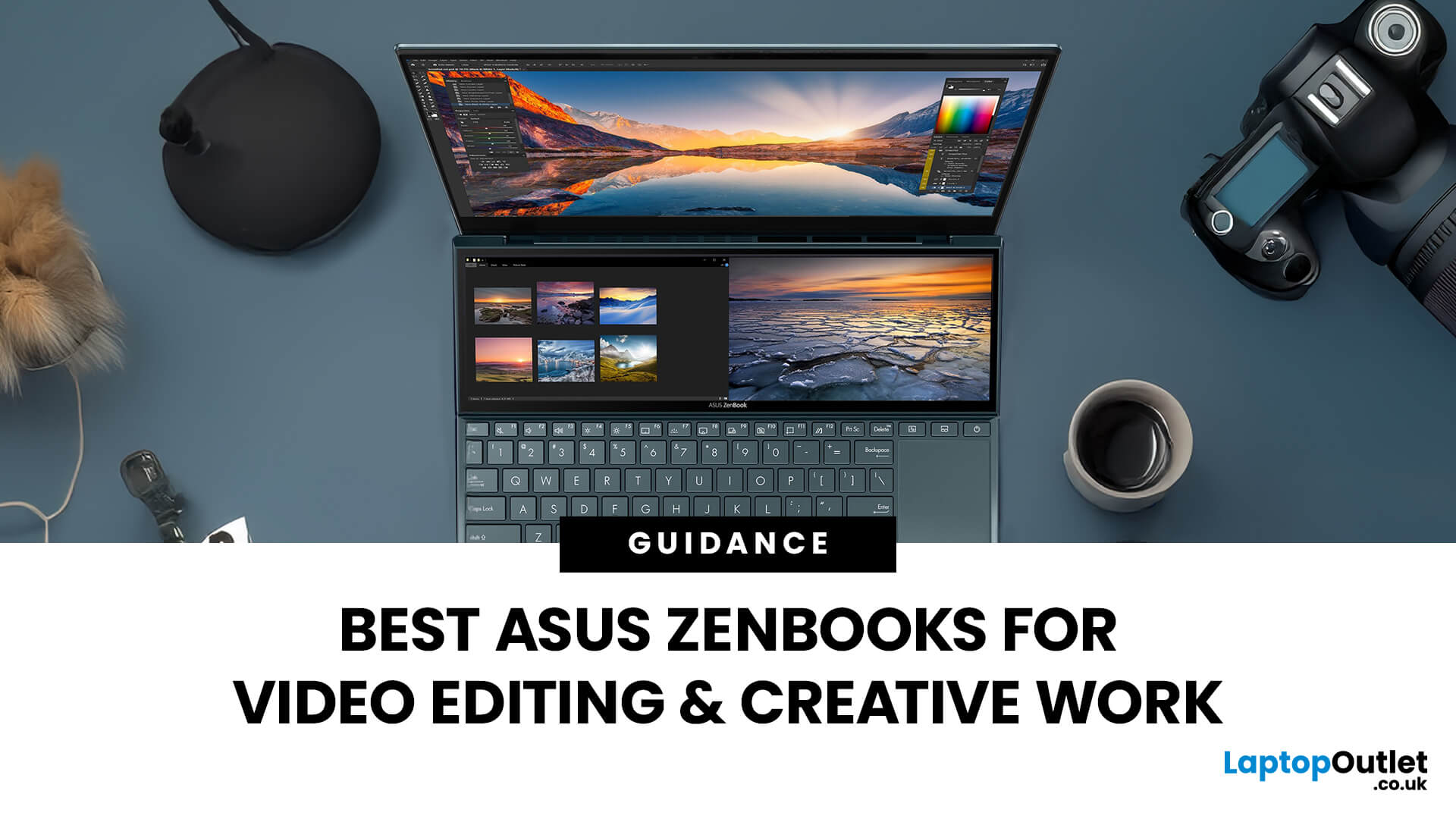
In the world of video editing, motion graphics and creative workflows, picking the right laptop isn’t just about getting “something that works” - it’s about securing a machine that gives you freedom, performance and accuracy. If you’re a professional creator in the UK (or serve the retail/B2C market), you’ll want something that doesn’t compromise when you’re rendering timelines, colour‐grading in 10-bit, switching between apps, or hauling your work between studio and location. That’s where the ASUS ZenBook line comes in.
Why ASUS ZenBooks Are Ideal for Video Editing & Creative Work
The ZenBook range has carved out a strong position for creators, offering a blend of build quality, lightweight design, powerful internals and premium displays. According to ASUS, their “creator” ZenBooks are designed specifically for editing, design and graphics-intensive workflows.
Here are some of the key features that make them stand out:
- Display quality: Many ZenBooks offer OLED panels, high refresh rates,

