



AMOLED vs OLED Laptops: What's the Difference & Which is Better?
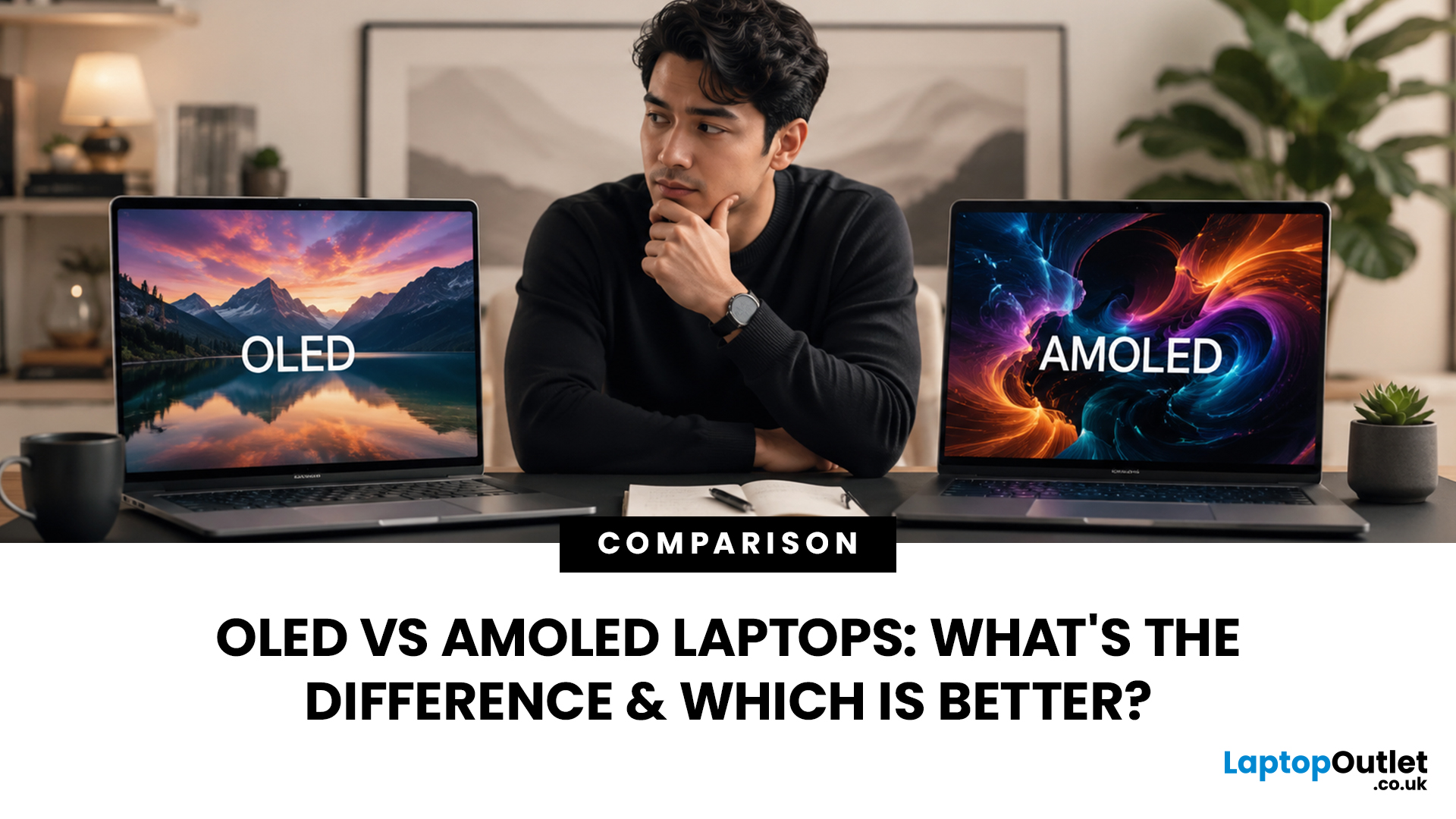
When comparing premium laptop screens, the OLED vs AMOLED debate is simpler than it seems. Both deliver deep blacks, vibrant colours, fast response times and strong contrast. OLED is the broader technology, while AMOLED is a type of OLED that uses an active-matrix system to control pixels. Many modern OLED laptops already use this system, even if not labelled AMOLED. Instead of focusing on the name, buyers should compare resolution, refresh rate, brightness, colour accuracy, battery life and burn-in protection. This guide helps you understand the differences and choose the right display for your needs.
OLED vs AMOLED: The Quick Answer
OLED, or Organic Light-Emitting Diode (OLED), is a display technology in which each pixel creates its own light. An OLED screen does not require the separate backlight used by traditional LCD panels.
AMOLED, or Active Matrix OLED (AMOLED), is a type of OLED display that uses an active-matrix transistor system to control each pixel quickly and individually.
The main AMOLED and OLED difference is therefore the method used to manage the pixels, rather than the way the pixels produce light. Both use organic, self-illuminating materials and can deliver true blacks by switching individual pixels off.
OLED and AMOLED Laptop Comparison at a Glance
|
Feature |
OLED |
AMOLED |
|
Full name |
Organic Light-Emitting Diode |
Active Matrix Organic Light-Emitting Diode |
|
Technology category |
Broad display family |
A specific type of OLED |
|
Light source |
Individual pixels |
Individual pixels |
|
Pixel control |
Can use passive or active control |
Always uses active-matrix control |
|
Black levels |
True black |
True black |
|
Contrast |
Exceptionally high |
Exceptionally high |
|
Response time |
Very fast |
Very fast |
|
Refresh-rate support |
Depends on the panel |
Well suited to high refresh rates |
|
Power consumption |
Changes with screen content |
Changes with screen content |
|
Burn-in risk |
Possible |
Possible |
|
Laptop marketing |
Commonly advertised |
Less commonly advertised |
|
Best use |
Creative work, entertainment and gaming |
High-resolution, responsive displays |
This OLED laptop comparison shows why the two terms are frequently confused. AMOLED sits within the OLED family, so their core strengths and weaknesses are closely related.
How OLED Display Technology Works
An OLED laptop display uses millions of organic light-emitting pixels, with each pixel producing its own red, green, and blue light without needing a traditional LED backlight. This self-emissive technology enables precise, pixel-level brightness control, delivering deeper blacks, richer colours, and impressive contrast. If you're comparing the best OLED laptops 2026 guide, understanding these display benefits can help you choose a laptop with exceptional picture quality.
With OLED display technology, an electrical current passes through thin organic layers inside the screen. These layers emit light, allowing each pixel to function independently. This design provides several visual benefits:
- Black areas appear genuinely black rather than dark grey.
- Bright objects can stand out against dark backgrounds.
- Colours can look rich and vibrant.
- Viewing angles are generally wide.
- Motion appears clear because pixels change rapidly.
- Panels can be made thinner because no separate backlight is required.
How AMOLED Display Technology Works
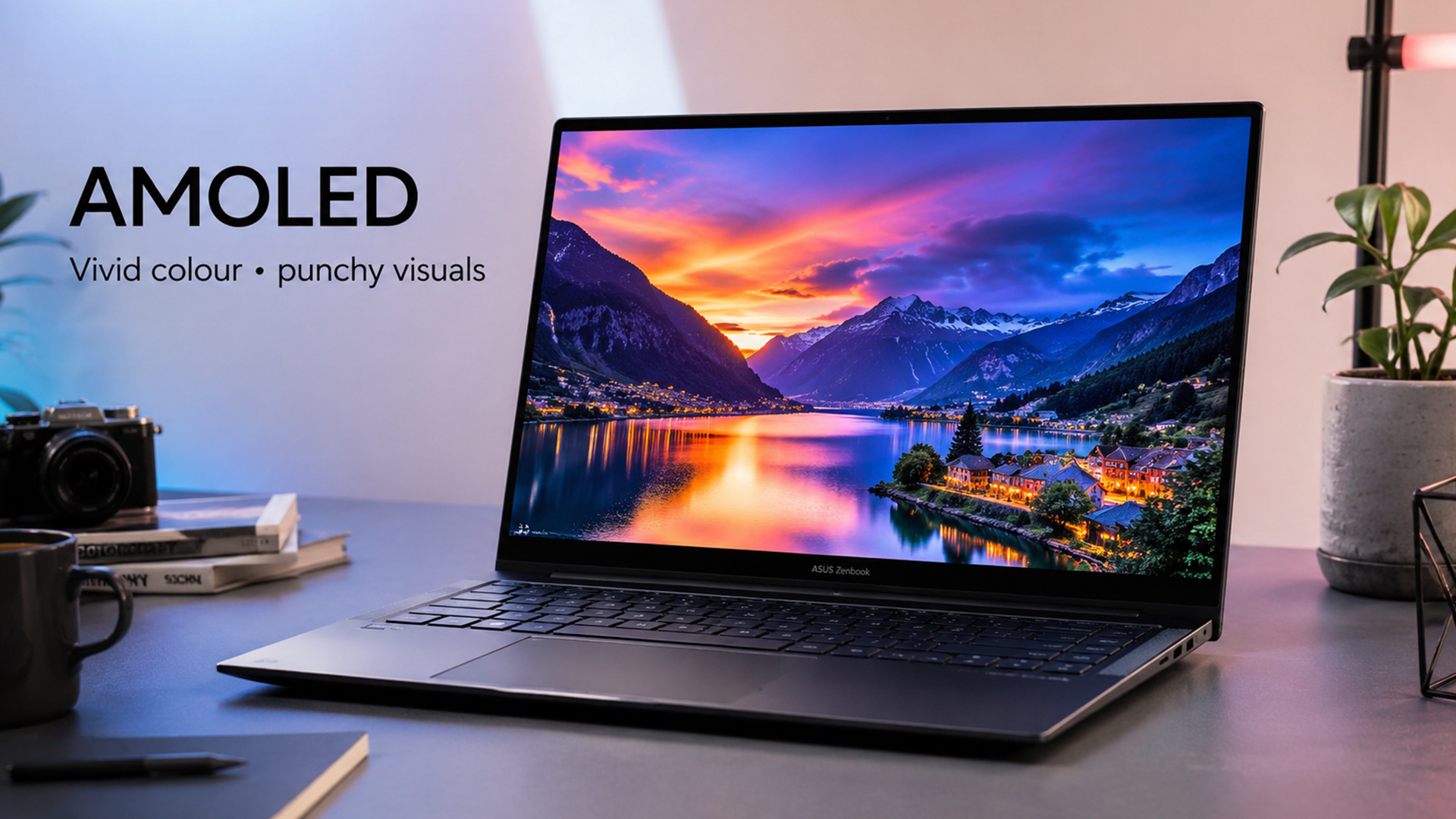
An AMOLED panel laptop uses OLED pixels combined with an active-matrix backplane. This backplane contains thin-film transistors and capacitors that control the state of each pixel.
The active-matrix system is important because a modern laptop screen contains millions of pixels that must be updated accurately and rapidly. It allows the panel to maintain a high resolution, display fast-moving content, and support smooth refresh rates.
AMOLED display technology assigns transistor-based control to individual pixels. The screen can therefore update specific pixels without refreshing complete rows in the slower manner associated with passive-matrix designs. This approach is well suited to:
- High-resolution displays
- Fast refresh rates
- Responsive touch input
- Smooth animations
- Rapid pixel transitions
- Detailed video and game content
What is the Main Difference Between OLED and AMOLED?
The central difference concerns pixel management.
OLED describes the organic, self-emissive method used to generate light. AMOLED describes an OLED screen with an active-matrix system controlling those light-producing pixels. The better way to compare laptops is to examine the full display panel technology specification, including:
- Screen resolution
- Refresh rate
- Typical and peak brightness
- Colour-gamut coverage
- Colour accuracy
- HDR performance
- Pixel layout
- Flicker behaviour
- Burn-in protection
- Warranty coverage
OLED vs Super AMOLED: Is There a Difference?
The OLED vs super AMOLED comparison is most relevant to mobile devices.
Super AMOLED is a Samsung display term associated with AMOLED panels that integrate the touch-sensing layer more directly into the display assembly. This can help create a thinner screen and may improve visibility by reducing the number of separate layers.
For conventional laptops, the term is much less common. Laptop displays may use touch-sensitive OLED panels without being marketed as Super AMOLED.
Buyers should therefore avoid assuming that a Super AMOLED label automatically guarantees better laptop performance. A standard OLED-branded laptop could offer a higher resolution, more accurate colour reproduction, a faster refresh rate or better brightness than a device carrying a more specialised marketing name.
OLED vs AMOLED Image Quality
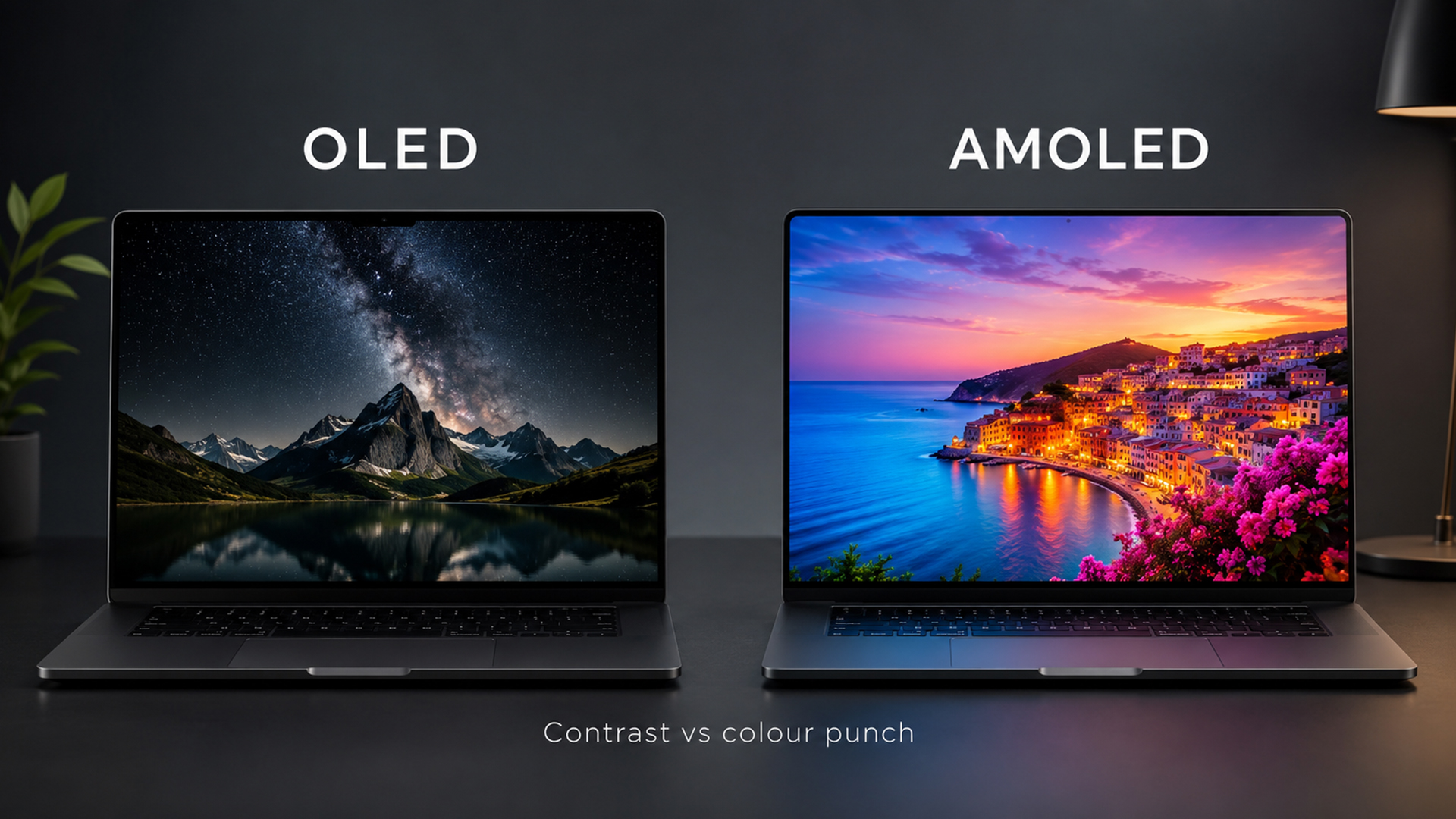
OLED and AMOLED can both provide outstanding image quality because they share the same self-emissive foundation.
Black Levels and Contrast
Traditional LCD panels use a backlight that remains active behind the image. Even with advanced local dimming, some light may pass through areas intended to appear black.
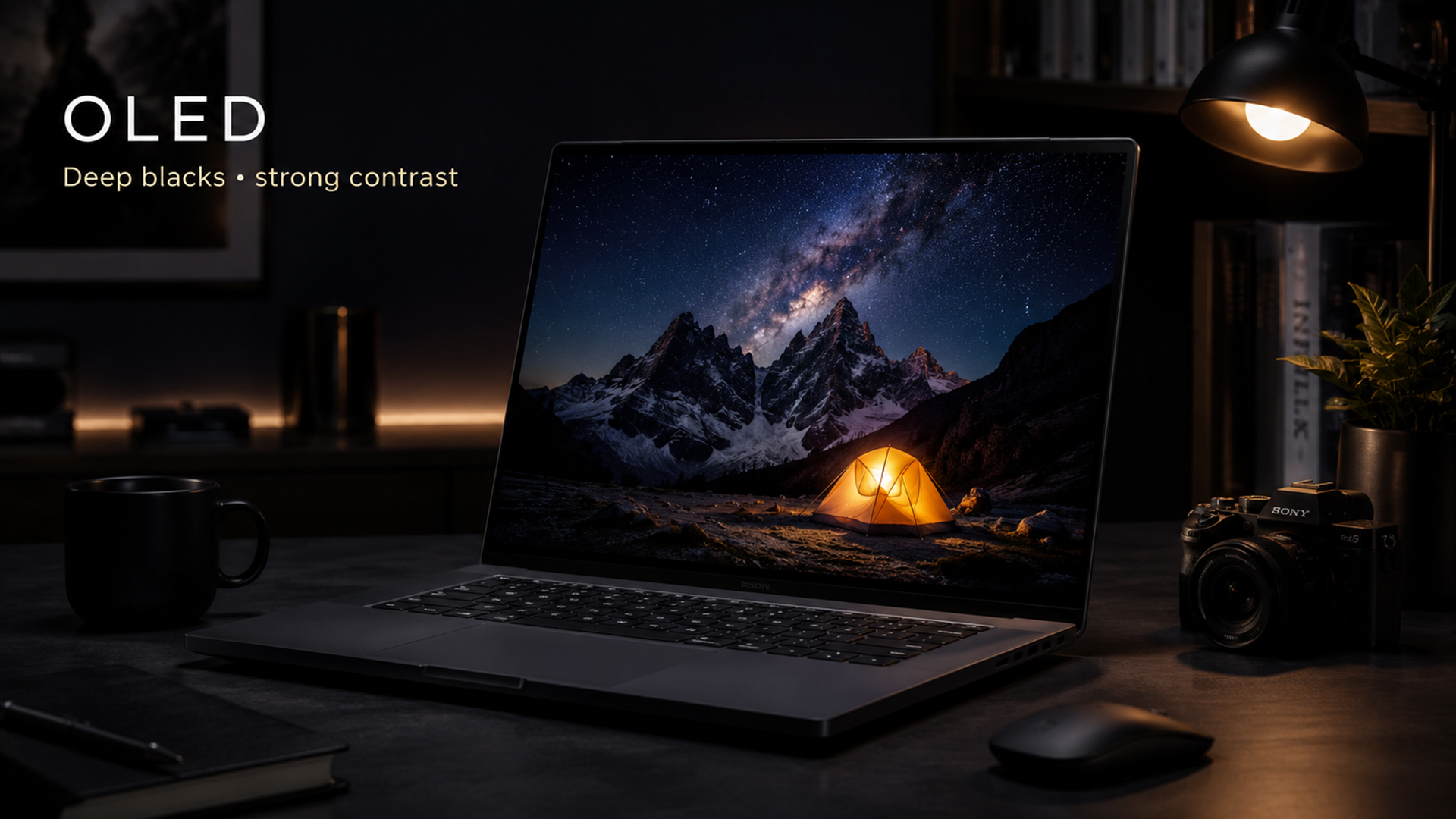
OLED and AMOLED pixels can turn off completely. This produces true black and allows bright details to appear more striking against dark backgrounds.
The improvement is especially noticeable when watching films, editing dark photographs, or playing games set in shadowy environments.
Colour Reproduction
Both technologies can display a wide range of colours, but the AMOLED name does not automatically indicate greater accuracy.
Some panels are tuned to create highly saturated colours that appear vivid but may not represent the original content precisely. Others include calibrated colour profiles designed for professional creative work.
For photo editing, video production, or graphic design, check the laptop’s coverage of colour spaces such as sRGB, DCI-P3, and Adobe RGB. Factory calibration and Delta E measurements are more useful than relying on the OLED or AMOLED label.
Users working with visual content can explore dedicated laptops for video editing that combine colour-focused displays with capable processors, graphics and memory.
Viewing Angles
As each pixel emits light directly, both panel types generally maintain strong contrast and colour when viewed from an angle. This is useful when sharing a laptop screen, presenting work or watching content with another person. Reflections from a glossy surface may still affect visibility, especially in bright environments.
Brightness and HDR Performance
OLED and AMOLED displays can create impressive HDR images because their true black levels produce strong perceived contrast. A bright highlight next to a completely dark area can appear extremely dramatic. However, brightness must be assessed carefully.
Manufacturers may advertise a high peak brightness that applies only to a small part of the screen or during HDR playback. Full-screen brightness can be lower, particularly when large white areas are displayed. When comparing laptops, look for:
- Typical SDR brightness
- Peak HDR brightness
- Full-screen brightness
- DisplayHDR certification
- Anti-reflective treatment
- Real-world outdoor visibility
Neither AMOLED nor OLED has an automatic advantage here. Brightness depends on the individual panel generation, power management and laptop design.
OLED vs AMOLED Battery Life
Battery performance is one of the most misunderstood parts of the OLED vs AMOLED comparison. Since each pixel generates its own light, power consumption changes according to the image being displayed. Dark content can be efficient because black pixels are switched off. Bright webpages, spreadsheets, and documents may require considerably more pixels to operate at high intensity.
AMOLED’s active-matrix system provides precise pixel control, but that does not guarantee longer battery life than every OLED-branded laptop. A 4K OLED laptop running at high brightness may consume more energy than a lower-resolution OLED model, regardless of whether either screen is described as AMOLED.
OLED and AMOLED Response Time
Both technologies are known for extremely fast pixel transitions.
An LCD pixel must physically change how it blocks or transmits light, which can introduce visible smearing during fast movement. OLED pixels can change state more rapidly, resulting in clearer motion. This advantage benefits:
- Competitive games
- Action films
- Sports footage
- Fast scrolling
- Animation
- Video editing timelines
Response time should not be confused with input lag. A panel may change pixels quickly while the laptop still introduces delay through processing, software or graphics settings. For a responsive experience, check both independent response-time measurements and overall input latency.
Is OLED Good for Gaming?
Using OLED for gaming can deliver an excellent combination of fast response, strong contrast, and immersive image quality.
Dark environments look more convincing because black pixels can turn off completely. Bright effects, reflections and lighting can stand out with greater intensity. Rapid pixel response also reduces the trails and ghosting associated with slower screens. However, the display type is only one part of a gaming laptop. You should also consider:
- Refresh rate
- Graphics processing power
- Variable refresh rate support
- Input lag
- Screen resolution
- Cooling performance
- Processor capability
- Available graphics settings
Players prioritising competitive performance should compare high FPS gaming laptops with suitable graphics hardware rather than choosing a device solely because its screen is described as AMOLED.
OLED vs AMOLED for Creative Work
OLED and AMOLED panels can both be strong choices for photographers, designers, animators and video editors. Their deep contrast makes it easier to inspect dark scenes, while wide colour coverage can support colour-rich content. High-resolution options also provide more room for detailed images and editing interfaces.
Creative users should prioritise:
- Accurate factory calibration
- Wide DCI-P3 or Adobe RGB coverage
- Consistent brightness
- Suitable screen resolution
- HDR support
- Uniform colour across the panel
- Compatible calibration tools
A highly saturated screen may look impressive in a shop but produce inaccurate results if it lacks a properly calibrated mode. For professional work, select a laptop based on tested colour accuracy and software requirements rather than the OLED or AMOLED name.
Burn-In and Image Retention
OLED and AMOLED screens use organic materials that gradually wear as they produce light. If the same bright static elements remain visible for extended periods, some pixels may age more quickly than others. This uneven wear can eventually leave a permanent faint outline known as burn-in.
Modern laptops may reduce the risk through pixel shifting, automatic dimming, screensavers, logo detection and panel-care routines. Temporary image retention is not always the same as permanent burn-in. A temporary trace may disappear after the content changes, while burn-in remains visible. To understand the long-term risks in more detail, read our guide on OLED laptop screen burn-in, including its causes, prevention methods and possible solutions.
How to Reduce Burn-In Risk
Use the following habits to protect an OLED or AMOLED laptop screen:
- Set the display to switch off after a short period of inactivity.
- Avoid leaving static content open unnecessarily.
- Use automatic taskbar hiding when practical.
- Enable dark mode for suitable applications.
- Keep brightness at a comfortable rather than maximum level.
- Use a changing wallpaper or screensaver.
- Leave built-in panel-protection features enabled.
- Update the laptop’s firmware and display utilities.
- Use full-screen media rather than fixed window layouts where possible.
- Check whether the manufacturer’s warranty covers panel burn-in.
OLED or AMOLED for Eye Comfort
Neither technology is automatically better for every person’s eyes.
OLED and AMOLED screens can offer comfortable viewing because their high contrast makes text and images appear clearly defined. They can also reduce blue light through dedicated display modes.
However, some panels adjust brightness using pulse-width modulation, commonly known as PWM. This involves switching the display on and off rapidly. Most users do not consciously notice the effect, but people who are sensitive to flicker may experience discomfort, headaches or eye strain.
A matte LCD panel with stable brightness may feel more comfortable to a flicker-sensitive user than a glossy OLED screen. Conversely, another user may prefer the stronger contrast and reduced backlight glow of OLED.
Which Screen is Better for Office Work?
OLED and AMOLED laptops can make presentations, webpages, and video calls look polished, but office applications create several specific considerations. Documents, spreadsheets, and browser windows often use large white backgrounds, which can increase OLED power consumption. They also keep toolbars, tabs and interface elements in fixed positions for long periods.
Some OLED pixel arrangements can produce slight colour fringing around fine text when viewed closely. Whether this is noticeable depends on the panel resolution, operating-system scaling and individual sensitivity.
Users who divide their time between productivity, media and creative applications may still find that the visual advantages outweigh these limitations. Once you understand the display differences, explore the best OLED laptops in 2026 for work, gaming, and creative tasks to find a model that suits your needs.
Which Type is Better for Students and Travellers?
Students and frequent travellers should focus on overall portability and battery life rather than the display label.
OLED can improve entertainment and creative tasks, but a high-resolution panel may increase energy consumption. A glossy screen can also be less convenient in classrooms, trains or outdoor environments with uncontrolled lighting. Furthermore, a well-balanced model from a premium notebook range may provide more practical value than choosing the highest-resolution display available.
What to Check Before Buying an OLED or AMOLED Laptop
Because the technology names reveal only part of the picture, compare the following specifications before making a decision.
Resolution
Higher resolution creates sharper text and more detailed images, but it may also increase graphics workload and power consumption. Common options include Full HD, 2.8K, 3K and 4K. A 2.8K or 3K display often provides a strong balance between sharpness and efficiency on a portable laptop.
Refresh Rate
A 60Hz screen is adequate for standard productivity and video playback. A 90Hz or 120Hz panel makes scrolling and animations appear smoother. Gamers may benefit from 120Hz, 144Hz, 240Hz or higher, provided the graphics hardware can supply matching frame rates.
Colour Accuracy
Check independent measurements rather than relying on descriptions such as vivid or cinematic. A low Delta E result indicates that displayed colours are close to the intended values. Creative users should also confirm whether the laptop includes calibrated sRGB, DCI-P3 or Adobe RGB modes.
Brightness
A higher brightness figure can improve visibility, but peak and sustained brightness are not the same. Consider how the laptop performs with full-screen white content as well as small HDR highlights.
Screen Finish
Glossy panels often make colours and contrast appear more striking, but they can reflect windows, lights and nearby objects. An anti-reflective coating may improve usability without creating the grain sometimes associated with heavily matte screens.
Refresh-Rate Control
Some laptops can lower the screen refresh rate automatically to save power. Others allow users to switch between 60Hz and a faster mode. Variable refresh rate can also reduce tearing and improve gaming smoothness.
Warranty and Panel Care
Review the manufacturer’s warranty terms to determine whether burn-in, image retention or dead pixels are covered. Built-in panel-care utilities are valuable, but they should complement sensible use rather than replace it.
Who Should Choose an OLED Laptop?
An OLED laptop is a strong choice for users who prioritise:
- Film and streaming quality
- Deep black levels
- Rich contrast
- Creative applications
- Fast pixel response
- Premium visual design
- High-quality HDR content
Since OLED is the standard term used throughout the laptop market, buyers will generally find a broader range of models under this category. Explore the best laptops with OLED displays when display quality is one of your main purchasing priorities.
Who Should Look for an AMOLED Laptop?
An AMOLED laptop may appeal to buyers interested in a specific device, panel manufacturer or branded display implementation.
However, the term itself should not be treated as proof of superior quality. Before purchasing, compare its actual brightness, colour accuracy, resolution, refresh rate and efficiency against equivalent OLED-branded laptops.
In many cases, an OLED laptop and an AMOLED laptop may use closely related underlying technology while being presented differently in marketing materials.

Wrapping Up
The OLED vs AMOLED comparison is simple: AMOLED is a form of OLED that uses an active-matrix system to control pixels more efficiently. Both deliver deep blacks, strong contrast, wide viewing angles, fast response times and vibrant colours. However, they also share drawbacks such as variable power usage and potential burn-in over time.
When choosing a laptop, focus on real performance factors like brightness, refresh rate, resolution, colour accuracy, battery life and warranty. The overall device matters more than the display label, so pick the model that best suits your needs and usage.

Common AMOLED vs OLED Questions
Is AMOLED better than OLED for laptop use?
AMOLED is not automatically better than OLED for laptop use because AMOLED is a type of OLED. Most modern OLED laptop screens already use active-matrix control. The better laptop will be the one with stronger brightness, colour accuracy, refresh rate, battery performance and panel protection.
Do OLED and AMOLED laptops suffer from burn-in?
Both OLED and AMOLED laptops can experience burn-in because they use organic light-emitting pixels. The risk increases when bright, static interface elements remain on the screen for long periods. Modern protection features and varied usage can significantly reduce the likelihood of visible burn-in.
Is AMOLED or OLED better for eyes?
Neither AMOLED nor OLED is universally better for eye comfort. Both offer strong contrast, but some panels use PWM brightness control that may affect flicker-sensitive users. Screen brightness, reflections, text clarity, viewing distance and individual sensitivity are more important than the display name.
Which display is better for gaming: AMOLED or OLED?
Both can be excellent for gaming because they offer fast pixel response and high contrast. The better option is the panel with the higher refresh rate, lower input lag, suitable variable refresh rate support and stronger accompanying graphics hardware. The AMOLED or OLED label alone does not determine gaming performance.
| Read More: |
| Best Big Screen Laptops 2026: Powerful Picks for Work & Gaming |
| The 2026 RAM Crunch: Why AI Could Make Laptops More Expensive |
| Core i3 vs Core i5: Which Laptop is Right for You in 2026? |
Related Articles


Last Updated: July 03, 2026
For most developers, the best machine is not necessarily the most expensive one. It is the one that keeps up with your workflow, feels comfortable to use for hours at a time, and still makes sense a few years down the line.
That matters even more in 2026. Modern development work is heavier than it used to be. A typical day might include an IDE, a browser with far too many tabs open, Docker, a local database, Slack, video calls, design files, and maybe a virtual machine or AI-assisted tools running in the background. A laptop that feels fine on paper can start to struggle surprisingly quickly once real work begins.
This guide is designed for a UK audience looking for a dependable laptop for software development, whether you are a student, a junior developer, a freelancer, or a full-time engineer replacing an ageing machine. Given below are top 10 laptops for programming and coding 2026:
1. ASUS Zenbook 14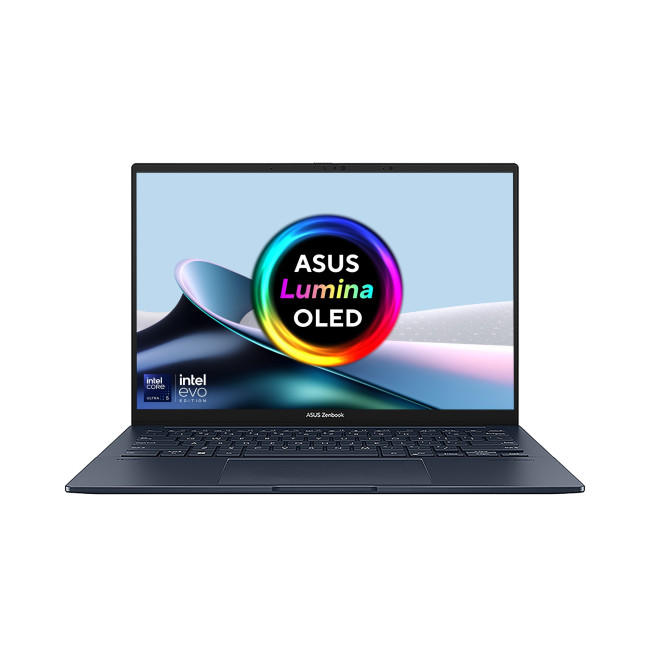
Technical Specs:
- Intel Core Ultra 5 225H 14-Core Processor
- AI Ready Laptop
Last Updated: May 01, 2026
Video editing has become one of the most demanding everyday laptop workloads. Even relatively simple projects can involve high-resolution footage, multiple layers, colour work, motion graphics, audio cleanup, and export-heavy timelines. That means the best laptop for video editing is not just the one with the biggest headline spec. It is the one that fits the kind of editing you do, whether that is short-form social content, YouTube videos, client work, documentary edits, or more advanced professional production.
This guide includes mainstream creator laptops, premium ASUS ProArt models, mobile workstations, and a few higher-powered gaming machines that are relevant because video editing often benefits from the same strengths: strong sustained performance, capable graphics, fast storage, and displays built for visual work.
What Makes a Good Video Editing Laptop in 2026?
A good video editing laptop needs to do three things well:
- Handle demanding timelines smoothly,
- Stay responsive under
Last Updated: July 09, 2026
The best lightweight Lenovo laptops in 2026 are not all trying to do the same job. If we want the lightest premium 14-inch option, Lenovo’s Yoga Slim 7i Ultra Gen 11 Aura Edition stands out at 975g with a 75Wh battery. If business travel comes first, the ThinkPad X1 Carbon Gen 13 Aura Edition is still one of the strongest all-round choices thanks to its sub-1kg starting weight on some configs, proper business-grade connectivity, and classic ThinkPad focus.
That matters because buyers looking for ultraportable Lenovo laptops usually care about more than one thing at once: low carry weight, reliable battery life, enough ports to avoid living off dongles, and a screen that still feels good after a full day of work, study or travel. In this guide, we break down the best current Lenovo options for commuters, students, professionals, creators and home users, using Lenovo’s own 2026-era spec sheets first and independent reviews where they add useful trade-offs.
What Counts as a Genuinely Lightweight

Last Updated: May 01, 2026
If you are searching for teacher discount laptops UK, the good news is that there are several ways to cut the cost of a new device without compromising on performance. In the UK, teachers, lecturers, and some school staff can often access education pricing, retailer offers, refurbished savings, and category-specific deals designed for work and study. Apple’s UK education pricing is available to students, teachers and staff, while Lenovo UK also includes teachers in its education discount programme.
The key is knowing where teachers get discounts on laptops in the UK, what proof you need, and which laptop category makes the most sense for your day-to-day workload. Whether you need a lightweight machine for lesson planning, a durable device for classroom use, or a more powerful system for admin-heavy tasks, there are smart ways to save.
In this step-by-step guide, we’ll show you how to access laptop discounts for teachers in the UK, what the verification process typically looks like, and

Last Updated: June 10, 2026
The 2026 RAM crunch is being driven by AI data centre demand. Memory makers are shifting capacity towards high-bandwidth memory, server DDR5, and enterprise SSDs, leaving less supply for consumer laptops. As a result, laptop RAM and SSD costs may rise, making many 2026 laptops more expensive or less generously specified.
If you were hoping laptop prices would settle down in 2026, the RAM market may have other plans.
The AI boom is pushing huge demand for memory chips, including DDR5, SSD storage, and high-bandwidth memory used in data centres. As manufacturers prioritise these high-margin AI products, consumer laptops could face tighter supply and higher component costs.
For UK buyers, that may mean more expensive laptops in 2026, fewer strong discounts, and budget models with weaker specs than before.
What Is the 2026 RAM Crunch?
The 2026 RAM crunch is a global memory shortage caused by rising demand for AI servers, high-bandwidth memory, DDR5 server memory, and enterprise SSDs.
In
Last Updated: July 15, 2026
Ethernet is faster, more stable, and lower-latency than Wi-Fi for laptops, making it the better choice for gaming, video calls, and large file transfers. Wi-Fi wins on convenience and flexibility, especially for everyday browsing and light tasks where a physical cable is not practical. The right connection depends on your specific use case.
The debate around Ethernet vs WiFi is one that most laptop users run into at some point, whether you are setting up a home office, getting into PC gaming, or just trying to stop your video calls from dropping out mid-meeting.
Both connection types are perfectly capable of getting you online, but they work in very different ways and perform quite differently depending on what you are doing. This guide breaks everything down clearly so you can make the right call for your setup.
How Does Each Connection Actually Work?
Before comparing the two, it helps to understand the basics of how each technology functions. Knowing this makes it much easier to understand
Last Updated: October 26, 2026
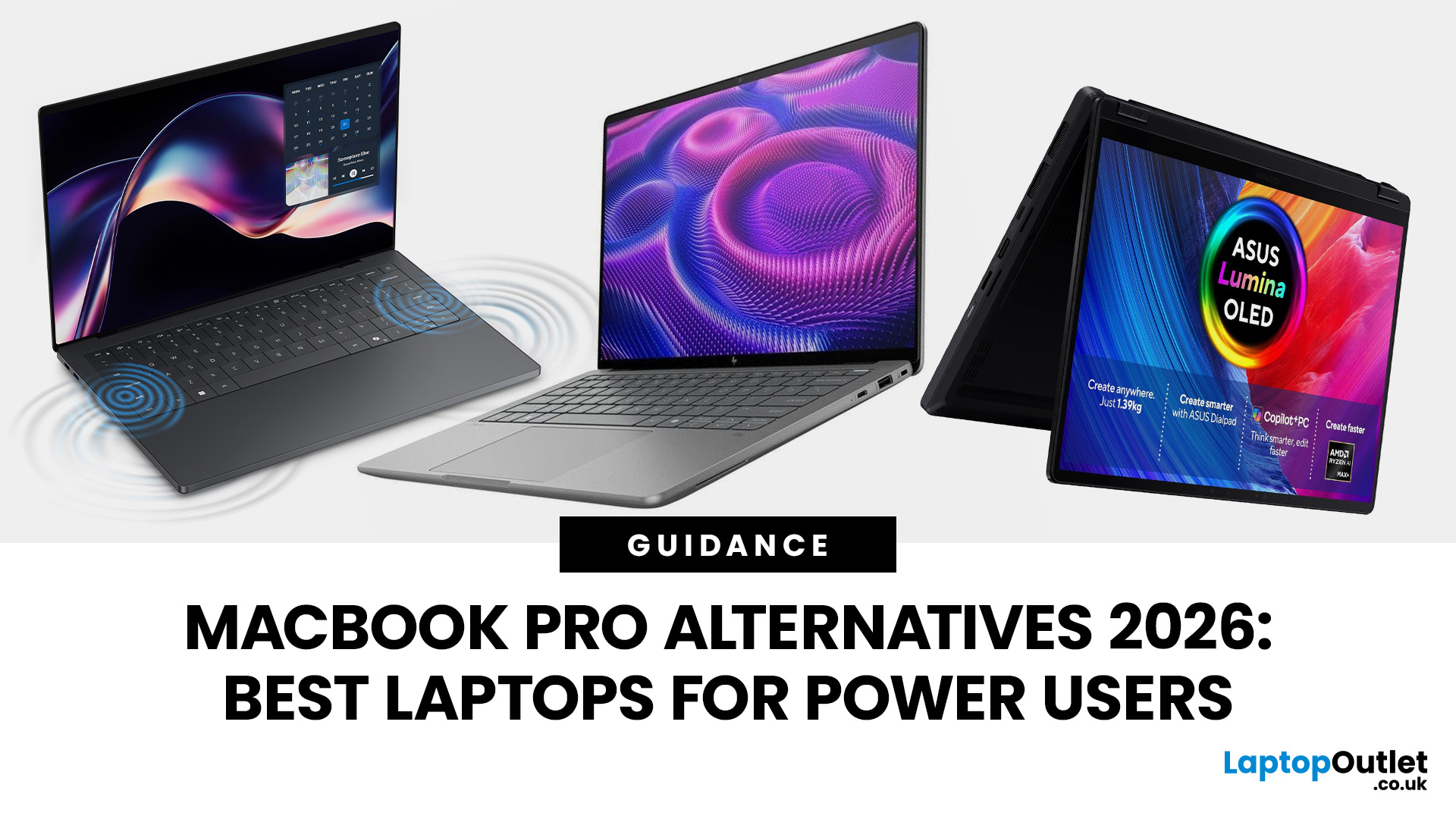
Quick answer: The right MacBook Pro alternative depends on your work. For demanding editing or 3D projects, start with dedicated graphics and enough memory; for drawing, travel or office work, a lighter OLED laptop may make more sense. ASUS, Dell, HP and Lenovo offer different strengths, but software compatibility, cooling and battery life matter more than the brand name.
The MacBook Pro sets a high standard for screen quality, efficient performance and portable creative work. But you may need Windows for a specialist programme, NVIDIA graphics for your projects, a touchscreen for drawing or a laptop that fits a different budget.
The difficult part is knowing which trade-offs you are making. A sleek 14-inch Windows laptop can feel very close to a MacBook Pro for office work, yet struggle with the sort of sustained rendering that a higher-end 16-inch MacBook Pro is designed to handle. We'll help you choose by workload, using a small selection of relevant configurations available through

Published: June 04, 2026
Big-screen laptops are becoming essential for UK buyers who want more workspace, stronger performance and immersive entertainment in one device. This 2026 guide compares 16-inch, 17-inch and larger laptops for work, gaming, study and creativity, helping you choose the right model for productivity, portability, battery life and long-term value today.
A larger display gives you more room for spreadsheets, timelines, browser tabs, creative apps, coding windows, and immersive games. Whether you are comparing laptops and notebooks, upgrading your work-from-home setup or searching for a capable gaming machine, large screen laptops now offer a much better balance of performance, display quality and portability than older bulky models.
Why Big Screen Laptops are More Popular Than Ever in 2026
Big-screen laptops are having a strong moment because people expect more from one device. A laptop is no longer used only for emails and web browsing. It may now need to handle video calls, AI meeting notes,
Last Updated: September 03, 2026
AI is no longer limited to the cloud or research labs. It’s now built into everyday laptops, powering features like clearer video calls, live captions, and smarter editing tools. At the heart of this is the intel core ultra 5 NPU, a dedicated AI engine within the processor that handles machine-learning tasks efficiently. An intel core ultra 5 processor combines CPU, GPU, and NPU, allowing each task to run on the most suitable hardware. This setup improves multitasking and efficiency, though benefits depend on software support and the specific processor model.
What is Intel AI Boost NPU in Core Ultra 5 Laptops?
Intel AI Boost is the name Intel uses for the neural processing hardware integrated into supported Core Ultra processors. It is designed to process AI inference workloads efficiently, particularly tasks that run continuously or repeatedly in the background.
The AI boost NPU complements the CPU and GPU rather than replacing them. It becomes a low-power engine for longer-running AI
Last Updated: September 08, 2026
Two laptops can both say AMD Ryzen 5 on the specification sheet and still be built for very different jobs. One may prioritise battery efficiency and portability, while another is designed to sustain more performance for gaming, coding or creative work.
That is why choosing an AMD Ryzen 5 laptop in 2026 means looking beyond the tier name. AMD currently spans several mobile naming families, from Ryzen 7000 and 8000 to newer Ryzen 100, Ryzen 200 and Ryzen AI ranges. The exact processor, power class, memory, graphics, storage and laptop design all influence the experience.
This guide explains how to read those specifications, avoid misleading shortcuts and match the complete configuration to the way you actually use your laptop.
Quick Answer: How to Choose a Ryzen 5 Laptop
For most buyers, the right Ryzen 5 laptop is the one with a balanced specification rather than simply the largest processor number. Start with your main workload, then check the full CPU name, RAM, storage, graphics, display

