



Wi-Fi 7 Routers: Future-Proof Your Home Network in the UK
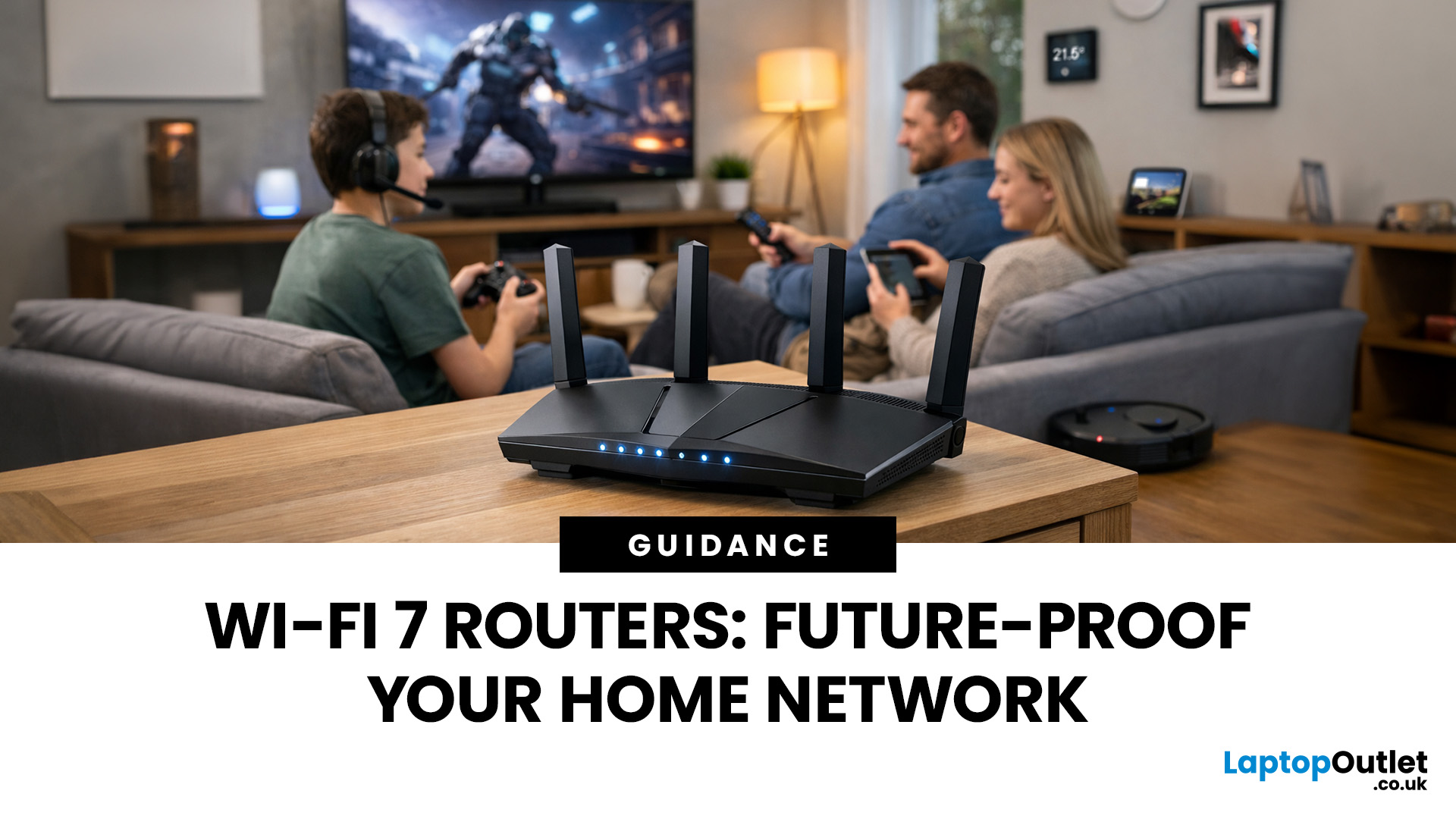
Wi-Fi 7 is being described everywhere as “the fastest Wi-Fi ever”, but that description alone doesn’t help most people decide whether it actually matters for their home.
To understand the real Wi-Fi 7 benefits for home users, you first need to understand why Wi-Fi 7 exists at all and what problems previous generations never fully solved, especially in modern UK homes.
This section breaks Wi-Fi 7 down in plain language, without marketing noise, so you can understand what genuinely changes and what doesn’t.
The Evolution of Home Wi-Fi: Why Wi-Fi 7 Exists
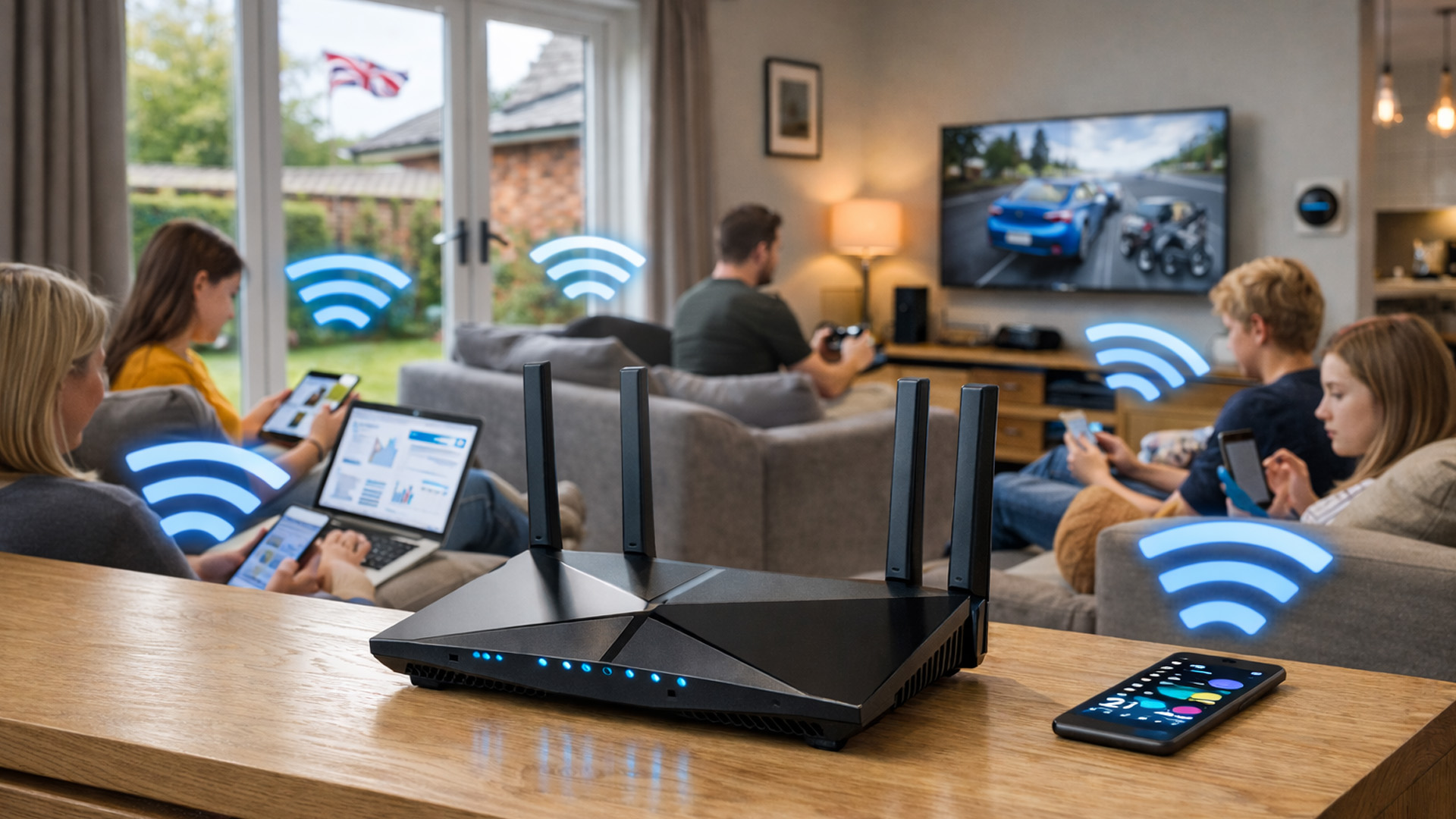
Home Wi-Fi hasn’t evolved because people want bigger speed numbers. It’s evolved because how we use networks has fundamentally changed.
Where Older Wi-Fi Generations Fell Short
Wi-Fi 5 (802.11ac) was built for a world where:
- Most homes had a few devices
- Streaming was mainly HD
- Smart homes were rare
Wi-Fi 6 (802.11ax) improved efficiency and multi-device handling, but it still assumed:
- Moderate device counts
- Predictable usage patterns
- Limited real-time demands
Fast forward to today, and UK homes now regularly run:
- Multiple 4K streams
- Cloud gaming
- Video calls running all day
- Smart cameras uploading continuously
- Dozens of background IoT connections
Wi-Fi 6 improved things — but it didn’t eliminate latency spikes, congestion, or prioritisation issues under heavy load. Wi-Fi 7 was created specifically to address those limitations.
These limitations are exactly why many households start researching how to choose the best wi-fi router for your home, rather than relying on ISP-provided hardware.
What Makes Wi-Fi 7 “Next-Generation” (In Real Terms)
Wi-Fi 7 isn’t just about speed. Its biggest upgrades focus on how data moves, not just how fast.
This is why it’s correctly described as next-generation Wi-Fi 7, not just “faster Wi-Fi”.
Let’s break down the changes that actually matter.
Multi-Link Operation (MLO): The Most Important Upgrade
This is the single most meaningful change Wi-Fi 7 introduces.
Before Wi-Fi 7:
Your device connects to one frequency band at a time (2.4GHz, 5GHz, or 6GHz). If that band becomes congested or unstable, performance drops.
With Wi-Fi 7:
Devices can connect across multiple bands simultaneously and switch between them dynamically.
What this means in real life:
- Fewer dropouts
- Lower latency
- More stable connections under load
- Better performance even when neighbours’ networks interfere
This is especially valuable in UK housing, where nearby networks often overlap.
Wider Channels - But With Context
Wi-Fi 7 supports much wider data channels than previous generations.
However, wider channels only help when conditions allow:
- Open space
- Minimal interference
- Compatible devices
Wi-Fi 7 doesn’t force wide channels at all times, it uses them intelligently when beneficial. This adaptability is why Wi-Fi 7 behaves better indoors than many people expect.
Latency Reduction (The Hidden Win)
Speed gets headlines.
Latency changes experience.
Wi-Fi 7 dramatically reduces:
- Input delay
- Network jitter
- Micro-interruptions
This matters most for:
- Gaming
- Video conferencing
- Cloud computing
- Smart home responsiveness
This is why Wi-Fi 7 gaming routers feel different in use, not just faster on speed tests.
These improvements are most noticeable in scenarios typically discussed in best gaming routers for high-performance UK setups 2026, where responsiveness matters more than raw speed.
Wi-Fi 7 vs Wi-Fi 6 / 6E: What UK Users Will Actually Notice
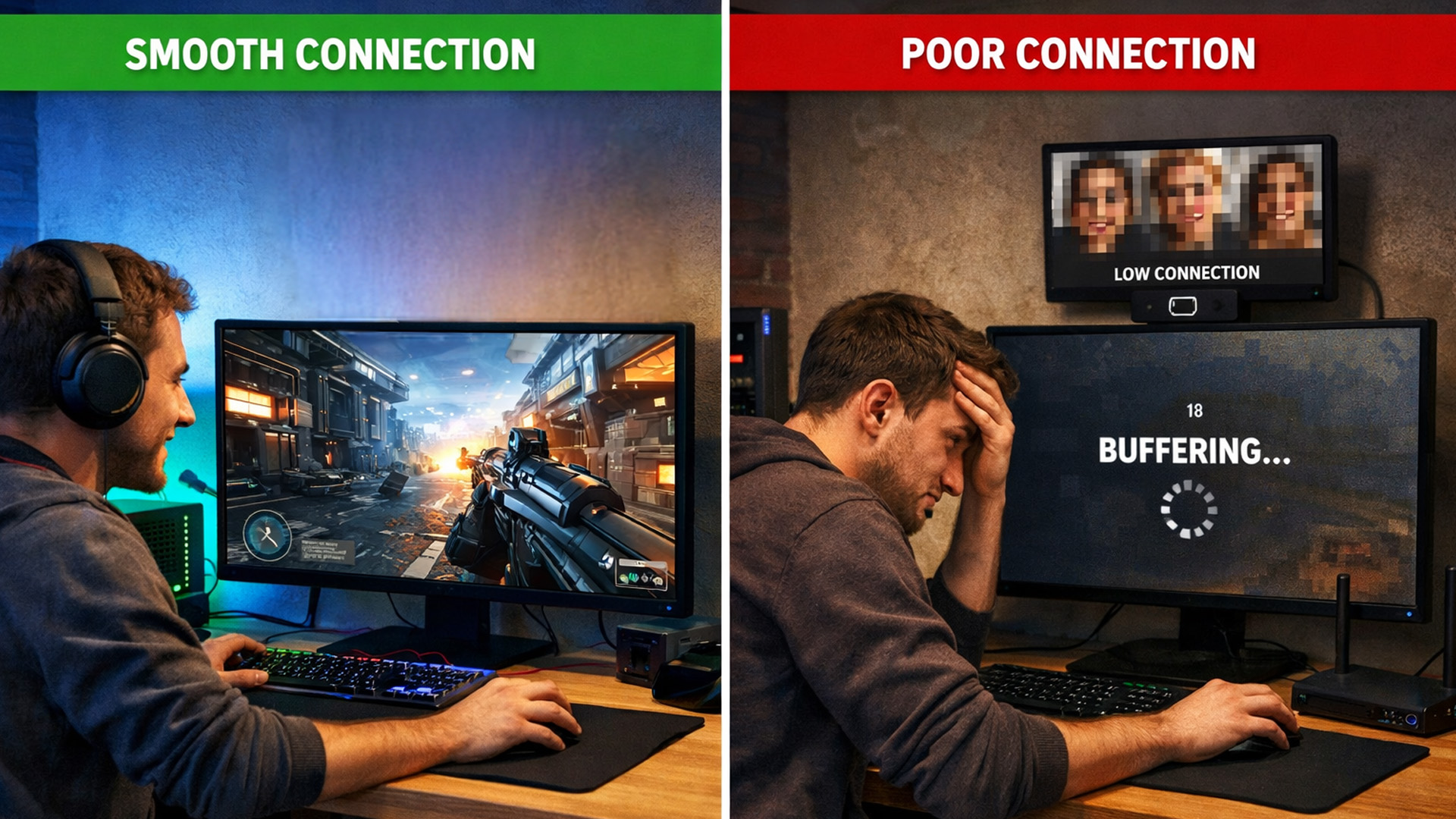
Many guides exaggerate the difference. Let’s be honest.
Where You Will Notice a Difference
- Homes with many active devices at once
- Smart homes with constant background traffic
- Gaming setups sensitive to latency
- Heavy upload environments (WFH, creators)
Wi-Fi 7 excels when networks are busy, not just fast.
Where You Might Not Notice Much (Yet)
- Very small flats
- Homes with only a few devices
- Basic browsing and streaming use
In these cases, Wi-Fi 6 may already feel “good enough” and that’s okay.
Why Wi-Fi 7 Still Makes Sense for Future-Proofing
Even if today’s difference feels subtle, Wi-Fi 7:
- Prepares your network for device growth
- Improves stability as usage increases
- Avoids earlier upgrade cycles
That’s why people looking at ultra-fast routers should think beyond current usage.
Wi-Fi 7 and UK Home Environments (What Most Guides Ignore)
UK homes present unique challenges:
- Dense housing
- Overlapping Wi-Fi networks
- Thick walls
- Vertical layouts
Wi-Fi 7 is particularly effective in these environments because:
- MLO helps avoid interference
- Dynamic band switching improves consistency
- Better scheduling reduces congestion
This is why Wi-Fi 7 isn’t just a “speed upgrade”, it’s a reliability upgrade for real homes.
Wi-Fi 7 Is Backwards Compatible - Why That Matters
A common concern:
“If my devices don’t support Wi-Fi 7, is it pointless?”
No.
Wi-Fi 7 routers:
- Support Wi-Fi 6, 5, and older devices
- Improve traffic handling for all connected devices
- Reduce congestion even when most devices aren’t Wi-Fi 7-enabled
This means upgrading the router first can still improve overall performance — especially in busy homes.
1.6 Why Wi-Fi 7 Is Being Adopted First by Power Users
Early adoption is strongest among:
- Gamers
- Creators
- Smart home enthusiasts
- Large households
That’s why many early models are positioned as:
- Wi-Fi 7 gaming routers
- Wi-Fi 7 smart home routers
- High-performance mesh hubs
Over time, these capabilities will filter into mainstream models, but early adopters already benefit. Homes comparing upgrade paths often weigh Wi-Fi 7 against solutions explained in mesh Wi-Fi systems: full coverage networking solutions for UK homes, especially for multi-room coverage.
Wi-Fi 7 Benefits for Home Users (What Actually Changes Day to Day)
After understanding what Wi-Fi 7 is, the real question becomes much more practical:
What does Wi-Fi 7 actually improve in a real UK home?
Because if the answer were just “higher speeds,” Wi-Fi 7 wouldn’t matter to most people. The real Wi-Fi 7 benefits for home users show up in stability, responsiveness, and how your network behaves when everything is happening at once.
This section explains those benefits in real-world terms.
Wi-Fi 7 Benefits for Home Networks (Beyond Speed)
The biggest misconception about Wi-Fi 7 is that it’s only useful if you have ultra-fast broadband. In reality, Wi-Fi 7 improves internal network performance, even when your internet connection isn’t maxed out.
Better Performance Under Load
In modern homes, Wi-Fi rarely fails when one device is connected. It fails when:
- Someone is on a video call
- Another person is streaming in 4K
- A console is downloading updates
- Smart cameras are uploading footage
Older routers handle these tasks sequentially, creating tiny pauses and delays that add up to lag.
Wi-Fi 7 routers are designed to:
- Handle multiple data streams at the same time
- Switch intelligently between frequency bands
- Maintain smooth performance during peak usage
This is why users often describe Wi-Fi 7 as feeling “more stable” rather than just faster.
Consistency Over the Whole Day
Many people notice Wi-Fi is worse in the evening. That’s not your internet provider — it’s network congestion.
Wi-Fi 7 reduces congestion by:
- Distributing traffic more efficiently
- Avoiding crowded channels
- Balancing devices dynamically
For households where everyone goes online after work or school, this alone is a major upgrade.
Wi-Fi 7 for Gaming & Streaming (Latency Beats Speed)
Gaming and streaming reveal Wi-Fi weaknesses faster than anything else.
Why Latency Matters More Than Bandwidth
Online gaming doesn’t need massive speeds. It needs:
- Low latency
- Minimal jitter
- Stable packet delivery
Wi-Fi 7 dramatically improves these areas by:
- Reducing delays between device and router
- Avoiding congestion-related spikes
- Switching bands instantly when interference occurs
This is why Wi-Fi 7 gaming routers feel smoother even when speed tests look similar to Wi-Fi 6.
Streaming Without Competing for Bandwidth
In many homes, streaming quality drops not because bandwidth is insufficient, but because multiple streams compete inefficiently.
Wi-Fi 7 handles:
- Multiple 4K streams
- Background downloads
- Smart TV buffering
…without one activity degrading the others.
This makes Wi-Fi 7 particularly effective in family homes.
Wi-Fi 7 Smart Home Routers: Where the Real Gains Appear
Smart homes are the strongest argument for Wi-Fi 7.
Why Smart Devices Stress Wi-Fi Networks
Smart devices:
- Send small but frequent data packets
- Stay connected 24/7
- Often rely on the 2.4GHz band
Individually, they use little bandwidth. Together, they create constant background noise that overwhelms older routers.
How Wi-Fi 7 Handles Smart Homes Better
Wi-Fi 7 improves smart home performance by:
- Separating high-bandwidth and low-bandwidth traffic
- Reducing contention between devices
- Maintaining reliable 2.4GHz support while optimising faster bands
This is why Wi-Fi 7 smart home routers feel more responsive:
- Voice assistants respond faster
- Smart lights trigger instantly
- Cameras upload more reliably
In homes with dozens of connected devices, Wi-Fi 7 is less about speed and more about order. In dense housing, pairing a strong router with solutions from access points: extend your Wi-Fi coverage easily in the UK often delivers better consistency than relying on signal strength alone.
Ultra-Fast Routers Aren’t About Internet Speed
The phrase “ultra-fast routers” can be misleading.
In most UK homes:
- Internet speed is capped by the broadband plan
- Internal Wi-Fi performance is the bottleneck
Ultra-fast Wi-Fi 7 routers excel because they:
- Remove internal bottlenecks
- Improve local data transfer (e.g. backups, media servers)
- Keep performance stable even when pushed hard
This is especially useful for:
- Home offices
- Content creators
- NAS and local storage users
Wi-Fi 7 Benefits in Busy UK Neighbourhoods
UK Wi-Fi environments are crowded.
Flats, terraces, and semi-detached homes often have:
- Dozens of overlapping networks
- Competing channels
- Interference from nearby routers
Wi-Fi 7 is better equipped for this reality because:
- It avoids congested channels dynamically
- It switches bands when interference rises
- It maintains performance where older routers slow down
This is a major but under-discussed benefit for UK users.
Wi-Fi 7 and Mesh Wi-Fi: A Powerful Combination
Wi-Fi 7 doesn’t remove the need for good coverage.
Large or complex homes still benefit from mesh Wi-Fi, but Wi-Fi 7 improves mesh performance significantly.
Benefits include:
- Faster inter-node communication
- Lower latency between mesh points
- Better roaming as you move around the home
This makes Wi-Fi 7 mesh systems ideal for:
- Multi-storey homes
- Extensions and garden offices
- Homes with dead zones
Why Wi-Fi 7 Feels “Invisible” When It Works
One of the most telling signs of a good network is that you stop thinking about it.
Users upgrading to Wi-Fi 7 often report:
- Fewer reconnects
- Less buffering
- More reliable calls
- Smoother gaming
Not because Wi-Fi 7 is flashy, but because it quietly removes friction.
That’s the real benefit.
Is Wi-Fi 7 Worth It in the UK Right Now? (An Honest Answer)

This is the question most guides dodge or answer with marketing.
The truth is: Wi-Fi 7 is not for everyone yet, but for the right users, it’s already a smart upgrade.
UK Broadband Reality vs Wi-Fi 7 Capability
A common misconception is:
“My broadband isn’t fast enough for Wi-Fi 7, so it’s pointless.”
This misunderstands what Wi-Fi 7 improves.
Even with:
- 100–300 Mbps fibre (very common in the UK)
Wi-Fi 7 still improves:
- Internal traffic handling
- Latency
- Device prioritisation
- Stability during busy periods
Your internet speed limits external traffic.
Your Wi-Fi router controls everything inside your home.
Wi-Fi 7 upgrades the internal motorway, not just the speed limit. UK buyers often reach this point after comparing mainstream models from Netgear routers, TP-Link routers and ASUS Routers.
Device Compatibility: What Actually Works Today
Do You Need Wi-Fi 7 Devices?
No - not immediately.
Wi-Fi 7 routers:
- Are fully backwards compatible
- Improve network behaviour for older devices
- Prepare your home for future upgrades
Current compatibility (2025–2027):
- New flagship phones & laptops → Wi-Fi 7
- Most current devices → Wi-Fi 6 / 6E
- Smart devices → 2.4GHz legacy
The router upgrade still helps all of them.
Who Should Upgrade Now vs Who Should Wait
Upgrade Now If You:
- Have a busy household
- Game online or use cloud gaming
- Work from home full-time
- Run a smart home with many devices
- Use mesh Wi-Fi and want better performance
Consider Waiting If You:
- Live in a small flat
- Have very few connected devices
- Rarely experience congestion or lag
Wi-Fi 7 is about complexity handling, not basic use.
Wi-Fi 7 Routers vs Mesh Wi-Fi (What UK Homes Actually Need)
Wi-Fi 7 does not magically fix poor coverage.
This is where many buyers get disappointed.
Single Wi-Fi 7 Router vs Mesh Wi-Fi
Single Wi-Fi 7 Router
Best for:
- Small to medium homes
- Central router placement
- Open layouts
Strengths:
- Maximum performance near the router
- Lower cost than full mesh
Limitations:
- Signal still weakens with distance
- Upstairs rooms may suffer
Mesh Wi-Fi (With or Without Wi-Fi 7)
Best for:
- Multi-storey homes
- Thick UK walls
- Extensions or garden offices
Mesh systems:
- Create multiple access points
- Share one network name
- Allow seamless roaming
Even the best router can be limited by outdated components, making upgrades discussed in network cards: boost your PC connectivity in the UK especially important.
Combining Wi-Fi 7 with Access Points (Best Performance Setup)
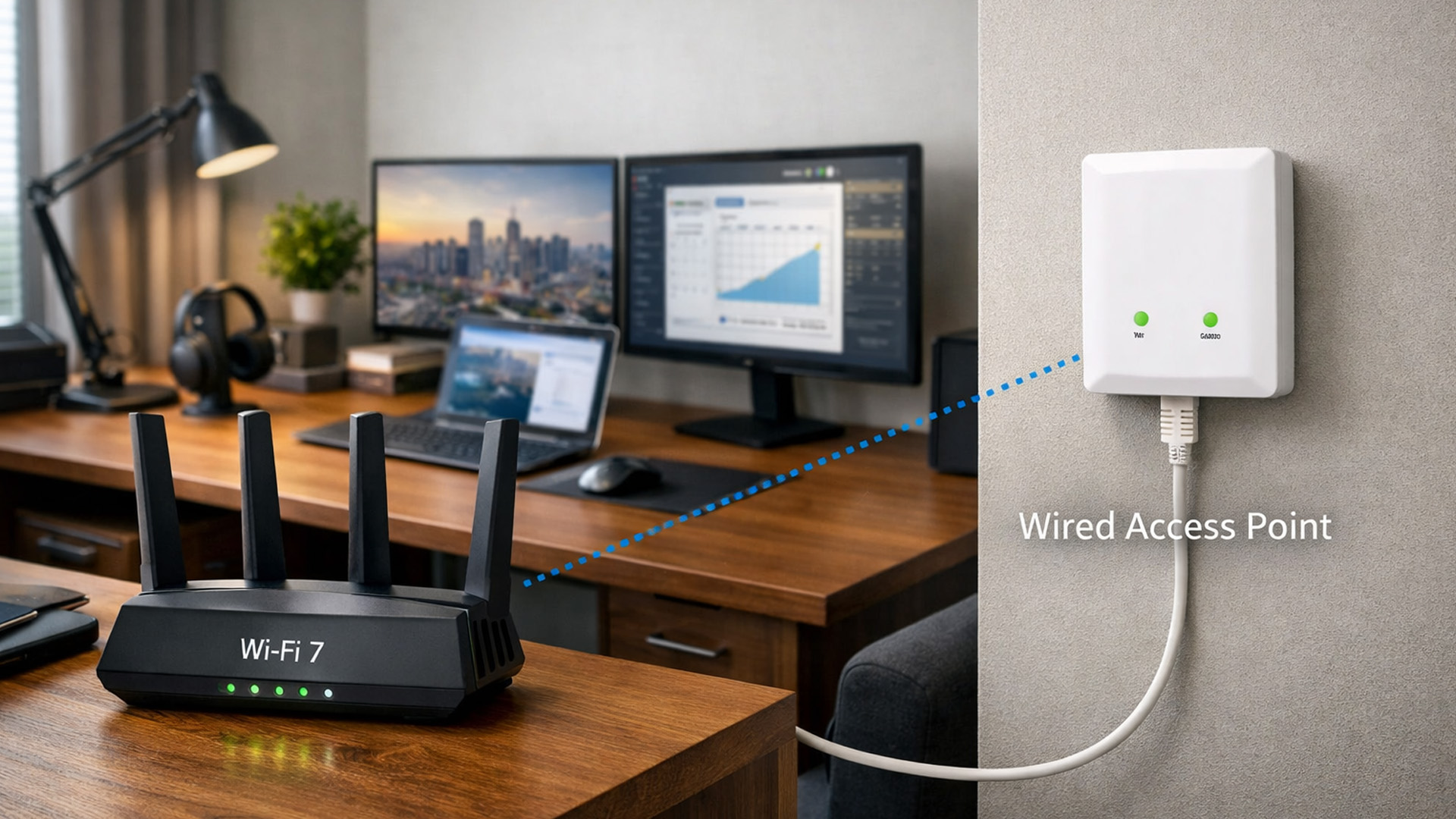
For power users, the best setup is often:
- Wi-Fi 7 router
- Wired access points in weak areas
This gives:
- Maximum speed
- Maximum stability
- Enterprise-style reliability
This is ideal for:
- Home offices
- Garden rooms
- Converted lofts
Choosing the Right Wi-Fi 7 Router (What to Look For)
Don’t choose based on speed alone.
Core Features That Matter in Wi-Fi 7 Home Routers
Look for:
- Strong processor (multi-core)
- Good antenna design
- Long-term firmware updates
- Expandability (mesh / access points)
Cheap Wi-Fi 7 routers often fail in software quality, not speed.
Brand Philosophy (Why This Matters More Than Specs)
- Performance-first
- Excellent stability
- Strong gaming and mesh support
- Strong value
- Broad ecosystem
- Excellent mesh integration
- Advanced controls
- Gaming-focused features
- Power-user flexibility
Supporting Hardware That Unlocks Wi-Fi 7 Performance
This is where most users unknowingly bottleneck their upgrade.
Network Cards & Adapters (The Hidden Limitation)
A Wi-Fi 7 router can’t help if:
- Your laptop only supports Wi-Fi 5
- Your PC uses an old network card
Upgrading:
Can dramatically improve real performance.
Wired Infrastructure Still Matters
Wi-Fi 7 performs best when:
- Backhaul is wired
- Switches support high throughput
- Cabling isn’t outdated
Helpful upgrades:
Powerline & Range Extenders (When Wiring Isn’t Possible)
In some UK homes, Ethernet isn’t realistic.
Then:
Can still help, when used correctly.
Future-Proofing Your Home Network Beyond Wi-Fi 7
Wi-Fi 7 isn’t the end - it’s the foundation.
More Devices, Not Just Faster Ones
Future homes will include:
- AI-powered assistants
- Always-on sensors
- Higher camera counts
- Local servers & backups
Wi-Fi 7 is designed for scale, not just speed.
Security & Longevity
A future-proof router must:
- Receive regular updates
- Support modern encryption
- Isolate devices securely
Routers without long-term updates age badly, even if they’re fast.
Planning Your Upgrade Path
Smart strategy:
- Upgrade router first
- Improve coverage second
- Upgrade devices gradually
This avoids waste and spreads cost.

Final Take on Should You Future-Proof with Wi-Fi 7?
Wi-Fi 7 isn’t about chasing bigger speed numbers, it’s about building a home network that stays stable when everything is happening at once.
As UK homes add more devices, smart tech, and latency-sensitive activities like gaming and video calls, older Wi-Fi standards start to show their limits. Wi-Fi 7 addresses those limits by improving how networks handle congestion, reduce delay, and manage multiple connections at the same time.
If your home network already feels stretched, Wi-Fi 7 isn’t overkill, it’s preparation. And if it doesn’t yet, upgrading now can save you from needing another replacement sooner than you expect.

Answering Your Questions: Wi-Fi 7 Routers for Home Use
What are the main Wi-Fi 7 benefits for home users?
The biggest Wi-Fi 7 benefits for home users are better stability, lower latency, and smoother performance when many devices are connected at once. It’s designed to handle busy networks more efficiently, not just deliver higher speeds.
Is Wi-Fi 7 worth it if my broadband speed isn’t very fast?
Yes. Wi-Fi 7 improves how devices communicate within your home, even if your broadband speed is moderate. It helps reduce congestion, lag, and dropouts that happen inside the network, not at the internet connection itself.
Do I need Wi-Fi 7-compatible devices to benefit from a Wi-Fi 7 router?
No. Wi-Fi 7 routers are backwards compatible with older devices. Even if most of your devices use Wi-Fi 6 or earlier, a Wi-Fi 7 router can still improve overall network stability and performance.
Are Wi-Fi 7 routers good for smart homes?
Yes. Wi-Fi 7 smart home routers handle large numbers of always-connected devices more reliably than older standards. They reduce interference and keep smart devices responsive, even when the network is busy.
Should I choose a single Wi-Fi 7 router or a mesh Wi-Fi system?
A single Wi-Fi 7 router works well for small to medium homes. For larger UK homes, multi-storey properties, or areas with weak signal, combining Wi-Fi 7 with a mesh Wi-Fi system usually delivers better coverage and consistency.
| Read More: |
| Wi-Fi Range Extenders: Boost Your Home Network Coverage |
| Organize Your Network Equipment in the UK |
| Network Cables: Essential Wired Connections for UK Networks |
Related Articles

Last Updated: July 01, 2025
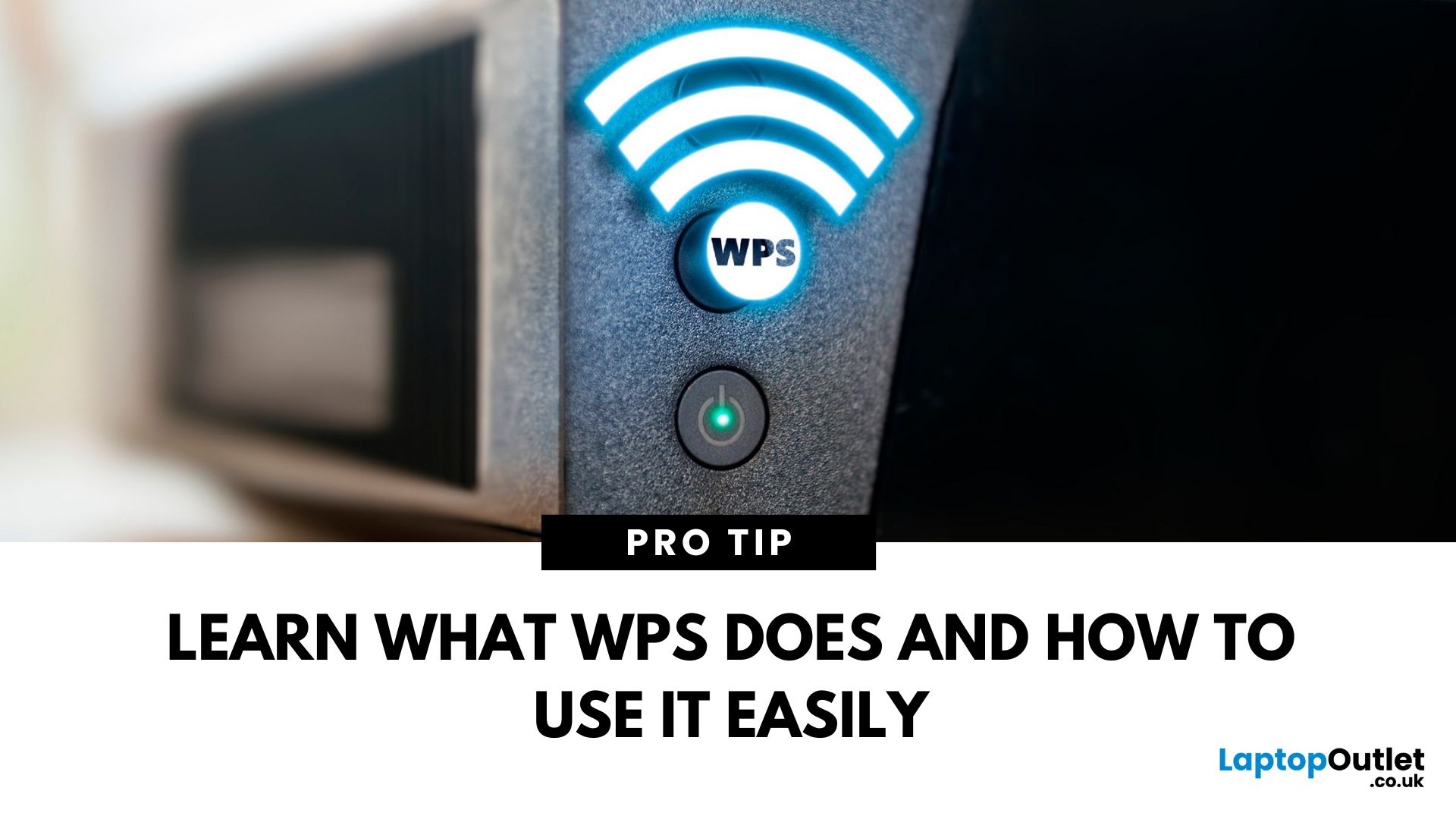
That Little Button Isn’t Just for Looks
If you’ve spotted a mysterious button labelled WPS on your Wi-Fi router, you might be wondering: What does it do—and should I use it? Here’s a beginner-friendly explanation of what the WPS button is and how it simplifies connecting devices to your Wi-Fi.
What Does WPS Stand For?
WPS stands for Wi-Fi Protected Setup. It’s a feature that helps you connect devices to your Wi-Fi network without typing in the Wi-Fi password.
Designed for convenience, especially for smart TVs, printers, and Wi-Fi extenders
What Does the WPS Button Do?
When you press the WPS button:
Your router enters a two-minute pairing mode
During this time, you can connect a compatible device without entering the password
It uses WPA2 security, so it’s secure for most home networks
How to Use the WPS Button
Steps:
Turn on the device you want to connect (e.g., printer or smart TV)
Go to its Wi-Fi settings and select your Wi-Fi network
Choose WPS connection
Last Updated: July 01, 2025
Your Wi-Fi Starts Here
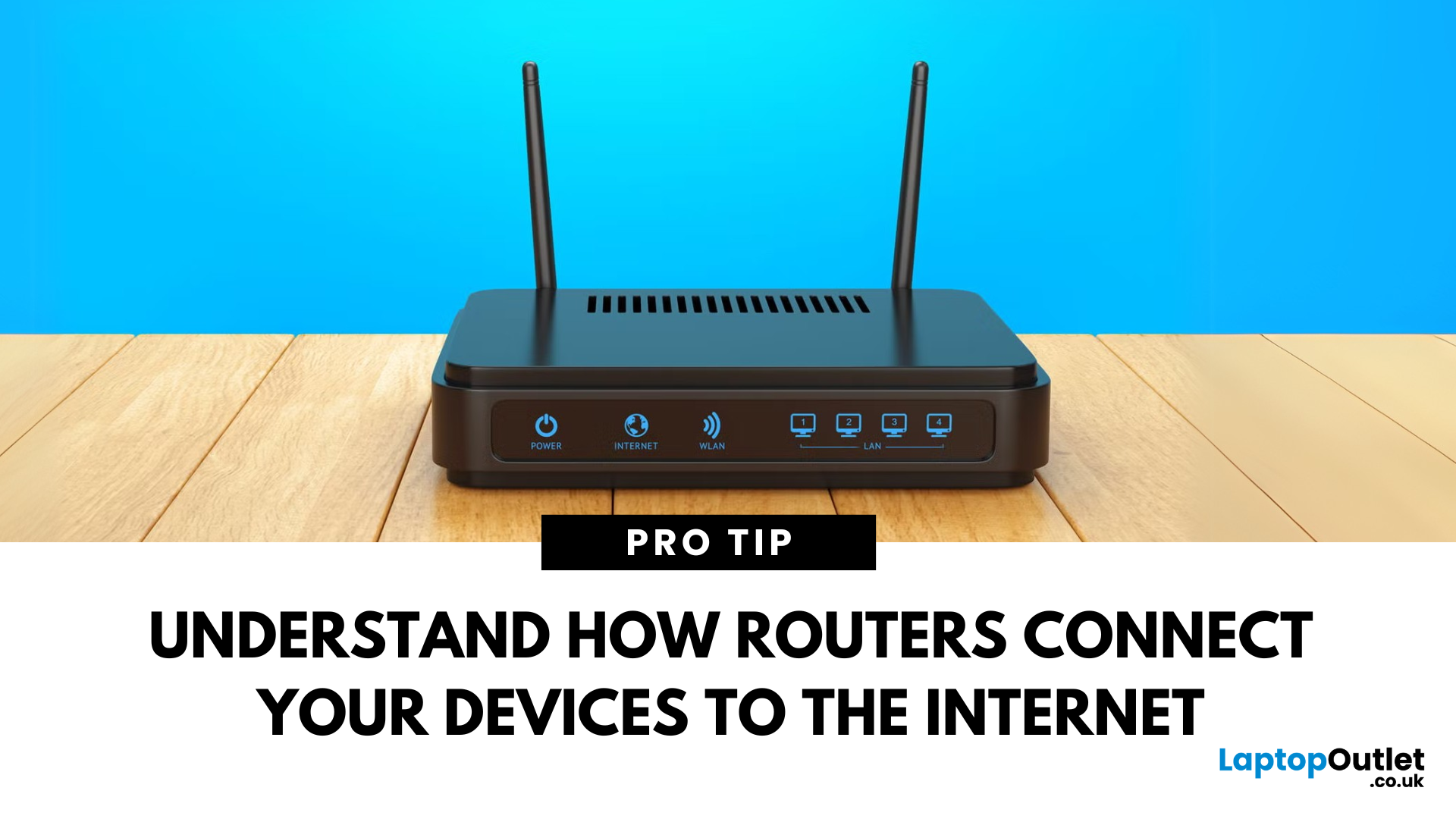
You’ve probably seen it flashing away in the corner of the room—but what is a router, and why is it essential for your internet connection? Here’s everything you need to know about this small but powerful device.
What Is a Router?
A router is a device that connects your home or office to the internet by routing data between your internet service provider (ISP) and your connected devices (like phones, laptops, smart TVs, and more).
It’s the heart of your Wi-Fi network, sending and receiving data from the web
How Does a Router Work?
- Connects to a modem (or includes one in some models)
- Assigns local IP addresses to devices in your network
- Sends and receives data packets to and from the internet
- Uses Wi-Fi or Ethernet to link devices wirelessly or via cable
Types of Routers
- Standalone Router: Connects to a separate modem
- Modem-Router Combo: Two-in-one device with both modem and router
- Mesh Wi-Fi Router: Covers large homes with multiple units
Last Updated: July 01, 2025
The Backbone of Your Internet
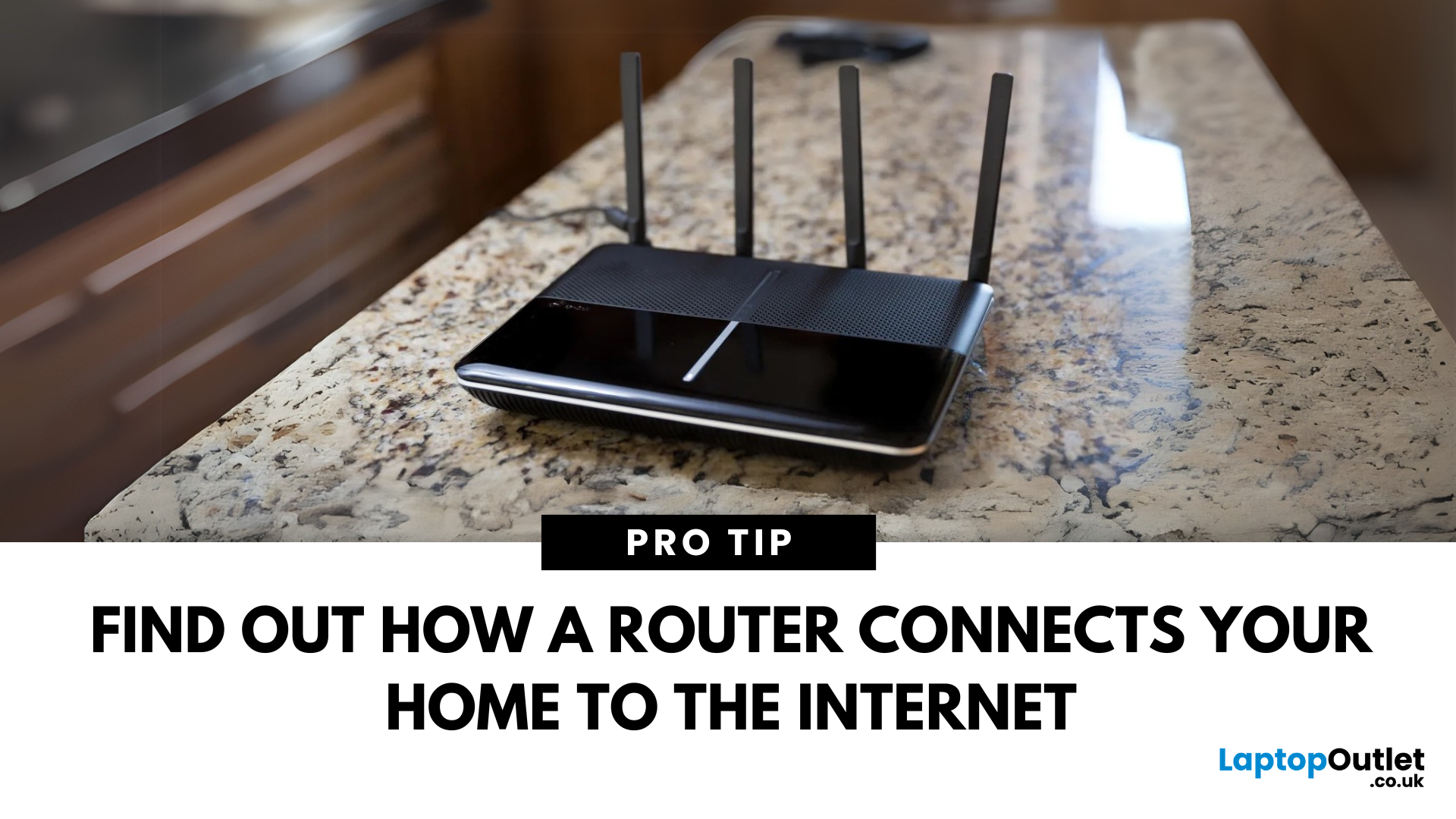
Your internet experience starts with a router—but what exactly does it do? Whether you’re streaming, gaming, working from home, or scrolling on your phone, the router keeps your digital life connected. Let’s break down what a router does and why it’s so important.
What Is a Router?
A router is a networking device that connects your devices to the internet and manages how they communicate with each other.
It “routes” traffic between your local devices (like your phone or laptop) and the broader internet
What Does a Router Actually Do?
- Distributes internet access from your modem to all connected devices
- Creates a local network so devices can talk to each other
- Assigns IP addresses to each device
- Directs data packets so the right information reaches the right device
Wi-Fi vs Router – What’s the Difference?
- Router: Manages traffic and connects devices
- Wi-Fi: The wireless signal your router creates
The router gives you internet; Wi-Fi
Last Updated: July 01, 2025
Keep Your Wi-Fi Safe and Secure
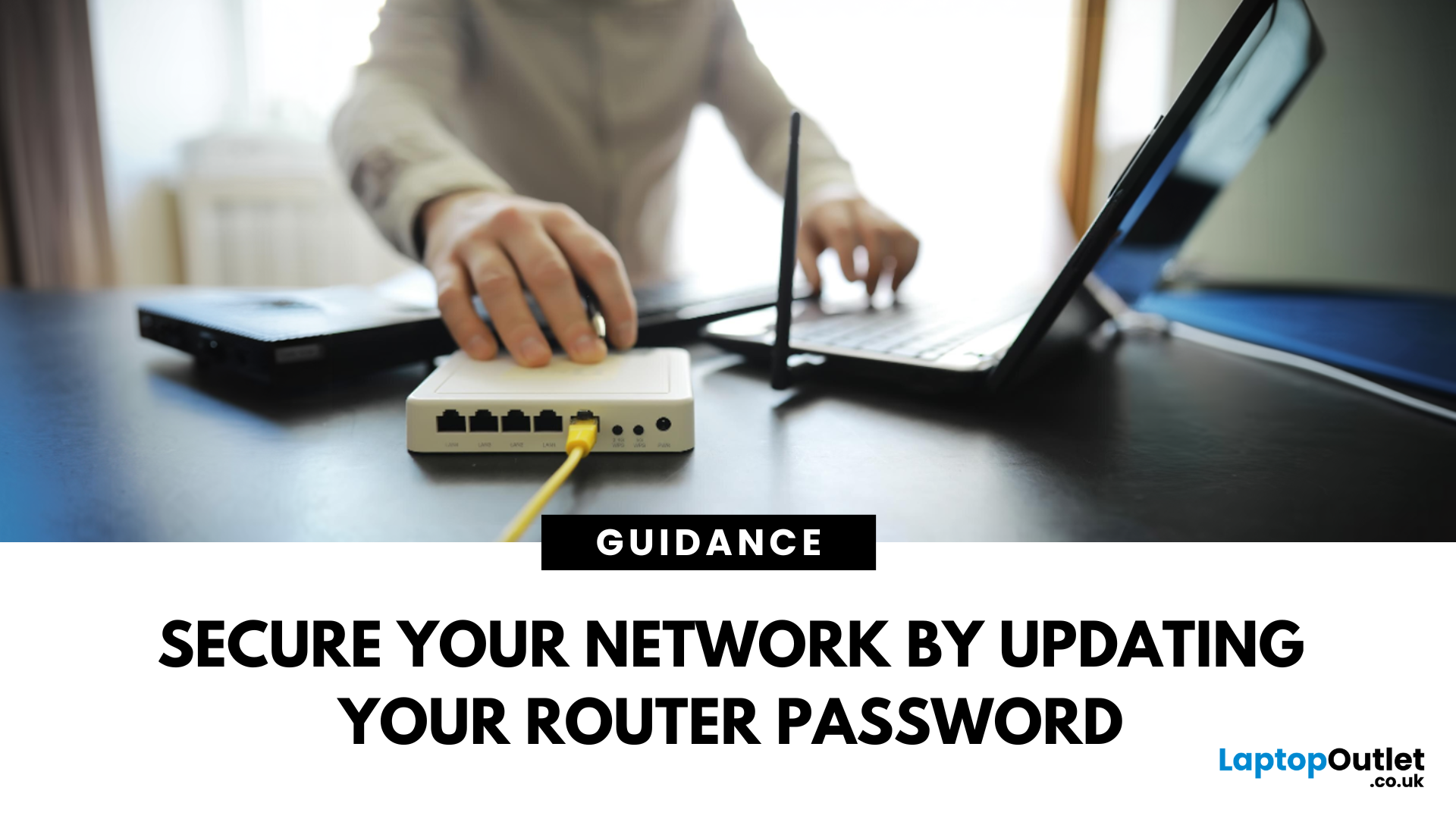
Your router password protects your home network from unwanted access. Whether you're updating your Wi-Fi credentials or changing the admin login, it’s a smart step for security. Here’s how to change your router password in just a few steps.
1. Know Which Password You’re Changing
- Wi-Fi Password: The one users enter to connect to your network
- Router Admin Password: Used to access router settings via web browser
It’s best to change both regularly for security
2. Connect to Your Router
- Make sure you're connected to your Wi-Fi or directly via Ethernet
- Open a web browser and type your router’s IP address (usually 192.168.0.1 or 192.168.1.1)
- Enter your admin username and password (often printed on the router or found in your manual)
3. Change Your Wi-Fi Password
Steps:
- Log in to your router settings
- Navigate to Wireless Settings or Wi-Fi Settings
- Locate the SSID (network name) and password fields
- Enter your new password (use a strong,

Last Updated: December 23, 2025
When it comes to competitive gaming or smooth 4K streaming, your internet connection is only as good as the router powering it. High latency, buffering, and packet drops can turn a winning game into frustration or ruin a live stream in seconds. That’s why choosing the right router—and configuring it correctly- is just as important as having fast broadband.
Ubiquiti has become a go-to name for gamers, streamers, and tech enthusiasts who want more than basic Wi-Fi. From the powerful UniFi Dream Machine to the gamer-centric AmpliFi series, Ubiquiti routers combine enterprise-grade stability with features built for demanding home setups. With the right optimisation - like low-latency settings, QoS for gaming traffic, and GeForce NOW tweaks - you can unlock their full potential.
In this guide, we’ll explore the best Ubiquiti routers for gaming and streaming and reveal the settings that give you a true performance edge.
Why Router Quality Matters for Gaming & Streaming
Every gamer and streamer

Last Updated: December 09, 2025
Wi-Fi acting weird? Pages not loading? Passwords forgotten? You’re not alone - sometimes even the most reliable routers like TP-Link need a fresh start. Whether your internet is unstable, you changed too many settings, or you just want to start over, resetting your router can fix a surprising number of problems.
In this complete guide, we’ll walk you through how to reset your TP-Link router, both the quick way (via the Reset button) and the advanced way (through the web interface). We’ll also explain what happens after a reset, how to reconfigure your network, and what to do if your reset doesn’t work.
Understanding What “Reset” Really Means

Before you hit any buttons, it’s important to know what a router reset actually does.
When you reset a TP-Link router, you’re restoring it to its factory default settings, exactly how it was when you first took it out of the box.
That means:
- All Wi-Fi names (SSID) and passwords you’ve set will be erased.
- Any changes to IP addresses, DNS, or security
Last Updated: January 26, 2026
If you’re still using the free router that came with your broadband deal, you need to read this gaming router guide UK. With faster broadband speeds, competitive multiplayer titles, cloud gaming services, and always-connected consoles and PCs, your home network plays a critical role in how well you play. A powerful gaming PC or next-gen console can only perform at its best if it’s supported by a reliable, high-performance router. Whether you’re a competitive PC gamer, a PS5 warrior, a streamer juggling Twitch and Discord, or someone who just wants smooth online gaming without drama, this guide breaks down the best gaming routers UK gamers should actually care about, with real detail, not fluff.
What Makes a Router Good for Online Gaming?
Not all routers are created equal, and “gaming” isn’t just a marketing label. Understanding the core features will help you choose the right router for online gaming setup.
Low Latency and Stable Connections
Latency, often referred to as ping, is the
Last Updated: March 12, 2026
Most Wi-Fi guides start with specs. That’s already the wrong place.
To choose the best Wi-Fi router for your home, you first need to understand how Wi-Fi behaves inside real buildings, especially UK homes, which are often older, brick-built, and not designed for wireless signals.
What Wi-Fi Really Is (Without the Marketing Spin)
Wi-Fi is not “internet speed in the air”. It’s a radio signal that carries data between your router and your devices.
That signal:
- Weakens over distance
- Loses strength passing through walls
- Competes with other signals nearby
This is why Wi-Fi performance changes dramatically depending on where you are in your home, even when your broadband speed stays the same.
Important reality check:
Your router doesn’t “push” Wi-Fi evenly in all directions. It broadcasts radio waves that are:
- Reflected
- Absorbed
- Blocked
UK homes often make this worse because of:
- Solid brick and stone walls
- Metal-backed insulation
- Floor heating systems
- Older layouts with thick internal walls
This

Last Updated: August 10, 2026
Let’s be real – slow, drop-out Wi-Fi is a nightmare. Buffering mid-stream, lag during games, frozen Zoom calls and smart devices that just won’t connect can turn everyday life into a frustration fest. In a world where everything lives online is the backbone of your day. That’s the problem ASUS routers are built to fix. Known for pushing boundaries in performance, speed and reliability, ASUS creates Wi-Fi that actually keeps up with how we live now.
This guide breaks down how ASUS routers work, what makes their features genuinely worth it, and how to choose the right model for your setup. Whether you’re ditching outdated tech or building a future-proof smart home, ASUS delivers fast, stable Wi-Fi with zero compromises.
How ASUS Routers Work
Understanding how ASUS routers work begins with understanding the role of a router itself. A router connects your home network to the internet via your broadband provider, then distributes that connection wirelessly (or via Ethernet) to all your devices.

Last Updated: January 26, 2026
Wi-Fi dropping mid-scroll? Lag spikes during gaming? Smart lights randomly going offline like they’ve got a mind of their own? Yeah… we’ve all been there. Bad Wi-Fi isn’t just annoying, it disrupts work, entertainment, and pretty much everything connected in your home. That’s the problem.
The agitation is real: frozen video calls, buffering Netflix, unstable smart devices, and routers that just can’t keep up with modern internet use. UK homes today are packed with connected tech, yet many networks still rely on outdated or poorly matched routers.
The solution starts with understanding how modern routers work, and that’s where TP-Link comes in. This guide breaks down how TP-Link routers work, why they’re popular across the UK, and how different models support everything from casual browsing to gaming, streaming, and smart homes, without the tech headache.
How TP-Link Routers Work (Without the Tech Overload)
At their core, routers act as traffic controllers for your internet connection.

