



Server Racks UK | Organize Networking & IT Equipment
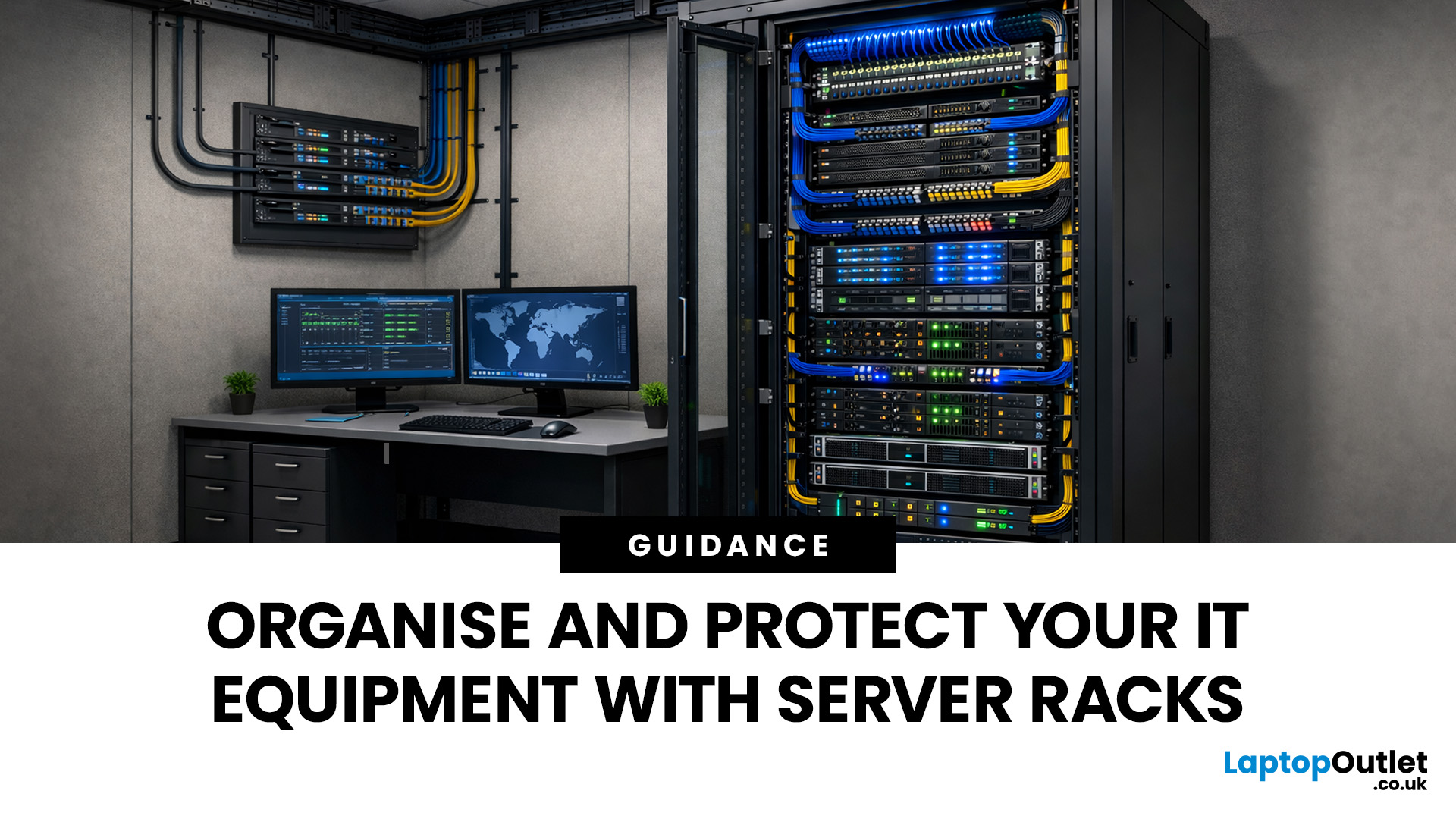
Modern businesses and home offices rely heavily on digital connectivity to stay productive. Managing various devices can become quite difficult without a clear plan for physical hardware.
Proper cable management and hardware protection are essential for any reliable setup. Investing in the right storage ensures your devices stay cool, safe, and accessible at all times.
Many people often ask, what is a server rack and how does it help? Understanding this central piece of infrastructure is the first step toward a professional IT environment.
What is a Server Rack?
A server rack is a specialised steel frame designed to hold, stack, and secure various IT components, including servers, switches, and routers. These units are built to a standard width, usually 19 inches, allowing equipment from different brands to fit perfectly into the same space.
Whether you are looking at professional server racks or a small home server rack, the goal is the same. You want to keep your hardware safe, cool, and easy to access. Without a rack, equipment often ends up on floors or desks, which leads to overheating and physical damage.
The Importance of Standardisation
The 19-inch standard has been around for decades. It ensures that when you buy a professional server rack, your gear will fit.
The height of the equipment is measured in "Rack Units" or "U". One U equals 1.75 inches. By calculating the total "U" height of your devices, you can choose a rack that offers enough room for today and space for tomorrow.
Why You Need Server Racks
If you leave your networking gear on a desk or a shelf, you are asking for trouble. Dust, heat, and accidental spills can quickly ruin expensive hardware. Investing in server storage solutions offers several key benefits:
- Better Airflow: Servers get hot. Racks are designed to let air flow around the hardware, preventing crashes.
- Security: Many cabinets come with lockable doors. This keeps your data safe from physical tampering.
- Organisation: Instead of a "spaghetti" mess of network cables, you can use cable management bars to keep things tidy.
- Scalability: As your needs grow, you can simply add more gear to the vertical space.
- Easy Troubleshooting: When everything has a place, finding a faulty cable takes seconds, not hours.
Types of Server Racks Available in the UK
Depending on your space and the amount of gear you have, you might choose from several different server storage solutions.

1. Open Frame Racks
These are simple frames without sides or doors. They offer the best airflow and easiest access to equipment. However, they provide no physical security and do not protect against dust.
2. Enclosed Cabinets
These are fully enclosed units with front and back doors. They are the standard for professional server racks because they offer security and controlled airflow. They also help dampen the noise of loud fans.
3. Wall-Mount Racks
If you are setting up a home server rack or a small office network, a wall-mount unit is often the best choice. These are compact and keep your access points and network switches off the floor.
Choosing the Right Size: From 6U to 42U
When shopping for network server racks UK, you will see the letter "U" followed by a number. This stands for "Rack Units." 1U is roughly 1.75 inches (4.44 cm) of vertical space.
|
Rack Type |
Best For |
Typical Height |
|
|
Small Wall-Mount |
|
6U - 12U |
|
|
Medium Cabinet |
Small businesses, retail shops |
18U - 27U |
|
|
Full-Height Rack |
|
42U+ |
You must calculate the total "U" height of all your equipment and then add at least 20% extra space for future growth.
- Check Depth: Servers are often deeper than switches. Ensure your rack is deep enough for your longest piece of hardware.
- Check Width: The standard is 19 inches, but some heavy-duty server storage solutions offer extra width for side-mounted cable management.
- Weight Limit: Ensure the floor (and the rack) can support the weight. A full 42U rack can weigh over a tonne.
Spotlight: APC Rack Cabinet 42U (AR3100)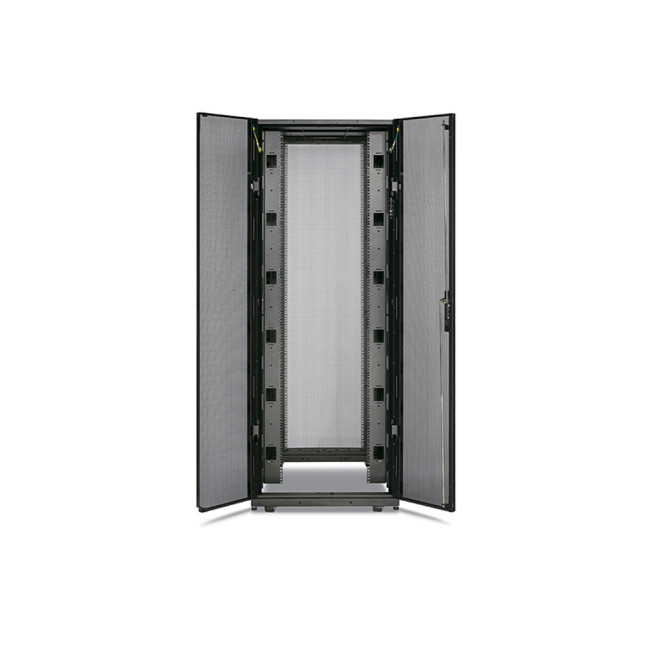
If you are looking for the gold standard in the UK, the APC Rack Cabinet 42U AR3100 is a top-tier choice.
This is a professional-grade enclosure designed for high-density server and networking applications. It is 42U high, meaning it can hold a massive amount of gear. It features:
- Massive Weight Capacity: It can handle the heaviest servers without bending (up to 1020.58 kg).
- Integrated Cable Management: It has dedicated paths for power and data cables.
- Great Airflow: The perforated doors allow for maximum cooling.
- Easy Access: The side panels are removable, making it easy to work on your hardware.
For any UK business looking for serious server storage solutions, the AR3100 is a reliable investment that ensures long-term stability.
Essential Components for Your Rack Setup
Building a rack is about more than just the frame. You need the right components to make it functional.
Network Switches
Your switch is the "brain" that connects all your devices. High-quality network switches ensure data moves quickly between your computers and servers.
Power Management
You should never plug a server directly into a wall socket. Use a Rack PDU (Power Distribution Unit). This acts like a heavy-duty extension lead that fits inside the rack.
Adapters and Cards
Sometimes, your hardware needs a little help to communicate. You might need network cards to boost speeds or adapters to connect different types of cables.
Cooling Fans
While the rack itself helps with airflow, adding dedicated fans to the top of your IT equipment racks can help pull out rising hot air.
How to Organise Your Rack for Maximum Efficiency
Simply throwing gear into a rack isn't enough. You need a plan. Follow these steps for a professional-grade setup.

Step 1: Heavy Items at the Bottom
Place heavy UPS (Uninterruptible Power Supplies) and large servers at the bottom of the rack. This keeps the centre of gravity low and prevents the rack from tipping.
Step 2: Use Patch Panels
Instead of plugging cables directly into your switch, use a patch panel. This acts as a stationary terminal for all the network cables running through your walls. It makes the front of your rack look much cleaner.
Step 3: Leave Space for Growth
Don't pack everything tightly. Leave a few "U" spaces between hot components. You can use "blanking panels" to hide these gaps. This actually improves airflow by preventing hot air from recirculating.
Step 4: Label Everything
Use a label maker. Label both ends of every cable. Label every switch port. Your future self will thank you when you are troubleshooting at 2 AM.
Step 5: Use Vertical Management
Run your cables down the sides of the rack using D-rings or Velcro ties. Never use zip ties; they can cut into the cable and make it impossible to move things later.
Maintenance and Upkeep
A server rack is not a "set it and forget it" solution. You should regularly check for dust buildup. Dust can clog fans and cause overheating. Use compressed air to keep your network cards clean. Also, check your cable connections once a month to ensure nothing has wiggled loose.
Enhancing Connectivity Beyond the Rack
While the rack handles your core infrastructure, you may need to extend your signal further. For instance, if your rack is in a basement, you might use access points or mesh Wi-Fi to provide Wi-Fi to the upper floors.
If running cables is too difficult, powerline adapters or Wi-Fi range extenders can bridge the gap, although direct cabling to the rack is always preferred for speed. For mobile devices or laptops without ethernet ports, high-quality adapters are essential for maintaining a stable connection to your server.
With the arrival of Wi-Fi 7, network speeds have reached new heights. Ensure your rack setup includes modern routers from brands like TP-Link, ASUS, or Netgear to take full advantage of these speeds.
For those who demand the lowest latency, especially gamers, upgrading to gaming routers is a must. These can be mounted on shelves within your rack to keep your setup tidy.

Optimise Your Digital Infrastructure
Organising your technology is a vital step for any digital-heavy environment. Understanding what is a server rack and how it functions is the first step toward a more stable network.
By using high-quality enclosures and components, you protect your hardware and your data. This investment pays for itself through reduced downtime and much easier maintenance routines.
Visit Laptop Outlet to explore our range of networking solutions and take control of your equipment.

Things You Might Want to Know...
What is a server rack used for?
A server rack is used to house, organise, and secure IT hardware like servers, switches, and routers. It improves airflow, simplifies cable management, and saves floor space.
What size server rack do I need for a home office?
For most homes, a 6U to 12U wall-mount rack is perfect. It provides enough space for a router, a switch, and a small patch panel without taking up floor space.
Do I need an open or closed rack?
Choose an open rack for easy access in a secure room. Choose a closed cabinet if the rack is in a public area or if you need to reduce noise.
Do I need a professional to install a server rack?
Small wall-mount racks are easy to install, but large cabinets may require professional assembly and electrical grounding.
What equipment can I put in a server rack?
You can house servers, network switches, routers, UPS systems, patch panels, and storage drives (NAS/SAN) in a standard rack.
How do I manage cables in a rack?
Use cable ties, patch panels, and dedicated cable management trays. Keep power cables and data cables separate to avoid interference.
Related Articles


Last Updated: July 01, 2025
The Power of Digital Connections
In today’s world, few devices operate in isolation. Whether you’re sharing files, streaming media, or collaborating online, computer networking is at the heart of it all. So what exactly is networking in computers? Let’s break it down simply.
What Is Networking in Computers?
Networking in computing refers to connecting multiple computers and devices so they can share data, resources, and communication.
It’s how laptops, smartphones, printers, and servers talk to each other
Why Is Networking Important?
- Enables file and data sharing
- Supports remote access and teleworking
- Allows internet access for all connected devices
- Powers smart home and office automation
How Does Computer Networking Work?
- Devices connect via physical cables or wirelessly (Wi-Fi)
- A router or switch directs traffic
- Data travels in packets to the right device using IP addresses
Each device gets a unique network ID to manage communication
Types of Computer Networks
Last Updated: September 11, 2025
Smarter Connections Behind the Scenes
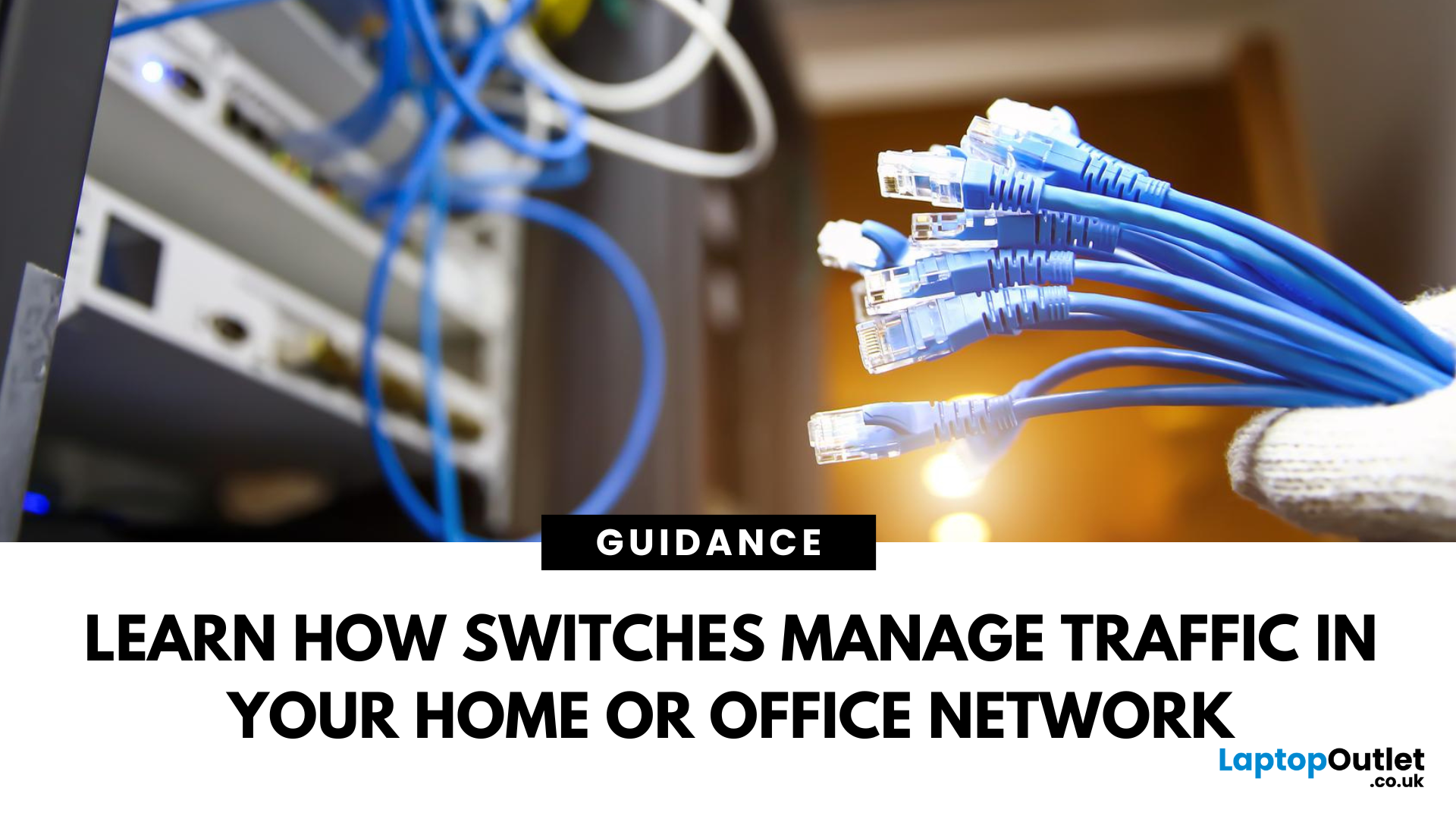
When we think of internet connectivity, routers usually get all the attention. But there’s another key player—the network switch. It quietly keeps your devices connected, organised, and running smoothly behind the scenes. So, what is a network switch, and what does it do? Let’s find out.
1. What Is a Network Switch?
A network switch is a hardware device that connects multiple devices (like PCs, printers, and servers) within a Local Area Network (LAN) and allows them to communicate efficiently.
It’s like a digital traffic controller—making sure data reaches the right destination
2. What Does a Network Switch Do?
- Directs data from one device to another within a network
- Uses MAC addresses to identify devices and send data accurately
- Reduces traffic congestion by sending data only where it’s needed
Unlike a hub, a switch doesn’t broadcast data to every device—only the one intended
3. How a Switch Differs from a Router
- Switch: Connects
Last Updated: April 17, 2026
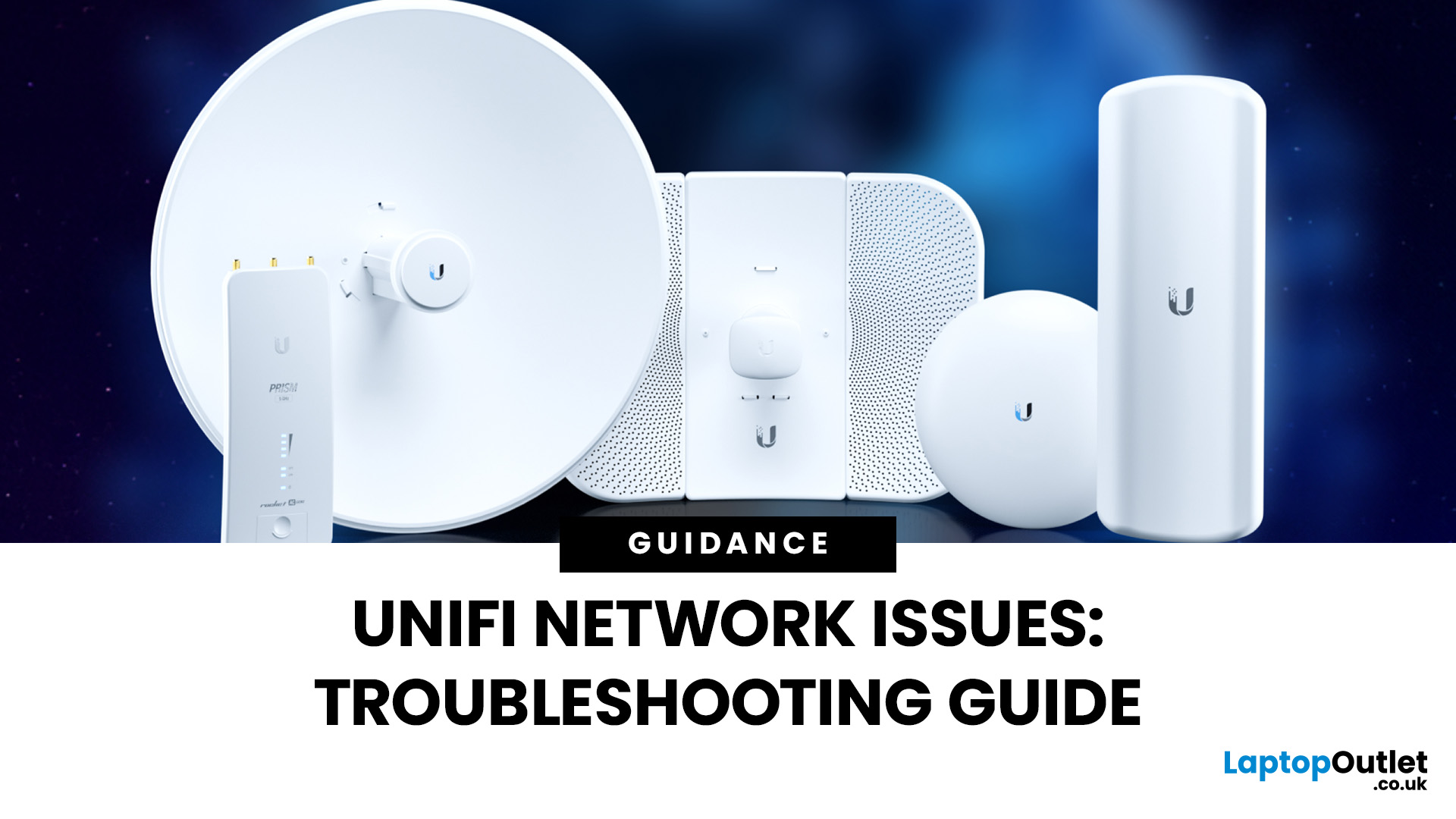
Ubiquiti’s UniFi ecosystem is a favourite for IT professionals, businesses, and advanced home users who want enterprise-level WiFi networking without the complexity or cost of traditional solutions. While UniFi access points, switches, and gateways are built for performance and reliability, no wireless system is completely immune to problems. Let's explore some common troubleshooting common Unifi network issues to optimise your network for long-term stability.
Step 1: Identify UniFi Signal Strength Issues
Signal strength remains one of the most important factors in WiFi performance, especially in environments with many connected devices. In 2025, UniFi has introduced smarter tools and AI-powered insights to make diagnosing these problems easier.
How to Check Signal Health
- Use the UniFi Network Controller or UniFi mobile app to monitor RSSI (Received Signal Strength Indicator) values per client.
- Excellent: -50 dBm or better (fast and stable).
- Good: -60 dBm (suitable for streaming and
Last Updated: January 26, 2026
From working remotely and online learning to 4K streaming, smart home devices, and competitive gaming, UK households are placing more demand than ever on their home networks. Yet many homes still struggle with weak signals, dead zones, and inconsistent speeds. This is where mesh Wi-Fi explained properly can make all the difference.
In this guide, we’ll break down exactly how mesh Wi-Fi works, why it’s ideal for British homes, and how to choose the right system for your space. Whether you live in a Victorian terrace with thick brick walls, a multi-storey townhouse, or need reliable connectivity in a garden office, a modern Wi-Fi mesh system could be the upgrade your home network needs.
Mesh Wi-Fi Explained: What is a Mesh Network?
Traditional home Wi-Fi usually relies on a single router placed near where your broadband enters the property. While this can work in smaller flats, it often struggles to deliver consistent coverage across larger or more complex homes. Signal strength drops rapidly
Last Updated: January 26, 2026
In today’s UK homes and offices, networking isn’t optional - it’s the backbone of how we work, study, stream, and stay connected. From remote meetings and online gaming to smart homes and cloud storage, everything relies on reliable networking accessories and networking devices working together behind the scenes.
Yet many people still struggle with slow Wi-Fi, unstable connections, or poor coverage, not because their internet provider is bad, but because their networking equipment isn’t set up correctly.
What Is Networking? (A Simple Explanation)
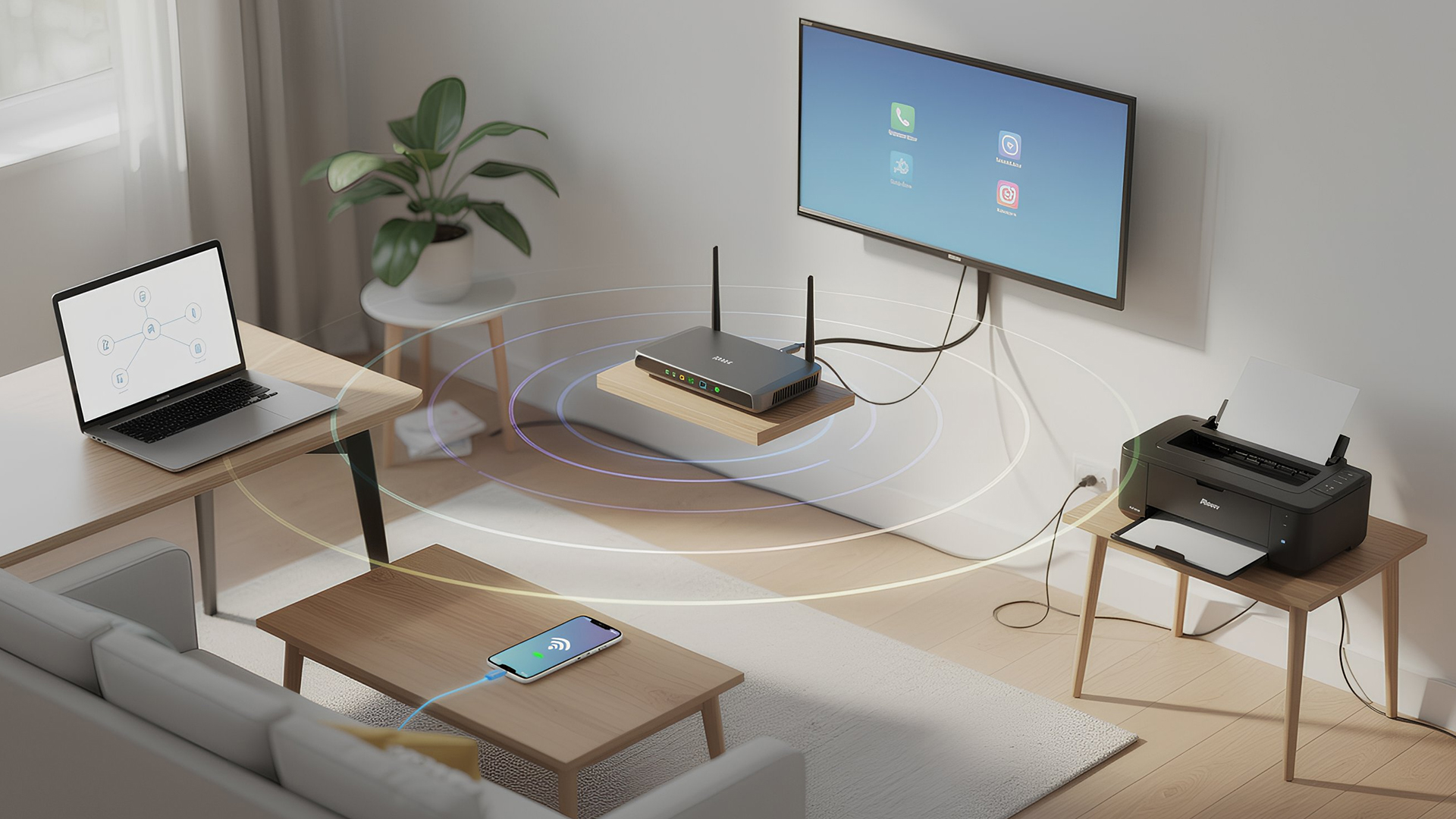
Networking is the process of connecting devices so they can communicate, share data, and access the internet. These devices might include:
- Laptops and desktops
- Smartphones and tablets
- Printers and scanners
- Smart TVs and streaming devices
- Smart home systems (lights, cameras, thermostats)
To make this possible, you need a combination of networking devices (like routers and access points) and networking accessories (such as network cards, adapters,
Last Updated: June 22, 2026
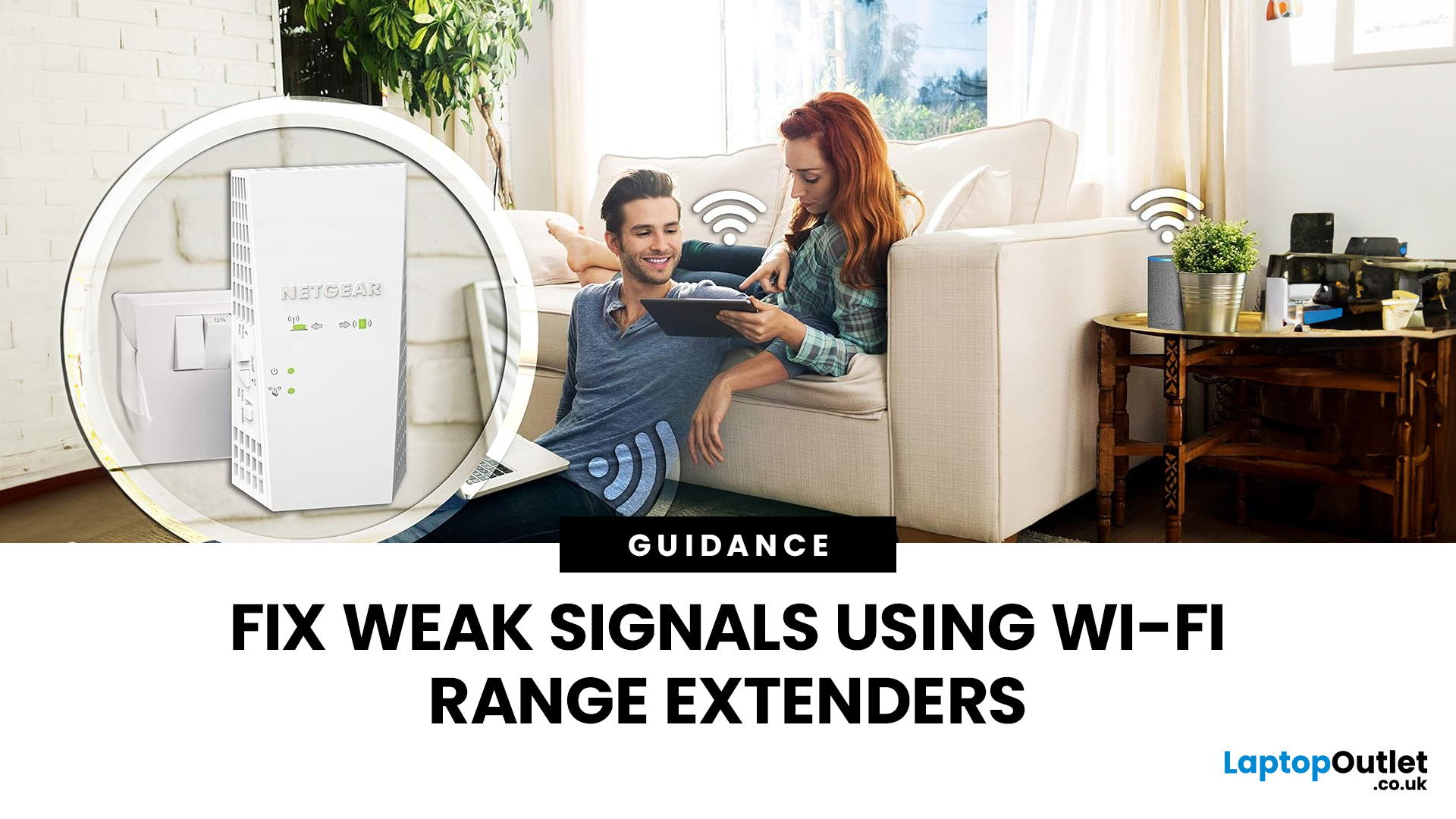
Imagine sitting down to stream your favourite show, join a work call or load a game, only for your Wi-Fi to drop the moment you move into another room. Weak signals, buffering, and dead zones are common in UK homes, especially in larger houses, older properties with thick walls, garden offices, and busy family spaces with several connected devices.
The good news is that you do not always need a new broadband package to fix the problem. A Wi-Fi range extender, mesh system, or access point can help extend your Wi-Fi range and make your home network more reliable.
This guide explains how Wi-Fi range extenders work, what to check before buying, which newer products are worth knowing about, and when a mesh system may be a better fit than a standard booster.
What are Wi-Fi Extenders?
A Wi-Fi range extender is a networking device that helps improve wireless coverage in areas where your main router struggles to reach.
It sits between your router and the weak-signal area, receives the existing Wi-Fi

Last Updated: June 05, 2026
Dead zones and buffering are the enemies of a modern home. We rely on the internet for almost everything. We stream 4K movies in the lounge. We join video calls in the home office. We play fast-paced games in the bedroom. However, thick walls and long distances often weaken Wi-Fi signals.
This is where home network powerline adapters become essential. They offer a clever way to extend your internet connection without drilling holes or running long, messy network cables through your hallway. In this guide, we will explore the best PLC adapters UK residents can buy today.
What is a Powerline Adapter?
A powerline adapter (also known as a PLC adapter) is a device that sends internet data through the copper wiring in your walls. Most people use these home network powerline adapters to connect devices that require high bandwidth, such as gaming consoles, smart TVs, laptops, or desktop PCs. They provide the stability of a wired network adapter with the convenience of a plug-and-play setup.

Last Updated: January 26, 2026
Whether you are gaming, working from home, or streaming 4K content, having a slow internet connection is frustrating. While many people blame their ISP or router, the culprit might be inside your computer. Upgrading to high-quality network cards can transform your online experience.
In this guide, we will explore the best options available in the UK. We will also explain the technology behind these devices to help you make an informed choice.
What is a Network Card?
A network card, also known as a Network Interface Controller (NIC), is a hardware component that allows a computer to connect to a network. It acts as a middleman. It takes data from your computer and translates it into a format that can travel through cables or radio waves.
How Network Cards Work
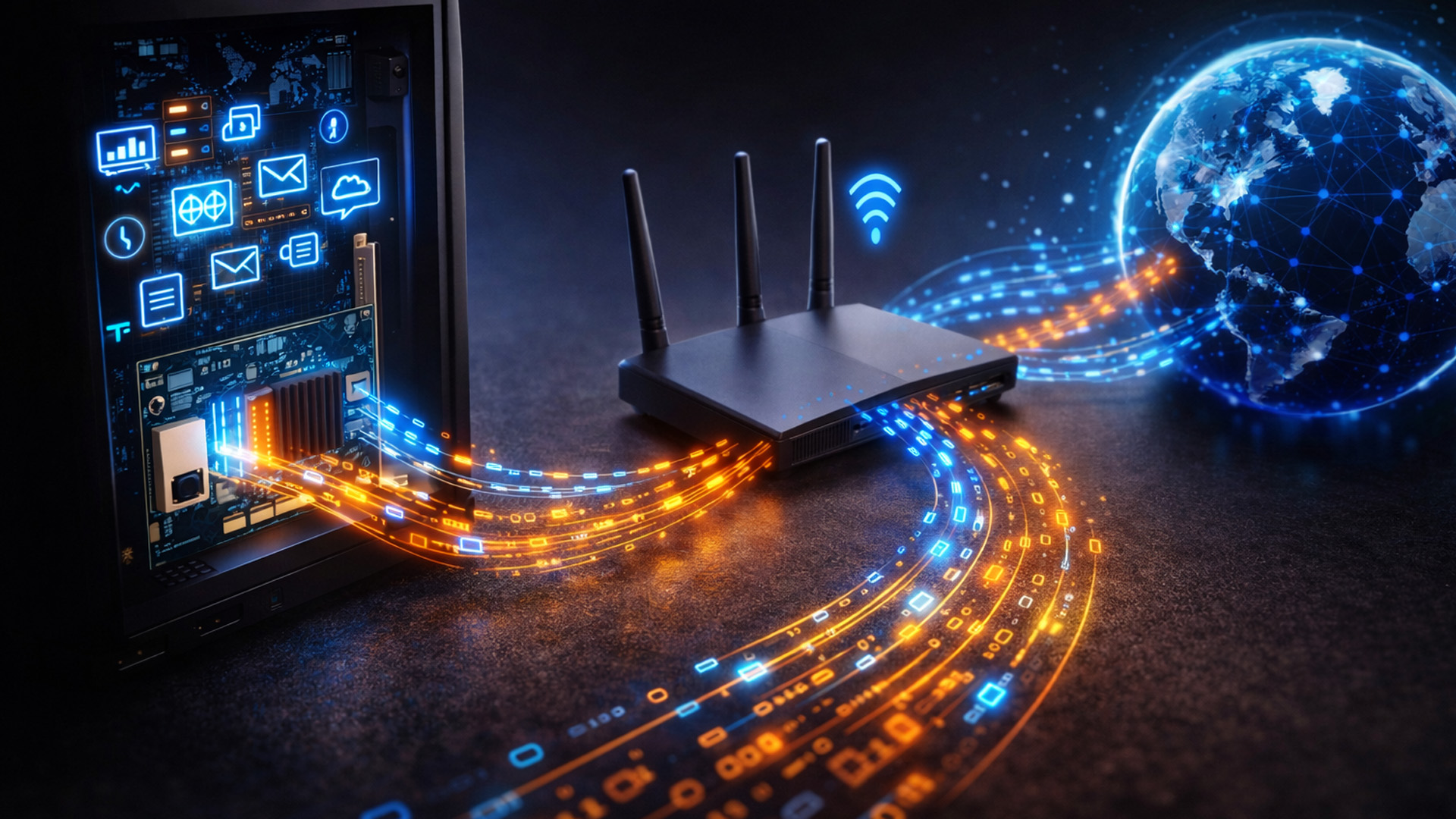
If you are wondering how network cards work, think of them as a translator. Your computer processes data in a specific way. To send this data to a router or another PC, it needs to be packaged correctly.
The network card prepares
Last Updated: April 03, 2026
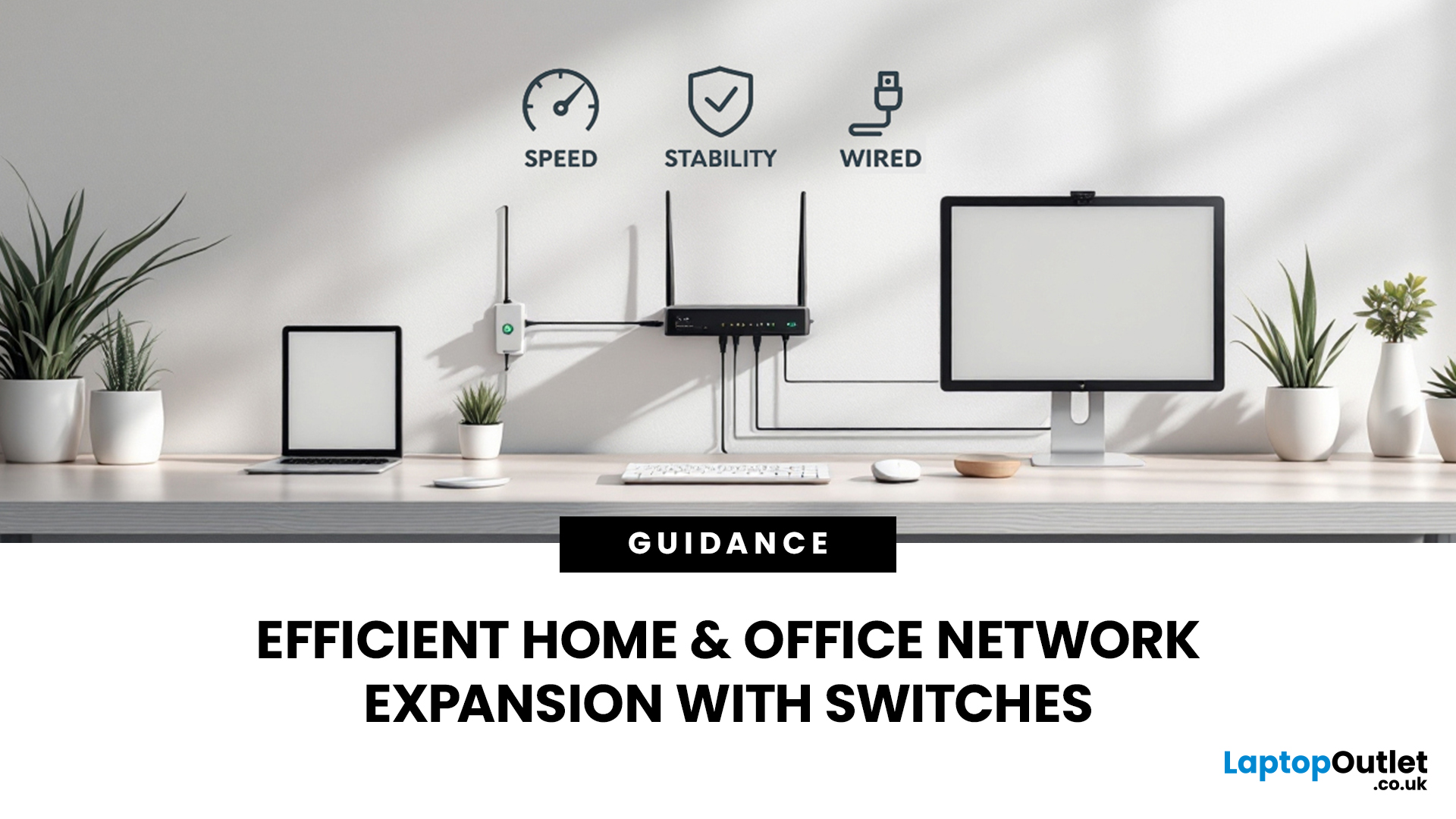
Slow, glitchy internet is a certified vibe killer. One minute you’re streaming in 4K or mid-game, the next everything freezes, painful. That’s the problem. The solution? A solid wired setup. A well-organised network isn’t just “nice to have” anymore, it’s essential for modern homes and busy offices. That’s where this network switch guide UK comes in. We’ll break down what network switches actually do, why a wired network switch UK boosts speed and stability, and how to choose the right one for your setup. No jargon, no stress, just smoother connections and fewer rage quits.
How do Network Switches Help with Connectivity?
A network switch is a device that connects multiple wired devices within a local area network (LAN). Unlike older hubs, switches intelligently direct data only to the device it’s intended for, improving both speed and security.
By acting as a central connection point, network switches allow devices such as desktop PCs, laptops, printers, servers, smart TVs, and games

Last Updated: January 26, 2026
Wi-Fi dropping mid-scroll? Lag spikes during gaming? Smart lights randomly going offline like they’ve got a mind of their own? Yeah… we’ve all been there. Bad Wi-Fi isn’t just annoying, it disrupts work, entertainment, and pretty much everything connected in your home. That’s the problem.
The agitation is real: frozen video calls, buffering Netflix, unstable smart devices, and routers that just can’t keep up with modern internet use. UK homes today are packed with connected tech, yet many networks still rely on outdated or poorly matched routers.
The solution starts with understanding how modern routers work, and that’s where TP-Link comes in. This guide breaks down how TP-Link routers work, why they’re popular across the UK, and how different models support everything from casual browsing to gaming, streaming, and smart homes, without the tech headache.
How TP-Link Routers Work (Without the Tech Overload)
At their core, routers act as traffic controllers for your internet connection.

