



How to Choose the Best Wi-Fi Router for Your Home
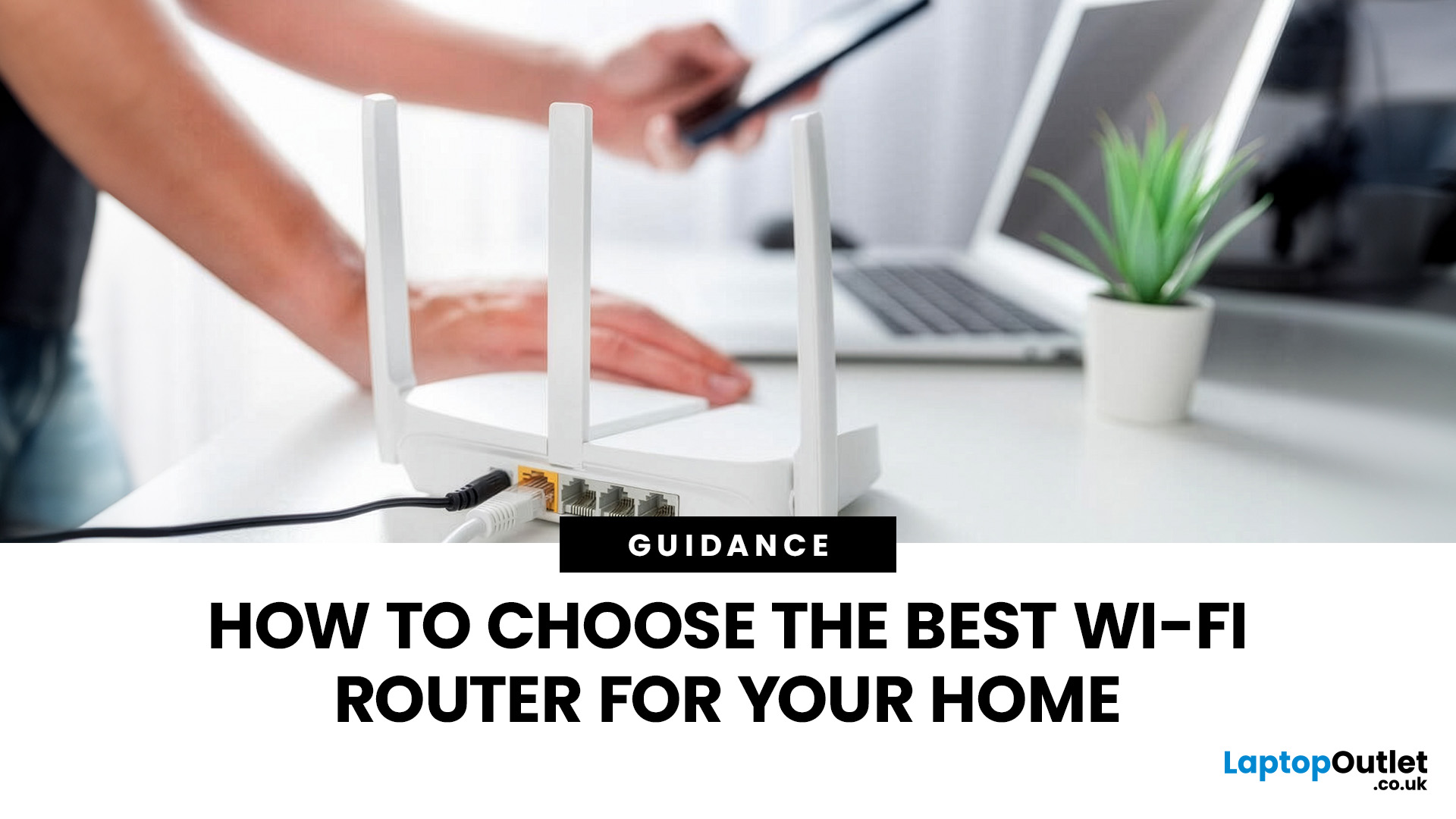
Most Wi-Fi guides start with specs. That’s already the wrong place.
To choose the best Wi-Fi router for your home, you first need to understand how Wi-Fi behaves inside real buildings, especially UK homes, which are often older, brick-built, and not designed for wireless signals.
What Wi-Fi Really Is (Without the Marketing Spin)
Wi-Fi is not “internet speed in the air”. It’s a radio signal that carries data between your router and your devices.
That signal:
- Weakens over distance
- Loses strength passing through walls
- Competes with other signals nearby
This is why Wi-Fi performance changes dramatically depending on where you are in your home, even when your broadband speed stays the same.
Important reality check:
Your router doesn’t “push” Wi-Fi evenly in all directions. It broadcasts radio waves that are:
- Reflected
- Absorbed
- Blocked
UK homes often make this worse because of:
- Solid brick and stone walls
- Metal-backed insulation
- Floor heating systems
- Older layouts with thick internal walls
This is why “fast router, bad Wi-Fi” is such a common experience.
Broadband Speed vs Wi-Fi Performance (The Mismatch You Must Know About)
One of the most misunderstood things in home networking is the difference between broadband speed and Wi-Fi speed.
Example:
- You pay for 500 Mbps fibre
- You run a speed test next to the router → fast
- You go upstairs → suddenly slow
Nothing is wrong with your internet. Your Wi-Fi signal is simply degrading as it travels.
This is why buying a faster broadband package often does nothing to fix poor Wi-Fi, and why router quality matters so much after installation.
If you want to understand the fundamentals behind this, we explained it in the blog what networking is.
Device Congestion: The Wi-Fi Killer Most People Ignore
Your Wi-Fi doesn’t slow down because it’s “weak”. It slows down because too many devices are fighting for attention.
Modern UK homes easily have:
- Multiple smartphones
- Laptops and tablets
- Smart TVs
- Consoles
- Smart speakers, cameras, plugs, thermostats
Even when these devices look “idle”, many are constantly communicating.
Cheap or outdated routers:
- Handle devices one-by-one
- Pause connections repeatedly
- Create micro-delays you feel as lag
This is why modern routers focus on efficiency, not just speed.
Router Features That Actually Matter (And Why They Matter in 2026)
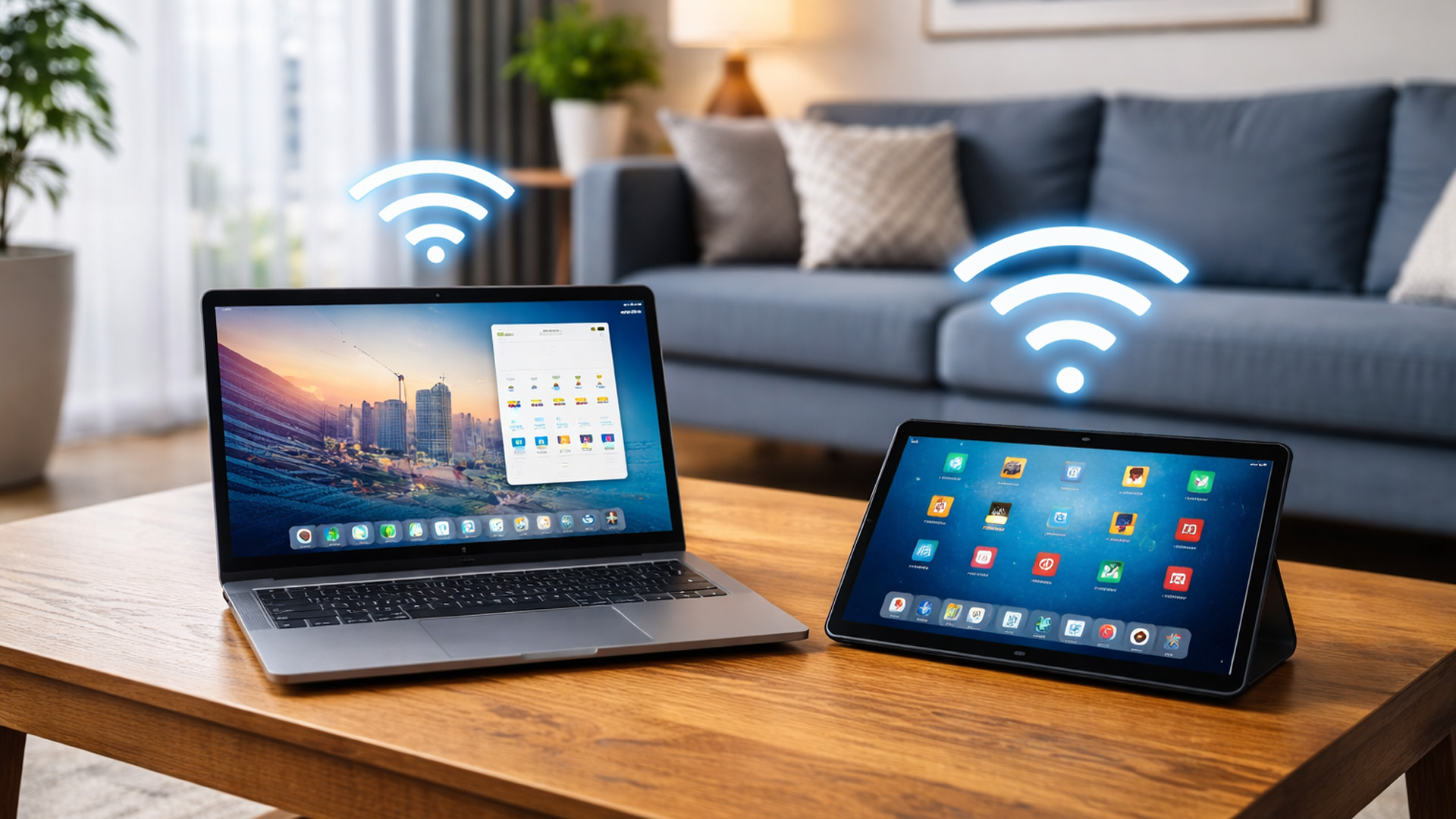
Most of the time, we only focus on features but never on when they actually make a difference.
Let’s fix that.
Wi-Fi Standards: Wi-Fi 6, 6E, and What’s Coming Next
You’ll see labels like:
- Wi-Fi 5
- Wi-Fi 6
- Wi-Fi 6E
- Wi-Fi 7
Here’s what matters in the UK right now.
Wi-Fi 5 (Older but Still Around)
- Fine for basic use
- Struggles with many devices
- Becoming outdated
Wi-Fi 6 (The Sweet Spot for 2026)
Wi-Fi 6 isn’t just faster - it’s smarter.
It:
- Communicates with multiple devices at once
- Reduces congestion
- Improves stability in busy homes
For most people searching for the best Wi-Fi routers UK, Wi-Fi 6 is the practical minimum.
Wi-Fi 7 (Futuristic)
These introduce new frequency bands and massive capacity - but:
- Many UK devices don’t yet support them
- Coverage advantages are limited indoors
They’re worth knowing about, but not essential yet.
Frequency Bands: Why 2.4GHz Still Matters (Surprisingly)
Most people think “faster band = better”. That’s only half true.
2.4GHz
- Slower speeds
- Much better range
- Penetrates walls better
Most smart home devices require 2.4GHz.
5GHz
- Faster speeds
- Shorter range
- More sensitive to walls
6GHz
- Very fast
- Very short range
- Mostly line-of-sight
A good router balances all bands automatically. A bad one forces you to choose manually, which frustrates users. This balance is a major factor in smart home router compatibility UK for wi-fi & networking.
Antennas & Signal Design (The Feature Nobody Understands)
Here’s something most guides skip entirely: Two routers with the same Wi-Fi standard can perform wildly differently.
Why?
Antenna quality and signal shaping.
Better routers:
- Direct signal toward devices
- Adjust dynamically as you move
- Maintain stability instead of raw speed
This matters far more than advertised Mbps numbers.
Router Processing Power (Why Cheap Routers Collapse Under Load)
Routers are now small computers.
They:
- Encrypt traffic
- Manage devices
- Prioritise data
- Handle security updates
Low-end routers often fail not because of Wi-Fi range, but because their processors can’t keep up.
This becomes obvious when:
- Someone starts a video call
- Another person streams
- Smart devices stay active
A stronger processor = smoother Wi-Fi under real conditions.
Software, Updates & Security (The Long-Term Value)
Modern routers are security devices.
Look for:
- Automatic firmware updates
- WPA3 encryption
- Guest networks
- Device management controls
Routers that don’t receive updates quickly become security risks, especially in smart homes.
Choosing the Right Router Based on How You Actually Live
Something you need to know before making the decision.
Best Wi-Fi Router for UK Flats & Small Homes
In smaller spaces, coverage is less of an issue, capacity and stability matter more.
You should prioritise:
- Modern Wi-Fi standards
- Good device handling
- Reliable firmware
Overspending here brings little benefit, but under-specifying leads to congestion.
Best Wi-Fi Router for Typical UK Family Homes
This is the most common scenario:
- 2–3 bedrooms
- Multiple users
- Streaming, work, gaming
Here, you need:
- Strong signal penetration
- Good antenna design
- Smart traffic management
This is where many “cheap fast routers” fall apart in real use.
Best Wi-Fi Router for Work-From-Home
WFH stresses networks differently:
- Uploads matter
- Stability matters
- Latency matters
Routers that support:
- Traffic prioritisation
- Consistent throughput
Deliver smoother calls and fewer dropouts, even under load.
Best Wi-Fi Router for Smart Homes
Smart homes fail not from speed issues, but connection reliability.
Problems usually come from:
- Poor 2.4GHz handling
- Device limits
- Aggressive power saving
If you’re building or expanding a smart home, your router must be chosen with that in mind.
Why One Router Doesn’t Fit Every Home
The biggest takeaway so far:
There is no universal “best Wi-Fi router”.
There is only the best Wi-Fi router for your home.
Understanding your layout, devices, and usage matters more than brand or speed labels.
Router Placement & Real-World Wi-Fi Optimisation (Where Most Homes Go Wrong)
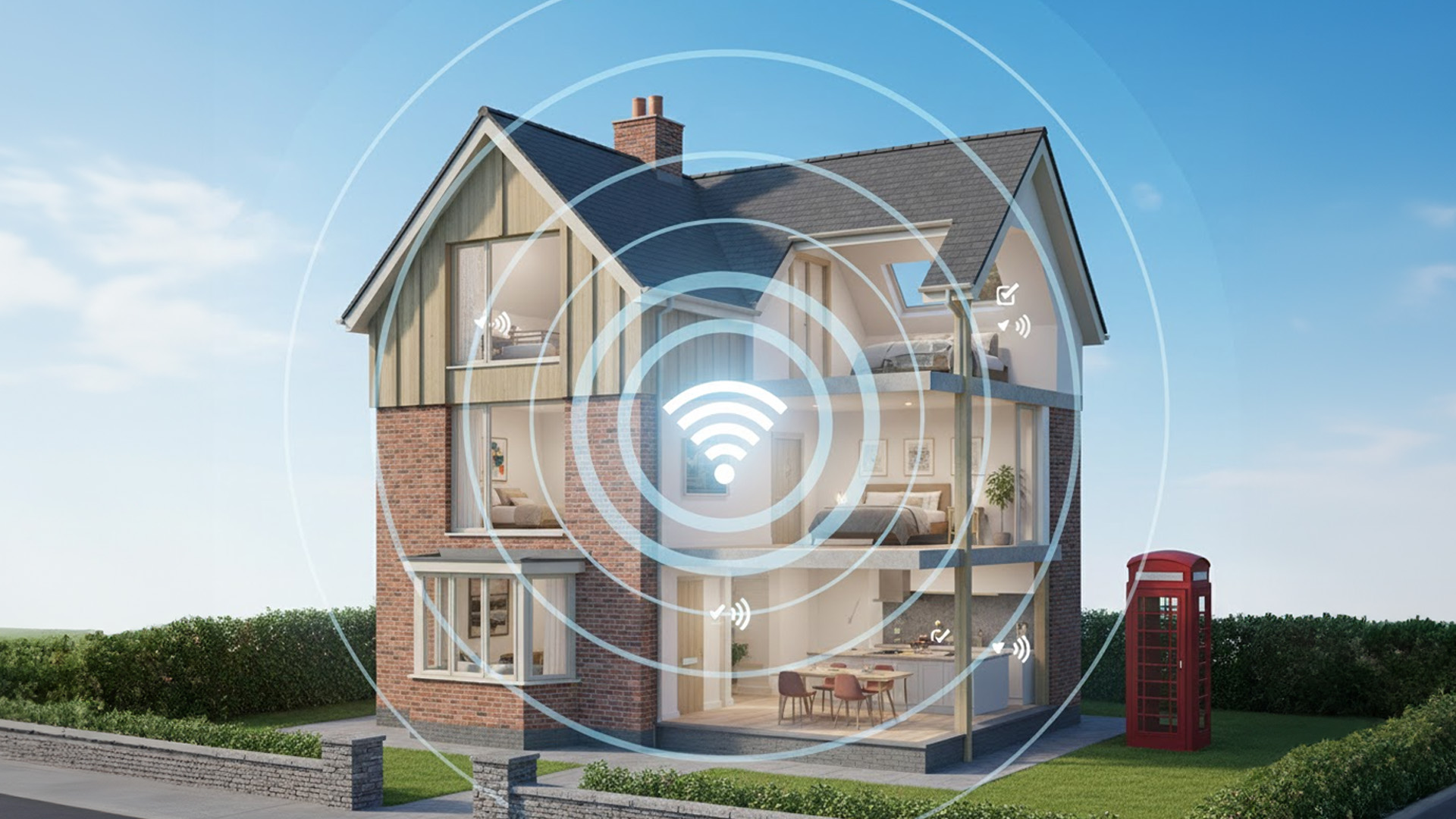
Most people spend hours comparing specs, then place the router in the worst possible spot.
Why Router Placement Matters More Than Router Price
Wi-Fi does not behave like light.
It doesn’t neatly fill rooms or flow around obstacles.
Instead, it:
- Weakens rapidly with distance
- Loses strength through walls and floors
- Reflects off metal and dense materials
In UK homes, poor placement is especially damaging because:
- Brick and stone walls absorb signal
- Foil-backed insulation reflects Wi-Fi
- Multi-storey layouts create vertical dead zones
A £300 router placed badly can perform worse than a £100 router placed well.
The Most Common Router Placement Mistakes
These mistakes appear in thousands of UK homes:
Placing the Router in a Corner
Wi-Fi radiates outward.
A corner placement means half the signal is wasted.
Hiding the Router in a Cupboard
Cupboards:
- Trap heat
- Block signals
- Reduce antenna effectiveness
Placing the Router Near Metal Objects
Microwaves, radiators, mirrors, and TV units interfere with signal propagation.
Keeping the Router Downstairs Only
Wi-Fi struggles to travel vertically.
This is why upstairs bedrooms often suffer the worst speeds.
Where the Router Should Be Placed (UK Reality)
The best general placement is:
- Central in the home
- Elevated (shelf height or higher)
- Open space, not enclosed
For typical UK houses:
- Place it near the stairwell rather than the living room corner
- Avoid external walls
- Avoid kitchens
This alone can dramatically improve coverage without spending a penny.
Mapping Your Wi-Fi Signal (Simple but Powerful)
Most people guess where Wi-Fi is weak.
You can actually measure it.
Use:
- A smartphone Wi-Fi analyser app
- Walk room by room
- Note signal drops and dead zones
This shows:
- Where placement fails
- Where extensions are needed
- Whether the issue is distance or interference
Very few guides suggest this, yet it completely changes buying decisions.
Mesh Systems vs Boosters vs Access Points (Properly Explained)
This is one of the most misunderstood topics in home networking.
Wi-Fi Boosters / Extenders
- Repeat existing signal
- Can halve speed
- Often increase instability
Good only for light use.
Mesh Wi-Fi Systems
- Multiple nodes work together
- Seamless roaming
- Best for large or complex homes
Mesh systems are ideal when:
- Wi-Fi fails in multiple rooms
- You want a single network name
- Stability matters more than peak speed
Access Points
- Wired back to the router
- Create new Wi-Fi sources
- Best performance, more setup
Access points are excellent for:
- Home offices
- Garden rooms
- Converted lofts
Future-Proofing Your Home Network (What 2026 and Beyond Actually Requires)

Future-proofing doesn’t mean buying the most expensive router.
It means buying the right capabilities.
Why “Overbuying” Often Backfires
Many people think:
“I’ll buy the fastest router so I don’t need to upgrade.”
But:
- Devices must support those speeds
- Coverage still limits performance
- Software support matters more long-term
A well-balanced router with strong updates often outlasts a spec-heavy one with poor support.
Wi-Fi 7: Should You Care Yet? (Honest Answer)
Wi-Fi 7 promises:
- Massive speeds
- Ultra-low latency
- New frequency handling
But in the UK right now:
- Very few devices support it
- Coverage indoors is limited
- Prices are high
For most homes, Wi-Fi 6 remains the best Wi-Fi router choice for your home through 2026–2027.
Smart Homes Are the Real Future Load
The biggest change isn’t laptops or phones, it’s smart devices.
Smart homes now include:
- Cameras streaming constantly
- Sensors checking in every few seconds
- Voice assistants always listening
These devices don’t use much data, but they:
- Create constant background traffic
- Stress low-quality routers
- Expose security weaknesses
This is why networking accessories for smart homes matter more than headline speed.
Security as a Future Requirement (Not Optional)
Routers are now:
- Firewalls
- Device managers
- Security gateways
Future-proof routers should offer:
- Automatic firmware updates
- WPA3 encryption
- Device isolation
- Guest networks
Without updates, even a “fast” router becomes a liability.
Planning for More People, Not Just More Devices
Households evolve:
- Children grow up
- Work-from-home increases
- Streaming quality rises
Future-proofing means:
- Choosing routers that handle growth
- Supporting expansion (mesh or access points)
- Avoiding locked ecosystems
Real Wi-Fi Problems Explained (And What Actually Fixes Them)
This section answers the questions users Google at 11pm when Wi-Fi fails.
“My Wi-Fi Is Fast Sometimes and Slow at Others” - Why?
Common causes:
- Neighbouring Wi-Fi interference
- Evening congestion
- Device prioritisation issues
Better routers dynamically manage traffic - cheaper ones don’t.
“Wi-Fi Is Fine Downstairs but Terrible Upstairs”
This is almost always:
- Signal loss through floors
- Poor router placement
- Overreliance on 5GHz
Solutions:
- Better placement
- Mesh or access points
- Stronger antenna design
“Video Calls Drop Even Though Speed Tests Look Good”
Speed tests measure burst speed, not stability.
Video calls need:
- Consistent low latency
- Stable upload
- Intelligent traffic handling
This is why routers with better processors outperform “faster” budget models.
“My Smart Devices Keep Disconnecting”
Usually caused by:
- Weak 2.4GHz performance
- Band steering issues
- Router power saving
Smart homes expose router weaknesses faster than anything else.
When to Upgrade vs When to Optimise
Upgrade your router if:
- It’s more than 5–6 years old
- It lacks security updates
- It can’t handle your device count
Optimise instead if:
- Placement is poor
- Coverage gaps are isolated
- Extensions can solve the issue
Knowing the difference saves money and frustration.
Final Takeaway Before the Conclusion
Choosing the best Wi-Fi router for your home isn’t about specs, it’s about:
- Understanding how Wi-Fi behaves
- Matching equipment to your home
- Planning for how you’ll live, not just how you live now
That’s the part most guides never explain.
Bringing It All Together, Choosing the Right Wi-Fi Router with Confidence
By this point, one thing should be clear:
choosing the best Wi-Fi router for your home has very little to do with chasing the biggest numbers on the box.
Most frustration with home Wi-Fi in the UK comes from a mismatch — not between the router and the internet, but between the router and how people actually live in their homes.
This guide has shown that strong Wi-Fi depends on a combination of factors working together:
- Your home’s layout (walls, floors, size, and materials)
- How many devices you use at the same time
- What those devices are doing (video calls, streaming, smart home activity)
- How intelligently your router manages traffic
- Where and how the router is placed
- Whether your network can grow with your needs
When any one of these is ignored, Wi-Fi suffers, no matter how “fast” the router claims to be.
What Most Router Guides Get Wrong (And What You Now Know)
Most router buying guides:
- Focus heavily on speed ratings
- Ignore real-world home layouts
- Don’t explain congestion or device behaviour
- Treat smart homes as an afterthought
- Skip optimisation and placement entirely
You now understand things that many users never learn:
- Why broadband speed and Wi-Fi performance are not the same
- Why capacity and stability matter more than peak speed
- Why 2.4GHz is still critical for smart homes
- Why router processors and software quality affect everyday reliability
- Why placement can outperform upgrades
That knowledge alone puts you ahead of most buyers.
A Simple Decision Framework to Use Before You Buy
Before choosing a router, ask yourself these final questions:
- Where does Wi-Fi struggle in my home today, and why?
- How many devices are active at the same time, not just owned?
- Do I rely on stable uploads (WFH, video calls, cloud backups)?
- Am I building or expanding a smart home setup?
- Will my household grow in usage over the next 2–3 years?
If a router clearly supports your answers to these questions, it’s a good choice - regardless of brand hype.
Why Understanding Matters More Than the Product Itself
One of the biggest takeaways from this guide is that knowledge saves money.
Many users:
- Upgrade broadband unnecessarily
- Buy overpowered routers they don’t benefit from
- Replace hardware when optimisation would fix the issue
Understanding Wi-Fi performance explained, router features, and real-world behaviour allows you to:
- Buy once, not twice
- Optimise before replacing
- Build a network that actually fits your home
That’s the difference between guessing and choosing confidently.
Where to Explore Wi-Fi Routers & Home Networking Devices
Once you know what to look for, browsing becomes much easier and far less overwhelming.
If you want to explore options that support:
- Modern Wi-Fi standards
- Smart home compatibility
- Expandable home networking setups
This hub works naturally with everything covered in this guide, from networking accessories for smart homes to future-ready home networking solutions.

Final Thought
The best Wi-Fi router for your home is not the one with the loudest marketing,
it’s the one that quietly delivers fast, stable, and reliable connectivity every day, in every room, for every device you rely on.
Once you understand how Wi-Fi really works inside your home, choosing the right router stops being confusing, and starts being obvious.

Questions You Ask for Choosing the Best Wi-Fi Router for Your Home (UK)
Why does my Wi-Fi feel slow even though I pay for fast broadband?
Because broadband speed and Wi-Fi performance are not the same thing. Your internet connection may be fast, but Wi-Fi speed depends on signal strength, router capacity, home layout, and device congestion. Thick UK walls, multiple floors, and many connected devices often reduce Wi-Fi performance long before broadband speed becomes a limit.
Is Wi-Fi 6really worth itfor UK homes in 2026?
Yes. Wi-Fi 6 is currently the best balance of performance, stability, and future-proofing for UK homes. It handles multiple devices more efficiently than older standards and reduces congestion, which is especially important for households with smart devices, streaming, and work-from-home setups.
Do I need a mesh Wi-Fi system or just a better router?
It depends on where Wi-Fi fails. If only one or two rooms have weak signal, better router placement or access points may be enough. If Wi-Fi struggles across multiple rooms or floors, a mesh system is usually the most reliable solution because it creates consistent coverage throughout the home rather than repeating a weak signal.
Why do smart home devices disconnect even when my Wi-Fi seems fine?
Most smart home devices use the 2.4GHz band, which prioritises range over speed. Many budget routers handle this band poorly when many devices are connected. Routers with better device management and stable 2.4GHz performance provide far more reliable smart home connectivity than routers focused only on speed.
How often should I replace my Wi-Fi router?
Most home routers should be replaced every 5–6 years, or sooner if they no longer receive security updates, struggle with device capacity, or can’t support modern Wi-Fi standards. In many cases, upgrading the router improves performance more than upgrading broadband speed.
| Read More: |
| Network Cards: Boost Your PC Connectivity in the UK |
| Powerline Adapters: Reliable Home Networking via Electrical Wiring |
| Access Points: Extend Your Wi-Fi Coverage Easily in the UK |
Related Articles

Last Updated: July 01, 2025
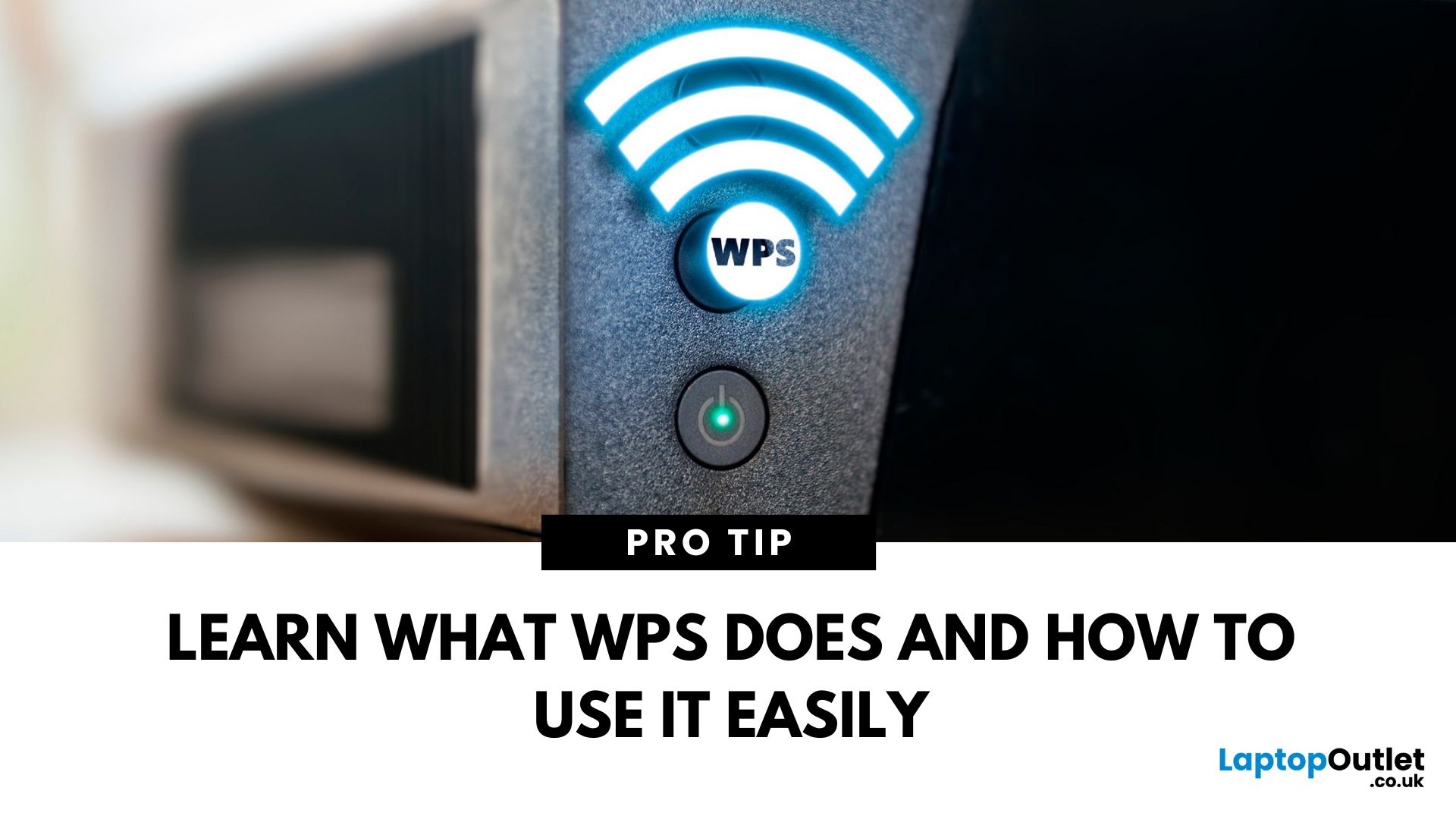
That Little Button Isn’t Just for Looks
If you’ve spotted a mysterious button labelled WPS on your Wi-Fi router, you might be wondering: What does it do—and should I use it? Here’s a beginner-friendly explanation of what the WPS button is and how it simplifies connecting devices to your Wi-Fi.
What Does WPS Stand For?
WPS stands for Wi-Fi Protected Setup. It’s a feature that helps you connect devices to your Wi-Fi network without typing in the Wi-Fi password.
Designed for convenience, especially for smart TVs, printers, and Wi-Fi extenders
What Does the WPS Button Do?
When you press the WPS button:
Your router enters a two-minute pairing mode
During this time, you can connect a compatible device without entering the password
It uses WPA2 security, so it’s secure for most home networks
How to Use the WPS Button
Steps:
Turn on the device you want to connect (e.g., printer or smart TV)
Go to its Wi-Fi settings and select your Wi-Fi network
Choose WPS connection
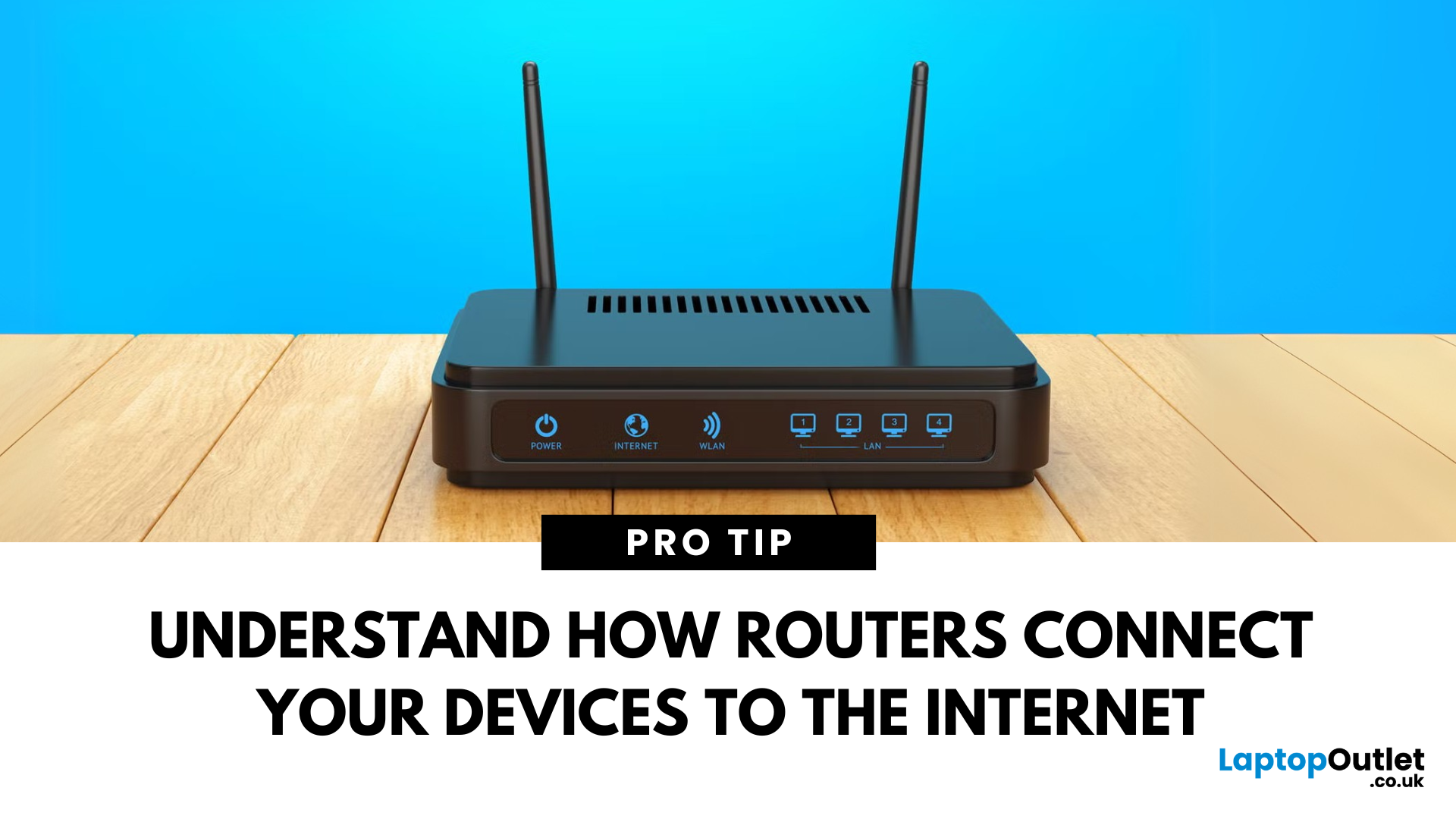
Last Updated: July 01, 2025
Your Wi-Fi Starts Here
You’ve probably seen it flashing away in the corner of the room—but what is a router, and why is it essential for your internet connection? Here’s everything you need to know about this small but powerful device.
What Is a Router?
A router is a device that connects your home or office to the internet by routing data between your internet service provider (ISP) and your connected devices (like phones, laptops, smart TVs, and more).
It’s the heart of your Wi-Fi network, sending and receiving data from the web
How Does a Router Work?
- Connects to a modem (or includes one in some models)
- Assigns local IP addresses to devices in your network
- Sends and receives data packets to and from the internet
- Uses Wi-Fi or Ethernet to link devices wirelessly or via cable
Types of Routers
- Standalone Router: Connects to a separate modem
- Modem-Router Combo: Two-in-one device with both modem and router
- Mesh Wi-Fi Router: Covers large homes with multiple units
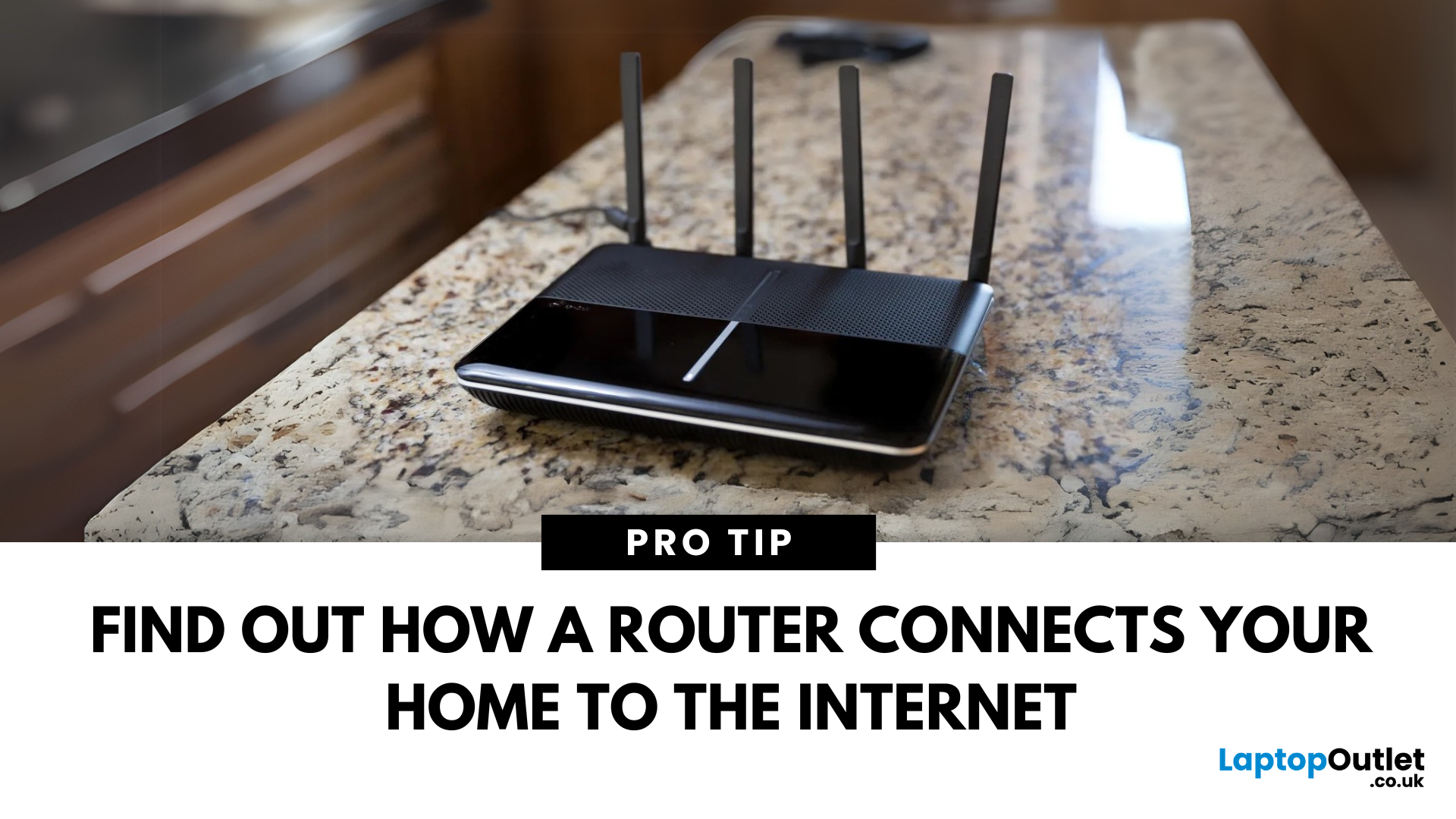
Last Updated: July 01, 2025
The Backbone of Your Internet
Your internet experience starts with a router—but what exactly does it do? Whether you’re streaming, gaming, working from home, or scrolling on your phone, the router keeps your digital life connected. Let’s break down what a router does and why it’s so important.
What Is a Router?
A router is a networking device that connects your devices to the internet and manages how they communicate with each other.
It “routes” traffic between your local devices (like your phone or laptop) and the broader internet
What Does a Router Actually Do?
- Distributes internet access from your modem to all connected devices
- Creates a local network so devices can talk to each other
- Assigns IP addresses to each device
- Directs data packets so the right information reaches the right device
Wi-Fi vs Router – What’s the Difference?
- Router: Manages traffic and connects devices
- Wi-Fi: The wireless signal your router creates
The router gives you internet; Wi-Fi
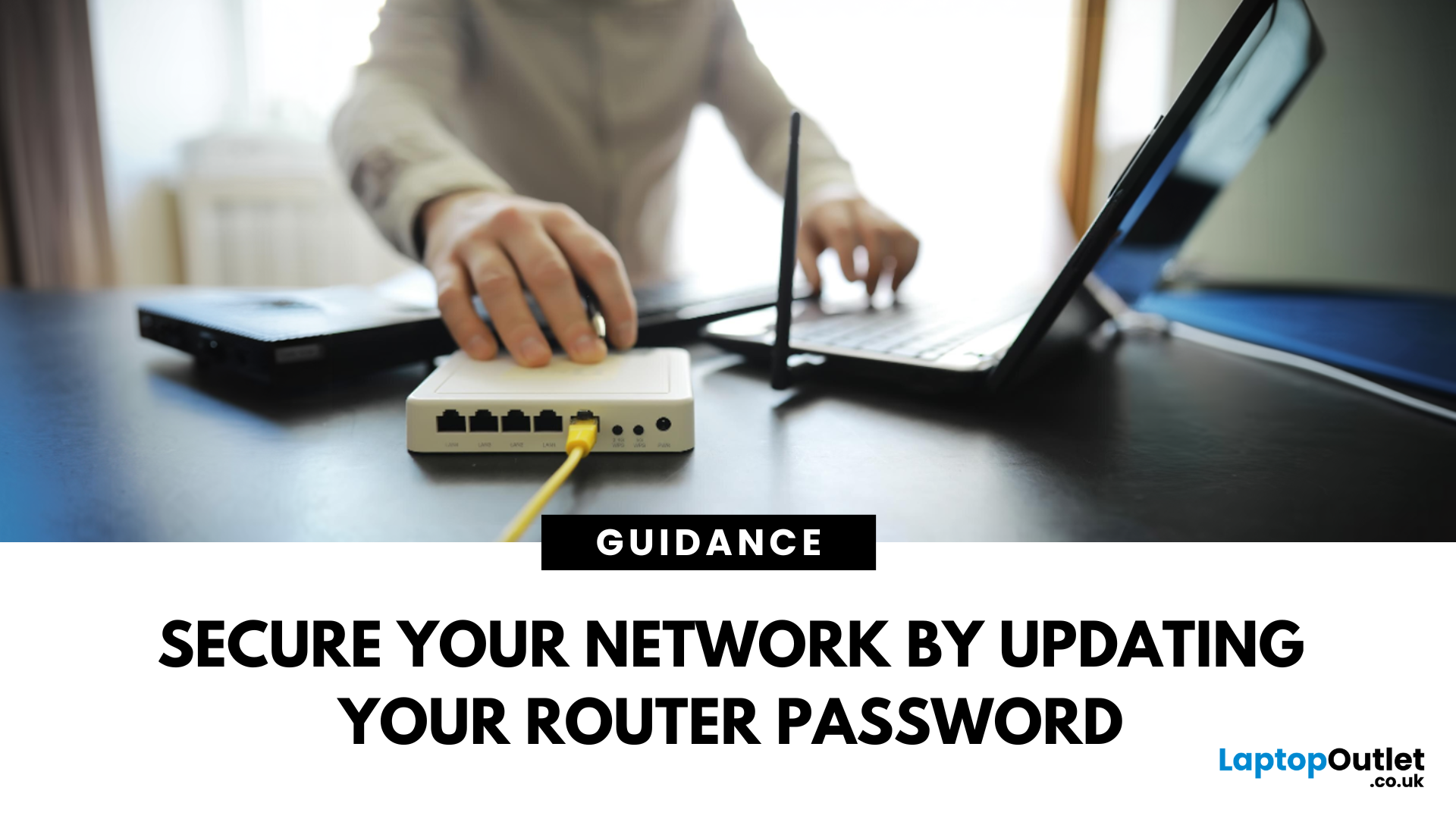
Last Updated: July 01, 2025
Keep Your Wi-Fi Safe and Secure
Your router password protects your home network from unwanted access. Whether you're updating your Wi-Fi credentials or changing the admin login, it’s a smart step for security. Here’s how to change your router password in just a few steps.
1. Know Which Password You’re Changing
- Wi-Fi Password: The one users enter to connect to your network
- Router Admin Password: Used to access router settings via web browser
It’s best to change both regularly for security
2. Connect to Your Router
- Make sure you're connected to your Wi-Fi or directly via Ethernet
- Open a web browser and type your router’s IP address (usually 192.168.0.1 or 192.168.1.1)
- Enter your admin username and password (often printed on the router or found in your manual)
3. Change Your Wi-Fi Password
Steps:
- Log in to your router settings
- Navigate to Wireless Settings or Wi-Fi Settings
- Locate the SSID (network name) and password fields
- Enter your new password (use a strong,

Last Updated: July 01, 2025
The Power of Digital Connections
In today’s world, few devices operate in isolation. Whether you’re sharing files, streaming media, or collaborating online, computer networking is at the heart of it all. So what exactly is networking in computers? Let’s break it down simply.
What Is Networking in Computers?
Networking in computing refers to connecting multiple computers and devices so they can share data, resources, and communication.
It’s how laptops, smartphones, printers, and servers talk to each other
Why Is Networking Important?
- Enables file and data sharing
- Supports remote access and teleworking
- Allows internet access for all connected devices
- Powers smart home and office automation
How Does Computer Networking Work?
- Devices connect via physical cables or wirelessly (Wi-Fi)
- A router or switch directs traffic
- Data travels in packets to the right device using IP addresses
Each device gets a unique network ID to manage communication
Types of Computer Networks

Last Updated: December 23, 2025
When it comes to competitive gaming or smooth 4K streaming, your internet connection is only as good as the router powering it. High latency, buffering, and packet drops can turn a winning game into frustration or ruin a live stream in seconds. That’s why choosing the right router—and configuring it correctly- is just as important as having fast broadband.
Ubiquiti has become a go-to name for gamers, streamers, and tech enthusiasts who want more than basic Wi-Fi. From the powerful UniFi Dream Machine to the gamer-centric AmpliFi series, Ubiquiti routers combine enterprise-grade stability with features built for demanding home setups. With the right optimisation - like low-latency settings, QoS for gaming traffic, and GeForce NOW tweaks - you can unlock their full potential.
In this guide, we’ll explore the best Ubiquiti routers for gaming and streaming and reveal the settings that give you a true performance edge.
Why Router Quality Matters for Gaming & Streaming
Every gamer and streamer

Last Updated: December 09, 2025
Wi-Fi acting weird? Pages not loading? Passwords forgotten? You’re not alone - sometimes even the most reliable routers like TP-Link need a fresh start. Whether your internet is unstable, you changed too many settings, or you just want to start over, resetting your router can fix a surprising number of problems.
In this complete guide, we’ll walk you through how to reset your TP-Link router, both the quick way (via the Reset button) and the advanced way (through the web interface). We’ll also explain what happens after a reset, how to reconfigure your network, and what to do if your reset doesn’t work.
Understanding What “Reset” Really Means

Before you hit any buttons, it’s important to know what a router reset actually does.
When you reset a TP-Link router, you’re restoring it to its factory default settings, exactly how it was when you first took it out of the box.
That means:
- All Wi-Fi names (SSID) and passwords you’ve set will be erased.
- Any changes to IP addresses, DNS, or security

Last Updated: January 15, 2026
You aren’t alone feeling that the internet is as safe as it used to be, everyone else feeling the same.
One minute you’re scrolling, shopping, or replying to an email, the next, there’s a data breach headline, a scam link that almost looked real, or a deepfake that makes you question everything. Cyber threats aren’t just more common now; they’re smarter, faster, and way more convincing.
That’s why the future of internet security isn’t about installing an antivirus and forgetting it exists. It’s about building protection that thinks, learns, and evolves in real time, the same way threats do.
And this is exactly where Norton cybersecurity has been quietly (and sometimes loudly) changing the game.
So… What Exactly Is Norton?
If you’ve been online for more than five minutes, chances are you’ve heard of Norton. And no, it didn’t just appear out of nowhere.
Norton has been in the cybersecurity game since the early days of the internet, back when “going online” meant dial-up noises and viruses
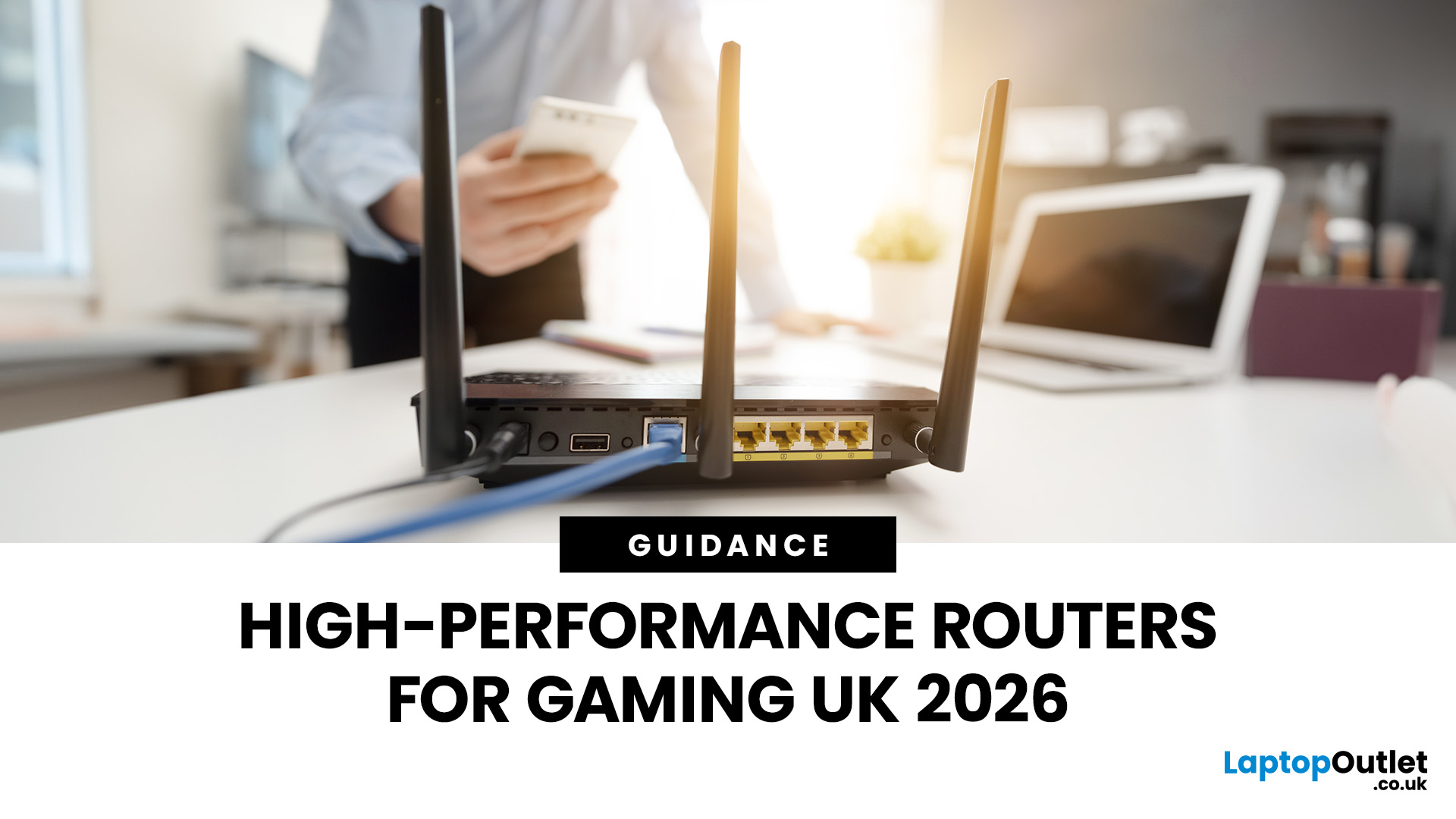
Last Updated: January 26, 2026
If you’re still using the free router that came with your broadband deal, you need to read this gaming router guide UK. With faster broadband speeds, competitive multiplayer titles, cloud gaming services, and always-connected consoles and PCs, your home network plays a critical role in how well you play. A powerful gaming PC or next-gen console can only perform at its best if it’s supported by a reliable, high-performance router. Whether you’re a competitive PC gamer, a PS5 warrior, a streamer juggling Twitch and Discord, or someone who just wants smooth online gaming without drama, this guide breaks down the best gaming routers UK gamers should actually care about, with real detail, not fluff.
What Makes a Router Good for Online Gaming?
Not all routers are created equal, and “gaming” isn’t just a marketing label. Understanding the core features will help you choose the right router for online gaming setup.
Low Latency and Stable Connections
Latency, often referred to as ping, is the
Last Updated: January 26, 2026
From working remotely and online learning to 4K streaming, smart home devices, and competitive gaming, UK households are placing more demand than ever on their home networks. Yet many homes still struggle with weak signals, dead zones, and inconsistent speeds. This is where mesh Wi-Fi explained properly can make all the difference.
In this guide, we’ll break down exactly how mesh Wi-Fi works, why it’s ideal for British homes, and how to choose the right system for your space. Whether you live in a Victorian terrace with thick brick walls, a multi-storey townhouse, or need reliable connectivity in a garden office, a modern Wi-Fi mesh system could be the upgrade your home network needs.
Mesh Wi-Fi Explained: What is a Mesh Network?
Traditional home Wi-Fi usually relies on a single router placed near where your broadband enters the property. While this can work in smaller flats, it often struggles to deliver consistent coverage across larger or more complex homes. Signal strength drops rapidly

