



What Does a Router Do
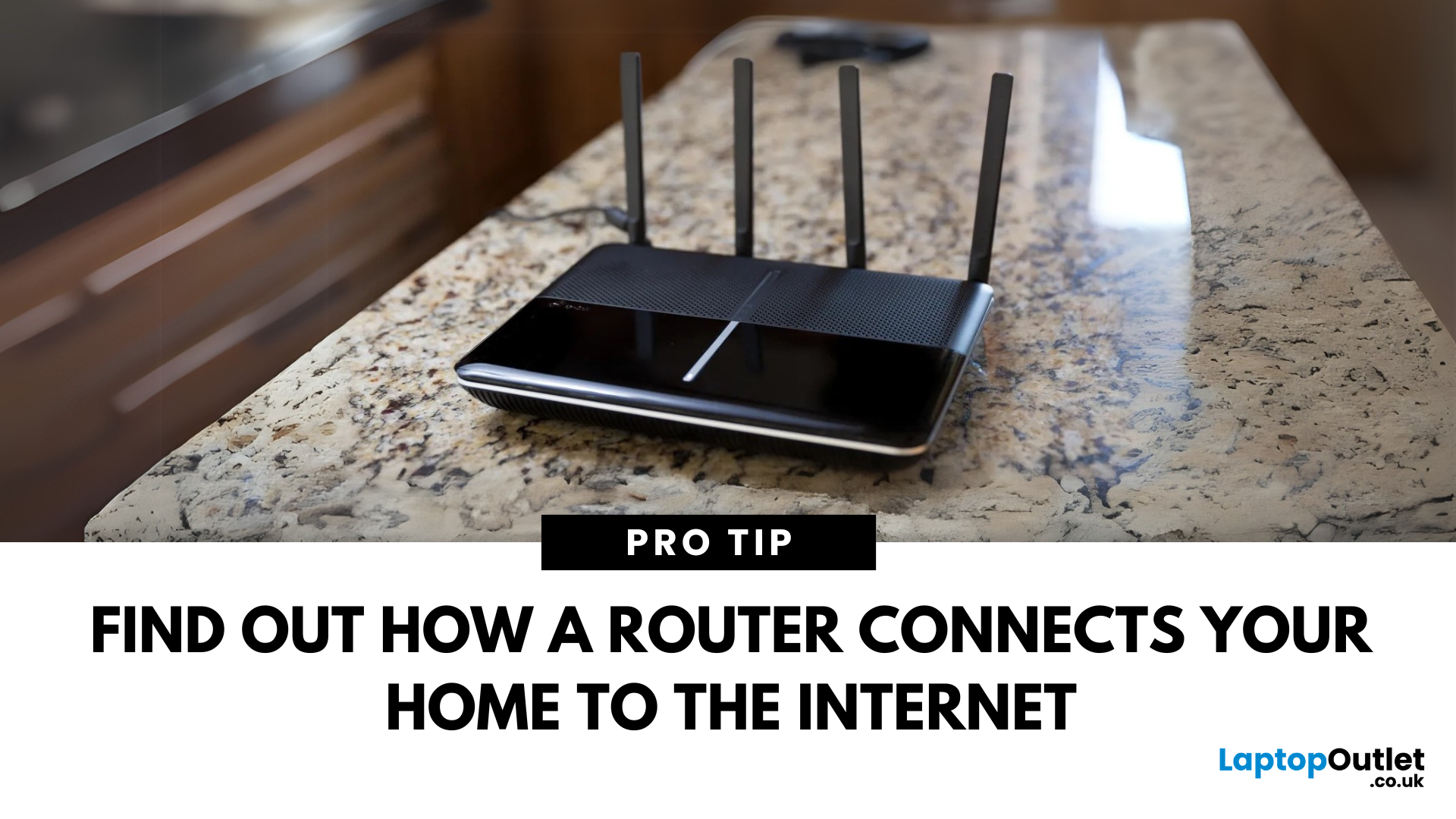
The Backbone of Your Internet
Your internet experience starts with a router—but what exactly does it do? Whether you’re streaming, gaming, working from home, or scrolling on your phone, the router keeps your digital life connected. Let’s break down what a router does and why it’s so important.
What Is a Router?
A router is a networking device that connects your devices to the internet and manages how they communicate with each other.
It “routes” traffic between your local devices (like your phone or laptop) and the broader internet
What Does a Router Actually Do?
- Distributes internet access from your modem to all connected devices
- Creates a local network so devices can talk to each other
- Assigns IP addresses to each device
- Directs data packets so the right information reaches the right device
Wi-Fi vs Router – What’s the Difference?
- Router: Manages traffic and connects devices
- Wi-Fi: The wireless signal your router creates
The router gives you internet; Wi-Fi gives you wireless internet
Additional Functions of Modern Routers
- Built-in firewall for network security
- Support for dual-band or tri-band Wi-Fi (2.4GHz and 5GHz)
- Parental controls and guest networks
- Connection via Ethernet ports for wired stability
Types of Routers
- Standard routers: Ideal for homes and small offices
- Mesh routers: Cover large areas with multiple nodes
- Gaming routers: Prioritise traffic for low-latency gaming
- Modem-router combos: All-in-one internet solutions
How Does a Router Connect to the Internet?
- Connects to a modem via Ethernet cable
- Receives internet from your ISP
- Distributes the signal to your devices via Wi-Fi or Ethernet
Why You Need a Router
- Connect multiple devices to one internet line
- Protect your network with encryption and firewalls
- Manage traffic for fast, stable connections
Final Thoughts: Essential for Every Connected Home
Without a router, your devices couldn’t talk to each other—or the internet. From managing connections to providing Wi-Fi, the router is the invisible hero of your digital life.
Need a reliable router upgrade? Explore Laptop Outlet’s best-selling Wi-Fi routers and mesh systems today.
FAQs: Router Functions Explained
1. Can I get internet without a router?
Yes—but only one device can connect at a time, and there’s no Wi-Fi.
2. Is a modem the same as a router?
No—a modem connects to your ISP, while a router connects your devices.
3. Does a router increase internet speed?
Not directly—but it can optimise speed by managing traffic and signal strength.
4. Can I connect multiple routers in one home?
Yes—using a mesh system or secondary routers for wider coverage.
5. How secure is a router?
Modern routers offer WPA3 encryption, firewalls, and regular updates for strong protection.
Read More:
| What Is a Router? |
| What Is the WPS Button on My Router |
| What Is a Docking Station |
Related Articles


Last Updated: December 02, 2025
You may all have noticed that the latest laptops are getting slimmer and slimmer and are now more streamlined than in the past. As a result, the number of ports around each device also reduces, so docking stations come in handy for various scenarios. A reliable and versatile docking station offers incredible convenience and ease for many professionals. These gadgets help you connect your laptop to numerous peripherals like monitor, printer, keyboard, mouse, storage, and backup drives and expand the functionalities of your device.
These devices act as a centralised hub for peripherals to elevate your tech setup to new heights. They also allow you to customise your setup with your favourite monitor, printer, keyboard, mouse, etc.
So, are you planning to upgrade your setup? Let's explore what a docking station is and what advantages it brings to your table.
What is a Docking Station?
A docking station is a device that allows you to connect your laptop or computer with additional peripherals
Last Updated: July 01, 2025
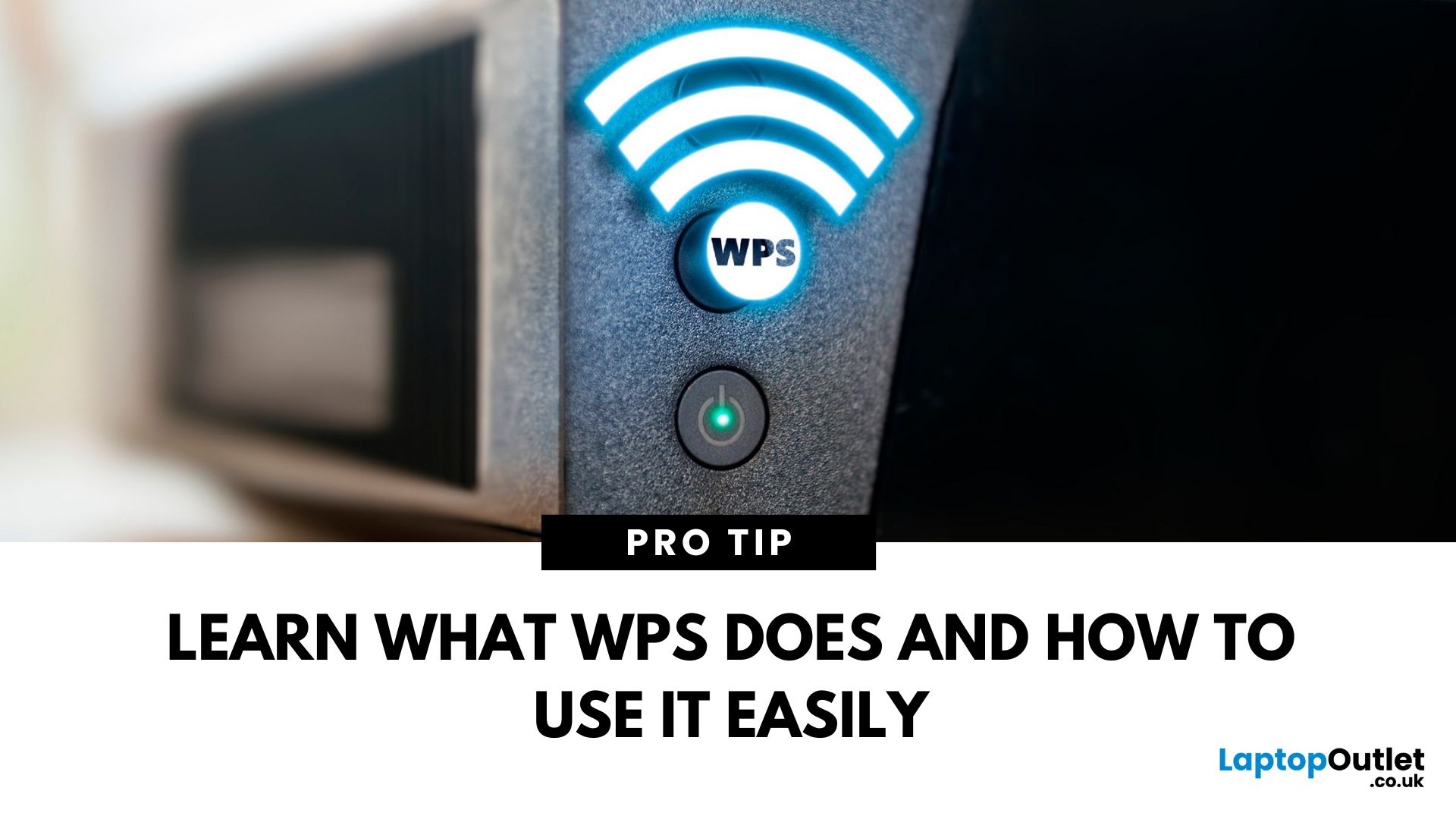
That Little Button Isn’t Just for Looks
If you’ve spotted a mysterious button labelled WPS on your Wi-Fi router, you might be wondering: What does it do—and should I use it? Here’s a beginner-friendly explanation of what the WPS button is and how it simplifies connecting devices to your Wi-Fi.
What Does WPS Stand For?
WPS stands for Wi-Fi Protected Setup. It’s a feature that helps you connect devices to your Wi-Fi network without typing in the Wi-Fi password.
Designed for convenience, especially for smart TVs, printers, and Wi-Fi extenders
What Does the WPS Button Do?
When you press the WPS button:
Your router enters a two-minute pairing mode
During this time, you can connect a compatible device without entering the password
It uses WPA2 security, so it’s secure for most home networks
How to Use the WPS Button
Steps:
Turn on the device you want to connect (e.g., printer or smart TV)
Go to its Wi-Fi settings and select your Wi-Fi network
Choose WPS connection
Last Updated: July 01, 2025
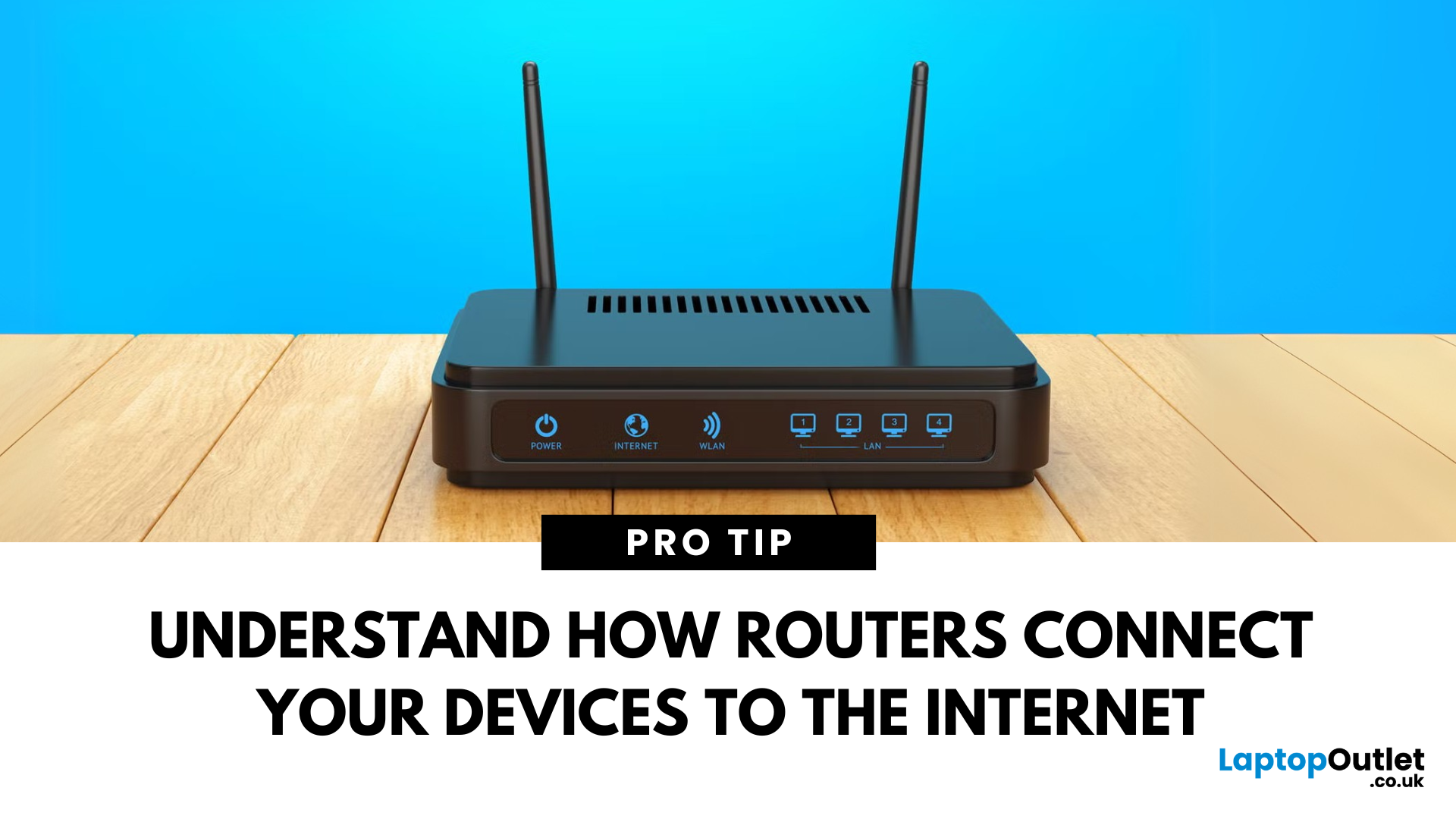
Your Wi-Fi Starts Here
You’ve probably seen it flashing away in the corner of the room—but what is a router, and why is it essential for your internet connection? Here’s everything you need to know about this small but powerful device.
What Is a Router?
A router is a device that connects your home or office to the internet by routing data between your internet service provider (ISP) and your connected devices (like phones, laptops, smart TVs, and more).
It’s the heart of your Wi-Fi network, sending and receiving data from the web
How Does a Router Work?
- Connects to a modem (or includes one in some models)
- Assigns local IP addresses to devices in your network
- Sends and receives data packets to and from the internet
- Uses Wi-Fi or Ethernet to link devices wirelessly or via cable
Types of Routers
- Standalone Router: Connects to a separate modem
- Modem-Router Combo: Two-in-one device with both modem and router
- Mesh Wi-Fi Router: Covers large homes with multiple units
Last Updated: May 23, 2025
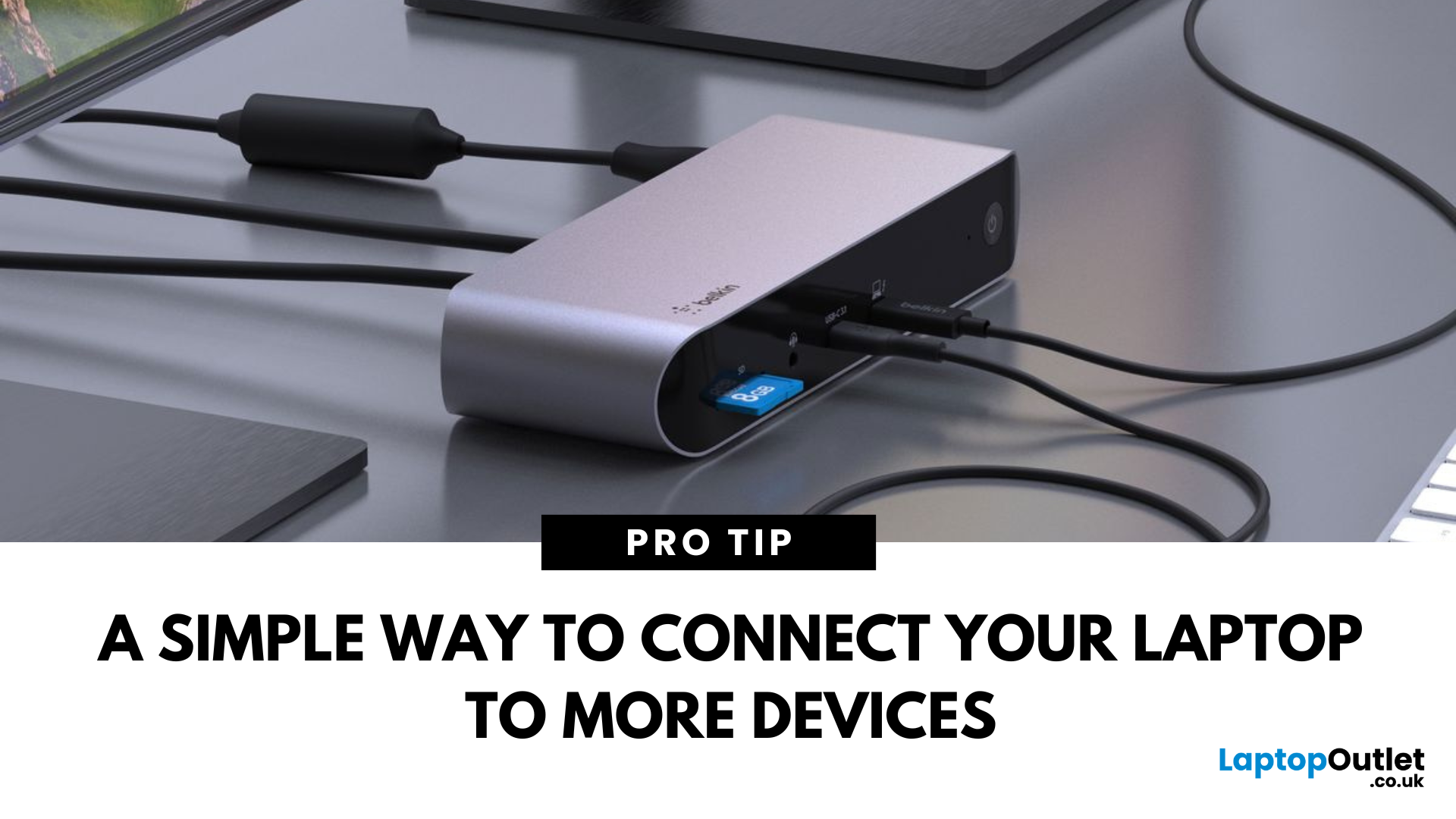
Simplify Your Laptop Setup
Ever feel limited by the number of ports on your laptop? That’s where a docking station comes in. Whether you're a remote worker, gamer, or creative pro, a docking station lets you turn your laptop into a full desktop workstation—with just one plug.
What Is a Docking Station?
A docking station is a device that connects to your laptop and expands its connectivity by offering multiple ports and features, such as:
- Extra USB ports
- HDMI or DisplayPort outputs
- Ethernet
- Audio jacks
- SD card readers
- Charging capabilities
Think of it as a hub that makes your laptop more powerful and easier to use with external devices
What Does a Docking Station Do?
- Connects multiple monitors
- Links external keyboards, mice, printers
- Provides wired internet (Ethernet)
- Charges your laptop and accessories
- Enables fast data transfer via USB-C or Thunderbolt
Types of Docking Stations
- Powered (AC adapter): Best for permanent workstations with charging support

