



TP-Link Routers: Affordable & Reliable Wi-Fi for UK Homes

Wi-Fi dropping mid-scroll? Lag spikes during gaming? Smart lights randomly going offline like they’ve got a mind of their own? Yeah… we’ve all been there. Bad Wi-Fi isn’t just annoying, it disrupts work, entertainment, and pretty much everything connected in your home. That’s the problem.
The agitation is real: frozen video calls, buffering Netflix, unstable smart devices, and routers that just can’t keep up with modern internet use. UK homes today are packed with connected tech, yet many networks still rely on outdated or poorly matched routers.
The solution starts with understanding how modern routers work, and that’s where TP-Link comes in. This guide breaks down how TP-Link routers work, why they’re popular across the UK, and how different models support everything from casual browsing to gaming, streaming, and smart homes, without the tech headache.
How TP-Link Routers Work (Without the Tech Overload)
At their core, routers act as traffic controllers for your internet connection. They receive data from your broadband provider and distribute it wirelessly (or via Ethernet) to all your devices. Understanding how TP-Link routers work helps explain why they’re widely used in UK homes.
TP-Link routers use modern Wi-Fi standards, smart signal management, and built-in security features to balance speed, coverage, and stability. Instead of blasting the same signal everywhere, newer models intelligently direct bandwidth to devices that need it most, like your laptop during a Zoom call or your console during online gaming.
Many TP-Link Wi-Fi routers UK models also include dual-band or tri-band technology, allowing devices to connect on less congested frequencies for smoother performance.
Why TP-Link is a Go-To Brand in the UK
TP-Link has built a reputation around accessible, reliable networking. Their routers are designed to work well straight out of the box, while still offering advanced features for users who want more control. From basic home Wi-Fi routers to advanced mesh systems, TP-Link focuses on solving everyday connectivity problems without unnecessary complexity. What makes them stand out:
- Wide compatibility with UK broadband providers
- Strong balance of performance and ease of use
- Options for flats, houses, and multi-storey homes
- Support for modern standards like mesh Wi-Fi
TP-Link Wi-Fi Routers UK: Built for Modern Homes
UK households are more connected than ever. Phones, laptops, TVs, consoles, doorbells, thermostats, you name it. TP-Link Wi-Fi routers UK are built to handle multiple devices at once without tanking performance. This makes them suitable for everything from remote working to binge-watching and smart home automation. Key features often include:
- Automatic band steering to reduce congestion
- Strong signal optimisation for UK housing layouts
- Security tools to protect connected devices
- Easy setup through mobile apps or web dashboards
Home Wi-Fi Routers That Actually Keep Up
A basic router might work fine for light browsing, but modern homes demand more. TP-Link’s home Wi-Fi routers are designed to support everyday multitasking, streaming in HD, gaming online, video calling, and smart device control all at once. Instead of one device slowing down everything else, traffic is prioritised intelligently. That means fewer dropouts and less buffering, even when everyone in the house is online at the same time.
TP-Link Gaming Routers: Less Lag, More Wins
Lag is the enemy. Whether you’re gaming competitively or just trying to enjoy a smooth session, connection stability matters more than raw speed. TP-Link gaming routers focus on low latency, consistent throughput, and prioritised traffic. Paired with wired Ethernet or optimised Wi-Fi settings, these routers help reduce ping spikes and packet loss. Gaming-focused features may include:
- Quality of Service (QoS) to prioritise gaming traffic
- Faster response times for online play
- Stable wired and wireless connections
TP-Link Mesh Routers: Fix Dead Zones for Good
Big houses, thick walls, and upstairs bedrooms often mean weak Wi-Fi spots. Traditional routers struggle to cover every room evenly. That’s where TP-Link mesh routers change the game.
Instead of relying on a single signal source, mesh systems use multiple nodes placed around your home. These nodes work together as one network, seamlessly handing off your connection as you move around. Mesh systems are especially useful when paired with mesh Wi-Fi technology rather than relying solely on Wi-Fi range extenders, which can sometimes reduce speeds. Benefits of mesh Wi-Fi:
- Whole-home coverage
- No manual network switching
- Consistent speeds in every room
Smart Home Routers for Connected Living
Smart homes need smart networking. From voice assistants to security cameras, reliability matters. TP-Link routers are often used as smart home routers because they handle multiple low-power devices efficiently. With better device management and stable connections, smart plugs, lights, and sensors stay responsive, without constantly disconnecting or failing to respond. Learn what really matters when picking a Wi-Fi router that matches your home size, internet speed, and daily usage.
TP-Link Networking Devices: An Ecosystem That Works Together
TP-Link isn’t just about routers. Their broader ecosystem of TP-Link networking devices is designed to work together smoothly. This includes switches, adapters, extenders, and mesh nodes that integrate into a single network. This approach makes it easier to expand or upgrade your setup over time without replacing everything at once. Get a simple breakdown of the networking gear that keeps UK homes and offices connected and running smoothly.
Mesh Wi-Fi vs Traditional Routers: What’s the Difference?
Traditional routers broadcast Wi-Fi from one location. Mesh systems spread coverage across multiple points. For small flats, a single router may be enough. For larger homes, mesh Wi-Fi delivers a more consistent experience. Mesh systems differ from basic Wi-Fi range extenders because they create one unified network rather than separate signals, reducing dropouts and speed loss. Find out how mesh Wi-Fi systems eliminate dead zones and deliver consistent coverage across your entire home.
Where Wi-Fi 7 Routers Fit In
You may have heard the hype around Wi-Fi 7 routers. While still emerging, this next-gen standard promises faster speeds, lower latency, and better performance in crowded environments. Many current TP-Link models already support advanced Wi-Fi standards that are more than sufficient for today’s UK broadband speeds. For most homes, the real improvement comes from better coverage and stability rather than chasing the newest spec. Explore how Wi-Fi 7 routers are shaping the next generation of faster, lower-latency home connectivity in the UK.
Affordable TP-Link WiFi Available at Laptop Outlet
1. TP-Link Archer Air R5 AX3000 Wireless Dual-Band Wi-Fi 6 Gigabit Router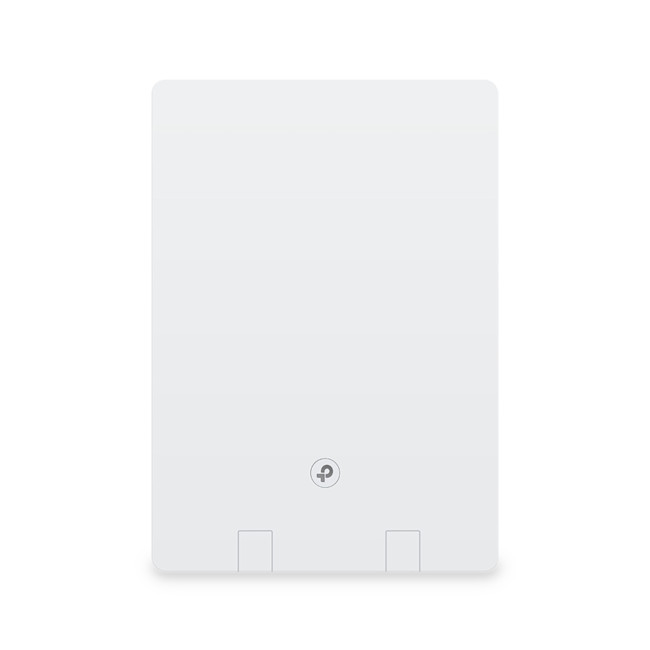
The TP-Link Archer Air R5 is a Wi-Fi 6 router designed for modern homes that need faster speeds and better efficiency across multiple devices. With AX3000 dual-band performance and gigabit Ethernet ports, it supports smooth streaming, online gaming, and remote working. Its slim, wall-mountable design makes it ideal for users who want strong performance without bulky hardware.
2. TP-Link AX3000 Omada Dual Band Wi-Fi 6 4G+ LTE Gigabit Router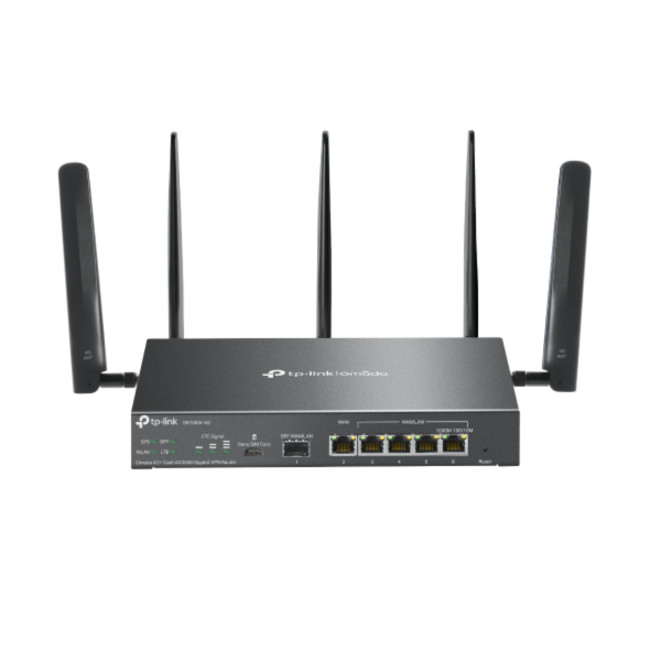
This Omada AX3000 router combines Wi-Fi 6 performance with 4G+ LTE connectivity, making it suitable for locations without fixed broadband. It supports high-speed mobile data via a SIM card while delivering stable dual-band Wi-Fi to connected devices. As part of the Omada ecosystem, it also allows centralised management for small business or professional setups.
3. TP-Link Omada Gigabit VPN Router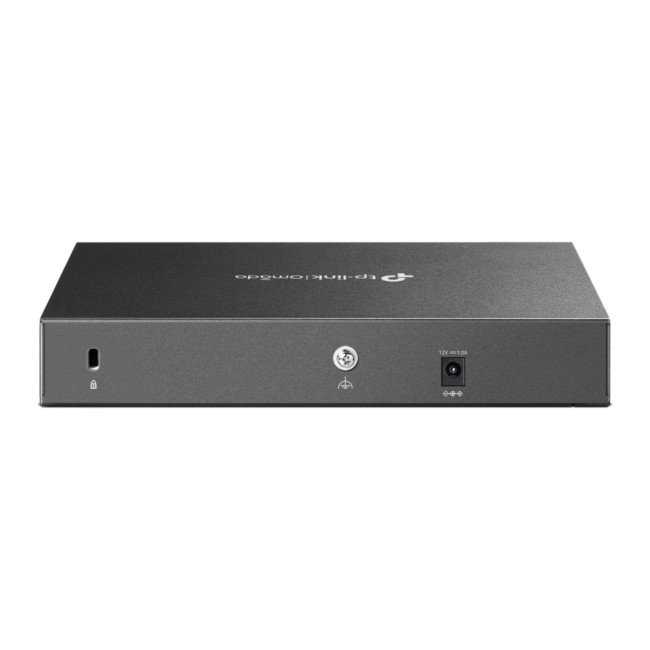
The TP-Link Omada Gigabit VPN Router is built for secure and reliable business networking. It supports multiple VPN protocols, enabling safe remote access for teams and branch offices. With gigabit WAN and LAN ports, it delivers strong wired performance and integrates seamlessly into Omada-managed networks for centralised control and monitoring.
4. TP-Link TL-WR902AC AC750 Wireless Dual-Band Wi-Fi 5 Travel Router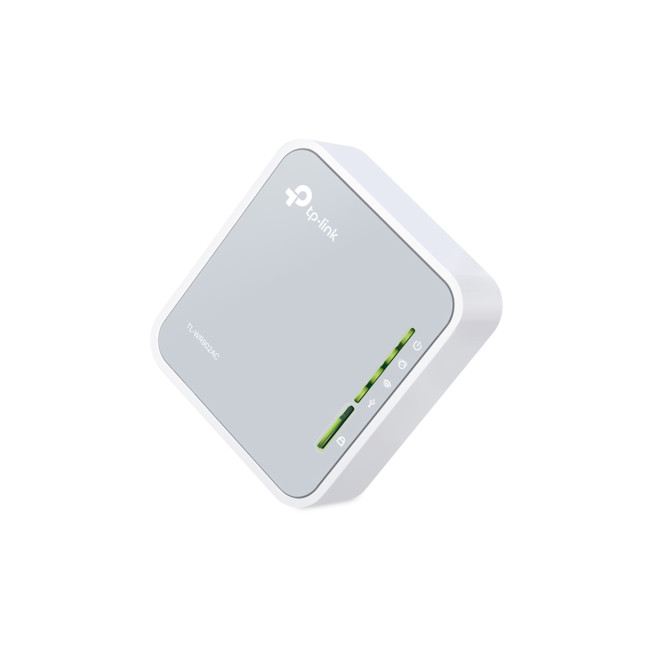
Compact and lightweight, the TL-WR902AC is a travel-friendly router designed for flexibility on the go. It supports dual-band Wi-Fi 5 and multiple operating modes, including router, access point, repeater, and client mode. This makes it a practical choice for hotels, temporary workspaces, or small rooms needing quick wireless connectivity.
5. TP-Link Archer C50 Fast Ethernet WiFi 5 Dual-Band Wireless Router
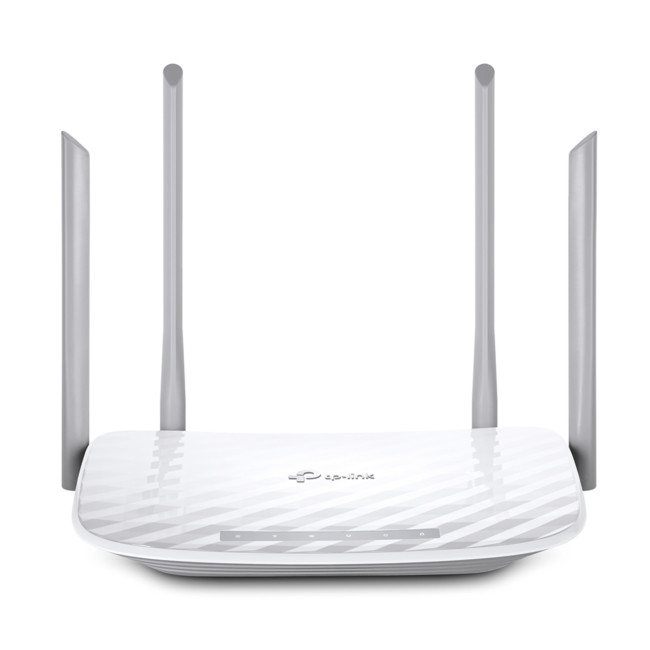
The Archer C50 is an entry-level dual-band Wi-Fi 5 router aimed at everyday internet use. It offers stable wireless performance for browsing, streaming, and light multitasking, with separate 2.4GHz and 5GHz bands to reduce interference. Its Fast Ethernet ports make it suitable for basic home networking needs.
6. TP-Link Omada Gigabit VPN Router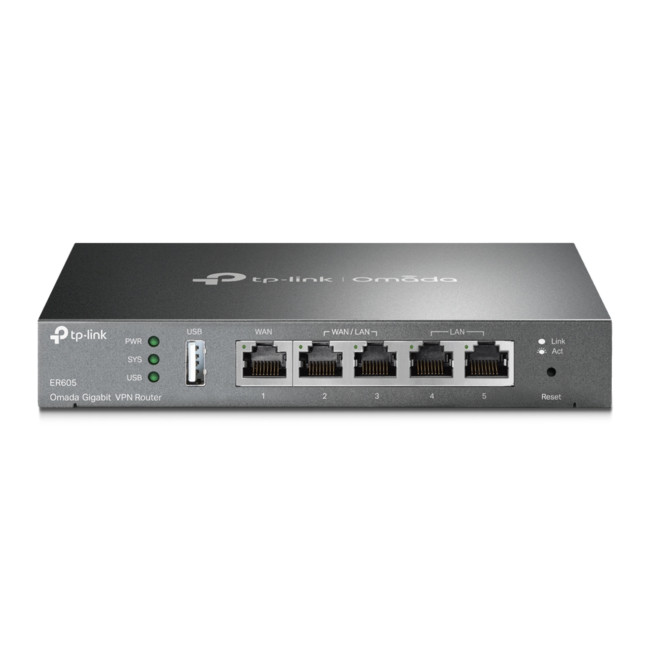
Designed for small and medium-sized businesses, this Omada router focuses on secure connectivity and network control. It supports VPN tunnelling, traffic management, and centralised administration through the Omada platform. With gigabit throughput, it ensures reliable performance for office applications and cloud-based services.
7. Mercusys BE3600 Dual Band Wi-Fi 7 Router
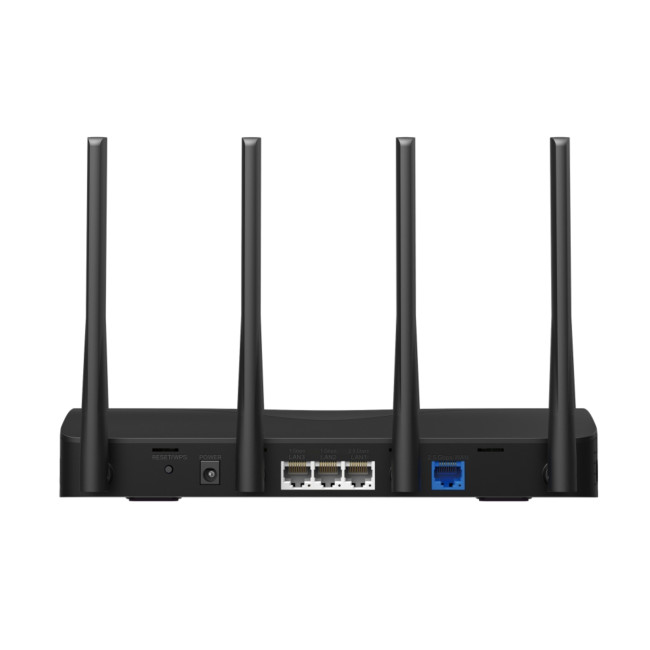
The Mercusys BE3600 introduces Wi-Fi 7 technology, offering higher speeds, lower latency, and improved efficiency compared to previous standards. Designed for future-ready home networks, it supports multiple high-bandwidth devices simultaneously. This router is suited for users looking to prepare their network for next-generation connectivity.
8. TP-LINK M7010 4G/LTE/3G Portable Mobile WiFi Hotspot
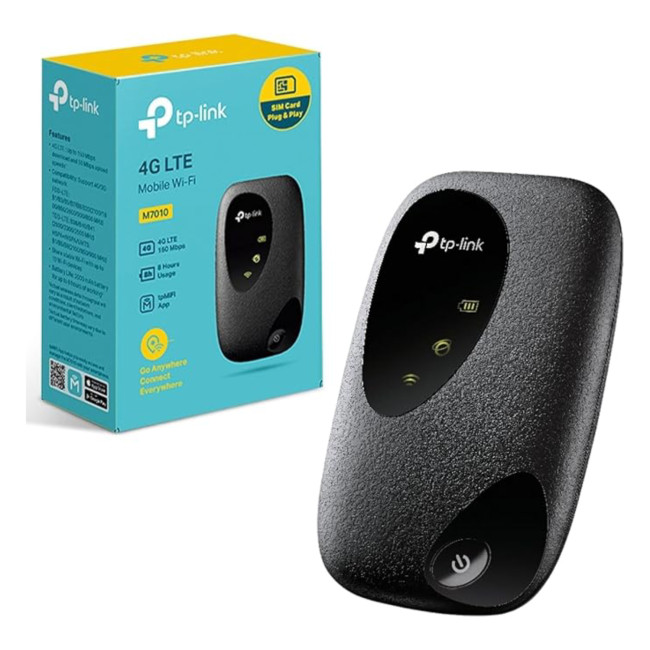
The TP-LINK M7010 is a compact mobile hotspot that provides wireless internet access using 4G, LTE, or 3G networks. It’s designed for portability, making it useful for travel, temporary connectivity, or backup internet access. The device supports multiple connected devices and offers simple, button-based operation.
9. TP-LINK MR200 Archer AC750 4G/LTE LAN Ports WiFi Router
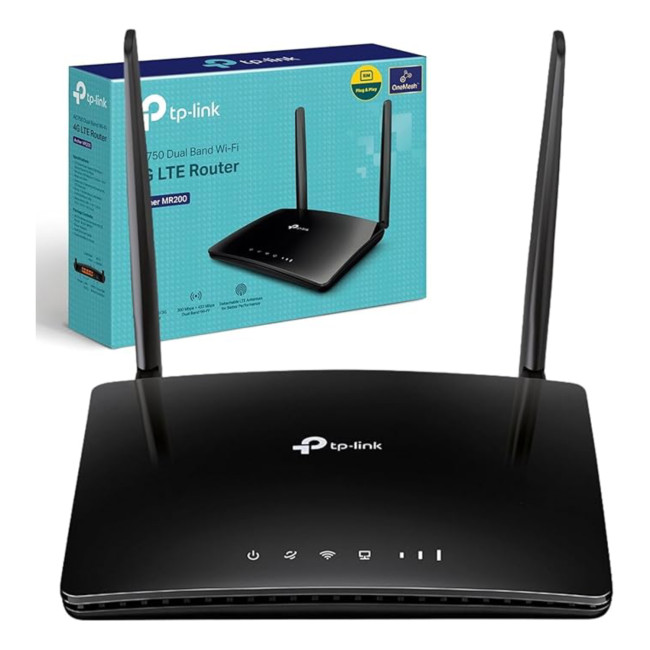
The Archer MR200 combines 4G LTE connectivity with dual-band Wi-Fi, allowing users to create a home network using a SIM card. It includes LAN ports for wired devices and supports stable wireless connections for everyday use. This router is suitable for rural areas or locations without reliable fixed broadband.
10. TP-Link AC1750 RE450 Dual Band WiFi Range Extender
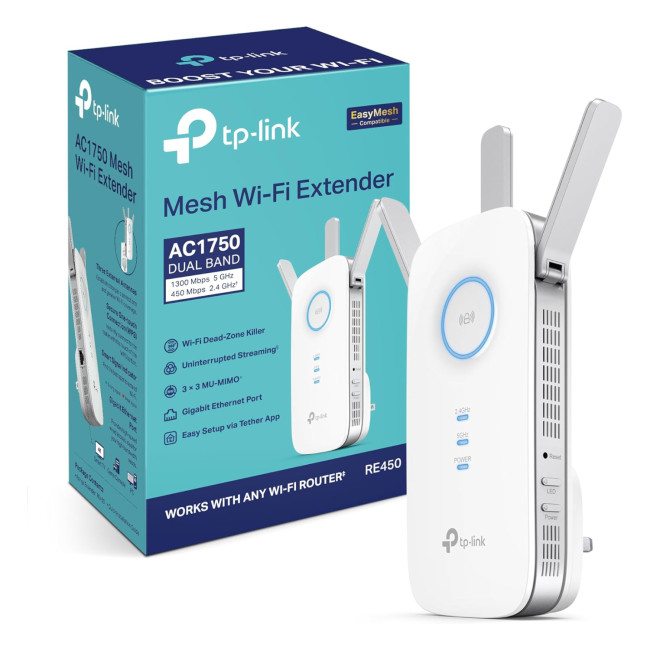
The TP-Link RE450 is a dual-band Wi-Fi range extender designed to improve coverage in hard-to-reach areas of the home. It boosts existing Wi-Fi signals without creating a new network name, helping reduce dead zones. With gigabit Ethernet support, it can also function as a wired access point for added flexibility.

Final Thoughts: Reliable Wi-Fi Without the Stress
Wi-Fi issues don’t have to be part of daily life. The right router setup can turn a frustrating connection into a smooth, always-on experience. TP-Link routers focus on solving real-world problems faced by UK homes, coverage gaps, device overload, and unstable connections.
By understanding how different TP-Link Wi-Fi routers UK, TP-Link gaming routers, and TP-Link mesh routers function, you can make informed decisions that suit your space, usage, and future needs. Less buffering, fewer dropouts, and Wi-Fi that actually keeps up.

Things You Might Want to Know
Is TP-Link a good wireless router?
Yes, TP-Link routers are widely regarded as reliable, offering strong performance, good coverage, and easy setup for everyday home use.
How do TP-Link routers work?
TP-Link routers receive your internet connection and intelligently distribute it to multiple devices using modern Wi-Fi standards.
Are TP-Link routers suitable for UK broadband?
Yes, TP-Link Wi-Fi routers UK models are compatible with most UK broadband providers and home internet setups.
Do TP-Link routers support mesh Wi-Fi?
Yes, TP-Link mesh routers allow multiple units to work together for seamless whole-home Wi-Fi coverage.
Are TP-Link routers good for gaming?
TP-Link gaming routers are designed to reduce lag by prioritising gaming traffic and maintaining stable connections.
| Read More: |
| ASUS Routers: Premium Wi-Fi Solutions for UK Homes |
| Netgear Routers: Reliable Wi-Fi Solutions for UK Homes |
| Network Adapters: Upgrade Your Connectivity in the UK |
Related Articles

Last Updated: July 01, 2025
The Backbone of Your Internet
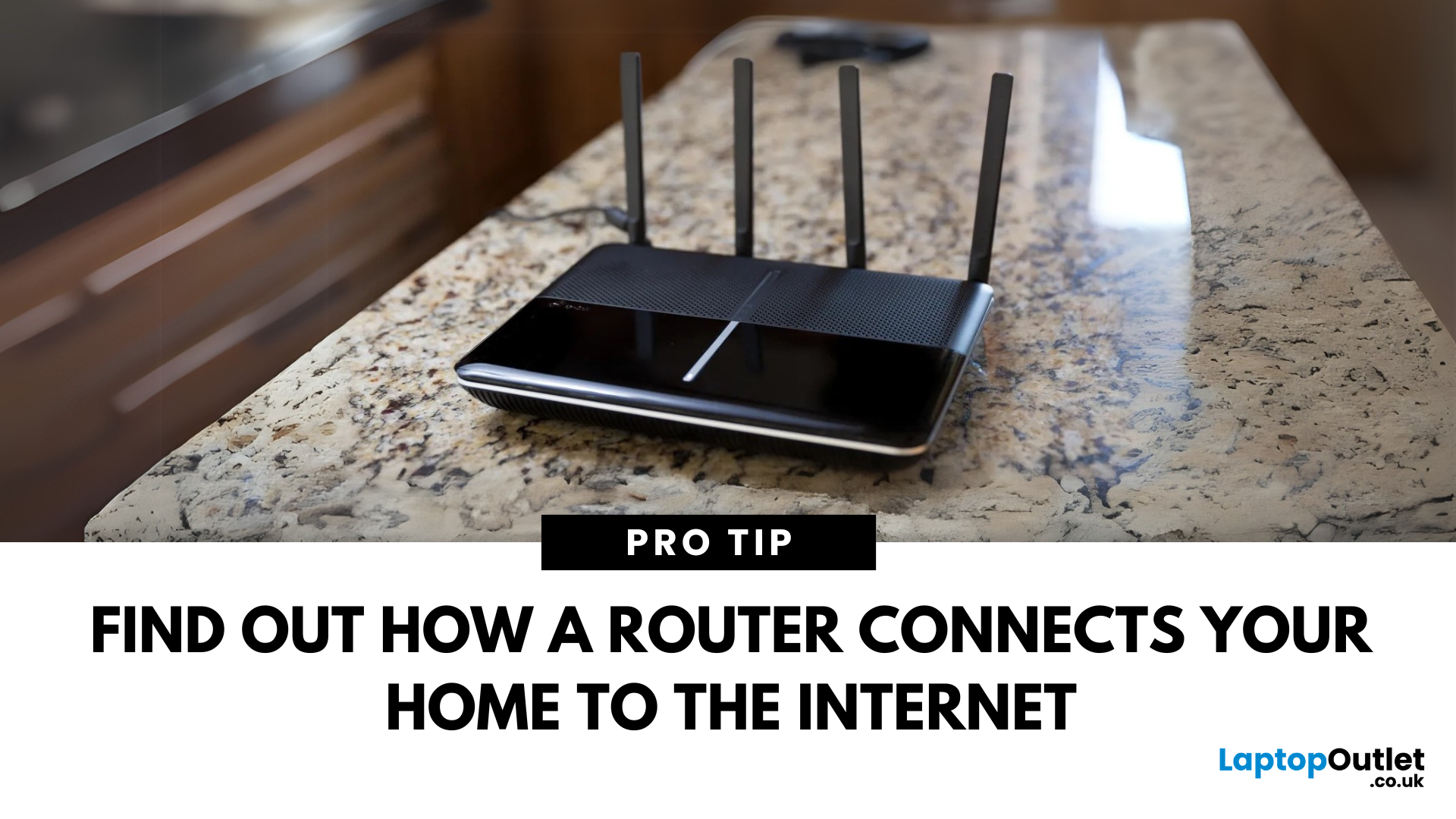
Your internet experience starts with a router—but what exactly does it do? Whether you’re streaming, gaming, working from home, or scrolling on your phone, the router keeps your digital life connected. Let’s break down what a router does and why it’s so important.
What Is a Router?
A router is a networking device that connects your devices to the internet and manages how they communicate with each other.
It “routes” traffic between your local devices (like your phone or laptop) and the broader internet
What Does a Router Actually Do?
- Distributes internet access from your modem to all connected devices
- Creates a local network so devices can talk to each other
- Assigns IP addresses to each device
- Directs data packets so the right information reaches the right device
Wi-Fi vs Router – What’s the Difference?
- Router: Manages traffic and connects devices
- Wi-Fi: The wireless signal your router creates
The router gives you internet; Wi-Fi
Last Updated: July 01, 2025
Keep Your Wi-Fi Safe and Secure
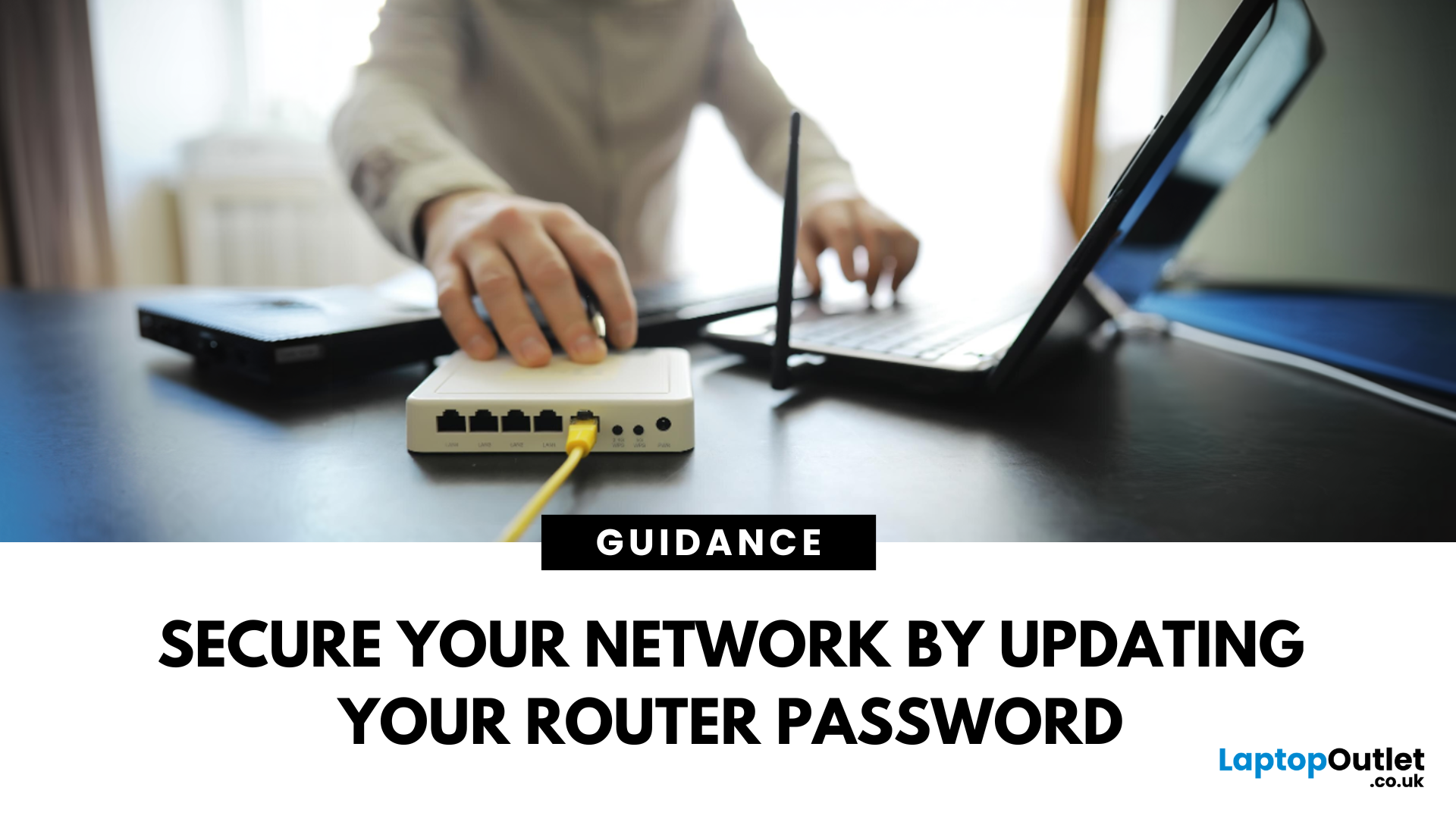
Your router password protects your home network from unwanted access. Whether you're updating your Wi-Fi credentials or changing the admin login, it’s a smart step for security. Here’s how to change your router password in just a few steps.
1. Know Which Password You’re Changing
- Wi-Fi Password: The one users enter to connect to your network
- Router Admin Password: Used to access router settings via web browser
It’s best to change both regularly for security
2. Connect to Your Router
- Make sure you're connected to your Wi-Fi or directly via Ethernet
- Open a web browser and type your router’s IP address (usually 192.168.0.1 or 192.168.1.1)
- Enter your admin username and password (often printed on the router or found in your manual)
3. Change Your Wi-Fi Password
Steps:
- Log in to your router settings
- Navigate to Wireless Settings or Wi-Fi Settings
- Locate the SSID (network name) and password fields
- Enter your new password (use a strong,

Last Updated: December 23, 2025
When it comes to competitive gaming or smooth 4K streaming, your internet connection is only as good as the router powering it. High latency, buffering, and packet drops can turn a winning game into frustration or ruin a live stream in seconds. That’s why choosing the right router—and configuring it correctly- is just as important as having fast broadband.
Ubiquiti has become a go-to name for gamers, streamers, and tech enthusiasts who want more than basic Wi-Fi. From the powerful UniFi Dream Machine to the gamer-centric AmpliFi series, Ubiquiti routers combine enterprise-grade stability with features built for demanding home setups. With the right optimisation - like low-latency settings, QoS for gaming traffic, and GeForce NOW tweaks - you can unlock their full potential.
In this guide, we’ll explore the best Ubiquiti routers for gaming and streaming and reveal the settings that give you a true performance edge.
Why Router Quality Matters for Gaming & Streaming
Every gamer and streamer

Last Updated: December 09, 2025
Wi-Fi acting weird? Pages not loading? Passwords forgotten? You’re not alone - sometimes even the most reliable routers like TP-Link need a fresh start. Whether your internet is unstable, you changed too many settings, or you just want to start over, resetting your router can fix a surprising number of problems.
In this complete guide, we’ll walk you through how to reset your TP-Link router, both the quick way (via the Reset button) and the advanced way (through the web interface). We’ll also explain what happens after a reset, how to reconfigure your network, and what to do if your reset doesn’t work.
Understanding What “Reset” Really Means

Before you hit any buttons, it’s important to know what a router reset actually does.
When you reset a TP-Link router, you’re restoring it to its factory default settings, exactly how it was when you first took it out of the box.
That means:
- All Wi-Fi names (SSID) and passwords you’ve set will be erased.
- Any changes to IP addresses, DNS, or security
Last Updated: January 26, 2026
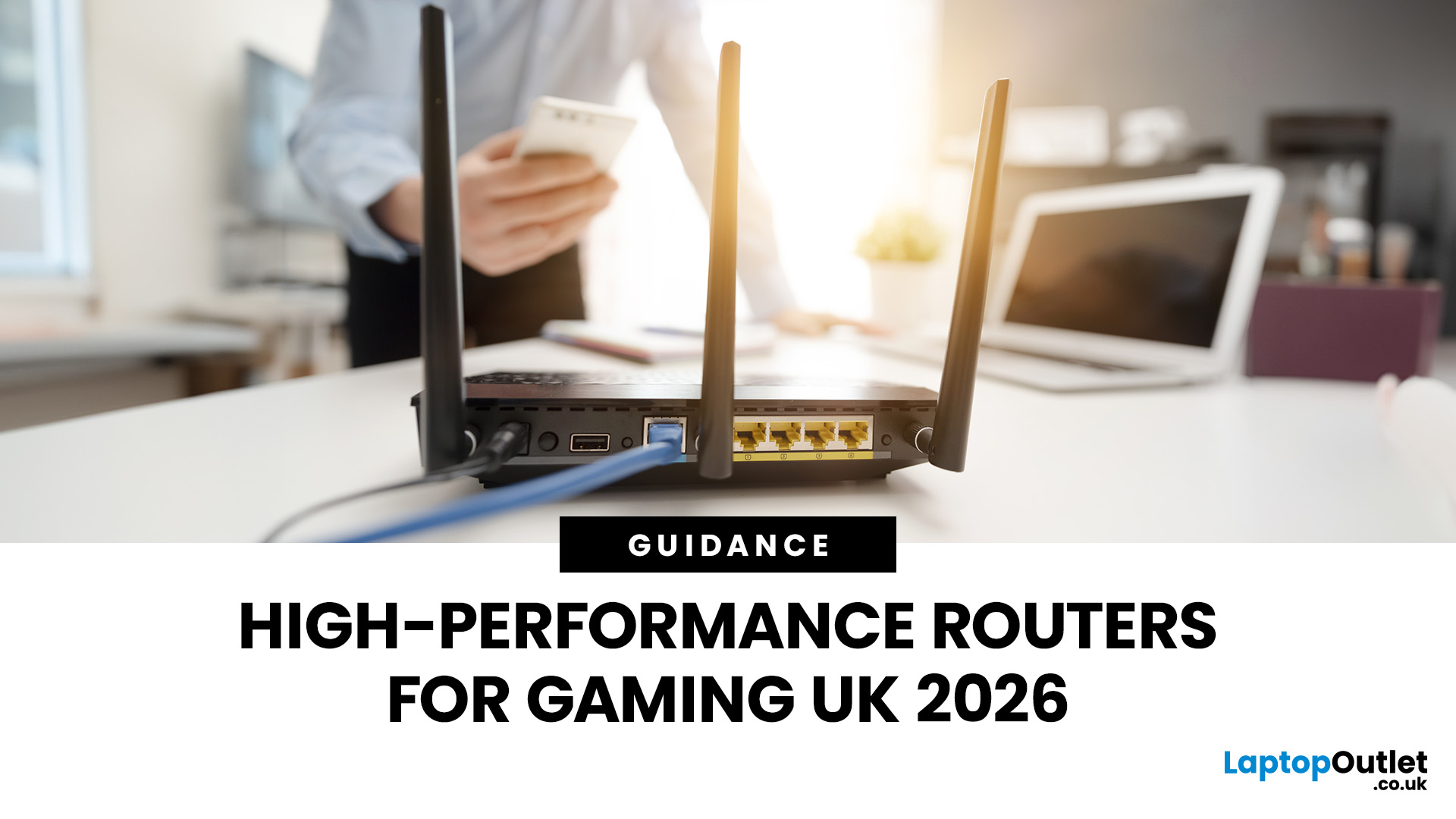
If you’re still using the free router that came with your broadband deal, you need to read this gaming router guide UK. With faster broadband speeds, competitive multiplayer titles, cloud gaming services, and always-connected consoles and PCs, your home network plays a critical role in how well you play. A powerful gaming PC or next-gen console can only perform at its best if it’s supported by a reliable, high-performance router. Whether you’re a competitive PC gamer, a PS5 warrior, a streamer juggling Twitch and Discord, or someone who just wants smooth online gaming without drama, this guide breaks down the best gaming routers UK gamers should actually care about, with real detail, not fluff.
What Makes a Router Good for Online Gaming?
Not all routers are created equal, and “gaming” isn’t just a marketing label. Understanding the core features will help you choose the right router for online gaming setup.
Low Latency and Stable Connections
Latency, often referred to as ping, is the
Last Updated: January 26, 2026
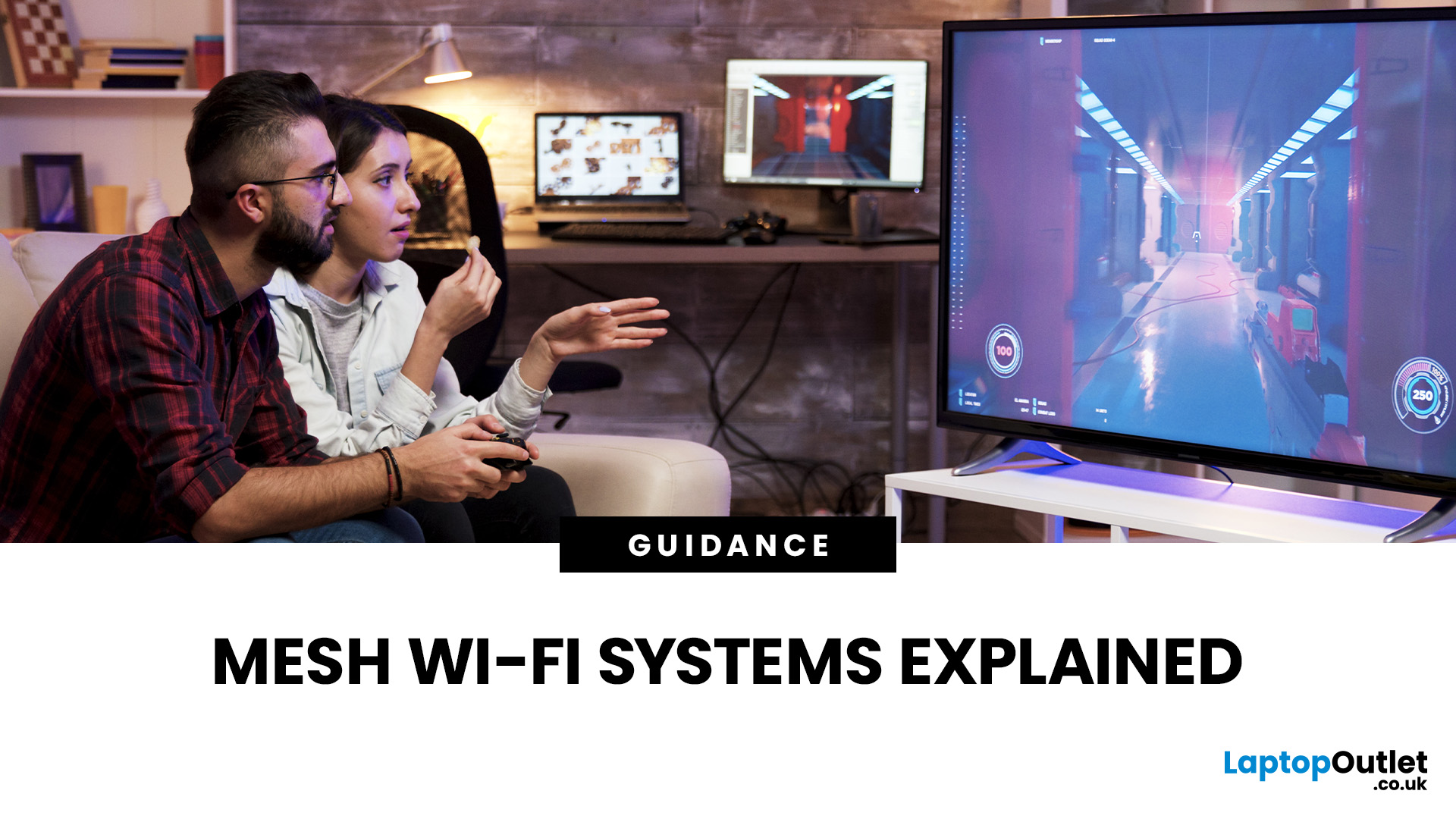
From working remotely and online learning to 4K streaming, smart home devices, and competitive gaming, UK households are placing more demand than ever on their home networks. Yet many homes still struggle with weak signals, dead zones, and inconsistent speeds. This is where mesh Wi-Fi explained properly can make all the difference.
In this guide, we’ll break down exactly how mesh Wi-Fi works, why it’s ideal for British homes, and how to choose the right system for your space. Whether you live in a Victorian terrace with thick brick walls, a multi-storey townhouse, or need reliable connectivity in a garden office, a modern Wi-Fi mesh system could be the upgrade your home network needs.
Mesh Wi-Fi Explained: What is a Mesh Network?
Traditional home Wi-Fi usually relies on a single router placed near where your broadband enters the property. While this can work in smaller flats, it often struggles to deliver consistent coverage across larger or more complex homes. Signal strength drops rapidly
Last Updated: March 12, 2026
Most Wi-Fi guides start with specs. That’s already the wrong place.
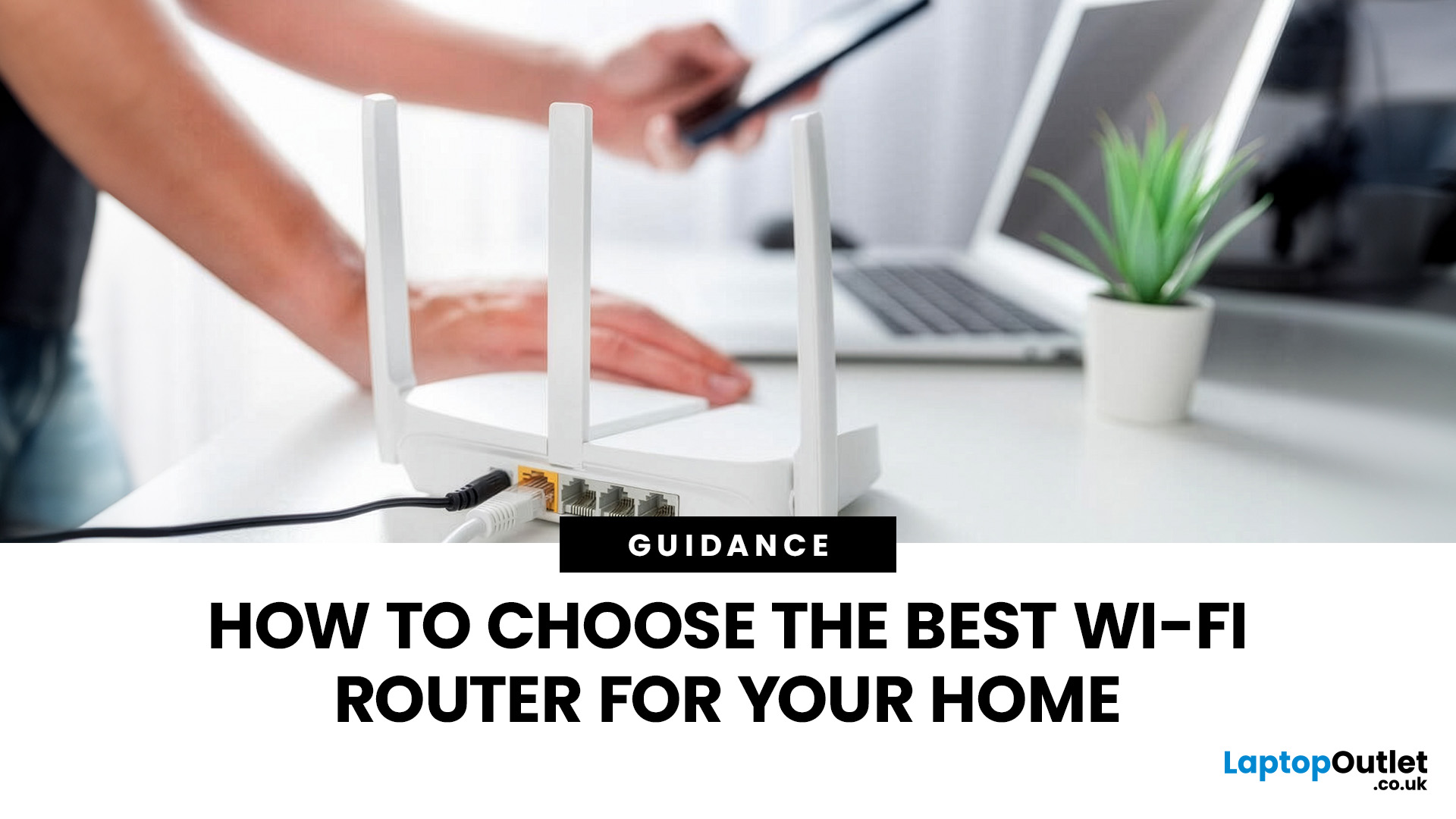
To choose the best Wi-Fi router for your home, you first need to understand how Wi-Fi behaves inside real buildings, especially UK homes, which are often older, brick-built, and not designed for wireless signals.
What Wi-Fi Really Is (Without the Marketing Spin)
Wi-Fi is not “internet speed in the air”. It’s a radio signal that carries data between your router and your devices.
That signal:
- Weakens over distance
- Loses strength passing through walls
- Competes with other signals nearby
This is why Wi-Fi performance changes dramatically depending on where you are in your home, even when your broadband speed stays the same.
Important reality check:
Your router doesn’t “push” Wi-Fi evenly in all directions. It broadcasts radio waves that are:
- Reflected
- Absorbed
- Blocked
UK homes often make this worse because of:
- Solid brick and stone walls
- Metal-backed insulation
- Floor heating systems
- Older layouts with thick internal walls
This
Last Updated: January 26, 2026
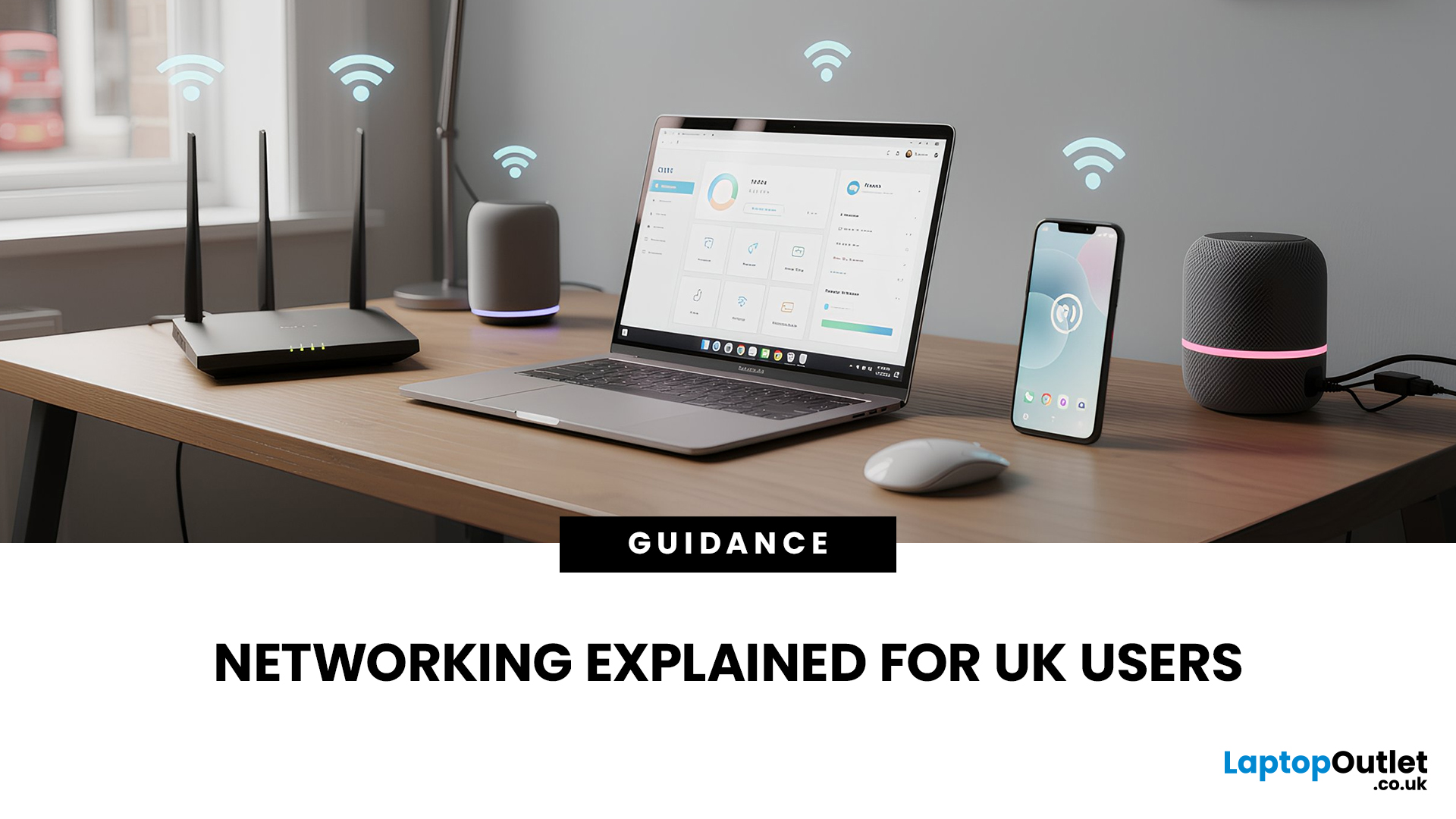
In today’s UK homes and offices, networking isn’t optional - it’s the backbone of how we work, study, stream, and stay connected. From remote meetings and online gaming to smart homes and cloud storage, everything relies on reliable networking accessories and networking devices working together behind the scenes.
Yet many people still struggle with slow Wi-Fi, unstable connections, or poor coverage, not because their internet provider is bad, but because their networking equipment isn’t set up correctly.
What Is Networking? (A Simple Explanation)
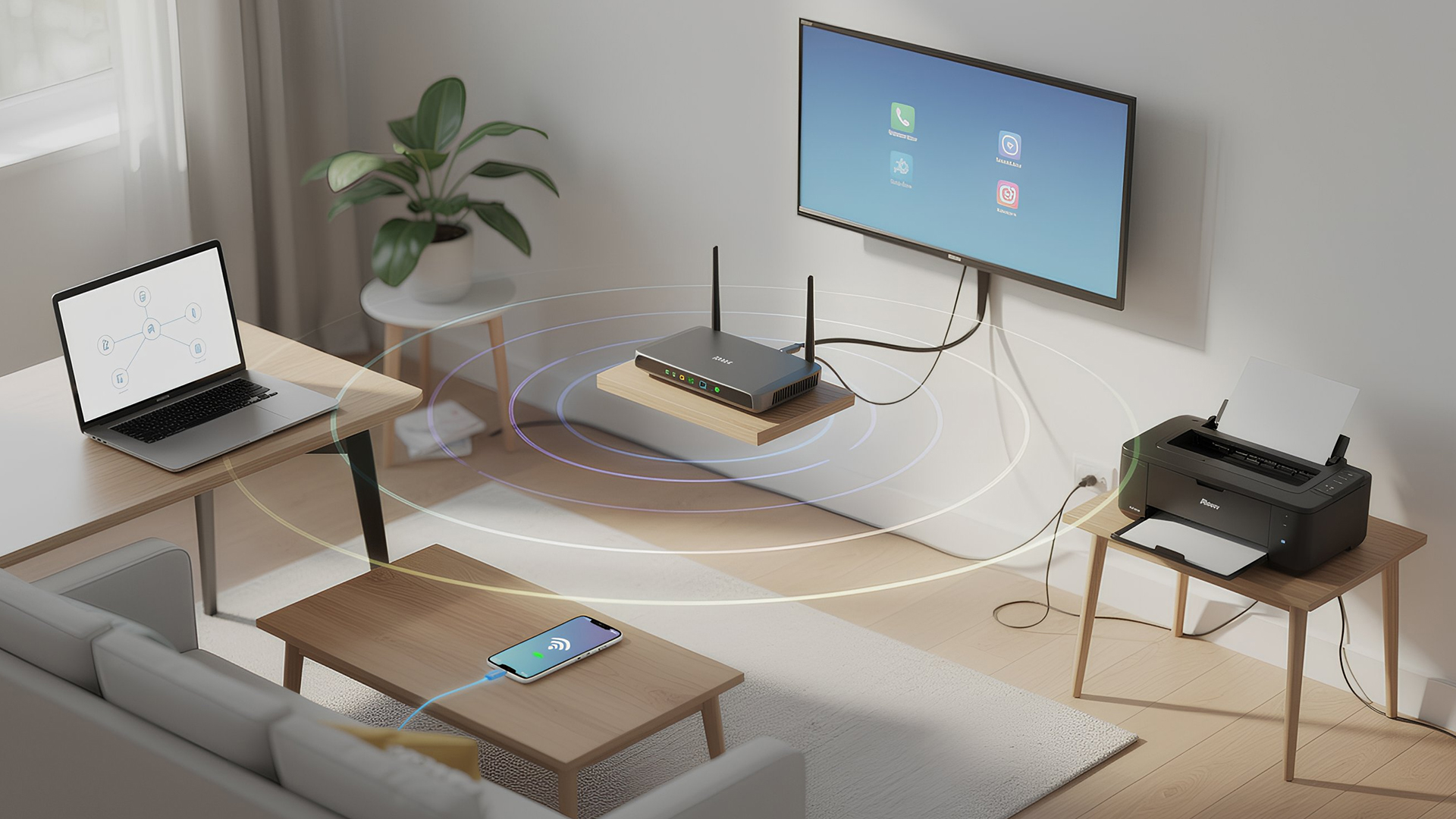
Networking is the process of connecting devices so they can communicate, share data, and access the internet. These devices might include:
- Laptops and desktops
- Smartphones and tablets
- Printers and scanners
- Smart TVs and streaming devices
- Smart home systems (lights, cameras, thermostats)
To make this possible, you need a combination of networking devices (like routers and access points) and networking accessories (such as network cards, adapters,

Last Updated: June 05, 2026
Dead zones and buffering are the enemies of a modern home. We rely on the internet for almost everything. We stream 4K movies in the lounge. We join video calls in the home office. We play fast-paced games in the bedroom. However, thick walls and long distances often weaken Wi-Fi signals.
This is where home network powerline adapters become essential. They offer a clever way to extend your internet connection without drilling holes or running long, messy network cables through your hallway. In this guide, we will explore the best PLC adapters UK residents can buy today.
What is a Powerline Adapter?
A powerline adapter (also known as a PLC adapter) is a device that sends internet data through the copper wiring in your walls. Most people use these home network powerline adapters to connect devices that require high bandwidth, such as gaming consoles, smart TVs, laptops, or desktop PCs. They provide the stability of a wired network adapter with the convenience of a plug-and-play setup.

Last Updated: August 10, 2026
Let’s be real – slow, drop-out Wi-Fi is a nightmare. Buffering mid-stream, lag during games, frozen Zoom calls and smart devices that just won’t connect can turn everyday life into a frustration fest. In a world where everything lives online is the backbone of your day. That’s the problem ASUS routers are built to fix. Known for pushing boundaries in performance, speed and reliability, ASUS creates Wi-Fi that actually keeps up with how we live now.
This guide breaks down how ASUS routers work, what makes their features genuinely worth it, and how to choose the right model for your setup. Whether you’re ditching outdated tech or building a future-proof smart home, ASUS delivers fast, stable Wi-Fi with zero compromises.
How ASUS Routers Work
Understanding how ASUS routers work begins with understanding the role of a router itself. A router connects your home network to the internet via your broadband provider, then distributes that connection wirelessly (or via Ethernet) to all your devices.

