



Black Friday is here! Get an extra £10 off when you spend £200 with code: BF10LO. T&Cs apply*

Blog Categories





November 04, 2026

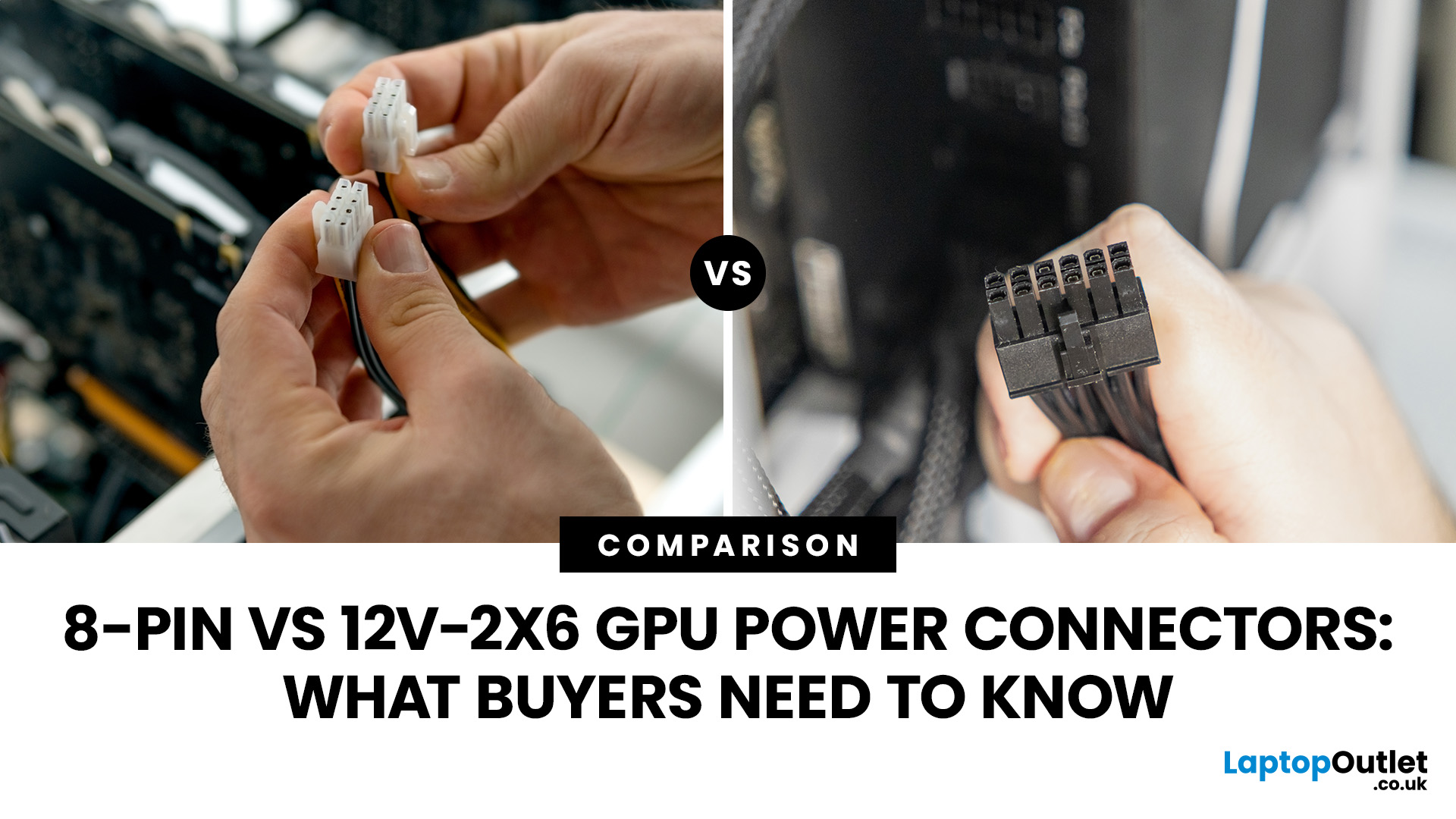
The main difference between an 8-pin and a 12V-2x6 graphics card power connector is how much power each connection can deliver.
October 12, 2026
September 25, 2026
July 15, 2026
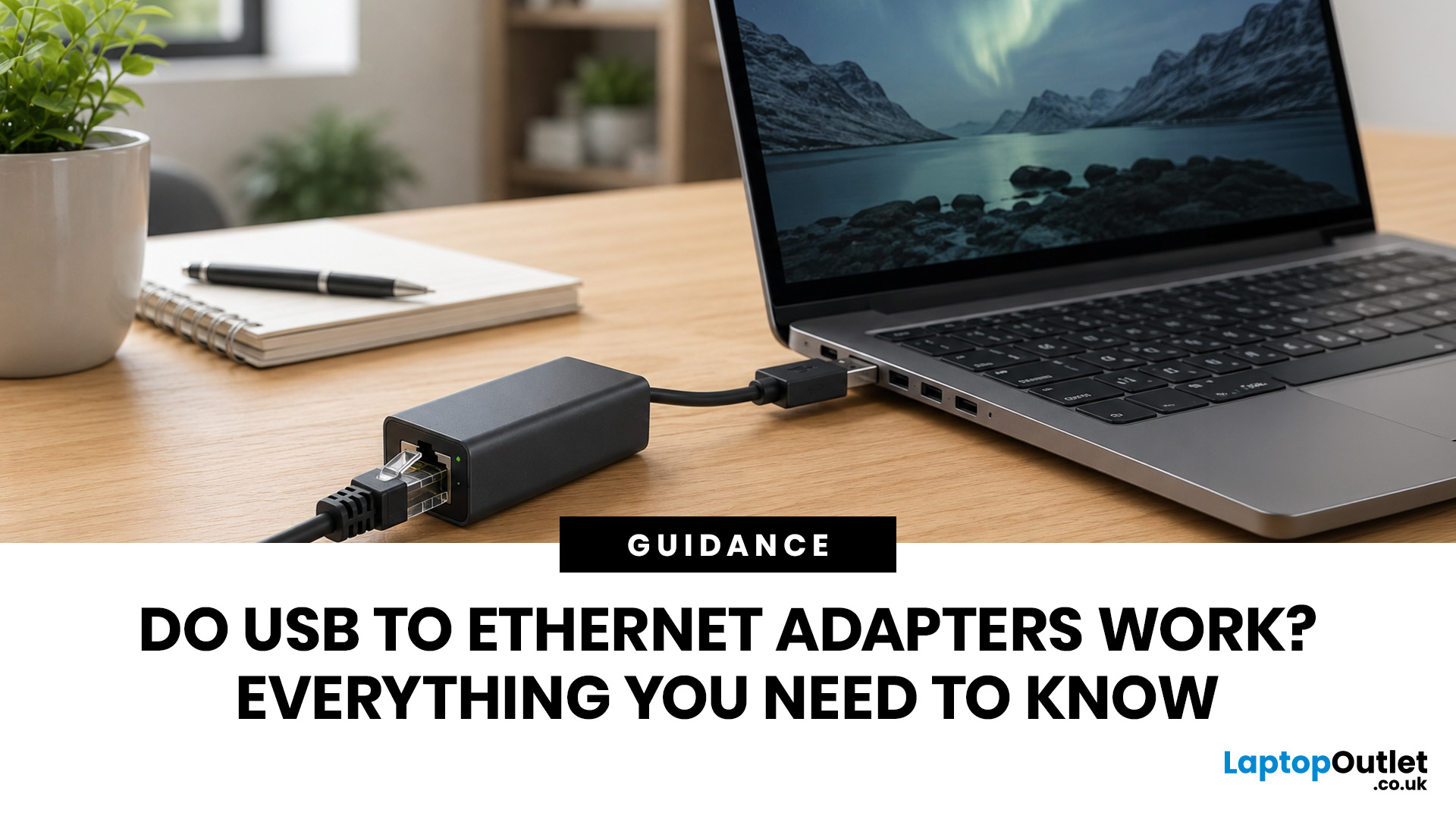
USB to Ethernet adapters do work reliably on many devices, including laptops, tablets, some smart TVs, and selected gaming consoles. They convert a USB port into a wired network connection, offering a more stable connection than WiFi in many situations. Speed depends on the USB version: USB 3.0 models support up to 1Gbps, while USB 2.0 models are limited to around 100Mbps.
This USB Ethernet adapter review gives you a thorough guide to how these adapters work, real-world speeds, operating system compatibility, known limitations, and what to look for before spending your money.
What Is a USB to Ethernet Adapter and How Does It Work?
A USB to Ethernet adapter is a compact dongle that plugs into a USB port and adds an RJ45 Ethernet socket to your device. It bridges the gap for laptops, tablets, and other hardware that ships without a built-in wired network port, which is increasingly common as devices get thinner.
The Technology Behind It
Inside every adapter is a controller chip, most commonly
July 15, 2026
Both WiFi 6 and WiFi 6E use the same 802.11ax standard. The key difference is that WiFi 6E adds access to the 6 GHz frequency band, alongside the usual 2.4 GHz and 5 GHz bands. This gives WiFi 6E more available channels, faster real-world speeds, and significantly lower latency, especially in crowded environments. However, both your router and your device need to support WiFi 6E to benefit from the 6 GHz band.
With WiFi 6 vs WiFi 6E explained below, you'll have everything you need to make an informed decision on which WiFi router standard is right for you.
What Is Wi-Fi 6 (802.11ax)?
Wi-Fi 6, officially known as 802.11ax, is the sixth generation of Wi-Fi technology. It was introduced in 2019 as the successor to Wi-Fi 5 (802.11ac), and it has since become the mainstream standard found in most modern laptops, smartphones, and routers sold in the UK.
The core aim of Wi-Fi 6 was not simply to increase raw speed, but to handle more devices simultaneously and perform better in busy environments,
March 12, 2026
If you’ve ever wondered why your laptop struggles to stay connected while your phone works perfectly on the same Wi-Fi, the answer is often simpler than people expect.
It’s usually the network adapter.
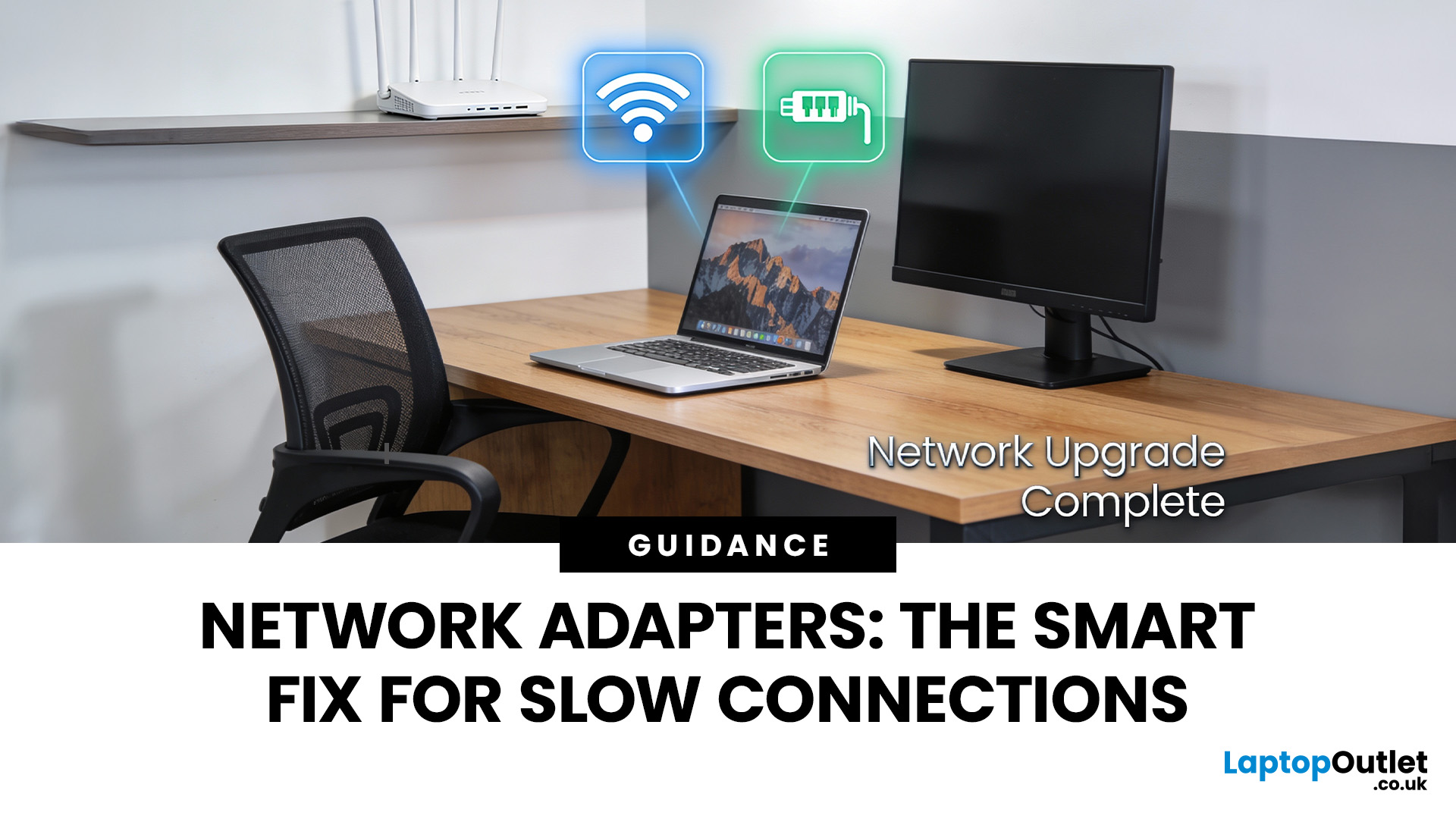
Understanding what is a network adapter, and what it actually does — is the key to fixing many everyday connectivity problems without replacing your router, broadband plan, or entire device.
This section explains network adapters in plain English, with real UK use cases, so you can recognise when an adapter is the missing piece in your home or PC setup.
What Is a Network Adapter, Really?

A network adapter is the component that allows a device to connect to a network, either wirelessly or with a cable.
Every device that accesses the internet has one:
- Laptops and PCs
- Smartphones and tablets
- Smart TVs and consoles
Without a network adapter, a device simply cannot communicate with your router or the wider internet.
Think of the adapter as a translator:
- Your router speaks “network”
- Your device
January 26, 2026
When people talk about routers, they often focus on speed but speed alone doesn’t explain why some networks feel solid and dependable while others constantly drop out, lag, or need rebooting.
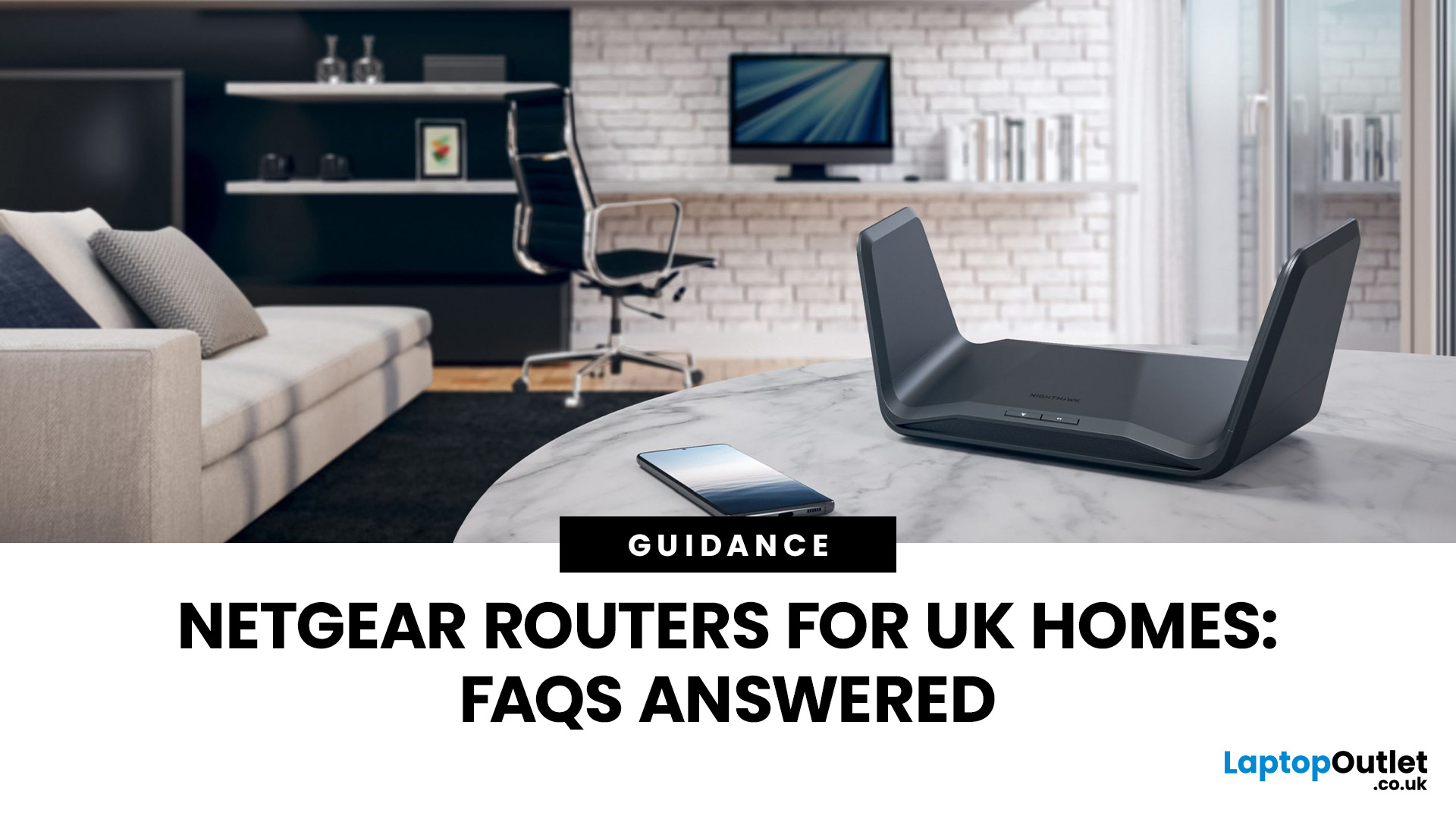
To understand why Netgear routers have built a reputation for reliability in UK homes, you need to understand how Netgear routers work, not just what they claim on the box.
What Makes a Router “Reliable” in Real UK Homes
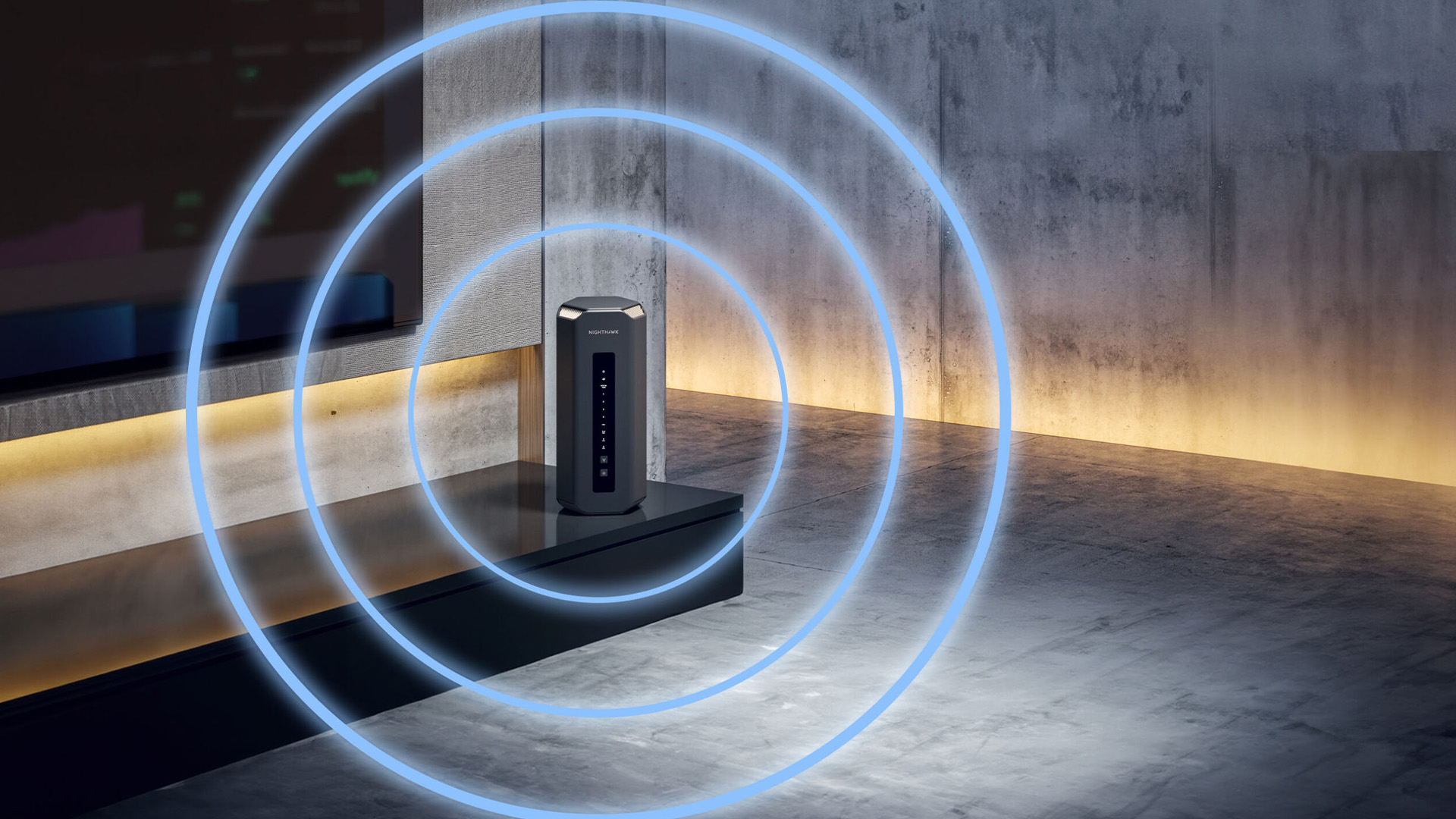
Reliability isn’t about peak performance in perfect conditions.
It’s about how a router behaves when things get messy, which they always do.
In a typical UK home, a router must handle:
- Multiple people online at once
- Video calls overlapping with streaming
- Smart TVs, consoles, and background downloads
- Smart home devices constantly checking in
A reliable router does three things well:
- Keeps connections stable
- Manages traffic intelligently
- Avoids sudden performance drops under load
Netgear’s design philosophy focuses on those three areas rather than chasing headline speed numbers.
Many
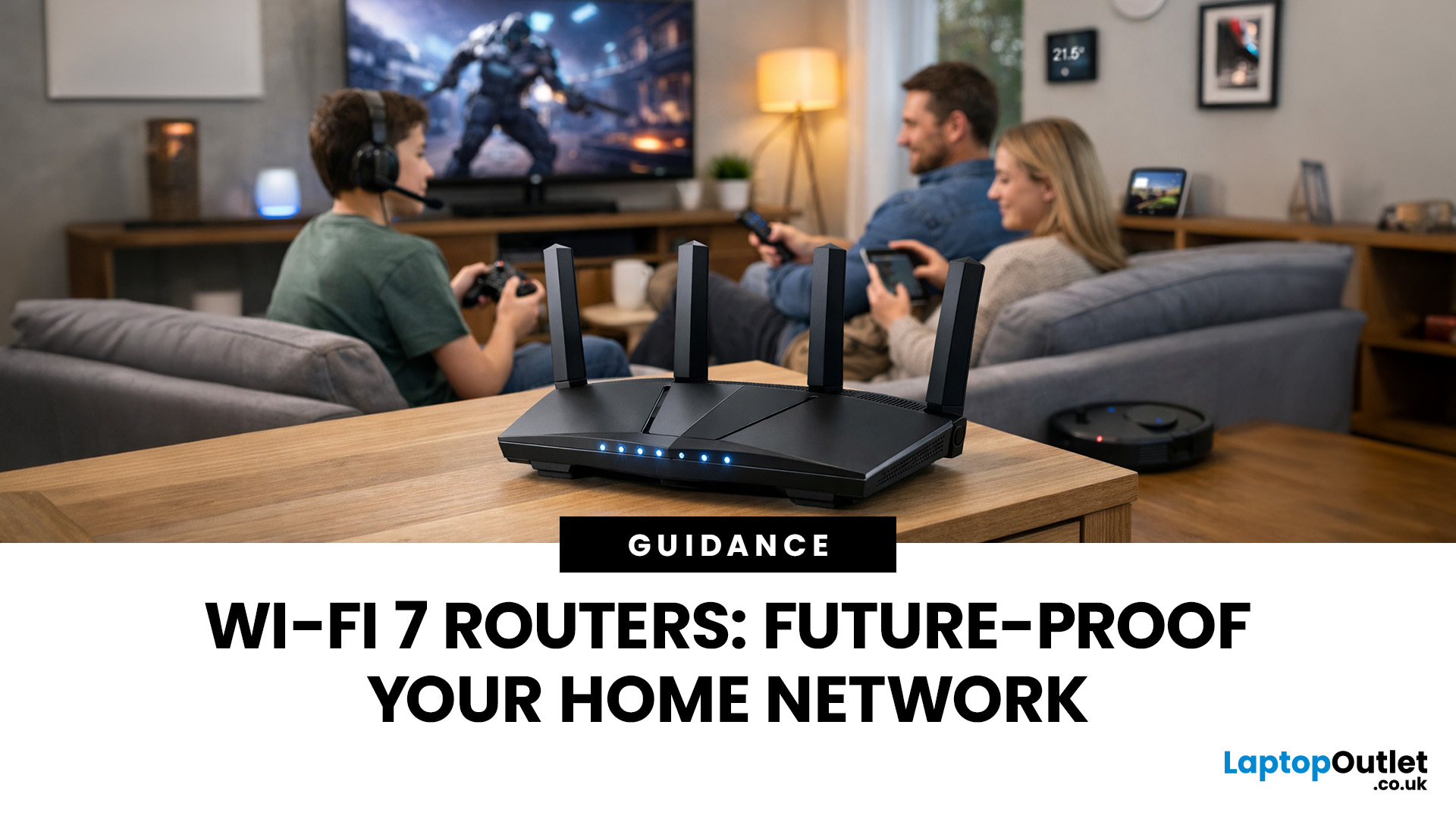
January 26, 2026
Wi-Fi 7 is being described everywhere as “the fastest Wi-Fi ever”, but that description alone doesn’t help most people decide whether it actually matters for their home.
To understand the real Wi-Fi 7 benefits for home users, you first need to understand why Wi-Fi 7 exists at all and what problems previous generations never fully solved, especially in modern UK homes.
This section breaks Wi-Fi 7 down in plain language, without marketing noise, so you can understand what genuinely changes and what doesn’t.
The Evolution of Home Wi-Fi: Why Wi-Fi 7 Exists
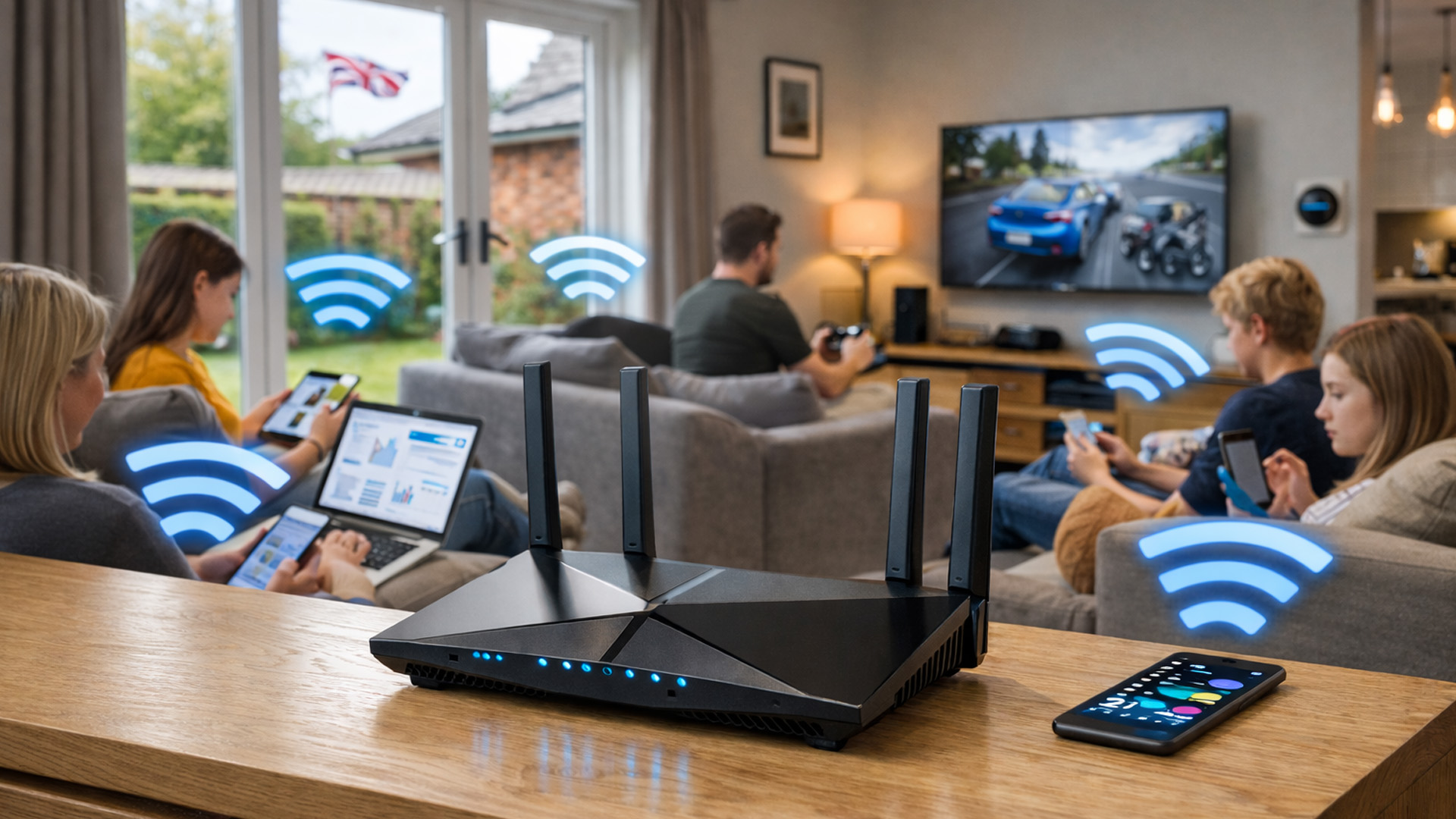
Home Wi-Fi hasn’t evolved because people want bigger speed numbers. It’s evolved because how we use networks has fundamentally changed.
Where Older Wi-Fi Generations Fell Short
Wi-Fi 5 (802.11ac) was built for a world where:
- Most homes had a few devices
- Streaming was mainly HD
- Smart homes were rare
Wi-Fi 6 (802.11ax) improved efficiency and multi-device handling, but it still assumed:
- Moderate device counts
- Predictable usage patterns
- Limited
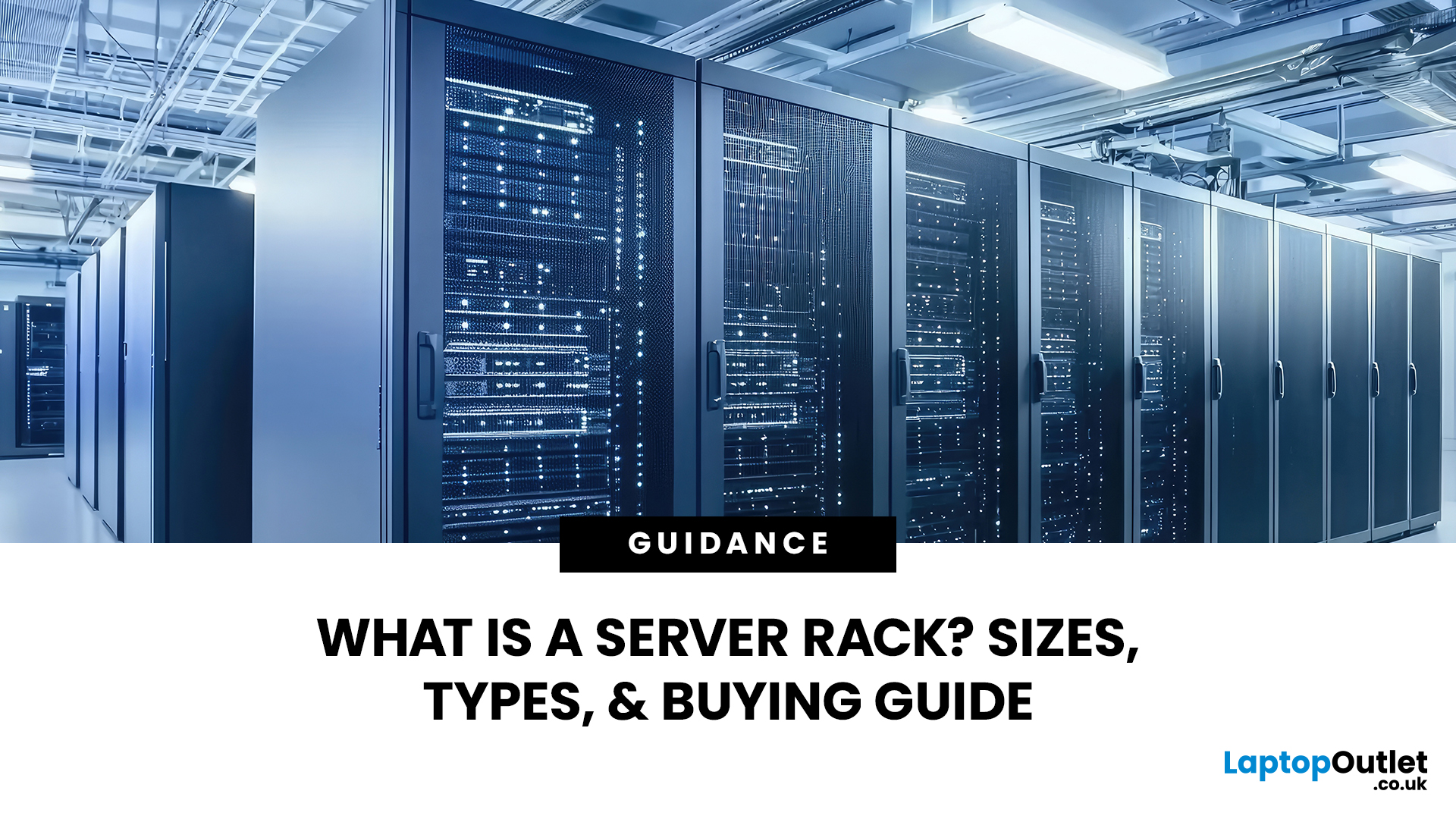
October 13, 2026
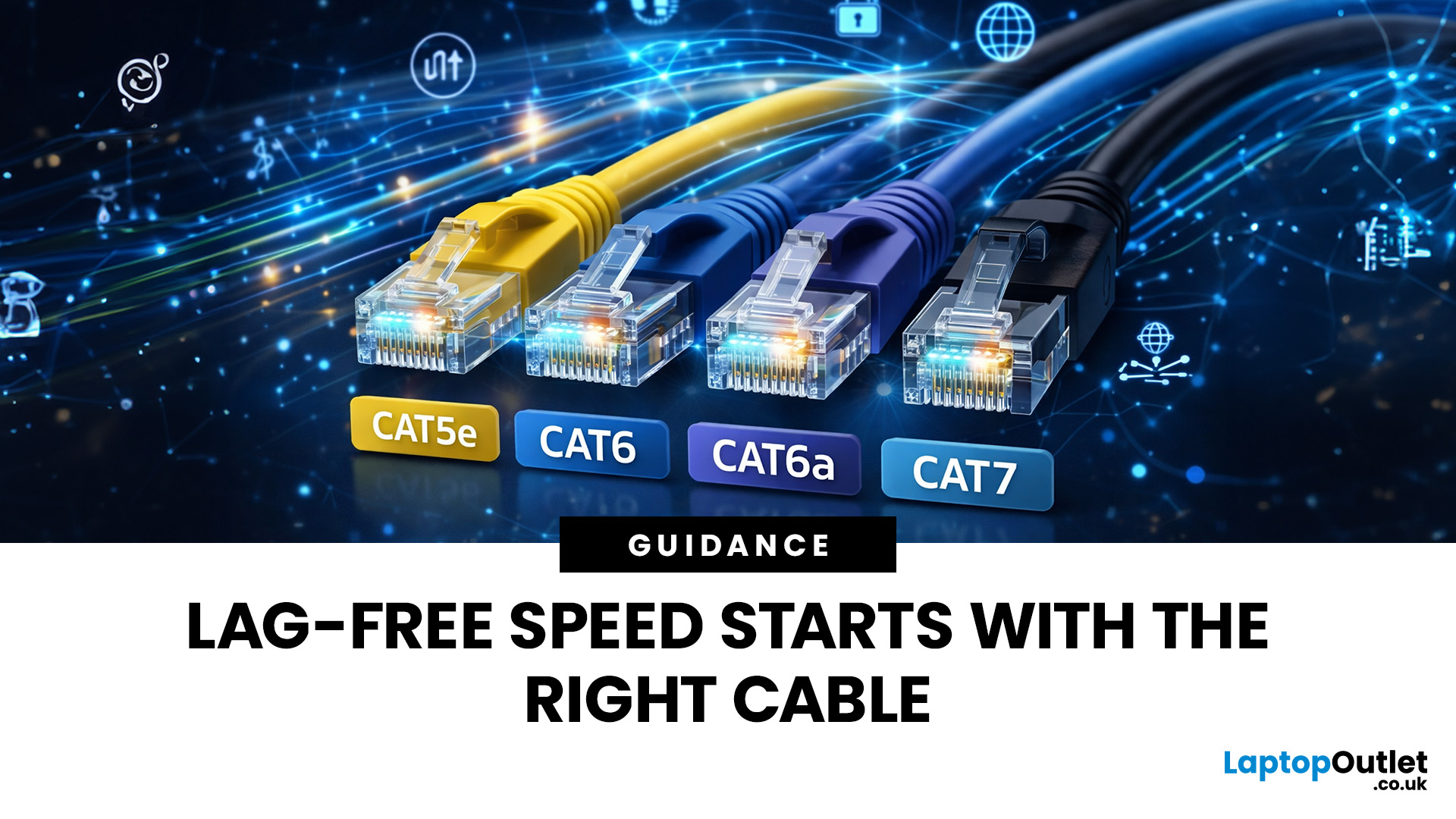
January 26, 2026
Network cables are the essential, physical links that form the backbone of any robust, high-speed network. While wireless is popular, wired connections provide unmatched stability and speed for gaming, streaming, and business operations.
In this post, we’ll get network cables explained simply, covering everything you need to know about choosing and installing Ethernet cables for your UK home or office.
Why Wired Connectivity Matters in 2026
Wired connections are the secret to a stress-free digital life. They offer a level of performance that wireless routers often promise but rarely deliver consistently.
Unmatched Speed & Reliability
Physical LAN cables eliminate the frustrating signal dropouts often found with wireless signals. This reliability is vital for professional home offices and growing business environments. A direct wire ensures your bandwidth remains consistent throughout the entire day.
Low Latency for Serious Users
Low latency is the secret to a smooth experience

October 16, 2026
Wi-Fi dropping mid-scroll? Lag spikes during gaming? Smart lights randomly going offline like they’ve got a mind of their own? Yeah… we’ve all been there. Bad Wi-Fi isn’t just annoying, it disrupts work, entertainment, and pretty much everything connected in your home. That’s the problem.
The agitation is real: frozen video calls, buffering Netflix, unstable smart devices, and routers that just can’t keep up with modern internet use. UK homes today are packed with connected tech, yet many networks still rely on outdated or poorly matched routers.
The solution starts with understanding how modern routers work, and that’s where TP-Link comes in. This guide breaks down how TP-Link routers work, why they’re popular across the UK, and how different models support everything from casual browsing to gaming, streaming, and smart homes, without the tech headache.
How TP-Link Routers Work (Without the Tech Overload)
At their core, routers act as traffic controllers for your internet connection. They
October 15, 2026
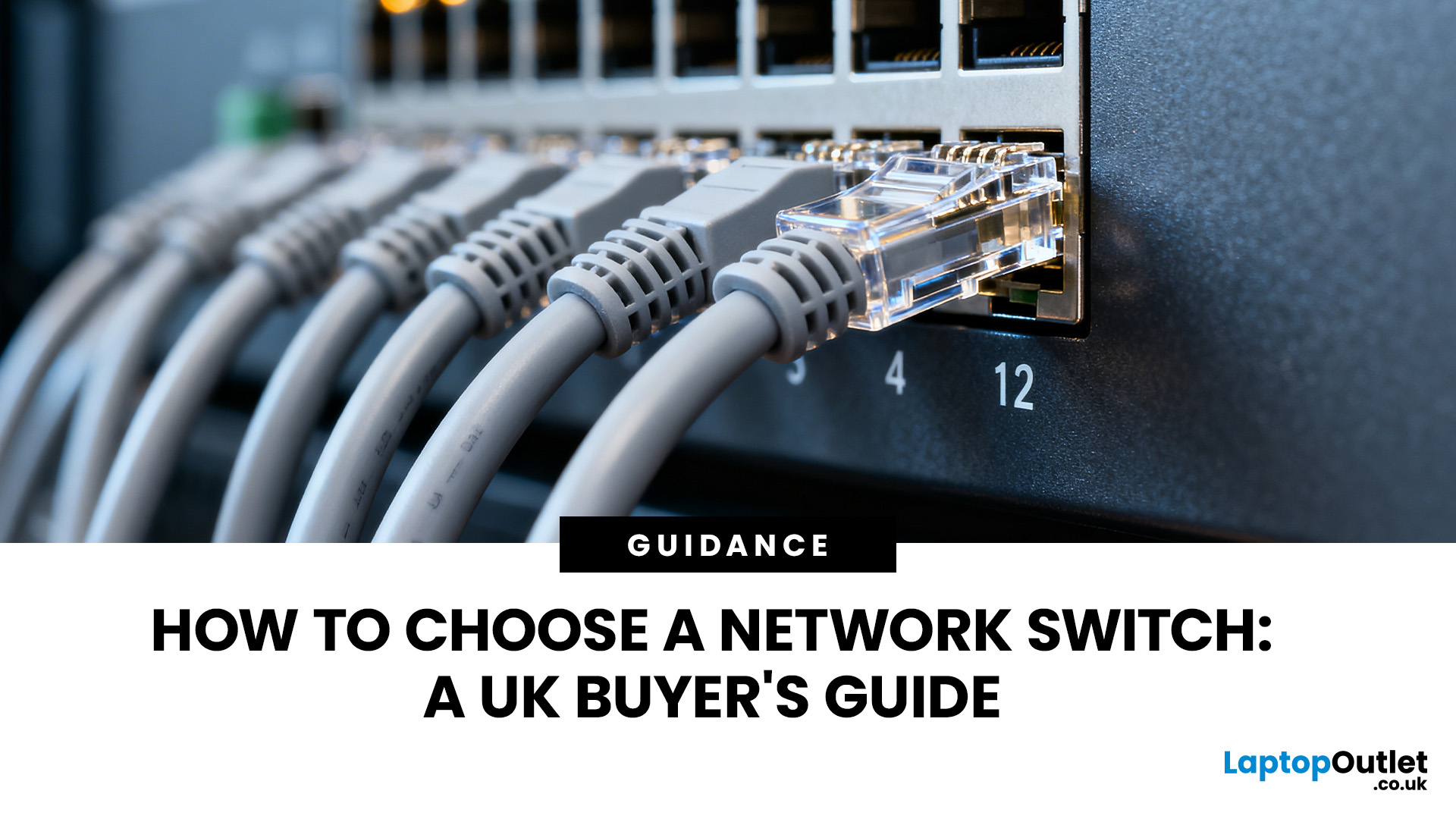
To choose a network switch, consider the number of Ethernet ports you need, supported connection speeds, management features and Power over Ethernet (PoE) requirements. An unmanaged switch is usually sufficient for simple wired networks, while a managed switch provides greater control over network traffic and connected devices.
You should also check cable compatibility, uplink speeds and future expansion needs. This guide explains these factors to help you identify the right network switch specifications for your setup.
1. Understand Whether You Need a Network Switch
Before comparing specifications, determine whether a switch is necessary for your network.
A network switch connects multiple devices within a local area network (LAN), allowing them to communicate through Ethernet connections. It is particularly useful when your existing router has fewer LAN ports than the number of wired devices you need to connect.
However, a switch and a router perform different functions.
- Router: Connects