



Best Gaming Routers for High-Performance UK Setups 2026
If you’re still using the free router that came with your broadband deal, you need to read this gaming router guide UK. With faster broadband speeds, competitive multiplayer titles, cloud gaming services, and always-connected consoles and PCs, your home network plays a critical role in how well you play. A powerful gaming PC or next-gen console can only perform at its best if it’s supported by a reliable, high-performance router. Whether you’re a competitive PC gamer, a PS5 warrior, a streamer juggling Twitch and Discord, or someone who just wants smooth online gaming without drama, this guide breaks down the best gaming routers UK gamers should actually care about, with real detail, not fluff.
What Makes a Router Good for Online Gaming?
Not all routers are created equal, and “gaming” isn’t just a marketing label. Understanding the core features will help you choose the right router for online gaming setup.
Low Latency and Stable Connections
Latency, often referred to as ping, is the time it takes for data to travel between your device and the game server. Low latency routers are designed to reduce delays by managing traffic efficiently and avoiding congestion. This is especially important for fast-paced shooters, racing games, and competitive esports titles.
Quality of Service (QoS)
Quality of Service allows your router to prioritise certain types of traffic. With gaming-focused QoS, your console or PC gets priority over background downloads, streaming, or video calls. This ensures smooth gameplay even in busy households.
High-Speed Performance
Modern fibre connections demand high-speed routers that can handle gigabit speeds without bottlenecks. A good gaming router should deliver fast wired and wireless performance so downloads, updates, and cloud gaming run smoothly.
Strong Wireless Technology
For players who rely on Wi-Fi, modern Wi-Fi gaming routers offer advanced standards such as Wi-Fi 6 or Wi-Fi 6E. These provide higher speeds, lower latency, and better performance in homes with lots of connected devices.
Best Gaming Routers UK Gamers Should Consider in 2026
Leading brands continue to dominate this space thanks to consistent innovation and strong firmware support. ASUS routers, for example, are widely respected for their gaming features, intuitive interfaces, and powerful hardware. Many ASUS gaming routers include adaptive QoS, gaming VPN options, and dedicated gaming ports to optimise traffic. Looking for performance without compromise? Discover why ASUS routers are a top pick for UK gamers, streamers and power users.
Similarly, TP-Link routers have become increasingly popular among UK gamers. Their gaming-focused models offer excellent performance at competitive prices, making them a strong choice for gamers who want reliability without overspending. Want reliable Wi-Fi that doesn’t wreck your budget? Our TP-Link routers guide breaks down smart, affordable options for UK homes.
Rather than focusing on a single “best” model, the right choice depends on your home size, internet speed, and how many devices you connect at once. A smaller flat with a single console may not need the same level of hardware as a large household with multiple gamers and smart devices.
Wi-Fi Gaming Routers vs Wired Gaming Setups
One of the most common questions gamers ask is whether Wi-Fi is good enough for gaming, or if a wired connection is still essential.
Wired Connections for Competitive Play
A wired Ethernet connection remains the gold standard for competitive gaming. It offers the lowest possible latency and the most stable connection. Pairing a gaming router with network switches can help expand wired connectivity for multiple consoles, PCs, or streaming devices without sacrificing performance.
The Rise of Wi-Fi Gaming Routers
That said, modern Wi-Fi gaming routers have closed the gap significantly. With gaming router Wi-Fi 7 technology, wireless gaming is now faster, more stable, and far less prone to interference than older standards. For many gamers, especially those on consoles in shared living spaces, Wi-Fi offers flexibility without noticeable performance loss. The key is ensuring your router is positioned correctly and powerful enough to handle your environment. Ready to step into next-gen speeds? Explore our Wi-Fi 7 Routers breakdown and future-proof your home network for gaming, streaming and beyond.
Improving Coverage for Larger UK Homes
UK homes often present unique challenges for Wi-Fi. Thick brick walls, older building layouts, and multi-storey properties can all weaken wireless signals, leading to lag and dropouts.
Mesh Wi-Fi for Seamless Coverage
Mesh Wi-Fi systems are an increasingly popular solution. Instead of relying on a single router, mesh systems use multiple nodes placed around your home to create a unified network. This ensures consistent coverage and performance in every room, making them ideal for gaming in bedrooms, lofts, or garden offices. Sick of Wi-Fi dead zones and signal drop-outs? Check out our Mesh Wi-Fi Systems guide to see how full-home coverage works properly in UK houses.
Wi-Fi Range Extenders as a Budget Option
For smaller coverage gaps, Wi-Fi range extenders can help boost your signal. While they don’t offer the same seamless experience as mesh Wi-Fi, they can be a cost-effective way to improve connectivity in hard-to-reach areas. Whichever solution you choose, maintaining a strong signal is essential for keeping latency low and gameplay smooth. If your signal drops the moment you leave the room, it’s time for a fix, explore our Wi-Fi range extenders guide and boost coverage where it matters.
Choosing the Right Gaming Router for Your Setup
Selecting the right router isn’t about buying the most expensive option, it’s about matching your hardware to your needs. By focusing on the following factors, you can find a router for online gaming that delivers excellent performance now and in the future.
Consider Your Internet Speed
If you’re on full-fibre broadband, make sure your router can handle gigabit speeds. Older routers may struggle, even if your internet package is fast.
Think About Home Size and Layout
Larger homes benefit from more powerful routers or mesh Wi-Fi systems, while smaller flats can perform well with a single high-quality gaming router.
Number of Connected Devices
Modern households often have dozens of connected devices. Choosing a router that can handle multiple connections without slowing down is key for uninterrupted gaming.
Best Routers for Gaming and Streaming Available at Laptop Outlet
Given below are some of the best router for gaming and streaming worth considering:
1. ASUS TUF TUF-BE3600 Dual-band 4 Gigabit Ethernet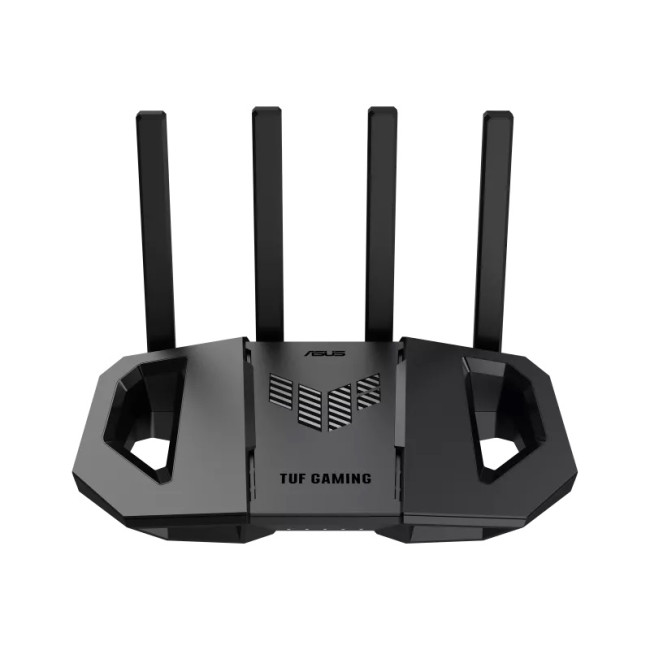
The ASUS TUF TUF-BE3600 is a sleek, black Wi-Fi gaming router that delivers consistently smooth online gaming and streaming performance without blowing your budget. Designed with gamers in mind, it supports dual-band connectivity and four Gigabit Ethernet ports, perfect for desktop rigs, consoles, and wired setups where low latency really matters. This gaming router shines in mid to large UK homes that need reliable coverage and strong throughput for multiple devices at once. With ASUS’s intuitive interface and solid traffic handling, you get better prioritisation for your matches and fewer lag spikes. If you’re hunting for a router for online gaming that balances speed, stability and priced-for-value performance, the TUF-BE3600 is a smart upgrade on standard ISP routers.
2. ASUS RT-BE92U WiFi 7 Tri-band 10Gbit Ethernet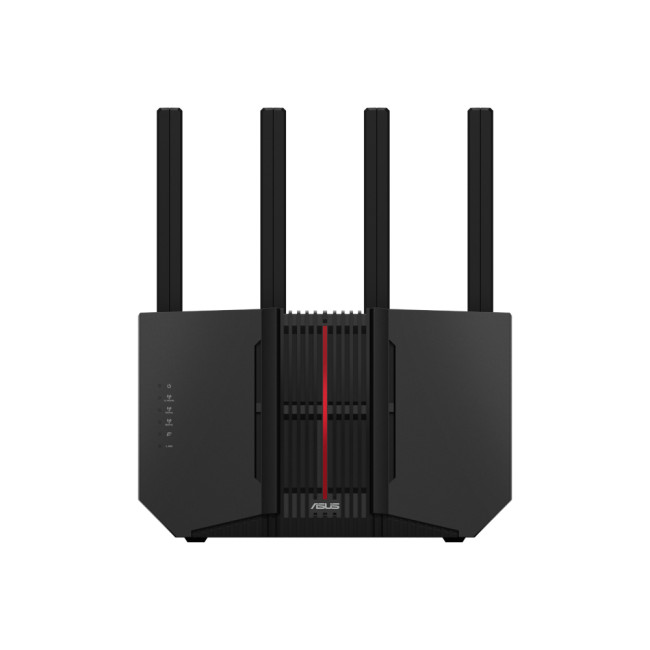
Stepping into future-ready territory, the ASUS RT-BE92U shines as a gaming router Wi-Fi 7 beast with tri-band connectivity and ultra-fast 10Gbit Ethernet backbone. This model is built for UK setups where every millisecond counts, whether you’re pushing high-FPS PC play, streaming 4K/8K content, or connecting a fleet of smart devices. The Wi-Fi 7 standard delivers exceptionally low latency and high throughput, making it ideal for competitive matches and heavy household usage without performance drops. Its smart traffic management ensures gaming sessions stay prioritised even alongside high bandwidth activities. If you want one of the most future-proof best gaming routers UK has seen, the RT-BE92U is a standout choice that’ll keep your network smooth and stable for years.
3. ASUS TUF Gaming AX3000 V2 Dual Band Wi-Fi 6

The ASUS TUF Gaming AX3000 V2 packs a powerful punch for its price point, blending dual-band Wi-Fi 6 speed with gamer-centric features like Mobile Game Mode, AiMesh support, and AiProtection Pro. With a 2.5G LAN port and plenty of Gigabit connections, it easily handles wired gaming alongside other heavy traffic without dropping performance. Mobile Game Mode intelligently prioritises your handheld or phone gaming sessions, while AiMesh lets you scale your Wi-Fi range across a larger UK home. AiProtection Pro adds enterprise-grade network security to keep your setup safe from cyber threats. For anyone who wants a best gaming router for wired connection with modern wireless performance and scalable coverage, the AX3000 V2 nails that sweet spot between features, speed, and long-term value.
4. ASUS ROG Rapture (GT-AX11000) Tri-band WiFi 6 RGB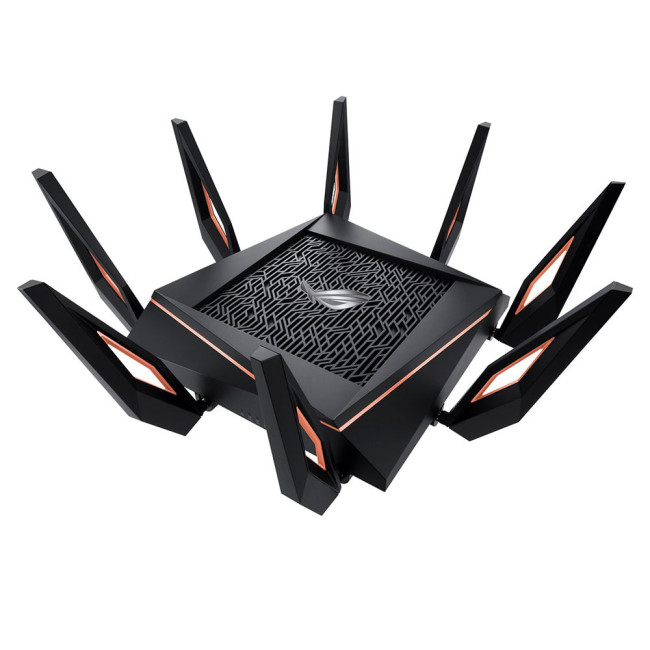
If you’re chasing absolute power and RGB flair in your setup, the ASUS ROG Rapture GT-AX11000 is gamer DNA in a router. This tri-band Wi-Fi 6 monster throws out blazing speeds, broad coverage and extensive customisation, making it one of the best gaming routers UK enthusiasts keep talking about. With dedicated gaming acceleration, multiple WAN/LAN options, advanced QoS and AiMesh compatibility, it’s engineered to handle high-performance online play, streaming, and large smart homes with ease. The RGB lighting adds visual flair for builds that care about aesthetics as much as performance. Whether you’re using multiple devices, streaming content at high bitrates, or entering competitive matches, the GT-AX11000 delivers stable, prioritised traffic that keeps gameplay smooth and lag-free.
5. TP-Link Archer Air R5 AX3000 Wireless Dual-Band Wi-Fi 6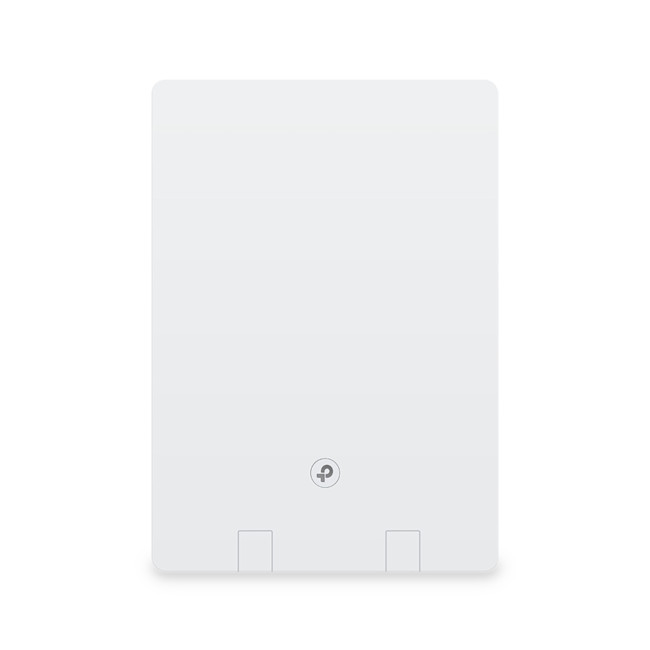
The TP-Link Archer Air R5 AX3000 is a sleek Wi-Fi 6 powerhouse that hits the sweet spot between performance, simplicity and price, making it one of the most versatile high-speed routers out there. Dual-band connectivity and AX3000 speeds mean smooth gaming sessions, buffer-free streaming and solid performance across multiple devices without your network falling over. Whether you’re playing competitive matches on PC, PS5 or switching between sessions with mates, this router manages traffic well and keeps jitter down. With robust Gigabit Ethernet for wired gaming, intuitive app controls and decent range for UK homes, it’s easy to see why so many gamers and everyday users gravitate toward the Archer Air R5 when upgrading from basic ISP kit.
6. TP-Link AX3000 Omada Dual Band Wi-Fi 6 4G+ LTE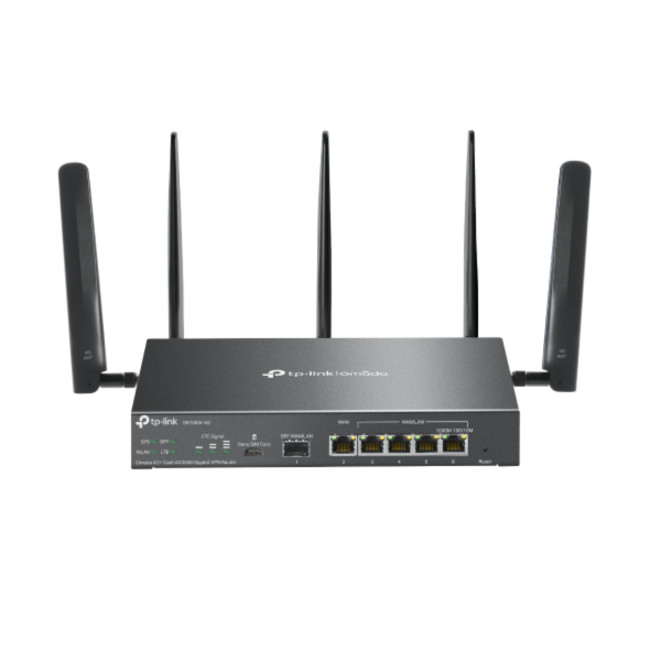
If you need a router that adapts to unpredictable internet environments, the TP-Link AX3000 Omada is one of the most flexible best gaming routers UK setups can use in 2026. Combining dual-band Wi-Fi 6 performance with 4G+ LTE failover, it’s perfect for homes or setups where broadband inconsistency could threaten your match or stream. With strong AX3000 throughput and robust Gigabit Ethernet, it handles intense online gaming and bandwidth-heavy activities without lag spikes, while automatic LTE backup ensures you don’t drop out during crucial moments. The Omada management platform gives you fine-tuned control and remote admin, a killer combo for gamers and streamers who need reliability and performance in one sleek, adaptive unit.
7. TP-Link Omada Gigabit VPN Router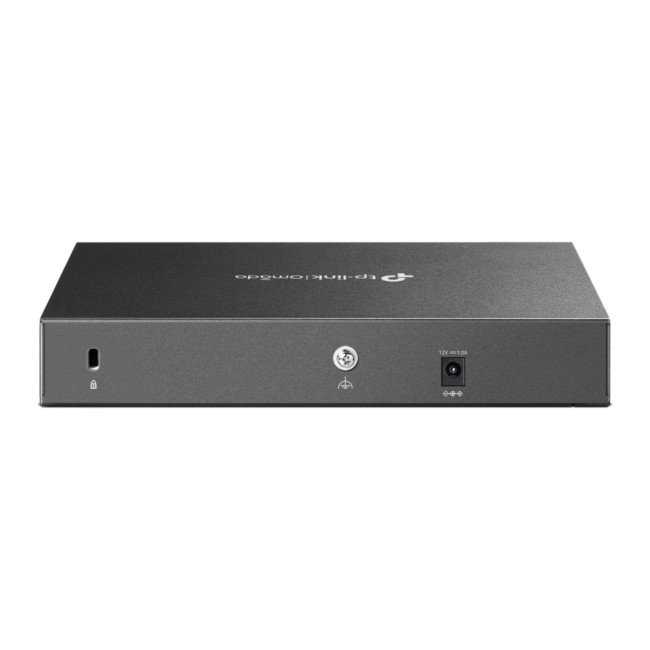
The TP-Link Omada Gigabit VPN router is geared toward gamers and tech-savvy users who want secure, stable networking at scale. Built for environments where secure connections and remote access are critical, this unit supports enterprise-style VPN protocols while still functioning as a solid router for online gaming or high-traffic home use. With full Gigabit throughput on WAN and LAN, it’s capable of handling multiple consoles, PCs and smart devices without compromising speed or integrity. The Omada ecosystem lets you manage this router alongside other network accessories (like switches and access points), making it perfect for larger homes, shared gaming houses, or complicated setups. If security, control and performance matter as much as speed, this VPN router ticks all those boxes.
8. Mercusys BE3600 Dual Band Wi-Fi 7 Router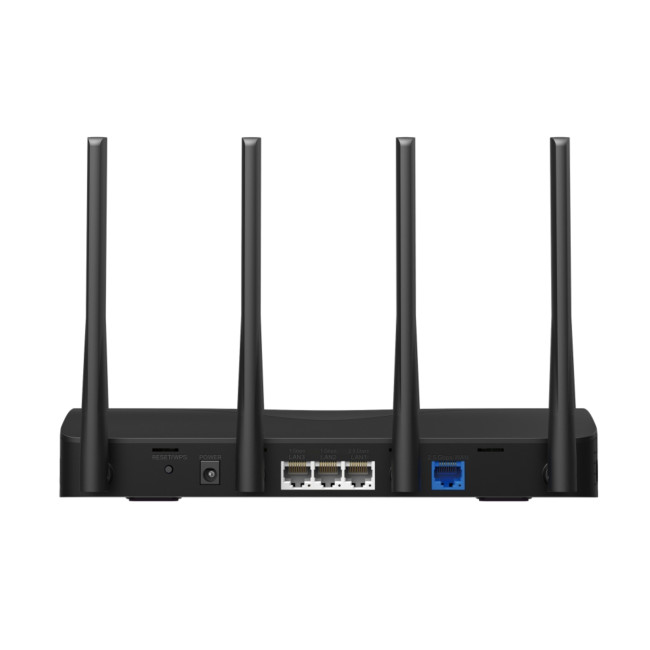
Stepping into next-gen connectivity, the Mercusys BE3600 Dual Band Wi-Fi 7 router pushes the envelope for affordable future-proof performance. With Wi-Fi 7 support, it delivers ultra-low latency and higher throughput than legacy standards, ideal for UK gamers who want Wi-Fi gaming routers capable of handling competitive matches, crowded households and high-definition streaming without hiccups. Dual-band configuration and smart traffic management keep your devices prioritised and responsive, while multiple Gigabit ports let you plug in desktops or consoles for seriously solid wired play. If you’re building a gaming setup that’s meant to last and want next-level speeds without going overboard on price, the BE3600 is a seriously compelling choice.

Upgrade Your Gaming Experience Today
A fast console or gaming PC deserves a network that can keep up. Choosing the right gaming router can dramatically improve online performance, reduce frustration, and unlock the full potential of your internet connection. From low latency routers designed for competitive play to versatile Wi-Fi gaming routers ideal for modern UK homes, there’s never been a better time to upgrade your setup. With trusted brands, advanced features, and scalable solutions like mesh Wi-Fi and network switches, building a high-performance gaming network is more accessible than ever.

Questions You Might Have
What is the best gaming router in the UK for low latency?
The best option depends on your home and internet speed, but routers with advanced QoS and Wi-Fi 6 technology are generally best for low latency gaming in the UK.
Do I need a gaming router for online gaming?
While standard routers can work, a dedicated gaming router offers better traffic management, lower latency, and more stable performance for online gaming.
Are Wi-Fi gaming routers good enough for competitive play?
Modern Wi-Fi gaming routers can deliver excellent performance, especially with Wi-Fi 6, though wired connections still offer the lowest latency for competitive gaming.
Should I use mesh Wi-Fi for gaming in a large house?
Yes, mesh Wi-Fi is ideal for larger homes, providing consistent coverage and stable connections across multiple rooms and floors.
How do network switches improve gaming performance?
Network switches allow multiple wired devices to connect to your router, ensuring stable, low-latency connections for consoles and gaming PCs.
| Read More: |
| Networking Explained: Essential Networking Accessories & Devices for UK Users |
| Network Cards: Boost Your PC Connectivity in the UK |
| Organize Your Network Equipment in the UK |
Related Articles

Last Updated: July 01, 2025
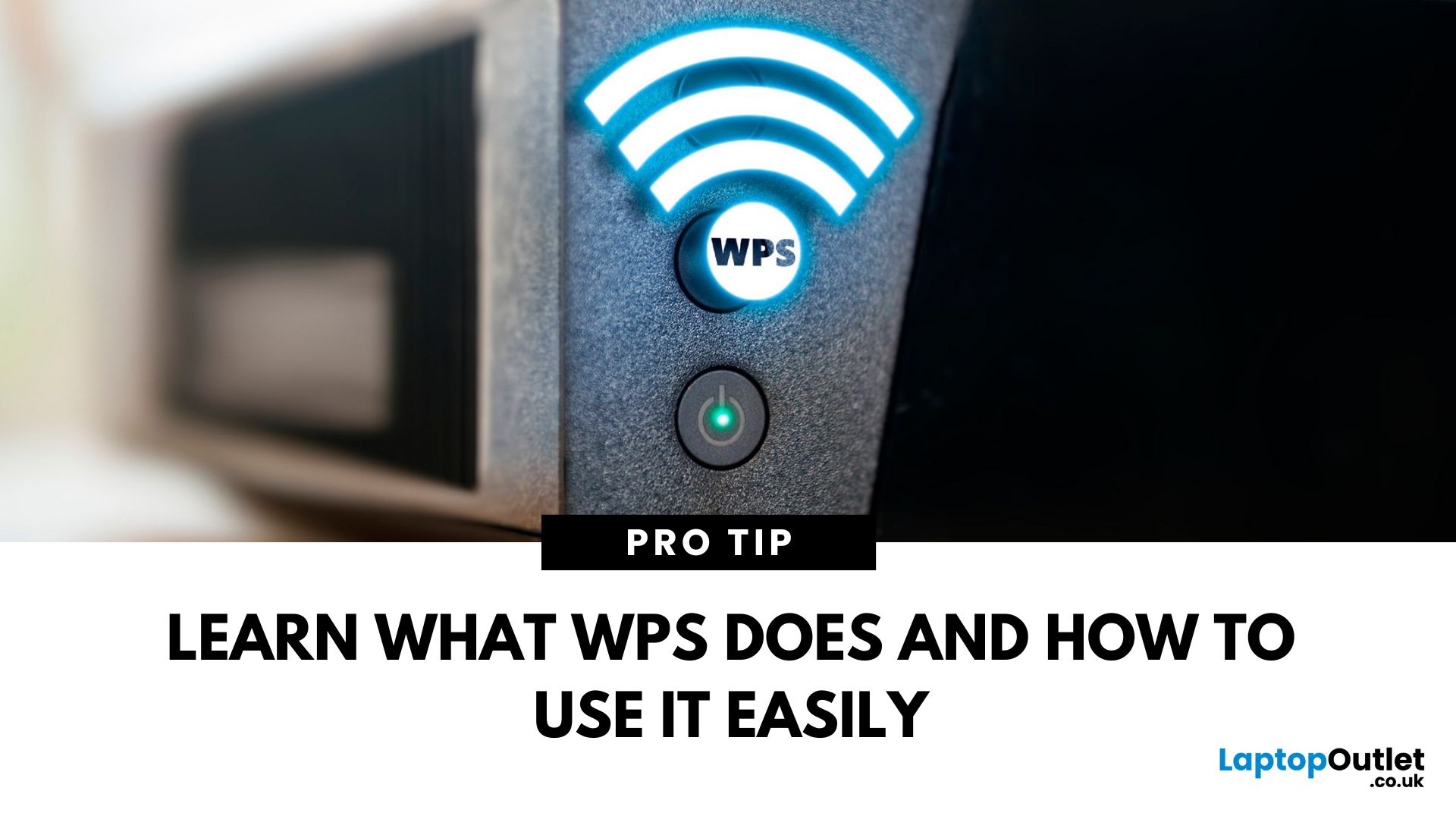
That Little Button Isn’t Just for Looks
If you’ve spotted a mysterious button labelled WPS on your Wi-Fi router, you might be wondering: What does it do—and should I use it? Here’s a beginner-friendly explanation of what the WPS button is and how it simplifies connecting devices to your Wi-Fi.
What Does WPS Stand For?
WPS stands for Wi-Fi Protected Setup. It’s a feature that helps you connect devices to your Wi-Fi network without typing in the Wi-Fi password.
Designed for convenience, especially for smart TVs, printers, and Wi-Fi extenders
What Does the WPS Button Do?
When you press the WPS button:
Your router enters a two-minute pairing mode
During this time, you can connect a compatible device without entering the password
It uses WPA2 security, so it’s secure for most home networks
How to Use the WPS Button
Steps:
Turn on the device you want to connect (e.g., printer or smart TV)
Go to its Wi-Fi settings and select your Wi-Fi network
Choose WPS connection
Last Updated: July 01, 2025
Your Wi-Fi Starts Here
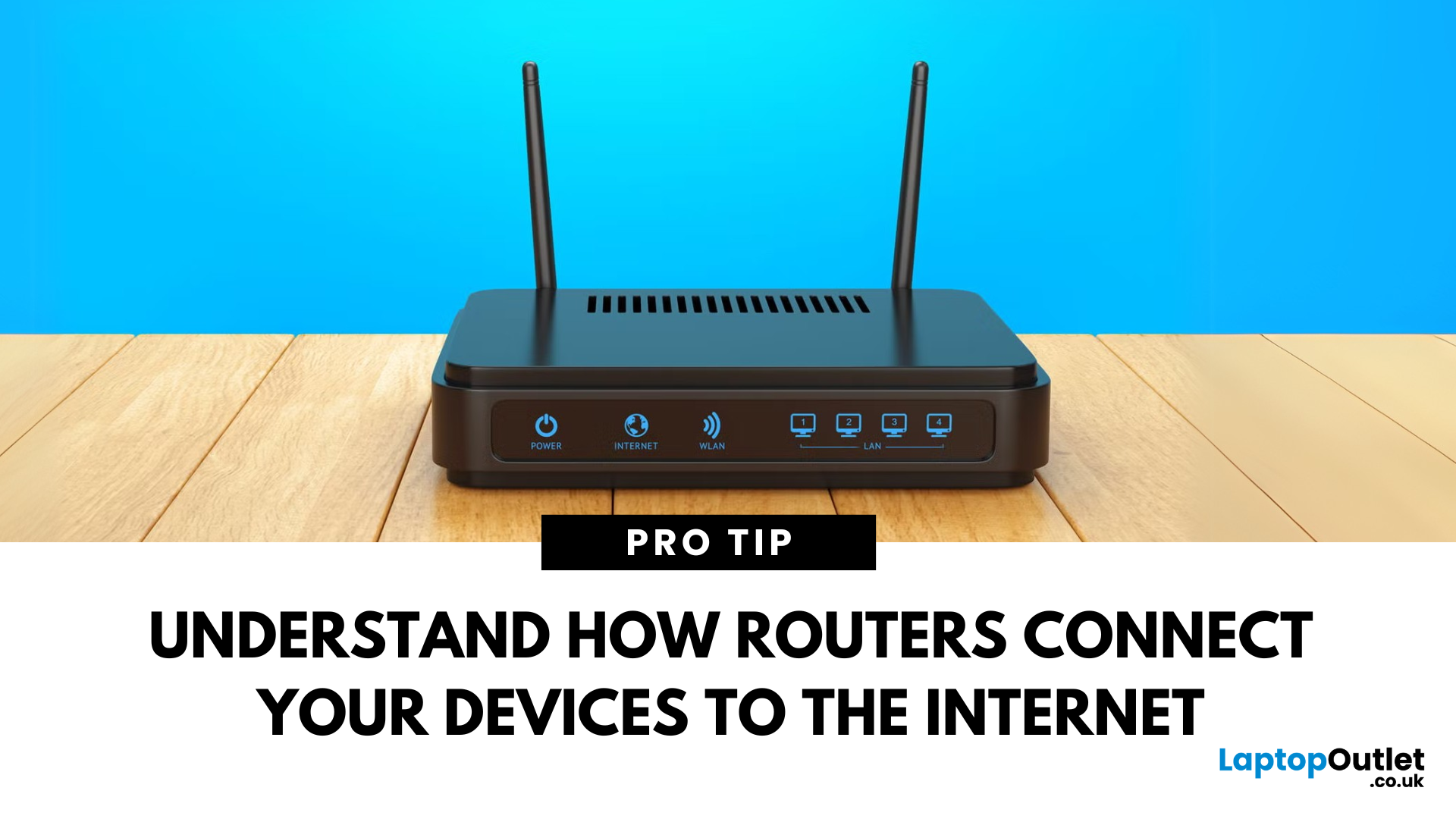
You’ve probably seen it flashing away in the corner of the room—but what is a router, and why is it essential for your internet connection? Here’s everything you need to know about this small but powerful device.
What Is a Router?
A router is a device that connects your home or office to the internet by routing data between your internet service provider (ISP) and your connected devices (like phones, laptops, smart TVs, and more).
It’s the heart of your Wi-Fi network, sending and receiving data from the web
How Does a Router Work?
- Connects to a modem (or includes one in some models)
- Assigns local IP addresses to devices in your network
- Sends and receives data packets to and from the internet
- Uses Wi-Fi or Ethernet to link devices wirelessly or via cable
Types of Routers
- Standalone Router: Connects to a separate modem
- Modem-Router Combo: Two-in-one device with both modem and router
- Mesh Wi-Fi Router: Covers large homes with multiple units
Last Updated: July 01, 2025
The Backbone of Your Internet
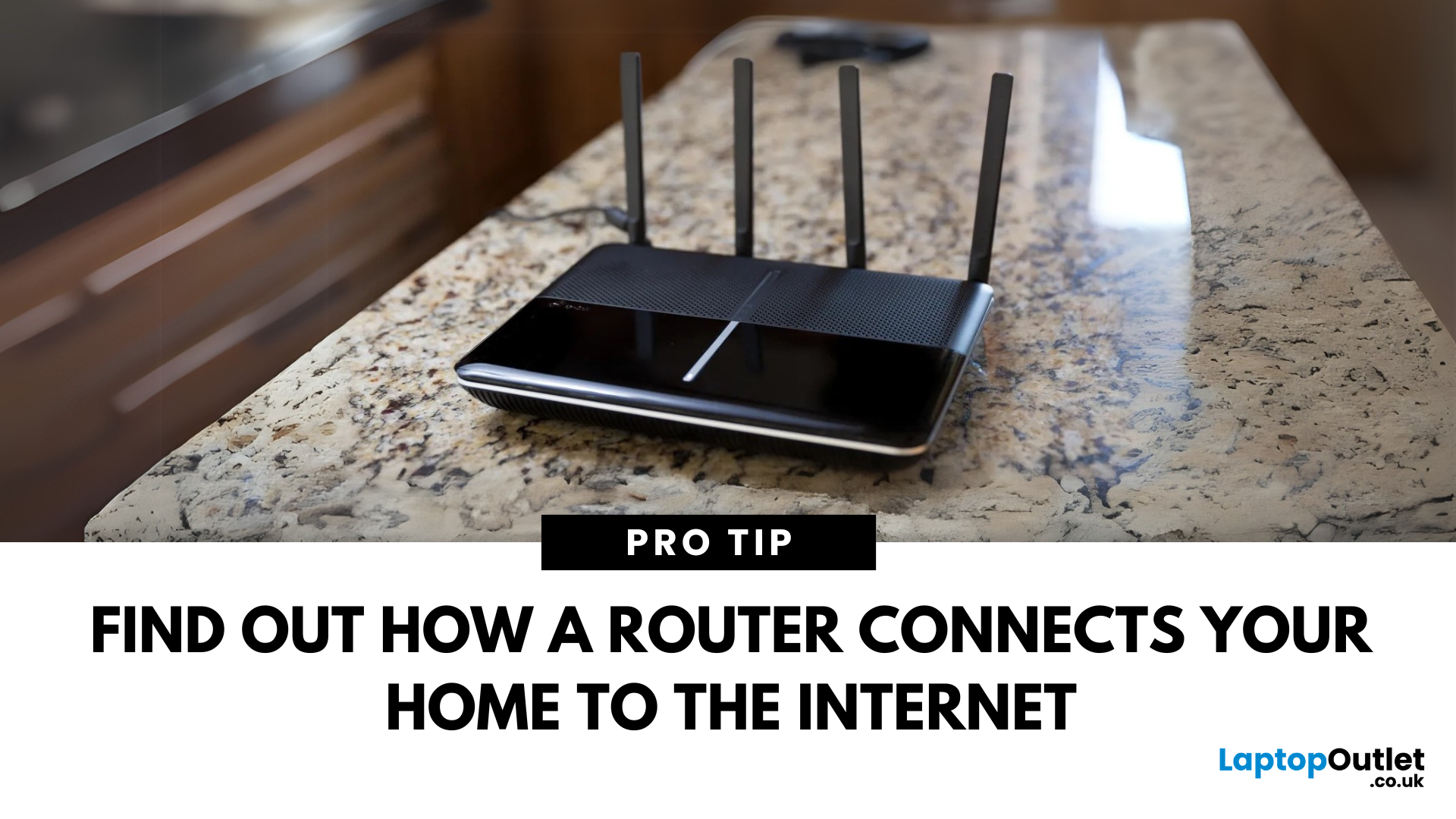
Your internet experience starts with a router—but what exactly does it do? Whether you’re streaming, gaming, working from home, or scrolling on your phone, the router keeps your digital life connected. Let’s break down what a router does and why it’s so important.
What Is a Router?
A router is a networking device that connects your devices to the internet and manages how they communicate with each other.
It “routes” traffic between your local devices (like your phone or laptop) and the broader internet
What Does a Router Actually Do?
- Distributes internet access from your modem to all connected devices
- Creates a local network so devices can talk to each other
- Assigns IP addresses to each device
- Directs data packets so the right information reaches the right device
Wi-Fi vs Router – What’s the Difference?
- Router: Manages traffic and connects devices
- Wi-Fi: The wireless signal your router creates
The router gives you internet; Wi-Fi
Last Updated: July 01, 2025
Keep Your Wi-Fi Safe and Secure
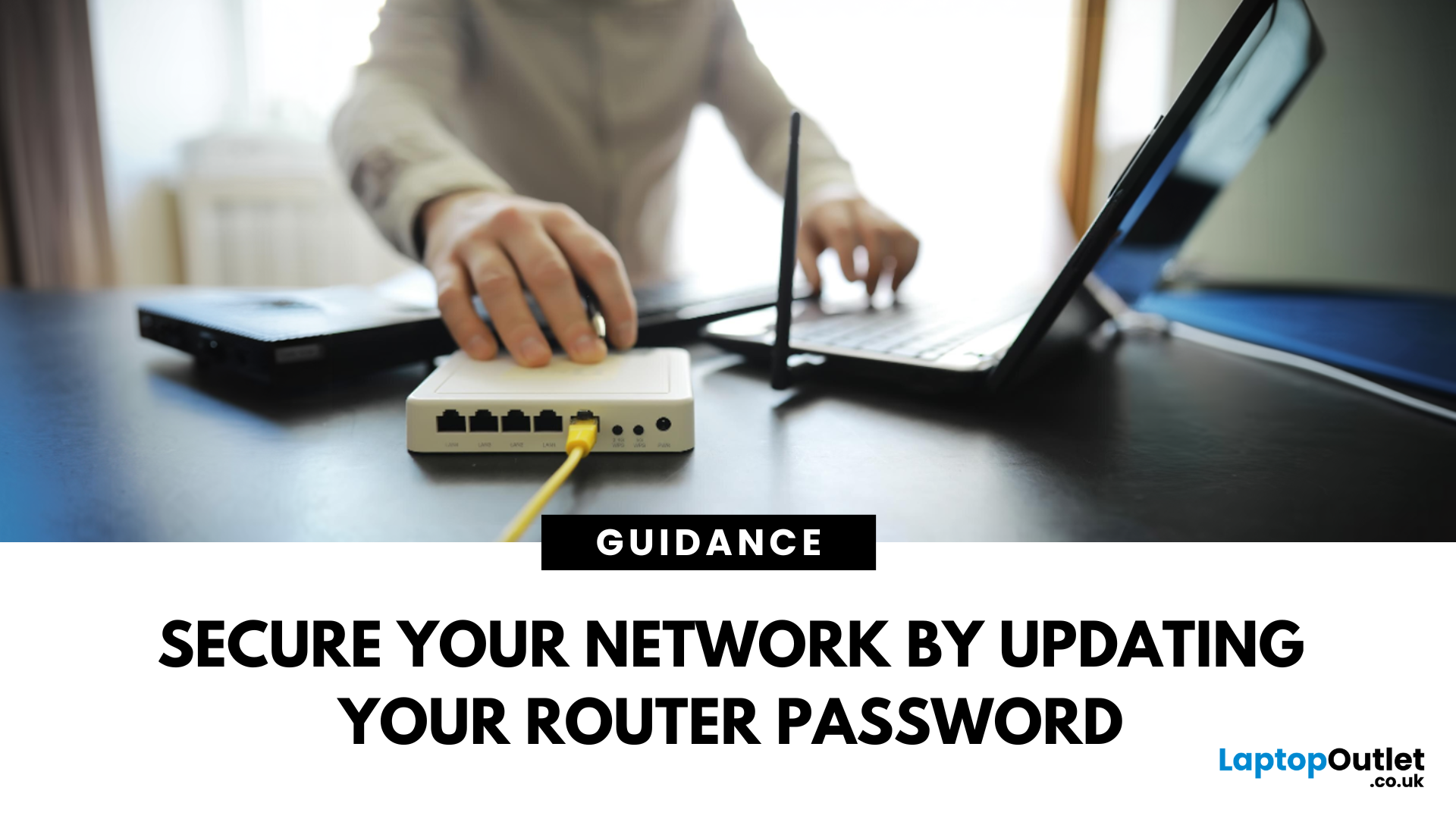
Your router password protects your home network from unwanted access. Whether you're updating your Wi-Fi credentials or changing the admin login, it’s a smart step for security. Here’s how to change your router password in just a few steps.
1. Know Which Password You’re Changing
- Wi-Fi Password: The one users enter to connect to your network
- Router Admin Password: Used to access router settings via web browser
It’s best to change both regularly for security
2. Connect to Your Router
- Make sure you're connected to your Wi-Fi or directly via Ethernet
- Open a web browser and type your router’s IP address (usually 192.168.0.1 or 192.168.1.1)
- Enter your admin username and password (often printed on the router or found in your manual)
3. Change Your Wi-Fi Password
Steps:
- Log in to your router settings
- Navigate to Wireless Settings or Wi-Fi Settings
- Locate the SSID (network name) and password fields
- Enter your new password (use a strong,
Last Updated: September 09, 2025
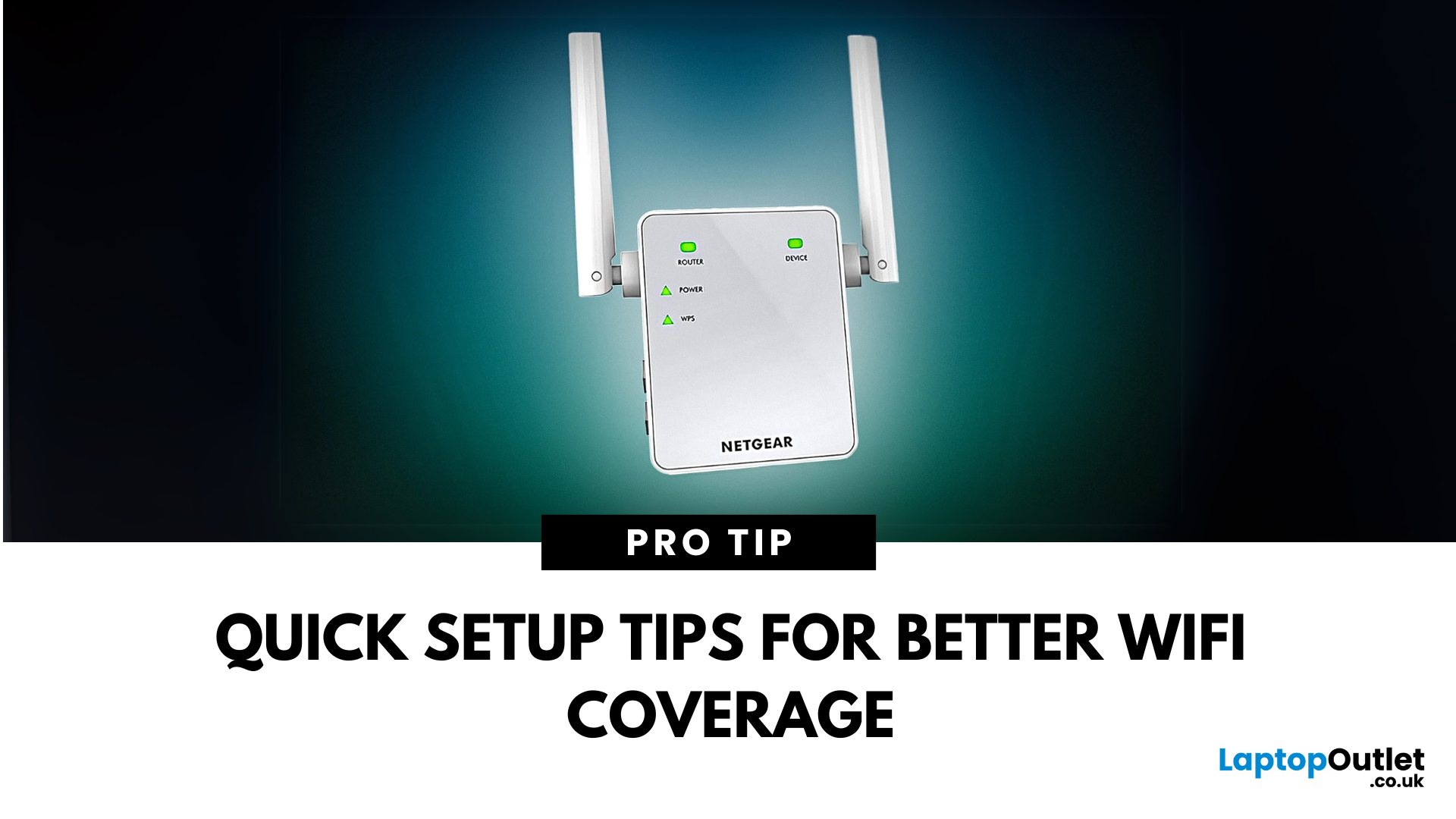
If you're tired of weak WiFi in certain corners of your home or office, a Netgear WiFi Extender might be your ideal solution. But if you're wondering how to connect a Netgear WiFi extender quickly and correctly, you've come to the right place.
Whether you're using WPS, a web browser, or the Nighthawk app, this step-by-step guide will help you set up your Netgear Extender without the tech stress and ensure a stronger signal wherever you need it most.
Why Use a Netgear WiFi Extender?
We've all been there. You're halfway through a Netflix series, and just as the plot thickens, the WiFi gives up. Or maybe you're trying to take a video call from the kitchen, and suddenly you're frozen mid-sentence. If your home has patchy signal areas, often referred to as dead zones, it's not your fault. It's just how most Netgear routers and other routers work.
A Netgear WiFi Extender gives your internet a second wind. Instead of relying on one central router to do all the heavy lifting, an extender

Last Updated: July 01, 2025
The Power of Digital Connections
In today’s world, few devices operate in isolation. Whether you’re sharing files, streaming media, or collaborating online, computer networking is at the heart of it all. So what exactly is networking in computers? Let’s break it down simply.
What Is Networking in Computers?
Networking in computing refers to connecting multiple computers and devices so they can share data, resources, and communication.
It’s how laptops, smartphones, printers, and servers talk to each other
Why Is Networking Important?
- Enables file and data sharing
- Supports remote access and teleworking
- Allows internet access for all connected devices
- Powers smart home and office automation
How Does Computer Networking Work?
- Devices connect via physical cables or wirelessly (Wi-Fi)
- A router or switch directs traffic
- Data travels in packets to the right device using IP addresses
Each device gets a unique network ID to manage communication
Types of Computer Networks

Last Updated: September 09, 2025
Say Goodbye to Dead Zones
Weak WiFi can turn streaming, gaming, or even browsing into a nightmare. If you're tired of buffering and connection drops, it’s time to improve your signal. Here’s how to boost your WiFi signal and keep your connection stable.
1. Reposition Your Router
- Place it in a central, elevated location (not in a cupboard)
- Avoid placing it near walls, metal objects, or appliances
- Keep antennas upright for optimal coverage
Walls, mirrors, and microwaves can block or reflect signal
2. Update Router Firmware
- Log into your router settings
- Check for firmware updates and install if available
- Some routers update automatically, others need manual action
3. Change WiFi Channel
- Use router settings to switch to a less crowded channel
- Especially useful in flats or busy buildings
- Apps like WiFi Analyzer (Android) can help find the best channel
4. Upgrade Your Router or Antenna
- Older routers = slower speeds and weaker signal
- Consider a dual-band or WiFi
Last Updated: January 16, 2026
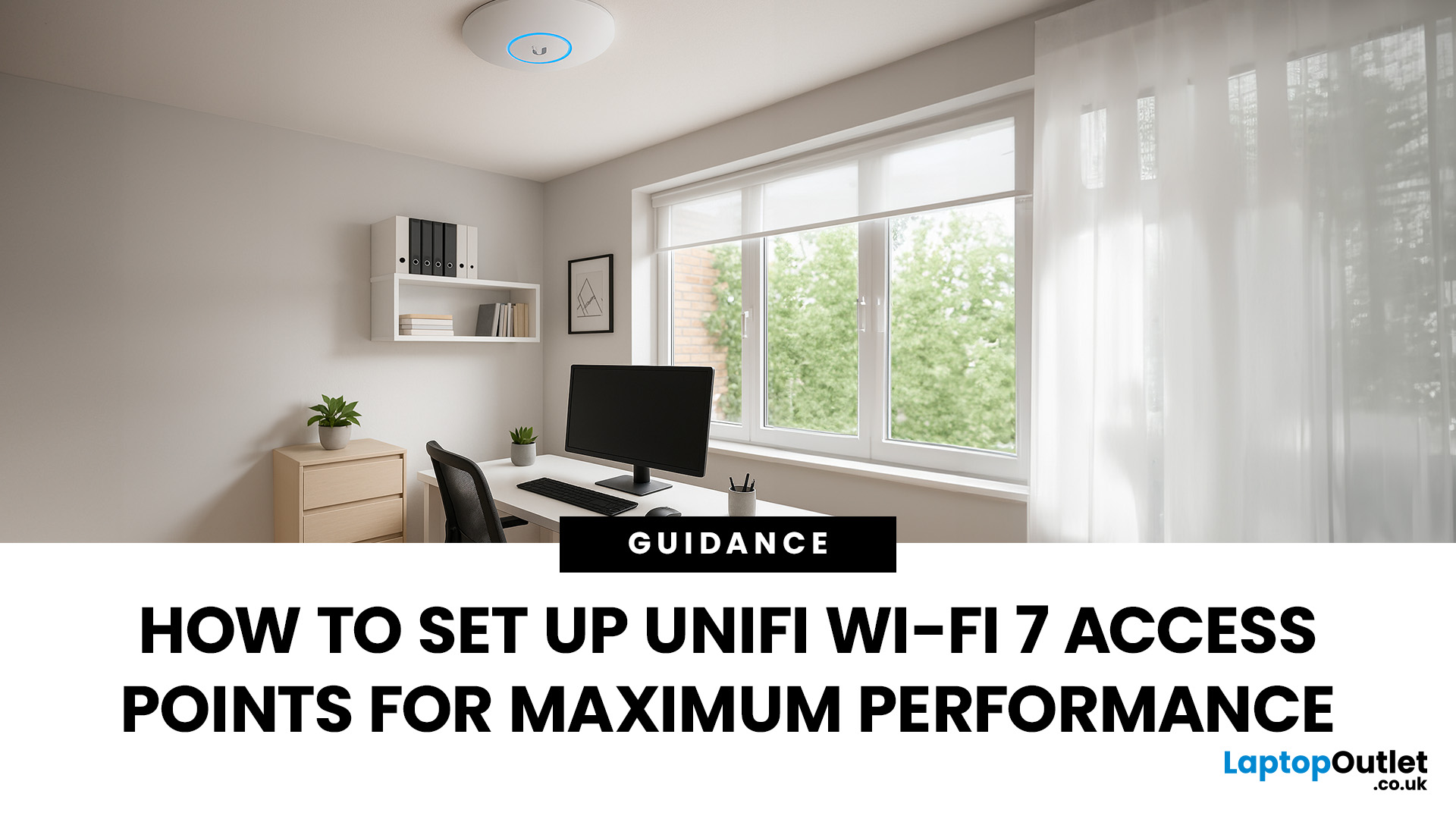
If you’ve just got your hands on the latest UniFi WiFi 7 access points, you’ll want to ensure you’re squeezing out every bit of performance they can offer. WiFi 7 promises faster speeds, lower latency, and smoother connectivity, but those benefits only appear when the setup is done properly.
This guide is for anyone planning their UniFi WiFi 7 Access Point Setup. Whether you’re installing them at home, in an office, or across a larger site, we’ll walk through everything step-by-step: adoption in the UniFi Controller, WiFi 7 access point configuration, 6 GHz band setup, and making the most of Multi-Link Operation.
Step 1: Prepare Your Space
Before you even plug anything in, take a moment to prepare. A little planning saves a lot of fixing later.
Do a quick site survey
Walk around with a phone or laptop and check for dead WiFi zones. Look for thick concrete walls, metal surfaces, or areas where you’ve always struggled with signal.
Plan where to mount
The golden rule is high and central.

Last Updated: December 23, 2025
When it comes to competitive gaming or smooth 4K streaming, your internet connection is only as good as the router powering it. High latency, buffering, and packet drops can turn a winning game into frustration or ruin a live stream in seconds. That’s why choosing the right router—and configuring it correctly- is just as important as having fast broadband.
Ubiquiti has become a go-to name for gamers, streamers, and tech enthusiasts who want more than basic Wi-Fi. From the powerful UniFi Dream Machine to the gamer-centric AmpliFi series, Ubiquiti routers combine enterprise-grade stability with features built for demanding home setups. With the right optimisation - like low-latency settings, QoS for gaming traffic, and GeForce NOW tweaks - you can unlock their full potential.
In this guide, we’ll explore the best Ubiquiti routers for gaming and streaming and reveal the settings that give you a true performance edge.
Why Router Quality Matters for Gaming & Streaming
Every gamer and streamer

Last Updated: December 09, 2025
Wi-Fi acting weird? Pages not loading? Passwords forgotten? You’re not alone - sometimes even the most reliable routers like TP-Link need a fresh start. Whether your internet is unstable, you changed too many settings, or you just want to start over, resetting your router can fix a surprising number of problems.
In this complete guide, we’ll walk you through how to reset your TP-Link router, both the quick way (via the Reset button) and the advanced way (through the web interface). We’ll also explain what happens after a reset, how to reconfigure your network, and what to do if your reset doesn’t work.
Understanding What “Reset” Really Means

Before you hit any buttons, it’s important to know what a router reset actually does.
When you reset a TP-Link router, you’re restoring it to its factory default settings, exactly how it was when you first took it out of the box.
That means:
- All Wi-Fi names (SSID) and passwords you’ve set will be erased.
- Any changes to IP addresses, DNS, or security

