



Netgear Routers: Reliable Wi-Fi Solutions for UK Homes
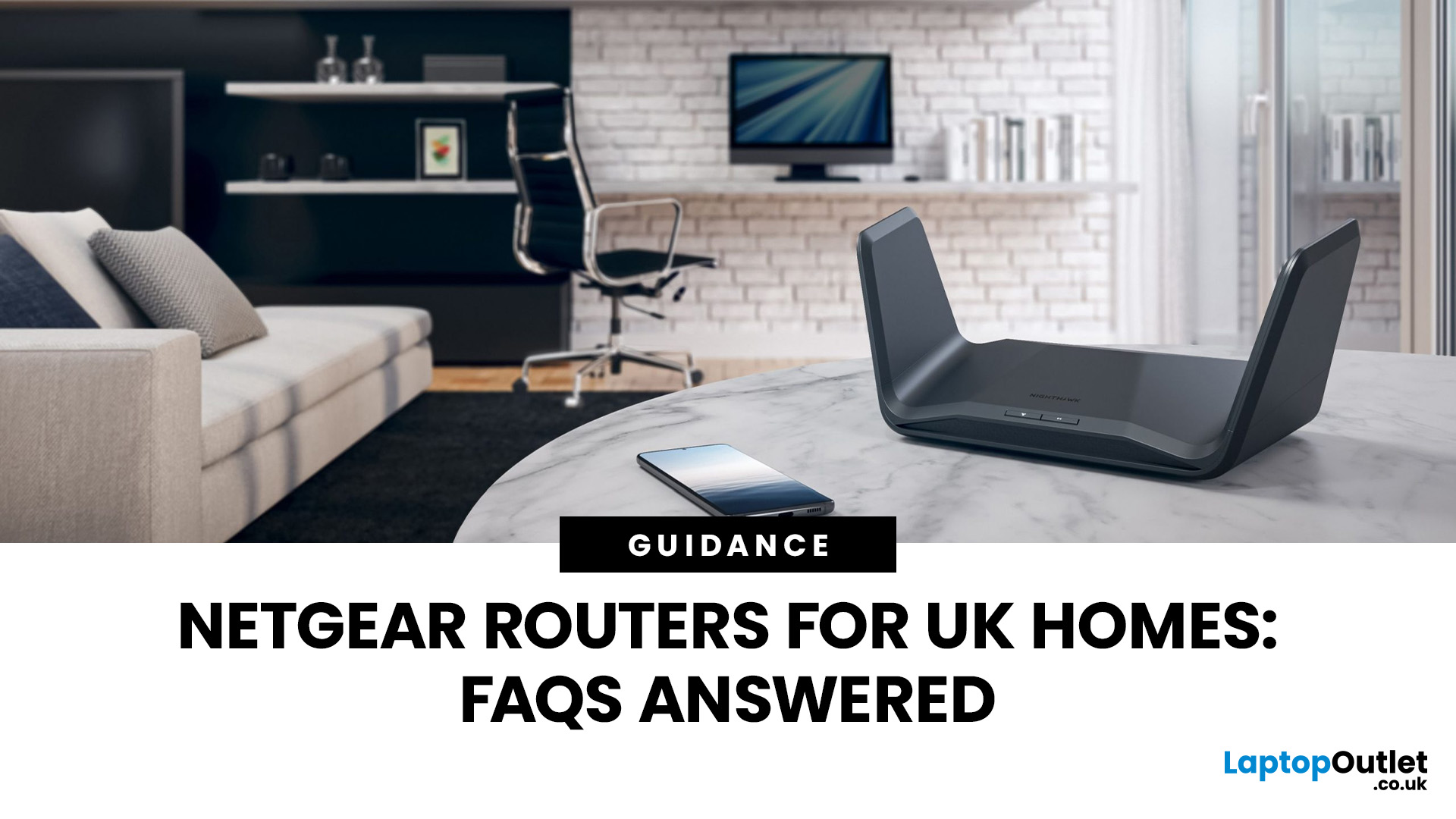
When people talk about routers, they often focus on speed but speed alone doesn’t explain why some networks feel solid and dependable while others constantly drop out, lag, or need rebooting.
To understand why Netgear routers have built a reputation for reliability in UK homes, you need to understand how Netgear routers work, not just what they claim on the box.
What Makes a Router “Reliable” in Real UK Homes
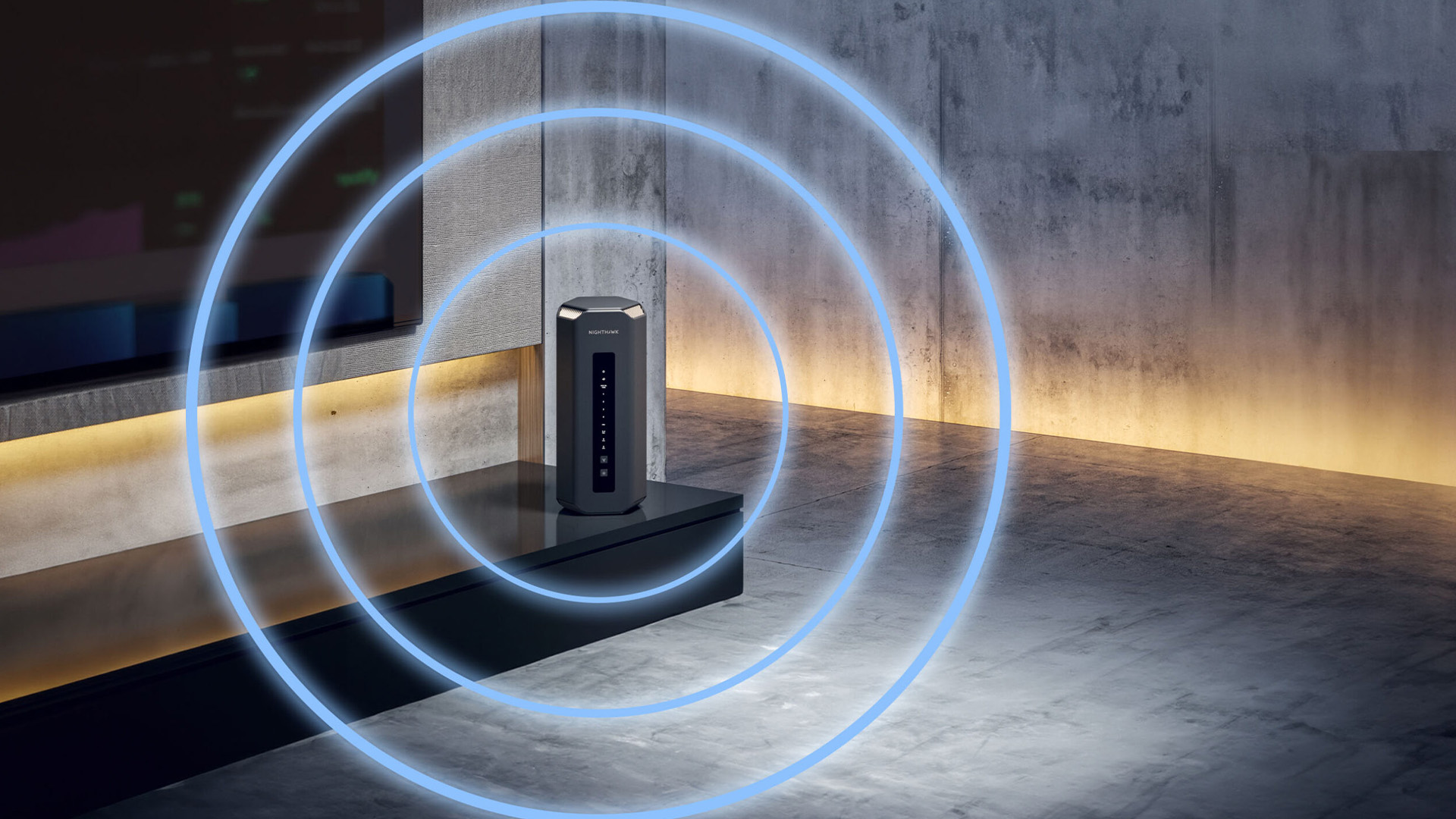
Reliability isn’t about peak performance in perfect conditions.
It’s about how a router behaves when things get messy, which they always do.
In a typical UK home, a router must handle:
- Multiple people online at once
- Video calls overlapping with streaming
- Smart TVs, consoles, and background downloads
- Smart home devices constantly checking in
A reliable router does three things well:
- Keeps connections stable
- Manages traffic intelligently
- Avoids sudden performance drops under load
Netgear’s design philosophy focuses on those three areas rather than chasing headline speed numbers.
Many of these reliability challenges are also why UK buyers spend time researching how to choose the best Wi-Fi router for your home rather than focusing on speed alone.
How Netgear Routers Manage Network Traffic
One of the key reasons Netgear routers feel stable is how they manage traffic between devices.
Why Traffic Management Matters
Without traffic control, routers treat all data the same. That means:
- A large download can interrupt a video call
- A game update can cause streaming to buffer
- Smart devices can create background congestion
This is where many budget routers struggle.
How Netgear Handles It
Netgear routers use intelligent traffic prioritisation (often called QoS, but you don’t need to manage it manually).
In practical terms, this means:
- Time-sensitive traffic (calls, gaming) is prioritised
- Background downloads are controlled
- Devices don’t constantly interrupt each other
This doesn’t make your internet faster, it makes it feel smoother and more predictable, which is what most users actually want.
Hardware Quality: The Foundation of Stability
A router is a small computer, and its hardware matters more than most people realise.
Netgear routers typically focus on:
- Capable processors that can handle multiple connections at once
- Good thermal design, so performance doesn’t drop over time
- Well-positioned antennas for consistent coverage
Cheaper routers often fail not because they’re slow, but because they:
- Overheat
- Struggle under load
- Drop performance during peak usage
Netgear’s hardware choices are deliberately conservative, not flashy, but dependable.
Software & Firmware: Why Netgear Routers Age Well
One of the most overlooked parts of how Netgear routers work is software support.
A router’s performance doesn’t stay fixed. Over time:
- Security threats change
- Device behaviour evolves
- Network demands increase
Netgear places strong emphasis on:
- Regular firmware updates
- Long-term model support
- Security patches that don’t break performance
This is why many Netgear routers remain reliable years after purchase, while some competitors’ models feel outdated much sooner.
This long-term support is a key reason many users stick with Netgear networking products when upgrading.
Signal Consistency vs Peak Speed (The Netgear Trade-Off)
Netgear routers are not always the loudest when it comes to marketing speed claims, and that’s intentional.
Instead of focusing only on peak throughput, Netgear prioritises:
- Consistent signal strength
- Stable performance across rooms
- Fewer sudden drops
In real homes, this matters more than a speed test result taken next to the router.
Many users describe Netgear Wi-Fi as:
- Less prone to random disconnects
- More stable during busy evenings
- Better for long video calls and work sessions
That’s the result of balanced design, not just faster radios.
Hardware reliability becomes even more important when routers are paired with additional networking equipment such as network switches: expand your home or office network efficiently.
How Netgear Routers Handle Multiple Devices
Modern homes are device-heavy.
Even a modest household might have:
- 2–3 laptops
- Several phones and tablets
- Smart TVs and consoles
- Smart speakers, cameras, and plugs
Each of these devices competes for attention.
Netgear routers are designed to:
- Maintain fair access between devices
- Prevent one device from dominating bandwidth
- Handle constant background traffic efficiently
This is why Netgear routers are often recommended as home routers UK buyers can rely on when households grow more connected over time.
Reliability in Crowded UK Wi-Fi Environments
UK Wi-Fi environments are often crowded:
- Neighbours’ routers nearby
- Flats and terraced housing
- Overlapping wireless channels
Netgear routers cope well in these conditions because they:
- Adjust dynamically to interference
- Maintain stable connections even when channels are busy
- Avoid aggressive behaviour that causes dropouts
This is especially noticeable in urban areas and apartment buildings, where unreliable routers struggle the most.
Why Netgear Routers Are Often Chosen for “Set and Forget” Use
Some users love tweaking settings.
Most don’t.
Netgear routers are popular because:
- They work well out of the box
- Advanced features are there if needed
- Everyday users don’t have to manage anything
This balance makes Netgear a common choice for:
- Families
- Home workers
- Small offices
- Users who value reliability over experimentation
Netgear Wi-Fi Routers for UK Homes (Choosing the Right Fit)

Once you understand how Netgear routers work, the next step is choosing the right type for your home. This is where many buyers go wrong, not because Netgear offers too many options, but because they underestimate how much home layout and usage patterns matter.
A router that works perfectly in a small flat may struggle in a three-bed semi. Likewise, a high-speed router designed for gaming can be unnecessary for light browsing, or transformational for busy households.
This section breaks down Netgear Wi-Fi routers UK buyers should consider, based on real UK home scenarios.
Netgear Routers for Small Flats & Compact Homes
Small flats, apartments, and studio spaces make up a large portion of UK housing. In these environments, Wi-Fi problems usually aren’t about distance; they’re about device congestion and interference.
What Matters Most in Small Homes
- Stable signal rather than extreme range
- Good handling of multiple devices
- Minimal interference from neighbouring networks
Netgear routers perform well here because they prioritise:
- Consistent signal quality
- Smart traffic handling
- Reliable performance during busy evening hours
For small homes, a single Netgear router is often all you need. Overspending on extreme range or complex systems rarely improves results.
This is where Netgear excels as a home router UK choice: solid performance without unnecessary complexity.
Netgear Routers for Typical UK Family Homes
The most common UK setup is the 2–3 bedroom house and this is where Wi-Fi challenges become more noticeable.
Common Problems in Family Homes
- Weak signal upstairs
- Streaming buffering while someone works
- Gaming lag during peak usage
- Smart TVs and devices competing for bandwidth
In these homes, Netgear routers shine because they:
- Maintain stable performance across rooms
- Handle multiple active users better
- Avoid sudden drops when the network is busy
This is where Netgear’s emphasis on reliability over headline speed pays off.
A well-chosen Netgear router can comfortably support:
- Multiple video calls
- Simultaneous streaming
- Background smart device traffic
…without constant tweaking or restarts.
Netgear Routers for Larger & Multi-Storey Homes
Larger UK homes introduce new challenges:
- Thick walls
- Multiple floors
- Extensions or converted lofts
In these cases, even a powerful single router may not be enough — regardless of brand.
When a Single Router Isn’t Enough
If Wi-Fi drops:
- Upstairs
- At the far end of the house
- In garden offices
Coverage, not speed, is the issue.
This is where mesh Wi-Fi becomes important.
Netgear + Mesh Wi-Fi: Whole-Home Coverage Done Right
Netgear mesh systems are designed to:
- Extend coverage seamlessly
- Keep one network name
- Allow devices to move freely without disconnecting
Instead of boosting a weak signal, mesh systems:
- Create multiple strong access points
- Share network load intelligently
For large or complex homes, a Netgear mesh setup often delivers far better real-world performance than a single high-power router.
Importantly, Netgear mesh systems still follow the same design philosophy:
- Stability first
- Predictable performance
- Minimal user intervention
Netgear’s mesh systems follow the same principles outlined in mesh Wi-Fi systems - full coverage networking solutions for UK homes, with an emphasis on stability over amplification.
Netgear and Wi-Fi 7: Preparing for the Next Generation
Wi-Fi 7 is starting to appear in UK homes, but it’s important to understand who actually benefits right now.
What Wi-Fi 7 Changes
Wi-Fi 7 improves:
- Device handling
- Latency
- Stability under heavy load
It’s less about raw internet speed and more about network behaviour when many devices are active.
Netgear’s Approach to Wi-Fi 7
Netgear’s Wi-Fi 7 routers:
- Focus on reliability over early adoption hype
- Prioritise real-world performance
- Remain fully compatible with older devices
This makes them a strong option for:
- Busy households
- Smart homes
- Users planning long-term upgrades
For lighter users, Wi-Fi 6 models may still be sufficient — and Netgear doesn’t push unnecessary upgrades.
High-Speed Routers: When Netgear Performance Really Matters
High-speed routers aren’t just for gamers.
They matter when:
- Many devices are active at once
- Uploads are frequent (WFH, backups)
- Latency-sensitive tasks are common
Netgear high-performance routers focus on:
- Consistent throughput
- Stable upload performance
- Reduced congestion
This makes them suitable not only for homes, but also for:
- Home offices
- Hybrid work setups
- Content creators
Choosing the Right Netgear Router: A Simple Framework
Instead of comparing dozens of models, ask yourself:
- How big is my home?
- How many devices are active at the same time?
- Do I experience dropouts or slowdowns at peak times?
- Is coverage an issue or stability?
If the answer is:
- Coverage → consider mesh
- Stability → choose a higher-quality single router
- Future growth → Wi-Fi 6 or Wi-Fi 7
Netgear offers options for all three, without forcing unnecessary complexity.
Netgear Gaming Routers & High-Speed Performance (Why Gamers Trust Them)
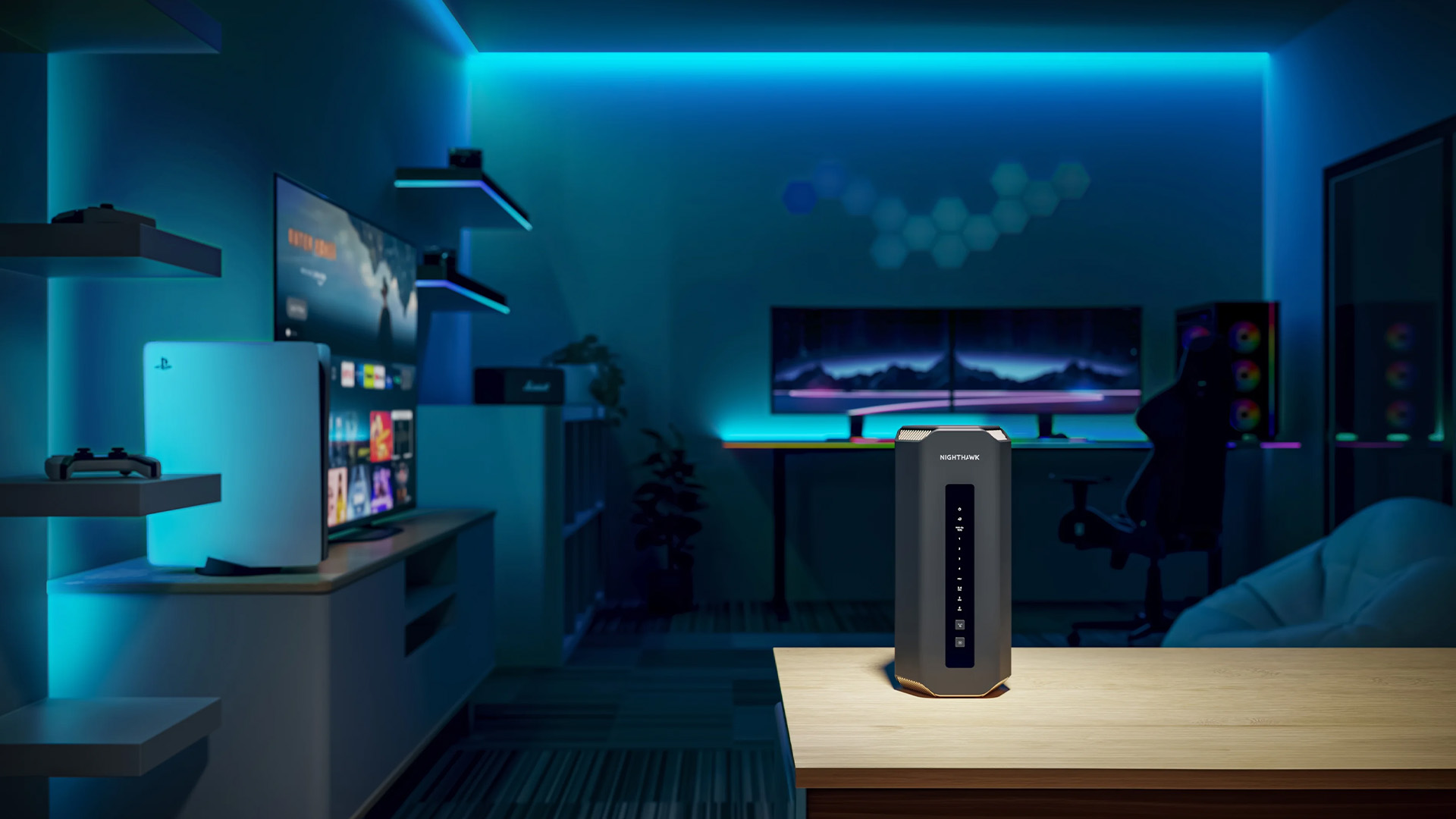
Gaming is one of the fastest ways to expose weaknesses in a home network. Even small delays, packet loss, or unstable connections can ruin the experience — which is why gamers tend to be far more critical of routers than casual users.
This is where Netgear gaming routers stand out.
Why Gaming Is About Latency, Not Just Speed
A common mistake is assuming gaming requires extreme download speeds. In reality, online gaming depends on:
- Low latency (ping)
- Minimal jitter
- Consistent packet delivery
A router that delivers high speeds but unstable performance will still cause:
- Lag spikes
- Rubber-banding
- Random disconnects
Netgear gaming routers are designed to prioritise responsiveness and stability, not just raw throughput.
How Netgear Gaming Routers Handle Traffic Differently
Netgear gaming routers place strong emphasis on:
- Traffic prioritisation for gaming devices
- Reducing background interference from downloads or streaming
- Maintaining stable connections during peak usage
This ensures gaming traffic isn’t interrupted by:
- Someone streaming video
- Cloud backups running
- Game updates downloading in the background
High-Speed Routers That Stay Stable Under Load
High-speed routers only matter if they remain consistent under pressure.
Netgear’s performance models focus on:
- Strong processors that don’t choke under load
- Better thermal management
- Reliable firmware that doesn’t degrade over time
This makes them suitable not only for gaming, but also for:
- Content creators
- Streamers
- Heavy multi-user households
Netgear Routers for Offices & Work-From-Home Setups
Work-from-home and small office environments place very different demands on routers than casual home use.
Here, stability matters more than peak speed.
Why Office Routers Need Consistency First
Office and WFH setups rely on:
- Video calls
- VPN connections
- Cloud file access
- Regular uploads
Unstable Wi-Fi causes:
- Dropped calls
- Laggy meetings
- Interrupted workflows
Netgear routers are often chosen as office routers because they deliver:
- Predictable performance
- Strong upload stability
- Minimal need for constant adjustment
Netgear Routers in Small Offices
In small offices or shared workspaces, routers must:
- Support many devices simultaneously
- Remain stable throughout the workday
- Receive regular security updates
Netgear’s business-ready features and conservative performance tuning make them a strong fit for professional environments.
Supporting Hardware for Office Networks
Routers perform best when supported by the right infrastructure.
Common additions include:
- Network switches for wired expansion
- Access points for wider coverage
This allows Netgear routers to scale beyond a single room without sacrificing reliability.
Netgear Routers Within a Complete Home Network
A router is only one part of a well-designed home network. Netgear routers integrate smoothly with other networking tools to solve coverage and connectivity challenges.
Netgear + Mesh Wi-Fi
Mesh Wi-Fi is ideal for:
- Large homes
- Multi-storey properties
- Homes with extensions or thick walls
Netgear mesh systems:
- Create seamless coverage
- Allow devices to roam without disconnecting
- Reduce dead zones effectively
Netgear + Wi-Fi Range Extenders
Range extenders are useful when:
- Only one or two areas have weak signal
- Full mesh systems aren’t necessary
However, they must be placed correctly to avoid repeating weak signals.
Netgear + Powerline Adapters
In UK homes where running Ethernet cables isn’t practical, powerline adapters provide a reliable alternative.
They:
- Use existing electrical wiring
- Deliver wired-like stability
- Pair well with Netgear routers
Netgear vs TP-Link vs ASUS (An Honest Comparison)

Netgear is not the best choice for everyone and that honesty builds trust.
Netgear vs TP-Link Routers
- Netgear prioritises stability, long-term support, and reliability
- TP-Link routers often focus on affordability and feature-rich ecosystems
TP-Link can be a better choice for budget-focused buyers, while Netgear suits users who want predictable performance.
Netgear vs ASUS Routers
- ASUS routers offer deep customisation and advanced gaming features
- Netgear routers favour simplicity and consistent behaviour
ASUS suits power users who enjoy tweaking settings, while Netgear suits those who prefer a “set and forget” experience.
Who Netgear Routers Are Best For
Netgear routers are ideal for:
- Families
- Home workers
- Small offices
- Users who value reliability over experimentation
Buyers often weigh Netgear against TP-Link routers and ASUS routers depending on whether they prioritise simplicity, budget, or advanced control.
Choosing the Right Netgear Router (UK Buying Guidance)
Rather than choosing the most expensive model, focus on fit.
How to Choose the Right Model
Ask yourself:
- How big is my home?
- How many devices are active at once?
- Do I need coverage or stability?
- Am I planning to expand my network later?
Netgear offers:
- Single routers for small homes
- Mesh solutions for large properties
- Performance routers for gaming and offices
When Netgear Is the Right Choice (And When It Isn’t)
Choose Netgear if:
- You want long-term reliability
- You don’t want to manage settings constantly
- Stability matters more than headline speed
Consider alternatives if:
- You want extensive customisation
- Budget is the primary concern

Why Netgear Routers Remain a Smart Choice for UK Homes
Netgear routers have earned their reputation by focusing on what matters most in real homes: stability, consistency, and long-term reliability.
Rather than chasing trends or extreme speed claims, Netgear delivers dependable Wi-Fi that works day after day — whether for gaming, working, streaming, or managing a connected home.
For UK users who value performance they don’t have to think about, Netgear remains a safe and sensible choice.

Answering the Querries for Netgear Routers for UK Homes
How do Netgear routers work compared to other brands?
Netgear routers focus on stability and intelligent traffic management rather than just peak speed. They prioritise consistent connections, manage multiple devices efficiently, and use long-term firmware support to maintain reliable performance in real UK home environments.
Are Netgear Wi-Fi routers good for UK homes with multiple devices?
Yes. Netgear Wi-Fi routers for UK homes are designed to handle many connected devices at the same time, including phones, laptops, smart TVs, and smart home devices, without causing sudden slowdowns or dropouts.
Are Netgear routers suitable for gaming and low-latency tasks?
Netgear gaming routers are built to reduce latency, minimise jitter, and prioritise gaming traffic. This makes them well-suited for online gaming, streaming, and other performance-sensitive activities where stable connections matter more than raw speed.
Should I choose a Netgear mesh Wi-Fi system or a single router?
A single Netgear router is usually enough for small to medium homes. For larger or multi-storey UK homes with dead zones, a Netgear mesh Wi-Fi system provides more consistent whole-home coverage and better roaming between rooms.
How long do Netgear routers typically last?
Netgear routers are known for long-term reliability and regular firmware updates. With proper placement and configuration, a Netgear router can provide stable performance for several years before needing an upgrade.
| Read More: |
| TP-Link Routers: Affordable & Reliable Wi-Fi for UK Homes |
| ASUS Routers: Premium Wi-Fi Solutions for UK Homes |
| Mesh Wi-Fi Systems: Full Coverage Networking Solutions for UK Homes |
Related Articles

Last Updated: July 01, 2025
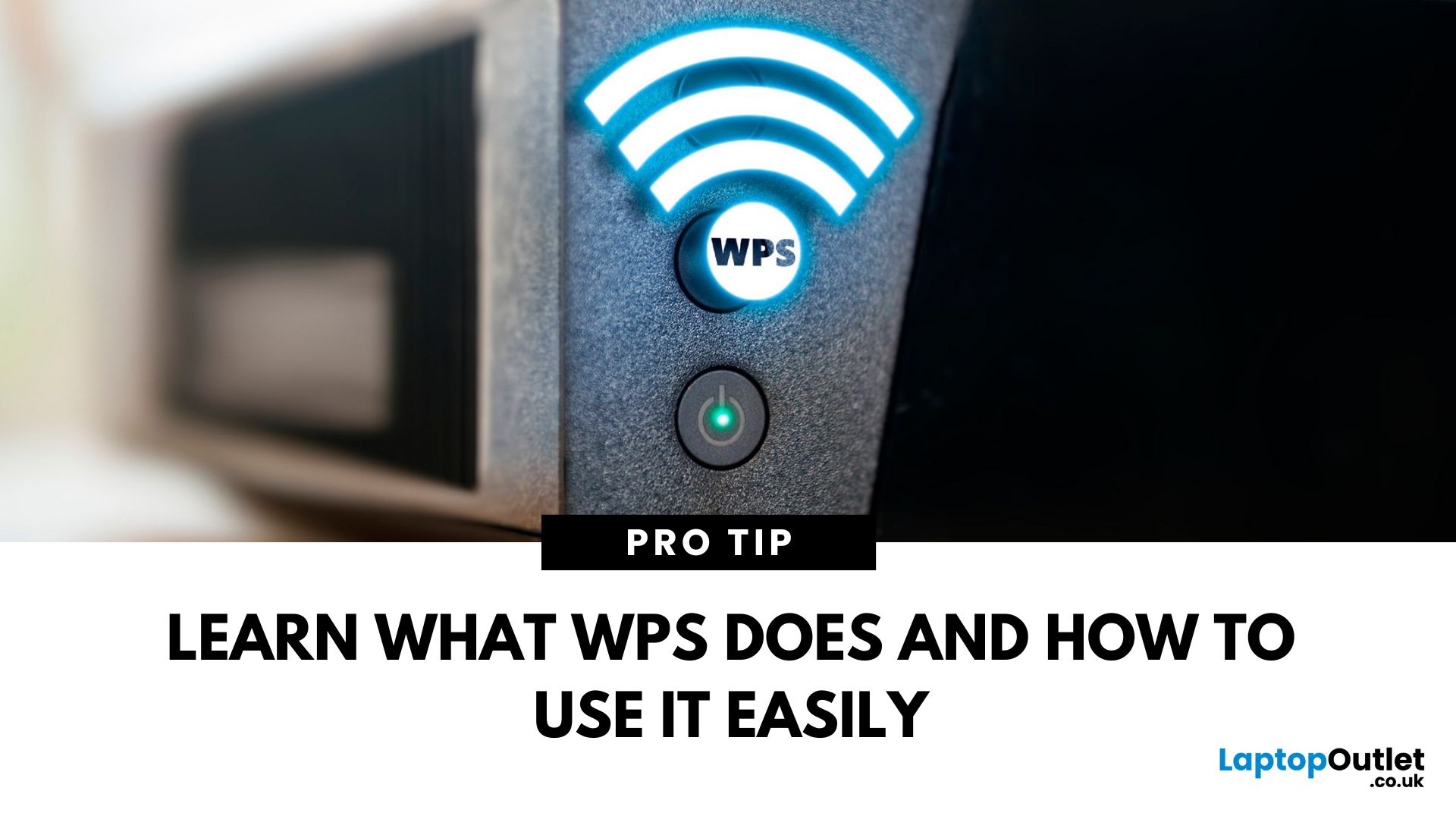
That Little Button Isn’t Just for Looks
If you’ve spotted a mysterious button labelled WPS on your Wi-Fi router, you might be wondering: What does it do—and should I use it? Here’s a beginner-friendly explanation of what the WPS button is and how it simplifies connecting devices to your Wi-Fi.
What Does WPS Stand For?
WPS stands for Wi-Fi Protected Setup. It’s a feature that helps you connect devices to your Wi-Fi network without typing in the Wi-Fi password.
Designed for convenience, especially for smart TVs, printers, and Wi-Fi extenders
What Does the WPS Button Do?
When you press the WPS button:
Your router enters a two-minute pairing mode
During this time, you can connect a compatible device without entering the password
It uses WPA2 security, so it’s secure for most home networks
How to Use the WPS Button
Steps:
Turn on the device you want to connect (e.g., printer or smart TV)
Go to its Wi-Fi settings and select your Wi-Fi network
Choose WPS connection
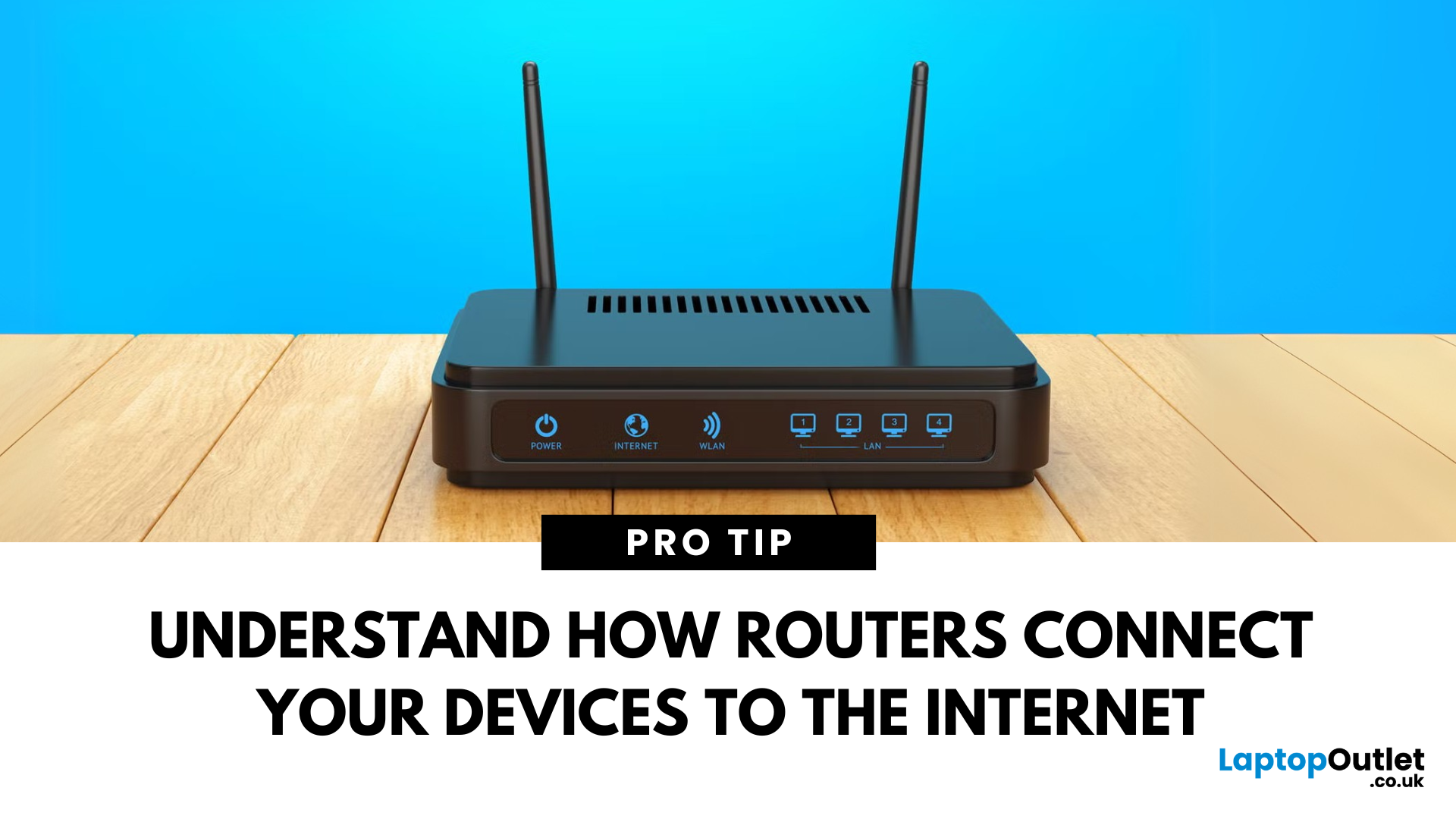
Last Updated: July 01, 2025
Your Wi-Fi Starts Here
You’ve probably seen it flashing away in the corner of the room—but what is a router, and why is it essential for your internet connection? Here’s everything you need to know about this small but powerful device.
What Is a Router?
A router is a device that connects your home or office to the internet by routing data between your internet service provider (ISP) and your connected devices (like phones, laptops, smart TVs, and more).
It’s the heart of your Wi-Fi network, sending and receiving data from the web
How Does a Router Work?
- Connects to a modem (or includes one in some models)
- Assigns local IP addresses to devices in your network
- Sends and receives data packets to and from the internet
- Uses Wi-Fi or Ethernet to link devices wirelessly or via cable
Types of Routers
- Standalone Router: Connects to a separate modem
- Modem-Router Combo: Two-in-one device with both modem and router
- Mesh Wi-Fi Router: Covers large homes with multiple units
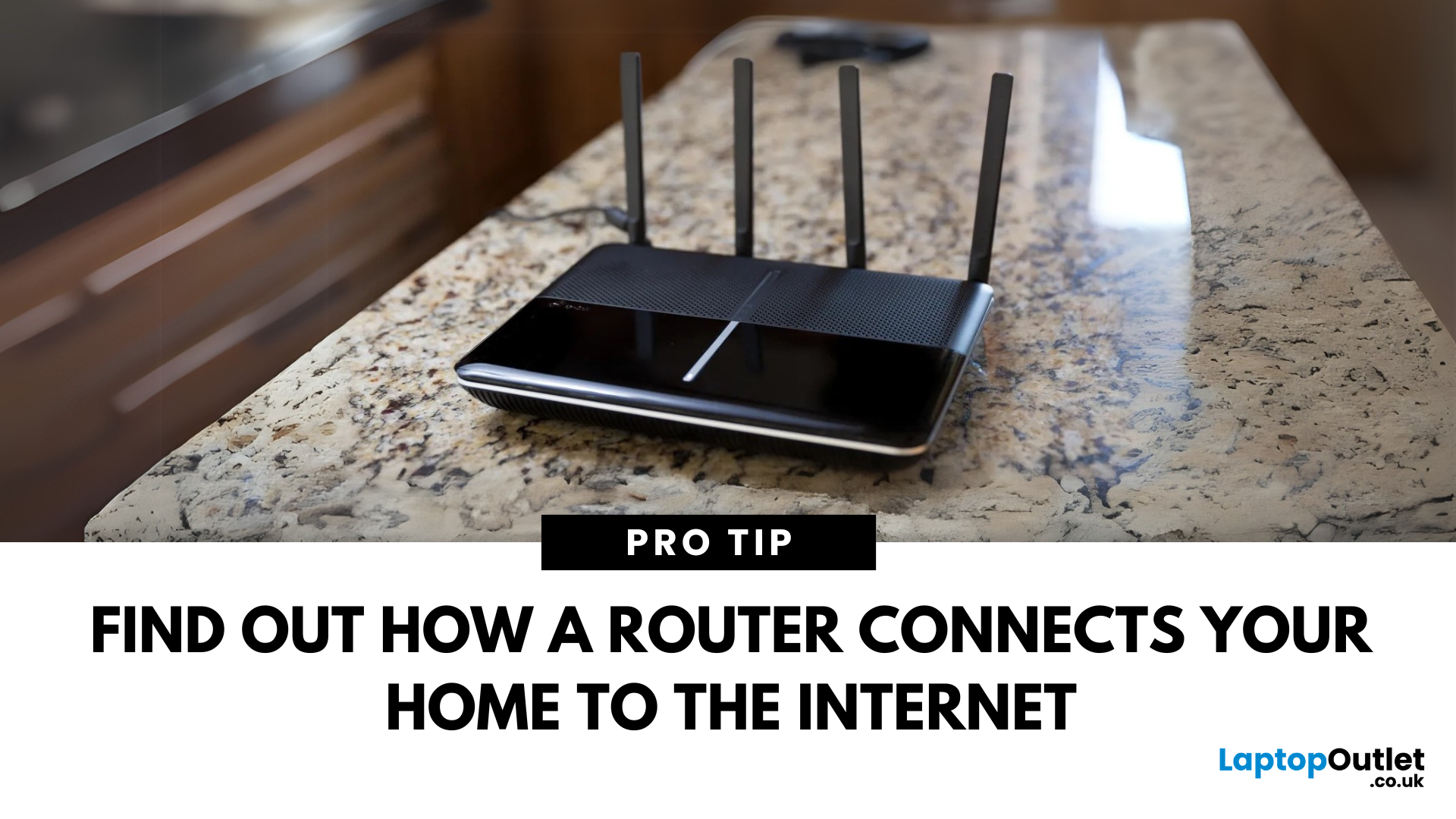
Last Updated: July 01, 2025
The Backbone of Your Internet
Your internet experience starts with a router—but what exactly does it do? Whether you’re streaming, gaming, working from home, or scrolling on your phone, the router keeps your digital life connected. Let’s break down what a router does and why it’s so important.
What Is a Router?
A router is a networking device that connects your devices to the internet and manages how they communicate with each other.
It “routes” traffic between your local devices (like your phone or laptop) and the broader internet
What Does a Router Actually Do?
- Distributes internet access from your modem to all connected devices
- Creates a local network so devices can talk to each other
- Assigns IP addresses to each device
- Directs data packets so the right information reaches the right device
Wi-Fi vs Router – What’s the Difference?
- Router: Manages traffic and connects devices
- Wi-Fi: The wireless signal your router creates
The router gives you internet; Wi-Fi
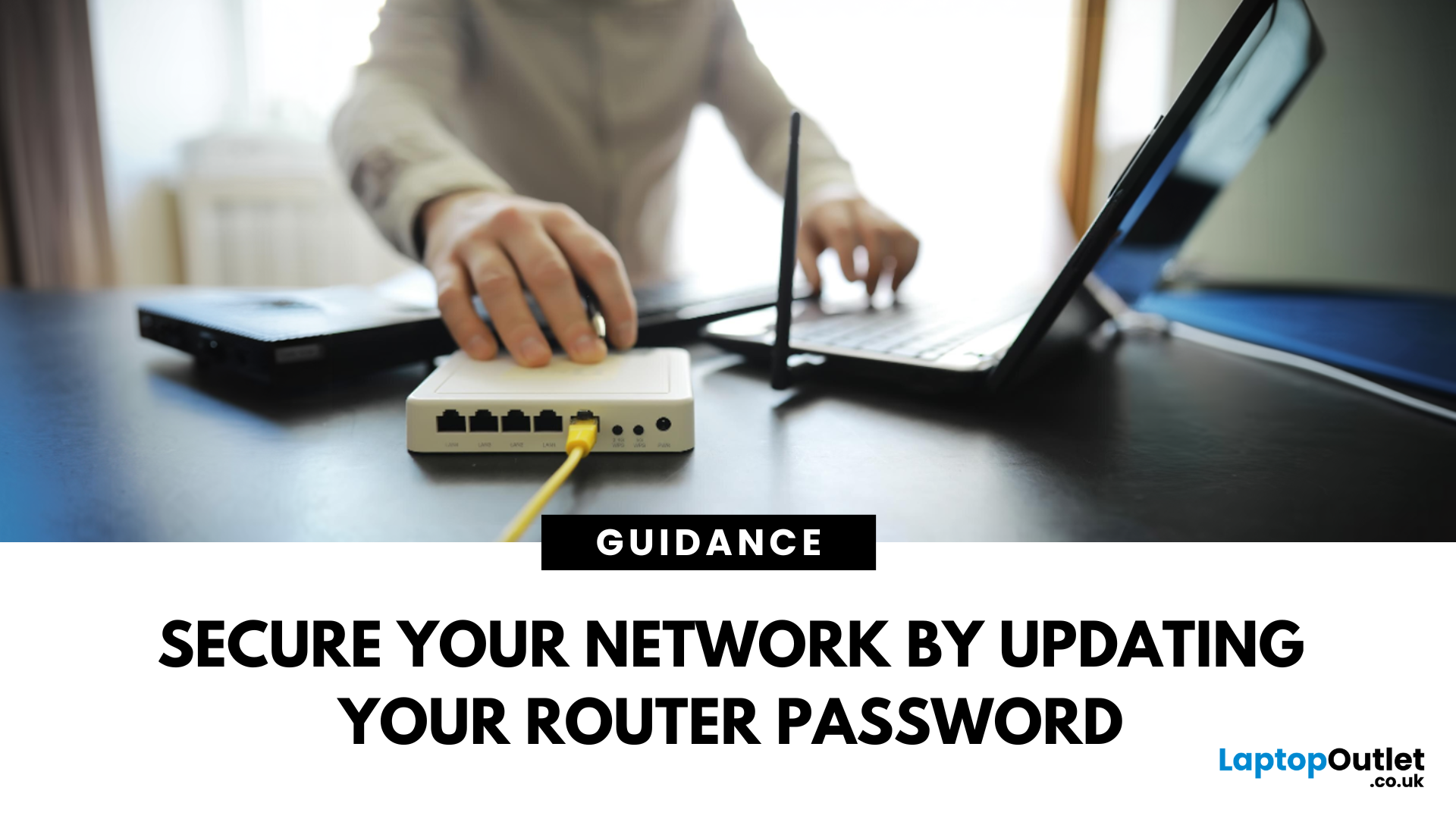
Last Updated: July 01, 2025
Keep Your Wi-Fi Safe and Secure
Your router password protects your home network from unwanted access. Whether you're updating your Wi-Fi credentials or changing the admin login, it’s a smart step for security. Here’s how to change your router password in just a few steps.
1. Know Which Password You’re Changing
- Wi-Fi Password: The one users enter to connect to your network
- Router Admin Password: Used to access router settings via web browser
It’s best to change both regularly for security
2. Connect to Your Router
- Make sure you're connected to your Wi-Fi or directly via Ethernet
- Open a web browser and type your router’s IP address (usually 192.168.0.1 or 192.168.1.1)
- Enter your admin username and password (often printed on the router or found in your manual)
3. Change Your Wi-Fi Password
Steps:
- Log in to your router settings
- Navigate to Wireless Settings or Wi-Fi Settings
- Locate the SSID (network name) and password fields
- Enter your new password (use a strong,

Last Updated: December 23, 2025
When it comes to competitive gaming or smooth 4K streaming, your internet connection is only as good as the router powering it. High latency, buffering, and packet drops can turn a winning game into frustration or ruin a live stream in seconds. That’s why choosing the right router—and configuring it correctly- is just as important as having fast broadband.
Ubiquiti has become a go-to name for gamers, streamers, and tech enthusiasts who want more than basic Wi-Fi. From the powerful UniFi Dream Machine to the gamer-centric AmpliFi series, Ubiquiti routers combine enterprise-grade stability with features built for demanding home setups. With the right optimisation - like low-latency settings, QoS for gaming traffic, and GeForce NOW tweaks - you can unlock their full potential.
In this guide, we’ll explore the best Ubiquiti routers for gaming and streaming and reveal the settings that give you a true performance edge.
Why Router Quality Matters for Gaming & Streaming
Every gamer and streamer

Last Updated: December 09, 2025
Wi-Fi acting weird? Pages not loading? Passwords forgotten? You’re not alone - sometimes even the most reliable routers like TP-Link need a fresh start. Whether your internet is unstable, you changed too many settings, or you just want to start over, resetting your router can fix a surprising number of problems.
In this complete guide, we’ll walk you through how to reset your TP-Link router, both the quick way (via the Reset button) and the advanced way (through the web interface). We’ll also explain what happens after a reset, how to reconfigure your network, and what to do if your reset doesn’t work.
Understanding What “Reset” Really Means

Before you hit any buttons, it’s important to know what a router reset actually does.
When you reset a TP-Link router, you’re restoring it to its factory default settings, exactly how it was when you first took it out of the box.
That means:
- All Wi-Fi names (SSID) and passwords you’ve set will be erased.
- Any changes to IP addresses, DNS, or security
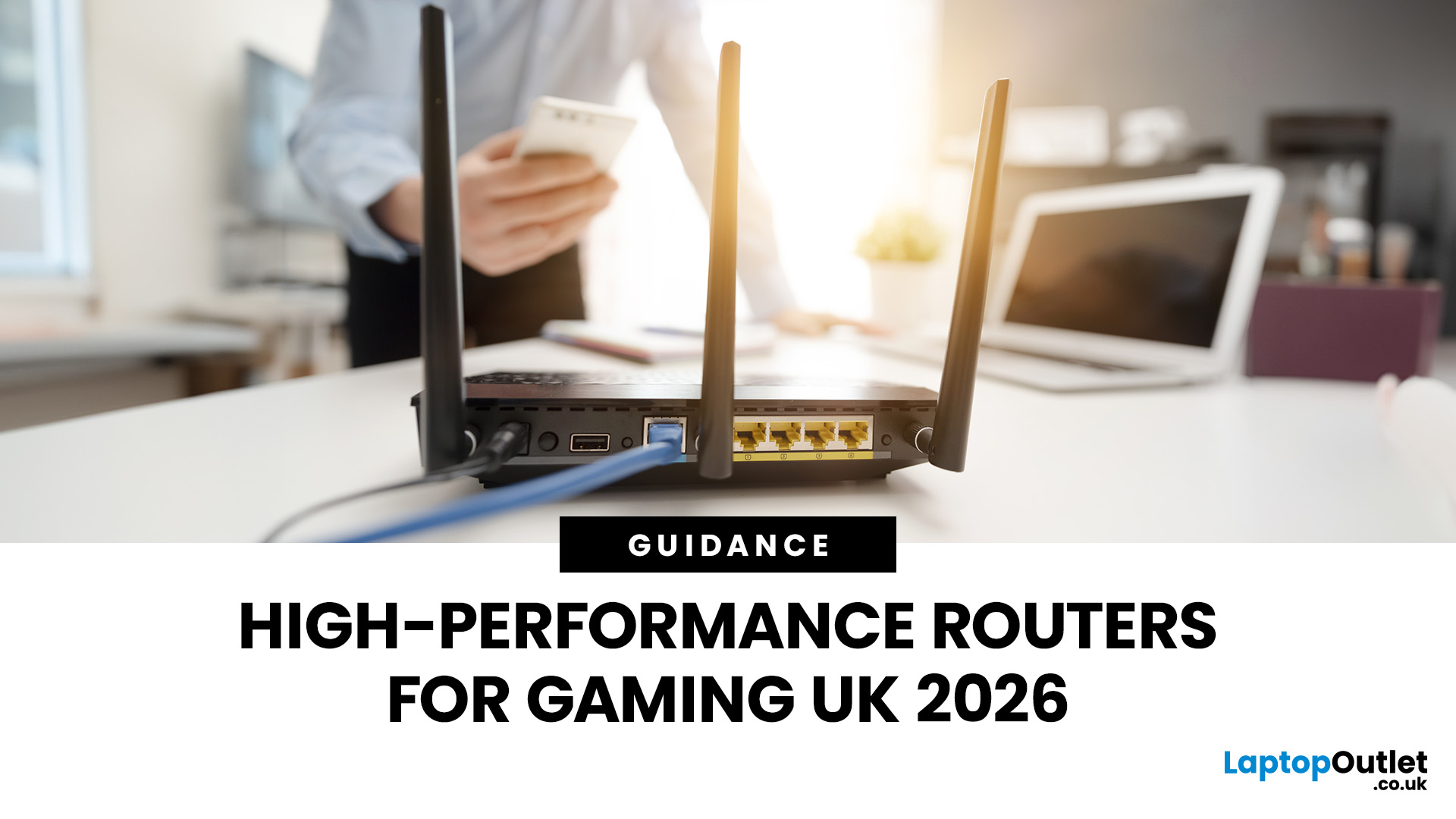
Last Updated: January 26, 2026
If you’re still using the free router that came with your broadband deal, you need to read this gaming router guide UK. With faster broadband speeds, competitive multiplayer titles, cloud gaming services, and always-connected consoles and PCs, your home network plays a critical role in how well you play. A powerful gaming PC or next-gen console can only perform at its best if it’s supported by a reliable, high-performance router. Whether you’re a competitive PC gamer, a PS5 warrior, a streamer juggling Twitch and Discord, or someone who just wants smooth online gaming without drama, this guide breaks down the best gaming routers UK gamers should actually care about, with real detail, not fluff.
What Makes a Router Good for Online Gaming?
Not all routers are created equal, and “gaming” isn’t just a marketing label. Understanding the core features will help you choose the right router for online gaming setup.
Low Latency and Stable Connections
Latency, often referred to as ping, is the
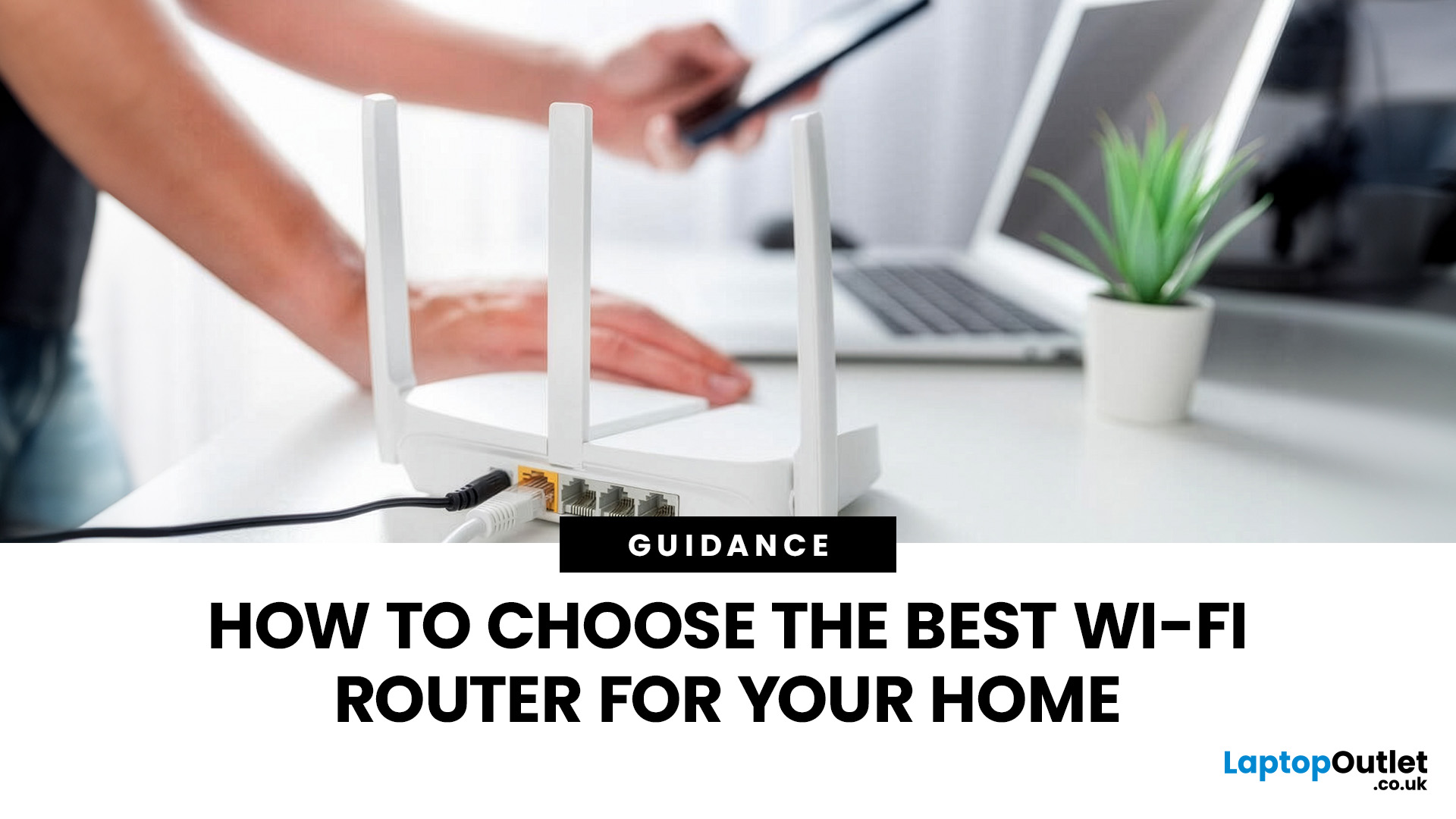
Last Updated: March 12, 2026
Most Wi-Fi guides start with specs. That’s already the wrong place.
To choose the best Wi-Fi router for your home, you first need to understand how Wi-Fi behaves inside real buildings, especially UK homes, which are often older, brick-built, and not designed for wireless signals.
What Wi-Fi Really Is (Without the Marketing Spin)
Wi-Fi is not “internet speed in the air”. It’s a radio signal that carries data between your router and your devices.
That signal:
- Weakens over distance
- Loses strength passing through walls
- Competes with other signals nearby
This is why Wi-Fi performance changes dramatically depending on where you are in your home, even when your broadband speed stays the same.
Important reality check:
Your router doesn’t “push” Wi-Fi evenly in all directions. It broadcasts radio waves that are:
- Reflected
- Absorbed
- Blocked
UK homes often make this worse because of:
- Solid brick and stone walls
- Metal-backed insulation
- Floor heating systems
- Older layouts with thick internal walls
This

Last Updated: August 10, 2026
Let’s be real – slow, drop-out Wi-Fi is a nightmare. Buffering mid-stream, lag during games, frozen Zoom calls and smart devices that just won’t connect can turn everyday life into a frustration fest. In a world where everything lives online is the backbone of your day. That’s the problem ASUS routers are built to fix. Known for pushing boundaries in performance, speed and reliability, ASUS creates Wi-Fi that actually keeps up with how we live now.
This guide breaks down how ASUS routers work, what makes their features genuinely worth it, and how to choose the right model for your setup. Whether you’re ditching outdated tech or building a future-proof smart home, ASUS delivers fast, stable Wi-Fi with zero compromises.
How ASUS Routers Work
Understanding how ASUS routers work begins with understanding the role of a router itself. A router connects your home network to the internet via your broadband provider, then distributes that connection wirelessly (or via Ethernet) to all your devices.

Last Updated: January 26, 2026
Wi-Fi dropping mid-scroll? Lag spikes during gaming? Smart lights randomly going offline like they’ve got a mind of their own? Yeah… we’ve all been there. Bad Wi-Fi isn’t just annoying, it disrupts work, entertainment, and pretty much everything connected in your home. That’s the problem.
The agitation is real: frozen video calls, buffering Netflix, unstable smart devices, and routers that just can’t keep up with modern internet use. UK homes today are packed with connected tech, yet many networks still rely on outdated or poorly matched routers.
The solution starts with understanding how modern routers work, and that’s where TP-Link comes in. This guide breaks down how TP-Link routers work, why they’re popular across the UK, and how different models support everything from casual browsing to gaming, streaming, and smart homes, without the tech headache.
How TP-Link Routers Work (Without the Tech Overload)
At their core, routers act as traffic controllers for your internet connection.

