



Best Laptop Stand Buying Guide: Improve Comfort While Working
Looking for the best laptop stands UK buyers can choose for better comfort and posture? A good laptop stand raises your screen to a more natural viewing height, helping reduce neck strain, improve desk setup and make long working hours more comfortable. This guide explains how to choose the right laptop stand for desk use, adjustable setups, bed or couch working, travel, standing desks and dual-screen workstations.
A laptop is convenient, portable and easy to use anywhere, but it is not always the most comfortable device for long working hours. When your laptop sits flat on a desk, bed or couch, the screen is usually too low, which can make you bend your neck, hunch your shoulders and sit in an awkward position.
That is where a good laptop stand can make a big difference. Whether you need a laptop stand for desk use, an adjustable laptop stand for flexible working, a portable laptop stand for travel or a laptop table for bed, the right setup can help you work more comfortably every day.
If you are searching for the best laptop stands UK buyers can choose for home, office, study or hybrid work, this guide explains the main types, features and buying tips to help you choose the right stand for laptop use.
Why Do You Need a Laptop Stand?
A laptop stand raises your screen to a more comfortable viewing height. This can help reduce the need to look down at your laptop for long periods.
The UK Health and Safety Executive advises that, for prolonged laptop use, a separate keyboard and mouse should be used so the laptop screen can be elevated on a riser or similar support. Cambridge University Hospitals also recommends placing the screen at arm’s length and at eye level where possible.
A good ergonomic laptop stand can help with:
- Better screen height
- Improved sitting posture
- Less neck and shoulder strain
- A tidier desk setup
- Better airflow around the laptop
- More comfortable video calls
- Easier use with a separate keyboard, mouse and monitor
For the best experience, pair your stand with other essential laptop accessories, especially if you work long hours from home or the office.
Best Laptop Stands UK: Quick Buying Summary
|
Type of Laptop Stand |
Best For |
Key Benefit |
|
Adjustable laptop stand |
Desk workers and home offices |
Flexible height and angle |
|
Portable laptop stand |
Travel, commuting and hybrid work |
Lightweight and easy to carry |
|
Vertical laptop stand |
Docked laptop setups |
Saves desk space |
|
Laptop table for bed |
Casual use and light work |
Comfortable use away from a desk |
|
Laptop table for couch |
Sofa working and browsing |
Stable surface on soft seating |
|
Standing laptop stand |
Sit-stand working |
Helps raise laptop while standing |
|
Laptop and monitor stand |
Dual-screen setups |
Better screen alignment |
|
Folding laptop table |
Small spaces and storage |
Easy to fold away |
A laptop stand works best when it is part of a complete desk setup, so it is worth exploring the best laptop accessories to improve comfort, productivity and everyday convenience.
1. Adjustable Laptop Stand: Best for Everyday Desk Work
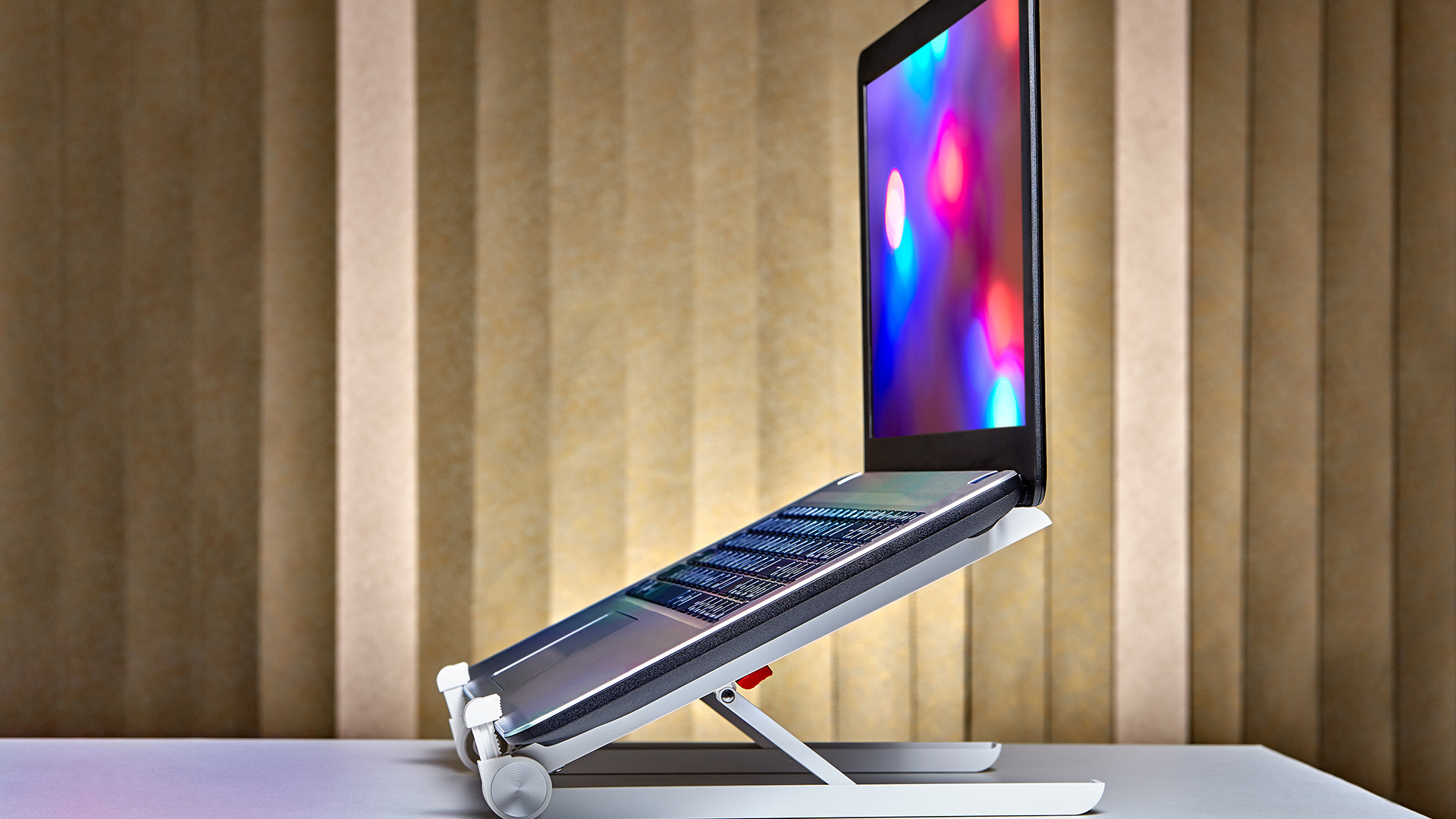
An adjustable laptop stand is one of the best choices for regular desk use. It lets you raise or lower your laptop screen and adjust the viewing angle depending on your chair, desk and eye level.
This type of desk laptop stand is ideal if you work from home, study online or use your laptop for several hours a day.
Why choose an adjustable laptop stand?
An adjustable design gives you more control than a fixed stand. You can set the laptop higher for video meetings, lower it for casual browsing or tilt it to reduce glare.
Best for:
- Home office users
- Students
- Hybrid workers
- Long working sessions
- Zoom and Teams meetings
Look for:
- Strong metal construction
- Non-slip pads
- Ventilation gaps
- Adjustable height and angle
- Support for your laptop size and weight
For maximum comfort, use an adjustable stand with a wireless keyboard and mouse. This allows your laptop screen to sit higher while your hands stay relaxed at desk level.
2. Laptop Stand for Desk: Best for Home Office Setups
A laptop stand for desk use is perfect if your laptop stays in one place most of the time. This could be your home office, workplace desk, study area or gaming setup.
The best laptop stand for desk use should feel stable, raise your screen properly and leave enough space underneath for accessories.
Why it works well
A desk stand can turn your laptop into a more comfortable workstation. Instead of looking down at your screen, you can lift it closer to eye level and create a cleaner desk layout.
Best for:
- Home offices
- Office desks
- Study desks
- Remote workstations
- Laptop and monitor setups
|
Buying tip: If you type directly on the laptop keyboard, do not raise it too high. For proper desk ergonomics, it is usually better to use a separate keyboard and mouse. |
If you take frequent online meetings, pairing your laptop stand with one of the best work from home webcams can help improve your video call quality and overall professional setup.
3. Portable Laptop Stand: Best for Hybrid Workers
A portable laptop stand is designed for people who move between home, office, university, libraries, cafés or shared workspaces.
These stands are usually lightweight, compact and foldable. Many portable models can fit inside a backpack or laptop sleeve.
Why choose a portable laptop stand?
If you work in different locations, a portable stand helps you create a more comfortable setup wherever you go. It is especially useful for hybrid workers who do not have a permanent desk.
Best for:
- Hybrid workers
- Business travellers
- University students
- Freelancers
- Digital nomads
Look for:
- Lightweight design
- Foldable frame
- Carry pouch
- Strong hinge
- Non-slip grip
- Compatibility with different laptop sizes
A portable stand also pairs well with laptop bags and covers, helping you carry your laptop and accessories safely between workspaces.
4. Vertical Laptop Stand: Best for Saving Desk Space
A vertical laptop stand holds your laptop upright when it is closed. It is a smart option if you connect your laptop to an external monitor, keyboard and mouse.
This type of stand is popular for clean desk setups because it reduces clutter and frees up valuable surface space.
Why choose a vertical laptop stand?
If you use your laptop like a desktop computer, a vertical stand keeps it out of the way while still allowing easy access. It is especially useful for small desks.
Best for:
- Docked laptop setups
- Minimalist desks
- External monitor users
- Small home offices
- MacBook and ultrabook users
|
Important note A vertical laptop holder for desk use is best when your laptop supports closed-lid operation with an external display. You may also need a power adapter, external keyboard and mouse. |
For a cleaner setup, connect your laptop to monitors and peripherals through laptop docking stations.
5. Laptop Table for Bed: Best for Casual Comfort
A laptop table for bed is useful if you like watching films, browsing, studying or doing light admin from bed. It gives your laptop a flat surface instead of placing it directly on bedding, which can block airflow.
Why it is useful
Soft surfaces can make laptops unstable and may restrict ventilation. A laptop table creates a firmer platform and can make short sessions more comfortable.
Best for:
- Watching videos
- Reading
- Casual browsing
- Online study
- Light work sessions
Look for:
- Foldable legs
- Stable surface
- Cup or tablet slot
- Ventilation holes
- Lightweight design
- Enough room for a mouse
A laptop table for bed is convenient, but it should not replace a proper desk setup for full working days.
6. Laptop Table for Couch: Best for Sofa Use
A laptop table for couch use is similar to a bed table but often designed for sitting on a sofa or armchair. It gives you a stable surface when you do not want to work at a desk.
Best for:
- Casual work
- Browsing
- Streaming
- Online shopping
- Short study sessions
|
Buying tip Choose a model that is wide enough for both your laptop and mouse. If you use a mouse often, add one of the best mouse pads to improve tracking and comfort. |
7. Standing Laptop Stand: Best for Sit-Stand Working
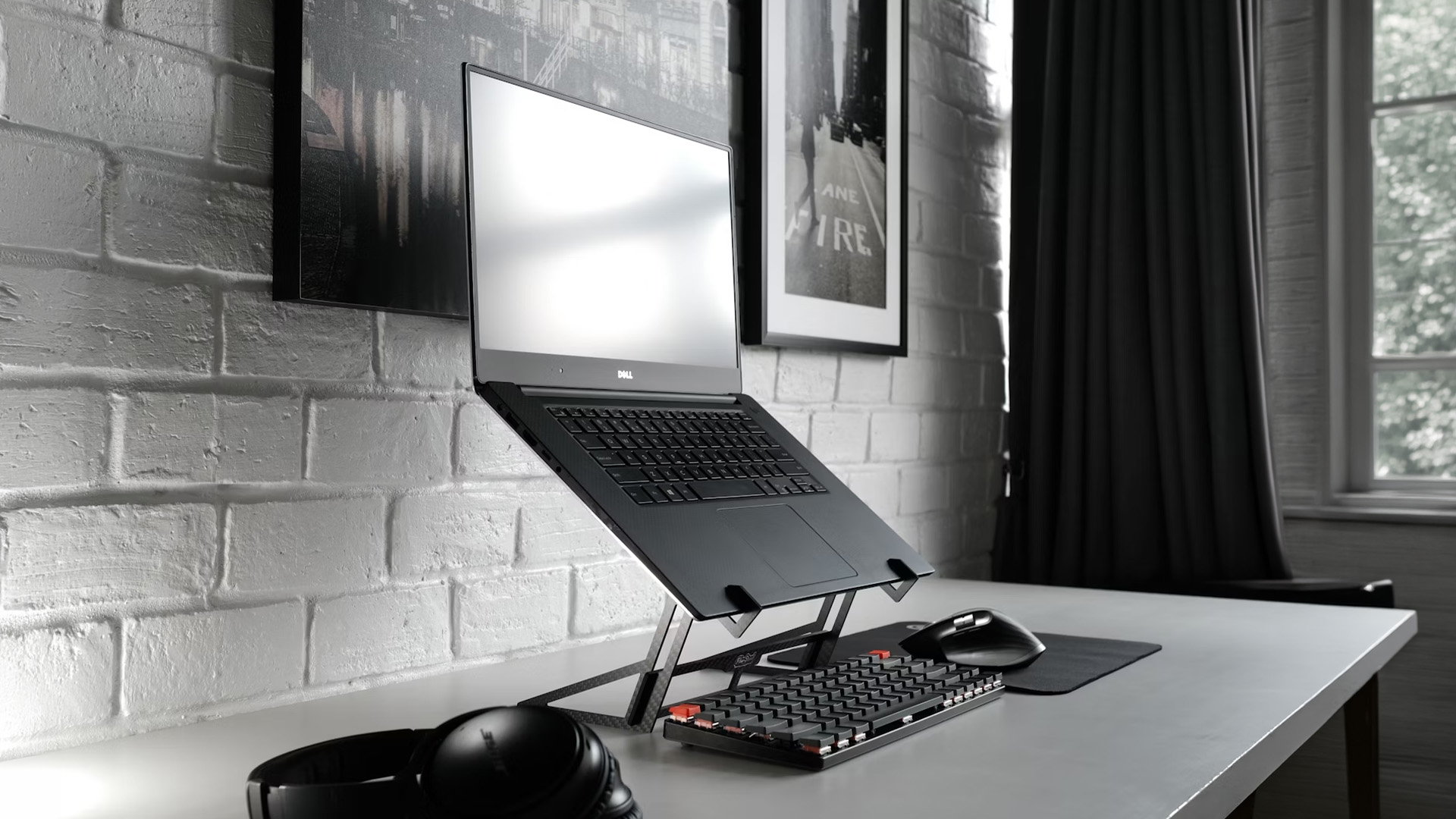
A standing laptop stand is designed to raise your laptop high enough for use while standing. This can be useful if you like changing positions during the day.
HSE guidance says work should be planned so display screen equipment users can take breaks or change activity during the working day. A laptop stands for standing at desk use can support that by helping you switch between sitting and standing.
Best for:
- Sit-stand desks
- Active working
- Home offices
- People who dislike sitting all day
- Short standing work sessions
Look for:
- Strong height adjustment
- Stable base
- Wide laptop platform
- Space for keyboard and mouse
- Easy height changes
A laptop stand for standing at desk should be stable enough that the laptop does not wobble while typing or during video calls.
8. Folding Laptop Table: Best for Small Spaces
A folding laptop table is ideal if you do not have a permanent desk. You can use it when needed, then fold it away and store it under a bed, behind a door or beside a sofa.
This is also a useful option for students, renters and anyone working in a small room.
Best for:
- Small flats
- Student rooms
- Shared spaces
- Occasional laptop use
- Flexible home working
Look for:
- Easy folding mechanism
- Stable legs
- Lightweight frame
- Enough space for accessories
- Durable surface
A foldable stand for laptop use is also useful for travel or temporary workstations.
9. Laptop and Monitor Stand: Best for Dual-Screen Productivity
A laptop and monitor stand helps align your laptop with an external display. This is useful if you use two screens for work, study, design, coding, spreadsheets or multitasking.
|
Why it helps When your laptop and monitor are at different heights, you may keep turning or tilting your neck. A stand can make both screens easier to view together. |
Best for:
- Dual-screen work
- Office setups
- Creative work
- Data entry
- Productivity tasks
- Remote work
|
Buying tip If you use a monitor, docking station, keyboard and mouse, a strong laptop holder for desk use can help keep everything organised. |
For users who switch between office tasks, gaming and streaming, adding gaming headsets under £100 can complete a more comfortable laptop setup without overspending.
10. Laptop Holder for Desk: Best for Simple Support
A laptop holder for desk use is usually smaller and simpler than a full adjustable stand. It may hold the laptop at a fixed angle or keep it raised slightly for better airflow.
Best for:
- Basic desk setups
- Light laptop use
- Cooling support
- Students
- Budget buyers
|
What to check Make sure the holder is wide enough for your laptop and strong enough to prevent wobbling. Non-slip rubber pads are also useful because they help keep your laptop secure. |
How to Choose the Best Laptop Stand for Your Needs
1. Think About Where You Work
Before buying a stand, decide where you use your laptop most often.
Choose:
- Laptop stand for desk if you work at a fixed desk
- Portable laptop stand if you move between locations
- Laptop table for bed if you use your laptop casually in bed
- Laptop table for couch if you often work from the sofa
- Vertical laptop stand if you use an external monitor
- Standing laptop stand if you switch between sitting and standing
2. Check Height Adjustment
The best laptop stands UK shoppers should consider are usually adjustable. A fixed stand can work well, but an adjustable model gives you more flexibility.
Look for height settings that help bring the screen closer to eye level. This is especially important for long work sessions.
3. Check Laptop Size Compatibility
Not every stand fits every laptop. Some stands are designed for compact 11-inch to 14-inch laptops while others can support larger 15-inch laptops, 16-inch laptops or 17-inch models.
Before buying, check:
- Laptop screen size
- Laptop weight
- Stand weight limit
- Platform width
- Grip design
A larger laptop needs a stronger and wider stand.
4. Choose a Stable Design
Stability matters. A weak stand can wobble while typing, moving the mouse or adjusting the screen.
For desk work, metal stands are usually more stable than thin plastic ones. For travel, lightweight aluminium or reinforced plastic can work well.
5. Look for Cooling and Ventilation
Many laptops get warm during long sessions, especially when running video calls, design software or multiple browser tabs.
A raised stand can improve airflow around the laptop. Some stands also include ventilation holes or open-frame designs to help heat escape.
6. Consider Portability
If you need a stand for commuting, choose a foldable stand for laptop use. It should be light, compact and easy to set up.
For permanent desks, portability is less important. A heavier, stronger stand may be better.
7. Match ItWithYour Accessories
A laptop stand works best as part of a full workstation. For better comfort, consider using:
- External keyboard
- External mouse
- Mouse pad
- Laptop docking station
- Monitor
- Cable organiser
- Laptop sleeve or bag
This helps turn your laptop into a more comfortable desktop-style setup.
Best Laptop Stand for Desk vs Laptop Table for Bed
A desk laptop stand and a laptop table for bed are not the same thing.
A desk laptop stand is designed to improve screen height, posture and desk organisation. It works best with a keyboard and mouse.
A laptop table for bed is designed for casual comfort and convenience. It gives your laptop a stable surface on soft bedding but is not ideal for long working days.
If you work full-time from home, choose a proper ergonomic laptop stand for your desk. If you only browse, stream or do light admin, a folding laptop table may be enough.
Do You Need a Keyboard and Mouse With a Laptop Stand?
Yes, in most cases. If you raise your laptop screen, the built-in keyboard also moves higher. Typing at that height can feel uncomfortable.
A separate keyboard and mouse let you keep your arms relaxed while your screen stays at a better viewing height. This is why a laptop stand and wireless keyboard and mouse combination is one of the simplest upgrades for home working.
For a more comfortable typing and navigation experience, consider upgrading to wireless keyboards and mice that suit both work tasks and casual gaming.
Best Laptop Stand Setup for Working From Home
For a comfortable work-from-home setup, consider this layout:
- Place your laptop on an adjustable laptop stand.
- Raise the screen closer to eye level.
- Use a separate keyboard and mouse.
- Keep your mouse close to your keyboard.
- Use a mouse pad for smoother movement.
- Add a monitor if you need more screen space.
- Use a docking station to connect everything neatly.
- Keep cables tidy and away from your main work area.
This setup can help make your laptop feel more like a desktop workstation while keeping the flexibility of portable computing.
Common Laptop Stand Mistakes to Avoid

Choosing style over stability
A stylish stand is not helpful if it wobbles. Always check build quality and weight support.
Buying the wrong size
A compact stand may not support a large gaming laptop or workstation laptop properly.
Raising the laptop without using accessories
If you raise the laptop but keep typing on the built-in keyboard, your arms and wrists may feel uncomfortable.
Using a bed table for full-time work
A laptop table for bed is useful for casual use, but a proper desk and chair are better for long working hours.
Ignoring cable management
If you use a stand with a monitor, keyboard, mouse and charger, messy cables can quickly take over your desk.

Final Verdict: Which Laptop Stand Should You Buy?
The best laptop stand depends on how and where you work.
For most people, an adjustable laptop stand is the best all-round choice because it works well on a desk, improves screen height and suits different users. If you travel often, choose a portable laptop stand or foldable stand for laptop use. If you connect your laptop to a monitor, a vertical laptop stand or laptop and monitor stand can save space and create a cleaner workstation.
For casual comfort, a laptop table for bed, laptop table for couch or folding laptop table may be useful, but these are better for short sessions than full working days.
A laptop stand is a simple accessory, but it can make your workspace feel more comfortable, organised and productive. Pair it with the right keyboard, mouse, docking station and carry accessories to build a setup that works wherever you do.

Get the Quick Answers
What is the best laptop stand for desk use?
The best laptop stand for desk use is usually an adjustable laptop stand with strong build quality, non-slip pads and good height control. It should raise your laptop screen comfortably and work well with a separate keyboard and mouse.
Are laptop stands good for posture?
A laptop stand can support better posture by raising the screen closer to eye level. For the best setup, use it with an external keyboard and mouse so your arms stay relaxed while your screen is elevated.
What is the best laptop stand for standing at desk?
The best laptop stand for standing at desk use should have strong height adjustment, a stable base and enough room for your laptop, keyboard and mouse. It should not wobble while you type.
Is a portable laptop stand worth it?
Yes, a portable laptop stand is worth it if you work from different locations. It is useful for hybrid workers, students, freelancers and business travellers who need a better laptop setup away from a fixed desk.
What is a vertical laptop stand used for?
A vertical laptop stand holds your laptop upright while it is closed. It is best for docked setups where the laptop connects to an external monitor, keyboard and mouse.
Can I use a laptop table for bed every day?
A laptop table for bed is fine for casual use, but it is not ideal for full working days. For regular work, a desk, supportive chair and ergonomic laptop stand are usually better.
What is the difference between a laptop stand and a laptop holder?
A laptop stand usually raises or angles the laptop for better viewing. A laptop holder for desk use may simply support the laptop at a fixed angle or keep it upright for storage.
Do laptop stands help with cooling?
Yes, many laptop stands improve airflow by lifting the laptop away from the desk surface. Open-frame or ventilated designs are especially useful for cooling.
Related Articles


Last Updated: December 31, 2025
There’s a certain kind of satisfaction that comes with starting 2026 with a faster, cooler, cleaner PC setup. Maybe you’re planning a full build. Maybe you’re simply trying to fix the two things that quietly ruin daily performance—slow storage and noisy cooling. Either way, the New Year PC components & accessories season is when upgrades feel both exciting and sensible: you can refresh your system without committing to an entirely new machine.
If you’re shopping at Laptop Outlet, it’s worth starting by simply browsing and filtering the wider sale selection, think of it as your “big picture” view, so you can spot bundle-worthy deals across categories. It’s the fastest way to explore New Year tech discounts while keeping an eye on the parts you actually need.
The “smart upgrade order” for 2026 (what to buy first)
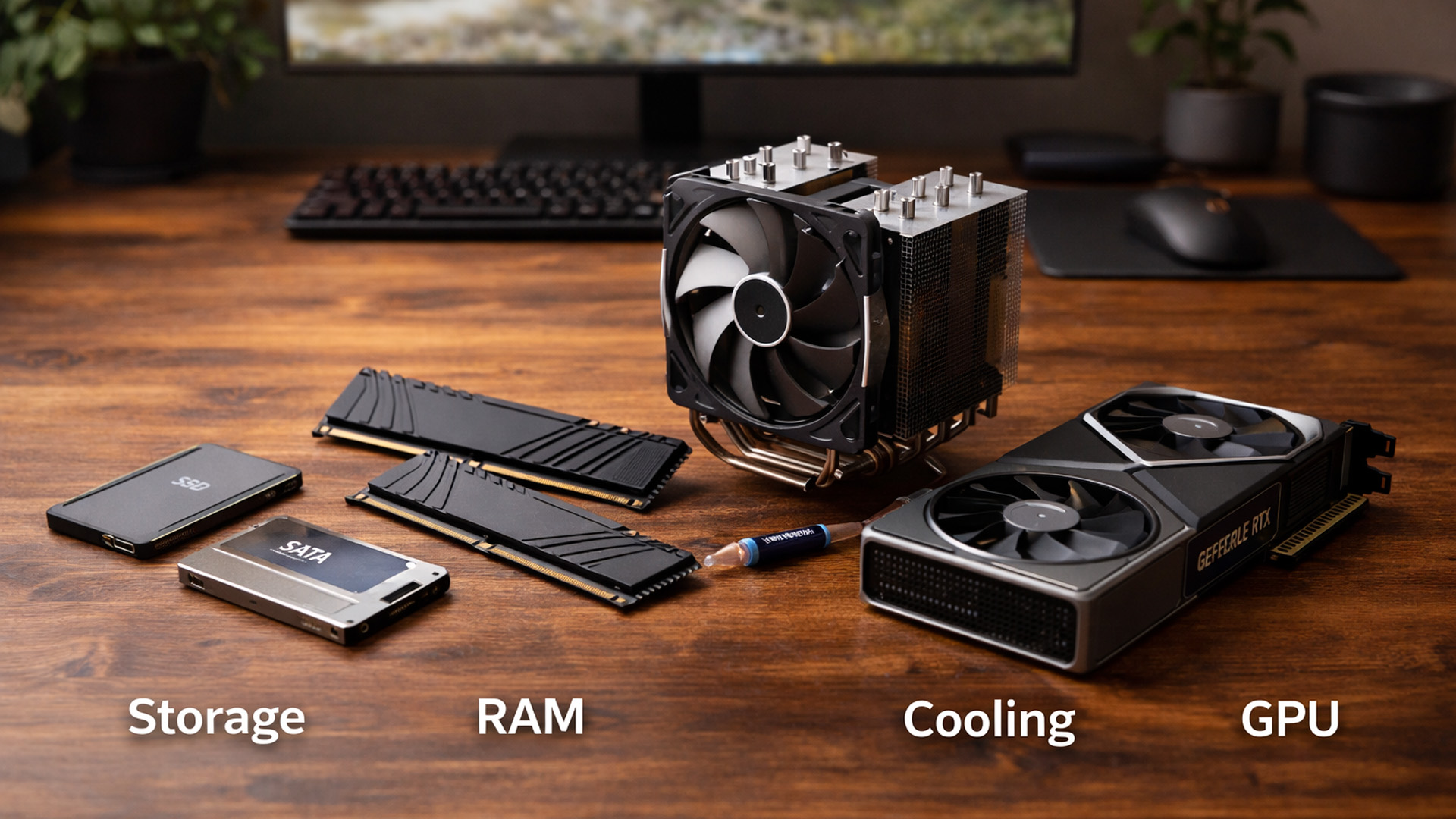
When you’re surrounded by deals, it’s easy to buy what looks exciting rather than what fixes your bottlenecks. A better approach is to upgrade in the order you’ll actually notice:
Last Updated: February 19, 2026
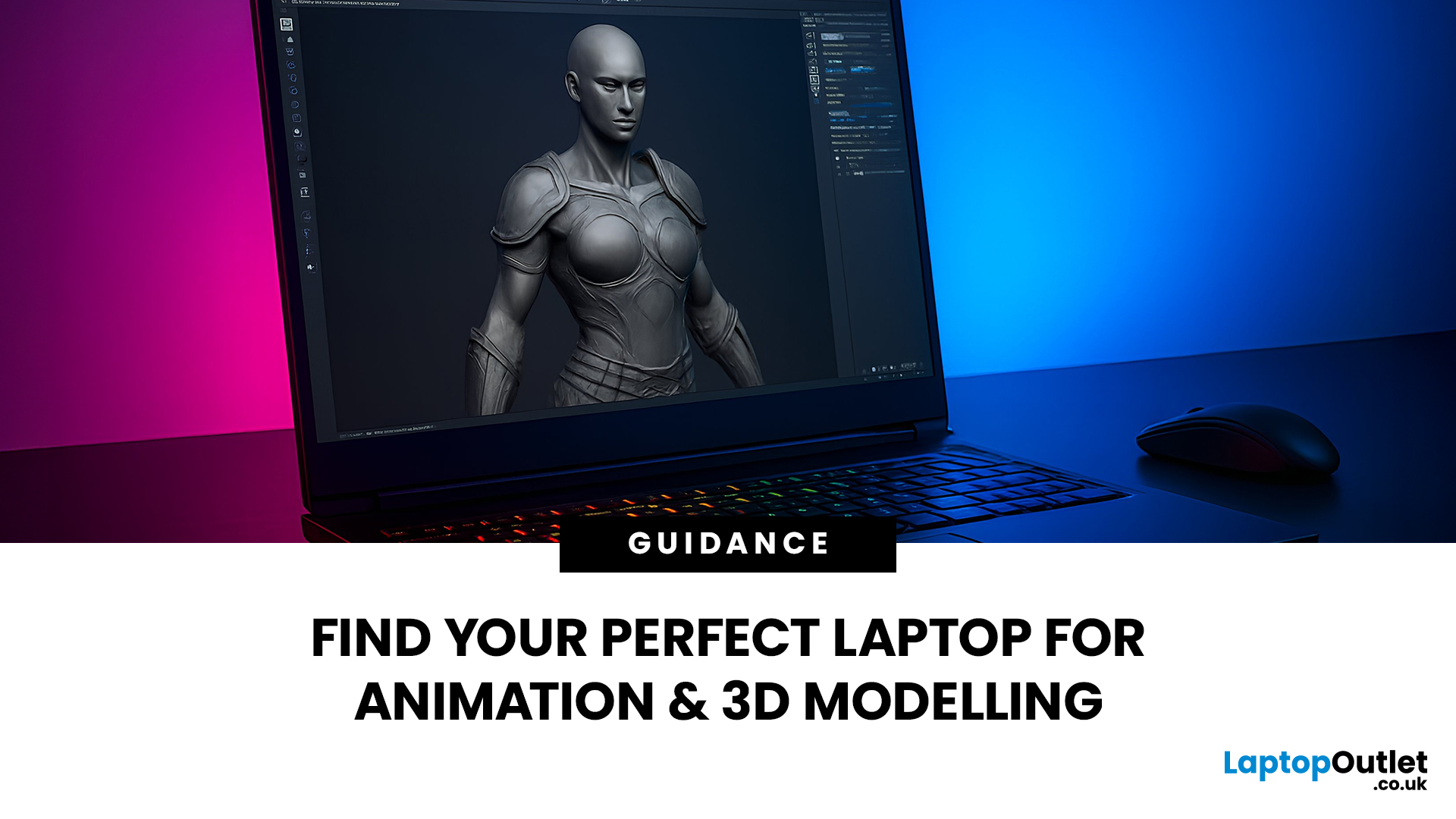
Are you a creative professional or a student looking for the perfect hardware? Choosing the right tools can make or break your workflow. Animation and 3D design are demanding tasks. They require power, precision, and reliability. In this guide, we explore the best laptops for animation and 3D modelling available today.
Why Your Hardware Matters for 3D Work?
Animation is not just about drawing. It involves complex calculations. When you work in software like Blender or Autodesk Maya, your computer handles millions of polygons. It also calculates lighting, physics, and textures in real-time.
If your laptop is too slow, you will face lag. Your software might crash. Most importantly, your rendering times will be incredibly long. High-performance 3D laptops solve these problems. They allow you to focus on your art instead of your technical issues.
To get the best results, you need a balance of components. This includes a fast processor (CPU), a powerful graphics card (GPU), and plenty of memory
Last Updated: March 09, 2026
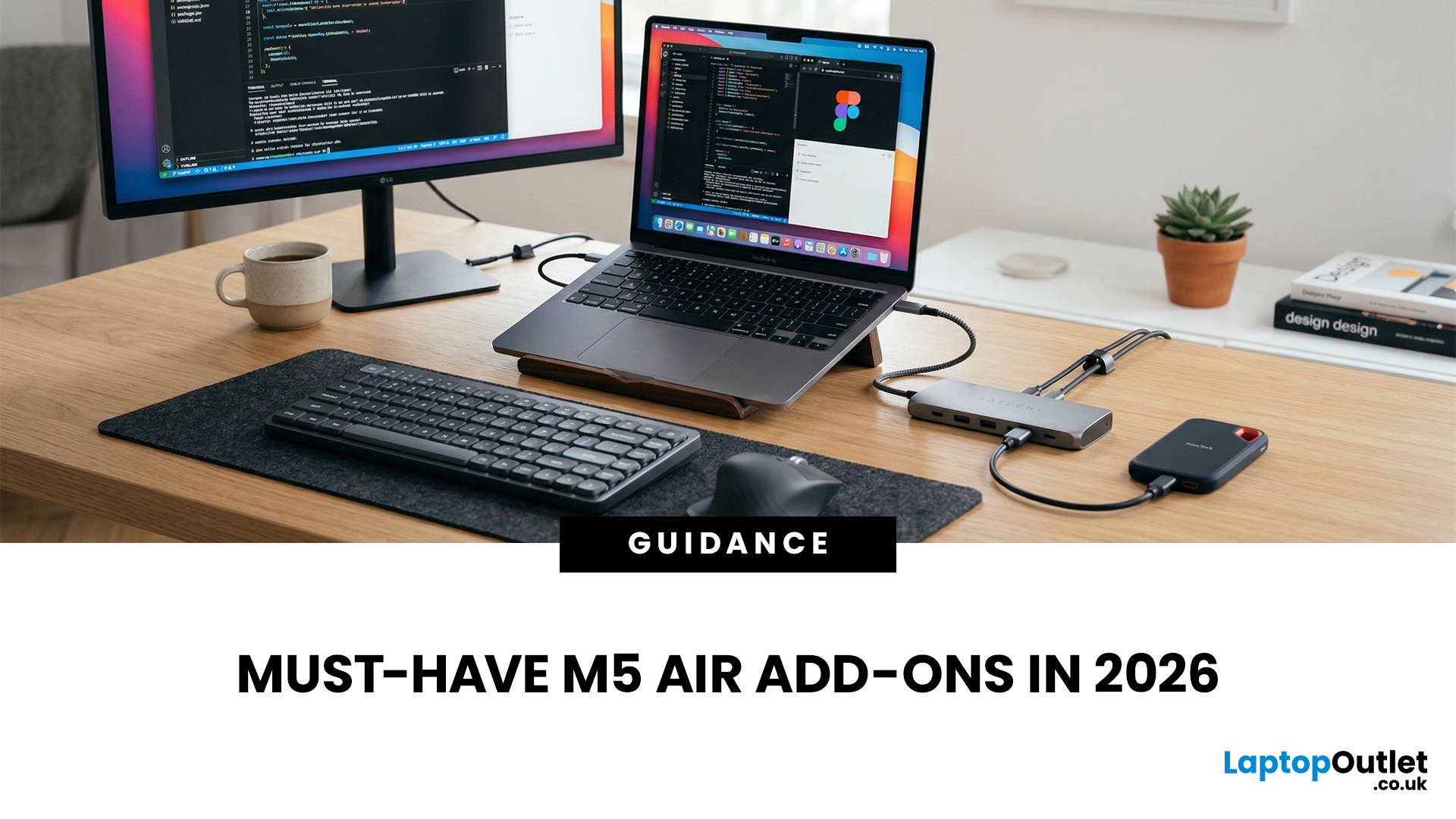
You just got (or are about to get) the M5 MacBook Air. Congrats, your backpack is about to get lighter, and your vibe is about to get cleaner. But here’s the thing: the laptop is the main character… and the right accessories are the supporting cast that makes the whole show hit.
This guide breaks down the best MacBook Air M5 accessories for 2026, what’s worth buying, what’s overhyped, and how to build a setup that fits your life (commuter, student, creator, desk goblin… all valid).
What to Consider Before Buying MacBook Air M5 Accessories
Let’s skip the “add to cart frenzy” and do a 30-second reality check.
1) What ports do you need?
Most people don’t need a spaceship dock, they need a few essentials:
- USB-A for random flash drives or older accessories
- HDMI for monitors/classroom projectors
- SD/microSD if you shoot content
- A pass-through charging port so your hub isn’t stealing your only charging slot
2) Where do you use your MacBook the most?
- On the go: prioritize protection + compact
Last Updated: March 19, 2026
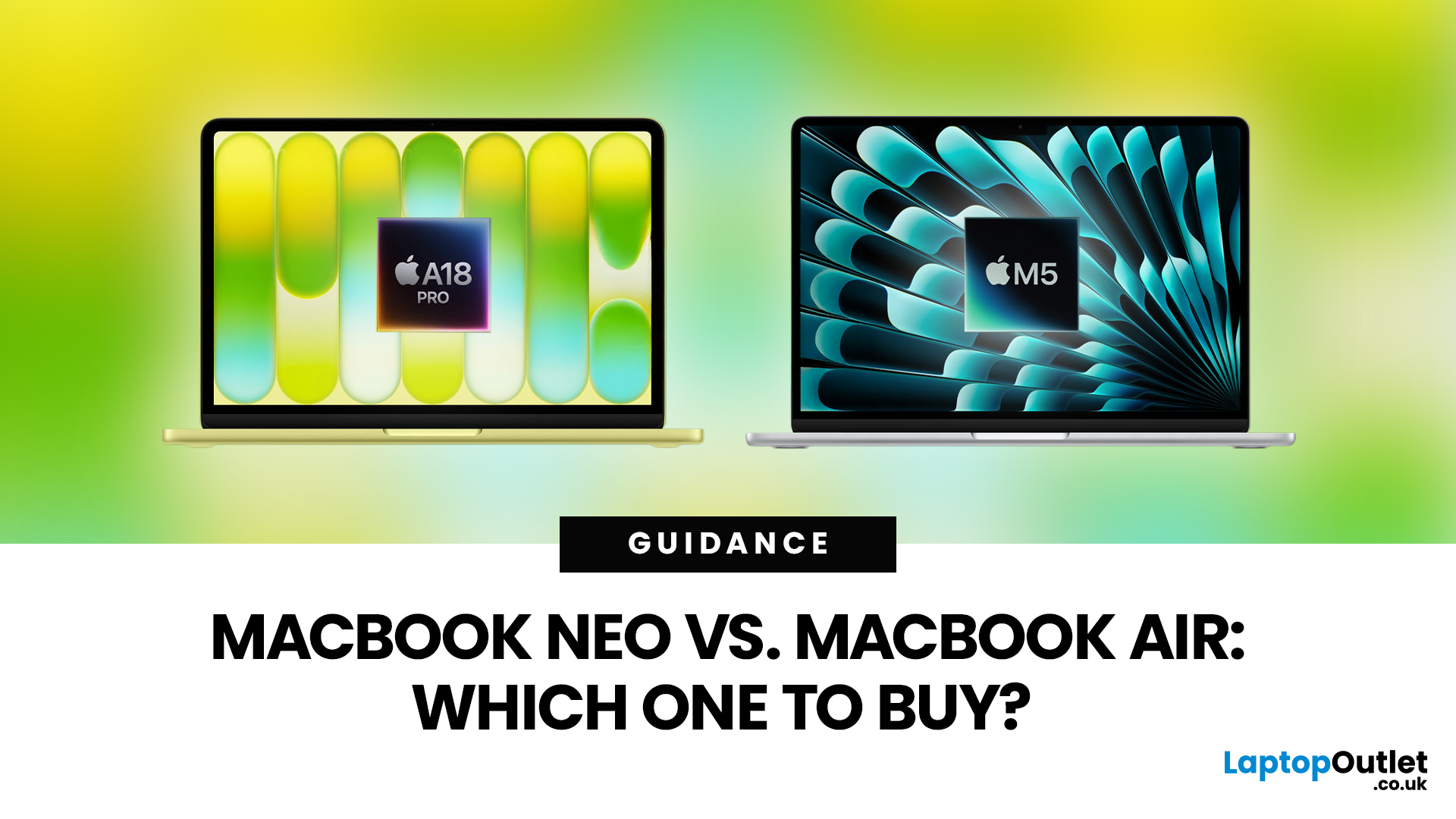
Apple’s 2026 MacBook line-up has a new talking point: MacBook Neo, a genuinely lower-cost Mac designed to bring more people into macOS without asking them to pay MacBook Air money. But the Air hasn’t suddenly become irrelevant. In fact, the newest MacBook Air (M5) is still Apple’s “default” recommendation for most buyers, thanks to stronger performance, more premium extras, and broader long-term headroom.
So, in this MacBook Neo vs MacBook Air guide, we’ll cut through the marketing, look at the real trade-offs (performance, ports, display, battery, and price), and help you choose the right Apple laptop for how you live and work in 2026.
MacBook Neo Overview
The MacBook Neo is Apple’s new entry-level MacBook, positioned below the Air on price. In the UK, Apple lists it from £599. To hit that price, Apple leans on iPhone-class silicon, the Neo is powered by the A18 Pro (the chip family used in iPhone Pro models), paired with 8GB of unified memory and 256GB or 512GB storage.
It also comes

Published: March 05, 2026
AI laptop buying in 2026 is not a trend you have to imagine. It is already changing how people shortlist, compare, and commit to a purchase.
Two shifts are happening at once. The first is behavioural: more people are using AI tools to conduct early research, compress reviews into a few usable insights, and quickly turn a vague requirement into a shortlist. Adyen’s UK retail research finds that 35% of UK consumers use AI to shop, and 56% of those say it influences what they buy.
The second shift is product-led: laptops are now being sold as AI PCs, with new labels and performance claims built around NPUs and TOPS. The problem is that marketing language and real-world value do not always line up. A badge can inflate the price, while the things that make a laptop genuinely pleasant to own are still the basics: screen, keyboard, battery, cooling, ports, and RAM.
So, the practical question in 2026 is not “Should you buy AI?” It is “Where does AI genuinely save time or improve the experience,

Last Updated: May 01, 2026
By the end of 2025, buying a laptop had become a bigger decision than ever. Global PC shipments climbed to more than 270 million units in 2025, with the final quarter alone reaching 71.5 million units.
On the surface, that sounds like good news: more innovation, more models, more choice. But for buyers, it also means more noise. Bigger spec sheets, bolder marketing claims, AI-ready labels everywhere, and a growing chance of paying for power you do not need or missing the features you actually do.
That is what makes choosing a laptop in 2026 tricky. The best option is not always the most expensive, the most powerful, or the newest on the page. It is the one that fits the way you work, study, stream, create, or game without compromise.
This guide cuts through the clutter and helps you choose with confidence. So, get yourself ready to buy the laptop you are looking for.
How to Choose the Right Laptop in 2026
If you want the quick answer, here’s how to choose the right laptop without overthinking

Last Updated: May 19, 2026
Staying connected wherever you go is no longer a luxury, it’s a necessity. Whether you’re working remotely, travelling frequently, or simply want a more reliable connection than public Wi-Fi, laptops with sim card slot capabilities are becoming an increasingly popular choice in 2026. If you’re considering making the switch to a laptop with built-in mobile internet, this guide will walk you through everything you need to know, from how they work to the key differences between 4G and 5G models, and who should be using them.
What are Laptops with SIM Card Slots?
A laptop with sim card functionality allows you to insert a SIM card directly into your device, giving you access to mobile data networks, just like your smartphone. These are often referred to as laptops with built-in mobile internet or cellular laptops.
Instead of relying solely on Wi-Fi, these devices connect to 4G LTE or 5G networks, ensuring you stay online wherever there’s mobile coverage. You’ll commonly find this feature
Published: April 14, 2026
Remote work is no longer a temporary perk. In 2026, it has become a steady work pattern for many UK employees, and the laptop has effectively turned into the main workplace tool, meeting room, and travel companion rolled into one.
That shift is changing what people prioritise when they buy. Price still matters, but buyers are more likely to pay for reliability, better video-call hardware, stronger security, and a setup that works just as well at home as on the train.
Hybrid Work is Pushing Standards Up, Not Down
UK hybrid working is best understood as a long-term rebalancing rather than a short-lived trend. In Great Britain, the Office for National Statistics has shown how hybrid working varies across demographic groups, reinforcing that it is embedded unevenly but persistently across the workforce rather than disappearing.
Employer practice points in the same direction. The CIPD’s research on flexible and hybrid working practices reports that a large share of organisations have hybrid
Last Updated: September 24, 2026
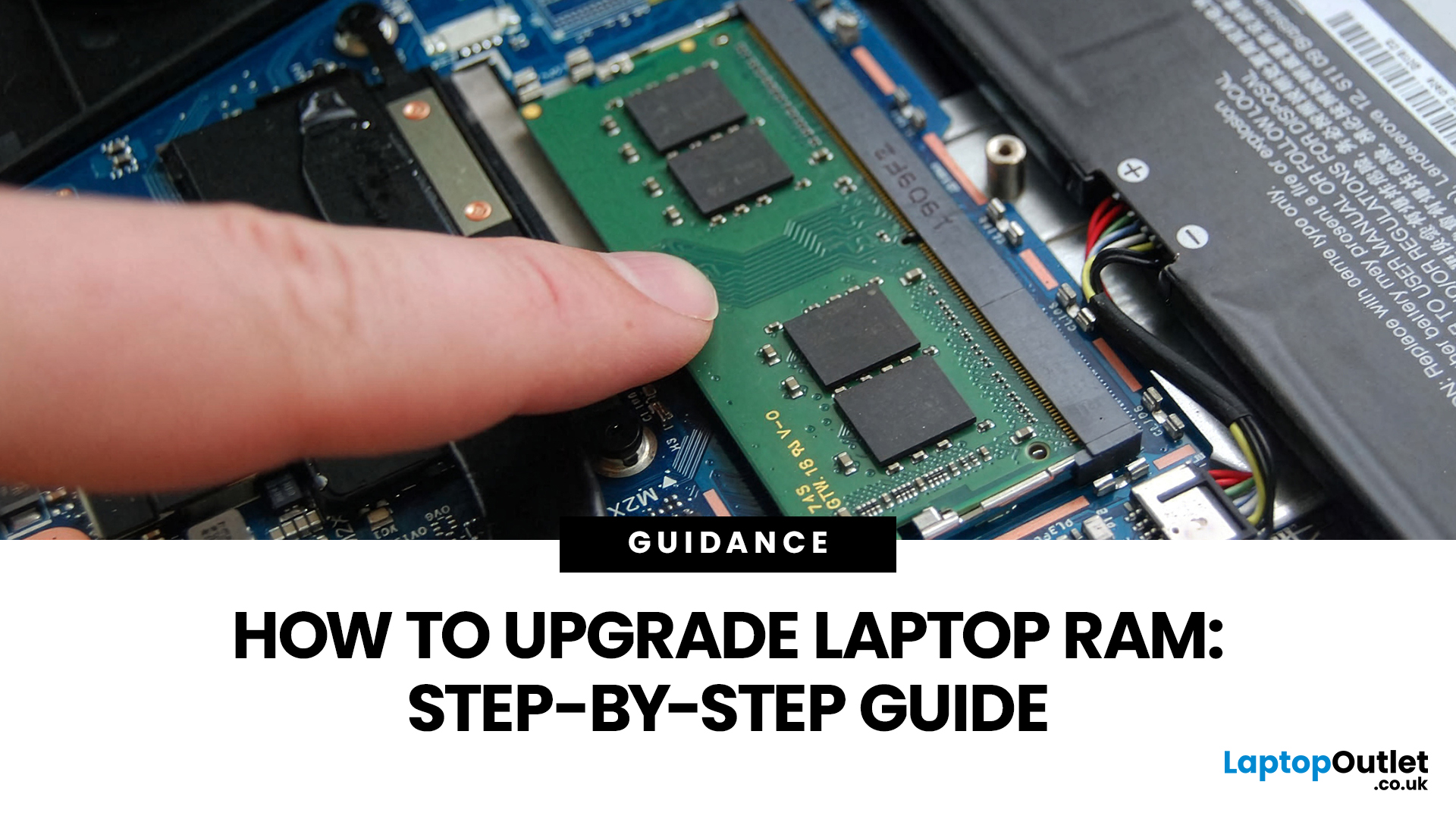
Upgrading laptop RAM is one of the simplest ways to make an older machine feel faster and more capable again, but only if the compatibility side is right from the start. That is the part many quick guides skip. Before buying anything, we always recommend checking whether the laptop has upgradeable memory, what RAM standard it uses, how much it supports, and whether upgrading means adding another module or replacing the existing setup.
To upgrade laptop RAM, first check whether your model has upgradeable SO-DIMM slots, the supported DDR generation, maximum capacity and current memory configuration. Buy compatible RAM, shut the laptop down, disconnect power, open the service panel, remove or add the module, then reassemble and boot up. Finally, confirm the new memory is recognised and test system performance for improved multitasking.
For UK shoppers, that matters because a RAM upgrade can be a much smarter option than replacing a laptop too early. If a system slows down with lots of browser
Last Updated: May 01, 2026
The computer that helped guide the Apollo missions worked with just 4 KB of RAM and around 72 KB of stored memory. Today, a modern laptop can burn through more than that just opening a few tabs.
That is how fast tech has moved and why an older laptop can suddenly feel frustratingly slow. Long boot times, laggy apps, and constant low-storage warnings can make even simple tasks feel harder than they should.
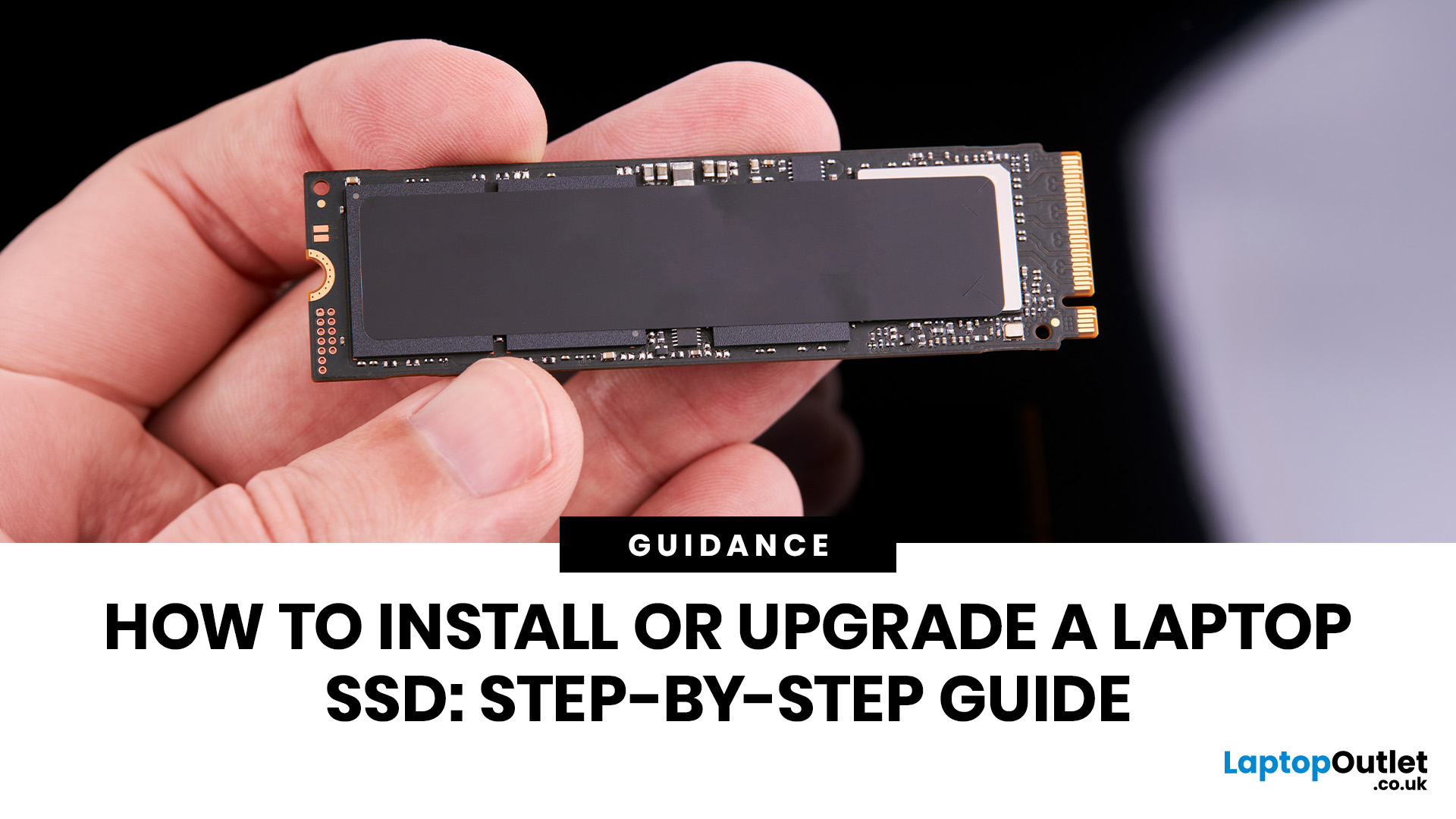
The good news is that you do not always need a brand-new machine. In many cases, upgrading your SSD is one of the easiest ways to make your laptop feel faster, smoother, and far more usable.
In this guide, we will show you how to upgrade a laptop SSD step by step, from checking compatibility to choosing the right drive and installing it properly.
Why upgrading your laptop SSD is worth it
Faster boot times, file transfers, and app loading
A slow laptop gets old fast. Long startup times, laggy apps, and endless waiting usually point to one thing: slow storage.
That is why how to upgrade

