



ASUS ROG & TUF Gaming Monitors for Esports, Studios, & Gaming Venues
If you run an esports arena, gaming cafe, university esports lab, or content studio, your monitor choice is not a background decision. It directly affects performance, player satisfaction, brand perception, and long-term ROI. Competitive players notice the refresh rate instantly. Streamers notice colour accuracy. Venue owners notice durability. And everyone notices screen quality.
That’s why ASUS gaming monitors have become a staple across esports stages and gaming venues in the UK. From ultra-premium ASUS ROG gaming monitors built for tournament environments to scalable ASUS TUF gaming monitor options designed for multi-station rollouts, ASUS covers every level of competitive deployment.
If you're building or upgrading a gaming business, here’s what you need to know.
Why Esports & Gaming Businesses Choose ASUS
A single hardware issue during a tournament can damage a reputation fast. ASUS has built a strong position in esports by delivering consistency under pressure.
Brand Reputation in Esports
ASUS has long been embedded in competitive gaming culture. The ROG division is recognised globally across professional tournaments and sponsored esports teams. That brand visibility matters for venues. When players walk into a space and see ROG gaming monitors, they associate the setup with competitive legitimacy.
Search demand for terms like ASUS esports monitor UK continues to grow because venue owners are aligning their equipment with what players see at professional events. That consistency builds trust.
More importantly, ASUS gaming monitors are engineered for long sessions. Esports venues often operate systems for 10 to 14 hours daily. Displays need to handle sustained use without degradation in performance, brightness, or responsiveness. ASUS has built a reputation for stability in exactly those high-demand conditions.
ROG vs TUF Positioning
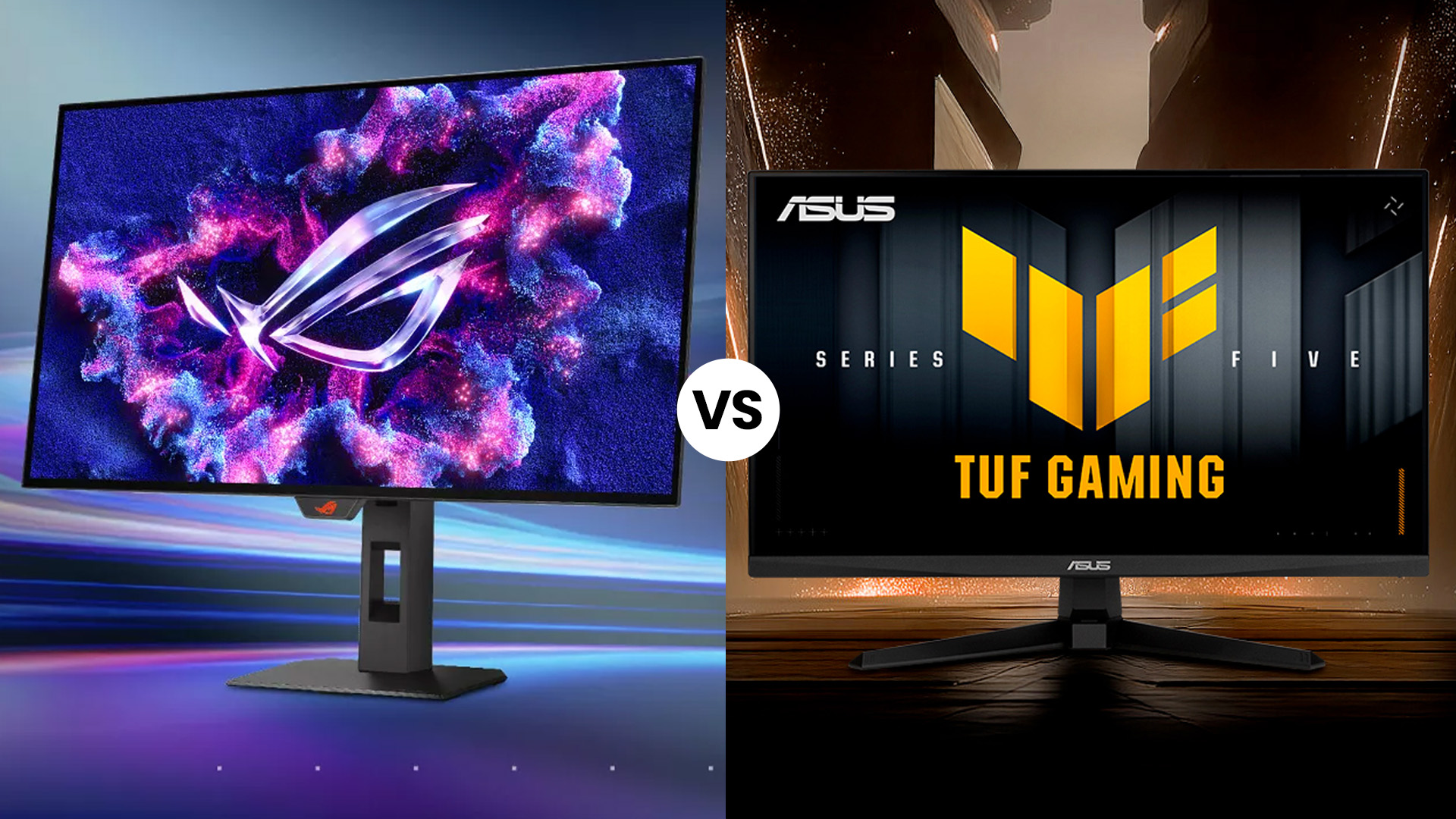
ASUS structures its gaming monitors into two clear performance tiers: ROG and TUF. Understanding the difference helps you match your investment to your venue strategy.
ASUS ROG gaming monitors sit at the premium end. They focus on cutting-edge refresh rates, advanced cooling systems, ultra-low latency panels, and OLED technology. These displays are built for flagship arenas, tournament stages, and professional training environments.
The ASUS TUF gaming monitor range focuses on value-driven performance. TUF models still deliver high refresh rates and Adaptive Sync support, but at a more accessible price point. This makes them ideal for scaling 20, 50, or even 100 stations without compromising competitive capability.
In simple terms: ROG is built for the spotlight. TUF is built for scale.
Key Specs That Matter for Competitive Play
Choosing gaming monitors for a business environment requires prioritising performance metrics that genuinely impact gameplay. Marketing terminology is secondary. What matters is measurable speed and consistency.
Refresh Rates and Response Times
Refresh rate is the most critical factor in esports environments. The difference between 144Hz and 240Hz is noticeable. The difference between 240Hz and 360Hz is meaningful for high-level competitive play.
For most esports venues, 240Hz represents the competitive standard. It offers a balance between hardware demands and motion clarity. Professional-level tournaments may benefit from 360Hz panels, particularly for titles like Counter-Strike 2 or Valorant where reaction time is everything.
Response time complements refresh rate. Most high refresh rate ASUS monitors operate at 1ms or lower. This reduces motion blur and ghosting during fast movements, preserving visual clarity during rapid camera flicks and tracking.
If your goal is selecting the best ASUS monitor for competitive gaming, prioritise refresh rate and response time first. Resolution and visual enhancements come second in pure esports environments.
Resolution, Panel Type and HDR
Resolution should align with your venue’s purpose.
1080p remains the standard for competitive esports. It allows systems to achieve higher frame rates with lower GPU strain. In tournament settings, performance consistency matters more than pixel density.
1440p has become increasingly popular in hybrid venues. It delivers sharper visuals without the heavy performance demand of 4K. For venues that blend competitive gaming with streaming or content creation, 1440p often strikes the right balance.
4K is less common in esports-only environments but is highly relevant for studios and premium console setups.
Panel type also matters. IPS panels provide strong colour accuracy and wide viewing angles, making them ideal for ASUS gaming monitors for studios. TN panels prioritise speed and have traditionally dominated esports setups. OLED panels, available in select ASUS OLED gaming monitor models, offer exceptional contrast, rapid pixel response, and a premium visual experience.
ASUS OLED gaming screens are particularly effective in streaming studios or showcase areas where image quality plays a branding role.
Adaptive Sync: FreeSync and G-SYNC Support
Screen tearing disrupts competitive immersion. Adaptive Sync eliminates this by aligning the monitor refresh rate with the GPU output. Most ASUS gaming monitors support AMD FreeSync and are compatible with NVIDIA G-SYNC. This flexibility is critical for venues running mixed hardware configurations.
For business environments, hardware versatility reduces limitations when upgrading systems or replacing GPUs in the future. Adaptive Sync ensures smooth performance regardless of platform. In addition, for creators choosing between esports-level speed and professional colour accuracy, our breakdown of ASUS ProArt vs ROG monitors explains which models work best for video editing and motion graphics.
ASUS ROG Gaming Monitors for High-End Esports
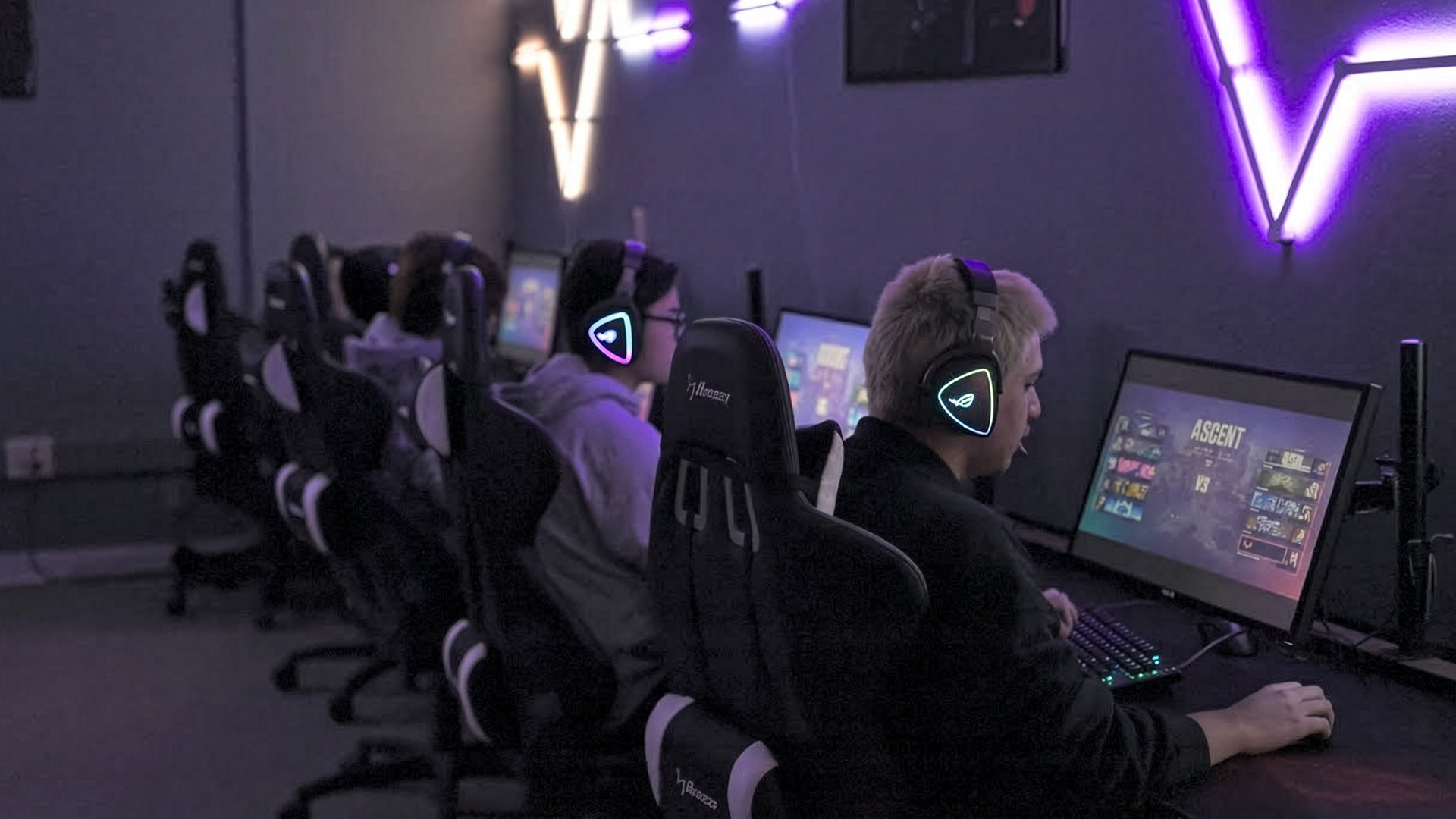
If you are designing a flagship esports environment, the ROG lineup is the logical choice.
ROG gaming monitors are built with tournament-level demands in mind. They focus on ultra-fast refresh rates, premium materials, and advanced motion handling technologies.
Flagship Examples: ROG Swift and Strix
The ROG Swift range often includes 240Hz and 360Hz displays engineered specifically for esports competition. These monitors emphasise ultra-low motion blur, minimal input latency, and consistent brightness levels during extended sessions.
ROG Strix models blend competitive speed with refined aesthetics, making them suitable for venues where presentation matters. Their design integrates well into stage environments, university esports facilities, and high-end gaming lounges.
Many of these models now incorporate OLED technology. An ASUS OLED gaming monitor within the ROG lineup provides elite-level contrast and near-instant pixel transitions, enhancing motion clarity even further.
Ideal Use Cases: Tournaments and Pro Studios
ROG monitors are best deployed in environments where performance visibility matters.
Tournament stages benefit from identical high refresh rate ASUS monitors to ensure competitive fairness. Professional team training rooms require reliable displays capable of extended daily operation. University esports labs often select ROG models to align with competitive programme standards.
In content studios, ROG monitors serve dual purposes. They maintain competitive-level performance for gameplay capture while offering sufficient colour accuracy for editing workflows.
For venues seeking premium positioning within the gaming monitors UK market, ROG delivers the strongest performance statement.
ASUS TUF Gaming Monitors for Arenas & Venues

Not every station in a venue requires flagship specifications. Large-scale deployments require a balance between performance and operational efficiency.
This is where the ASUS TUF gaming monitor range proves effective.
Performance vs Value for Chain Venues
TUF models commonly feature 144Hz to 240Hz refresh rates, Adaptive Sync support, and durable construction. These specifications meet competitive requirements for most players while keeping costs manageable.
For gaming cafes operating dozens of systems, TUF allows standardisation without exceeding budget constraints. This consistency simplifies maintenance, cable management, and replacement planning.
TUF monitors are also designed for sustained use, making them suitable for venues that operate extended hours daily.
Deployment Tips for Gaming Cafes and Arenas
When scaling a venue, consistency is key. Using the same ASUS gaming monitors across stations ensures equal player experience and reduces troubleshooting complexity.
Mounting solutions should be considered early in layout planning. Monitor arms can improve desk space efficiency and allow ergonomic adjustments. Proper airflow is essential, particularly when systems operate continuously.
Standardising on a specific ASUS TUF gaming monitor model simplifies inventory management and future expansion. Keeping spare units in storage reduces downtime if a display requires replacement.
Designing Multi-Station Gaming Setups with ASUS
Designing a competitive gaming space requires more than simply placing monitors on desks. Visual alignment, ergonomics, and cable routing all influence long-term usability.
Multi-Monitor Rigs
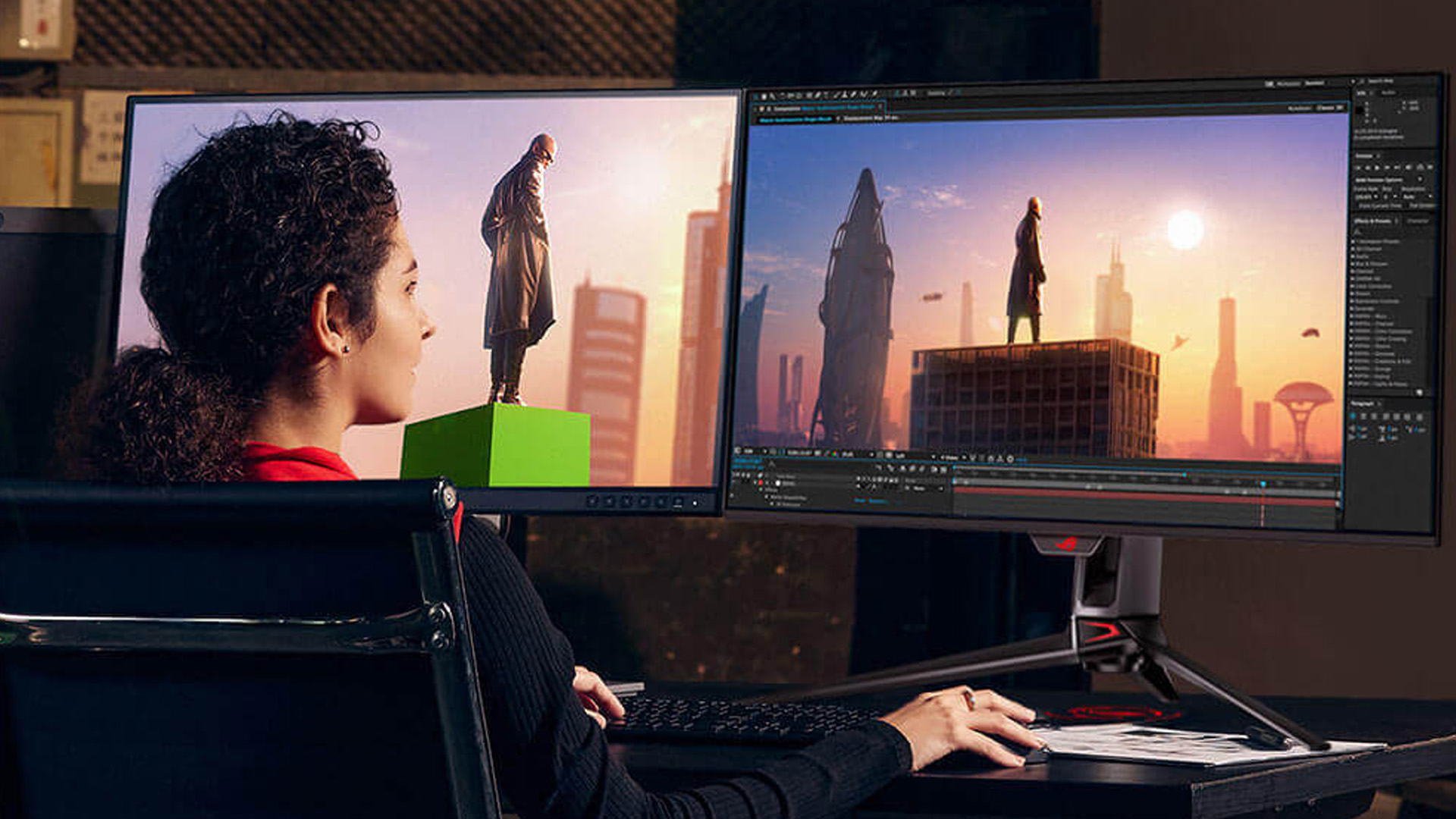
Some environments demand multi-monitor configurations. Streamers often require dual displays to manage chat and streaming software. Simulation racing setups may incorporate triple-monitor arrangements for immersion.
ASUS gaming monitors integrate well into multi-display environments due to consistent panel sizes and minimal bezel designs. Matching refresh rates across displays ensures uniform performance during gameplay.
For tournament organisers, additional observer screens and broadcast displays can be synchronised with primary player monitors to maintain visual consistency.
Cabling, Ergonomics, and Maintenance
High refresh rate setups typically perform best via DisplayPort connections. For console-focused stations, HDMI 2.1 support ensures compatibility with current-generation systems.
Ergonomic adjustments reduce player fatigue during extended sessions. Height-adjustable stands or monitor arms allow venues to accommodate different users without altering performance integrity.
Maintenance routines should include regular panel cleaning and firmware checks. OLED models may require additional attention to static image management to preserve panel longevity.
Long-term durability planning ensures your investment in ASUS gaming monitors remains reliable over time. If you're planning a multi-screen setup for a gaming studio or workspace, our guide on designing multi-monitor workspaces with ASUS covers everything from productivity layouts to ergonomics and clean cabling.
Recommended ASUS Gaming Monitors from Laptop Outlet
For UK-based gaming venues seeking a reliable supply, Laptop Outlet provides access to a wide range of ASUS gaming monitors suitable for both premium and scalable deployments.
Best for Esports Arenas
High refresh rate ROG gaming monitors in the 240Hz to 360Hz range are ideal for tournament-grade setups. These models deliver elite motion clarity and low input latency for competitive FPS titles.
ASUS TUF Gaming A16 (2025)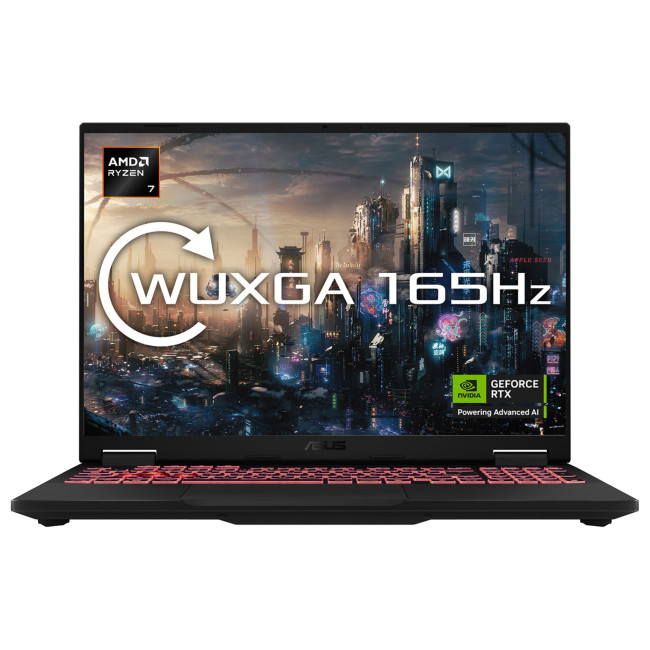
For gaming venues and multi-station rollouts that need strong performance without going full flagship pricing, the ASUS TUF Gaming A16 delivers excellent value with competitive-ready specs.
Key Specs
- CPU: AMD Ryzen 7 260
- RAM: 32GB
- Storage: 1TB SSD
- GPU: NVIDIA GeForce RTX 5060
- Display: 16-inch WQXGA IPS, 165Hz
- OS: Windows 11 Home
Best Use Case
A smart option for gaming cafés, esports training rooms, and scalable deployments where reliability and performance-per-pound matter.
ASUS ROG Strix SCAR 18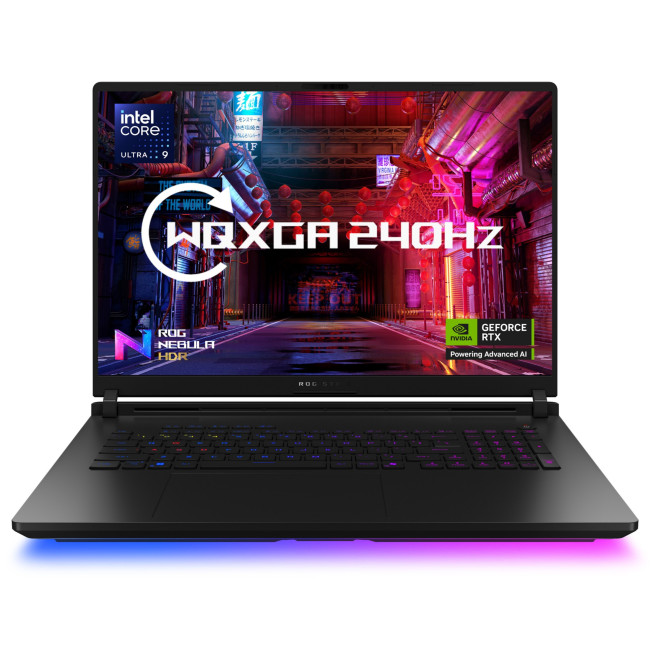
The ASUS ROG Strix SCAR 18 G835LW-SA020W represents one of ASUS’s most powerful gaming laptops ever made, engineered for venues, esports teams, and creators that demand uncompromising performance paired with extreme mobility. Built to handle anything from competitive shooters to creative workflows, this machine brings desktop-class power into a portable form factor.
Key Specs
- Processor: Intel Core Ultra 9 275HX
- Memory: 32GB RAM
- Storage: 2TB SSD
- Graphics: NVIDIA GeForce RTX 5080
- Display: 18″ high-performance panel
- Operating System: Windows 11 Home
Best Use Case
This laptop is ideal for premium esports arenas, professional gaming studios, and high-performance content creation zones that need top-tier hardware. Its combination of a flagship CPU, 32GB of memory, and an RTX 5080 GPU means it’s ready for competitive gaming at high frame rates while also handling demanding tasks like video editing, motion graphics, and real-time streaming. For venues where performance impression matters as much as performance itself, the SCAR 18 delivers both.
Best for Streaming and Content Creation
ASUS OLED gaming monitor options or high-resolution IPS panels are suitable for studios balancing gameplay and production work. These displays support accurate colour output while maintaining strong refresh performance.
ASUS ROG Flow Z13 GZ302EA-RU014W (2-in-1 Touch)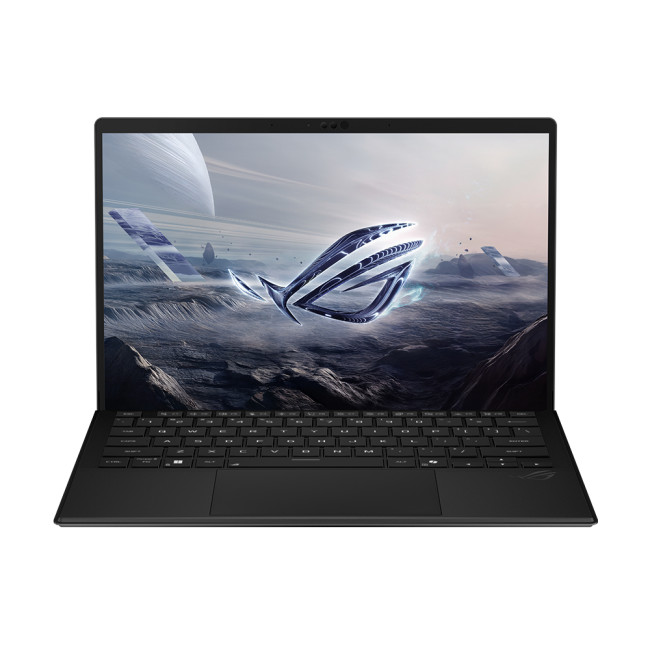
If your venue or studio needs something portable, flexible, and creator-friendly, the ROG Flow Z13 is a unique 2-in-1 powerhouse built for gaming and production on the move.
Key Specs
- CPU: AMD Ryzen AI Max 390
- RAM: 32GB
- Storage: 1TB SSD
- Display: 13.4-inch Touchscreen
- Form Factor: 2-in-1 Convertible
- OS: Windows 11 Home
Best Use Case
Perfect for content creators, mobile production teams, event managers, or esports staff who need performance in a compact, adaptable design.
ASUS ROG Strix G18 (RTX 5080, 2TB SSD)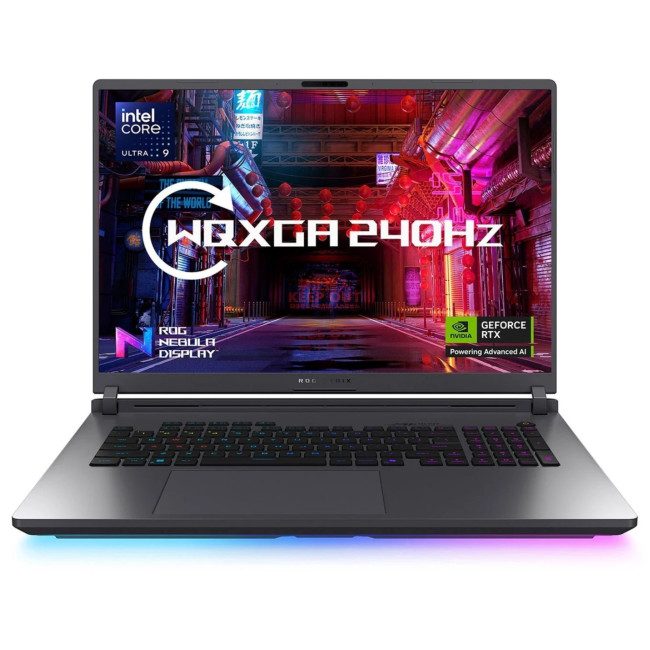
For venues aiming for maximum future-proofing, this RTX 5080-equipped ROG Strix G18 variant delivers top-end gaming power with expanded storage for large game libraries and studio workflows.
Key Specs
- CPU: Intel Core Ultra 9 275HX
- RAM: 32GB
- Storage: 2TB SSD
- GPU: NVIDIA GeForce RTX 5080
- Display: 18-inch
- OS: Windows 11 Home
Best Use Case
Best suited for flagship gaming lounges, premium esports setups, and creator studios that need top-tier GPU performance for both competitive gaming and production tasks.
Best Budget Options for Smaller Venues
The ASUS TUF gaming monitor lineup offers dependable 144Hz to 165Hz models that provide competitive capability without premium pricing. These are particularly effective for local gaming cafés and community esports hubs.
Refurbished ASUS TUF A15 FA507RR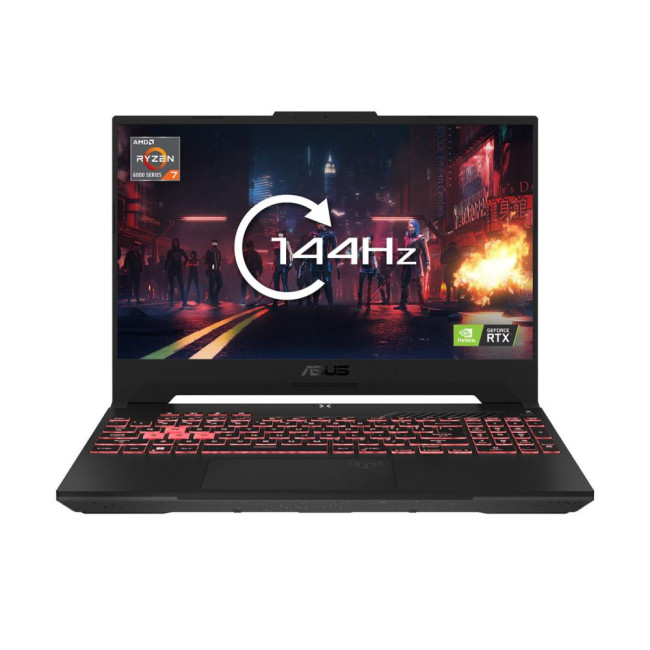
The refurbished ASUS TUF A15 FA507RR is a solid all-around gaming laptop that blends dependable performance with competitive-level graphics, making it a great companion system for gaming venues, esports labs, or digital content zones on a sensible budget.
Key Specs
- Processor: AMD Ryzen 7 6800H
- Memory: 16GB RAM
- Storage: 512GB SSD
- Graphics: NVIDIA GeForce RTX 3070
- Display: 15.6″ 144Hz
- Operating System: Windows 11 Home
Best Use Case
Ideal for gaming cafés and practice stations where players expect smooth performance in esports titles at high refresh rates, without requiring flagship pricing. It’s also well-suited for content creation workflows that demand strong GPU acceleration and responsive performance.
Refurbished ASUS TUF A15
If you want a more current performance uplift without breaking the bank, the Refurbished ASUS TUF A15 with an RTX 4050 delivers improved GPU capability and larger storage, helping venues stay competitive with modern titles and multitasking demands.
Key Specs
- Processor: AMD Ryzen 7 7435HS
- Memory: 16GB RAM
- Storage: 1TB SSD
- Graphics: NVIDIA GeForce RTX 4050
- Display: 15.6″ 144Hz
- Operating System: Windows 11 Home
Best Use Case
Perfect for gaming venues, student esports labs, and hybrid setups where both gaming and creative tasks are common. The bigger SSD means more space for game libraries and media production files, while the RTX 4050 ensures solid performance across current competitive and AAA titles.
Selecting the right tier depends on whether your venue prioritises tournament performance, content production, or scalable access. For corporate buyers and IT teams, our complete framework on ASUS monitors for business and enterprise walks through what to consider when purchasing displays at scale.
Buying & Supporting ASUS Gaming Monitors in Bulk
Bulk purchasing requires strategic planning. Beyond unit cost, venues should consider warranty coverage, stock consistency, and supplier reliability.
Standardising on specific ASUS gaming monitors simplifies future upgrades. When expanding your venue, matching existing displays preserves competitive consistency.
Working with established UK suppliers ensures availability of replacement units and access to manufacturer-backed warranties. Confirming support terms before rollout protects your long-term investment.
For venues operating at scale, equipment downtime directly impacts revenue. Reliable sourcing and proactive inventory planning minimise disruption.
Read our ASUS monitors guide to compare ROG, TUF, ProArt, and business ranges before making your next upgrade.

The Bottom Line
Choosing the right monitor setup isn’t just a technical decision, it’s a business move. Whether you’re building a flagship esports arena, scaling a gaming cafe, or equipping a professional content studio, ASUS gaming monitors give you the flexibility to match performance with purpose. From the tournament-ready precision of ASUS ROG gaming monitors to the scalable reliability of the ASUS TUF gaming monitor range, ASUS offers solutions that support competitive gameplay, long operating hours, and future expansion.
By prioritising refresh rate, panel technology, and deployment strategy, you can create a venue that not only looks professional but performs at the level today’s players expect. When performance, durability, and brand credibility matter, ASUS remains one of the strongest investments in the gaming monitors UK market.

Still Deciding? Read This
What’s the difference between ASUS ROG and TUF gaming monitors?
ROG gaming monitors focus on premium esports performance, offering higher refresh rates, advanced technologies, and OLED options. TUF gaming monitors prioritise durability and value, making them better suited for large-scale venue deployments.
Which ASUS gaming monitor refresh rate is ideal for esports?
240Hz is widely considered the competitive standard. 144Hz is suitable for entry-level esports venues, while 360Hz is ideal for professional tournament environments.
Are ASUS gaming monitors good for both PC and console?
Yes. Many ASUS gaming monitors support HDMI 2.1 for consoles and Adaptive Sync for PC gaming, making them flexible across platforms.
Can I mix different ASUS models in the same gaming venue?
It is possible, but maintaining consistent models across primary stations ensures equal performance for all players. Some venues use ROG monitors for main stages and TUF models for general play areas.
Do ASUS gaming monitors come with long-term warranties for business use?
ASUS provides manufacturer warranties, and many UK suppliers offer additional support options. Business buyers should confirm warranty terms and coverage conditions before deployment.
Related Articles

Last Updated: September 03, 2026
A good monitor changes everything. It makes your gaming sessions sharper, your workday less draining, and your screen time far more enjoyable. The trouble is, decent monitors can be pricey — and not everyone wants to overspend just to get a clear picture.
That is where Acer comes in.
Acer has become one of the most trusted names in affordable display technology. Whether you are gaming late into the night or working through spreadsheets from home, there is an Acer monitor for your lifestyle and your budget. In 2026, their range spans from compact 21.5-inch office panels to sprawling 34-inch ultrawide gaming screens.
This guide covers the best Acer monitors currently available at Laptop Outlet, split into gaming and office categories, so you can find the right display without overthinking it.
Best Acer Gaming Monitors in 2026
A gaming monitor is a display built to keep up with fast-paced gameplay. Unlike standard screens designed for everyday tasks, gaming monitors prioritise speed, smoothness,

Last Updated: August 04, 2026
Choosing the right monitor makes a real difference. Whether you're gaming at high frame rates, editing photos, or managing spreadsheets all day, the display in front of you shapes your entire experience.
ASUS has become one of the most trusted monitor brands in the UK — and for good reason. Their line-up covers everything from portable office screens to ultrawide gaming monitors and colour-accurate displays for creative work.
In this guide, we've broken down the best ASUS monitors for 2026 by use case, so you can find exactly what you need, fast.
Best ASUS Monitors for Office Workers
Office monitors need to be reliable, comfortable, and practical. ASUS's business and ZenScreen ranges tick every box, offering everything from portable displays to large 4K screens designed for long working days.
1. ASUS ZenScreen Go MB16AHP — Best Portable Office Monitor
- Screen Size: 15.6"
- Panel Type: IPS
- Resolution: 1920 x 1080 (Full HD)
- Refresh Rate: 60 Hz
- Response Time: 5 ms
- Brightness: 220
Last Updated: April 08, 2026
Halloween’s here and while most people are stocking up on sweets, the real treats are happening over at Laptop Outlet’s Halloween Sale. If you’ve been eyeing a new monitor, this is your moment. The discounts this year are no joke: from affordable 60 Hz office screens to lightning-fast 400 Hz gaming beasts, prices are dropping faster than a horror-movie jump scare.
Whether you’re chasing smoother frames, better colours, or a proper upgrade for your setup, this sale has something for every type of user. Think premium displays from trusted brands, curved and ultrawide options, and refresh rates that make your old monitor feel prehistoric.
Over the next few minutes, we’ll walk you through the best picks across every price and performance tier, so you can upgrade smartly before these Halloween deals disappear into
Why Halloween Is the Best Time to Snag a Monitor
Here’s the thing: Halloween has quietly become the underrated season for tech deals. While everyone’s waiting for Black Friday, Laptop

Last Updated: August 25, 2026
A bigger monitor gives you more room to work, watch and play, but wider flat screens can place their outer edges noticeably farther from your natural viewing position. Curved monitors address this by bringing those edges towards you, creating a more cohesive view across the screen.
That difference is useful far beyond gaming. From managing multiple work windows to editing timelines, watching films or creating a more immersive setup, the right curved monitor can make a large display feel easier and more engaging to use.
What Makes a Curved Monitor Different?
Curved computer displays change the relationship between your eyes and a wide screen. Instead of stretching straight across the desk, the edges angle gently towards your viewing position.
Monitor curvature is measured using figures such as 1000R, 1500R and 1800R. The number represents the radius of the curve in millimetres, with a lower number indicating a tighter, more pronounced curve.
| Curvature | How It Feels | Often Suited To |
| 800R-1000R |

Published: November 19, 2025
Display technology has come a long way, from bulky CRTs to razor-thin, high-definition screens. In today’s tech landscape, two contenders are leading the race for the future of visual excellence: Mini-LED and OLED monitors. Both offer stunning image quality and advanced engineering, but each has unique strengths that make it better suited for specific users and use cases.
Understanding the Display Technology
Before comparing performance, it’s important to understand how each display type works.
What is OLED?
OLED (Organic Light Emitting Diode) technology uses pixels that emit their own light. Each pixel can turn on or off independently, producing perfect blacks and infinite contrast. Because there’s no backlight, OLED displays are thin, power-efficient (for darker content), and capable of exceptional colour accuracy.
What is Mini-LED?
Mini-LED (Mini Light Emitting Diode) is an evolution of traditional LED-backlit LCD screens. Instead of a few large LEDs behind the panel, Mini-LED displays
Last Updated: August 24, 2026
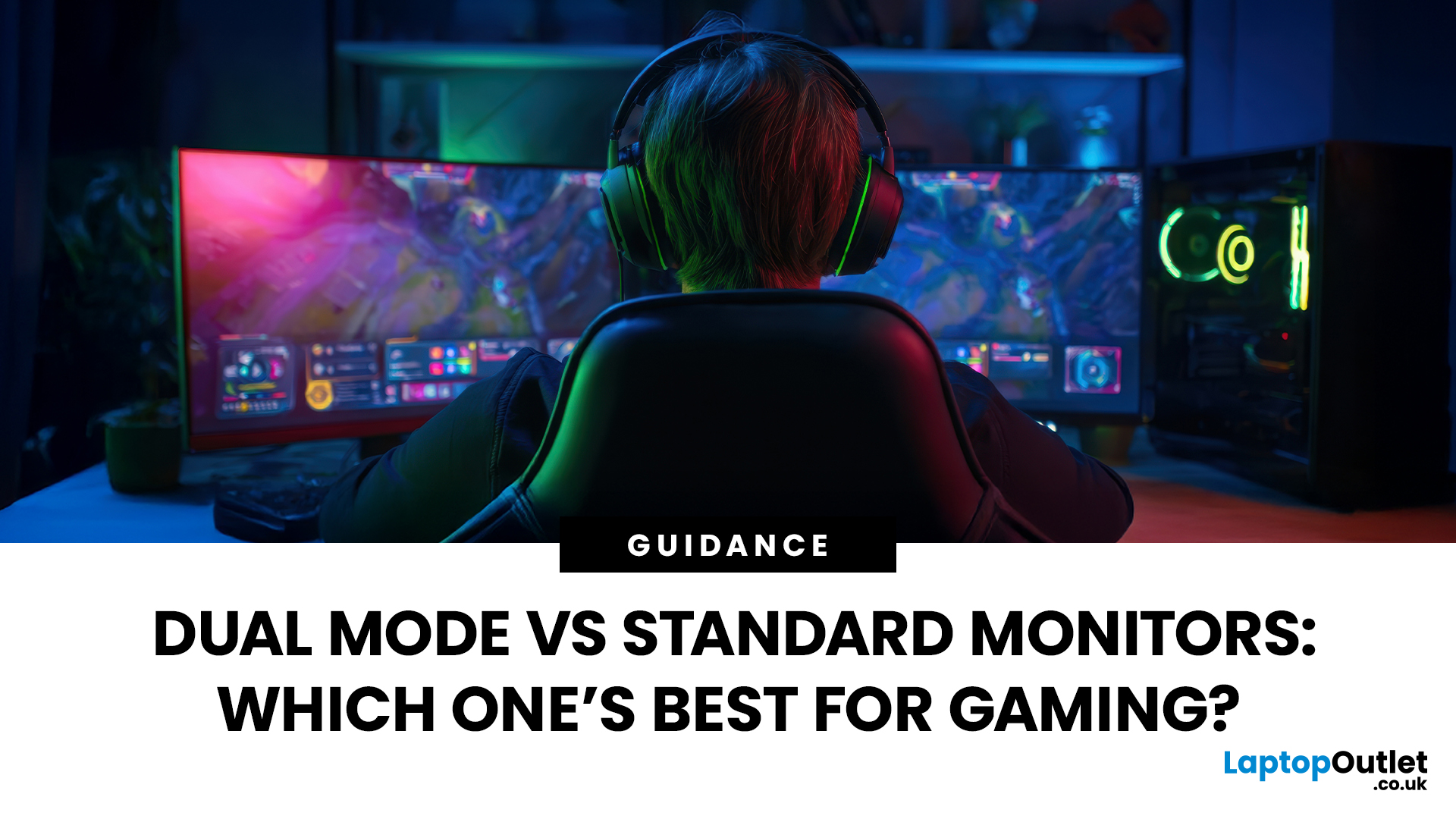
Choosing between dual-mode and standard gaming monitors is becoming a key decision for gamers seeking better speed, visuals, and flexibility. As display technology advances, players now expect sharper colour, higher refresh rates, smoother motion, and features that adapt to different gaming styles.
Dual-mode monitors add a new option by offering two performance profiles in one screen, while standard gaming monitors remain popular for their simplicity and value. So, which is right for you? This guide compares their features, performance, benefits, and real-world uses to help you choose confidently, whether you play competitive shooters or immersive story-driven games at home.
Understanding the Basics: What are Dual Mode Gaming Monitors?
Dual mode gaming monitors are a relatively new category that provide two optimised display profiles within the same screen. These modes usually include:
1. A High-Resolution Mode
This mode might support 4K displays for gamers, or QHD resolution, higher brightness,
Published: November 24, 2025
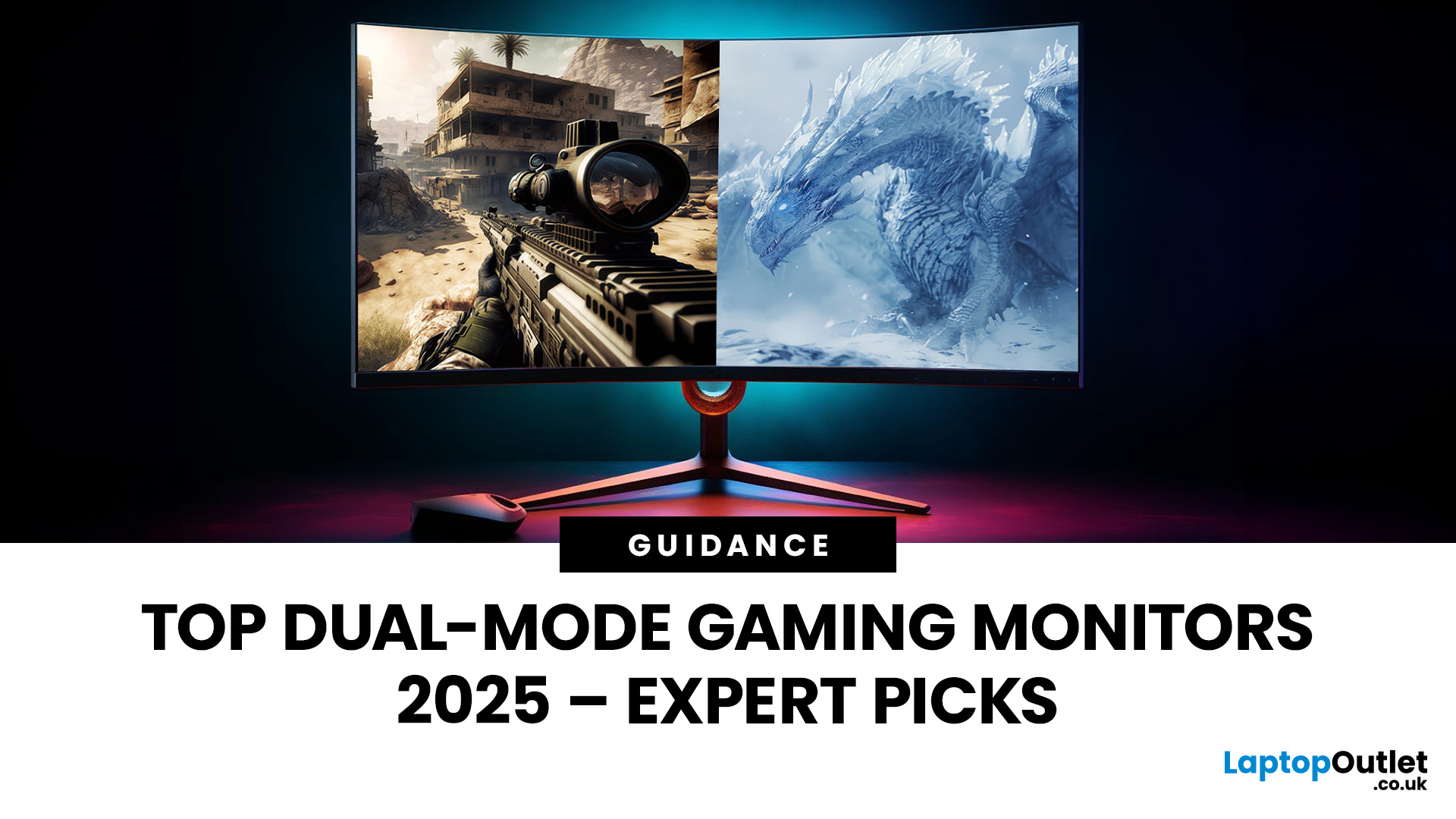
The gaming landscape in 2025 is more advanced than ever, and at the centre of every elite gaming setup lies one essential component, the monitor. Performance-focused gamers now have new demands: adaptability, fluid responsiveness, and pinpoint accuracy tailored to various game genres. This is where dual mode gaming monitors stand out. Designed to deliver extraordinary flexibility, they allow you to switch between ultra-high-resolution visuals and lightning-fast frame rates depending on your playstyle.
What Are Dual Mode Gaming Monitors?
Dual mode gaming monitors are cutting-edge displays with the ability to switch between two distinct performance profiles:
- High-resolution mode – ideal for immersive open-world titles, with sharp visuals and cinematic detail.
- High refresh rate mode – optimised for competitive and fast-paced gameplay, where responsiveness and precision are key.
This new category bridges the gap between high-resolution gaming monitors for sharp visuals and high refresh rate
Last Updated: June 15, 2026
One monitor, two personalities; perfectly tuned for any game.
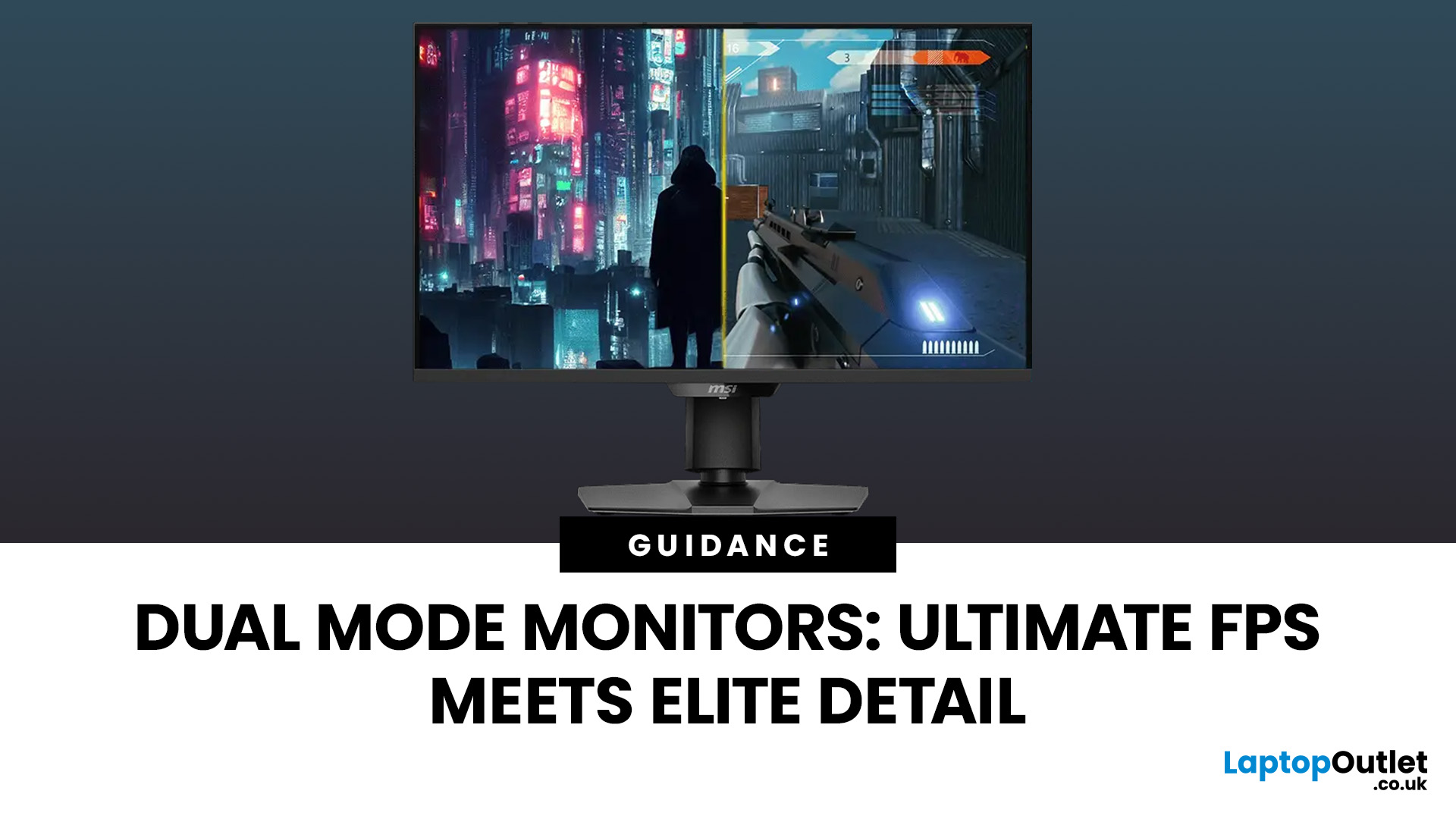
For years, gamers have faced a tough choice: do you pick a monitor with crystal-clear display and high resolution, or one with fast refresh rates for maximum speed? Trying to achieve both usually meant compromising on one side. That compromise is now a thing of the past, thanks to the dual mode gaming monitor.
This cutting-edge technology gives you the power to switch instantly between two different display modes, each optimised for a specific type of gaming. This simple switch can genuinely help improve FPS and dramatically enhance your overall visual quality.
If you want to know how dual mode gaming monitors improve FPS & visual quality, read on.
What Exactly are Dual Mode Gaming Monitors?
Before we get to the nuts and bolts of why dual mode monitor performance is so remarkable, let's nail down what they are.
A dual mode gaming monitor is a single display that has the unique, built-in ability to switch between two distinctly
Last Updated: August 12, 2026
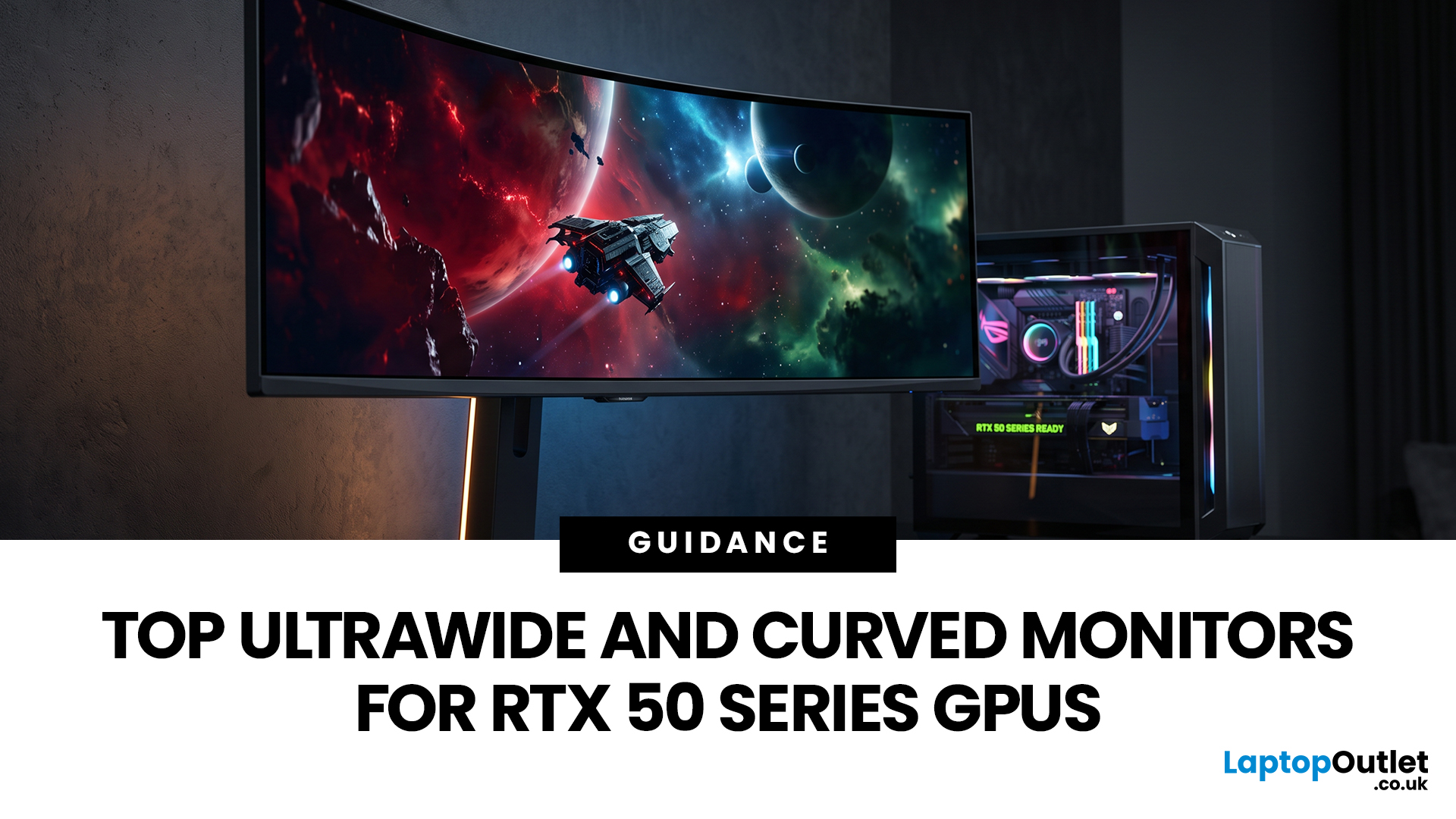
Picking a monitor for an RTX 50 Series GPU isn’t just about chasing the highest refresh rate, it’s about getting the right vibe for your setup. Think resolution, panel type and aspect ratio that actually match how you game, how powerful your RTX 5080 or RTX 5070 Ti is, and how much space you’ve got on your desk.
If you’re on an RTX 5080, a massive 49-inch 5120 × 1440 ultrawide hits different for immersive racing, sim and open-world gameplay. The RTX 5070 Ti feels right at home on a 34-inch 3440 × 1440 ultrawide, while a compact QHD curved monitor is perfect if you want smooth, high-refresh gaming on a budget.
Quick Comparison
| Best For | Monitor | Screen and Resolution | Refresh Rate | Panel | Main Strength | Consider Before Buying |
| RTX 5080 | Philips Evnia 49M2C8900 | 48.9-inch, 5120 × 1440, 32:9 | 240Hz | QD-OLED | Maximum immersion with OLED picture quality | Requires substantial desk space and strong GPU performance |
| RTX 5070 Ti | AOC G4 CU34G4Z | 34-inch, 3440 × 1440, 21:9 | 240Hz | Fast VA | Strong balance of speed, |
Last Updated: September 01, 2026
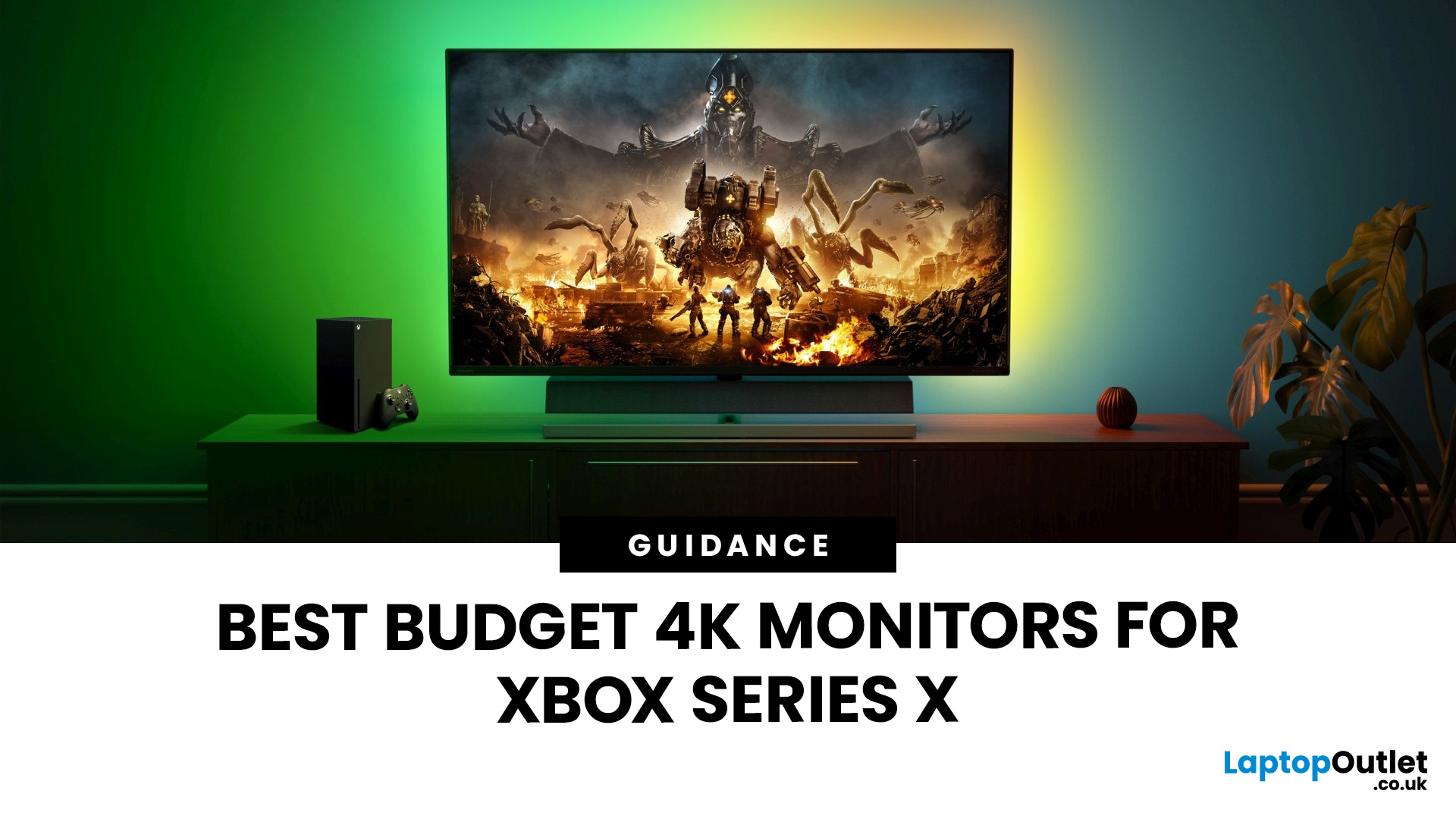
If you're looking to unlock true next-gen performance on your Xbox Series X without stretching your budget, you’re in the right place. The console is capable of extraordinary visuals, which includes from razor-sharp 4K resolution and buttery-smooth 120Hz gameplay to HDR brilliance and ultra-low latency. But to experience these features properly, you need the right display. That’s why we’ve curated a detailed guide to the best budget-friendly 4K monitors for Xbox Series X, helping you choose a display that enhances every moment of your gaming while keeping your wallet happy.
Why a 4K Monitor is Ideal for Xbox Series X
The Xbox Series X was built for 4K gaming. While you can play on lower resolutions, a monitor that fully supports the console’s capabilities will significantly improve your experience. Here’s why a 4K monitor for next-gen consoles is the perfect match:
True 4K Resolution
With a 4K monitor, you get four times the pixel density of 1080p, giving you:
- Sharper textures
- Improved

