



MEDION ERAZER Beast 18 X1 The Ultimate Desktop Replacement
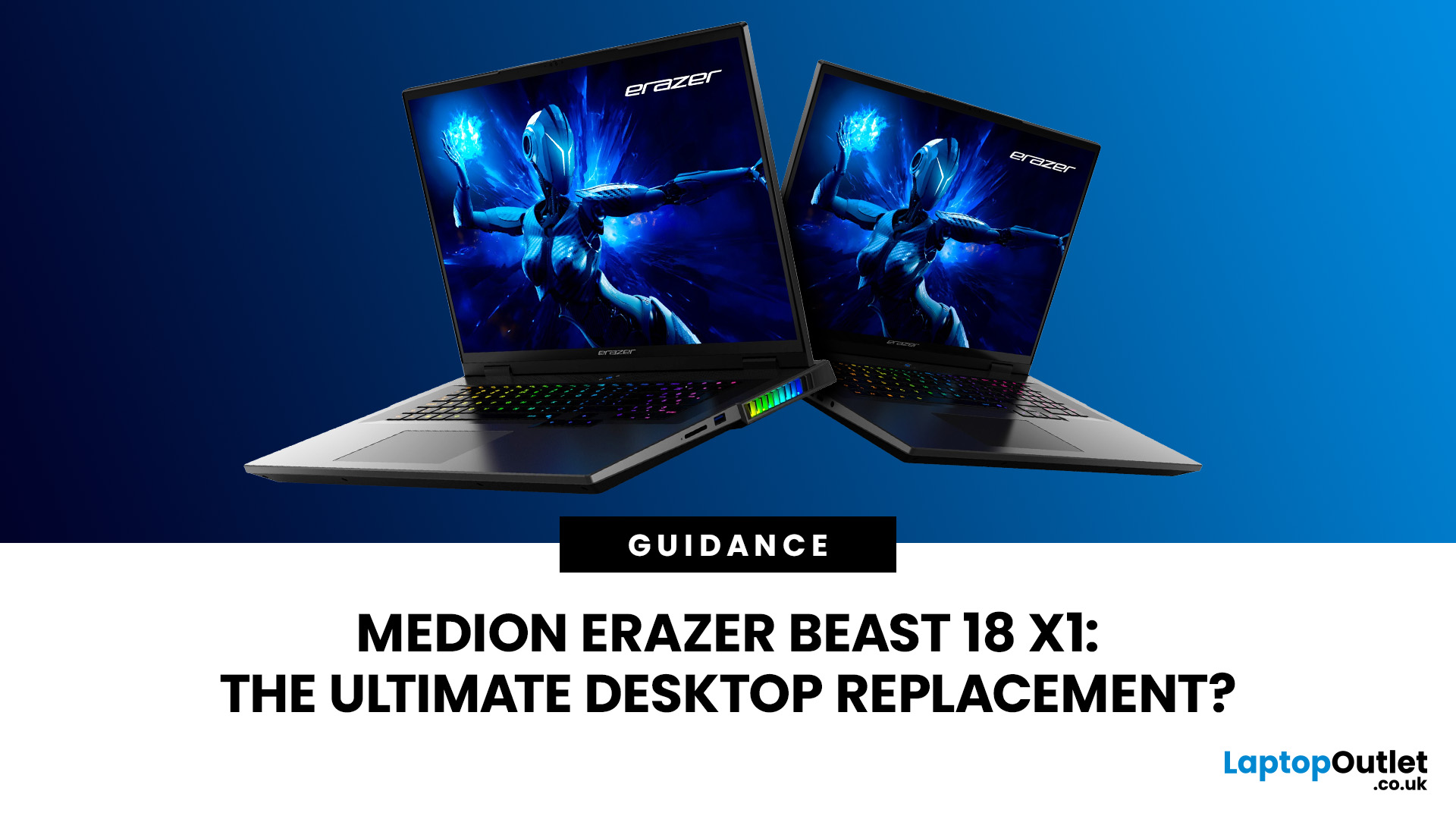
The MEDION ERAZER Beast 18 X1 is an 18-inch high-performance gaming laptop for buyers who want desktop-class hardware in one movable system. Its Intel Core Ultra 9 275HX processor, NVIDIA GeForce RTX 5080 or RTX 5090 Laptop GPU, 240Hz QHD+ display and upgrade options make it a serious desktop-replacement candidate. However, its weight, fan noise and IPS panel mean it will not suit everyone.
This assessment uses official specifications and independent test data rather than presenting third-party results as Laptop Outlet testing.
What Is the MEDION ERAZER Beast 18 X1?
The Beast 18 X1 is MEDION ERAZER’s first 18-inch laptop. It focuses on maximum gaming and creative performance rather than everyday portability. Current configurations use the 24-core Intel Core Ultra 9 275HX, Windows 11 Home and an 18-inch 2560 x 1600 IPS panel running at 240Hz. MEDION pairs this platform with either an RTX 5080 Laptop GPU or an RTX 5090 Laptop GPU.
Key Specs at a Glance
|
Feature |
MEDION ERAZER Beast 18 X1 specs |
|
Processor |
Intel Core Ultra 9 275HX, 24 cores, up to 5.4GHz |
|
Graphics |
RTX 5080 Laptop GPU, 16GB GDDR7, or RTX 5090 Laptop GPU, 24GB GDDR7 |
|
Display |
18-inch QHD+, 2560 x 1600, 240Hz, 16:10, IPS |
|
Memory |
32GB or 64GB DDR5-5600 |
|
Storage |
2TB or 4TB PCIe SSD |
|
Battery |
99Wh |
|
Weight |
Approximately 3.6kg |
|
Connectivity |
Thunderbolt 5, USB4, HDMI, Mini DisplayPort, 2.5GbE and Wi-Fi 7 |
The specification suits competitive gaming, demanding AAA releases, 3D work, high-resolution video editing, and heavy multitasking. Buyers who mainly play lighter games or use office applications would pay for performance they are unlikely to use.
RTX 5080 vs RTX 5090 Configurations
The RTX 5080 model has 16GB of GDDR7 graphics memory, while the RTX 5090 increases this to 24GB. Both can operate at up to 175W in the Beast 18 X1. The RTX 5090 better suits complex 3D scenes, large texture packs, local AI work and demanding creative applications. The RTX 5080 remains the stronger-value choice for most QHD+ gaming.
Who MEDION Designed This Laptop For
The ideal buyer is a serious gamer, creator or hybrid professional who needs high-end performance and a large built-in screen but cannot keep a desktop in one location. It also suits users replacing several devices with one machine. Frequent commuters, casual players and buyers prioritising silence or all-day unplugged use should consider a smaller system instead.
At prices checked on the time of writing, Laptop Outlet listed the RTX 5080, 32GB and 2TB model at £2,479.99, the RTX 5090, 32GB and 2TB model at £2,769.99, and the RTX 5090, 64GB and 4TB model at £3,399.99. Prices can change, but the discounted 32GB RTX 5090 configuration offers a notable specification jump for the difference.
Buyers who prefer a more manageable system for regular travel may find the MEDION ERAZER Deputy 15 P1 better suited to their needs.
Design and Build Quality
MEDION uses an aluminium finish on the lid, while the large dimensions accommodate the screen and high-power hardware. At approximately 3.6kg, this is movable rather than truly portable. Add the 330W adapter, tested at roughly 1.04kg, and the carry weight approaches 4.6kg before accessories. It suits users moving between a few fixed locations more than daily commuters.
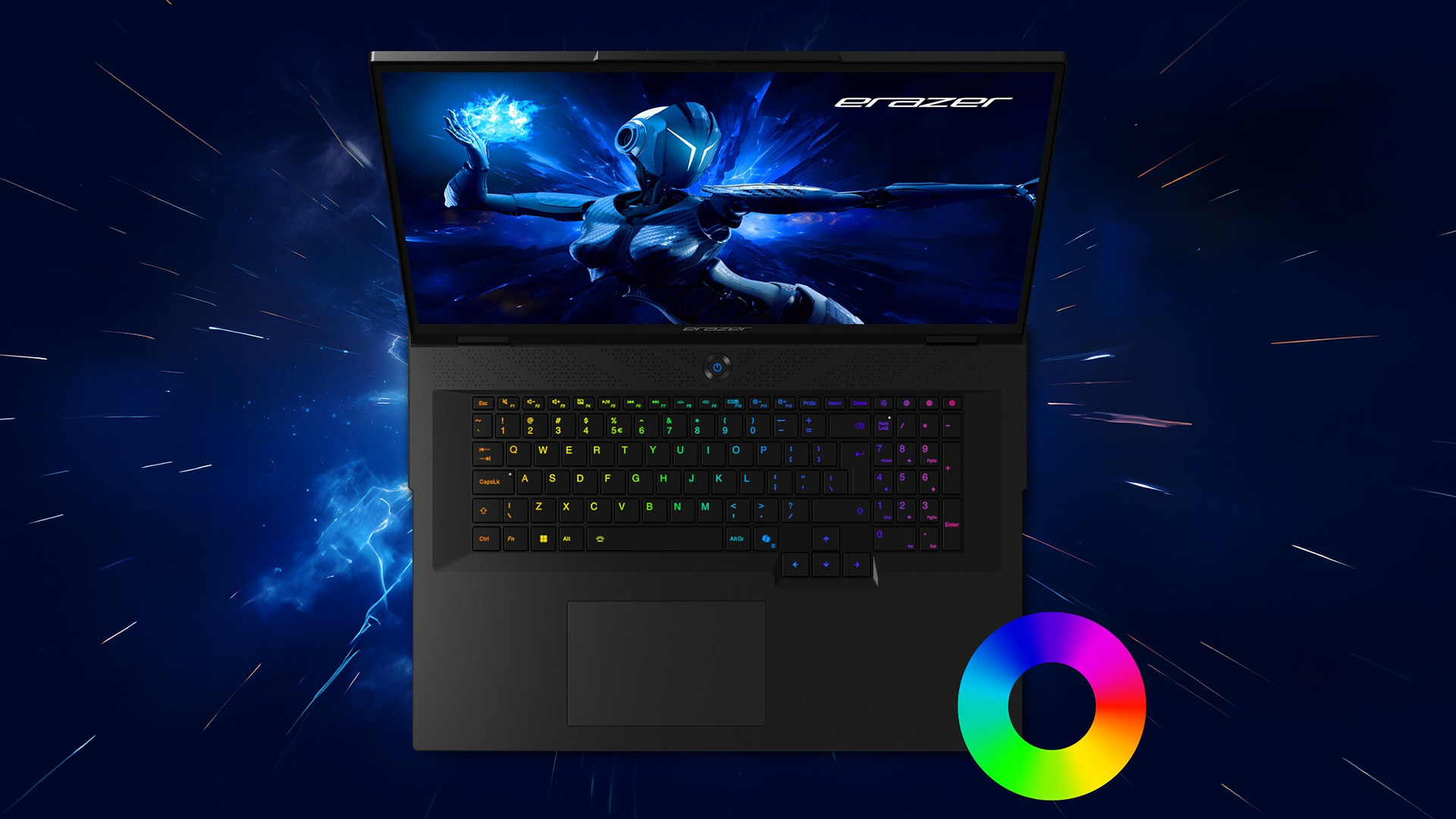
The per-key RGB keyboard supports 16.7 million colours and includes a number pad. The large deck provides more room than a compact notebook, although a separate keyboard may still suit a permanent desk setup. Buyers comparing the best MEDION gaming laptops should see the Beast as the large-screen flagship, not the default choice for every gamer.
Cooling and Fan Behaviour
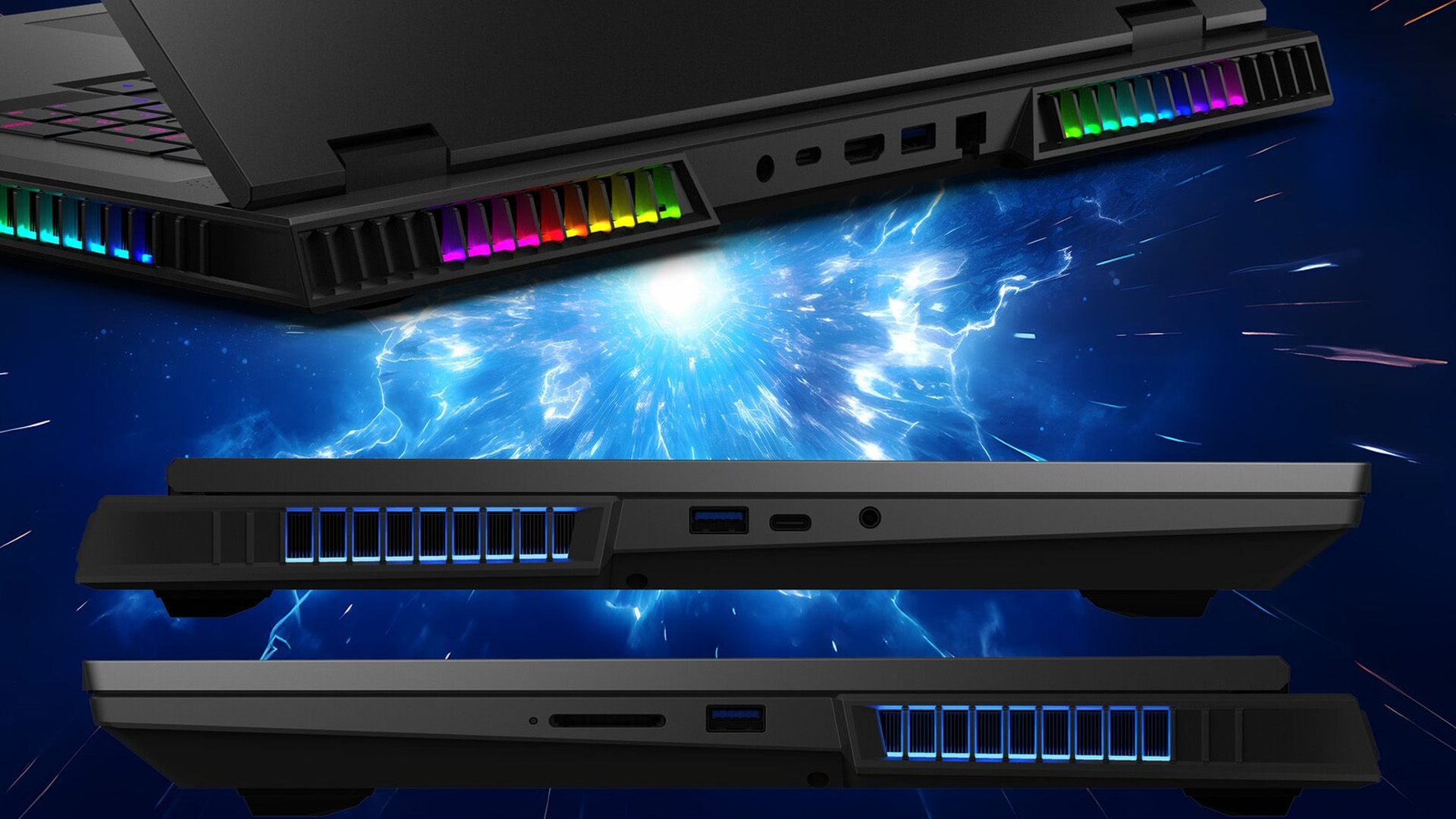
The verified cooling arrangement uses three fans. There is insufficient model-specific evidence to call it a “Frostbane vapour chamber”, so that label should not be used. The Beast 18 X1 uses a multi-fan cooling system designed to manage its high-power processor and graphics hardware. As with most desktop-replacement gaming laptops, users should expect the fans to become more noticeable during demanding games, rendering and other sustained workloads. A gaming headset is sensible under heavy load.
Beast 18 X1 Display: Gaming and Creative Quality
The Beast 18 X1 display combines a 2560 x 1600 resolution, 16:10 aspect ratio and 240Hz refresh rate. This QHD+ gaming display is sharper than Full HD while remaining easier to drive than 4K. Competitive players can use the high refresh rate, while the taller ratio provides more workspace for timelines, tool panels and documents.
MEDION specifies 100% sRGB coverage, making the display suitable for gaming, streaming and colour-conscious creative work. However, the IPS panel is unlikely to deliver the deep blacks and local-dimming control available from premium OLED or Mini-LED alternatives. That makes it credible as a gaming laptop for content creation, although panels can vary between production units. The measured 1,195:1 contrast was ordinary for IPS, so dark scenes lack the black depth and HDR impact of strong Mini-LED or OLED screens.
Why It Is Not 4K
A native 4K panel would show finer detail but place more demand on the GPU. QHD+ is a sensible match for an 18-inch RTX 50-series gaming laptop because it balances sharpness with high-refresh performance. The Beast can drive a 4K external display, although demanding games may need DLSS, reduced ray tracing, or adjusted quality settings.
Performance Benchmarks
The Intel Core Ultra 9 275HX combines 24 cores with boost speeds of up to 5.4GHz, giving the Beast 18 X1 the processing capacity required for high-end gaming, streaming, video production, rendering and heavy multitasking. Its RTX 5080 and RTX 5090 Laptop GPU options also support NVIDIA’s Blackwell architecture and DLSS technologies, including Multi Frame Generation in compatible games.
The RTX 5080 configuration should provide the best balance for QHD+ gaming, while the RTX 5090 version offers additional graphics memory for demanding creative projects, complex 3D scenes, AI-assisted applications and high-resolution external displays. Actual frame rates will depend on the game, graphics settings, drivers, cooling mode and whether ray tracing or DLSS is enabled.
RTX 50-series Laptop GPUs use NVIDIA’s Blackwell architecture and support DLSS technologies, including Multi Frame Generation in compatible games. These features can raise displayed frame rates, particularly with ray tracing, but generated frames are not the same as native rendering. Competitive players should still consider base frame rate and latency. NVIDIA now describes its RTX 50-series laptop platform with DLSS 4.5, while MEDION’s original Beast specifications state DLSS 4.
Battery Life and Everyday Usability
The 99Wh battery is large for a gaming laptop. The 99Wh battery provides the largest capacity normally permitted on a laptop for air travel. However, battery life will vary considerably according to screen brightness, performance mode, background applications, and GPU use. Demanding gaming should be carried out with the charger connected to maintain consistent performance.
Its Cyberpunk battery test lasted about 42 minutes, showing that demanding gaming requires mains power.
The large screen and processor work well for desk-based productivity, but the size and fan behaviour limit its appeal in quiet offices or lecture halls. Users wanting a portable alternative should compare the latest MEDION laptops before choosing an 18-inch chassis.
Ports, Connectivity and Upgradeability
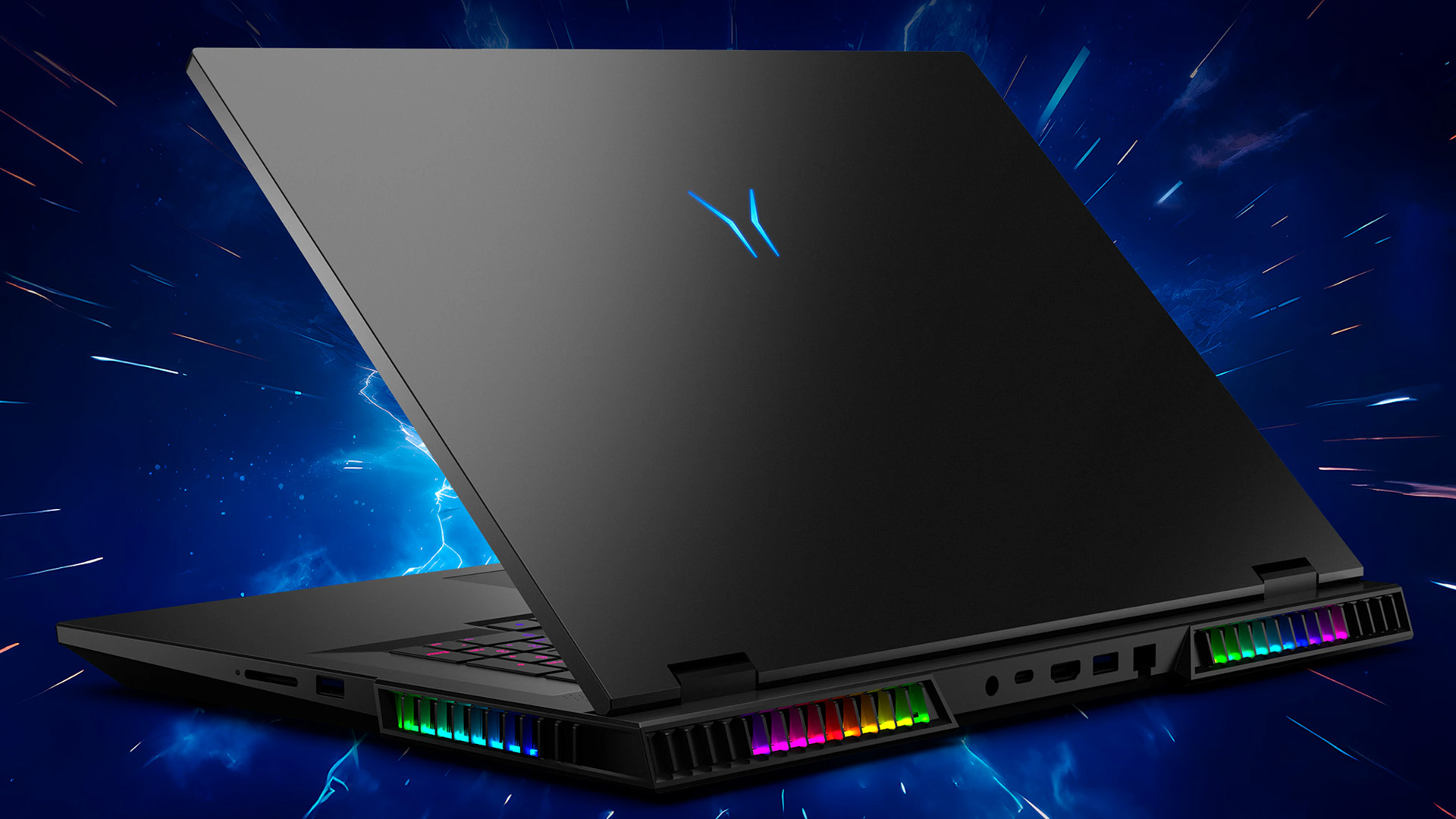
Connectivity is a major strength. The tested system included Thunderbolt 5, USB4, HDMI, Mini DisplayPort, USB-A ports, a full-size SD card reader, 2.5Gb Ethernet and Wi-Fi 7. It can support docks, fast storage, wired networking, external displays and creator accessories without excessive adapters.
Two SO-DIMM memory slots and two M.2 2280 storage slots provide useful upgrade potential. The reviewed 32GB model used both memory slots but left one M.2 slot free. This is more flexible than laptops with soldered memory, although owners should follow the correct service guidance and warranty terms.
MEDION ERAZER Beast 18 X1 vs Desktop PC
The Beast can replace a gaming desktop for someone who values one integrated system, a built-in high-refresh display and the ability to relocate it. It also removes the immediate need for a monitor, webcam and speakers.
A tower still offers easier CPU, GPU, cooling and power-supply upgrades. Desktop graphics cards also have different power limits from similarly named laptop GPUs, while a larger cooling system can run more quietly. The Beast is therefore a desktop replacement in workflow and convenience, not an exact substitute for every RTX 5080 or RTX 5090 desktop.
Buyers comparing high-performance gaming laptops should weigh the Beast’s display, mobility and upgradeability against a tower’s longer-term component flexibility.
How It Compares with Rival 18-Inch Gaming Laptops
The ASUS ROG Strix SCAR 18 offers similar Core Ultra 9 275HX and 175W RTX 5080 or RTX 5090 options but adds a Mini-LED display with more than 2,000 dimming zones and 100% DCI-P3 coverage. It is stronger for HDR and premium visuals, usually at a higher price.
The MSI Raider A18 HX uses up to an AMD Ryzen 9 9955HX3D, an RTX 5090 and an 18-inch 4K Mini-LED 120Hz display. It targets buyers prioritising maximum gaming and screen quality over portability or cost.
The AORUS MASTER 18 combines an RTX 5090 with a 240Hz Mini-LED panel and 100% DCI-P3 coverage. Against these rivals, the Beast’s IPS display is its main compromise. Its advantage is delivering the core high-end CPU and full-power GPU hardware without making Mini-LED part of the entry price.
Within MEDION’s own line-up, the Medion Erazer Deputy P10 is another option for buyers who want a conventional 15.6-inch gaming laptop without the Beast 18 X1’s substantial size.
Pricing, Availability and Value
The RTX 5080 model offers strong value for QHD+ gaming and creative work. The 32GB RTX 5090 version is worth considering when the price difference is small, while the 64GB and 4TB configuration mainly suits professionals with heavier workloads.
For lighter gaming and everyday use, the Medion Erazer Crawler E10 gaming laptop provides a more accessible Core i5-based option within the wider range.

Final Verdict: Should You Buy the MEDION ERAZER Beast 18 X1?
The MEDION ERAZER Beast 18 X1 is a genuine desktop replacement when that means combining a powerful PC, large display and extensive connectivity in one movable system. It offers excellent QHD+ gaming speed, full-power RTX 5080 and RTX 5090 options, practical upgradeability, and respectable browsing battery life.
It is not ideal for everyone. The fans can become intrusive, the complete travel weight is substantial, and the IPS screen cannot match Mini-LED rivals for contrast or HDR. Choose the RTX 5080 for the strongest overall value, or the 32GB RTX 5090 when the price difference is modest, and additional VRAM matters. Look elsewhere if quiet operation, daily portability, or premium HDR quality is the priority. Those who find the Beast 18 X1 too large or powerful can shop the MEDION range or compare other gaming laptops powered by Intel for a more portable and practical alternative.

FAQs
Is the MEDION ERAZER Beast 18 X1 a true desktop replacement?
Yes. Its large display, high-power hardware, upgradeable memory and storage, and extensive ports allow it to serve as a main gaming and creative workstation. A desktop remains easier to upgrade and cool.
Can the MEDION ERAZER Beast 18 X1 replace a gaming PC?
It can replace one for users wanting an integrated system that can be moved. It will not necessarily match a desktop using a similarly named GPU because laptop and desktop power limits differ.
Is the MEDION ERAZER Beast 18 X1 good for 4K gaming?
Its internal panel is QHD+, but it can power a 4K external monitor. Demanding games may need DLSS, Frame Generation or reduced settings, especially on the RTX 5080 configuration.
What graphics card does the MEDION ERAZER Beast 18 X1 have?
It is available with an RTX 5080 Laptop GPU with 16GB GDDR7 or an RTX 5090 Laptop GPU with 24GB GDDR7. Both are listed at up to 175W.
What display does the MEDION ERAZER Beast 18 X1 use?
It has an 18-inch anti-glare IPS display with a 2560 x 1600 resolution, 16:10 aspect ratio, 240Hz refresh rate and claimed 100% sRGB coverage.
Related Articles

Last Updated: August 25, 2026
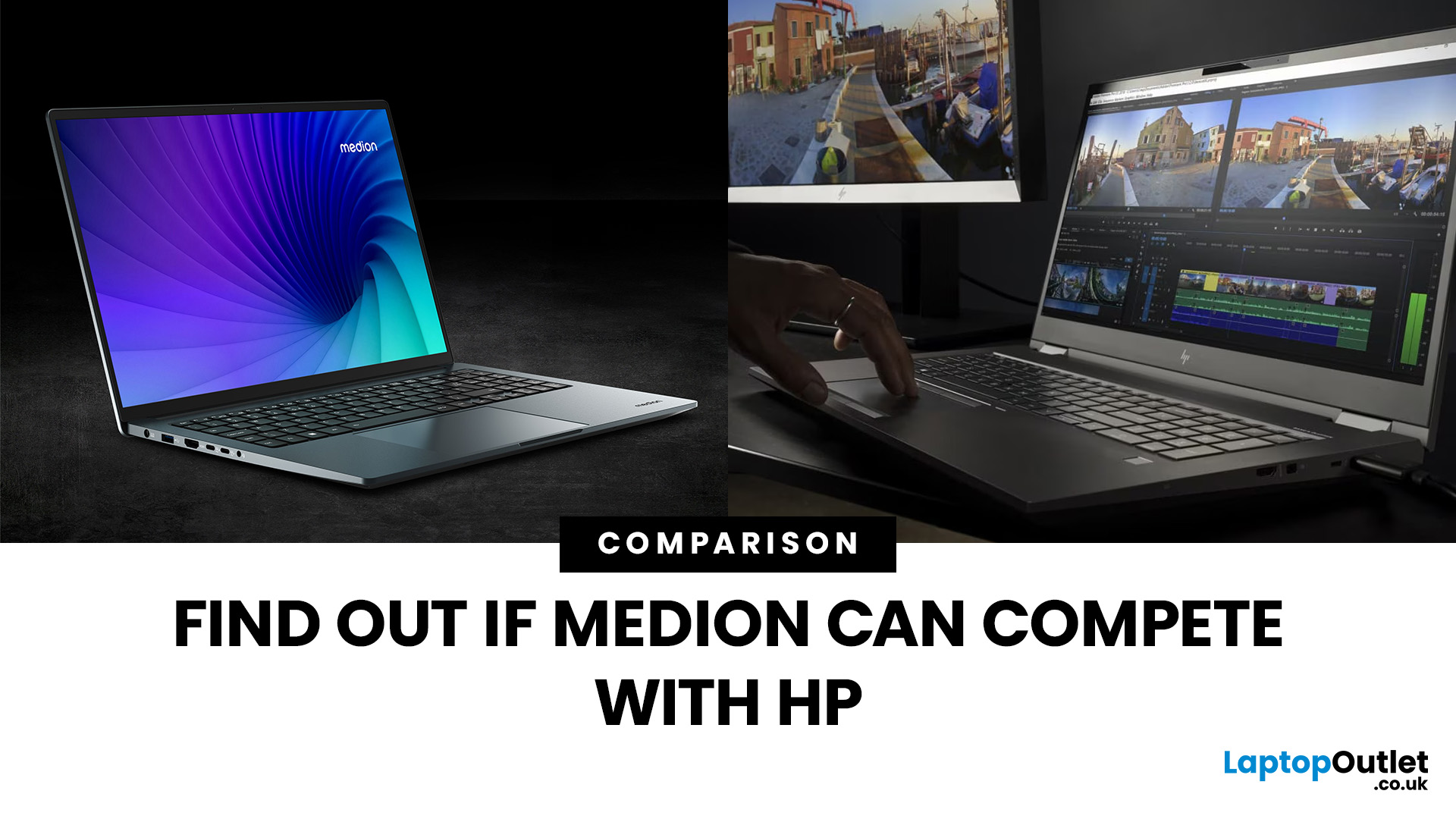
“Everyday user” laptops need to do the basics well; surfing, streaming, document editing, video calls, without breaking the bank. If you’re comparing Medion vs HP laptops, you're comparing two brands that aim to hit that sweet spot: affordability, usability, and decent performance. Medion leans into budget value and basic gaming, while HP offers more variety across entry, mid and upper tiers, often with extra polish.
Let’s dig into what each brand does well, where they fall short, and which is better depending on what you do daily. It will help you decide whether to buy a Medion or HP laptop.
What Is Medion? What Is HP?
- Medion is a German-brand, long known for delivering solid value. Its main UK laptop ranges include AKOYA for general home and office use and ERAZER for gaming. Medion has been part of the Lenovo Group since 2011.
- HP (Hewlett-Packard) is one of the most established laptop makers. Its range covers affordable consumer laptops, premium devices,
Last Updated: September 03, 2026
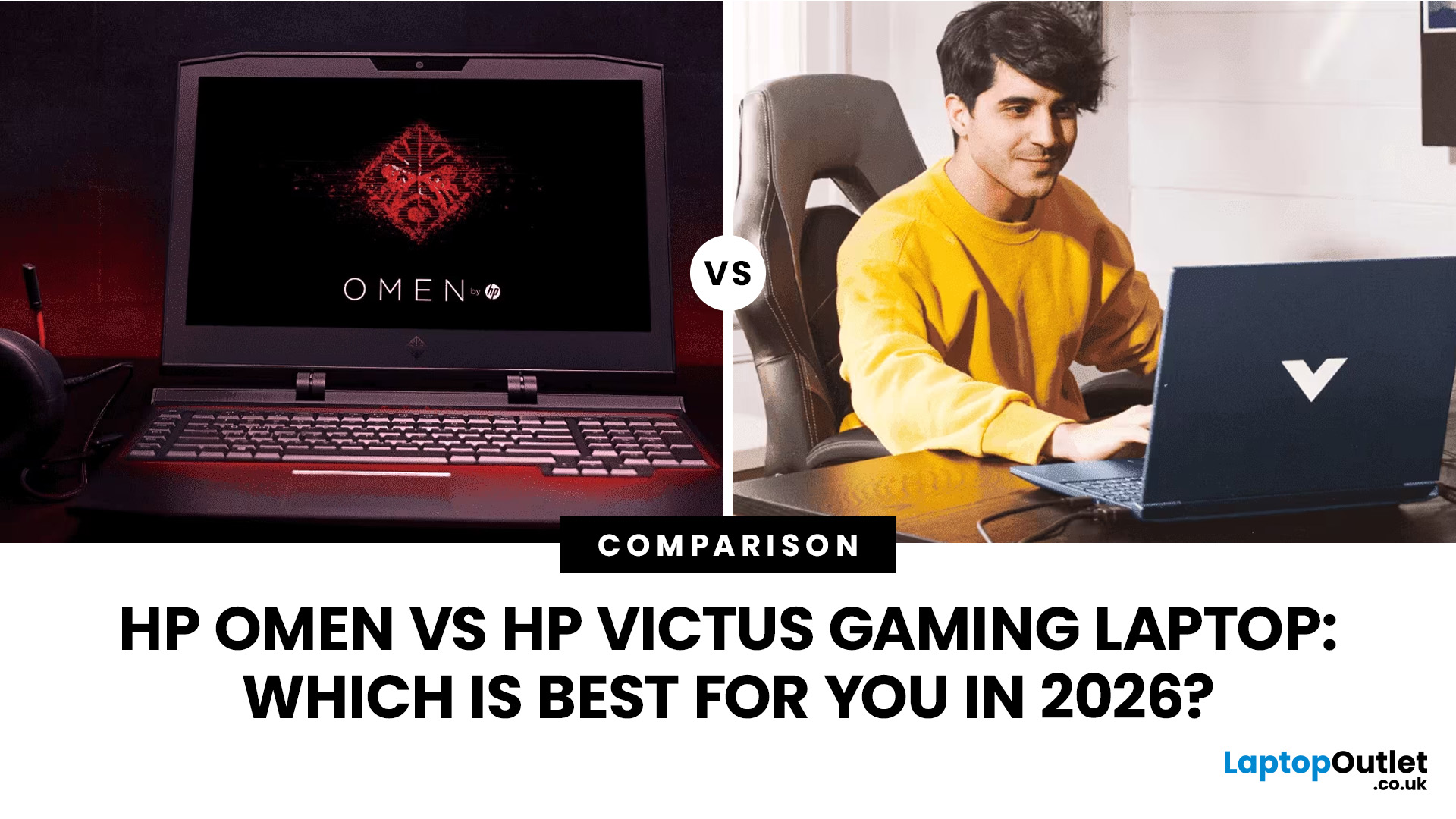
Buying an HP gaming laptop in 2026 can feel like being asked to pick between “save money now” and “avoid regret later.”
Choose HP Victus if you want the best price-to-performance balance for esports, coursework, everyday use, and casual AAA gaming. Choose HP OMEN if you want higher frame rates, better display quality, stronger cooling, and a laptop that feels ready for heavier games over the next few years.
The HP Victus gaming laptop is the value pick: more affordable, more student-friendly, and solid for 1080p gaming. The HP OMEN gaming laptop is the performance pick: stronger cooling, better displays, higher-end GPUs, and more headroom for AAA games, streaming, and long-term use.
So, which one should you actually buy?
HP OMEN vs HP Victus: The Simple Difference
HP uses Victus and OMEN for different types of gamers.
The HP Victus gaming laptop is built for mainstream buyers who want a proper gaming laptop without paying premium money. It usually targets 1080p gaming, 144Hz displays, and
Last Updated: September 03, 2026
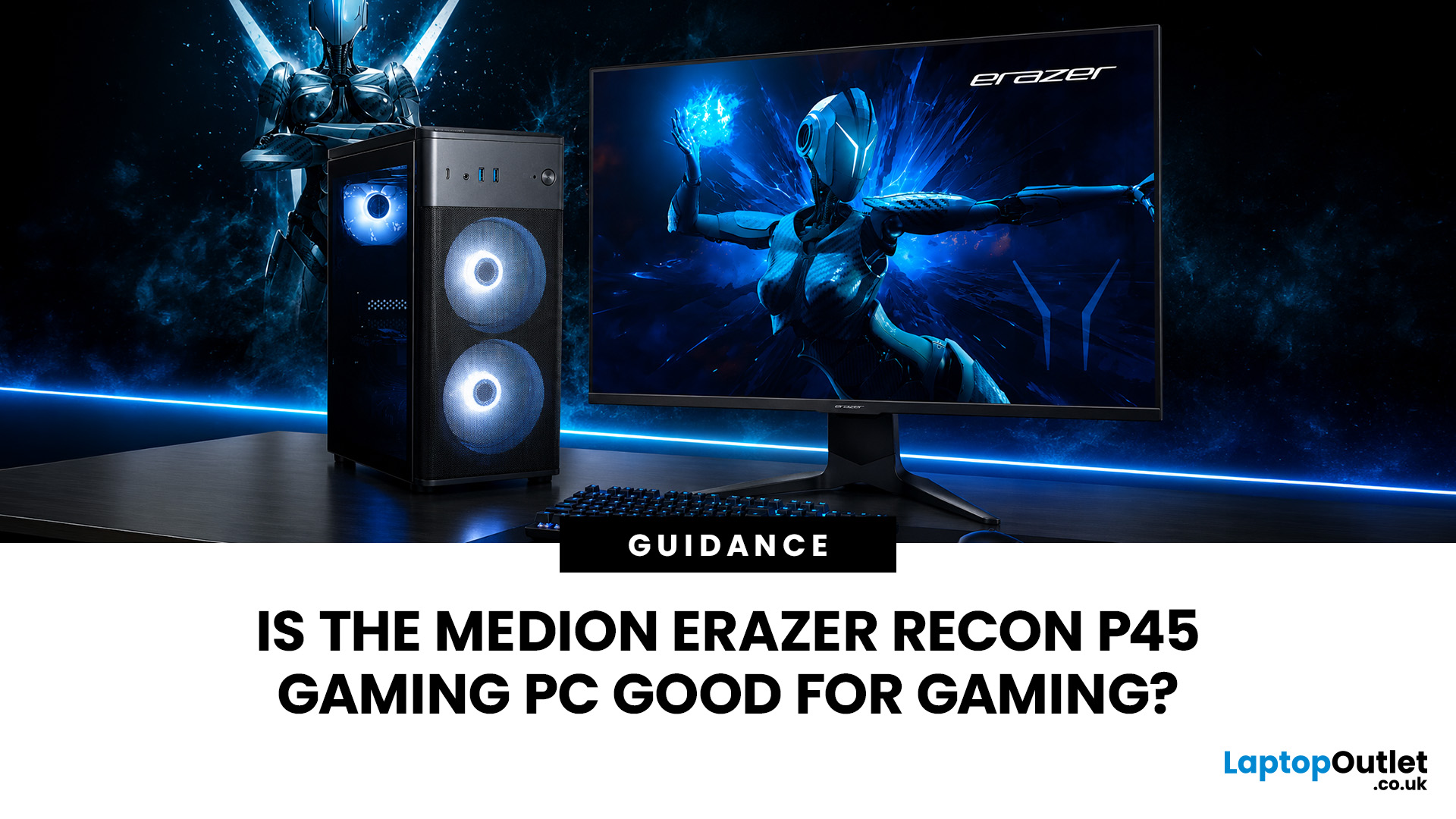
Yes, the Medion Erazer Recon P45 is a good gaming PC for players who want smooth everyday gaming, strong 1080p performance, fast loading times and a ready-to-use desktop without building a PC from scratch.
At Laptop Outlet, current Medion Erazer Recon P45 Gaming PC options include configurations with an AMD Ryzen 5 5500, 1TB SSD, Windows 11 Home, and dedicated NVIDIA RTX graphics, including RTX 5060 and RTX 5050 variants. The RTX 5060 model also includes 32GB RAM in the listed specification, while the RTX 5050 model is listed with 16GB RAM.
Is the Medion Erazer Recon P45 Worth it?
For most UK gamers, the Medion Recon P45 PC makes sense if you want a capable prebuilt gaming desktop that can handle modern games, multitasking, streaming, schoolwork, everyday browsing, and entertainment. It is especially suitable for:
| User Type | Is it a Good Fit? | Why |
| Beginner gamers | Yes | No PC-building knowledge needed |
| 1080p players | Yes | RTX graphics and Ryzen 5 power are well matched |
| Students | Yes | Good for gaming, |
Last Updated: September 03, 2026
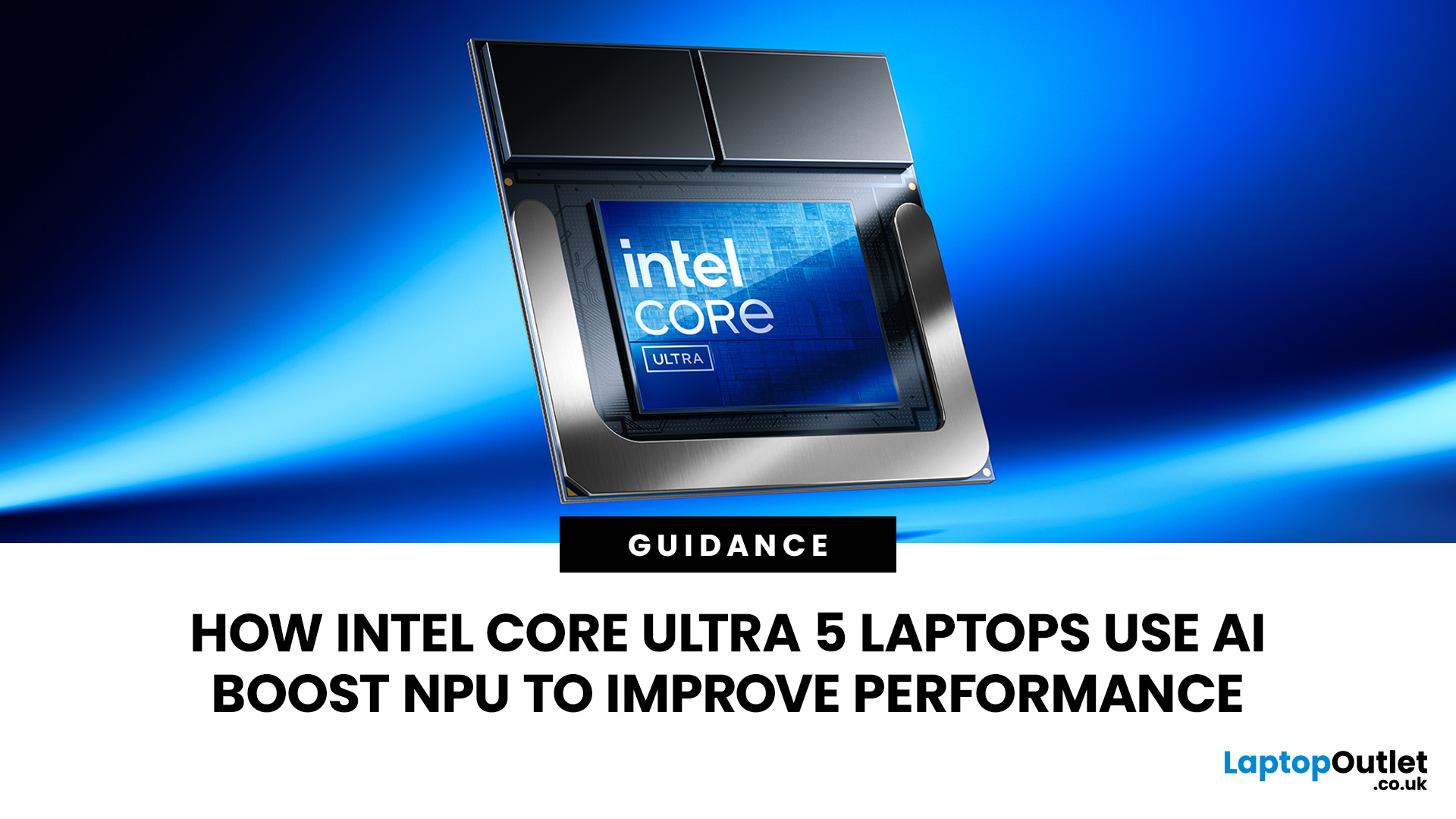
AI is no longer limited to the cloud or research labs. It’s now built into everyday laptops, powering features like clearer video calls, live captions, and smarter editing tools. At the heart of this is the intel core ultra 5 NPU, a dedicated AI engine within the processor that handles machine-learning tasks efficiently. An intel core ultra 5 processor combines CPU, GPU, and NPU, allowing each task to run on the most suitable hardware. This setup improves multitasking and efficiency, though benefits depend on software support and the specific processor model.
What is Intel AI Boost NPU in Core Ultra 5 Laptops?
Intel AI Boost is the name Intel uses for the neural processing hardware integrated into supported Core Ultra processors. It is designed to process AI inference workloads efficiently, particularly tasks that run continuously or repeatedly in the background.
The AI boost NPU complements the CPU and GPU rather than replacing them. It becomes a low-power engine for longer-running AI
Last Updated: September 08, 2026
Two laptops can both say AMD Ryzen 5 on the specification sheet and still be built for very different jobs. One may prioritise battery efficiency and portability, while another is designed to sustain more performance for gaming, coding or creative work.
That is why choosing an AMD Ryzen 5 laptop in 2026 means looking beyond the tier name. AMD currently spans several mobile naming families, from Ryzen 7000 and 8000 to newer Ryzen 100, Ryzen 200 and Ryzen AI ranges. The exact processor, power class, memory, graphics, storage and laptop design all influence the experience.
This guide explains how to read those specifications, avoid misleading shortcuts and match the complete configuration to the way you actually use your laptop.
Quick Answer: How to Choose a Ryzen 5 Laptop
For most buyers, the right Ryzen 5 laptop is the one with a balanced specification rather than simply the largest processor number. Start with your main workload, then check the full CPU name, RAM, storage, graphics, display

Last Updated: July 21, 2026
Using your laptop in public is normal now. Cafés, trains, airports, libraries, lecture halls, shared offices, the laptop comes everywhere. But if the person sitting next to you can casually read your emails, bank details, work chats or assignments, that is not exactly ideal.
That is where privacy screen protectors laptops come in. Whether you are a student, business user, commuter or hybrid worker, this guide explains how privacy screens work, their benefits, disadvantages, types and whether they are actually worth buying.
How Does a Privacy Screen Protector Work?
Most laptop privacy screens use tiny vertical filter layers, often called micro-louvres. These work a bit like blinds. When you look at the laptop straight on, you can see the display clearly. When someone looks from the side, the filter blocks the view.
This is also how laptops and notebooks privacy screens work in everyday spaces. If you are working on a train, someone sitting beside you should find it much harder to read your
Last Updated: July 22, 2026
Last Updated: July 27, 2026
Before you reset MEDION laptop settings or reinstall Windows, copy your personal files to an external drive and create a second copy with Windows Backup and OneDrive or another drive.
Check Desktop, Documents, Downloads, Pictures, Videos, email archives, browser data, game saves and application folders. Open several files directly from the backup to confirm that they work.
Save your BitLocker recovery key, record essential applications and licences, then safely eject and disconnect the external drive before starting the reset.
A factory reset can solve persistent Windows problems, but it may remove applications, settings and personal files. Even when you choose Keep my files, treat it as a recovery option rather than a substitute for a verified backup.
Last Updated: July 23, 2026
Neither processor family is automatically better. An Intel Core i7 laptop is often a strong choice for demanding productivity, supported video workflows and high-powered gaming configurations. A Ryzen 7 laptop can be especially attractive for efficient multitasking, capable integrated graphics and specification value.
When comparing an i7 vs Ryzen 7 laptop, the exact processor number matters more than the badge. A Core i7 U-series processor designed for a lightweight laptop is not equivalent to a Core i7 H-series gaming chip. The same applies to Ryzen 7 U, HS and HX processors.
For the broader brand-level differences, read our AMD vs Intel laptop guide. This guide goes deeper into the Core i7 and Ryzen 7 performance tier.
Intel Core i7 vs Ryzen 7 Laptops: Quick Answer
| Your priority | Better starting point | What to check |
| Everyday office work | Either | RAM, battery, screen and price |
| Heavy multitasking | Either | Exact CPU model, cooling and at least 16GB RAM |
| Gaming with dedicated graphics | Either | GPU |
Last Updated: September 03, 2026
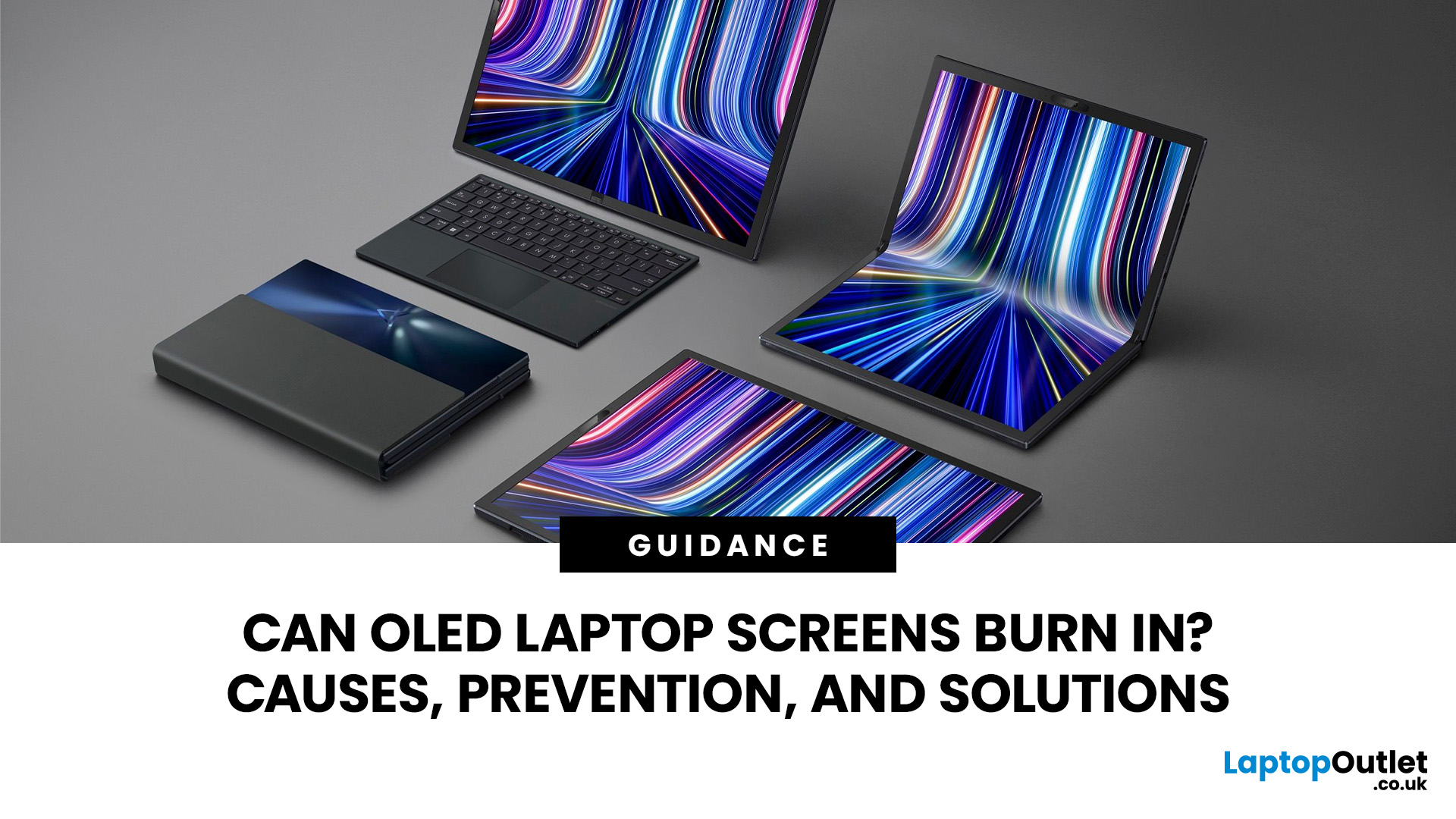
Yes, OLED laptop screens can develop permanent burn-in, but it is unlikely to happen quickly during normal, varied use. Risk increases when the same bright interface elements remain in one position for long periods, particularly at high brightness.
Modern OLED laptops reduce the risk through pixel shifting, automatic dimming and pixel-refresh routines. However, no OLED panel is completely immune.
For buyers considering laptops with OLED screen, burn-in is a manageable long-term consideration rather than a reason to avoid OLED. Sensible settings let you enjoy deep blacks, rapid response times and exceptional contrast while protecting the display.
For help comparing suitable models, see our guide to the best OLED laptops for work, gaming and creative use, covering options for different workloads and performance needs.
What Is OLED Screen Burn-In?
OLED screen burn in is a permanent shadow, outline or colour change caused by some pixels ageing faster than others.
OLED is a self-emissive display.

