



ASUS ROG Xbox Ally (2025) RC73YA-NH002W Review
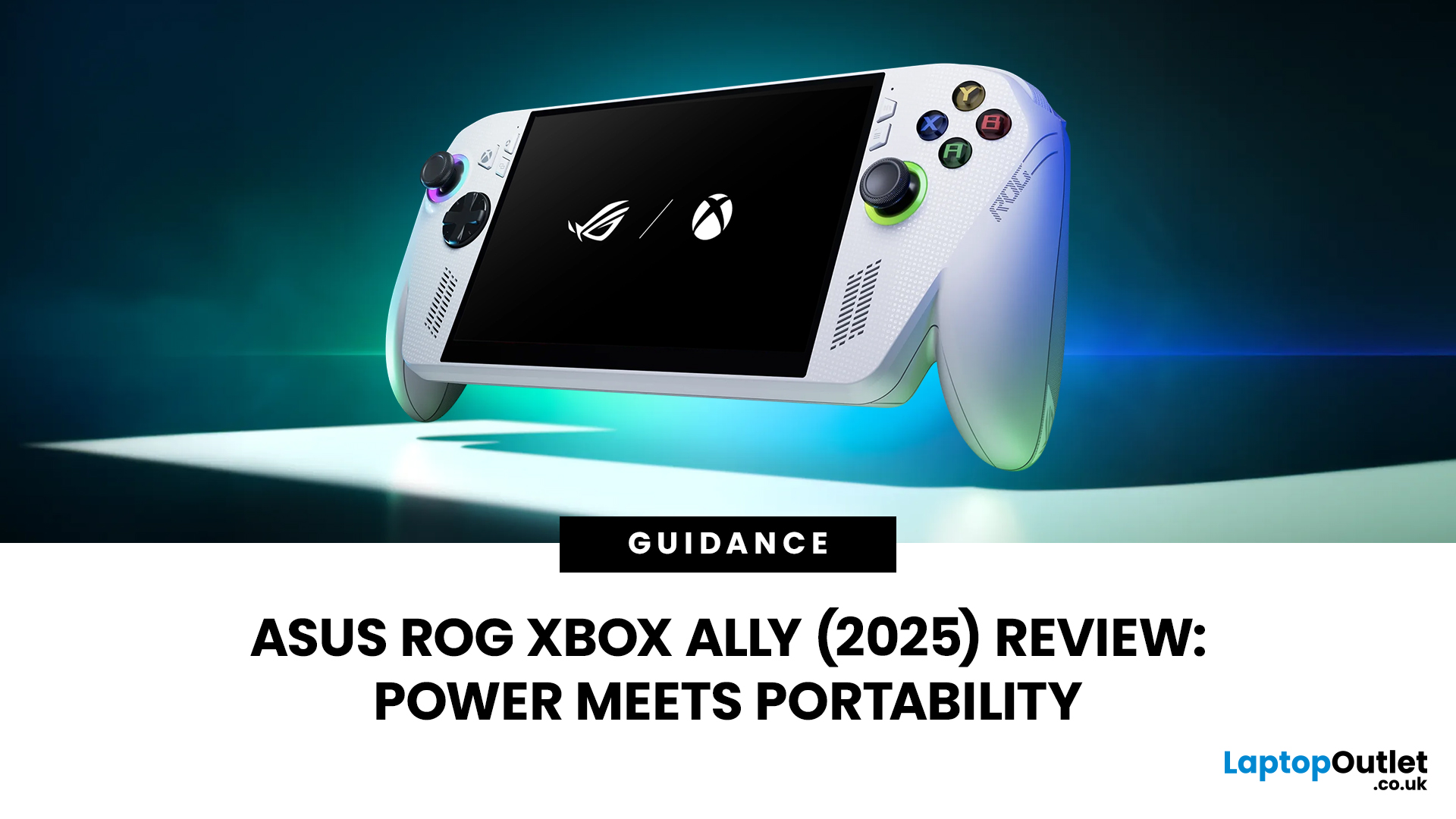
Hands-on Verdict: Ryzen Z2 a Performance, Thermals & Value
When ASUS first launched the ROG Ally in 2023, it was a statement, Windows handheld gaming done properly. But three years later, we’re looking at something subtler: refinement. The 2025 ROG Xbox Ally (RC73YA-NH002W) swaps its original Ryzen Z1 Extreme for AMD’s Ryzen Z2 A — a newer, cooler, and more efficient APU built on Zen 5 and RDNA 3.5 architecture.
The question isn’t whether the Ally is still good - it’s whether this revision is worth the upgrade for existing owners or the clear pick for newcomers. After three weeks of daily use, testing everything from Game Pass titles to Steam AAA releases, here’s the full verdict.
1. Design & Build Quality — Lighter Touch, Same DNA
The 2025 Ally doesn’t reinvent its chassis. At 608 grams, it’s still comfortably lighter than the Steam Deck OLED, with the same 7-inch 120 Hz Full HD display, tactile hall-effect sticks, and well-spaced face buttons.
Subtle tweaks make it nicer to live with: vents have been reshaped to push heat upwards instead of onto your palms, the grips have a new micro-texture finish, and the top triggers now use shorter mechanical switches for snappier feedback.
Port selection remains generous - USB-C 4.0 with DisplayPort 1.4, microSD UHS-II, and a combo audio jack. The XG Mobile port still allows eGPU connection, though the ecosystem remains pricey.
Visually, the ROG Xbox Ally branding now features a matte silver accent under the vents, a quiet nod to its Microsoft tie-in rather than a loud redesign.
2. Display & Audio — Still a Highlight
The same 7-inch IPS panel (1920×1080, 120 Hz, 500 nits) remains one of the best in handhelds. Adaptive Sync keeps frame pacing smooth, and the colour reproduction - roughly 100 % sRGB coverage - makes both games and films pop.
ASUS hasn’t moved to OLED (a rumour that didn’t materialise), but it has improved the anti-glare coating and peak brightness. Outdoors or under office lighting, reflections are far less intrusive.
Dual front-firing speakers have also been re-tuned. They’re clearer and a shade louder, thanks to a revised amplifier profile. No, it’s not MacBook-tier audio, but for gaming in bed or during travel, it’s perfectly immersive.
3. Performance — Ryzen Z2 a Benchmarks & Real-World Gaming
What the Z2 a Actually is
The AMD Ryzen Z2 A is effectively a mobile-optimised Zen 5 6-core/12-thread CPU paired with 4 RDNA 3.5 compute units running up to 3.0 GHz. Compared to the Z1 Extreme, that’s fewer GPU CUs but faster clocks, a leaner 4 nm process, and improved AI compute support.
In simple terms: it’s cooler, smarter, and marginally faster in CPU-heavy tasks, while losing a hair of raw GPU throughput.
Synthetic Results
- Cinebench R24 Multi: ~970 pts (+6 % over Z1 Extreme)
- 3DMark Time Spy: ~8 400 (+4 %)
- PCMark 10 Productivity: ~8 % gain
- Thermal limit: 90 °C max under sustained Turbo load
ASUS pairs the chip with 16 GB LPDDR5X-8533 MHz RAM and a faster 1 TB PCIe 4.0 SSD, trimming load times by 15–20 % versus the 2023 model.
Gaming Benchmarks (1080 p native)
|
Game |
Settings |
Performance |
Mode |
|
Forza Horizon 5 |
High |
70–80 fps |
Turbo 25 W |
|
Cyberpunk 2077 |
Medium RT Off |
55–60 fps |
Turbo |
|
Halo Infinite |
Medium |
75 fps |
Balanced 20 W |
|
Baldur’s Gate 3 |
High |
60 fps |
Balanced |
|
Fortnite (Epic Games) |
High |
90 fps |
Turbo |
For Game Pass users, the experience is smooth and console-like. Xbox titles install directly via the pre-loaded Xbox app, with the Ally automatically recognising controller input. Steam and Epic run equally well once pinned to Armoury Crate SE.
Compared with the Z1 Extreme, performance gains hover around 5–10 %. Not revolutionary, but noticeable in smoother frame pacing and lower fan noise under sustained load.
4. Thermals & Noise — Cooler Heads Prevail
The Z2 A’s 4 nm node and smarter power gating make an immediate difference. In Balanced Mode (20 W), the device sits around 62 °C surface temp with barely audible fans (~30 dB). Turbo Mode pushes to 85–87 °C internally, but surface heat rarely passes 43 °C on grips - far better than the first Ally’s uncomfortable warmth.
ASUS’s dual-fan “Zero Gravity” system now supports a Silent Mode (10 W) where fans spin at < 20 dB for indie or cloud sessions. It’s genuinely quiet, you’ll hear your game’s ambience more than the device itself.
5. Battery & Efficiency
The 80 Wh battery from the Ally X has trickled down here, doubling life compared to the 2023 original’s 40 Wh pack. In practice:
- AAA Gaming (Balanced 20 W): 3–3.5 hours
- Cloud Gaming / Indie Titles: 5–6 hours
- Video Playback: 8+ hours
Fast Charging hits 50 % in 30 minutes using the included 100 W USB-C charger.
Efficiency is where the Z2 A feels most different: idle draw is < 7 W (about 30 % lower than before). Sleep wakeups are near instant. Combined with Armoury Crate’s new Smart Shift profiles, it finally behaves like a handheld, not a mini laptop.
6. Software & Experience — Windows 11 Done Right
The Ally still runs Windows 11 Home, but ASUS’s custom Armoury Crate SE 2.0 layer now boots straight into a console-style dashboard. Your Xbox Game Pass, Steam, and Epic libraries appear side-by-side, each tile launching directly with controller support.
Crucially, controller-mode switching is now automatic - no more manual toggling between Gamepad and Desktop inputs. Profiles can link to individual launchers, and the new Quick Access Menu lets you change wattage, refresh rate, or performance curve in-game.
Updates are smoother, too. ASUS finally unified BIOS and driver patching within Armoury Crate, so there’s no longer the Windows update roulette users dreaded in 2023.
7. Connectivity & Expandability
Wi-Fi 7 and Bluetooth 5.4 support are new for 2025, cutting latency for cloud play and wireless headsets. External GPU support remains via the XG Mobile port, and standard USB-C eGPU docks also work (with minor BIOS tweaks).
The microSD UHS-II slot, now relocated for better thermals, sustains ~300 MB/s writes, plenty for storing Game Pass titles or media.
Pairing with Xbox controllers, keyboards, and docks is flawless. In docked mode on a 144 Hz monitor, the Ally happily replaces a mid-range gaming PC.
8. Comparisons — Z2 A vs Z1 Extreme vs Steam Deck OLED
|
Device |
CPU/GPU |
Battery |
Display |
Price (UK) |
Notes |
|
ROG Ally (2023) Z1 Extreme |
Zen 4 8C/16T, 12 RDNA 3 CUs |
40 Wh |
120 Hz IPS |
£699 |
Great but short battery life |
|
ROG Xbox Ally (2025) Z2 A |
Zen 5 6C/12T, 4 RDNA 3.5 CUs |
80 Wh |
120 Hz IPS |
£749 |
Cooler, longer life, slightly faster |
|
Steam Deck OLED |
Custom Zen 2 APU |
50 Wh |
90 Hz OLED |
£479 |
Better display, lower power |
The new Ally beats both in responsiveness, versatility, and Game Pass integration, though the Deck OLED still wins on panel quality per pound.

Should You Upgrade?
For existing Ally owners: if your unit still performs well, you don’t need to rush. The Z2 A brings polish, not revolution. Performance uplift sits around 10 %, but battery and thermal improvements make a noticeable real-world difference.
For new buyers, however, the RC73YA-NH002W is the version to get. At £749, you’re buying a fully matured ecosystem: better cooling, vastly improved endurance, Wi-Fi 7, and proper Windows/Xbox integration.
Pros
- Excellent 1080 p performance for a handheld
- Much quieter and cooler under load
- Doubled battery life
- Armoury Crate SE 2.0 is genuinely useful
- Still the best way to enjoy Game Pass portably
Cons
- Still IPS, not OLED
- No real leap in raw GPU power
- Windows 11 quirks remain if you dig too deep
- High accessory prices (XG Mobile, docks)

Bottom Line
The ASUS ROG Xbox Ally (2025) RC73YA-NH002W doesn’t rewrite the rulebook - it refines it. With the Ryzen Z2 A, ASUS finally delivers on what the original promised: a handheld that feels effortless, efficient, and deeply tied to the Xbox ecosystem.
If you want the freedom of PC gaming with the immediacy of a console - and you value portability without compromise - this is still the handheld to beat in 2025.
Rating: ★★★★☆ (4.5 / 5) — A smarter, cooler Ally for the next generation of handheld gaming.
| Read More: |
| What is Xbox Ally? Your Complete Walkthrough |
| 10 Things to Know Before Buying the ROG Xbox Ally (2025) |
| ASUS ROG Xbox Ally (2025) RC73YA-NH002W Review |
Related Articles

Last Updated: September 02, 2026
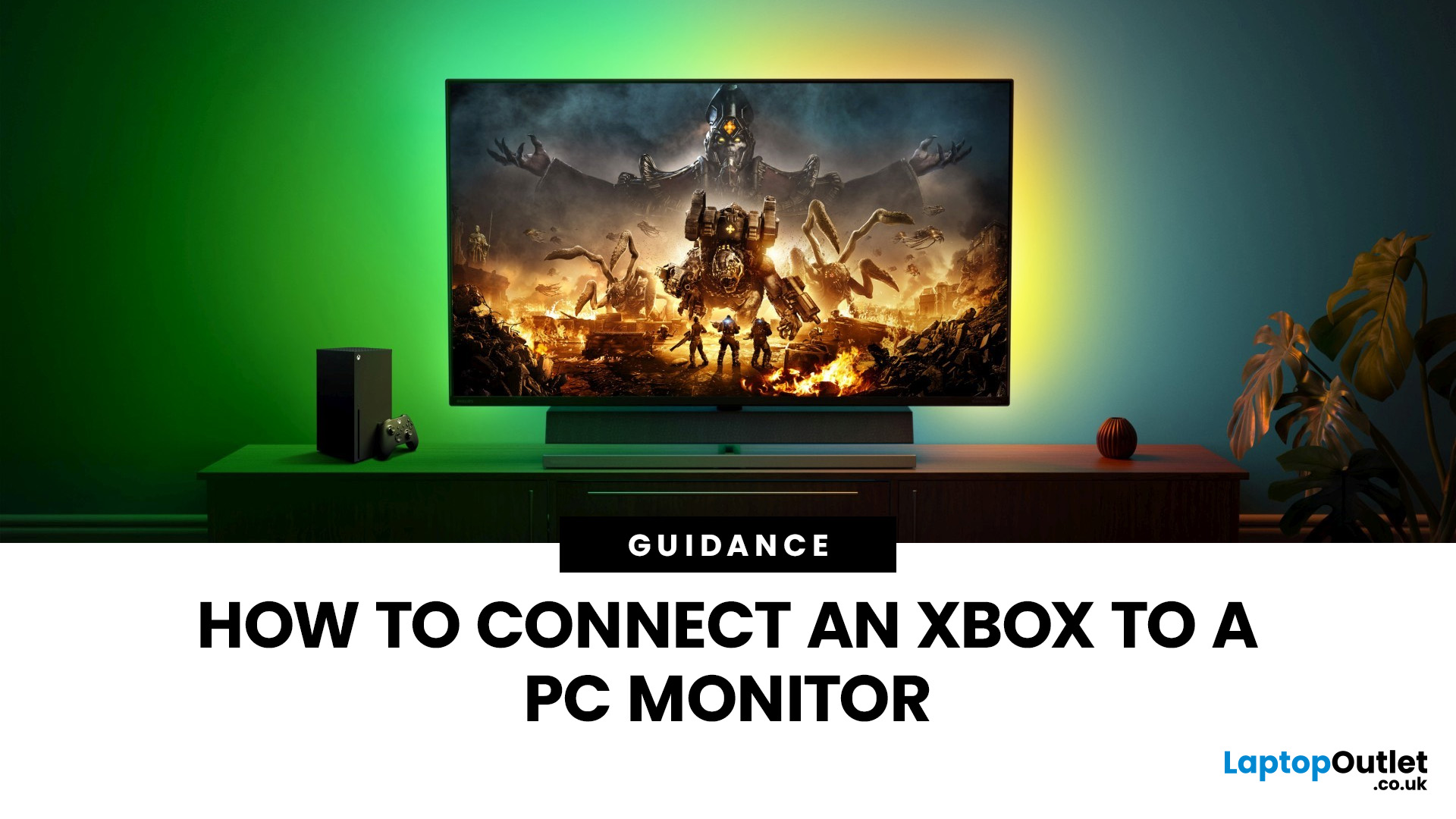
Have you got your hands on an Xbox console and wondering how to set it up with a PC monitor? Let's find out some of the best ways to connect the Xbox with a monitor.
Xbox is widely used among those who require their computers for gaming because of its convenient usage and ability to connect to a PC. You may have thought of connecting the Xbox to a computer to get an immersive experience, but it might be possible to get intimidated by all those ports, wires, and cords in the Xbox.
This article will explain the best and easiest methods of connecting the Xbox with the PC monitor. So, let's dive right into it!
How do You Connect an Xbox to a Computer Monitor?
Enhancing the gaming experience by connecting the Xbox with the larger display is a brilliant move to get improved refresh rates, high resolutions, and better colour reproduction in online games.
As per the recommendations of Microsoft, the Xbox Series X or S should be in a detachable position with almost a 10 to 15 cm distance between
Last Updated: October 14, 2025
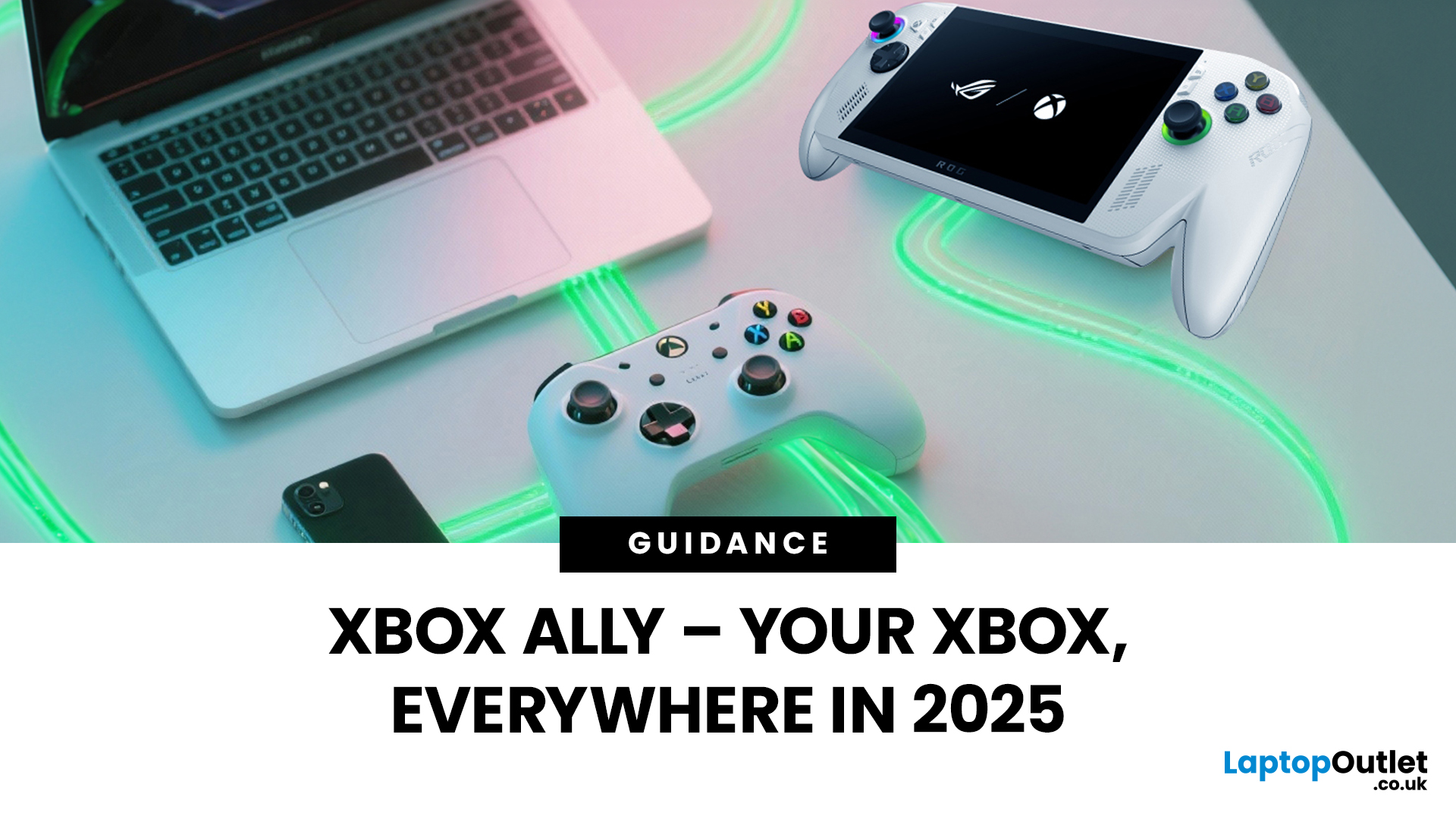
You’ve probably clocked the name ASUS ROG Xbox Ally floating around. But here’s the deal: it’s not just another Xbox app - it’s born from a Microsoft x ASUS collab, blending console power with PC freedom. Phil Spencer even called it “the tightest collaboration between Xbox and Windows teams in 30 years”. Big words, and honestly, the hype feels justified.
That’s why we’ve put together this Xbox Ally review - not the boring, corporate kind, but a proper walkthrough that shows you what it does, how it works, and whether it’s worth your time in 2025.
If you’re already knee-deep in the Xbox ecosystem or just nosy about where Microsoft’s headed, this is the lowdown you need.
What Is Xbox Ally?

Right, let’s cut through the noise. Xbox Ally isn’t just some side app you download, mess about with once, and then forget exists. It’s Microsoft’s latest move to glue the whole Xbox ecosystem together - console, PC, mobile, even handhelds like the ASUS ROG Xbox Ally (2025). Basically, it’s the command
Last Updated: July 03, 2026
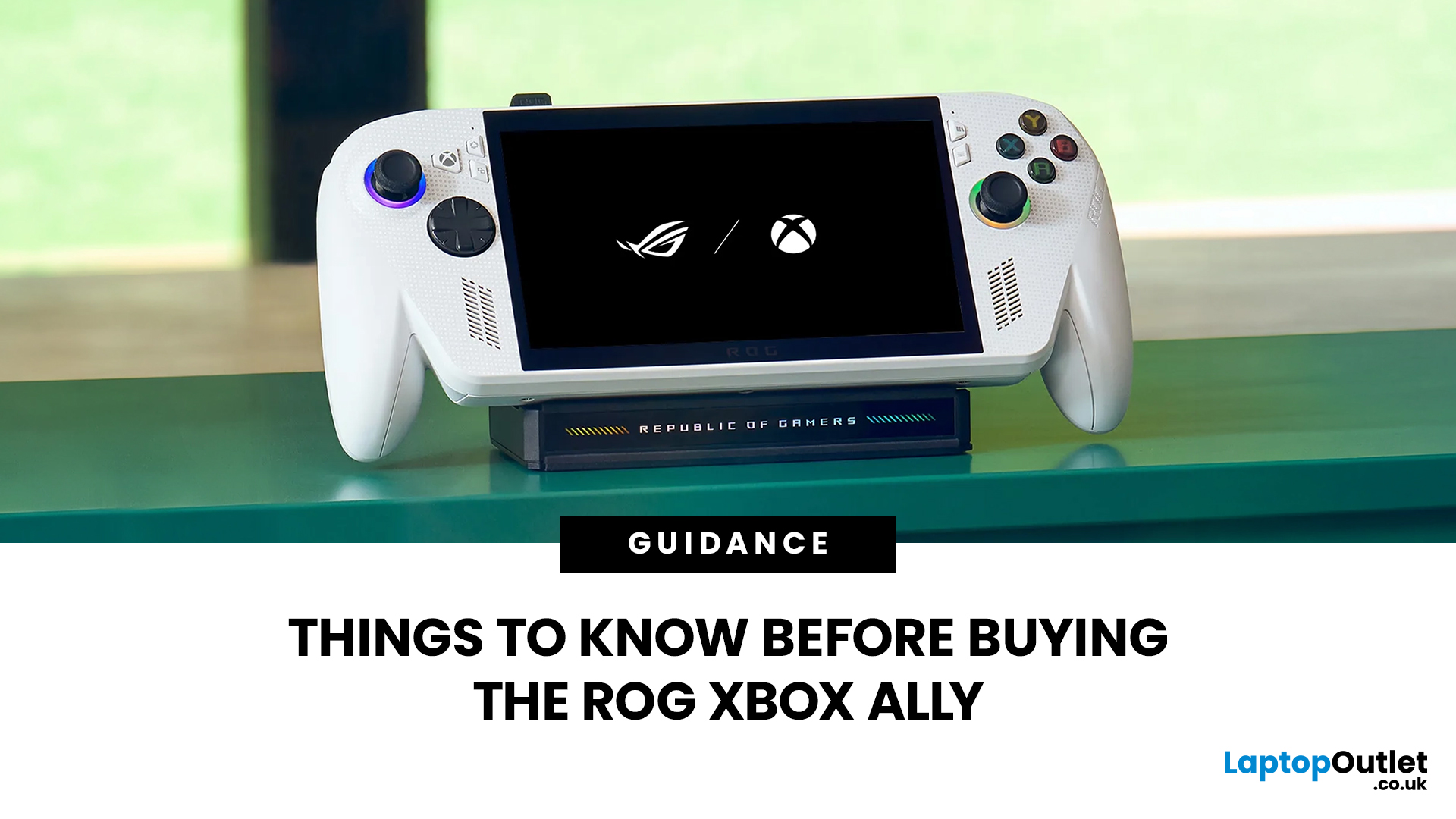
The ROG Xbox Ally is ASUS's latest handheld gaming console, built in collaboration with Xbox. It combines ASUS's ROG hardware expertise with Microsoft's gaming ecosystem, and it has been making waves in the UK gaming community since its launch in October 2025.
Whether you are a weekend warrior or a competitive gamer, this device promises a lot. But is it actually worth your money?
This guide covers everything you need to know before buying: UK pricing, hardware specs, real-world performance, battery life, and honest pros and cons. No fluff. Just the facts you need to make a smart purchase.
1. Design and Build Quality
Feels Solid, Not Plasticky
The ROG Xbox Ally has a premium polycarbonate shell with a matte finish that resists fingerprints well. The build feels genuinely robust in hand. It doesn't feel cheap or toy-like.
- Weighs 1.47lbs (approximately 667g), well balanced for long sessions
- Chunkier, more ergonomic grips than most competing handhelds
- Subtle ROG eye and Xbox sphere co-branding
Last Updated: March 04, 2026
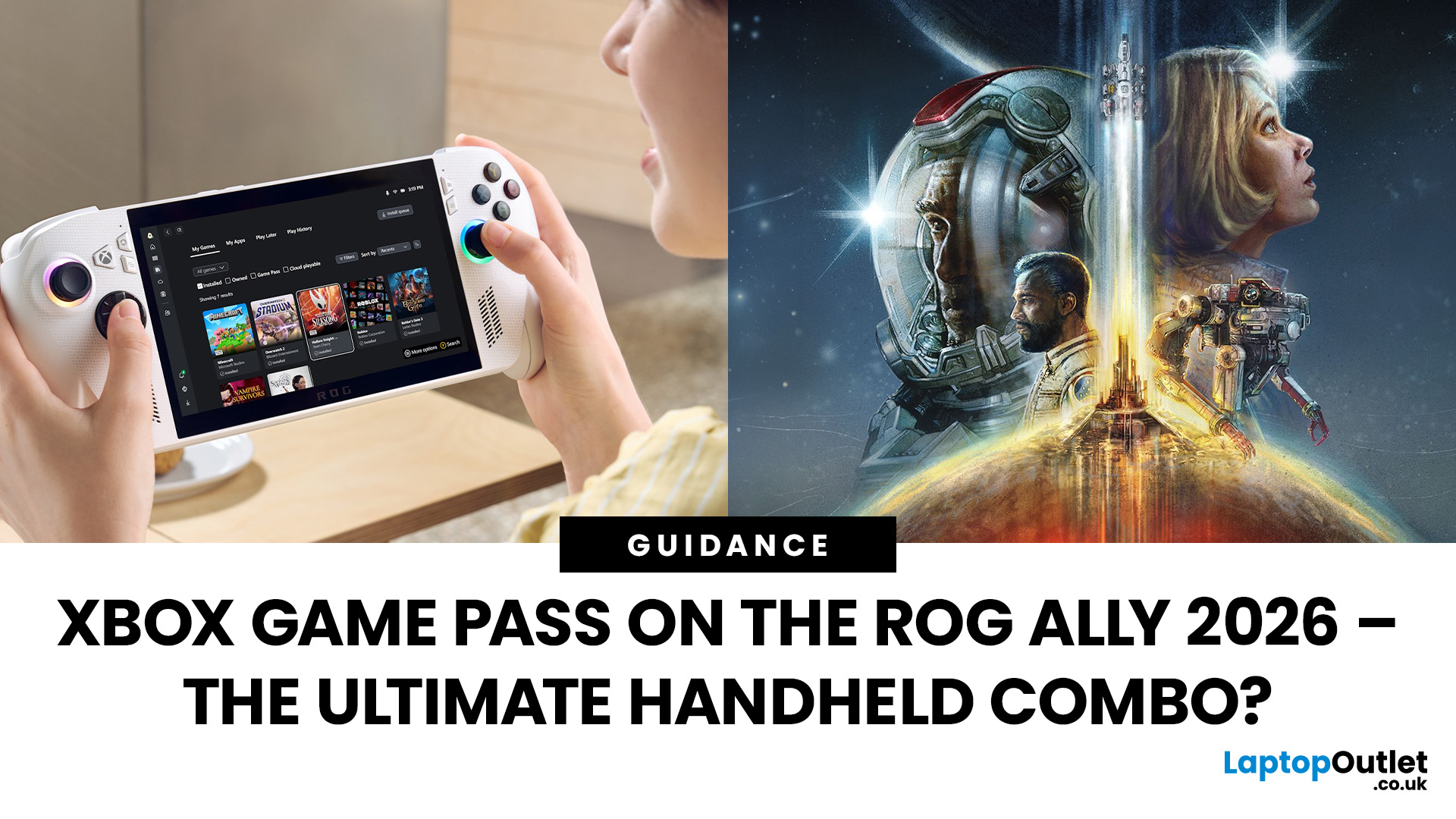
When ASUS and Microsoft teamed up to introduce the ROG Xbox Ally, it wasn’t just another handheld - it was a statement. A Windows 11 machine built from the ground up to feel like a handheld, but with no compromises on compatibility. And if there’s one service that bridges console, PC, and cloud play better than almost any other, it’s Xbox Game Pass.
In 2026, pairing Game Pass with Ally feels almost inevitable. The idea of carrying your full Game Pass library - Halo Infinite, Forza Horizon 5, Pentiment, Starfield - in a pocketable device is no longer fantasy. Load times shrink, cloud saves sync across devices, and Game Pass titles optimized for PC run (often better) on handheld hardware. The Ally’s design leans into this: ASUS stripped down Windows, layered on its Xbox Full-Screen Experience, and baked in controller-first navigation, so the transition from console to handheld is seamless.
But is this more than a promising spec sheet? Can Game Pass truly deliver a console-grade handheld experience
Last Updated: October 14, 2025
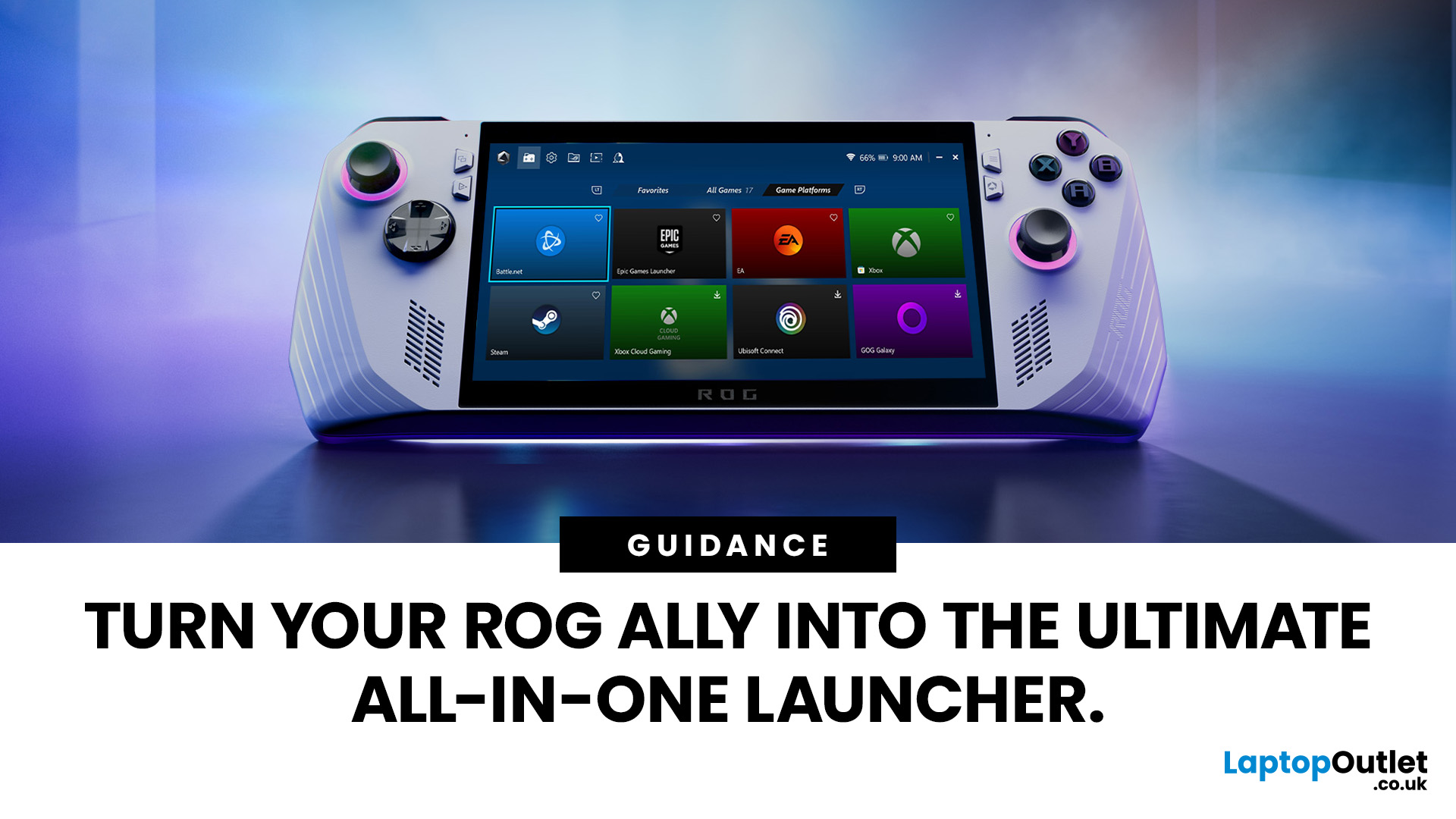
If you’ve just unboxed your ASUS ROG Ally, your first question might be: how do I get all my launchers - Xbox Game Pass, Steam, Epic Games, into one unified view?
Ally runs Windows 11, but its front-facing UI is Armoury Crate SE, which provides a console-like experience. Armoury Crate SE auto-scans installed games and apps, lets you pin games or launchers, and offers control-mode switching and performance profiles. Note that while many units ship with Game Pass integration or promotional offers, that can vary by region or bundle.
Here’s how to set everything up properly and reliably.
Understanding the Armoury Crate SE Home Screen
- Armoury Crate SE is your central “hub” - it aggregates games, apps, and hardware settings in one interface, so you rarely must go back to the Windows desktop.
- Every title on the home screen is a shortcut to a game or application. Some are auto detected (e.g. Xbox App/Game Pass), while others must be added manually (like Steam or Epic).
- You have control: you can
Last Updated: October 21, 2025
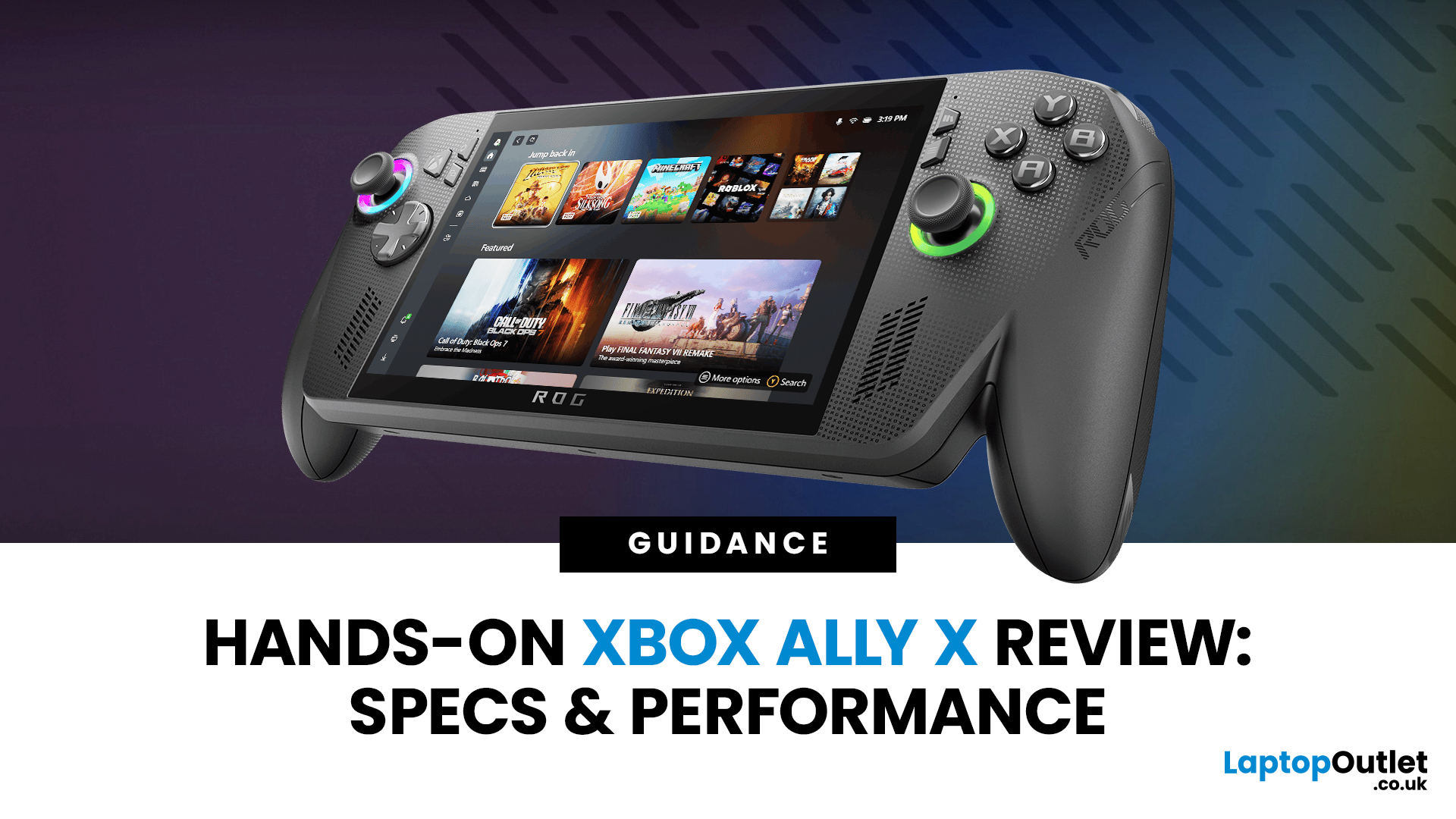
I’ll be honest, I’ve been waiting eagerly to try the Xbox Ally X ever since Microsoft and ASUS announced it. The idea of a proper Xbox handheld gaming machine, one that blurs the line between console and PC, had me curious but also sceptical. After all, we’ve seen plenty of handheld PCs already, and most of them promise the world but trip over Windows bloat or weak battery life.
When I finally picked up the Ally X, my first reaction was: this thing feels serious. It’s not a toy, it’s not a Switch, and it’s definitely not a Steam Deck clone. It feels like a machine built for Xbox fans first, but with the flexibility of a full Windows 11 PC under the hood. In this Xbox Ally X review, I’ve spent as much time diving into the specs, benchmarks, software, and real-world use as I could. Here’s my take and whether it lives up to the hype.
Xbox Ally X vs Ally: Do You Really Need the Upgrade?
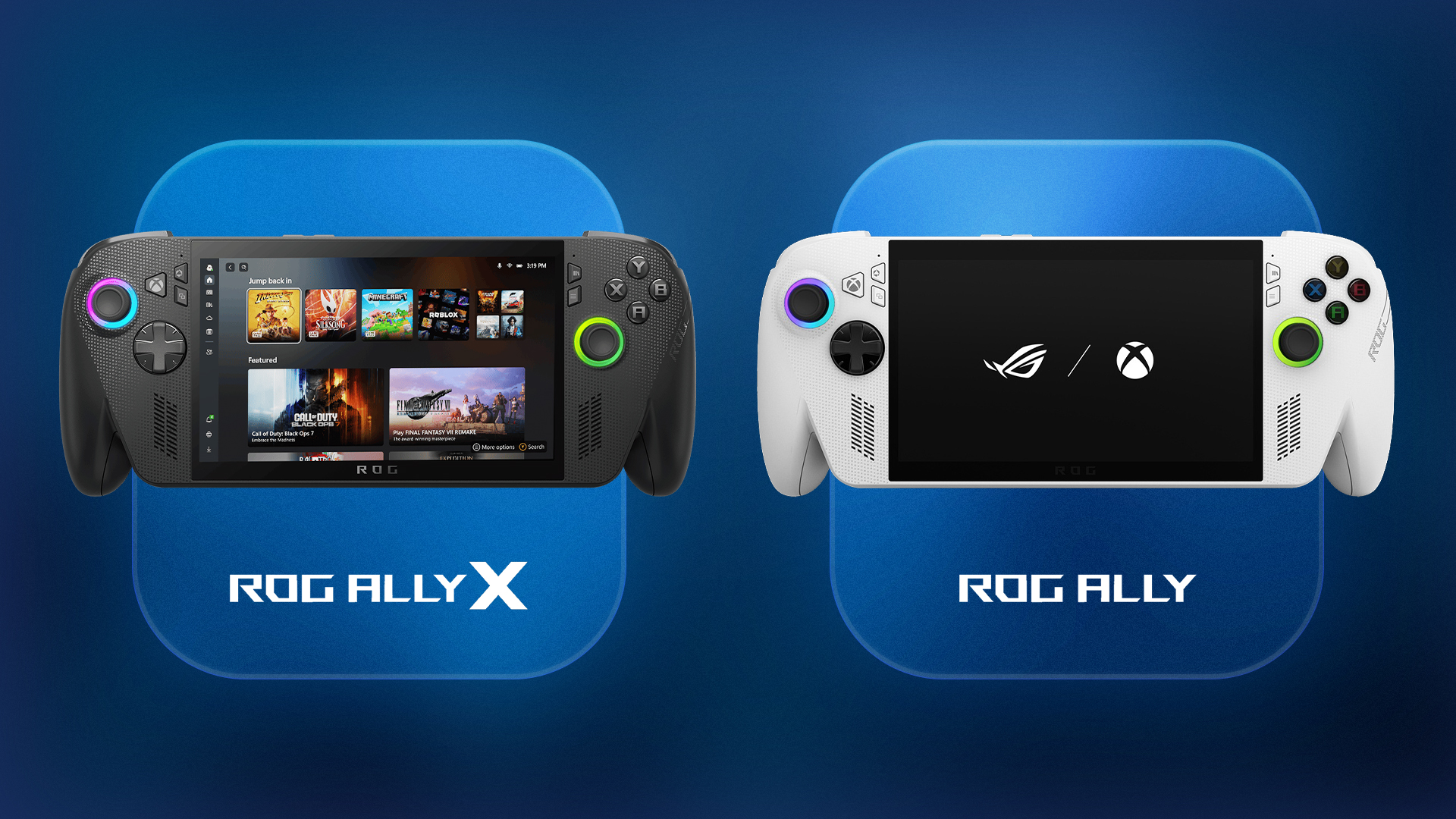
The Xbox Ally X launch date was 16th October 2025, arriving alongside the standard ROG Ally. Microsoft
Last Updated: September 01, 2026
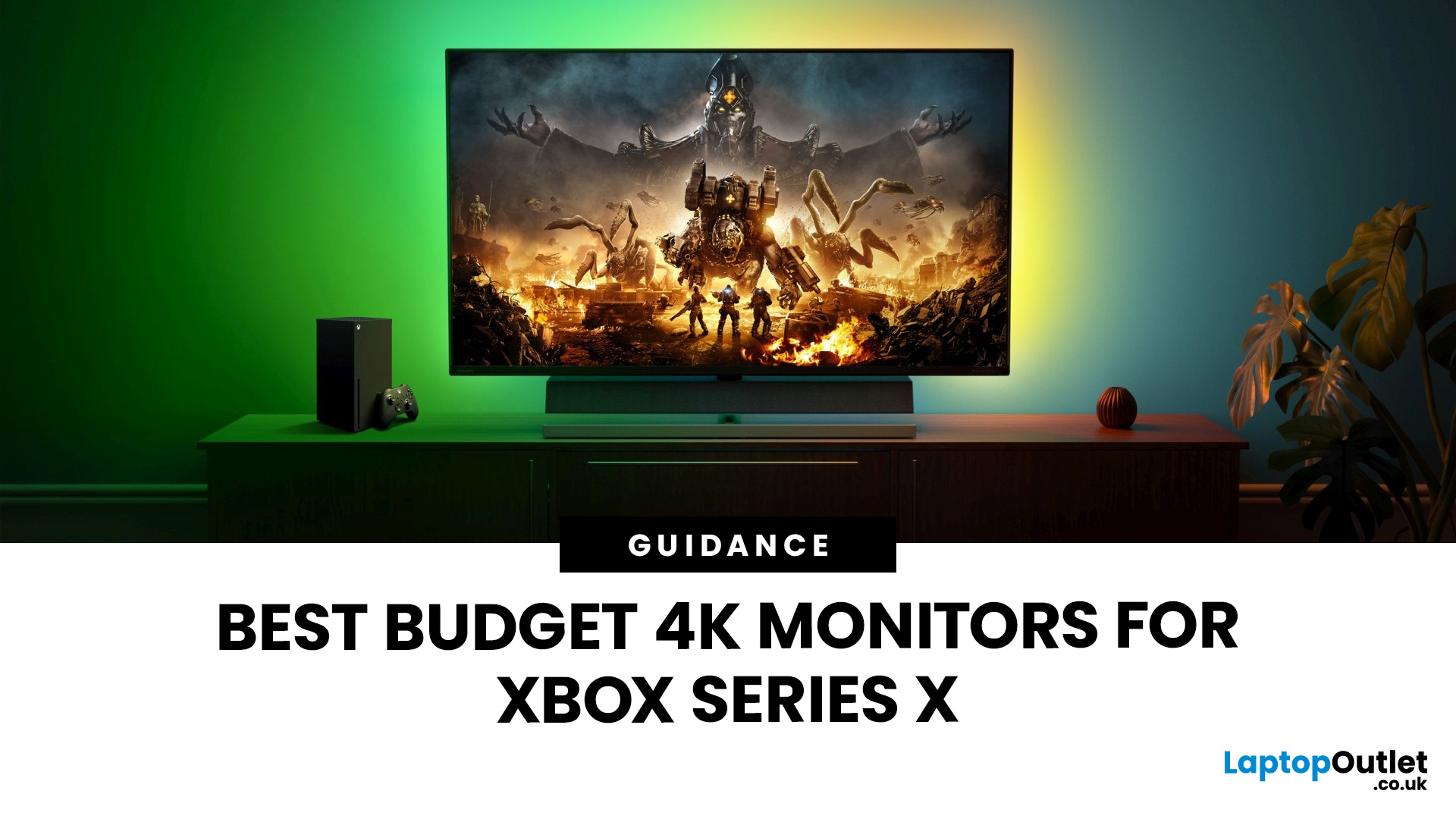
If you're looking to unlock true next-gen performance on your Xbox Series X without stretching your budget, you’re in the right place. The console is capable of extraordinary visuals, which includes from razor-sharp 4K resolution and buttery-smooth 120Hz gameplay to HDR brilliance and ultra-low latency. But to experience these features properly, you need the right display. That’s why we’ve curated a detailed guide to the best budget-friendly 4K monitors for Xbox Series X, helping you choose a display that enhances every moment of your gaming while keeping your wallet happy.
Why a 4K Monitor is Ideal for Xbox Series X
The Xbox Series X was built for 4K gaming. While you can play on lower resolutions, a monitor that fully supports the console’s capabilities will significantly improve your experience. Here’s why a 4K monitor for next-gen consoles is the perfect match:
True 4K Resolution
With a 4K monitor, you get four times the pixel density of 1080p, giving you:
- Sharper textures
- Improved
Last Updated: March 06, 2026
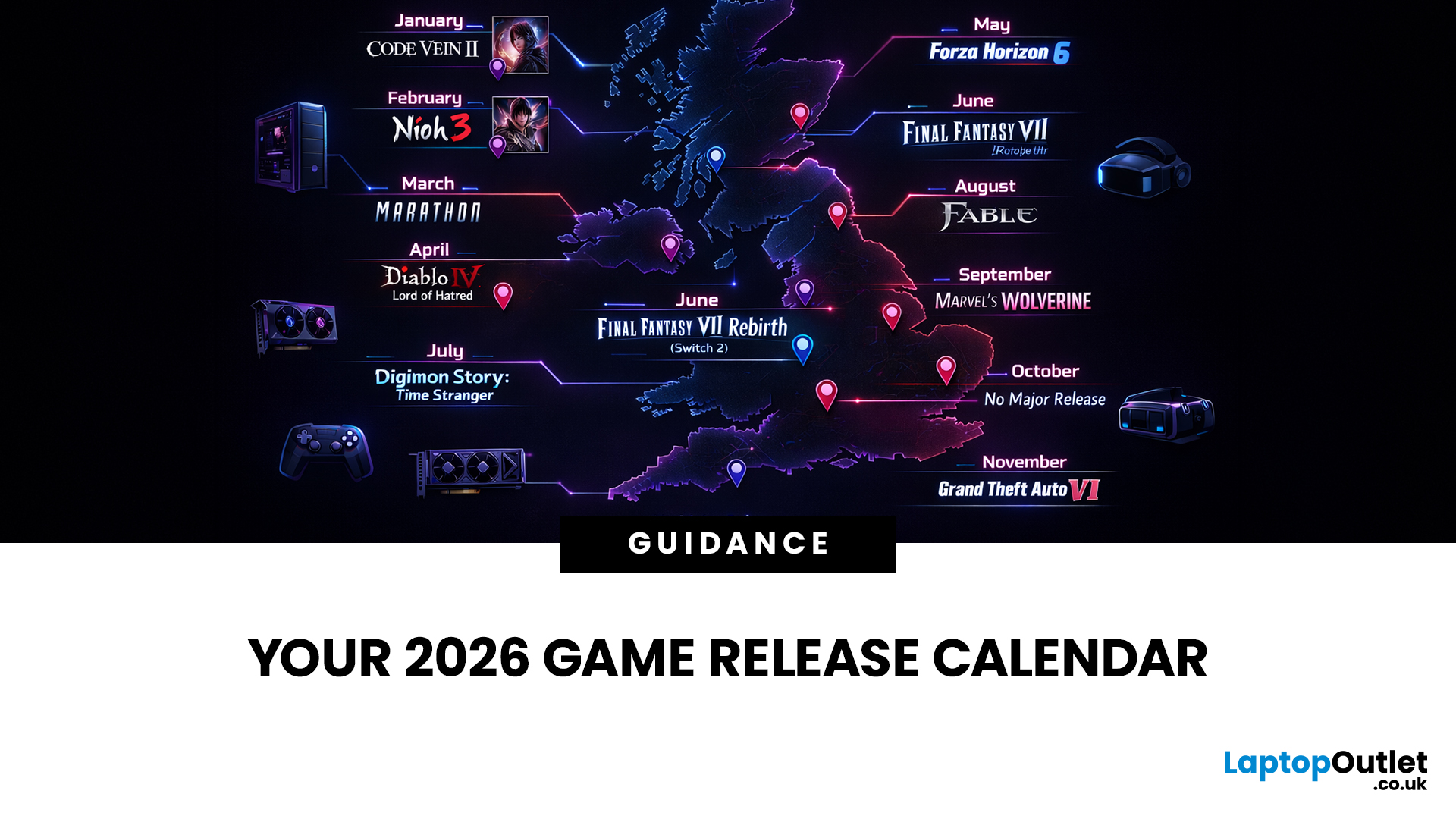
If you’re trying to plan your backlog (or your annual leave), this is your 2026 upcoming games list in one place, with confirmed release dates and clearly labelled release windows where a specific day isn’t locked yet.
This guide is built for people who want a clean answer to: “What’s coming out in 2026, and when?” — including release dates on Switch/Switch 2, PS5, Xbox Series X|S, and PC.
Last Updated: Friday, 6 March 2026
How We Verify Release Dates (so you can trust the calendar)
We only list a game under a month when it has a confirmed date (day + month) from a reliable source (publisher/dev announcement, platform store listing, or established release calendar). For wider coverage, we cross-check against frequently updated release schedules.
Labels You’ll See:
- Confirmed date = the day is publicly announced/listed
- Release window = “Spring 2026 / Q3 2026 / 2026” (no day yet)
- Early Access = date refers to EA launch, not 1.0
Quick timezone note (important): some PC store pages show a
Published: March 23, 2026
2026 is looking stacked for Xbox. We’ve already got big names locked in like Fable, Forza Horizon 6, Beast of Reincarnation and Kiln, plus newer drops like Planet of Lana II and Crimson Desert, adding even more hype. For UK players, it’s a solid mix of huge adventures, racing, RPGs, co-op chaos, and Game Pass day-one wins. Best part? This isn’t just rumour season anymore. A bunch of these games already have confirmed dates or release windows, so the Xbox 2026 lineup is starting to look very real.
Why 2026 Looks Like a Major Year for Xbox
The headline reason 2026 feels big is simple: Xbox is balancing first-party prestige with broad genre coverage. Fable gives the platform its big fantasy action-RPG return, Forza Horizon 6 handles the open-world racing crowd, Beast of Reincarnation adds a fresh action-RPG from Game Freak, and Kiln brings a more playful multiplayer angle from Double Fine. Xbox Wire confirmed all four at Developer_Direct, and all four are planned for release in 2026.
There
Last Updated: April 06, 2026
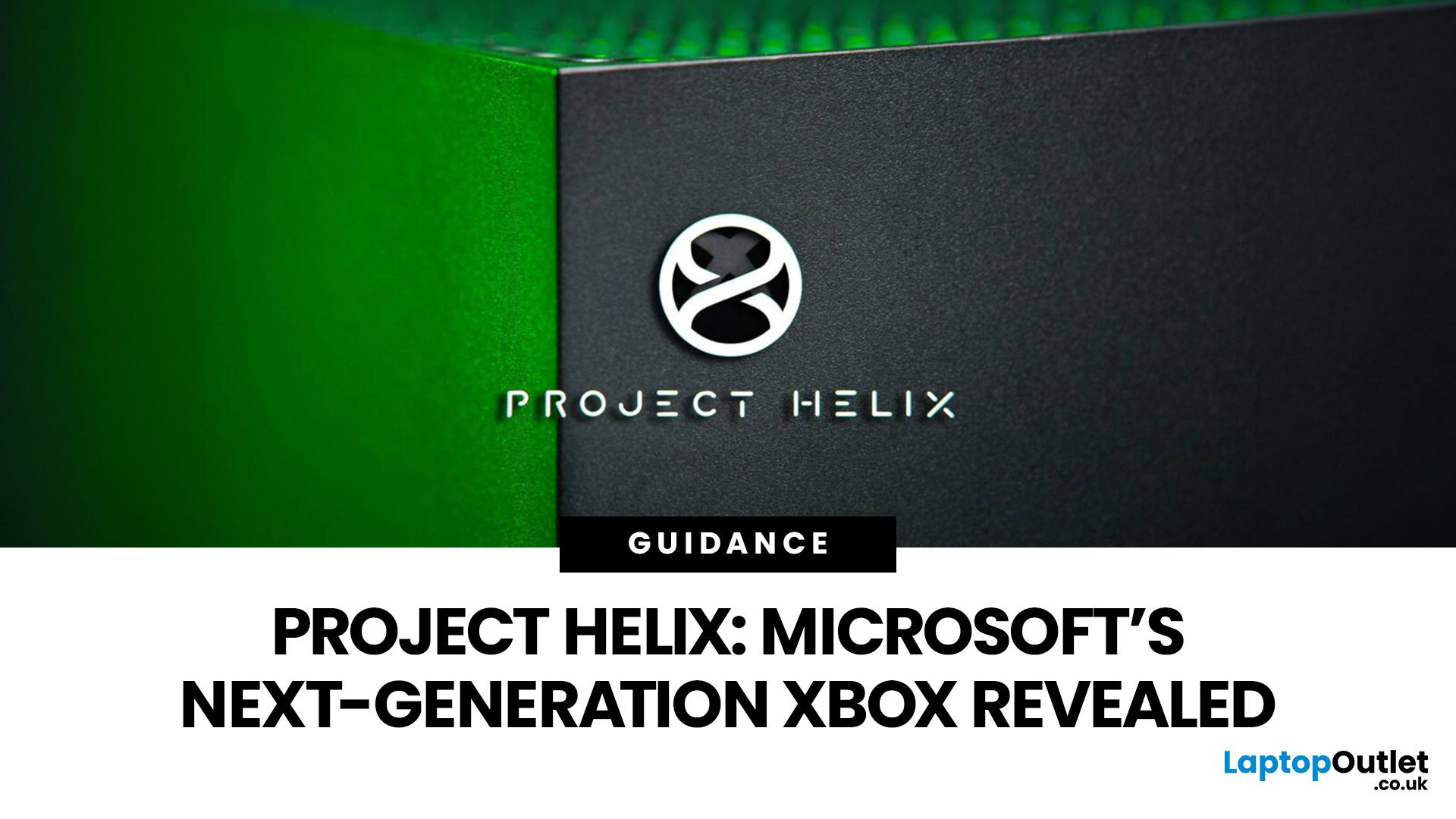
The gaming industry is once again on the brink of transformation, and Microsoft appears ready to lead the charge. Enter Project Helix, the rumoured next-generation Xbox console that could redefine not only console gaming but the entire ecosystem connecting Xbox, PC, and cloud platforms.
With increasing competition from Sony, rapid advancements in hardware, and the growing dominance of cloud gaming, Microsoft’s strategy has evolved far beyond traditional consoles. Project Helix is expected to embody this evolution, merging power, flexibility, and innovation into one unified gaming experience.
In this deep dive, we’ll explore everything we know (and what we can reasonably expect) about Project Helix, including its potential features, hardware specifications, release window, and how it could shape the future of gaming.
What Is Project Helix?
Project Helix is widely believed to be Microsoft’s codename for its upcoming next-gen Xbox console, likely targeting a release around 2026 or beyond.

