



ASUS ROG vs ProArt: Gaming vs Creative Performance
What’s the Main Difference Between ASUS ROG and ASUS ProArt?
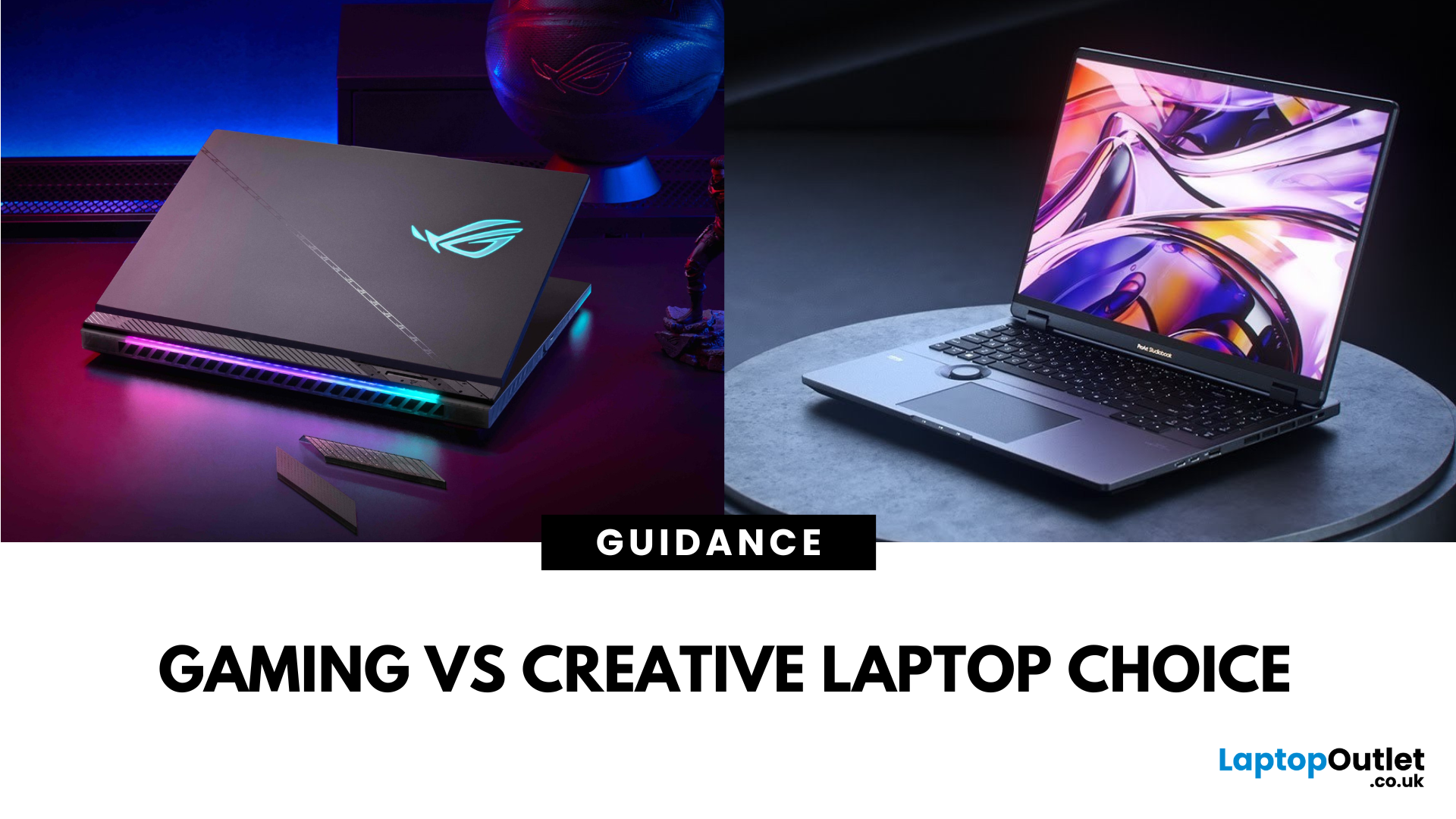
ASUS ROG is a gaming-focused laptop series built for maximum performance, featuring powerful GPUs, high-refresh-rate displays, advanced cooling, and gamer-centric designs—perfect for esports, AAA titles, and VR experiences. ASUS ProArt is a creator-focused series designed for visual professionals, offering ultra-accurate OLED displays, creator-specific tools, and powerful hardware optimised for video editing, 3D modeling, and digital art—ideal for photographers, designers, and content creators.
ASUS ROG vs ProArt: Feature Comparison Table
|
Feature |
ASUS ROG Series |
ASUS ProArt Series |
|
Primary Purpose |
High-performance gaming and esports |
Professional creative work - video editing, 3D modelling, photography, design |
|
Processor Options |
High-end Intel Core i7/i9, AMD Ryzen 7/9, Intel Core Ultra |
Intel Core i7/i9, AMD Ryzen 7/9, Intel Core Ultra |
|
Graphics (GPU) |
Up to NVIDIA GeForce RTX 50-series |
Up to NVIDIA RTX Studio/GeForce RTX GPUs |
|
Display |
Full HD/QHD/4K with 144 Hz–300 Hz refresh rates, gaming-optimised response times |
OLED or IPS 4K/3.2K with 100% DCI-P3, HDR, Pantone-validated colour accuracy |
|
RAM & Storage |
Typically, up to 64 GB DDR5 RAM, up to 4 TB PCIe SSD, upgradeable |
Typically, up to 64 GB DDR5/LPDDR5 RAM, up to 4 TB PCIe SSD, often colour calibration storage profiles |
|
Weight & Portability |
Medium-heavy (1.9–2.8 kg) due to cooling systems |
Lighter for screen size (1.6–2.4 kg) prioritising portability without losing performance |
|
Battery Life |
4–8 hours (less under heavy gaming loads) |
6–10 hours (varies with creative workloads) |
|
Ports & Connectivity |
Rich selection - multiple USB-A & USB-C, HDMI, Ethernet, DisplayPort, audio jacks |
Creator-focused - USB-C/USB4, HDMI, SD/CFexpress card readers, high-speed data ports |
|
Build & Design |
Aggressive gamer aesthetic with RGB lighting and bold branding |
Minimalist, professional look with subtle branding, sometimes MIL-STD durability |
|
Price Range |
Mid-to-premium: typically, £1,400–£3,000+ |
Mid-to-premium: typically, £1,500–£3,200+ |
1. Performance Power & Graphics Capability
- ASUS ROG: Equipped with desktop-class GPUs like the RTX 5070 or RTX 5090, high-refresh-rate screens, and overclockable hardware - perfect for gaming, VR, and rendering.
- ASUS ProArt: Features creative-grade GPUs and sometimes RTX capabilities (e.g., ProArt P16 with RTX 4070) plus factory-calibrated displays for accurate colour.
If you crave maximum frame rates and raw gaming power, the ROG is the better choice for gamers. However, if you need colour-accurate visuals and GPU horsepower for editing or rendering, the ProArt could be the right fit for creators.
2. Display & Visual Fidelity
- ASUS ROG: Delivers high refresh rates—240 Hz+—bright IPS or OLED screens, and ultra-fast pixel response times.
- ASUS ProArt: Offers high-resolution OLED panels (3.2K or 4K), superior color gamut, and HDR support—ideal for professional visual tasks.
If you value ultra-smooth motion and speed, the ROG is the better choice for gamers. However, if top-tier colour accuracy and resolution matter more, the ProArt could be the right fit for creatives.
3. Portability & Build
- ASUS ROG: Typically, chunky and robust, weighing 2.4–2.7 kg with cooling systems designed for thermal headroom.
- ASUS ProArt: Often sleeker and lighter, especially models like the ProArt P13 (~0.85 kg) or P16 - designed for creators on the move.
If portability isn’t a concern and you want durability with high thermal capacity, the ROG is the better choice for gamers. However, if you need a lighter, travel-friendly laptop for creative work, the ProArt could be the right fit.
4. Battery Life & Efficiency
- ASUS ROG: Gaming performance comes at the cost of battery life—expect 4–7 hours during moderate use.
- ASUS ProArt: Efficient components and creative workflows offer better battery balance—some last well over 8 hours on non-rendering tasks.
If plugged-in world or gaming sessions matter most, the ROG is the better choice for performance. However, if you need solid all-day uptime on creative tasks, the ProArt could be the right fit.
5. Connectivity & Expansion
- ASUS ROG: Packed with ports such as USB-A, USB-C, HDMI, Ethernet, miniDP, and often multiple M.2 slots for future upgrades.
- ASUS ProArt: Balances sleek styling with essential ports like Thunderbolt, SD card readers, and USB-C for creative workflows.
If you connect multiple external devices and need serious expandability, the ROG is the better choice for flexibility. However, if you want essential creative connectors in a cleaner package, the ProArt could be the right fit.
6. Design Aesthetics & Workflow Features
- ASUS ROG: Gamer-centric with RGB lighting, aggressive design, and customizable keys - built for battle.
- ASUS ProArt: Minimalist, professional design—often includes accessory features like DialPad or calibrated toggles to speed creative workflows.
If you want bold aesthetics and customisable gaming flair, the ROG is the better choice. However, if you prefer a polished, workstation-ready design with creator-focused features, the ProArt could be the right fit.
7. Price & Value Proposition
- ASUS ROG: Premium gaming hardware that commands higher prices—expect to pay over £1,400 for high-end models.
- ASUS ProArt: Creative power in professional design starting slightly lower but price climbs quickly with OLED, top-end GPU, and AI features.
If you want uncompromised gaming hardware and have the budget, the ROG is the better choice. However, if you want creative horsepower, colour accuracy, and professional tools, the ProArt could be the right fit even if it costs more.
Pros & Cons Table
|
Model |
Pros |
Cons |
|
ASUS ROG |
Beast-level GPU power High refresh displays Gamer style |
Heavy Short battery Overkill for non-gaming tasks |
|
ASUS ProArt |
Colour-critical displays Creative tools Lighter build |
Less suited for high-FPS gaming Pricier for high-end configs |
Which Should You Choose?
If gaming, virtual reality, or raw rendering power is your priority, go ASUS ROG. If you’re a creative soul who crafts visuals, edits, or animates, the ASUS ProArt is tailored for your needs.
Ready to choose your creative champion or gaming beast? Check out our ASUS ROG lineup or browse the ProArt series and shop now to land your perfect creative or gaming companion.
AI Snippet — Featured Summary
The ASUS ROG line brings brute gaming muscle—blistering GPUs and blazing refresh rates—built for immersive gameplay and heavy-duty performance. The ASUS ProArt series is tailor-made for creators, featuring colour-accurate OLED displays, powerful CPUs, and pro-grade graphics. Choose ROG if gaming and raw speed are your jam. Choose ProArt if your world revolves around design, editing, or 3D work.
| Read More: |
| Top 3 ROG ASUS Laptop Series (Zephyrus, Flow, Strix) and Their Best Models |
| ASUS ROG Zephyrus G 15.6" Gaming Laptop AMD Ryzen 7 – Review |
| Are asus laptops any good? |
Related Articles

Last Updated: April 03, 2026
Are you in the market for a new laptop? Look no further than ASUS!
The best ASUS laptops come equipped with top-notch processors, high-end GPUs, ample RAM, high-quality screens, high build quality, and - most importantly – the best value for your investment. You will find devices through all the latest releases with style and power-packed performance. After all, ASUS has secured a top position in the range of best-of-the-kind ROG series across the market, from the super compact Zephyrus to all the shining Strix models.
However, purchasing a laptop is an actual hassle. The industry is crowded with plenty of options, making it difficult to choose the right one. Whether you're in the market for a powerful flagship, a laptop with a 2-in-1 design, or something ultraportable to carry on the go, ASUS laptops have you covered.
In this article, we provide a brief overview of the top 3 ASUS ROG series, namely the Zephyrus, Flow, and Strix lines, highlighting their unique capabilities

Last Updated: September 09, 2025
If you're into gaming and need a laptop that can handle any level of action, whether it's competitive matches, open-world adventures, or fast-paced shooters, ASUS ROG laptops have got you covered. These laptops provide everything you desire: fast performance, smooth graphics, and a design that fits seamlessly into a true gaming setup.
From sleek designs like the ASUS ROG Zephyrus to powerful models with future-proof specs, ASUS ROG Laptops for gamers are made to help you win, whether you’re gaming at home or with friends. In this guide, we’ll explore exactly what makes them ideal for gamers like you.
Why ASUS ROG Laptops Are Built for Gamers
1. High-Performance Specs for Smooth Gaming
The main reason gamers choose ASUS ROG laptops is performance. These machines are packed with high-end components like:
- Latest Intel Core i9 or AMD Ryzen 9 processors
- NVIDIA GeForce RTX graphics cards
- Up to 32GB of RAM and ultra-fast SSD storage
This means games load faster, run smoother, and perform without

Last Updated: September 09, 2025
What’s the Difference Between ASUS ROG and TUF?
ASUS ROG (Republic of Gamers) laptops are your high-end, performance-first beasts—slick designs, premium components, and guitars-playing-level specs for serious gamers. ASUS TUF (The Ultimate Force) models serve up reliable gaming performance, but baptised in sturdier builds and easier affordability.
Specs Face-Off: ROG vs TUF (2025 Models)
| Spec Category | ROG Strix G16 / Zephyrus Series | TUF (A14, A16, F16, A18, etc.) |
| GPUs | RTX 5070 Ti / RTX 5080 (up to 16 GB GDDR7) | RTX 5060 / 5070 (up to 8 GB–12 GB) |
| CPUs | Ryzen 9 9955HX3D, Core Ultra 9 275HX | Ryzen AI 9 HX 370, Ryzen 9 270, Core i7 H-series |
| Displays | 16″ QHD (2560×1600), 240 Hz, 500 nits brightness, 189 ppi | 14–18″ FHD/QHD, 144–165 Hz refresh, around 300–500 nits; 165 Hz QHD on A14 |
| Build & Weight | Premium chassis, ~2.7 kg for 16″ models | Military-grade ruggedness, lighter ~2.0–2.5 kg depending on size |
| RAM & Storage | Supports up to 64 GB DDR5, 4 TB SSD, PCIe Gen 4; Thunderbolt 4/USB-4 | Similar upgrade |
Last Updated: October 03, 2025
What’s the Main Difference Between ASUS ProArt and ZenBook?
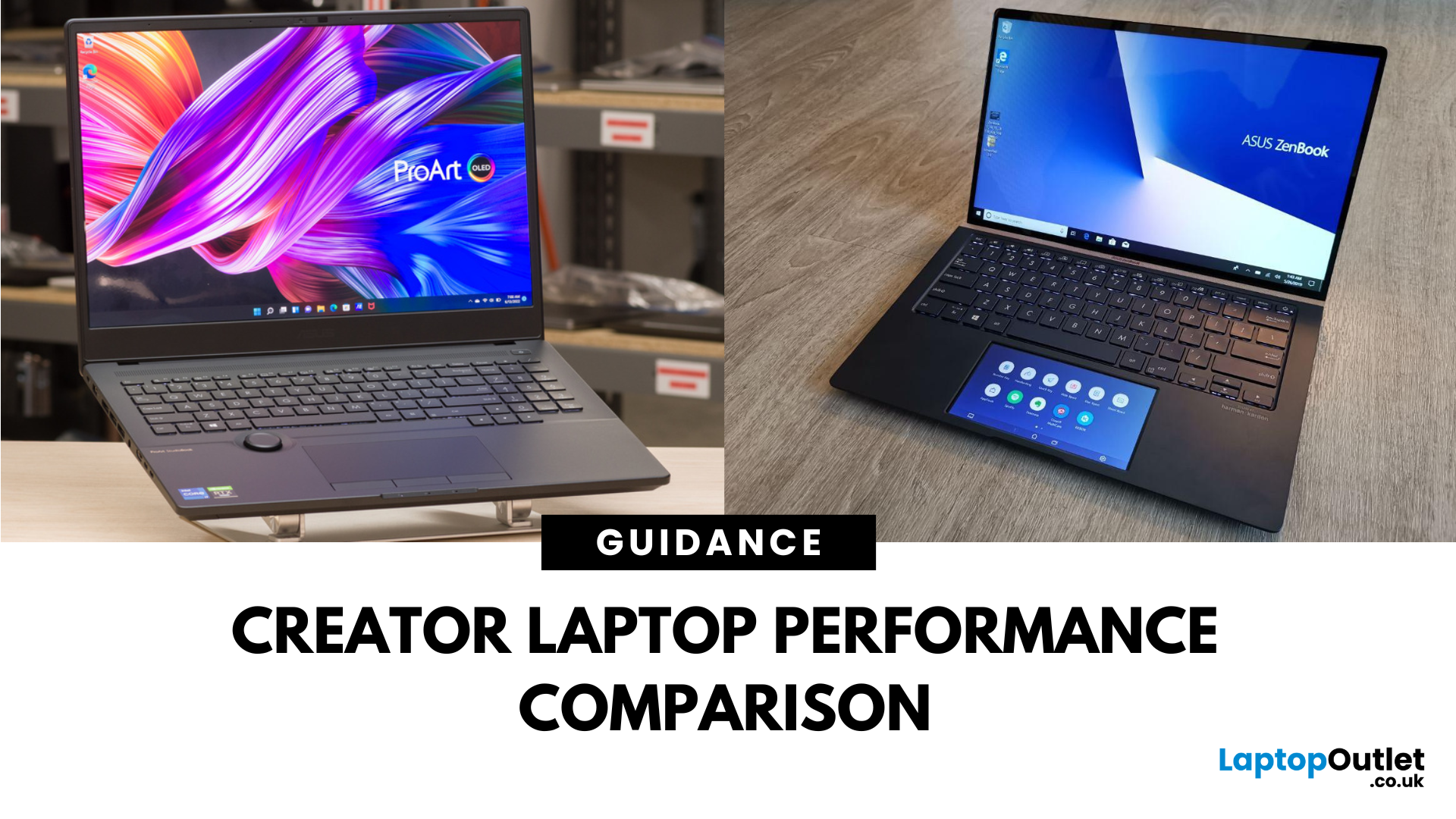
The ASUS ProArt series is engineered for professional content creators working in video production, photography, animation, and 3D modelling. It delivers ISV-certified performance, ultra-accurate colour displays, and AI-powered creator tools like ASUS DialPad and Creator Hub.
The ASUS ZenBook series targets professionals and creatives who need portability, battery endurance, and sleek aesthetics. While still capable for creative work, ZenBooks are tuned for light-to-moderate creative tasks, multitasking, and on-the-go use rather than maximum workstation output.
Specs Face-Off: ASUS ProArt vs ZenBook
| Feature | ASUS ProArt Series | ASUS ZenBook Series |
| Target Audience | Professional creators needing maximum power and colour precision | Mobile creatives, designers, and professionals seeking portability and style |
| Performance Focus | Workstation CPUs & NVIDIA RTX GPUs, ISV-certified for Adobe/Autodesk | Efficient CPUs, integrated or mid-tier GPUs, |

