



LG Monitor Uses Explained: Gaming, Work, & Creative Applications
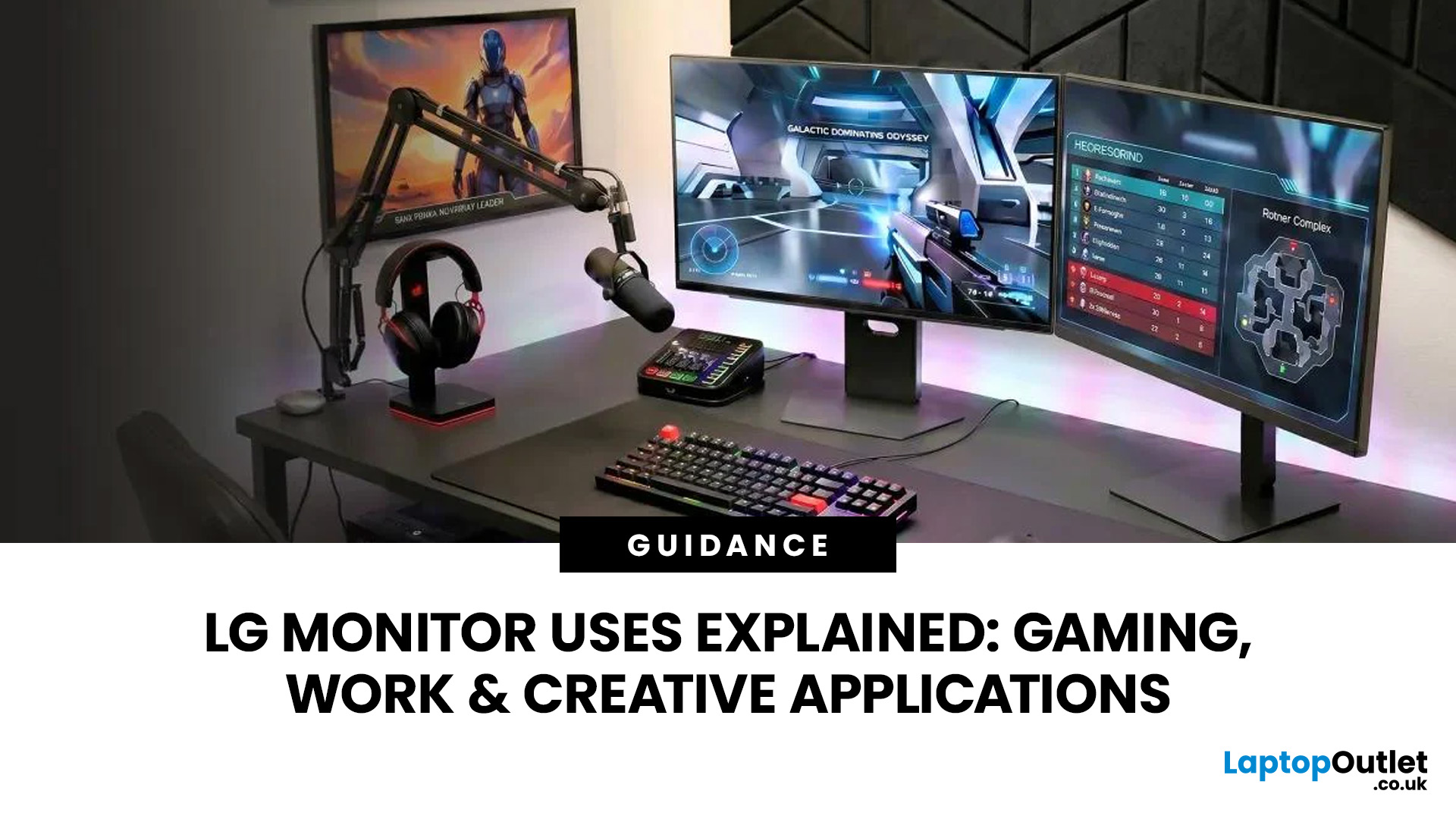
A monitor can suit very different tasks depending on its resolution, refresh rate, panel type, colour performance, screen format, and connectivity. That is why understanding LG monitor uses is more helpful than simply comparing model names or product lines.
For gaming, the priority may be smooth motion and responsiveness. For office work, text clarity, screen space and ergonomics usually matter more. Creative workplaces greater emphasis on colour consistency, detail and a display that can be set up accurately for visual tasks.
This guide explains how LG displays can support gaming, productivity and creative applications, and how the most important display requirements change depending on what you do at your desk.
How LG Monitors Support Gaming
Refresh Rate and Motion Smoothness
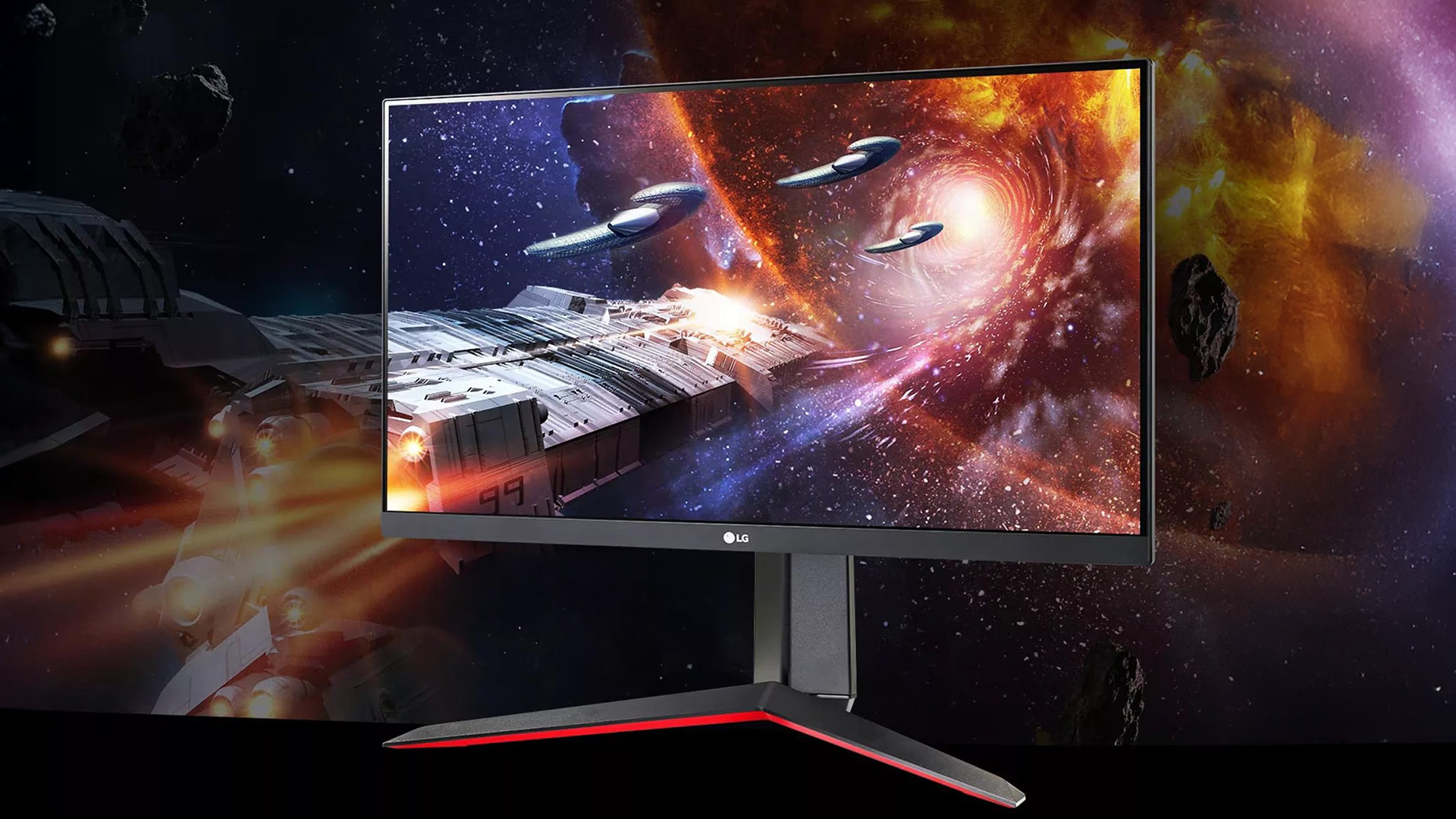
Gaming places different demands on a display from office or general home use. Fast-moving scenes, rapid camera movement and competitive play can make refresh rate, response behaviour and motion clarity much more noticeable.
A higher refresh rate allows the screen to update more often each second. When the computer or console can supply enough frames, this can make movement appear smoother and controls feel more immediate. Competitive games generally benefit more from this than slower strategy, simulation or story-focused titles.
Response Time and Motion Clarity
Response time also matters because slow pixel transitions can create visible smearing or ghosting during motion. The effect varies by panel technology and by how a display is configured, so response figures should be considered alongside real-world motion performance rather than viewed in isolation.
Resolution and Performance Balance
Resolution has a separate role. Full HD can reduce the graphics workload and make high frame rates easier to achieve, while QHD and 4K provide more image detail but demand more from the graphics hardware. The right balance depends on the type of games being played, screen size and system performance.
Adaptive Sync and Screen Stability
Adaptive synchronisation can also help gaming feel smoother by reducing tearing when the frame rate changes. For many users, the most useful gaming setup is therefore not simply the display with the highest specification, but one that balances refresh rate, resolution, motion performance and the capabilities of the connected system.
Screen Format and Immersion
Screen format can affect the experience as well. Standard 16:9 displays suit most games and consoles, while wider formats can provide a broader field of view in supported PC titles. Curved screens may feel more immersive at larger sizes, although this is largely a matter of viewing distance and personal preference.
Ready to level up? Check out our guide on LG UltraGear Gaming Monitors: Best Options for Casual, Ranked and Esports Players to find your perfect match.
Using LG Monitors for Office and Productivity
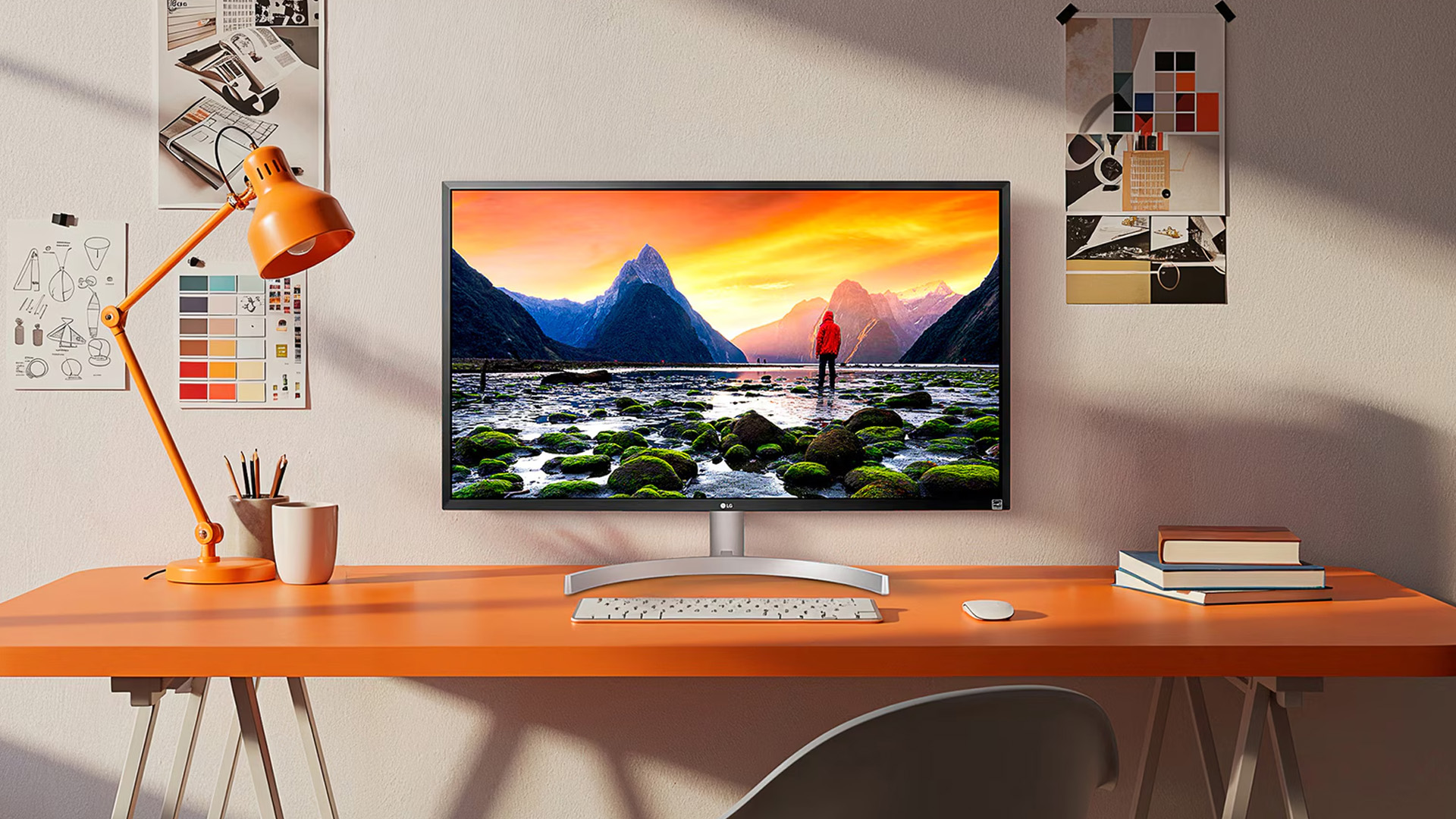
Office work usually benefits more from clarity, usable screen space and comfort than from gaming-focused specifications.
Text Clarity and Resolution
For documents, spreadsheets, web applications and email, resolution influences how sharp text and interface elements appear. A higher pixel density can make small text and detailed content easier to read, particularly on larger screens or when several windows are open at once.
Screen Size and Multitasking
Screen size and aspect ratio also affect productivity. A conventional display can work well for focused single-window tasks, while a larger or wider screen gives more room for side-by-side documents, timelines, dashboards and communication tools. This can reduce the need to switch constantly between tabs or applications.
Connectivity for Work Setups
Connectivity becomes particularly important in laptop-based workspaces. HDMI and DisplayPort are common display connections, while USB-C can simplify some setups by carrying video and, on compatible hardware, power or data through the same connection. The exact capability depends on the screen and computer, so port support should always be checked together.
Ergonomics and Comfort
Ergonomics matter during long working sessions. Height adjustment, tilt, swivel and suitable viewing distance can help create a more comfortable desk setup. Anti-glare surfaces, sensible brightness settings and regular breaks are also important when a screen is used for many hours each day.
For productivity, the goal is usually a display that keeps text clear, provides enough working space and fits naturally into the desk setup rather than one built around the fastest possible refresh rate.
Stop toggling tabs and start working smarter. Read our guide on LG UltraWide & DualUp Monitors for Productivity: Multitasking, Coding & Content Creation.
LG Monitors for Creative Work
Creative applications such as photo editing, illustration, video production, and design place greater emphasis on colour behaviour and image detail.
Resolution and Workspace Detail
Resolution helps when working with high-resolution photographs, detailed artwork or video timelines because more pixels provide more room for tools and a closer view of fine elements. A larger workspace can also make it easier to keep editing controls visible without covering the main image.
Colour Accuracy and Consistency
Colour accuracy is equally important. A display used for visual work should reproduce colour consistently, particularly when content needs to match other screens, printed material or established production standards. Colour gamut coverage, white-point control and calibration support may therefore matter more to a designer or editor than very high refresh rates.
Panel Technology and Viewing Behaviour
Panel type can influence viewing angles, contrast and colour consistency. IPS-type panels are commonly used where stable colour and wide viewing angles are useful, while OLED technology can provide very deep blacks and strong contrast. Each technology has different strengths, so the workload should guide the choice rather than the panel label alone.
HDR and Video Work Considerations
For video work, HDR capability may be relevant when editing or reviewing HDR content. However, an HDR badge by itself does not guarantee that a screen is suitable for professional HDR mastering. Brightness, contrast behaviour, colour coverage and calibration all need to be considered together.
Prioritising Image Reliability
Creative users should therefore focus on the characteristics that affect the reliability of the image on screen: detail, colour consistency, tonal range and the ability to maintain a suitable viewing setup.
Get the clarity your art deserves. Check out our detailed look at LG UltraFine & UltraFine Evo Monitors for Creators: 4K, 5K and 6K Displays.
LG Monitor Features for Different Applications
The same specification can be important in one situation and far less important in another. Looking at features by application helps prevent over-prioritising numbers that have little effect on the actual task.
Resolution
Resolution determines how much detail a display can show. Full HD remains practical for general computing and smaller screens. QHD offers more working space and finer detail, while 4K can be useful for larger displays, detailed creative work and high-resolution media.
Higher resolution is not automatically better for every setup. It increases the graphics workload in games and may require interface scaling depending on screen size and viewing distance.
Refresh Rate
Refresh rate has its clearest benefit in gaming and other motion-heavy content. Higher refresh rates can make movement appear smoother when the source device can provide matching frame rates.
For office tasks such as writing, spreadsheets and browser-based work, refresh rate is usually a secondary consideration compared with text clarity, screen size and ergonomics.
Panel Type
Panel technology affects contrast, viewing angles, response behaviour and colour reproduction. IPS, VA and OLED can all be suitable, but their strengths are different.
IPS is widely used for balanced everyday and professional work. VA panels often provide stronger contrast than typical IPS displays. OLED displays offer pixel-level light control and very high contrast, which can be valuable for games and visual media. The right option depends on the application, room conditions and how static or moving content is used.
Screen Size and Aspect Ratio
A larger screen can improve visibility and provide more desktop space, but it also needs sufficient viewing distance. Wider aspect ratios are useful for arranging several applications side by side or extending editing timelines, while standard 16:9 screens remain straightforward for general computing, gaming and media.
The useful size is therefore determined by desk depth, workload and how much information needs to remain visible at one time.
Connectivity
The most important connection depends on the source device. Desktop PCs commonly use DisplayPort or HDMI, consoles generally rely on HDMI, and many modern laptops can connect through USB-C.
For workstations with several devices, multiple inputs can reduce cable swapping. USB hubs, power delivery and other connection functions may also simplify a desk, but they should be treated as workflow conveniences rather than reasons to choose a screen on their own.
Ergonomics and Viewing Comfort
A suitable stand and sensible screen position can have more impact on day-to-day comfort than many headline specifications. The top of the display should generally sit around eye level or slightly below, with enough distance to view the whole screen without excessive head movement.
Brightness should also match the room rather than always being set to maximum. For long sessions, regular breaks and a comfortable text size are more useful than relying on a single eye-care setting.
Get the ultimate overview of the entire 2026 lineup to find your perfect monitor today: LG Monitors Buying Guide 2026: UltraGear vs UltraWide vs UltraFine vs OLED.
How Display Requirements Change by Use Case
Different tasks place different demands on a screen. The table below shows which areas usually deserve the most attention.
|
Use Case |
Prioritise |
Usually Less Important |
|
Competitive gaming |
Refresh rate, response behaviour, adaptive sync, low latency |
Extreme colour accuracy for print workflows |
|
Casual and single-player gaming |
Resolution, contrast, motion quality, screen size |
The very highest refresh rates |
|
Office and hybrid work |
Text clarity, screen space, ergonomics, connectivity |
Gaming-specific response figures |
|
Spreadsheets and multitasking |
Resolution, width, usable desktop space |
HDR performance |
|
Photo and design work |
Colour accuracy, gamut coverage, resolution, calibration |
Ultra-high refresh rates |
|
Video editing |
Resolution, colour performance, timeline space, HDR capability where relevant |
Competitive gaming features |
|
Everyday home use |
Balanced image quality, suitable size, simple connectivity |
Specialist professional specifications |
The priorities can overlap. Someone who games after work may want a screen that combines good motion performance with clear text and practical connectivity. A video editor may also value a wider workspace for timelines, while a home-office user may prefer a larger screen for side-by-side documents.
This is why the intended application should come before individual specifications. Once the main use is clear, it becomes easier to decide which display characteristics are worth prioritising and which are unlikely to make a meaningful difference.
Matching the Display to the Task
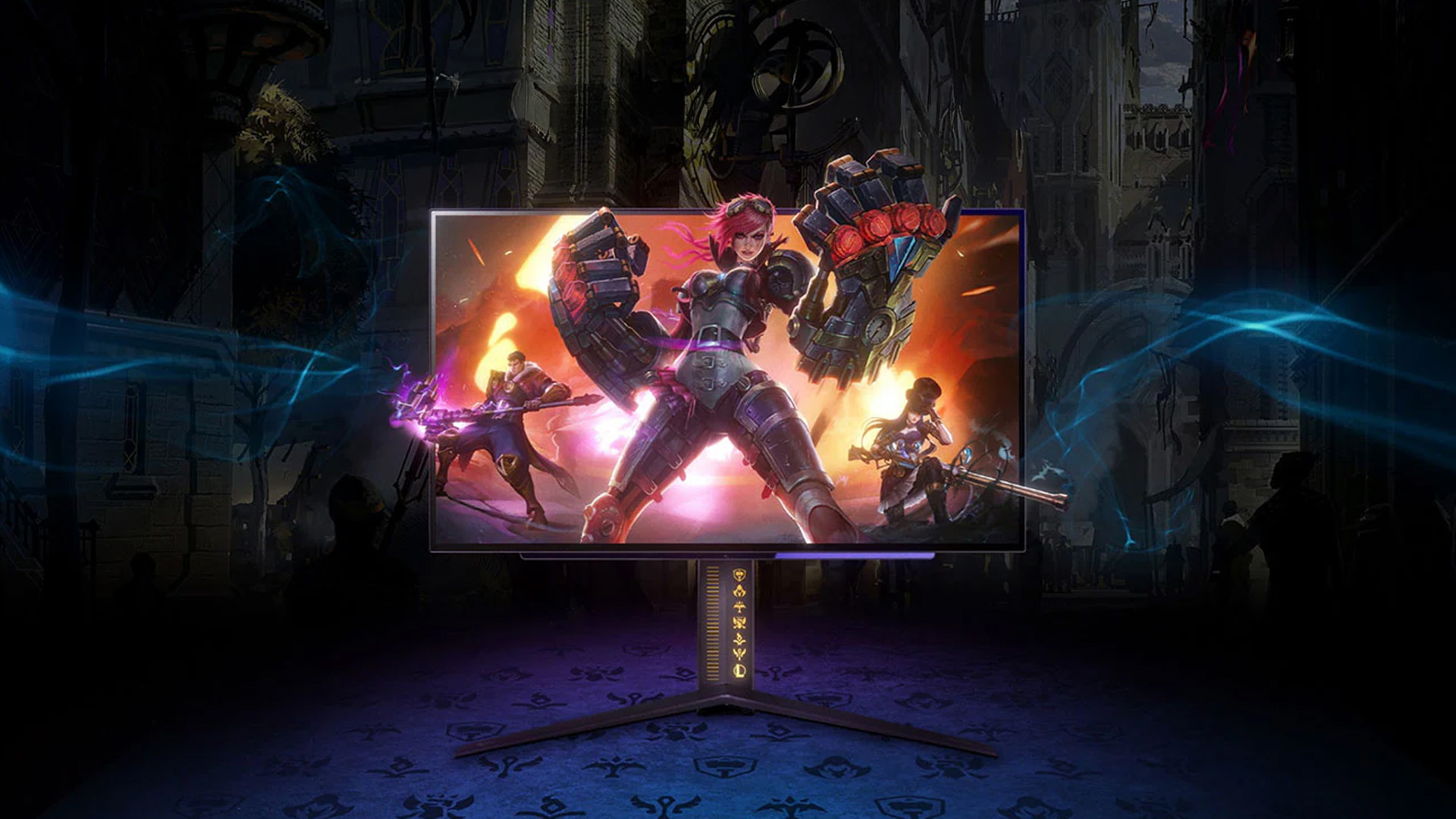
LG displays are used across gaming, office, productivity and creative environments, but each workload rewards a different combination of screen characteristics.
Gaming tends to place more emphasis on refresh rate, response behaviour and smooth motion. Office work benefits from clear text, usable screen space, connectivity and ergonomics. Creative applications require closer attention to resolution, colour consistency and image accuracy.
Rather than looking for a single screen specification that is ideal for everything, start with the task you perform most often. From there, compare the characteristics that directly affect that activity. This keeps the decision focused on practical use rather than product labels, rankings or headline numbers.

Still Got Questions
What are LG monitors commonly used for?
They can be used for gaming, office work, productivity, creative applications, entertainment and general computing. The most important specifications depend on the workload rather than the brand name alone.
What display features matter most for gaming?
Refresh rate, response behaviour, adaptive synchronisation, resolution and screen size are the main areas to consider. The ideal balance depends on the type of games and the performance of the connected PC or console.
Are LG displays suitable for office work?
Yes, provided the screen size, resolution, connectivity and ergonomics suit the workspace. For office tasks, clear text and comfortable positioning usually matter more than very high refresh rates.
What should creative users look for in a display?
Colour accuracy, suitable colour-gamut coverage, resolution, consistent viewing angles and calibration options are important for photo, design and video work. HDR performance may also matter for specific video workflows.
Is a higher refresh rate useful for productivity?
A higher refresh rate can make scrolling and cursor movement feel smoother, but it is normally less important for office work than resolution, usable screen space and ergonomics.
Does a higher resolution always make a monitor better?
No. Higher resolution can improve detail and desktop space, but it also increases graphics demands and may require scaling. Screen size, viewing distance and the intended task should be considered at the same time.
Related Articles


Last Updated: August 28, 2026
Working from home and studying online have become the norm in 2026, which means your monitor is no longer just a screen, it is where you spend hours reading, writing, video calling and multitasking. A good home office display needs to deliver sharp text, comfortable viewing and reliable eye-care features without costing a fortune.
That is why AOC has become one of the most popular brands for affordable productivity setups. Whether you need a cheap AOC 27 inch monitor for essays and coursework or a larger QHD screen for full-time remote work, there are plenty of options designed for comfort and clarity.
In this guide, we break down the best AOC monitor for home office and study, including budget picks, eye-care displays and refurbished bargains.
What Makes a Good Home Office Monitor?
Choosing the best AOC monitor for home office use starts with understanding what actually improves comfort and productivity. Unlike gaming displays, office monitors are about clarity, screen space and reducing
Published: February 25, 2026
The global gaming monitor market is projected to surpass 25 million units annually, driven by demand for higher refresh rates, lower response times, and immersive panel technology. Refresh rates have climbed from the standard 60Hz to 240Hz, 360Hz and even 500Hz models designed for competitive esports. As performance expectations rise, so does the confusion around product tiers.
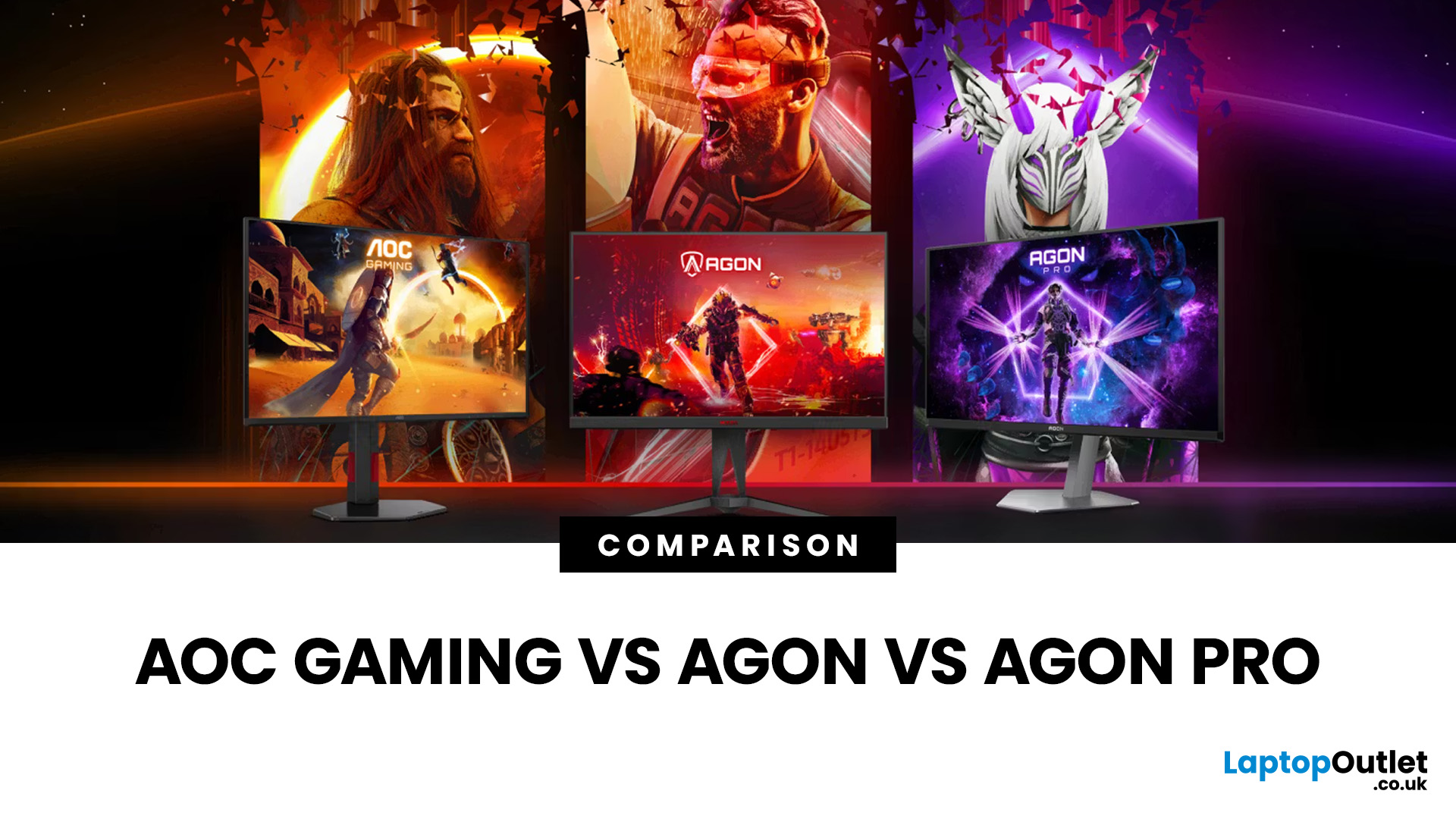
That is especially true when comparing AOC Gaming vs AGON vs AGON PRO. Each series targets a different type of player, from casual console users to tournament level competitors. Understanding the real differences in features, performance and pricing is the key to choosing the best AOC gaming series for your setup.
Quick Overview of AOC Gaming, AGON and AGON PRO
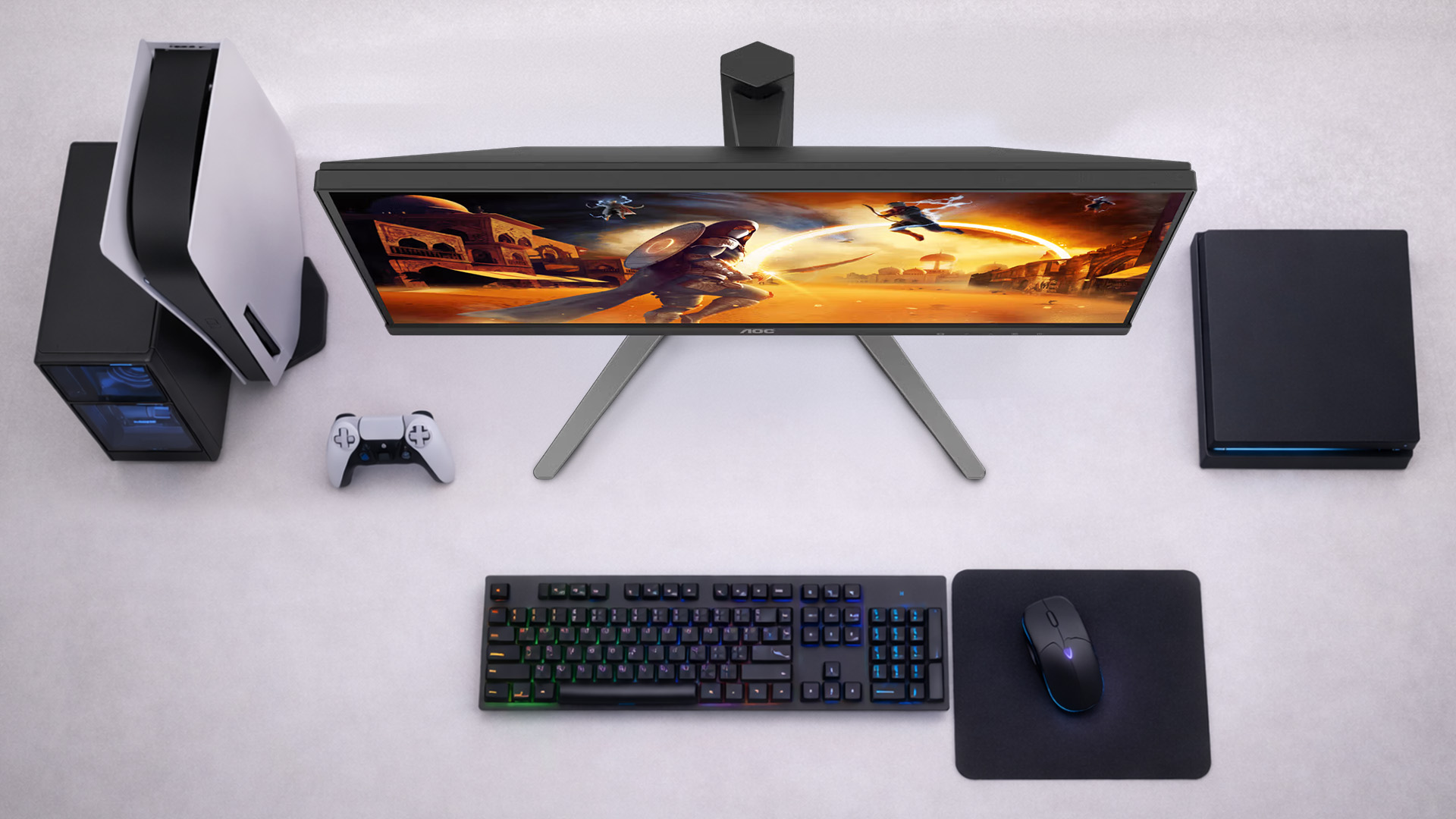
AOC structures its gaming monitors into three clear tiers; each designed for a different level of performance and budget.
AOC Gaming sits at the entry and mid-range level. These monitors focus on strong refresh rates, solid panel quality and competitive
Last Updated: August 28, 2026
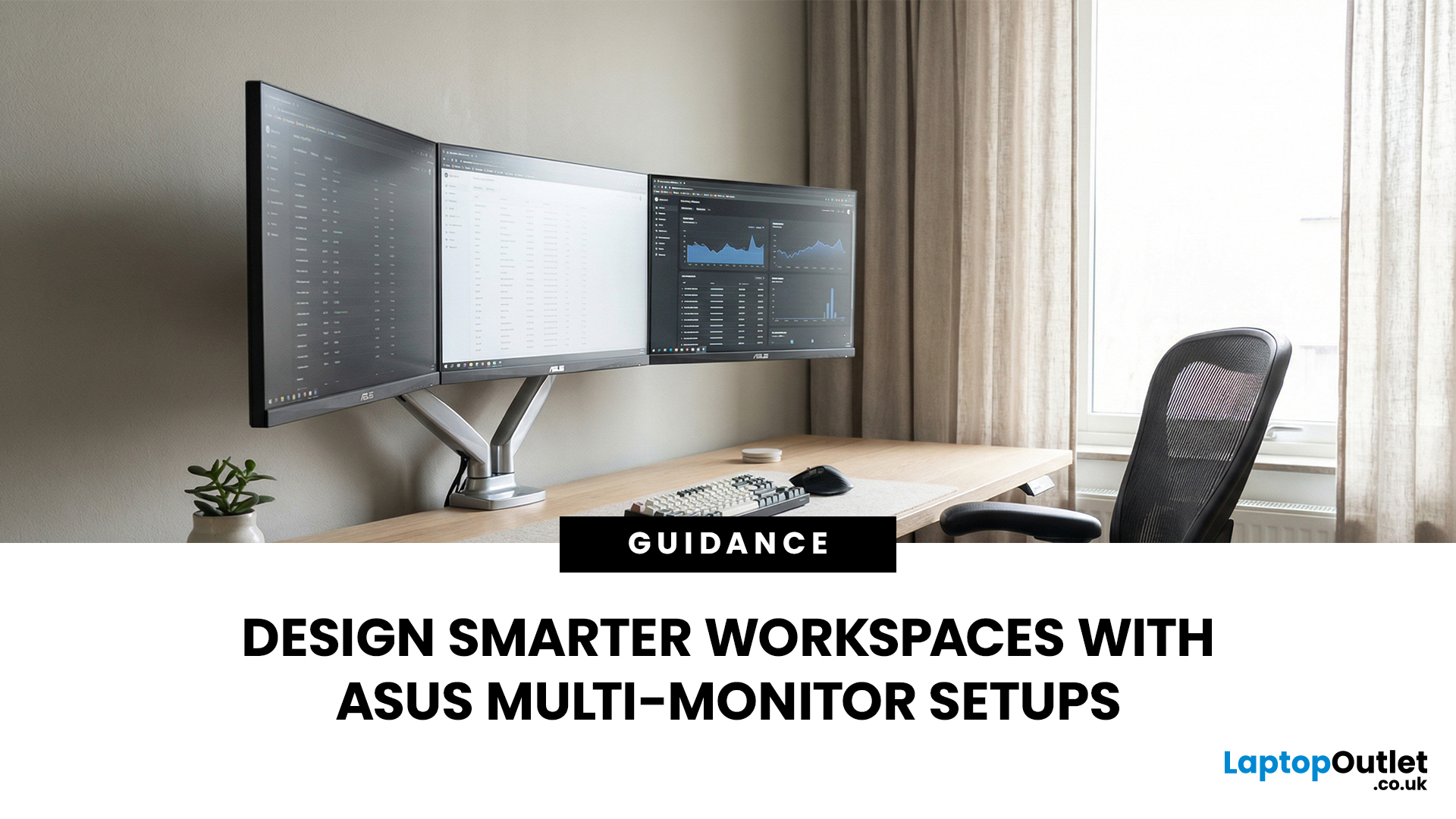
A single screen just does not cut it anymore. Whether you are writing code, managing client accounts, or analysing live market data, a well-built ASUS multi monitor setup can transform how you work. It gives you more room to think, less time switching between tabs, and a setup that genuinely supports your workflow.
This guide walks you through everything — from picking the right monitors to cabling, ergonomics, and ready-to-use layout ideas for teams and individuals alike.
Why Multi-Monitor Setups Boost Productivity
The case for multiple screens is not just about having more space. It is about working smarter. Research consistently shows that extended display setups can cut task-switching time and reduce cognitive load. When your reference document, communication tool, and primary work window each have their own screen, you stay in flow longer.
Suitable Roles: Devs, Finance, Support, Creatives
Not every job benefits equally, but a wide range of professionals gain a clear edge from multi-screen
Last Updated: August 28, 2026
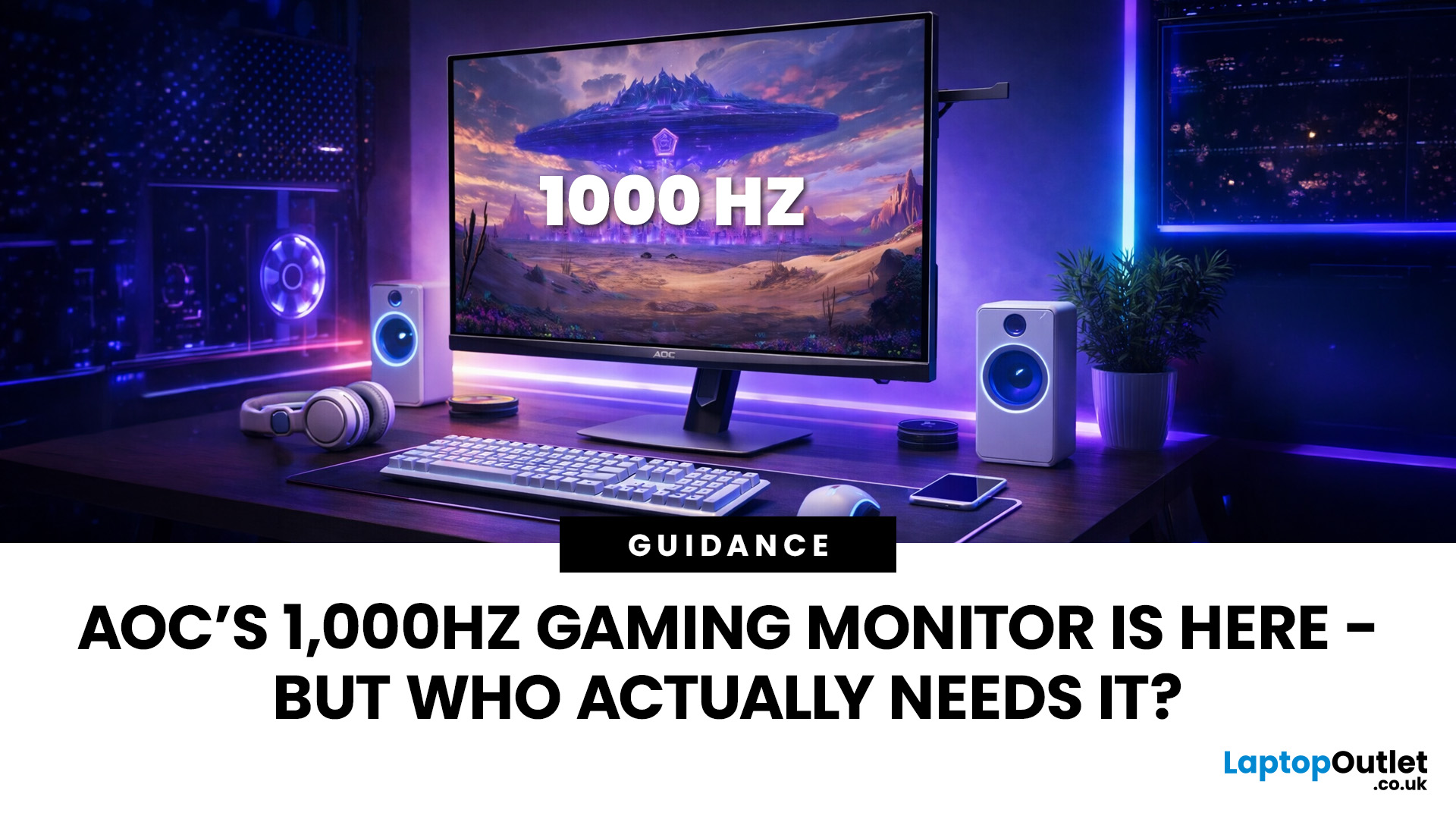
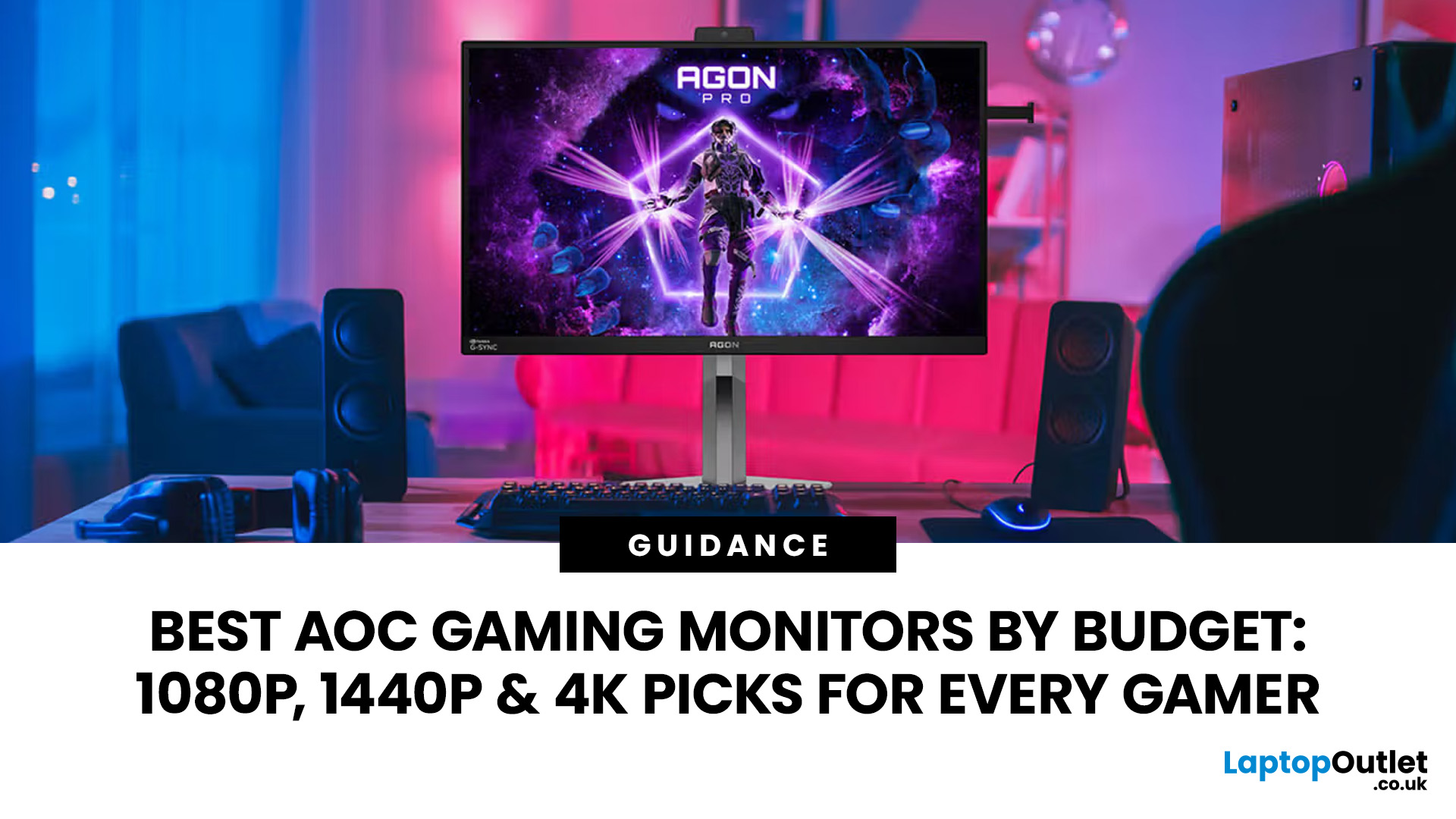
Gaming monitors have moved from 144Hz to 240Hz, then 360Hz and 500Hz in just a few years. Now AOC is pushing even further with its new AOC 1000Hz gaming monitor, the AGON PRO AGP277QK. At 1000Hz, the screen refreshes 1000 times per second, cutting frame time to just 1 millisecond. That is half the frame time of 500Hz and one quarter of 240Hz.
AOC’s new dual-mode 1000Hz monitor can switch between 500Hz at QHD and 1000Hz at a lower resolution, targeting elite competitive players. But who actually benefits from refresh rates this extreme, and should most gamers even consider waiting for it?
What AOC’s 1,000Hz Dual-Mode Monitors Actually Are
The AOC 1000Hz gaming monitor, known as the AOC AGON PRO AGP277QK, is part of a new wave of next-gen AOC AGON PRO monitors focused purely on competitive performance. It introduces a dual-mode 1000Hz monitor design, meaning it can operate at two different refresh rate and resolution combinations.
In its standard mode, the panel runs at QHD resolution with
Last Updated: August 28, 2026
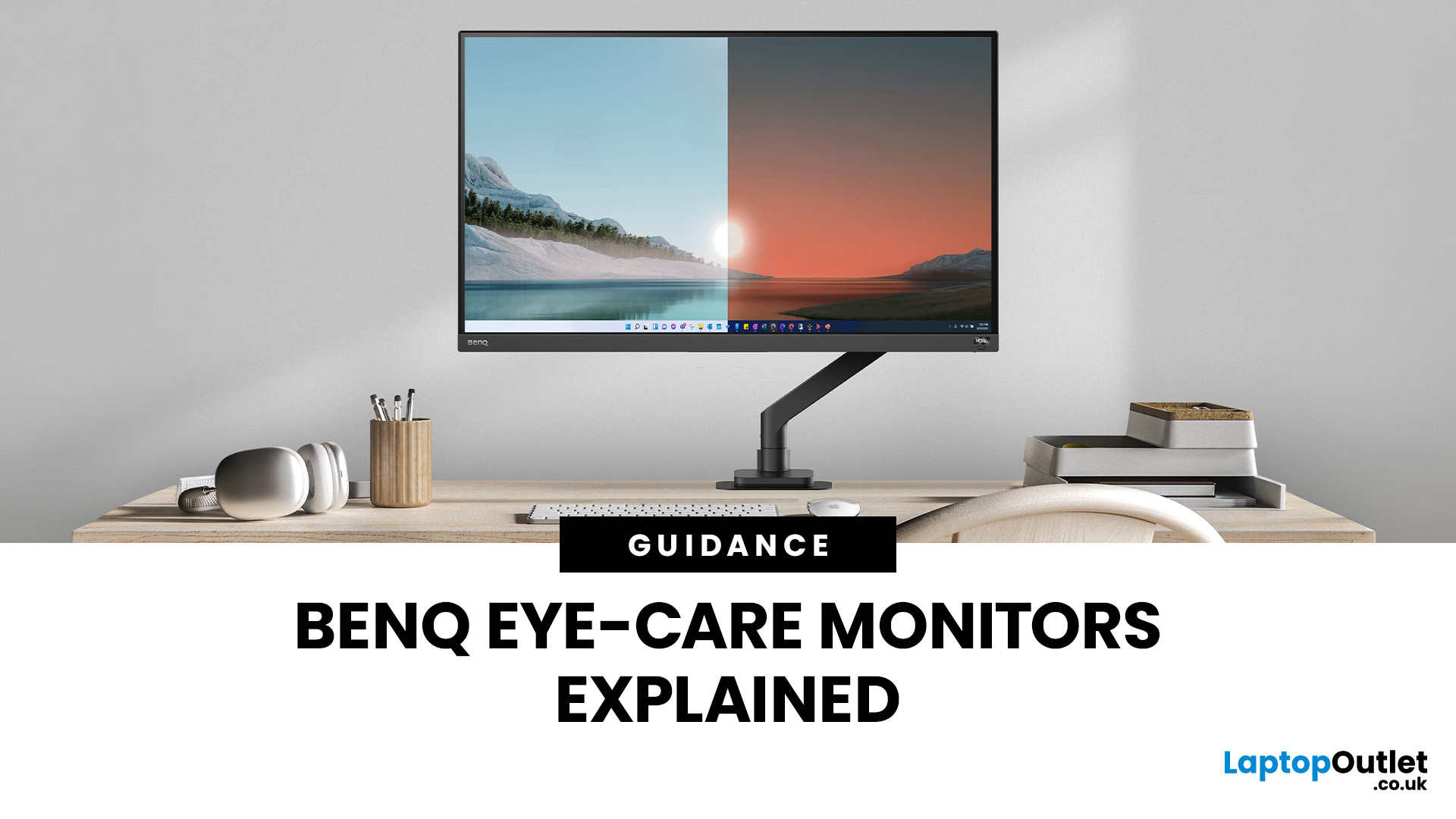
Choosing the right gaming monitor depends on factors like refresh rate, resolution, panel type, response time, and HDR support.
AOC offers gaming monitors across every budget, making it hard to know which one is right for you.
This guide highlights the best AOC gaming monitors by budget and helps you choose between 1080p, 1440p, and 4K options based on your gaming needs.
How to Choose an AOC Gaming Monitor for Your Budget
Before looking at specific recommendations, it's important to understand what you're paying for.
Resolution Matters More Than Most Gamers
Last Updated: August 25, 2026
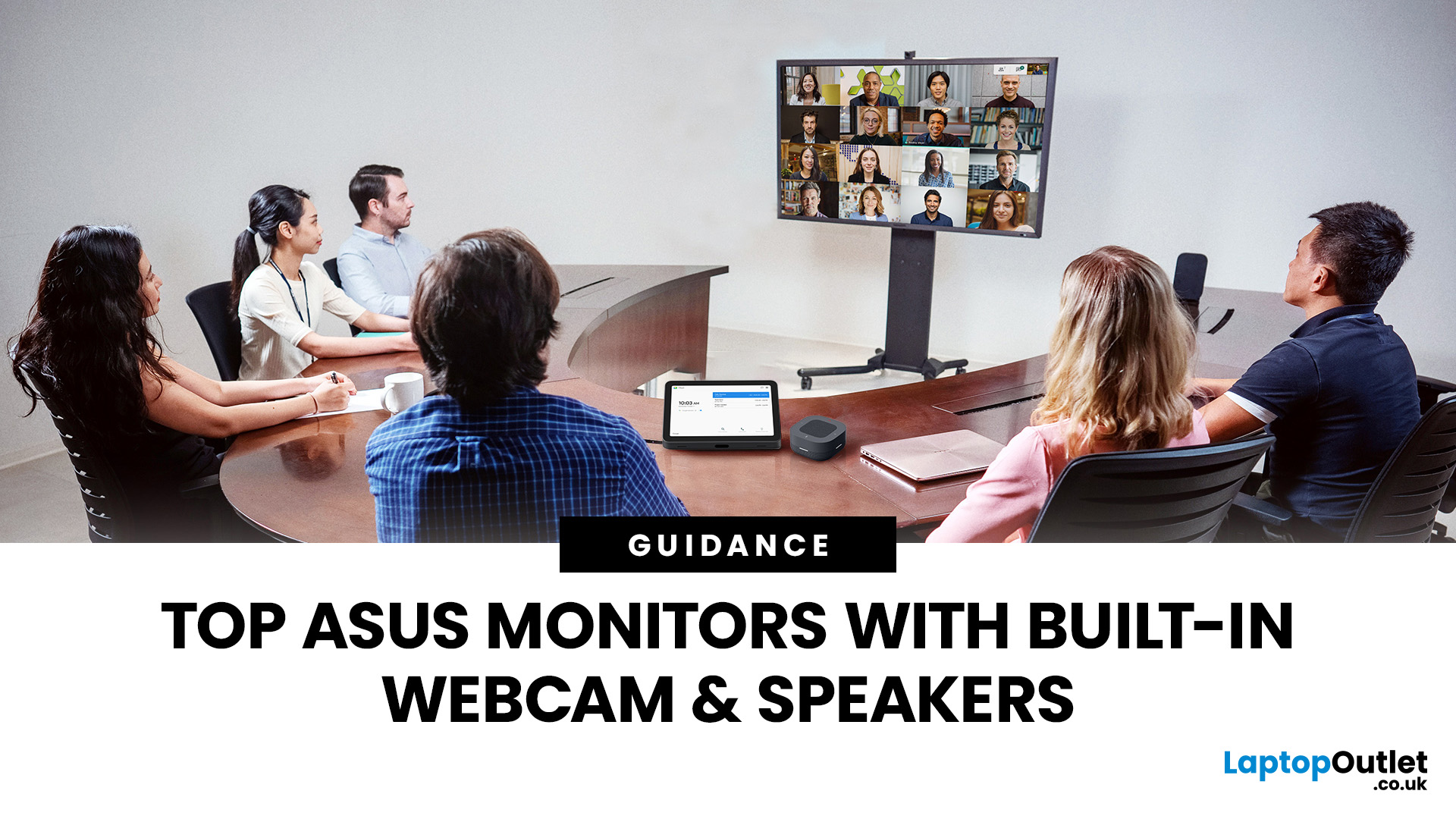
If you spend hours a day on a screen, you’ve probably felt it: tired eyes, headaches, dryness or that slightly gritty end-of-day sensation. While no monitor can solve every cause of screen-related discomfort, BenQ Eye-Care monitors include features designed to make longer sessions more comfortable by managing brightness, reducing flicker and giving you control over blue-heavy light, particularly for evening use.
What BenQ Eye-Care Means: Features and What They’re For
Several BenQ monitor ranges include comfort-focused tools under the Eye-Care umbrella. The exact feature set varies by model, but the typical options include:
- BenQ Brightness Intelligence, sometimes called Brightness Intelligence Plus or B.I.+, to adjust the screen according to your surroundings and displayed content
- Visual Optimizer, the newer name for B.I.+ on supported BenQ monitors, which can adapt brightness and colour temperature
- BenQ Low Blue Light or Low Blue Light Plus modes to reduce blue-heavy light output
- BenQ
Last Updated: March 13, 2026
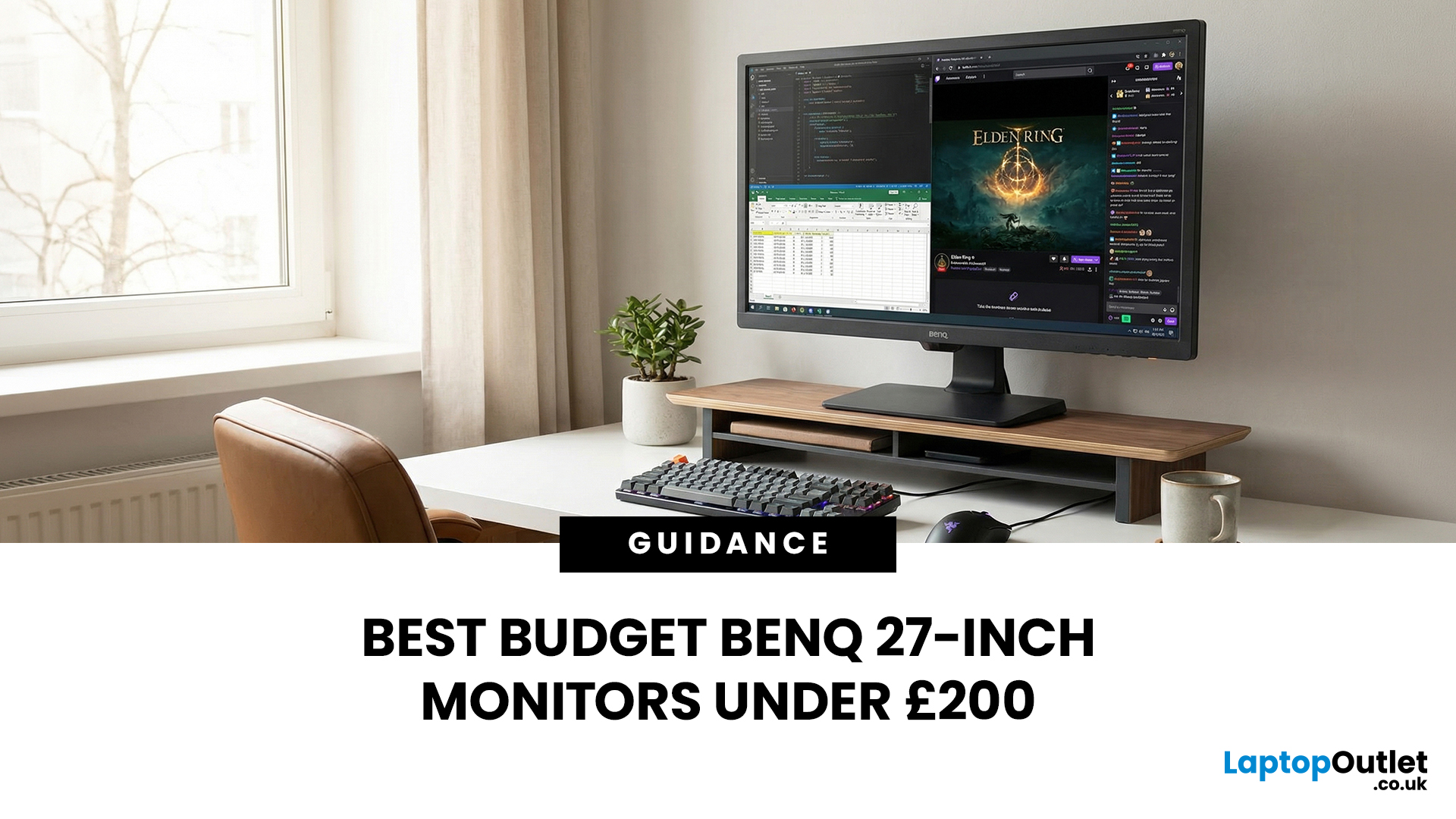
Choosing the right ASUS monitor with a webcam can significantly simplify how modern meeting rooms operate. As hybrid work becomes the norm, businesses are looking for cleaner, more efficient conferencing setups that don’t rely on multiple external peripherals. An integrated solution that combines display, camera, microphone, and speakers into one device makes deployment faster and more cost-effective. For small meeting spaces and huddle rooms in particular, an ASUS business monitor with speakers and a built-in webcam offers a practical alternative to a full conferencing kit.
What to Know About Microsoft Teams Rooms Compatibility
It’s important to clarify how an ASUS monitor with webcam fits into a Microsoft Teams Rooms environment.
Microsoft Teams Rooms (MTR) systems are typically powered by a dedicated PC or collaboration bar. The monitor itself is not the Teams Rooms system, instead, it acts as the display and USB conferencing endpoint. When paired with a Teams-enabled PC, many ASUS
Last Updated: August 13, 2026
A 27-inch display gives you enough screen space for documents, spreadsheets, online classes, streaming, and gaming without taking over the average desk. Better still, choosing an affordable model no longer means settling for a basic 60Hz or 75Hz screen.
Today’s budget-friendly BenQ range includes Full HD IPS displays with 100Hz and 144Hz refresh rates, eye-care features, built-in speakers, USB-C connectivity, and ergonomic stands on selected models. That gives buyers considerably more choice, whether the priority is office productivity, studying, or smoother casual gaming.
What Can You Expect from a BenQ 27-Inch Monitor Under £200?
The specifications available at this price have improved significantly. Rather than assuming every affordable display will have a low refresh rate and a basic stand, it is better to compare individual models. Features available across the models in this guide include:
- Full HD 1920 x 1080 resolution
- IPS panel technology
- 100Hz or 144Hz refresh rates
- BenQ Eye-Care
Last Updated: August 11, 2026
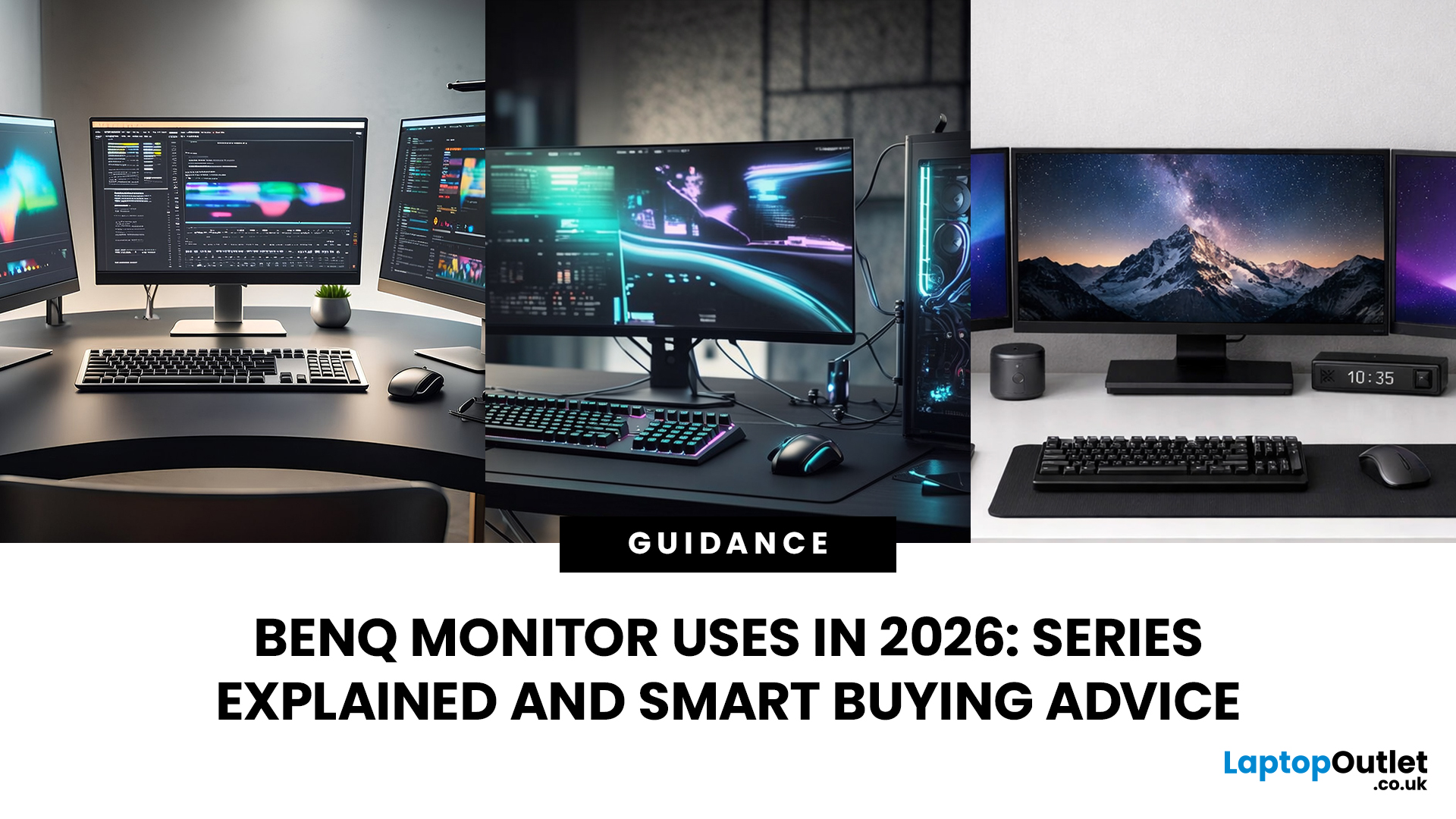
Getting the right monitor is no longer just about picking a size and hoping for the best. In 2026, the best results come from matching the screen to the job. That is where BenQ tends to do well. Instead of trying to make every display “good at everything”, the range is split into clear families built around specific uses: creative colour work, programming and text-heavy productivity, competitive gaming, immersive gaming, and comfortable home office setups.
This guide focuses on BenQ monitors uses in real setups, the key differences between series, and what to look for when you want one monitor for both gaming and work.
BenQ as a Brand in 2026
BenQ is a Taiwan-based electronics brand known globally for displays, including monitors and projectors. The BenQ name is tied to the idea of “Bringing Enjoyment ‘N’ Quality to life,” and the company’s display focus shows up most clearly in how it splits monitors into specialised series instead of pushing one “flagship for everyone.”
That specialisation
Last Updated: April 08, 2026
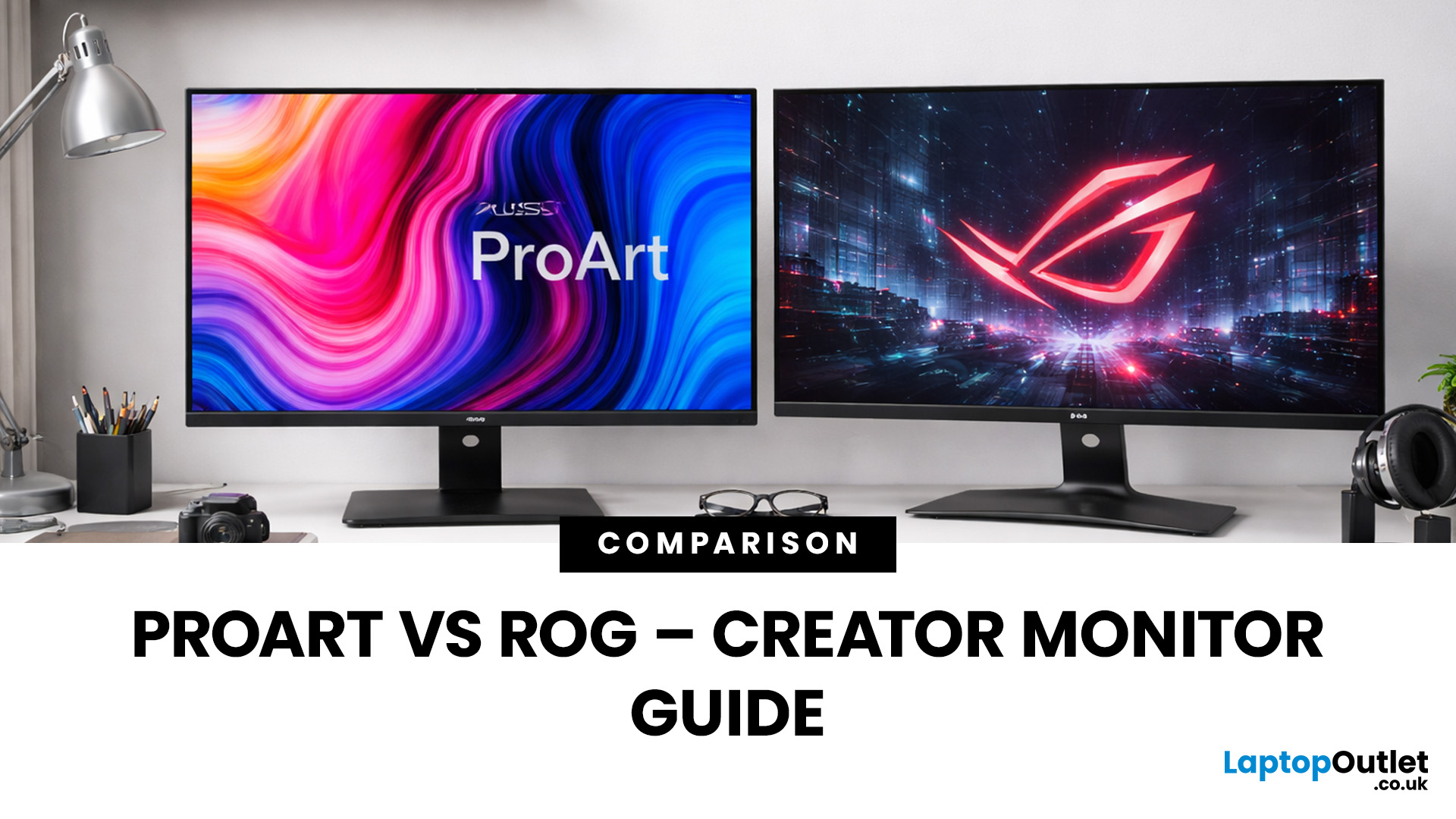
Choosing the right display can dramatically impact your workflow, especially when it comes to colour grading, motion graphics, and smooth timeline playback. If you're deciding between ASUS ProArt vs ROG for video editing, you're essentially choosing between two different philosophies: precision-focused colour accuracy or high refresh performance.
Both ranges are among the best ASUS monitors available today, but they serve different types of creators. In this guide, we’ll break down everything you need to know about ASUS ProArt vs ROG, including panel technology, refresh rates, HDR performance, and which models make the most sense for editors in the UK.
What Video Editors Actually Need from a Monitor
Before comparing models, it’s important to understand what really matters in a video editing monitor UK buyers should consider.
1. Colour Accuracy (ΔE, Rec.709 & DCI-P3)
For editors, colour accuracy is critical. If you're delivering to YouTube or broadcast, your monitor must reproduce colours

