



LG OLED vs IPS vs Nano IPS: Which Panel Is Right for Your Next LG Monitor?
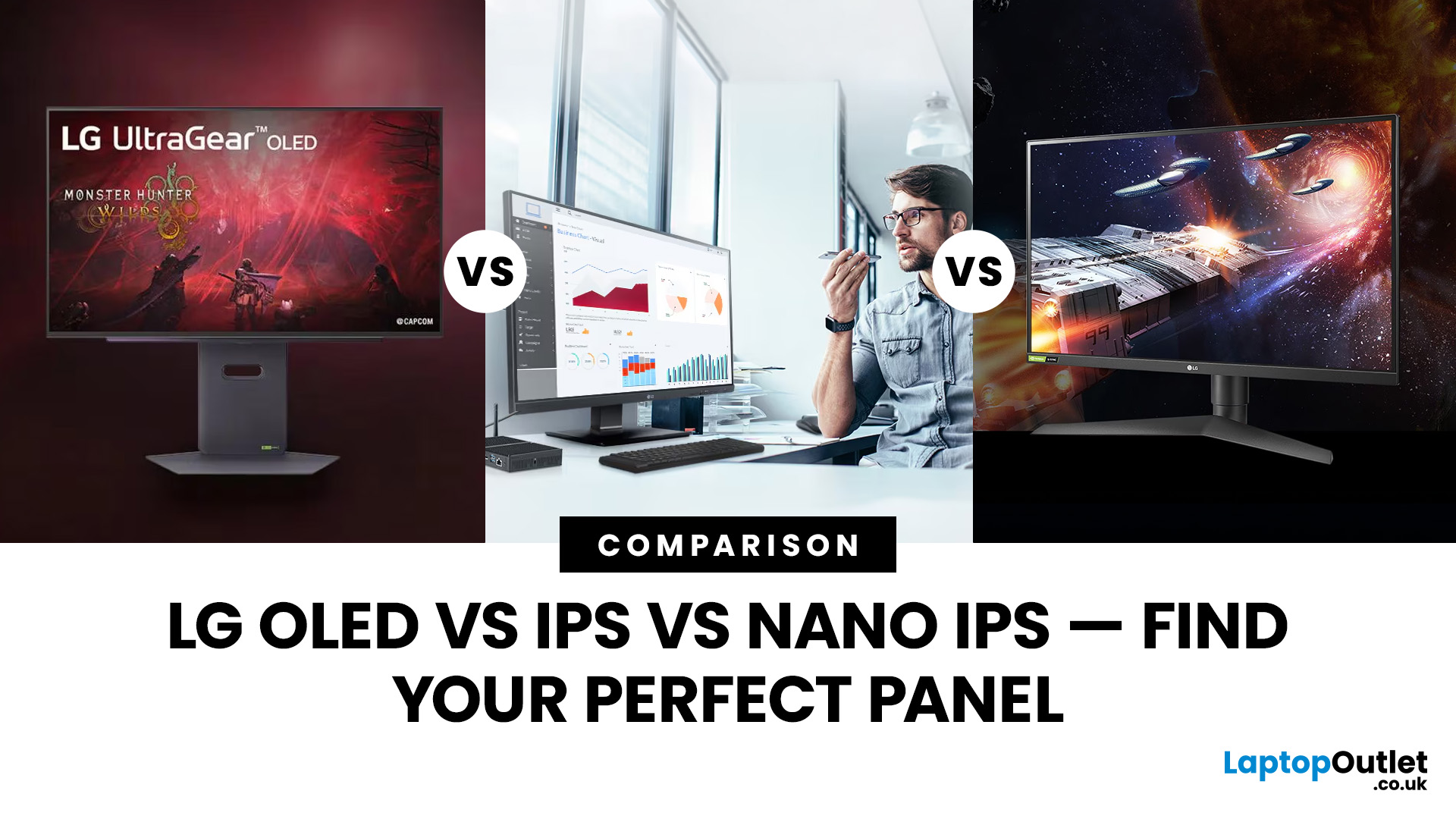
Choosing a new monitor is never as simple as picking the biggest screen you can afford. The panel technology underneath the glass makes a huge difference. It shapes how colours look, how fast the screen responds, and how comfortable it is to use for hours on end.
LG monitors feature all three major panel types under one roof — OLED, IPS, and Nano IPS. Each one has a distinct character. And each one suits a different kind of user.
So, if you are weighing up the LG OLED vs IPS vs Nano IPS debate, this guide cuts through the noise. We will explain what each panel actually does, where it excels, and where it falls short. By the end, you will know exactly which display belongs on your desk.
Understanding the Three Panel Types
Before diving into comparisons, it helps to understand what each technology actually does. The differences go deeper than just price.
What Is an IPS Panel?
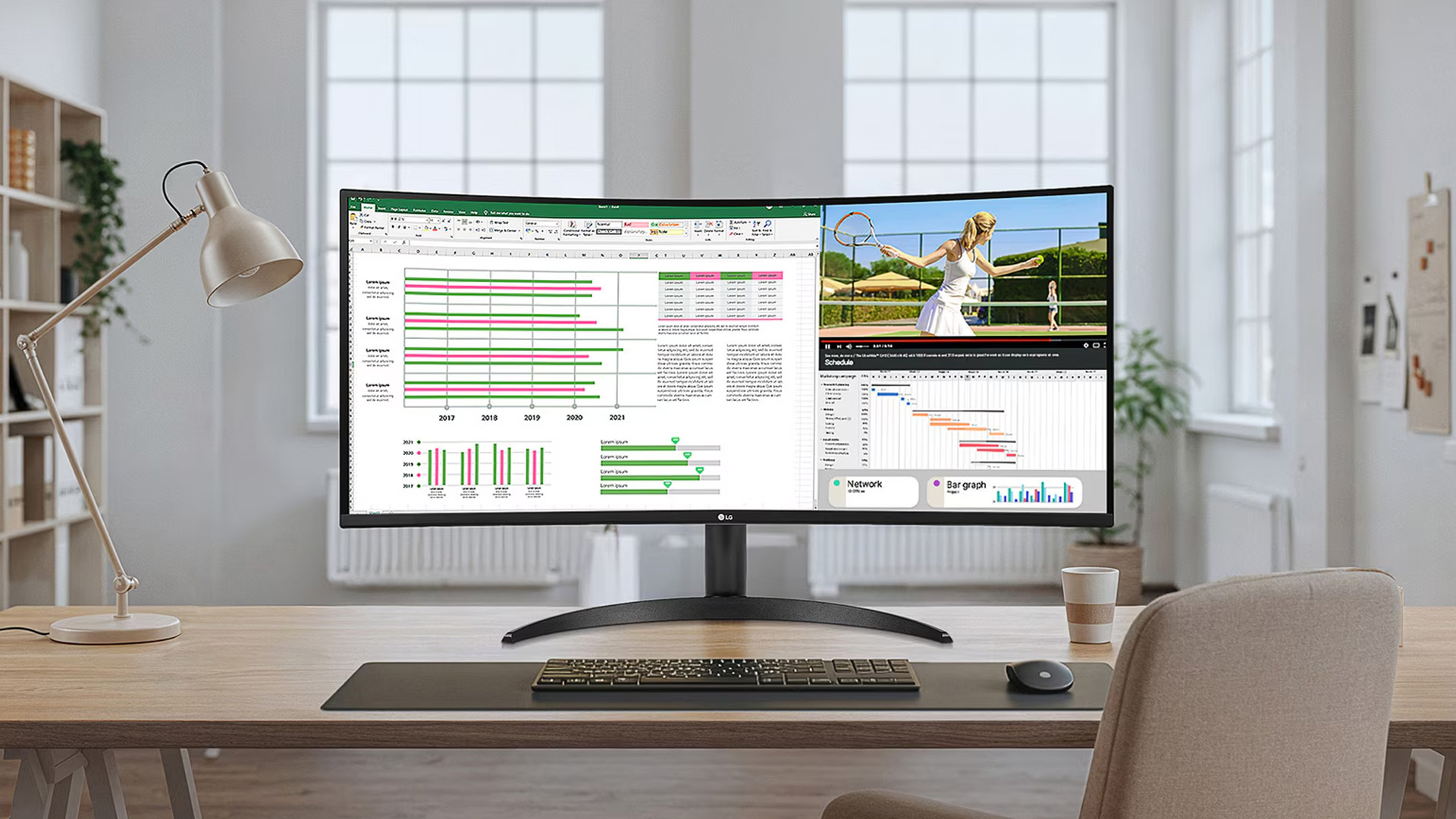
IPS stands for In-Plane Switching. This technology uses a backlight to illuminate liquid crystals, which then twist to produce colour and brightness. Compared to older TN panels, IPS delivers significantly better colour reproduction and much wider viewing angles.
Standard IPS monitors are the most widely used display technology in the monitor market today. They offer a well-rounded combination of colour performance, brightness, and affordability.
What Is Nano IPS?
Nano IPS is LG's own enhanced version of standard IPS. The difference lies in a layer of nanometre-sized particles applied to the LED backlight. These particles absorb excess light wavelengths that would otherwise cause colour inaccuracy.
The result is a noticeably wider colour gamut and improved colour purity. These Nano IPS advantages ensure a superior creative workflow compared to standard IPS, while maintaining wide viewing angles and consistent brightness.
What Is LG OLED?
OLED — Organic Light-Emitting Diode — is an entirely different technology. Unlike IPS and Nano IPS, OLED monitors do not use a backlight at all. Each pixel generates its own light independently.
This makes a huge difference. When an OLED pixel displays black, it simply switches off. The result is a true black, not a dark grey. Contrast ratios are essentially infinite. Colours next to deep blacks look extraordinarily vivid.
Explore our comprehensive LG monitor guide, where we explain the brand overview, current series, and the best use cases today.
LG OLED vs IPS vs Nano IPS: Head-to-Head Comparison
Now let us look at how these three panel types compare across the areas that matter most.
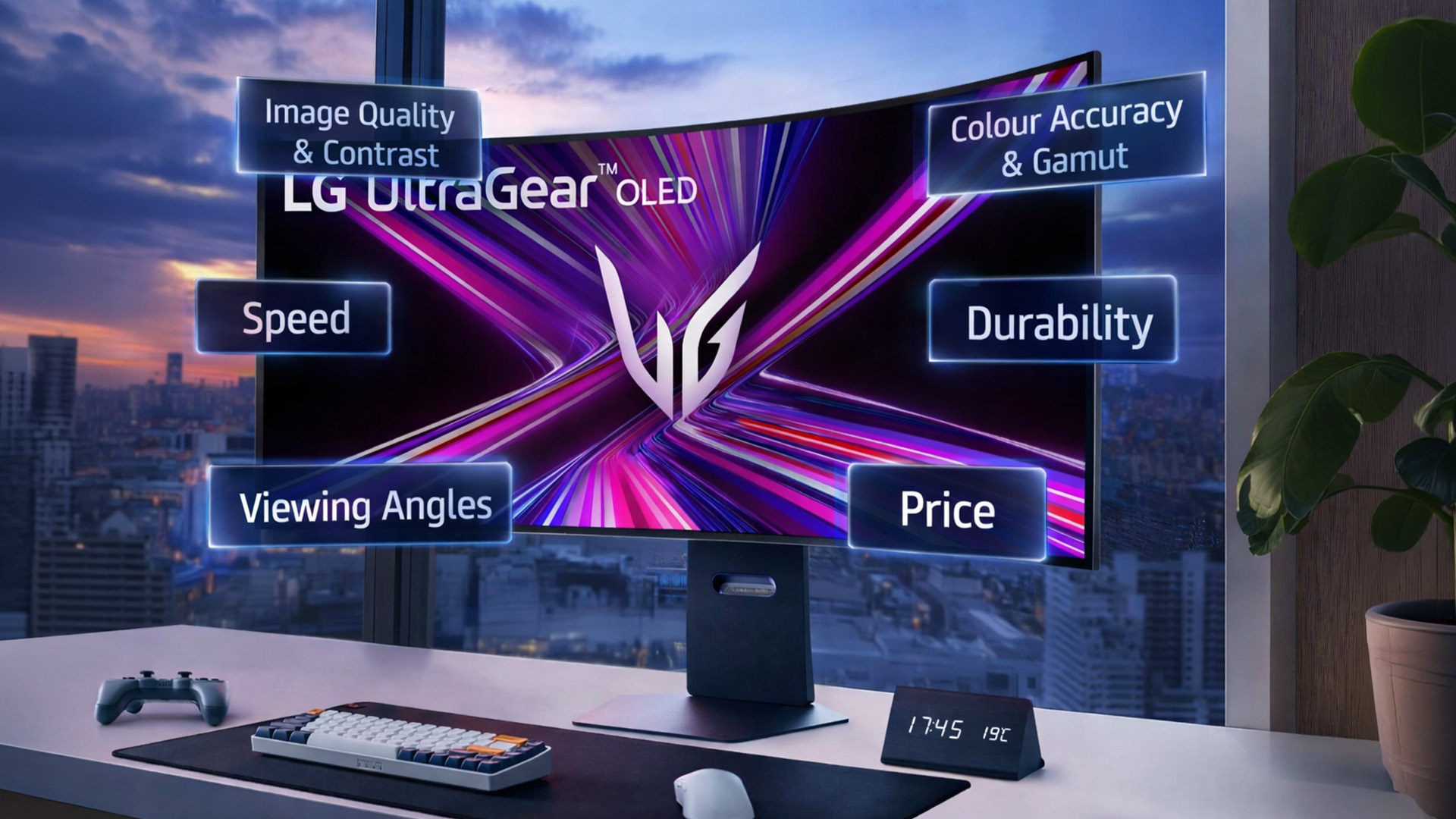
Image Quality and Contrast
This is where OLED pulls ahead clearly. Nothing in the LCD world — not standard IPS, not Nano IPS — can match OLED's contrast performance. Blacks are pitch-perfect. Highlights glow against shadow in a way that looks almost three-dimensional.
Standard IPS monitors produce acceptable contrast, typically around 1,000:1. Nano IPS improves this slightly, but the backlight is still there. Both technologies will show some degree of IPS glow in dark environments.
If image quality is your top priority and you often watch films, play atmospheric games, or work with HDR content, OLED wins this round without question.
Colour Accuracy and Gamut
Nano IPS takes a strong position here. Its wide colour gamut — covering most of the DCI-P3 and Adobe RGB space — makes it an excellent choice for video editors, graphic designers, and photographers. Colour accuracy is consistent out of the box on most Nano IPS displays.
Standard IPS is solid for sRGB work but less capable when you need wider gamut coverage for professional creative tasks.
OLED also delivers excellent colour accuracy with superb saturation. However, some professional workflows still lean towards calibrated Nano IPS panels because of their predictable output and the absence of burn-in risk.
For colour-critical work, Nano IPS is often the preferred choice.
Refresh Rate and Gaming Performance
Gaming is where the LG OLED gaming monitor vs IPS question becomes very interesting.
OLED panels respond almost instantly. Response times of around 0.1ms are common. Combined with refresh rates of 240Hz or higher on models like the LG OLED UltraGear, these screens eliminate motion blur in a way that standard IPS simply cannot.
Nano IPS also performs well in gaming. Many Nano IPS monitors hit 144Hz, 165Hz, or even 240Hz. Response times are fast — typically 1ms — and good enough for competitive play. They handle fast movement cleanly.
Standard IPS, while capable, often falls behind in high-refresh scenarios. It is perfectly fine for casual gaming, but it is not the first choice for serious or competitive setups.
For gaming, the order is: OLED first, Nano IPS a close second, standard IPS third.
Brightness and HDR
Nano IPS and IPS panels can achieve high peak brightness, particularly with local dimming features. Some models hit 600 to 1,000 nits in HDR mode. This makes them strong performers in bright rooms.
OLED monitors, on the other hand, tend to cap peak brightness lower than top-tier LCD screens. They excel in dimmer environments where contrast can be fully appreciated. In a sun-drenched room, a high-brightness Nano IPS may actually look better.
For HDR accuracy and punchy visuals in varied lighting, Nano IPS has an edge in brightness capability. OLED wins on contrast quality.
Burn-In and Longevity
This is a genuine consideration with OLED. If static elements — like a taskbar, desktop icons, or a game HUD — are displayed at the same position for many hours repeatedly, they can cause permanent image retention over time.
Modern LG OLED monitors include features to reduce this risk, such as pixel refreshing and logo detection tools. For mixed-use scenarios, these tools help. But for heavy productivity use with static windows open all day, IPS and Nano IPS remain more suitable.
Standard IPS and Nano IPS have no burn-in risk. They are better suited to long workday sessions and static-heavy tasks.
Viewing Angles and Everyday Comfort
All three panel types offer wide viewing angles, which is one of the core benefits of IPS-based technology. You can sit slightly off-centre without colours shifting or washing out. This matters more than people realise — especially if you share your screen during work calls or sit in varied positions throughout the day.
OLED handles viewing angles exceptionally well too. Because each pixel is self-lit, there is no backlight bleeding or colour shift from any angle. For ultrawide or curved setups, this makes a real difference at the screen's edges.
Standard IPS can occasionally show minor colour shifts at extreme angles, but for typical desk use, it is more than adequate.
Price and Value
Standard IPS monitors offer the best entry-level value. They are widely available, reliable, and affordable. If your needs are straightforward, a good IPS panel will serve you well for years.
Nano IPS sits in the mid-to-premium range. The extra cost brings tangible benefits — better colour coverage, faster response, and improved visuals. For professionals or enthusiasts on a sensible budget, it represents a meaningful upgrade.
OLED monitors carry a premium price tag. The technology is more expensive to produce, and that cost is passed on. However, for gaming or media consumption, many users find the experience justifies the investment entirely.
It is also worth factoring in longevity. IPS and Nano IPS panels have a long track record of durability in professional environments. OLED technology in monitors is relatively newer, though LG's engineering has matured significantly in recent years.
Which Panel Is Best for You? LG OLED vs IPS vs Nano IPS
Understanding the technology is one thing. Knowing which panel suits your actual use case is what matters.
Best for Gaming
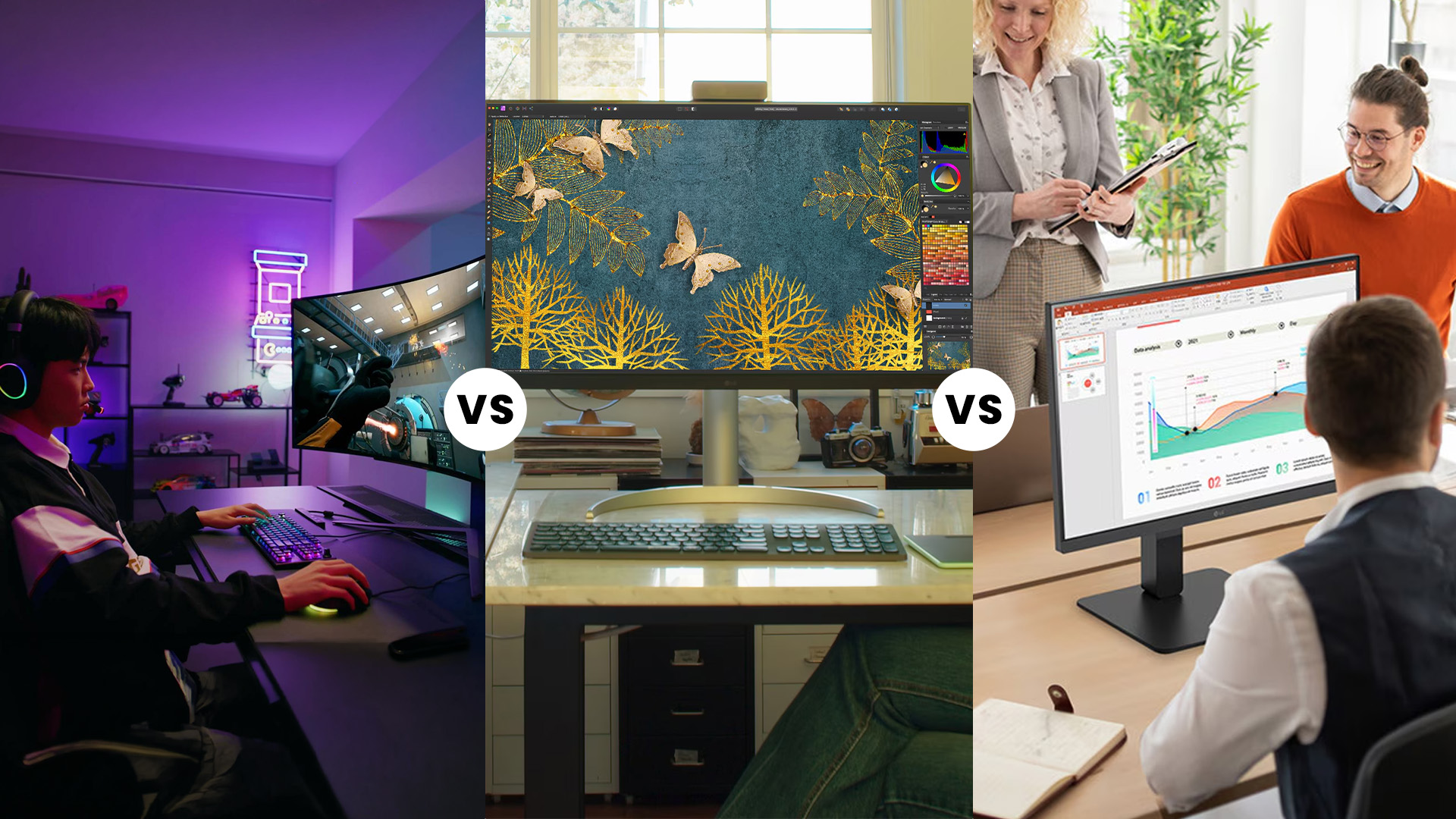
OLED. The response time advantage, combined with deep contrast and vivid motion clarity, gives it an edge in fast-paced titles. The LG OLED UltraGear range is a strong example — built specifically around these strengths, with high refresh rates and gaming-focused features designed to maximise every session.
Best for Creative and Professional Work
Nano IPS. The wide DCI-P3 coverage, predictable uniform brightness, and matte anti-glare coating make it ideal for colour-critical tasks. Graphic designers, video editors, and photographers who need consistent results across the full screen will appreciate what Nano IPS delivers day after day.
If you are managing a larger workflow or working across multiple screens, the UltraWide & DualUp productivity guide is worth reading. It covers how LG's wider and taller display formats can genuinely transform a professional setup.
Best for Mixed Use — Work and Gaming
Which LG panel is best for work and gaming? This depends on budget. If you can stretch to OLED, the experience in both gaming and media consumption is genuinely exceptional. For everyday creative work combined with casual gaming, Nano IPS offers a strong, versatile balance at a lower price point.
Best for Productivity on a Budget
Standard IPS remains a very capable choice for office work, writing, spreadsheets, and general browsing. Colour accuracy is reliable, the viewing angles are wide, and pricing is more accessible. It is not the flashiest option, but it gets the job done well.
Quick Summary: LG Monitor Panel Comparison
|
Feature |
IPS |
Nano IPS |
OLED |
|
Contrast |
Average |
Average |
Exceptional |
|
Colour Gamut |
sRGB |
Wide (DCI-P3/Adobe RGB) |
Wide |
|
Response Time |
4–5ms typical |
~1ms |
~0.1ms |
|
Brightness |
High |
High |
Moderate |
|
Burn-In Risk |
None |
None |
Low–Moderate |
|
Best For |
Everyday use |
Pro work + gaming |
Gaming + media |
|
Price |
Budget–Mid |
Mid–Premium |
Premium |

Making the Final Choice
Here is a straightforward way to think about it.
- Choose IPS if you work mainly in office applications, browse the web, and want reliable colour without spending extra. It is proven, consistent, and widely available.
- Choose Nano IPS if you need broader colour coverage for creative work, want faster response times for gaming on a practical budget, and value uniform brightness across the whole screen.
- Choose OLED if visual immersion matters most, you are a dedicated gamer or media enthusiast, and you are comfortable managing static content habits to protect the panel over time.
The right panel is the one that fits your actual daily habits — not just the one with the most impressive spec on paper.
Explore our full range of LG monitors to compare specific models across all three panel types. If you don’t know which LG display fits your lifestyle? View our definitive 2026 LG monitor buying guide.

In Case You Were Wondering...
Is LG OLED always better than IPS or Nano IPS for gaming?
Not always. OLED leads in contrast and motion clarity, but Nano IPS offers higher sustained brightness and no burn-in risk — both valuable for long gaming sessions.
When is Nano IPS a better choice than OLED for professional work?
Nano IPS suits bright office environments better. It sustains higher brightness, avoids burn-in risk, and still covers wide colour gamuts needed for photo and video work.
Should I worry about burn-in on an LG OLED monitor?
For mixed use like gaming and media, burn-in risk is low. Static content displayed daily for many hours is the main concern worth considering.
Are IPS monitors still good enough for modern gaming?
Absolutely. Standard IPS panels at 144Hz or above deliver smooth, responsive gaming with accurate colour — more than capable for the vast majority of players.
How does Nano IPS differ from standard IPS in practice?
Nano IPS produces richer, more accurate colours with a wider DCI-P3 gamut. The difference is most visible in HDR content and colour-critical creative work.
Related Articles

Last Updated: September 24, 2026
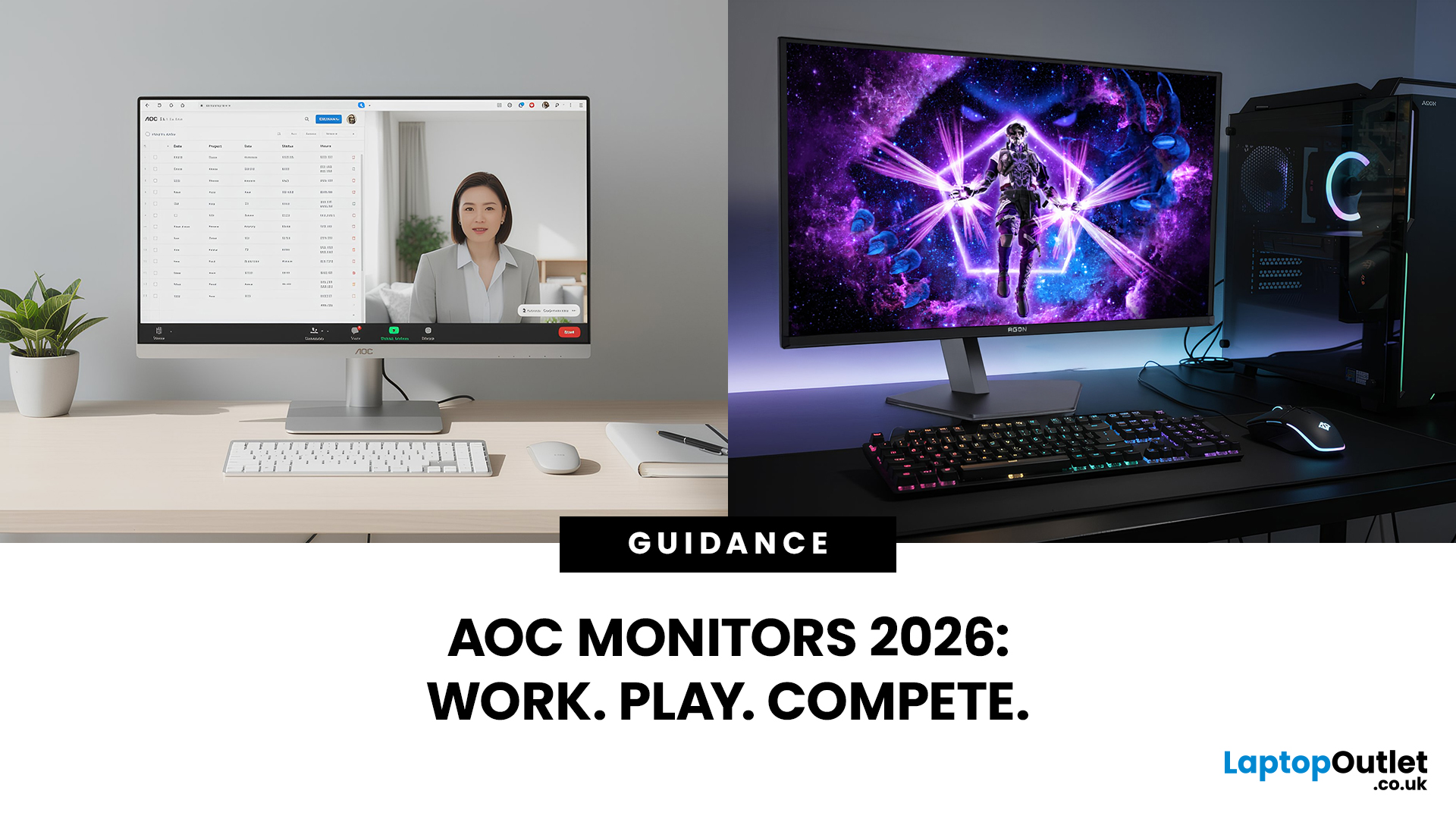
AOC monitors have quietly become one of the biggest go-to choices in 2026, whether you’re building a clean home office setup, upgrading your gaming station, or just wanting a solid screen that doesn’t destroy your budget. The brand covers everything from simple everyday displays to seriously high-performance esports-level monitors under AGON PRO. In this guide, we’ll break down the full AOC monitor family, explain what each series is actually made for, and help you figure out which models fit your lifestyle best: work, study, gaming, or all three. If you’re looking for value, comfort, and modern features, AOC is definitely worth knowing.
Meet the AOC Monitor Family: AOC, AOC Gaming, AGON & AGON PRO
AOC isn’t just one type of monitor; it’s more like a full lineup of screen “personalities,” each built for different people and setups. In 2026, AOC monitors cover everything from budget-friendly everyday displays to elite esports-level gaming machines.
The main difference comes down to performance,
Last Updated: March 13, 2026
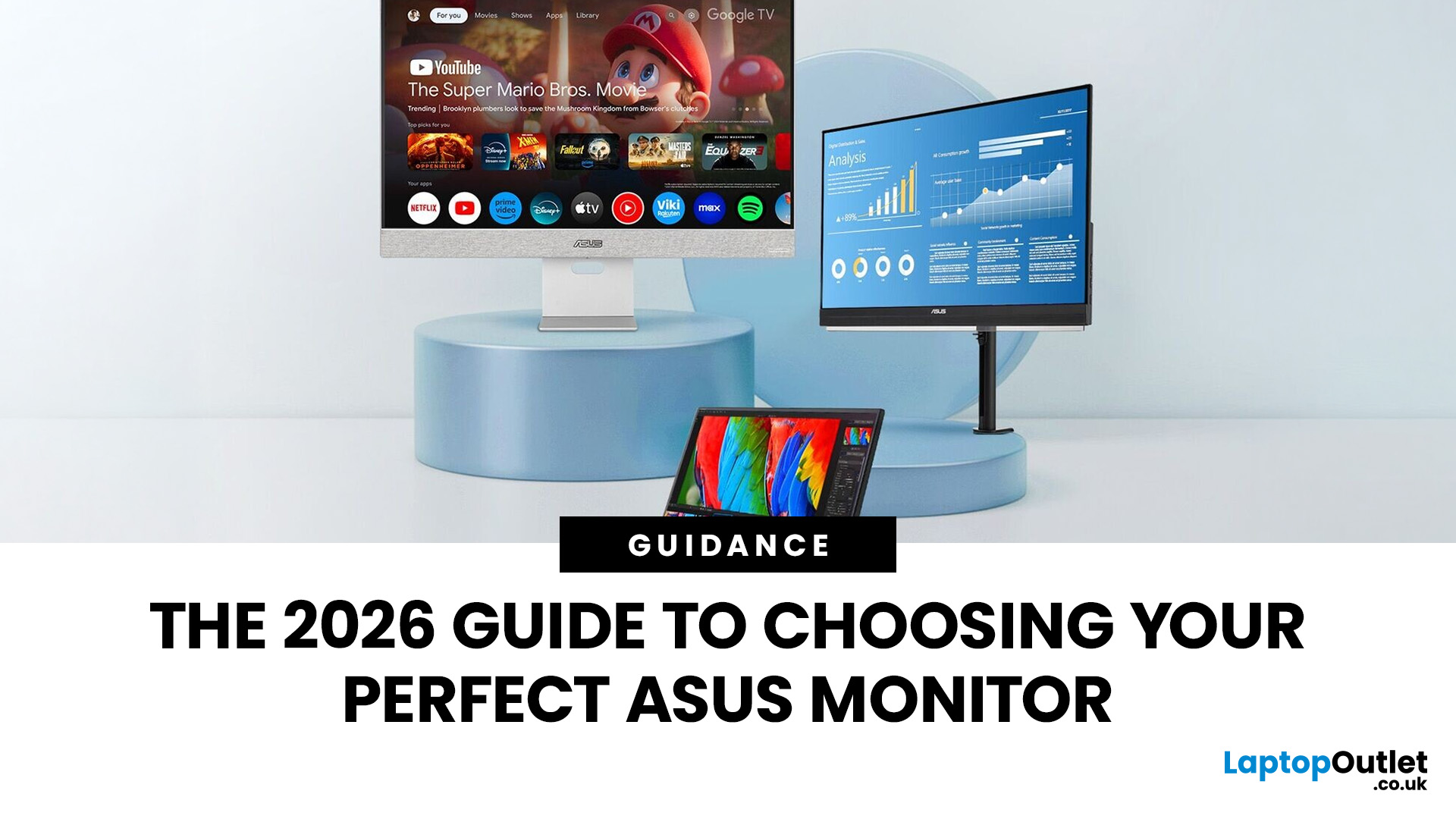
Choosing the right display in 2026 is about more than just resolution. It is about how a screen fits into your specific lifestyle. ASUS has remained a global leader by creating distinct lanes for every type of user. Whether you are a competitive gamer, a high-end designer, or a remote professional, understanding the core ASUS monitors uses is the first step to a perfect setup.
In this ASUS monitors 2026 guide, we look at how the brand has evolved its technology. From the staggering motion clarity of the latest OLEDs to the sustainable, eye-friendly designs of their business line, ASUS continues to set the benchmark for quality and reliability.
Why ASUS Monitors Are So Popular in 2026
The popularity of ASUS monitors stems from their ability to innovate within niche categories. ASUS does not just make "screens"; they build tools.
In 2026, the brand has focused heavily on "Dual-Mode" technology. This allows a single screen to switch between ultra-high resolution for work and extreme refresh

Last Updated: August 28, 2026
Working from home and studying online have become the norm in 2026, which means your monitor is no longer just a screen, it is where you spend hours reading, writing, video calling and multitasking. A good home office display needs to deliver sharp text, comfortable viewing and reliable eye-care features without costing a fortune.
That is why AOC has become one of the most popular brands for affordable productivity setups. Whether you need a cheap AOC 27 inch monitor for essays and coursework or a larger QHD screen for full-time remote work, there are plenty of options designed for comfort and clarity.
In this guide, we break down the best AOC monitor for home office and study, including budget picks, eye-care displays and refurbished bargains.
What Makes a Good Home Office Monitor?
Choosing the best AOC monitor for home office use starts with understanding what actually improves comfort and productivity. Unlike gaming displays, office monitors are about clarity, screen space and reducing
Published: February 25, 2026
The global gaming monitor market is projected to surpass 25 million units annually, driven by demand for higher refresh rates, lower response times, and immersive panel technology. Refresh rates have climbed from the standard 60Hz to 240Hz, 360Hz and even 500Hz models designed for competitive esports. As performance expectations rise, so does the confusion around product tiers.
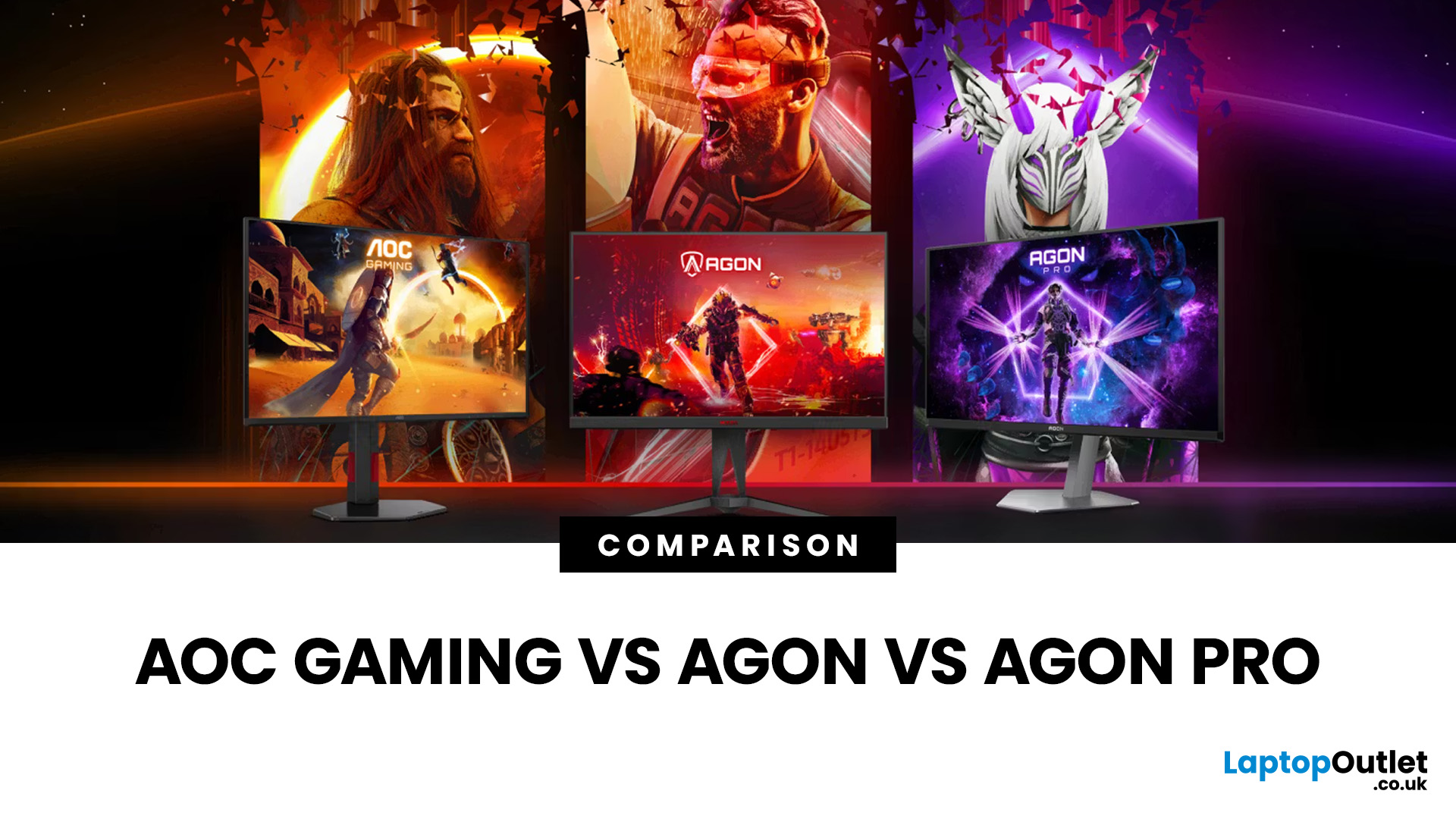
That is especially true when comparing AOC Gaming vs AGON vs AGON PRO. Each series targets a different type of player, from casual console users to tournament level competitors. Understanding the real differences in features, performance and pricing is the key to choosing the best AOC gaming series for your setup.
Quick Overview of AOC Gaming, AGON and AGON PRO
AOC structures its gaming monitors into three clear tiers; each designed for a different level of performance and budget.
AOC Gaming sits at the entry and mid-range level. These monitors focus on strong refresh rates, solid panel quality and competitive
Last Updated: August 28, 2026
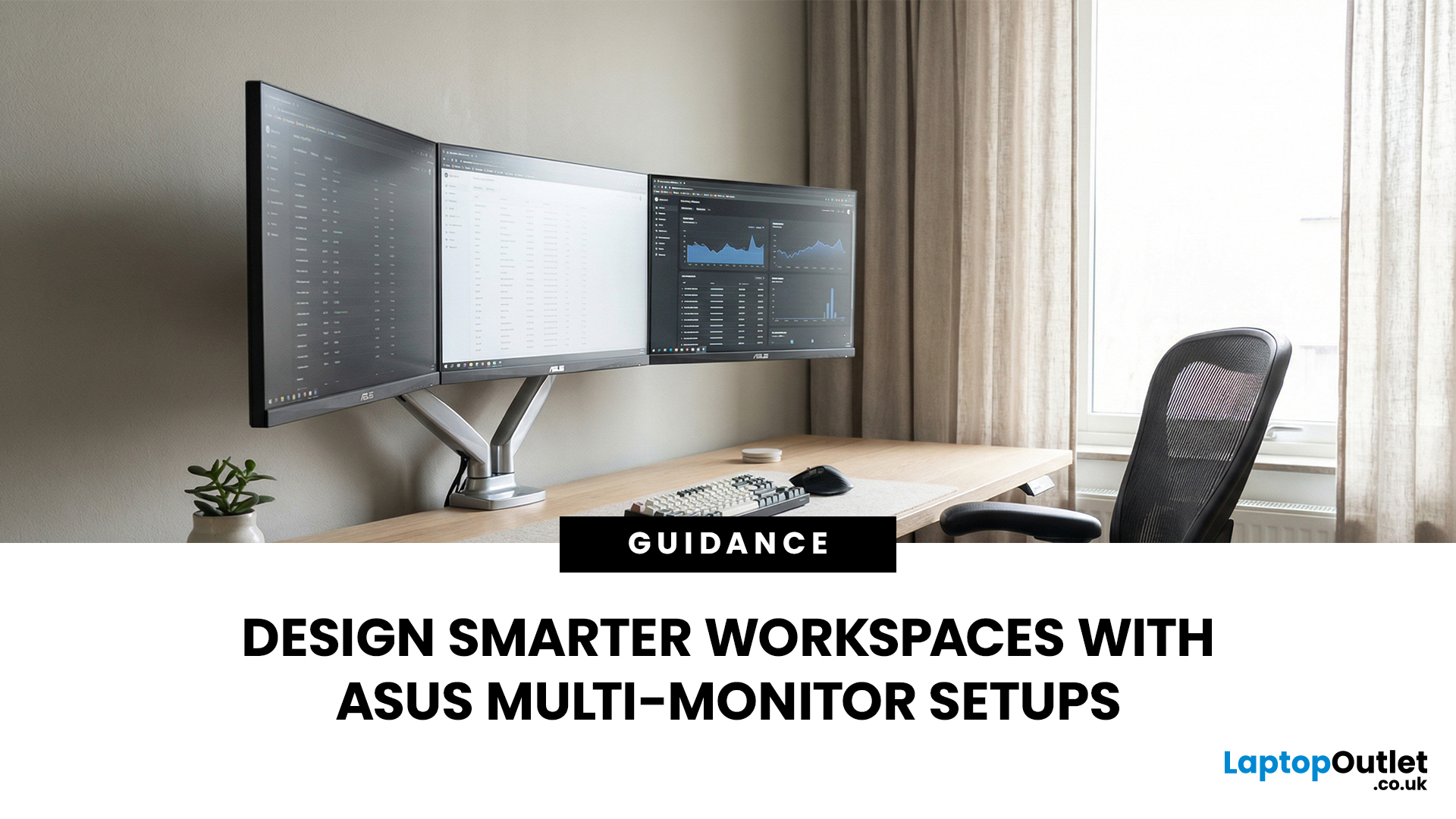
A single screen just does not cut it anymore. Whether you are writing code, managing client accounts, or analysing live market data, a well-built ASUS multi monitor setup can transform how you work. It gives you more room to think, less time switching between tabs, and a setup that genuinely supports your workflow.
This guide walks you through everything — from picking the right monitors to cabling, ergonomics, and ready-to-use layout ideas for teams and individuals alike.
Why Multi-Monitor Setups Boost Productivity
The case for multiple screens is not just about having more space. It is about working smarter. Research consistently shows that extended display setups can cut task-switching time and reduce cognitive load. When your reference document, communication tool, and primary work window each have their own screen, you stay in flow longer.
Suitable Roles: Devs, Finance, Support, Creatives
Not every job benefits equally, but a wide range of professionals gain a clear edge from multi-screen
Last Updated: August 28, 2026
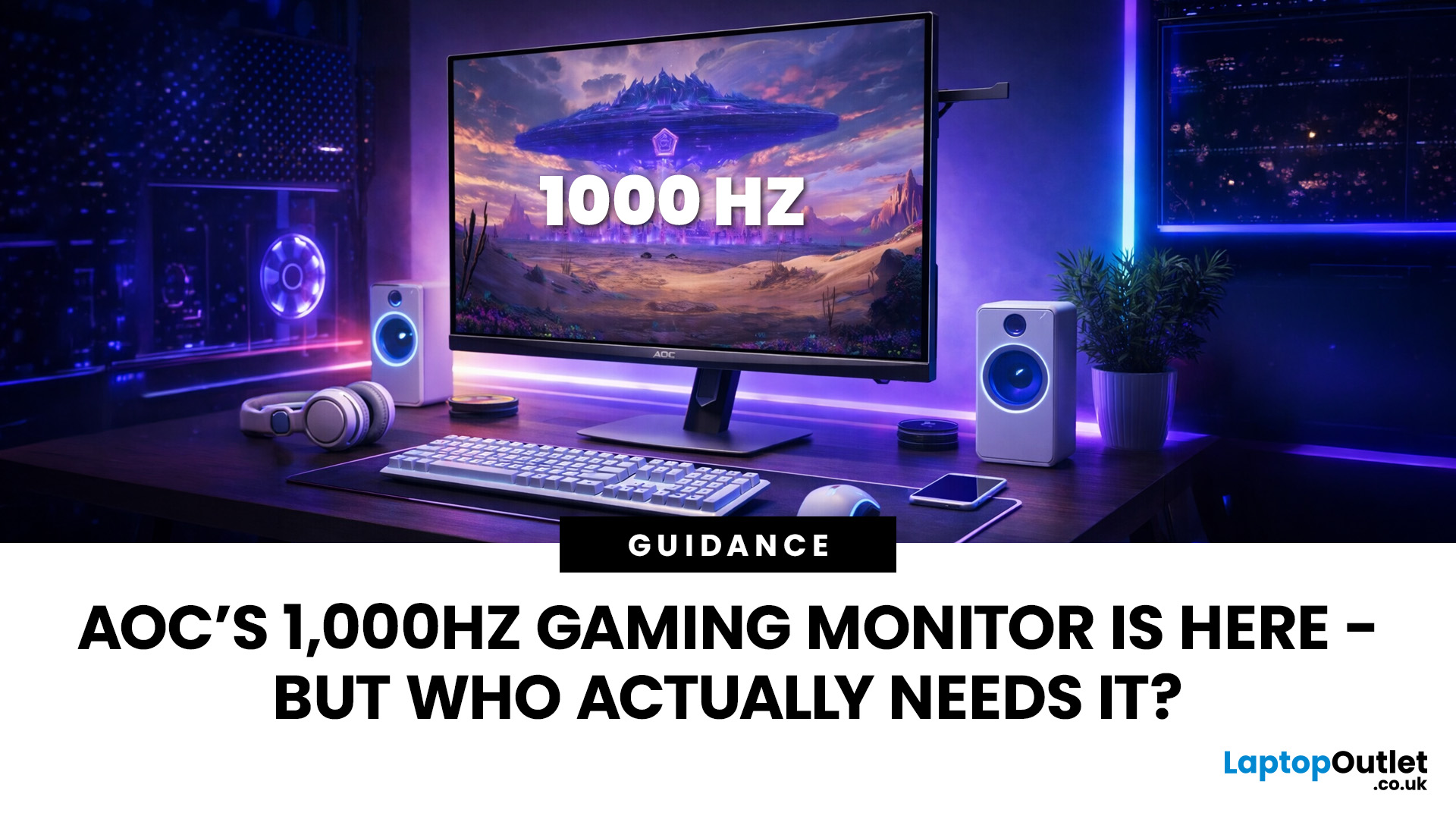
Gaming monitors have moved from 144Hz to 240Hz, then 360Hz and 500Hz in just a few years. Now AOC is pushing even further with its new AOC 1000Hz gaming monitor, the AGON PRO AGP277QK. At 1000Hz, the screen refreshes 1000 times per second, cutting frame time to just 1 millisecond. That is half the frame time of 500Hz and one quarter of 240Hz.
AOC’s new dual-mode 1000Hz monitor can switch between 500Hz at QHD and 1000Hz at a lower resolution, targeting elite competitive players. But who actually benefits from refresh rates this extreme, and should most gamers even consider waiting for it?
What AOC’s 1,000Hz Dual-Mode Monitors Actually Are
The AOC 1000Hz gaming monitor, known as the AOC AGON PRO AGP277QK, is part of a new wave of next-gen AOC AGON PRO monitors focused purely on competitive performance. It introduces a dual-mode 1000Hz monitor design, meaning it can operate at two different refresh rate and resolution combinations.
In its standard mode, the panel runs at QHD resolution with
Last Updated: August 28, 2026
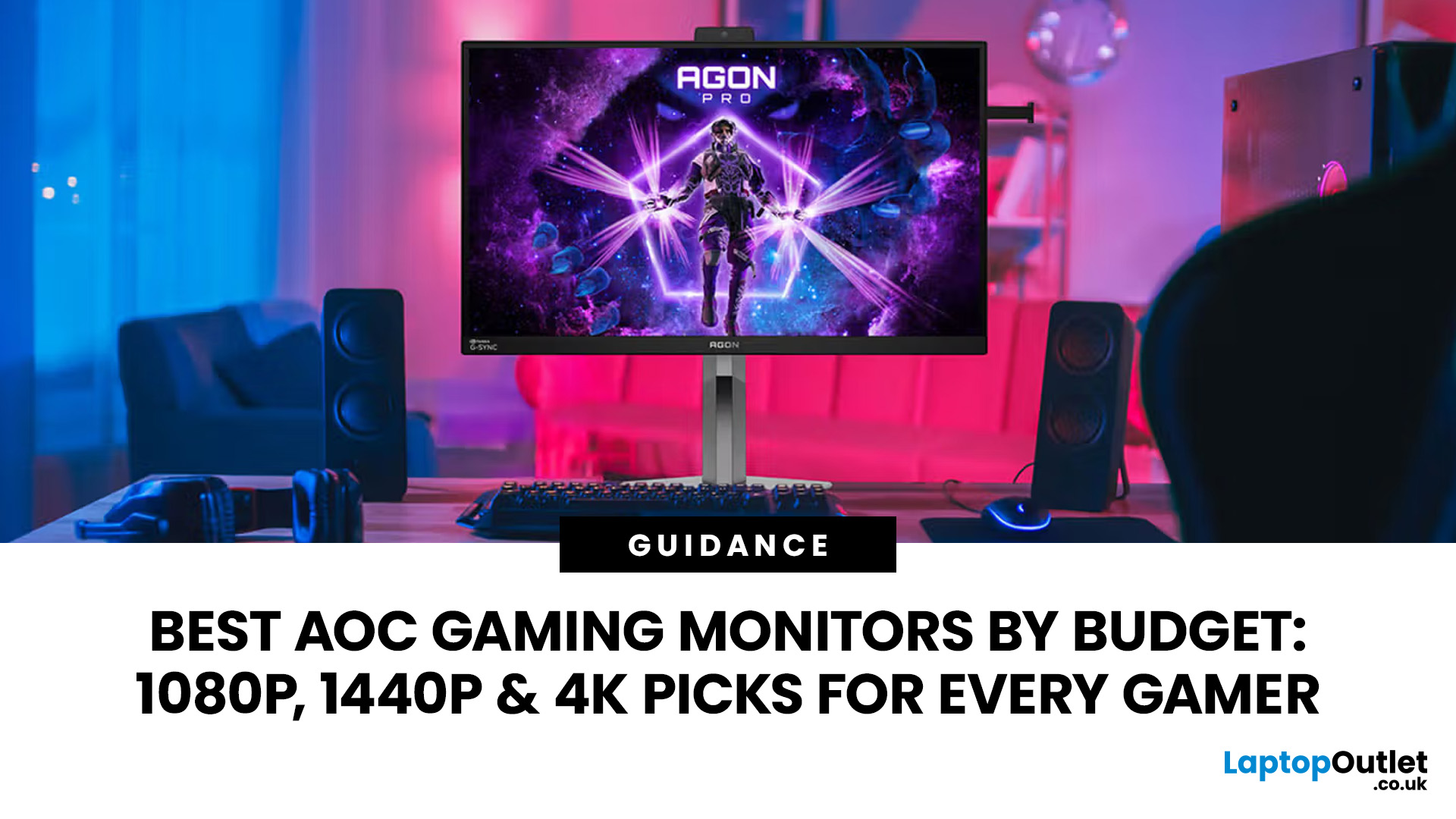
Choosing the right gaming monitor depends on factors like refresh rate, resolution, panel type, response time, and HDR support.
AOC offers gaming monitors across every budget, making it hard to know which one is right for you.
This guide highlights the best AOC gaming monitors by budget and helps you choose between 1080p, 1440p, and 4K options based on your gaming needs.
How to Choose an AOC Gaming Monitor for Your Budget
Before looking at specific recommendations, it's important to understand what you're paying for.
Resolution Matters More Than Most Gamers
Last Updated: August 25, 2026
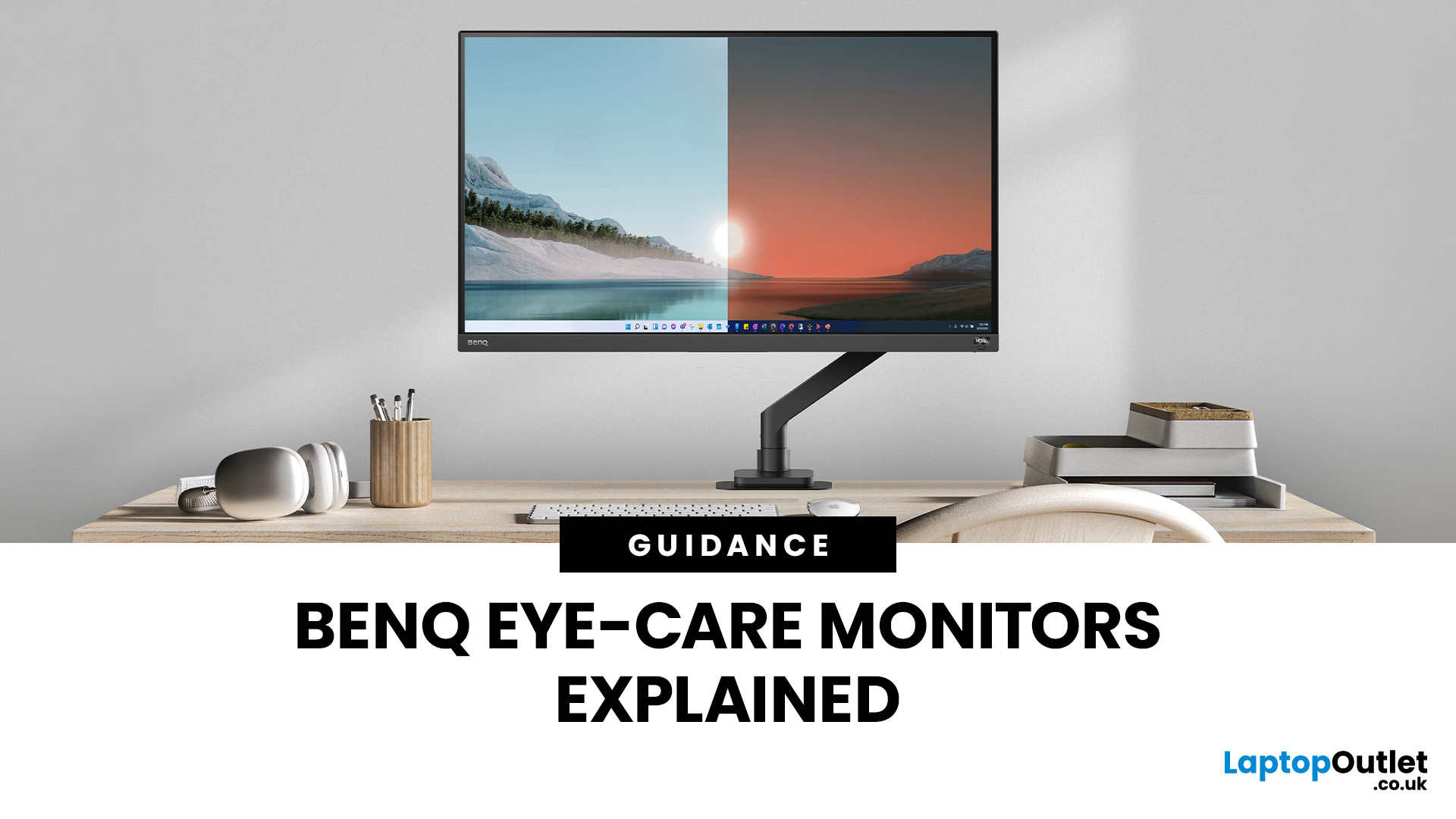
If you spend hours a day on a screen, you’ve probably felt it: tired eyes, headaches, dryness or that slightly gritty end-of-day sensation. While no monitor can solve every cause of screen-related discomfort, BenQ Eye-Care monitors include features designed to make longer sessions more comfortable by managing brightness, reducing flicker and giving you control over blue-heavy light, particularly for evening use.
What BenQ Eye-Care Means: Features and What They’re For
Several BenQ monitor ranges include comfort-focused tools under the Eye-Care umbrella. The exact feature set varies by model, but the typical options include:
- BenQ Brightness Intelligence, sometimes called Brightness Intelligence Plus or B.I.+, to adjust the screen according to your surroundings and displayed content
- Visual Optimizer, the newer name for B.I.+ on supported BenQ monitors, which can adapt brightness and colour temperature
- BenQ Low Blue Light or Low Blue Light Plus modes to reduce blue-heavy light output
- BenQ
Last Updated: March 13, 2026
Choosing the right ASUS monitor with a webcam can significantly simplify how modern meeting rooms operate. As hybrid work becomes the norm, businesses are looking for cleaner, more efficient conferencing setups that don’t rely on multiple external peripherals. An integrated solution that combines display, camera, microphone, and speakers into one device makes deployment faster and more cost-effective. For small meeting spaces and huddle rooms in particular, an ASUS business monitor with speakers and a built-in webcam offers a practical alternative to a full conferencing kit.
What to Know About Microsoft Teams Rooms Compatibility
It’s important to clarify how an ASUS monitor with webcam fits into a Microsoft Teams Rooms environment.
Microsoft Teams Rooms (MTR) systems are typically powered by a dedicated PC or collaboration bar. The monitor itself is not the Teams Rooms system, instead, it acts as the display and USB conferencing endpoint. When paired with a Teams-enabled PC, many ASUS
Last Updated: August 13, 2026
A 27-inch display gives you enough screen space for documents, spreadsheets, online classes, streaming, and gaming without taking over the average desk. Better still, choosing an affordable model no longer means settling for a basic 60Hz or 75Hz screen.
Today’s budget-friendly BenQ range includes Full HD IPS displays with 100Hz and 144Hz refresh rates, eye-care features, built-in speakers, USB-C connectivity, and ergonomic stands on selected models. That gives buyers considerably more choice, whether the priority is office productivity, studying, or smoother casual gaming.
What Can You Expect from a BenQ 27-Inch Monitor Under £200?
The specifications available at this price have improved significantly. Rather than assuming every affordable display will have a low refresh rate and a basic stand, it is better to compare individual models. Features available across the models in this guide include:
- Full HD 1920 x 1080 resolution
- IPS panel technology
- 100Hz or 144Hz refresh rates
- BenQ Eye-Care

