



Best AOC Monitors for Home Office & Study: Affordable Work-From-Home Setups

Working from home and studying online have become the norm in 2026, which means your monitor is no longer just a screen, it is where you spend hours reading, writing, video calling and multitasking. A good home office display needs to deliver sharp text, comfortable viewing and reliable eye-care features without costing a fortune.
That is why AOC has become one of the most popular brands for affordable productivity setups. Whether you need a cheap AOC 27 inch monitor for essays and coursework or a larger QHD screen for full-time remote work, there are plenty of options designed for comfort and clarity.
In this guide, we break down the best AOC monitor for home office and study, including budget picks, eye-care displays and refurbished bargains.
What Makes a Good Home Office Monitor?
Choosing the best AOC monitor for home office use starts with understanding what actually improves comfort and productivity. Unlike gaming displays, office monitors are about clarity, screen space and reducing strain during long sessions.
Size, resolution and aspect ratio
For most desks, 24 inch and 27 inch monitors are the most practical options. A 24 inch Full HD screen works well in smaller rooms or shared spaces. It keeps text clear without overwhelming your desk.
A 27 inch display is often the sweet spot. It gives you more room for spreadsheets, research tabs and split-screen multitasking. If you want sharper text and more workspace, stepping up to QHD resolution makes a noticeable difference, especially on 27 inch or larger panels.
Larger 31.5 inch screens, such as the AOC Q32V4 31.5 inch 2K IPS, provide even more screen space and reduce the need for dual monitors. These are ideal for professionals who work with multiple documents or large data sets.
Eye-care and ergonomics for long days
When working or studying for hours, eye comfort matters as much as resolution. Many AOC eye-care displays include Low Blue Light modes and Flicker-Free technology, designed to reduce fatigue during long sessions.
Adjustable stands are also important. Height, tilt and pivot options allow you to align the screen with eye level, improving posture and reducing neck strain. If your chosen model does not include height adjustment, VESA compatibility lets you add a monitor arm for better ergonomics.
For a deeper look at how these features work, see our guide to AOC eye-care monitor technology.
Best Budget AOC Monitors for Students
Students often need an affordable screen that handles essays, research, video lectures and light multitasking. The good news is that there are plenty of cheap AOC office monitors that deliver reliable performance without stretching your budget.
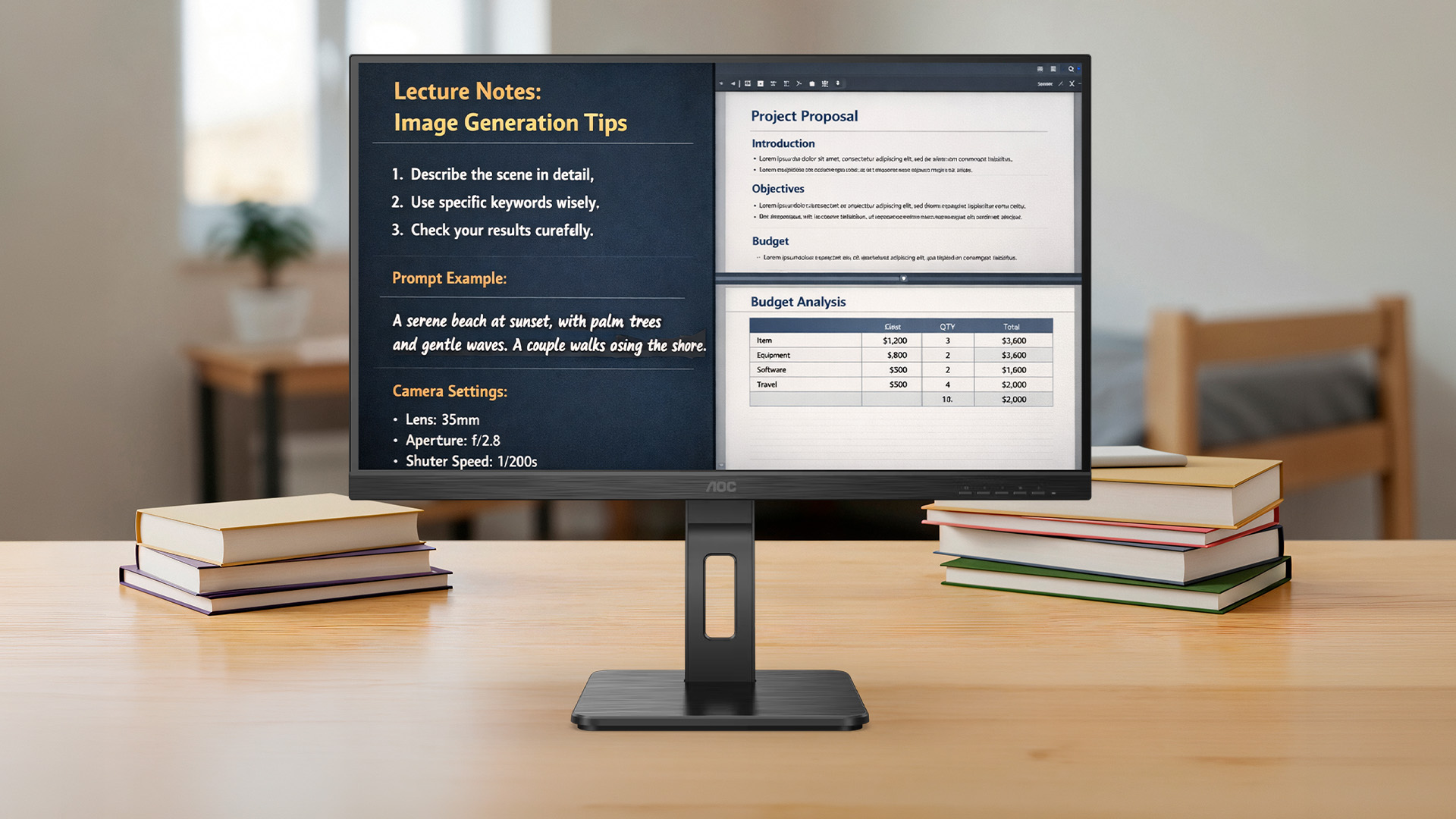
A cheap AOC 27 inch monitor under £150 can provide enough screen space to keep lecture notes on one side and a document open on the other. For smaller desks or shared bedrooms, a 24 inch Full HD model may be more practical while still offering clear text and smooth visuals.
When choosing AOC monitors for students, focus on:
- Full HD resolution for sharp reading
- IPS panels for consistent colour and viewing angles
- Eye-care features for long study sessions
- HDMI connectivity for easy laptop pairing
You can explore more affordable picks in our guide to the best cheap AOC 27 inch monitors under £150.
For coursework, online classes and everyday productivity, AOC monitors for study deliver strong value without unnecessary extras.
Best AOC Monitors for Full-Time Home Workers
If you work from home full-time, your monitor becomes your primary workspace. Comfort, clarity and multitasking capability should be the priority.
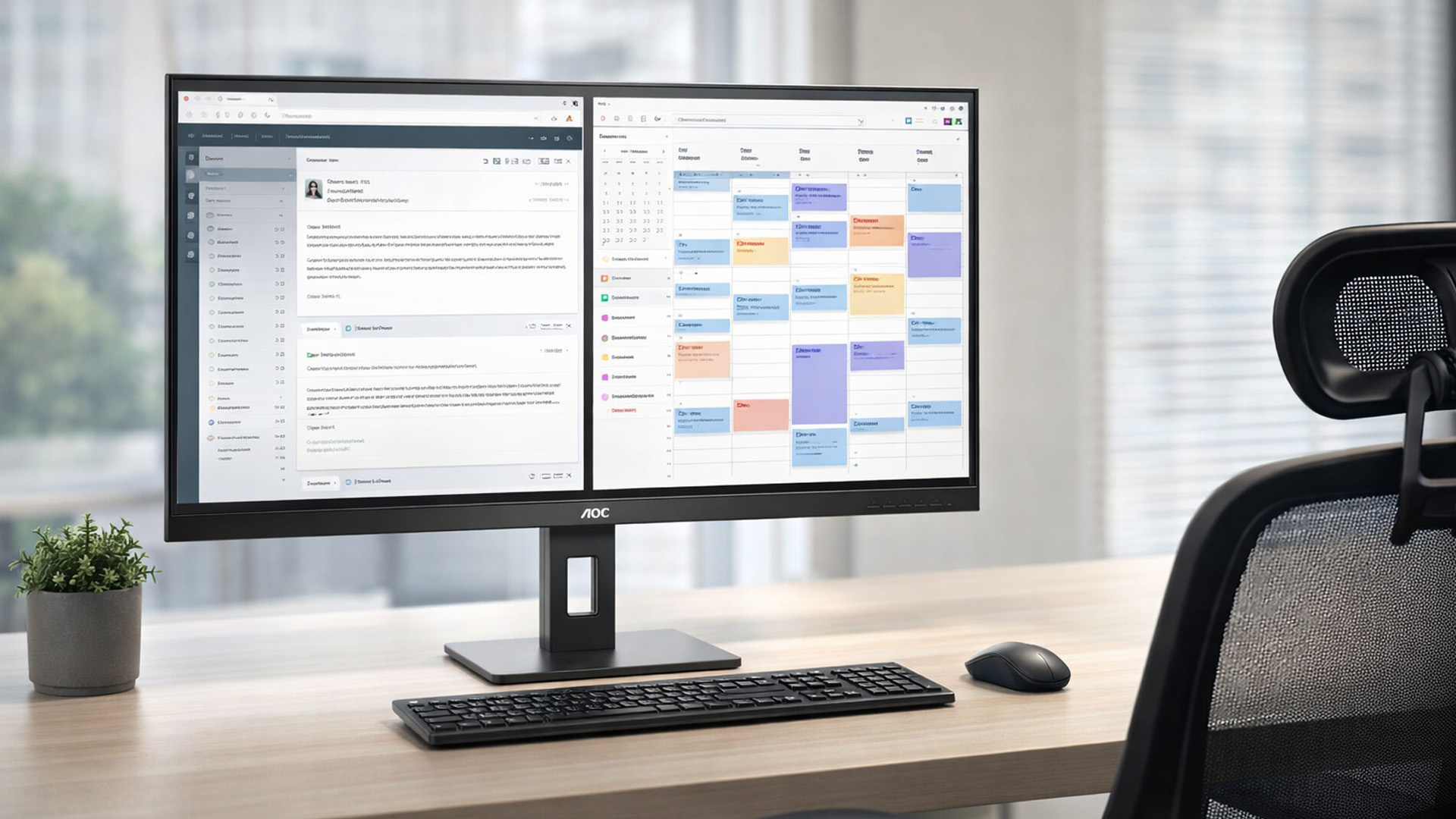
An IPS panel is usually the best choice for professional use. It offers stable viewing angles and accurate colours, which help when working with documents, presentations or design tools. QHD resolution on a 27 inch or 31.5 inch screen gives you more usable space, allowing multiple windows to stay open without feeling cramped.
The AOC Q32V4 31.5 inch 2K IPS is a strong example for productivity. Its larger screen and sharper resolution make spreadsheets easier to manage and reduce the need for constant scrolling.
When choosing an AOC monitor for working from home, look for:
- Thin bezels for a cleaner desk setup
- Multiple ports for laptop docking
- Adjustable stands for daily comfort
- Reliable build quality for long-term use
For more options across sizes and budgets, browse the full range of AOC monitors for home office setups and compare features based on your desk space and workload.
When to Choose QHD or Larger Screens Like 31.5″
Upgrading from Full HD to QHD is one of the most noticeable improvements you can make in a home office setup. On a 27 inch screen, QHD provides sharper text and more desktop space, which means less zooming in and out of documents and fewer window overlaps.
If you regularly work with spreadsheets, coding environments, design software or side-by-side documents, QHD quickly becomes worth the investment. The extra resolution allows you to view more rows, longer timelines and detailed content without scaling issues.
Larger 31.5 inch screens, such as the AOC Q32V4 2K IPS, take this further. They give you near dual-monitor levels of workspace in a single panel. This can simplify your desk layout while maintaining strong multitasking performance.
If your desk is small or you mainly browse, email and write documents, a cheap AOC 27 inch monitor in Full HD may still be perfectly sufficient. The key is matching screen size and resolution to how much content you handle daily.
New vs Refurbished AOC Monitors for Home Setups
One of the smartest ways to save money on a home office upgrade is choosing refurbished. Refurbished AOC monitors are typically tested, graded and verified before resale, offering a lower price without sacrificing core performance.
For students, second screens or temporary work setups, refurbished models can provide excellent value. You may be able to step up to a larger size or QHD resolution for the same budget as a new entry-level screen.
Buying new offers the reassurance of untouched hardware and full manufacturer packaging. It is often the better choice for primary full-time work monitors if you want the latest design and features.
If budget is a priority, explore refurbished monitors alongside new AOC monitors for home office options to compare pricing and specifications directly.
Simple Desk Layout Ideas with AOC Monitors
The right monitor is only part of a productive workspace. How you position it also affects comfort and efficiency.
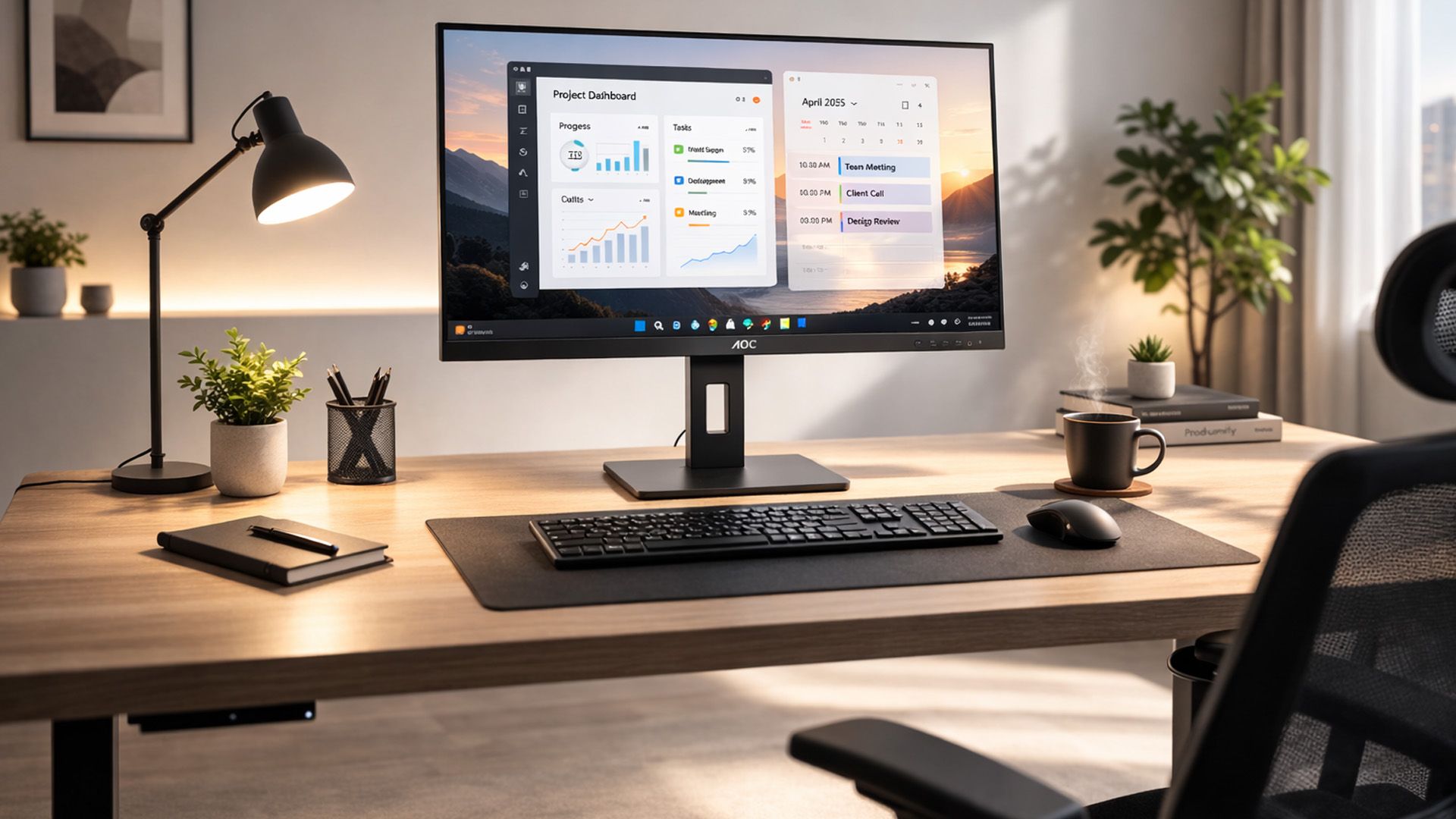
A minimalist single-monitor setup works well with a 27 inch or 31.5 inch screen. Centre the monitor at eye level, keep the keyboard directly in front of you and maintain a clean surface for better focus.
For multitaskers, a dual-monitor layout using two matching AOC monitors for home office use can significantly improve workflow. Keep your primary display centred and angle the secondary screen slightly inward.
Laptop users benefit from a laptop plus external monitor arrangement. Elevate the laptop on a stand and use the AOC monitor as your main display to improve posture.
Adding a monitor arm can free up desk space and allow better height adjustment, especially if your model does not include a fully ergonomic stand. Small layout improvements can make long work or study sessions far more comfortable.
Quick Checklist Before You Buy
Before choosing the best AOC monitor for home office or study, run through this simple checklist:
- Desk space: Measure your desk depth and width. A 24 inch monitor suits compact spaces, while 27 inch or 31.5 inch screens need more room.
- Resolution: Full HD is ideal for general tasks and tight budgets. QHD is better for multitasking, spreadsheets and sharper text.
- Panel type: IPS panels offer better viewing angles and colour consistency for everyday work.
- Eye-care features: Look for Low Blue Light and Flicker-Free technology if you spend long hours on screen.
- Ergonomics: Height adjustment or VESA mounting helps maintain good posture.
- Ports: Make sure it has HDMI or DisplayPort to match your laptop or desktop.
- Budget choice: Decide whether new or refurbished gives you better value for your needs.
A few minutes of checking specifications can prevent buying a screen that feels too small, too basic or uncomfortable after extended use.

Final Verdict: The Best AOC Monitor for Home Office Depends on Your Setup
There is no single best AOC monitor for home office use. The right choice depends on how many hours you work, how much screen space you need and how much you want to spend.
For students and light users, a cheap AOC 27 inch monitor with Full HD resolution offers excellent value and enough room for research, writing and streaming lectures. For full-time remote workers, stepping up to a QHD IPS display or even a 31.5 inch model can noticeably improve multitasking and reduce daily strain.
If budget is tight, refurbished options can unlock larger screens for less. If comfort is your priority, focus on AOC eye-care displays with ergonomic adjustments.
Explore the full range of best AOC monitors for home office setups and compare sizes, resolutions and pricing to build a workspace that supports how you actually work and study.

FAQs
What size AOC monitor is best for a home office?
For most home offices, a 27-inch AOC monitor offers a good balance of screen space and desk compatibility. Full HD suits everyday tasks, while QHD provides sharper text and more room for multitasking.
Are AOC monitors good for students?
Yes. AOC monitors can be a strong choice for students because many models combine affordable pricing, clear Full HD or higher resolutions, eye-care features and useful connectivity for essays, research, online classes and entertainment.
Is QHD worth it for office work and study?
QHD is worth considering if you regularly use spreadsheets, multiple windows, coding tools or detailed documents. It provides more desktop space and sharper text than Full HD, especially on 27-inch and larger monitors.
Do AOC Eye-Care features help with long screen sessions?
Eye-care features such as Low Blue Light modes and Flicker-Free technology can make long work or study sessions more comfortable. They do not replace regular breaks, but they can help reduce unnecessary visual strain.
Should I choose a QHD or 4K AOC monitor for work?
Choose a larger QHD monitor if you want more workspace for multitasking, spreadsheets or side-by-side documents. Choose a 27-inch 4K monitor if sharper text, fine detail and high-resolution content are more important.
Related Articles

Last Updated: December 31, 2025
Upgrading your display is one of the smartest ways to refresh your setup for the year ahead. A better monitor can make work feel smoother, games look sharper, and day-to-day browsing far more comfortable, without needing a whole new PC. The good news? You don’t have to pay full retail to get a premium panel. Choosing refurbished is a practical way to access higher specs (4K, OLED, high refresh rates, USB-C portability) for less, while keeping perfectly usable tech in circulation for longer. That’s especially true during New Year promotions, when clearance pricing and seasonal offers often collide. You’ll see everything from portable screens for hybrid work to big-format displays built for entertainment and collaborative spaces.
Classroom-Ready 4K Touch: Refurbished BenQ Education
If you’re upgrading a classroom, meeting room, training space, or collaborative studio, the BenQ RE8601 is a standout. At 86 inches with 4K clarity and interactive touch, it’s built for hands-on presentations,
Last Updated: December 31, 2025
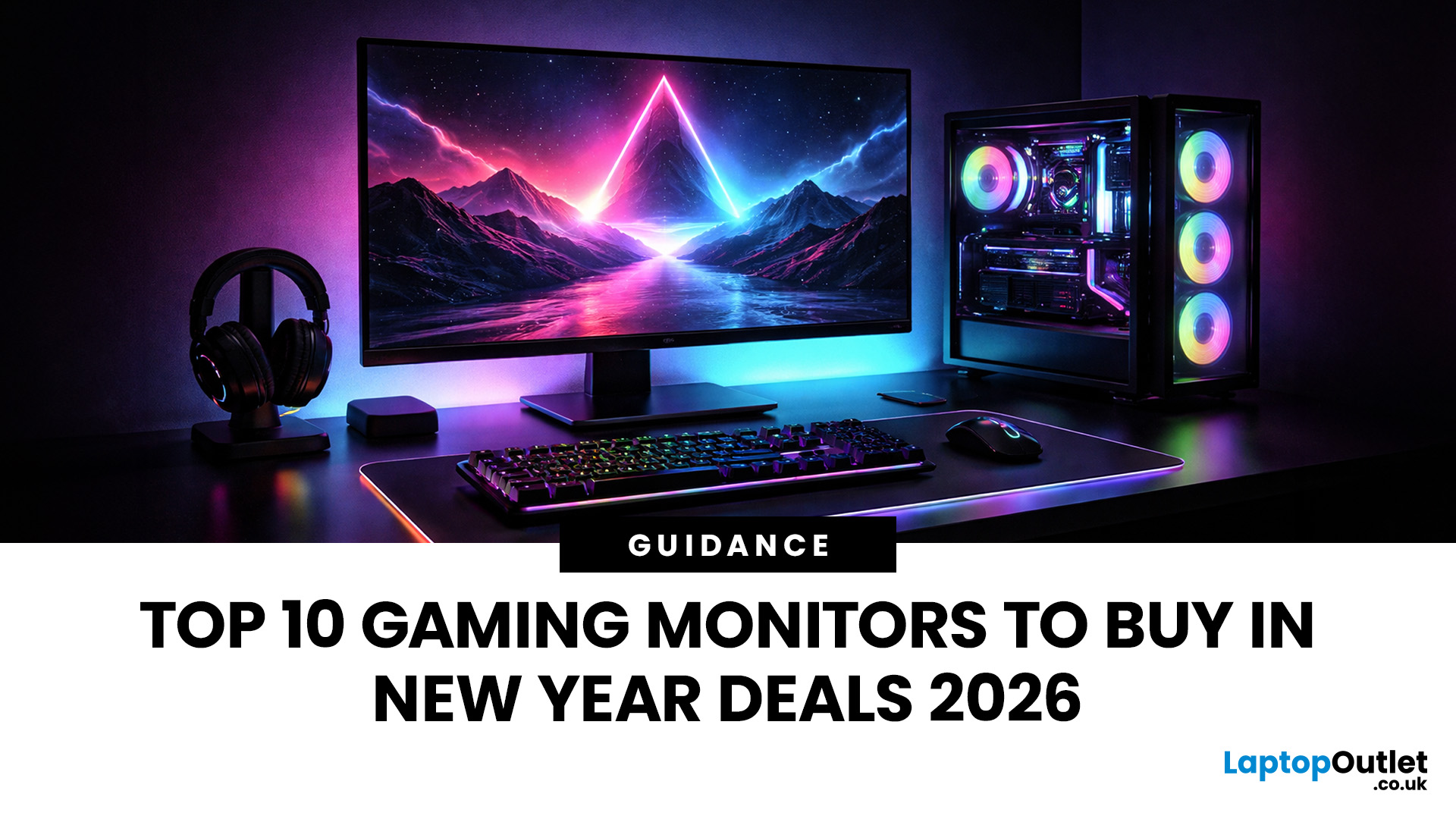
If your setup is still running on an older 60–75Hz display (or a basic office screen), 2026 is the year to change that. The jump to a modern gaming monitor can be instantly noticeable: smoother camera movement, clearer motion in fast fights, and a more responsive “feel” when you aim, flick, track, or even just pan across open-world scenery. That’s why New Year gaming monitor deals are such a popular time to upgrade, stock is refreshed, prices tend to be competitive, and you can often find the exact spec combination you’ve been waiting for without paying peak-season prices.
Laptop Outlet makes this easier because there’s a wide range of gaming monitors in one place, so you can compare size, resolution, refresh rate and panel tech without bouncing between stores. A good starting point is the main gaming monitors category (it’s perfect for filtering by what matters most). And if you’re shopping across more than just monitors, it’s also worth keeping an eye on the wider promotions to save big
Last Updated: July 10, 2026
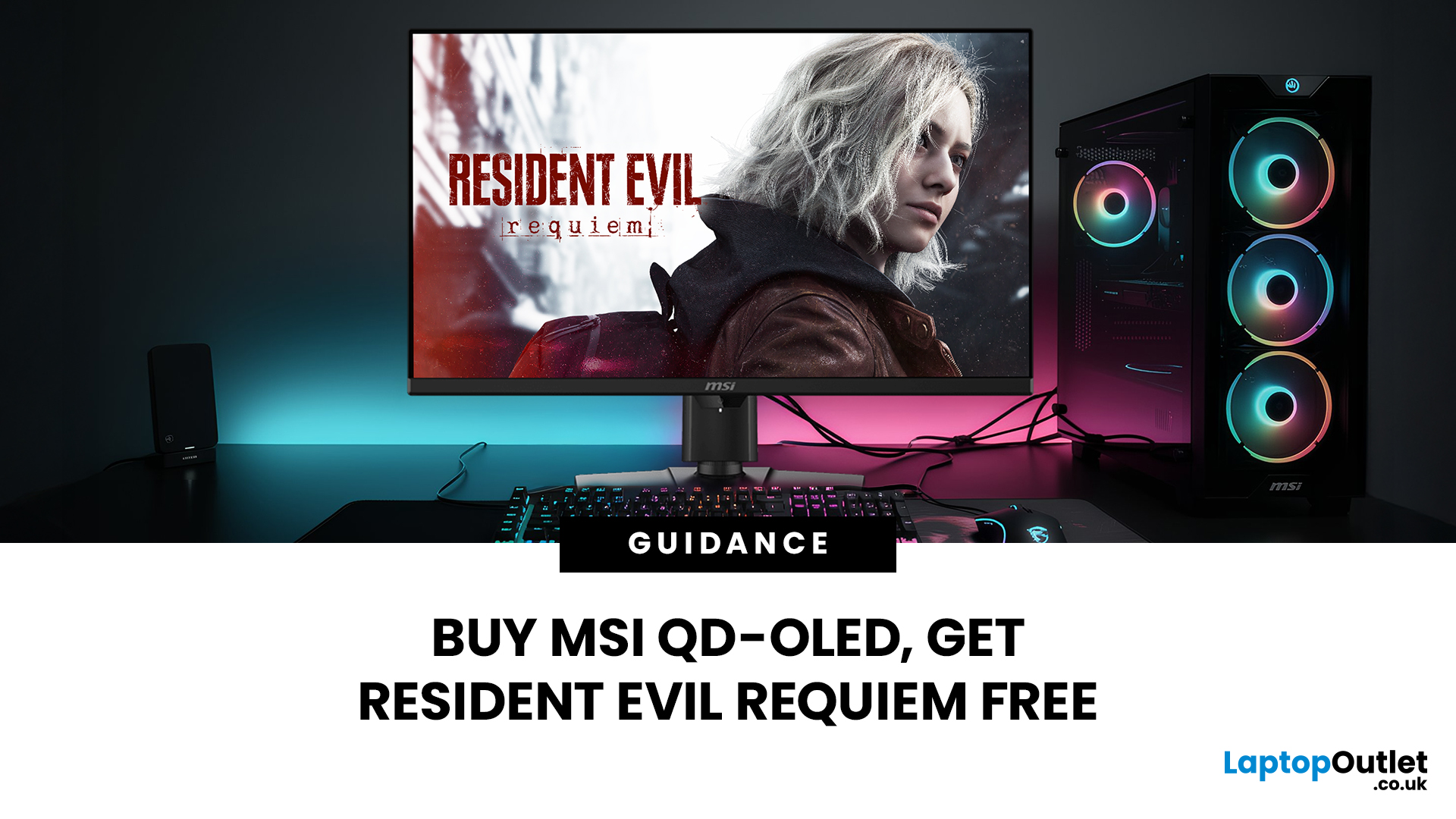
Gaming is about to get a whole lot better. If you are looking for a screen upgrade, now is the perfect time. MSI is currently offering a deal that is hard to ignore. When you buy a selected MSI QD-OLED monitor, you can get Resident Evil Requiem free.
This latest title usually costs £51.99. However, for a limited time, you can add it to your library without spending an extra penny. Combining the terrifying visuals of Resident Evil with the ground-breaking technology of QD-OLED is a match made in heaven.
In this guide, we will look at the best MSI gaming monitors included in this deal.
Why This Gaming Deal Matters
Gaming hardware is expensive. Getting a £51.99 game for free helps offset the cost of your new screen. But beyond the money, it is about the experience. MSI QD-OLED monitors are currently the pinnacle of display technology.
They offer:
- Perfect Blacks: No "halo" effect around bright objects.
- Vivid Colours: Quantum Dots provide a wider colour gamut.
- Instant Response: 0.03 ms is
Last Updated: June 15, 2026
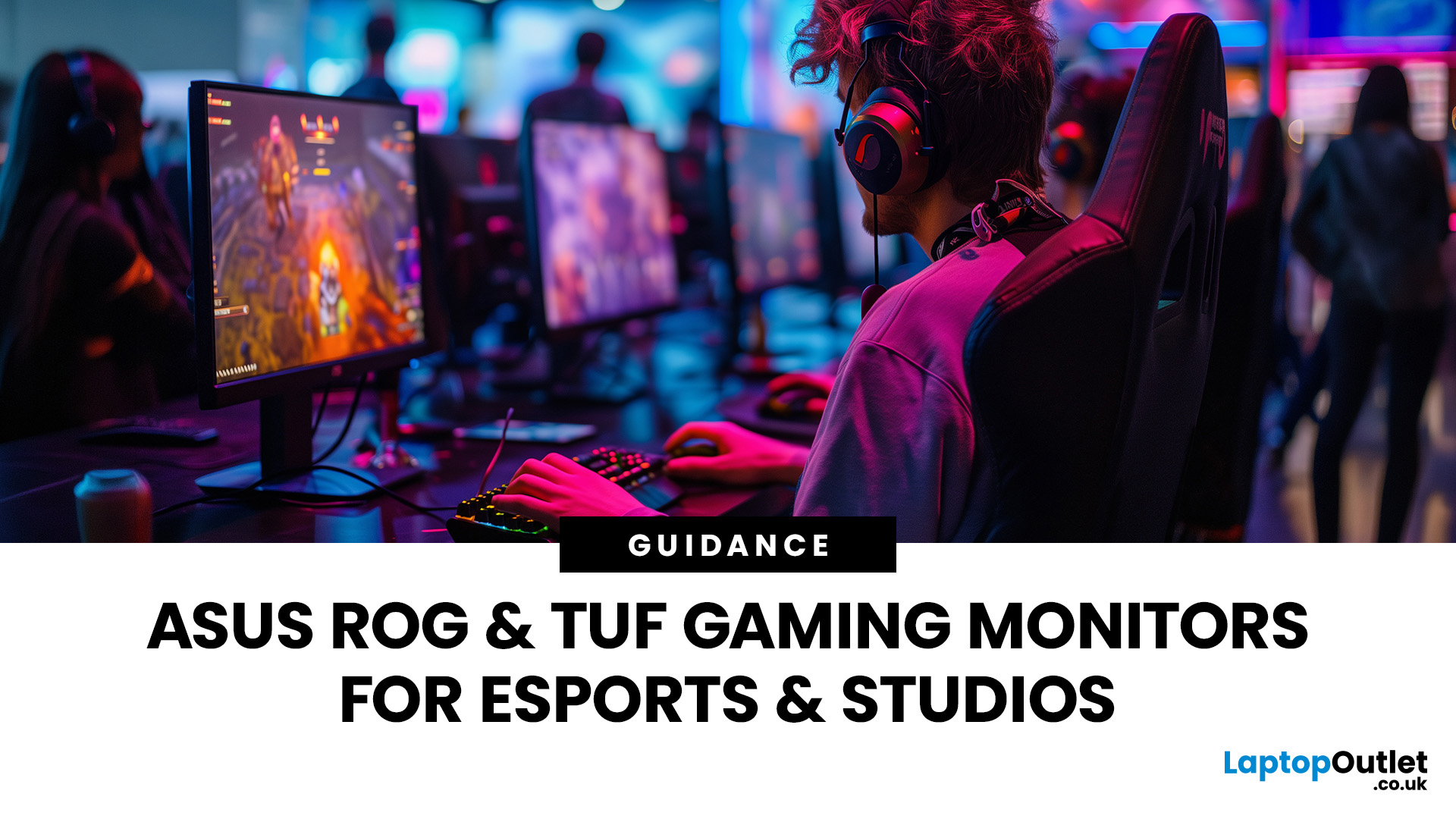
If you run an esports arena, gaming cafe, university esports lab, or content studio, your monitor choice is not a background decision. It directly affects performance, player satisfaction, brand perception, and long-term ROI. Competitive players notice the refresh rate instantly. Streamers notice colour accuracy. Venue owners notice durability. And everyone notices screen quality.
That’s why ASUS gaming monitors have become a staple across esports stages and gaming venues in the UK. From ultra-premium ASUS ROG gaming monitors built for tournament environments to scalable ASUS TUF gaming monitor options designed for multi-station rollouts, ASUS covers every level of competitive deployment.
If you're building or upgrading a gaming business, here’s what you need to know.
Why Esports & Gaming Businesses Choose ASUS
A single hardware issue during a tournament can damage a reputation fast. ASUS has built a strong position in esports by delivering consistency under pressure.
Brand Reputation
Last Updated: March 13, 2026
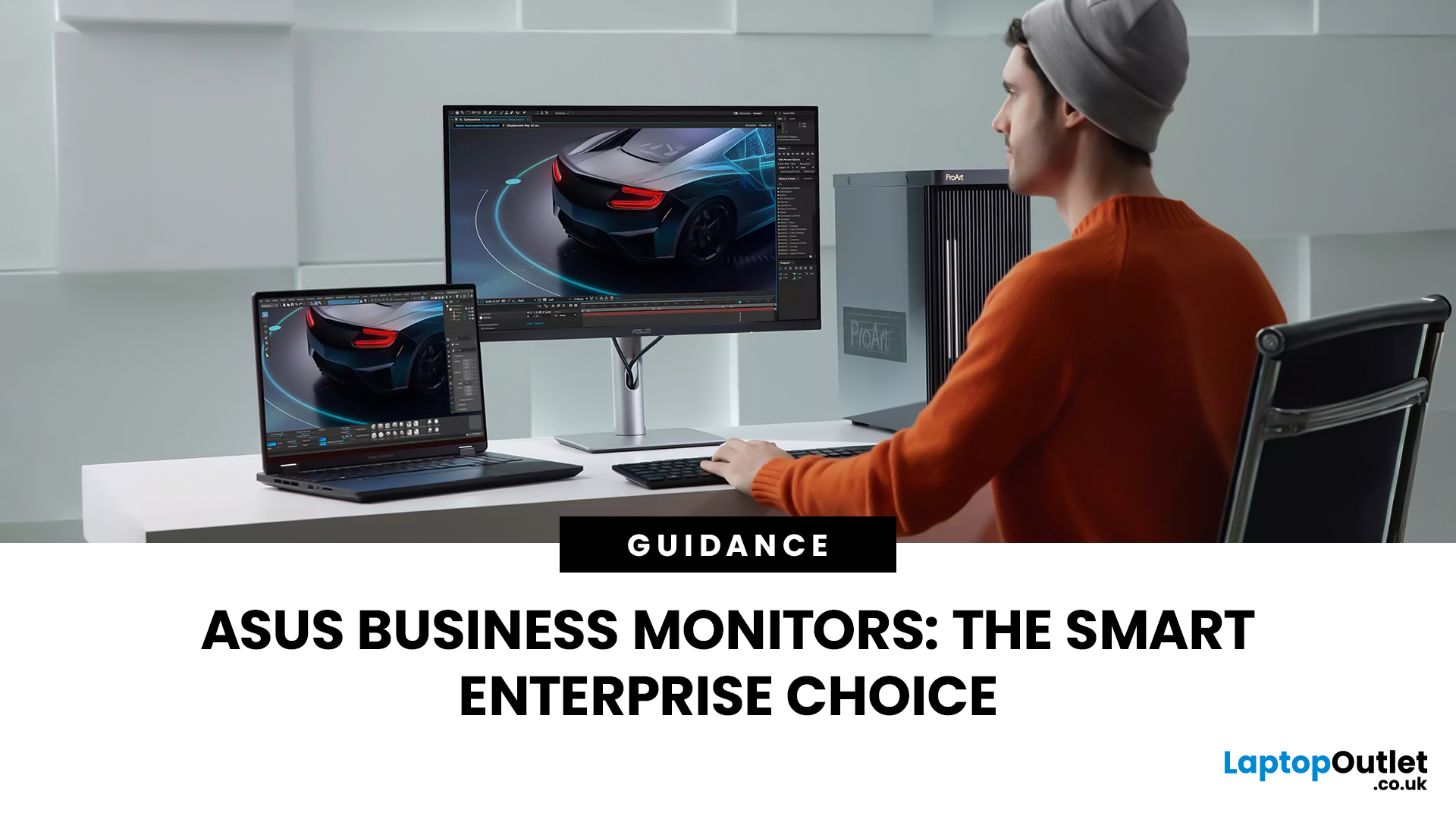
Modern workplaces are more screen-based than ever and in the UK, the average office employee now spends over 6 hours a day looking at a monitor. For businesses, that makes display choice more than just a tech detail; it’s a productivity and wellbeing decision.
The right ASUS business monitors can improve workflow efficiency, reduce eye strain, and support hybrid teams with flexible connectivity like USB-C docking. Whether you’re equipping a corporate office, a call centre, or a growing enterprise rolling out hundreds of workstations, choosing the right monitor spec matters.
In this buying framework, we’ll break down what UK organisations should prioritise, from screen size and ergonomics to ASUS Eye Care features, bulk purchasing, and the best monitor options for business use in 2026.
Why ASUS Monitors Work Well for Modern Workplaces

In today’s business environment, monitors are no longer just office accessories, they’re core productivity tools. From finance teams working across spreadsheets
Last Updated: March 13, 2026
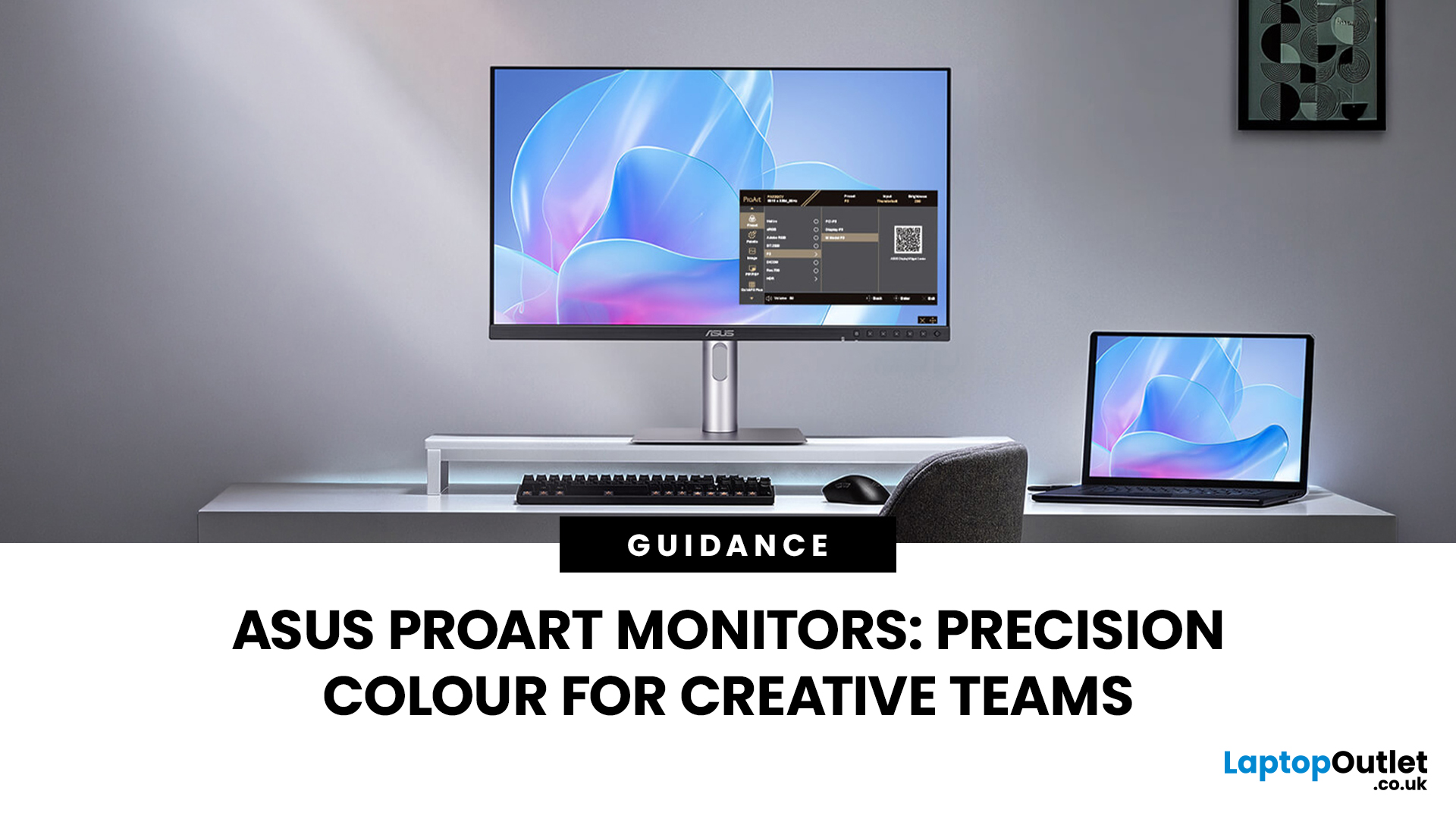
Creative work is more colour-critical than ever and studies show the average designer spends over 7 hours a day staring at a screen. That means your monitor isn’t just a display… it’s basically your studio. If colours are even slightly off, edits don’t match, prints come out wrong, and client work gets messy fast.
That’s where ASUS ProArt monitors come in. Built specifically for creators, they deliver factory-calibrated accuracy, wide colour coverage, and crisp 4K detail that makes photo editing, graphic design, and video workflows feel effortless. Whether you’re running a creative agency, an in-house design team, or a full studio setup, ProArt screens help you work with confidence, not guesswork.
Let’s break down what makes them worth it.
What Creative Teams Need from a Monitor
Not all monitors are built the same and creative teams feel that difference immediately. A standard office screen might be fine for spreadsheets, but when you’re adjusting skin tones, matching brand colours, or
Last Updated: August 28, 2026
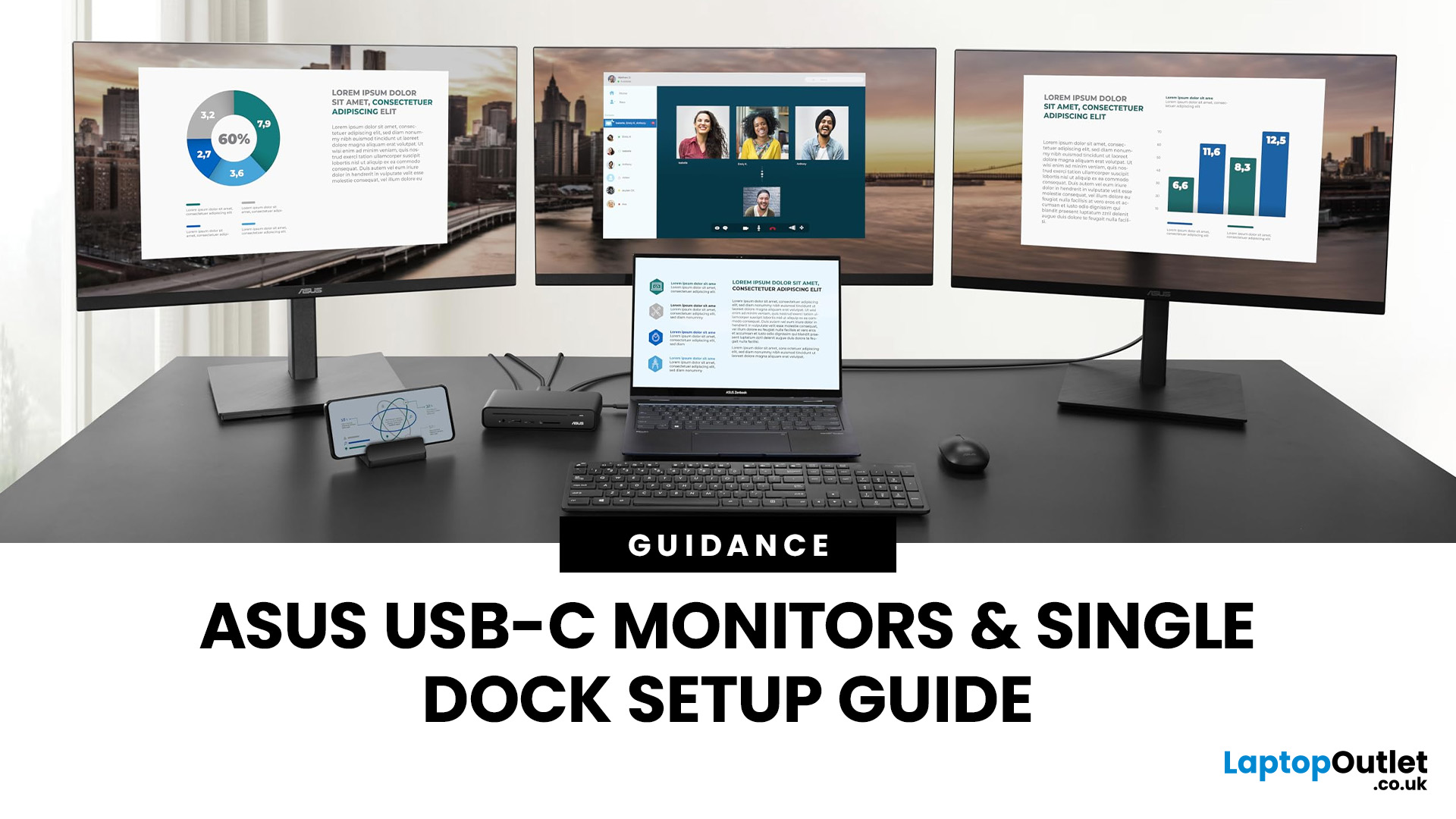
If you’re planning a desk refresh, rolling out new workstations, or managing a hot-desking environment, one question always comes up: how many ASUS USB-C monitors can you realistically run from a single dock? The short answer? It depends.
The long answer? It depends on your laptop’s GPU, the dock’s bandwidth, the monitor resolutions, and whether you’re daisy-chaining or using multiple video outputs.
In this practical IT deployment guide, we’ll break down exactly how ASUS USB-C monitors behave in real-world setups, what limits your configuration, and how to plan a reliable multi-monitor rollout without unpleasant surprises.
How USB-C Video and Power Actually Work
USB-C looks simple. One cable. Power. Video. Data. Done.
But behind that clean setup, there’s a lot happening.
USB-C monitors rely on a feature called DisplayPort Alt Mode. This allows the USB-C cable to carry video signals from your laptop’s GPU directly to the monitor. Many modern docks also use DisplayLink technology, which
Last Updated: August 11, 2026
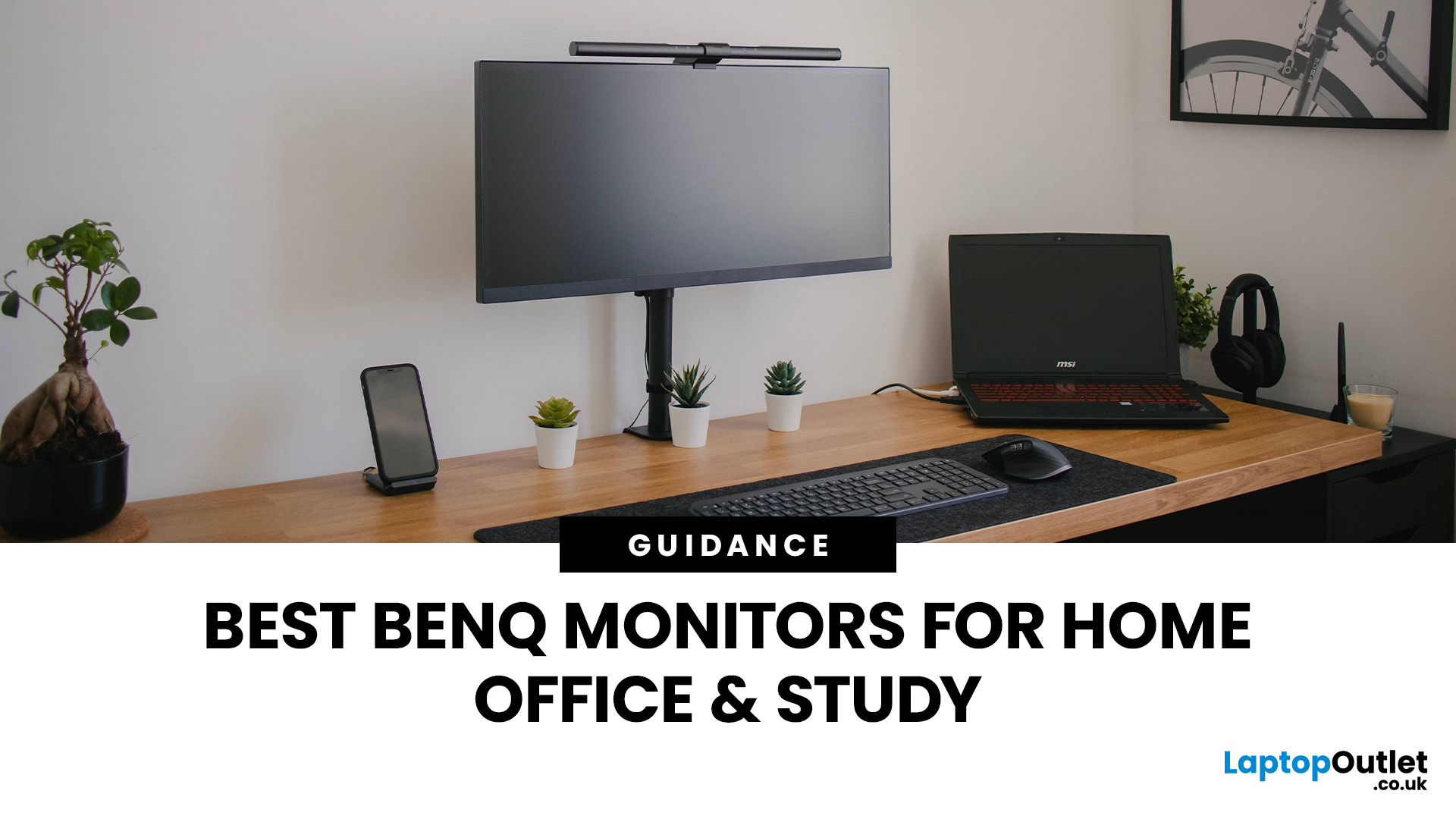
Creating a home workspace that actually makes you want to sit down and get things done starts with one key upgrade: your monitor. Whether you’re fully remote, juggling hybrid life, or deep into study mode, choosing the best BenQ monitor for home office use can seriously level up your focus, comfort and overall productivity.
Let’s be honest! Squinting at a tiny laptop screen for eight hours straight isn’t the vibe. You need space. You need clarity. You need something that doesn’t leave your eyes feeling fried by 4 pm. From compact Full HD screens that fit neatly on smaller desks to powerful 4K displays that handle heavy multitasking like a pro, there’s something for every type of workflow. So if you’re scrolling through BenQ monitors for home office and wondering which one deserves desk space, you’re in the right place.
What Makes a Good Home Office Monitor?
Not all monitors are created equal. A display designed for gaming or entertainment won’t always offer the same comfort and practical
Last Updated: April 14, 2026
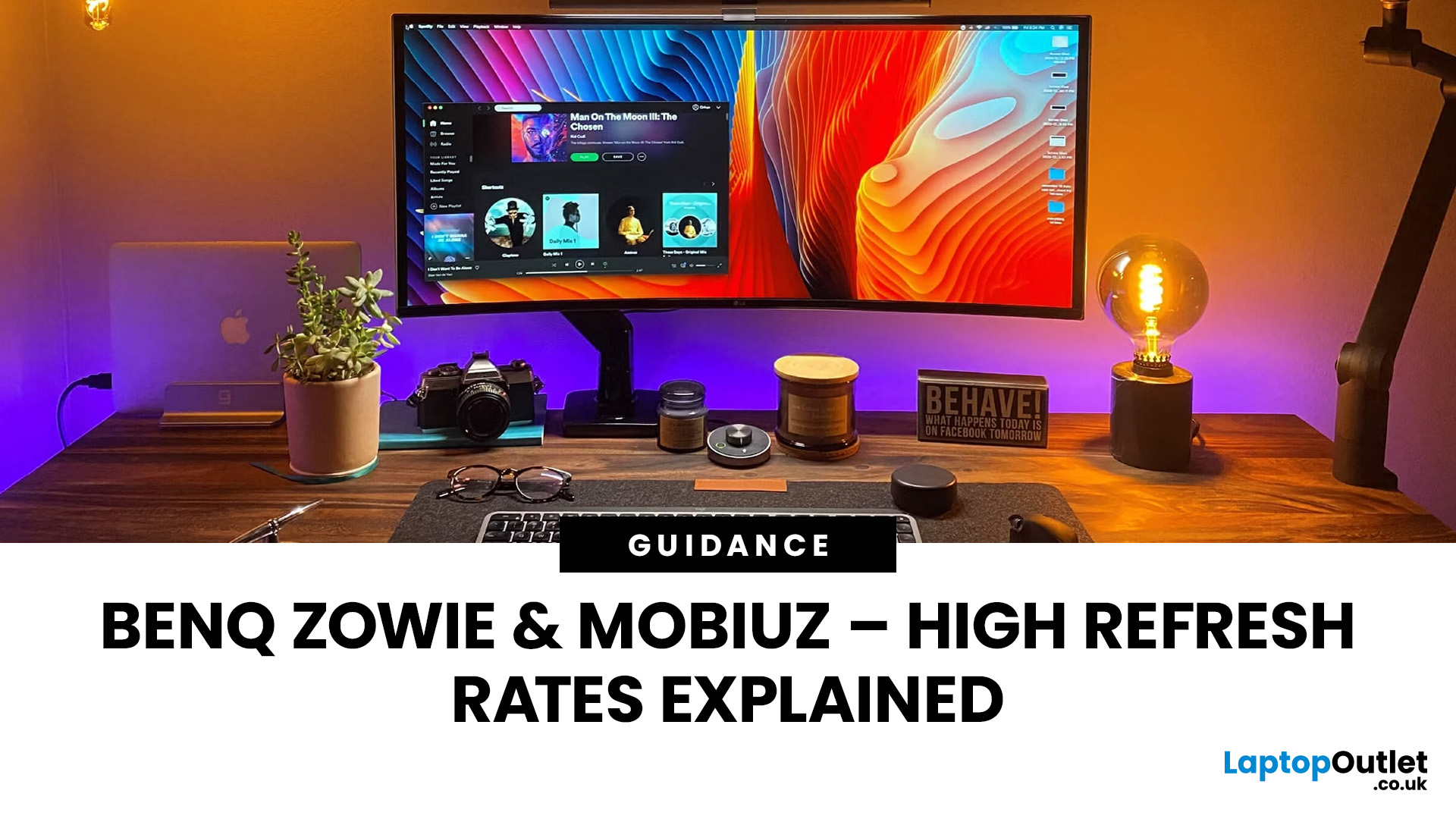
If you’ve been shopping for a competitive gaming display, you’ve probably noticed that BenQ 240Hz gaming monitors are becoming the new standard for serious players. But with so many options available, the big question remains:
Is 240Hz worth it — or is 144Hz still enough?
In this guide, we’ll break down what ultra-high refresh rates change in gameplay, compare 144Hz vs 240Hz BenQ monitor performance, and help you decide whether a BenQ high refresh ZOWIE monitor or a BenQ MOBIUZ high refresh monitor is the right upgrade for you.
Quick Answer — Is 240Hz Worth it?
So, is 240Hz worth it?
For many gamers, the answer is:
- Yes, if you play competitive FPS titles and want the smoothest, fastest response possible
- Maybe, if you play a mix of casual and competitive games
- Not necessarily, if you mostly play single-player or cinematic titles
A jump from 144Hz to 240Hz delivers:
- Smoother motion
- Reduced input delay
- Clearer tracking in fast-paced shooters
That’s why high refresh BenQ gaming monitors are
Last Updated: April 14, 2026
When you spend hours each day working across spreadsheets, dashboards, documents, or lines of code, your monitor becomes more than just a screen. It becomes the centre of your workflow. The right display can make work feel smoother, reduce fatigue, and help you stay focused for longer.
That’s exactly where BenQ productivity monitors stand out. Designed with knowledge workers, developers, and multitaskers in mind, BenQ offers a range of displays built for modern professional demands. Whether you need pixel-perfect clarity, extra-wide space for multiple apps, or coding-specific features, there’s a BenQ option tailored to the way you work.
Why Productivity-Focused Monitors Matter for Knowledge Work
A standard office monitor can get the job done, but knowledge work has evolved. Today’s workflows often involve multiple applications running side by side, detailed content review, long hours of screen time, and constant context switching. That’s why choosing the right monitor is no longer just

