



Best AOC Gaming Monitors by Budget: 1080p, 1440p & 4K Picks for Every Gamer
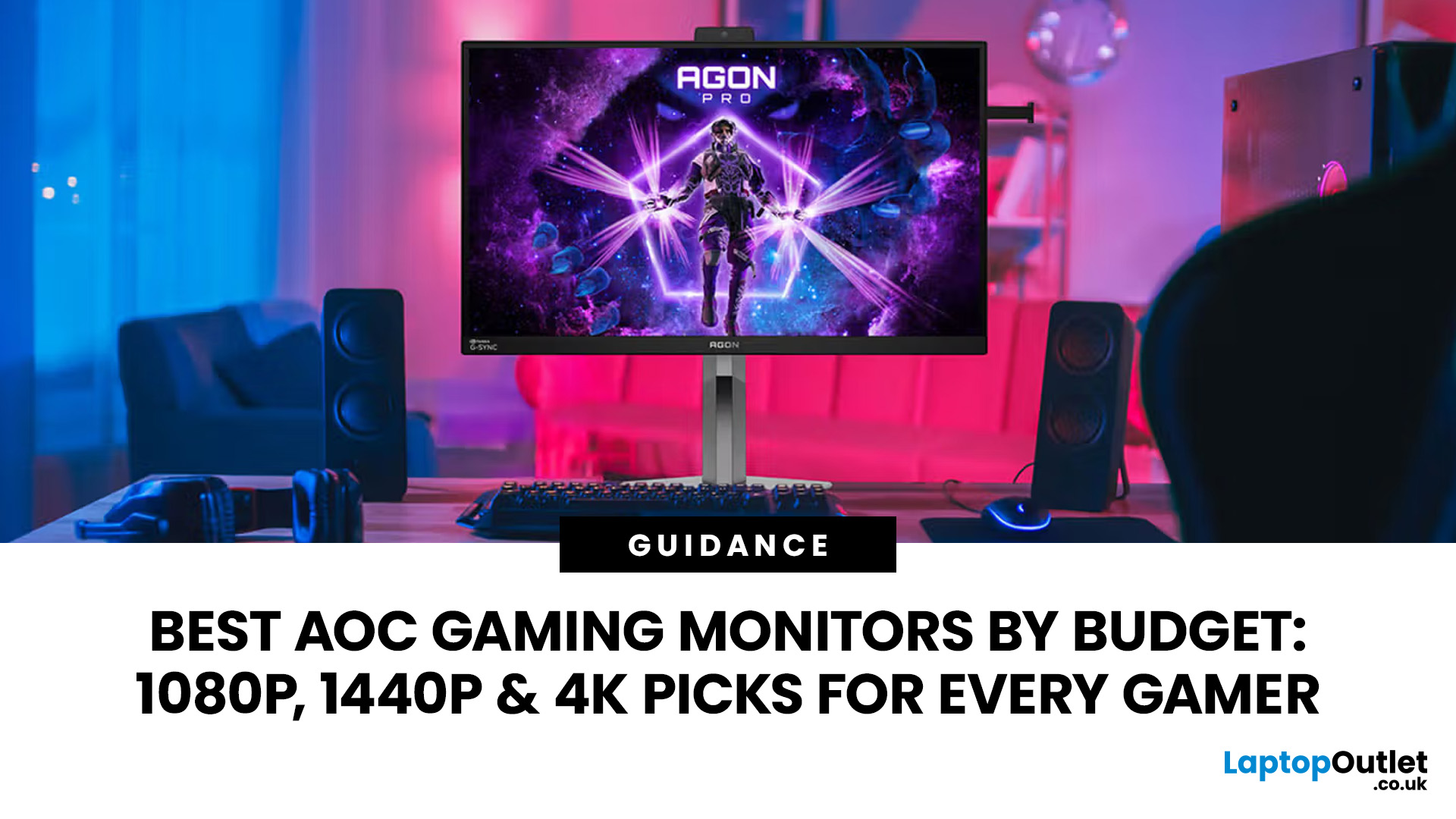
Choosing the right gaming monitor depends on factors like refresh rate, resolution, panel type, response time, and HDR support.
AOC offers gaming monitors across every budget, making it hard to know which one is right for you.
This guide highlights the best AOC gaming monitors by budget and helps you choose between 1080p, 1440p, and 4K options based on your gaming needs.
How to Choose an AOC Gaming Monitor for Your Budget
Before looking at specific recommendations, it's important to understand what you're paying for.
Resolution Matters More Than Most Gamers Think
Resolution determines image sharpness and directly impacts GPU performance requirements.
|
RESOLUTION |
BEST FOR |
RECOMMENDED SCREEN SIZE |
|
1080p (Full HD) |
Competitive gaming |
|
|
1440p (QHD) |
Balanced gaming and visuals |
|
|
4K (UHD) |
Maximum detail and immersion |
Quick rule:
- Prioritize 1080p if FPS matters most.
- Choose 1440p for the best balance of performance and visual quality.
- Go 4K if you want stunning image detail and have powerful hardware.
If you're also comparing monitors for work, content creation, or everyday use, it's worth understanding how screen size, panel type, and refresh rate affect different workloads beyond gaming.
Refresh Rate Can Be a Bigger Upgrade Than Resolution
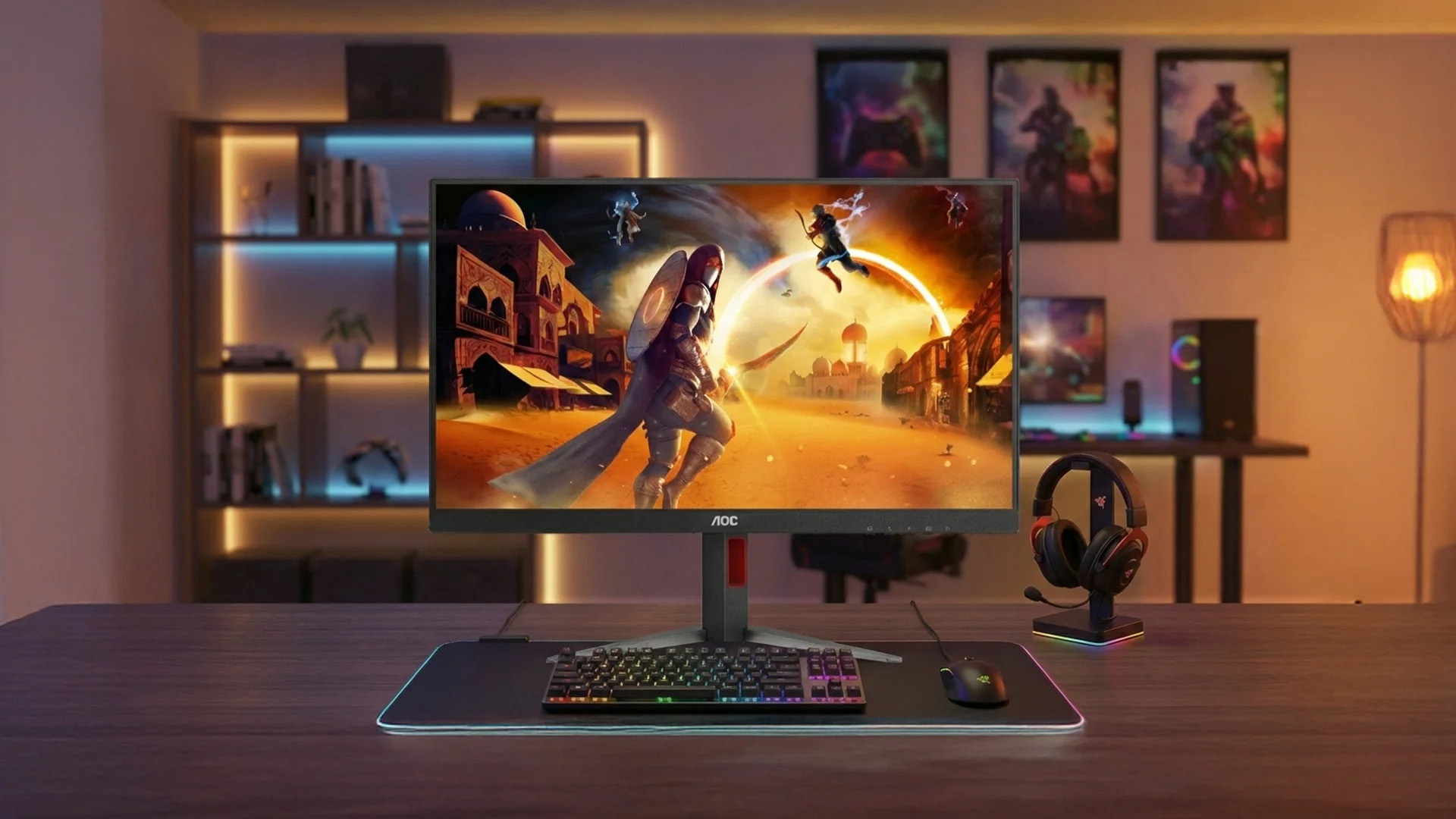
Many gamers upgrading from 60Hz are shocked by how much smoother gameplay feels at higher refresh rates.
Modern AOC high refresh rate monitor options range from:
Higher refresh rates provide:
- Smoother motion
- Reduced input lag
- Better tracking in competitive games
- More responsive gameplay
For esports titles like Valorant, CS2, Apex Legends, and Fortnite, refresh rate often matters more than visual fidelity.
Panel Technology Changes the Experience
Different panel types serve different players.
IPS Panels
- Excellent colour accuracy
- Wide viewing angles
- Great all-round choice
VA Panels
- Strong contrast ratios
- Better blacks
- Excellent for story-driven games
OLED/QD-OLED Panels
- Near-instant response times
- Exceptional HDR performance
- Deep blacks and vibrant colours
- Premium pricing
Key Takeaway
The best monitor isn't the most expensive one.
It's the monitor that matches:
- Your gaming style
- Your GPU
- Your budget
- Your long-term upgrade plans
Best Budget AOC Gaming Monitor (1080p Category)
For gamers spending under the premium tiers, a quality AOC gaming monitor 1080p setup still offers fantastic value.
Who Should Buy a 1080p AOC Monitor?
1080p remains ideal for:
- Competitive gamers
- Budget-conscious buyers
- Students
- First gaming setups
- Mid-range GPUs
Many gamers mistakenly assume 1080p is outdated.
The reality?
1080p paired with 180Hz or higher refresh rates continues to dominate competitive gaming because maintaining high frame rates is easier. With multiple product lines aimed at different users, understanding AOC's key monitor series can help you identify which models are designed for esports, immersive gaming, productivity, or everyday computing.
Why Budget AOC Gaming Monitors Stand Out
Compared with similarly priced alternatives, many budget AOC gaming monitor's offer:
- High refresh rates
- Adaptive Sync support
- Low response times
- Gaming-focused features
- Competitive pricing
Best Use Cases
A budget AOC gaming monitor is perfect for:
- Valorant
- Counter-Strike 2
- Rocket League
- Fortnite
- League of Legends
If your goal is maximizing performance without draining your wallet, 1080p remains a smart choice.
Best Mid-Range AOC Gaming Monitors (1440p Sweet Spot)
Ask experienced PC gamers what resolution offers the best balance in 2026, and most will say 1440p.
Why?
Because it delivers noticeably sharper visuals than 1080p while remaining much easier to run than 4K.
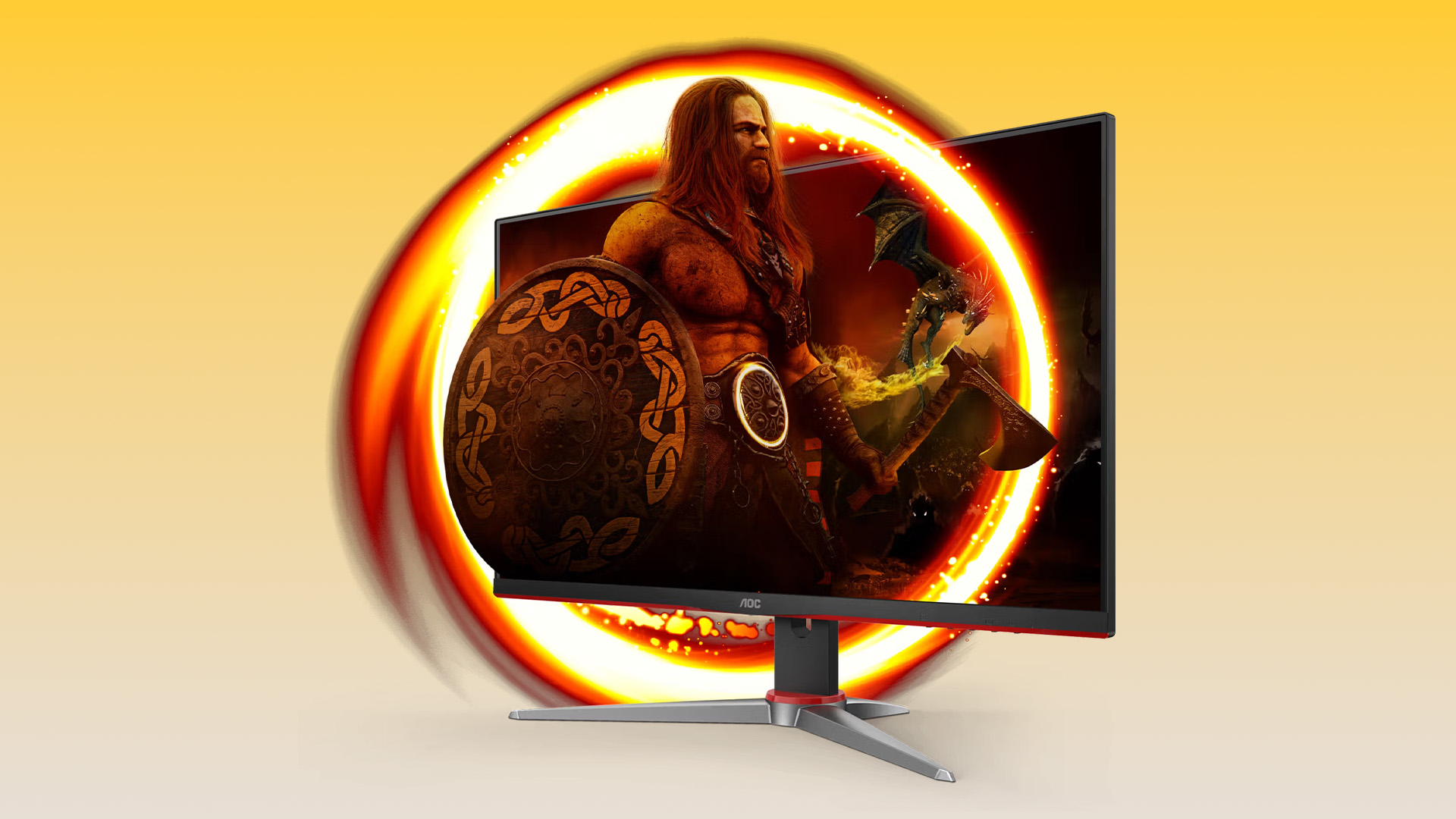
AOC Q27G4ZD
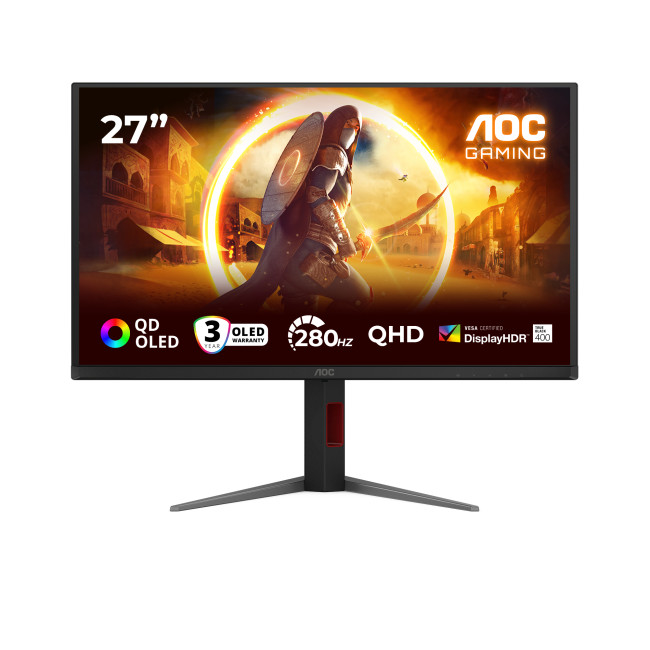
AOC G4 Q27G4ZD 27" Height Adjustable Gaming Monitor
Highlights:
- Height Adjustable Stand Upto 130mm
- VESA DisplayHDR 400
- G-Sync Compatible
- 27" Quad HD Display, Fast IPS, 2560 x 1440 Max. Resolution
- 0.3 ms Response Time, 240 Hz Refresh Rate
- 16:9 Aspect Ratio
- 2x HDMI 2.0 | Displayport | USB
- Black Colour
For gamers seeking a premium 1440p experience, the Q27G4ZD stands out as an excellent choice.
This makes it ideal for players who enjoy both competitive and immersive gaming experiences.
AOC Q27G42ZE
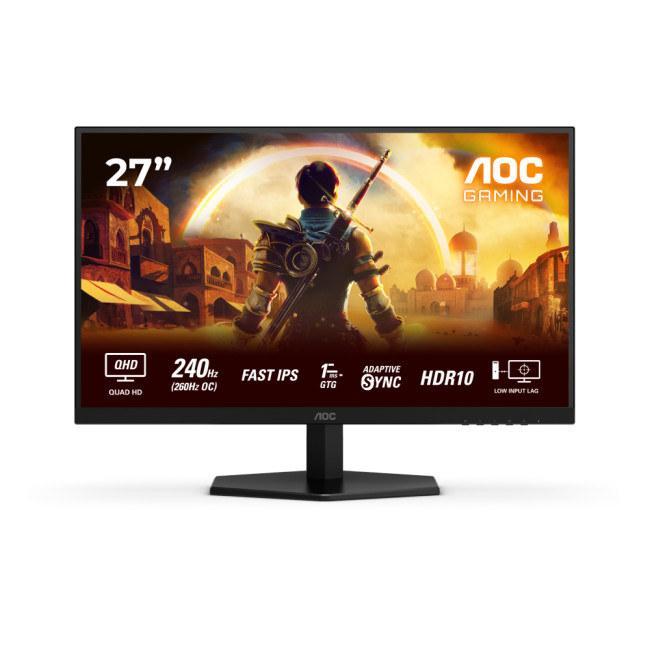
AOC Q27G42ZE 27" Gaming Monitor
Highlights
- QHD resolution
- Ultra-fast 260Hz refresh rate
- Smooth esports performance
- Excellent value in the high-refresh category
Another excellent option is the Q27G42ZE, designed for gamers prioritizing speed and responsiveness.
Why 1440p Is the Current Sweet Spot
Benefits include:
- Sharper visuals than Full HD
- Better text clarity
- More screen real estate
- Excellent balance between FPS and image quality
For most PC gamers upgrading today, AOC 1440p gaming displays offer the strongest overall value proposition.
Common Mistake to Avoid
Many buyers focus solely on refresh rate.
Instead, consider:
- Resolution
- Panel quality
- Refresh rate
- GPU compatibility
A balanced monitor often delivers a better experience than simply chasing the highest Hz number.
Best Premium AOC Gaming Monitors (4K Gaming)
If visual quality is your priority, stepping into the world of AOC 4K gaming monitor options unlocks an entirely new level of immersion.
Textures become sharper.
Worlds look richer.
Games simply feel more cinematic.
Who Should Buy a 4K Gaming Monitor?
4K is ideal for:
- AAA gamers
- Content creators
- Streamers
- Sim racers
- RPG enthusiasts
- High-end PC users
AGON PRO AG326UD
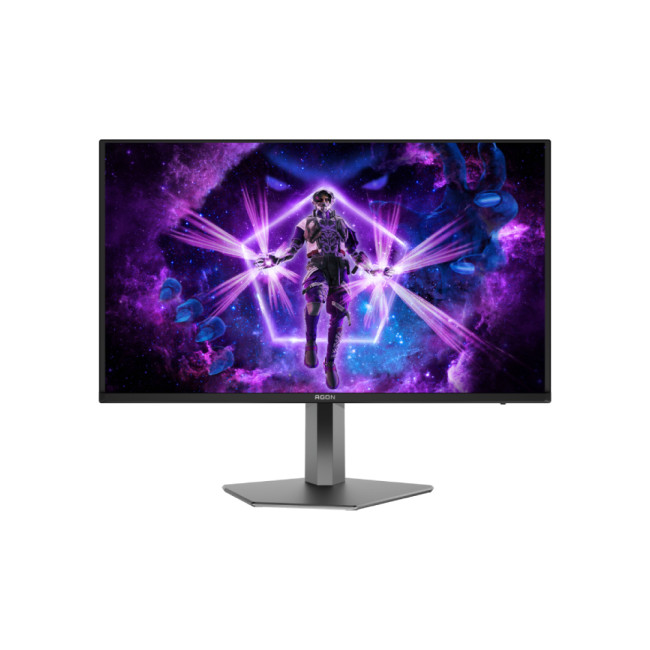
AOC AGON PRO 32" 4K Gaming Monitor
Highlights
- 4K resolution
- QD-OLED technology
- Exceptional HDR performance
- Deep blacks
- Ultra-fast response times
One of the most exciting premium displays in the lineup is the AGON PRO AG326UD.
For players seeking both competitive responsiveness and incredible image quality, this monitor checks virtually every box.
The Real Cost of 4K Gaming
Before upgrading, make sure your system can handle it.
You'll typically need:
- Modern graphics card
- Powerful CPU
- Sufficient VRAM
- DisplayPort or HDMI support for high refresh rates
Without adequate hardware, 4K ultra HD monitors may not deliver its full potential.
Mini Summary
If immersion and visual fidelity are your priorities, a premium AOC 4K gaming monitor can completely transform your gaming setup.
For Competitive Esports Players: Maximum Refresh Rate Matters
Some gamers care about one thing above all else:
Winning.
For these players, refresh rate becomes the top priority.
AOC AG276QKD2
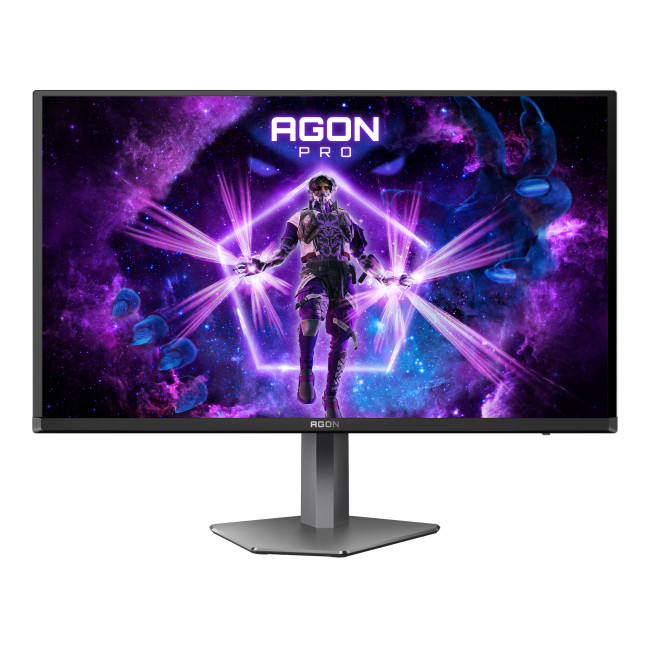
AOC AGON AG276QKD2 27" Gaming Monitor
Highlights:
- Adaptive Synce & G-Sync
- 2 x 5W Built-in Speakers
- Height Adjustable Stand to 130mm
- 26.5" Quad HD Display, OLED, 2560 x 1440 Max. Resolution
- 0.03 Response Time, 500 Hz Refresh Rate
- 16:9 Aspect Ratio
- 2x HDMI 2.1 | Displayport | 3x USB
- Black Colour
The AGON PRO esports gaming monitor category reaches new heights with the AG276QKD2.
For professional-level competition, this represents the cutting edge of gaming monitor technology.
When Does 500Hz Actually Matter?
A 500Hz display is most beneficial when:
- Playing esports titles
- Maintaining extremely high frame rates
- Competing at advanced levels
- Minimizing every possible delay
Casual gamers may not fully utilize this level of performance. Competitive players absolutely can.
Key Takeaway
Higher refresh rates provide diminishing returns after a point. However, for serious esports competitors, every millisecond matters.
1080p vs 1440p vs 4K: Which Should You Choose?
Here's the simplest answer.
|
YOUR PRIORITY |
RECOMMENDED RESOLUTION |
|---|---|
|
Lowest budget |
1080p |
|
Best overall value |
1440p |
|
Maximum visual quality |
4K |
|
Competitive esports |
1080p or 1440p high refresh |
|
Content creation + gaming |
4K |
If you're unsure, 1440p remains the safest recommendation for most gamers today.
It offers the strongest balance between:
- Performance
- Longevity
- Visual quality
- Price
Why AOC Continues to Be a Favourite Among Gamers
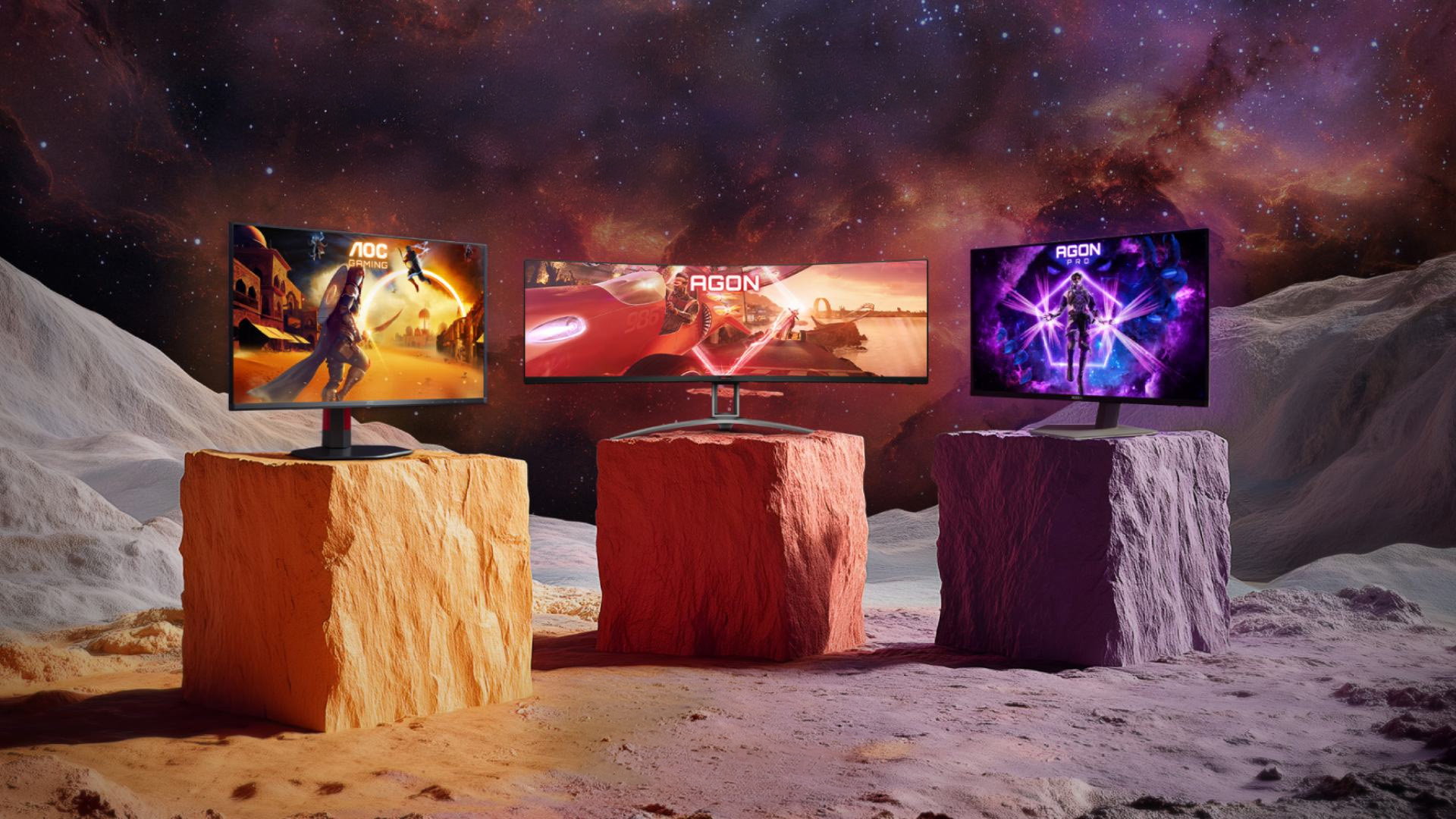
AOC has built a strong reputation by consistently delivering features gamers actually care about.
Key strengths include:
- Competitive pricing
- High refresh rate options
- Wide product range
- Strong gaming-focused design
- Premium AGON PRO lineup
- Budget-friendly entry models
Whether you're buying your first gaming display or building a high-end battle station, there are AOC gaming monitors designed for virtually every type of player. Not sure whether to choose a standard AOC Gaming model, an AGON display, or a premium AGON PRO screen? Understanding the differences between the three series can make it much easier to find the right monitor for your gaming setup.

Final Thoughts
The best AOC gaming monitor depends less on what's newest and more on how you play. If you're gaming on a tighter budget, a high-refresh 1080p display still delivers incredible value.
If you want the best all-round experience, 1440p remains the sweet spot for most gamers. And if you're building a dream setup, a premium 4K QD-OLED display can provide breathtaking visuals and top-tier performance.
The good news is that AOC offers strong options at every price point, making it easier than ever to find a monitor that fits your gaming style and budget.

Common Questions for AOC Gaming Monitors
What is the best AOC gaming monitor for most gamers?
For most players, a 1440p model offers the best balance of performance, image quality, and long-term value.
Is a 1080p AOC gaming monitor still worth buying?
Yes. Competitive gamers often prefer 1080p because achieving higher frame rates is easier, especially with mid-range hardware.
Are AOC 4K gaming monitors good for esports?
While 4K displays can be used for esports, competitive players generally prioritize refresh rate over resolution.
What refresh rate should I choose?
- 144Hz–180Hz: Great for most gamers
- 240Hz–260Hz: Excellent for competitive gaming
- 500Hz: Best suited for professional esports players
Are OLED AOC gaming monitors worth the extra cost?
For gamers seeking exceptional image quality, HDR performance, and response times, OLED and QD-OLED models are among the best options available.
Related Articles

Published: April 28, 2026
If you spend the better part of your working day staring at a screen, you already know what digital eye strain feels like. That dull ache behind your eyes, the heaviness by mid-afternoon, the headache that creeps in by the end of a long session. You are not alone in that, and it is not just "screen time." It is often a combination of poor monitor settings, bad posture, and a setup that was never properly dialled in.
The good news is that LG has put real thought into tackling these problems at the hardware and software level. This guide walks you through every LG monitor eye care feature worth knowing about, how to set your screen up properly, and which models are genuinely worth considering if comfort is a priority for you.
Why Do Eye-Care and Ergonomics Actually Matter with Modern Monitors?
You might think that modern screens are already comfortable enough out of the box. The reality is that even a high-quality monitor, poorly positioned and left on factory settings, can cause very real
Last Updated: September 01, 2026
If you want smooth gameplay without jumping straight into premium OLED pricing, Acer Nitro gaming monitors are one of the easiest ranges to shortlist. Acer positions the Nitro line as a gaming family with options for fast-paced play, ultrawide immersion and richer colour, while Our Acer monitor range backs that up with Full HD, QHD, curved and ultrawide Nitro models aimed at buyers who want value, not just spec-sheet flexing.
That is exactly why Acer Nitro monitors UK shoppers keep coming back to the series. The range is broad enough to cover casual desk gaming, PS5 and Xbox setups, and entry-level PC esports, but it still stays realistic on price compared with high-end Predator and OLED alternatives. Nitro models from compact 23.8-inch Full HD panels up to 34-inch curved UWQHD displays, with refresh rates running from 120Hz to 240Hz.
Are Acer Nitro Gaming Monitors Good for Budget Gaming?
Yes. For casual gaming, console play and entry-level PC builds, Acer Nitro sits in a very practical
Last Updated: July 06, 2026
you are shopping for Acer Predator gaming monitors, you are usually not looking for a basic panel. You are looking for speed, image quality and a monitor that genuinely fits the kind of games you play. For some buyers, that means a fast 27-inch display for ranked shooters and esports titles. For others, it means a bigger 4K panel for high-detail single-player games. And for enthusiasts building the kind of setup that makes every desk photo look dramatic, it means an ultrawide or super-ultrawide screen that turns a gaming PC into the centrepiece of the room.
That is why Predator remains such an interesting range. Acer's broader monitor line covers different budgets and uses cases, but the Predator family is where Acer pushes harder on premium gaming features like OLED and QD-OLED panels, very high refresh rates, ultrawide formats and esports-level response times.
If you want the simple answer: Why choose Acer Predator monitor
Here is the short version.
- For competitive esports and fast shooters,
Last Updated: May 20, 2026
HDR is one of those monitor specs that sounds instantly premium. You see it on gaming monitors, 4K displays, creator screens, and even some budget monitors. But here’s the plot twist: not every HDR monitor gives you that “wow, this looks unreal” experience.
Some HDR displays look bright, rich and cinematic. Others technically support HDR but barely look different from standard mode. Bit awkward. So, what is HDR on a monitor, how does it work, and is HDR actually worth paying for? This complete HDR monitor explained guide breaks it all down in plain English, so you can shop smarter and avoid getting finessed by shiny spec labels.
What Does HDR Mean on a Monitor?
HDR stands for High Dynamic Range.
On a monitor, HDR is designed to show a wider range of brightness, contrast and colour than a standard SDR display. In simple terms, it helps bright areas look brighter, dark areas look deeper and colours look richer when you are watching or playing HDR-supported content.
So, when someone asks,
Last Updated: August 24, 2026
Buying a monitor should be simple. Pick a screen, plug it in, done. Except the second you start shopping, you’re hit with Full HD, QHD, 4K Ultra HD, 60Hz, 144Hz, 240Hz, IPS, VA, response time, HDMI, DisplayPort and about 47 other things that sound like they belong in a sci-fi film.
So, let’s make it easy.
This monitors & displays guide breaks down the two specs that matter most for most buyers: resolution and refresh rate. Whether you’re building a gaming setup, upgrading your home office, sorting a uni desk, editing content or just replacing an old screen that’s seen better days, this guide will help you choose the right monitor without getting finessed by big numbers.
Quick Answer: What Resolution and Refresh Rate Should You Choose?
Here’s the no-stress version.
| What You Use it For | Best Resolution | Best Refresh Rate | Best Monitor Type |
| Everyday browsing, emails and admin | Full HD | 60Hz–100Hz | Budget monitor |
| Studying or home office work | Full HD or QHD | 75Hz–120Hz | Productivity monitor |
| Multitasking |
Last Updated: August 24, 2026
One screen is fine. Two screens? That is where your setup starts feeling seriously organised. Whether you are working from home, studying, gaming, editing, coding or just tired of switching between 27 tabs every five seconds, a dual monitor setup can make your desk feel cleaner and your workflow feel smoother.
The good news is that learning how to set up dual monitors is not as complicated as it sounds. You just need the right monitors, the correct cables or adapters, and a few display settings adjusted properly. This complete guide explains how to connect two monitors, how to set up dual monitors on Windows, how to set up dual monitors with a laptop, and how to get the best layout for work, study, gaming and everyday use.
How Do You Set Up Dual Monitors?
Here is the simple version.
To set up dual monitors, connect both screens to your laptop or desktop PC using HDMI, DisplayPort, USB-C, Thunderbolt or a compatible docking station. Then open your display settings, choose Extend these displays
Last Updated: September 03, 2026
Ultrawide monitors look seriously clean on a desk. One big screen, loads of horizontal space, fewer bezels, and that “main character workstation” vibe. But are they actually useful, or are they just a pricey way to make your setup look dramatic?
If you are asking, “is an ultrawide monitor worth it?”, the answer is: yes, for the right person. An ultrawide screen monitor can be a massive upgrade for multitasking, gaming, editing, streaming, and hybrid work. But it is not the perfect choice for everyone. This complete ultrawide monitor buying guide breaks down the benefits, drawbacks, best use cases and key specs to check before you buy.
Are Ultrawide Monitors Worth it in 2026?
Yes, ultrawide monitors are worth it in 2026 if you want more horizontal workspace, better multitasking, immersive gaming or a cleaner alternative to dual monitors. They are especially worth it for:
- Hybrid workers
- Multitaskers
- Gamers
- Video editors
- Designers
- Streamers
- Coders
- Finance and dashboard users
- Anyone who wants
Last Updated: May 20, 2026
Choosing a monitor resolution should be simple, right? You pick a screen, plug it in, and get on with your day. Except the moment you start shopping, you get hit with 1080p, 1440p, QHD, 4K, Ultra HD, scaling, refresh rates and a whole lot of spec-sheet chaos.
So, which one should you actually buy?
This guide breaks down the 4K vs 1440p vs 1080p monitor debate in plain English. Whether you need a screen for gaming, work, studying, streaming, editing or a bit of everything, we’ll help you choose the right resolution without overpaying for pixels you do not need.
Quick Answer: 1080p vs 1440p vs 4K Monitor
Here’s the no-drama answer.
| User Type | Best Resolution | Why |
| Budget buyers | 1080p / Full HD | Affordable, reliable and easy to run |
| Students | 1080p or 1440p | Good value with enough clarity for study |
| Home office users | 1440p / QHD | Sharper text and better multitasking |
| Hybrid workers | 1440p or 4K | More screen space for apps and documents |
| Casual gamers | 1080p or 1440p | Good mix of smoothness, price and quality |
Last Updated: June 10, 2026
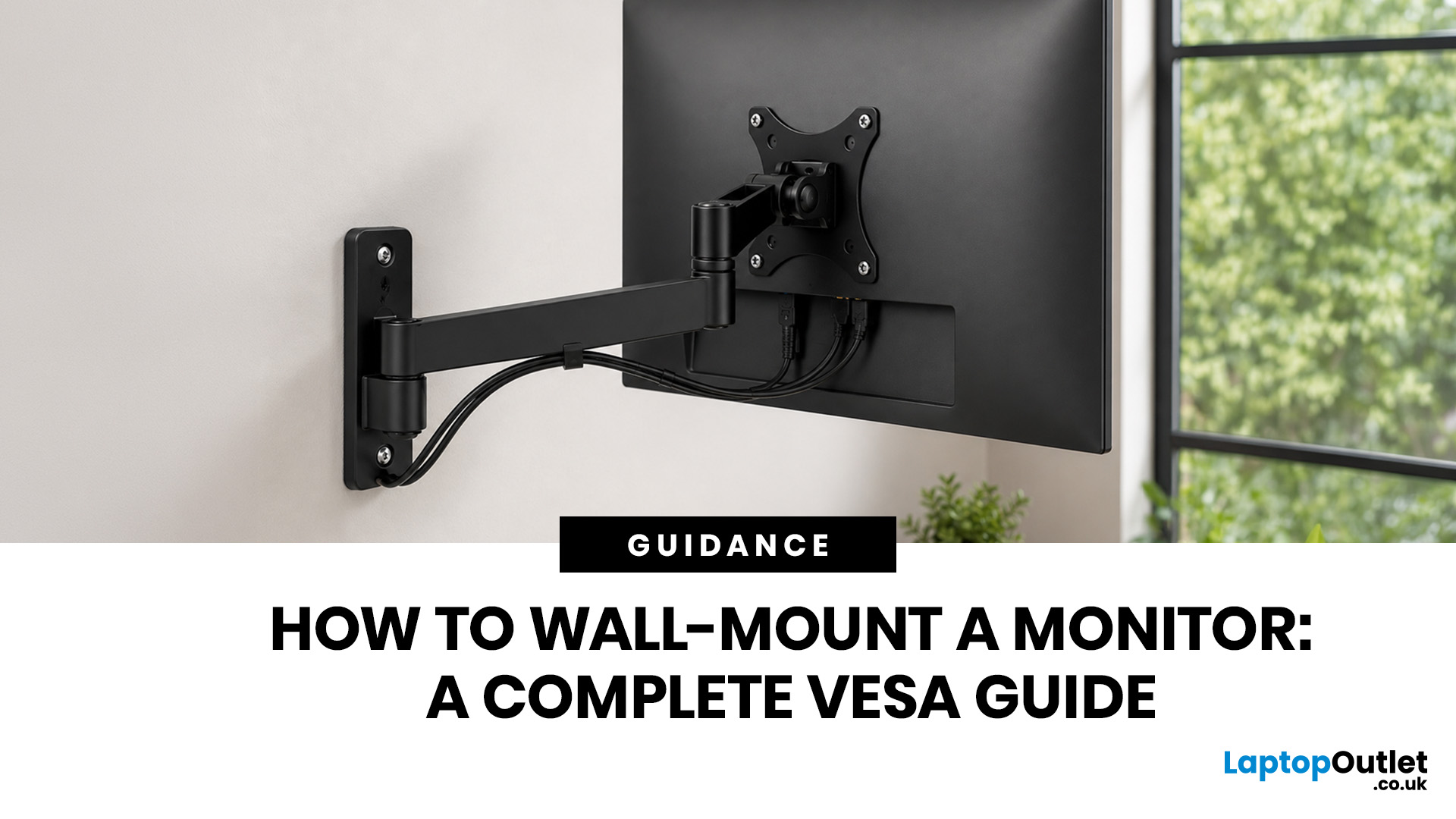
Quick Answer: Wall-mounting a monitor is worth it if you want to save desk space, improve posture and create a cleaner setup. Before you start, check that your monitor supports VESA mounting, confirm the correct VESA mounting pattern, choose a wall mount that supports your monitor’s weight, and make sure your wall can safely hold it. This VESA mount monitor guide explains what VESA mounting is, how to check compatibility, what tools you need, and how to wall mount a monitor safely step by step.
Wall-mounting a monitor can make your setup look instantly cleaner. No bulky stand. More desk space. Better cable management. A screen that actually sits at the right height instead of forcing your neck into questionable positions. Before you grab a drill and start making holes in the wall like you’re on a home renovation show, there are a few things to check. Not every monitor can be mounted, not every wall is suitable, and not every mount fits every screen.
What is VESA Mounting?
VESA mounting
Last Updated: June 10, 2026
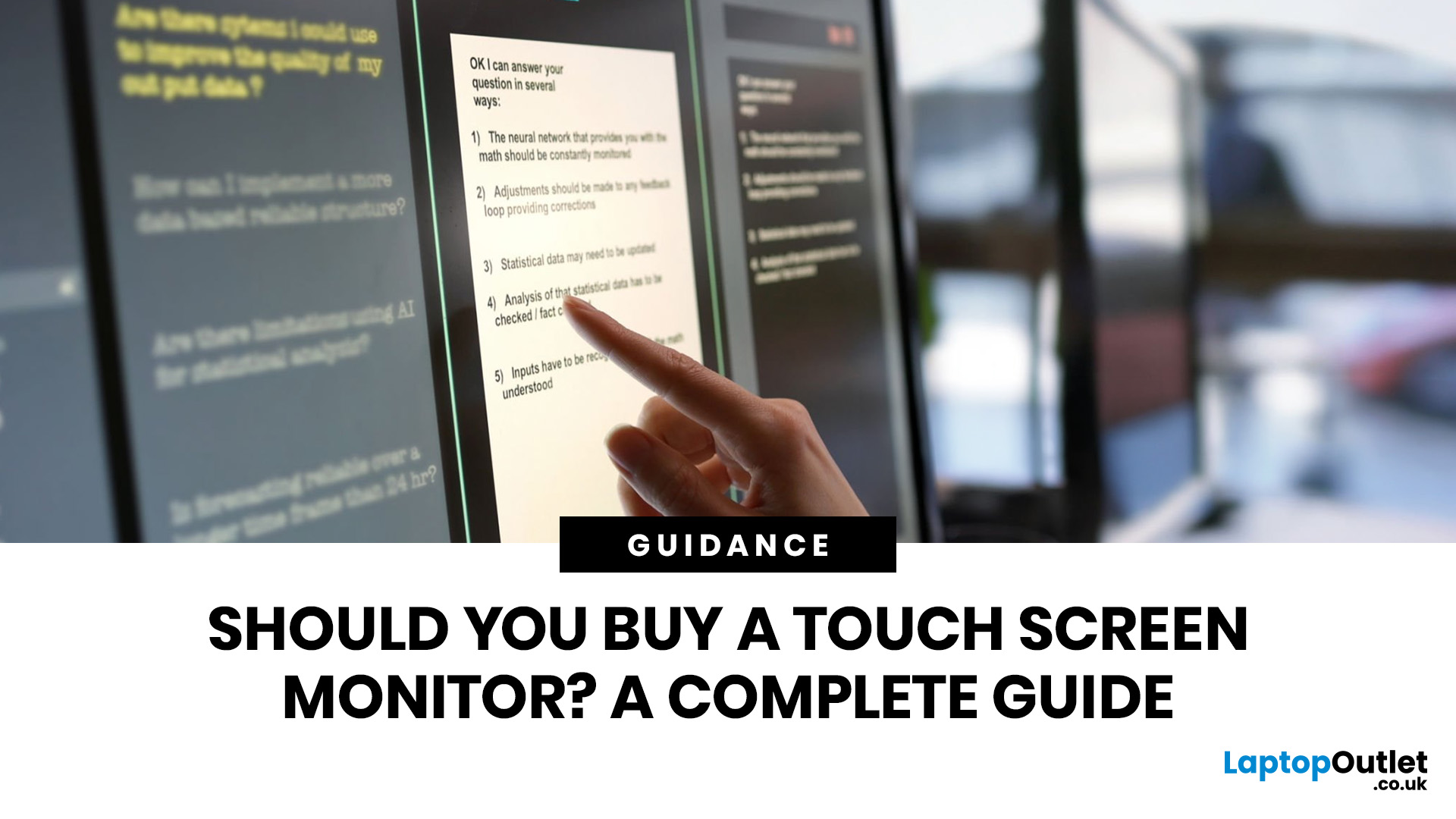
Quick Answer: Yes, touch screen monitors are worth it if you need a more interactive display for work, business, education, presentations, creative tasks or customer-facing setups. They let you tap, swipe, scroll, zoom and sometimes draw directly on the screen, which can feel much more natural than using only a mouse and keyboard.
A touch screen monitor sounds cool. You can tap apps, swipe through pages, pinch to zoom, sign documents, control presentations and interact with your PC like it is a giant tablet. Very futuristic. Very clean setup energy. But before you spend extra, it is worth asking: should I buy a touch screen monitor, or would a standard display do the job better?
The answer depends on how you use your computer. For business, education, creative work and interactive setups, touch can be genuinely useful. For spreadsheets, typing, gaming and everyday browsing, it may be more of a nice bonus than a must-have. This touch screen monitor buying guide breaks down the benefits,

