



AOC Monitors Explained: Brand Overview, Key Series & Best Uses in 2026
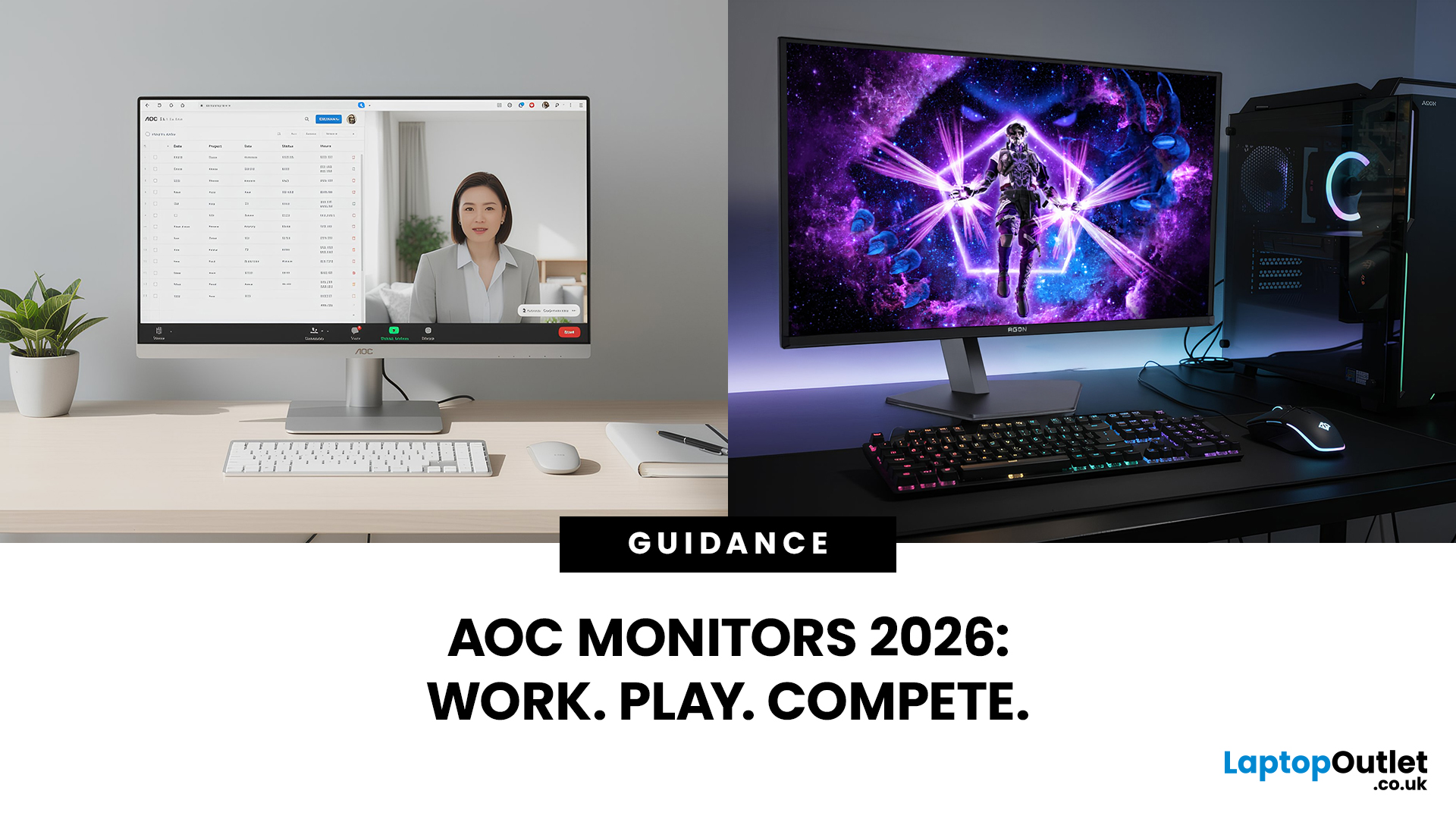
AOC monitors have quietly become one of the biggest go-to choices in 2026, whether you’re building a clean home office setup, upgrading your gaming station, or just wanting a solid screen that doesn’t destroy your budget. The brand covers everything from simple everyday displays to seriously high-performance esports-level monitors under AGON PRO. In this guide, we’ll break down the full AOC monitor family, explain what each series is actually made for, and help you figure out which models fit your lifestyle best: work, study, gaming, or all three. If you’re looking for value, comfort, and modern features, AOC is definitely worth knowing.
Meet the AOC Monitor Family: AOC, AOC Gaming, AGON & AGON PRO
AOC isn’t just one type of monitor; it’s more like a full lineup of screen “personalities,” each built for different people and setups. In 2026, AOC monitors cover everything from budget-friendly everyday displays to elite esports-level gaming machines.
The main difference comes down to performance, features, and who the monitor is designed for. Whether you’re working from home, studying, casually gaming, or chasing competitive refresh rates, there’s an AOC series that fits.
What each series is designed for
Here’s the easiest way to understand the AOC monitor family:
- AOC Monitors (Standard Series)
These are built for everyday use, browsing, office work, streaming, and studying. Affordable, reliable, and perfect for home setups. - AOC Gaming Monitors
A step up for casual and mid-level gamers. Depending on the model, AOC Gaming displays range from accessible high-refresh options to esports-focused screens reaching 300Hz and above. - AGON Monitors
Designed for enthusiasts who want high refresh rates, sharper panels, and more immersive performance. Great for competitive FPS, racing, and serious gaming sessions. - AGON PRO Monitors
The top-tier lineup is built for esports and cutting-edge tech. This is where you’ll see extreme refresh rates, premium builds, and next-gen performance.
AOC Monitors for Everyday Use, Study & Home Office
Not everyone needs a monster gaming display and that’s where AOC really shines. If you’re looking for a monitor that works for Zoom calls, coursework, spreadsheets, and Netflix downtime, AOC’s standard lineup offers some of the best value around.
In 2026, more people are building hybrid setups at home, so having a comfortable, sharp, and affordable monitor is basically essential. AOC monitors are especially popular for students and home office users because they balance price, performance, and eye comfort.
Affordable 24–27″ Full HD and QHD options
For most everyday users, the sweet spot is still 24 to 27 inches.
- Full HD (1080p) is perfect for basic tasks and tighter budgets
- QHD (1440p) gives you sharper text, more screen space, and a cleaner feel for multitasking
AOC’s 27-inch range is especially strong for home offices, offering big-screen comfort without big-screen pricing.
Eye-care features for long hours at home
Let’s be real, we’re all staring at screens way too much.
That’s why many AOC monitors now come with built-in comfort features like:
- Low Blue Light modes (easier on your eyes at night)
- Flicker-Free technology (reduces strain during long sessions)
- Adjustable stands for better posture

AOC Gaming Monitors: From Casual Play to Esports
Gaming is where the AOC gaming store has seriously levelled up. Their gaming range has expanded massively in 2026, offering options for everyone, from casual console players to full-on competitive PC gamers.
AOC gaming monitors are known for delivering high refresh rates, fast response times, and immersive designs without instantly jumping into overpriced territory.
Whether you’re playing FIFA, grinding Valorant, or building a proper esports setup, AOC has a monitor tier that matches your style and budget. To explore the best options right now, check out the best AOC gaming monitors by budget.
AOC Gaming vs AGON vs AGON PRO for different gamers
Not sure which gaming series you actually need?
- AOC Gaming → Best for casual players and first-time upgrades
- AGON → For competitive gamers who want smoother, faster performance
- AGON PRO → Built for esports, premium speed, and next-gen refresh tech
If you want the full breakdown, head to our AOC Gaming vs AGON vs AGON PRO comparison.
High refresh (240Hz+, 300Hz, 500Hz and beyond)
Refresh rate is one of the biggest reasons people upgrade in 2026.
- 144Hz–180Hz feels instantly smoother than standard 60Hz
- 240Hz–280Hz is ideal for competitive FPS gaming
- 500Hz+ is entering true esports territory
- Selected AGON PRO monitors now combine 360Hz panels with NVIDIA G-SYNC Pulsar, which can deliver motion clarity comparable to refresh rates above 1,000Hz. This describes effective motion clarity rather than a native 1,000Hz refresh rate.
If you’re wondering whether it’s worth the jump, read: are 240Hz and 280Hz AOC gaming monitors worth it?
AOC Curved & Ultra-Wide Monitors for Immersion and Productivity
If flat screens feel a little… basic in 2026, AOC’s curved and ultra-wide monitors are where things get exciting. These displays are built for people who want more immersion, more workspace, and more “wow” on their desk, whether that’s for gaming, creative work, or multitasking like a productivity machine.
AOC has become one of the strongest brands for curved and ultra-wide options because they offer premium-style experiences without the premium-only price tags.
Curved gaming monitors and sim-racing setups
Curved monitors aren’t just for aesthetics; they actually change how games feel.
AOC curved gaming monitors are especially popular for:
- Racing and flight simulators
- Immersive RPGs
- Wider field-of-view setups
The curve helps pull the edges of the screen into your vision, making gameplay feel more natural and less “boxed in.”
If you’re deciding between screen shapes, our guide on curved vs flat AOC monitors breaks it down clearly.
Ultra-wide displays for multitasking and dashboards
Ultra-wide monitors are basically the cheat code for productivity.
Instead of juggling two screens, you can run:
- Documents + video calls side by side
- Timelines for editing
- Full-width spreadsheets
- Streaming + chat + gameplay layouts
AOC ultra-wide displays are perfect for home office users who want more space without a full multi-monitor setup.

Comfort, Eye-Care & Desk Space with AOC Monitors
Monitors aren’t just about pixels and refresh rates, they’re about how you feel after using them all day. In 2026, comfort is a huge part of choosing the right display, especially with more people working, studying, and gaming from the same desk.
AOC has leaned heavily into features that improve long-term usability, making their monitors a strong choice for anyone who spends hours in front of a screen.
Low Blue Light and Flicker-Free in real use
Eye-care features might sound like marketing, but they actually matter.
AOC Eye-Care monitors often include:
- Low Blue Light modes for late-night work or gaming
- Flicker-Free backlighting to reduce strain
- Softer viewing over long sessions
If you’re doing 8-hour workdays or long study evenings, these features can make a noticeable difference in comfort.
Curved vs flat for comfort at different viewing distances
Choosing between curved and flat isn’t just about style, it depends on your desk setup.
- Flat monitors work best for smaller screens and close viewing
- Curved monitors feel more natural at larger sizes or ultra-wide formats
- Curves can reduce the need to turn your head as much on big displays
Recommended AOC Monitor in 2026
With so many AOC monitors available across work, home, and gaming ranges, a few models stand out as best-in-class choices for performance, value, and everyday comfort.
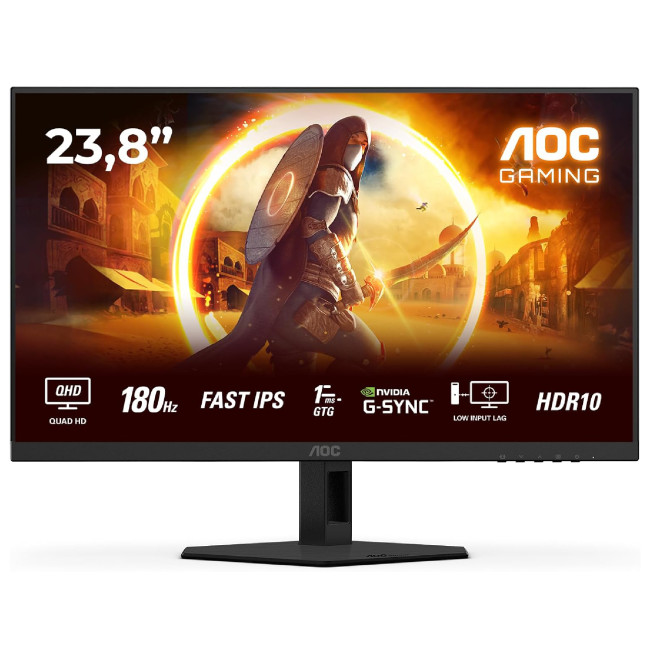
AOC G4 Q24G4RE – Best-Value 24-Inch QHD Gaming Monitor
Highlights:
- NVIDIA G-SYNC Compatible
- Adaptive Sync and HDR10
- 24-inch Quad HD IPS display
- 2560 x 1440 maximum resolution
- 1ms response time and 180Hz refresh rate
- 16:9 aspect ratio
- HDMI and DisplayPort connectivity
- Black and red design
The AOC G4 Q24G4RE is a strong choice for gamers who want sharp visuals and smooth performance from a compact display. Its 24-inch Quad HD IPS panel provides noticeably finer detail than Full HD, while the 180Hz refresh rate and 1ms response time keep fast-moving games fluid and responsive.
Adaptive Sync and NVIDIA G-SYNC compatibility help reduce screen tearing and stuttering, while HDR10 adds greater depth to supported games and videos. Its combination of QHD clarity, wide IPS viewing angles and fast performance also makes it suitable for everyday work, content creation and entertainment.
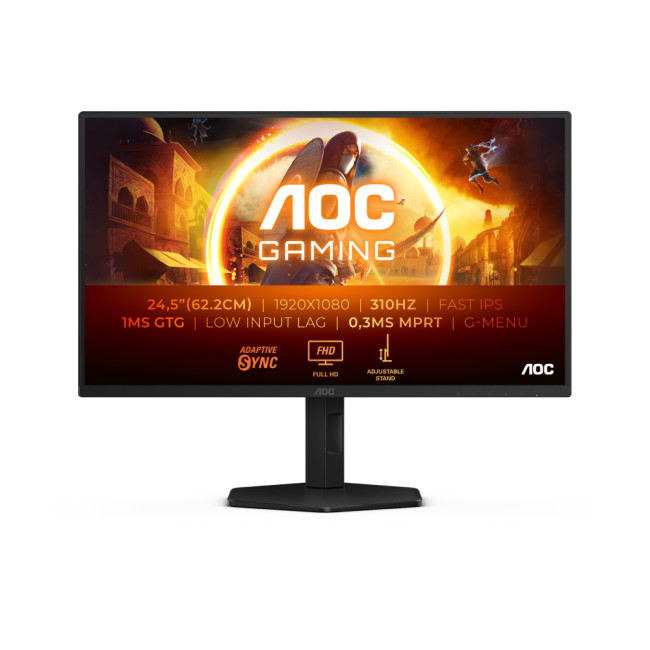
AOC G4 25G4SXU – High-Refresh Competitive Gaming Champion
Highlights:
- Height-adjustable stand up to 130mm
- NVIDIA G-SYNC Compatible and Adaptive Sync
- VESA DisplayHDR 400
- 24.5-inch Full HD Fast IPS display
- 1920 x 1080 maximum resolution
- 1ms response time and 300Hz refresh rate
- 2 x HDMI 2.0, DisplayPort 1.4 and USB hub
- Black and grey design
For competitive gamers who prioritise speed, the AOC G4 25G4SXU is the closest alternative to the AGON PRO AG256FS within the current range. Its 24.5-inch Full HD Fast IPS panel and rapid 300Hz refresh rate deliver clear, fluid motion during fast-paced matches, while the quoted 0.3ms MPRT helps minimise visible blur.
NVIDIA G-SYNC compatibility and Adaptive Sync reduce tearing during changing frame rates, while DisplayHDR 400 supports brighter, more vibrant visuals. The height-adjustable stand and built-in four-port USB hub add comfort and convenience, making this monitor particularly well suited to competitive FPS, racing and esports titles.

Buying AOC Monitors on a Budget
AOC is already known for being great value, but if you’re shopping on a tighter budget in 2026, the good news is you’ve still got plenty of strong options. Whether you’re upgrading your home office setup, buying a gaming monitor for less, or just trying to stretch your money further, AOC monitors are one of the smartest brands to look at.
The key is knowing what specs actually matter for your needs, and where you can save without missing out.
New vs refurbished AOC monitors
If you want maximum value, refurbished monitors are honestly one of the best-kept secrets.
A refurbished AOC monitor can be ideal if you:
- Want a bigger screen for less money
- Don’t need the absolute newest release
- Prefer saving cash while still getting quality hardware
Refurbished options are especially popular for students, home offices, and budget gaming setups.
When it makes sense to pay more for refresh rate or resolution
Budget doesn’t always mean “cheapest possible”, sometimes spending slightly more gets you a much better long-term experience.
It’s usually worth upgrading if:
- You want QHD resolution for sharper text and multitasking
- You game competitively and need 240Hz+ refresh rates
- You’re buying an ultra-wide or curved monitor for immersion
On the other hand, if you’re mostly doing emails, study work, or casual gaming, a solid full HD AOC display is more than enough.

Answering Some Common Questions for AOC Monitors
Are AOC monitors good value compared with other brands?
Yes, AOC monitors are widely known for offering strong specs at competitive prices. In 2026, they deliver features like high refresh rates, QHD resolution, and built-in eye-care tech without premium-brand markups. Whether you’re buying for work or gaming, AOC consistently balances performance and affordability.
What’s the difference between AOC, AOC Gaming, AGON and AGON PRO monitors?
The difference comes down to performance level:
- AOC → Everyday work and home use
- AOC Gaming → Budget-friendly gaming
- AGON → High-refresh competitive gaming
- AGON PRO → Esports and premium performance
Which AOC monitors are best for home office and study?
For home office and study, 24–27″ AOC monitors with Full HD or QHD resolution are ideal. Many models include Eye-Care features like Low Blue Light and Flicker-Free, which help reduce strain during long sessions. See our guide to best AOC monitors for home office & study for tailored picks.
Do you really need a high refresh rate AOC gaming monitor?
Not always. If you play casual games, 144Hz is more than enough. But for competitive FPS titles, 240Hz or higher can feel noticeably smoother and more responsive. AOC Gaming and AGON models offer options for every level.
Should I buy a new or refurbished AOC monitor if I’m on a tight budget?
If you’re focused on saving money, refurbished AOC monitors can offer excellent value — especially for students or home offices. If you want the latest releases or cutting-edge refresh rates, buying new may be the better option.
Related Articles


Last Updated: August 28, 2026
Gaming has changed forever. If you are still using an old LCD screen, you are missing out on the best visuals possible. In 2026, the best OLED gaming monitors have become the gold standard for every serious player. Whether you want a competitive edge in shooters or deep immersion in RPGs, OLED is the answer.
But why is everyone switching? It comes down to speed and colour. OLED panels offer near-instant response times. They also provide "true blacks" that no other screen can match. In this guide, we will look at the top OLED gaming screens available. We will also explain what to look for so you can find the perfect match for your PC or console.
1. AOC Gaming Q27G41ZDF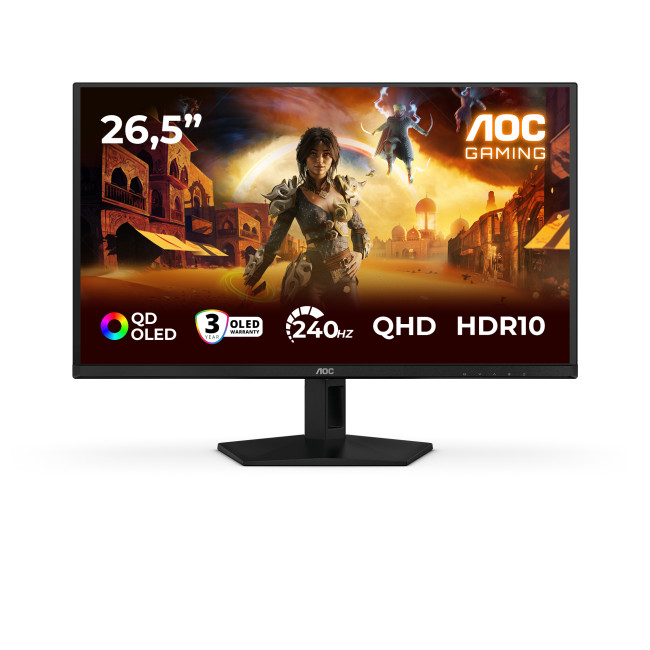
Key Specifications:
- Screen Size: 26.5-inch
- Panel Type: QD OLED
- Resolution: 2560 x 1440 (QHD)
- Refresh Rate: 240Hz
- Response Time: 0.03ms
- Aspect Ratio: 16:9
- Screen Shape: Flat
- Sync Technology: G-SYNC Compatible, Adaptive Sync
- Low Blue Light Technology: Yes
- HDR Standards: HDR10
Last Updated: August 28, 2026
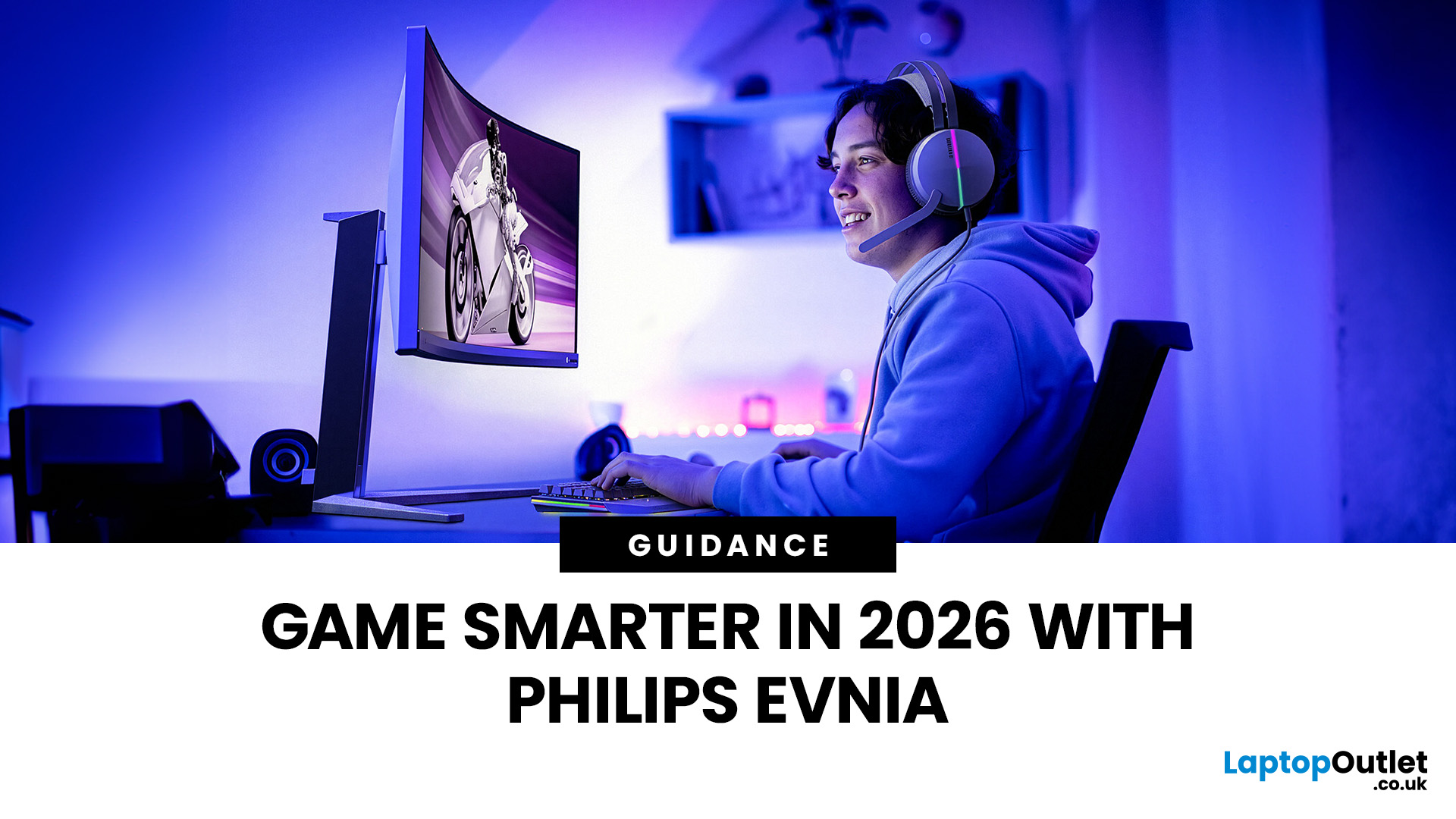
Gaming has changed rapidly over the last few years. In 2026, players demand more than just a clear picture. They want fluid movement, deep colours, and hardware that looks as good as the game itself. This is where Philips Evnia monitors come into play.
The Evnia range was designed to break the "typical gamer" stereotype. These screens combine high-end performance with a sleek, modern aesthetic. Whether you are a competitive esports player or a casual console gamer, there is a model tailored for you.
Finding the right display can be tricky. You have to balance refresh rates, resolution, and panel types. In this guide, we break down the five best Philips monitors for gaming to help you level up your setup.
1. Philips Evnia 24M2N3201A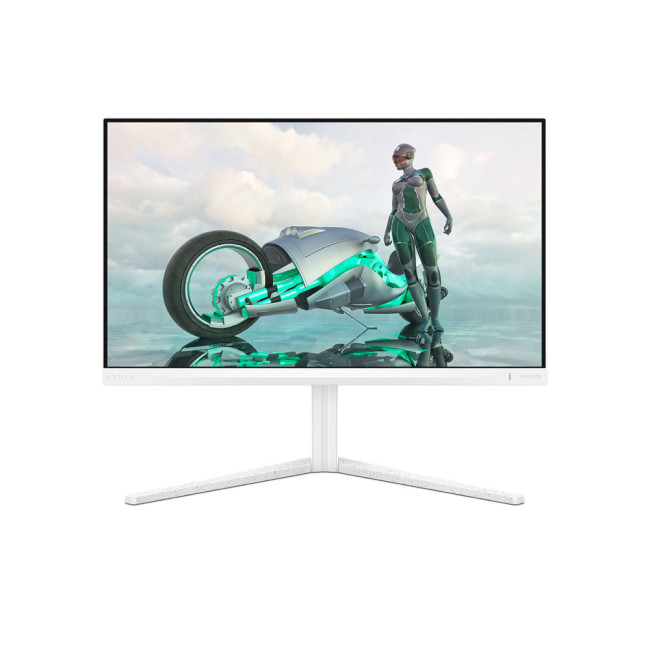
Key Specifications:
- Screen Size: 23.8 Inches
- Panel Type: Fast IPS
- Resolution: Full HD (1920 x 1080)
- Refresh Rate: 180Hz
- Response Time: 1ms (GtG)
- Aspect Ratio: 16:9
- Screen Shape: Flat
- Connectivity: 2x HDMI 2.0, 1x DisplayPort 1.4
- Features: Adaptive Sync,
Last Updated: February 26, 2026
Starting a new year often means setting new goals for productivity and success. To reach those targets, you need the right tools on your desk.
Our New Year monitor deals for 2026 bring you the perfect opportunity to upgrade your workspace without breaking the bank. Whether you are a creative designer, a financial analyst, a software developer, or a hardcore gamer, this year's monitor New Year sale has something for everyone.
We have curated a list of the top 10 monitors available at Laptop Outlet that combine high performance with incredible value. Let’s explore them.
1. LG 24U421A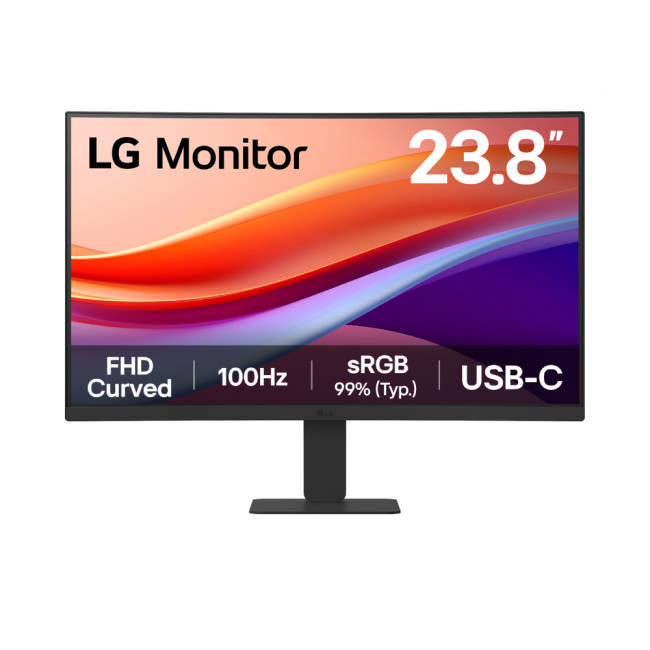
Key Specifications
- Screen Size: 23.8-inch
- Resolution: Full HD (1920 x 1080)
- Panel Type: VA
- Refresh Rate: 100 Hz
- Response Time: 5 ms
- Aspect Ratio: 16:9
- Screen Shape: Curved
- Connectivity: 1 x HDMI | USB-C
- Features: Flicker-Free Technology, Blue Light Filter
- Weight: 2.9 kg
What Makes it Worth Buying
If you are looking for affordable monitors that punch above
Last Updated: December 31, 2025
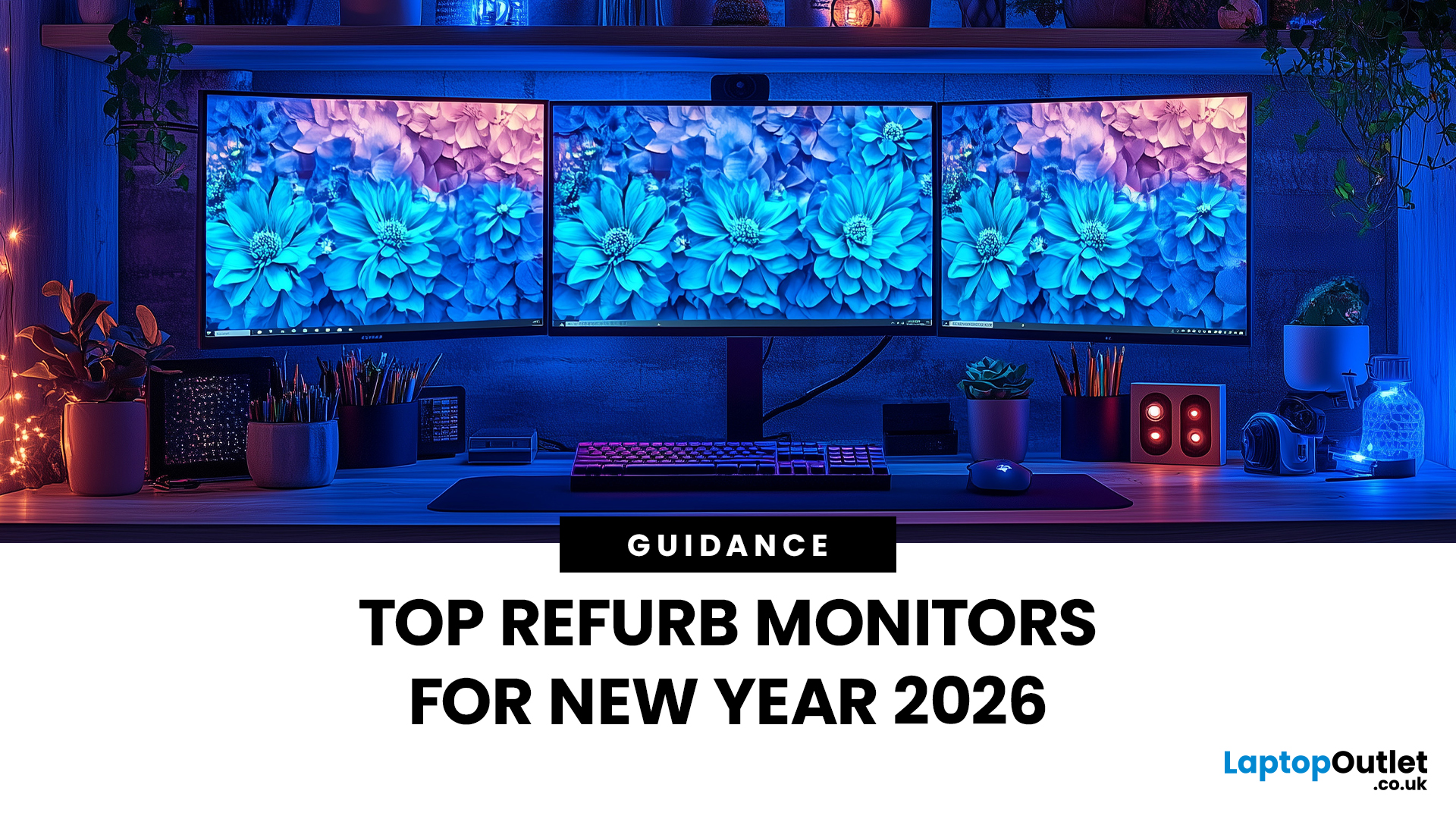
Upgrading your display is one of the smartest ways to refresh your setup for the year ahead. A better monitor can make work feel smoother, games look sharper, and day-to-day browsing far more comfortable, without needing a whole new PC. The good news? You don’t have to pay full retail to get a premium panel. Choosing refurbished is a practical way to access higher specs (4K, OLED, high refresh rates, USB-C portability) for less, while keeping perfectly usable tech in circulation for longer. That’s especially true during New Year promotions, when clearance pricing and seasonal offers often collide. You’ll see everything from portable screens for hybrid work to big-format displays built for entertainment and collaborative spaces.
Classroom-Ready 4K Touch: Refurbished BenQ Education
If you’re upgrading a classroom, meeting room, training space, or collaborative studio, the BenQ RE8601 is a standout. At 86 inches with 4K clarity and interactive touch, it’s built for hands-on presentations,
Last Updated: December 31, 2025
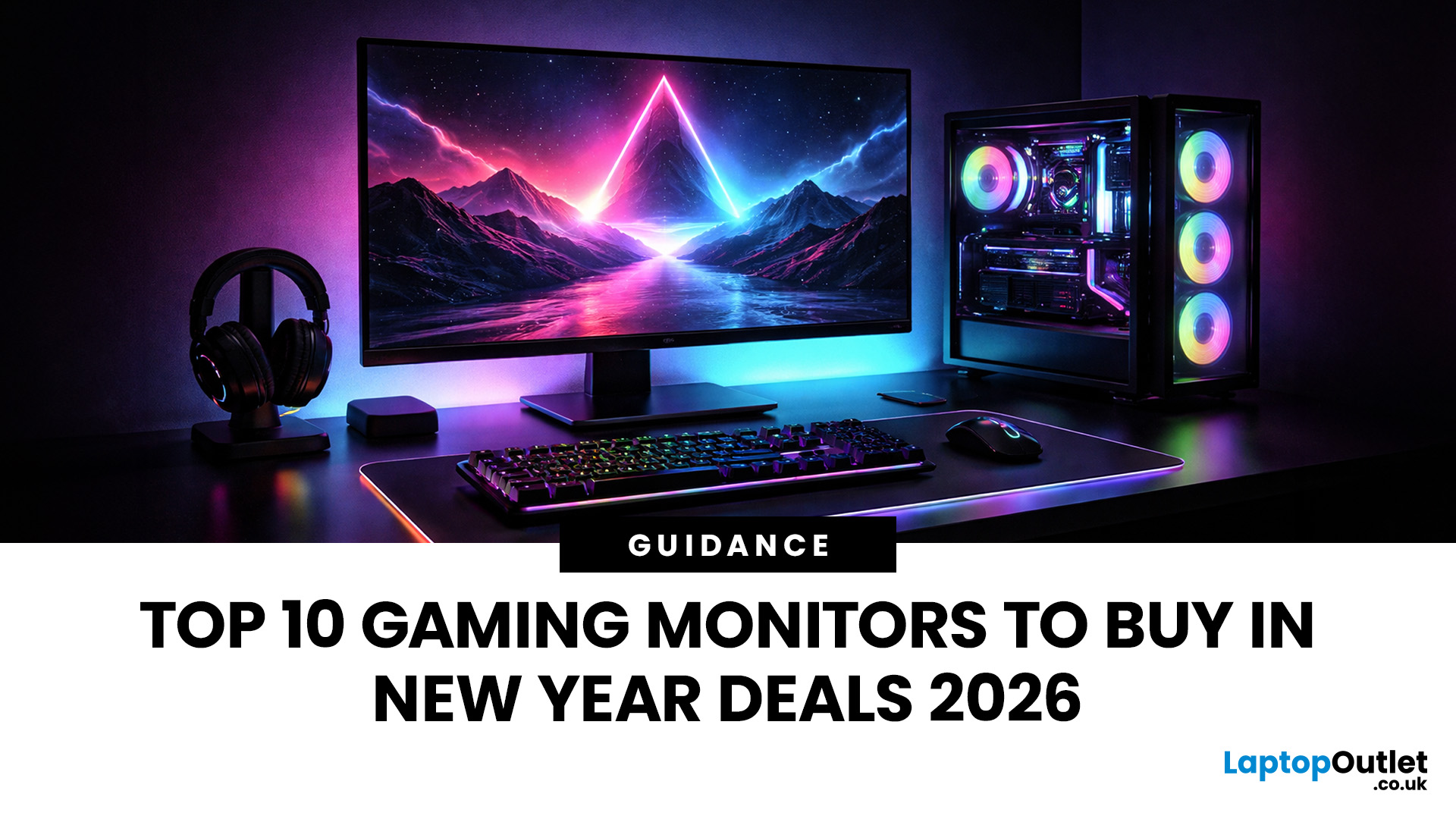
If your setup is still running on an older 60–75Hz display (or a basic office screen), 2026 is the year to change that. The jump to a modern gaming monitor can be instantly noticeable: smoother camera movement, clearer motion in fast fights, and a more responsive “feel” when you aim, flick, track, or even just pan across open-world scenery. That’s why New Year gaming monitor deals are such a popular time to upgrade, stock is refreshed, prices tend to be competitive, and you can often find the exact spec combination you’ve been waiting for without paying peak-season prices.
Laptop Outlet makes this easier because there’s a wide range of gaming monitors in one place, so you can compare size, resolution, refresh rate and panel tech without bouncing between stores. A good starting point is the main gaming monitors category (it’s perfect for filtering by what matters most). And if you’re shopping across more than just monitors, it’s also worth keeping an eye on the wider promotions to save big
Last Updated: July 10, 2026
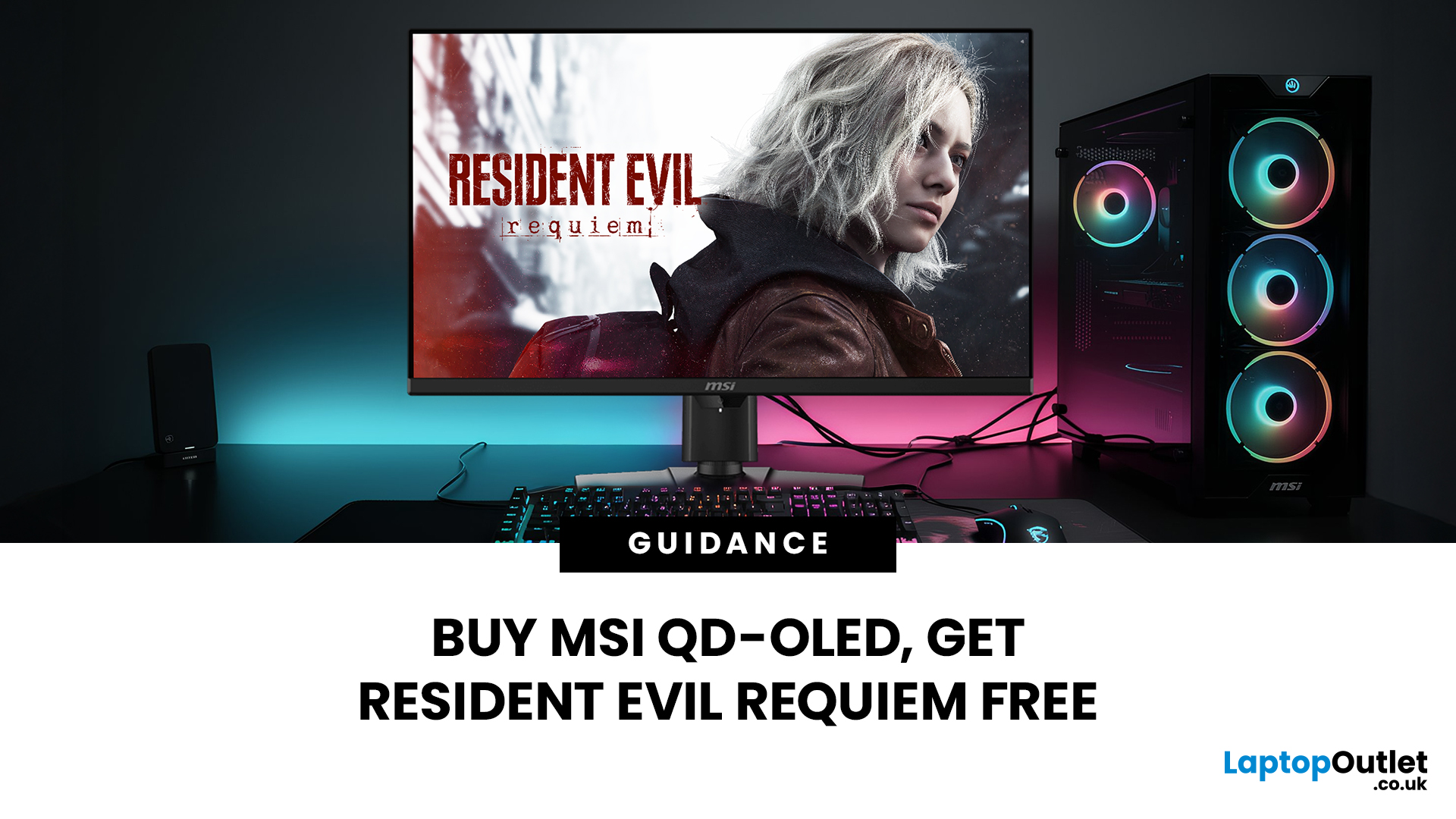
Gaming is about to get a whole lot better. If you are looking for a screen upgrade, now is the perfect time. MSI is currently offering a deal that is hard to ignore. When you buy a selected MSI QD-OLED monitor, you can get Resident Evil Requiem free.
This latest title usually costs £51.99. However, for a limited time, you can add it to your library without spending an extra penny. Combining the terrifying visuals of Resident Evil with the ground-breaking technology of QD-OLED is a match made in heaven.
In this guide, we will look at the best MSI gaming monitors included in this deal.
Why This Gaming Deal Matters
Gaming hardware is expensive. Getting a £51.99 game for free helps offset the cost of your new screen. But beyond the money, it is about the experience. MSI QD-OLED monitors are currently the pinnacle of display technology.
They offer:
- Perfect Blacks: No "halo" effect around bright objects.
- Vivid Colours: Quantum Dots provide a wider colour gamut.
- Instant Response: 0.03 ms is
Last Updated: June 15, 2026
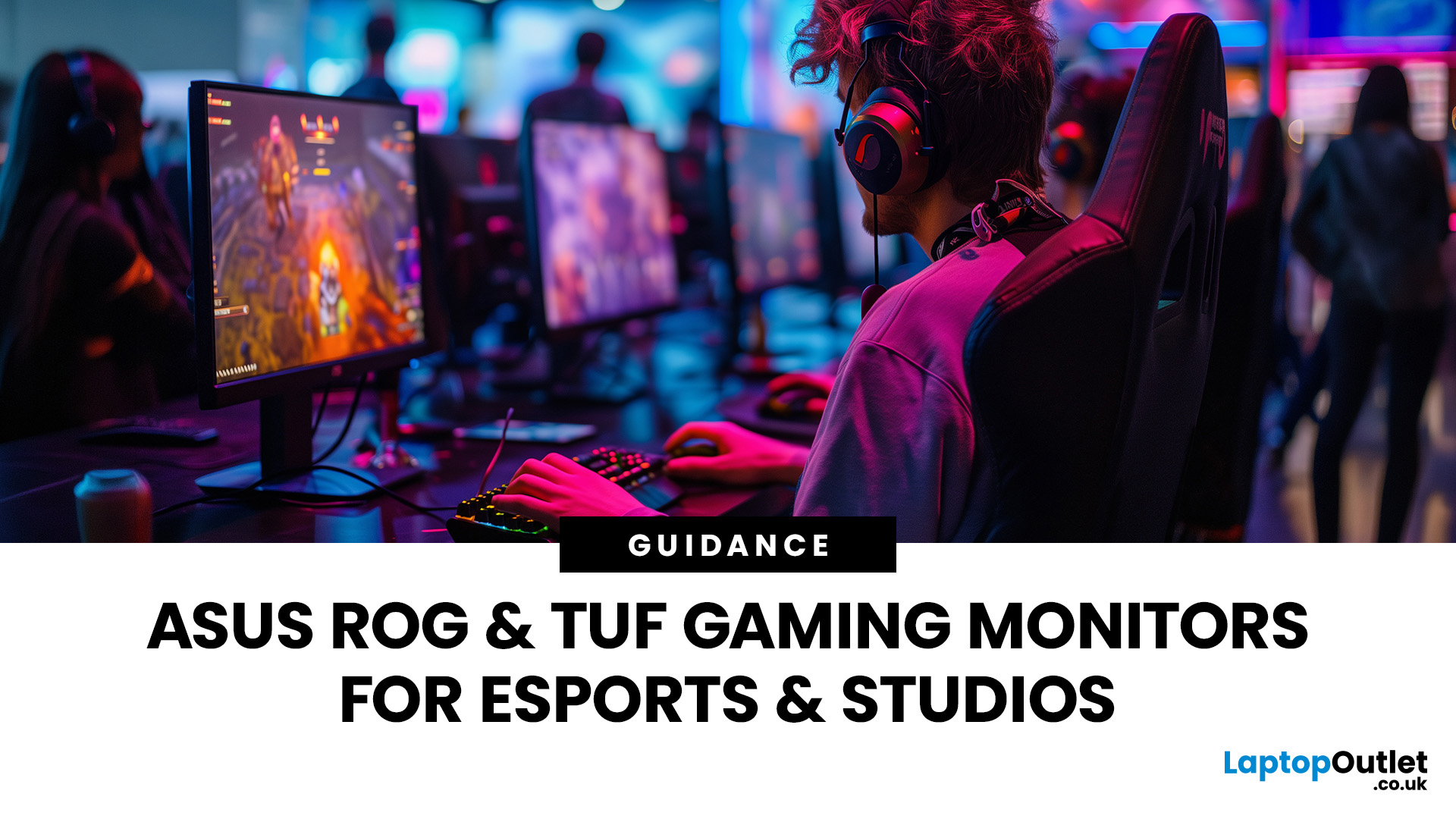
If you run an esports arena, gaming cafe, university esports lab, or content studio, your monitor choice is not a background decision. It directly affects performance, player satisfaction, brand perception, and long-term ROI. Competitive players notice the refresh rate instantly. Streamers notice colour accuracy. Venue owners notice durability. And everyone notices screen quality.
That’s why ASUS gaming monitors have become a staple across esports stages and gaming venues in the UK. From ultra-premium ASUS ROG gaming monitors built for tournament environments to scalable ASUS TUF gaming monitor options designed for multi-station rollouts, ASUS covers every level of competitive deployment.
If you're building or upgrading a gaming business, here’s what you need to know.
Why Esports & Gaming Businesses Choose ASUS
A single hardware issue during a tournament can damage a reputation fast. ASUS has built a strong position in esports by delivering consistency under pressure.
Brand Reputation
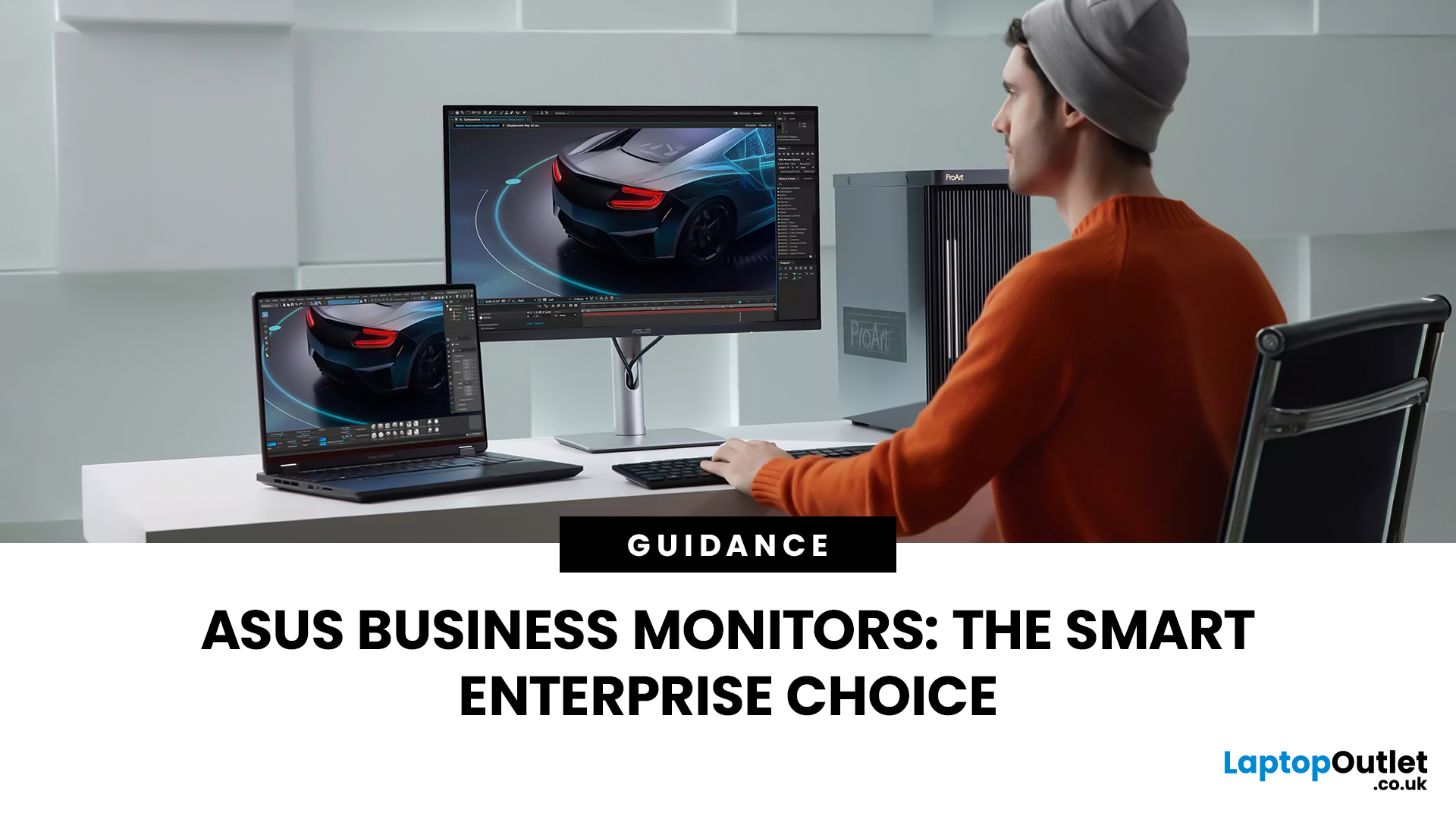
Last Updated: March 13, 2026
Modern workplaces are more screen-based than ever and in the UK, the average office employee now spends over 6 hours a day looking at a monitor. For businesses, that makes display choice more than just a tech detail; it’s a productivity and wellbeing decision.
The right ASUS business monitors can improve workflow efficiency, reduce eye strain, and support hybrid teams with flexible connectivity like USB-C docking. Whether you’re equipping a corporate office, a call centre, or a growing enterprise rolling out hundreds of workstations, choosing the right monitor spec matters.
In this buying framework, we’ll break down what UK organisations should prioritise, from screen size and ergonomics to ASUS Eye Care features, bulk purchasing, and the best monitor options for business use in 2026.
Why ASUS Monitors Work Well for Modern Workplaces

In today’s business environment, monitors are no longer just office accessories, they’re core productivity tools. From finance teams working across spreadsheets
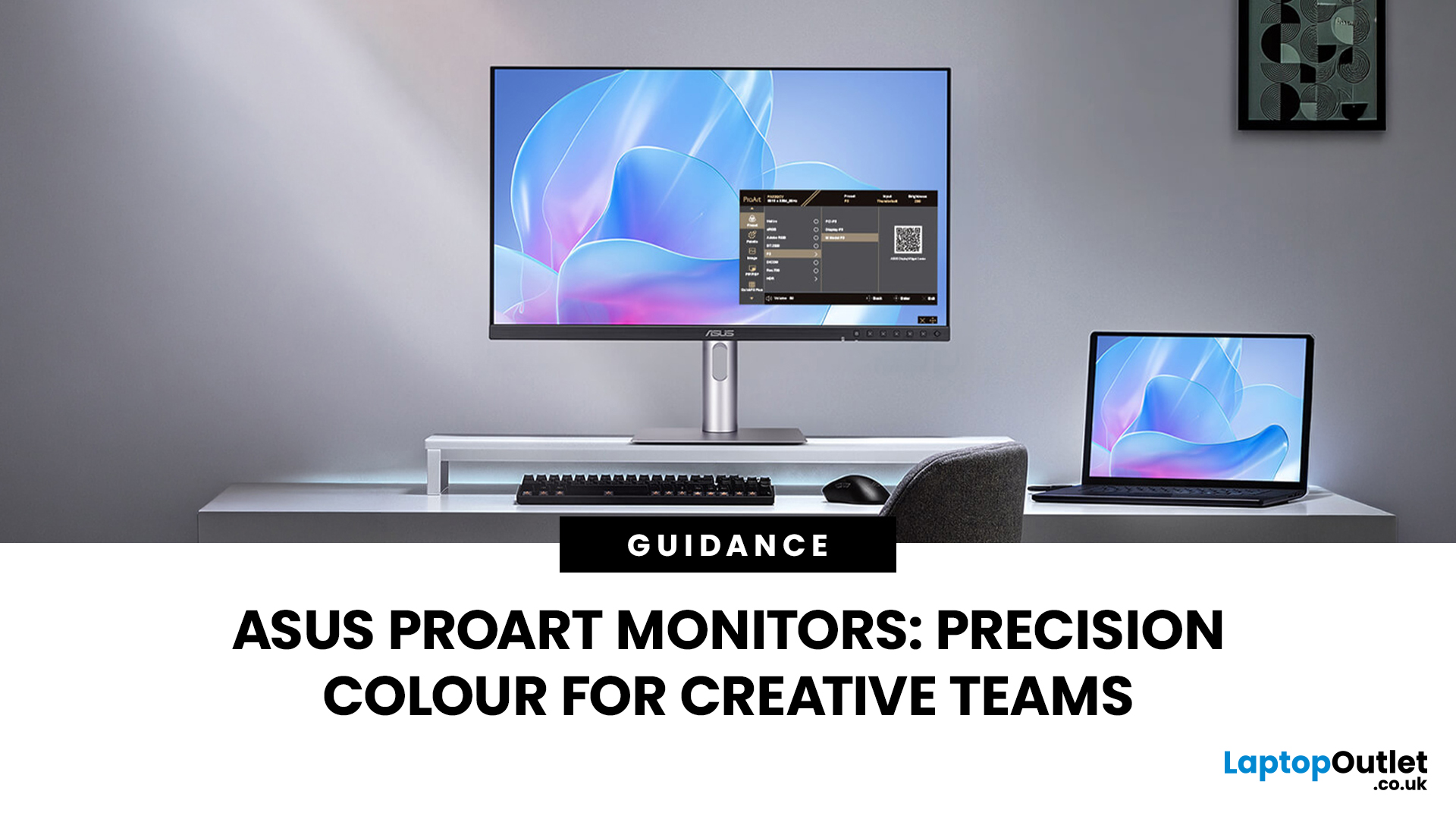
Last Updated: March 13, 2026
Creative work is more colour-critical than ever and studies show the average designer spends over 7 hours a day staring at a screen. That means your monitor isn’t just a display… it’s basically your studio. If colours are even slightly off, edits don’t match, prints come out wrong, and client work gets messy fast.
That’s where ASUS ProArt monitors come in. Built specifically for creators, they deliver factory-calibrated accuracy, wide colour coverage, and crisp 4K detail that makes photo editing, graphic design, and video workflows feel effortless. Whether you’re running a creative agency, an in-house design team, or a full studio setup, ProArt screens help you work with confidence, not guesswork.
Let’s break down what makes them worth it.
What Creative Teams Need from a Monitor
Not all monitors are built the same and creative teams feel that difference immediately. A standard office screen might be fine for spreadsheets, but when you’re adjusting skin tones, matching brand colours, or
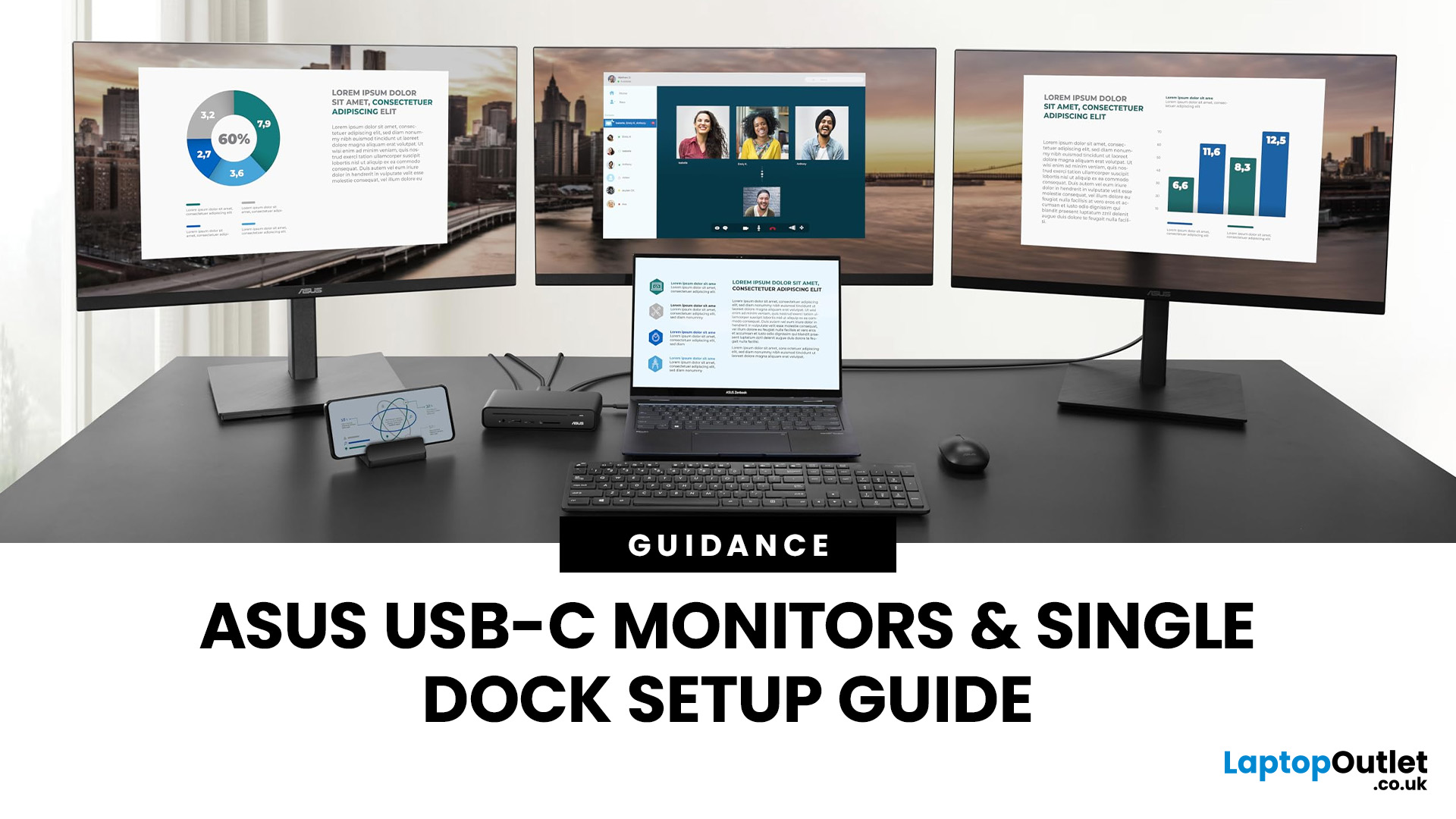
Last Updated: August 28, 2026
If you’re planning a desk refresh, rolling out new workstations, or managing a hot-desking environment, one question always comes up: how many ASUS USB-C monitors can you realistically run from a single dock? The short answer? It depends.
The long answer? It depends on your laptop’s GPU, the dock’s bandwidth, the monitor resolutions, and whether you’re daisy-chaining or using multiple video outputs.
In this practical IT deployment guide, we’ll break down exactly how ASUS USB-C monitors behave in real-world setups, what limits your configuration, and how to plan a reliable multi-monitor rollout without unpleasant surprises.
How USB-C Video and Power Actually Work
USB-C looks simple. One cable. Power. Video. Data. Done.
But behind that clean setup, there’s a lot happening.
USB-C monitors rely on a feature called DisplayPort Alt Mode. This allows the USB-C cable to carry video signals from your laptop’s GPU directly to the monitor. Many modern docks also use DisplayLink technology, which

