



AOC Gaming vs AGON vs AGON PRO: Which AOC Monitor Series Is Best for Your Gaming Setup?
The global gaming monitor market is projected to surpass 25 million units annually, driven by demand for higher refresh rates, lower response times, and immersive panel technology. Refresh rates have climbed from the standard 60Hz to 240Hz, 360Hz and even 500Hz models designed for competitive esports. As performance expectations rise, so does the confusion around product tiers.
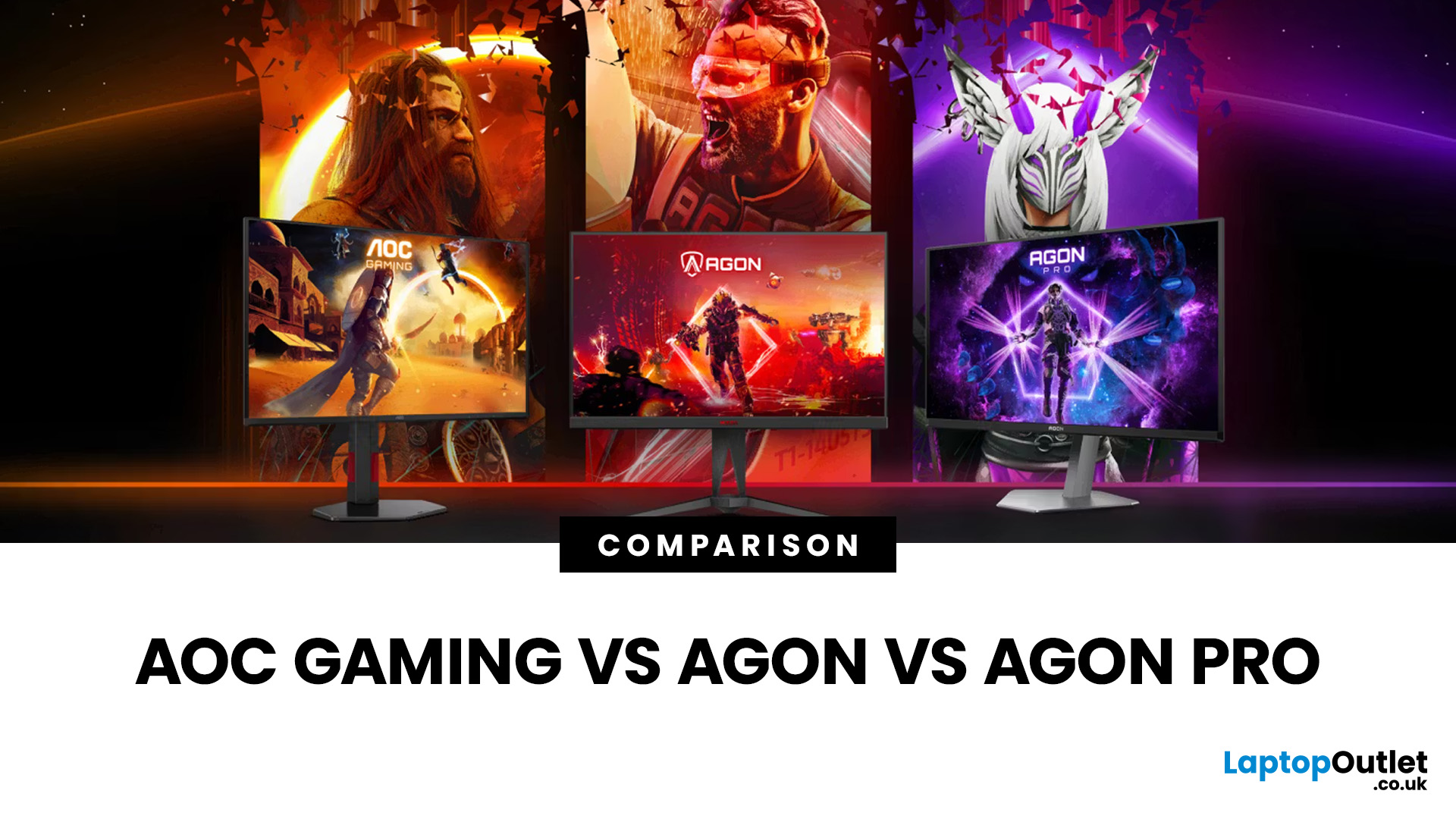
That is especially true when comparing AOC Gaming vs AGON vs AGON PRO. Each series targets a different type of player, from casual console users to tournament level competitors. Understanding the real differences in features, performance and pricing is the key to choosing the best AOC gaming series for your setup.
Quick Overview of AOC Gaming, AGON and AGON PRO
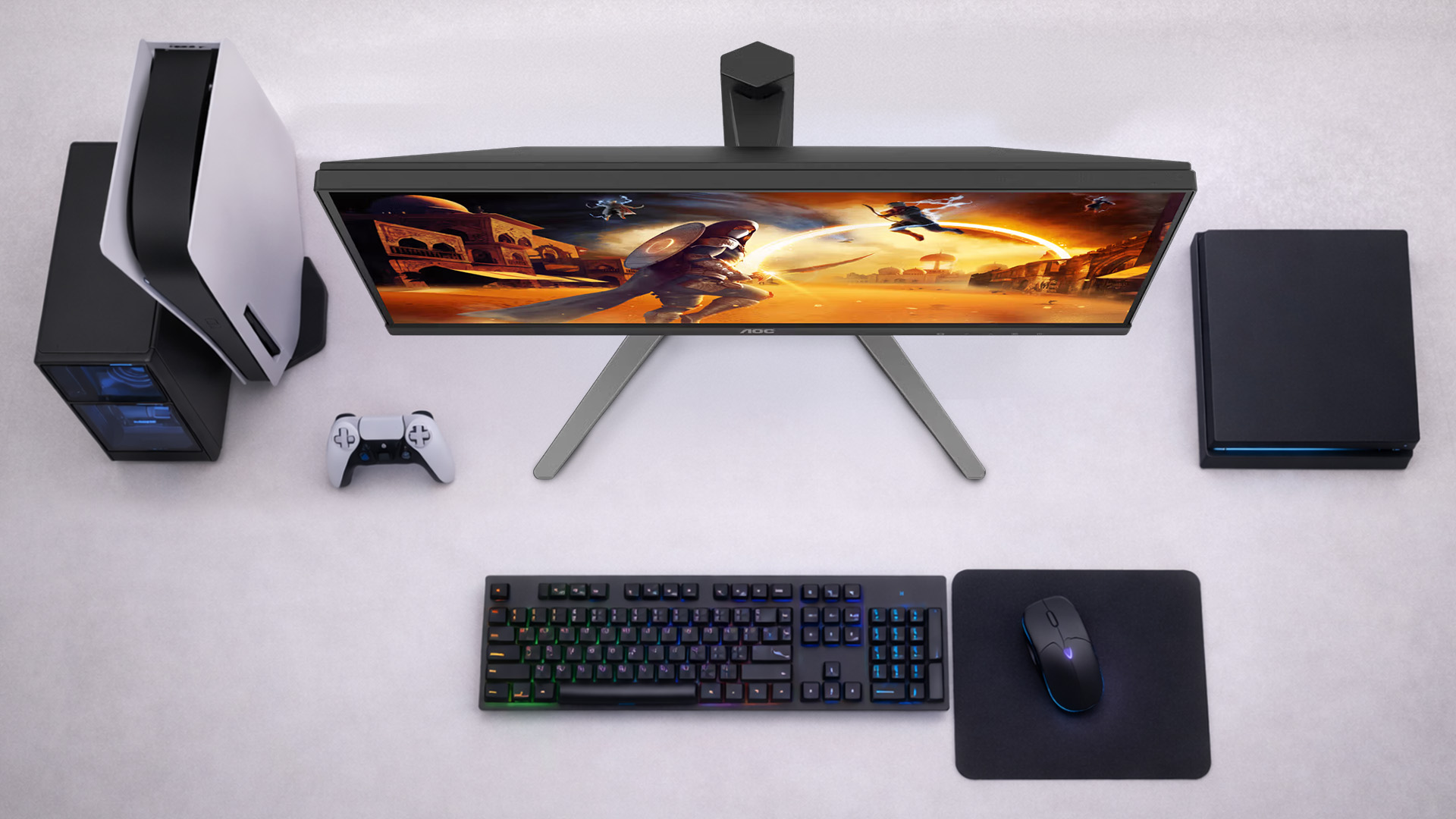
AOC structures its gaming monitors into three clear tiers; each designed for a different level of performance and budget.
AOC Gaming sits at the entry and mid-range level. These monitors focus on strong refresh rates, solid panel quality and competitive pricing. They are built for everyday gamers who want smooth gameplay without paying premium prices.
AGON is positioned above that. This series targets enthusiast players who want faster refresh rates, better colour accuracy and more premium build quality. It bridges the gap between mainstream and professional grade displays.
AGON PRO represents the top tier. These monitors are built for esports and serious competitive gaming. Expect extremely high refresh rates, advanced panels including OLED options, and hardware tuned for tournament level responsiveness.
Together, the three lines give gamers a clear upgrade path based on skill level, hardware and budget. If you are specifically looking for strong performance at different price levels, our best AOC gaming monitors by budget: 1080p, 1440p & 4K picks for every gamer guide breaks down the top value options across resolutions and price tiers.
AOC Gaming Monitors – Great Value for Casual and Mid-Core Players
The AOC Gaming range is designed to deliver strong performance without pushing into premium pricing. This is where many players will find the best balance between cost and capability.
Typical specs and price points
Most AOC gaming monitors offer refresh rates between 144Hz and 240Hz, with Full HD and Quad HD resolutions being the most common. You will typically find IPS or VA panels, 1ms response times and support for adaptive sync technologies such as AMD FreeSync or NVIDIA G-Sync Compatible modes.
Models like the 27-inch Q27G4ZD 240Hz show how the series has evolved. A 240Hz refresh rate used to be considered high end, but it is now available in the value focused tier. Pricing generally sits in the budget to mid-range bracket, making these some of the best AOC gaming monitors for players upgrading from standard 60Hz displays.
Who AOC Gaming monitors are for
AOC Gaming monitors are ideal for:
- Casual players who mainly play story driven or single player titles
- Console gamers using PS5 or Xbox Series X at 120Hz
- PC players who want smoother gameplay but are not chasing competitive esports margins
- Gamers building a setup on a controlled budget
For most users, especially those moving from a basic office monitor, AOC Gaming delivers a dramatic improvement in fluidity and responsiveness without requiring a high-end GPU or a tournament level investment.
AGON – Performance-Focused Monitors for Enthusiast Gamers
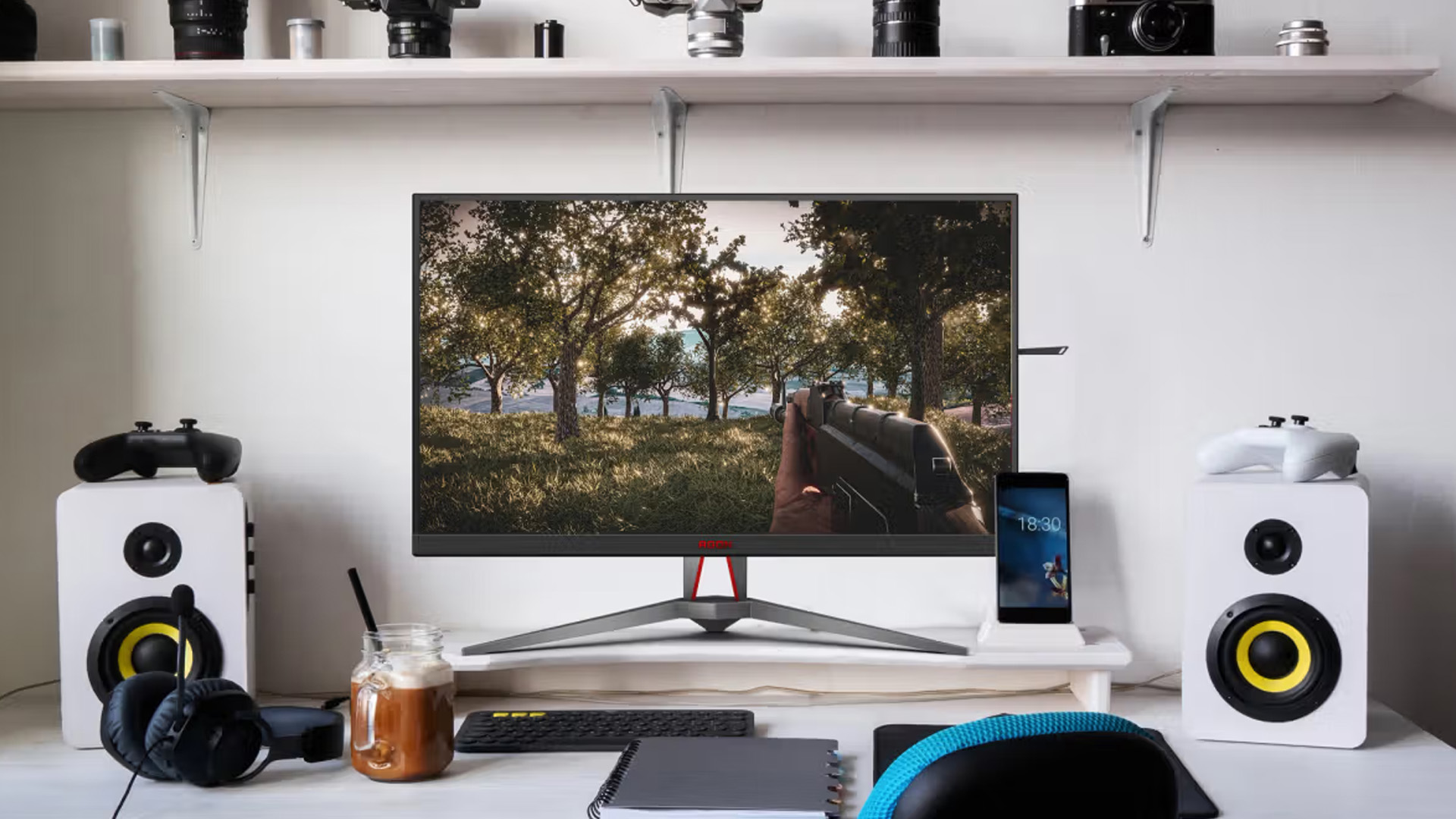
The AGON series is where performance starts to take priority over price. These monitors are built for players who care about competitive advantage, visual clarity and premium features, but who may not need full esports tournament specifications.
Higher refresh rates and better panels
AGON gaming monitors typically push into 240Hz and 280Hz territory, with stronger emphasis on fast IPS panels and improved motion handling. Compared to the standard AOC Gaming line, you will often see:
- Higher peak brightness and better HDR support
- Faster grey-to-grey response times
- More ergonomic stands and premium build materials
This makes AGON a strong choice for competitive shooters, racing titles and fast-paced multiplayer games where clarity and responsiveness directly affect performance.
When AGON is worth the extra money
Upgrading from AOC Gaming to AGON makes sense if:
- You regularly play competitive titles such as FPS or battle royale games
- You want Quad HD resolution with high refresh rates
- You have a mid to high tier GPU capable of pushing 200+ FPS
- You value stronger colour performance for both gaming and content creation
For many enthusiast players, AGON hits the sweet spot between price and professional grade performance. It offers tangible improvements without moving into specialist esports territory. For a closer look at cutting-edge refresh rate innovation, see our first Look at AOC’s Next-Gen AGON PRO 1,000Hz gaming monitors: Who actually needs this? where we explore who can truly benefit from extreme esports-level panels.
AGON PRO – Tournament-Grade Esports Displays
AGON PRO is designed for serious competitive players. This is the series built around speed, precision and cutting-edge panel technology.
240Hz, 500Hz and beyond
While 240Hz is available across multiple tiers, AGON PRO takes refresh rates to extremes. Models such as the AG276QKD2 reach 500Hz, targeting professional esports players who compete in fast reaction-based titles. These monitors prioritise:
- Ultra-low input lag
- Extremely fast response times
- Advanced motion clarity technologies
- OLED and high-end IPS panels for superior pixel response
At this level, the difference is measured in milliseconds. For competitive players, that margin can influence outcomes in high level matches.
Who should consider AGON PRO and who shouldn’t
AGON PRO is best suited for:
- Esports competitors and high ranked players
- Gamers who consistently push very high frame rates
- Players using powerful GPUs capable of sustaining 300+ FPS
It may not be necessary for:
- Casual gamers
- Console users limited to 120Hz output
- Players who prioritise cinematic visuals over reaction speed
For most users, the gains from 500Hz over 240Hz are incremental. But for professional or semi-professional players, AGON PRO represents the best AOC gaming series in terms of raw competitive performance.
Side-by-Side Comparison: AOC Gaming vs AGON vs AGON PRO
When comparing AOC Gaming vs AGON vs AGON PRO, the main differences come down to refresh rate ceilings, panel quality and intended user level.
AOC Gaming
- Refresh rate: 144Hz to 240Hz
- Resolution: Full HD and Quad HD
- Panel types: IPS and VA
- Ideal for: Casual and mid-core gamers
- Budget level: Entry to mid-range
AGON
- Refresh rate: 165Hz to 280Hz and some 240Hz Quad HD models
- Resolution: Primarily Quad HD
- Panel types: Fast IPS and premium VA
- Ideal for: Enthusiast and competitive players
- Budget level: Mid to upper mid-range
AGON PRO
- Refresh rate: 240Hz to 500Hz and beyond
- Resolution: Full HD, Quad HD and high-end variants
- Panel types: Advanced IPS and OLED
- Ideal for: Esports and high-level competitive gaming
- Budget level: Premium
In simple terms, AOC Gaming focuses on value, AGON focuses on performance balance, and AGON PRO focuses on elite competitive advantage. Choosing which AOC monitor series is best for gaming depends on your hardware, the titles you play and how seriously you take competitive performance.
How to Choose the Right Series for Your Console or PC
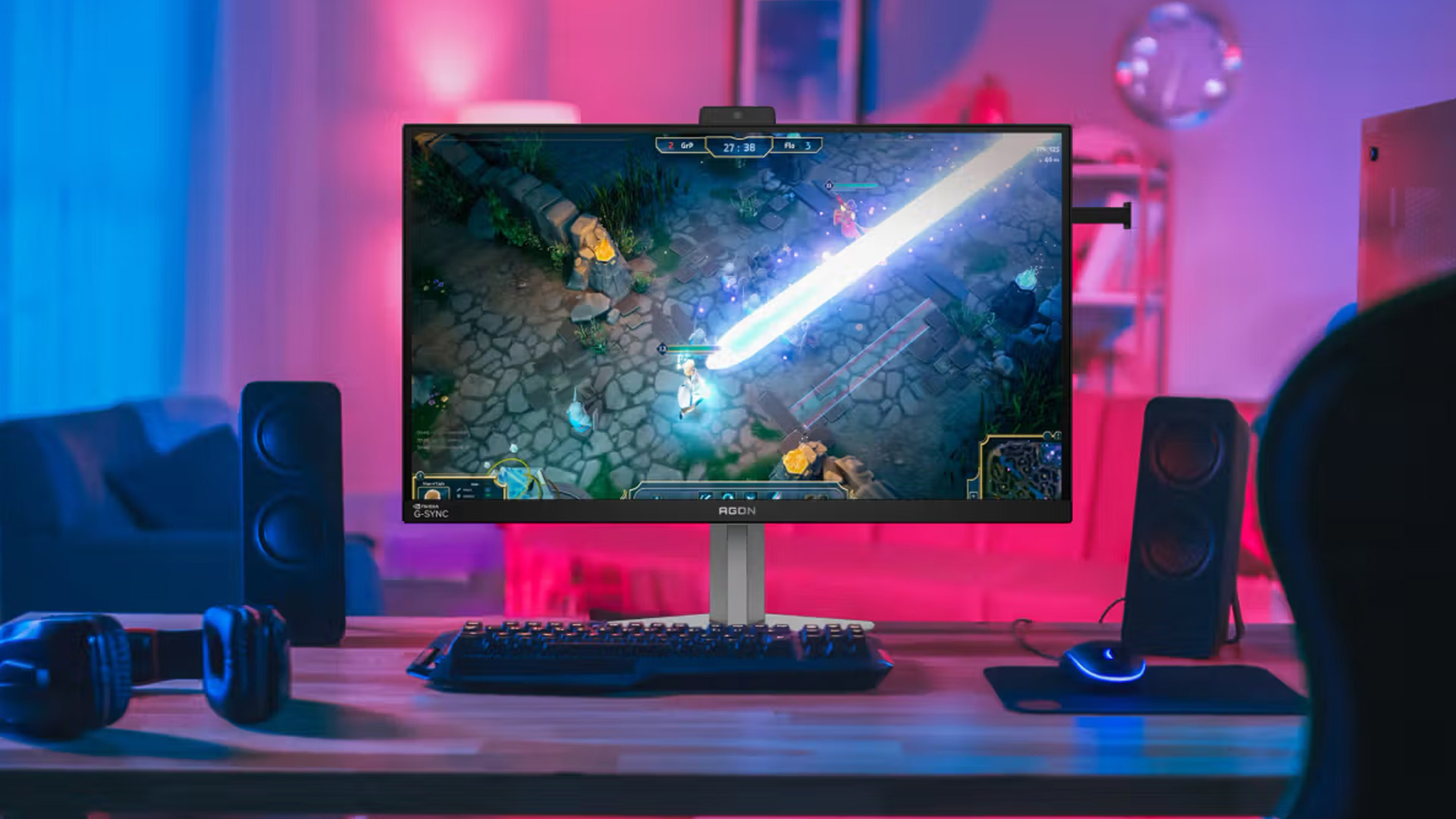
Choosing between AOC Gaming vs AGON vs AGON PRO depends heavily on your platform and hardware performance.
If you play on PS5 or Xbox Series X, your console is typically capped at 120Hz in supported titles. In this case, a 144Hz or 240Hz AOC Gaming monitor is often more than enough. You benefit from smooth gameplay without paying for refresh rates your console cannot use. Quad HD resolution at 120Hz is a strong balance for console players.
For PC gamers, the decision depends on your GPU and the games you play. If your system consistently delivers 200 to 300 frames per second in competitive shooters, stepping up to AGON makes sense. You gain improved motion clarity, faster panels and better overall responsiveness.
AGON PRO is best reserved for high end PCs capable of pushing extremely high frame rates in esports titles. If your hardware cannot exceed 240 FPS, a 500Hz display will not deliver meaningful advantages.
Always match your monitor’s refresh rate to your real-world frame rate output, not just what sounds impressive on paper. If immersive screen size is part of your decision, our guide to AOC curved & ultra-wide monitors: Immersive screens for gaming, movies and productivity explains when curved and ultrawide formats make more sense than standard 16:9 panels.
Recommended Models from Each AOC Series
To make the decision clearer, here are strong examples from each tier.
AOC Gaming – High Value Performance
The Q27G4ZD 240Hz model is a strong example of how capable the standard AOC gaming monitors range has become. With Quad HD resolution and a 240Hz refresh rate, it delivers smooth competitive gameplay at a more accessible price point. It suits PC players who want high refresh performance without moving into premium territory.
You can explore more options in the full AOC gaming monitors collection to compare sizes, resolutions and refresh rates.
AGON – Enthusiast Level Upgrade
Within the AGON gaming monitors range, you will find models that combine high refresh rates with stronger colour accuracy and improved build quality. These displays are ideal for players who split time between competitive titles and visually rich single player games.
They also offer a noticeable upgrade in stand adjustability and overall design compared to entry level models.
AGON PRO – Esports Focused Power
The AG276QKD2 500Hz monitor represents the peak of speed within the AGON PRO esports monitors lineup. Designed for serious competitive players, it focuses on ultra high refresh rates and extremely low input lag.
For players who also value resolution and detail, models such as the AGON PRO 4K series show how the premium tier balances sharp visuals with high refresh capability.
You can browse the wider AOC monitors range to compare specifications across all three series before making a final decision.

Final Verdict: Choose the Series That Matches Your Game
In the end, AOC Gaming vs AGON vs AGON PRO is not about which series is objectively superior. It is about which one fits your performance goals, hardware and the way you play. AOC Gaming delivers excellent value and smooth high refresh performance for the majority of players. AGON raises the bar with faster panels and enhanced features for those who take competitive play seriously. AGON PRO is built for players who demand every possible advantage and have the system to support it.
The real win is choosing a monitor that matches your frame rates, your platform and your skill level. Buy for how you play, not just the headline specs.

FAQs
Is AGON really better than regular AOC Gaming monitors?
AGON monitors generally offer higher refresh rates, better panels and more premium features than standard AOC Gaming models. However, better depends on your needs. For casual or console gaming, the performance difference may not justify the higher price.
Do I need an AGON PRO monitor for casual gaming?
No. AGON PRO esports monitors are designed for competitive players who push very high frame rates. Casual gamers will rarely benefit from 360Hz or 500Hz refresh rates.
Are AGON monitors only for PC or also for console?
AGON gaming monitors work with both PC and modern consoles. However, consoles are typically limited to 120Hz output, so the main advantage of very high refresh rates is felt on PC.
Is there any point in paying for 500Hz+ AOC monitors?
For professional or high ranked esports players, extremely high refresh rates can provide marginal gains in reaction-based games. For most players, the improvement over 240Hz is subtle and only noticeable if your PC consistently delivers very high frame rates.
Related Articles

Last Updated: December 31, 2025
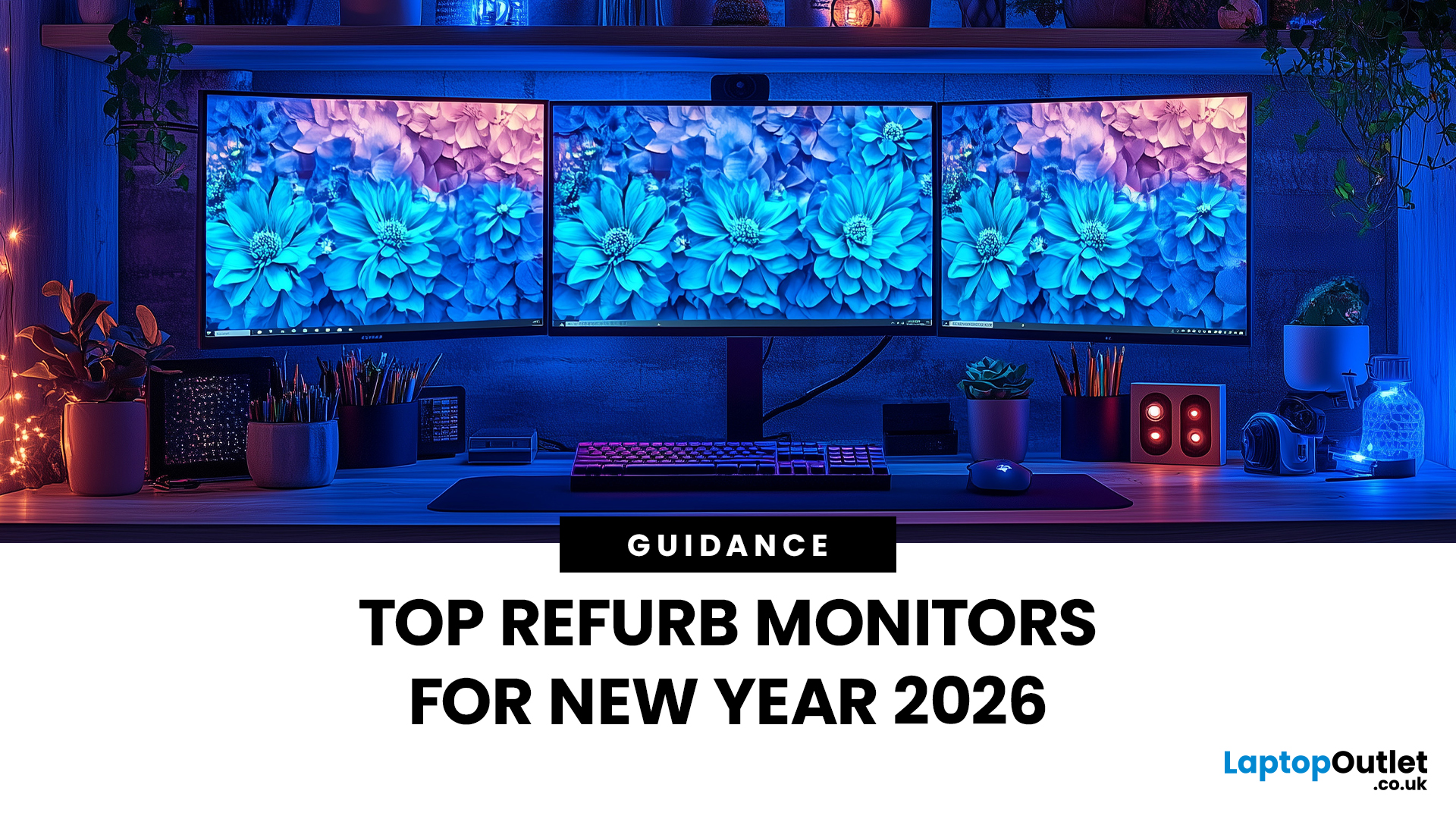
Upgrading your display is one of the smartest ways to refresh your setup for the year ahead. A better monitor can make work feel smoother, games look sharper, and day-to-day browsing far more comfortable, without needing a whole new PC. The good news? You don’t have to pay full retail to get a premium panel. Choosing refurbished is a practical way to access higher specs (4K, OLED, high refresh rates, USB-C portability) for less, while keeping perfectly usable tech in circulation for longer. That’s especially true during New Year promotions, when clearance pricing and seasonal offers often collide. You’ll see everything from portable screens for hybrid work to big-format displays built for entertainment and collaborative spaces.
Classroom-Ready 4K Touch: Refurbished BenQ Education
If you’re upgrading a classroom, meeting room, training space, or collaborative studio, the BenQ RE8601 is a standout. At 86 inches with 4K clarity and interactive touch, it’s built for hands-on presentations,
Last Updated: December 31, 2025
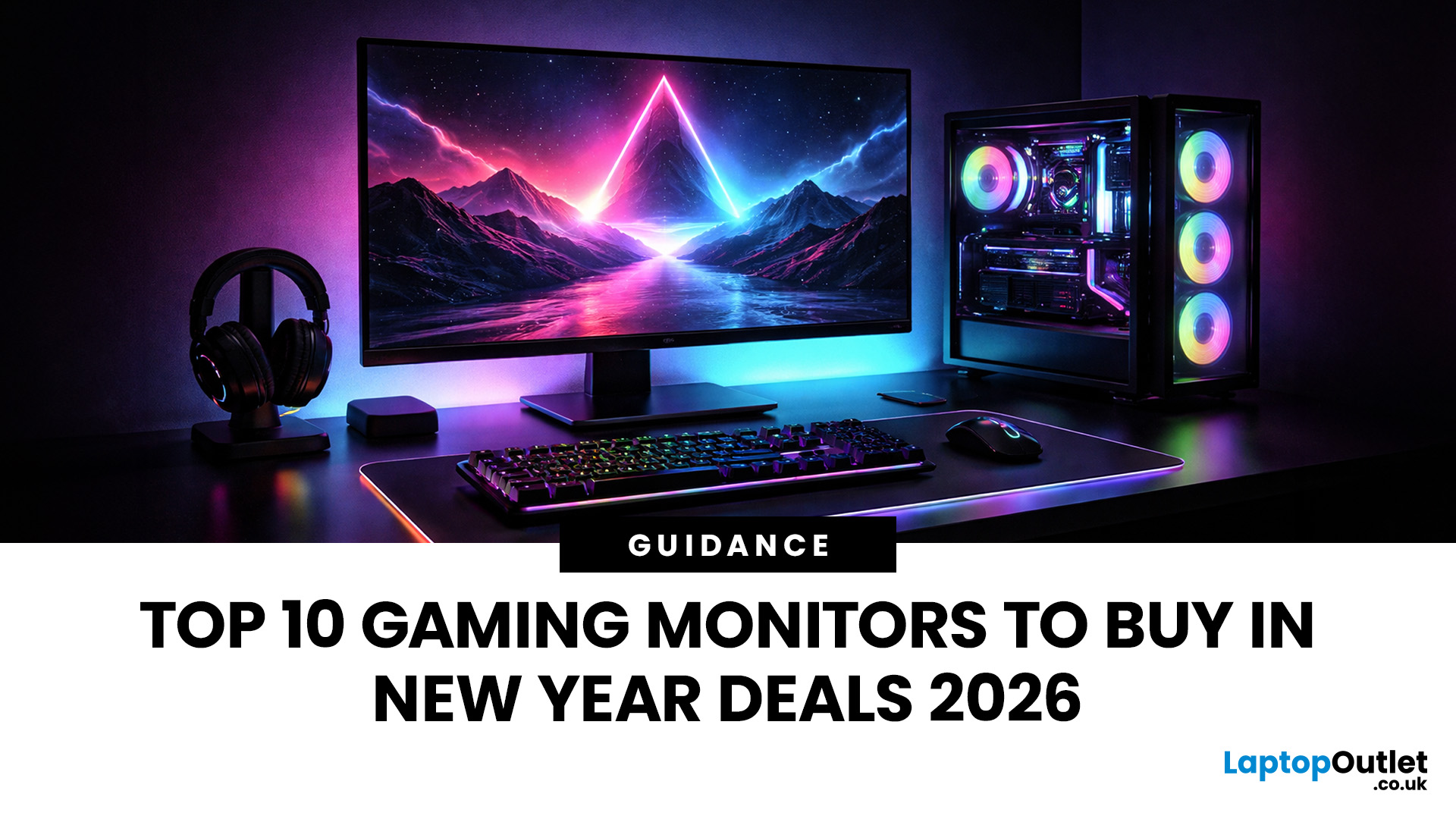
If your setup is still running on an older 60–75Hz display (or a basic office screen), 2026 is the year to change that. The jump to a modern gaming monitor can be instantly noticeable: smoother camera movement, clearer motion in fast fights, and a more responsive “feel” when you aim, flick, track, or even just pan across open-world scenery. That’s why New Year gaming monitor deals are such a popular time to upgrade, stock is refreshed, prices tend to be competitive, and you can often find the exact spec combination you’ve been waiting for without paying peak-season prices.
Laptop Outlet makes this easier because there’s a wide range of gaming monitors in one place, so you can compare size, resolution, refresh rate and panel tech without bouncing between stores. A good starting point is the main gaming monitors category (it’s perfect for filtering by what matters most). And if you’re shopping across more than just monitors, it’s also worth keeping an eye on the wider promotions to save big
Last Updated: July 10, 2026
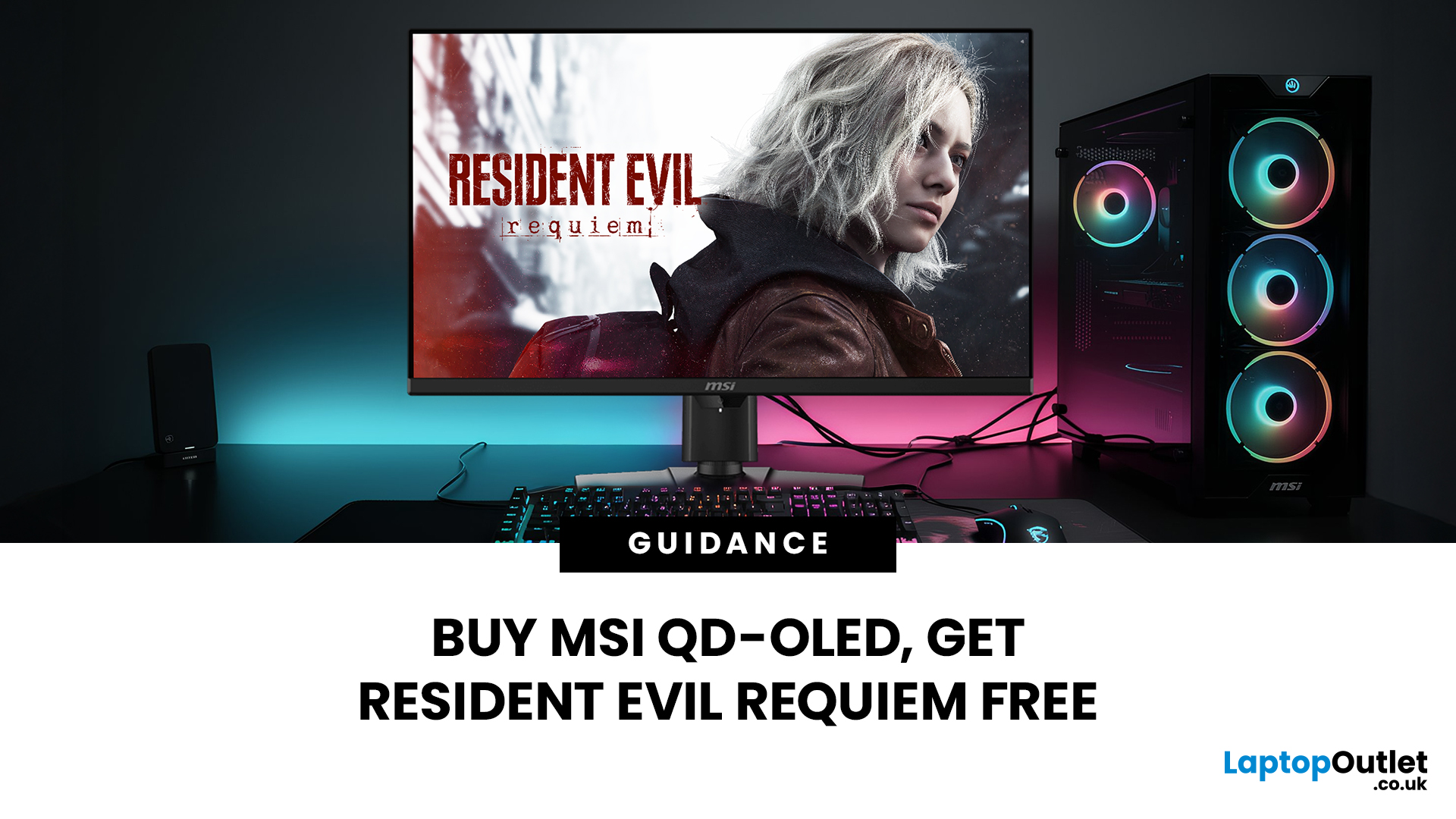
Gaming is about to get a whole lot better. If you are looking for a screen upgrade, now is the perfect time. MSI is currently offering a deal that is hard to ignore. When you buy a selected MSI QD-OLED monitor, you can get Resident Evil Requiem free.
This latest title usually costs £51.99. However, for a limited time, you can add it to your library without spending an extra penny. Combining the terrifying visuals of Resident Evil with the ground-breaking technology of QD-OLED is a match made in heaven.
In this guide, we will look at the best MSI gaming monitors included in this deal.
Why This Gaming Deal Matters
Gaming hardware is expensive. Getting a £51.99 game for free helps offset the cost of your new screen. But beyond the money, it is about the experience. MSI QD-OLED monitors are currently the pinnacle of display technology.
They offer:
- Perfect Blacks: No "halo" effect around bright objects.
- Vivid Colours: Quantum Dots provide a wider colour gamut.
- Instant Response: 0.03 ms is
Last Updated: June 15, 2026
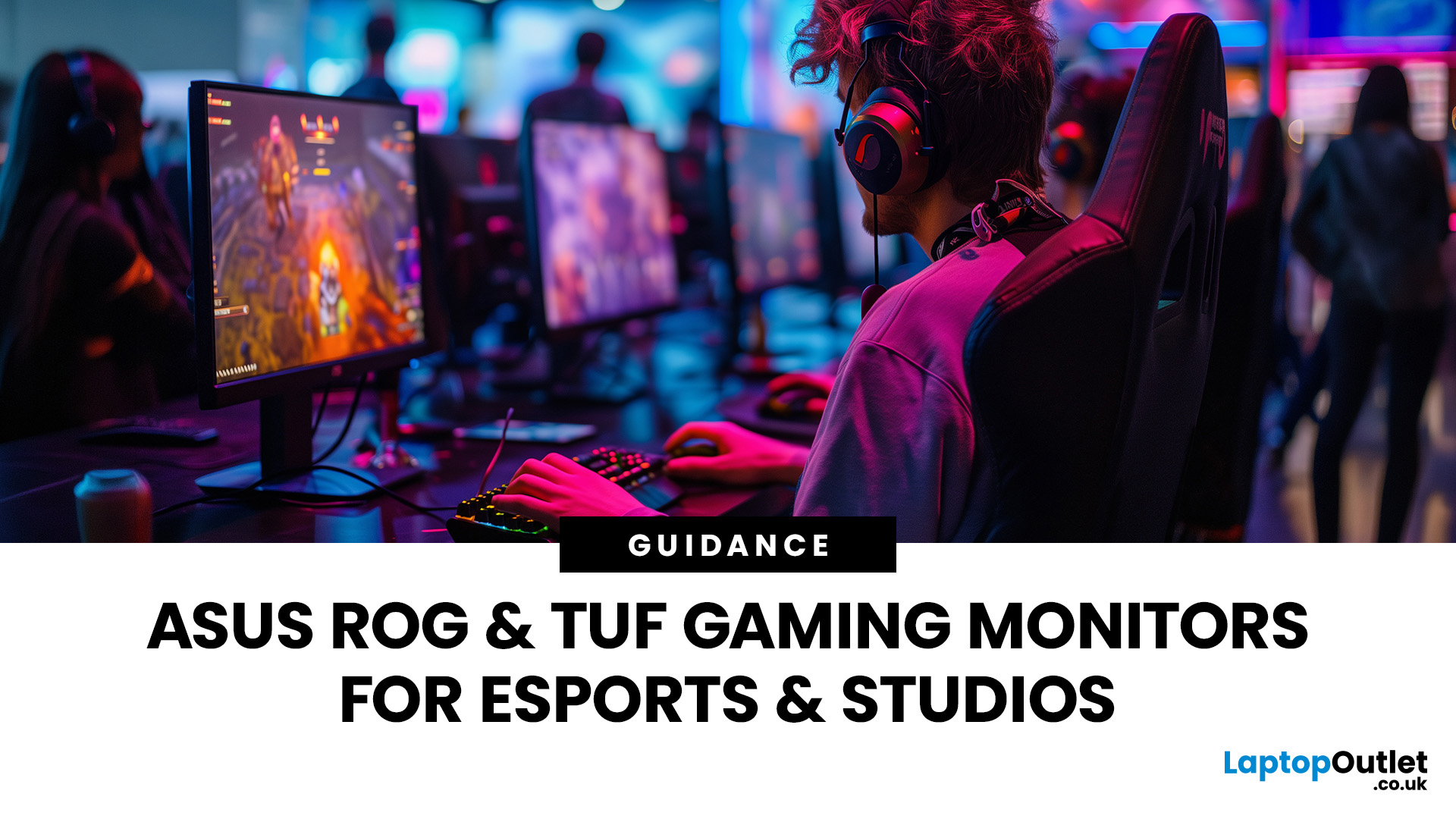
If you run an esports arena, gaming cafe, university esports lab, or content studio, your monitor choice is not a background decision. It directly affects performance, player satisfaction, brand perception, and long-term ROI. Competitive players notice the refresh rate instantly. Streamers notice colour accuracy. Venue owners notice durability. And everyone notices screen quality.
That’s why ASUS gaming monitors have become a staple across esports stages and gaming venues in the UK. From ultra-premium ASUS ROG gaming monitors built for tournament environments to scalable ASUS TUF gaming monitor options designed for multi-station rollouts, ASUS covers every level of competitive deployment.
If you're building or upgrading a gaming business, here’s what you need to know.
Why Esports & Gaming Businesses Choose ASUS
A single hardware issue during a tournament can damage a reputation fast. ASUS has built a strong position in esports by delivering consistency under pressure.
Brand Reputation
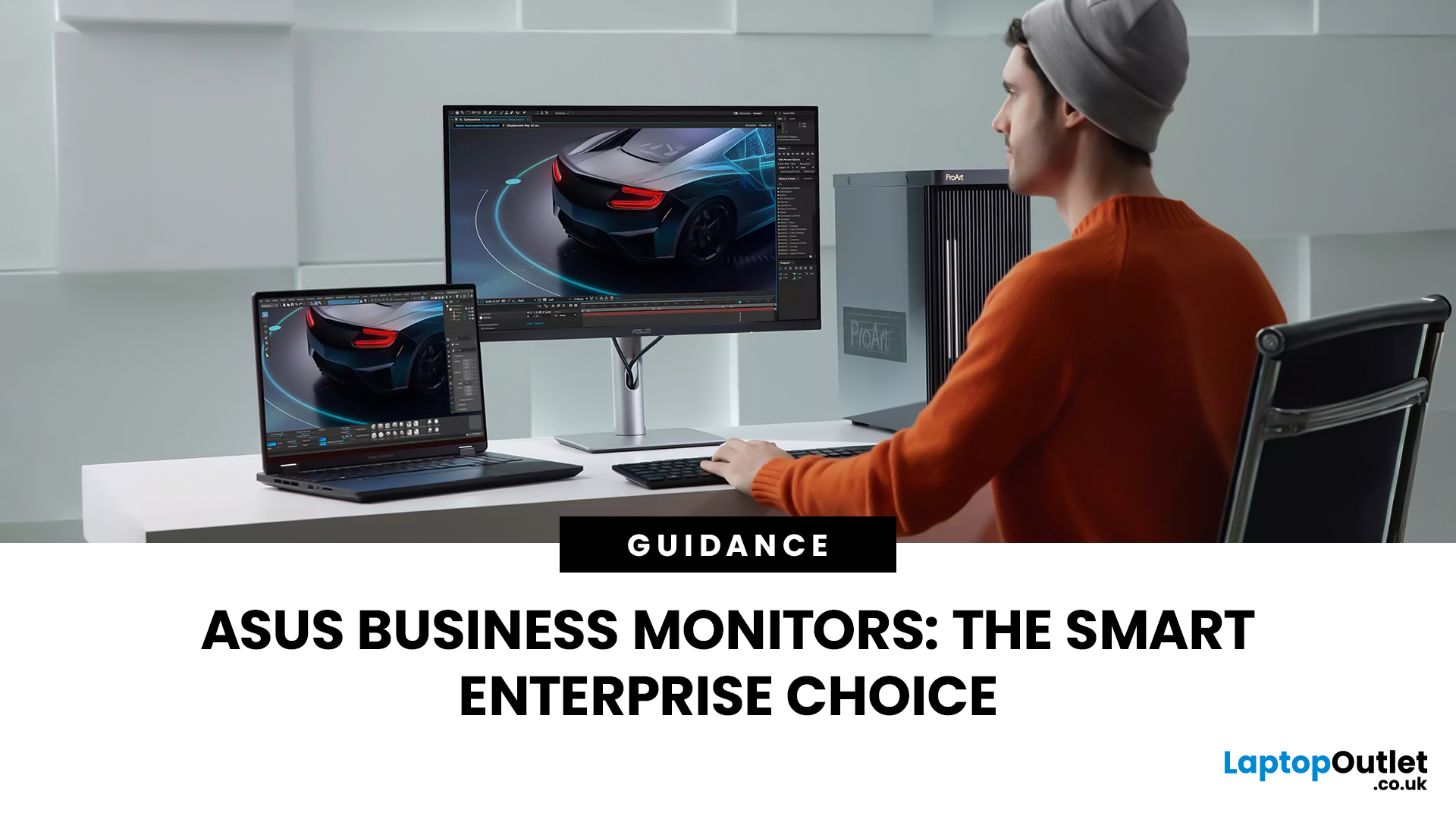
Last Updated: March 13, 2026
Modern workplaces are more screen-based than ever and in the UK, the average office employee now spends over 6 hours a day looking at a monitor. For businesses, that makes display choice more than just a tech detail; it’s a productivity and wellbeing decision.
The right ASUS business monitors can improve workflow efficiency, reduce eye strain, and support hybrid teams with flexible connectivity like USB-C docking. Whether you’re equipping a corporate office, a call centre, or a growing enterprise rolling out hundreds of workstations, choosing the right monitor spec matters.
In this buying framework, we’ll break down what UK organisations should prioritise, from screen size and ergonomics to ASUS Eye Care features, bulk purchasing, and the best monitor options for business use in 2026.
Why ASUS Monitors Work Well for Modern Workplaces

In today’s business environment, monitors are no longer just office accessories, they’re core productivity tools. From finance teams working across spreadsheets
Last Updated: March 13, 2026
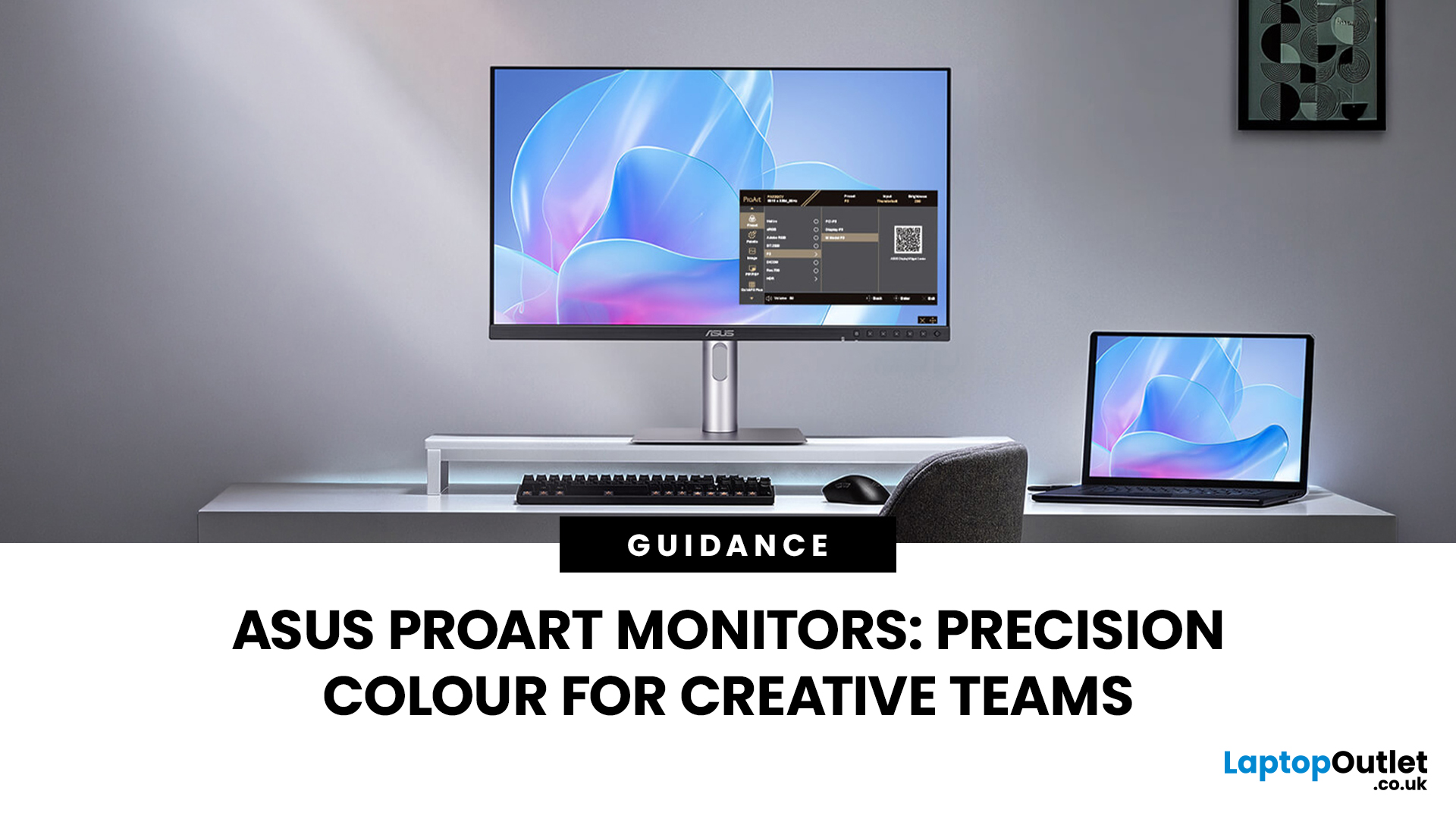
Creative work is more colour-critical than ever and studies show the average designer spends over 7 hours a day staring at a screen. That means your monitor isn’t just a display… it’s basically your studio. If colours are even slightly off, edits don’t match, prints come out wrong, and client work gets messy fast.
That’s where ASUS ProArt monitors come in. Built specifically for creators, they deliver factory-calibrated accuracy, wide colour coverage, and crisp 4K detail that makes photo editing, graphic design, and video workflows feel effortless. Whether you’re running a creative agency, an in-house design team, or a full studio setup, ProArt screens help you work with confidence, not guesswork.
Let’s break down what makes them worth it.
What Creative Teams Need from a Monitor
Not all monitors are built the same and creative teams feel that difference immediately. A standard office screen might be fine for spreadsheets, but when you’re adjusting skin tones, matching brand colours, or
Last Updated: August 28, 2026
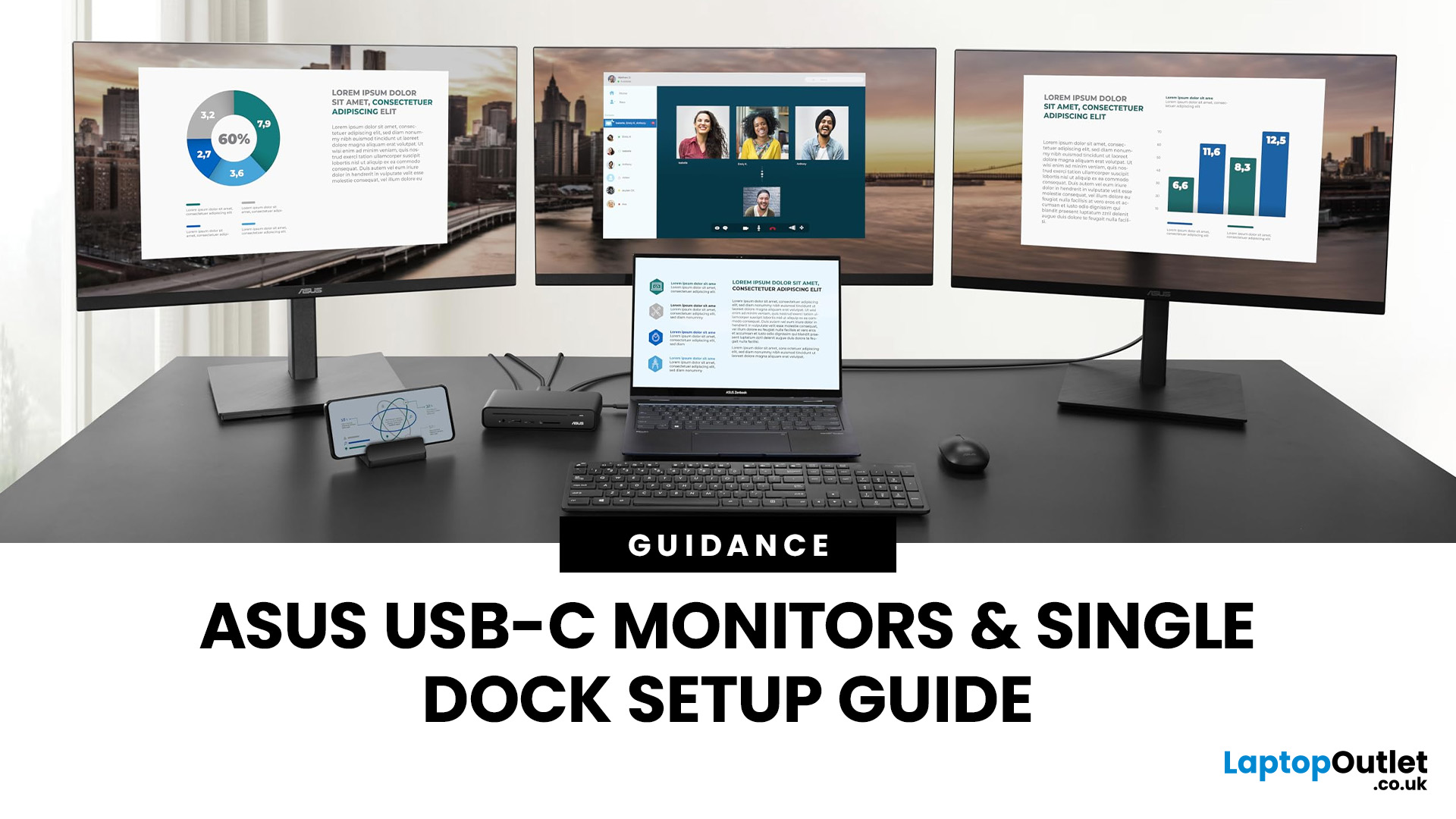
If you’re planning a desk refresh, rolling out new workstations, or managing a hot-desking environment, one question always comes up: how many ASUS USB-C monitors can you realistically run from a single dock? The short answer? It depends.
The long answer? It depends on your laptop’s GPU, the dock’s bandwidth, the monitor resolutions, and whether you’re daisy-chaining or using multiple video outputs.
In this practical IT deployment guide, we’ll break down exactly how ASUS USB-C monitors behave in real-world setups, what limits your configuration, and how to plan a reliable multi-monitor rollout without unpleasant surprises.
How USB-C Video and Power Actually Work
USB-C looks simple. One cable. Power. Video. Data. Done.
But behind that clean setup, there’s a lot happening.
USB-C monitors rely on a feature called DisplayPort Alt Mode. This allows the USB-C cable to carry video signals from your laptop’s GPU directly to the monitor. Many modern docks also use DisplayLink technology, which
Last Updated: August 11, 2026
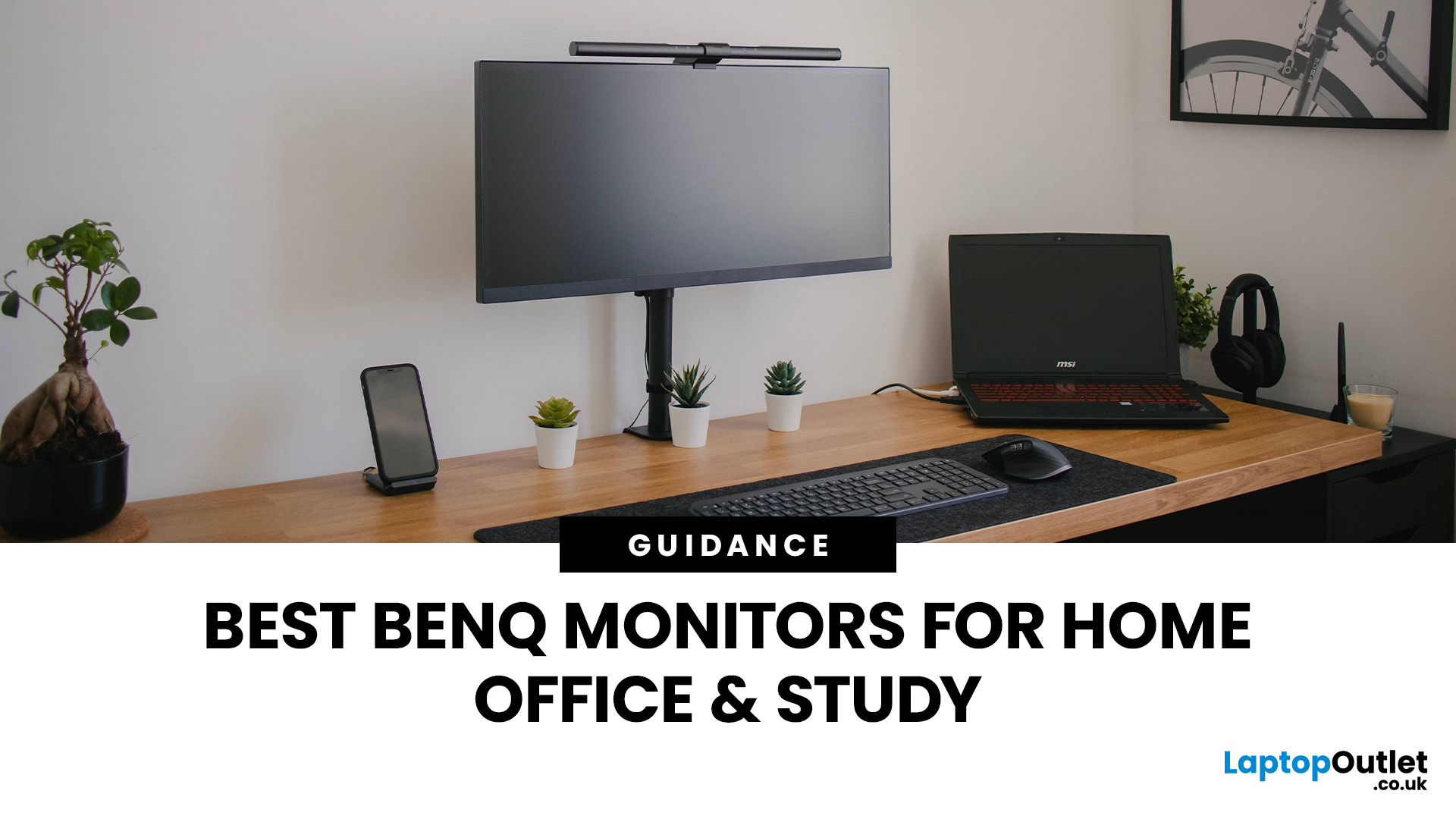
Creating a home workspace that actually makes you want to sit down and get things done starts with one key upgrade: your monitor. Whether you’re fully remote, juggling hybrid life, or deep into study mode, choosing the best BenQ monitor for home office use can seriously level up your focus, comfort and overall productivity.
Let’s be honest! Squinting at a tiny laptop screen for eight hours straight isn’t the vibe. You need space. You need clarity. You need something that doesn’t leave your eyes feeling fried by 4 pm. From compact Full HD screens that fit neatly on smaller desks to powerful 4K displays that handle heavy multitasking like a pro, there’s something for every type of workflow. So if you’re scrolling through BenQ monitors for home office and wondering which one deserves desk space, you’re in the right place.
What Makes a Good Home Office Monitor?
Not all monitors are created equal. A display designed for gaming or entertainment won’t always offer the same comfort and practical
Last Updated: April 14, 2026
If you’ve been shopping for a competitive gaming display, you’ve probably noticed that BenQ 240Hz gaming monitors are becoming the new standard for serious players. But with so many options available, the big question remains:
Is 240Hz worth it — or is 144Hz still enough?
In this guide, we’ll break down what ultra-high refresh rates change in gameplay, compare 144Hz vs 240Hz BenQ monitor performance, and help you decide whether a BenQ high refresh ZOWIE monitor or a BenQ MOBIUZ high refresh monitor is the right upgrade for you.
Quick Answer — Is 240Hz Worth it?
So, is 240Hz worth it?
For many gamers, the answer is:
- Yes, if you play competitive FPS titles and want the smoothest, fastest response possible
- Maybe, if you play a mix of casual and competitive games
- Not necessarily, if you mostly play single-player or cinematic titles
A jump from 144Hz to 240Hz delivers:
- Smoother motion
- Reduced input delay
- Clearer tracking in fast-paced shooters
That’s why high refresh BenQ gaming monitors are
Last Updated: April 14, 2026
When you spend hours each day working across spreadsheets, dashboards, documents, or lines of code, your monitor becomes more than just a screen. It becomes the centre of your workflow. The right display can make work feel smoother, reduce fatigue, and help you stay focused for longer.
That’s exactly where BenQ productivity monitors stand out. Designed with knowledge workers, developers, and multitaskers in mind, BenQ offers a range of displays built for modern professional demands. Whether you need pixel-perfect clarity, extra-wide space for multiple apps, or coding-specific features, there’s a BenQ option tailored to the way you work.
Why Productivity-Focused Monitors Matter for Knowledge Work
A standard office monitor can get the job done, but knowledge work has evolved. Today’s workflows often involve multiple applications running side by side, detailed content review, long hours of screen time, and constant context switching. That’s why choosing the right monitor is no longer just

