



ASUS Monitors Explained: Brand Overview, Ranges & Best Uses in 2026
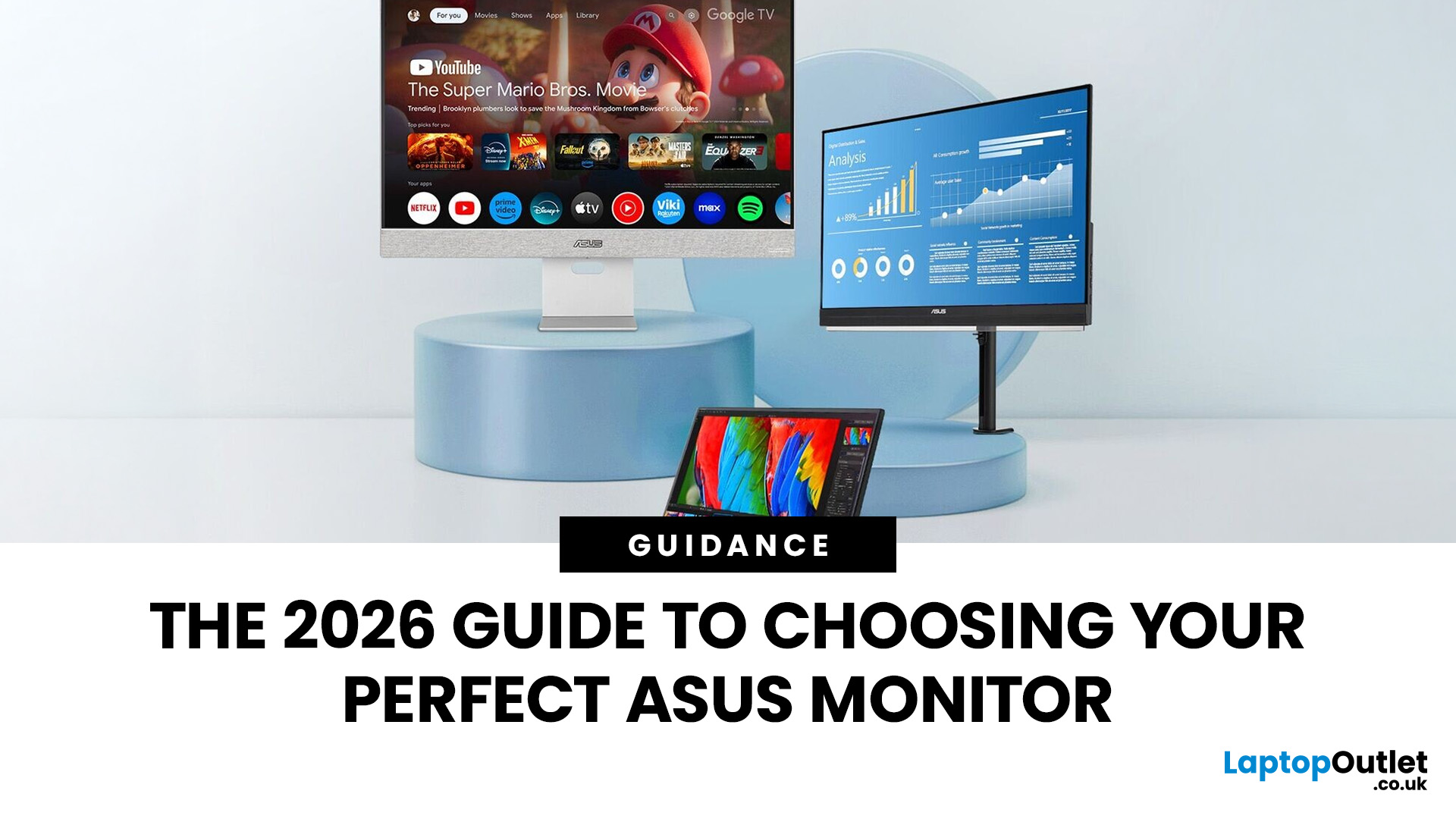
Choosing the right display in 2026 is about more than just resolution. It is about how a screen fits into your specific lifestyle. ASUS has remained a global leader by creating distinct lanes for every type of user. Whether you are a competitive gamer, a high-end designer, or a remote professional, understanding the core ASUS monitors uses is the first step to a perfect setup.
In this ASUS monitors 2026 guide, we look at how the brand has evolved its technology. From the staggering motion clarity of the latest OLEDs to the sustainable, eye-friendly designs of their business line, ASUS continues to set the benchmark for quality and reliability.
Why ASUS Monitors Are So Popular in 2026
The popularity of ASUS monitors stems from their ability to innovate within niche categories. ASUS does not just make "screens"; they build tools.
In 2026, the brand has focused heavily on "Dual-Mode" technology. This allows a single screen to switch between ultra-high resolution for work and extreme refresh rates for gaming. For example, a monitor can run at 4K for sharp text during the day and flip to Full HD at 480Hz for gaming at night.
Furthermore, their commitment to "OLED Care Pro" and "Eye Care Plus" has solved long-standing industry problems like panel burn-in and digital eye strain. By offering a 3-year warranty across most premium lines—including coverage for burn-in on OLED models—they have built immense trust with the British consumer.
Overview of ASUS Monitor Ranges
To find the right fit, you first need to understand the different families:
- ROG (Republic of Gamers): The absolute pinnacle of gaming performance. Features the highest refresh rates, premium OLED tech, and aggressive aesthetic designs.
- TUF Gaming: Robust, high-quality gaming screens designed for value-conscious players who need "military-grade" durability and reliable performance.
- ProArt: Built specifically for creatives. These focus on colour accuracy, hardware calibration, and wide colour gamuts like 99% DCI-P3.
- Business & Eye Care: Reliable office screens with built-in conferencing tools, ergonomic stands, and industry-leading blue light protection.
- ZenScreen: Ultra-slim, portable monitors for hybrid workers, digital nomads, and those who need a second screen on the move.
Whether you need a dedicated monitor for gaming or professional work, there is a specific model designed for your environment.
ASUS Monitors for Business & Enterprise Use
The modern workplace in 2026 is no longer just a cubicle; it is a blend of home offices and collaborative hubs. ASUS has met this shift by making their business displays smarter and more ergonomic.
Standard Office, Call Centres and Remote Teams
For standard administrative tasks, the ASUS business monitors line focuses on efficiency and space-saving. Most 2026 models feature ultra-slim bezels, making them perfect for side-by-side configurations.
The BE248CFN series, for instance, includes a frameless design that reduces the "gap" in multi-monitor setups. They offer a "plug-and-play" experience that IT departments love, paired with incredible longevity.
If you are planning a professional upgrade, checking the ASUS business monitors buying framework is a great place to start.
Webcams, Speakers and Conferencing Setups
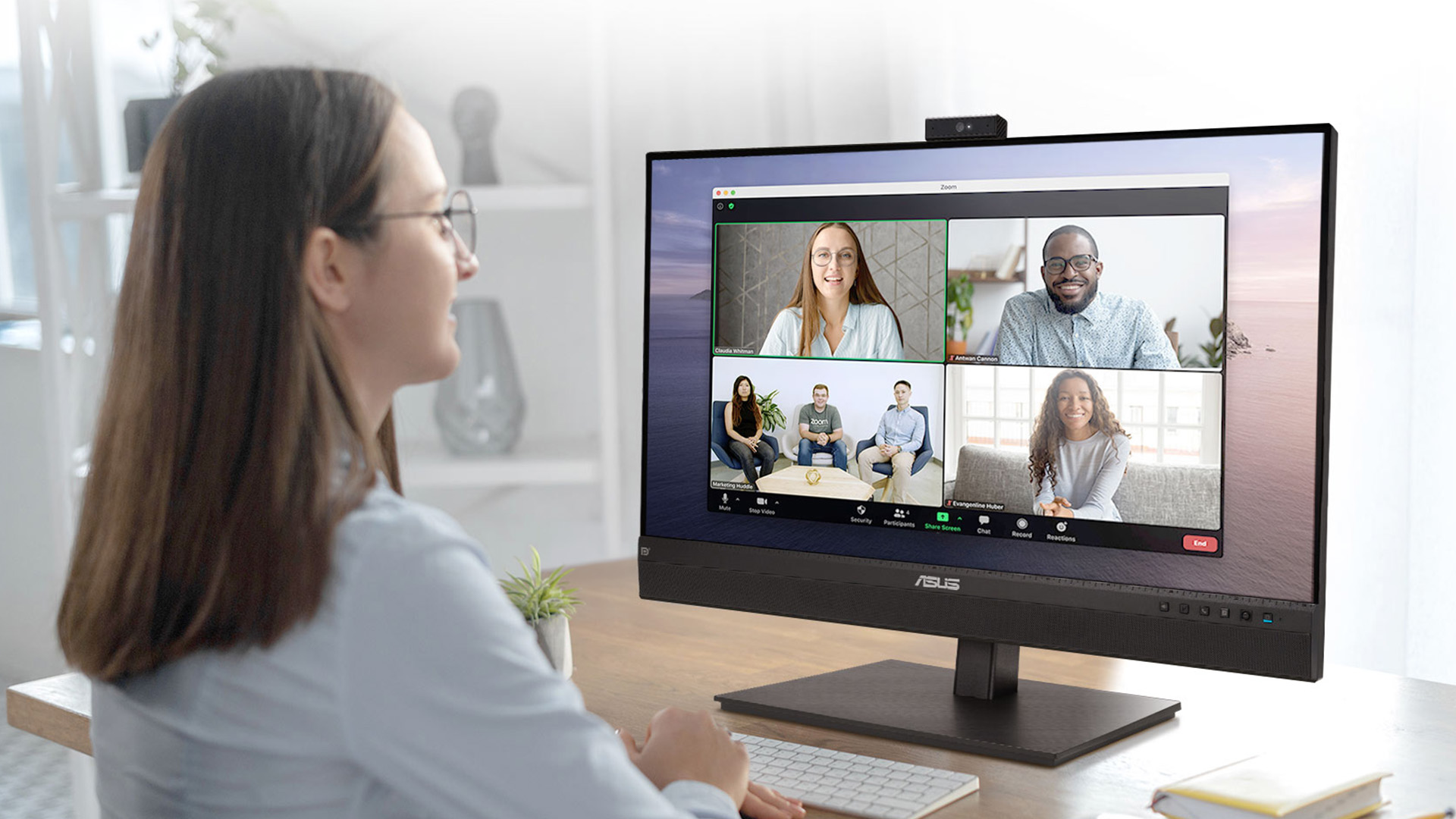
Video conferencing is now a daily requirement. Many 2026 business models come as "all-in-one" solutions. Look for ASUS monitors with built-in webcams that feature AI-powered noise-cancelling microphones. These cameras often include infrared (IR) sensors for Windows Hello, allowing you to sign in just by looking at the screen.
If you are spending 8 to 10 hours a day at your desk, choosing Eye-Care ASUS monitors for long office hours is essential. These models use TÜV Rheinland-certified flicker-free technology. This prevents the microscopic "flicker" that causes headaches and eye fatigue.
ASUS ROG & TUF Gaming Monitors for Gamers and Esports
ASUS has maintained its spot among the world's top gaming monitor brands in 2026. The distinction between their two main lines, ROG and TUF, is clearer than ever.
ROG vs TUF Positioning (Casual, Enthusiast, Esports)
ASUS gaming monitors are split into two main series, catering to different levels of play.
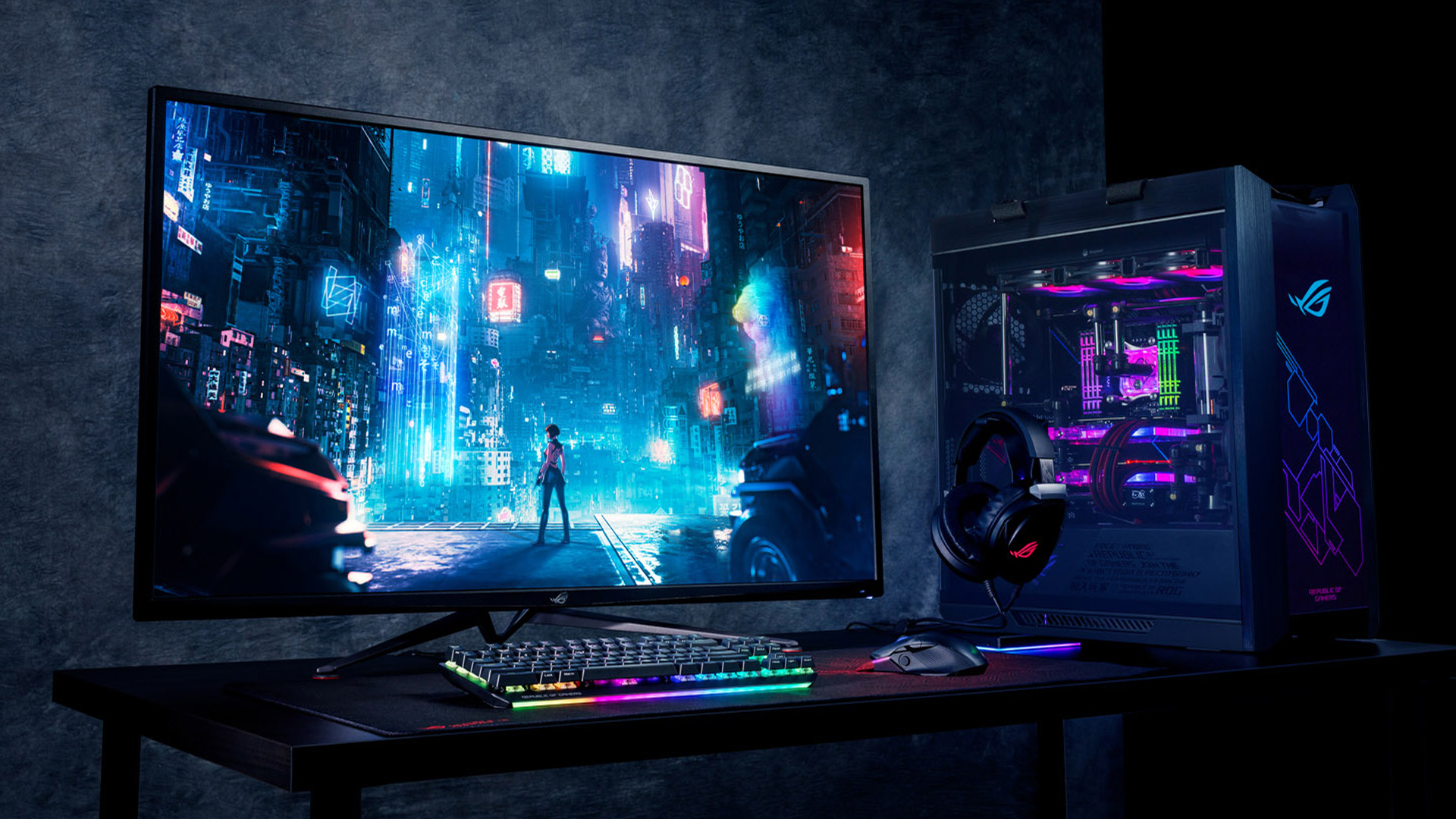
- ROG (Republic of Gamers): These are "enthusiast" and "pro" screens. If you want the fastest refresh rates on the planet (reaching 540Hz in 2026), or the deep blacks of a QD-OLED panel, ROG is the destination. These often include premium features like Aura Sync RGB lighting and dedicated heatsinks to prevent OLED burn-in.
- TUF Gaming: These are built for "durability and reliability." While they may not have the flashy RGB of the ROG line, they offer the essential high-speed features (like 165Hz to 240Hz) and G-Sync compatibility at a more accessible price point. They are the "workhorses" of the gaming world.
For detailed comparisons, check out our ASUS ROG & TUF gaming monitor guide.
High Refresh, OLED/QD-OLED And Console vs PC
In 2026, the ROG Swift OLED series has become the benchmark. These screens offer near-instant response times (0.03ms). This eliminates motion blur significantly. The new "RGB Stripe" pixel structure in 2026 models has also fixed the "blurry text" issues that plagued earlier OLED screens.
For competitive players, ASUS now offers dual-mode monitors. For example, a screen might run at 4K 160Hz for beautiful single-player games but can switch to FHD 480Hz for intense shooters like Counter-Strike.
If you are a console gamer, look for models with HDMI 2.1. This allows your PS5 or Xbox Series X to run at 4K 120Hz with Variable Refresh Rate (VRR) enabled.
If you are a part-time creator, you might also want to compare ASUS ProArt vs ROG for video editing and gaming.
ASUS ProArt & Creator Displays for Design and Post-Production
For those in the creative industries, "near enough" is not good enough. The ASUS ProArt monitors are designed to be "Calman Verified" or "Calman Ready" straight out of the box.
Colour Accuracy, HDR and Calibration Basics
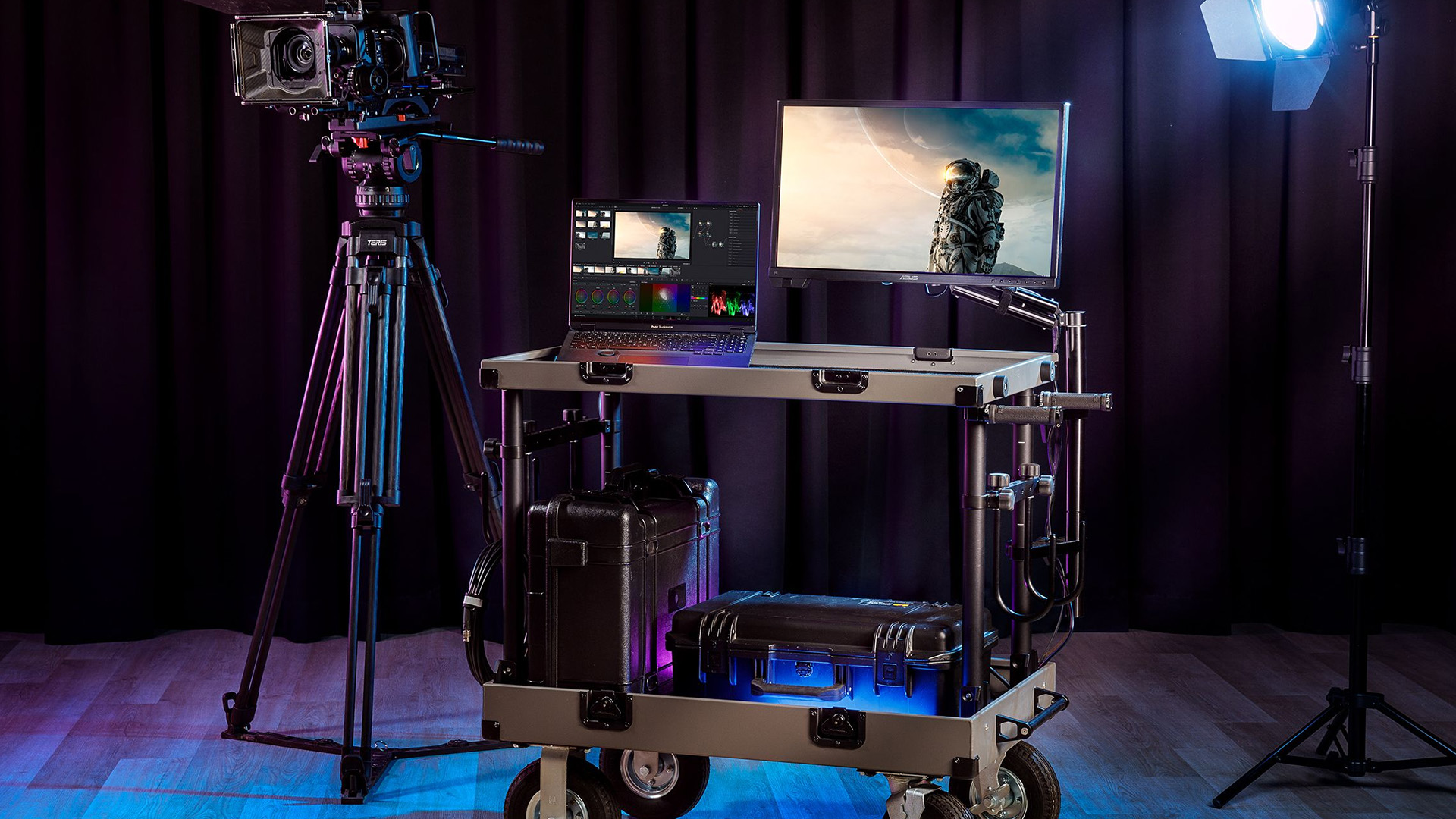
In the world of professional design, accuracy is measured by "Delta E." Most ProArt screens in 2026 come factory-pre-calibrated with a Delta E of less than 1. This means the human eye literally cannot perceive any shift in colour accuracy.
Key technical features in 2026 include:
- Built-in Motorised Colorimeters: These small sensors automatically emerge from the bezel to calibrate the screen during off-hours.
- True 10-bit Colour: Offering over a billion colours for smooth gradients in skyboxes or skin tones.
- OLED & Mini-LED Backlighting: Providing the peak brightness required for HDR10 and Dolby Vision mastering.
For a full breakdown of these technical specs, read the ASUS ProArt & creator monitors guide.
Roles: Designers, Editors, Photographers, 3D Artists
Different creative roles require different ASUS monitors uses:
- Graphic designers care most about colour accuracy and screen real estate. A 32-inch 4K ProArt display gives you space to see your designs without constant zooming and panning. Accurate colour ensures your designs look right when clients view them.
- Video editors prioritize brightness uniformity and HDR capability. Editing a dark scene requires seeing subtle details in shadows. HDR support helps you understand how your video will look on HDR displays.
- Photographers need to see what the camera captured. Accurate colour reproduction is non-negotiable. Many use dual monitors—one for editing, one for reference images. This requires displays that match colour characteristics.
- 3D artists use demanding software that requires good colour accuracy and often dual displays. Rendering previews and viewport windows side-by-side is standard practice.
Managing a fleet of screens? The guide on ProArt colour management across studios is a must-read.
Multi-Monitor Workspaces & USB-C Setups with ASUS
The way we connect our devices has changed. The ASUS USB-C monitor is now the standard for productivity.
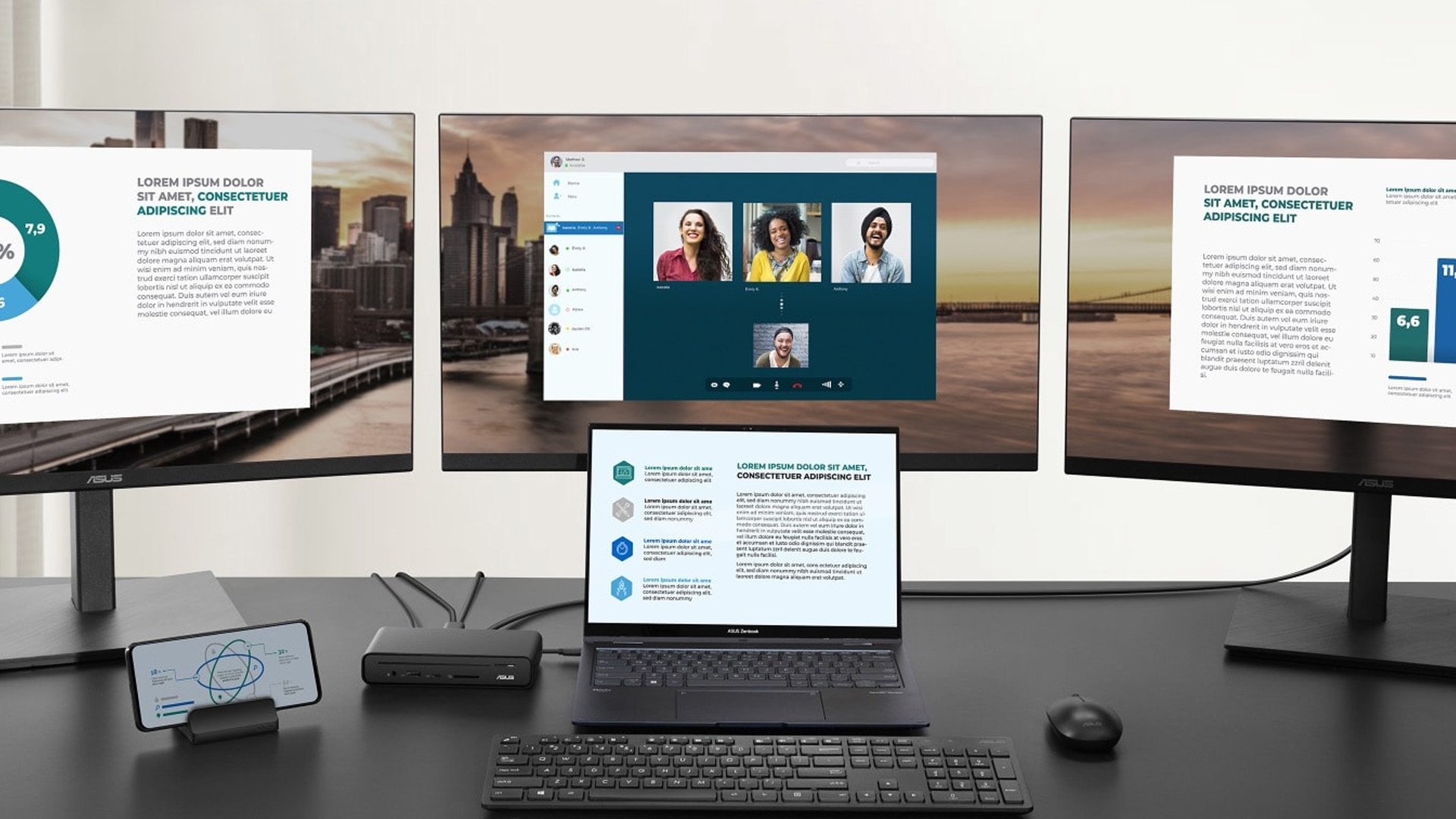
Dual And Triple-Screen Office Layouts
With the ASUS USB-C monitor range, you can use a single cable to transmit video, data, and power. This is perfect for laptop users. You simply plug your laptop into the monitor, and the monitor charges your computer while showing your screen.
To plan your desk, see our guide on the ASUS multi-monitor workspace setup.
Using USB-C Docks and Daisy-Chaining
“Daisy-chaining” is one of the reasons for growing ASUS monitor uses in 2026. Monitors like the ASUS BE249CGN act as a docking station. It provides:
- 96W Power Delivery: Charges even powerful creator laptops.
- RJ45 Ethernet Port: Gives your laptop a stable, wired internet connection.
- USB Hub: Connects your mouse, keyboard, and external hard drives directly to the screen.
Curious about limits? Find out how many ASUS USB-C monitors you can run from a single dock to avoid bandwidth bottlenecks.
Eye-Care, Webcams & Other ASUS Monitor Extras
ASUS has always prioritised user health. In 2026, their "Eye Care Plus" suite has become even more sophisticated with "LuxPixel" technology.

Low Blue Light, Flicker-Free, TÜV Certifications
Screen time isn't going anywhere. Office work means staring at displays for eight hours straight. Gaming sessions stretch into evenings. Your eyes pay the cost.
Blue light emitted from screens can disrupt sleep patterns. ASUS Eye Care monitors filter blue light emissions. This doesn't dim the display—it shifts colour temperature slightly. Your screen looks warmer. Your eyes feel less strained.
Flicker-free technology eliminates imperceptible screen flicker. Even though you can't consciously see flickering, your brain registers it as strain. Flicker-free displays work through sophisticated backlighting systems that maintain consistent brightness levels.
TÜV certifications come from independent testing organisations. When a monitor carries TÜV Low Blue Light certification, it means independent experts have verified the claim. Not all manufacturer claims are equal. Certification adds credibility.
Integrated Webcams, Speakers and Mics for Teams/Zoom
Video conferencing is now standard practice. Integrated webcam monitors simplify the setup significantly. Rather than balancing a separate webcam on your bezel, the camera is built-in. Audio quality improves because speakers are integrated into the monitor frame. Microphones capture your voice more naturally.
For professional environments, this matters. Your image appears directly from eye level. The camera doesn't distort your appearance by sitting too low or too high. Lighting is more flattering.
Check out the best ASUS business monitors with webcams that are specifically optimised for conference platforms. They've been tested with Teams, Zoom, and Google Meet. You know they'll work reliably.
Pricing, Deals and Long-Term Value from ASUS Monitors
Investing in a monitor is a long-term decision. ASUS offers various price points, but the real value lies in their durability and sustainability.

New vs Refurbished ASUS Monitors
If you are on a tight budget, refurbished ASUS monitors are a fantastic option. These are often units that were returned and then professionally restored by ASUS engineers. They come with a warranty and can save you up to 40% compared to a brand-new model. You can often find great ASUS monitor deals during seasonal sales.
Warranty, Lifespan and Total Cost of Ownership
ASUS typically offers a 3-year warranty on their pro and gaming lines. Because they use high-quality components, these screens can easily last 5 to 7 years. This makes the "total cost of ownership" very low compared to cheaper brands.

Finding Your Perfect ASUS Display in 2026
As we have explored throughout this ASUS monitors 2026 guide, the brand's lineup is more diverse and specialised than ever before.
Choosing the right screen is no longer a matter of simply picking a size; it is about matching the hardware to your specific workflow. By understanding the distinct ASUS monitors uses, you can ensure that your investment serves you well for the next decade.
Whether you prioritise the competitive edge of ROG, the colour-perfect precision of ProArt, or the health-conscious features of ASUS Eye Care monitors, you are choosing a brand that leads the market in innovation and long-term value.

Things You Might Want to Know...
What’s the difference between ASUS business, ROG, TUF and ProArt monitors?
Business monitors focus on productivity and conferencing. ROG and TUF are for gaming speed. ProArt is for professional colour accuracy in creative work like design and video.
Are ASUS monitors good for both gaming and everyday work?
Yes. Many 2026 models feature "Dual-Mode" or "Smart Pixel" technology, making them sharp enough for document reading and fast enough for competitive gaming.
Which ASUS monitors are best for colour-accurate design and editing?
The ASUS ProArt monitors are the gold standard. Look for models with "Calman Verified" badges and built-in hardware calibration to ensure your work looks consistent across all platforms.
What ASUS features help with eye strain and long workdays?
ASUS Eye Care technology includes TÜV-certified low blue light filters and flicker-free panels. Some 2026 models also feature "Ambient Light Sensors" to adjust brightness automatically.
Should I buy a new or refurbished ASUS monitor to get the best value?
Refurbished models offer excellent value if bought from reputable sources like Laptop Outlet. However, new 2026 models include the latest USB-C power delivery and OLED protections that might save money long-term.
Related Articles

Last Updated: December 31, 2025
Upgrading your display is one of the smartest ways to refresh your setup for the year ahead. A better monitor can make work feel smoother, games look sharper, and day-to-day browsing far more comfortable, without needing a whole new PC. The good news? You don’t have to pay full retail to get a premium panel. Choosing refurbished is a practical way to access higher specs (4K, OLED, high refresh rates, USB-C portability) for less, while keeping perfectly usable tech in circulation for longer. That’s especially true during New Year promotions, when clearance pricing and seasonal offers often collide. You’ll see everything from portable screens for hybrid work to big-format displays built for entertainment and collaborative spaces.
Classroom-Ready 4K Touch: Refurbished BenQ Education
If you’re upgrading a classroom, meeting room, training space, or collaborative studio, the BenQ RE8601 is a standout. At 86 inches with 4K clarity and interactive touch, it’s built for hands-on presentations,

Last Updated: December 31, 2025
If your setup is still running on an older 60–75Hz display (or a basic office screen), 2026 is the year to change that. The jump to a modern gaming monitor can be instantly noticeable: smoother camera movement, clearer motion in fast fights, and a more responsive “feel” when you aim, flick, track, or even just pan across open-world scenery. That’s why New Year gaming monitor deals are such a popular time to upgrade, stock is refreshed, prices tend to be competitive, and you can often find the exact spec combination you’ve been waiting for without paying peak-season prices.
Laptop Outlet makes this easier because there’s a wide range of gaming monitors in one place, so you can compare size, resolution, refresh rate and panel tech without bouncing between stores. A good starting point is the main gaming monitors category (it’s perfect for filtering by what matters most). And if you’re shopping across more than just monitors, it’s also worth keeping an eye on the wider promotions to save big
Last Updated: July 10, 2026
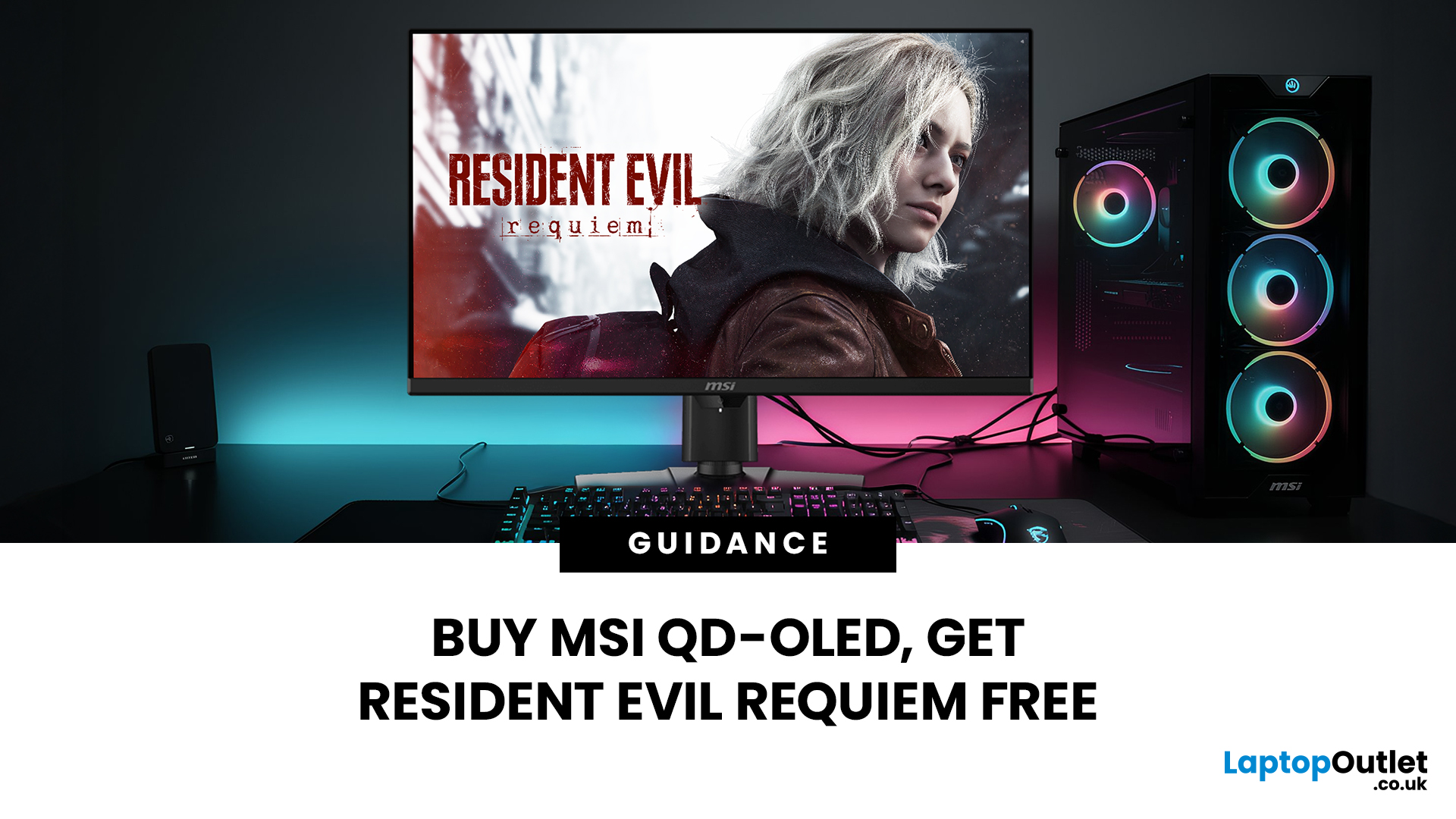
Gaming is about to get a whole lot better. If you are looking for a screen upgrade, now is the perfect time. MSI is currently offering a deal that is hard to ignore. When you buy a selected MSI QD-OLED monitor, you can get Resident Evil Requiem free.
This latest title usually costs £51.99. However, for a limited time, you can add it to your library without spending an extra penny. Combining the terrifying visuals of Resident Evil with the ground-breaking technology of QD-OLED is a match made in heaven.
In this guide, we will look at the best MSI gaming monitors included in this deal.
Why This Gaming Deal Matters
Gaming hardware is expensive. Getting a £51.99 game for free helps offset the cost of your new screen. But beyond the money, it is about the experience. MSI QD-OLED monitors are currently the pinnacle of display technology.
They offer:
- Perfect Blacks: No "halo" effect around bright objects.
- Vivid Colours: Quantum Dots provide a wider colour gamut.
- Instant Response: 0.03 ms is
Last Updated: June 15, 2026
If you run an esports arena, gaming cafe, university esports lab, or content studio, your monitor choice is not a background decision. It directly affects performance, player satisfaction, brand perception, and long-term ROI. Competitive players notice the refresh rate instantly. Streamers notice colour accuracy. Venue owners notice durability. And everyone notices screen quality.
That’s why ASUS gaming monitors have become a staple across esports stages and gaming venues in the UK. From ultra-premium ASUS ROG gaming monitors built for tournament environments to scalable ASUS TUF gaming monitor options designed for multi-station rollouts, ASUS covers every level of competitive deployment.
If you're building or upgrading a gaming business, here’s what you need to know.
Why Esports & Gaming Businesses Choose ASUS
A single hardware issue during a tournament can damage a reputation fast. ASUS has built a strong position in esports by delivering consistency under pressure.
Brand Reputation
Last Updated: March 13, 2026
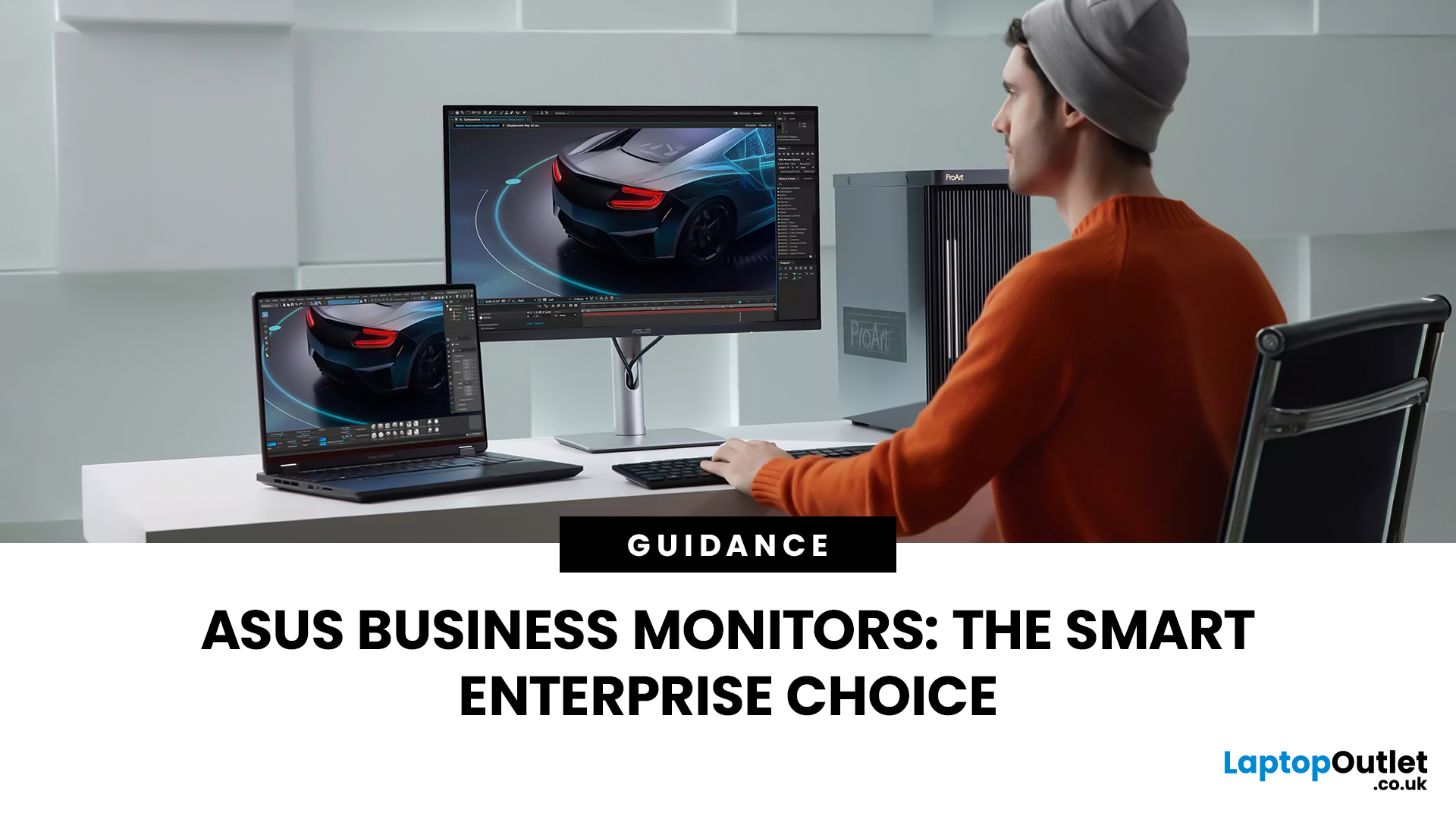
Modern workplaces are more screen-based than ever and in the UK, the average office employee now spends over 6 hours a day looking at a monitor. For businesses, that makes display choice more than just a tech detail; it’s a productivity and wellbeing decision.
The right ASUS business monitors can improve workflow efficiency, reduce eye strain, and support hybrid teams with flexible connectivity like USB-C docking. Whether you’re equipping a corporate office, a call centre, or a growing enterprise rolling out hundreds of workstations, choosing the right monitor spec matters.
In this buying framework, we’ll break down what UK organisations should prioritise, from screen size and ergonomics to ASUS Eye Care features, bulk purchasing, and the best monitor options for business use in 2026.
Why ASUS Monitors Work Well for Modern Workplaces

In today’s business environment, monitors are no longer just office accessories, they’re core productivity tools. From finance teams working across spreadsheets
Last Updated: March 13, 2026
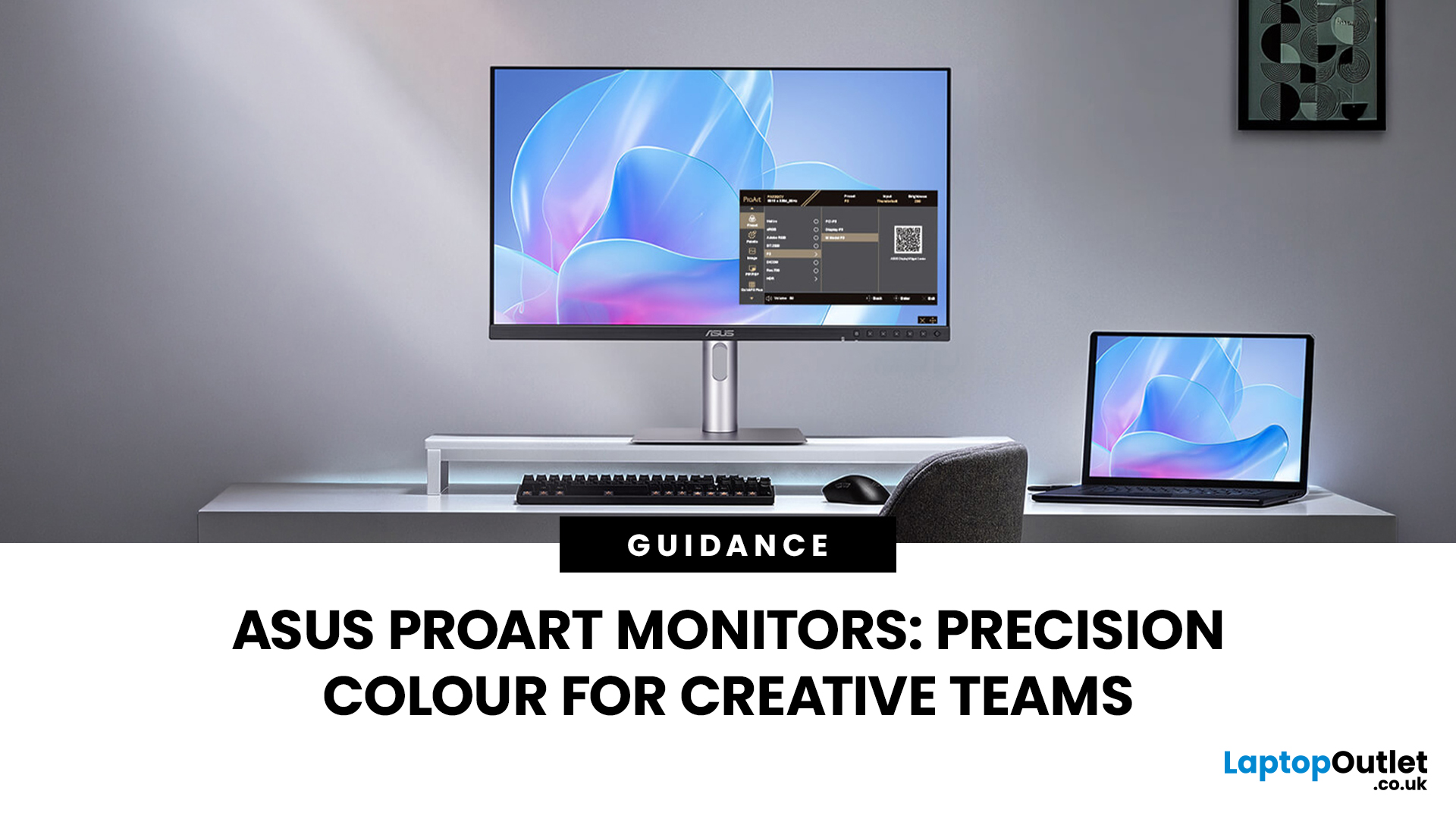
Creative work is more colour-critical than ever and studies show the average designer spends over 7 hours a day staring at a screen. That means your monitor isn’t just a display… it’s basically your studio. If colours are even slightly off, edits don’t match, prints come out wrong, and client work gets messy fast.
That’s where ASUS ProArt monitors come in. Built specifically for creators, they deliver factory-calibrated accuracy, wide colour coverage, and crisp 4K detail that makes photo editing, graphic design, and video workflows feel effortless. Whether you’re running a creative agency, an in-house design team, or a full studio setup, ProArt screens help you work with confidence, not guesswork.
Let’s break down what makes them worth it.
What Creative Teams Need from a Monitor
Not all monitors are built the same and creative teams feel that difference immediately. A standard office screen might be fine for spreadsheets, but when you’re adjusting skin tones, matching brand colours, or
Last Updated: August 28, 2026
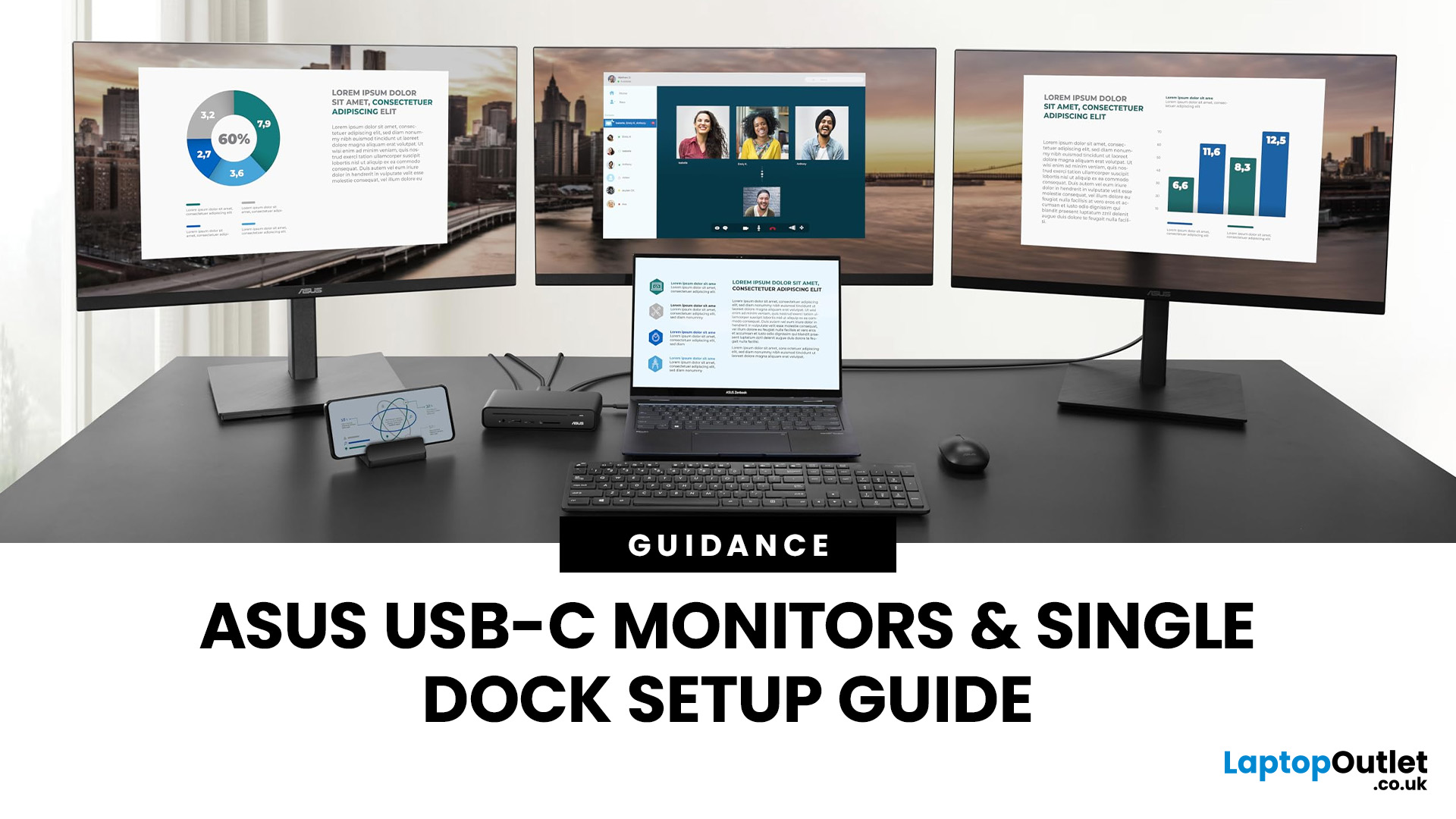
If you’re planning a desk refresh, rolling out new workstations, or managing a hot-desking environment, one question always comes up: how many ASUS USB-C monitors can you realistically run from a single dock? The short answer? It depends.
The long answer? It depends on your laptop’s GPU, the dock’s bandwidth, the monitor resolutions, and whether you’re daisy-chaining or using multiple video outputs.
In this practical IT deployment guide, we’ll break down exactly how ASUS USB-C monitors behave in real-world setups, what limits your configuration, and how to plan a reliable multi-monitor rollout without unpleasant surprises.
How USB-C Video and Power Actually Work
USB-C looks simple. One cable. Power. Video. Data. Done.
But behind that clean setup, there’s a lot happening.
USB-C monitors rely on a feature called DisplayPort Alt Mode. This allows the USB-C cable to carry video signals from your laptop’s GPU directly to the monitor. Many modern docks also use DisplayLink technology, which
Last Updated: August 11, 2026
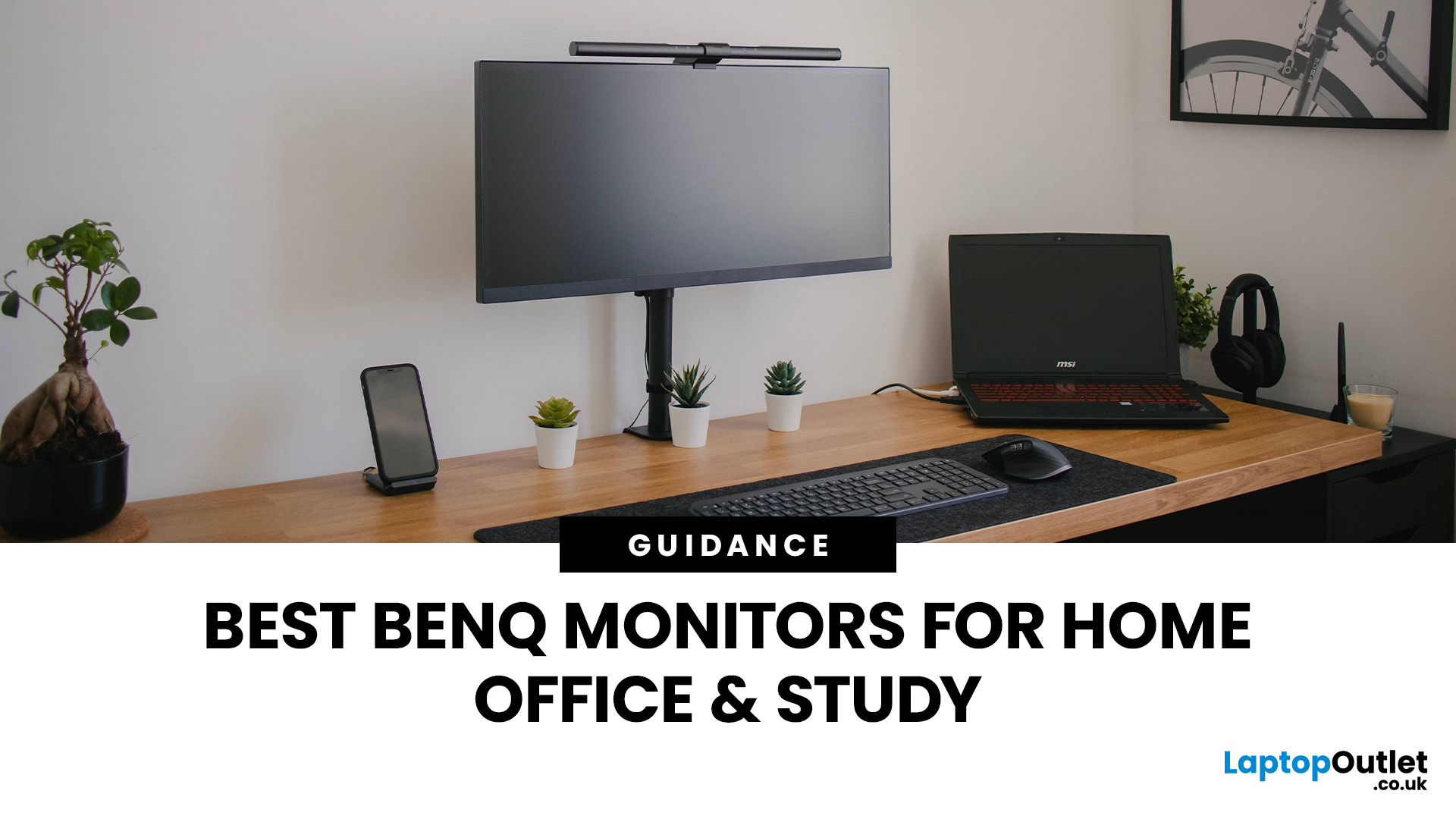
Creating a home workspace that actually makes you want to sit down and get things done starts with one key upgrade: your monitor. Whether you’re fully remote, juggling hybrid life, or deep into study mode, choosing the best BenQ monitor for home office use can seriously level up your focus, comfort and overall productivity.
Let’s be honest! Squinting at a tiny laptop screen for eight hours straight isn’t the vibe. You need space. You need clarity. You need something that doesn’t leave your eyes feeling fried by 4 pm. From compact Full HD screens that fit neatly on smaller desks to powerful 4K displays that handle heavy multitasking like a pro, there’s something for every type of workflow. So if you’re scrolling through BenQ monitors for home office and wondering which one deserves desk space, you’re in the right place.
What Makes a Good Home Office Monitor?
Not all monitors are created equal. A display designed for gaming or entertainment won’t always offer the same comfort and practical
Last Updated: April 14, 2026
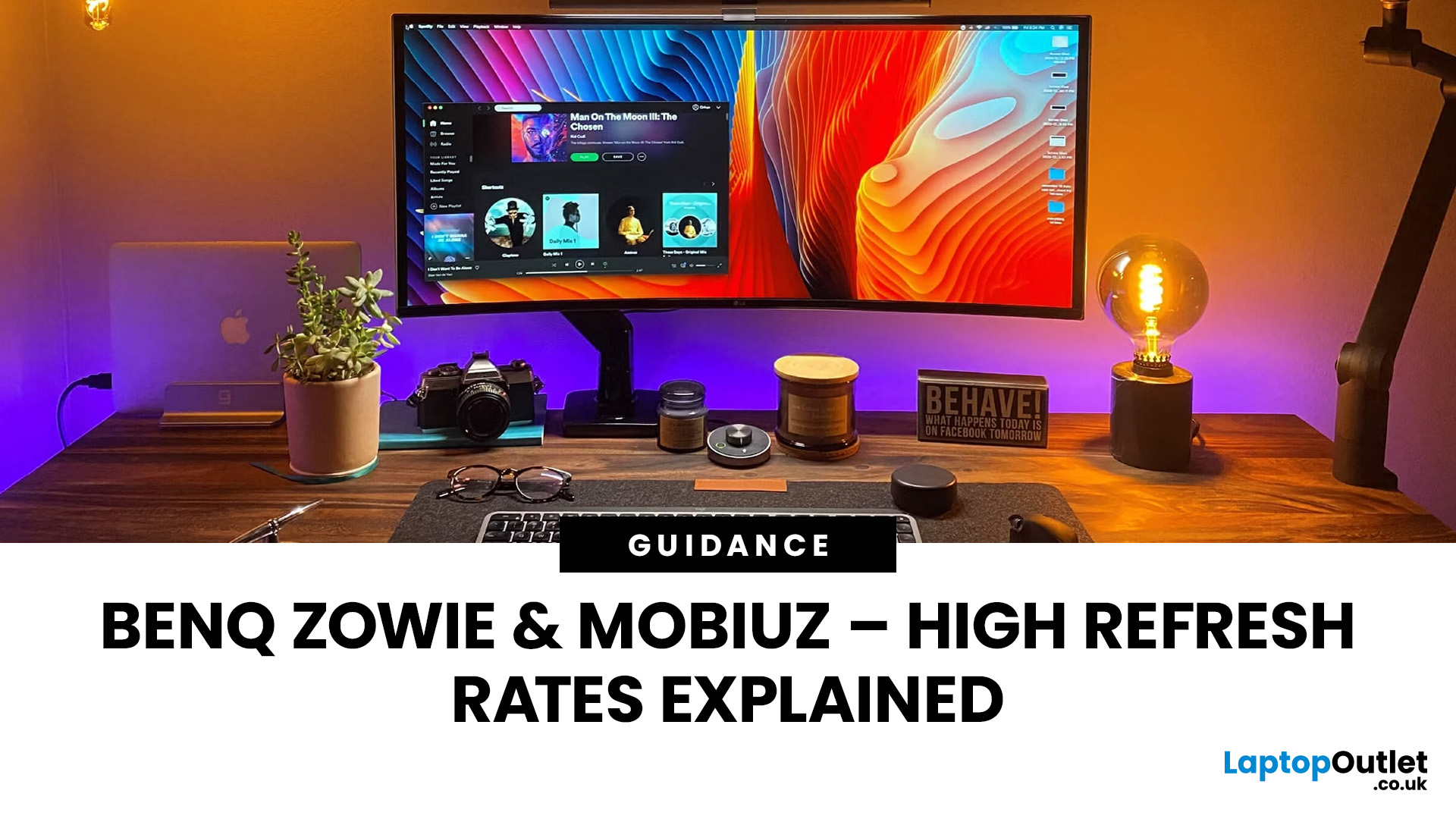
If you’ve been shopping for a competitive gaming display, you’ve probably noticed that BenQ 240Hz gaming monitors are becoming the new standard for serious players. But with so many options available, the big question remains:
Is 240Hz worth it — or is 144Hz still enough?
In this guide, we’ll break down what ultra-high refresh rates change in gameplay, compare 144Hz vs 240Hz BenQ monitor performance, and help you decide whether a BenQ high refresh ZOWIE monitor or a BenQ MOBIUZ high refresh monitor is the right upgrade for you.
Quick Answer — Is 240Hz Worth it?
So, is 240Hz worth it?
For many gamers, the answer is:
- Yes, if you play competitive FPS titles and want the smoothest, fastest response possible
- Maybe, if you play a mix of casual and competitive games
- Not necessarily, if you mostly play single-player or cinematic titles
A jump from 144Hz to 240Hz delivers:
- Smoother motion
- Reduced input delay
- Clearer tracking in fast-paced shooters
That’s why high refresh BenQ gaming monitors are
Last Updated: April 14, 2026
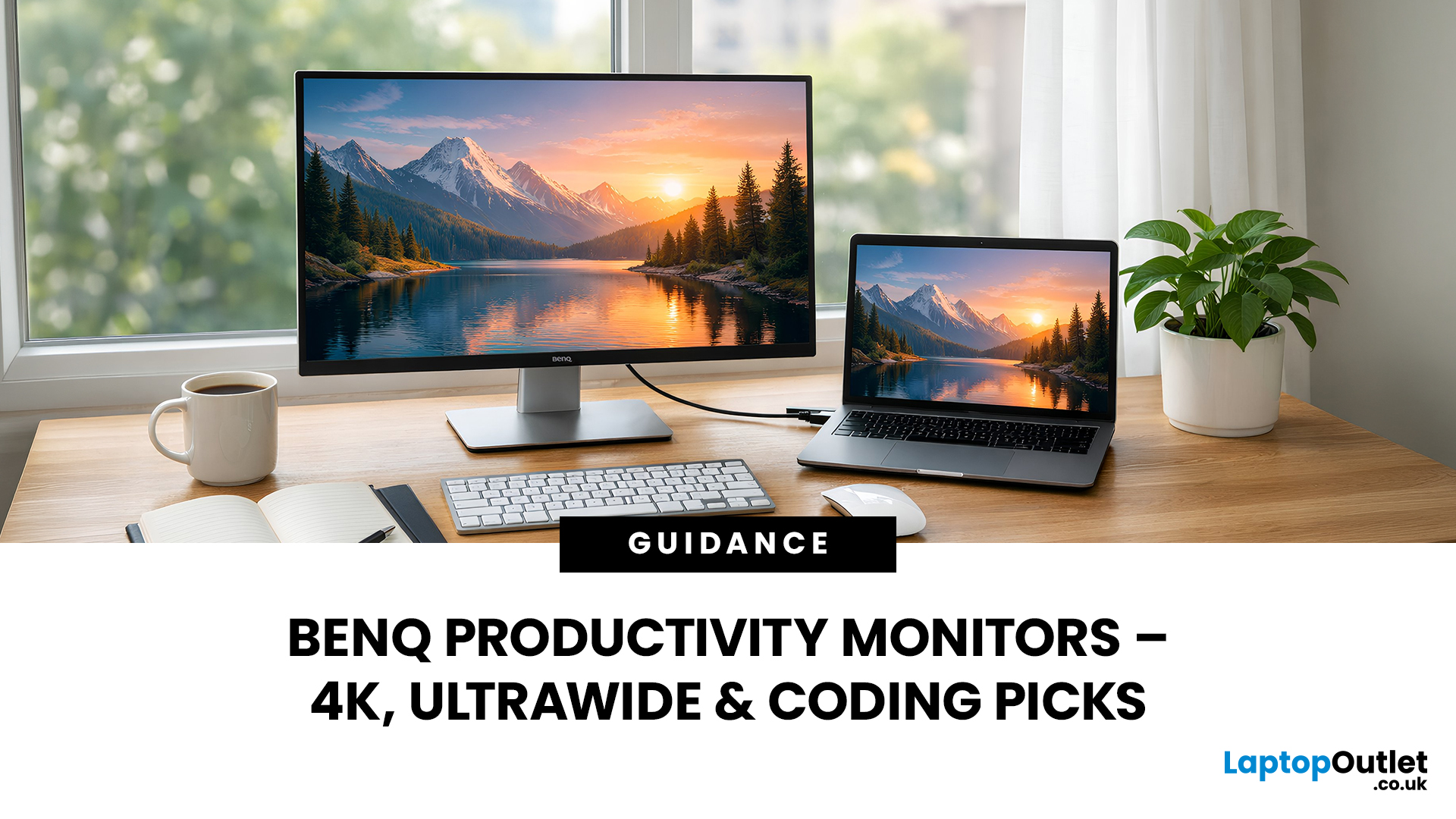
When you spend hours each day working across spreadsheets, dashboards, documents, or lines of code, your monitor becomes more than just a screen. It becomes the centre of your workflow. The right display can make work feel smoother, reduce fatigue, and help you stay focused for longer.
That’s exactly where BenQ productivity monitors stand out. Designed with knowledge workers, developers, and multitaskers in mind, BenQ offers a range of displays built for modern professional demands. Whether you need pixel-perfect clarity, extra-wide space for multiple apps, or coding-specific features, there’s a BenQ option tailored to the way you work.
Why Productivity-Focused Monitors Matter for Knowledge Work
A standard office monitor can get the job done, but knowledge work has evolved. Today’s workflows often involve multiple applications running side by side, detailed content review, long hours of screen time, and constant context switching. That’s why choosing the right monitor is no longer just

