



IPS vs VA Panels in HP Gaming Monitors Which Should You Choose
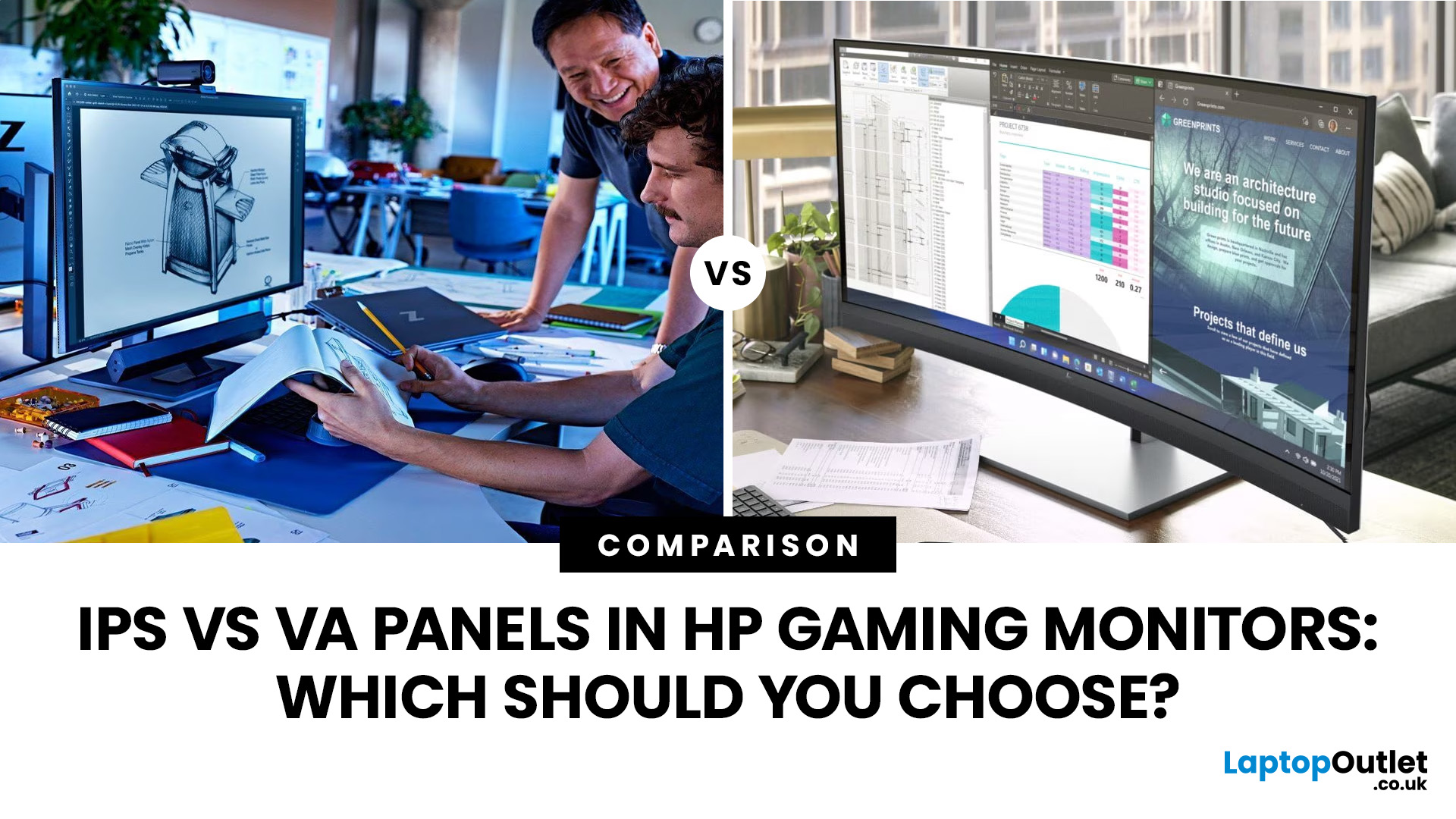
IPS panels are usually the better choice for competitive gaming, wider viewing angles and mixed gaming and creative work. VA panels generally deliver deeper blacks and stronger contrast, making them attractive for immersive games in darker rooms. However, the IPS vs VA panel decision should also consider the monitor’s exact response time, refresh rate, resolution, adaptive sync, and measured performance. Read our complete guide to gaming monitor panels for a full breakdown of IPS vs VA and other display technologies.
IPS vs VA Panels: Quick Comparison
|
Feature |
IPS Panel |
VA Panel |
|
Native contrast |
Usually lower |
Usually higher |
|
Black depth |
Blacks can appear grey in dark rooms |
Deeper blacks in suitable conditions |
|
Viewing angles |
Wider and more consistent |
Narrower, with more off-centre variation |
|
Fast-motion clarity |
Generally cleaner |
Can show dark smearing |
|
Colour consistency |
Usually strong across the screen |
Can change more when viewed off-centre |
|
Colour accuracy |
Depends on the individual monitor |
Depends on the individual monitor |
|
Input lag |
Model-dependent |
Model-dependent |
|
Competitive gaming |
Usually the safer option |
Suitable if measured response performance is strong |
|
Dark-room gaming |
Acceptable, but IPS glow may be visible |
Usually the stronger option |
|
Curved screens |
Less common |
Common on larger gaming monitors |
|
Multi-monitor setups |
Particularly suitable |
Best when viewed mainly from the centre |
|
Mixed gaming and creative work |
Usually preferable |
Suitable when contrast matters more than viewing consistency |
The panel label is only a starting point. Two monitors using the same technology can behave very differently because of their backlights, overdrive tuning, refresh rates and factory calibration.
What is the Difference Between IPS and VA Panels?
IPS and VA are two types of LCD panel technology. Both normally use an LED backlight, but their liquid crystals control that light differently.
- IPS stands for In-Plane Switching. Its liquid crystals move parallel to the display surface. This arrangement generally maintains more consistent colour, brightness and contrast when the screen is viewed from different angles.
- VA stands for Vertical Alignment. Its liquid crystals can block more of the backlight when producing dark content. This normally results in higher native contrast and deeper-looking blacks than a conventional IPS screen.
This technical difference affects how games look in motion, how dark scenes appear and how consistent the picture remains when you move away from the centre. It does not automatically determine every part of the monitor quality.
Brightness, colour accuracy, input lag and HDR performance depend heavily on the individual display. It is therefore misleading to assume that every IPS monitor is colourful or that every VA monitor is slow.
Which Has Better Picture Quality: IPS or VA?
Neither panel type produces universally better picture quality. IPS usually leads in viewing consistency, while VA normally delivers stronger native contrast.
IPS Panels Provide More Consistent Viewing Angles
An IPS screen generally retains its colour and brightness better when viewed from the side. This matters if you share the screen, use several displays or sit close to a large monitor where the edges are viewed at an angle.
Wider viewing angles can also help with local co-op gaming and creative tasks. Colours across the image are less likely to look different simply because part of the screen sits further from your central viewing position.
Do not confuse viewing consistency with guaranteed colour accuracy. An IPS display can still have inaccurate colours if its gamut, calibration or picture mode is poor.
VA Panels Produce Deeper Blacks
VA panels usually have higher native contrast. Dark areas can therefore appear deeper, while bright objects stand out more clearly against shadowed backgrounds.
The difference is particularly noticeable in dim rooms. Horror games, space simulations, story-led adventures and films can look more convincing when black areas do not appear grey.
Room lighting affects the advantage. Reflections and strong ambient light can reduce perceived black depth on any monitor, so a VA screen’s contrast benefit may be less obvious in a bright room.
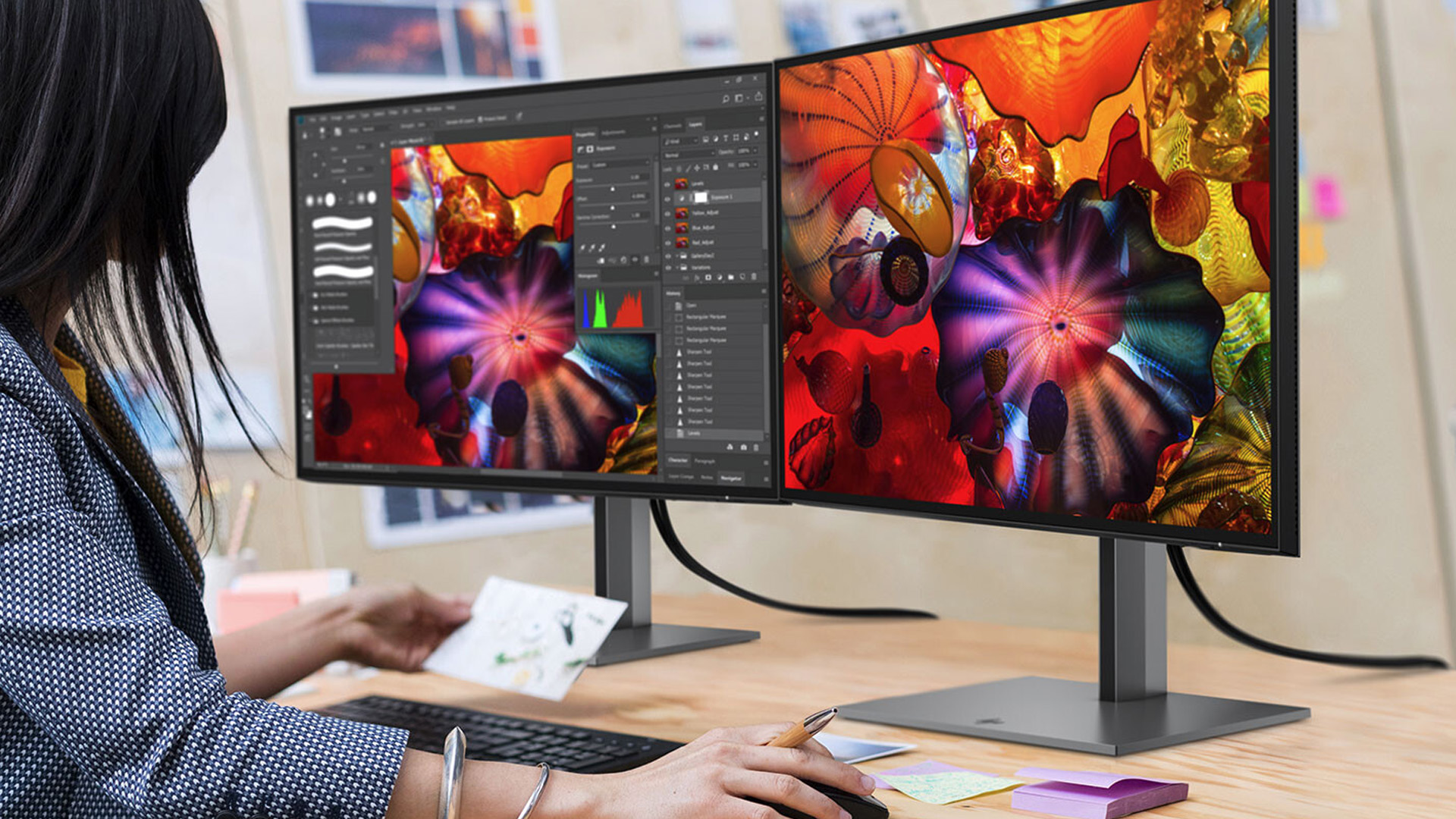
IPS vs VA Gaming Performance
For gaming, IPS generally offers more predictable motion clarity. VA can provide a more atmospheric picture, but some models struggle with slow transitions between dark shades.
Response Time and Motion Clarity
Response time describes how quickly a pixel changes from one shade to another. Slow transitions create visible trails behind moving objects, often described as ghosting.
Modern IPS gaming monitors commonly handle fast transitions well. They are therefore a dependable option for shooters, racing games and other titles where the camera moves rapidly.
VA performance varies more noticeably between models. Some VA gaming monitors are responsive, but slow transitions involving dark colours can create black smearing. This may appear as a dark trail behind enemies, scenery or interface elements.
A quoted “1ms” specification does not prove that every transition completes in one millisecond. Manufacturers may use different test methods, overdrive modes and measurements such as GtG or MPRT. Check what the measurement represents and, where possible, look for testing of the exact model,.
Refresh Rate Does Not Eliminate Ghosting
Refresh rate and response time are related, but they are not interchangeable.
A 144Hz monitor can refresh its image up to 144 times per second. Its pixels must still change quickly enough to keep pace. A high-refresh VA panel can therefore show dark smearing if certain pixel transitions remain slow.
Likewise, a fast IPS panel will not make gameplay smooth if your computer delivers an inconsistent frame rate. Your graphics hardware, game settings and adaptive-sync support all influence the final experience.
Input Lag Is Not Determined by Panel Type
Input lag is the delay between an action and its result appearing on the screen. The panel being IPS or VA does not directly decide this delay.
Monitor processing, picture modes, refresh rate and signal handling matter more. Both IPS and VA monitors can offer low input lag, so compare specific models rather than assuming one technology will always feel more responsive.
Variable Refresh Rate Can Behave Differently
Adaptive-sync technologies match the display’s refresh rate to the frame rate produced by the graphics card. This helps reduce tearing and visible stutter.
Some VA monitors can show brightness flicker when the frame rate changes sharply, particularly in dark scenes. The severity varies by model, game and frame-rate range.
IPS monitors can also flicker, but it is generally less strongly associated with the technology. Check exact-model testing if variable refresh rate is important to your setup.
Is IPS or VA Better for Different Types of Games?
Your preferred games provide a more useful starting point than the panel name alone.
|
Gaming Use |
Better Starting Point |
Reason |
|
Competitive FPS |
IPS |
Generally cleaner motion and fewer dark trails |
|
Racing games |
IPS |
Consistent motion during fast camera movement |
|
Fighting games |
IPS |
Strong motion clarity and wide viewing for local matches |
|
Horror games |
VA |
Deeper blacks can improve dark environments |
|
RPGs and adventure games |
VA or IPS |
Choose VA for contrast or IPS for motion and versatility |
|
Strategy and simulation games |
Either |
Resolution, screen size and interface clarity may matter more |
|
Local co-op gaming |
IPS |
Better picture consistency for players sitting off-centre |
|
Mixed gaming and content creation |
IPS |
More consistent viewing and usually broader versatility |
|
Dark-room console gaming |
VA |
Higher native contrast can improve perceived depth |
|
Bright-room gaming |
Either |
Brightness and reflection handling become more important |
These are starting points, not fixed rules. A well-tuned VA display can outperform a poorly tuned IPS monitor in motion, while a high-quality IPS model can deliver better dark-scene performance than a basic IPS screen.
When Should You Choose an IPS HP Gaming Monitor?
Choose an IPS HP gaming monitor if you prioritise competitive play, mixed use or consistent image quality across a wider viewing area.
IPS is particularly suitable when:
- You play fast shooters, racing games or esports titles.
- You use more than one monitor.
- You share the screen during local multiplayer.
- You also edit photographs, videos or graphics.
- You sit close to a large flat display.
- You want generally predictable motion performance.
- You use the monitor for gaming, study and office work.
Current HP gaming display families include IPS, VA, and QD-OLED technologies, so “HP gaming monitor” does not describe a single fixed panel experience. For example, HP identifies the OMEN 27qs G2 as using an IPS Black panel, but other OMEN models use different technologies.
IPS Black is designed to improve contrast compared with conventional IPS technology. It does not turn an IPS display into a VA panel, and its performance still needs to be checked at the exact model level.
When Should You Choose a VA HP Gaming Monitor?
Choose a VA HP gaming monitor if you usually sit directly in front of the display and want stronger contrast for cinematic or dark games.
VA is likely to suit you when:
- You play horror, role-playing or adventure games in a dim room.
- You value deep black levels more than wide viewing angles.
- You prefer a large curved gaming screen.
- You play mainly single-player games.
- You do not regularly share the display with people sitting to the side.
- You have checked that the exact model controls dark smearing well.
HP has used VA technology in curved gaming displays such as the OMEN 32c. However, model families and availability change, and similarly named monitors can have different specifications.
Always verify the full model number and regional specification before buying. Do not rely on screen size, refresh rate or the OMEN name to identify the panel.

What are the Main Disadvantages of IPS and VA Panels?
Both technologies involve compromises. Understanding them makes it easier to recognise whether a monitor’s weakness will affect your games.
IPS Glow and Lower Native Contrast
IPS glow appears as a pale or silvery brightness near the corners of a dark image. It can become more visible when you sit close to the display, raise the brightness or play in a dark room.
It is not exactly the same as backlight bleed. IPS glow changes with your viewing position, while backlight bleed is a panel uniformity issue caused by light leaking around parts of the screen.
Reducing brightness, adding soft room lighting and sitting at a suitable distance can make IPS glow less distracting. If dark-room contrast is your highest priority, conventional IPS may still be the weaker option.
VA Black Smearing and Narrower Viewing Angles
Black smearing occurs when dark pixels cannot change quickly enough during movement. It can be noticeable in dark games and when scrolling light text across a dark background.
Aggressive overdrive may reduce some blur, but it can create inverse ghosting. This appears as bright or dark halos around moving objects. Use the monitor’s balanced overdrive setting unless reliable testing recommends another mode.
VA panels also tend to lose more picture consistency when viewed off-centre. A curved screen can point the edges towards the viewer, but curvature does not change the panel’s underlying viewing-angle capability.
How Do HP Gaming Monitor Panel Types Compare With OLED?
IPS and VA are not the only choices in HP’s gaming monitor range. HP also lists QD-OLED models within its OMEN and HyperX OMEN families.
OLED technology allows individual pixels to produce their own light. It can deliver near-black blacks, high contrast, and very fast pixel response without a conventional LCD backlight.
Its disadvantages can include higher prices, variable brightness behaviour and a risk of permanent image retention with prolonged static content. Modern protective features can reduce that risk, but they do not make every usage pattern risk-free.
Choose OLED when premium contrast and motion performance justify the additional cost. Choose IPS or VA if you want a broad range of more conventional LCD options without OLED-style burn-in concerns.
How to Choose Between IPS and VA in an HP Gaming Monitor
Use the following checks before making a decision.
1. Start With Your Main Games
Choose IPS as the safer starting point for competitive shooters and other fast games. Consider VA for cinematic, story-led or dark games where contrast contributes more to the experience.
2. Check the Exact Product Number
HP monitor names can cover several sizes, generations or regional variations. Confirm the complete product number rather than relying on a family name such as OMEN.
Verify the panel technology through HP’s official specification page and the live retailer listing. If the two sources conflict, pause the purchase until the specification is clarified.
3. Match Resolution to Your Hardware
Full HD is easier for a gaming PC to run at high frame rates. QHD offers a useful balance of sharpness and performance, while 4K places a much heavier demand on the graphics processor.
Do not pay for a high refresh rate that your PC cannot use at the chosen resolution. Check expected game performance using your graphics card and preferred settings.
4. Evaluate Real Response Performance
Do not judge motion clarity from the advertised response-time number alone. Look for testing across different refresh rates, pixel transitions and overdrive settings.
For a VA monitor, pay particular attention to dark-transition response and variable-refresh-rate flicker. For an IPS model, check overshoot, IPS glow and black uniformity.
5. Check Adaptive Sync and Connections
Confirm that the monitor’s DisplayPort or HDMI connection supports the required resolution and refresh rate. Console users should also check the console’s supported signal formats rather than assuming every high-refresh monitor will provide its maximum refresh rate.
FreeSync, G-SYNC Compatible support or VESA AdaptiveSync can improve frame delivery, but compatibility and operating ranges vary. Review the exact specification instead of relying only on a logo.
6. Consider the Whole Setup
A monitor does not work in isolation. Desk depth, viewing distance, room lighting and surrounding equipment all affect whether it feels comfortable.
The wider selection of high-performance monitors for gaming can help you compare different resolutions and panel technologies. You can also complete the desk with suitable gaming accessories, but prioritise the monitor and computer before spending on secondary additions.
7. Compare Value at Exact-Model Level
Neither IPS nor VA is automatically the cheaper technology. Entry-level and premium monitors are available with both panel types.
Compare the features you will genuinely use. An affordable gaming HP monitor is good value only if its resolution, ports, refresh rate and panel behaviour match your setup.
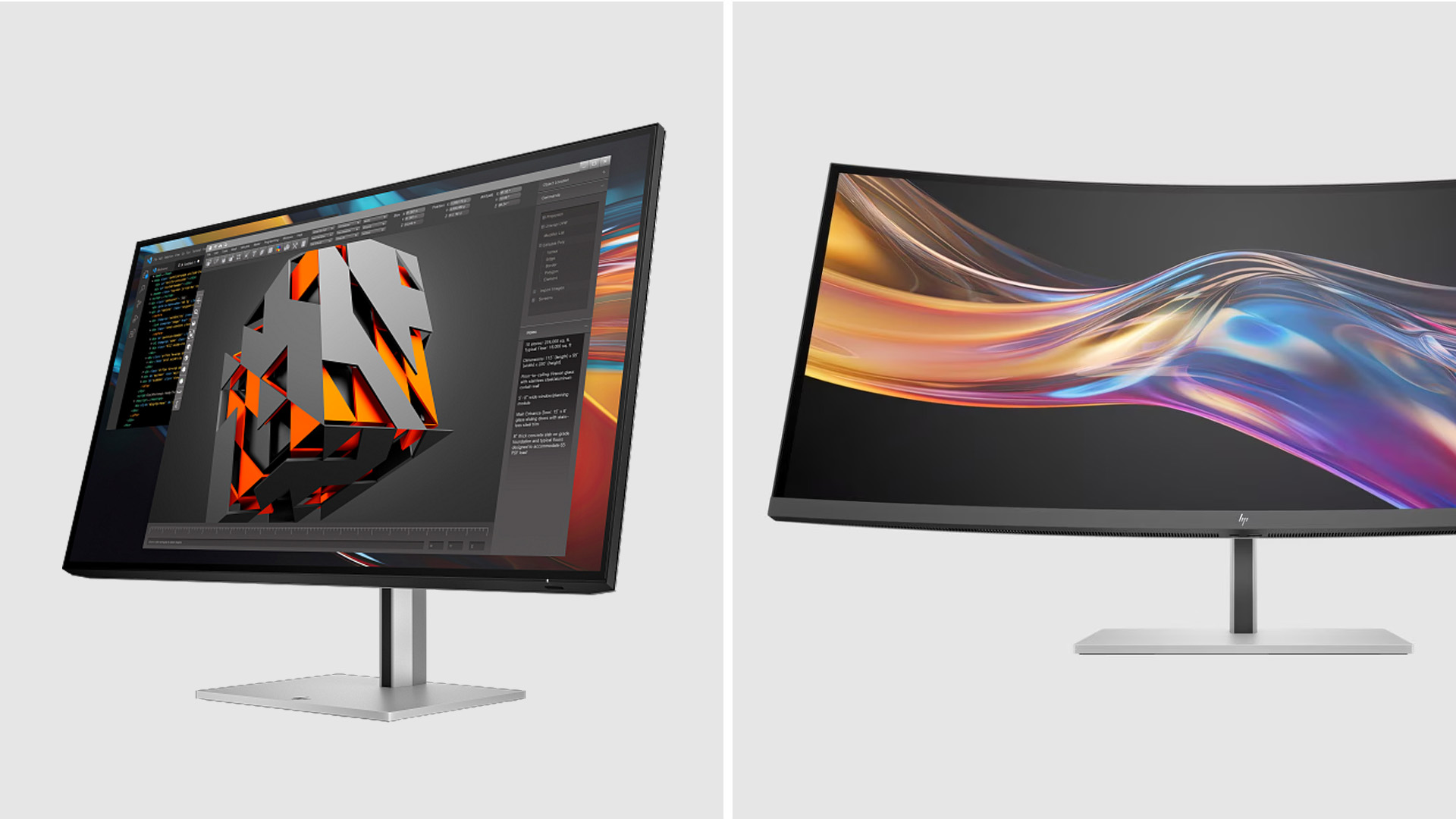
Common IPS vs VA Buying Mistakes
Avoid these assumptions when comparing monitor panel types:
❌ Do not assume every IPS monitor has accurate colours.
❌ Do not assume every VA monitor is too slow for gaming.
❌ Do not treat a quoted 1ms response time as a complete motion test.
❌ Do not confuse refresh rate with pixel response time.
❌ Do not assume panel type determines input lag.
❌ Do not expect curvature to improve a VA panel’s actual viewing angles.
❌ Do not assume HDR support guarantees effective HDR performance.
❌ Do not identify the panel from the product family name alone.
❌ Do not compare different resolutions without considering GPU demand.
❌ Do not overlook the monitor’s ports, stand and adaptive-sync range.

Final Verdict: IPS or VA for an HP Gaming Monitor?
For most competitive players and people who use one display for gaming, work and creative tasks, IPS is the safer overall choice. It generally provides cleaner motion and more consistent viewing angles.
VA is a strong alternative for players who sit directly in front of the monitor and value deep blacks in atmospheric games. Its higher native contrast can make dark environments appear more convincing, although model-specific smearing and VRR behaviour need checking.
The best IPS vs VA panels decision is therefore based on your games, room and exact monitor, not the technology label alone. Verify the full model specifications and prioritise measured performance over marketing claims.

More About IPS vs VA Panels
Which Is Better for Gaming, IPS or VA Panels?
IPS is generally better for competitive gaming because it tends to provide cleaner motion and wider viewing angles. VA is often better for dark-room, single-player gaming because its higher native contrast produces deeper blacks and stronger shadow detail.
Are VA Panels Slower Than IPS Panels?
VA panels can have slower dark-colour transitions, which may create black smearing during movement. However, performance varies considerably between monitors. A fast VA model can outperform a poorly tuned IPS display, so check exact-model response testing.
What Panel Type Is Used in HP Gaming Monitors?
HP gaming monitors use several panel technologies, including IPS, IPS Black, VA and QD-OLED. The technology depends on the exact OMEN or HyperX OMEN model, so confirm the complete product number on HP’s official specifications page.
Is VA Good for FPS Gaming?
VA can work well for FPS gaming when the monitor has fast dark transitions, low input lag and effective overdrive. Competitive players may still prefer IPS because VA screens are more likely to show dark smearing in rapid movement.
Is IPS Glow a Monitor Defect?
IPS glow is a characteristic of IPS technology rather than automatically being a defect. It is most visible near screen corners in dark rooms. Excessive, uneven light leakage may instead indicate backlight bleed or a panel-uniformity problem.
| Read More: |
| 4K vs 1440p vs 1080p: Which Monitor Resolution Should You Choose? |
| 24 Inch vs 27 Inch vs 32 Inch Gaming Monitors: Which Size Is Best? |
| What Is HDR on a Monitor? Everything You Need to Know |
Related Articles

Last Updated: August 25, 2026
Quick answer: The best Lenovo gaming monitor for streaming and esports is the one your PC can drive consistently at its native resolution while it also handles your broadcast workflow. For many mixed-use setups, a 27-inch QHD display at 165Hz to 180Hz is the balanced choice. A 24.5-inch or 27-inch Full HD screen at 240Hz or above prioritises competitive speed, while a 34-inch UWQHD display at 165Hz to 180Hz provides more room for a single-screen streaming workspace.
Those are useful profiles, not universal rules. Your real decision depends on sustained frame rate, encoder load, game genre, desk space and whether OBS, chat and alerts live on the same display. A monitor does not encode the stream, and a 240Hz panel does not make viewers receive a 240fps broadcast. It changes the experience in front of you, which can still matter greatly during competitive play.
Last Updated: July 30, 2026
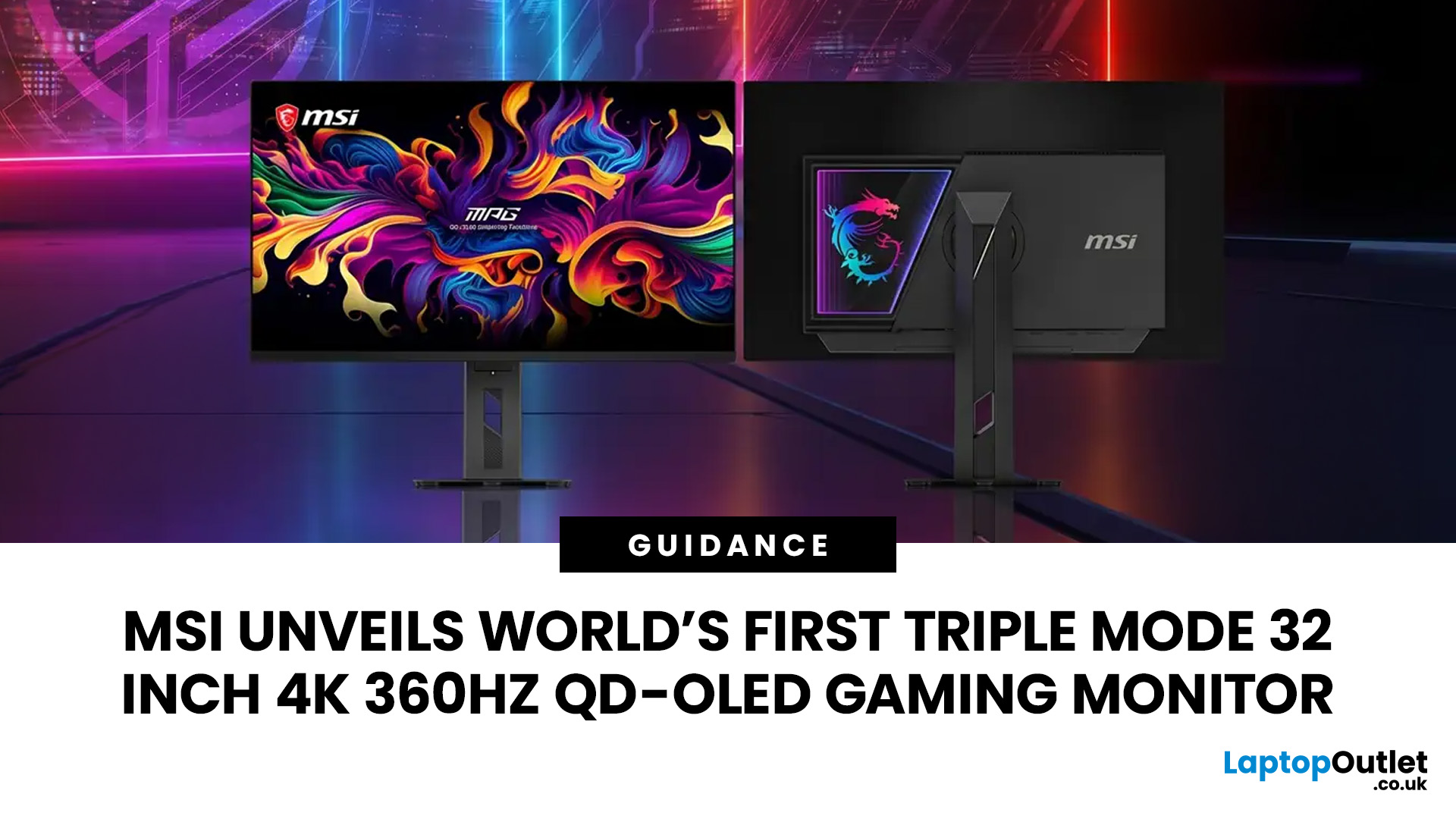
MSI has revealed a gaming monitor that sounds almost unreal on paper: a 32 inch 4K monitor with a 360Hz refresh rate, QD-OLED visuals, and a Triple Mode feature that lets gamers switch between different resolution and speed settings. Officially known as the MSI MPG OLED 322URDX36 (MSI lists the panel at 31.5 inches, though it's widely rounded to 32 inches), this display was unveiled ahead of COMPUTEX 2026 and is designed for players who want sharp 4K detail, ultra-smooth motion, and flexible performance in one premium screen.
For years, gamers had to choose between resolution and speed. A 4K monitor gave better image quality, while a lower-resolution, high-refresh-rate screen gave smoother competitive gameplay. MSI's new Triple Mode gaming monitor aims to close that gap, letting users move between 4K 360Hz, 1440p 520Hz, and Full HD 680Hz depending on the game, their hardware, and personal preference.
That makes it one of the most interesting display announcements for serious PC gamers,
Last Updated: August 11, 2026
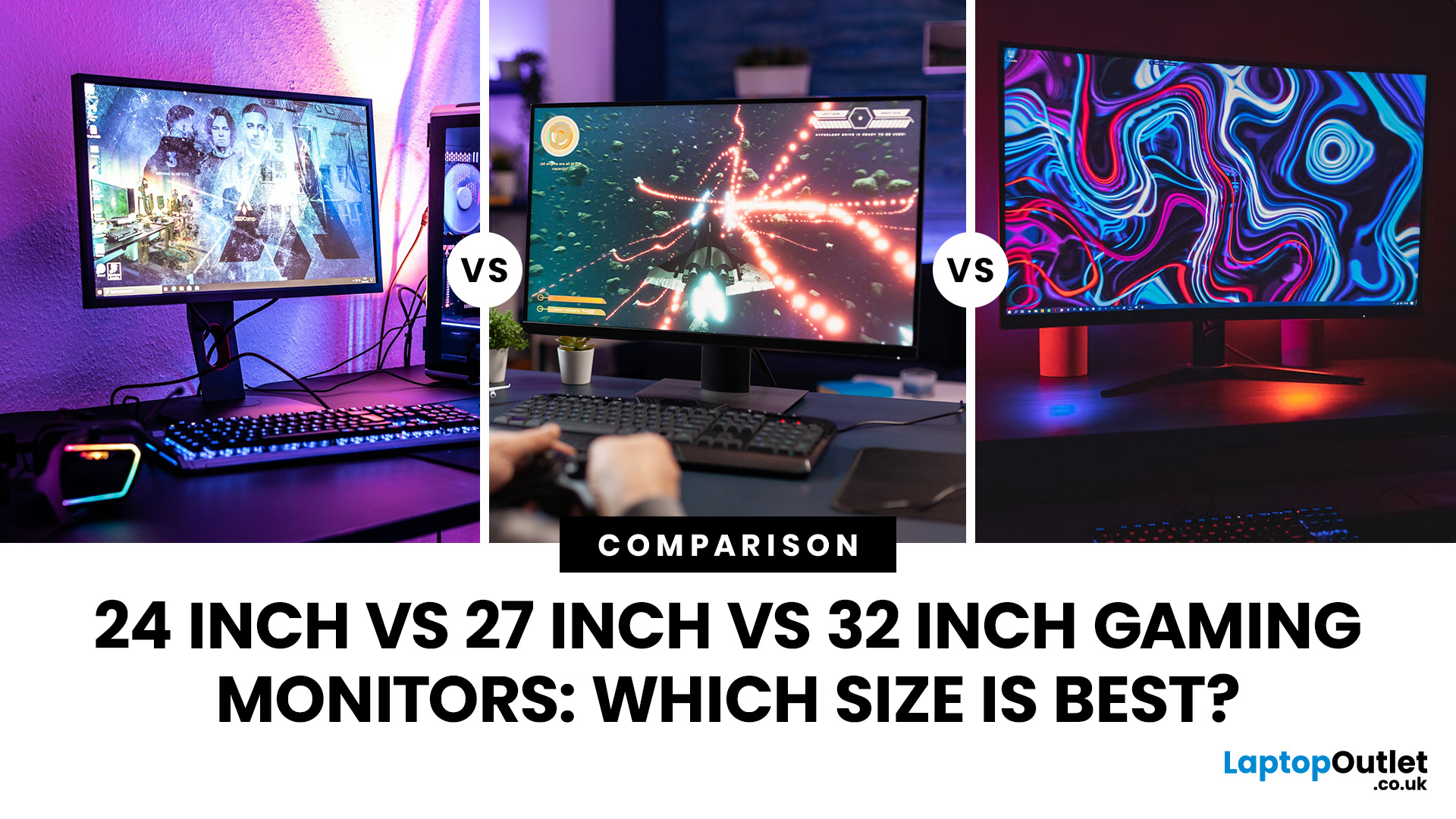
Picking the best gaming monitor size isn’t just about going big or going home. Your screen size actually changes how your games look, feel, and perform. A 24-inch setup is clutch for competitive play, a 27-inch hits that sweet spot between clarity and immersion, and a 32-inch screen? That’s where things get seriously cinematic.
Size alone isn’t the whole story. Resolution, desk space, refresh rate, and what you actually play all matter. This gaming monitor size comparison breaks down 24, 27, and 32-inch displays so you can find your perfect match.
24 Inch vs 27 Inch vs 32 Inch Gaming Monitors: Quick Comparison
The following table provides a quick overview of how the three most popular gaming monitor sizes compare.
| Feature | 24-Inch Monitor | 27-Inch Monitor | 32-Inch Monitor |
| Recommended resolution | 1920 × 1080 | 2560 × 1440 | 2560 × 1440 or 3840 × 2160 |
| Best suited to | Competitive gaming | Mixed gaming and everyday use | Immersive and cinematic gaming |
| Typical desk requirement | Small | Medium | Large |
| Graphics |
Last Updated: August 11, 2026
Last Updated: September 03, 2026
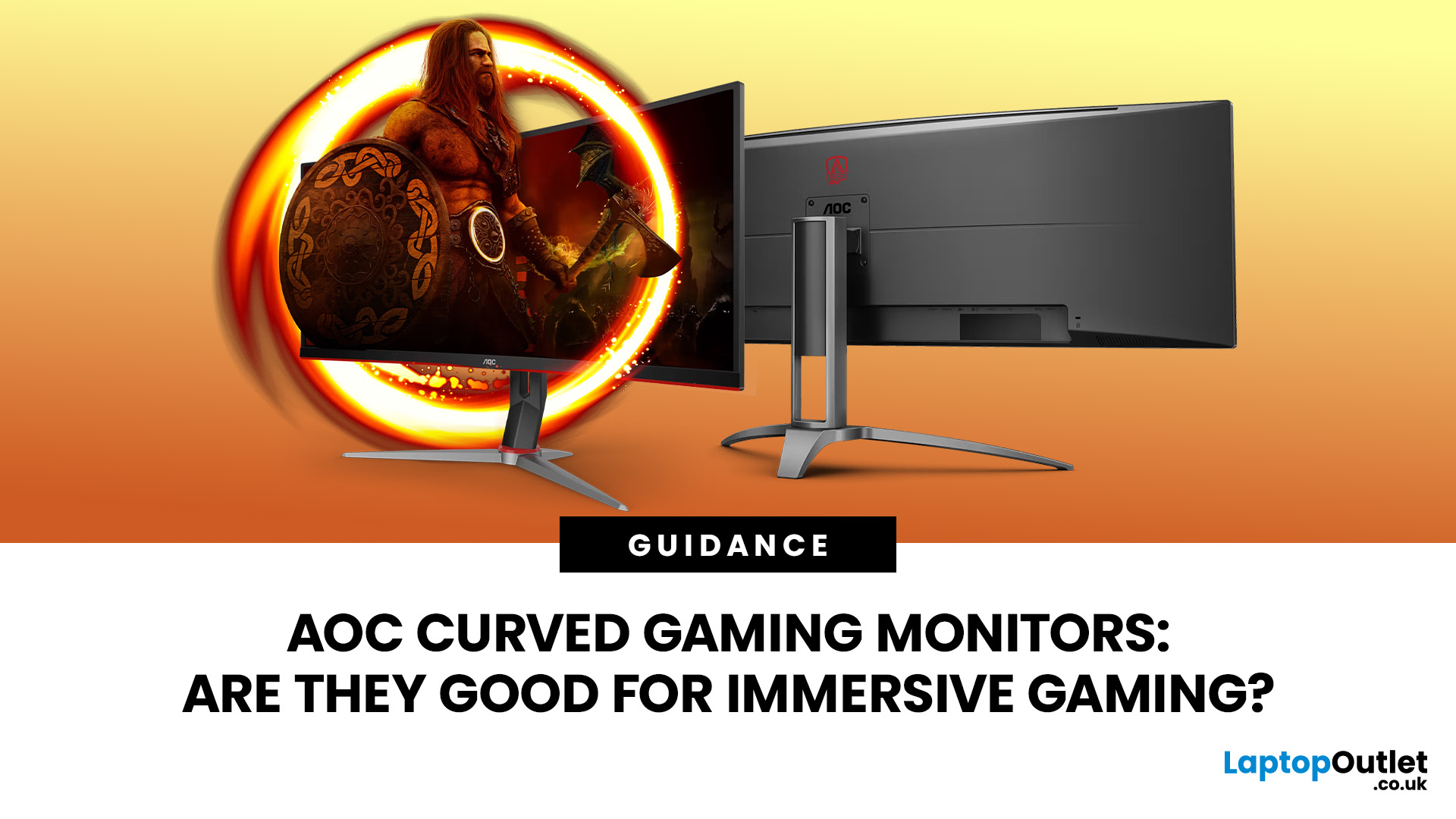
An AOC curved gaming monitor can be a strong choice for immersive gaming, especially if you play racing, simulation, RPG, open-world or cinematic single-player games. The curved screen helps draw more of the display into your natural field of view, which can make gameplay feel more engaging on larger panels. For many PC gamers, the sweet spot is a 27-inch or 32-inch high-resolution QHD monitors. For maximum immersion, an AOC 34 curved gaming monitor or another ultrawide curved gaming monitor can offer a wider, more cinematic view.
Are AOC Curved Gaming Monitors Good for Immersive Gaming?
Yes, AOC curved gaming monitors can be good for immersive gaming, but the experience depends on three things:
- Screen size
- Resolution
- Refresh rate
A curved display is most effective when the screen is large enough for the curve to matter. On a 24-inch screen, the curve may feel subtle. On a 32-inch or 34-inch screen, it becomes much more noticeable because the edges of the panel sit further into your peripheral
Published: July 27, 2026
Last Updated: September 03, 2026
Last Updated: August 13, 2026
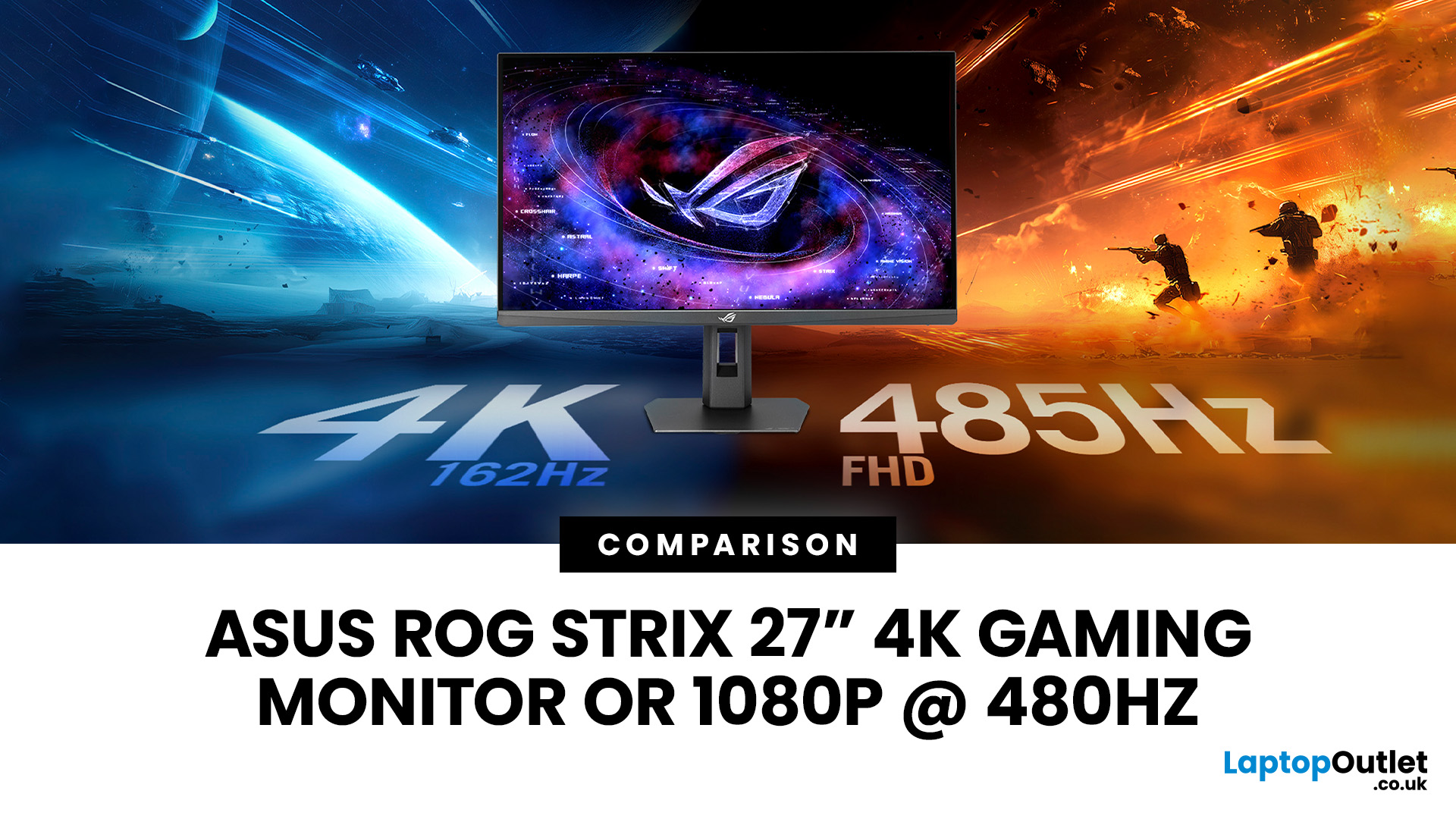
The ASUS ROG Strix XG27UCGR Gen2 is a 27 inch 4K gaming monitor that runs at up to 162Hz in 4K and switches to Full HD at 485Hz for esports. It succeeds the original XG27UCG’s 160Hz and 320Hz dual mode, adding a much faster competitive setting, Smart Pixel processing and a lower quoted minimum response time.
Most gaming monitors make you choose between resolution and refresh rate. A sharp 4K screen suits visually detailed games, while an ultra-fast Full HD display is usually better suited to competitive titles where responsiveness matters more than image detail.
The ASUS ROG Strix XG27UCGR Gen2 attempts to cover both uses. Its native mode delivers 3840 x 2160 resolution at up to 162Hz. Activating Frame Rate Boost changes the monitor to 1920 x 1080 and raises the refresh rate to 485Hz. ASUS confirms both modes for the XG27UCGR, alongside a Fast IPS panel, Smart Pixel processing and a manufacturer-rated minimum response time of 0.3ms.
ASUS ROG Strix XG27UCGR Specifications
The XG27UCGR Gen2
Last Updated: September 03, 2026
Refresh rate is one of the first specifications you will notice when shopping for a gaming monitor. A higher number promises smoother movement and faster feedback, but that does not automatically mean a 240Hz display is the right choice for your setup.
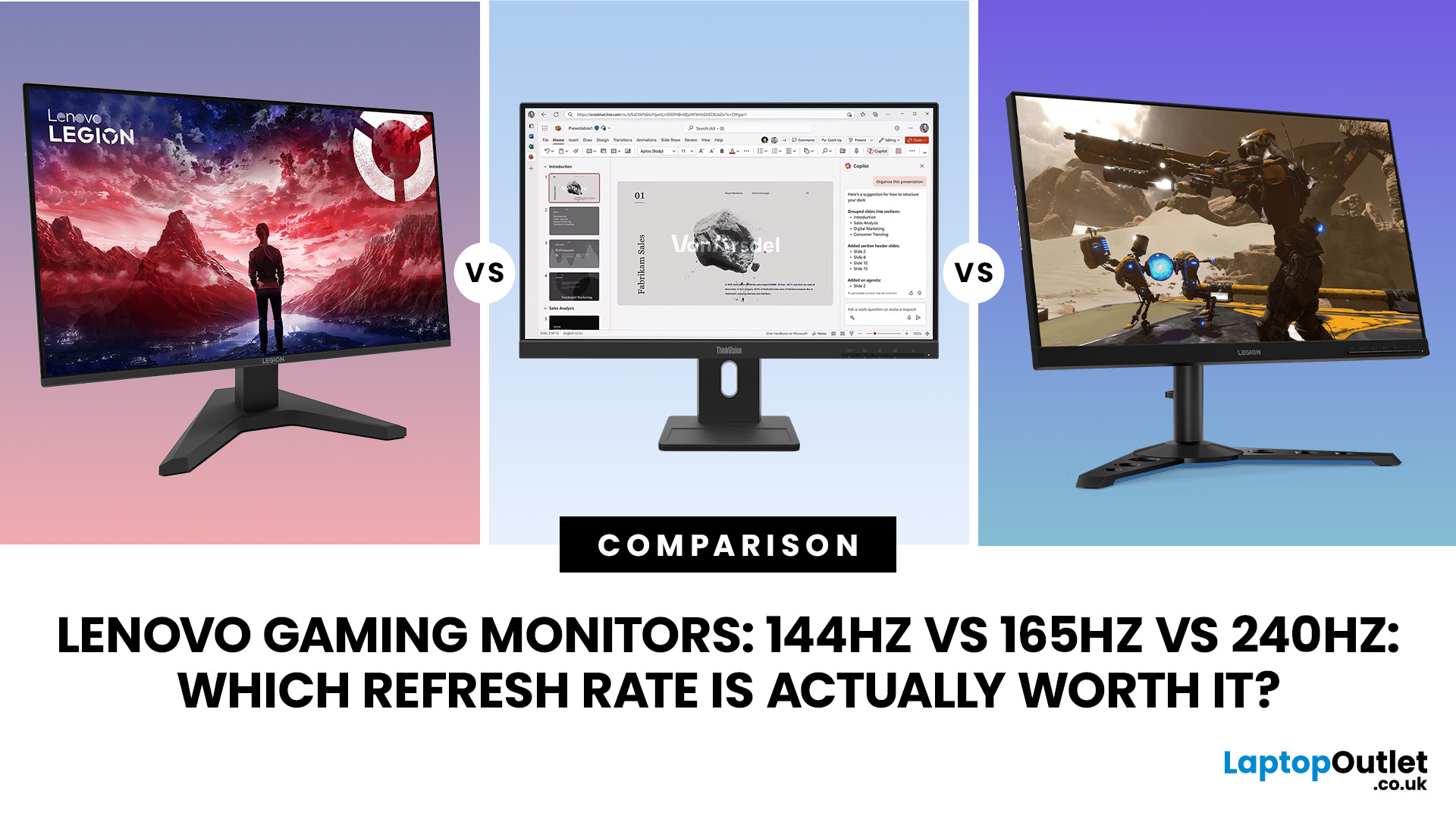
The best Lenovo monitor refresh rate depends on the games you play, the frame rates your computer can produce and whether you prioritise competitive responsiveness or sharper graphics. A casual player running cinematic games at 70 frames per second will gain little from 240Hz, while a competitive FPS player maintaining more than 200fps may notice a meaningful improvement.
This guide compares 144Hz, 165Hz, and 240Hz Lenovo gaming monitors so you can pay for performance you will actually use.
Quick Answer: Is 144Hz, 165Hz or 240Hz Best?
For most PC gamers, 144Hz or 165Hz offers the best balance of smoothness, hardware requirements, and value. Choose 240Hz when you mainly play competitive shooters and your PC can regularly produce close to 240fps
Published: August 06, 2026
An MSI QD OLED monitor combines the individual pixel control of OLED with a quantum-dot colour conversion layer. The result is a display designed to produce deep blacks, vivid colours, fast response times, and convincing HDR performance. That sounds impressive, but specifications such as 0.03ms response times, True Black certification, and OLED Care can make choosing a monitor confusing. This guide explains how the technology works, what MSI adds and whether a QD-OLED display is right for your gaming setup.
How Does QD OLED Technology Work?
A conventional LCD monitor needs a backlight behind its pixels. Even when displaying a dark scene, some light can pass through the panel, which may make black areas appear grey. QD-OLED works differently because it is self-emissive. Its pixels generate their own light and can switch off individually when the image requires black. The process involves three main stages:
- A blue OLED layer produces the original light.
- Quantum dots convert part of that blue

