



MSI Unveils World’s First Triple Mode 32 inch 4K 360Hz QD-OLED Gaming Monitor
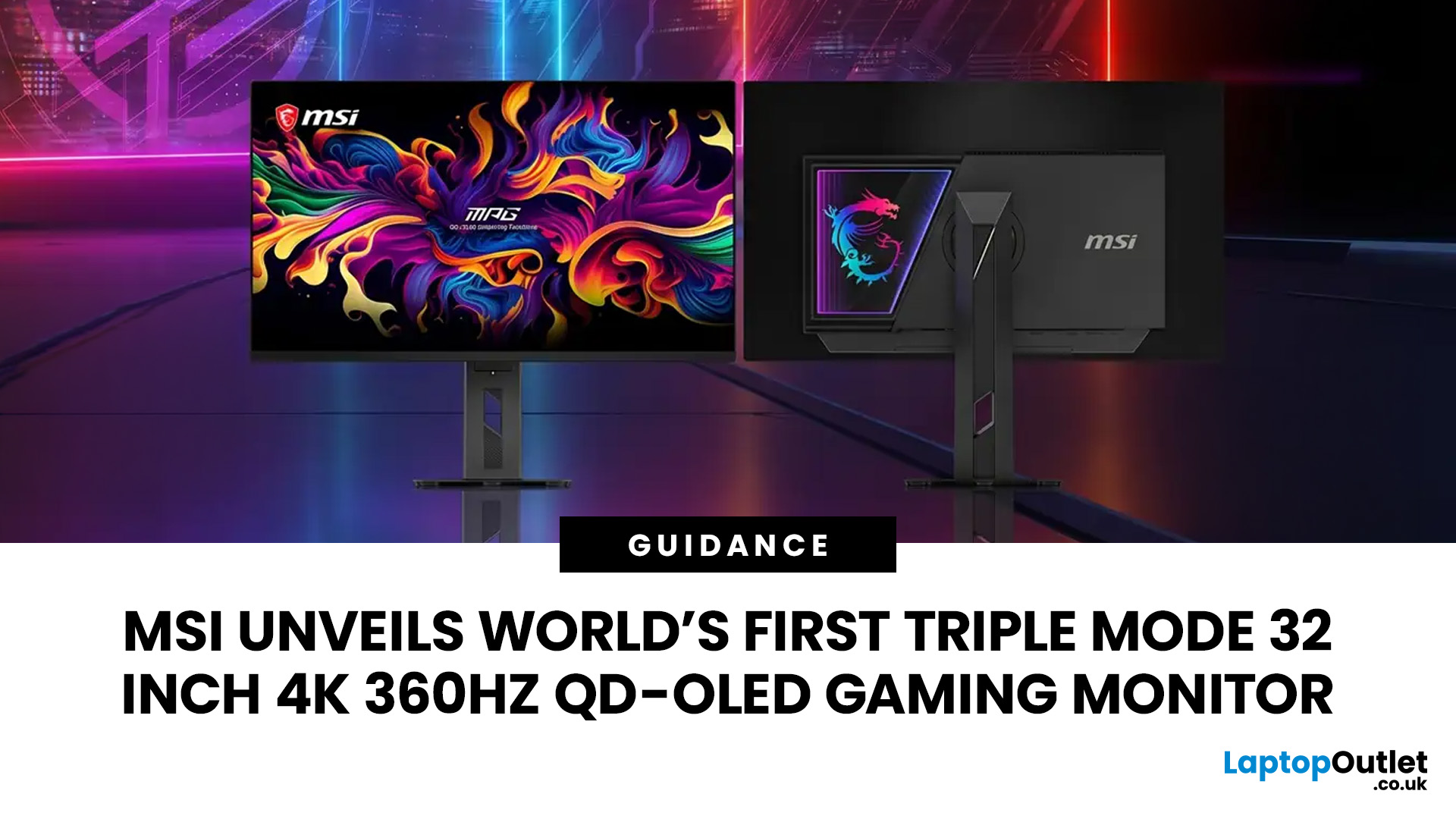
MSI has revealed a gaming monitor that sounds almost unreal on paper: a 32 inch 4K monitor with a 360Hz refresh rate, QD-OLED visuals, and a Triple Mode feature that lets gamers switch between different resolution and speed settings. Officially known as the MSI MPG OLED 322URDX36 (MSI lists the panel at 31.5 inches, though it's widely rounded to 32 inches), this display was unveiled ahead of COMPUTEX 2026 and is designed for players who want sharp 4K detail, ultra-smooth motion, and flexible performance in one premium screen.
For years, gamers had to choose between resolution and speed. A 4K monitor gave better image quality, while a lower-resolution, high-refresh-rate screen gave smoother competitive gameplay. MSI's new Triple Mode gaming monitor aims to close that gap, letting users move between 4K 360Hz, 1440p 520Hz, and Full HD 680Hz depending on the game, their hardware, and personal preference.
That makes it one of the most interesting display announcements for serious PC gamers, especially those following the next generation of high-refresh-rate 4K monitor technology.
What Makes This MSI 32-Inch OLED Gaming Monitor Special?
The headline feature is the combination of a QD-OLED panel with 4K resolution and a 360Hz refresh rate. In simple terms, this monitor is built to show more detail while keeping motion extremely smooth. A standard 60Hz screen refreshes 60 times per second; a 360Hz 4K monitor can refresh up to six times more often, making fast movement look noticeably smoother when your PC can keep up.
That matters most in fast-paced games, shooters, racing titles, battle royales, and esports titles, where every frame counts. A 4K 360Hz gaming monitor isn't only about sharper visuals; it's also about responsiveness and giving competitive players a display that can keep pace with their hardware.
The panel itself is a 5th-generation Quantum Dot OLED (QD-OLED) unit using Samsung's Penta Tandem technology, which combines OLED's deep blacks and fast response times with quantum dot colour performance. The result is rich colour, strong contrast, and confirmed HDR peak brightness of up to 1,500 nits, with VESA DisplayHDR True Black 600 and ClearMR 18000 certification. For gamers, that means dark scenes hold more detail without looking washed out, and bright highlights - explosions, neon signs, sunlight - stand out more clearly.
This is also where MSI’s QD-OLED gaming monitor technology becomes important, as it helps combine sharp image quality with the speed competitive gamers expect.
What Is Triple Mode on the MSI Triple Mode Monitor?
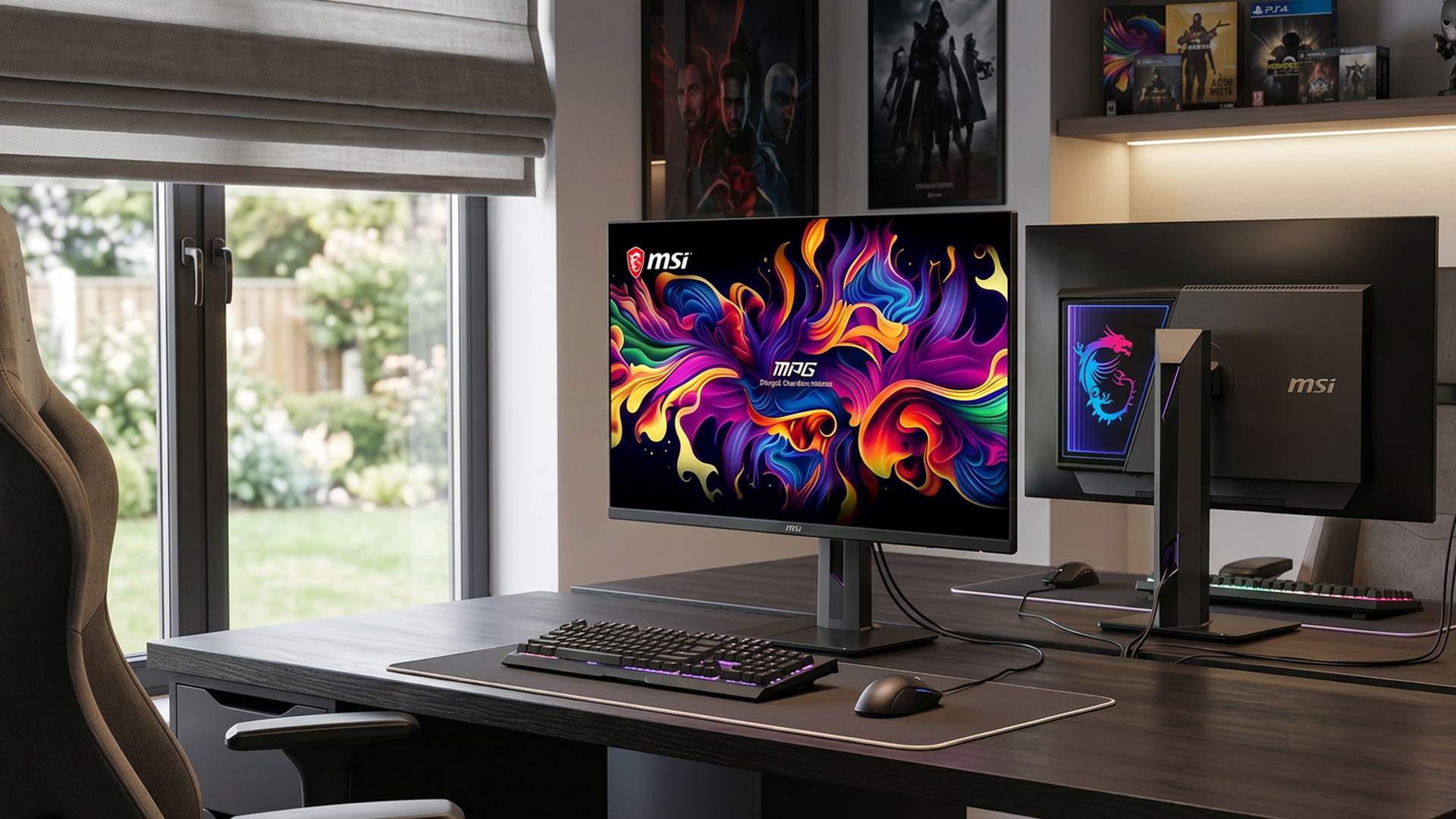
Triple Mode is the feature that gives this monitor its name. Rather than locking players into one resolution and refresh rate, the MSI Triple Mode monitor offers three configurations:
- 4K at 360Hz: the sharpest picture, ideal for cinematic single-player games
- 1440p at 520Hz: (marketed by MSI as "2K," though technically 1440p), a balance of sharpness and speed
- Full HD at 680Hz: maximum speed for competitive esports
This flexibility is what makes it a genuine triple-mode gaming monitor rather than simply a fast 4K screen: it's as much a performance tool as a visual one.
Why a 32-Inch 4K Monitor Gaming Setup Makes Sense
A 32-inch 4K monitor gaming setup is popular because it offers enough screen space to enjoy 4K detail without overwhelming a desk. At this size, 4K resolution looks crisp, text stays clear, and games feel more immersive - a comfortable middle ground between a standard monitor and TV-sized displays.
For open-world games, racing simulators, RPGs, and story-driven titles, the extra detail in textures, lighting, and character models is easy to appreciate, and pairing that with OLED contrast makes the effect stronger still. This MSI 32-inch 4K display is aimed squarely at gamers running high-end PCs who want next-generation display technology, not casual or budget-conscious buyers.
Is 4K 360Hz Actually Useful?
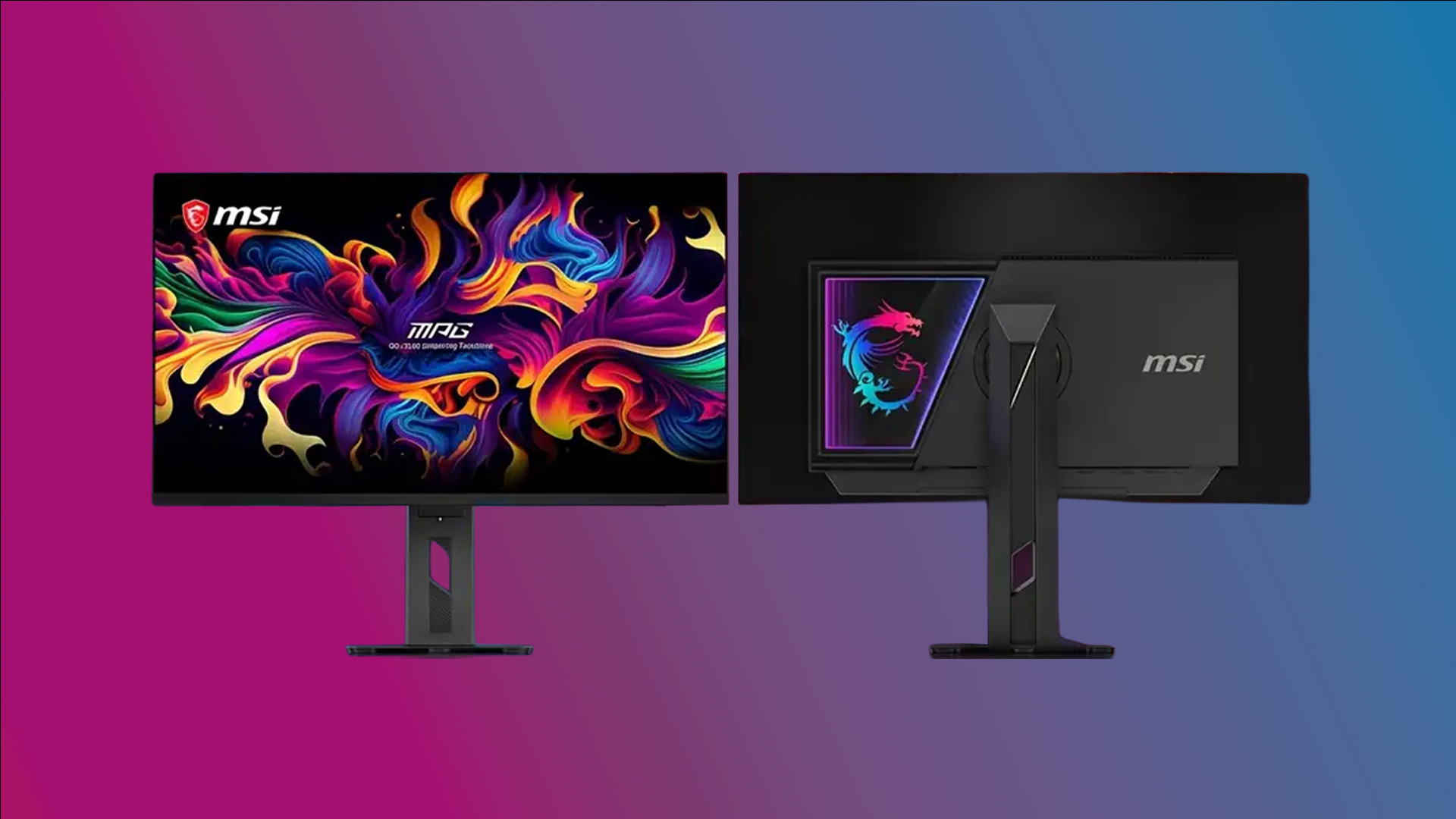
A 360Hz 4K monitor is impressive on paper, but it raises a fair question: can most PCs actually use it? It depends on the game. Lightweight esports titles may reach very high frame rates on strong hardware, while demanding AAA titles may fall well short of 360fps at native 4K.
That said, the value of a high-refresh-rate 4K monitor isn't only about hitting the maximum number in every game, even at 120fps, 180fps, or 240fps, a fast OLED panel still feels responsive, and the extra headroom makes the monitor more future-proof as GPUs improve. This is exactly where Triple Mode earns its keep: use 4K 360Hz for premium single-player visuals, then drop to 1440p 520Hz or 1080p 680Hz for competitive play, rather than needing two separate monitors.
If you're weighing up today's options, it's worth comparing the best 4K gaming displays to see how current 4K monitors fit different budgets and needs.
That is why understanding how MSI’s gaming monitor modes work can help buyers choose the right setting for each game instead of relying on one fixed display setup.
OLED Burn-In Protection and Daily Use
One common concern with any OLED monitor is burn-in, since static images, taskbars, HUDs, logos, menus, can cause long-term image retention if left unmanaged. MSI includes an AI Care Sensor designed to help protect the panel, part of its broader panel-care approach, alongside a "DarkArmor" coating said to improve black levels by 40% and scratch resistance by 2.5x over the previous generation.
Good habits still help: avoid leaving static screens on for long periods, use screensavers, hide the taskbar where possible, and follow MSI's recommended panel-care settings.
Who Is This Monitor For?
- This premium display is aimed at serious UK gamers and PC enthusiasts who want cutting-edge performance in one versatile package. It’s ideal for:
- Competitive gamers who need maximum refresh rates for esports and fast-paced titles
- Enthusiasts building high-end PC setups in typical UK homes and apartments
- Players who value outstanding contrast, vibrant colour, and HDR performance
- Gamers who regularly switch between competitive multiplayer and immersive single-player/story-driven games
- Anyone who prefers one flexible monitor rather than owning multiple dedicated screens
In the UK, where desk space is often limited in smaller rooms or home offices, the 32-inch size is particularly practical. It delivers full 4K immersion and QD-OLED visuals without overwhelming a standard gaming desk, making it a smart long-term investment for gamers who want future-proof technology in a compact footprint.
If this level of hardware isn't quite what you need right now, MSI's top-rated gaming monitors cover a wider range of price points, and 144Hz performance monitors remain a strong, more affordable choice for many setups.
How It Compares to Regular Gaming Monitors
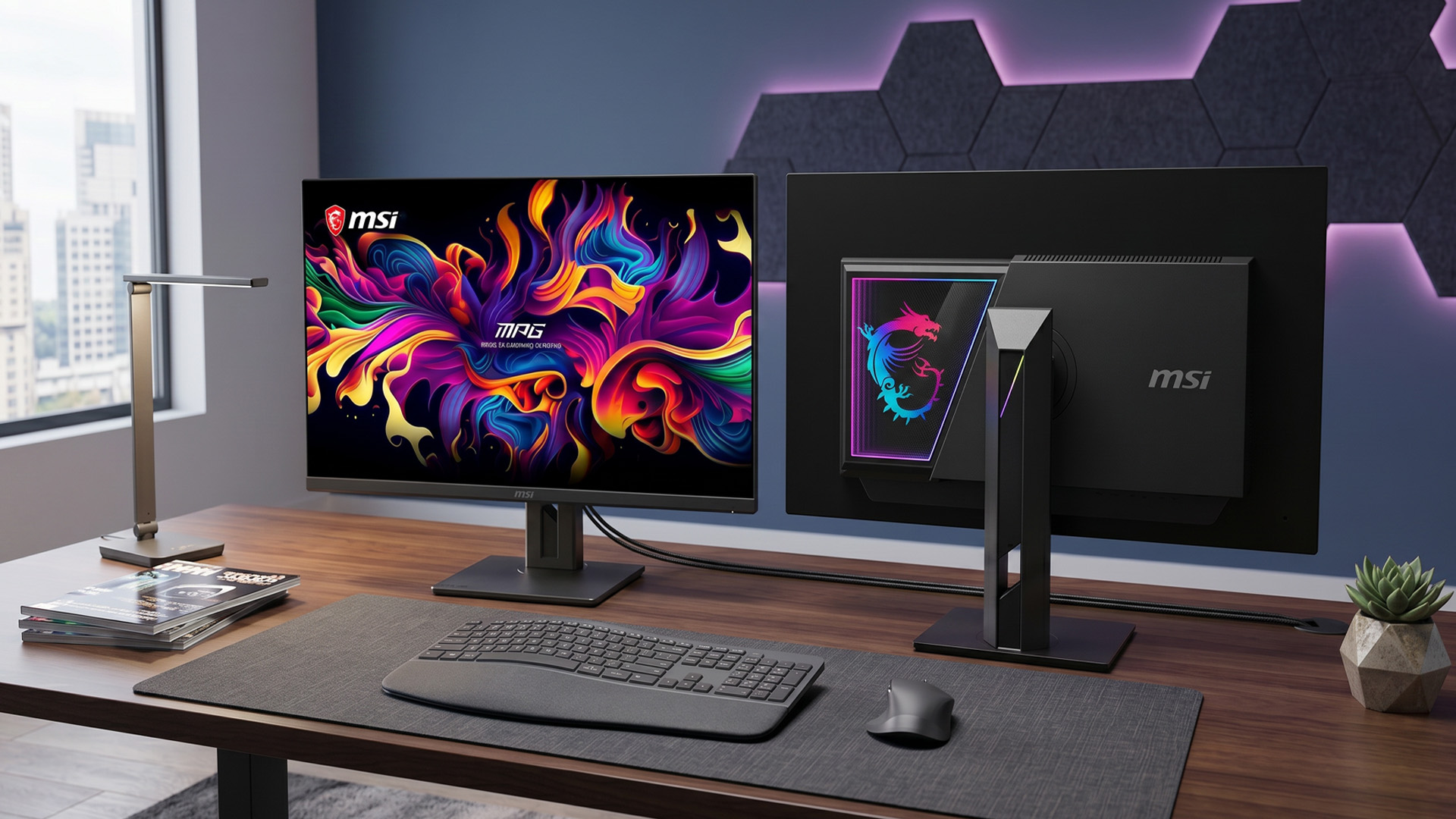
A standard gaming monitor might offer 1080p at 144Hz or 1440p at 165Hz, still perfectly good for many players. The MSI MPG OLED 322URDX36 goes well beyond that, combining 4K resolution, OLED contrast, 360Hz refresh, and three switchable modes in one screen - where most monitors force a choice between sharpness and speed.
This also hints at where the wider monitor market is heading rather than fixed trade-offs, future high-end displays are increasingly likely to offer adaptable modes suited to the game being played.
If you're finalising a full desk setup, it's also worth comparing flat OLED options like this one against curved monitors for gaming setups, particularly if immersion and wide-angle comfort matter to you.
MSI’s Triple Mode OLED Compares to Other High-Refresh Gaming Monitors
To understand why MSI’s new 32-inch 4k monitor is getting attention, here’s a quick comparison with other high-refresh OLED gaming monitors currently on the market.
|
Monitor |
Size / Resolution |
Refresh Rate |
Key Point |
|
MSI MPG OLED 322URDX36 |
32-inch 4K QD-OLED |
4K 360Hz / 2K 520Hz / FHD 680Hz |
World’s first Triple Mode 32-inch 4K QD-OLED monitor |
|
Samsung Odyssey OLED G6 |
27-inch QHD OLED |
500Hz |
Faster refresh rate, but not 4K |
|
MSI MPG 271QR QD-OLED X50 |
27-inch QHD QD-OLED |
500Hz |
Great for esports and competitive gaming |
|
ASUS ROG Swift PG27AQDP |
27-inch QHD OLED |
480Hz |
High-speed OLED for serious gamers |
|
Alienware AW2725DF |
27-inch QHD QD-OLED |
360Hz |
Premium 1440p OLED, but not 4K |
|
ASUS ROG Swift PG32UCDM |
32-inch 4K QD-OLED |
240Hz |
Strong 4K OLED, but lower refresh rate |
Release Date and Price
MSI showcased the MPG OLED 322URDX36 at COMPUTEX 2026 as the flagship of its new QD-OLED lineup. It's expected to launch in the second half of 2026, though MSI hasn't confirmed pricing yet. Given the specification, it's realistic to expect this to sit at the premium end of the market, worth keeping an eye on if you're planning a high-end build later this year.

Sum-Up the Discussion
MSI's Triple Mode 32-inch 4K 360Hz QD-OLED gaming monitor is a serious statement about where gaming displays are heading. With 4K 360Hz, 1440p 520Hz, and Full HD 680Hz modes, plus QD-OLED visuals, strong HDR performance, and dedicated burn-in protection, it's one of the most fully-specced gaming monitors announced so far.
For most people, this will be an aspirational rather than everyday purchase. But for competitive gamers, PC enthusiasts, and early adopters, the MPG OLED 322URDX36 offers a genuine look at where high-end displays are going next.

FAQs
What does "Triple Mode" mean on the MSI 32-inch 4K 360Hz QD-OLED monitor?
Triple Mode lets the monitor switch between three resolution and refresh-rate settings: 4K at 360Hz, 1440p at 520Hz, and Full HD at 680Hz, so you can prioritise sharpness or speed depending on the game.
Is a 360Hz refresh rate worth it at 4K resolution?
Mainly for gamers with powerful PCs. A 360Hz 4K monitor can make fast-paced gameplay feel smoother and more responsive, though not every game will reach 360fps at 4K - the benefit depends on your hardware and the games you play.
Can a PC actually run games at 4K 360Hz?
Some lightweight esports titles may hit very high frame rates on top-end hardware, but many demanding AAA games won't reach 360fps at native 4K. That's where Triple Mode helps - use 4K 360Hz for visual quality, or switch to 1440p 520Hz or Full HD 680Hz for extra speed in competitive games.
When will the MSI MPG OLED 322URDX36 be released, and how much will it cost?
MSI showed the monitor at COMPUTEX 2026 and expects it to launch in the second half of 2026. No price has been confirmed yet.
Is the panel 31.5 inches or 32 inches?
MSI's own specification lists the panel at 31.5 inches; it's commonly rounded to 32 inches in coverage and marketing.
Related Articles

Last Updated: August 24, 2026
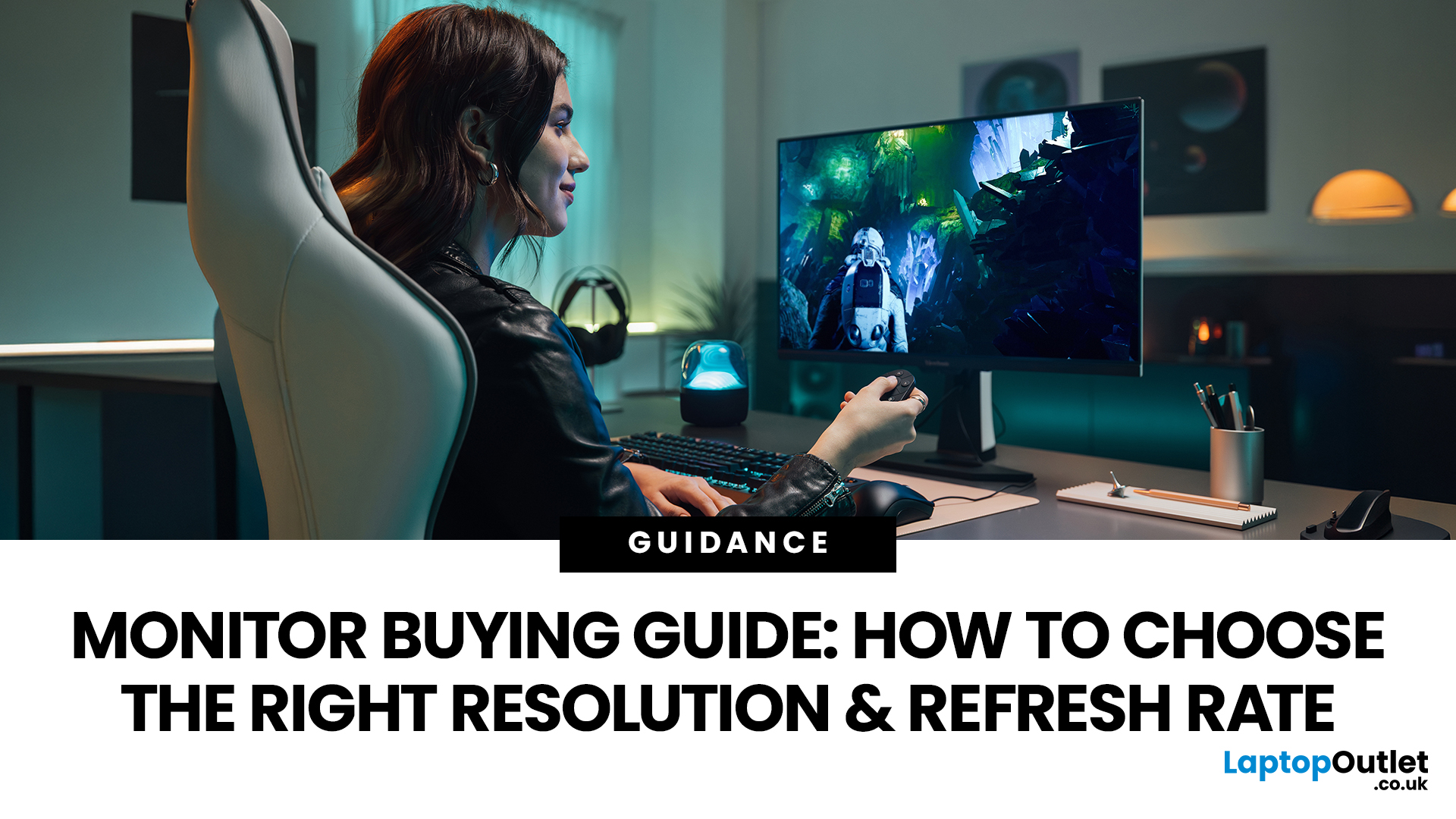
Buying a monitor should be simple. Pick a screen, plug it in, done. Except the second you start shopping, you’re hit with Full HD, QHD, 4K Ultra HD, 60Hz, 144Hz, 240Hz, IPS, VA, response time, HDMI, DisplayPort and about 47 other things that sound like they belong in a sci-fi film.
So, let’s make it easy.
This monitors & displays guide breaks down the two specs that matter most for most buyers: resolution and refresh rate. Whether you’re building a gaming setup, upgrading your home office, sorting a uni desk, editing content or just replacing an old screen that’s seen better days, this guide will help you choose the right monitor without getting finessed by big numbers.
Quick Answer: What Resolution and Refresh Rate Should You Choose?
Here’s the no-stress version.
| What You Use it For | Best Resolution | Best Refresh Rate | Best Monitor Type |
| Everyday browsing, emails and admin | Full HD | 60Hz–100Hz | Budget monitor |
| Studying or home office work | Full HD or QHD | 75Hz–120Hz | Productivity monitor |
| Multitasking |
Last Updated: August 24, 2026
One screen is fine. Two screens? That is where your setup starts feeling seriously organised. Whether you are working from home, studying, gaming, editing, coding or just tired of switching between 27 tabs every five seconds, a dual monitor setup can make your desk feel cleaner and your workflow feel smoother.
The good news is that learning how to set up dual monitors is not as complicated as it sounds. You just need the right monitors, the correct cables or adapters, and a few display settings adjusted properly. This complete guide explains how to connect two monitors, how to set up dual monitors on Windows, how to set up dual monitors with a laptop, and how to get the best layout for work, study, gaming and everyday use.
How Do You Set Up Dual Monitors?
Here is the simple version.
To set up dual monitors, connect both screens to your laptop or desktop PC using HDMI, DisplayPort, USB-C, Thunderbolt or a compatible docking station. Then open your display settings, choose Extend these displays
Last Updated: September 03, 2026
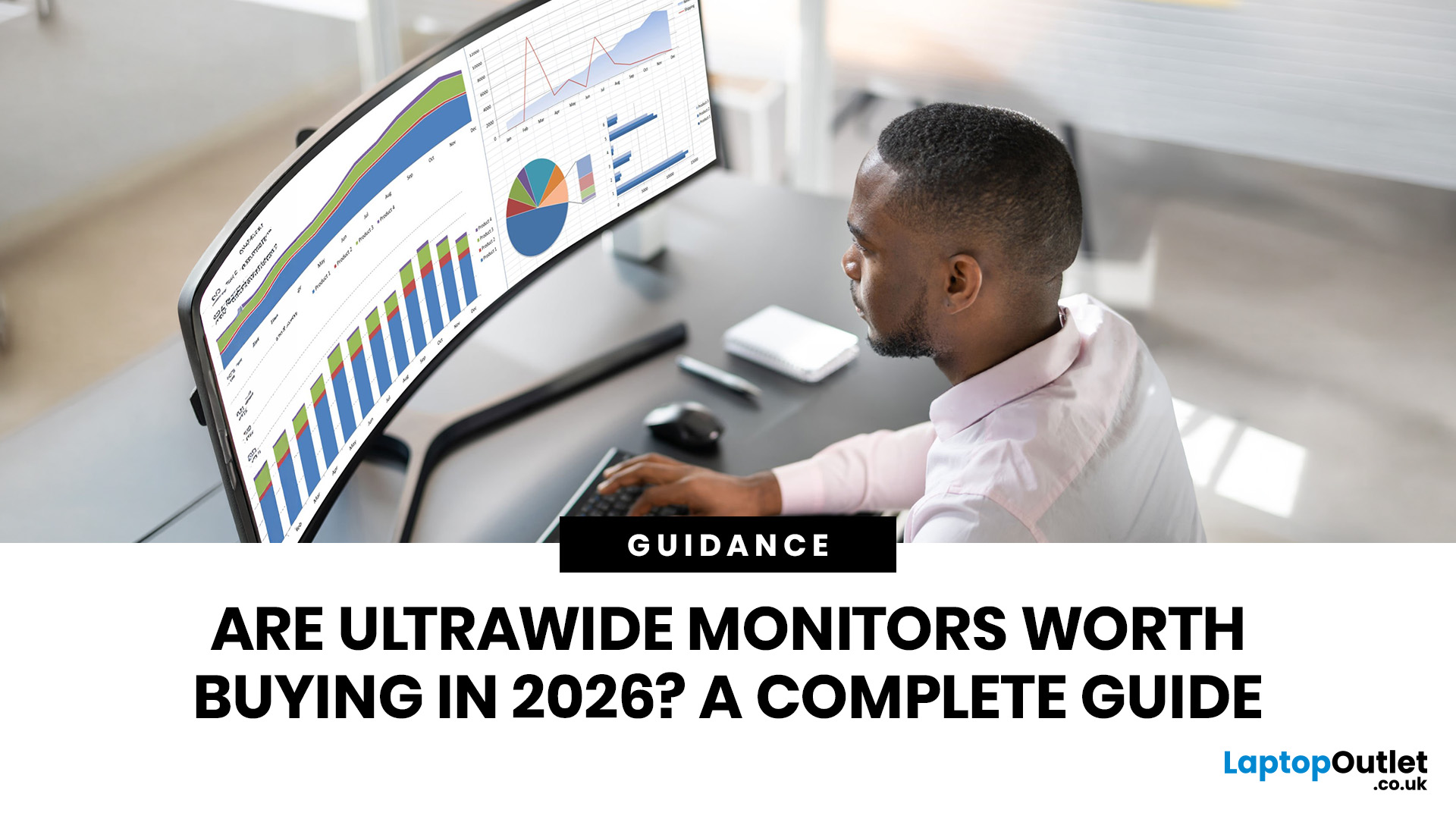
Ultrawide monitors look seriously clean on a desk. One big screen, loads of horizontal space, fewer bezels, and that “main character workstation” vibe. But are they actually useful, or are they just a pricey way to make your setup look dramatic?
If you are asking, “is an ultrawide monitor worth it?”, the answer is: yes, for the right person. An ultrawide screen monitor can be a massive upgrade for multitasking, gaming, editing, streaming, and hybrid work. But it is not the perfect choice for everyone. This complete ultrawide monitor buying guide breaks down the benefits, drawbacks, best use cases and key specs to check before you buy.
Are Ultrawide Monitors Worth it in 2026?
Yes, ultrawide monitors are worth it in 2026 if you want more horizontal workspace, better multitasking, immersive gaming or a cleaner alternative to dual monitors. They are especially worth it for:
- Hybrid workers
- Multitaskers
- Gamers
- Video editors
- Designers
- Streamers
- Coders
- Finance and dashboard users
- Anyone who wants
Last Updated: May 20, 2026
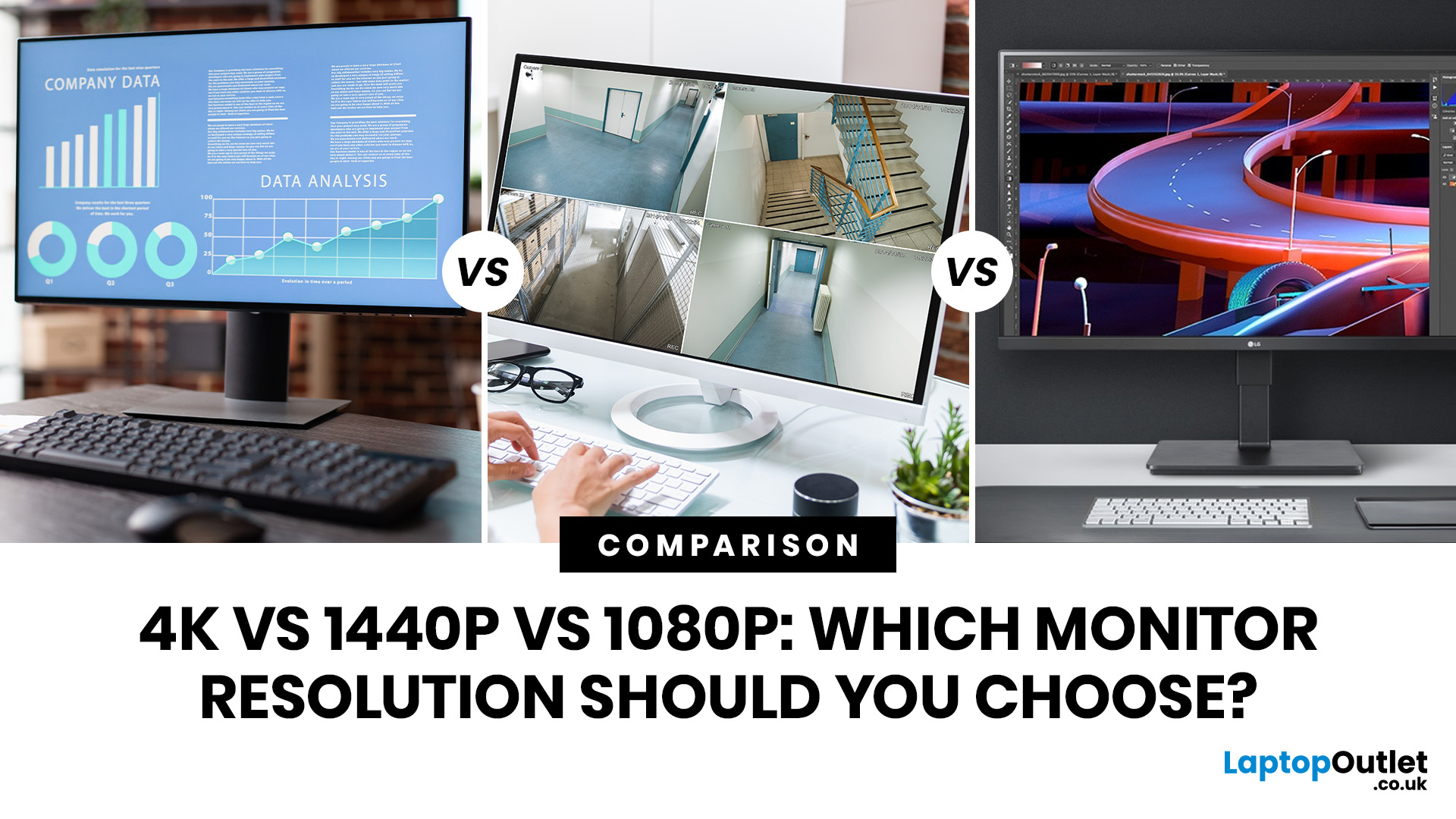
Choosing a monitor resolution should be simple, right? You pick a screen, plug it in, and get on with your day. Except the moment you start shopping, you get hit with 1080p, 1440p, QHD, 4K, Ultra HD, scaling, refresh rates and a whole lot of spec-sheet chaos.
So, which one should you actually buy?
This guide breaks down the 4K vs 1440p vs 1080p monitor debate in plain English. Whether you need a screen for gaming, work, studying, streaming, editing or a bit of everything, we’ll help you choose the right resolution without overpaying for pixels you do not need.
Quick Answer: 1080p vs 1440p vs 4K Monitor
Here’s the no-drama answer.
| User Type | Best Resolution | Why |
| Budget buyers | 1080p / Full HD | Affordable, reliable and easy to run |
| Students | 1080p or 1440p | Good value with enough clarity for study |
| Home office users | 1440p / QHD | Sharper text and better multitasking |
| Hybrid workers | 1440p or 4K | More screen space for apps and documents |
| Casual gamers | 1080p or 1440p | Good mix of smoothness, price and quality |
Last Updated: June 10, 2026
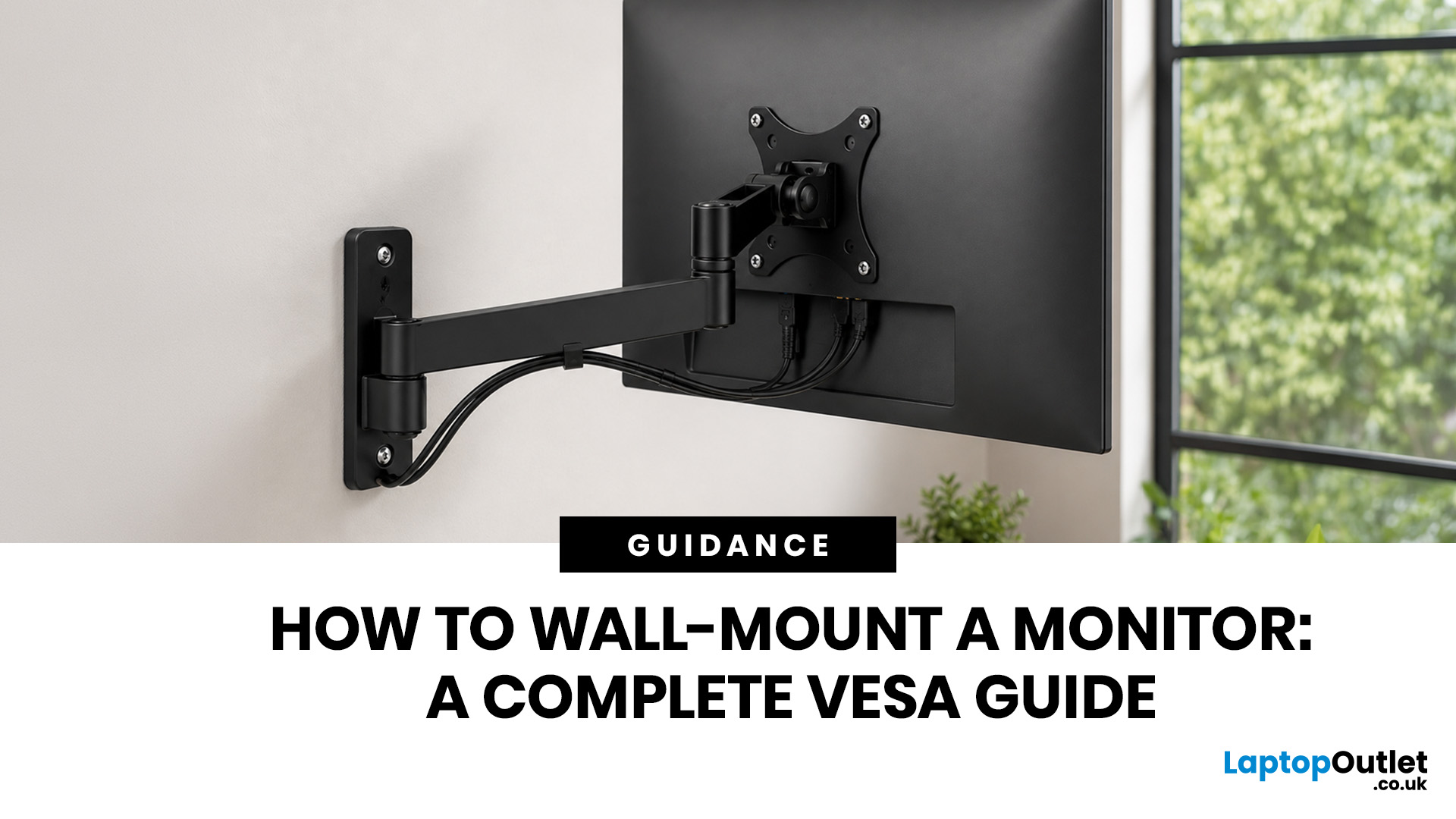
Quick Answer: Wall-mounting a monitor is worth it if you want to save desk space, improve posture and create a cleaner setup. Before you start, check that your monitor supports VESA mounting, confirm the correct VESA mounting pattern, choose a wall mount that supports your monitor’s weight, and make sure your wall can safely hold it. This VESA mount monitor guide explains what VESA mounting is, how to check compatibility, what tools you need, and how to wall mount a monitor safely step by step.
Wall-mounting a monitor can make your setup look instantly cleaner. No bulky stand. More desk space. Better cable management. A screen that actually sits at the right height instead of forcing your neck into questionable positions. Before you grab a drill and start making holes in the wall like you’re on a home renovation show, there are a few things to check. Not every monitor can be mounted, not every wall is suitable, and not every mount fits every screen.
What is VESA Mounting?
VESA mounting
Last Updated: June 10, 2026
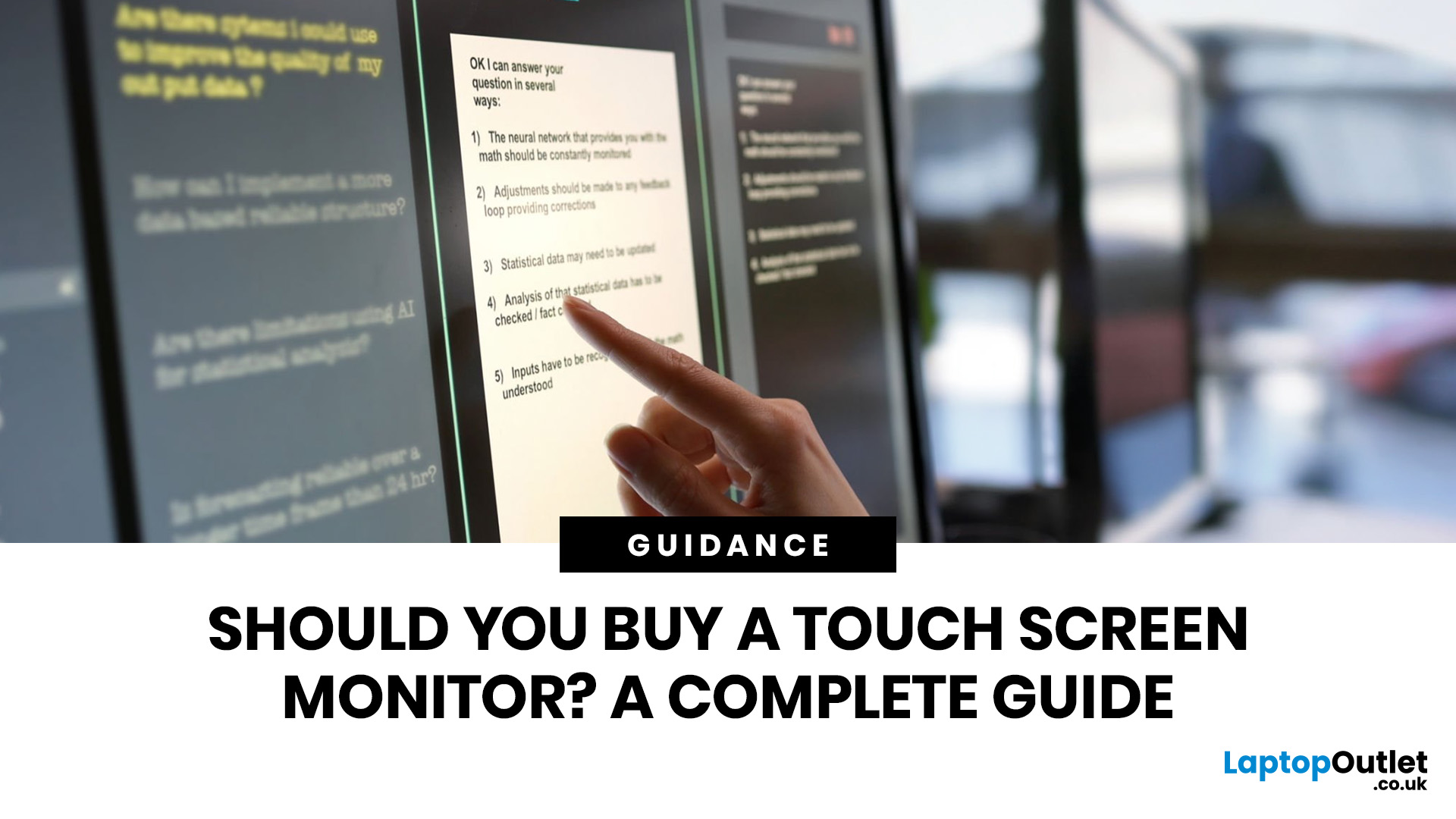
Quick Answer: Yes, touch screen monitors are worth it if you need a more interactive display for work, business, education, presentations, creative tasks or customer-facing setups. They let you tap, swipe, scroll, zoom and sometimes draw directly on the screen, which can feel much more natural than using only a mouse and keyboard.
A touch screen monitor sounds cool. You can tap apps, swipe through pages, pinch to zoom, sign documents, control presentations and interact with your PC like it is a giant tablet. Very futuristic. Very clean setup energy. But before you spend extra, it is worth asking: should I buy a touch screen monitor, or would a standard display do the job better?
The answer depends on how you use your computer. For business, education, creative work and interactive setups, touch can be genuinely useful. For spreadsheets, typing, gaming and everyday browsing, it may be more of a nice bonus than a must-have. This touch screen monitor buying guide breaks down the benefits,
Last Updated: June 10, 2026
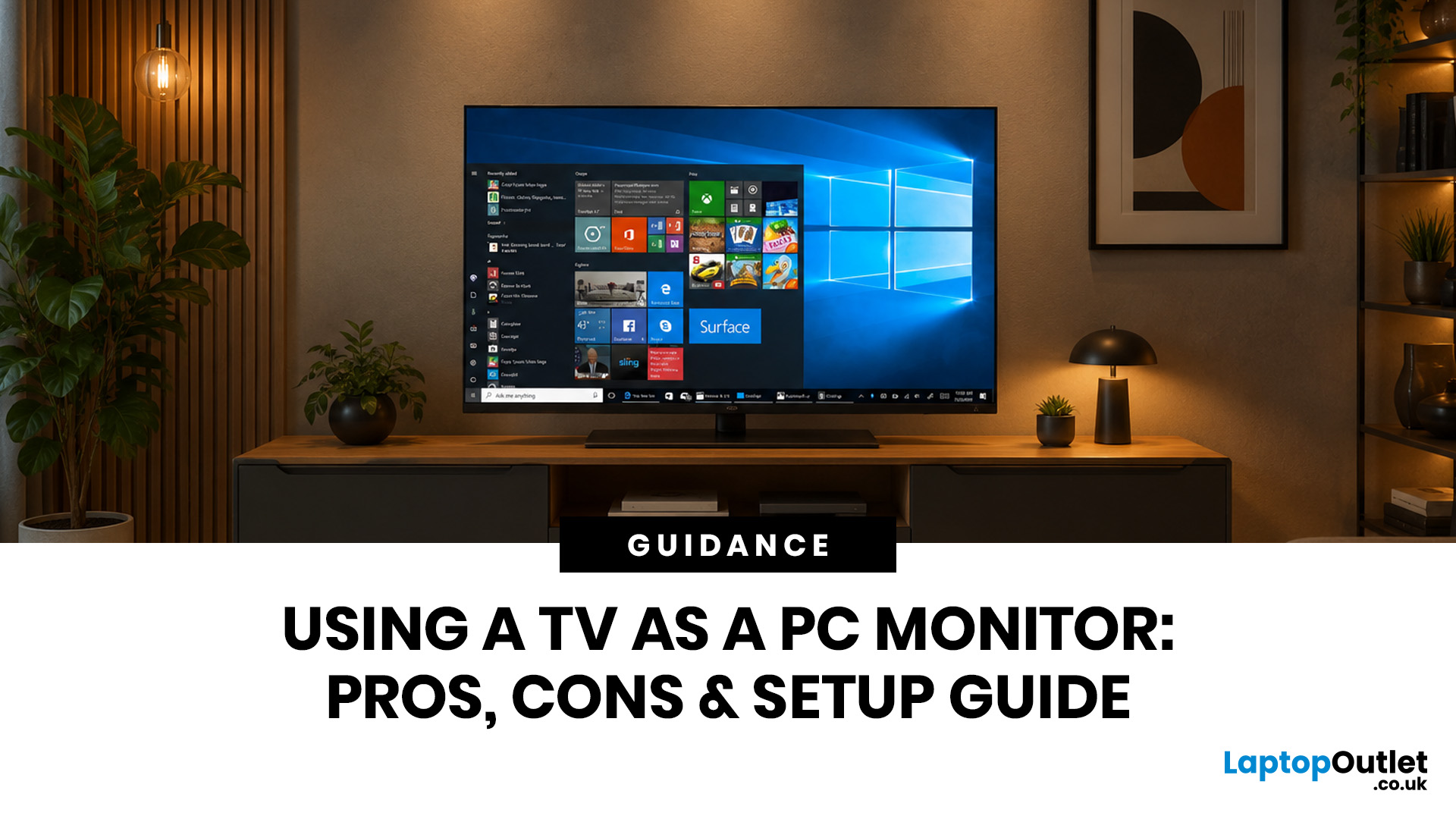
Quick Answer: Yes, you can use TV as PC monitor if your computer and TV have compatible ports, usually HDMI. It works well for films, casual gaming, presentations, sofa browsing and large-screen entertainment. However, using a TV as PC monitor is not always ideal for daily desk work because TVs can have higher input lag, lower pixel density, blurry text up close and fewer ergonomic adjustments than proper monitors. For entertainment and casual use, a TV can be a great option. For work, study, competitive gaming and sharp close-up text, a dedicated monitor is usually the better choice.
Using a big TV as your computer screen sounds like a genius move. Bigger display, built-in speakers, great for Netflix, and you may already have one sitting in the living room. Honestly, it sounds like a setup hack.
Before you plug in your PC and call it a day, there are a few things to know. A TV as computer monitor setup can work brilliantly for some people, especially for media, casual gaming and
Last Updated: October 12, 2026
Last Updated: August 25, 2026
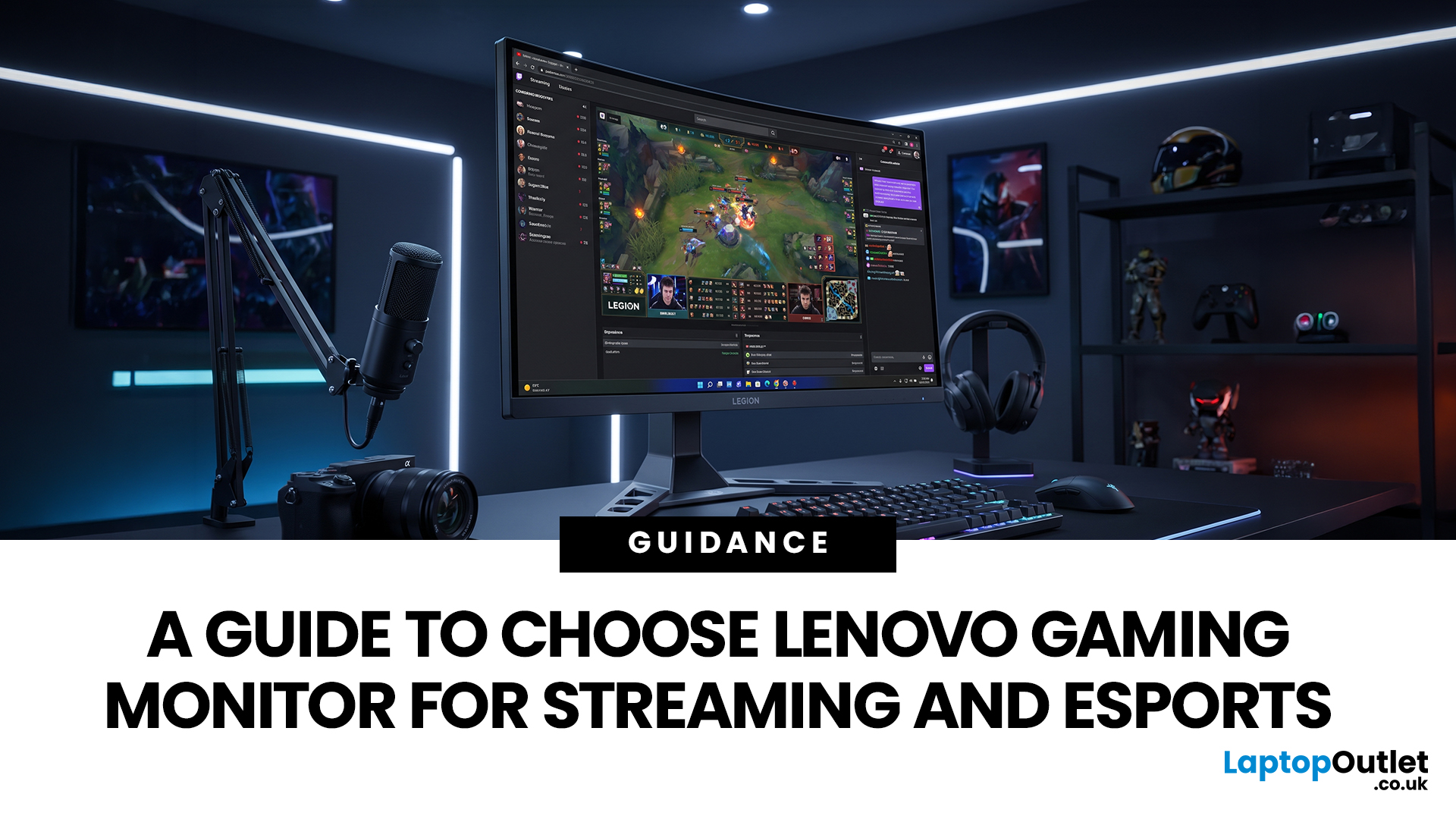
Quick answer: The best Lenovo gaming monitor for streaming and esports is the one your PC can drive consistently at its native resolution while it also handles your broadcast workflow. For many mixed-use setups, a 27-inch QHD display at 165Hz to 180Hz is the balanced choice. A 24.5-inch or 27-inch Full HD screen at 240Hz or above prioritises competitive speed, while a 34-inch UWQHD display at 165Hz to 180Hz provides more room for a single-screen streaming workspace.
Those are useful profiles, not universal rules. Your real decision depends on sustained frame rate, encoder load, game genre, desk space and whether OBS, chat and alerts live on the same display. A monitor does not encode the stream, and a 240Hz panel does not make viewers receive a 240fps broadcast. It changes the experience in front of you, which can still matter greatly during competitive play.
Last Updated: September 03, 2026
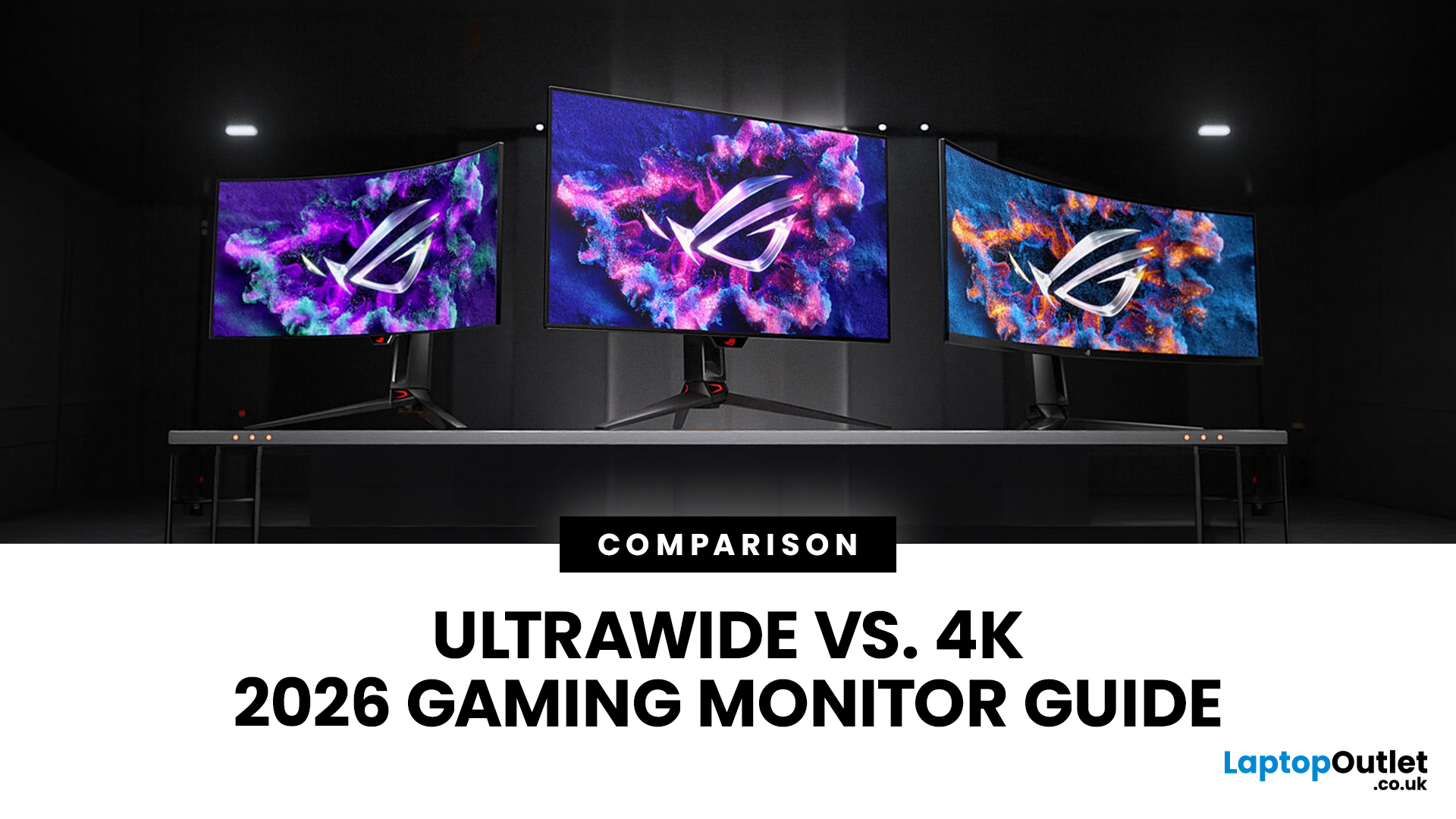
Choosing between an Ultrawide vs 4K monitor is one of the biggest decisions for gamers upgrading their setup in 2026. Both options can transform your gaming experience, but they do it in very different ways. The right choice depends on your games, GPU, desk space and budget, as well as whether you prioritise immersive gameplay or sharper resolution. This gaming monitor guide compares ultrawide and 4K displays across performance, game genres, GPU requirements, refresh rates, response time, and overall value.
Ultrawide vs 4K Monitor: Quick Comparison
| Feature | Ultrawide Gaming Monitor | 4K Gaming Monitor |
| Best for | Immersion, racing, RPGs, simulators, multitasking | Sharp visuals, AAA games, console gaming, creative use |
| Common aspect ratio | 21:9 or 32:9 | 16:9 |
| Main strength | Wider field of view | Higher pixel density |
| Image sharpness | Very good, especially at 3440 x 1440 | Excellent at 3840 x 2160 |
| GPU demand | Moderate to high | Very high |
| Competitive gaming | Good with high refresh rate | Good, but harder to drive |

