



5 Mistakes to Avoid When Buying a Laptop for Work

Buying a laptop for work is no longer simply about choosing a familiar processor and enough storage. Your software, workload, security requirements, portability needs, and even processor architecture can change which laptop makes sense.
For most everyday office work, 16GB RAM and a 512GB SSD provide a sensible starting point, while heavier creative, engineering, and data workloads may justify 32GB RAM, dedicated graphics or a more powerful processor.
Before buying your next work laptop, avoid these seven common mistakes.
Mistake 1: Not Checking Software Compatibility First
Start with the applications you actually use.
Microsoft 365, web-based business software, and mainstream communication apps will run comfortably on a wide range of modern laptops. Specialist accounting packages, CAD applications, development tools, company VPNs, and older peripherals can be more demanding.
This is particularly important when comparing traditional x86 Windows laptops with newer Arm-based machines. Windows 11 on Arm can run many x86 and x64 applications through emulation, but specialist applications, plug-ins and hardware that rely on particular drivers should still be checked before you buy.
Your operating system matters too. Support for standard Windows 10 installations ended in October 2025, so buying an older machine simply because it runs your existing software may create security and support problems later.
If you want a machine designed around professional productivity, compare current business laptops rather than starting with specifications alone.
Mistake 2: Buying Based on the Processor Name Alone
The processor badge does not tell you everything about performance.
You will now come across Intel Core, Intel Core Ultra, AMD Ryzen, AMD Ryzen AI, Snapdragon and Apple silicon across work-focused laptops. Performance can vary considerably within each family depending on the exact processor, power limits and laptop cooling design.
For email, Microsoft Office, browser-based systems and video meetings, you rarely need the most powerful processor available. More demanding work such as software development, large spreadsheets, video production, CAD or 3D rendering needs more attention to CPU performance, memory and, in some cases, dedicated graphics.
An AI laptop may also include a Neural Processing Unit, or NPU, for supported on-device AI workloads. You can compare AI laptops if those capabilities fit the software you use. The goal is not to buy the highest specification. It is to avoid paying for performance your workload cannot use.
If processor names and specifications are getting confusing, our guide to laptop CPU, RAM, GPU and storage specifications explains what each component actually affects.

Mistake 3: Underestimating RAM and Storage
A laptop can have a capable processor and still feel restrictive if memory is limited.
For a typical laptop for office work, 16GB RAM is a practical starting point for running browsers, Microsoft 365, communication software and several applications together. Consider 32GB if you regularly work with development environments, large datasets, professional creative software or several memory-intensive applications.
Storage needs similar thought:
- 512GB SSD: suitable for many office and remote-working setups
- 1TB SSD or more: useful for large media libraries, project files, virtual machines or substantial local data
- Cloud-heavy workflows: may reduce local storage requirements
Do not assume you can upgrade later. Memory is soldered on many thin laptops, so check upgradeability before ordering.
For example, the Lenovo business laptop range includes different memory and storage configurations, letting you match capacity more closely to your workload.
Mistake 4: Ignoring the Features You Use All Day
Processor benchmarks matter much less when you dislike using the keyboard, cannot connect your monitor or struggle to read the display. When choosing a good laptop for office work, check the complete setup:
- Screen size and resolution
- Keyboard layout and key travel
- Trackpad size and responsiveness
- Webcam and microphone quality
- USB-A and USB-C connectivity
- HDMI or display output
- Charging method
- External monitor support
USB-C ports can also differ significantly. One may handle basic data transfer while another supports charging, external displays, USB4 or Thunderbolt. Check the actual specification rather than assuming every USB-C port provides the same features.
If your work mainly involves documents, browsing and everyday productivity, everyday laptops can also be worth comparing against dedicated business models. Not sure what the different connections support? Our guide to USB types, USB-C, USB4 and Thunderbolt explains the differences before you choose.

Mistake 5: Choosing Portability Without Considering Your Routine
The lightest laptop is not automatically the right laptop for remote or hybrid work.
A compact 13-inch or 14-inch machine is easier to carry between home, meetings and client sites. A 15-inch or 16-inch display gives you more working space and may be more comfortable if the laptop spends most of its time on a desk.
Battery specifications also need context. Manufacturer figures are measured under particular test conditions, while real-world endurance changes with screen brightness, video calls, wireless connectivity, processor load and background applications.
Think about your actual working day. If you spend hours away from a socket, battery efficiency and a compact USB-C charger become important. If the laptop stays docked, ports, monitor support and keyboard comfort may matter more.
A 2 in 1 business laptop can make sense for handwritten notes, presenting or touchscreen workflows, but the convertible design is unnecessary if you will always use it like a conventional notebook. If you regularly switch between home, office and travel, see what matters when choosing a laptop for remote work before prioritising size alone.
Mistake 6: Treating Security as an Afterthought
Your work laptop may contain company documents, customer information, account credentials, and access to cloud services. Security should therefore influence the buying decision from the start. Windows 11 requires TPM 2.0 on supported hardware, while many business laptops add features such as:
- Windows Hello facial recognition or fingerprint login
- Webcam privacy shutters
- Hardware-backed security
- Firmware and BIOS protection
- Device encryption
- Business management features
Windows 11 Pro may also be more appropriate than Home when a company requires additional management, networking or security capabilities.
If these features are important to your organisation, purpose-built ranges such as HP business laptops make it easier to compare professional configurations.

Mistake 7: Paying for Features You Will Not Use
One of the newer mistakes when buying a laptop for work is assuming that every professional now needs an AI PC.
Copilot+ PCs are a specific class of Windows computers with an NPU capable of at least 40 TOPS. That hardware enables supported on-device Windows AI experiences, but it does not automatically make every spreadsheet, web browser or office application dramatically faster.
If local AI features are useful to your workflow or you want hardware designed around emerging Windows AI capabilities, compare Copilot+ laptops.
If your work is mainly email, documents, web applications and meetings, put your money into the features you will notice every day: sufficient RAM, a comfortable display, dependable battery life, useful ports and appropriate warranty cover.
The same principle applies to dedicated graphics, touchscreen displays and very high-resolution screens. Features only provide value when your work uses them.

How to Choose the Right Work Laptop in 2026
Before ordering, match the laptop to your workflow rather than buying from a specification sheet.
For many office users, that means a current supported operating system, 16GB RAM, SSD storage and a modern processor with the connectivity needed for monitors and accessories. Developers, designers, engineers and other demanding users should then scale processor performance, RAM, storage, and graphics according to their software.
At Laptop Outlet, you can compare laptops across business, everyday, and AI-focused categories rather than relying on a single specification or processor badge. The best laptop for office work is ultimately the one that runs your software reliably, fits the way you work, and gives you enough headroom for the next few years without making you pay for hardware you do not need.

FAQs
How much RAM do I need in a laptop for work?
For most office, browser and communication workloads, 16GB is a sensible starting point. Consider 32GB for development, large datasets, professional creative applications or heavier multitasking.
Is an Intel Core i5 still enough for office work?
A modern Core i5 can still handle many office workloads well, but processor generation and exact model matter. Compare real specifications and workload requirements rather than relying only on the i5 name.
Do I need a Copilot+ PC for work?
Not necessarily. A Copilot+ PC makes more sense if you want supported on-device AI features. Standard Windows 11 laptops remain suitable for mainstream productivity, browsing, meetings and business software.
Should I choose Windows 11 Home or Pro for work?
Windows 11 Home can suit straightforward personal and home-working use. Pro is generally more appropriate where business networking, device management or additional professional security capabilities are required.
What laptop size is best for working from home?
A larger 15-inch or 16-inch screen provides more workspace at a desk. A 13-inch or 14-inch work from home laptop is easier to carry if you regularly work elsewhere.
Related Articles

Last Updated: August 13, 2026
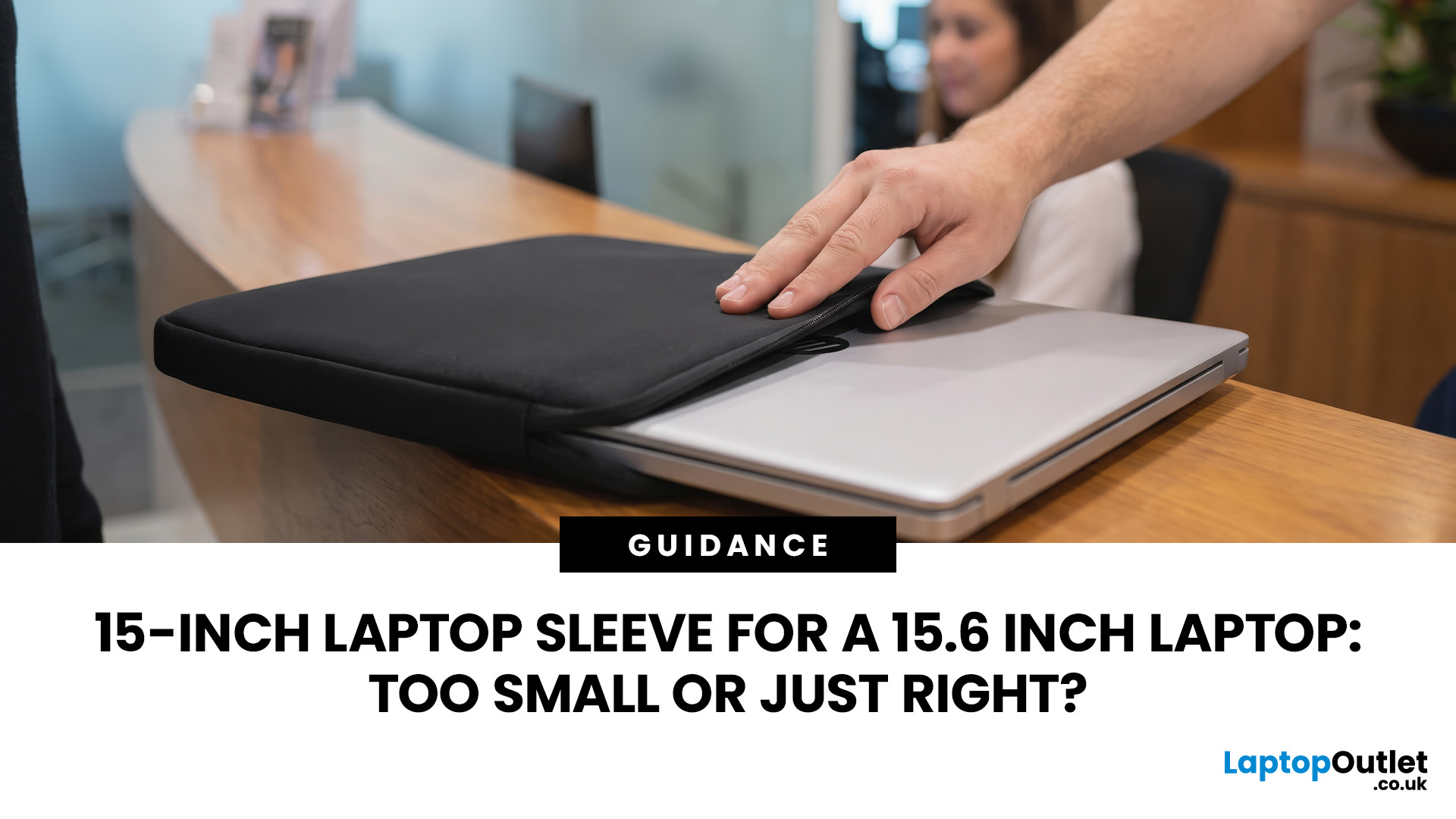
A 15 inch laptop sleeve can fit a 15.6-inch laptop, but the label alone does not guarantee it. The deciding factor is whether your laptop’s actual width, depth, and thickness fit within the sleeve’s internal measurements.
Laptop screen sizes are measured diagonally, whereas sleeves must accommodate the complete device. This means a slim 15.6-inch laptop may fit comfortably inside some 15 inch laptop sleeves, while a thicker model with wide bezels may not.
Before buying, compare the external dimensions of your laptop with the internal dimensions of the sleeve rather than relying only on the advertised screen size.
Why 15-Inch vs. 15.6-Inch Laptop Sleeve Sizing Causes Confusion
The 15-inch measurement usually refers to the diagonal display size, not the overall size of the laptop. It does not tell you the device’s width, depth, or thickness.
Retailers and accessory manufacturers also use “15-inch” as a broad size category. Laptop Outlet, for example, groups many 15-inch and 15.6-inch models
Last Updated: August 05, 2026
I made almost every mistake possible when I bought my first laptop as a student. I focused on the processor name, ignored the RAM, underestimated how heavy it would feel in my backpack and had no idea what half the technical jargon meant.
Within months, I realised I had paid for features I barely used while missing the ones I actually needed. Choosing between Core i5, Core Ultra, SSD sizes and different Dell series can still feel just as confusing today.
To help you avoid the same blunder, we reviewed the best Dell laptops for students in 2026 and narrowed them down based on real student needs, including performance, mobility,
Last Updated: August 20, 2026
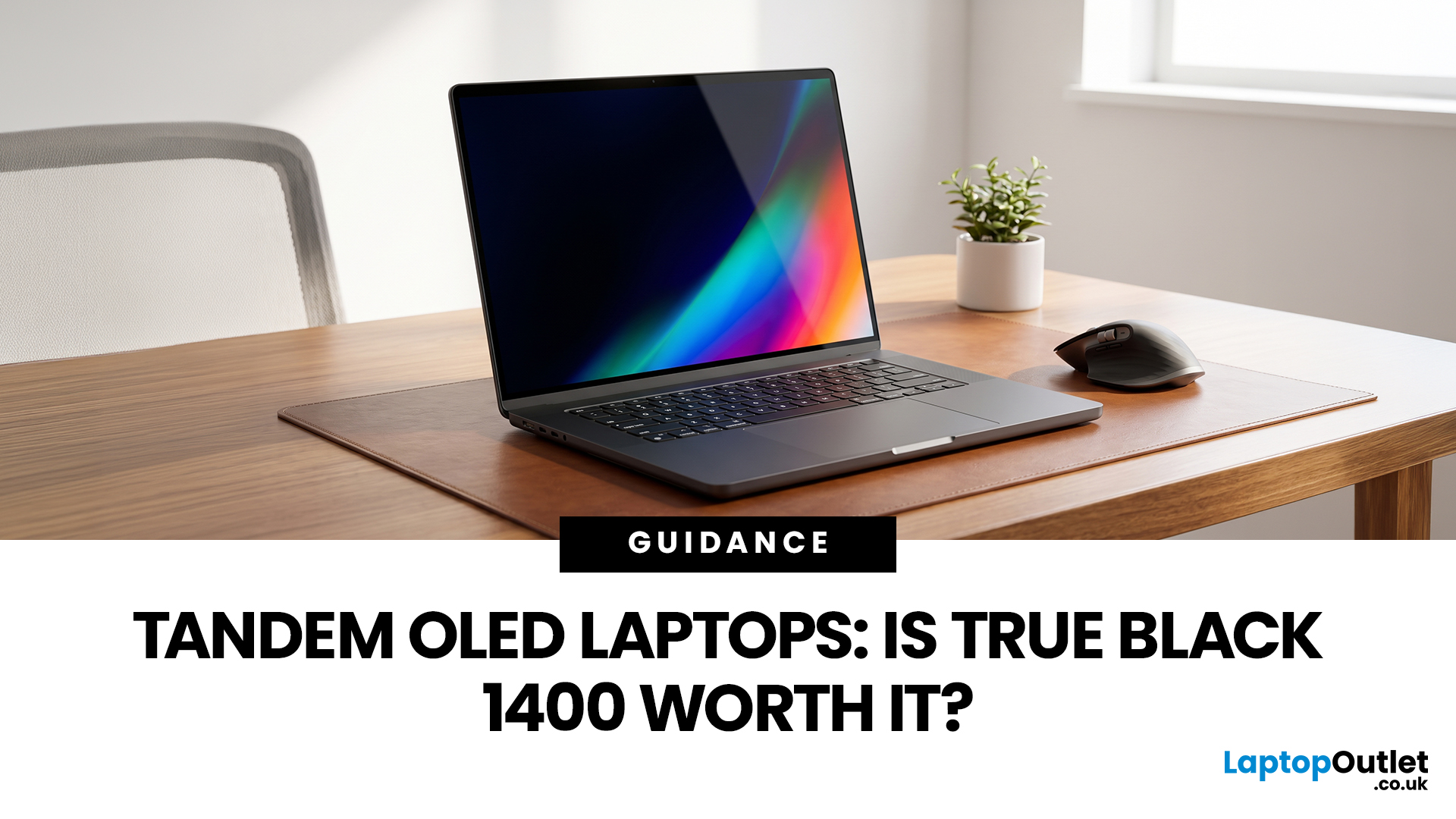
OLED laptops are already known for deep blacks, rich colour and fast pixel response, but a newer display design is pushing brightness further.
Tandem OLED laptops use stacked light-producing layers to deliver stronger HDR highlights while retaining the pixel-level control that makes OLED attractive.
That improvement now has an official benchmark. VESA introduced DisplayHDR True Black 1400 in July 2026 as its highest True Black certification tier, aimed at next-generation OLED screens for professional HDR creation and premium entertainment. The first certified laptop display shows that tandem OLED is becoming a buying consideration.
Understanding the Real Impact of True Black 1400 Displays
DisplayHDR True Black 1400 is worth considering if you edit HDR video, review colour-critical content, watch high-quality HDR films

Last Updated: August 17, 2026
Last Updated: August 06, 2026
Last Updated: August 07, 2026
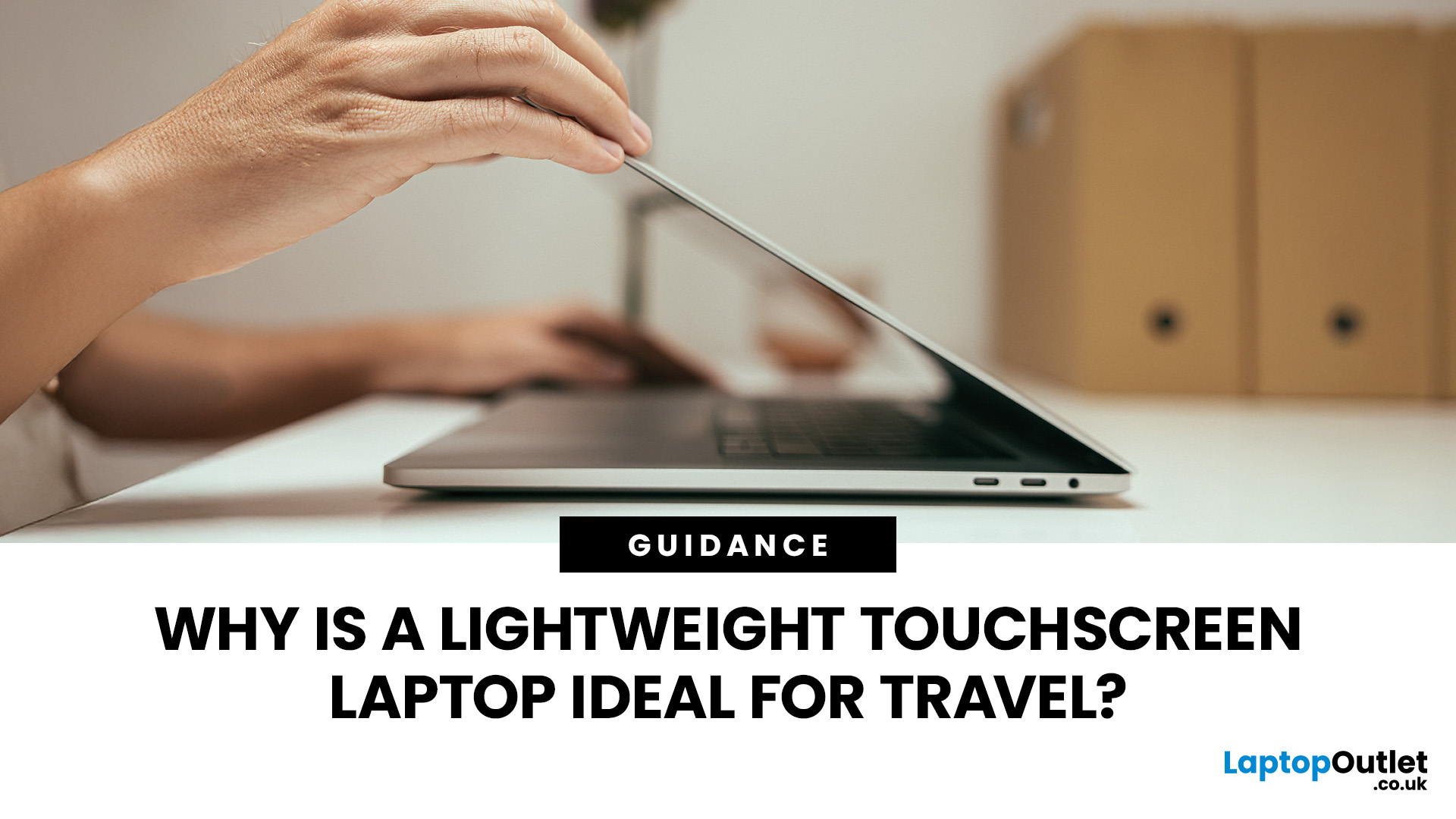
Travel exposes a laptop to crowded trains, small café tables, airport queues, limited sockets and long periods inside a backpack. A lightweight touchscreen laptop addresses these problems by combining easier portability with direct, phone-like control.
It can be quicker to tap, scroll, zoom, sign or annotate when there is little room for a mouse. The right model can also replace a separate tablet, when it has a 360-degree hinge and pen support.
However, weight alone is not enough. Battery endurance, screen visibility, keyboard comfort, charging options, durability and software compatibility all determine whether a device is genuinely suitable for journeys.
Why Does a Lightweight Touchscreen Laptop Suit Travel?
1. It Reduces the Weight You Carry All Day
A lighter computer makes a noticeable difference when it shares a backpack with a charger, phone, headphones, water bottle and travel documents. For regular commuting or cabin-only trips, the complete kit matters more than the laptop weight
Last Updated: August 11, 2026
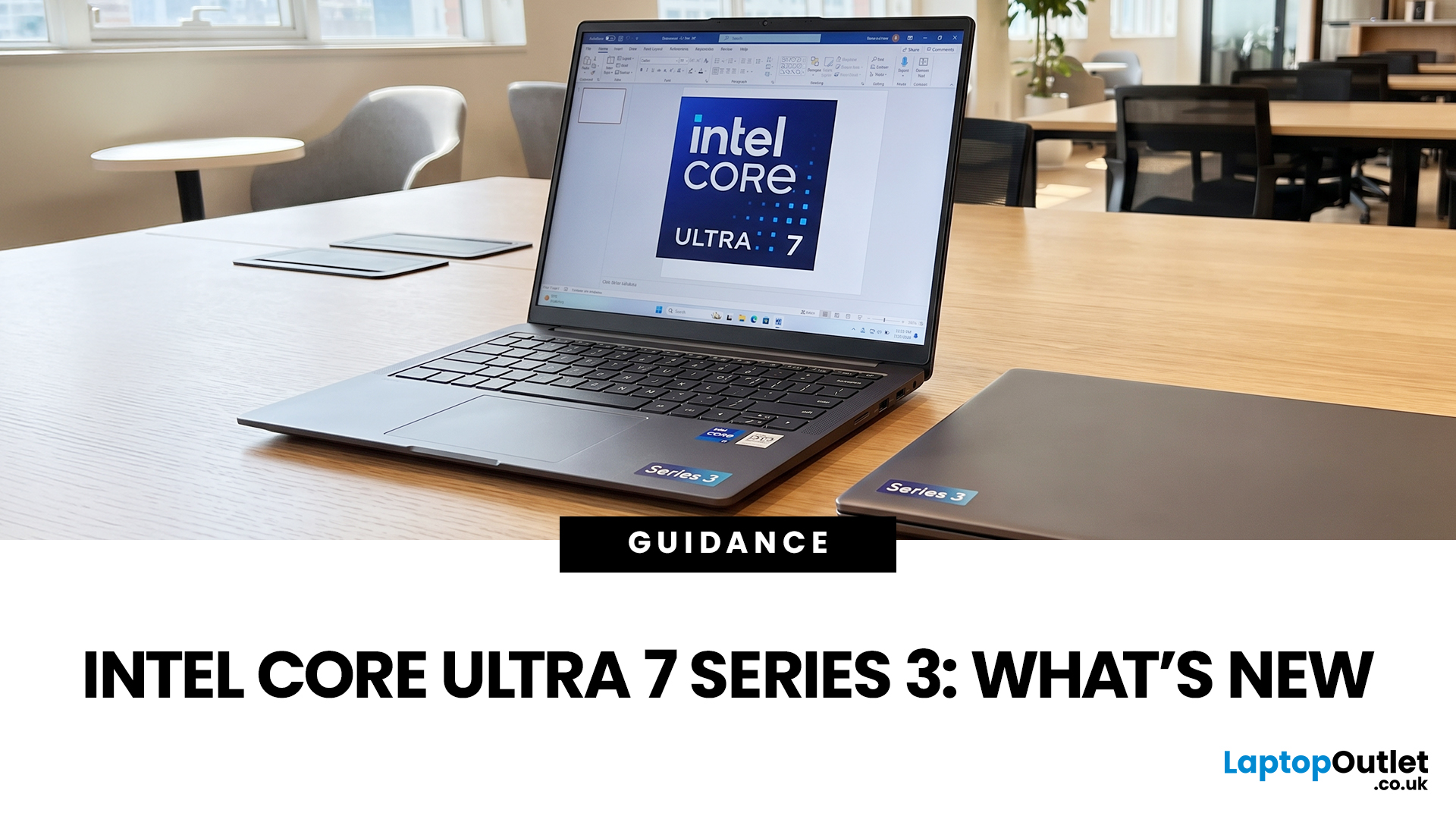
If you’re considering an Intel Core Ultra 7 Series 3 laptop in 2026, the processor name is only part of the story. Intel’s latest Core Ultra Series 3 generation brings a new architecture, Intel 18A process technology, built-in AI acceleration and updated graphics capabilities.
However, different Series 3 processors can have significantly different core and graphics configurations, so it is important to look beyond the “Core Ultra 7” label when choosing a laptop.
Series 3 is aimed at modern laptops that need to balance
Last Updated: August 17, 2026
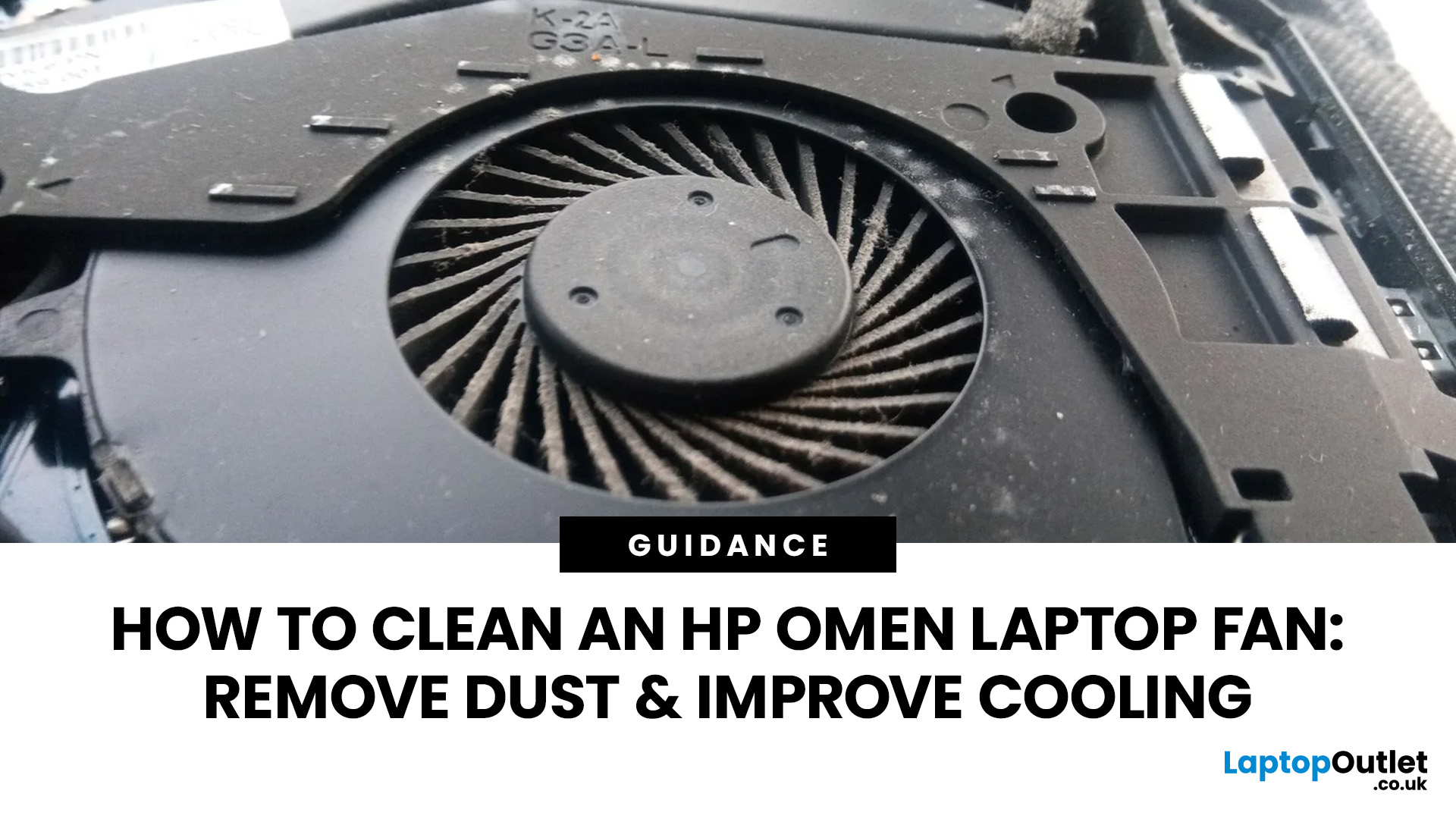
An HP OMEN laptop moves plenty of air during gaming and other demanding work. That airflow can draw dust, lint and pet hair towards its intake vents. As debris builds up, cooling may become louder, airflow can weaken and sustained performance can suffer.
The safest approach is to start with external cleaning. Only remove the bottom cover when deeper cleaning is necessary and you have checked the service instructions for your exact OMEN model. This guide covers both methods, essential safety precautions and post-cleaning checks.
Why HP OMEN Fan Cleaning Matters
Gaming laptops generate considerable heat because the processor and dedicated graphics chip can remain under heavy load for long periods. Their fans draw cooler air through the chassis and push warm air across the heatsink fins towards the exhausts.
Effective laptop fan dust removal prevents debris from reducing the space available for air to pass through. A thin layer of dust may only increase noise, while a compacted blockage can
Published: August 17, 2026
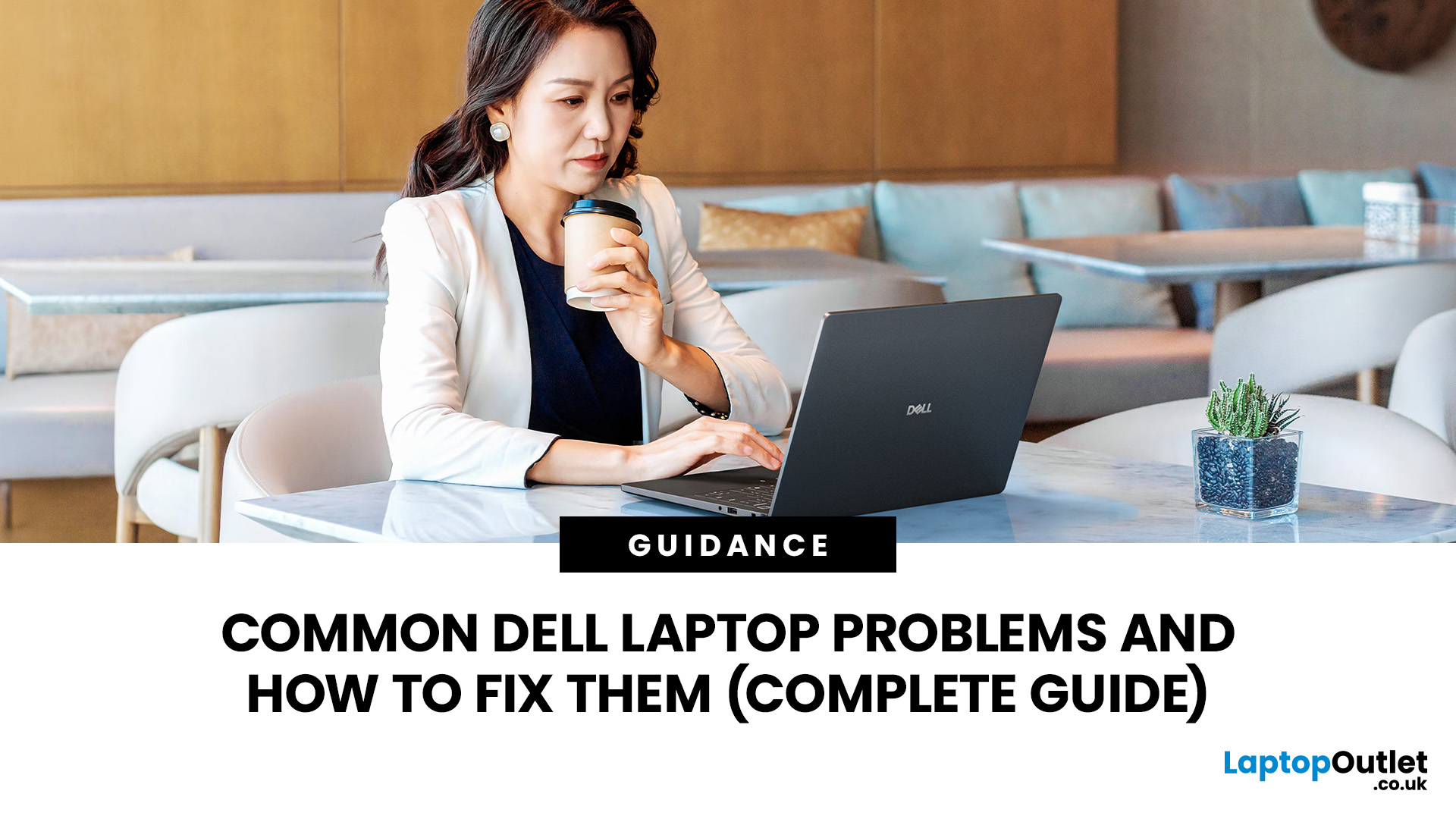
Dell laptops are built for everything from everyday study to demanding business workloads, but any device can develop faults over time. Common Dell laptop problems can involve slow performance, charging, overheating, displays, connectivity, or startup. The useful first step is not replacing parts at random, but identifying exactly what the laptop is doing. In this guide, you’ll learn how to recognise common symptoms, try safe, practical Dell laptop troubleshooting steps and decide when a repair or replacement makes practical sense.
What are the Most Common Dell Laptop Problems?
Slow Performance and System Lag
A Dell laptop may slow down because of too many startup apps, limited free storage, demanding background processes or outdated software. These Dell laptop issues often appear as slow boot times, freezing, or delayed app launches.
Battery Draining Too Quickly
Fast battery drain can result from high brightness, heavy workloads, background activity or an ageing battery. If runtime has

Published: August 18, 2026
Carrying a heavy laptop between home, work, university and client meetings can quickly become inconvenient. A slim laptop offers a more portable alternative, combining a thinner design with the performance needed for everyday computing, study, business and entertainment.
However, buyers should compare processor performance, RAM, screen quality, ports, cooling and upgradeability before choosing. The best lightweight laptop balances low weight with the features and power required for its intended daily use.
The right thin and light laptop reduces bag weight without losing key features, but performance, battery life and connectivity vary, so understanding the trade-offs is important before choosing.
Why Heavy Laptops Are Becoming a Dealbreaker
A larger,

