



How Remote Work Is Changing Laptop Buying Decisions in 2026
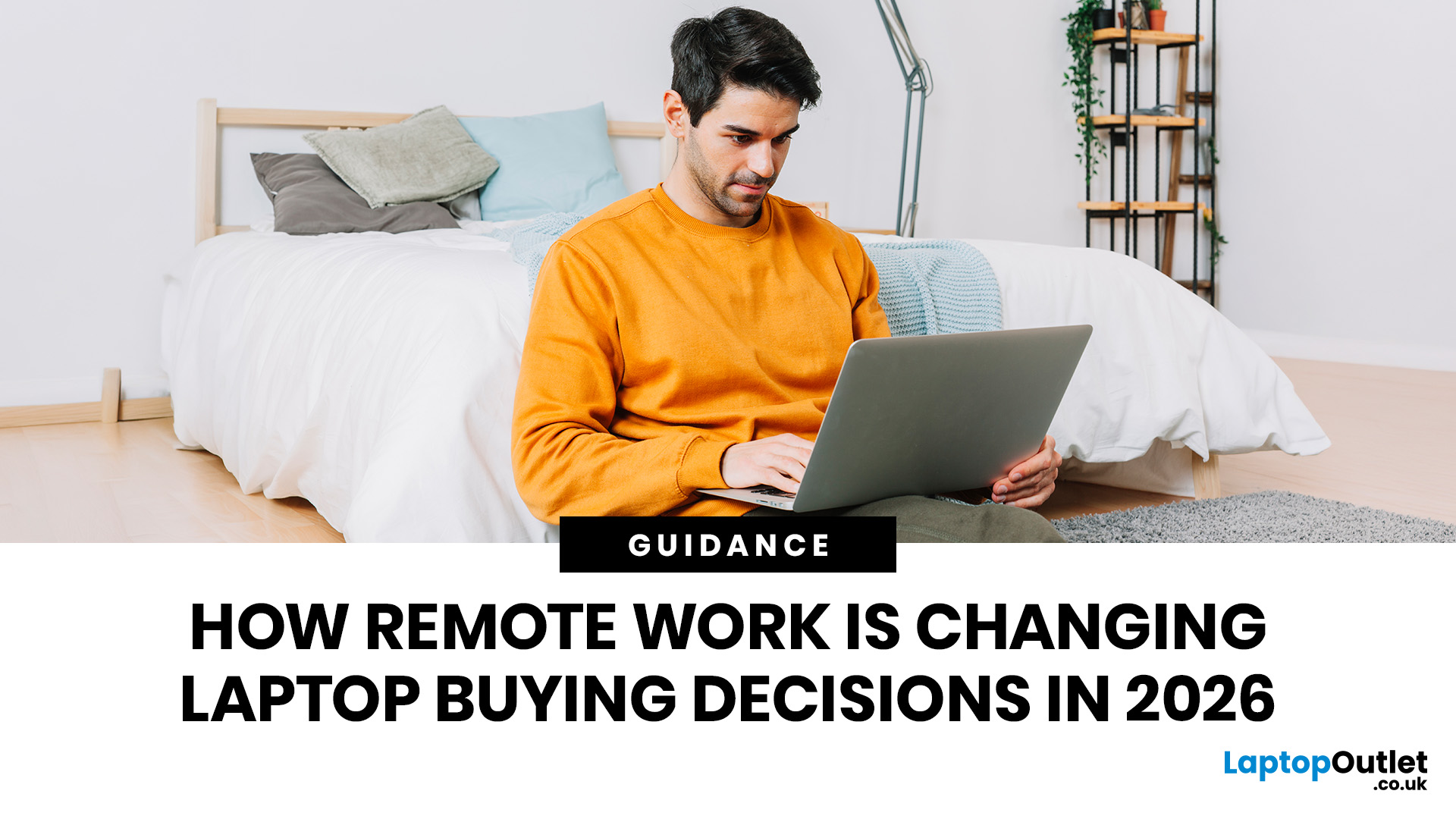
Remote work is no longer a temporary perk. In 2026, it has become a steady work pattern for many UK employees, and the laptop has effectively turned into the main workplace tool, meeting room, and travel companion rolled into one.
That shift is changing what people prioritise when they buy. Price still matters, but buyers are more likely to pay for reliability, better video-call hardware, stronger security, and a setup that works just as well at home as on the train.
Hybrid Work is Pushing Standards Up, Not Down
UK hybrid working is best understood as a long-term rebalancing rather than a short-lived trend. In Great Britain, the Office for National Statistics has shown how hybrid working varies across demographic groups, reinforcing that it is embedded unevenly but persistently across the workforce rather than disappearing.
Employer practice points in the same direction. The CIPD’s research on flexible and hybrid working practices reports that a large share of organisations have hybrid working in place, and that both employers and employees continue to negotiate what flexibility looks like in practice.
For laptop buying, the practical implication is simple. People are less willing to tolerate a kit that is merely adequate. If a laptop is the work hub, it needs to be dependable in the moments that matter, especially during calls. That means, even if you are mostly home-based, you still need a device that performs consistently in mixed environments.
Remote Work Laptop Requirements in 2026

If you are searching for remote work laptop requirements, it helps to stop thinking in terms of generic specs and start thinking in terms of daily work tasks. In 2026, most remote roles revolve around a consistent set of demands:
Video Calls are No Longer Optional
Video meetings remain central, so buyers are paying more attention to webcam quality, microphone performance, and speaker clarity. Look for laptops that clearly state 1080p webcams, multi‑mic arrays, or noise-reduction features, and privacy shutters where available. This is one of the biggest reasons productivity laptops now differentiate themselves from entry-level consumer models.
Connectivity Matters More than Raw Speed
Hybrid schedules expose weak connectivity fast. At home you may rely on Wi‑Fi; on the move, you might tether. The practical buying question is whether the laptop maintains a stable connection and supports the peripherals you actually use, such as a headset, webcam, external monitor or wired Ethernet via an adapter.
Keyboard, Trackpad, and Screen Comfort Drive Real Productivity
People often underestimate how much typing comfort matters until they spend a full week working from home on a cramped keyboard. If you are writing, coding, supporting customers or drafting proposals, prioritise a comfortable keyboard, a stable trackpad and a screen that reduces fatigue.
A useful rule is to choose the screen size around your working style. If you mostly work on one screen, going slightly larger can reduce constant window switching. If you commute frequently, a lighter 13–14-inch device is often the more realistic choice.
Battery Life Becomes a Work Pattern Decision
In office-only work, battery life is a nice-to-have. In a hybrid week, it is a scheduling tool. Buyers increasingly look for laptops that can handle a full day of meetings and document work without having to hunt for sockets. If you travel between locations, battery performance matters as much as weight.
Hybrid Work Laptop Needs: One Device, Two Workspaces
Hybrid work laptop needs are different from pure remote needs because the laptop must “dock” into multiple contexts:
At home, many people want a stable desk setup with an external monitor and comfortable peripherals. In the office, you may need to plug into meeting-room displays or hot-desk docks. On the move, you want minimal cables and a charger that is small enough to carry every day.
This is why port selection and charging standards matter. USB‑C charging and modern docking support reduce friction, and a laptop that can drive an external monitor reliably becomes more valuable than one that simply has a faster processor on paper.
Durability also becomes part of the buying decision. A machine that moves between sites is exposed to knocks, bag pressure, and more frequent opening and closing. A good hinge, a robust chassis, and sensible warranty coverage are part of the value calculation.
Security and Trust are Now Central to Buying
Remote work expands the security perimeter. Data may be accessed outside an office network, and devices may be used in public spaces. For small businesses and IT buyers, that makes the laptop's security profile more important.
UK organisations are also signalling this shift at the strategy level. A 2026 UK-focused KPMG tech report briefing highlights cybersecurity as a leading tech investment priority, reinforcing why business buyers are less likely to compromise on security controls.
The UK Parliament’s POSTbrief on remote and hybrid working similarly notes that supporting these patterns in the long term includes improving access to digital technologies and strengthening approaches such as cybersecurity training and support.
In practical terms, buyers increasingly look for business-grade features such as hardware-based security, biometric sign-in options and manageability. If you are choosing for a team, consistency and patchability matter as much as headline speed.
AI Features are Starting to Influence Laptop Choices, But Only for Some Roles

In 2026, many buyers are also weighing whether they need on-device AI capability. Microsoft positions Copilot+ PCs as a defined class of Windows hardware that includes a high-performance NPU and enables local AI features. Copilot+ PCs as Windows devices with an NPU capable of more than 40 TOPS, enabling AI-intensive processes such as real-time translation and other on-device workloads.
This matters most if your working day includes AI-assisted tasks such as live captions, transcription, lightweight content generation, or accessibility tools, and you want those features to run efficiently without overloading the CPU. It also matters for battery life, because dedicated AI silicon can handle certain workloads more efficiently than general compute.
However, it is still sensible to treat AI as a workflow decision rather than a badge to chase. If your day is mainly email, documents, browser tabs, and video calls, the stronger determinants of satisfaction are still reliability, thermals, keyboard comfort, and call quality.
How to Choose a Laptop for Remote Work in 2026

If you are choosing a laptop for remote work in 2026, it helps to think beyond basic specifications. A smarter approach is to shortlist options based on where you work, what your day looks like and which features will support you best:
Start with how you work
The best place to start is with your routine, not just the spec sheet. Remote work laptop requirements can look very different depending on whether you work mainly from home, split time between locations, or travel regularly.
Match the laptop to the job
If your day is built around calls, documents and browser-based work, comfort, battery life and smooth performance will matter most. If you handle sensitive information or client accounts, security and reliability should move higher up the list. That is why many buyers begin with business laptops for remote jobs rather than standard consumer models.
Narrow by brand if needed
Once you know your priorities, it can help to shortlist by brand. Some buyers look at Lenovo productivity laptops for their practical business features and strong keyboards. Others compare ASUS laptops for work for a balance of portability, everyday performance and flexibility across price points.
Keep it practical
In the end, the right laptop is the one that fits the way you work every day. The clearer you are about your routine, the easier it becomes to choose a device that supports productivity in real-world use.

The Bottom Line
Remote and hybrid work are changing laptop buying decisions because they expose weaknesses faster. In 2026, the best value for most UK remote workers is not the most powerful laptop on a spec sheet. It is the one that makes meetings painless, supports your peripherals reliably, travels well when needed, and keeps data protected when work happens outside the office. To explore laptops suited for modern remote work, browse the latest options available at Laptop Outlet.

People Also Ask About Laptops and Remote Work in 2026
How much more expensive will laptops be in 2026?
Laptop prices in 2026 are expected to rise, particularly in mid-range and high-performance models. Increases in memory, processors, and AI-ready hardware are pushing costs up, and some forecasts suggest noticeable price jumps across certain segments. For UK buyers, this makes timing and retailer choice more important. Finding value now often comes down to securing the right configuration at the right price rather than waiting for major drops that may not come.
What key skills are essential for remote work in 2026?
The most important remote work skills in 2026 are clear communication, digital fluency, self-management, problem-solving, collaboration, and basic cybersecurity awareness. In real terms, that means remote workers need to manage their time well, write clearly, use collaboration tools confidently, and stay secure outside the office.
What will replace laptops in the future?
Laptops are not being replaced anytime soon, but they are evolving. Instead of a single replacement device, the shift is toward laptops working alongside AI-powered tools, cloud systems, and lightweight companion devices. Newer laptops with built-in AI capabilities are already shaping how people work, making them more efficient rather than obsolete.
Does remote work have a future?
Yes, remote work has a future, but for most roles the long-term pattern looks like hybrid rather than fully remote. The Office for National Statistics says hybrid work has become a legacy of the pandemic and the new normal for more than one in four workers in Great Britain, while CIPD found that 74 percent of organisations still have hybrid working in place. Global survey data also shows hybrid arrangements remain far more common than fully remote ones.
What jobs will no longer exist in 2030?
Most jobs will not disappear completely, but some roles are expected to decline significantly due to automation and AI. Routine administrative roles, data entry jobs, and certain retail positions are already shrinking. However, many of these roles are being reshaped rather than removed entirely, with workers shifting toward more digital and customer-focused tasks.
Is a 10 year old laptop worth keeping?
A 10-year-old laptop can still be worth keeping for light tasks like writing, streaming, file storage, or backup use, but it is usually not the best choice as a main work laptop in 2026. Microsoft ended Windows 10 support on October 14, 2025, and Windows 11 requires TPM 2.0 and other newer hardware, so many older machines no longer meet current security standards. If it cannot run a supported operating system well, struggles with battery life, or feels slow in calls and multitasking, replacing it is usually the smarter move.
Related Articles

Last Updated: March 09, 2026
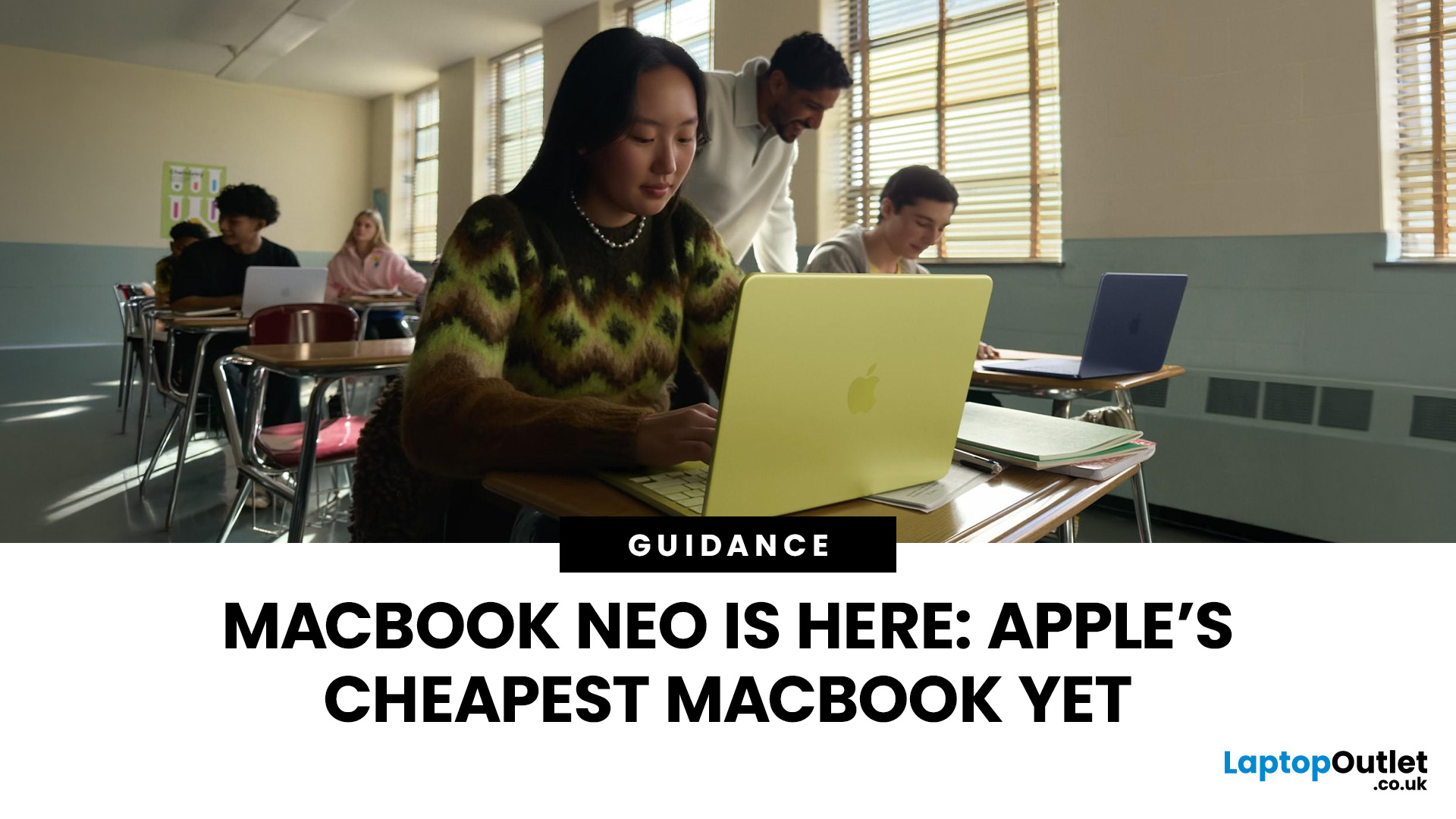
If you have been waiting for a proper budget Mac, it is finally here. MacBook Neo launched as Apple’s most affordable laptop ever, and it is clearly built for students, first-time Mac buyers, and anyone who just needs a reliable everyday laptop for browsing, documents, streaming, and calls. The big headline is the price. In the UK, MacBook Neo starts at £599, with £499 education pricing, and it goes on sale on Wednesday, March 11, 2026. Pre-orders are open now.
This guide breaks down what MacBook Neo is, who it is for, what you get for the money, and the trade-offs you should know before ordering.
Want to Buy a MacBook Neo? Quick Verdict
Buy MacBook Neo If You Want the Cheapest New Mac
MacBook Neo makes sense if your daily laptop life looks like this:
- Browsing and web apps
- Word, PowerPoint, Google Docs
- Email and admin
- Zoom or FaceTime calls
- School work and research
- Light photo editing and creative hobbies
It is designed to feel like a real MacBook, just at a lower cost.
Skip MacBook
Last Updated: March 09, 2026
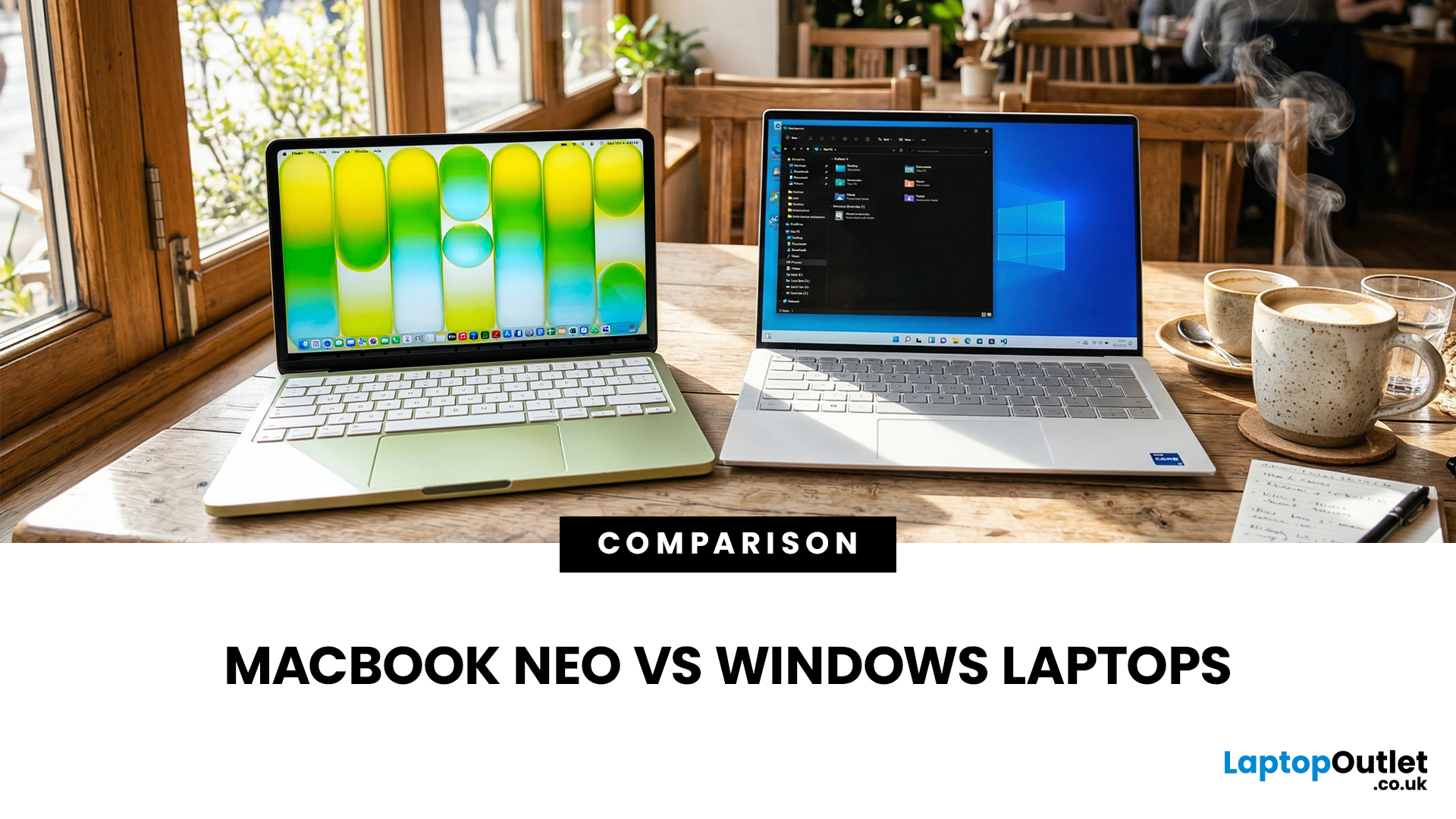
If you are comparing MacBook Neo vs Windows laptops, you are really asking one question: should you buy Apple’s cheapest Mac, or get a budget Windows laptop with more ports and more choice?
MacBook Neo is new, starts at £599, and is designed to be a simple, premium-feeling everyday laptop with macOS, long battery life, and strong call quality.
Budget Windows laptops can offer more screen sizes, more ports, and sometimes better upgrade options. But quality is inconsistent in this price range, and that’s where Neo tries to win.
Below is the practical, buyer-focused breakdown.
10-Second Answer Box
Choose MacBook Neo if
- You want the cleanest everyday experience for browsing, school, docs, and calls
- You value build quality and trackpad feel
- You want a laptop that stays fast and quiet for years, without tweaking settings
Choose a budget Windows laptop if
- You want more ports like HDMI and USB-A built in
- You need a bigger screen for the money
- You want the flexibility of Windows software and lots
Last Updated: July 06, 2026
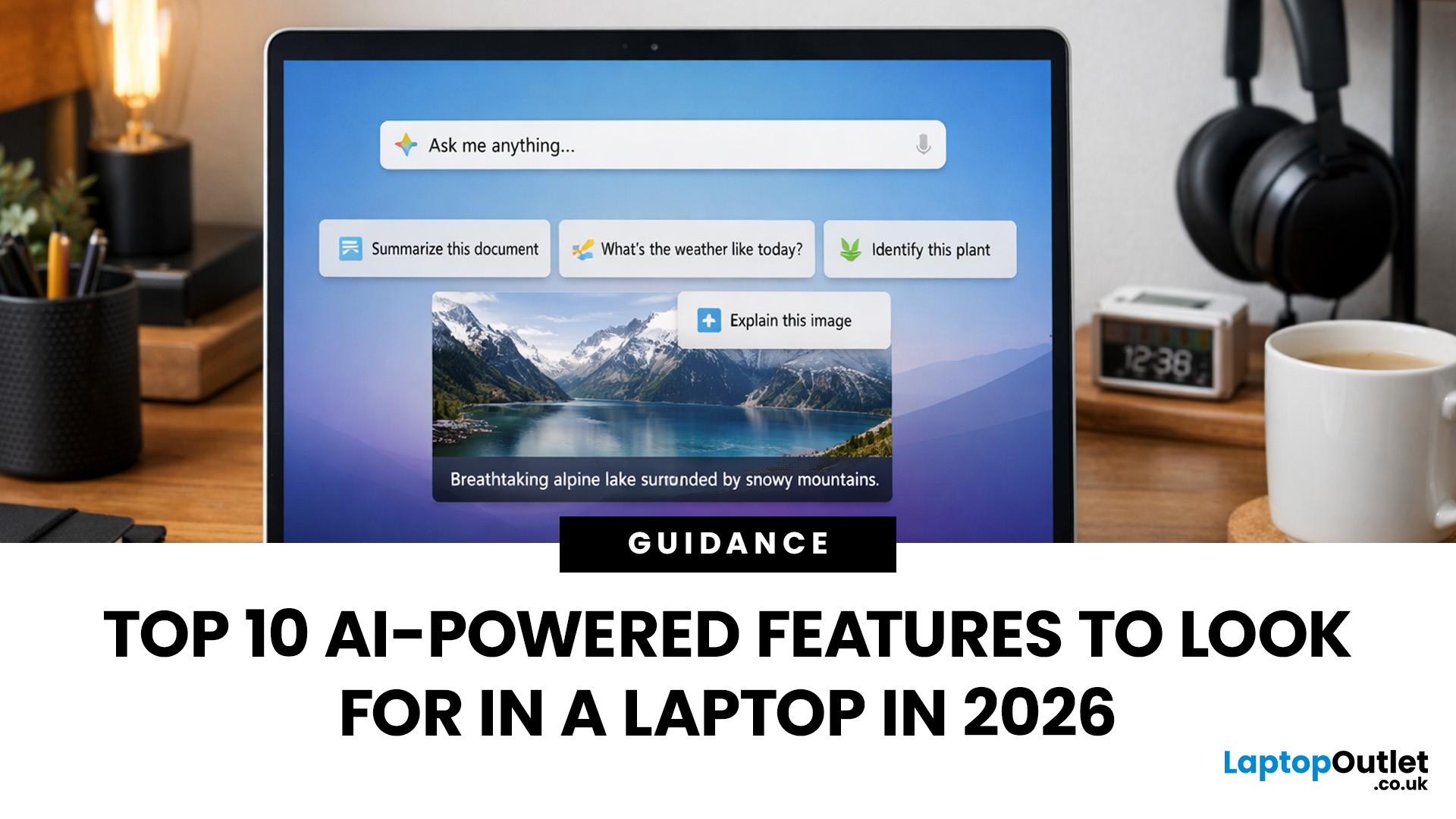
AI-powered laptop features matter in 2026 for one reason: they change the everyday feel of a laptop, not just the spec sheet. The key shift is on-device AI. When tasks like search, captions, camera effects, and quick actions run locally on an NPU, they tend to respond faster, waste less battery, and rely less on a perfect internet connection. That is why “AI-ready” is now a real buying category, not a vague label.
If you are upgrading this year, focus less on hype and more on the features that will save time each week: an NPU you can trust, OS-level AI tools that sit inside your workflow, practical call and meeting upgrades, and enough RAM and storage headroom to keep those features running smoothly for years.
Why AI Laptop Features Matter in 2026
Laptop marketing always finds a new headline, but this cycle is different because it is tied to real platform requirements. Microsoft has separated “regular Windows laptops” from Copilot+ PCs by setting expectations around NPU capability, RAM,
Published: March 10, 2026
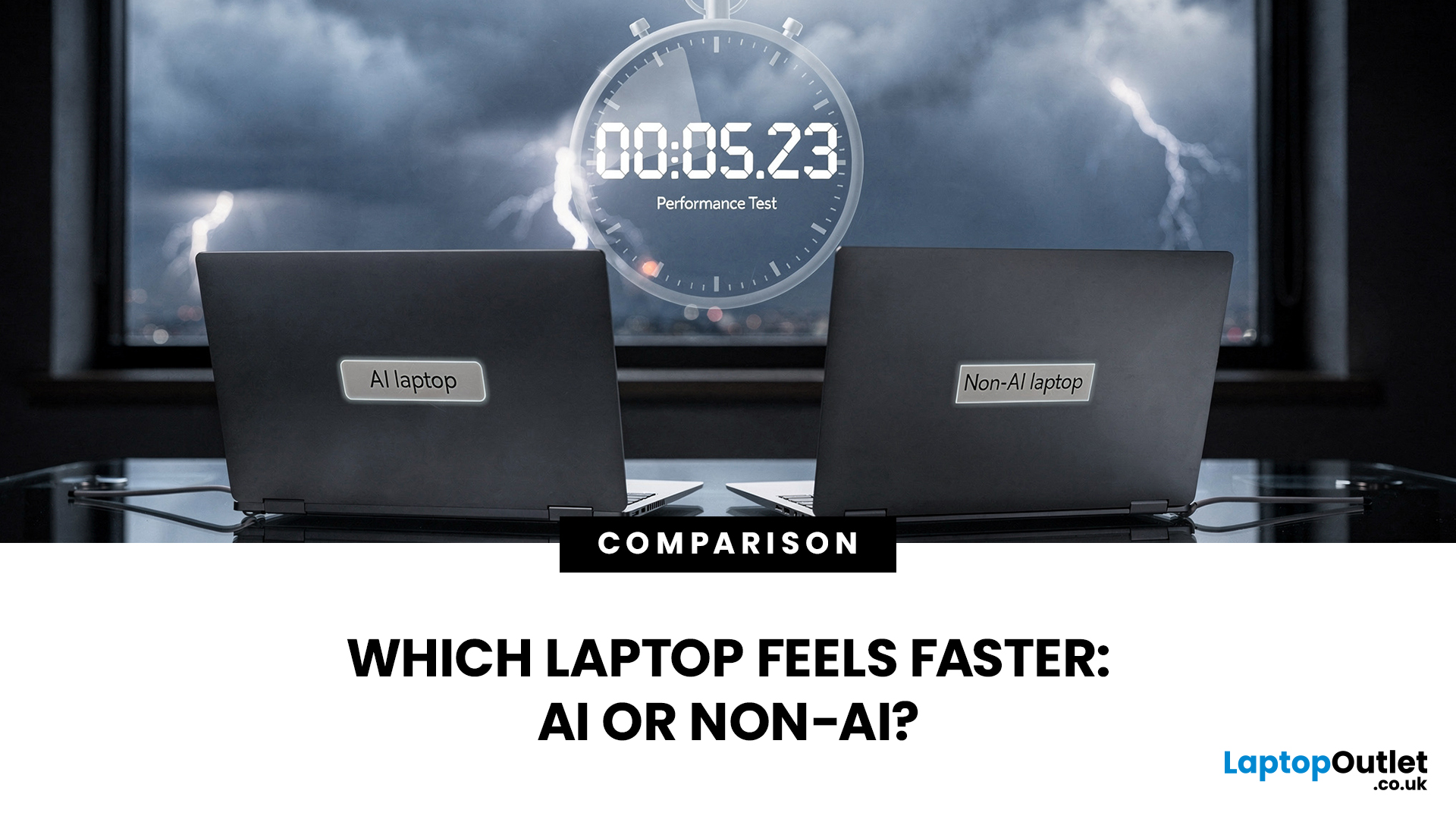
If you’re comparing AI vs non-AI laptops in 2026, the most important thing to understand is this: an “AI laptop” is not automatically faster at everything. In everyday tasks like browsing, working with Office documents, email, and file management, a powerful non-AI laptop can feel just as fast as a newer AI model.
Where AI laptops change, the experience is when you stack AI features on top of normal usage, and the laptop stays smooth. That’s the difference buyers actually feel: better battery efficiency under mixed workload, quieter operation, and on-device features that don’t steal as much CPU and GPU time.
This guide works like an AI laptop performance test, using the kind of checks you can actually repeat at home or at work: wake-from-sleep, app launch behaviour, video calls with camera effects enabled, captioning latency, and battery drain under a realistic office day. It will help you decide whether an AI laptop is worth it for your workload, or whether a well-specced non-AI laptop
Last Updated: June 05, 2026
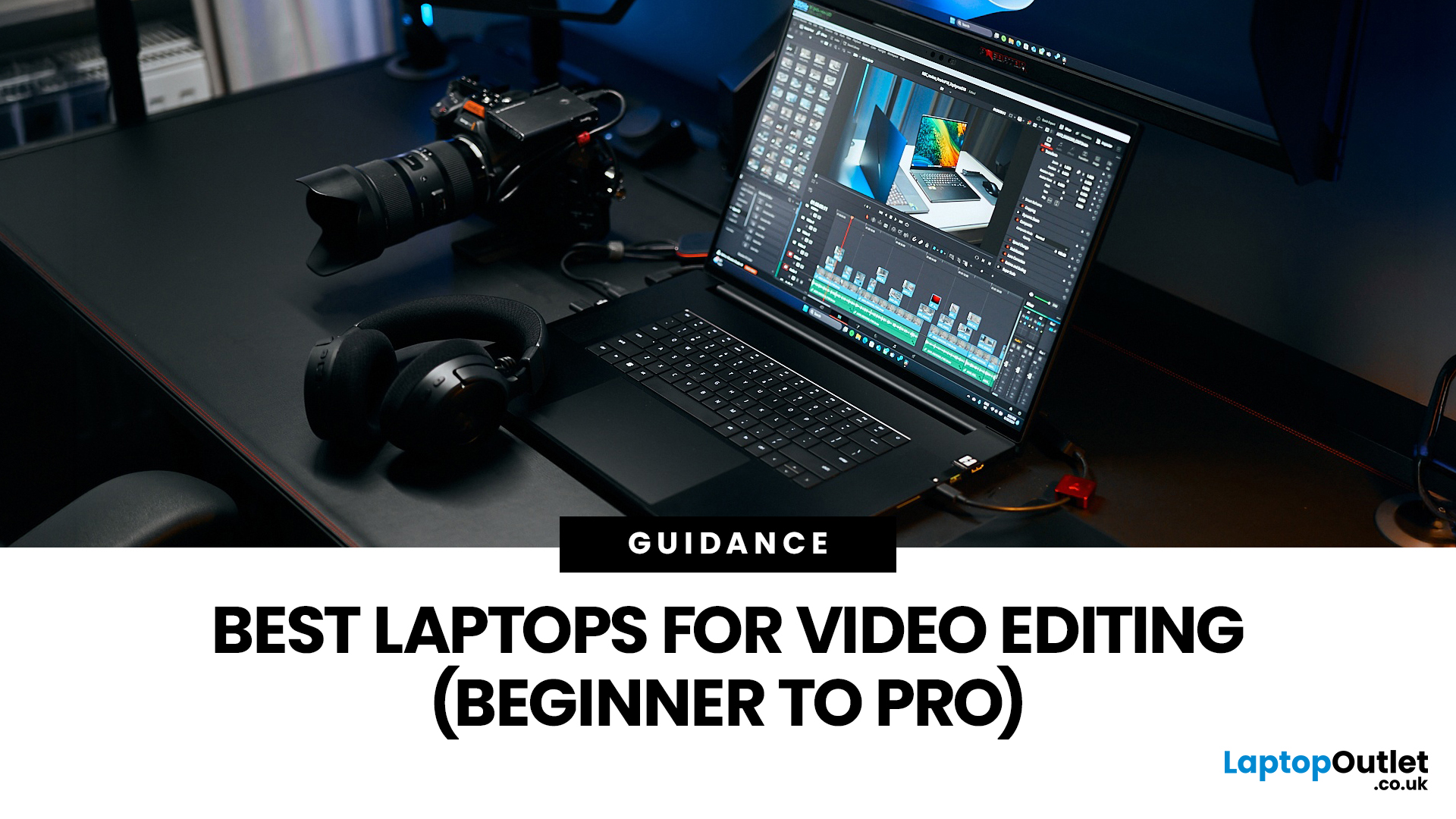
Choosing the right laptops for video editing can feel far more complicated than it should. Some brands focus on AI features; others push gaming specs, and many guides make it sound as though you need a studio-grade machine just to edit a few clips.
In reality, the best laptop depends on the type of editing you do.
A beginner creating YouTube videos, reels, or student projects will not need the same machine as someone working on commercial edits, colour grading in DaVinci Resolve, or handling large 4K client timelines. That is why this guide breaks down the best laptops for video editing by editing level, workflow, and real-world use case.
Whether you need a machine for social content, advanced post-production, or portable editing on the move, these are the options worth considering.
If your creative work also includes Photoshop, Illustrator, or wider Adobe software, it is worth reading our guide to the best laptops for Adobe Creative Cloud apps as well.
What to Look for in Laptops for Video

Last Updated: April 22, 2026
Choosing between Intel and AMD is no longer a simple case of picking the “faster” processor. If you are comparing Intel Core i5 vs Ryzen 5, you are looking at two highly capable mid-range options that power a large share of laptops available in the UK today.
Both deliver strong everyday performance, but they are designed with slightly different priorities. Understanding those differences is what helps you avoid overspending or buying a laptop that does not quite suit how you use it. This guide focuses on real-world use, not just specs, so you can make a confident decision in 2026.
Core i5 vs Ryzen 5: What is the Real Difference?
At a surface level, both processors handle everyday tasks comfortably. The difference comes from how they manage performance behind the scenes.
Intel’s modern Core i5 processors use a hybrid architecture that splits workloads between performance cores and efficiency cores. This allows the system to stay responsive even when multiple processes are running in the
Last Updated: September 22, 2026
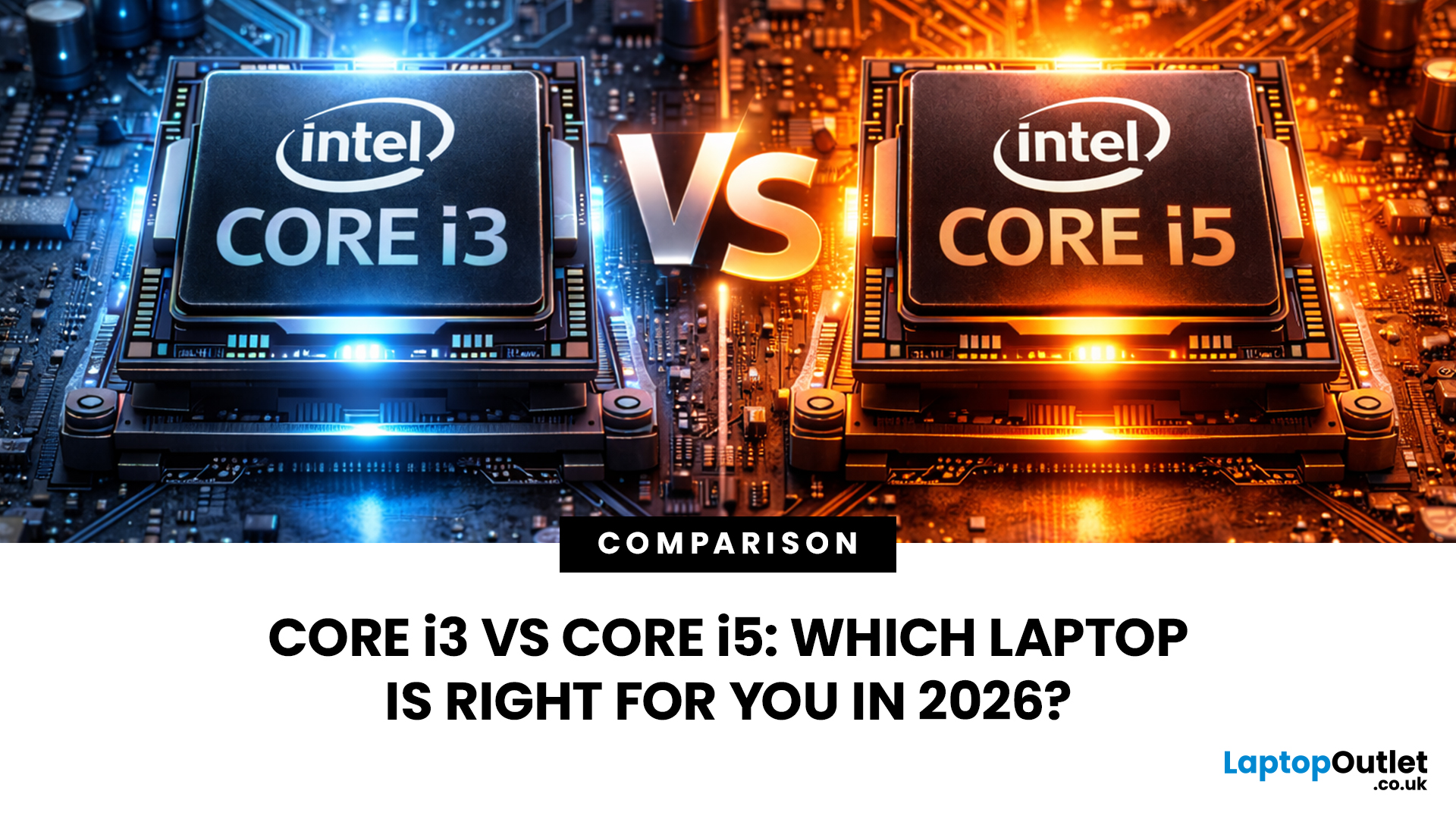
Choosing between an Intel Core i3 and Core i5 laptop can be confusing, especially when two laptops with the same processor tier can perform very differently. Your everyday workload, processor generation, power class and overall laptop specification all play a part in deciding which option makes more sense.
Core i3 is generally enough for browsing, Office apps, streaming and lighter study, while Core i5 is better suited to heavier multitasking, creative work, coding and more demanding software. In 2026, however, you should compare the exact processor generation and suffix, such as U, H or HX, rather than choosing a laptop based on the i3 or i5 badge alone.
Intel's laptop range has also evolved beyond the familiar Core i3 and Core i5 names, with newer machines using Intel Core 3, Core 5 and Core Ultra branding. This guide breaks down the differences so you can understand which processor type better matches the way you use your laptop.
Core i3 vs Core i5: What Is the Difference?
Traditionally,
Last Updated: June 18, 2026
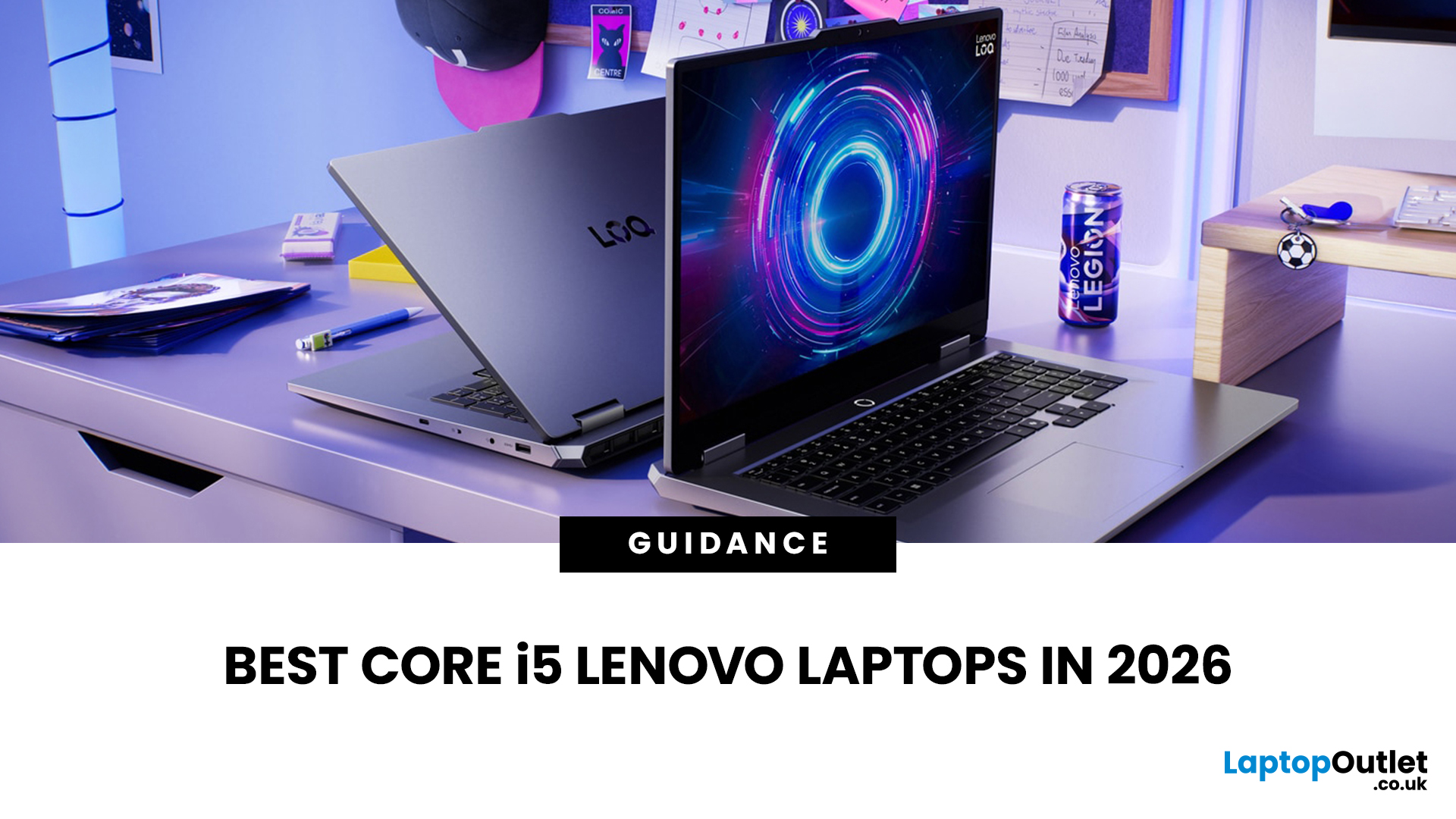
If you are searching for Core i5 Lenovo laptops, you are likely looking for a balance of performance, price, and reliability. And that is exactly where Lenovo stands out in 2026. From affordable everyday machines to durable business devices, Lenovo’s Core i5 lineup covers a wide range of use cases. Whether you need a laptop for work, study, or general productivity, there is a model that fits without pushing into premium pricing.
This guide breaks down the best options available right now, with a focus on real-world usability, value, and what each model is good for.
Why Choose a Lenovo Core i5 Laptop in 2026?
Lenovo continues to be one of the most consistent brands when it comes to mid-range laptops. Its Core i5 models are particularly popular because they offer:
- Reliable everyday performance
- Strong build quality across price ranges
- Good keyboard and typing experience
- Wide choice across business and budget segments
For most users, a Core i5 processor is more than enough for:
- Office work

Last Updated: May 01, 2026
Streaming accounted for over 38% of total TV and video consumption globally last year, overtaking traditional viewing for the first time. That means more people are now watching films on laptops, tablets, and personal screens than ever before, not TVs.
But here’s the problem: most laptops aren’t actually built for a good viewing experience.
You can open the same film on two different laptops and get completely different results. On one, colours look rich, scenes feel immersive, and everything flows smoothly. On another, the image feels dull, brightness struggles in daylight, and the whole experience falls flat - even if the specs look similar on paper.
That’s where most buyers get caught out. Terms like “Full HD,” “OLED,” or “high brightness” sound impressive, but they don’t always translate into a better streaming experience. Many people end up choosing based on performance or price, while overlooking what actually matters for watching films.
This guide breaks that down clearly - focusing

Last Updated: May 01, 2026
By the end of 2025, buying a laptop had become a bigger decision than ever. Global PC shipments climbed to more than 270 million units in 2025, with the final quarter alone reaching 71.5 million units.
On the surface, that sounds like good news: more innovation, more models, more choice. But for buyers, it also means more noise. Bigger spec sheets, bolder marketing claims, AI-ready labels everywhere, and a growing chance of paying for power you do not need or missing the features you actually do.
That is what makes choosing a laptop in 2026 tricky. The best option is not always the most expensive, the most powerful, or the newest on the page. It is the one that fits the way you work, study, stream, create, or game without compromise.
This guide cuts through the clutter and helps you choose with confidence. So, get yourself ready to buy the laptop you are looking for.
How to Choose the Right Laptop in 2026
If you want the quick answer, here’s how to choose the right laptop without overthinking

