



Laptop Specs Explained: CPU, RAM, GPU & Storage Guide for Beginners (2026)
For most buyers in 2026, the best laptop specs are a modern Intel Core Ultra 5/7 or AMD Ryzen AI 5/7 processor, 16GB RAM, 512GB SSD storage, and integrated graphics. Choose 32GB RAM, 1TB storage, and a dedicated GPU if you edit videos, create content, play demanding games, or use professional software.
Buying a new laptop in 2026 can feel confusing, especially when every product page is packed with technical words, numbers, and abbreviations. This processors & specs explained guide breaks everything down in plain English so you can understand what matters before you spend your money.
For most buyers, the four most important laptop components are the CPU, RAM, GPU, and storage. Once you understand these, it becomes much easier to compare models, avoid overspending, and choose a laptop that actually suits your daily needs.
What are Laptop Specs and Why Do They Matter?
Understanding laptop specifications becomes important. Specs affect:
- How fast your laptop feels when opening apps.
- How many browser tabs you can keep open.
- How smoothly video calls, streaming, and office tasks run.
- Whether you can play games or edit videos.
- How long the laptop may stay useful before feeling outdated.
- How portable and battery-friendly the device is.
The goal is not to buy the most powerful laptop. The goal is choosing the right laptop specs for the way you actually use your device.
Laptop Processor Explained: Understanding the CPU
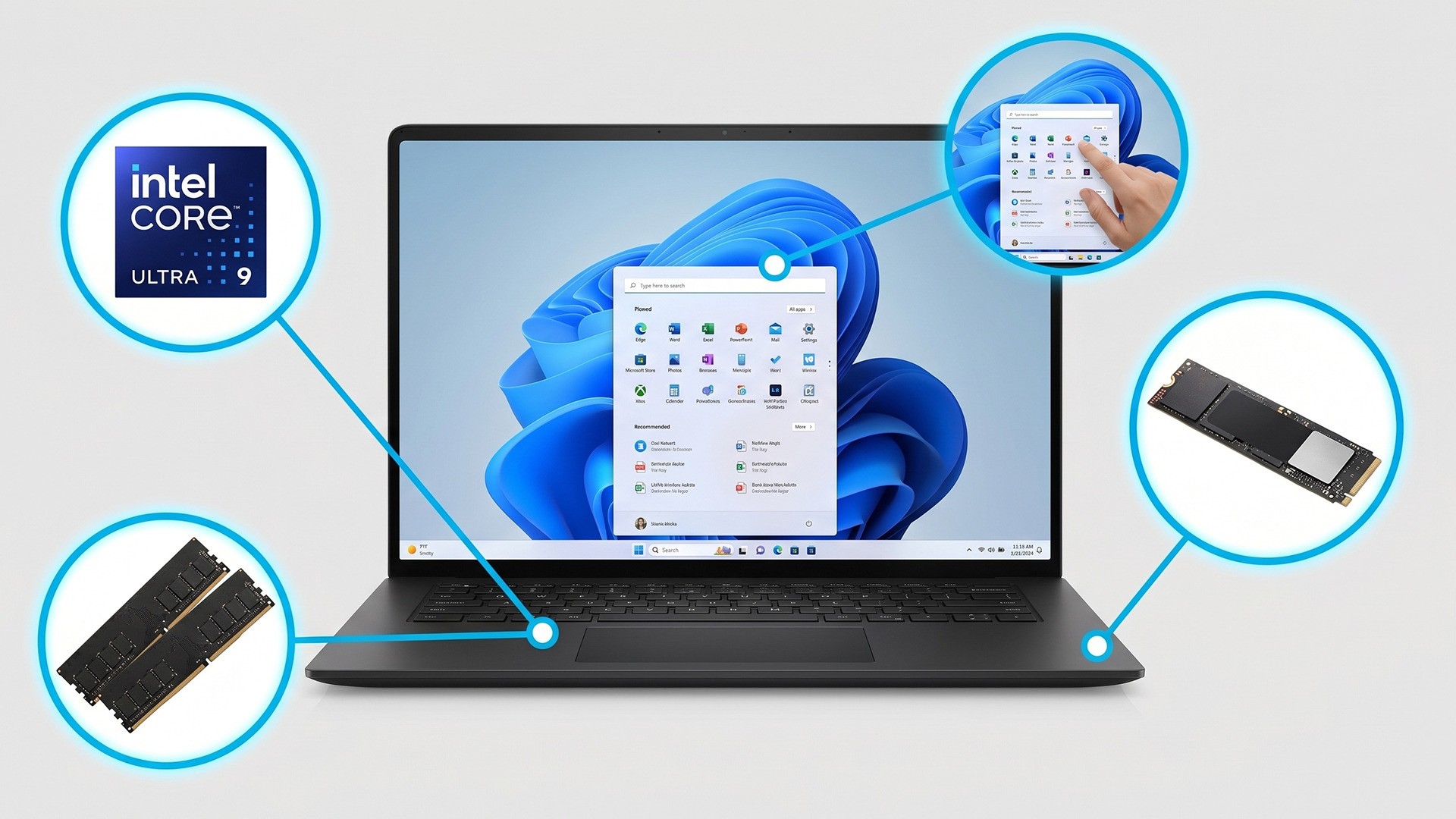
The CPU, or central processing unit, is often called the brain of the laptop. It handles the main instructions that keep your computer running, from opening software to managing background tasks.
If you have ever wondered why one laptop feels quick and another feels slow, the processor is usually one of the biggest reasons.
Clock Speed
Clock speed is usually measured in GHz. It tells you how many cycles a processor can perform per second. A higher clock speed can help with tasks that need quick bursts of performance, such as opening apps, loading websites, or working in spreadsheets.
However, clock speed is not the whole story. A newer, more efficient processor with a slightly lower clock speed can still perform better than an older chip with a higher number on the label.
Cores and Threads
Cores are like workers inside the processor. More cores mean the laptop can handle more tasks at once. Threads help each core manage work more efficiently. For example, if you are listening to music, downloading files, browsing the web, and editing a document at the same time, extra cores and threads help keep everything smooth.
For beginners:
- 4 to 6 cores are usually fine for basic everyday tasks.
- 8 cores are a strong choice for students, office workers, and multitaskers.
- 10, 12, or more cores are better for creators, developers, and demanding workloads.
Power Efficiency
Power efficiency matters because laptops run on batteries. A powerful processor that drains the battery quickly may not be ideal if you travel, study on campus, or work away from a desk.
Modern processors are designed to balance speed and battery life. This is why thin and light laptops can now feel fast while still lasting for many hours. If you are unsure whether an entry-level processor is enough, read Core i3 vs Core i5: Which Laptop is Right for You in 2026? for a clearer breakdown of performance, price, and everyday usability.
AI-Ready Processors in 2026
In 2026, many new laptops include AI-ready processors. These chips often include an NPU, or neural processing unit, which helps with AI tasks such as background blur, noise cancellation, image tools, smart search, and some local AI features.
Two major processor families you will see are:
- Intel Core Ultra
- AMD Ryzen AI
Both are designed for modern laptops where performance, battery life, graphics, and AI features all matter.
When thinking about how to choose laptop processor options, do not only look at the brand name. Look at the processor generation, model tier, number of cores, efficiency, and the type of work you plan to do.
Intel vs AMD Laptop Processors
Many buyers ask about Intel vs AMD laptop processor choices. The good news is that both brands make excellent laptop CPUs in 2026.
The better choice depends on the exact laptop model and your needs.
|
PROCESSOR TYPE |
STRENGTHS |
BEST FOR |
|---|---|---|
|
Intel Core Ultra |
Strong everyday performance, good AI PC support, efficient designs, broad availability in premium and business laptops |
Students, professionals, office users, travellers, general multitasking |
|
AMD Ryzen AI |
Strong multi-core performance, impressive integrated graphics on many models, efficient AI-ready chips |
Creators, multitaskers, students, home users, users who want strong graphics without always needing a dedicated GPU |
|
Higher-end Intel or AMD chips |
Faster performance, better for demanding software, usually found in premium laptops |
Creators, developers, engineers, power users |
|
Entry-level Intel or AMD chips |
Lower cost, suitable for simple tasks |
Browsing, email, streaming, basic office work |
A Simple Rule: If you are buying from a reliable current-generation range, both Intel and AMD can be excellent. Focus less on the logo and more on whether the processor matches your workload.
Which Processor Do You Need?
If you are asking which processor is best for laptop use, start with your main purpose.
|
User Type |
Recommended Processor Level |
|---|---|
|
Students |
Intel Core Ultra 5 / 7 or AMD Ryzen AI 5 / 7 for smooth study, research, video calls, and multitasking |
|
Professionals |
Intel Core Ultra 7 or AMD Ryzen AI 7 for spreadsheets, presentations, meetings, and productivity software |
|
Everyday users |
Intel Core Ultra 5 or AMD Ryzen 5 / Ryzen AI 5 is usually enough |
|
Creators |
Intel Core Ultra 7 / 9 or AMD Ryzen AI 7 / 9 for photo editing, design, and video work |
|
Gamers |
High-performance Intel or AMD processor paired with a dedicated graphics card |
|
Budget users |
Modern Intel Core 3 / 5 or AMD Ryzen 3 / 5, depending on the laptop price and overall specs |
For most people, the best laptop processor for everyday use is not the most expensive one. A modern Intel Core Ultra 5 or AMD Ryzen 5 / Ryzen AI 5 is usually fast enough for browsing, streaming, Microsoft Office, video meetings, online shopping, and light photo editing. Furthermore, for browsing, emails, shopping, streaming, and family use, laptops for everyday use can offer strong value without unnecessary high-end hardware.
How Much Memory Do You Need?
A simple way to understand RAM is to imagine your desk. The bigger the desk, the more papers, books, and tools you can keep open at once. If your desk is too small, you constantly have to move things around, which slows you down.
RAM works in a similar way. More RAM helps your laptop handle more apps, browser tabs, and background tasks without slowing down.
8GB RAM
8GB is now the basic starting point for modern laptops.
It is suitable for:
- Web browsing.
- Emails.
- Streaming.
- Online shopping.
- Basic schoolwork.
- Simple office documents.
However, 8GB can feel limited if you keep many browser tabs open, use Teams or Zoom regularly, or want the laptop to last several years.
16GB RAM
16GB is the sweet spot for most people in 2026.
It is suitable for:
- Students.
- Office workers.
- Multitasking.
- Video calls.
- Large spreadsheets.
- Light photo editing.
- Everyday creative work.
If you are unsure what laptop specs do I need, 16GB RAM is one of the safest choices for a balanced laptop.
32GB RAM and Above
32GB or more is best for heavier workloads.
Choose 32GB+ if you use:
- Video editing software.
- 3D design tools.
- Large creative projects.
- Coding environments.
- Virtual machines.
- Professional engineering or data software.
- Heavy multitasking across many apps.
For basic use, 32GB may be more than you need. But for creators and professionals, it can make a laptop feel much smoother. If you are shopping across different categories, it helps to compare laptops and notebooks by purpose instead of only sorting by price.
Recommended RAM by User Type
|
USE CASE |
RECOMMENDED RAM |
WHY |
|---|---|---|
|
Basic browsing and email |
8GB |
Enough for simple daily tasks |
|
School and university work |
16GB |
Better for research, tabs, documents, and video calls |
|
Office productivity |
16GB |
Smooth multitasking across business apps |
|
Home and family use |
8GB to 16GB |
Depends on how many apps are used at once |
|
Photo editing |
16GB to 32GB |
Helps with larger image files |
|
Video editing |
32GB+ |
Better for timelines, previews, and exporting |
|
Gaming |
16GB to 32GB |
Modern games benefit from more memory |
|
Professional creative work |
32GB+ |
Useful for demanding design and production tasks |
For most buyers, 16GB RAM is the best balance between price, performance, and future-proofing.
Integrated vs Dedicated Graphics
The GPU, or graphics processing unit, handles visuals. It helps display images, videos, animations, games, design projects, and video editing previews. Every laptop has some form of graphics processor, but not all GPUs are the same. There are two main types:
- Integrated graphics.
- Dedicated graphics.
Do You Need a Dedicated Graphics Card?
Here is a simple way to decide:
|
USER TYPE |
DEDICATED GPU NEED |
RECOMMENDATION |
|
Casual users |
No |
Integrated graphics are enough |
|
Students |
Usually no |
Only needed for design, gaming, engineering, or media courses |
|
Business users |
Usually no |
Focus on CPU, RAM, battery life, and build quality |
|
Designers |
Sometimes |
Useful for large creative files and advanced design tools |
|
Video editors |
Yes, often |
A dedicated GPU helps with editing, effects, and exports |
|
Creators |
Often yes |
Especially for video, animation, 3D, and high-resolution content |
|
Gamers |
Yes |
Choose a laptop with a dedicated gaming GPU |
If your work includes visual production, compare laptops for creators that combine stronger processors, more RAM, fast SSD storage, and dedicated or high-performance graphics. For everyone else, integrated graphics may be perfectly fine.
For gaming, 3D work, and demanding creative tasks, it is worth exploring the key benefits of RTX gaming laptops to understand how dedicated NVIDIA graphics can improve performance.
Storage Explained: SSD vs HDD in 2026
Storage is where your files, apps, photos, videos, and operating system are saved.
In older laptops, hard disk drives, or HDDs, were common. They used spinning disks, which made them slower and more fragile.
In 2026, SSDs are the standard for most modern laptops.
SSD vs HDD: What is the Difference?
|
STORAGE TYPE |
SPEED |
DURABILITY |
BEST FOR |
|---|---|---|---|
|
SSD |
Very fast |
More durable because there are no moving parts |
Modern laptops, quick boot times, fast app loading |
|
HDD |
Slower |
More vulnerable to bumps and movement |
Older systems, low-cost bulk storage, external backup drives |
An SSD makes a laptop feel much faster. It helps with startup times, app loading, file transfers, and general responsiveness. If you are buying a new professional laptop in 2026, choose an SSD unless there is a very specific reason not to.
Common Laptop Storage Sizes
|
STORAGE SIZE |
BEST FOR |
|---|---|
|
256GB |
Basic use, cloud storage users, students with light files |
|
512GB |
Best minimum for most buyers |
|
1TB |
Ideal for professionals, creators, gamers, and large file libraries |
|
2TB+ |
Best for video editors, photographers, designers, and users with very large projects |
How Much Storage is Enough?
Here is the practical answer:
- Choose 256GB only if you mainly use cloud storage, web apps, and basic documents.
- Choose 512GB if you want a sensible everyday laptop with room for apps, photos, and files.
- Choose 1TB if you store videos, games, creative projects, or large work files.
- Choose 2TB+ if your laptop is your main machine for professional content creation.
For most people, 512GB SSD is the best starting point in 2026. It gives you more breathing room than 256GB without pushing the price too high.
What Laptop Specs Do I Need? Quick Buying Guide
The easiest way to choose a laptop by specs is to match the hardware to your user type. This quick laptop specs buying guide gives you a practical starting point.
|
User Type |
CPU |
RAM |
Storage |
GPU |
|---|---|---|---|---|
|
Students |
Intel Core Ultra 5 / AMD Ryzen AI 5 |
16GB |
512GB SSD |
Integrated graphics |
|
Office workers |
Intel Core Ultra 5 / 7 or AMD Ryzen AI 5 / 7 |
16GB |
512GB SSD |
Integrated graphics |
|
Home users |
Intel Core 5 / AMD Ryzen 5 or better |
8GB to 16GB |
256GB to 512GB SSD |
Integrated graphics |
|
Creators |
Intel Core Ultra 7 / 9 or AMD Ryzen AI 7 / 9 |
32GB+ |
1TB SSD |
Dedicated or high-performance integrated GPU |
|
Professionals |
Intel Core Ultra 7 or AMD Ryzen AI 7 |
16GB to 32GB |
512GB to 1TB SSD |
Integrated or dedicated, depending on software |
|
Frequent travellers |
Efficient Intel Core Ultra or AMD Ryzen AI chip |
16GB |
512GB SSD |
Integrated graphics for better battery life |
For education, best laptops for students should balance battery life, portability, 16GB RAM where possible, and enough storage for assignments.
What Features Should You Consider Beyond Specs?
A good laptop buying guide should not only focus on CPU, RAM, GPU, and storage.
When people ask what features to consider when buying a laptop, they often forget the parts they will physically use every day: the screen, keyboard, battery, ports, and weight.
If you are asking what specifications should I look for when buying a laptop, start with the four core specs, then check the features below.
Battery Life
Battery life is essential for students, commuters, travellers, and hybrid workers.
Look for lightweight notebook laptops with efficient processors, good battery capacity, and realistic battery-life claims. Very powerful gaming and creator laptops usually use more power, so they may not last as long away from the charger.
Display Quality
The display affects everything you do.
Consider:
- Screen size.
- Resolution.
- Brightness.
- Colour accuracy.
- Touchscreen support.
- Anti-glare coating.
- OLED or IPS panel type.
For everyday use, a Full HD or better display is usually fine. For creators, colour accuracy and resolution matter more.
Refresh Rate
Refresh rate is measured in Hz. A 60Hz display is standard, while 120Hz or higher can feel smoother.
Higher refresh rates are useful for:
- Gaming.
- Smooth scrolling.
- Creative timelines.
- A more responsive visual experience.
Casual users do not always need a high-refresh-rate screen, but it can make a laptop feel more premium.
Port Selection
Ports are easy to overlook.
Check whether the laptop includes:
- USB-A.
- USB-C.
- Thunderbolt or USB4.
- HDMI.
- SD card reader.
- Headphone jack.
- Ethernet, if needed.
If a laptop has too few ports, you may need adapters or docking stations.
Build Quality
A laptop may have good specs but poor build quality. This affects durability, keyboard flex, hinge strength, cooling, and long-term reliability. Metal chassis designs often feel more premium, while plastic laptops can still be perfectly practical if well-built. If you often work while travelling or need internet access away from Wi-Fi, The Ultimate Guide to Laptops with SIM Card Slots (4G & 5G) in 2026 explains when built-in mobile connectivity is worth considering.
Keyboard Comfort
If you type a lot, keyboard quality matters.
Look for:
- Comfortable key travel.
- Good spacing.
- Backlighting.
- A responsive touchpad.
- A layout that suits your work.
This is especially important for students, writers, office workers, and programmers.
Weight and Portability
A powerful laptop is less useful if it is too heavy to carry.
As a guide:
- Under 1.3kg is excellent for travel.
- Around 1.3kg to 1.6kg is still portable.
- 1.7kg to 2kg is manageable but less ideal for daily commuting.
- Over 2kg is better for desk-based use, gaming, or creative power.
AI Features in Modern Laptops
AI features are becoming more common in 2026 laptops.
Depending on the device, these may include:
- Smarter video call effects.
- Background blur.
- Eye contact correction.
- Noise reduction.
- Local AI assistance.
- Faster image and content tools.
- Better battery efficiency for supported AI workloads.
AI features are useful, but they should not be your only reason for buying a laptop. First make sure the laptop has the right CPU, RAM, storage, display, and battery life.
If you are wondering what to look for when buying a laptop, think of it this way: specs decide performance, but features decide the daily experience.
Common Laptop Specification Mistakes Beginners Make
Beginners often make the same mistakes when comparing laptops. Avoiding these can save money and frustration.
1. Buying Too Much Power
More power is not always better.
A high-end gaming or creator laptop may look impressive, but it can be heavier, louder, hotter, and more expensive than you need.
If you only browse the web, stream videos, use Office, and join video calls, a balanced everyday laptop is usually a smarter choice.
2. Ignoring RAM
Many buyers focus on the processor and forget RAM.
A good CPU with too little RAM can still feel slow when multitasking. In 2026, 16GB is the safer choice for most people who want a laptop to last.
3. Choosing Insufficient Storage
A 256GB SSD can fill quickly once you install apps, save photos, download files, and store offline media. If your budget allows, 512GB SSD is a better minimum for most buyers.
4. Focusing Only on Processor Branding
Do not buy a laptop just because it says Intel or AMD.
Look at:
- Processor generation.
- Model tier.
- RAM.
- Storage.
- Display.
- Battery life.
- Cooling.
- Overall laptop design.
A processor is important, but it is only one part of the full package.
5. Overlooking Portability
A laptop with strong specs may still be the wrong choice if it is too heavy for your lifestyle. Students, commuters, and frequent travellers should always check weight, charger size, and battery life before buying.
Before choosing a model, check out Smart Ways to Save Money When Buying a Laptop in the UK so you can avoid overspending on specs or features you may not actually need.
How to Choose the Right Laptop Specs in 2026
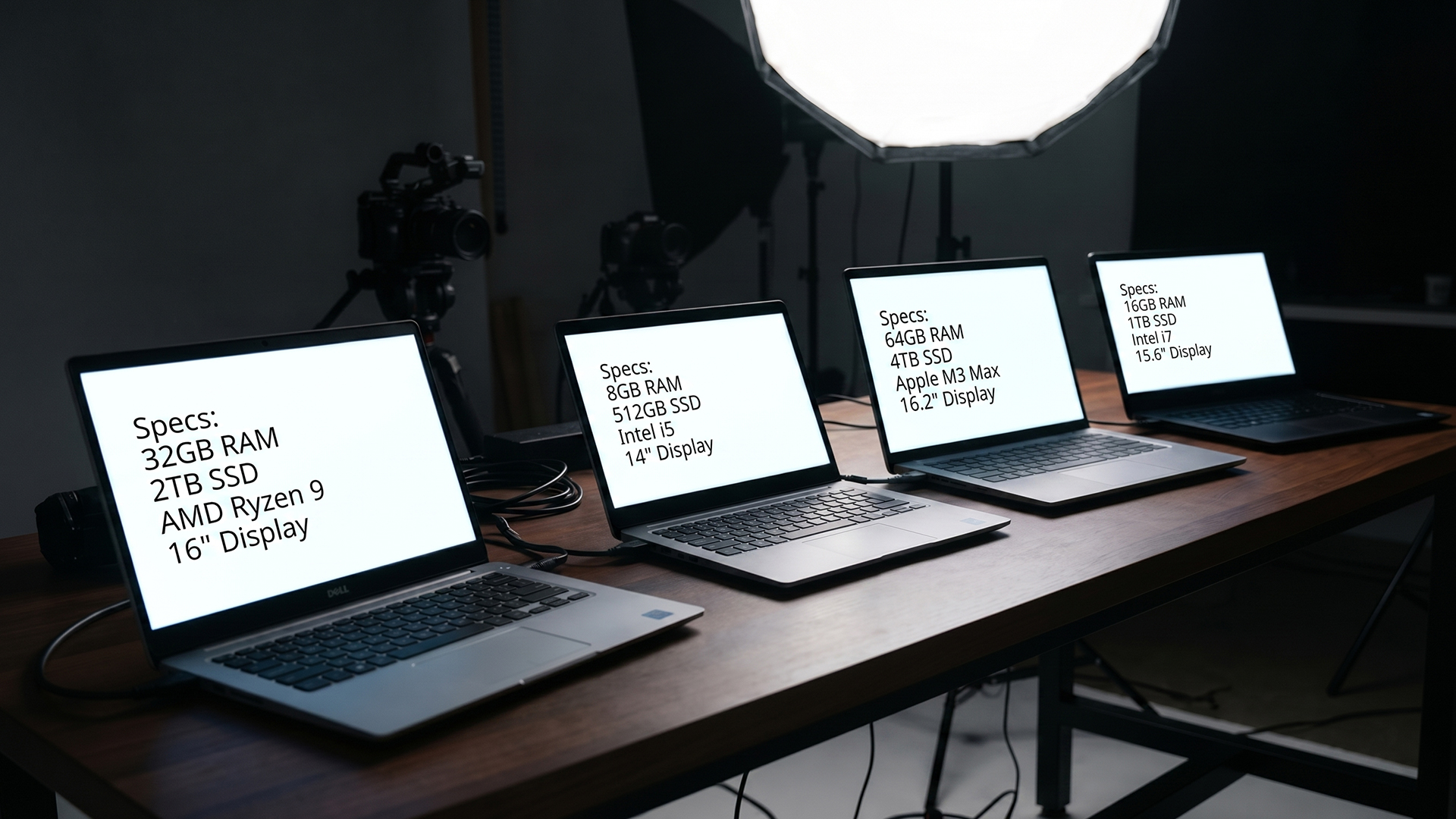
Here is a simple step-by-step process for choosing the right laptop specs.
Step 1: Define Your Needs
Before comparing models, ask yourself:
- Will I use it mainly at home, school, work, or while travelling?
- Do I need it for simple tasks or demanding software?
- Will I edit photos, videos, or graphics?
- Do I play games?
- Do I need long battery life?
- How many years do I want it to last?
This makes the rest of the buying process much easier.
Step 2: Choose a Processor
- For everyday use, choose a modern Intel Core Ultra 5, AMD Ryzen 5, or AMD Ryzen AI 5.
- For heavier workloads, move up to Intel Core Ultra 7 / 9 or AMD Ryzen AI 7 / 9.
- For gaming and creative work, make sure the processor is paired with enough RAM and the right GPU.
Step 3: Select RAM
Use this simple rule:
- 8GB for basic use only.
- 16GB for most students, office users, and home users.
- 32GB+ for creators, developers, gamers, and professionals.
If the RAM is not upgradeable later, buy the amount you expect to need for the next few years.
Step 4: Pick Storage
For most people, 512GB SSD is the best starting point.
Choose 1TB or more if you store large files, install lots of software, play games, or work with creative projects.
Step 5: Decide If a GPU is Necessary
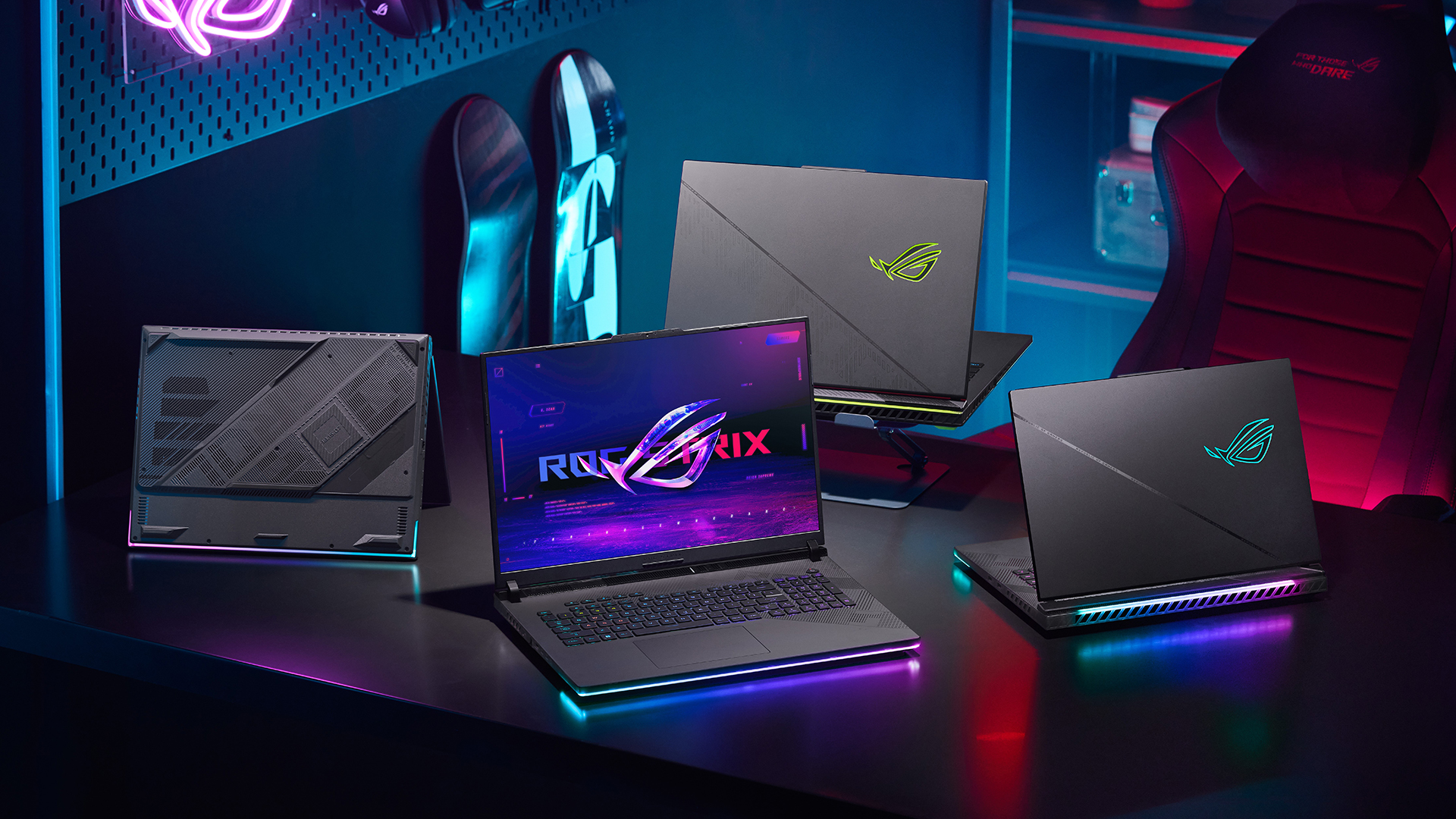
You probably do not need a dedicated GPU if you use your laptop for browsing, streaming, documents, and video calls. You probably do need one if you play demanding games, edit video, use 3D software, or work in advanced creative applications.
Step 6: Consider Portability and Battery Life
A good laptop should fit your lifestyle.
If you move around often, prioritise:
- Lower weight.
- Long battery life.
- Efficient processor.
- USB-C charging.
- Durable build quality.
- Comfortable keyboard.
This is the practical heart of any laptop buying guide 2026: the right laptop is not just the one with the best numbers. It is the one that fits how, where, and why you use it.

Wrapping Up
Understanding laptop specifications helps you make smarter buying decisions. The CPU determines performance, RAM supports smooth multitasking, the GPU handles graphics-related tasks, and storage affects both capacity and speed.
This beginner guide to laptop specs gives you the knowledge to compare laptops confidently and identify what suits your needs. Rather than wondering what laptop should I buy, focus on the specifications that match your daily activities.
Use this laptop buying guide to evaluate performance, battery life, display quality, and portability, ensuring you choose a laptop that delivers the right balance of value, functionality, and long-term usability.

Quick Answers for Beginners
What laptop should I buy for everyday use?
Choose a laptop with a modern Intel Core Ultra 5 or AMD Ryzen 5 / Ryzen AI 5 processor, 16GB RAM, and a 512GB SSD. Integrated graphics are enough for browsing, streaming, emails, office work, and video calls.
Is 8GB RAM enough in 2026?
8GB RAM is enough for basic tasks, but 16GB is a better choice for most people. It gives you smoother multitasking and helps the laptop stay useful for longer.
Do I need a dedicated graphics card?
You only need a dedicated graphics card if you play demanding games, edit videos, use 3D software, or work with professional creative tools. Most casual users, students, and office workers can use integrated graphics.
Is 256GB storage enough?
256GB can work if you use cloud storage and do not save many files locally. For most buyers, 512GB SSD is the better minimum.
Should I choose Intel or AMD?
Both Intel and AMD make excellent laptop processors. Intel Core Ultra and AMD Ryzen AI are both strong choices in 2026. Compare the full laptop, not just the processor brand.
| Read More: |
| The 2026 RAM Crunch: Why AI Could Make Laptops More Expensive |
| MacBook New Release 2026: Everything to Expect |
| Why Your Laptop is Overheating (How to Fix it Fast) |
Related Articles


Last Updated: June 10, 2026
The 2026 RAM crunch is being driven by AI data centre demand. Memory makers are shifting capacity towards high-bandwidth memory, server DDR5, and enterprise SSDs, leaving less supply for consumer laptops. As a result, laptop RAM and SSD costs may rise, making many 2026 laptops more expensive or less generously specified.
If you were hoping laptop prices would settle down in 2026, the RAM market may have other plans.
The AI boom is pushing huge demand for memory chips, including DDR5, SSD storage, and high-bandwidth memory used in data centres. As manufacturers prioritise these high-margin AI products, consumer laptops could face tighter supply and higher component costs.
For UK buyers, that may mean more expensive laptops in 2026, fewer strong discounts, and budget models with weaker specs than before.
What Is the 2026 RAM Crunch?
The 2026 RAM crunch is a global memory shortage caused by rising demand for AI servers, high-bandwidth memory, DDR5 server memory, and enterprise SSDs.
In

Last Updated: June 10, 2026
The best free AI apps that work offline include Ollama, LM Studio, GPT4All, Jan, Msty Studio, AnythingLLM, PocketPal AI, llamafile, Upscayl, and DiffusionBee. These tools help users run offline chatbots, local AI assistants, AI writing apps, document Q&A tools, and AI image tools without relying on the internet after setup.
Looking for the best free AI apps offline? You are not alone. More users now want AI tools that can work without constant internet access, protect private data, and run directly on a phone or laptop.
Offline AI apps are especially useful for writing, coding, document chat, transcription, image generation, image upscaling, and personal productivity. Instead of sending every prompt to the cloud, these local AI tools use models stored on your own device.
What Are Offline AI Apps?
Offline AI apps are tools that run AI models directly on your device instead of depending fully on cloud servers. Once installed and configured, they can perform tasks like chatting, summarizing,
Last Updated: July 15, 2026
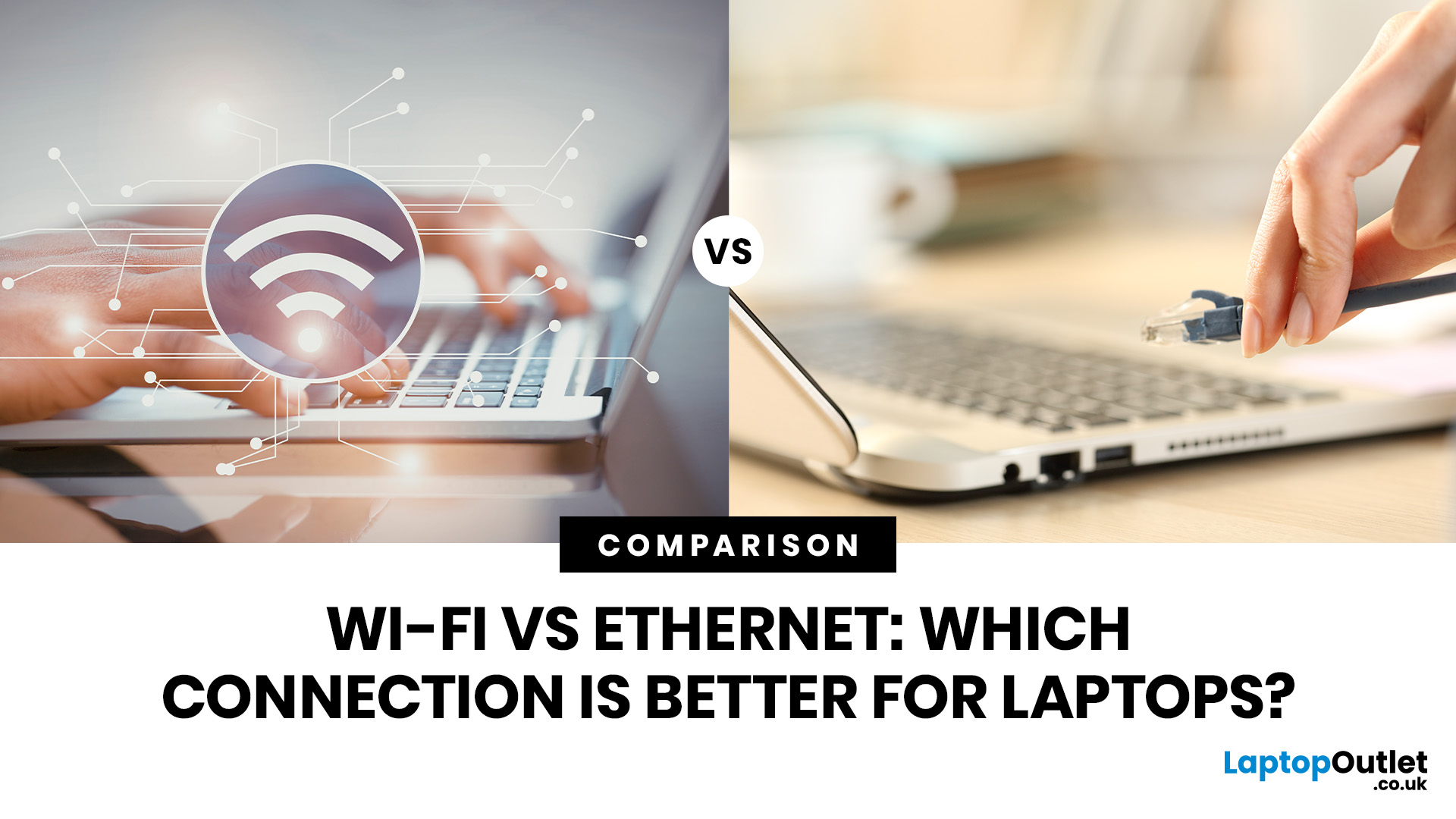
Ethernet is faster, more stable, and lower-latency than Wi-Fi for laptops, making it the better choice for gaming, video calls, and large file transfers. Wi-Fi wins on convenience and flexibility, especially for everyday browsing and light tasks where a physical cable is not practical. The right connection depends on your specific use case.
The debate around Ethernet vs WiFi is one that most laptop users run into at some point, whether you are setting up a home office, getting into PC gaming, or just trying to stop your video calls from dropping out mid-meeting.
Both connection types are perfectly capable of getting you online, but they work in very different ways and perform quite differently depending on what you are doing. This guide breaks everything down clearly so you can make the right call for your setup.
How Does Each Connection Actually Work?
Before comparing the two, it helps to understand the basics of how each technology functions. Knowing this makes it much easier to understand
Last Updated: July 15, 2026
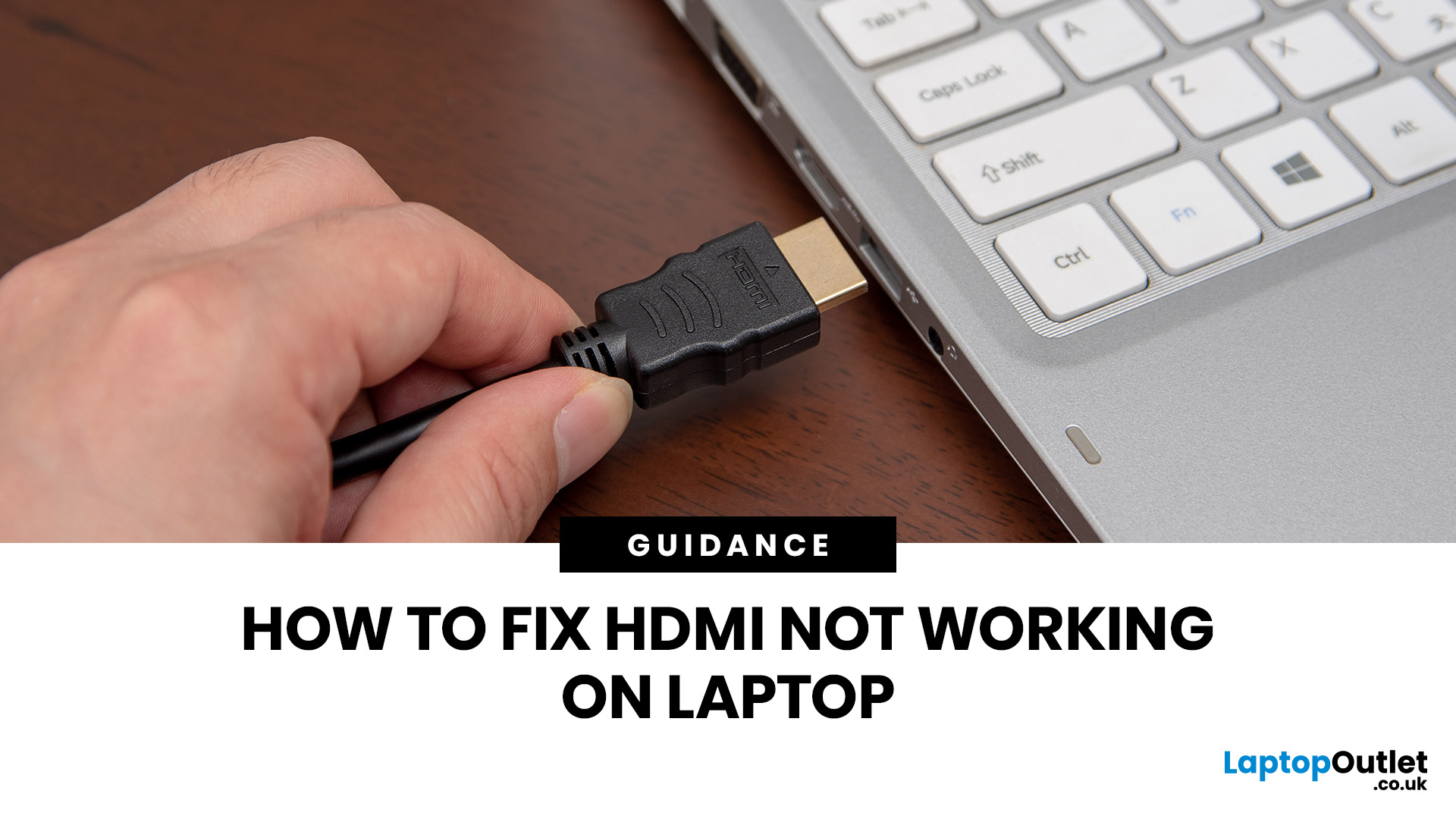
If HDMI is not working on your laptop, start by checking the cable and port for damage, then select the correct input on your monitor or TV. Press Windows + P to choose your display mode. If the screen stays blank, update or reinstall your graphics driver in Device Manager. Most HDMI not working laptop issues are resolved by these steps alone, without needing any specialist help.
There are few things more frustrating than plugging in your HDMI cable and being greeted by a black screen or a "No Signal" message. Whether you are connecting your laptop to a smart TV, an external monitor, or a projector, the issue can almost always be sorted without a trip to a repair shop.
This guide covers most common HDMI not working laptop fixes, from the simplest physical checks right through to driver reinstalls and BIOS settings. Work through the steps in order and you will find your fix quickly.
Why Is Laptop Not Connecting to HDMI?
Before diving into fixes, it helps to understand what causes
Last Updated: June 10, 2026
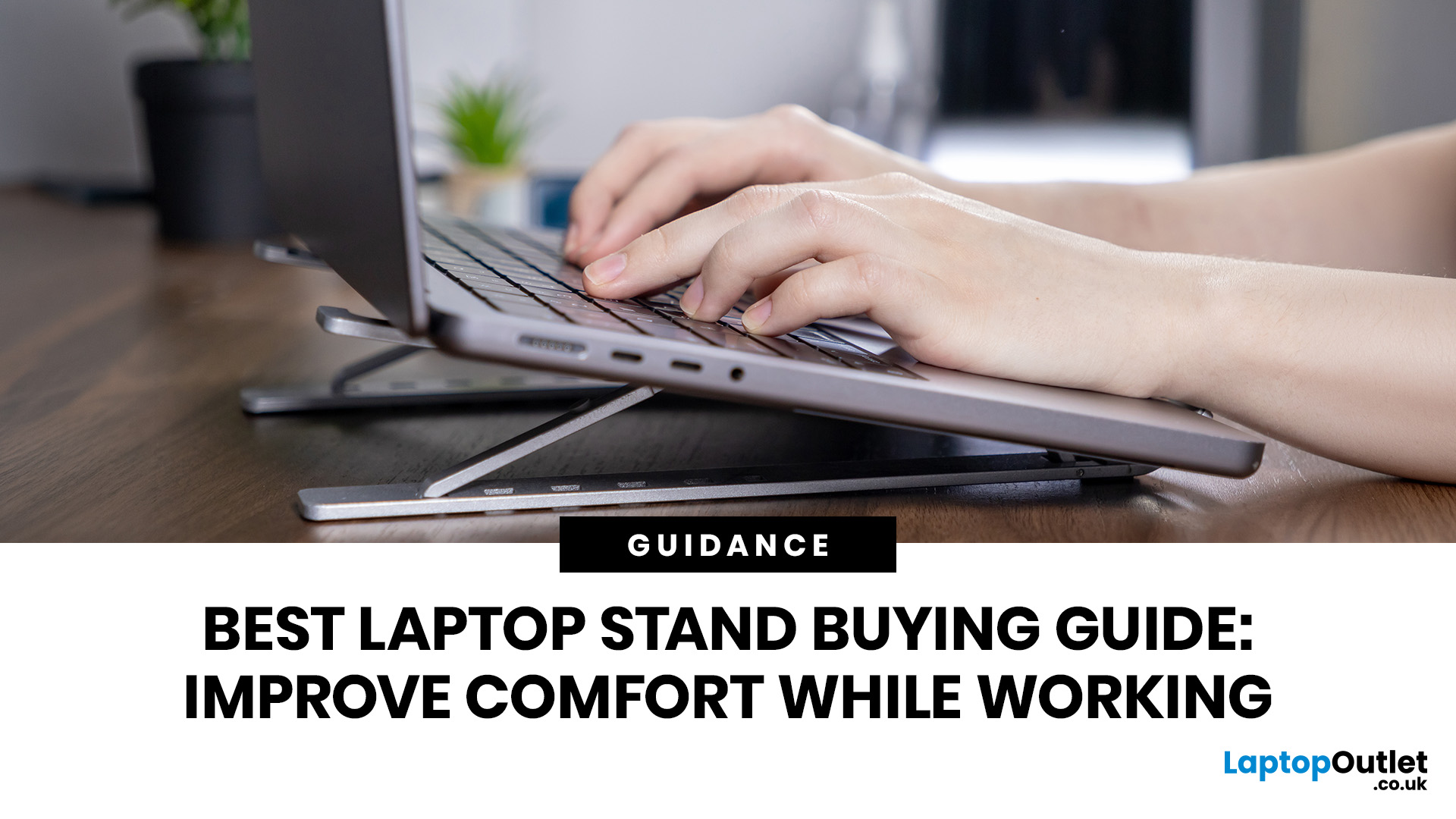
Looking for the best laptop stands UK buyers can choose for better comfort and posture? A good laptop stand raises your screen to a more natural viewing height, helping reduce neck strain, improve desk setup and make long working hours more comfortable. This guide explains how to choose the right laptop stand for desk use, adjustable setups, bed or couch working, travel, standing desks and dual-screen workstations.
A laptop is convenient, portable and easy to use anywhere, but it is not always the most comfortable device for long working hours. When your laptop sits flat on a desk, bed or couch, the screen is usually too low, which can make you bend your neck, hunch your shoulders and sit in an awkward position.
That is where a good laptop stand can make a big difference. Whether you need a laptop stand for desk use, an adjustable laptop stand for flexible working, a portable laptop stand for travel or a laptop table for bed, the right setup can help you work more comfortably every day.
Last Updated: July 15, 2026
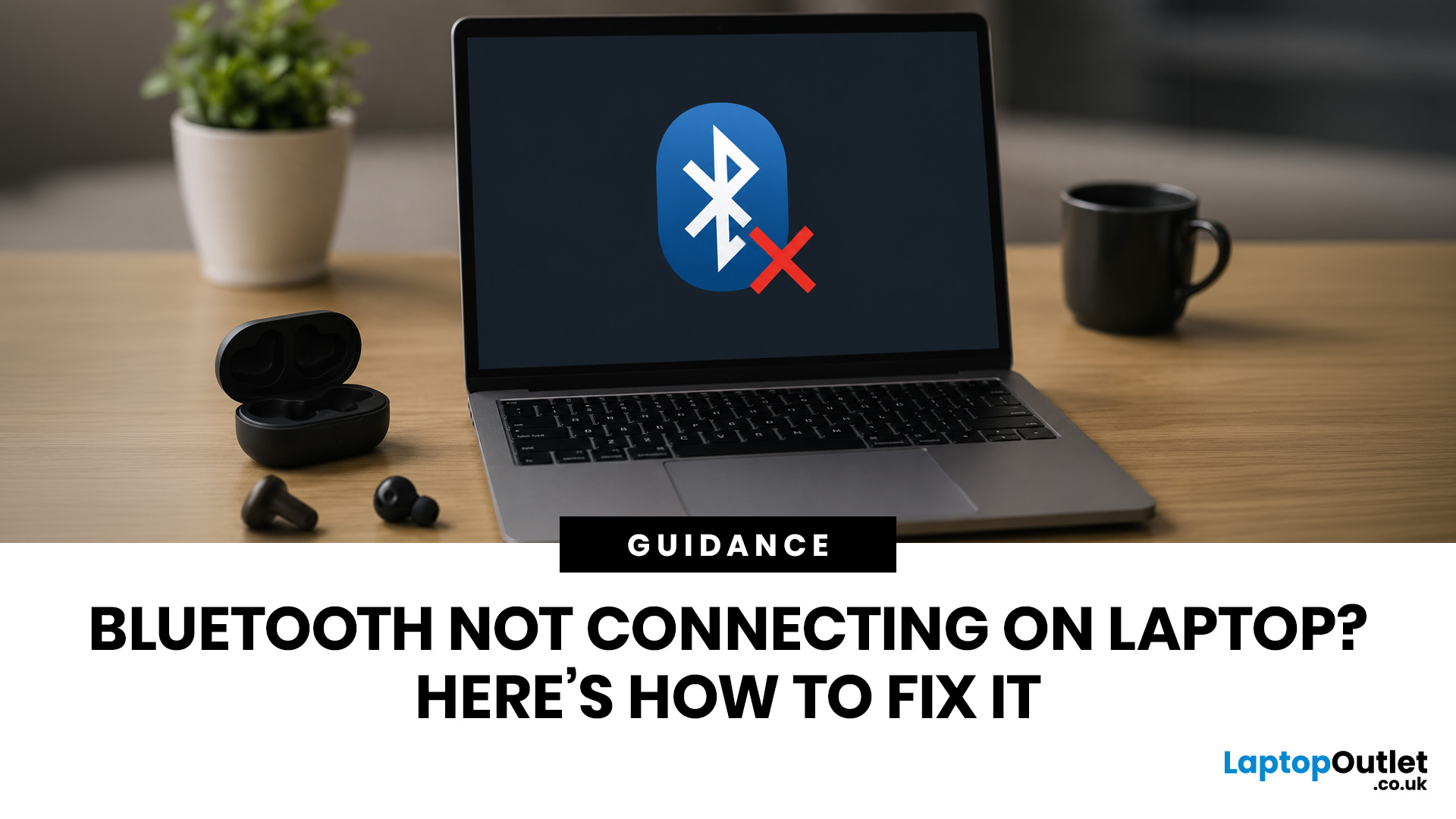
To fix Bluetooth connection issues on your laptop, start by turning Bluetooth off and on, restarting your laptop, removing the problem device, and pairing it again. If that fails, update or reinstall your Bluetooth driver on Windows, or forget and reconnect the device on macOS.
A “Bluetooth not connecting laptop fix” is one of the most searched tech support queries, and it is easy to see why. One minute your wireless mouse, keyboard, or headphones are working fine, and the next they simply will not pair. It is frustrating, especially when you have work to get done.
The good news? Most Bluetooth issues can be resolved at home without spending a penny. This guide will walk you through every step to get you back online.
Why Is Bluetooth Not Connecting on Your Laptop?
The question “why is my Bluetooth not working” has more than one answer. Bluetooth connection problems can stem from a wide range of causes, both software and hardware related.
The Most Common Causes
- Bluetooth is switched
Last Updated: May 22, 2026
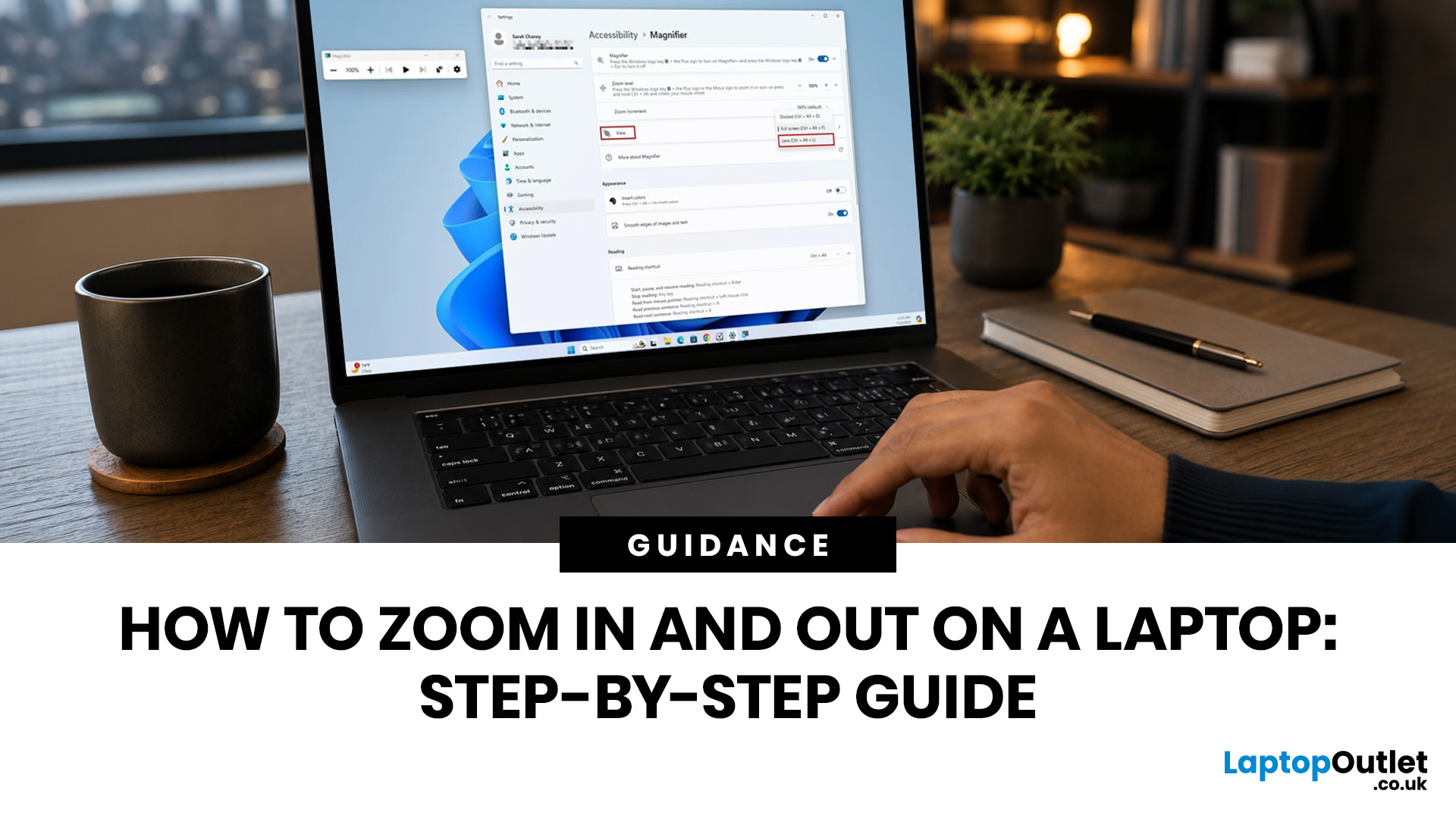
To zoom in and out on a laptop, press Ctrl + + to zoom in and Ctrl + - to zoom out in most browsers, documents, PDFs, pictures, and apps. To reset a webpage to normal size, press Ctrl + 0. If you need to quickly zoom out on a laptop screen, this shortcut is usually the fastest fix.
If the whole Windows screen is zoomed in, press Windows key + Esc to turn off Magnifier. If everything on your laptop still looks too big or too small, open Settings > System > Display and check Scale and Display resolution.
Most laptop Zoom problems happen in one of 5 places: the browser, an app, Windows Magnifier, display scale, or display resolution. The quickest fix depends on what exactly looks too large or too small.
Quick Answer: Laptop Zoom Shortcuts
| WHAT YOU WANT TO DO | SHORTCUT OR SETTING | USE THIS WHEN |
|---|---|---|
| Zoom in on a webpage, document, PDF, or picture | Ctrl + + | Text, images, or details are too small |
| Zoom out on a webpage, document, PDF, or picture | Ctrl + - | A page, file, or app looks too large |
| Reset browser |
Last Updated: September 02, 2026
Looking beyond the MacBook Pro in 2026? This guide explores the best high-performance laptop alternatives for creators, developers, designers, and power users who want premium speed, displays, battery life, and value without being locked into Apple’s ecosystem.
If you're searching for the best MacBook Pro alternatives 2026 has to offer, you're not alone. Apple's flagship laptop remains one of the most impressive machines on the market, but it comes at a significant cost, and it isn't the right fit for everyone. Whether you're moving from macOS to Windows, exploring a different ecosystem, or simply want to know your options before spending over £1,500, this guide is for you.
Why Look for MacBook Pro Alternatives in 2026?
Apple's engineering is exceptional, but there are compelling reasons why even dedicated Mac users are reconsidering their options.
Price
The MacBook Pro starts at well over £1,500 in the UK. For many buyers, particularly students, freelancers, and small business owners,
Published: June 04, 2026
Big-screen laptops are becoming essential for UK buyers who want more workspace, stronger performance and immersive entertainment in one device. This 2026 guide compares 16-inch, 17-inch and larger laptops for work, gaming, study and creativity, helping you choose the right model for productivity, portability, battery life and long-term value today.
A larger display gives you more room for spreadsheets, timelines, browser tabs, creative apps, coding windows, and immersive games. Whether you are comparing laptops and notebooks, upgrading your work-from-home setup or searching for a capable gaming machine, large screen laptops now offer a much better balance of performance, display quality and portability than older bulky models.
Why Big Screen Laptops are More Popular Than Ever in 2026
Big-screen laptops are having a strong moment because people expect more from one device. A laptop is no longer used only for emails and web browsing. It may now need to handle video calls, AI meeting notes,
Published: June 04, 2026
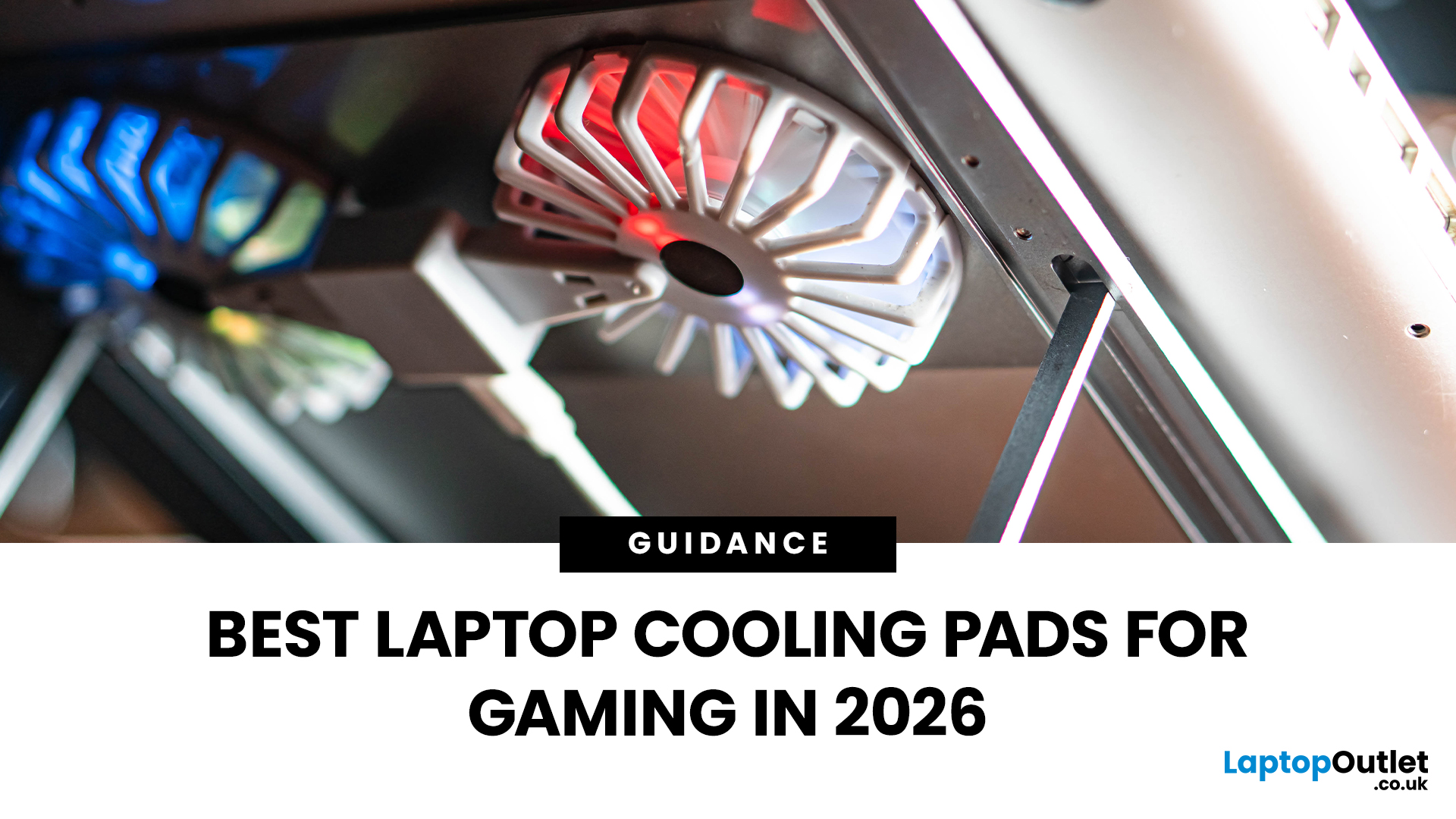
Gaming laptops are built to push frames, load heavy worlds, and keep up with long sessions. But when temperatures climb, performance can take a hit. That is where the right cooling setup matters.
A gaming laptop cooling pad can help improve airflow around your laptop, raise it into a better position, and reduce heat build-up during long gaming sessions. For more advanced setups, PC builders may also look at liquid coolers, CPU coolers, and performance cooling fans to keep gaming rigs running cooler and more consistently.
In this guide, we break down the Best laptop cooling pads UK shoppers should look for in 2026, what features actually matter, and the top cooling picks to upgrade your gaming space.
Why Laptop Cooling Matters for Gaming
Gaming pushes your laptop harder than everyday browsing or streaming. The CPU and GPU work together to deliver smooth frame rates, detailed graphics, and fast response times. More power means more heat.
When your laptop gets too hot, it may reduce performance

