



How to Speed Up a Slow ASUS Laptop in 2026
Your ASUS laptop was quick when you first got it. Now it stutters, freezes, or takes an age just to open Chrome. Sound familiar? You are not alone, and more importantly, you do not need to splash out on a brand-new machine.
This guide will walk you through exactly what is causing the slowdown and how to fix it. Whether you have an ASUS VivoBook, ZenBook, TUF Gaming, or ROG, there is something here for you.
Why Is Your ASUS Laptop Running Slow?
Before throwing solutions at the problem, it helps to know what you are actually dealing with. Here are the most common culprits:
|
Cause |
What It Means |
How Common? |
|
Too many startup apps |
Apps launching at boot hog CPU and RAM |
Very common |
|
Thermal throttling |
Laptop overheats and slows the CPU to cool down |
Very common |
|
HDD (not SSD) |
Old spinning hard drive is the bottleneck |
Common in older models |
|
Low RAM |
Not enough memory for your workload |
Common |
|
Bloatware |
Pre-installed software running in the background |
Common |
|
Outdated drivers/BIOS |
Software bugs causing performance issues |
Often overlooked |
|
Full or fragmented storage |
SSD above 85% capacity noticeably slows down |
Common |
|
Malware |
Malicious programmes draining resources |
Less common but serious |
Fix 1: Sort Out Your Startup Apps
This is the first thing to check. When your ASUS laptop boots up, dozens of apps may be trying to launch all at once. That eats through your CPU and RAM before you have even opened a browser tab.
On average, disabling unnecessary startup apps can cut boot times by 30 to 50%.
Here is how to do it:
- Press Ctrl + Shift + Esc to open Task Manager
- Click on the Startup Apps tab
- Right-click anything you do not need immediately (Spotify, OneDrive, Teams, Discord, etc.) and select Disable
- Restart your laptop and notice the difference
If you have the MyASUS app installed, it has a built-in Optimise Boot tool that suggests which apps are safe to delay or disable. It is a good shout if you want a guided experience.
Fix 2: Check What Is Eating Your CPU and RAM
Your laptop might be struggling because something is silently hammering your resources in the background. It could be Windows Update, antivirus scanning, or a rogue process.
- Open Task Manager (Ctrl + Shift + Esc)
- Click the CPU or Memory column header to sort by usage
- Look for anything using unusually high resources
- Right-click any suspicious process and select End Task (be careful not to close essential Windows processes)
Tip: If Windows Update is running in the background, your laptop will be slow until it finishes. Check Settings > Windows Update and let it complete before doing anything resource-heavy.
Fix 3: Use MyASUS to Change Your Performance Mode
This one is specific to ASUS and it is massively underused. ASUS laptops come with different performance profiles, and there is a decent chance yours is set to a power-saving or balanced mode that is deliberately limiting your CPU speed.
Here is how to change it:
- Open the MyASUS app (search for it in the Start menu)
- Go to Device Settings
- Look for the fan or performance profile setting
- Switch from Whisper or Standard mode to Performance or Full-speed mode
|
Profile |
Best For |
What It Does |
|
Whisper |
Battery life, light tasks |
Limits CPU speed, quiet fans |
|
Standard / Balanced |
Everyday use |
Balanced performance and heat |
|
Performance |
Demanding work, multitasking |
Higher clock speeds, faster fans |
|
Full-speed (2024/2025 models) |
Gaming, video editing |
Maximum sustained performance |
For ROG and TUF Gaming models: Use Armoury Crate or G-Helper to access Turbo mode, which can unlock additional CPU and GPU headroom. G-Helper is a lightweight third-party alternative to Armoury Crate that many users prefer for its clean interface and finer control over fan curves.
Fix 4: Tackle Thermal Throttling
Thermal throttling is when your laptop's processor deliberately slows itself down to prevent overheating. It is one of the most common and frustrating causes of slowdown, especially for ASUS gaming laptops.
Signs you have a thermal throttling problem:
- Laptop runs fine for a few minutes then suddenly becomes sluggish
- FPS drops sharply during gaming
- Fan spins loudly then the laptop slows down
- CPU frequency drops to 0.8 GHz or lower under load
What to do about it:
- Clean the vents: Dust build-up is the number one cause of overheating. Use a can of compressed air (roughly £6 to £10 from Amazon or Argos) to blast dust out of the vents every three to six months. Make sure the laptop is powered off first.
- Use it on a hard, flat surface: Using your ASUS on a bed, sofa, or cushion blocks the air vents. Always use it on a desk or invest in a laptop cooling pad (available from around £15 to £30 in the UK).
- Replace the thermal paste: If your laptop is three or more years old, the thermal paste between the CPU/GPU and heatsink may have dried out. Replacing it can drop temperatures by 10 to 20 degrees Celsius. This is a more involved fix; if you are not confident, a local repair shop can do it for around £30 to £60.
- Adjust fan curves in G-Helper: For ROG and TUF models, G-Helper lets you set custom fan curves so the fans ramp up earlier before temperatures get too high.
Fix 5: Update Drivers and BIOS
Outdated drivers and firmware are a surprisingly common cause of poor performance. ASUS regularly releases updates that fix bugs, improve power management, and squeeze better performance out of the hardware.
- Open MyASUS and check the Update section for pending driver updates
- Go to Settings > Windows Update and check for optional updates, which often include chipset and graphics drivers
- For NVIDIA graphics (ROG, TUF), open GeForce Experience to update GPU drivers
- For AMD graphics, use AMD Software: Adrenalin Edition
BIOS updates: These carry more risk but can genuinely fix performance and stability issues. Only update BIOS via the official ASUS support page (asus.com/support) or through the MyASUS Update Hub. Never install a BIOS update from a third-party site.
Fix 6: Upgrade from HDD to SSD
If your ASUS laptop still uses a traditional spinning hard drive (HDD), this single upgrade will make it feel like a completely different machine. A SATA SSD is around four times faster than a 5,400 RPM HDD. A PCIe NVMe SSD is even quicker.
|
Storage Type |
Typical Read Speed |
Approximate UK Cost (1TB) |
|
HDD (5,400 RPM) |
80 to 120 MB/s |
Already installed (older laptops) |
|
SATA SSD |
500 to 600 MB/s |
£45 to £65 |
|
PCIe Gen 3 NVMe SSD |
3,000 to 3,500 MB/s |
£55 to £80 |
|
PCIe Gen 4 NVMe SSD |
5,000 to 7,000 MB/s |
£70 to £110 |
Not sure which SSD fits your ASUS model? Check the ASUS support page for your specific model, or use sites like Crucial's compatibility tool. Most modern ASUS VivoBooks and ZenBooks use an M.2 NVMe slot. You can browse compatible SSDs on Laptop Outlet and we can help you find the right fit.
Fix 7: Upgrade or Free Up RAM
When your laptop runs out of physical RAM, it starts using a portion of the SSD as a slow virtual substitute. This is called the page file, and it is significantly slower than real RAM.
Check your RAM usage right now: Open Task Manager, click Performance, then Memory. If you are regularly sitting above 80% memory usage, you need more RAM.
- 8GB RAM: Fine for light use, struggles with multitasking or browser-heavy workloads
- 16GB RAM: The sweet spot for most users in 2026
- 32GB RAM: Recommended for video editing, 3D work, or heavy gaming
Many ASUS VivoBook and ZenBook models allow RAM upgrades, although some newer slim designs have soldered RAM that cannot be changed. Check your model's specs before buying.
If upgrading is not an option, you can squeeze more out of what you have:
- Close browser tabs you are not using (each tab uses RAM)
- Limit Chrome or Edge extensions
- End background processes in Task Manager that are consuming memory
Fix 8: Remove Bloatware and Clean Up Storage
Brand-new ASUS laptops often come loaded with pre-installed software that runs quietly in the background, eating CPU cycles and RAM. This includes trial antivirus software, promotional apps, and manufacturer utilities you will never use.
How to remove bloatware:
- Go to Settings > Apps > Installed Apps
- Sort by size or install date
- Uninstall anything you do not recognise or use (McAfee trials, MyAsus add-ons you do not need, etc.)
- Be cautious with ASUS system tools, some are needed for keyboard shortcuts and battery management
Free up storage:
- Open Settings > System > Storage > Storage Sense and run it
- Delete files from the Downloads folder
- Empty the Recycle Bin
- Uninstall games or apps you no longer play
Keep your SSD below 85% capacity. Once an SSD fills up, write speeds drop noticeably. If you are running low, consider an external SSD or cloud storage for files you do not access daily.
Fix 9: Run a Malware Scan
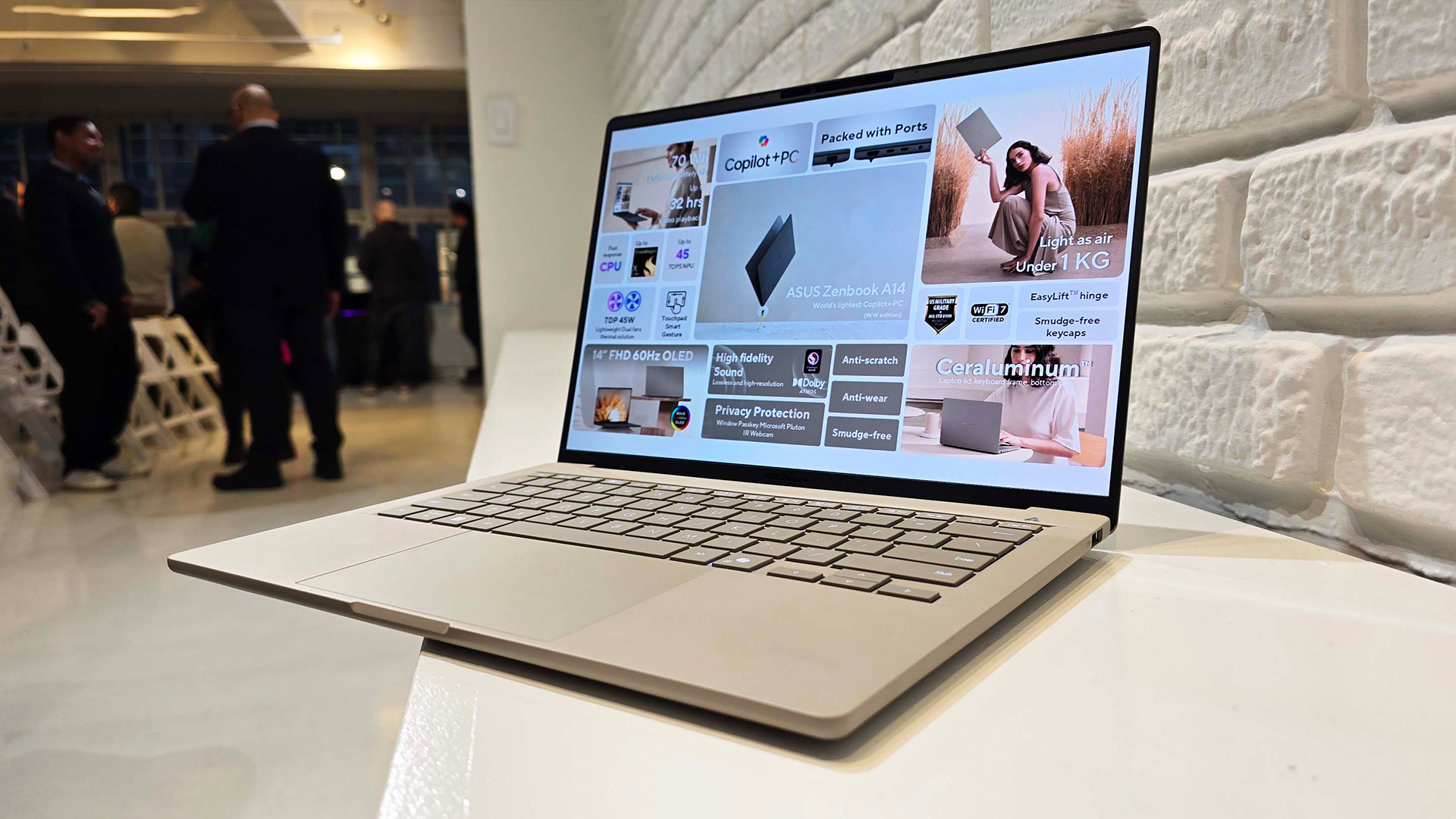
Malware and adware can silently hog your CPU, RAM, and network connection. If your laptop has slowed down suddenly for no obvious reason, it is worth running a scan.
- Windows Defender (built into Windows 11) is solid for everyday protection. Run a full scan via Windows Security > Virus and threat protection
- Malwarebytes Free is worth running alongside it as a second opinion scanner
- Remove any threats found and restart your laptop
Note: If you have multiple antivirus programmes running at the same time, they can conflict and slow your system down. Stick to one real-time antivirus and use on-demand scanners for occasional checks.
Fix 10: Check Your Power Settings
If your ASUS is running on battery without a charger plugged in, Windows may be limiting performance to save power. This is by design, but it can feel painfully slow.
- Plug in your charger when doing demanding tasks
- Go to Settings > System > Power and check your Power Mode is set to Best Performance or Balanced (not Best Power Efficiency)
- ASUS laptops also recommend connecting the AC adapter for the best performance experience, so keep it plugged in during heavy use
Fix 11: Consider a Fresh Windows Install
If you have tried everything above and your laptop is still sluggish, a clean Windows reinstall is often the most effective reset. It removes years of accumulated software, broken registry entries, and junk files.
- Back up your files to an external drive or OneDrive first
- Go to Settings > System > Recovery > Reset this PC
- Choose Remove everything for the cleanest result
- Reinstall only the apps and drivers you actually need
This takes an hour or two but can genuinely feel like getting a new laptop. Many people are surprised by how much of a difference it makes.

Revive Your ASUS Performance Today
A slow ASUS laptop is almost always fixable without spending a fortune. Start with the free software fixes like disabling startup apps, changing your performance profile, and updating drivers. Then, if the hardware is limiting you, an SSD or RAM upgrade can completely transform your machine for well under £100.
If you are looking for a refurbished ASUS laptop that is already optimised and ready to go, browse the range at Laptop Outlet. All our laptops are tested, graded, and ready to use from day one.

A Few Things to Note...
Why is my brand-new ASUS laptop already slow?
Bloatware and too many startup apps are usually responsible. Disable unnecessary startup items in Task Manager and uninstall pre-installed trial software to see an immediate improvement.
Does ASUS MyASUS actually help with performance?
Yes. MyASUS lets you switch performance profiles, optimise startup apps, and manage driver updates, all from one place. It is free and pre-installed on most ASUS laptops.
How do I know if thermal throttling is slowing my laptop?
Use HWiNFO64 (free tool) to monitor CPU frequency and temperature under load. If speed drops suddenly at high temps, throttling is occurring.
Can I upgrade the RAM in my ASUS VivoBook or ZenBook?
It depends on the model. Some have upgradeable RAM slots; others have it soldered to the motherboard. Check your model's official specs on the ASUS support website before purchasing.
What is the best SSD for an ASUS laptop in the UK?
For most users, a PCIe Gen 4 NVMe SSD from brands like Crucial, Kingston, or Samsung offers excellent value. Expect to pay £55 to £110 for a 1TB drive.
Is G-Helper better than Armoury Crate for ROG laptops?
Many users prefer G-Helper as it is lighter and more straightforward. It controls fan curves, performance modes, and GPU switching without the bloat of Armoury Crate.
Will a factory reset speed up my ASUS laptop?
Yes, a clean Windows reinstall removes accumulated junk and is one of the most effective fixes for a very slow or unstable laptop. Back up your data first.
How often should I clean the vents on my ASUS laptop?
Every three to six months is a good rule of thumb, or more frequently if you use it in dusty environments or on soft surfaces like beds and sofas.
| Read More: |
| How to Speed Up a Slow HP Laptop in 2026? |
| How to Speed Up a Slow Surface Laptop in 2026? |
| How to Speed Up Your Laptop – Easy Fixes for Better Performance |
Related Articles


Last Updated: March 19, 2026
Finding the right ASUS gaming laptop under £1500 is a lot easier than it used to be. A few years ago, this budget often meant making obvious compromises on graphics power, storage or screen quality. In 2026, that is no longer the case. ASUS has some genuinely strong options in this price range, especially across the TUF Gaming and ROG Strix line-ups.
The trick is knowing which model actually fits the way you play.
Some buyers want the most GPU power they can afford. Others care more about portability, a sharper display or a machine that can handle gaming after work without feeling too bulky to carry every day. That is why this ASUS gaming laptops under £1500 guide focuses on what matters most in real buying decisions: performance, screen quality, storage, size, and overall value.
If you are shopping in the UK and want a gaming laptop that can comfortably handle modern titles, multitasking and everyday use without jumping into premium pricing, these ASUS picks deserve a serious look.
Best

Last Updated: September 08, 2026
ASUS and HP now compete across almost every type of Windows laptop, from lightweight AI PCs to business machines and RTX-powered gaming systems. The real differences appear when you compare their processors, memory, storage, displays, portability, and product families. This ASUS vs HP laptops guide breaks those areas down so you can match the right brand and specification to the way you actually use your laptop.
ASUS vs HP: Quick Comparison
| Feature | ASUS | HP |
| Everyday laptops | Vivobook | OmniBook 3/5 |
| Premium laptops | Zenbook | OmniBook X/Ultra |
| Business | ExpertBook | ProBook/EliteBook |
| Gaming | TUF Gaming/ROG | Victus/OMEN |
| Creator/workstation | ProArt | ZBook |
| Processors | Intel Core Ultra, AMD Ryzen AI, Snapdragon | Intel Core Ultra, AMD Ryzen AI, Snapdragon |
| Displays | Strong OLED, Mini LED and high-refresh choice | IPS, OLED, touch and high-refresh options |
| Best suited to | Broad display and gaming choice | Consumer, business and workstation depth |
Neither company wins every category. Compare equivalent ranges first rather

Last Updated: September 08, 2026
Lenovo and ASUS both cover everything from everyday laptops to premium business machines and high-performance gaming systems, but their strengths are not identical. Lenovo stands out through ThinkPad, Yoga, IdeaPad and Legion, while ASUS counters with Zenbook, Vivobook, ExpertBook, TUF Gaming and ROG. This Lenovo vs ASUS laptops comparison looks at processors, RAM, storage, displays, battery life, upgradeability and gaming hardware to help you see which brand fits your needs in 2026.
Lenovo vs ASUS: Quick Comparison
| Area | Lenovo | ASUS |
| Everyday laptops | IdeaPad | Vivobook |
| Premium thin-and-light | Yoga | Zenbook |
| Business | ThinkPad | ExpertBook |
| Gaming | Legion / LOQ | ROG / TUF Gaming |
| Current processors | Intel Core Ultra, AMD Ryzen AI, Snapdragon options | Intel Core Ultra, AMD Ryzen AI, Snapdragon options |
| Memory | Soldered or upgradeable depending on model | Soldered or upgradeable depending on model |
| Displays | IPS, OLED, touch and high-refresh options | IPS, OLED, touch, Mini LED and high-refresh options |
| Main strength |

Last Updated: September 07, 2026
A dependable business laptop must do more than open emails and spreadsheets. It should support your applications, protect company data, connect to workplace equipment, and remain comfortable through long working days. However, even the best business laptop brands take different approaches to these requirements. This guide compares Lenovo ThinkPad, HP EliteBook, Dell Latitude, and Dell Pro, ASUS ExpertBook, and Microsoft Surface so you can identify the most suitable range for your work.
Which Business Laptop Brand is Best?
There is no single best brand for every professional. Lenovo ThinkPad offers one of the broadest selections, while HP EliteBook places strong emphasis on security and collaboration. Dell Latitude and newer Dell Pro systems suit managed IT environments, ASUS ExpertBook provides practical options for SMEs, and Microsoft Surface combines premium mobility with close Windows integration.
The right choice ultimately depends on your software, security policies, working location,

Last Updated: September 08, 2026
Samsung and ASUS take noticeably different approaches to laptops in 2026. Samsung concentrates its Windows range around the Galaxy Book6 family, combining slim designs with Galaxy device integration, while ASUS spreads its options across Vivobook, Zenbook, ExpertBook, ProArt, TUF Gaming, and ROG. This Samsung vs ASUS laptops comparison looks at processors, RAM, storage, displays, battery life, connected features, and graphics to help you decide which approach suits you.
Samsung vs ASUS: Key Differences at a Glance
| Area | Samsung | ASUS |
| Everyday | Galaxy Book6 | Vivobook |
| Premium | Galaxy Book6 Pro | Zenbook |
| High performance | Galaxy Book6 Ultra | ProArt / ROG |
| Business | Galaxy Book6 / Pro | ExpertBook |
| Processors | Mainly Intel Core/Core Ultra | Intel Core Ultra, AMD Ryzen AI, Snapdragon |
| Displays | IPS and Dynamic AMOLED 2X | IPS, OLED, Mini LED, dual OLED |
| Dedicated graphics | Up to RTX 5070 on Book6 Ultra | Broad RTX range through ProArt, TUF and ROG |
| Key advantage | Galaxy ecosystem | Wider hardware and form-factor choice |

Last Updated: September 08, 2026
ASUS and Dell compete across everyday laptops, premium ultraportables, business machines and high-performance gaming systems, but they take different routes to get there. ASUS offers a particularly broad mix through Vivobook, Zenbook, ExpertBook, ProArt, TUF Gaming and ROG, while Dell covers consumer computing, XPS, Dell Pro, and Alienware. This ASUS vs Dell laptops comparison looks beyond the badge at the specifications and features that actually affect your experience.
ASUS vs Dell: Key Differences at a Glance
| Area | ASUS | Dell |
| Everyday | Vivobook | Inspiron |
| Premium | Zenbook | XPS |
| Business | ExpertBook | Dell Pro |
| Creator | ProArt | XPS / Dell professional systems |
| Gaming | TUF Gaming / ROG | Alienware |
| Current CPUs | Intel Core Ultra, AMD Ryzen AI, Snapdragon | Intel Core / Core Ultra |
| Displays | IPS, OLED, Mini LED, high-refresh | IPS/LCD, OLED, high-refresh |
| Main strength | Range depth and specialist hardware | Premium and business focus |
Dell's current XPS family includes 13-, 14- and 16-inch options, while ASUS spreads

Last Updated: September 08, 2026
If you’re looking for a serious gaming laptop in 2026, two names will keep cropping up: Razer and ASUS ROG. Both brands produce high-performance machines with premium displays, powerful processors, and NVIDIA GeForce RTX graphics. However, they approach gaming laptops in noticeably different ways.
Razer Blade laptops generally prioritise slim aluminium designs, portability, and a refined user experience. ASUS ROG offers a broader selection, ranging from portable Zephyrus laptops to performance-focused Strix and Strix SCAR machines.
Quick Answer:
- Choose Razer for refinement and portability.
- Choose ASUS ROG for choice, sustained performance and value.
Here’s a practical guide to Razer vs ASUS ROG laptops, covering design, performance, displays, cooling, battery life, value, and the current models worth comparing.
Razer vs ASUS ROG: Key Differences at a Glance
| Area | Razer Blade | ASUS ROG |
| Portable gaming | Blade 14 | Zephyrus G14 |
| Premium 16-inch | Blade 16 | Zephyrus G16 |
| Desktop replacement | Blade 18 |

Last Updated: September 09, 2026
LG and ASUS now overlap far more than their reputations suggest. LG gram still specialises in exceptionally light laptops, but its latest range adds OLED displays, Intel Core Ultra and AMD Ryzen AI processors, Copilot+ features, and improved connectivity. ASUS stretches much further, from portable Zenbooks and everyday Vivobooks to creator-focused ProArt and powerful ROG gaming machines.
This LG vs ASUS laptops comparison looks at performance, RAM, storage, displays, battery life, AI features and graphics so you can see which approach suits you.
Which LG and ASUS Range Fits Your Needs?
LG's current family includes gram Book, gram, gram Pro, and gram Pro 2-in-1. The focus remains thin-and-light computing, but the latest gram Pro hardware is considerably more capable than the “light office laptop” label suggests.
The current 16-inch gram Pro, for example, combines a 3K OLED screen, Intel Core Ultra processor, LPDDR5X memory and a 77Wh battery while weighing just 1.199kg.
ASUS separates different

Last Updated: October 08, 2025
If you’ve ever owned an ASUS laptop - whether it’s a VivoBook for uni work, a TUF machine for gaming, or a Zephyrus for serious creative projects - you’ll know that things don’t always run perfectly forever. Over time, you might notice your battery draining faster, your fans spinning louder, or a game stuttering that used to run smoothly. Nine times out of ten, that’s down to drivers or firmware needing an update.
Updating drivers and the BIOS isn’t glamorous, but it’s one of the most effective ways to keep your ASUS laptop running at its best. The latest drivers squash bugs, improve compatibility with Windows 11, and even unlock new features. A BIOS update can go further still, ironing out stability issues, boosting performance, and extending hardware lifespan.
The good news? ASUS gives you proper tools like MyASUS, Armoury Crate, EZ Flash, and WinFlash, which make updates far less intimidating than they sound. Whether you’re rocking an ASUS VivoBook, TU F, or Zephyrus, this walkthrough
Last Updated: February 25, 2026
Gone are the days when portability meant sacrificing power!
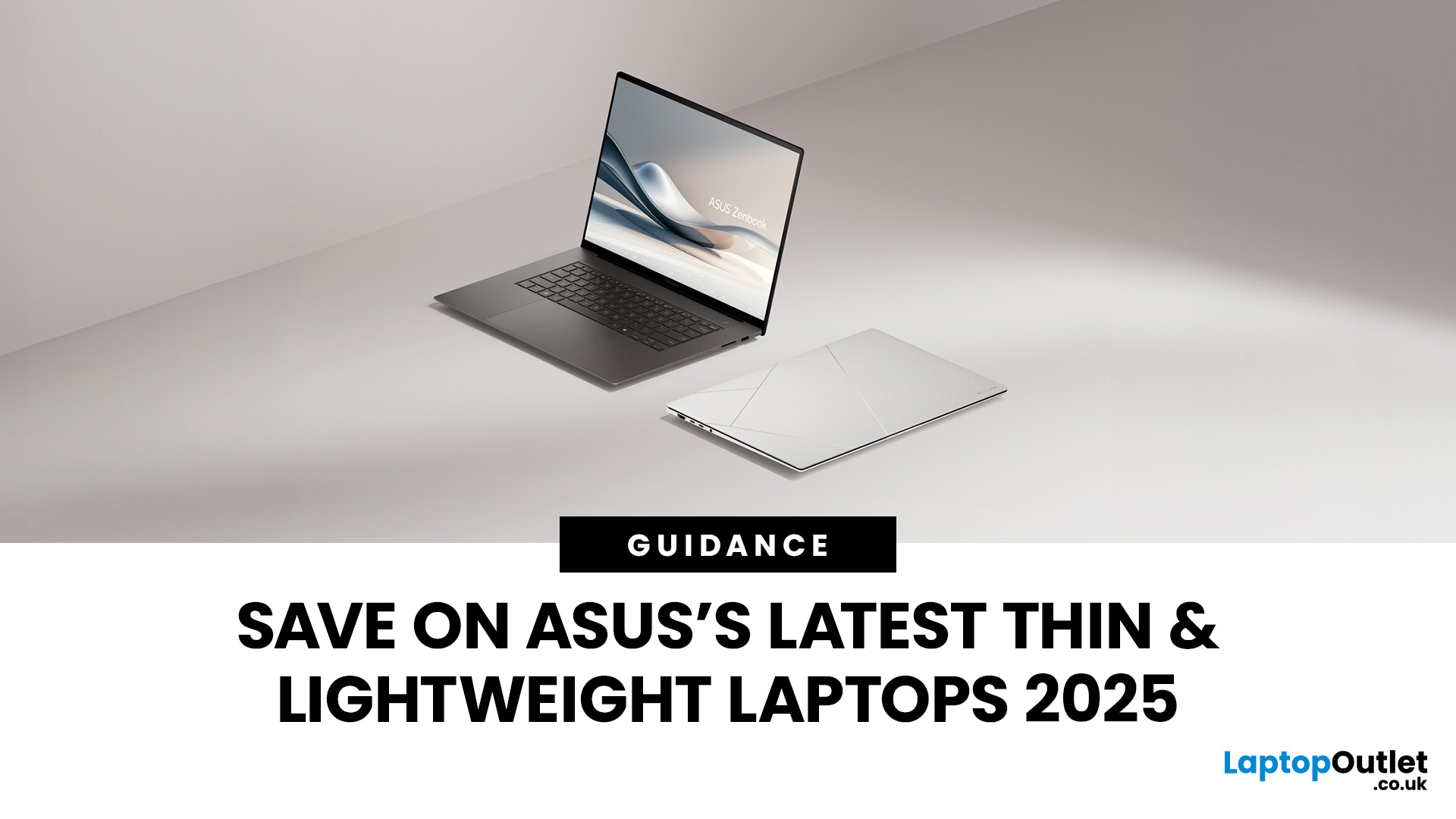
ASUS, a globally recognised brand, offers a diverse range of laptops known for their portability and cutting-edge features. With a commitment to innovation and quality, ASUS laptops cater to many users, from professionals and students to gamers and creative individuals. Their sleek designs and powerful performance make them a top choice for anyone looking for a reliable and stylish computing solution.
If you're searching for the best deals on ASUS laptops, Laptop Outlet is the best destination. Renowned for its competitive pricing and extensive selection, Laptop Outlet ensures you can get your favourite ASUS laptops without breaking the bank. What could be better than finding top-tier laptops at affordable prices?
Discover how to save on the latest ASUS thin and lightweight laptops in 2025 while enjoying the best technology and design.
What Makes ASUS Laptops Stand Out?
Innovative & High-Built Quality
ASUS is a leader in portable

