




Blog Categories








March 12, 2026

The 2026 edition of the Zenbook Duo is a significant step up from its predecessor. It brings Intel's latest Core Ultra Series 3 processor, a redesigned hinge, brighter OLED panels, and a much larger battery.
But here’s the real question… do you actually need it?
This ASUS Zenbook Duo review breaks it down. You will get the full picture on performance, display quality, battery life, build quality, and most importantly, whether the dual-screen design is worth your money.
Design and Build Quality: Smaller, Stronger, and More Refined
At first glance, the Zenbook Duo looks deceptively ordinary. Closed up, it resembles a slightly chunky premium laptop. Open it, and the picture changes entirely. This section of our ASUS Zenbook Duo review looks at just how well-built this machine really is.
Ceraluminum Chassis
ASUS has built the entire chassis, including the hinge, kickstand, and screen surrounds, from Ceraluminum. This is their proprietary material that is 30% lighter and three times stronger

February 19, 2026
New year, new goals and let’s be honest, maybe a laptop that doesn’t sound like it’s about to take off every time you open a browser. If an upgrade is on your 2026 checklist, New Year Laptop Deals are one of the smartest (and calmest) times to buy.
Unlike peak sales seasons where everything disappears in minutes, New Year brings steady, genuinely good discounts across cheap laptops, premium models, gaming machines, and even business-grade devices. Whether you’re shopping for work, study, gaming, or just everyday life, this is where value really shows up.
In this guide, we’ll break down the best laptops New Year deals, highlight savings on ASUS, HP, Lenovo, and explain how to choose the right laptop—without drowning in specs or hype.
Why New Year Is the Best Time to Buy a Laptop

While Black Friday grabs attention, January quietly delivers better long-term value. Retailers clear remaining stock, refresh product lines, and offer strong discounts across multiple categories.
Here’s why New
December 22, 2025
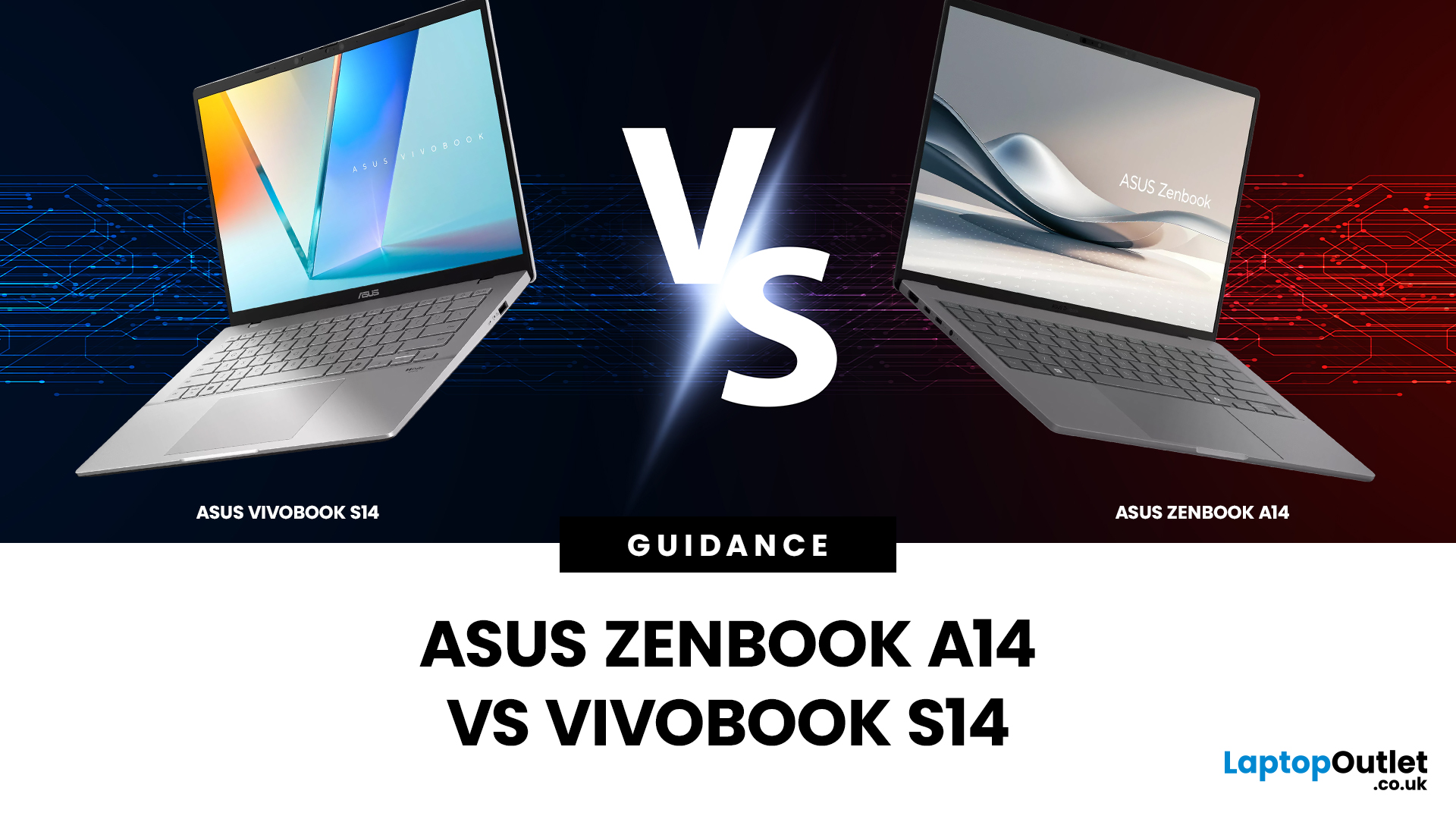
Choosing the right laptop isn’t just about specs on paper; it’s about finding a device that fits your lifestyle, workload, and budget. If you’re deciding between two of ASUS’s most popular lightweight laptops, this ASUS Zenbook A14 vs Vivobook S14 comparison will help you make the right call.
Both models are designed for portability, productivity, and everyday performance, but they target slightly different users. The Zenbook A14 leans towards premium design and long battery life, while the Vivobook S14 focuses on versatility and value. In this guide, we’ll compare everything from build quality and display to performance, battery life and real-world use cases, so you can choose with confidence.
Which Laptop Looks and Feels Better? Design and Build Quality Compared
Design is often the first thing you notice when choosing a laptop, especially if you’re carrying it around every day.
ASUS Zenbook A14: Premium and Minimalist
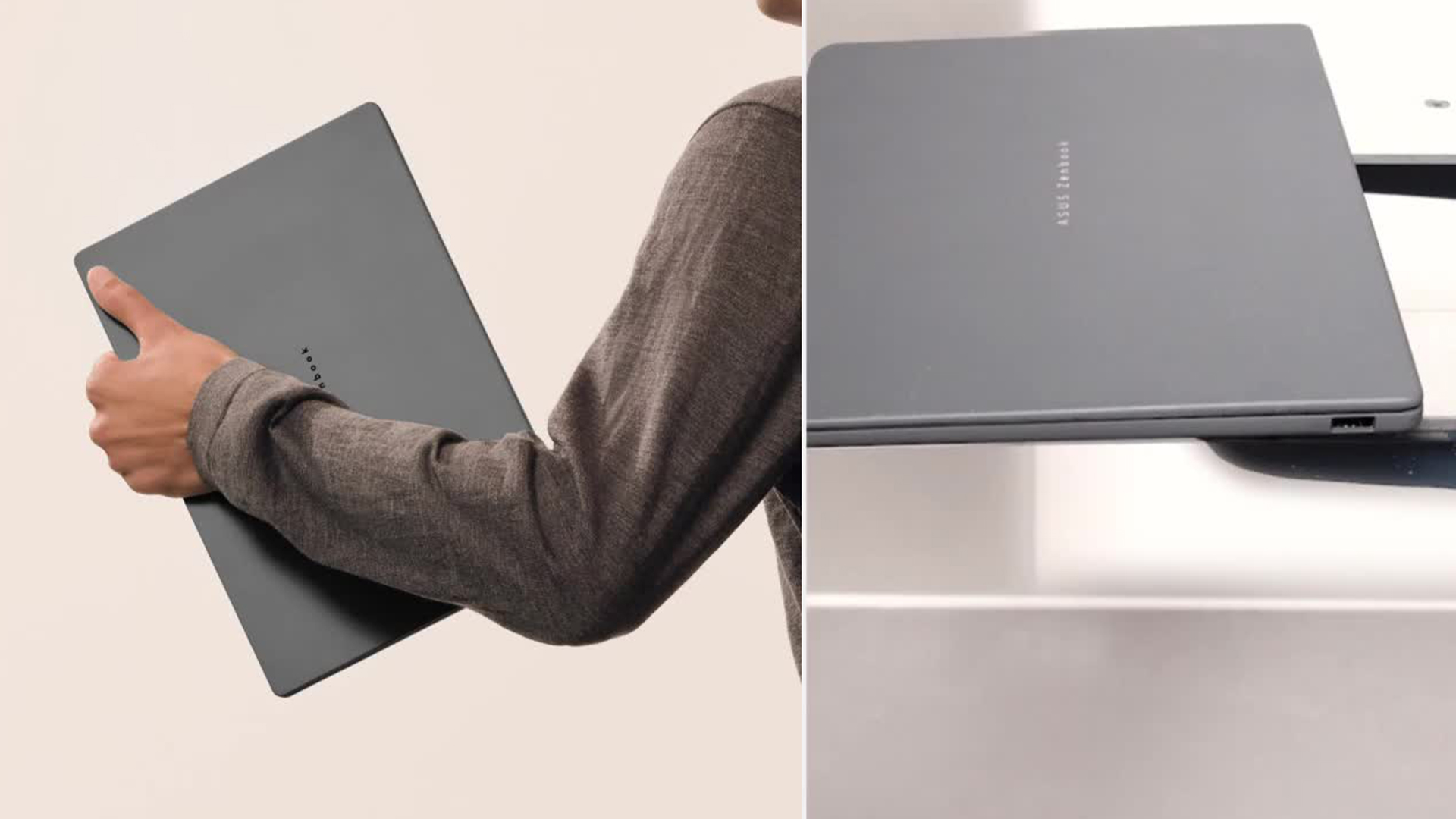
The Zenbook A14 is built with portability and elegance in mind. It

March 06, 2026
In 2026, ASUS continues to lead the ultrabook market with two standout options, the ASUS Chromebook and the ASUS ZenBook. Both deliver sleek design, portability, and performance, but they cater to different users. ASUS Chromebooks are lightweight, affordable, and perfect for students and everyday tasks, while ZenBooks offer premium craftsmanship, powerful hardware, and superior productivity for professionals and creators.
This comparison explores their specs, performance, battery life, and value, helping you decide which ultrabook suits your needs best. Whether you’re after effortless portability or all-day performance, we’ll uncover which ASUS laptop truly offers better value in 2026.
ASUS Chromebook vs ZenBook – The 2026 Ultrabook Showdown
In 2026, ASUS continues to lead the ultrabook arena with two stellar lineups that capture the essence of modern computing, the ASUS Chromebook and the ASUS ZenBook. Both are sleek, reliable, and performance-driven, but they serve very different lifestyles.

October 30, 2025
Remote work has become part of everyday life. Whether you’re working from home, hopping between meetings, or travelling across cities, a reliable laptop can make all the difference. That’s where the ASUS laptops come in - sleek, powerful, and designed for people who get things done on the move.
It’s not just about specs or looks. The ASUS ZenBook laptop is built for real-world use: strong performance for multitasking, battery life that actually lasts, and a design that doesn’t hold you back. If your workdays shift between kitchen tables, co-working spaces, and coffee shops, this laptop fits right in.
Why the ASUS ZenBook Is Ideal for Remote Work

For anyone who works remotely, the perfect laptop should be light enough to carry everywhere, powerful enough to multitask, and reliable enough to last the entire working day. The ZenBook range hits this sweet spot effortlessly.
Modern ZenBook models are thin, light, and stylish – yet surprisingly powerful under the hood. They combine Intel Core

November 05, 2025
Stunning visuals are essential for modern creators and ASUS delivers. Whether you’re editing photos, grading videos, or designing digital art, display quality defines the precision of your work. That’s where the ASUS ZenBook OLED display steps in, delivering deep blacks, lifelike colour accuracy, and remarkable clarity that outshines traditional screens. In this blog, we’ll explore what makes ZenBook OLED displays so special, how they compare to IPS panels, and why they’ve become a go-to choice for photographers, video editors, and creative professionals who demand exceptional visuals without compromising portability or eye comfort.
What is ZenBook OLED Display?
The term “OLED” (Organic Light-Emitting Diode) refers to a display technology where each pixel emits its own light rather than relying on backlighting as with IPS/LCD panels. In the ASUS ZenBook series, the use of OLED means deeper blacks, higher contrast and more vibrant colours compared to many mainstream IPS laptops.
For example,
October 28, 2025
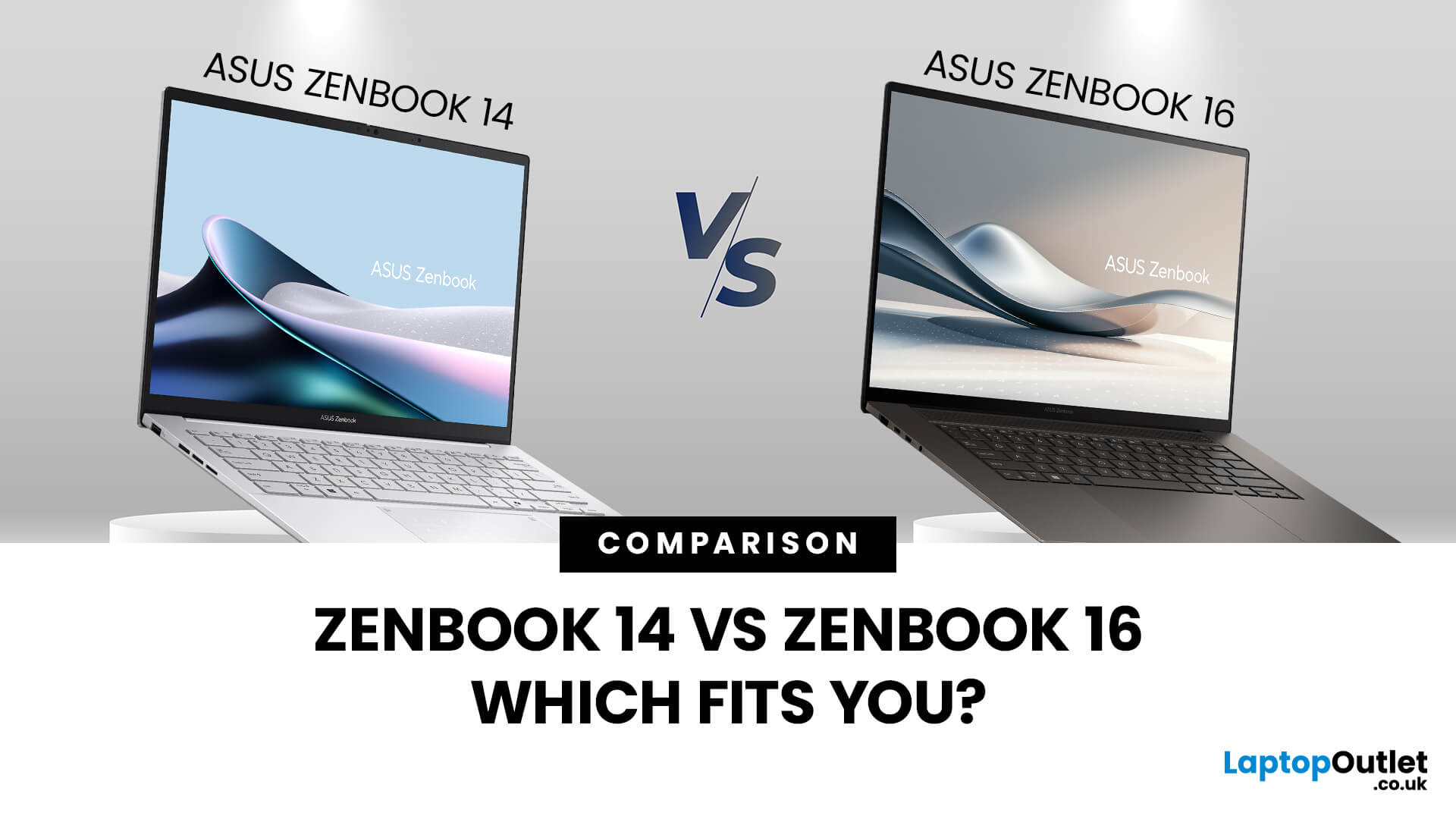
When you’re shopping around and weighing up the choice between the ASUS ZenBook 14 vs ZenBook 16, you’ll find there’s more than just the screen size difference. The ASUS ZenBook 14 and ZenBook 16 bring together premium design, OLED displays, and strong performance in sleek ultrabook form. The ZenBook 14 is ideal for portability and everyday productivity, while the ZenBook 16 offers a larger screen and extra power for creative professionals. Both models reflect ASUS’s commitment to quality and innovation, making them top choices for modern users. This blog is a comparison of both for user to choose according to their requirements.
Overview of the ZenBook Series
The Appeal of Ultrabooks
Ultrabooks such as the ZenBook line from ASUS deliver a potent mix of portability, premium build quality and enough performance for modern tasks. As the ultra-thin, ultra-light category has matured, buyers have come to expect metal-chassis design, high-resolution or OLED displays, quick SSD storage and long
October 28, 2025
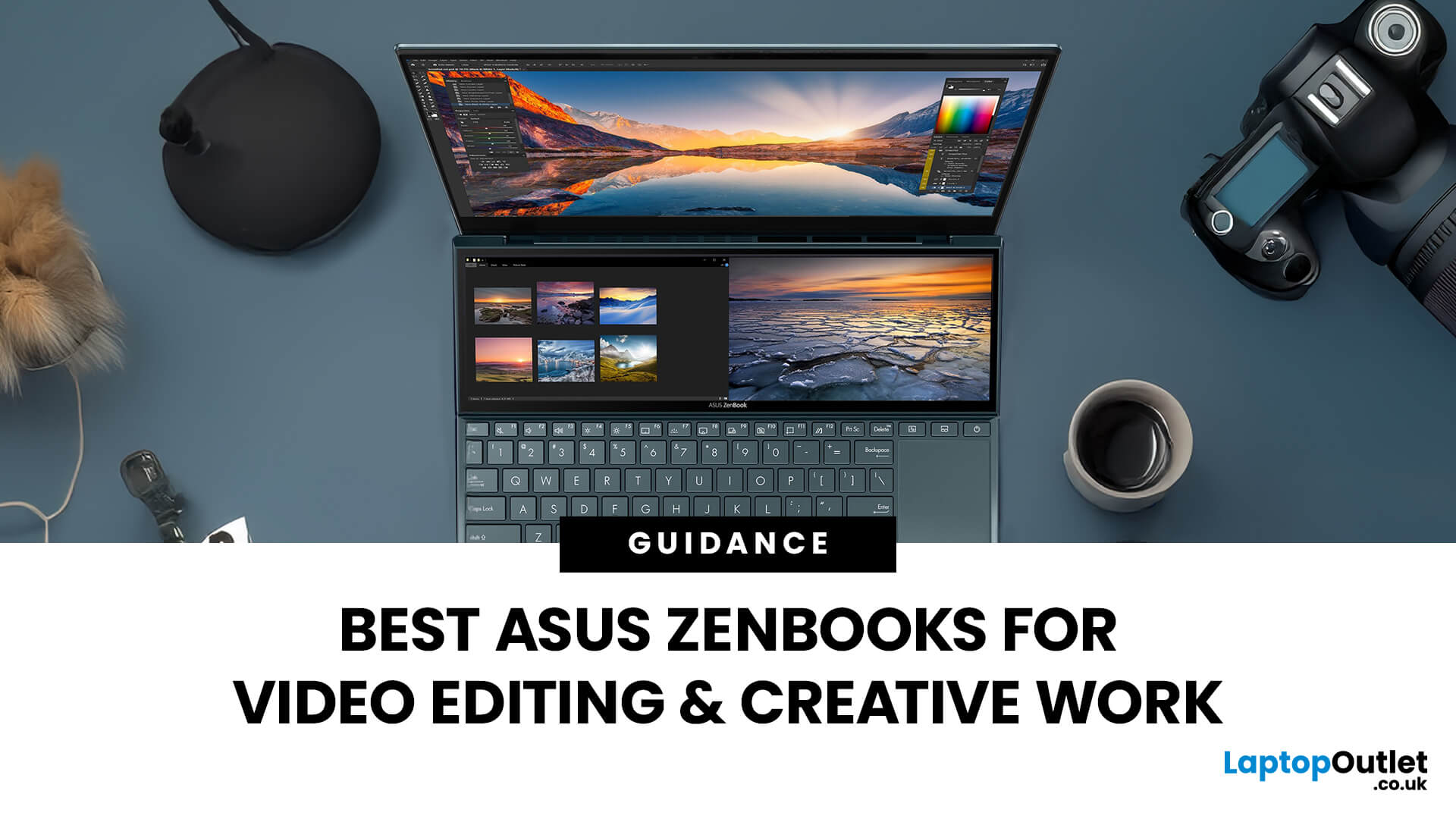
In the world of video editing, motion graphics and creative workflows, picking the right laptop isn’t just about getting “something that works” - it’s about securing a machine that gives you freedom, performance and accuracy. If you’re a professional creator in the UK (or serve the retail/B2C market), you’ll want something that doesn’t compromise when you’re rendering timelines, colour‐grading in 10-bit, switching between apps, or hauling your work between studio and location. That’s where the ASUS ZenBook line comes in.
Why ASUS ZenBooks Are Ideal for Video Editing & Creative Work
The ZenBook range has carved out a strong position for creators, offering a blend of build quality, lightweight design, powerful internals and premium displays. According to ASUS, their “creator” ZenBooks are designed specifically for editing, design and graphics-intensive workflows.
Here are some of the key features that make them stand out:
- Display quality: Many ZenBooks offer OLED panels, high refresh rates,
October 09, 2025
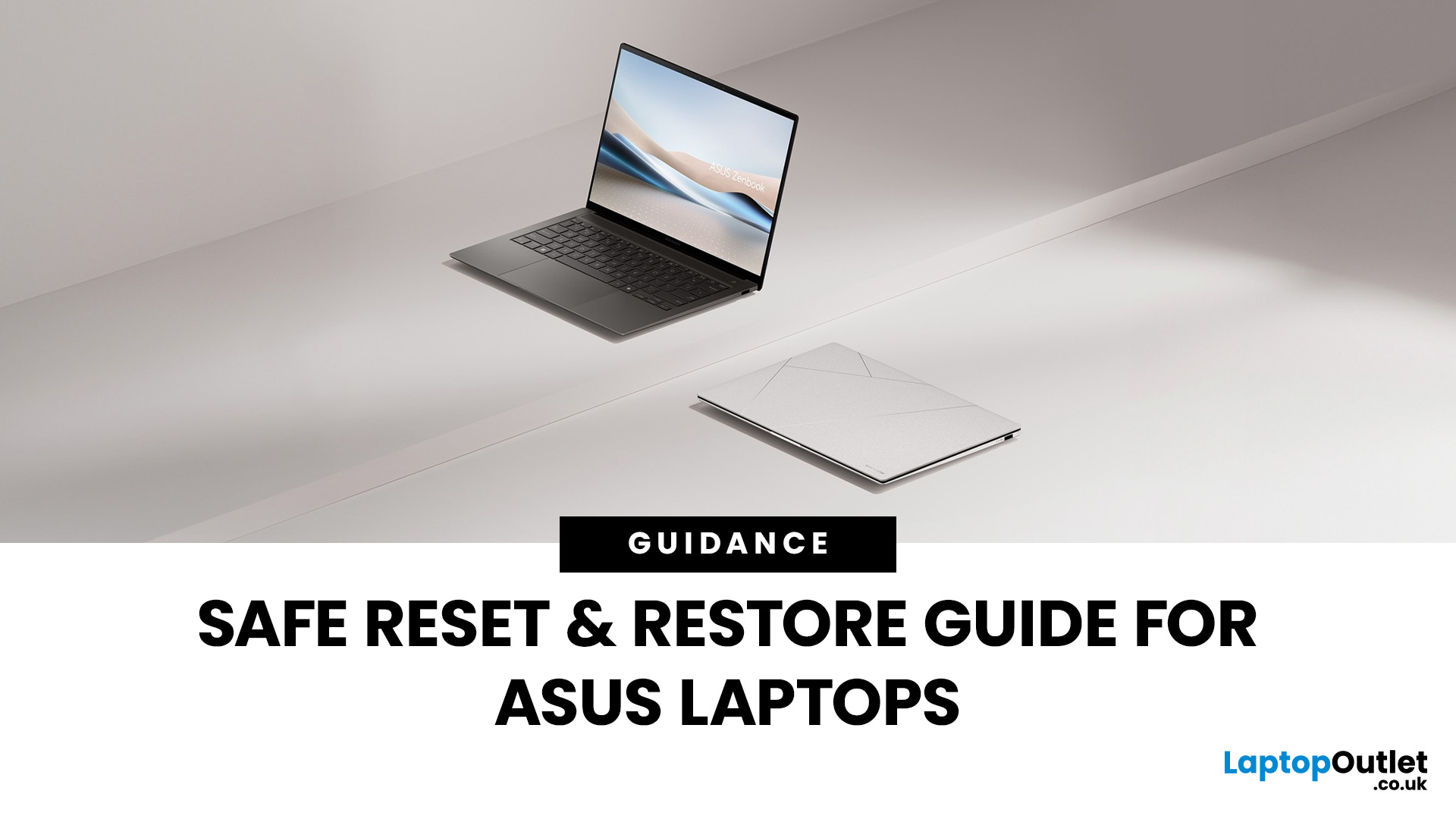
Resetting or restoring your ASUS laptop can often fix persistent software issues, performance slowdowns, or even forgotten passwords. Whether you’re using an ASUS ZenBook, VivoBook, or ROG gaming laptop, knowing how to reset an ASUS laptop safely ensures your device runs smoothly without risking data loss. In this guide, we’ll cover different reset options, including factory reset in Windows 11, resetting without a password, accessing the ASUS recovery partition, and BIOS reset methods.
Why You Might Need to Reset an ASUS Laptop
There are several scenarios, where performing a reset or restore on your ASUS laptop is the smartest and safest solution. In 2025, with laptops running more advanced AI-powered Windows 11 features and heavier apps, resets are not just for fixing major problems but also for ensuring long-term stability.
- Performance Issues & Slowdowns
Even with SSDs and the latest Intel Core Ultra or AMD Ryzen 8000/9000 processors, ASUS laptops can slow down over time due to background
October 09, 2025
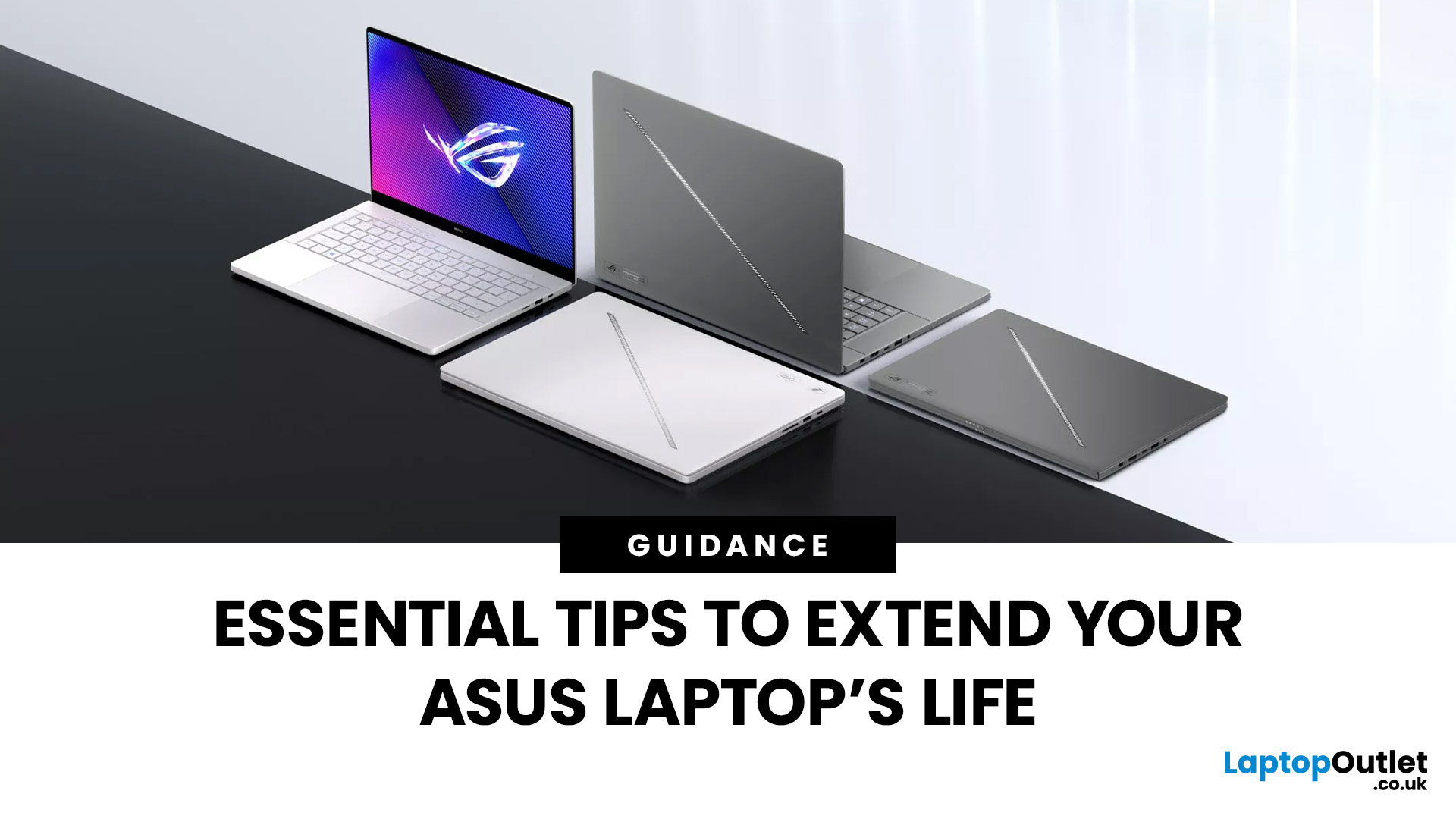
ASUS laptops are known for their blend of performance, durability, and innovation, but like any device, they need proper care to perform their best, year after year. Whether you own a ZenBook for productivity, a TUF model for durability, or a Zephyrus gaming powerhouse, regular upkeep and the right usage habits can significantly extend your laptop’s life.
This guide provides essential tips to extend ASUS laptop lifespan, covering everything from battery care and cleaning routines to cooling solutions and performance optimisation. With these practical ASUS laptop maintenance tips, you can keep your system fast, reliable, and looking as good as new well into the future.
Why Extending Your ASUS Laptop Lifespan Matters
Long-Term Value
Investing in an ASUS laptop is a long-term commitment, whether for work, study, or gaming. Extending its lifespan saves money by delaying the need for upgrades and maximises your return on investment.
Sustainability Impact
Caring for your device also reduces e-waste.
October 09, 2025
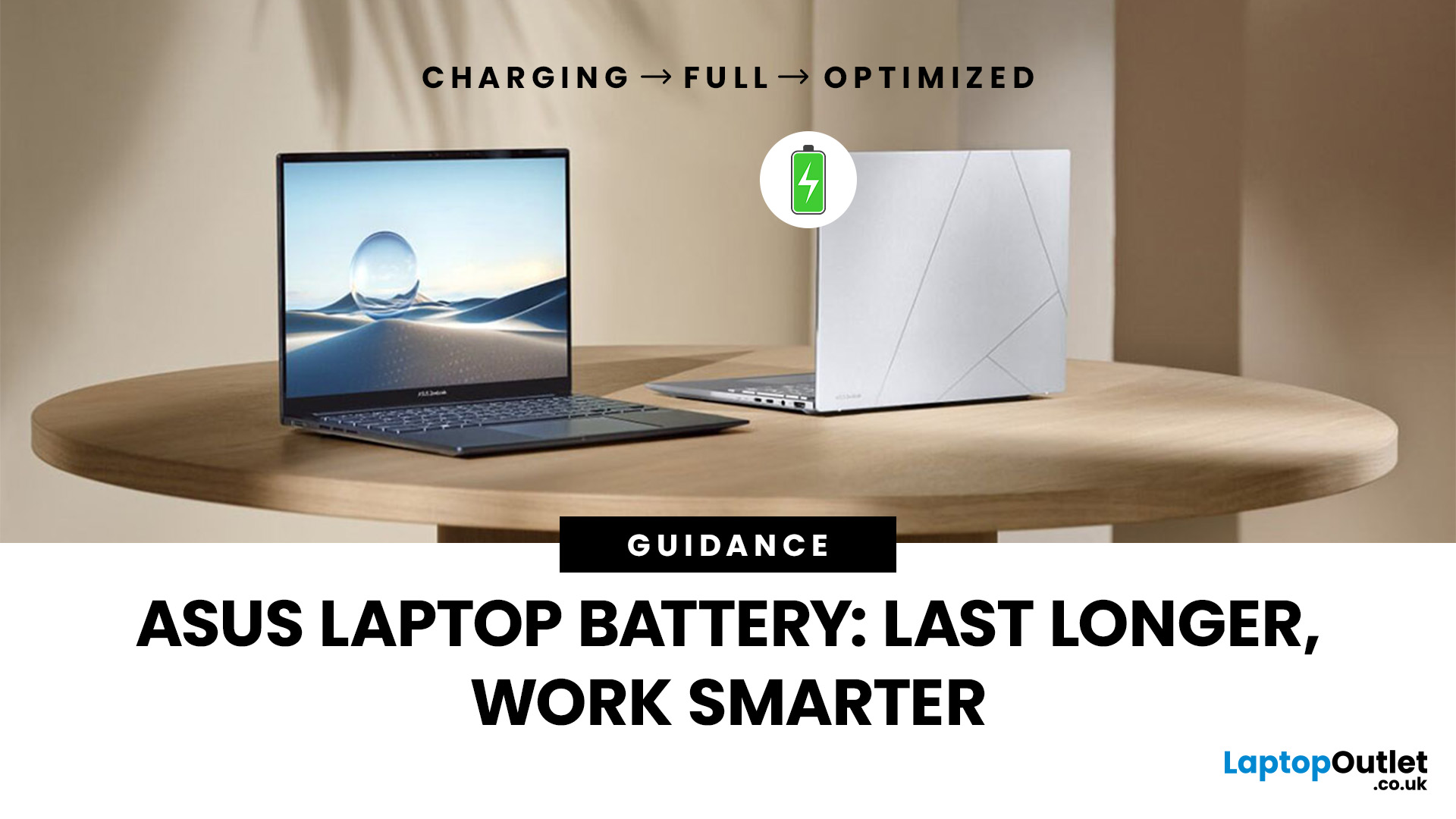
Battery life is one of the first things people notice on a laptop, and ASUS models are no exception. Whether you’re using a VivoBook for everyday work or a Zephyrus for gaming, performance on the go only matters if the battery can keep up. Over time, though, most users see the same problem - the charge doesn’t last like it used to.
The good news is, you don’t need to settle for short sessions and constant charging. ASUS laptops include built-in features like Battery Health Charging, power modes in MyASUS, and Windows 11 settings that can help extend run time. Add in a few simple tweaks - like managing brightness, limiting background apps, or calibrating the battery - and you can squeeze out noticeably more hours.
This guide covers everything you need to know about ASUS laptop battery optimisation, with practical steps you can apply straight away.
Understanding ASUS Laptop Battery Basics
Before we jump into optimisation, it helps to know how your ASUS laptop battery actually works. Most
April 08, 2026
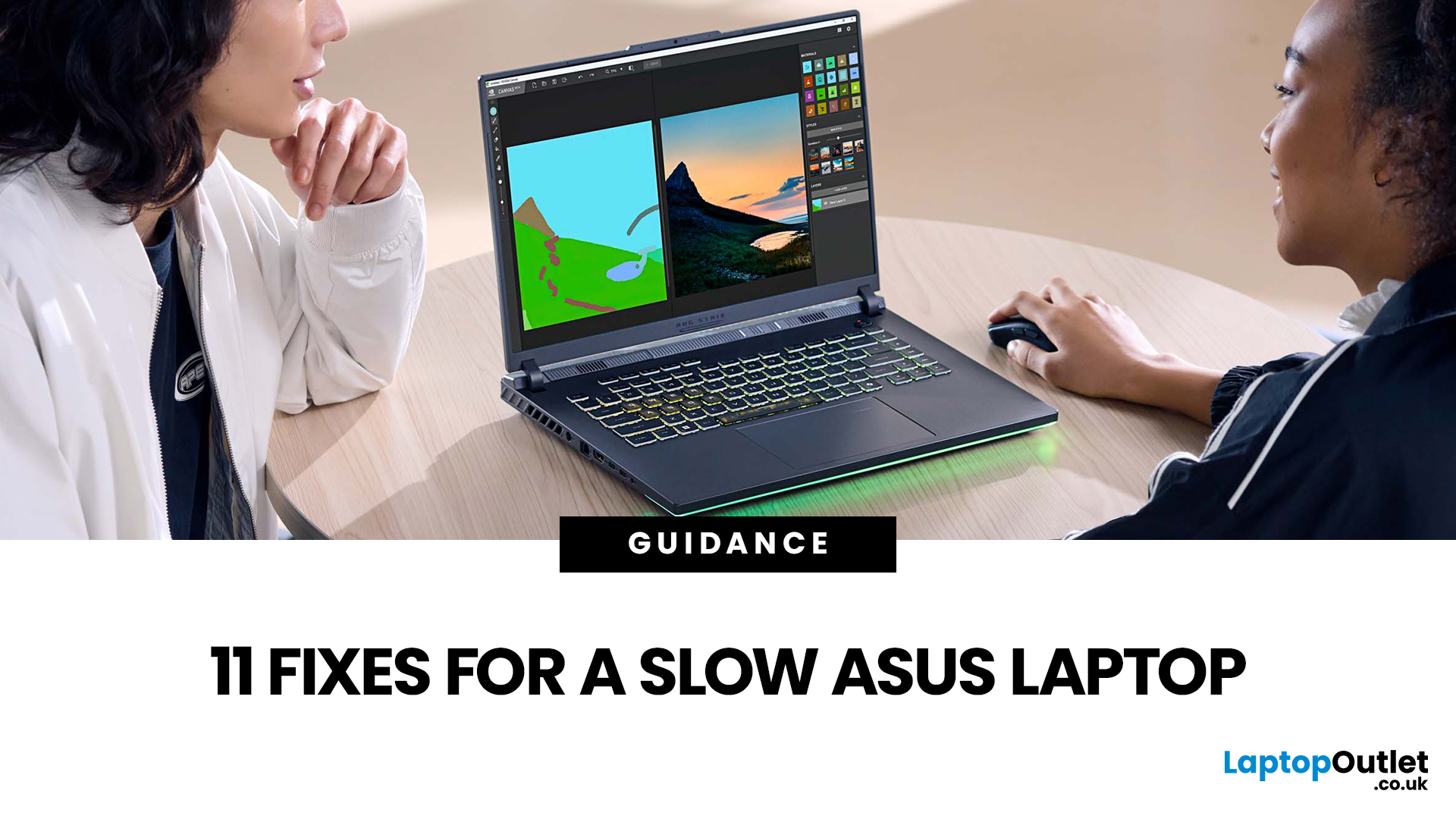
Your ASUS laptop was quick when you first got it. Now it stutters, freezes, or takes an age just to open Chrome. Sound familiar? You are not alone, and more importantly, you do not need to splash out on a brand-new machine.
This guide will walk you through exactly what is causing the slowdown and how to fix it. Whether you have an ASUS VivoBook, ZenBook, TUF Gaming, or ROG, there is something here for you.
Why Is Your ASUS Laptop Running Slow?
Before throwing solutions at the problem, it helps to know what you are actually dealing with. Here are the most common culprits:
| Cause | What It Means | How Common? |
| Too many startup apps | Apps launching at boot hog CPU and RAM | Very common |
| Thermal throttling | Laptop overheats and slows the CPU to cool down | Very common |
| HDD (not SSD) | Old spinning hard drive is the bottleneck | Common in older models |
| Low RAM | Not enough memory for your workload | Common |
| Bloatware | Pre-installed software running in the background | Common |
| Outdated drivers/BIOS | Software bugs causing |