



Hard Disk Drives
Shop hard disk drives at Laptop Outlet for desktop storage, portable use, NAS systems, and surveillance setups. Compare HDDs from WD, Seagate, Synology, and ADATA across different capacities, connections, and workloads to find dependable HDD storage for your system.
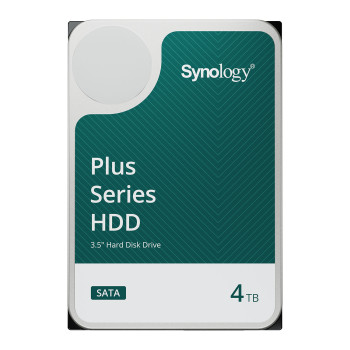
Finance available
Free Delivery *
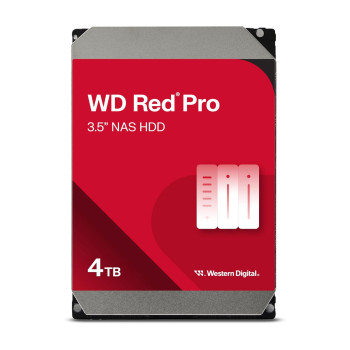
Finance available
Free Delivery *
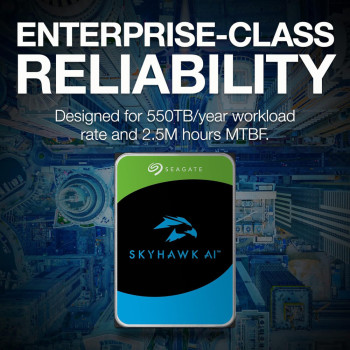
Finance available
Free Delivery *
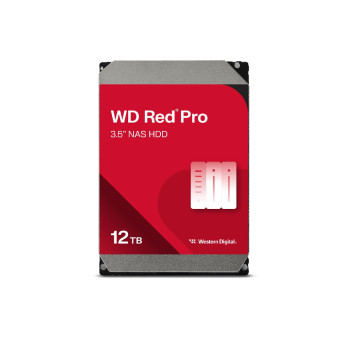
Finance available
Free Delivery *
Finance available
Free Delivery *
Finance available
Finance available
Finance available
Finance available
Free Delivery *
Finance available
Free Delivery *
Finance available
Free Delivery *
Finance available
Free Delivery *
Finance available
Finance available
Showing 15 of 76 Items
Find the Right Hard Drive for Your Storage Setup
The right hard drive depends on where it will be installed and what you need it to store. We have hard drives for desktop expansion, portable storage, NAS environments, and recording systems, giving you practical options for everyday files through to higher-capacity workloads.
Internal Hard Drives for Desktop Storage
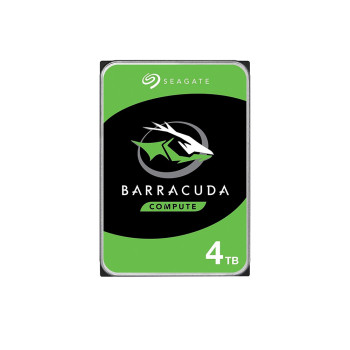
Need more room for documents, photos, videos, or other large files? Internal hard drives such as Seagate BarraCuda provide cost-effective SATA storage for compatible desktop PCs.
Before ordering, look at the drive size, SATA connection, and available drive bay in your system. Delve into the wider range of internal hard drives to match capacity and specifications to your desktop.
External & Portable Hard Drives
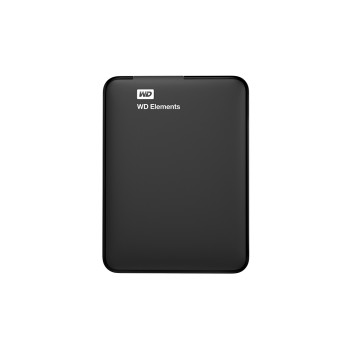
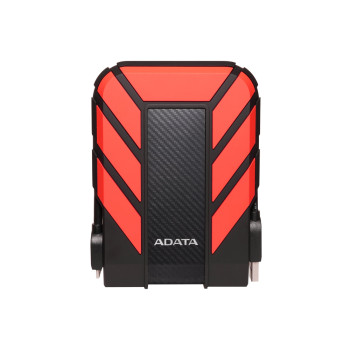
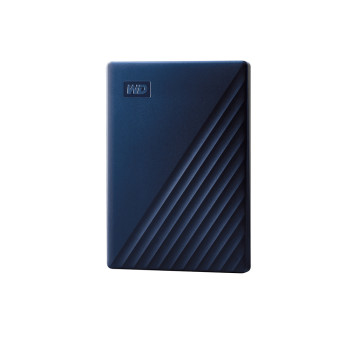
External hard drives are a straightforward choice when you want additional storage without opening your computer. Our current options include WD Elements, WD My Passport, and rugged ADATA HD710 Pro drives across multiple capacities.
A portable hard drive is simply a compact type of external drive designed to travel more easily, with many models powered directly over USB. Analyse capacity, physical size, USB connection, supplied cable, and stated Windows or macOS compatibility before buying. You can shop portable hard drives for work, home, or storage on the move.
NAS Hard Drives for Shared Storage
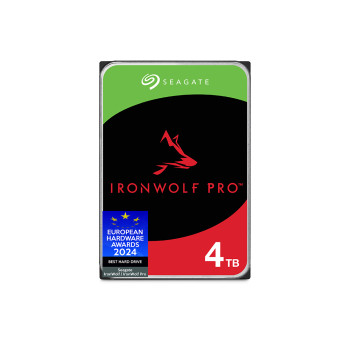
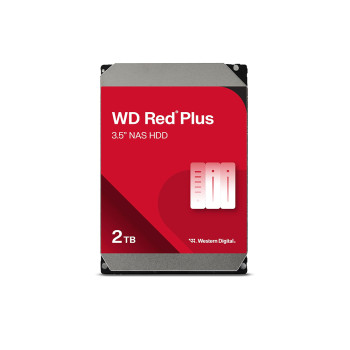
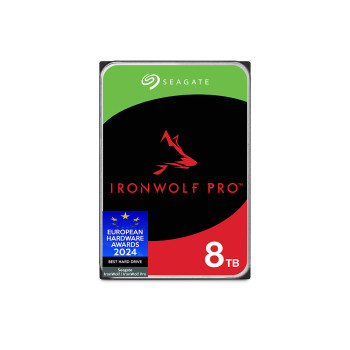
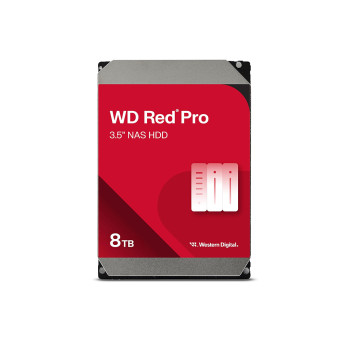
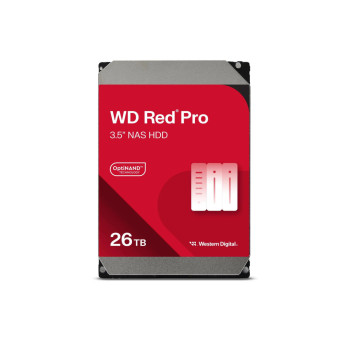
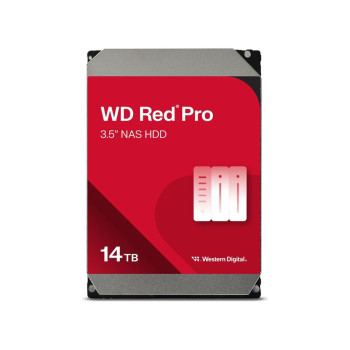
For compatible network-attached storage systems, NAS hard drives are designed around workloads that differ from ordinary desktop use. Our stocks ranges including WD Red Plus, WD Red Pro, Seagate IronWolf Pro, and Synology Plus.
Review your NAS manufacturer's compatibility list before ordering, including support for the exact drive model and capacity. Also consider the number of drive bays, expected workload and RAID configuration rather than selecting capacity alone.
Surveillance Drives for Recording Systems
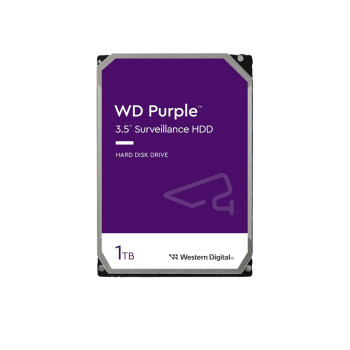
Surveillance hard drives such as WD Purple and Seagate SkyHawk AI are intended for compatible video recording systems and sustained recording workloads.
Choose according to your DVR, NVR, or surveillance platform requirements, supported capacity and expected recording workload. They should not automatically be treated as interchangeable with general-purpose desktop drives simply because the connection or physical size looks similar.
Compare 1TB, 2TB, 4TB, & Higher-Capacity HDDs
Capacity is one of the quickest ways to narrow your shortlist. Think about how much space you need now, how quickly your files are growing and whether paying for additional headroom today could delay another upgrade.
1TB: General documents, photos and lighter storage requirements
2TB: Larger personal libraries, regular file storage and additional desktop capacity
4TB: Growing media collections, larger archives and higher-volume storage
8TB-14TB+: NAS, surveillance and other capacity-heavy compatible systems
For a wider view of available formats and capacities, see all storage. If you only need compact storage for transferring smaller files between devices, USB flash drives may be more convenient than a full-size HDD.
Check Connections, Drive Size, & System Support
Do not assume every laptop can accept an internal HDD. Many newer systems use SSD-only storage or have no 2.5-inch drive bay, so look over the manufacturer's specifications before purchasing. Compatibility should come before capacity. Before adding a drive to your basket, verify:
- Internal installation: Confirm the drive's physical dimensions, SATA interface, mounting space and available bay.
- External connection: Check the USB standard, connector type, supplied cable and whether separate power is required.
- Windows and macOS: Confirm stated operating-system support and whether reformatting may be needed for your intended devices.
- NAS and recorders: Check the manufacturer's support list for the exact model and drive capacity.
- Drive technology: Consider recording technology and rated workload where these specifications matter to your intended use.
If you are upgrading more than storage, you can also explore other PC components for a compatible desktop build.
More Capacity or Faster Loading: HDD or SSD?
- Choose an HDD when your priority is plenty of storage at a competitive cost per terabyte.
- Choose portable SSDs when faster boot times, application loading and file access matter more.
For a desktop upgrade where speed is the priority, you can look at internal SSDs. If you need faster removable storage, portable SSDs provide an alternative to portable HDDs.
Whichever format you buy, remember that moving the only copy of a file onto another drive does not create a backup. Important data should exist in more than one independent location.
Ready to Buy Hard Drives from Laptop Outlet?
Shop current hard drive deals at Laptop Outlet and check available capacity, connection, workload rating, warranty information, and product condition before ordering. You can choose from tracked delivery options, straightforward returns and eligible payment methods including major cards, PayPal, PayPal Credit, PayPal Pay in 3, Klarna, Apple Pay, and Google Pay. Go through the individual product page and checkout for the latest stock, delivery availability, warranty terms, and payment eligibility.
Read More:
Hard Drive Prices: Storage Capacity, Robustness and Reliability
External Hard Drives vs USB Flash Drives: Which is Best?
Which Is The Best External Hard Drive? Top Brands And Prices
Read more