



Network Switches: Expand Your Home or Office Network Efficiently
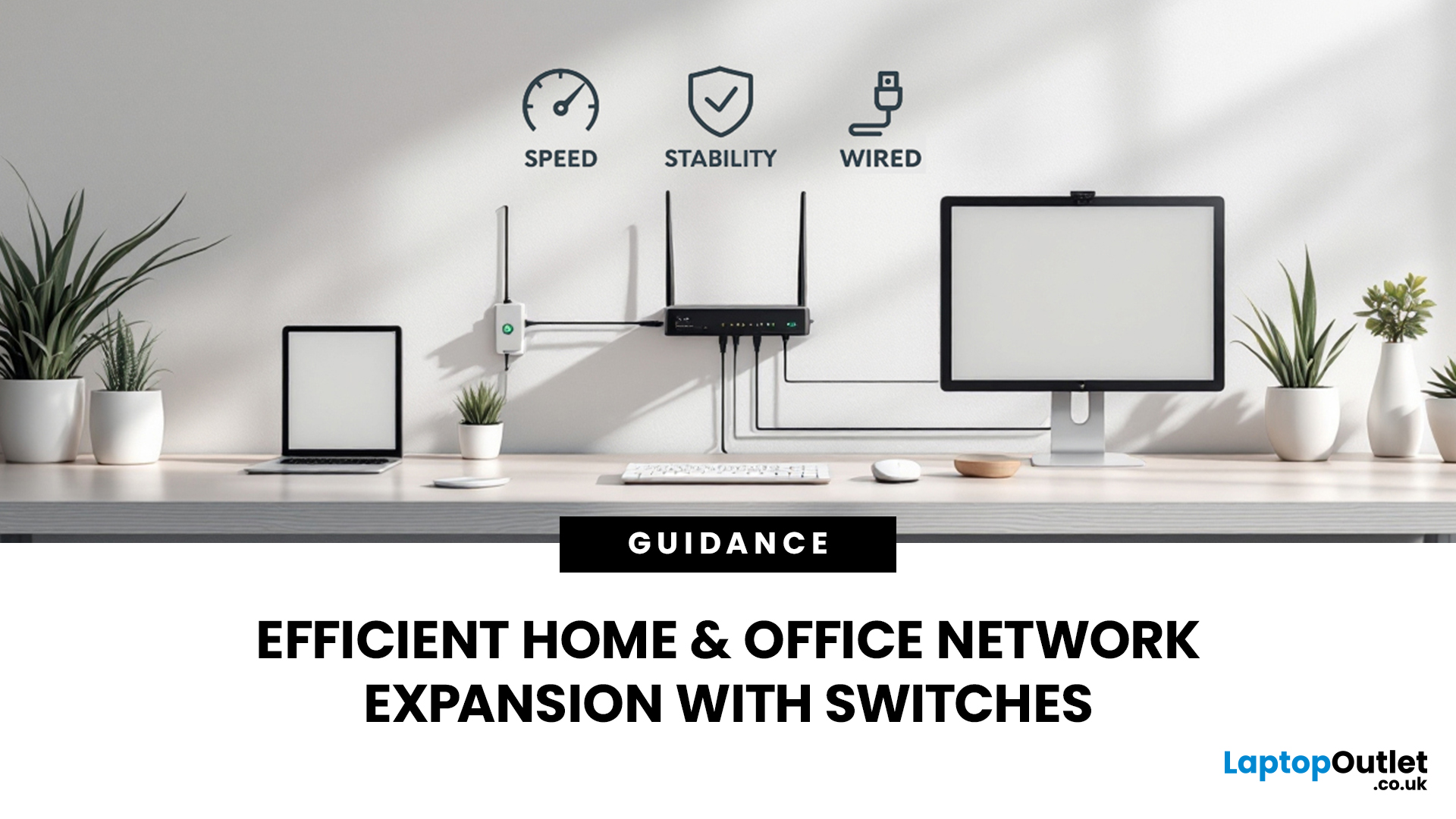
Slow, glitchy internet is a certified vibe killer. One minute you’re streaming in 4K or mid-game, the next everything freezes, painful. That’s the problem. The solution? A solid wired setup. A well-organised network isn’t just “nice to have” anymore, it’s essential for modern homes and busy offices. That’s where this network switch guide UK comes in. We’ll break down what network switches actually do, why a wired network switch UK boosts speed and stability, and how to choose the right one for your setup. No jargon, no stress, just smoother connections and fewer rage quits.
How do Network Switches Help with Connectivity?
A network switch is a device that connects multiple wired devices within a local area network (LAN). Unlike older hubs, switches intelligently direct data only to the device it’s intended for, improving both speed and security.
By acting as a central connection point, network switches allow devices such as desktop PCs, laptops, printers, servers, smart TVs, and games consoles to communicate efficiently over Ethernet. They are commonly used alongside network cards and network cables to form the backbone of a wired network.
In simple terms, if your router doesn’t have enough Ethernet ports, or if you want better performance and organisation, a network switch is the solution.
How Network Switches Work?
A network switch receives data packets from a connected device and forwards them directly to the intended destination using MAC (Media Access Control) addresses. This targeted communication reduces congestion and prevents unnecessary traffic from slowing down the entire network.
Most modern switches support auto-negotiation, meaning they automatically detect the best possible speed for each connected device. When paired with quality network cables, this ensures optimal performance across your network.
Types of Network Switches Explained
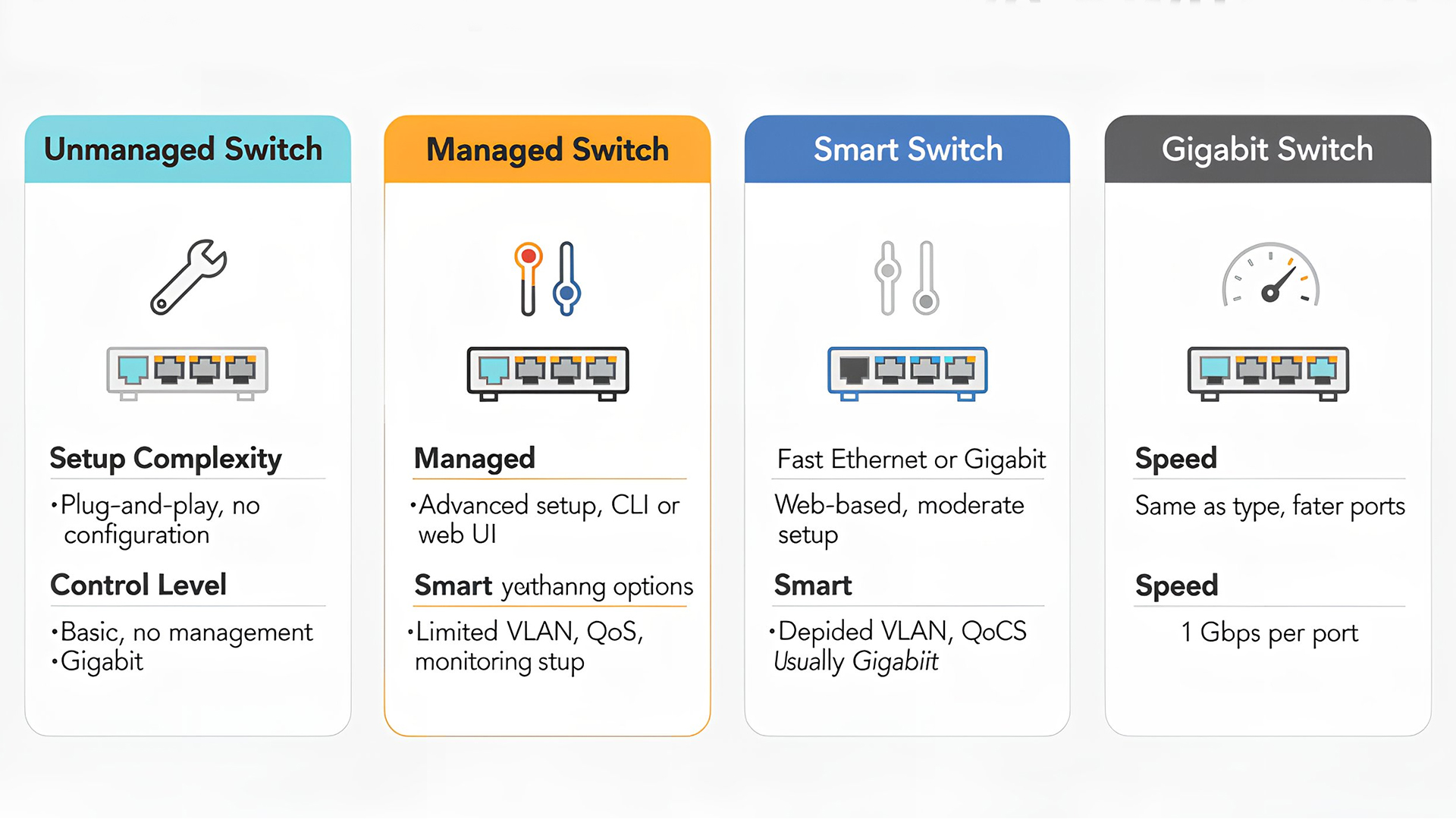
Not all switches are the same. Choosing the right type depends on your environment, technical knowledge and performance requirements.
Unmanaged Network Switches
Unmanaged switches are plug-and-play devices with no configuration required. They are ideal for users who want simplicity. These switches offer reliability without complexity, making them a popular choice for expanding Ethernet ports quickly.
Best for:
- Home networking switch setups
- Small offices with basic networking needs
- Users with minimal technical experience
Managed Network Switches
Managed switches allow advanced configuration and monitoring through a web interface or software. They offer greater control over traffic and security. Features often include VLANs, Quality of Service (QoS), and network monitoring, making managed switches suitable for scalable business networks.
Best for:
- Office networking switch deployments
- Businesses with multiple departments or users
- IT-managed environments
Smart (Partially Managed) Switches
Smart switches sit between unmanaged and fully managed options. They provide useful configuration features without the technical complexity typically associated with fully managed switches, making them accessible to non-specialist users.
Best for:
- Growing home offices
- Small businesses needing traffic prioritisation
- Users wanting more control without full complexity
Gigabit Switches
A gigabit switch supports speeds of up to 1,000Mbps (1Gbps) per port, which is now considered the standard for modern wired networks. For most users in the UK, choosing a gigabit-capable switch ensures your internal network won’t bottleneck your internet connection.
Why Gigabit Matters
- Supports high-speed broadband connections
- Handles 4K streaming and large file transfers easily
- Future-proofs your network for faster internet speeds
Choosing the Right Number of Ports
Switches are available with a range of port counts, typically including 5, 8, 16, 24 or more ports. This is where a multi-port switch becomes essential. Always allow spare ports for future expansion. A slightly larger switch can save the cost and hassle of upgrading later.
How to Decide
You can count:
- Desktop PCs and laptops
- Smart TVs and media devices
- Network storage (NAS)
- VoIP phones or security systems
Home Networking Switch: What to Look For
A home networking switch should be compact, quiet, and energy-efficient, while still offering dependable performance. Home switches often work alongside gaming routers to provide wired connections for consoles, gaming PCs, and smart TVs, reducing latency and improving stability.
Key Features for Home Use
- Gigabit Ethernet ports
- Fanless design for silent operation
- Durable metal or high-quality plastic casing
- Plug-and-play simplicity
Office Networking Switch: Key Considerations
An office networking switch needs to handle multiple users and devices simultaneously without performance drops. For businesses, reliable switching ensures productivity tools, cloud services and internal communications run smoothly throughout the workday.
Important Office Features
- Managed or smart switch capabilities
- QoS for prioritising voice and video traffic
- Higher port density
- Rack-mount compatibility for server rooms
Network Switch vs Router: What’s the Difference?
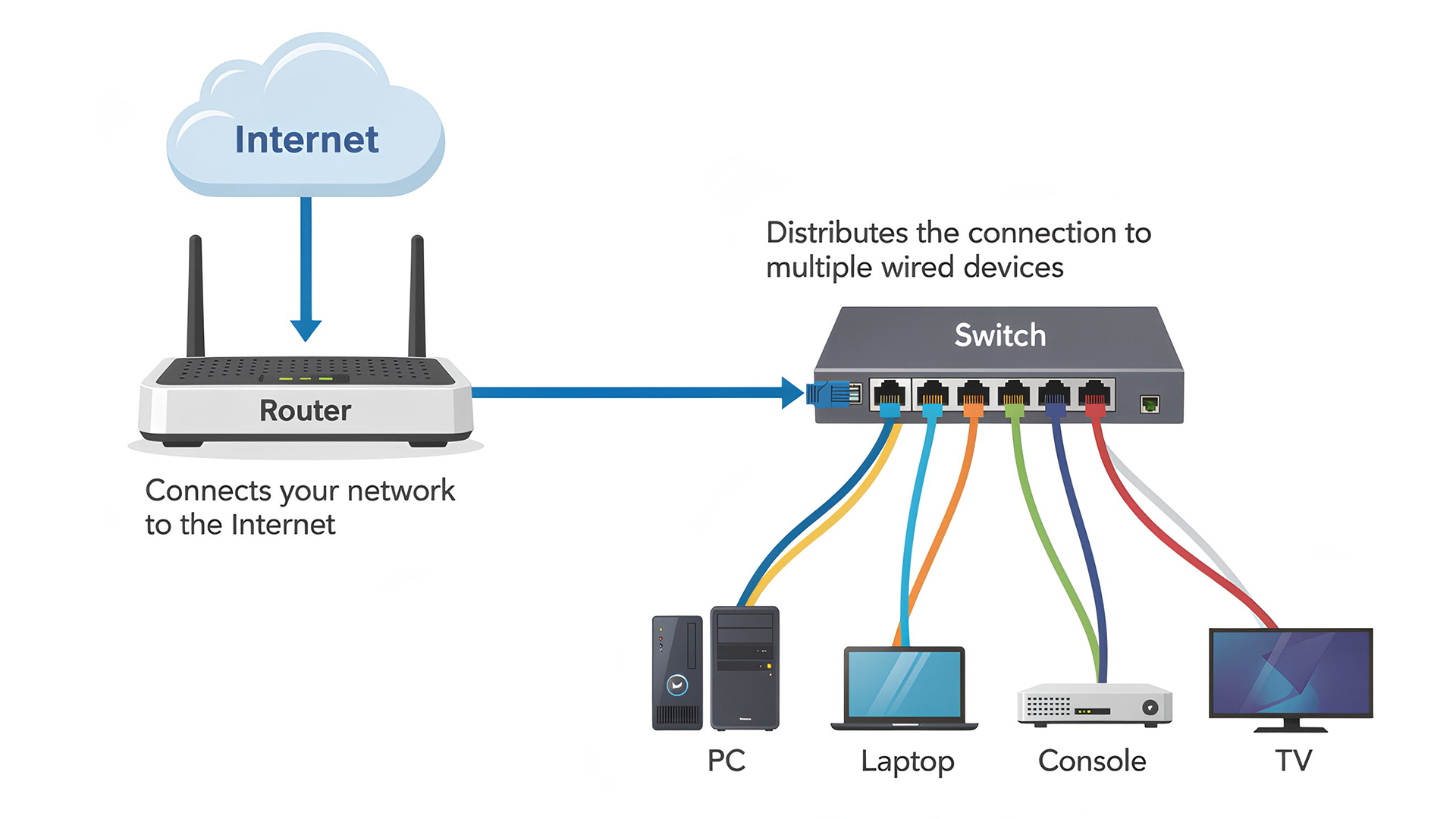
A common question is whether a switch replaces a router. Most setups use both. The router provides internet access, while the switch distributes that connection efficiently to multiple wired devices. In reality, they serve different purposes.
- Router: Connects your network to the internet and manages IP addresses
- Network switch: Expands wired connections within your local network
In addition, you can find out what really matters when choosing a Wi-Fi router that matches your home’s size, speed, and usage needs.
Network Switches and Gaming Performance
For gamers, wired connections remain the gold standard. A network switch can significantly improve online gaming performance when used correctly. When paired with high-quality network cables and gaming routers, a switch ensures every gaming device gets consistent bandwidth.
Benefits for Gamers
- Reduced lag and packet loss
- Stable ping during competitive play
- Reliable connections for multiple consoles or PCs
Cabling and Compatibility
Even the best switch can’t perform well without proper cabling. Most gigabit switches require Cat6 or Cat6a Ethernet cables to achieve full speeds. Additionally, devices must have compatible network cards to take advantage of gigabit performance. Older hardware may be limited to 100Mbps regardless of the switch used. Understand which network cables deliver the speed, reliability, and performance your wired network depends on.
Expanding Networks with Powerline Adapters
In homes or offices where running Ethernet cables is difficult, powerline adapters can be used alongside switches. These devices transmit network data through existing electrical wiring, extending connectivity to hard-to-reach rooms. A powerline adapter can connect to a network switch, allowing multiple wired devices to share a single powerline connection efficiently. Furthermore, learn how powerline adapters use your home’s electrical wiring to deliver stable, wired internet connections to hard-to-reach rooms.
Energy Efficiency and Build Quality
Modern switches are designed with energy-saving features that reduce power consumption when ports are idle. The following features are particularly important in environments where switches operate 24/7.
- IEEE energy-efficient Ethernet support
- Fanless cooling where possible
- Solid build quality for long-term reliability
You can explore the latest ASUS networking solutions shaping faster, smarter connectivity across the UK in 2026.
Common Mistakes When Choosing a Network Switch
Choosing a network switch might seem straightforward, but a few common mistakes can limit performance and lead to unnecessary upgrades later. Being aware of these pitfalls can help you build a more reliable and future-ready network.
Choosing Fast Ethernet Instead of Gigabit
One of the most common mistakes is opting for a Fast Ethernet switch, which is limited to 100Mbps. While it may appear cheaper, it can quickly become a bottleneck, especially with modern broadband speeds, cloud applications, 4K streaming, and large file transfers. A gigabit switch provides up to ten times the speed and is now the expected standard for both home and office networks.
Buying Too Few Ports
It’s easy to underestimate how many wired devices you’ll need to connect. Purchasing a switch with just enough ports for your current setup leaves no room for expansion. Adding smart home devices, printers, NAS drives, or additional workstations often requires extra connections. Choosing a multi-port switch with spare capacity avoids cluttered setups and the need to replace the switch later.
Ignoring Managed Features for Office Use
For office environments, relying solely on an unmanaged switch can limit network control and performance. Without features like traffic prioritisation (QoS) or VLANs, critical services such as video calls or VoIP can suffer during peak usage. Even a smart or partially managed switch can significantly improve reliability in a small business setting.
Using Poor-Quality Network Cables
A high-performance switch can’t deliver its full potential if it’s paired with outdated or low-quality cables. Older Ethernet cables may not support gigabit speeds, causing reduced performance or unstable connections. Using Cat6 or Cat6a network cables ensures consistent speeds and reliable data transfer across all connected devices.

Start Building a Strong Wired Network
Whether you’re upgrading a home setup or managing a small business, network switches are a vital component of efficient connectivity. This network switch guide UK highlights the importance of choosing the right switch for your environment, balancing performance, simplicity and scalability.
From compact home networking switch solutions to robust office networking switch deployments, the right switch ensures your devices communicate smoothly, securely and at full speed. Combined with quality network cards, network cables, gaming routers, and even powerline adapters, a network switch forms the backbone of a reliable wired network.

Do You Still Have Questions?
What is the main purpose of a network switch?
A network switch connects multiple wired devices within a local network, allowing them to communicate efficiently and share a single internet connection.
How efficient are network switches?
Network switches are highly efficient, as they direct data only to the intended device, reducing network congestion and improving speed and reliability.
Is a 10GB switch overkill for home use?
For most homes, yes. A gigabit switch is more than sufficient unless you regularly transfer very large files between high-end devices.
What is the best switch for a home network?
An unmanaged gigabit Ethernet switch is usually the best choice for home use, offering fast performance with simple plug-and-play setup.
How can you optimise the network connectivity at your home?
Use wired connections where possible, upgrade to gigabit equipment, use quality Ethernet cables, and reduce Wi-Fi congestion by connecting high-usage devices to a network switch.
| Read More: |
| Netgear Routers: Reliable Wi-Fi Solutions for UK Homes |
| Wi-Fi 7 Routers: Future-Proof Your Home Network in the UK |
| Network Cards: Boost Your PC Connectivity in the UK |
Related Articles

Last Updated: July 01, 2025
That Little Button Isn’t Just for Looks
If you’ve spotted a mysterious button labelled WPS on your Wi-Fi router, you might be wondering: What does it do—and should I use it? Here’s a beginner-friendly explanation of what the WPS button is and how it simplifies connecting devices to your Wi-Fi.
What Does WPS Stand For?
WPS stands for Wi-Fi Protected Setup. It’s a feature that helps you connect devices to your Wi-Fi network without typing in the Wi-Fi password.
Designed for convenience, especially for smart TVs, printers, and Wi-Fi extenders
What Does the WPS Button Do?
When you press the WPS button:
Your router enters a two-minute pairing mode
During this time, you can connect a compatible device without entering the password
It uses WPA2 security, so it’s secure for most home networks
How to Use the WPS Button
Steps:
Turn on the device you want to connect (e.g., printer or smart TV)
Go to its Wi-Fi settings and select your Wi-Fi network
Choose WPS connection
Last Updated: July 01, 2025
Your Wi-Fi Starts Here
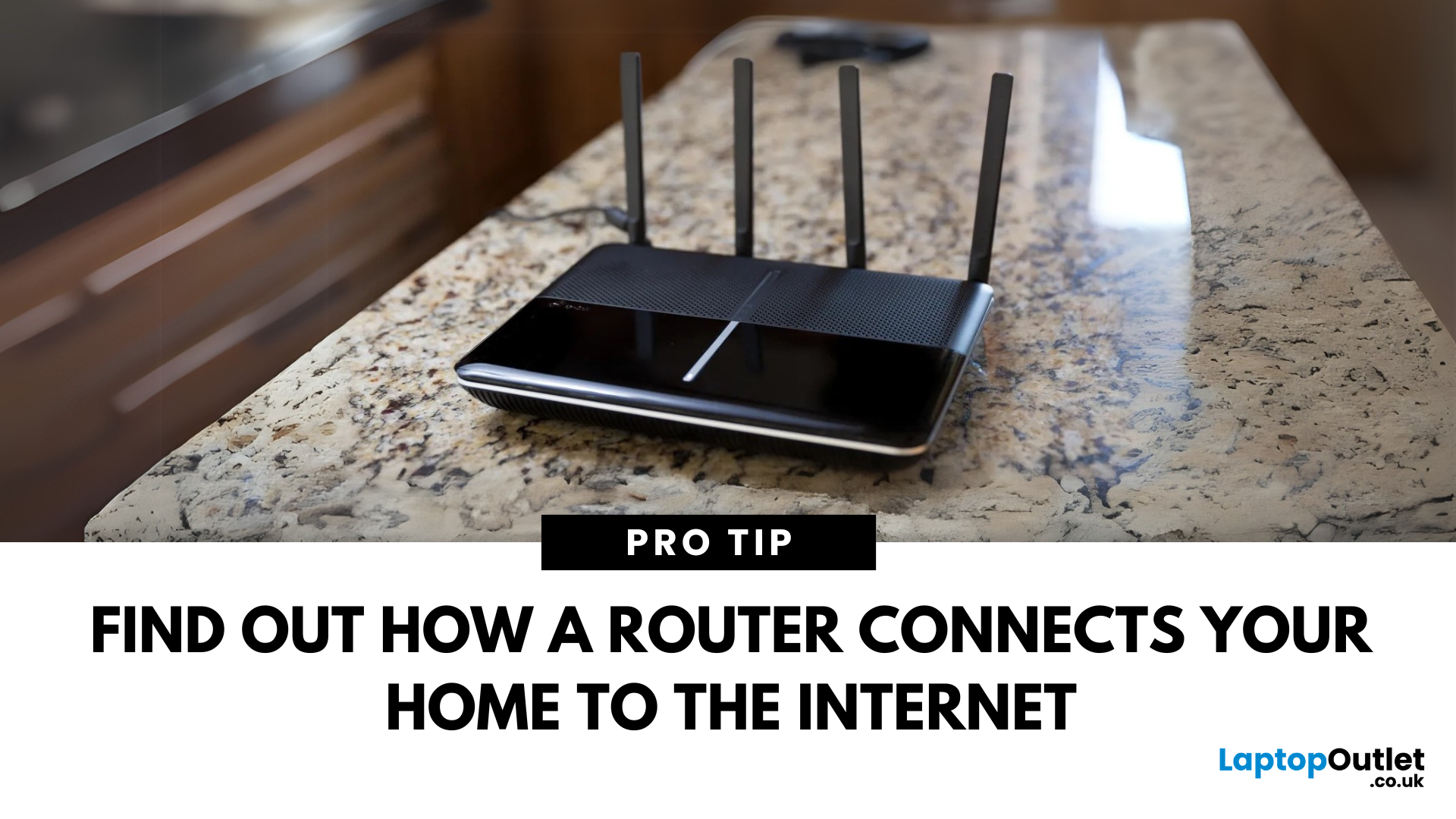
You’ve probably seen it flashing away in the corner of the room—but what is a router, and why is it essential for your internet connection? Here’s everything you need to know about this small but powerful device.
What Is a Router?
A router is a device that connects your home or office to the internet by routing data between your internet service provider (ISP) and your connected devices (like phones, laptops, smart TVs, and more).
It’s the heart of your Wi-Fi network, sending and receiving data from the web
How Does a Router Work?
- Connects to a modem (or includes one in some models)
- Assigns local IP addresses to devices in your network
- Sends and receives data packets to and from the internet
- Uses Wi-Fi or Ethernet to link devices wirelessly or via cable
Types of Routers
- Standalone Router: Connects to a separate modem
- Modem-Router Combo: Two-in-one device with both modem and router
- Mesh Wi-Fi Router: Covers large homes with multiple units
Last Updated: July 01, 2025
The Backbone of Your Internet
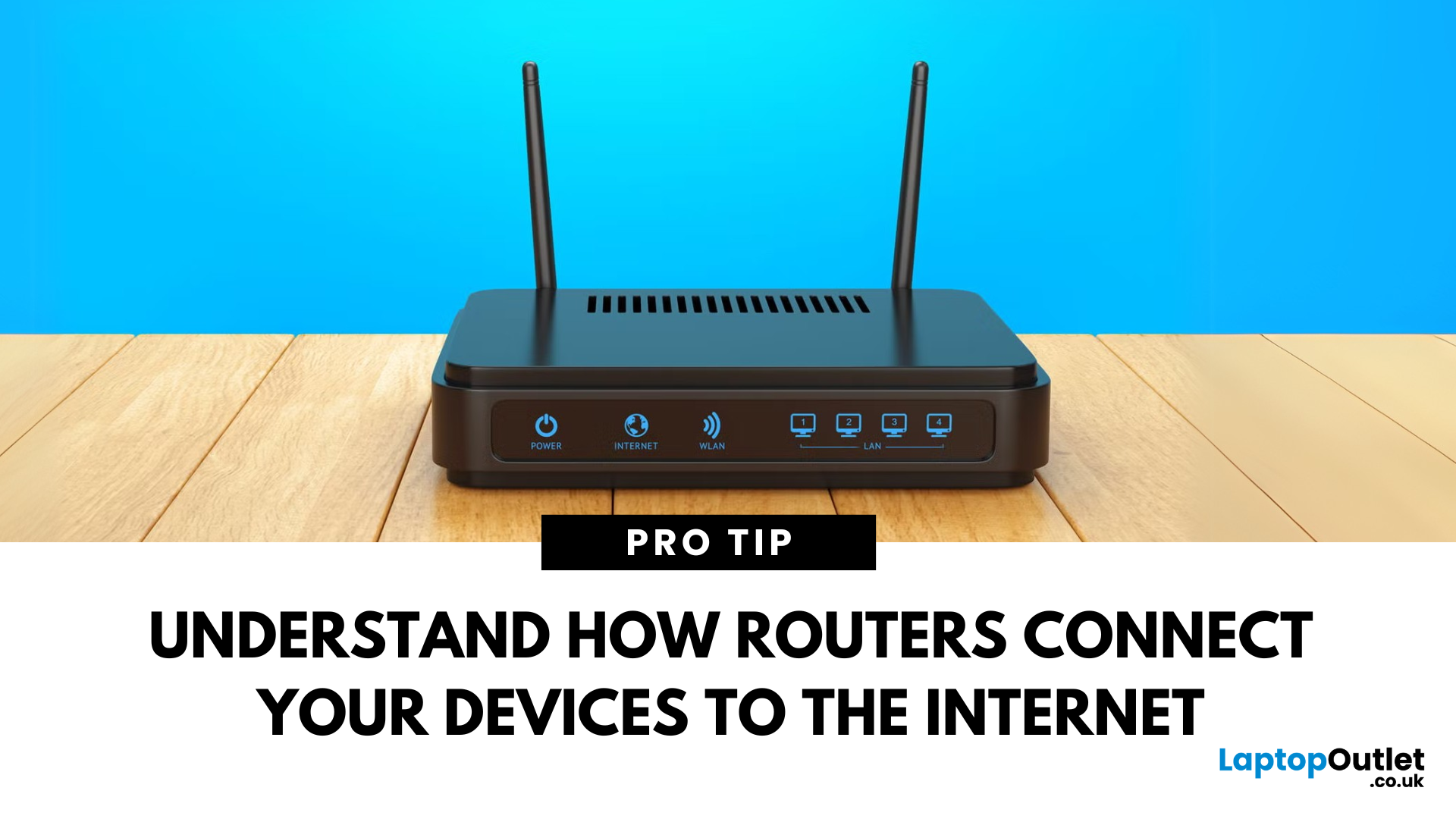
Your internet experience starts with a router—but what exactly does it do? Whether you’re streaming, gaming, working from home, or scrolling on your phone, the router keeps your digital life connected. Let’s break down what a router does and why it’s so important.
What Is a Router?
A router is a networking device that connects your devices to the internet and manages how they communicate with each other.
It “routes” traffic between your local devices (like your phone or laptop) and the broader internet
What Does a Router Actually Do?
- Distributes internet access from your modem to all connected devices
- Creates a local network so devices can talk to each other
- Assigns IP addresses to each device
- Directs data packets so the right information reaches the right device
Wi-Fi vs Router – What’s the Difference?
- Router: Manages traffic and connects devices
- Wi-Fi: The wireless signal your router creates
The router gives you internet; Wi-Fi
Last Updated: July 01, 2025
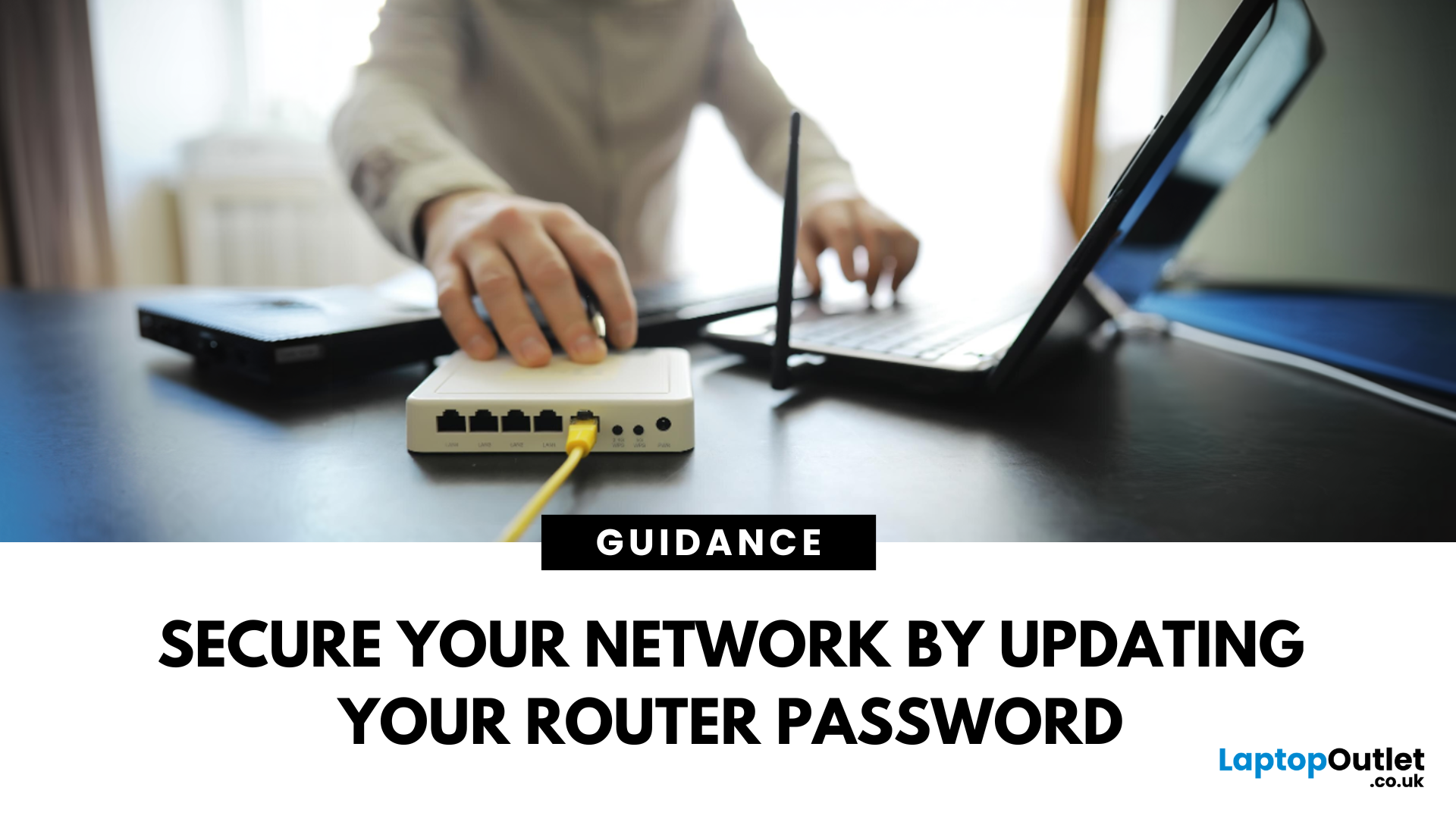
Keep Your Wi-Fi Safe and Secure
Your router password protects your home network from unwanted access. Whether you're updating your Wi-Fi credentials or changing the admin login, it’s a smart step for security. Here’s how to change your router password in just a few steps.
1. Know Which Password You’re Changing
- Wi-Fi Password: The one users enter to connect to your network
- Router Admin Password: Used to access router settings via web browser
It’s best to change both regularly for security
2. Connect to Your Router
- Make sure you're connected to your Wi-Fi or directly via Ethernet
- Open a web browser and type your router’s IP address (usually 192.168.0.1 or 192.168.1.1)
- Enter your admin username and password (often printed on the router or found in your manual)
3. Change Your Wi-Fi Password
Steps:
- Log in to your router settings
- Navigate to Wireless Settings or Wi-Fi Settings
- Locate the SSID (network name) and password fields
- Enter your new password (use a strong,

Last Updated: December 23, 2025
When it comes to competitive gaming or smooth 4K streaming, your internet connection is only as good as the router powering it. High latency, buffering, and packet drops can turn a winning game into frustration or ruin a live stream in seconds. That’s why choosing the right router—and configuring it correctly- is just as important as having fast broadband.
Ubiquiti has become a go-to name for gamers, streamers, and tech enthusiasts who want more than basic Wi-Fi. From the powerful UniFi Dream Machine to the gamer-centric AmpliFi series, Ubiquiti routers combine enterprise-grade stability with features built for demanding home setups. With the right optimisation - like low-latency settings, QoS for gaming traffic, and GeForce NOW tweaks - you can unlock their full potential.
In this guide, we’ll explore the best Ubiquiti routers for gaming and streaming and reveal the settings that give you a true performance edge.
Why Router Quality Matters for Gaming & Streaming
Every gamer and streamer

Last Updated: December 09, 2025
Wi-Fi acting weird? Pages not loading? Passwords forgotten? You’re not alone - sometimes even the most reliable routers like TP-Link need a fresh start. Whether your internet is unstable, you changed too many settings, or you just want to start over, resetting your router can fix a surprising number of problems.
In this complete guide, we’ll walk you through how to reset your TP-Link router, both the quick way (via the Reset button) and the advanced way (through the web interface). We’ll also explain what happens after a reset, how to reconfigure your network, and what to do if your reset doesn’t work.
Understanding What “Reset” Really Means

Before you hit any buttons, it’s important to know what a router reset actually does.
When you reset a TP-Link router, you’re restoring it to its factory default settings, exactly how it was when you first took it out of the box.
That means:
- All Wi-Fi names (SSID) and passwords you’ve set will be erased.
- Any changes to IP addresses, DNS, or security
Last Updated: January 26, 2026
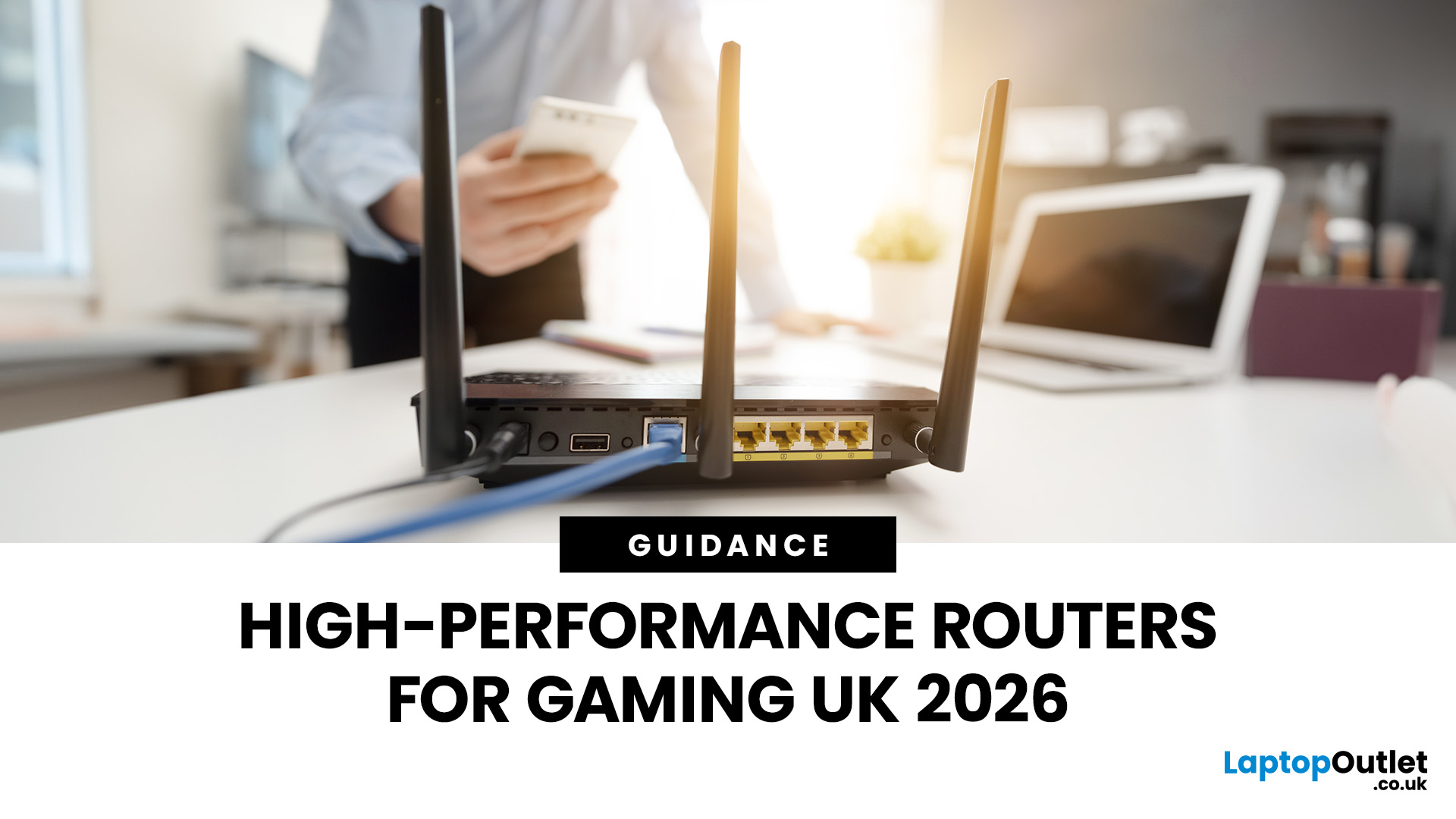
If you’re still using the free router that came with your broadband deal, you need to read this gaming router guide UK. With faster broadband speeds, competitive multiplayer titles, cloud gaming services, and always-connected consoles and PCs, your home network plays a critical role in how well you play. A powerful gaming PC or next-gen console can only perform at its best if it’s supported by a reliable, high-performance router. Whether you’re a competitive PC gamer, a PS5 warrior, a streamer juggling Twitch and Discord, or someone who just wants smooth online gaming without drama, this guide breaks down the best gaming routers UK gamers should actually care about, with real detail, not fluff.
What Makes a Router Good for Online Gaming?
Not all routers are created equal, and “gaming” isn’t just a marketing label. Understanding the core features will help you choose the right router for online gaming setup.
Low Latency and Stable Connections
Latency, often referred to as ping, is the
Last Updated: January 26, 2026
From working remotely and online learning to 4K streaming, smart home devices, and competitive gaming, UK households are placing more demand than ever on their home networks. Yet many homes still struggle with weak signals, dead zones, and inconsistent speeds. This is where mesh Wi-Fi explained properly can make all the difference.
In this guide, we’ll break down exactly how mesh Wi-Fi works, why it’s ideal for British homes, and how to choose the right system for your space. Whether you live in a Victorian terrace with thick brick walls, a multi-storey townhouse, or need reliable connectivity in a garden office, a modern Wi-Fi mesh system could be the upgrade your home network needs.
Mesh Wi-Fi Explained: What is a Mesh Network?
Traditional home Wi-Fi usually relies on a single router placed near where your broadband enters the property. While this can work in smaller flats, it often struggles to deliver consistent coverage across larger or more complex homes. Signal strength drops rapidly
Last Updated: March 12, 2026
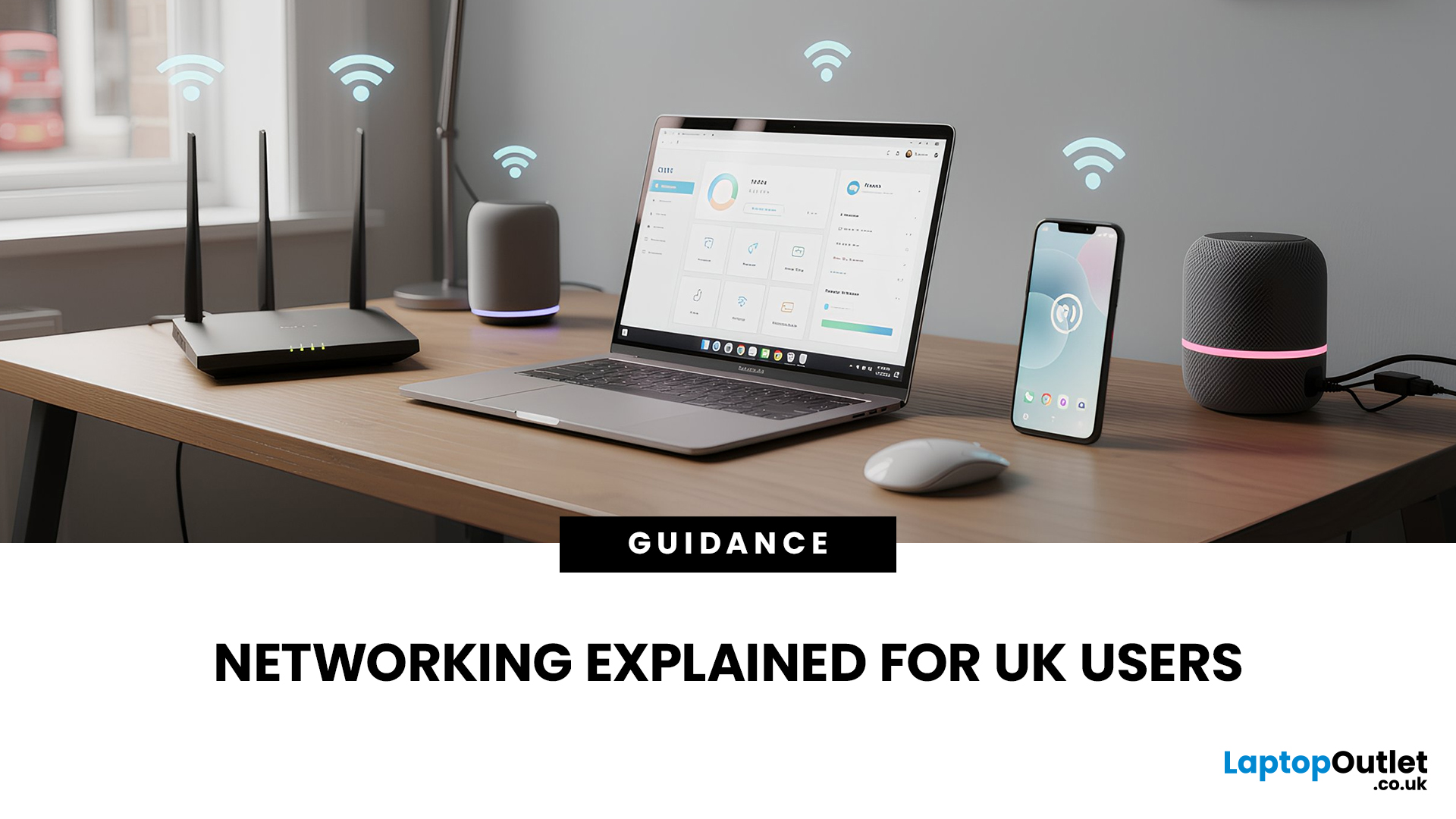
Most Wi-Fi guides start with specs. That’s already the wrong place.
To choose the best Wi-Fi router for your home, you first need to understand how Wi-Fi behaves inside real buildings, especially UK homes, which are often older, brick-built, and not designed for wireless signals.
What Wi-Fi Really Is (Without the Marketing Spin)
Wi-Fi is not “internet speed in the air”. It’s a radio signal that carries data between your router and your devices.
That signal:
- Weakens over distance
- Loses strength passing through walls
- Competes with other signals nearby
This is why Wi-Fi performance changes dramatically depending on where you are in your home, even when your broadband speed stays the same.
Important reality check:
Your router doesn’t “push” Wi-Fi evenly in all directions. It broadcasts radio waves that are:
- Reflected
- Absorbed
- Blocked
UK homes often make this worse because of:
- Solid brick and stone walls
- Metal-backed insulation
- Floor heating systems
- Older layouts with thick internal walls
This
Last Updated: January 26, 2026
In today’s UK homes and offices, networking isn’t optional - it’s the backbone of how we work, study, stream, and stay connected. From remote meetings and online gaming to smart homes and cloud storage, everything relies on reliable networking accessories and networking devices working together behind the scenes.
Yet many people still struggle with slow Wi-Fi, unstable connections, or poor coverage, not because their internet provider is bad, but because their networking equipment isn’t set up correctly.
What Is Networking? (A Simple Explanation)
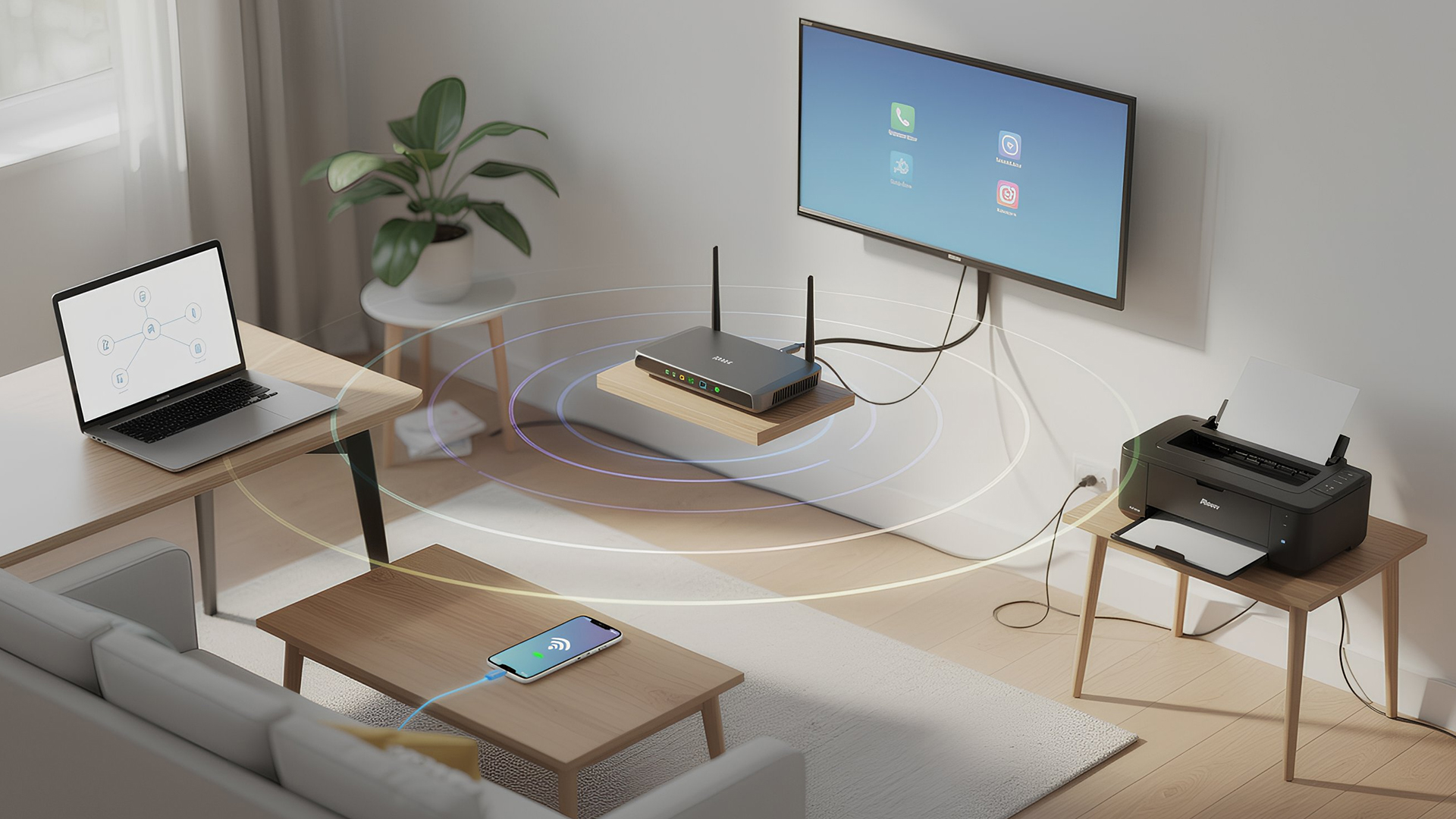
Networking is the process of connecting devices so they can communicate, share data, and access the internet. These devices might include:
- Laptops and desktops
- Smartphones and tablets
- Printers and scanners
- Smart TVs and streaming devices
- Smart home systems (lights, cameras, thermostats)
To make this possible, you need a combination of networking devices (like routers and access points) and networking accessories (such as network cards, adapters,

