



BenQ Monitors Uses in 2026: Brand Overview, Series Guide, and Best-fit Choices
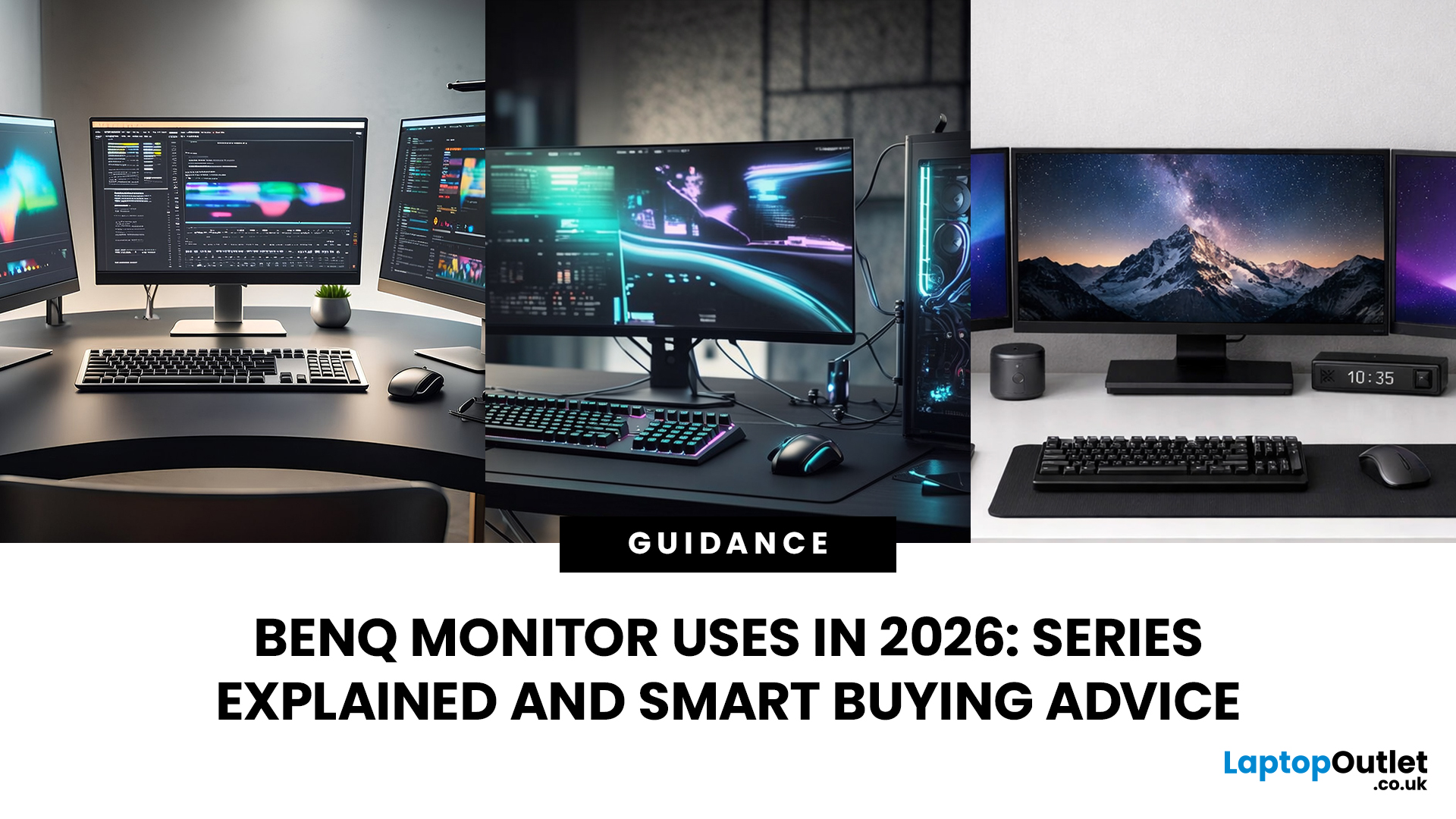
Getting the right monitor is no longer just about picking a size and hoping for the best. In 2026, the best results come from matching the screen to the job. That is where BenQ tends to do well. Instead of trying to make every display “good at everything”, the range is split into clear families built around specific uses: creative colour work, programming and text-heavy productivity, competitive gaming, immersive gaming, and comfortable home office setups.
This guide focuses on BenQ monitors uses in real setups, the key differences between series, and what to look for when you want one monitor for both gaming and work.
BenQ as a Brand in 2026
BenQ is a Taiwan-based electronics brand known globally for displays, including monitors and projectors. The BenQ name is tied to the idea of “Bringing Enjoyment ‘N’ Quality to life,” and the company’s display focus shows up most clearly in how it splits monitors into specialised series instead of pushing one “flagship for everyone.”
That specialisation is the main reason people end up happy with BenQ monitors. If you pick the right series, you usually get features that match the work instead of paying for specs you never use. If your shortlist is mainly creative displays, the easiest place to browse the current range first is the BenQ creator monitors selection.
What BenQ Does Differently with Monitors
Clear series separation by job
BenQ typically groups monitors into distinct categories like professional, programming, gaming, and home use, then builds dedicated series inside those categories. That makes it easier to buy based on workflow, not marketing labels.
Colour accuracy is treated as a product feature, not a lucky outcome
In the professional lines, BenQ leans heavily into factory calibration and validation programs. Many models in the PD DesignVue and SW PhotoVue families are positioned around predictable colour performance, with support for pro calibration workflows depending on the model.
Eye comfort is baked into multiple series
BenQ’s Eye-Care stack includes flicker-free backlighting and low-blue-light options, with additional features like Brightness Intelligence Plus on certain models that adjust brightness and colour temperature based on ambient conditions and what’s on screen.
We explain Brightness Intelligence, low-blue-light modes, and flicker-free technology in more detail in our BenQ Eye-Care Monitors Explained article.
BenQ Monitor Series Explained
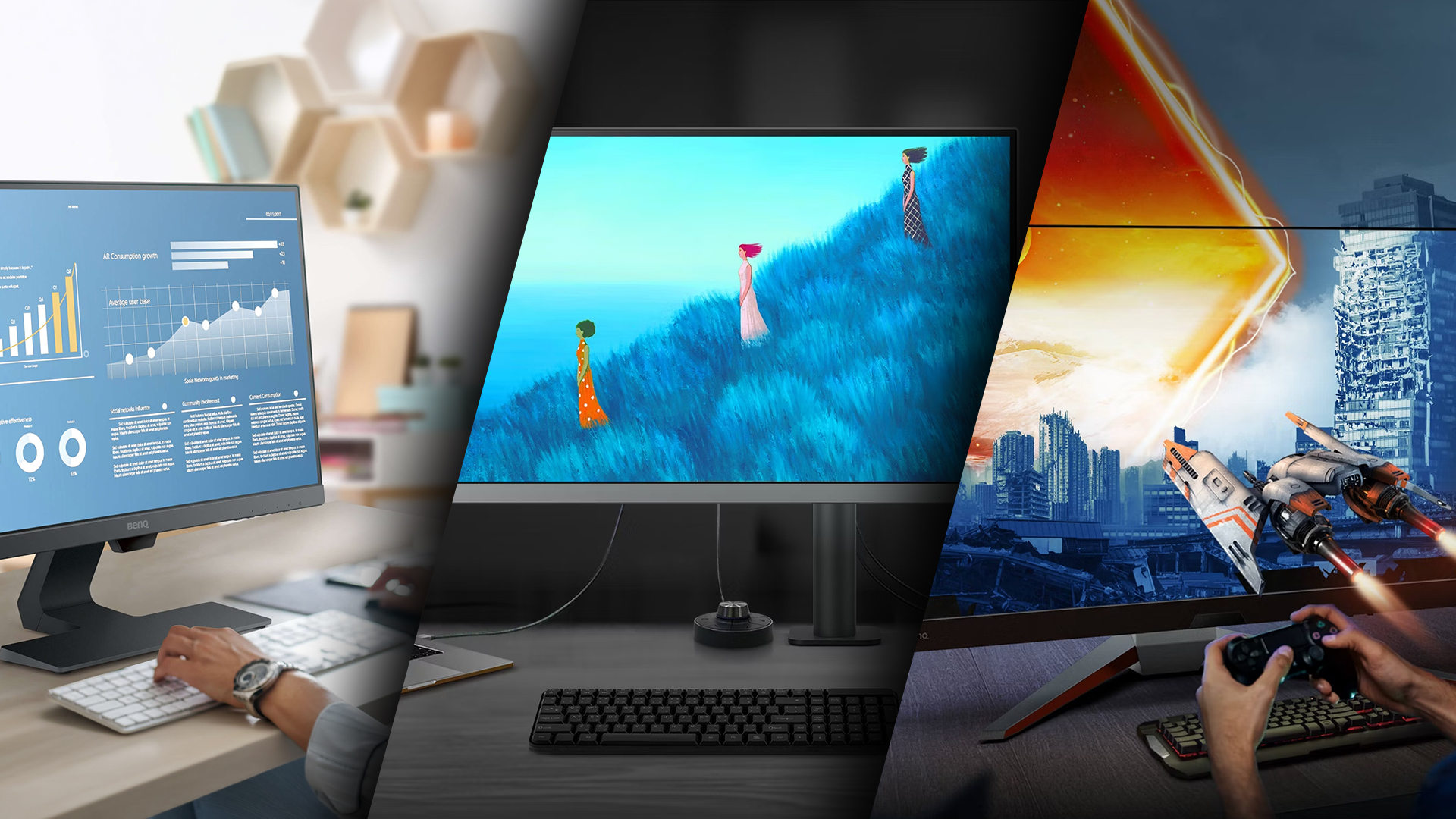
BenQ’s naming can look confusing at first, but it becomes straightforward once you know what each family is trying to do.
- DesignVue PD series is aimed at designers and creators who want accurate colour for digital work and reliable day-to-day usability.
- PhotoVue SW series targets photographers and colour-critical work, with models built around wide-gamut performance and calibration workflows. (BenQ)
- MA series is designed for Mac users who want an external display that feels native, including Mac-oriented colour matching and a comfort-focused panel approach on certain models.
- RD series is a programming-first family designed around focus, text clarity, reduced reflections, and fast access to coding modes.
- MOBIUZ EX series is built for people who want gaming speed with richer visuals, including modern panel tech on higher-end models.
- ZOWIE XL series is tuned for esports and competitive FPS, prioritising motion clarity features and high refresh rates.
- GW and BL lines commonly show up as sensible everyday options for home office and general productivity, often paired with eye comfort features and practical connectivity, depending on model.
If you want a broader breakdown of how ZOWIE, MOBIUZ, DesignVue, PhotoVue and Eye-Care ranges compare side by side before choosing a specific model, read our complete BenQ Monitors Buying Guide 2026: ZOWIE, MOBIUZ, DesignVue, PhotoVue & Eye-Care Ranges Explained.
PD series: DesignVue Monitors for Designers and Video-First Creators
Best for
UI and graphic design, motion work, content creation, product design, and video editing, where colour consistency matters more than print-focused wide-gamut workflows. This is the most common starting point for BenQ creator monitors, DesignVue & PhotoVue.
Why choose PD
PD models are built for screen-first creative output and day-to-day reliability. In a BenQ monitor's 2026 guide, PD is often the safest pick when you want accurate colour without turning your desk into a calibration-heavy setup. It also fits BenQ monitors for gaming and work if your “work” side is creative and your gaming is casual.
What to look for
- USB-C or Thunderbolt if you dock a laptop and want a cleaner desk setup
- Factory calibration and creator colour modes you will actually use
- KVM if you run two machines
- A comfortable stand and good ergonomics for long sessions
SW series: PhotoVue Monitors for Photographers and Print-critical Colour
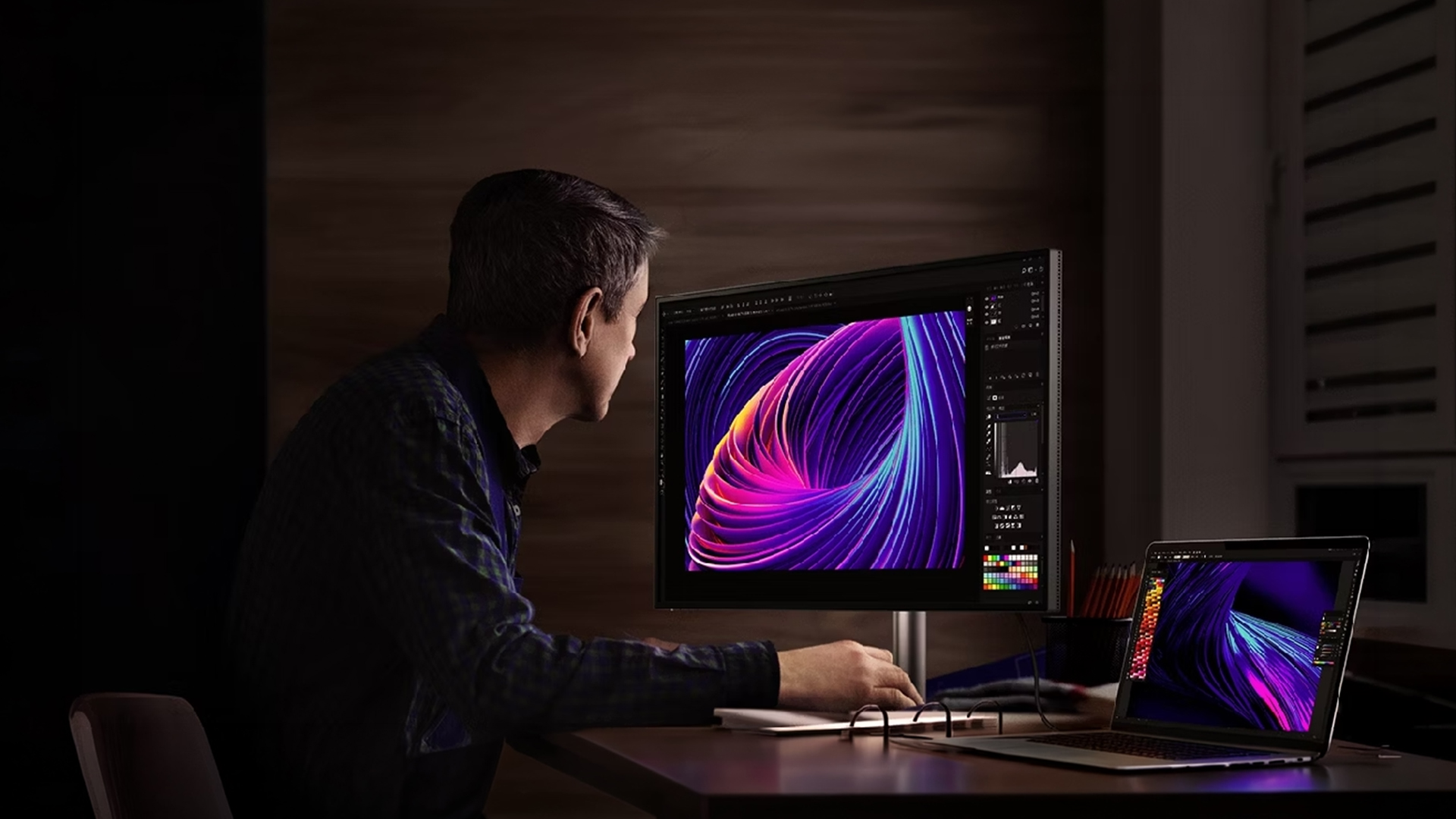
Best for
Photography, studio work, client proofing, and colour-managed workflows where “close enough” is not acceptable. This is the PhotoVue side of BenQ creator monitors, DesignVue PhotoVue.
Why choose SW
SW is built around wide-gamut colour management and repeatable calibration. If your BenQ monitor uses include print delivery, paid photography, or colour-critical grading, SW is the more dependable route.
What to look for
- Wide-gamut coverage that matches your workflow
- Hardware calibration support and LUT depth if you are serious about colour-managed output
- Stable brightness and consistent colour modes for long editing sessions
For a deeper breakdown of DesignVue PD and PhotoVue SW models for designers, photographers and video editors, see our dedicated BenQ Monitors for Creators guide.
MA series: Mac-focused Monitors for Clean Single-cable Setups
Best for
MacBook users who want a simple external display that feels consistent, especially for hybrid work and everyday productivity.
Why choose MA
MA is designed to feel “plug in, and it works”, with a comfort-led approach that suits long desk days. If you want BenQ monitors for home office use with a Mac, MA is often a cleaner choice than forcing a gaming monitor into a work setup.
What to look for
- USB-C power delivery that matches your laptop
- A panel finish that suits your room lighting
- Ergonomics that keep posture and viewing height right
RD Series: Programming Monitors for Text Clarity and Long-session Comfort
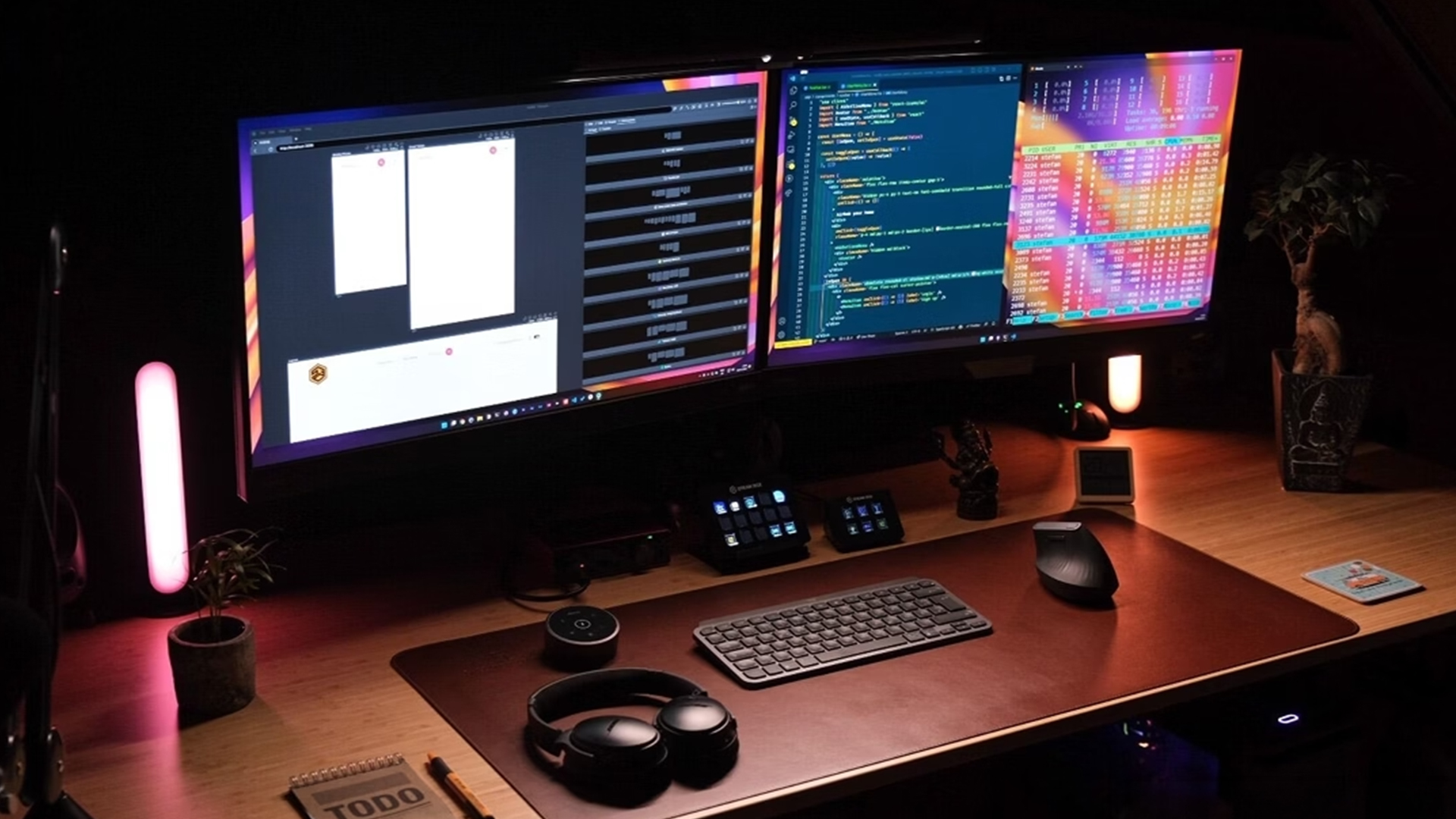
Best for
Developers, analysts, writers, students, and anyone doing heavy reading and typing. This is the clearest match for the keyword BenQ Programming monitors.
Why choose RD
RD is built around focus and readability, with reduced reflections and quick access to coding-friendly modes. If your BenQ monitor's Uses are mainly productivity, RD usually beats a generic “fast panel” because comfort and clarity matter more than headline gaming specs.
What to look for
- Matte or low-reflection panel for bright rooms and window glare
- KVM if you switch between work and personal devices
- Resolution and scaling that keep text comfortable for long sessions
- Strong ergonomics, especially height and tilt
MOBIUZ EX Series: Gaming Monitors for Immersive Visuals and Mixed Use
Best for
AAA gaming, console and PC gaming, and people who want one display that still looks good for everyday tasks. This is a strong fit for BenQ monitors for gaming and work, especially if you do a mix of play and productivity.
Why choose MOBIUZ
MOBIUZ is the “great picture plus speed” side of BenQ gaming monitors. It suits players who want strong colour and contrast without sacrificing responsiveness.
What to look for
- Resolution and refresh rate your hardware can actually drive
- Panel type that matches your preferences for contrast, motion, and brightness
- Ports that fit your setup without adapters everywhere
- If you want BenQ 4K monitors, MOBIUZ is one of the ranges where 4K makes the most sense for mixed use
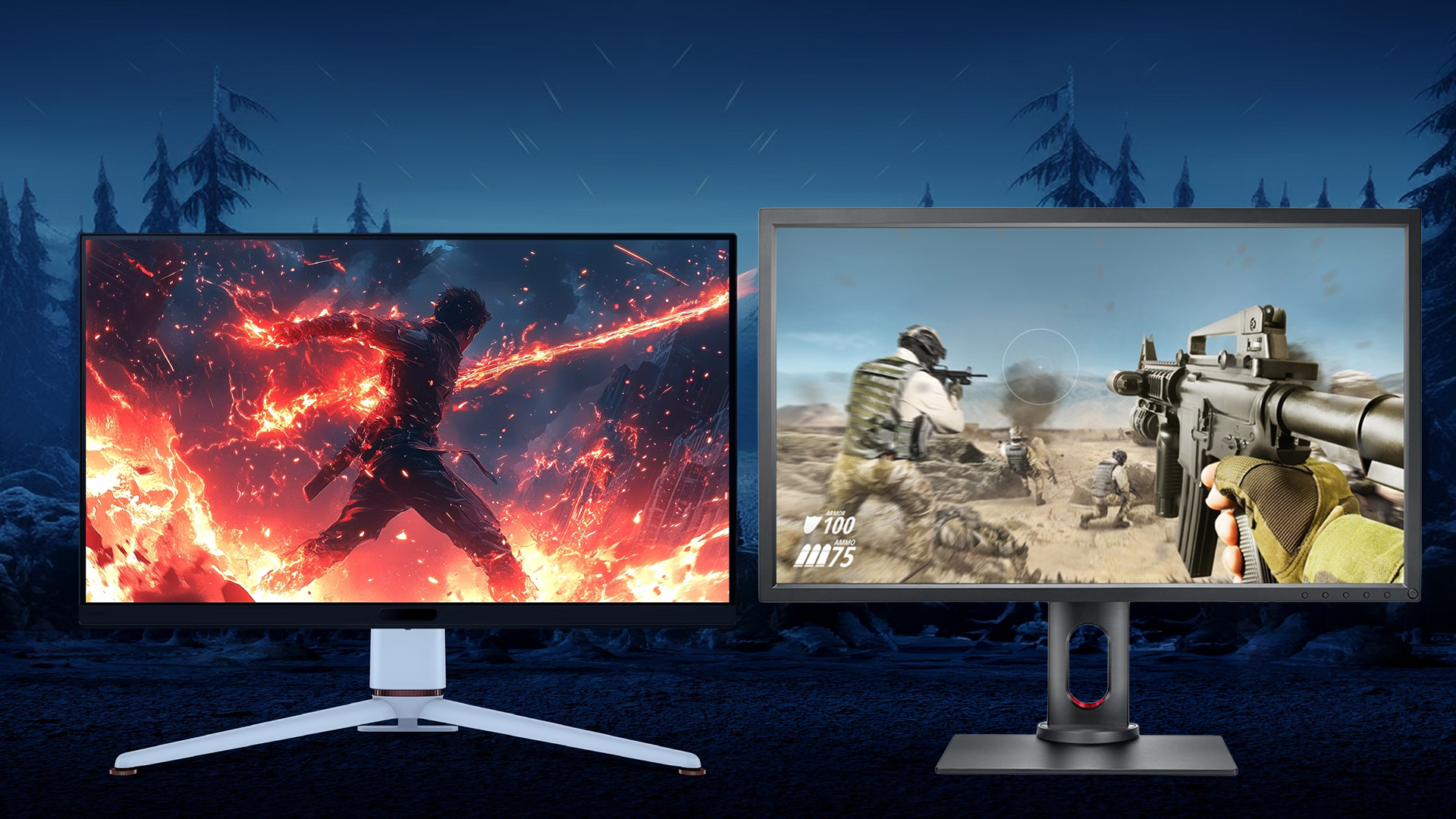
ZOWIE XL Series: Esports Monitors for Competitive FPS Performance
Best for
Competitive FPS, ranked play, and tournament-style setups where motion clarity and consistency matter most. This is the core identity of BenQ ZOWIE gaming monitors.
Why choose ZOWIE
ZOWIE is tuned for performance rather than cinematic visuals. If the main question is BenQ ZOWIE vs MOBIUZ, the simple split is competitive focus (ZOWIE) versus immersive, mixed gaming (MOBIUZ).
What to look for
- Refresh rate aligned with the frame rates your PC can hold consistently.
- Motion-clarity features available on the exact model
- Ergonomics that let you lock in a repeatable position and viewing distance
If you are still deciding between competitive tuning and immersive visuals, our detailed BenQ Gaming Monitors: ZOWIE vs MOBIUZ for Esports, Ranked and Console Players guide breaks down which range suits your playstyle.
GW series: Home Office Monitors for Everyday Comfort and Study
Best for
Hybrid work, office tasks, study, browsing, and general productivity. This is the easiest place to start if your priority is BenQ monitors for home office use.
Why choose GW
GW models lean into comfort and practical daily usability, often overlapping with BenQ Eye-Care monitors for long sessions. For hybrid work setups, USB-C docking advice and comfort-first recommendations, read our Best BenQ Monitors for Home Office & Study guide.
What to look for
- Eye comfort features if you do long desk hours.
- USB-C options if you want a simple laptop setup
- Ergonomics and a stand that supports proper posture
EW series: Entertainment-first Monitors for Work Plus Media
Best for
Day work, streaming at night, casual gaming, and mixed household use.
Why choose EW
EW provides an enjoyable viewing experience that still works for everyday tasks. It is a sensible middle ground if you want BenQ monitors that handle light work and entertainment without paying for creator calibration or esports tuning.
What to look for
- Screen size that matches your viewing distance
- Ports that match your devices
- A panel finish that controls reflections in your room
EL series: Value-led Monitors for Budget-friendly Upgrades
Best for
Budget buyers who want a practical upgrade for general use, sharper resolution, or casual gaming without paying for specialist creator or esports features.
Why choose EL
EL is the value route inside BenQ monitors. It can make sense when you want a straightforward spec upgrade and prefer to spend less.
What to look for
- Best-value resolution and refresh rate for your budget
- VESA support if you plan to mount it
- Ports you actually need, so you do not end up buying extra adapters
How to Choose the Right BenQ Series Quickly in 2026
If your income depends on accurate colour, start with SW for photo and print, or PD for design and video workflows. If you mainly live in code and documents, RD is the most purpose-built choice. If you want the best-looking games and modern panel tech, MOBIUZ is the clearest fit. If you play competitive FPS and care about motion clarity above everything else, ZOWIE exists for that exact reason. If you just want a clean, comfortable home office display, GW is usually the safest first stop, and if you want a more entertainment-friendly setup, EW is built around that style of use.
Buying Details that Matter More than Brand in 2026
Resolution and scaling
For productivity, 4K can be a big upgrade, but only if your OS scaling is comfortable and your desk distance makes sense. For gaming, a lower resolution with higher refresh may feel better if your GPU can push frames consistently.
USB-C power delivery
Treat USB-C as a docking decision, not a checkbox. Make sure the power delivery level matches your laptop expectations and that the monitor has the ports you actually need.
Panel finish and reflections
If you work in bright rooms or near windows, glare control can affect comfort more than a spec sheet. BenQ’s programming and Mac-focused lines lean into that comfort angle with their panel choices.
Calibration approach
If you do colour work, plan your calibration story up front. A monitor that supports advanced calibration workflows can save time and reduce uncertainty, but only if you keep your process consistent. For step-by-step setup calibration instructions, see our guide on How to Calibrate BenQ DesignVue & PhotoVue Monitors for sRGB, AdobeRGB & Print-Ready Colour.

Final Thoughts: Choosing the Right BenQ Monitor in 2026
BenQ monitors' uses in 2026 comes down to one simple advantage: the range is built around real jobs, not vague “one monitor fits all” claims. If you start with the series, you avoid the most common mistake buyers make, paying for specs that do not match the way they work, study, or play.
For creators, DesignVue PD and PhotoVue SW are the smart choices because they are designed around dependable colour and consistent results, not guesswork. For long days in code, documents, and spreadsheets, the Programming range is built for text clarity and focus, which often matters more than chasing gaming-style specs. For gaming, the decision is clearer when you understand BenQ ZOWIE vs MOBIUZ: ZOWIE is the competitive tool for speed and motion clarity, while MOBIUZ is the better fit for immersive visuals and mixed use. And if your priority is comfort for day-to-day productivity, Eye-Care and home office ranges are designed to make long sessions easier, which is the kind of “performance” you feel every single day.
The best approach is simple. Pick the range that matches what you do most, choose a size and resolution that suits your desk, then filter the ports and ergonomics you actually need. Do that, and you will end up with a monitor that feels right from the first week and still feels right months later.
Explore the full BenQ range, compare all monitors, browse gaming models, or save with current deals and refurbished options to find the right screen for your setup.

People Also Ask
Is BenQ a Chinese company?
No. BenQ is a Taiwanese brand headquartered in Taiwan, operating globally.
How to use a monitor step by step?
Place the monitor at eye level, connect the correct cable, select the right input source, set the native resolution and refresh rate in your system settings, then adjust brightness and colour mode for your main task.
Which is better, Dell or BenQ?
It depends on your use case. Dell is strong in business displays, while BenQ stands out for specialist ranges in creative work, programming, and competitive gaming.
How to set up two BenQ monitors?
Connect both monitors to your device, select “Extend” in display settings, arrange their on-screen position to match your desk layout, and set each to its native resolution and preferred scaling.
Why is BenQ so expensive?
Higher-end BenQ models include specialist features such as factory calibration, wide-gamut panels, high refresh rates, USB-C power delivery, and KVM support, which increase cost.
What’s the lifespan of a BenQ monitor?
Most BenQ monitors last five to seven years or more with normal use, depending on brightness levels and daily usage.
Is BenQ a premium brand?
BenQ is considered a specialist display brand, offering premium creator and gaming models alongside mid-range and value options.
| Read More: |
| AOC, ASUS and MSI Monitors: Best Setting for Gaming |
| The Benefits of Dual Monitors: How It Can Improve Your Productivity |
| Dual Mode vs Standard Gaming Monitors: Which One Should You Choose? |
Related Articles

Last Updated: August 28, 2026
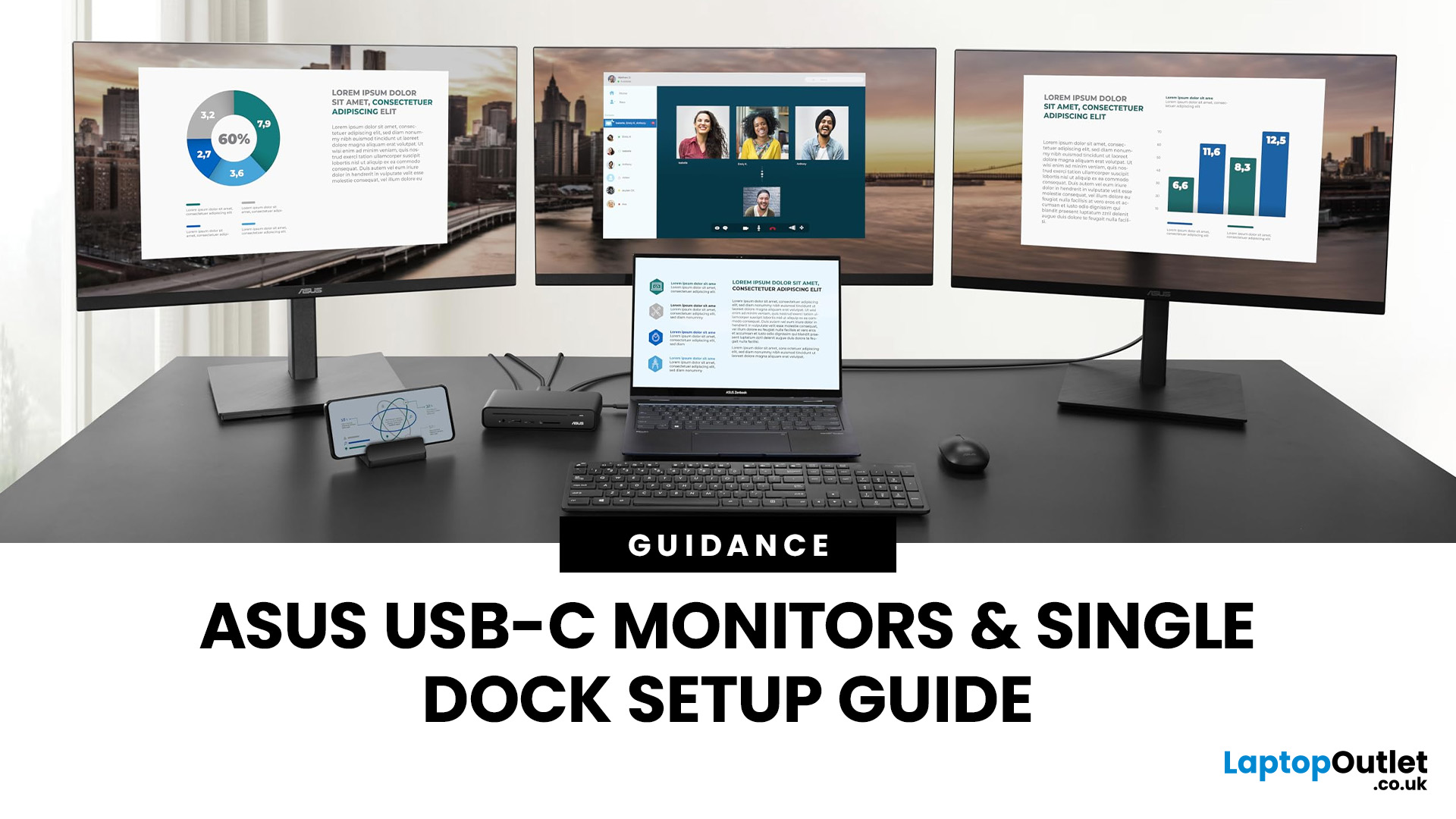
If you’re planning a desk refresh, rolling out new workstations, or managing a hot-desking environment, one question always comes up: how many ASUS USB-C monitors can you realistically run from a single dock? The short answer? It depends.
The long answer? It depends on your laptop’s GPU, the dock’s bandwidth, the monitor resolutions, and whether you’re daisy-chaining or using multiple video outputs.
In this practical IT deployment guide, we’ll break down exactly how ASUS USB-C monitors behave in real-world setups, what limits your configuration, and how to plan a reliable multi-monitor rollout without unpleasant surprises.
How USB-C Video and Power Actually Work
USB-C looks simple. One cable. Power. Video. Data. Done.
But behind that clean setup, there’s a lot happening.
USB-C monitors rely on a feature called DisplayPort Alt Mode. This allows the USB-C cable to carry video signals from your laptop’s GPU directly to the monitor. Many modern docks also use DisplayLink technology, which
Last Updated: August 11, 2026
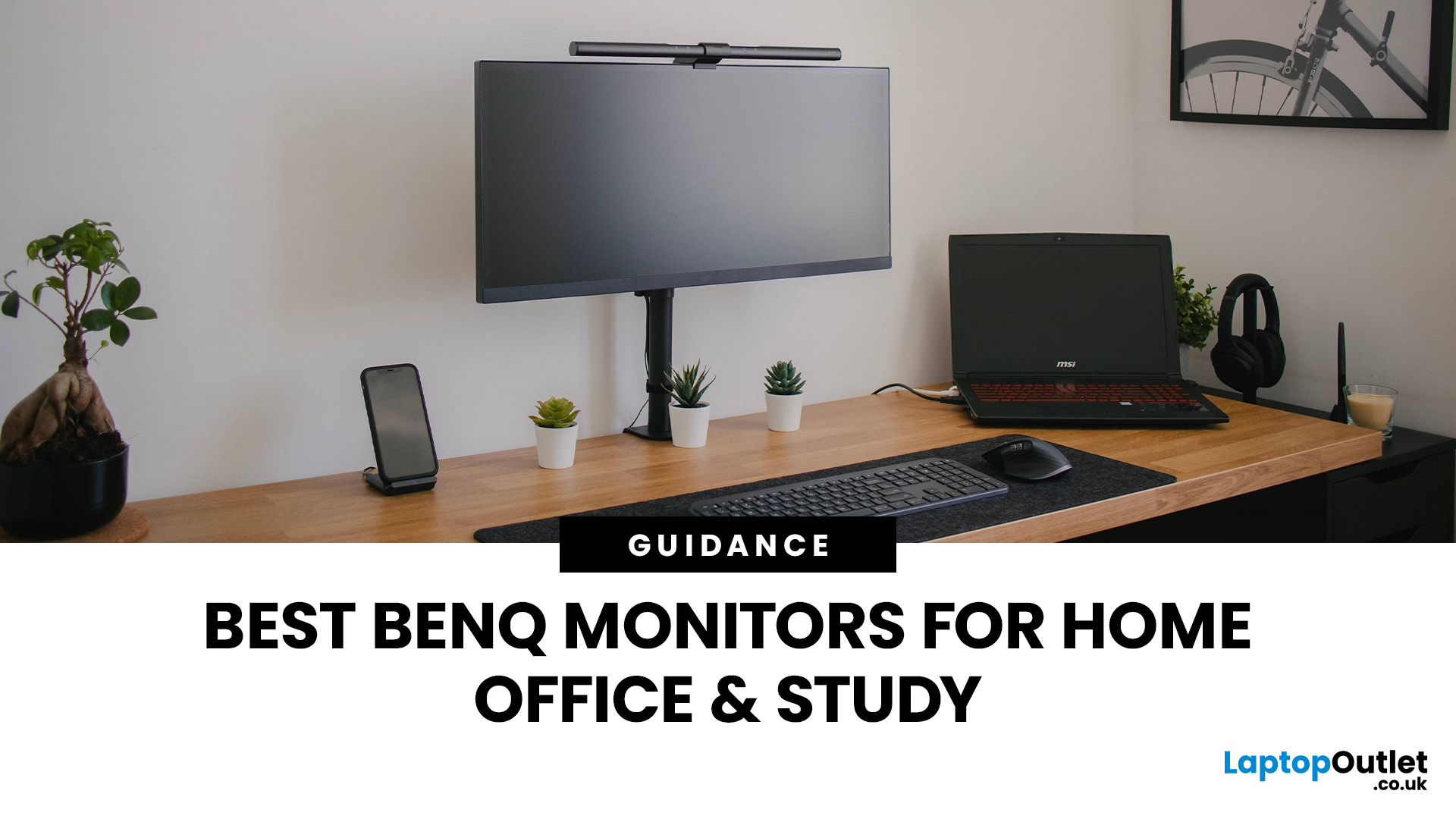
Creating a home workspace that actually makes you want to sit down and get things done starts with one key upgrade: your monitor. Whether you’re fully remote, juggling hybrid life, or deep into study mode, choosing the best BenQ monitor for home office use can seriously level up your focus, comfort and overall productivity.
Let’s be honest! Squinting at a tiny laptop screen for eight hours straight isn’t the vibe. You need space. You need clarity. You need something that doesn’t leave your eyes feeling fried by 4 pm. From compact Full HD screens that fit neatly on smaller desks to powerful 4K displays that handle heavy multitasking like a pro, there’s something for every type of workflow. So if you’re scrolling through BenQ monitors for home office and wondering which one deserves desk space, you’re in the right place.
What Makes a Good Home Office Monitor?
Not all monitors are created equal. A display designed for gaming or entertainment won’t always offer the same comfort and practical
Last Updated: April 14, 2026
If you’ve been shopping for a competitive gaming display, you’ve probably noticed that BenQ 240Hz gaming monitors are becoming the new standard for serious players. But with so many options available, the big question remains:
Is 240Hz worth it — or is 144Hz still enough?
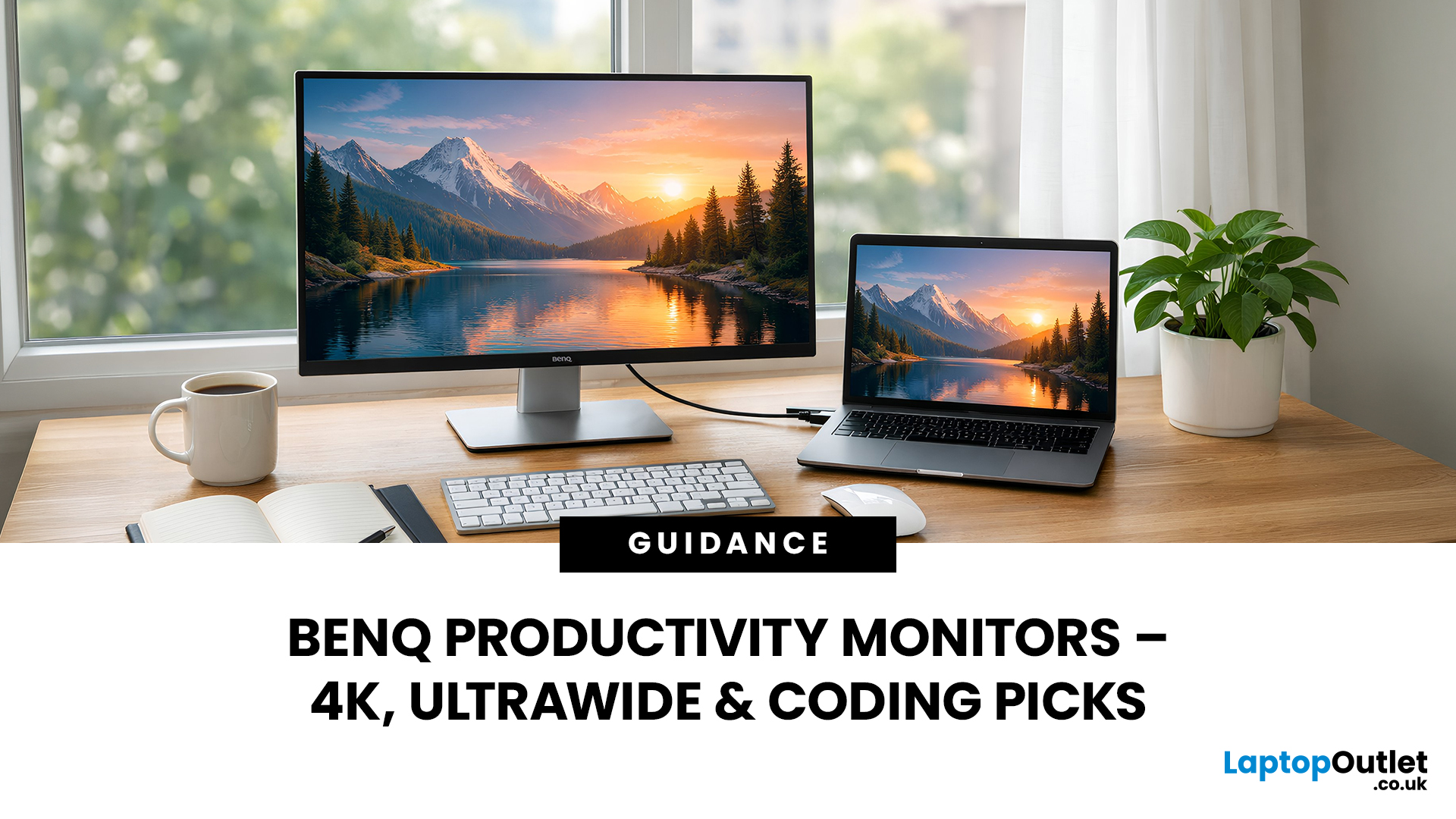
In this guide, we’ll break down what ultra-high refresh rates change in gameplay, compare 144Hz vs 240Hz BenQ monitor performance, and help you decide whether a BenQ high refresh ZOWIE monitor or a BenQ MOBIUZ high refresh monitor is the right upgrade for you.
Quick Answer — Is 240Hz Worth it?
So, is 240Hz worth it?
For many gamers, the answer is:
- Yes, if you play competitive FPS titles and want the smoothest, fastest response possible
- Maybe, if you play a mix of casual and competitive games
- Not necessarily, if you mostly play single-player or cinematic titles
A jump from 144Hz to 240Hz delivers:
- Smoother motion
- Reduced input delay
- Clearer tracking in fast-paced shooters
That’s why high refresh BenQ gaming monitors are
Last Updated: April 14, 2026
When you spend hours each day working across spreadsheets, dashboards, documents, or lines of code, your monitor becomes more than just a screen. It becomes the centre of your workflow. The right display can make work feel smoother, reduce fatigue, and help you stay focused for longer.
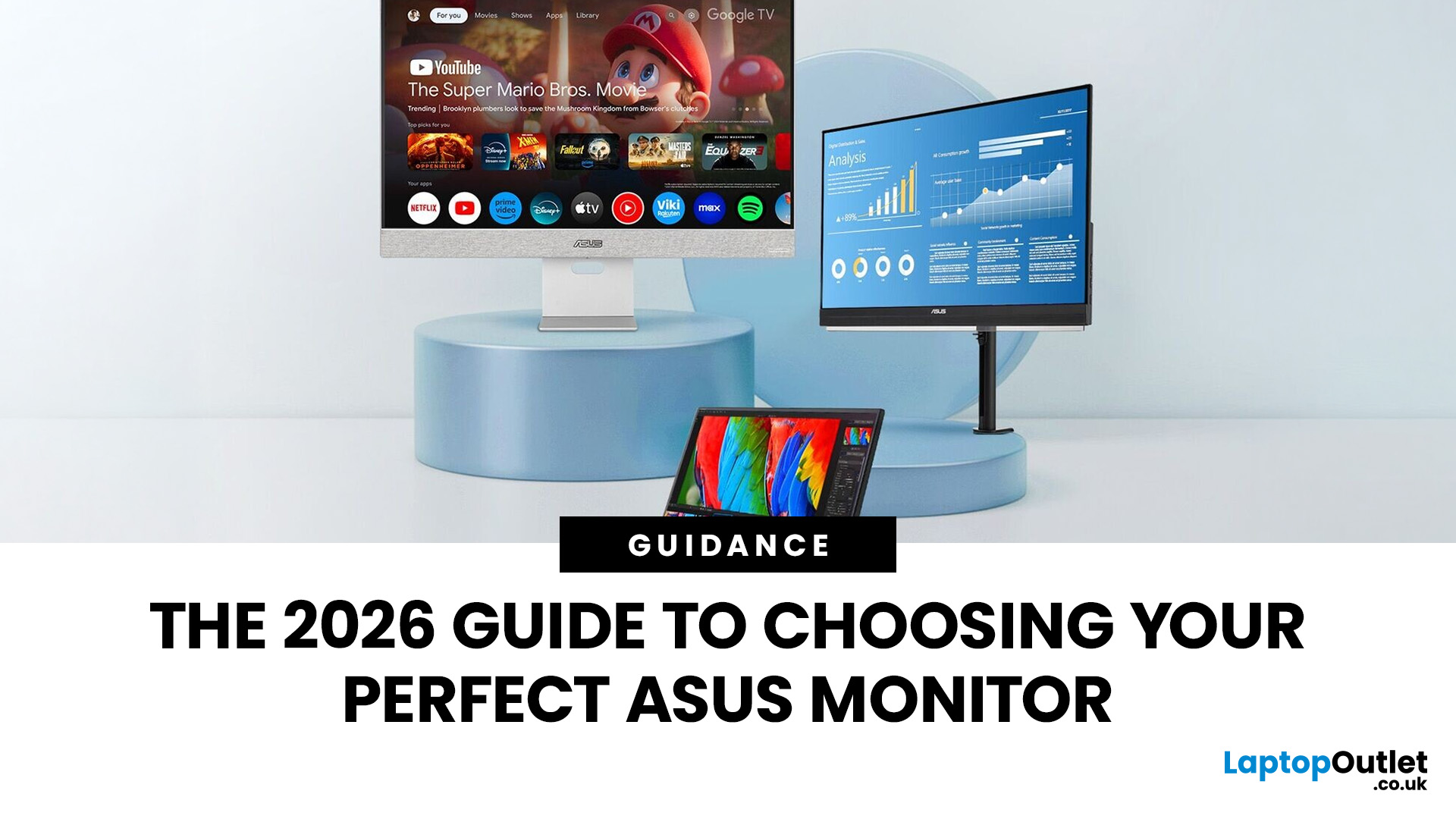
That’s exactly where BenQ productivity monitors stand out. Designed with knowledge workers, developers, and multitaskers in mind, BenQ offers a range of displays built for modern professional demands. Whether you need pixel-perfect clarity, extra-wide space for multiple apps, or coding-specific features, there’s a BenQ option tailored to the way you work.
Why Productivity-Focused Monitors Matter for Knowledge Work
A standard office monitor can get the job done, but knowledge work has evolved. Today’s workflows often involve multiple applications running side by side, detailed content review, long hours of screen time, and constant context switching. That’s why choosing the right monitor is no longer just
Last Updated: March 13, 2026
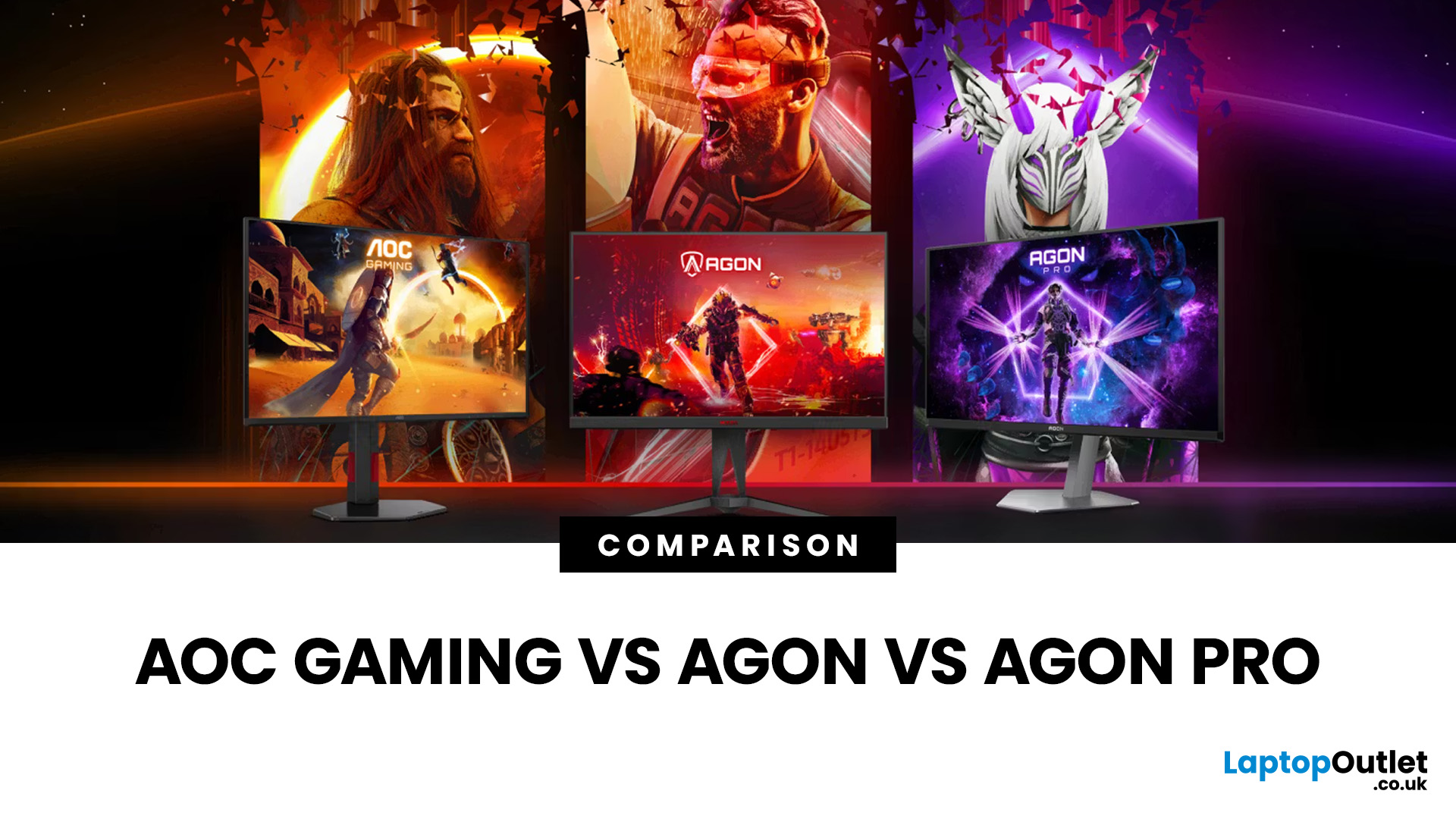
Choosing the right display in 2026 is about more than just resolution. It is about how a screen fits into your specific lifestyle. ASUS has remained a global leader by creating distinct lanes for every type of user. Whether you are a competitive gamer, a high-end designer, or a remote professional, understanding the core ASUS monitors uses is the first step to a perfect setup.
In this ASUS monitors 2026 guide, we look at how the brand has evolved its technology. From the staggering motion clarity of the latest OLEDs to the sustainable, eye-friendly designs of their business line, ASUS continues to set the benchmark for quality and reliability.
Why ASUS Monitors Are So Popular in 2026
The popularity of ASUS monitors stems from their ability to innovate within niche categories. ASUS does not just make "screens"; they build tools.
In 2026, the brand has focused heavily on "Dual-Mode" technology. This allows a single screen to switch between ultra-high resolution for work and extreme refresh

Last Updated: August 28, 2026
Working from home and studying online have become the norm in 2026, which means your monitor is no longer just a screen, it is where you spend hours reading, writing, video calling and multitasking. A good home office display needs to deliver sharp text, comfortable viewing and reliable eye-care features without costing a fortune.
That is why AOC has become one of the most popular brands for affordable productivity setups. Whether you need a cheap AOC 27 inch monitor for essays and coursework or a larger QHD screen for full-time remote work, there are plenty of options designed for comfort and clarity.
In this guide, we break down the best AOC monitor for home office and study, including budget picks, eye-care displays and refurbished bargains.
What Makes a Good Home Office Monitor?
Choosing the best AOC monitor for home office use starts with understanding what actually improves comfort and productivity. Unlike gaming displays, office monitors are about clarity, screen space and reducing
Published: February 25, 2026
The global gaming monitor market is projected to surpass 25 million units annually, driven by demand for higher refresh rates, lower response times, and immersive panel technology. Refresh rates have climbed from the standard 60Hz to 240Hz, 360Hz and even 500Hz models designed for competitive esports. As performance expectations rise, so does the confusion around product tiers.
That is especially true when comparing AOC Gaming vs AGON vs AGON PRO. Each series targets a different type of player, from casual console users to tournament level competitors. Understanding the real differences in features, performance and pricing is the key to choosing the best AOC gaming series for your setup.
Quick Overview of AOC Gaming, AGON and AGON PRO
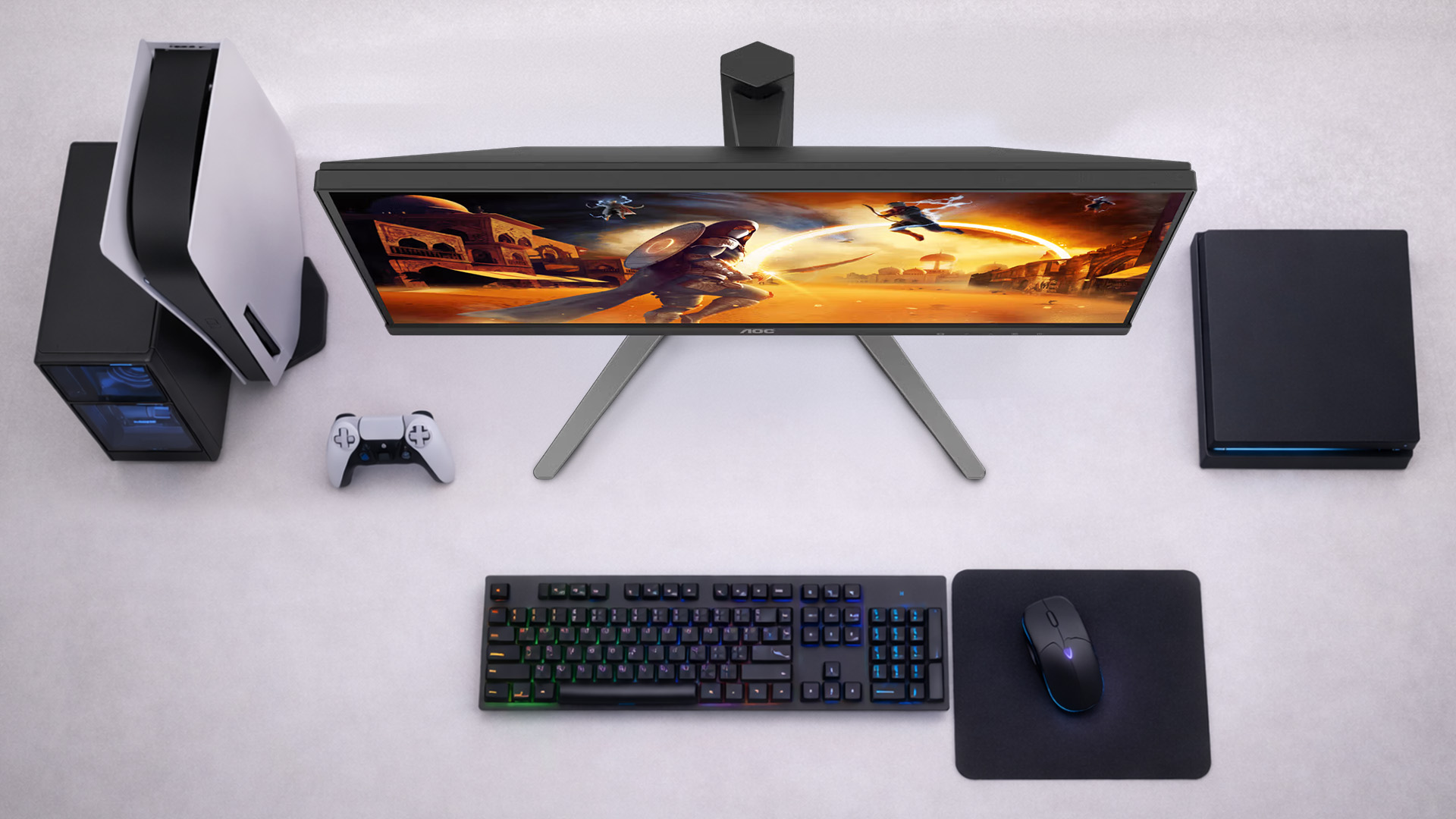
AOC structures its gaming monitors into three clear tiers; each designed for a different level of performance and budget.
AOC Gaming sits at the entry and mid-range level. These monitors focus on strong refresh rates, solid panel quality and competitive
Last Updated: August 28, 2026
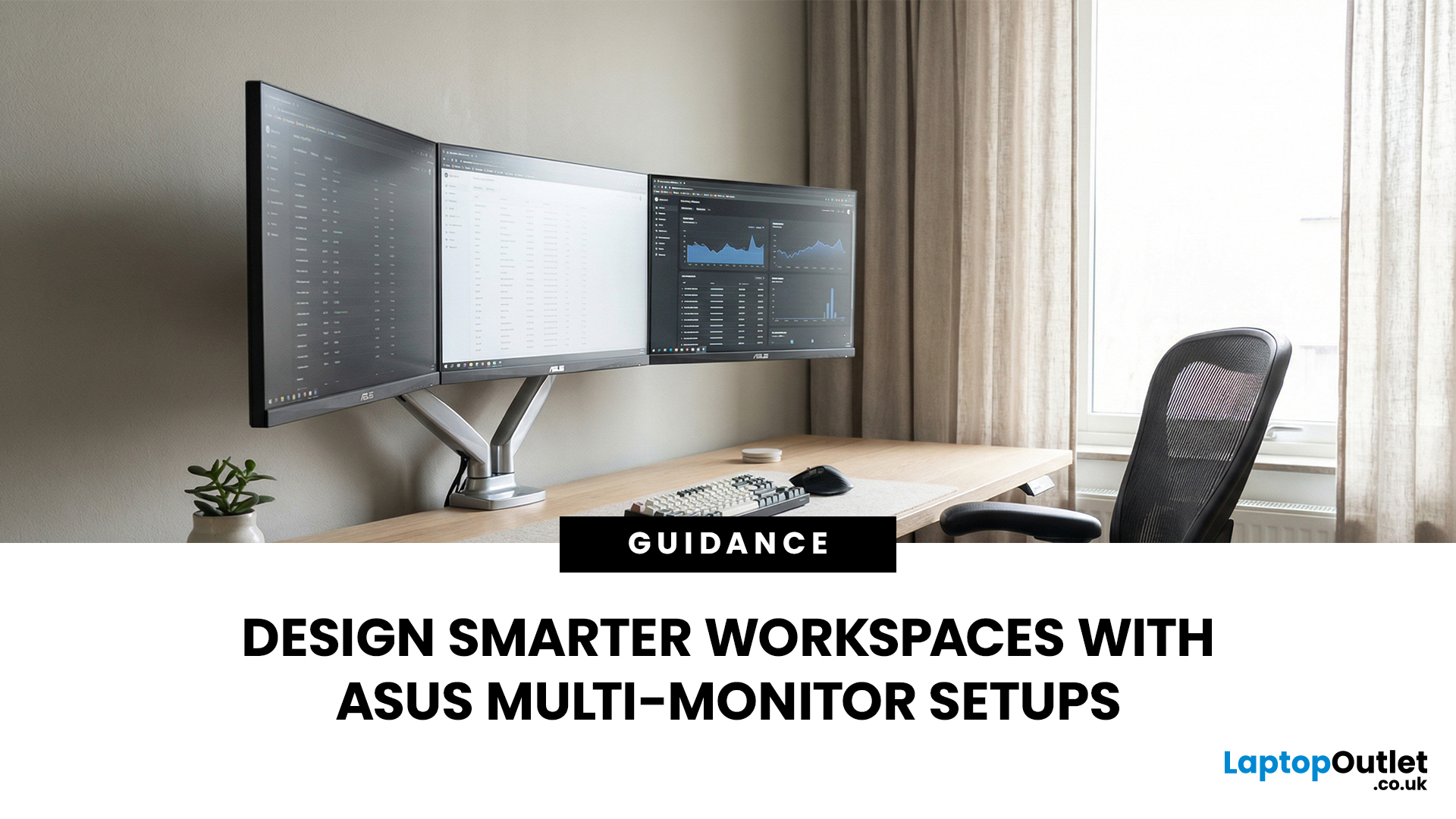
A single screen just does not cut it anymore. Whether you are writing code, managing client accounts, or analysing live market data, a well-built ASUS multi monitor setup can transform how you work. It gives you more room to think, less time switching between tabs, and a setup that genuinely supports your workflow.
This guide walks you through everything — from picking the right monitors to cabling, ergonomics, and ready-to-use layout ideas for teams and individuals alike.
Why Multi-Monitor Setups Boost Productivity
The case for multiple screens is not just about having more space. It is about working smarter. Research consistently shows that extended display setups can cut task-switching time and reduce cognitive load. When your reference document, communication tool, and primary work window each have their own screen, you stay in flow longer.
Suitable Roles: Devs, Finance, Support, Creatives
Not every job benefits equally, but a wide range of professionals gain a clear edge from multi-screen
Last Updated: August 28, 2026
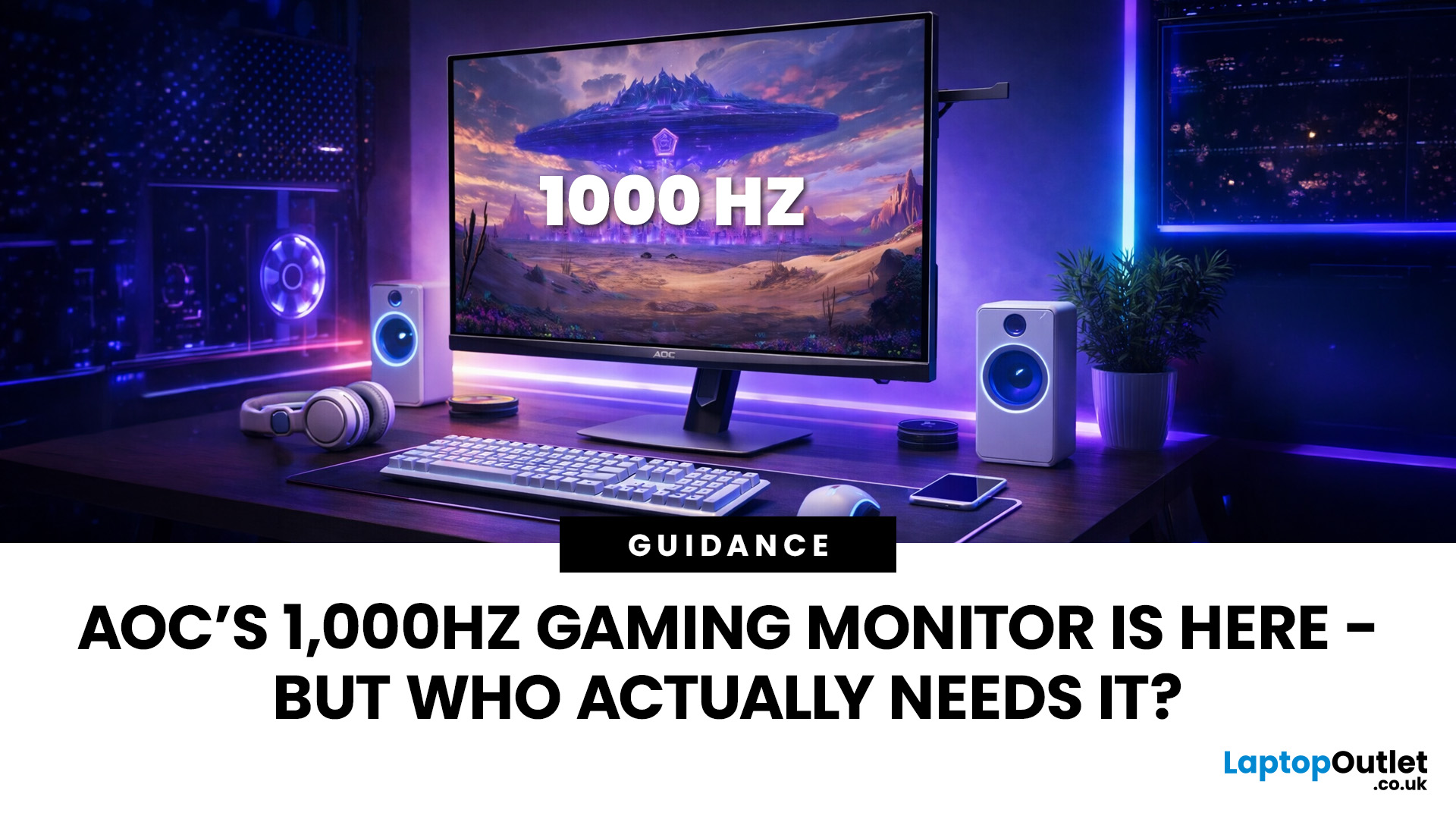
Gaming monitors have moved from 144Hz to 240Hz, then 360Hz and 500Hz in just a few years. Now AOC is pushing even further with its new AOC 1000Hz gaming monitor, the AGON PRO AGP277QK. At 1000Hz, the screen refreshes 1000 times per second, cutting frame time to just 1 millisecond. That is half the frame time of 500Hz and one quarter of 240Hz.
AOC’s new dual-mode 1000Hz monitor can switch between 500Hz at QHD and 1000Hz at a lower resolution, targeting elite competitive players. But who actually benefits from refresh rates this extreme, and should most gamers even consider waiting for it?
What AOC’s 1,000Hz Dual-Mode Monitors Actually Are
The AOC 1000Hz gaming monitor, known as the AOC AGON PRO AGP277QK, is part of a new wave of next-gen AOC AGON PRO monitors focused purely on competitive performance. It introduces a dual-mode 1000Hz monitor design, meaning it can operate at two different refresh rate and resolution combinations.
In its standard mode, the panel runs at QHD resolution with
Last Updated: August 28, 2026
Choosing the right gaming monitor depends on factors like refresh rate, resolution, panel type, response time, and HDR support.
AOC offers gaming monitors across every budget, making it hard to know which one is right for you.
This guide highlights the best AOC gaming monitors by budget and helps you choose between 1080p, 1440p, and 4K options based on your gaming needs.
How to Choose an AOC Gaming Monitor for Your Budget
Before looking at specific recommendations, it's important to understand what you're paying for.

