



AOC 27-Inch Gaming Monitors: Best Picks for 1080p and 1440p Gaming
An AOC gaming monitor 27 inch screen gives you plenty of room to play without taking over your whole desk. The key decision is resolution.
The best AOC gaming monitor 27 inch choice for most players is the Q27G42ZE, thanks to its sharp QHD resolution, Fast IPS panel and 240Hz native refresh rate. Choose the C27G4ZXE for competitive 1080p gaming, the Q27G3XMN/BK for stronger HDR, or the AG276UZD for premium 4K QD-OLED visuals. Your ideal model ultimately depends on your GPU, preferred games, target frame rate and available budget, plus your PC or console setup.
Full HD makes high frame rates easier to achieve, while QHD produces a noticeably sharper picture. If your budget and graphics card can go further, 4K QD-OLED delivers another level of detail, colour and contrast.
AOC 27 Inch Gaming Monitors at a Glance
|
Model |
Resolution |
Panel |
Refresh Rate |
Best For |
|
AOC AGON AG276UZD |
3840 × 2160 |
QD-OLED |
240Hz |
Premium 4K gaming |
|
AOC Q27G42ZE |
2560 × 1440 |
Fast IPS |
240Hz, 260Hz overclocked |
High-refresh QHD gaming |
|
AOC Q27G3XMN/BK |
2560 × 1440 |
Mini-LED VA |
180Hz |
HDR and immersive games |
|
AOC C27G4ZXE |
1920 × 1080 |
Fast VA, curved |
280Hz |
Competitive Full HD gaming |
|
AOC 27B36X |
1920 × 1080 |
IPS |
144Hz |
Affordable everyday gaming |
How We Chose Our Top AOC gaming monitor 27 inch
We compared current Laptop Outlet models by resolution, panel technology, refresh rate, response-time specification, adaptive-sync support, connectivity, stand design and overall suitability for different games.
Higher numbers did not automatically win. A 280Hz monitor makes sense for competitive shooters only when the gaming PC can produce very high frame rates. Meanwhile, better contrast and HDR can add more to a cinematic single-player game than another jump in refresh rate.
Specifications were cross-checked against current product information, but availability can change. Always check the live listing before ordering.
Best AOC 27-Inch Gaming Monitor Picks
1. AOC AGON AG276UZD 27-Inch 4K QD-OLED 240Hz Gaming Monitor
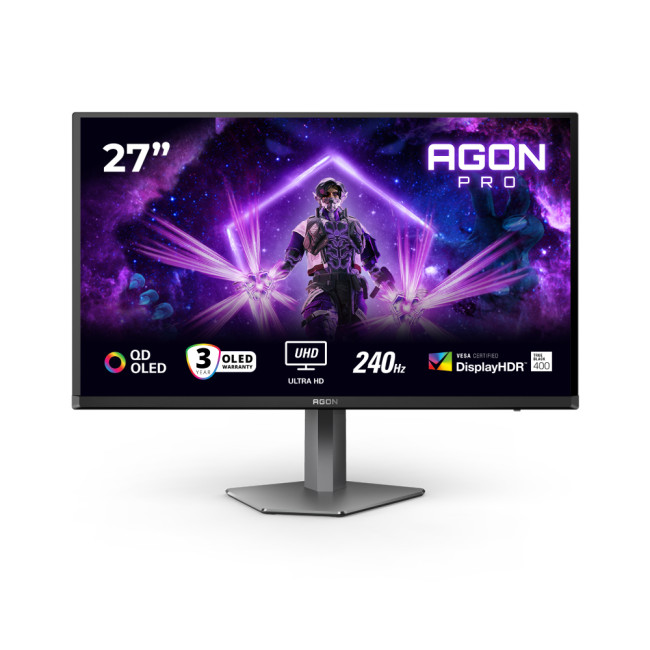
Highlights:
- Height Adjustable Stand
- 2x 5W Built in Speakers
- AMD FreeSync
- 27" 4K Ultra HD Display, 3840 x 2160 Max. Resolution
- 0.03 ms Response Time, 240 Hz Refresh Rate
- 16:9 Aspect Ratio
- 2x HDMI 2.1 | DisplayPort | USB-C
- Black Colour
The AG276UZD is the premium pick and the only 4K monitor in this list. Its 3840 × 2160 QD-OLED panel combines per-pixel lighting with a 240Hz refresh rate and a stated 0.03ms response time. That means deep blacks, excellent contrast and fast pixel transitions without sacrificing resolution.
Connectivity includes two HDMI 2.1 ports, DisplayPort and USB-C. The height-adjustable stand, pivot and swivel support also give it more setup flexibility than a basic gaming display. Two built-in 5W speakers are included, although a headset or dedicated speakers will still sound better.
The catch is hardware demand. Running modern games at 4K and high frame rates takes a powerful graphics card. OLED owners must also follow the panel-care features supplied by the manufacturer to reduce the risk associated with leaving static content on screen for extended periods.
|
Pros |
Cons |
|
Sharp 4K QD-OLED picture |
Requires a powerful GPU |
|
240Hz refresh rate |
Costs considerably more than the other picks |
|
Excellent black levels and contrast |
OLED panel care is important |
|
HDMI 2.1 and USB-C connectivity |
Overkill for basic 1080p gaming |
2. AOC Q27G42ZE 27-Inch QHD Fast IPS 260Hz Gaming Monitor
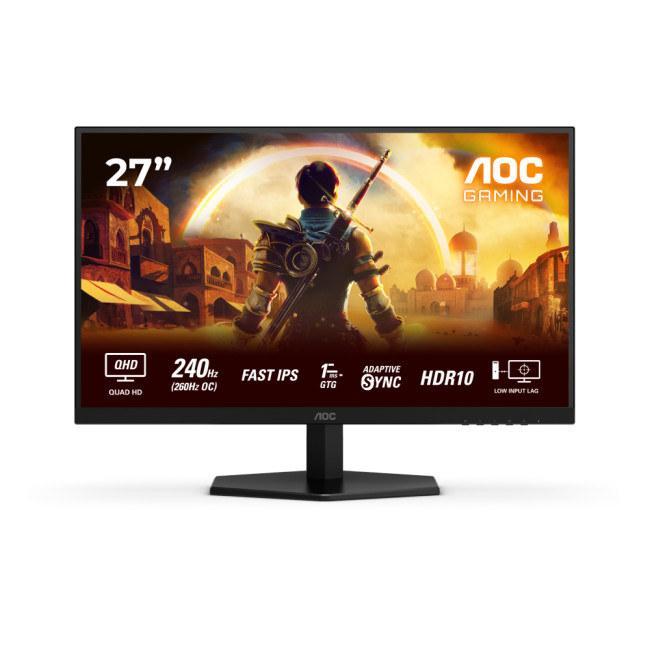
Highlights:
- Adaptive Sync
- HDR10
- 260 Hz Overclocked Refresh Rate
- 27" Quad HD Display, Fast IPS, 2560 x 1440 Max. Resolution
- 1 ms Response Time, 240 Hz Refresh Rate
- 16:9 Aspect Ratio
- 2x HDMI 2.0 | DisplayPort
- Black Colour
The Q27G42ZE is our best all-round AOC 27-inch 1440p gaming monitor. Its 2560 × 1440 resolution looks much sharper than Full HD at this size, while the Fast IPS panel provides wide viewing angles and consistent colour.
It runs at 240Hz natively and can reach 260Hz in its overclocked mode. Adaptive Sync helps reduce tearing when the frame rate and refresh rate do not line up. You also get two HDMI 2.0 ports and DisplayPort, making it easy to keep more than one gaming device connected.
The main compromise is the stand. It offers tilt adjustment but no height adjustment, swivel or pivot. A VESA-compatible monitor arm can solve that, but it adds to the overall setup cost. HDR10 support is present, although you should not expect the contrast or local-dimming performance of a Mini-LED or OLED display.
|
Pros |
Cons |
|
Sharp QHD resolution |
Tilt-only stand |
|
Fast IPS panel |
No built-in speakers |
|
240Hz native, 260Hz overclocked |
HDR performance is limited |
|
Strong speed-to-resolution balance |
High refresh rates need a capable GPU |
3. AOC G3 Q27G3XMN/BK 27-Inch QHD VA 180Hz Gaming Monitor

Highlights:
- Height Adjustable Stand to 130 mm
- DisplayHDR1000
- 27" 2K Ultra HD Display, VA, 2560 x 1440 Max. Resolution
- 1 ms Response Time, 180 Hz Refresh Rate
- 16:9 Aspect Ratio
- 2x HDMI 2.0 | DisplayPort
- Black Colour
The Q27G3XMN/BK takes a different approach. Instead of chasing the highest refresh rate, it combines QHD resolution, a 180Hz VA panel and Mini-LED backlighting with 336 local-dimming zones. It is also VESA DisplayHDR 1000 certified.
This gives it much stronger HDR credentials than a basic HDR10-compatible monitor. Dark scenes have more depth, bright highlights stand out more effectively and the VA panel provides a 4000:1 stated static contrast ratio. That makes it a strong match for horror games, open-world adventures and cinematic RPGs.
The monitor supports Adaptive Sync and has a height-adjustable stand with swivel and pivot control. AOC also lists 2560 × 1440 at 120Hz compatibility for PlayStation 5, Xbox Series X and Xbox Series S. VA panels can show slower dark-pixel transitions than the quickest IPS or OLED alternatives, so committed esports players may prefer the Q27G42ZE.
|
Pros |
Cons |
|
Mini-LED backlight with 336 zones |
Lower refresh rate than the 240Hz+ picks |
|
DisplayHDR 1000 certification |
VA transitions may be less clean in dark motion |
|
Strong contrast and QHD detail |
No built-in speakers |
|
Fully adjustable stand |
No USB hub |
4. AOC G4 C27G4ZXE 27-Inch Curved Full HD 280Hz Gaming Monitor

Highlights:
The C27G4ZXE is the speed-focused AOC 27 inch curved gaming monitor in this selection. Its Fast VA panel has a 1500R curve, Full HD resolution and a 280Hz refresh rate. Adaptive Sync is included to help reduce tearing and stuttering during changing frame rates.
Full HD is less demanding than QHD or 4K, so a mid-range PC has a better chance of producing the high frame rates needed to make 280Hz useful. That is a real advantage in games such as Counter-Strike 2, Valorant, Fortnite and Overwatch 2.
The trade-off is sharpness. A 1920 × 1080 image spread across 27 inches has roughly 82 pixels per inch, so text and fine details look softer than they do on a 27-inch QHD display. The stand is also tilt-only, despite the monitor’s gaming focus.
|
Pros |
Cons |
|
Very fast 280Hz refresh rate |
Full HD looks softer at 27 inches |
|
Curved 1500R Fast VA panel |
Tilt-only stand |
|
Easier to drive than QHD or 4K |
No speakers or USB hub |
|
Adaptive Sync support |
Less suitable for detailed creative work |
If immersion matters as much as speed, learn more about how AOC curved gaming monitors can change the experience in racing, simulation and open-world games.
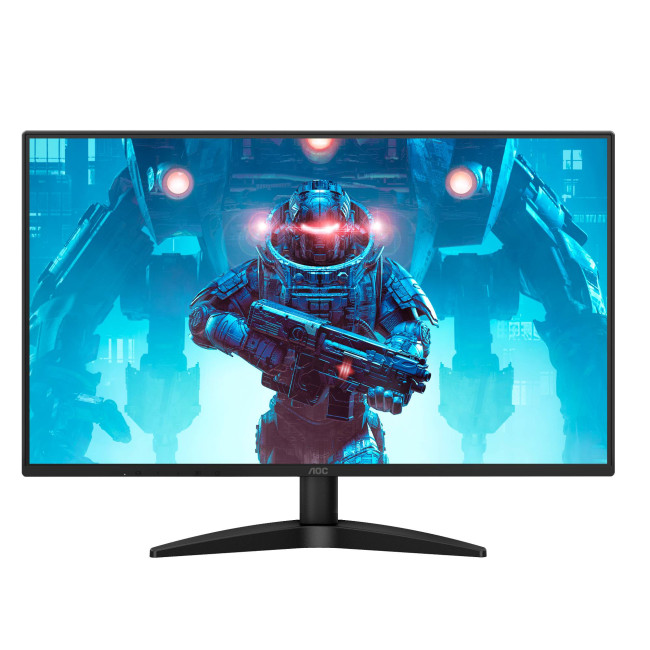
5. AOC 27B36X 27-Inch IPS Full HD 144Hz Gaming Monitor
Highlights:
- Flicker-free Technology
- Low Blue Light Technology
- HDR10
- 27" Full HD Display, IPS, 1920 x 1080 Max. Resolution
- 4 ms Response Time, 144 Hz Refresh Rate
- 16:9 Aspect Ratio
- HDMI | DisplayPort
- Black Colour
The 27B36X keeps things simple. It has a 27-inch Full HD IPS panel, a 144Hz refresh rate and Adaptive Sync support. HDMI and DisplayPort connections are included, alongside flicker-free and low-blue-light settings.
Moving from a basic 60Hz monitor to 144Hz makes games, scrolling and cursor movement feel noticeably smoother. The IPS panel also gives this model an advantage for everyday work, streaming and study compared with best gaming displays that sacrifice colour consistency or viewing angles.
Its stated response specifications vary by measurement: the listing highlights a minimum 0.5ms MPRT mode but also gives 4ms GtG. These figures describe different tests and should not be treated as interchangeable. This is a budget-friendly general gaming screen rather than a serious esports monitor.
|
Pros |
Cons |
|
Affordable route into 144Hz gaming |
Softer Full HD image at 27 inches |
|
IPS colour and viewing angles |
Tilt-only stand |
|
Adaptive Sync support |
Basic HDR capability |
|
Useful for gaming, work and study |
Not aimed at 240Hz esports play |
If the same screen also needs to handle assignments, video calls and everyday admin, explore these AOC monitors for home office and study for more affordable mixed-use options.
Should You Choose 1080p or 1440p at 27 Inches?
For most players, 1440p is the better resolution at 27 inches. A QHD screen produces around 109 pixels per inch, compared with roughly 82 pixels per inch on Full HD. Game interfaces, distant objects and text therefore look cleaner.
That does not make an AOC gaming monitor 27 inch 1080p a bad choice. Full HD requires the GPU to render fewer pixels, which can produce higher frame rates. This makes it useful for competitive players who care more about motion and responsiveness than maximum detail.
Choose 1080p if:
- You mainly play competitive shooters.
- Your GPU performs best at Full HD.
- You want 144Hz to 280Hz gaming on a tighter budget.
- You sit far enough away that the lower pixel density is less obvious.
Choose 1440p if:
- You play a mixture of competitive and single-player games.
- You want clearer visuals and more desktop space.
- Your PC can produce strong QHD frame rates.
- You plan to keep the monitor through a future PC upgrade.
Players comparing affordable QHD gaming monitors should balance refresh rate against their real GPU performance. There is little benefit in paying for 240Hz if your favourite games only run at 80 to 100 frames per second.
Is a 240Hz or 280Hz Monitor Worth It?
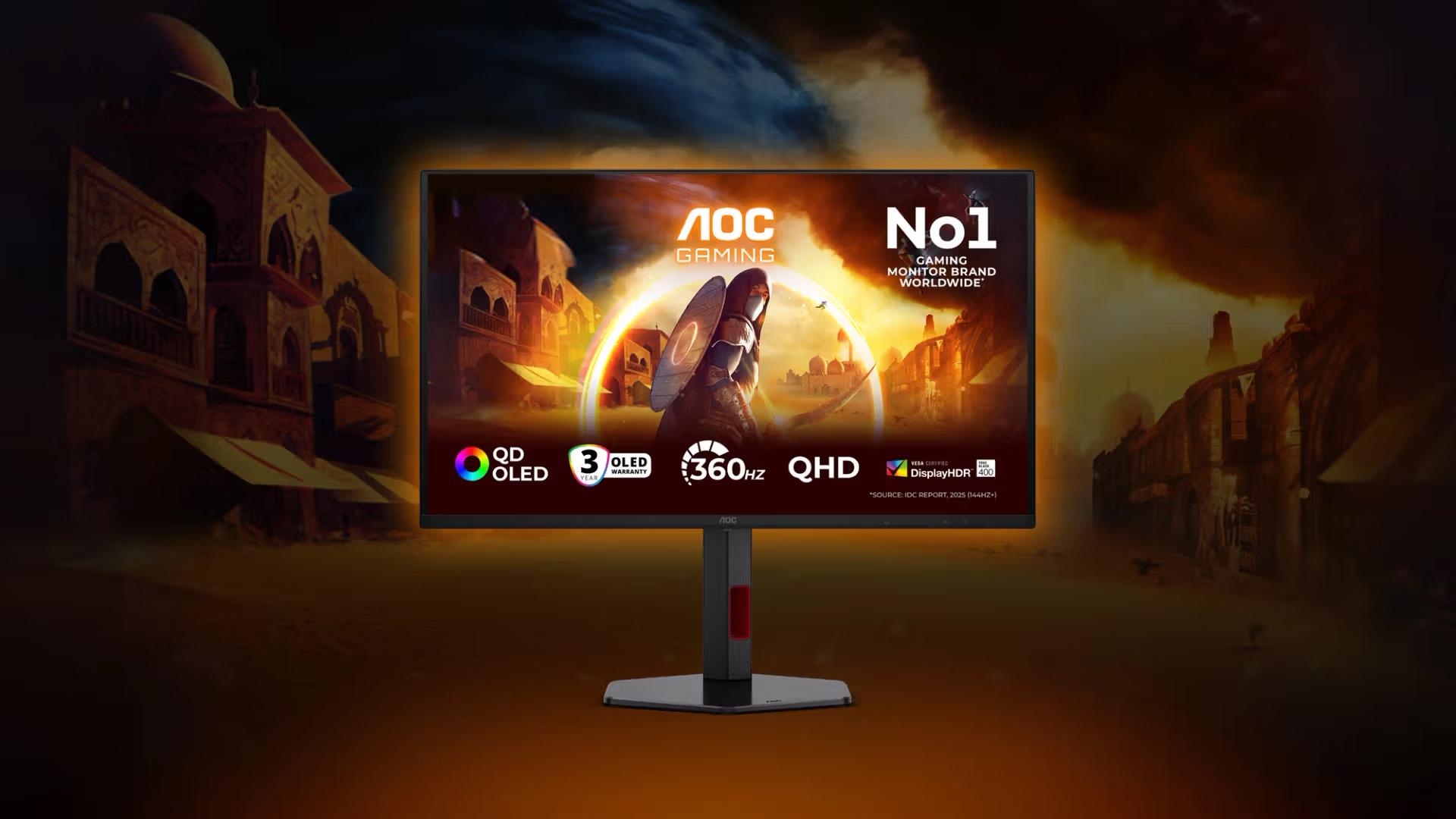
A high-refresh monitor can show more frames each second, reducing the time between screen updates. The jump from 60Hz to 144Hz for AOC gaming monitor 27 inch is easy to notice. Moving from 144Hz to 240Hz or 280Hz is more subtle, but it can still improve motion clarity and responsiveness for competitive players.
Your PC needs to generate suitably high frame rates for the display to show its full benefit. A 280Hz screen does not turn a 90fps game into a 280fps experience. CPU performance also matters in esports titles, particularly at 1080p where the graphics card may not be the main limitation.
For casual and cinematic gaming, 144Hz or 180Hz is already smooth. Spend the rest of the budget on QHD resolution, better contrast or a more adjustable stand if those upgrades would improve every session.
Curved or Flat: Which Shape Works Better?
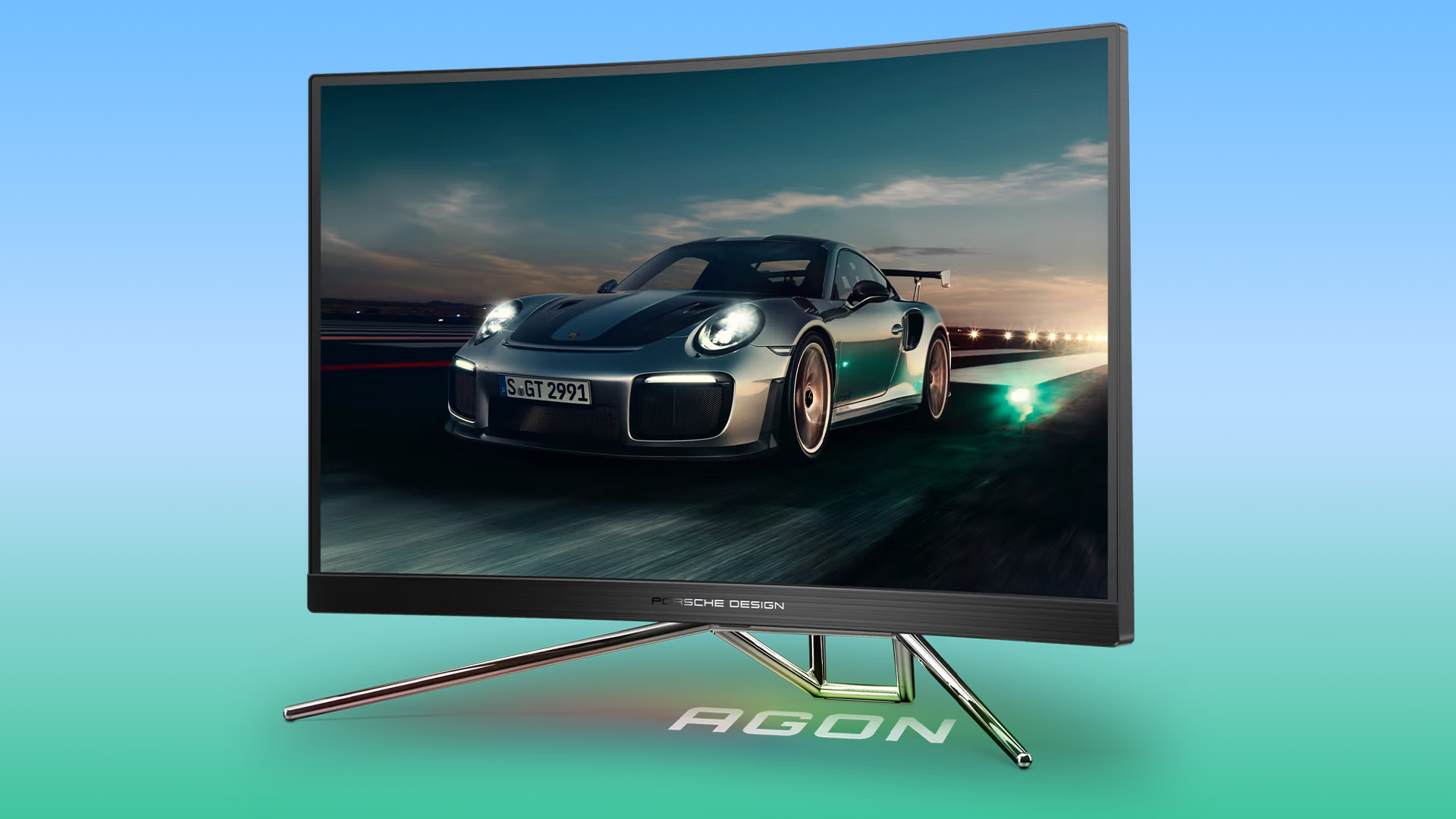
A curved monitor can feel more immersive because its edges angle towards the viewer. At 27 inches, however, the effect is less dramatic than it is on a 34-inch ultrawide. Choose a curve because you enjoy the presentation, not because it automatically improves gaming performance.
Your wider setup also matters, so compare curved and flat AOC monitors before deciding which shape works better for gaming, work and everyday use.
Flat IPS displays are often the safer option for mixed gaming, work and creative use. Their straight geometry suits documents, design grids and multi-monitor setups. Curved VA panels can provide stronger contrast, but some models may show more smearing in dark motion.
If you want a much broader 21:9 view for racing games, simulations or multitasking, compare wide-screen gaming monitors UK options separately. A normal 27-inch 16:9 monitor is widescreen, but it is not ultrawide.
What Should PC and Console Gamers Check?
PC gamers should check whether their graphics card has the correct DisplayPort or HDMI connection for the monitor’s target resolution and refresh rate. They should also confirm Adaptive Sync compatibility and use an appropriate cable.
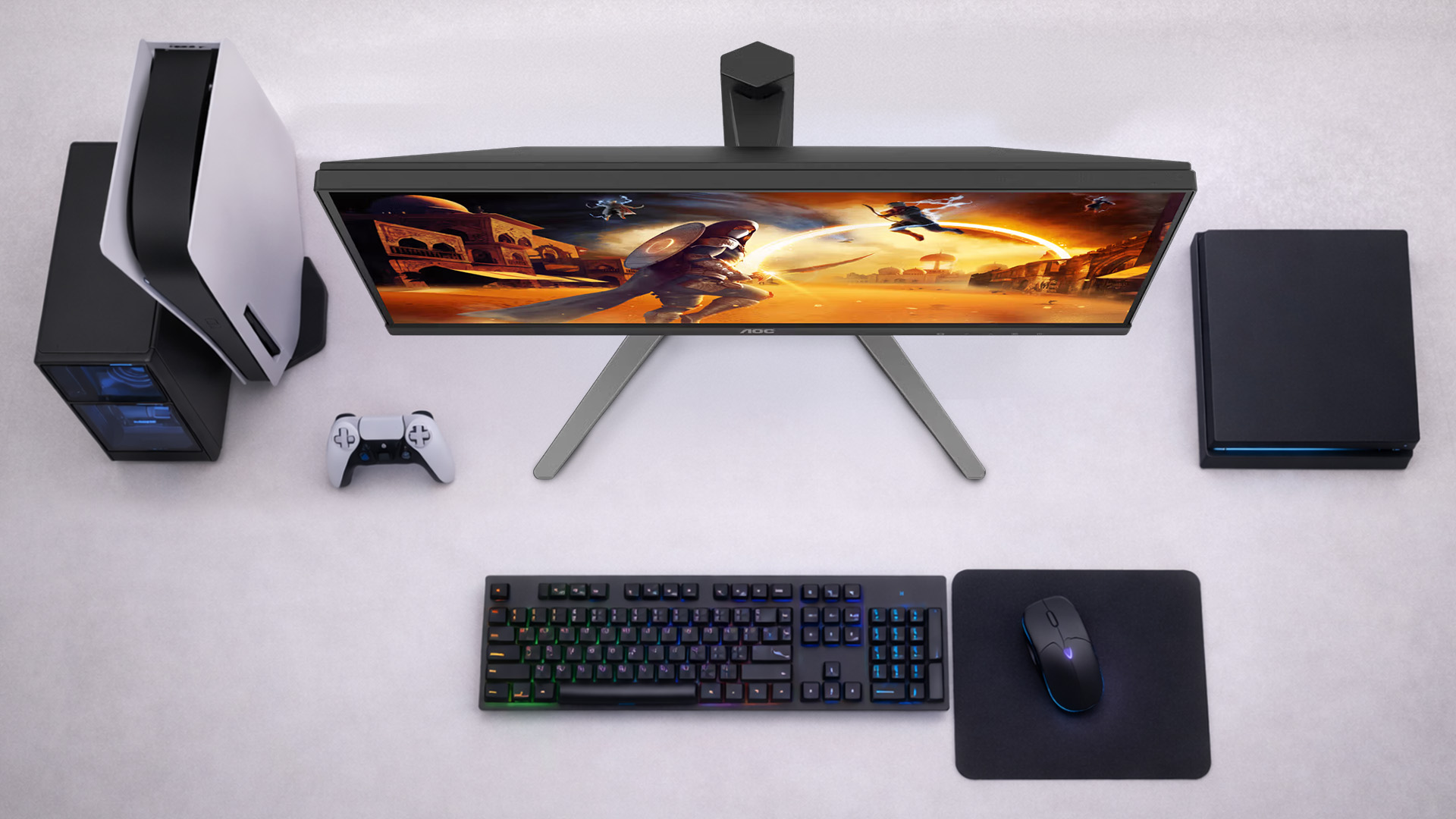
Console players need to be more careful with headline refresh rates. Current consoles generally target up to 120Hz rather than 240Hz or 280Hz, so paying extra for maximum refresh may not improve console play. Resolution support, HDMI bandwidth, variable refresh rate and confirmed 120Hz modes matter more.
The Q27G3XMN/BK has documented 1440p at 120Hz support for current PlayStation and Xbox consoles. The AG276UZD’s HDMI 2.1 connectivity makes it the more natural premium 4K console option. Always check the required console mode on the current product page or manufacturer documentation before buying.

Final Verdict: Which AOC 27-Inch Gaming Monitor Should You Buy?
The Q27G42ZE is the best AOC 27 inch gaming monitor for most PC players. QHD looks sharp at this size, while the Fast IPS panel and 240Hz native refresh rate provide enough speed for competitive gaming.
Choose the C27G4ZXE if high-frame-rate Full HD esports is your priority. Pick the 27B36X for a simpler and more affordable 144Hz upgrade. The Q27G3XMN/BK is the smarter choice for HDR, contrast and cinematic games, while the AG276UZD sits at the top for players who have the hardware and budget for 4K QD-OLED gaming.
Ready to find your screen? Compare the best AOC gaming monitors, or browse the latest 27-inch gaming monitors at Laptop Outlet. Match the resolution and refresh rate to your actual hardware, and you will get a better gaming experience without paying for specs you cannot use.

Still Have Questions for AOC gaming monitor 27 inch
Is a 27-Inch AOC Gaming Monitor Good for 1080p?
Yes, especially for competitive gaming where high frame rates matter more than fine detail. However, Full HD looks softer at 27 inches than it does at 24 or 24.5 inches. Choose it for speed and value rather than maximum sharpness.
Is 1440p Better Than 1080p on a 27-Inch Gaming Monitor?
1440p usually looks significantly sharper at 27 inches and gives you more usable desktop space. It is the better all-round option if your graphics card can deliver the frame rates you want at QHD resolution.
Are AOC 27 Inch Gaming Monitors Good for FPS Games?
Yes. Models with high refresh rates, low-latency modes and Adaptive Sync can suit FPS gaming well. Competitive players should also consider panel response behaviour, PC frame rates and whether the stand allows a comfortable position.
Should I Buy a Curved or Flat AOC 27-Inch Monitor?
Choose curved if you prefer a more enclosed, immersive view. Choose flat for straightforward multi-monitor alignment, mixed work and gaming, or design tasks where straight lines matter. Screen shape does not make a monitor faster.
What Refresh Rate Should I Choose for a 27-Inch AOC Gaming Monitor?
Choose 144Hz for casual and general gaming, 180Hz for a smooth QHD balance, and 240Hz or above for competitive games that your PC can run at very high frame rates. Console gamers should prioritise verified 120Hz support over a 240Hz headline figure.
Related Articles

Last Updated: September 02, 2026
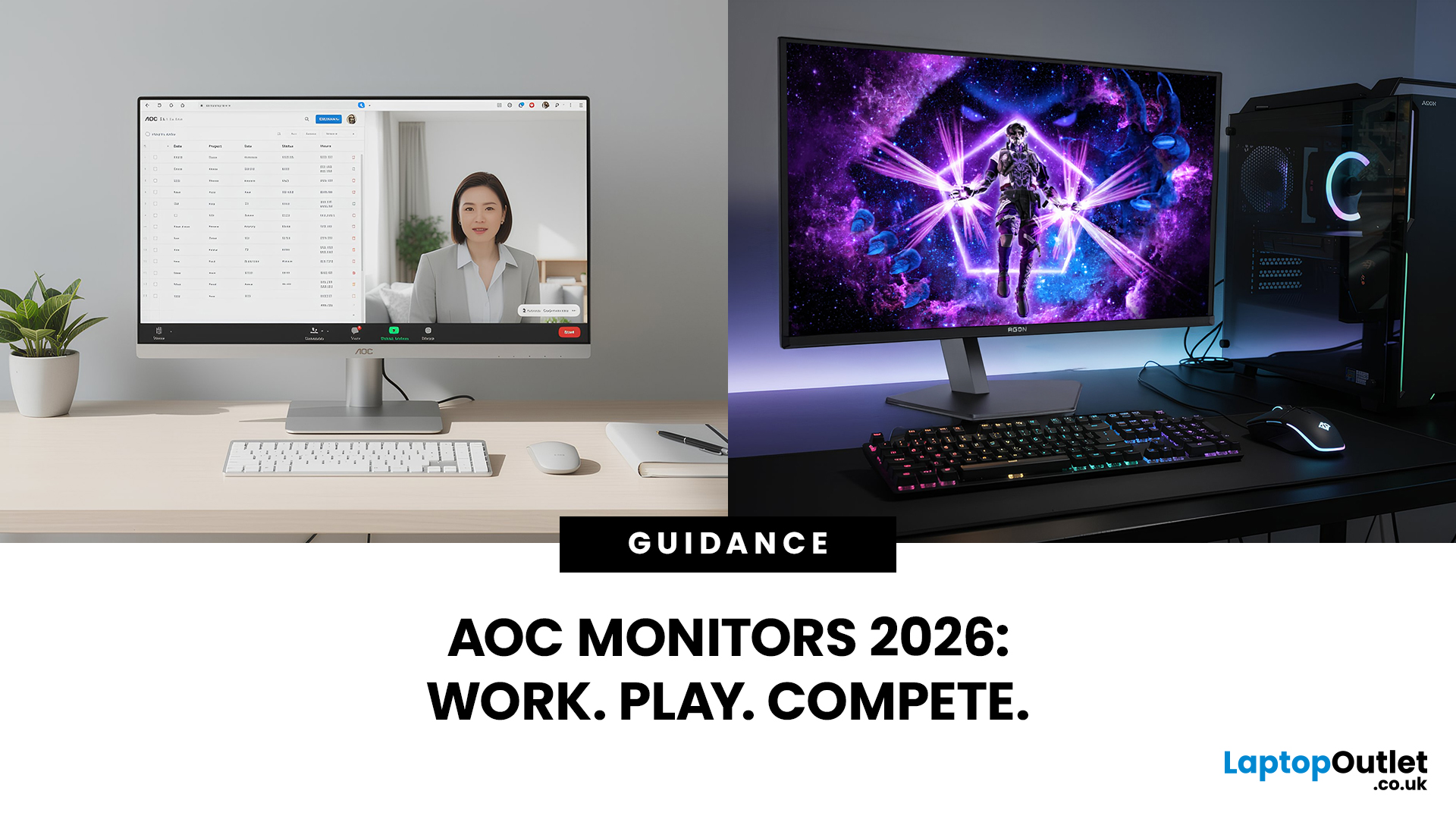
Choosing the right monitor can completely change the way you play, work, or create in 2026. Whether you’re looking for razor-sharp visuals for competitive gaming or a clear, comfortable screen for long workdays, AOC monitors for office and gaming stand out as one of the most versatile options on the UK market. Known for balancing affordability with high-end performance, AOC has become a go-to brand for gamers, students, and professionals alike.
From lightning-fast AOC gaming monitors to ergonomically designed AOC office monitors, the range is packed with options for every need and budget. Whether you want a sleek widescreen display, a powerful 4K setup, or a cost-friendly Full HD panel, there’s an AOC model for you.
Ready to level up? Let’s explore the best AOC monitors in 2026 and find the one that matches your setup.
Why Choose AOC Monitors in 2026?
- Affordable performance: Great value, even for budget AOC monitors.
- Gaming-first design: Fast refresh rates and ultra-low response times.
Last Updated: September 24, 2026
AOC monitors have quietly become one of the biggest go-to choices in 2026, whether you’re building a clean home office setup, upgrading your gaming station, or just wanting a solid screen that doesn’t destroy your budget. The brand covers everything from simple everyday displays to seriously high-performance esports-level monitors under AGON PRO. In this guide, we’ll break down the full AOC monitor family, explain what each series is actually made for, and help you figure out which models fit your lifestyle best: work, study, gaming, or all three. If you’re looking for value, comfort, and modern features, AOC is definitely worth knowing.
Meet the AOC Monitor Family: AOC, AOC Gaming, AGON & AGON PRO
AOC isn’t just one type of monitor; it’s more like a full lineup of screen “personalities,” each built for different people and setups. In 2026, AOC monitors cover everything from budget-friendly everyday displays to elite esports-level gaming machines.
The main difference comes down to performance,

Last Updated: August 28, 2026
Working from home and studying online have become the norm in 2026, which means your monitor is no longer just a screen, it is where you spend hours reading, writing, video calling and multitasking. A good home office display needs to deliver sharp text, comfortable viewing and reliable eye-care features without costing a fortune.
That is why AOC has become one of the most popular brands for affordable productivity setups. Whether you need a cheap AOC 27 inch monitor for essays and coursework or a larger QHD screen for full-time remote work, there are plenty of options designed for comfort and clarity.
In this guide, we break down the best AOC monitor for home office and study, including budget picks, eye-care displays and refurbished bargains.
What Makes a Good Home Office Monitor?
Choosing the best AOC monitor for home office use starts with understanding what actually improves comfort and productivity. Unlike gaming displays, office monitors are about clarity, screen space and reducing
Published: February 25, 2026
The global gaming monitor market is projected to surpass 25 million units annually, driven by demand for higher refresh rates, lower response times, and immersive panel technology. Refresh rates have climbed from the standard 60Hz to 240Hz, 360Hz and even 500Hz models designed for competitive esports. As performance expectations rise, so does the confusion around product tiers.
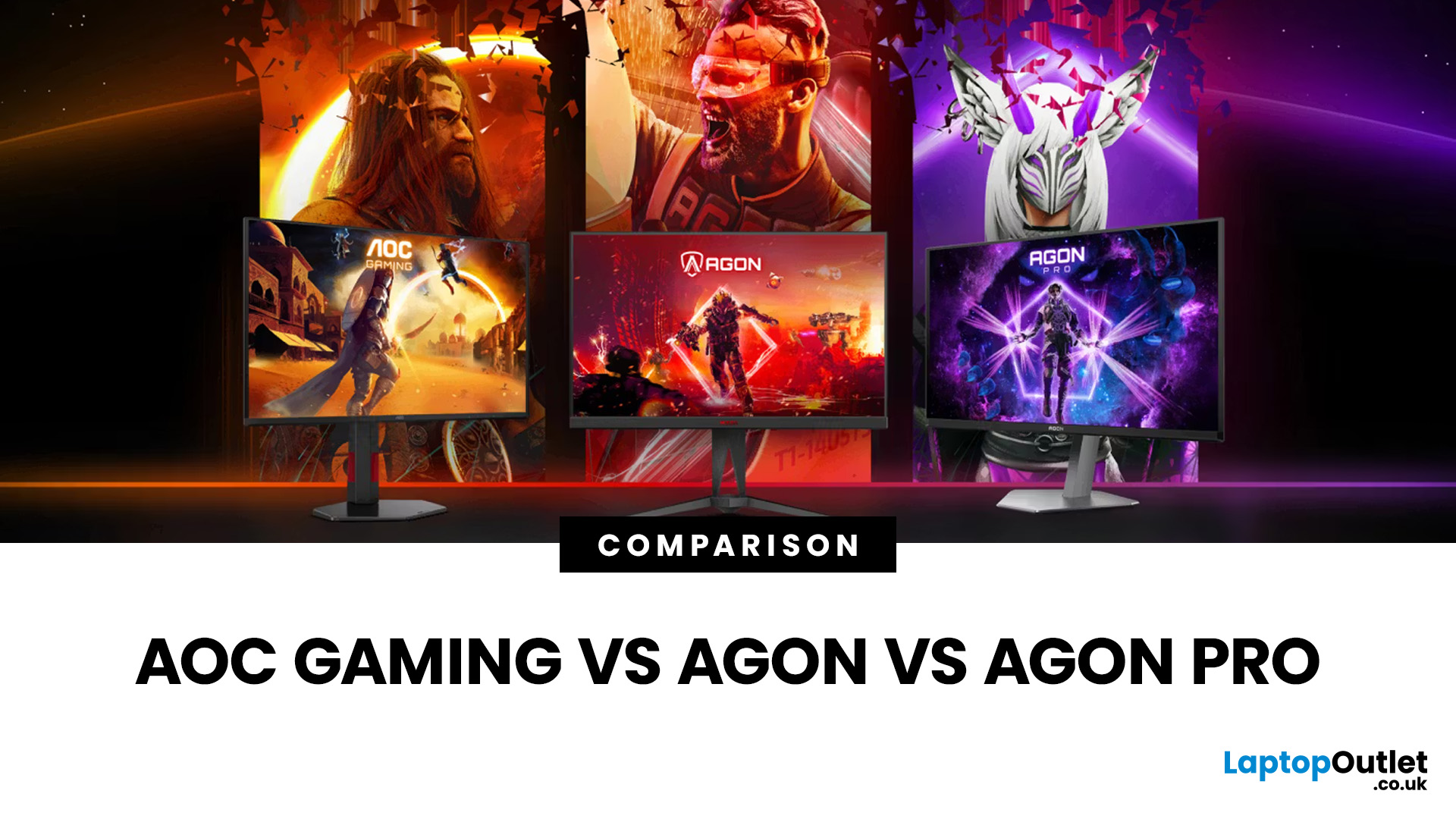
That is especially true when comparing AOC Gaming vs AGON vs AGON PRO. Each series targets a different type of player, from casual console users to tournament level competitors. Understanding the real differences in features, performance and pricing is the key to choosing the best AOC gaming series for your setup.
Quick Overview of AOC Gaming, AGON and AGON PRO
AOC structures its gaming monitors into three clear tiers; each designed for a different level of performance and budget.
AOC Gaming sits at the entry and mid-range level. These monitors focus on strong refresh rates, solid panel quality and competitive
Last Updated: August 28, 2026
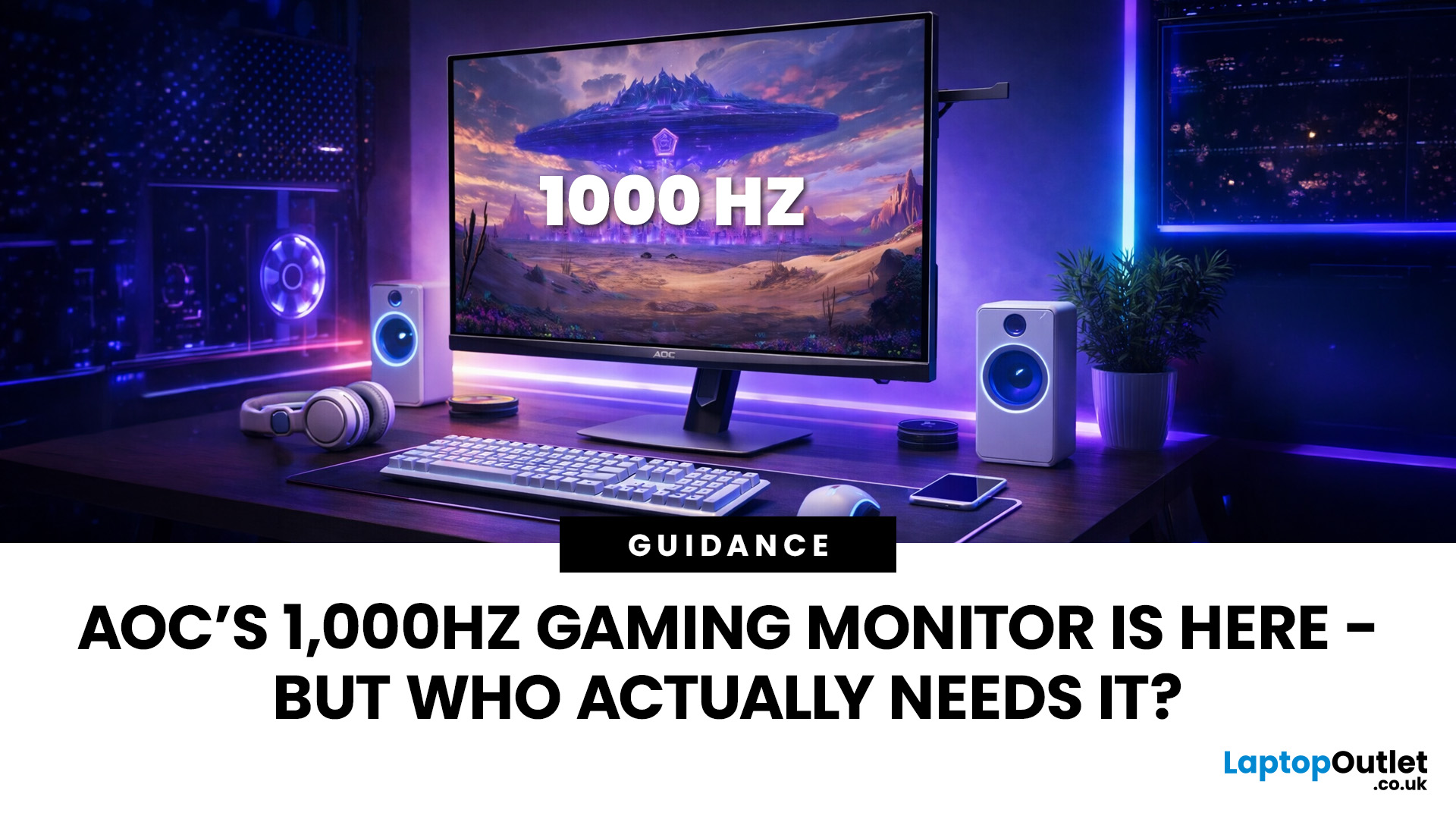
Gaming monitors have moved from 144Hz to 240Hz, then 360Hz and 500Hz in just a few years. Now AOC is pushing even further with its new AOC 1000Hz gaming monitor, the AGON PRO AGP277QK. At 1000Hz, the screen refreshes 1000 times per second, cutting frame time to just 1 millisecond. That is half the frame time of 500Hz and one quarter of 240Hz.
AOC’s new dual-mode 1000Hz monitor can switch between 500Hz at QHD and 1000Hz at a lower resolution, targeting elite competitive players. But who actually benefits from refresh rates this extreme, and should most gamers even consider waiting for it?
What AOC’s 1,000Hz Dual-Mode Monitors Actually Are
The AOC 1000Hz gaming monitor, known as the AOC AGON PRO AGP277QK, is part of a new wave of next-gen AOC AGON PRO monitors focused purely on competitive performance. It introduces a dual-mode 1000Hz monitor design, meaning it can operate at two different refresh rate and resolution combinations.
In its standard mode, the panel runs at QHD resolution with
Last Updated: August 28, 2026
Choosing the right gaming monitor depends on factors like refresh rate, resolution, panel type, response time, and HDR support.
AOC offers gaming monitors across every budget, making it hard to know which one is right for you.
This guide highlights the best AOC gaming monitors by budget and helps you choose between 1080p, 1440p, and 4K options based on your gaming needs.
How to Choose an AOC Gaming Monitor for Your Budget
Before looking at specific recommendations, it's important to understand what you're paying for.
Resolution Matters More Than Most Gamers
Last Updated: August 28, 2026
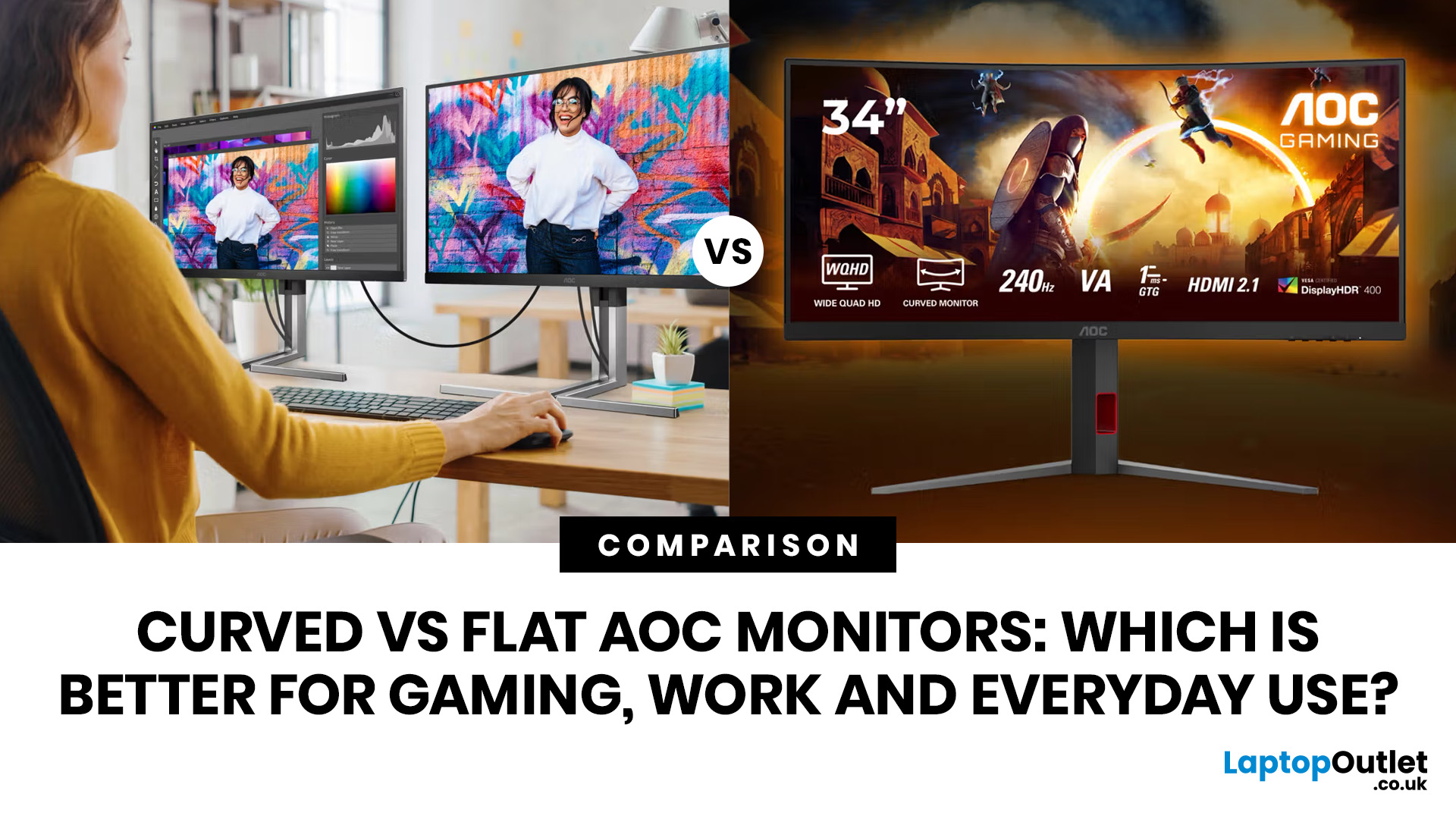
If you are comparing curved vs flat AOC monitors, the right choice depends less on trends and more on how you actually use your screen every day.
For gaming and entertainment, a curved display often feels more immersive, especially in racing games, open-world titles and films. For work, study and general day-to-day use, a flat screen is usually the more practical option because it is easier to position, easier to pair in dual-screen setups and often better suited to documents, spreadsheets and precision-focused tasks.
So, are curved monitors better? Not always. A curved model can be a great upgrade for the right person, but flat screens still make more sense for many buyers.
Here is the simplest way to think about it:
| Use case | Usually the better choice | Why |
| Immersive gaming | Curved | Feels more engaging and cinematic |
| Esports and fast competitive play | Depends | Refresh rate matters more than screen shape |
| Office work and spreadsheets | Flat | Cleaner lines, easier multi-window working |
| Study and everyday |
Last Updated: September 03, 2026
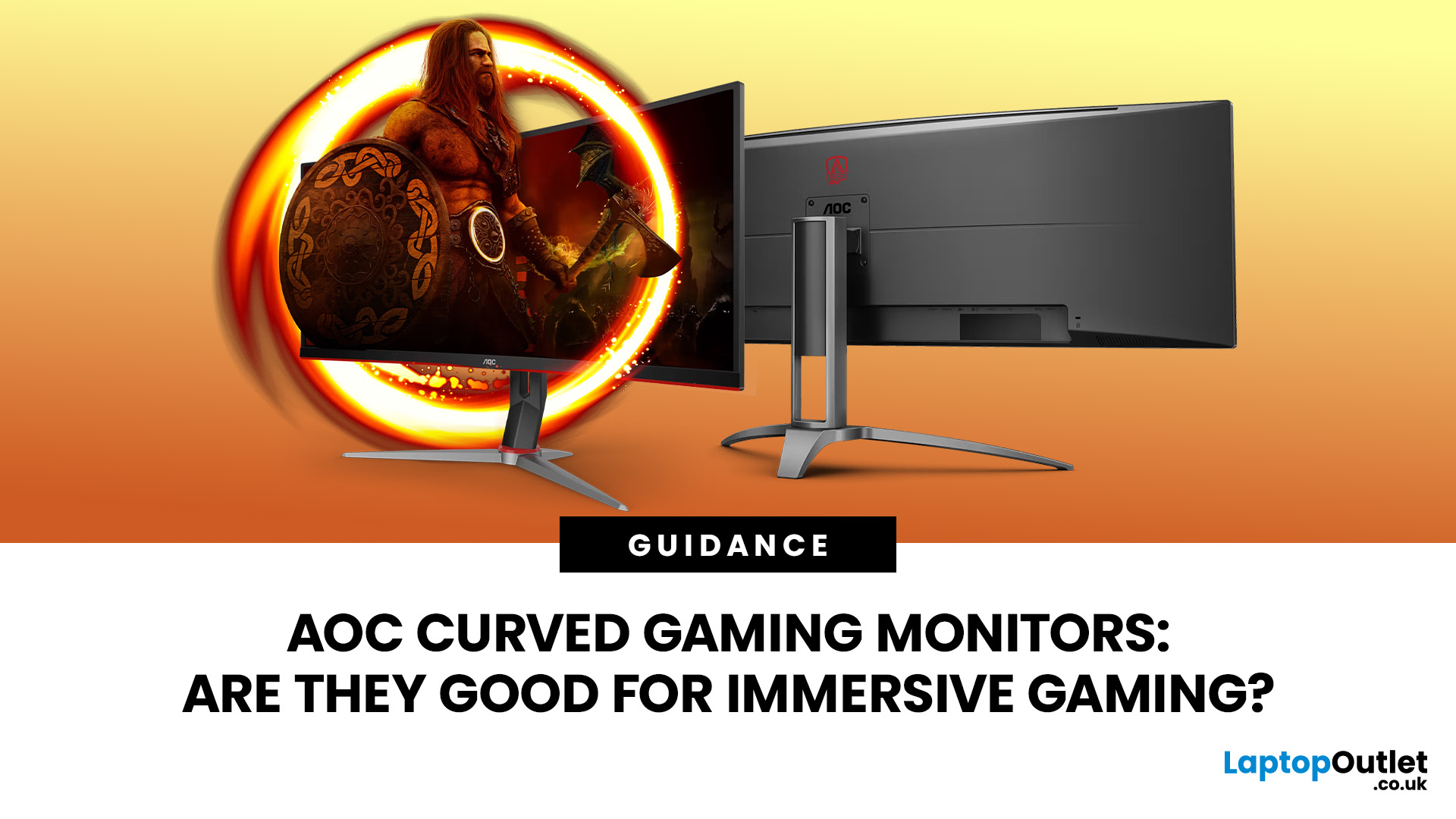
An AOC curved gaming monitor can be a strong choice for immersive gaming, especially if you play racing, simulation, RPG, open-world or cinematic single-player games. The curved screen helps draw more of the display into your natural field of view, which can make gameplay feel more engaging on larger panels. For many PC gamers, the sweet spot is a 27-inch or 32-inch high-resolution QHD monitors. For maximum immersion, an AOC 34 curved gaming monitor or another ultrawide curved gaming monitor can offer a wider, more cinematic view.
Are AOC Curved Gaming Monitors Good for Immersive Gaming?
Yes, AOC curved gaming monitors can be good for immersive gaming, but the experience depends on three things:
- Screen size
- Resolution
- Refresh rate
A curved display is most effective when the screen is large enough for the curve to matter. On a 24-inch screen, the curve may feel subtle. On a 32-inch or 34-inch screen, it becomes much more noticeable because the edges of the panel sit further into your peripheral
Published: August 13, 2026
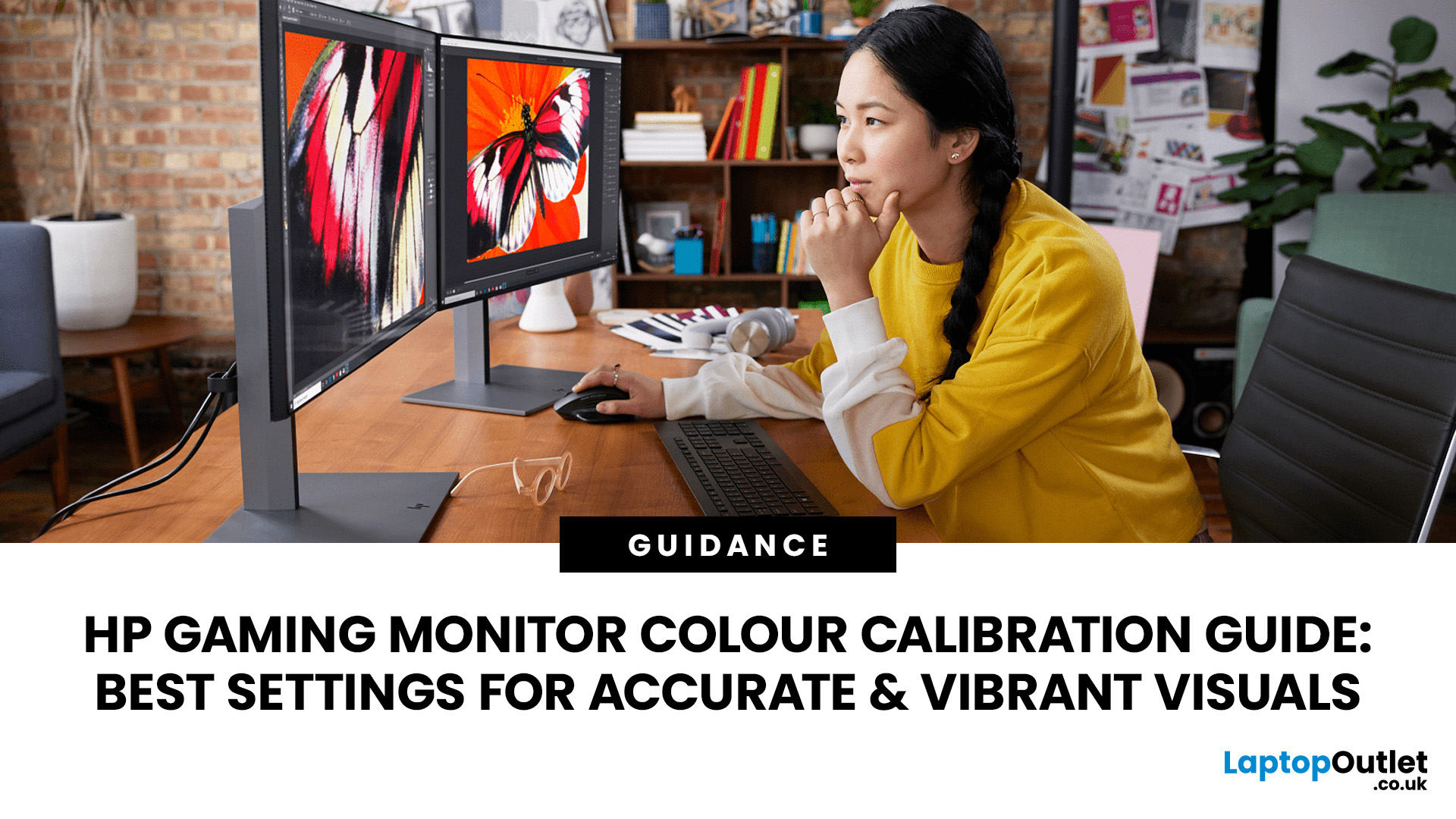
Your HP gaming monitor might have a fast refresh rate, sharp resolution, and solid HDR support, but poor colour settings can still leave games looking washed out, overly dark, or weirdly saturated. That is where monitor calibration makes a noticeable difference.
The key thing to know is that there is no single magic set of values that works for every HP or OMEN monitor. The right monitor settings depend on your exact panel, room lighting and whether you are playing in SDR or HDR.
This HP display calibration guide will show you how to get a more accurate starting point, fine-tune your screen in Windows 11 and fix the most common colour problems without turning everything up to 100.
What Does Monitor Calibration Actually Change?
Monitor calibration adjusts how your screen reproduces brightness and colour so that the image looks balanced rather than artificially enhanced. The main settings you are dealing with are:
- Brightness: Controls how bright the screen appears.
- Contrast: Affects the difference
Published: August 17, 2026
If your Dell monitor won’t turn on, don’t assume the screen is dead straight away. The issue could be as simple as a loose power cable, the wrong input source, or a dodgy HDMI connection.
The key is to identify what your monitor is actually doing. Is there no power light at all? Does the screen stay black even though the power LED is on? Or are you seeing a “No Signal” message?
Let’s work through the checks in the right order so you can find the problem without randomly swapping settings or buying hardware you might not need.
First, Check What Your Dell Monitor is Doing
A Dell monitor not turning on can mean a few different things.
| What You See | What to Check First |
| No power light | Socket, power cable, adapter and monitor power |
| Power light but black screen | Video cable, PC output and monitor diagnostics |
| “No Signal” message | HDMI/DisplayPort connection and input source |
| Screen works briefly then goes blank | PC, graphics connection or display hardware |
Making this distinction matters because a monitor

