



Are Ultrawide Monitors Worth Buying in 2026? A Complete Guide
Ultrawide monitors look seriously clean on a desk. One big screen, loads of horizontal space, fewer bezels, and that “main character workstation” vibe. But are they actually useful, or are they just a pricey way to make your setup look dramatic?
If you are asking, “is an ultrawide monitor worth it?”, the answer is: yes, for the right person. An ultrawide screen monitor can be a massive upgrade for multitasking, gaming, editing, streaming, and hybrid work. But it is not the perfect choice for everyone. This complete ultrawide monitor buying guide breaks down the benefits, drawbacks, best use cases and key specs to check before you buy.
Are Ultrawide Monitors Worth it in 2026?
Yes, ultrawide monitors are worth it in 2026 if you want more horizontal workspace, better multitasking, immersive gaming or a cleaner alternative to dual monitors. They are especially worth it for:
- Hybrid workers
- Multitaskers
- Gamers
- Video editors
- Designers
- Streamers
- Coders
- Finance and dashboard users
- Anyone who wants one wide display instead of two separate monitors
|
User Type |
Is an Ultrawide Monitor Worth it? |
Best Choice |
|
Hybrid workers |
Yes |
34-inch ultrawide display monitor |
|
Multitaskers |
Yes |
21:9 widescreen monitor |
|
Gamers |
Yes, if games support it |
Curved high refresh rate ultrawide monitor |
|
Content creators |
Yes |
IPS, OLED or QD-OLED ultrawide |
|
Students |
Maybe |
Affordable ultrawide monitor |
|
Budget buyers |
Maybe |
29-inch or entry-level 34-inch ultrawide |
|
Esports players |
Not always |
High refresh flat monitor may suit better |
|
Small desk users |
Probably not |
24–27-inch standard monitor |
The simple verdict: ultrawide is a setup glow-up if you will actually use the extra width.
What is an Ultrawide Monitor?
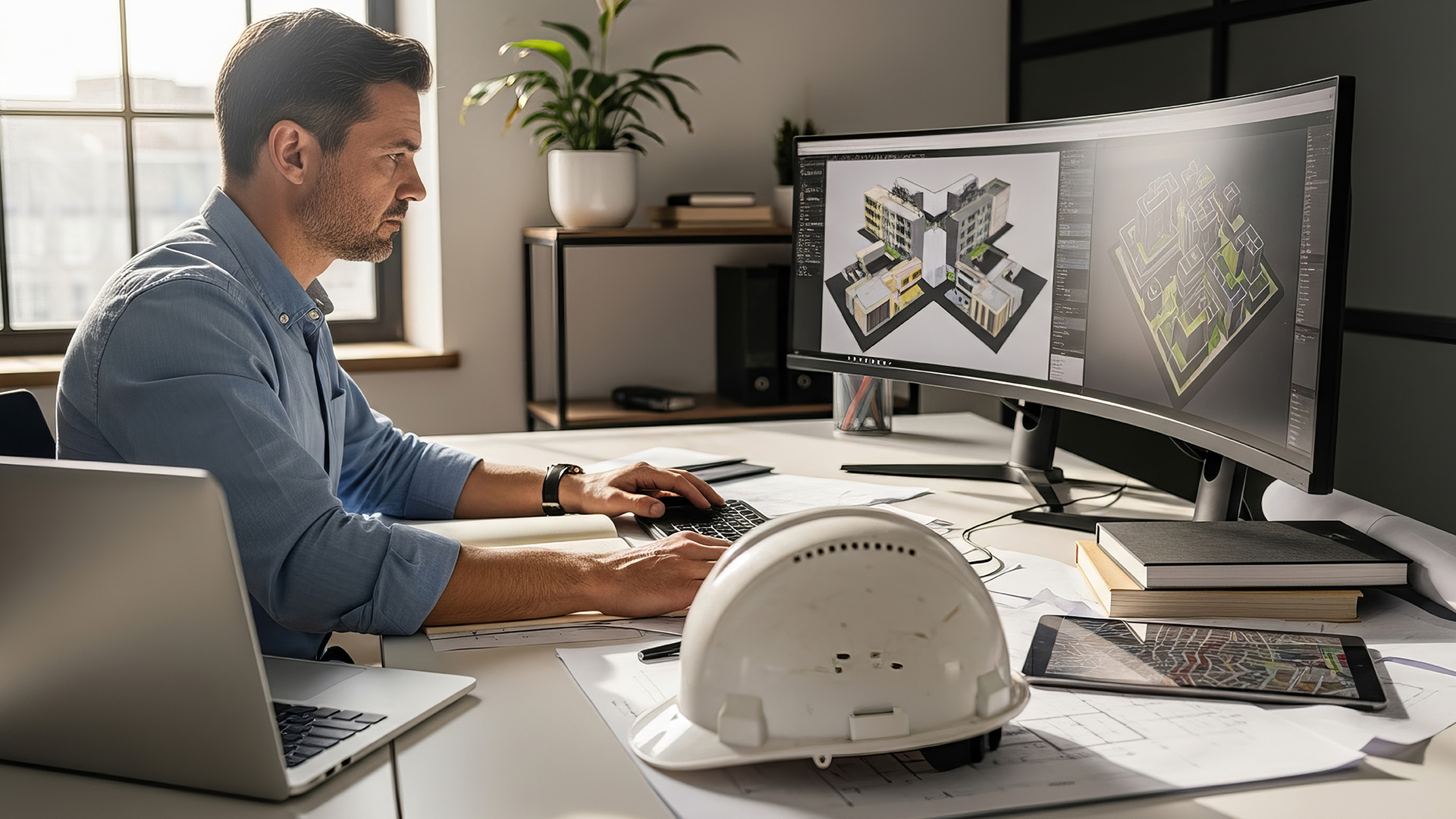
An ultrawide monitor is a monitor with a wider aspect ratio than a standard display. Most regular monitors use a 16:9 aspect ratio. Many ultrawide monitors use 21:9, while super ultrawide models can use 32:9.
In plain English, an ultrawide monitor stretches your screen sideways. Instead of constantly switching between windows, you can place apps next to each other and see more at once.
|
Monitor Type |
Common Aspect Ratio |
Best For |
|
Standard monitor |
16:9 |
Everyday use, gaming, office work |
|
Ultrawide monitor |
21:9 |
Multitasking, immersive gaming, editing |
|
Super ultrawide monitor |
32:9 |
Dual-monitor replacement, sim racing, advanced workflows |
A 21:9 ultrawide display monitor can feel like having two smaller screens merged into one cleaner panel. That means fewer cables, no middle bezel and a smoother workspace.
Ultrawide Monitor Pros and Cons
Before buying, it is worth being honest about the ultrawide monitor pros and cons. They are brilliant for some setups, but not magic for everyone.
|
Pros of Ultrawide Monitors |
Cons of Ultrawide Monitors |
|
More horizontal workspace for apps, tabs, documents and timelines |
Needs more desk space than a standard monitor |
|
Great for multitasking because you can place windows side by side |
Usually costs more than a regular 24-inch or 27-inch monitor |
|
Cleaner than dual monitors because there is no centre bezel gap |
Some games do not fully support ultrawide aspect ratios |
|
More immersive for supported games, especially racing, RPG and open-world titles |
Some videos may show black bars, especially standard 16:9 content |
|
Excellent for video editing, audio timelines and creative workflows |
Needs more GPU power for ultrawide gaming, especially at 3440 × 1440 |
|
Useful for large spreadsheets, dashboards and coding |
Can feel too wide if you sit too close or have a shallow desk |
|
Fewer cables and less clutter than a dual-monitor setup |
Budget models may have weaker stands, lower brightness or softer resolution |
|
More cinematic feel for supported films, games and creative content |
Not always ideal for esports, where high refresh 16:9 monitors may be preferred |
Bottom line: An ultrawide monitor is worth it if the extra width matches how you work, play or create. If you multitask heavily, edit timelines or enjoy immersive gaming, it can be a serious setup glow-up.
Ultrawide Monitor for Work: Is it Good for Productivity?
An ultrawide monitor for work can be a proper productivity upgrade, especially if you multitask all day. It works well for:
- Email + browser + Word document
- Teams or Slack + spreadsheet + dashboard
- Code editor + preview window
- Research + notes
- Video timeline + media folder
- Finance tools + reporting dashboard
- CRM + inbox + calendar
Instead of stacking windows or constantly alt-tabbing, you can spread everything out. It feels less cramped and more natural.
Ultrawide vs Dual Monitors for Work
|
Setup |
Pros |
Cons |
Best For |
|
Single ultrawide |
Seamless screen, fewer cables, no centre bezel |
Higher upfront cost |
Hybrid work, editing, multitasking |
|
Dual monitors |
Flexible and easy to expand gradually |
Bezels, more cables, desk clutter |
Office users, mixed screen sizes |
A single ultrawide is cleaner. Dual monitors are more flexible. If you want a tidy desk and one continuous workspace, ultrawide wins. If you want one screen for work and one for calls, dual monitors may still make sense. If you want more horizontal space for work, streaming or multitasking, browse widescreen monitors to compare wider display options.
If you are not sure whether one ultrawide screen or two separate displays would suit you better, our dual monitor setup guide shows how to connect and optimise a two-screen workspace.
|
Laptop Outlet Expert Tip: For most office and hybrid workers, a 34-inch ultrawide with 3440 × 1440 resolution is the sweet spot. It gives you proper workspace without going full spaceship cockpit. |
Ultrawide Monitor for Gaming: Is it Worth it?
An ultrawide monitor for gaming can be genuinely immersive. In supported games, the wider field of view makes worlds feel bigger and more cinematic. Ultrawide gaming is especially good for:
- Racing games
- Flight simulators
- Open-world games
- RPGs
- Strategy games
- Story-driven games
- Cinematic single-player titles
A curved ultrawide monitor makes this even better because the screen wraps slightly around your field of vision. It can make games feel more natural, especially on 34-inch and 49-inch screens.
However, ultrawide is not always ideal for competitive esports. Some games limit ultrawide support for fairness, and some players prefer smaller 16:9 monitors with extremely high refresh rates. For gaming, look for:
- 144Hz or higher refresh rate
- 1ms or faster response time
- FreeSync or G-SYNC compatibility
- 3440 × 1440 resolution
- Curved panel
- HDMI 2.1 or DisplayPort
- A GPU that can handle ultrawide resolution
Gamers who want a wider field of view and smoother motion should compare ultrawide gaming monitors built for immersive play.Curved Ultrawide Monitor: Worth it or Overkill?
For ultrawide screens, curved usually makes sense. A flat monitor is fine at normal sizes, but once the screen gets wider, the edges can feel far away. A curve brings the edges slightly towards you, making the whole display easier to view. A curved ultrawide monitor is best for:
- Gaming
- Films
- Long work sessions
- Large spreadsheets
- Video editing
- Multitasking
- Wide desk setups
|
Curve Feel |
Best For |
What to Expect |
|
Gentle curve |
Work and everyday use |
Easy to adjust to |
|
Medium curve |
Gaming and entertainment |
More immersive |
|
Strong curve |
Sim racing and large ultrawide setups |
Very wraparound feel |
If you like the idea of a wraparound screen for gaming or long work sessions, curved monitors are worth exploring before choosing your setup.
What Size Ultrawide Monitor Should You Buy?
The best ultrawide size depends on your desk, budget and usage.
|
Size |
Best For |
Notes |
|
29-inch |
Budget buyers, compact desks |
Entry-level ultrawide feel |
|
34-inch |
Most users |
Best balance of size, price and immersion |
|
38-inch |
Premium productivity |
More space, higher cost |
|
49-inch |
Dual-monitor replacement |
Needs a deep desk and strong GPU |
29-Inch Ultrawide Monitors
A 29-inch ultrawide is a good starter option. It gives you the 21:9 experience without taking over your whole desk. It is best for students, budget buyers and users who want extra width but do not need a huge screen.
34-Inch Ultrawide Monitors
A 34-inch ultrawide is the best choice for most people. It gives you a proper wide-screen experience and usually pairs well with 3440 × 1440 resolution. This is ideal for work, gaming, editing and general everyday use. If a 34-inch ultrawide feels too large for your desk, compare 29 to 33 inch monitors for a more compact upgrade.
49-Inch Super Ultrawide Monitors
A 49-inch super ultrawide is basically a dual-monitor setup in one huge panel. It is brilliant for sim racing, advanced productivity and serious multitasking, but it needs desk space and a strong system.
Ultrawide monitors use different resolutions from standard displays, so it is worth reading our 4K vs 1440p vs 1080p monitor guide before choosing your ideal screen size.
How to Choose an Ultrawide Monitor in 2026
Knowing how to choose an ultrawide monitor comes down to matching the specs to your use case.
|
Feature |
What to Look For |
Why It Matters |
|
Size |
29, 34, 38 or 49 inches |
Controls desk fit and immersion |
|
Resolution |
2560 × 1080, 3440 × 1440 or 5120 × 1440 |
Affects sharpness and workspace |
|
Refresh rate |
100Hz, 144Hz, 180Hz, 200Hz or 240Hz |
Smoother motion for gaming |
|
Panel type |
IPS, VA, OLED or QD-OLED |
Affects colour, contrast and price |
|
Curve |
Flat or curved |
Curved is usually better for wide screens |
|
Ports |
HDMI, DisplayPort, USB-C |
Needed for laptops, PCs and consoles |
|
Stand |
Height adjustment, tilt, VESA |
Helps comfort during long sessions |
|
Adaptive sync |
FreeSync or G-SYNC compatible |
Reduces tearing in games |
|
HDR |
HDR10 or DisplayHDR |
Improves supported films and games |
|
Warranty |
2–3 years where available |
Adds buyer confidence |
For work, prioritise resolution, ports and ergonomics. For gaming, prioritise refresh rate, response time and adaptive sync. For creative work, prioritise colour quality, panel type and resolution. If you are still comparing refresh rates, panel types and display features, our full monitor buying guide explains how to choose the right screen for your setup.
Laptop Outlet Expert Tip:
Avoid buying a large ultrawide with a low resolution. Big screen plus low pixel density can make text look soft, which is not the vibe when you are working all day.
Top Ultrawide Monitor Choices from Laptop Outlet
Here are some standout ultrawide choices available at Laptop Outlet. Prices and stock can change, so treat this as a buying shortlist and check the live product page before ordering.
Best Affordable Ultrawide Monitor: LG 29U511A-B 29" 21:9 WFHD IPS Monitor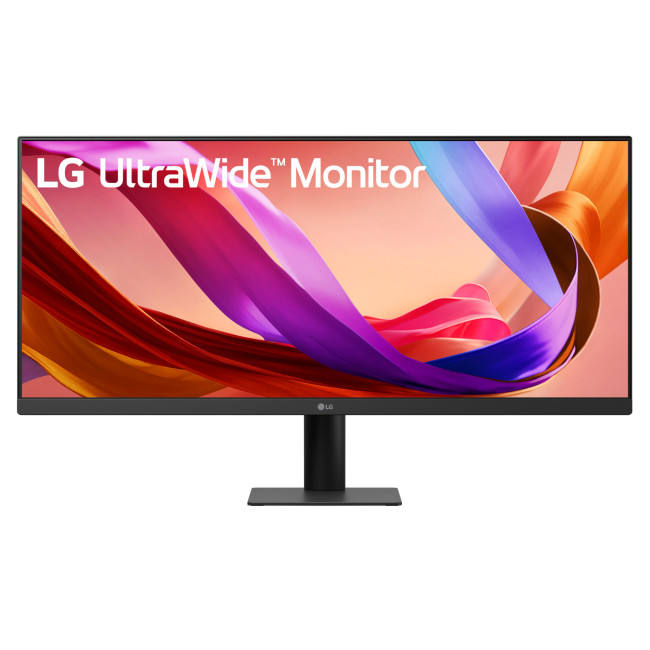
The LG 29U511A-B is a strong pick if you want an affordable ultrawide monitor without jumping straight to a huge 34-inch screen. It has a 29-inch 21:9 IPS display, 2560 × 1080 resolution, HDR10, 100Hz refresh rate and 5ms response time. In addition, HDR can make supported games, films and creative content look richer, so check our full guide on what HDR means on a monitor if picture quality is a priority.
Why it is a good choice:
- 29-inch size is easier to fit on smaller desks
- IPS panel helps with colour and viewing angles
- 100Hz feels smoother than basic 60Hz
- Good for work, study, entertainment and light gaming
This is the “I want ultrawide, but I do not want to go overboard” option.
Best All-Round Ultrawide for Work and Casual Gaming: LG Ultrawide 34WR50QK-B 34" Curved WQHD Monitor
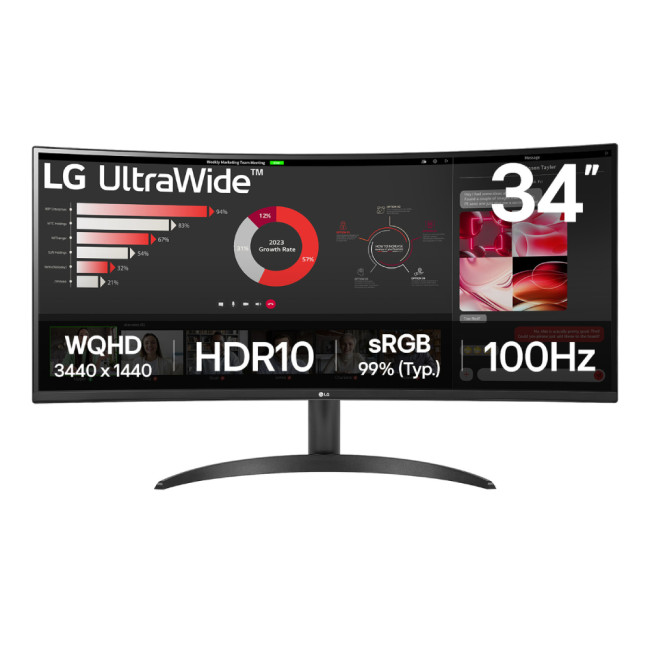
The LG Ultrawide 34WR50QK-B is a clean all-rounder. It offers a 34-inch curved 21:9 display, 3440 × 1440 resolution, HDR10, VA panel, 100Hz refresh rate and AMD FreeSync support. Laptop Outlet also lists two HDMI 2.0 ports, DisplayPort and a 2-year warranty.
Why it is worth considering:
- 34-inch WQHD resolution gives proper workspace
- Curved screen improves immersion
- 100Hz refresh rate suits everyday use and casual gaming
- FreeSync helps smoother gameplay
- Great for hybrid workers who also stream or game
This is a smart choice if you want one screen for work, Netflix, browsing and weekend gaming.
Best 34-Inch QD-OLED Ultrawide: MSI MPG 341CQPX QD-OLED 34" 240Hz Monitor
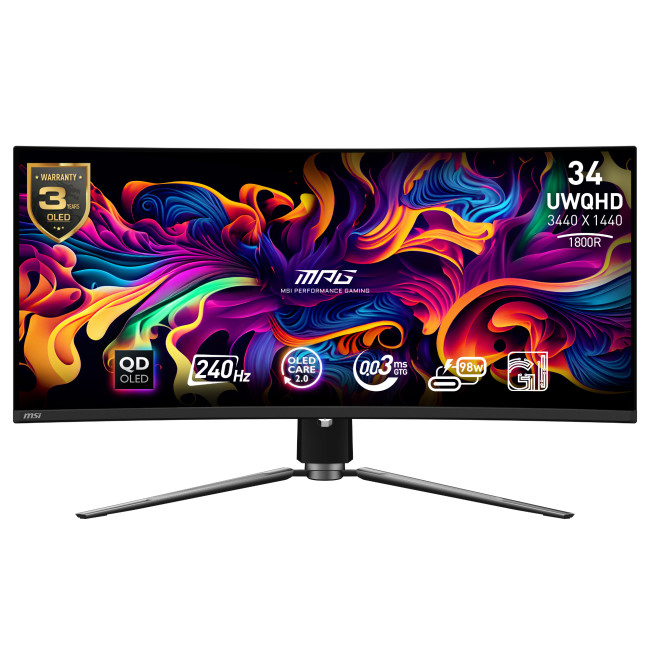
The MSI MPG 341CQPX QD-OLED is another premium choice for gamers and creators. It is a 34.1-inch curved display, 3440 × 1440 resolution, 240Hz refresh rate, 0.03ms response time, 21:9 aspect ratio, USB-C, DisplayPort, HDMI and a 3-year warranty.
Why it is a top choice:
- QD-OLED panel for vivid colour and contrast
- 240Hz refresh rate for smooth gaming
- 0.03ms response time for competitive speed
- Height-adjustable design
- Strong for both gaming and content creation
If you want ultrawide gaming with creator-friendly visuals, this one is very tempting.
Best Super Ultrawide Monitor: MSI MPG 491CQP QD-OLED 49" Dual Quad HD Monitor
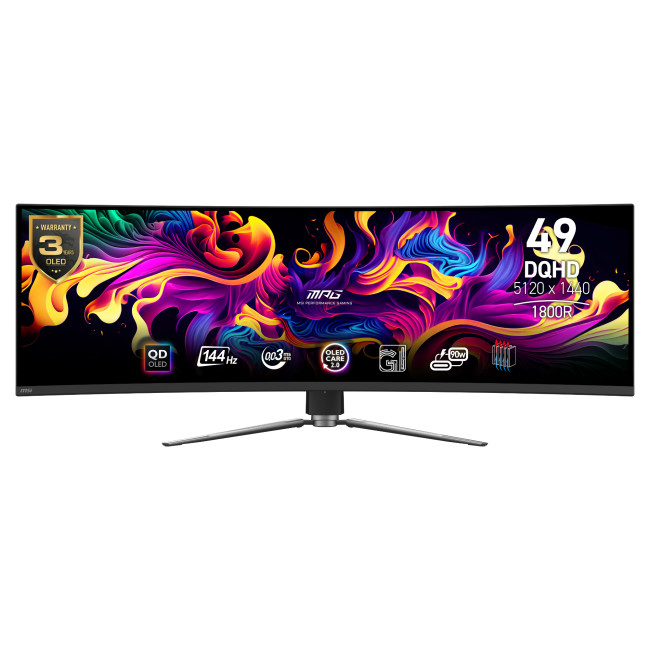
The MSI MPG 491CQP QD-OLED is for users who want one massive display instead of two monitors. Laptop Outlet lists it with a 49-inch curved QD-OLED panel, 5120 × 1440 resolution, 32:9 aspect ratio, 144Hz refresh rate, 0.03ms response time, USB-C, HDMI 2.1, DisplayPort and a 3-year warranty. Why it is worth considering:
- Huge 49-inch screen can replace dual monitors
- 32:9 aspect ratio is brilliant for multitasking
- QD-OLED gives premium colour and contrast
- 144Hz refresh rate suits gaming and media
- Great for sim racing, editing and productivity
This is not for tiny desks. But if you want the full command-centre setup, it goes hard.
Ultrawide Monitor vs Standard Monitor
A standard monitor is still the safer and cheaper choice for many people. But an ultrawide display monitor gives you more space and a more immersive feel.
|
Feature |
Standard Monitor |
Ultrawide Monitor |
|
Price |
Usually cheaper |
Usually costs more |
|
Desk space |
Easier to fit |
Needs wider desk |
|
Multitasking |
Good |
Better |
|
Gaming immersion |
Good |
Better in supported games |
|
Content compatibility |
Excellent |
Some content may show black bars |
|
Setup complexity |
Simple |
May need stronger GPU or better cables |
|
Best for |
Everyday users |
Power users, gamers, creators |
Choose a standard monitor if you want simple, affordable and compact. Choose ultrawide if you want more space and a cleaner multitasking flow.
Ultrawide Monitor vs Dual Monitors
This is a big question: should you buy one ultrawide monitor or two standard monitors?
An ultrawide monitor is better if you want one seamless screen with no centre bezel. This is ideal for editing timelines, spreadsheets, games and big creative apps.
Dual monitors are better if you like separating tasks. For example, you might want one screen for work and another for video calls, chat or reference material.
|
Setup |
Better For |
|
One ultrawide monitor |
Seamless workspace, editing, gaming, clean desk |
|
Dual monitors |
Flexible layouts, mixed tasks, cheaper upgrades |
The best answer depends on how you work. If your dream setup is clean and minimal, ultrawide wins. If you like separating apps into different zones, dual monitors still slap.
Are Affordable Ultrawide Monitors Worth it?
Yes, affordable ultrawide monitors can be worth buying if they still cover the basics. Look for:
- At least 2560 × 1080 on smaller ultrawides
- Ideally 3440 × 1440 on 34-inch models
- 100Hz or higher refresh rate
- HDMI and DisplayPort
- VESA mounting if the stand is basic
- Decent brightness
- Good warranty
- FreeSync if gaming matters
Do not buy the cheapest ultrawide just because it is wide. If the resolution is too low or the panel quality is poor, the extra screen space will not feel premium. A budget ultrawide should still be comfortable, sharp enough and practical for your desk.
Who Should Buy an Ultrawide Monitor in 2026?
You should buy an ultrawide monitor if:
- You multitask heavily
- You work from home or hybrid work
- You edit video, music or photos
- You play immersive games
- You want one screen instead of dual monitors
- You use large spreadsheets or dashboards
- You want a cleaner desk setup
- You like cinematic screen layouts
You should probably skip ultrawide if:
- You have a very small desk
- You mostly use one app at a time
- You only play competitive esports
- Your laptop or PC is underpowered
- You want the cheapest possible monitor
- You dislike black bars in some videos
Common Ultrawide Monitor Mistakes to Avoid
Buying One That Is Too Big for Your Desk
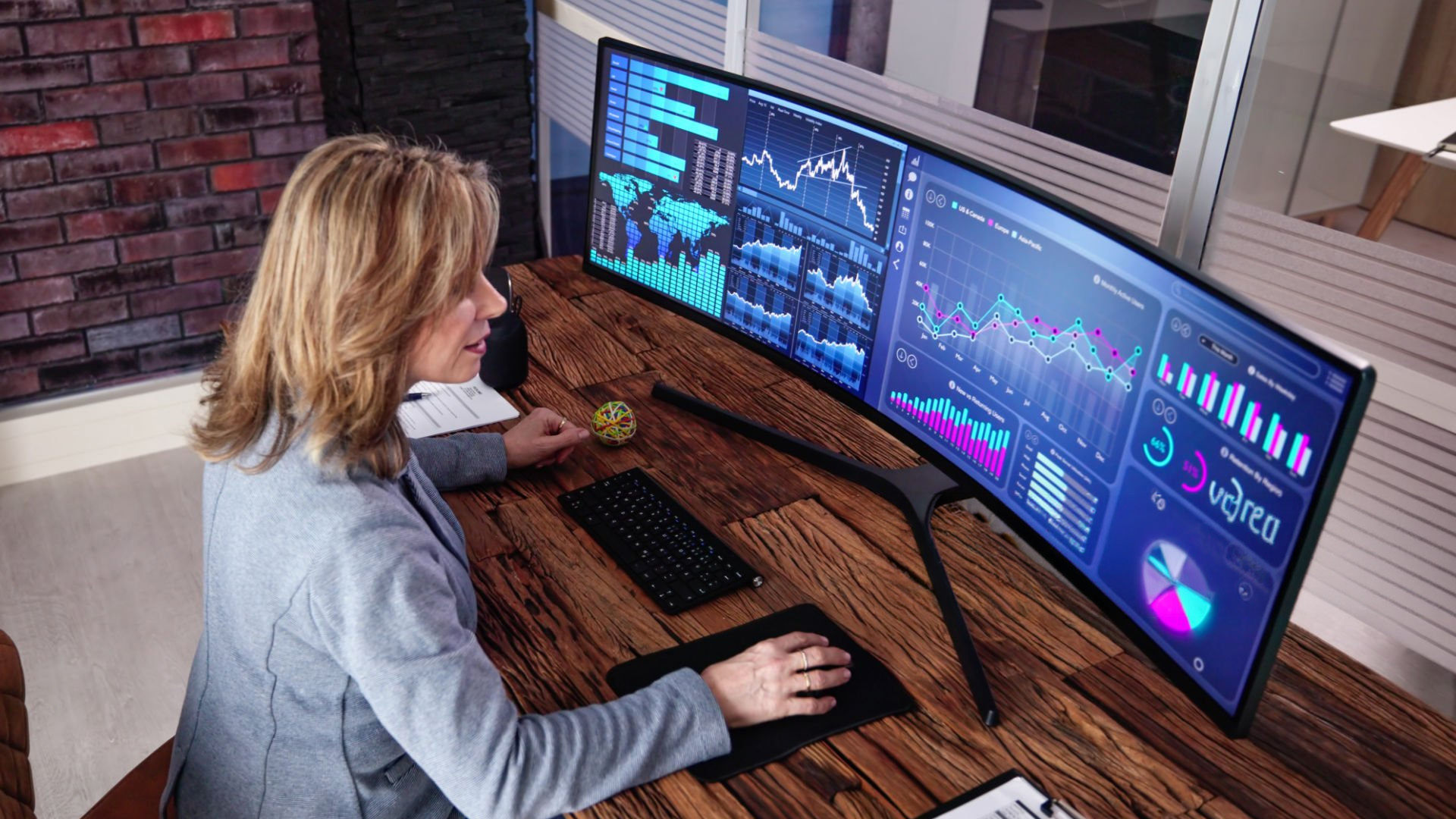
Measure your desk width and depth before buying. A 49-inch ultrawide sounds cool until your keyboard is hanging off the edge.
Ignoring Resolution
A large ultrawide needs enough pixels. For 34-inch screens, 3440 × 1440 is usually the resolution to aim for.
Ignoring Your Graphics Card
Ultrawide gaming needs more GPU power than standard 1080p gaming. If your PC is older, check performance before buying a high-end ultrawide.
Choosing Flat When Curved Would Feel Better
For wide displays, curved usually feels more natural. It helps bring the edges closer to your field of view.
Forgetting USB-C and Ports
If you use a laptop, check the ports carefully. USB-C can make setups cleaner, but only if the monitor and laptop both support the features you need.

Final Verdict: Is an Ultrawide Monitor Worth It?
Yes, an ultrawide monitor is worth it in 2026 if you want more space, better multitasking and a more immersive screen for work, gaming or creative projects.
It is not essential for everyone. If you only browse, write emails and watch the odd YouTube video, a standard monitor may be enough. But if you spend hours switching between windows, editing timelines, gaming in open worlds or managing multiple apps, ultrawide can feel like a real upgrade.
|
Need |
Best Choice |
|
Budget work setup |
29-inch ultrawide |
|
Best all-rounder |
34-inch 3440 × 1440 ultrawide |
|
Gaming |
Curved high refresh rate ultrawide |
|
Creative work |
IPS, OLED or QD-OLED ultrawide |
|
Dual-monitor replacement |
49-inch super ultrawide |
|
Small desk |
Standard 24–27-inch monitor |
The easiest way to think about it:
Standard monitor = simple.
Dual monitors = flexible.
Ultrawide monitor = clean, immersive and productivity-friendly.
Whether you want a clean widescreen monitor for work, a curved ultrawide for immersive gaming, or a 34-inch display that can replace a dual-monitor setup, Laptop Outlet has options for different budgets and setups. Start with your desk size, then choose the right resolution, refresh rate and panel type. Once you get that right, going ultrawide can be a serious upgrade.

Are ultrawide monitors worth it in 2026?
Yes, ultrawide monitors are worth it in 2026 if you want more horizontal workspace, smoother multitasking or more immersive gaming.
Is an ultrawide monitor good for work?
Yes, an ultrawide monitor is excellent for work because it lets you keep multiple windows open side by side without using two separate screens.
Is an ultrawide monitor good for gaming?
Yes, an ultrawide monitor can be great for gaming, especially racing, open-world, RPG, simulation and cinematic games that support wider aspect ratios.
What are the disadvantages of ultrawide monitors?
The main disadvantages are higher cost, more desk space needed, higher GPU demand for gaming and black bars in some videos or unsupported games.
Is a curved ultrawide monitor better?
For most large ultrawide monitors, yes. A curve makes the edges easier to view and improves immersion, especially on 34-inch and larger screens.
| Read More |
| Using a TV as a PC Monitor: Pros, Cons & Setup Guide |
| How to Wall-Mount a Monitor: A Complete VESA Guide |
| Acer Predator Gaming Monitors: Best Choices for Esports, 4K & Immersive PC Setups |
Related Articles

Last Updated: August 20, 2026
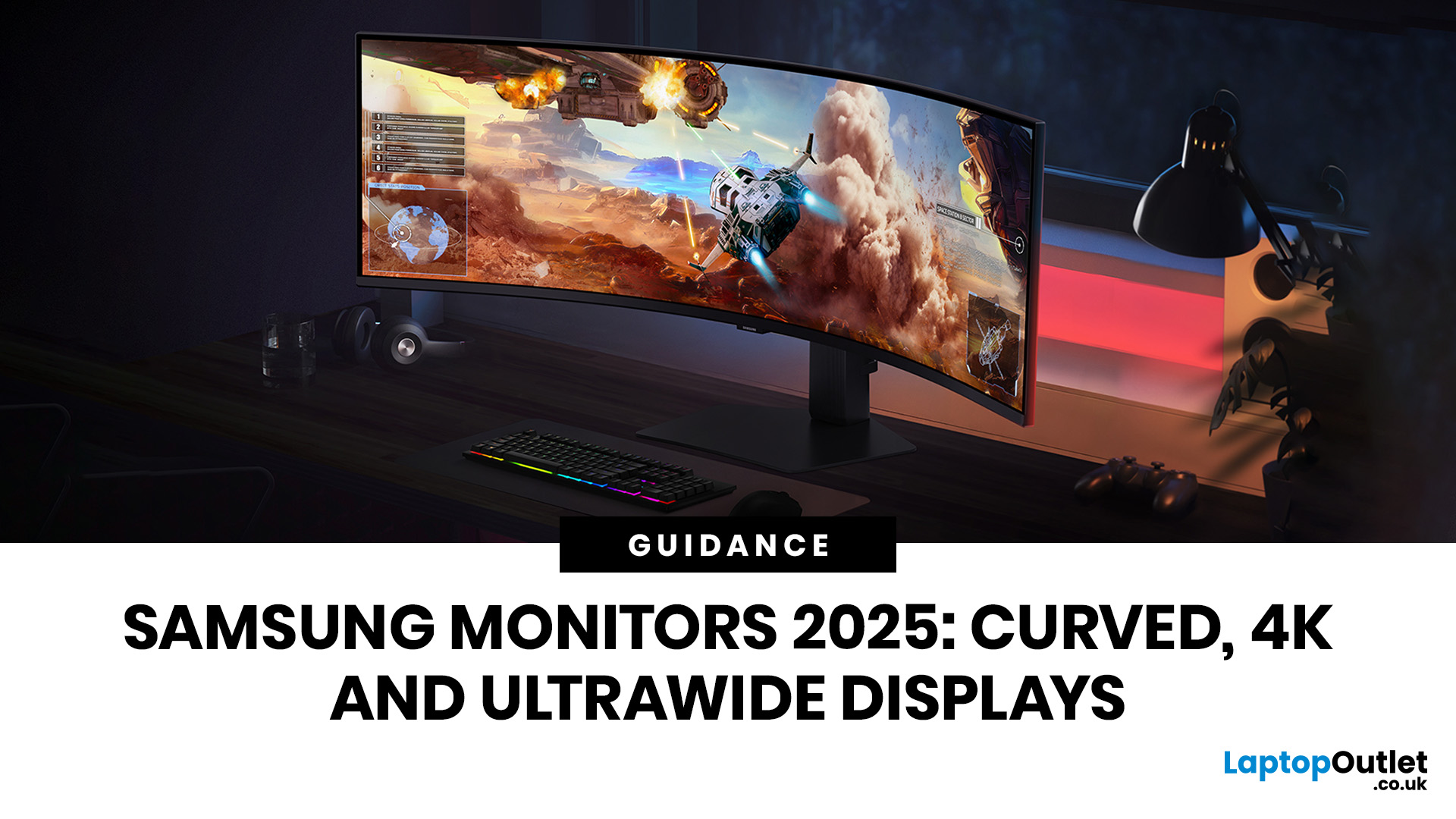
A monitor can shape how comfortably you work, create and play. Samsung's range covers practical Full HD screens, high-resolution ViewFinity displays, high-refresh Odyssey gaming models, curved formats and large ultrawide options. The specifications vary considerably, so the best choice depends on what you need the screen to do rather than the series name alone.
This guide compares current Samsung displays available at Laptop Outlet and explains how 4K, curved and ultrawide formats differ. It also covers the questions worth asking before you choose a model, including resolution, refresh rate, panel type, connectivity and desk space.
Best Samsung Monitors You Can Consider in 2026
| If You are searching for… | Our recommendation | Key specifications | Why it fits |
| Best Samsung 4K monitor | Samsung Odyssey G70D 27-inch | 4K UHD, IPS, 144Hz, 1ms, DisplayHDR 400 | Combines sharp detail with a high refresh rate for gaming, entertainment and mixed use |
| Best Samsung OLED gaming monitor | Samsung Odyssey G61SD 27-inch |
Last Updated: August 12, 2026
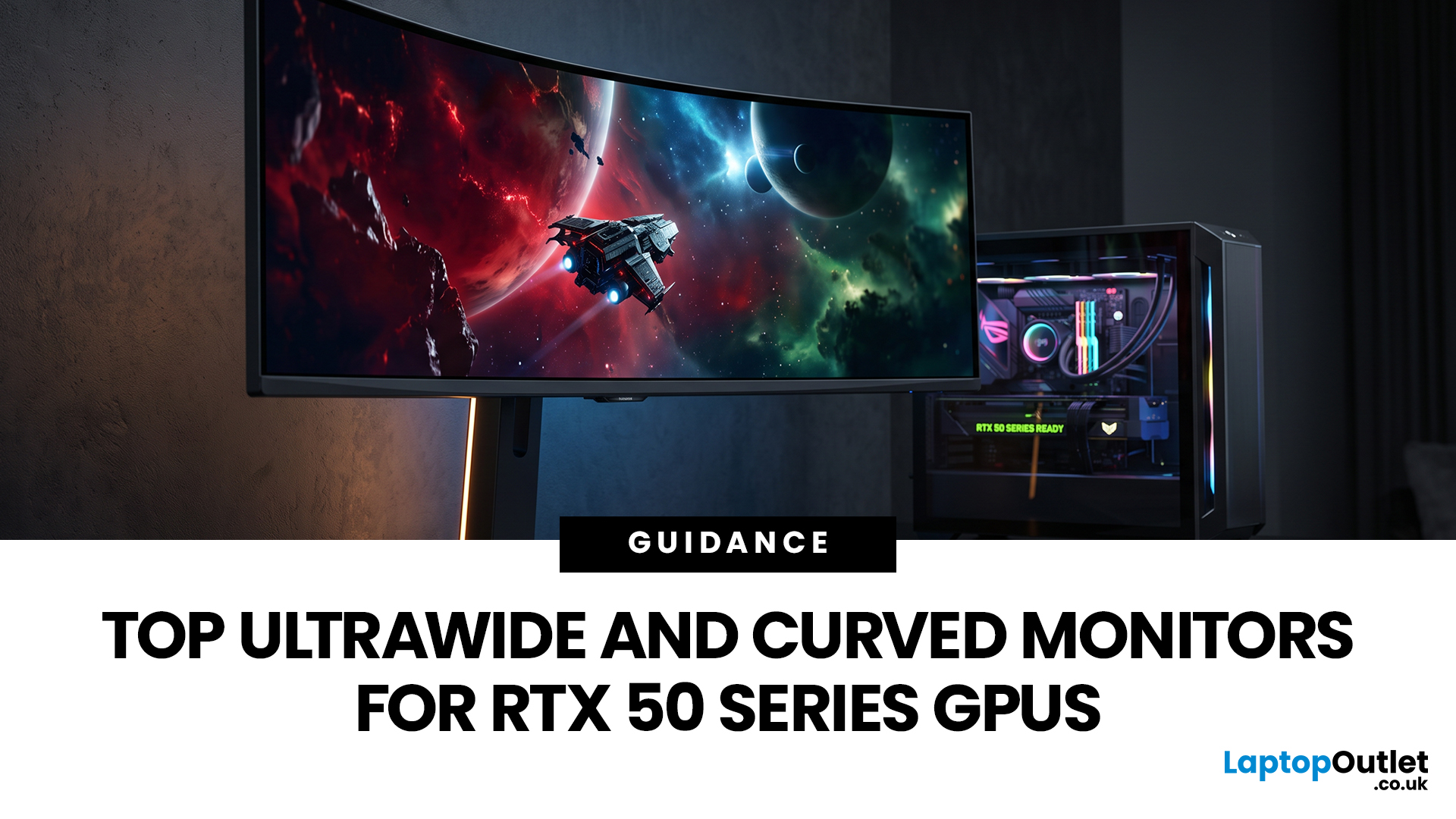
Picking a monitor for an RTX 50 Series GPU isn’t just about chasing the highest refresh rate, it’s about getting the right vibe for your setup. Think resolution, panel type and aspect ratio that actually match how you game, how powerful your RTX 5080 or RTX 5070 Ti is, and how much space you’ve got on your desk.
If you’re on an RTX 5080, a massive 49-inch 5120 × 1440 ultrawide hits different for immersive racing, sim and open-world gameplay. The RTX 5070 Ti feels right at home on a 34-inch 3440 × 1440 ultrawide, while a compact QHD curved monitor is perfect if you want smooth, high-refresh gaming on a budget.
Quick Comparison
| Best For | Monitor | Screen and Resolution | Refresh Rate | Panel | Main Strength | Consider Before Buying |
| RTX 5080 | Philips Evnia 49M2C8900 | 48.9-inch, 5120 × 1440, 32:9 | 240Hz | QD-OLED | Maximum immersion with OLED picture quality | Requires substantial desk space and strong GPU performance |
| RTX 5070 Ti | AOC G4 CU34G4Z | 34-inch, 3440 × 1440, 21:9 | 240Hz | Fast VA | Strong balance of speed, |
Last Updated: April 14, 2026
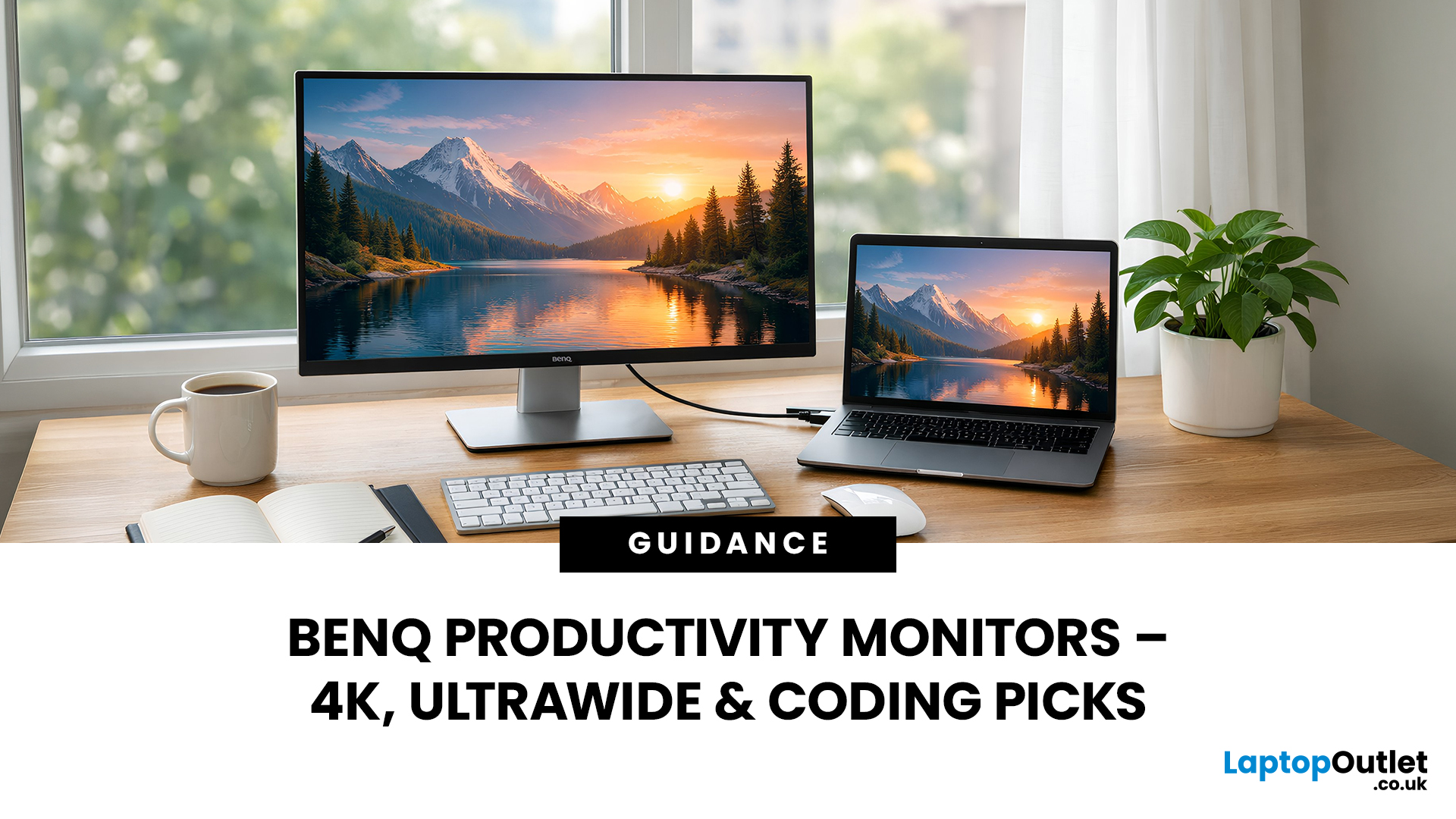
When you spend hours each day working across spreadsheets, dashboards, documents, or lines of code, your monitor becomes more than just a screen. It becomes the centre of your workflow. The right display can make work feel smoother, reduce fatigue, and help you stay focused for longer.
That’s exactly where BenQ productivity monitors stand out. Designed with knowledge workers, developers, and multitaskers in mind, BenQ offers a range of displays built for modern professional demands. Whether you need pixel-perfect clarity, extra-wide space for multiple apps, or coding-specific features, there’s a BenQ option tailored to the way you work.
Why Productivity-Focused Monitors Matter for Knowledge Work
A standard office monitor can get the job done, but knowledge work has evolved. Today’s workflows often involve multiple applications running side by side, detailed content review, long hours of screen time, and constant context switching. That’s why choosing the right monitor is no longer just
Last Updated: September 01, 2026
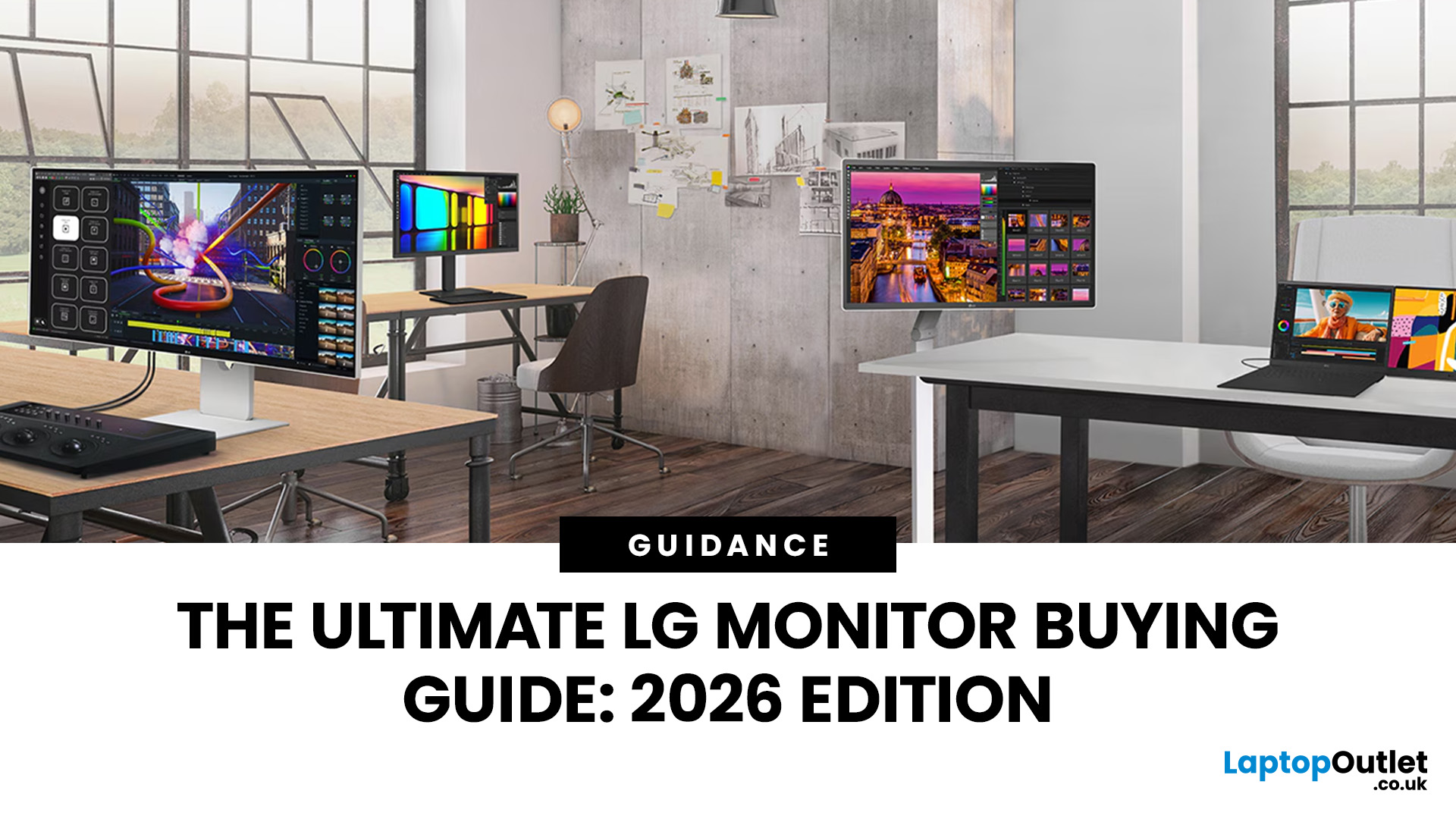
Choosing a new monitor is not always straightforward. With so many screen sizes, panel types, and resolution options on the market, it is easy to get lost before you even reach a shortlist. This LG monitors buying guide cuts through all of that.
It walks you through every major LG screen series, explains the specs that actually matter, and helps you find the right display for your needs and budget. Whether you are gaming, working from home, editing photos, or simply upgrading a tired old screen, LG has a monitor built for the job. Let’s get started.
Why Choose an LG Monitor in 2026?
LG is one of the few brands that designs and manufactures its own display panels. That matters because it gives LG direct control over colour accuracy, panel quality, and how quickly new technology reaches the market.
Whether you need a budget-friendly Full HD screen or a professional-grade OLED display, LG offers a broad, well-priced range. They continue to lead with innovations like Nano IPS for
Last Updated: April 28, 2026
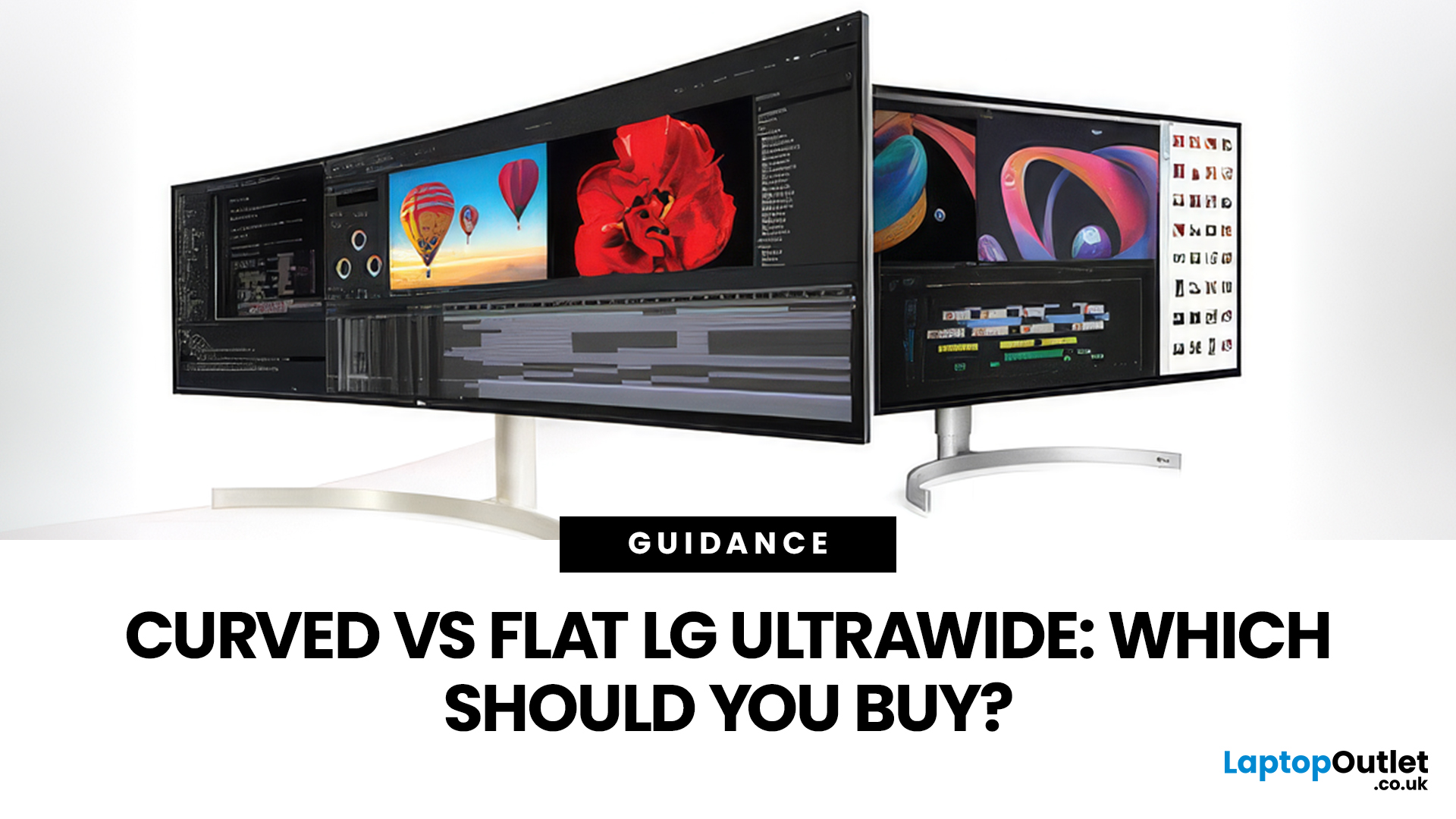
If you're choosing between a curved vs flat LG UltraWide monitor, the decision is more nuanced than it first appears. The right choice depends on what you do, how long you sit at your desk, and the kind of experience you want from your screen.
This guide breaks down every major use case side by side, with a clear verdict for each one, so you can make the right call before you spend your money.
What Makes LG UltraWide Monitors Different?
LG UltraWide monitors use a 21:9 aspect ratio, giving you roughly a third more horizontal screen space than a standard 16:9 display. That extra width is what makes the curved vs flat debate so relevant on these screens specifically.
On standard 26 to 28-inch monitors, the curve debate is largely down to personal preference. But once you hit 34 inches and beyond, the physics of how your eyes scan left-to-right starts to matter. On ultrawide displays of 34 inches or larger, the curvature brings the edges of the screen closer to you, covering more of your
Last Updated: April 28, 2026
Choosing the right monitor format can transform how you work. Whether you are a developer, analyst, designer, or remote professional, your display shapes your entire workflow.
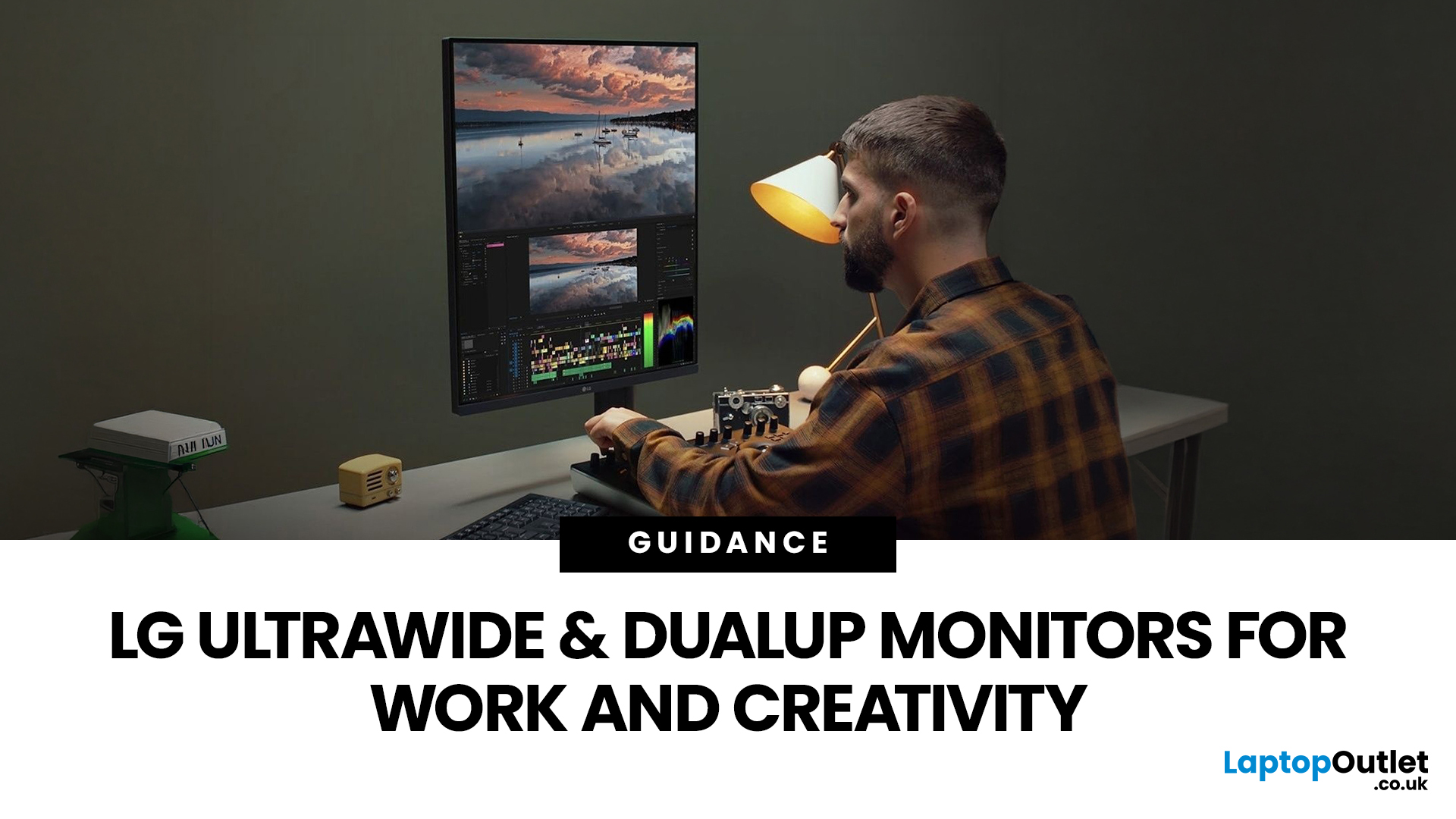
LG UltraWide and DualUp productivity monitors have become a firm favourite across the UK for professionals who need more screen space without the cable clutter of multiple setups.
This guide breaks down how each format performs for coding, content creation, dashboards, and day-to-day productivity, so you can pick the right one for your desk.
Why Screen Format Changes Everything
The shape of your display directly influences how many windows you can manage, how much you need to scroll, and whether your neck stays comfortable after a full working day. It is worth understanding the two non-standard formats LG offers before deciding which suits your setup.
LG monitors come in two distinctive formats: the horizontal 21:9 or 32:9 UltraWide and the vertical 16:18 DualUp. Both give you significantly more usable space than
Published: April 28, 2026
If you spend the better part of your working day staring at a screen, you already know what digital eye strain feels like. That dull ache behind your eyes, the heaviness by mid-afternoon, the headache that creeps in by the end of a long session. You are not alone in that, and it is not just "screen time." It is often a combination of poor monitor settings, bad posture, and a setup that was never properly dialled in.
The good news is that LG has put real thought into tackling these problems at the hardware and software level. This guide walks you through every LG monitor eye care feature worth knowing about, how to set your screen up properly, and which models are genuinely worth considering if comfort is a priority for you.
Why Do Eye-Care and Ergonomics Actually Matter with Modern Monitors?
You might think that modern screens are already comfortable enough out of the box. The reality is that even a high-quality monitor, poorly positioned and left on factory settings, can cause very real
Last Updated: September 01, 2026
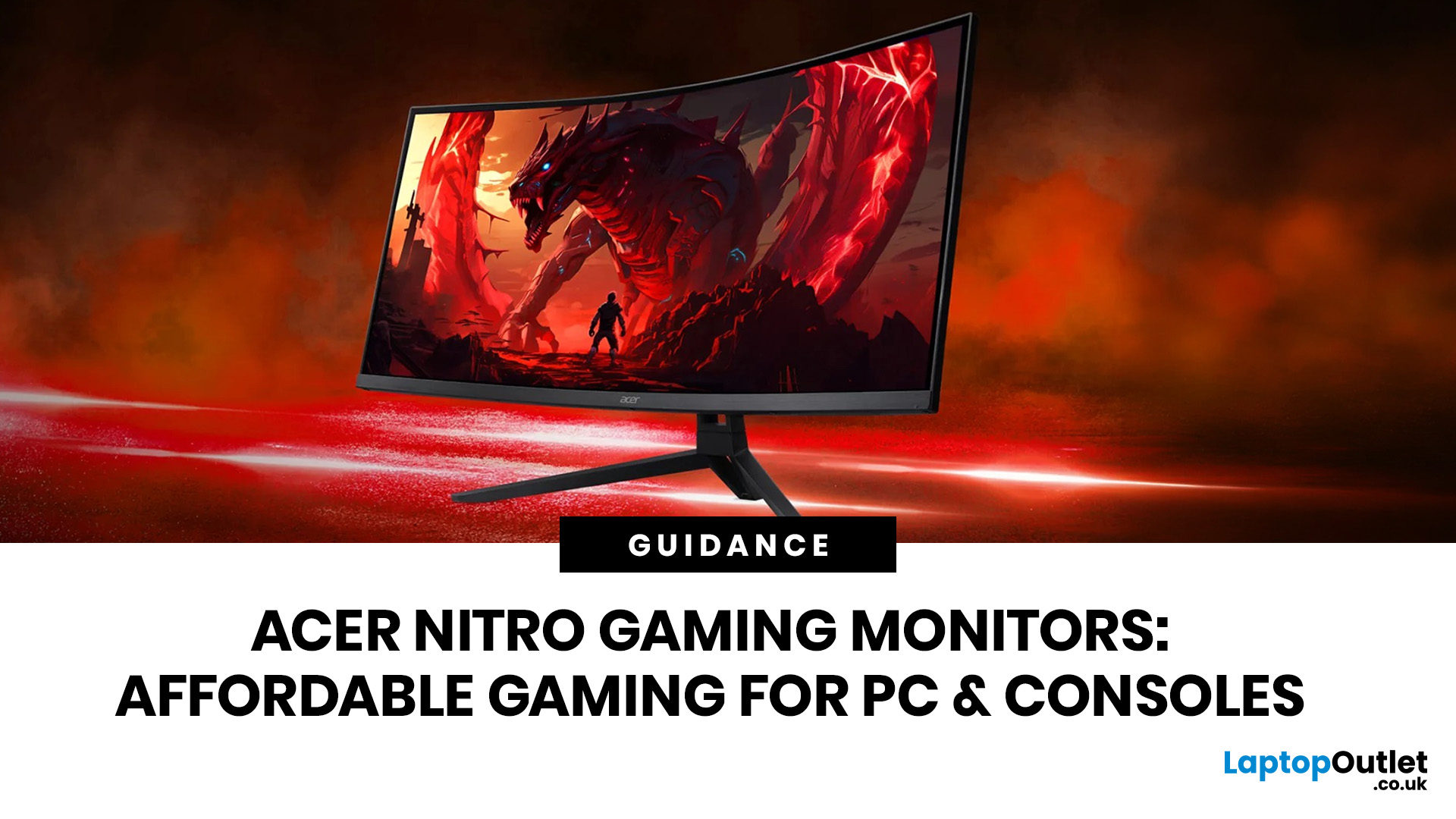
If you want smooth gameplay without jumping straight into premium OLED pricing, Acer Nitro gaming monitors are one of the easiest ranges to shortlist. Acer positions the Nitro line as a gaming family with options for fast-paced play, ultrawide immersion and richer colour, while Our Acer monitor range backs that up with Full HD, QHD, curved and ultrawide Nitro models aimed at buyers who want value, not just spec-sheet flexing.
That is exactly why Acer Nitro monitors UK shoppers keep coming back to the series. The range is broad enough to cover casual desk gaming, PS5 and Xbox setups, and entry-level PC esports, but it still stays realistic on price compared with high-end Predator and OLED alternatives. Nitro models from compact 23.8-inch Full HD panels up to 34-inch curved UWQHD displays, with refresh rates running from 120Hz to 240Hz.
Are Acer Nitro Gaming Monitors Good for Budget Gaming?
Yes. For casual gaming, console play and entry-level PC builds, Acer Nitro sits in a very practical
Last Updated: July 06, 2026
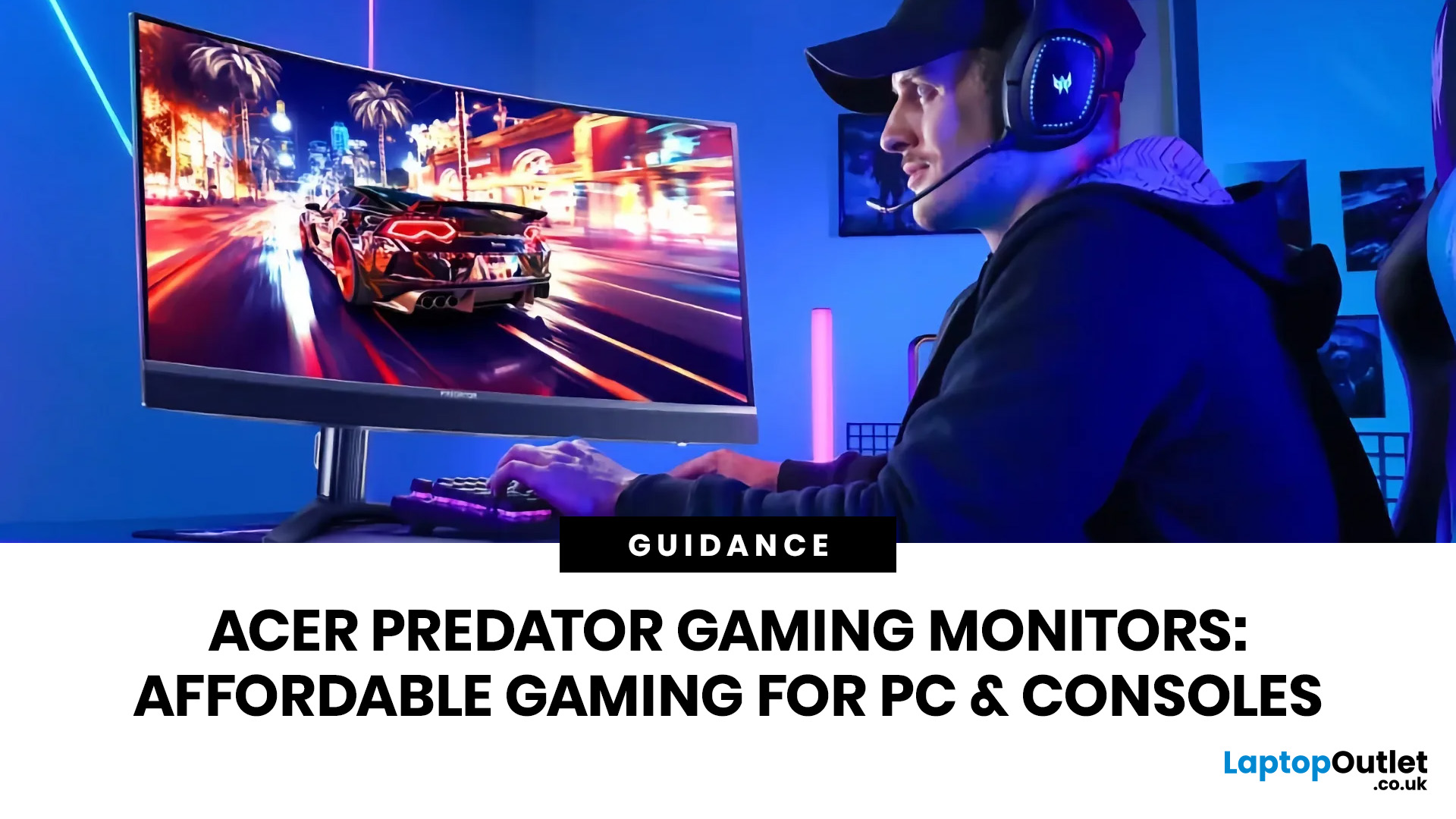
you are shopping for Acer Predator gaming monitors, you are usually not looking for a basic panel. You are looking for speed, image quality and a monitor that genuinely fits the kind of games you play. For some buyers, that means a fast 27-inch display for ranked shooters and esports titles. For others, it means a bigger 4K panel for high-detail single-player games. And for enthusiasts building the kind of setup that makes every desk photo look dramatic, it means an ultrawide or super-ultrawide screen that turns a gaming PC into the centrepiece of the room.
That is why Predator remains such an interesting range. Acer's broader monitor line covers different budgets and uses cases, but the Predator family is where Acer pushes harder on premium gaming features like OLED and QD-OLED panels, very high refresh rates, ultrawide formats and esports-level response times.
If you want the simple answer: Why choose Acer Predator monitor
Here is the short version.
- For competitive esports and fast shooters,
Last Updated: May 20, 2026
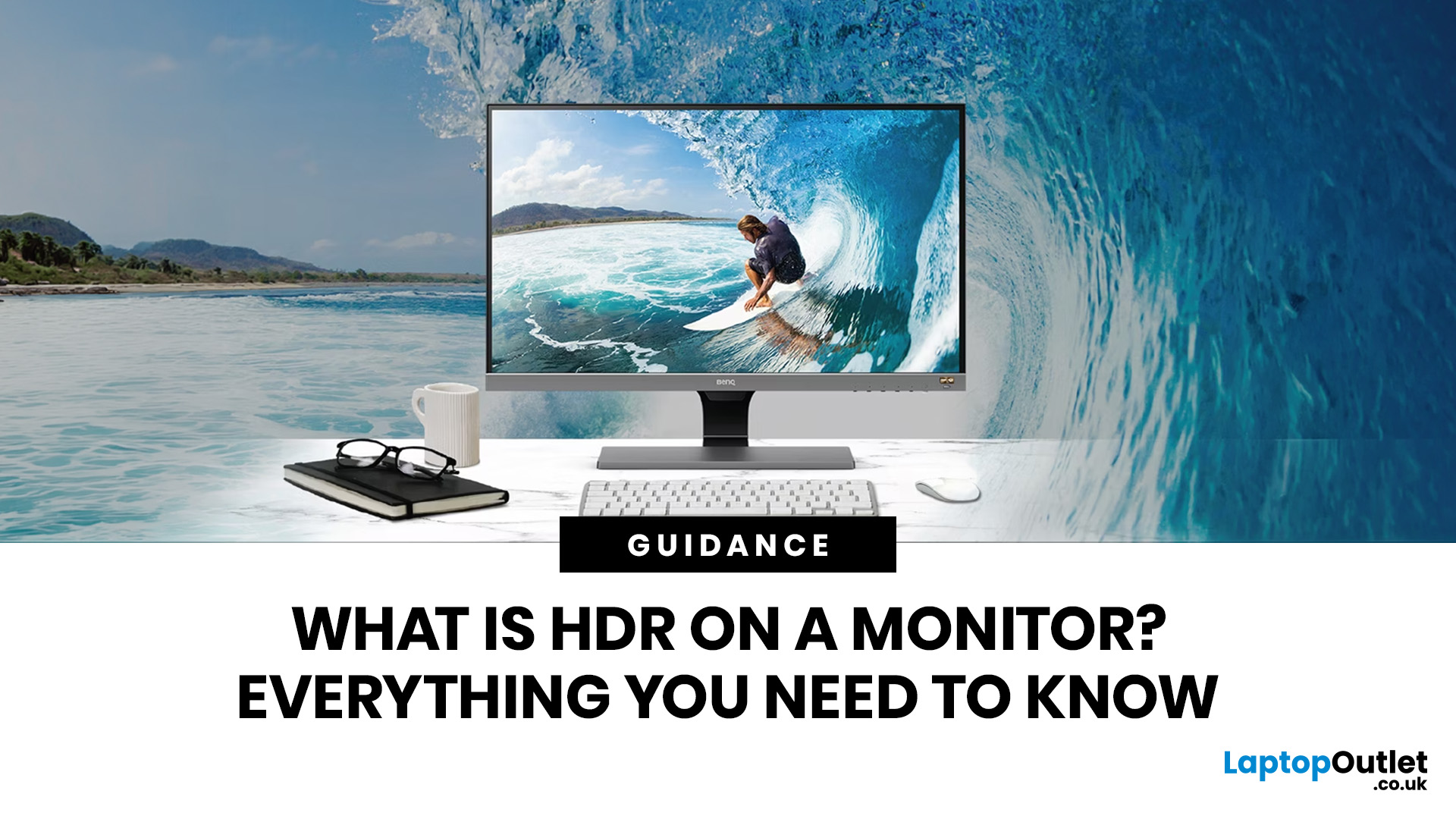
HDR is one of those monitor specs that sounds instantly premium. You see it on gaming monitors, 4K displays, creator screens, and even some budget monitors. But here’s the plot twist: not every HDR monitor gives you that “wow, this looks unreal” experience.
Some HDR displays look bright, rich and cinematic. Others technically support HDR but barely look different from standard mode. Bit awkward. So, what is HDR on a monitor, how does it work, and is HDR actually worth paying for? This complete HDR monitor explained guide breaks it all down in plain English, so you can shop smarter and avoid getting finessed by shiny spec labels.
What Does HDR Mean on a Monitor?
HDR stands for High Dynamic Range.
On a monitor, HDR is designed to show a wider range of brightness, contrast and colour than a standard SDR display. In simple terms, it helps bright areas look brighter, dark areas look deeper and colours look richer when you are watching or playing HDR-supported content.
So, when someone asks,

