



Acer Predator Gaming Monitors: Best Choices for Esports, 4K & Immersive PC Setups
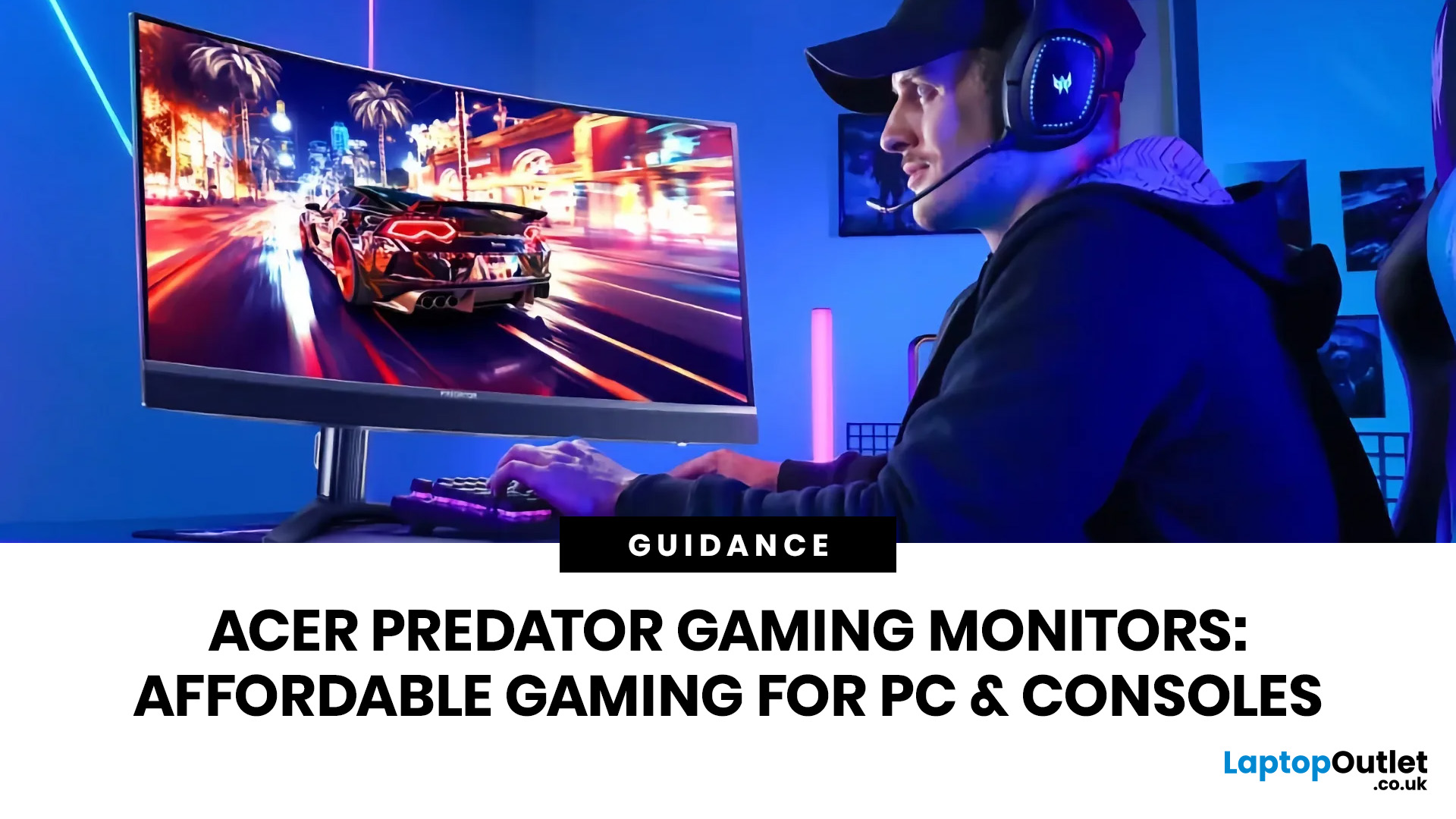
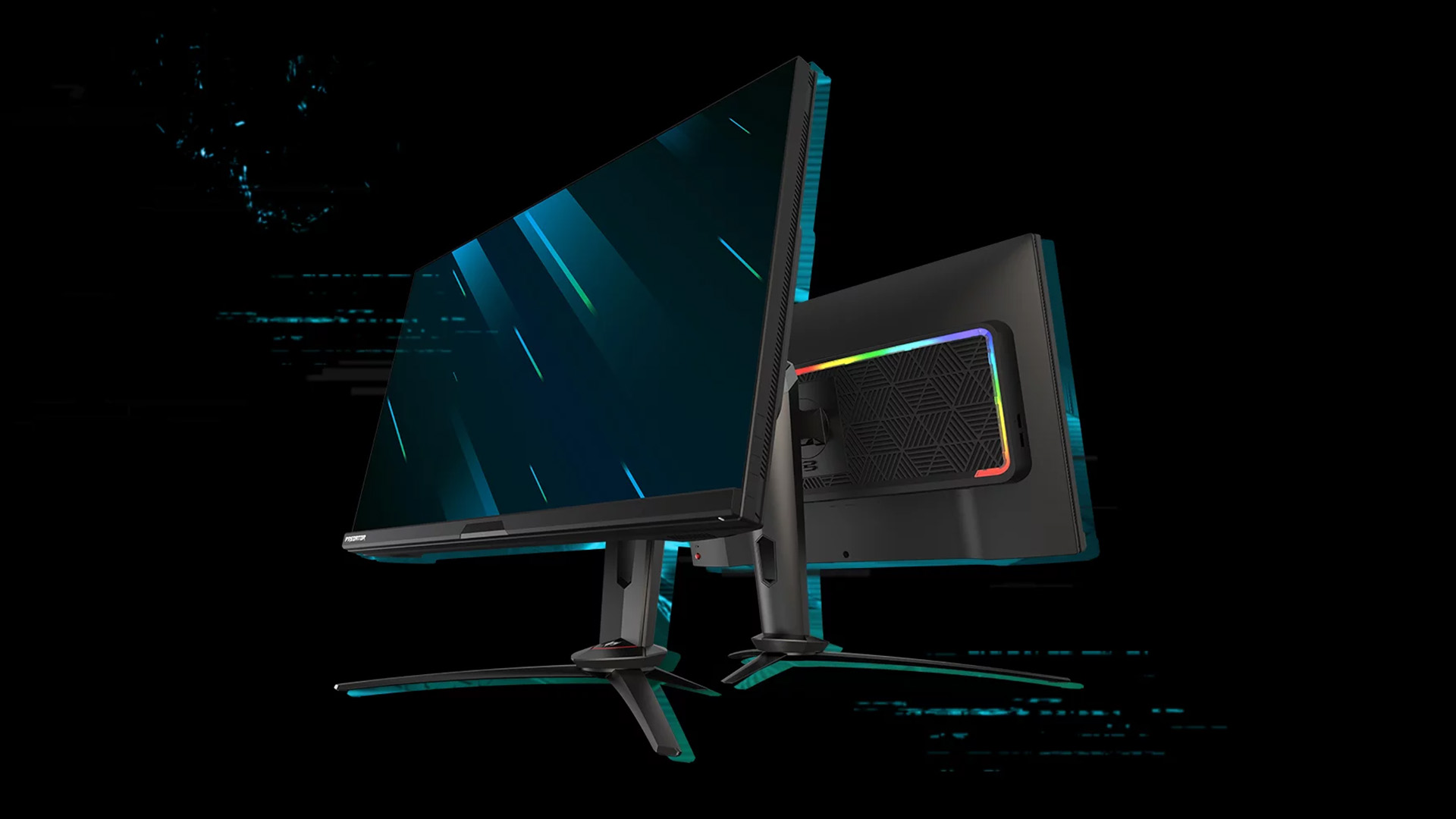
you are shopping for Acer Predator gaming monitors, you are usually not looking for a basic panel. You are looking for speed, image quality and a monitor that genuinely fits the kind of games you play. For some buyers, that means a fast 27-inch display for ranked shooters and esports titles. For others, it means a bigger 4K panel for high-detail single-player games. And for enthusiasts building the kind of setup that makes every desk photo look dramatic, it means an ultrawide or super-ultrawide screen that turns a gaming PC into the centrepiece of the room.
That is why Predator remains such an interesting range. Acer's broader monitor line covers different budgets and uses cases, but the Predator family is where Acer pushes harder on premium gaming features like OLED and QD-OLED panels, very high refresh rates, ultrawide formats and esports-level response times.
If you want the simple answer: Why choose Acer Predator monitor
Here is the short version.
- For competitive esports and fast shooters, a 27-inch high-refresh QHD OLED Predator is the best fit.
- For 4K gaming, a larger Predator panel gives you the sharpness and HDR-style impact that story-driven games benefit from.
- For immersive PC setups, the Predator X49 class of super-ultrawide OLED monitors is where Predator becomes especially exciting.
- If you are still deciding between Acer's gaming ranges, Predator is the premium line, while Nitro generally sits in the more affordable performance tier. Acer itself describes Nitro as the value-focused gaming range and Predator as the more advanced premium line.
So, when people search for Acer Predator monitors UK, what they are really asking is not “Are Predator monitors good?” It is “Which Predator monitor matches the way I game?”
Why Predator stands out in Acer's gaming lineup
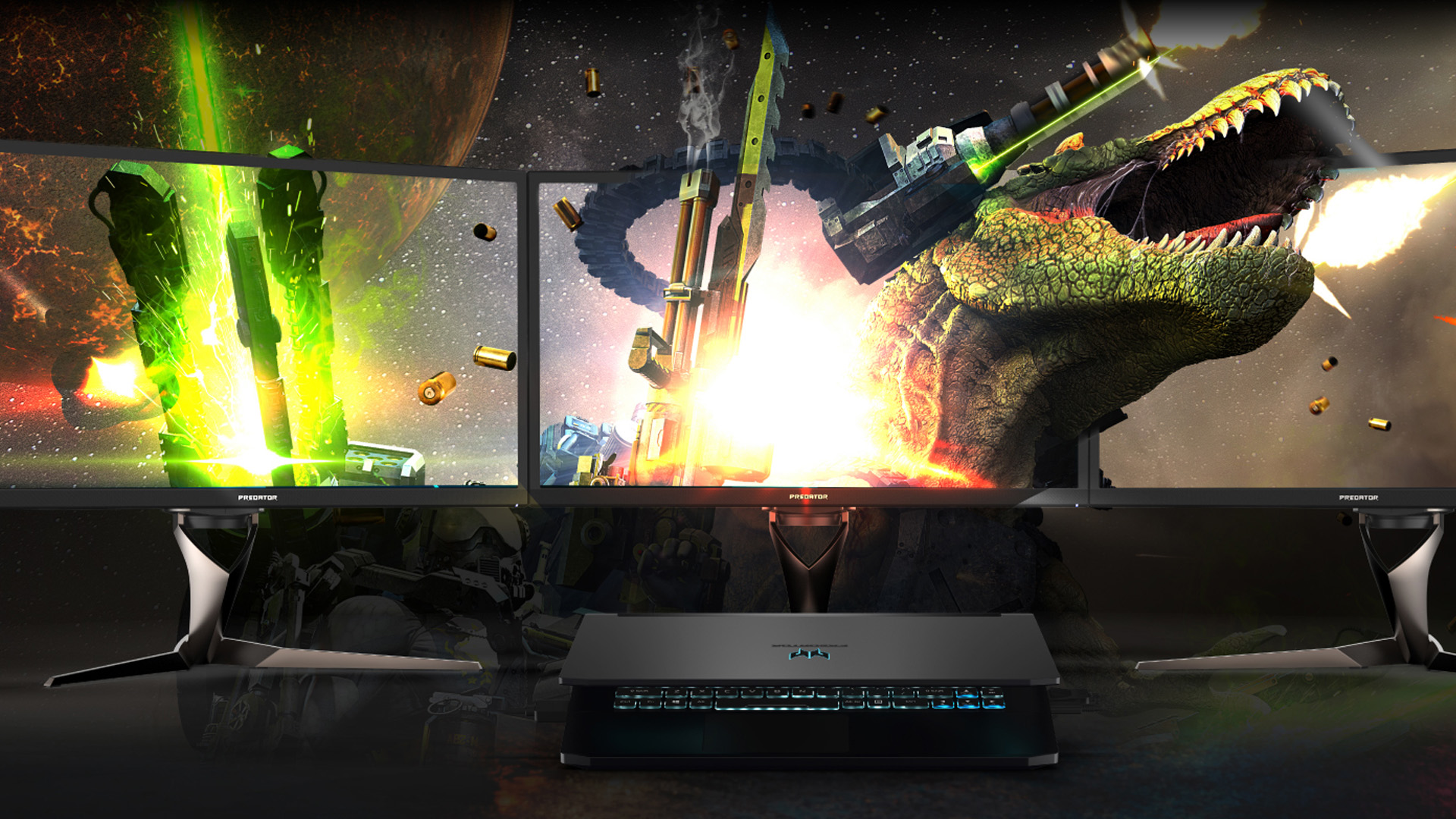
Acer does not build just one kind of gaming display. Across the wider Acer Series, you have Nitro for buyers who want strong gaming value and Predator for buyers who want the more premium experience. Laptop Outlet's Acer brand page says both Nitro and Predator are gaming-focused lines, while Acer's own comparison explains that Nitro is more budget-conscious and Predator sits higher with more enthusiast-grade features.
That matters when you are shopping for a gaming monitor because the jump from “good enough” to “actually great” is often about panel quality, response time, refresh rate and screen format more than raw brand name alone. In Predator, Acer leans into things that serious gamers and enthusiasts notice quickly:
- OLED or QD-OLED options with deeper blacks and stronger contrast
- refresh rates up to 240Hz and beyond on current models
- response times down to 0.03ms or even 0.01ms on some OLED panels
- larger ultrawide and super-ultrawide options for immersive setups
- premium positioning for players who want more than a budget gaming display
In simple terms, Predator is where Acer gets more serious.
What matters most when choosing a Predator monitor?
A gaming monitor should fit your actual games, not just your wishlist.
If you mainly play Valorant, CS2, Apex Legends, Fortnite or other competitive titles, speed and clarity matter more than raw resolution. A 27-inch QHD OLED with 240Hz or 280Hz is often the sweet spot because it balances sharpness and frame-rate friendliness. If you play more story-heavy games or use your monitor for both gaming and content creation, 4K becomes much more appealing. And if you want maximum immersion, especially for racing sims, RPGs, strategy games or multi-window desktop use, an ultrawide or 49-inch dual-QHD monitor screen can transform the whole setup.
That is why the strongest Acer Predator gaming monitors are usually easy to divide into three camps:
- esports-first speed
- 4K visual impact
- ultrawide immersion
Once you choose the camp, the buying decision gets much easier.
Best Acer Predator monitor for esports: Predator X27UZ1
For fast competitive play, the standout option in this brief is the Acer Predator X27UZ1. Laptop Outlet lists it as a 26.5-inch QHD OLED gaming monitor with a 280Hz refresh rate, 0.03ms response time, AMD FreeSync Premium Pro, and a height-adjustable stand. The product page positions it squarely for serious gaming, especially players who want speed without giving up OLED contrast and colour depth.
This is exactly the sort of display that suits buyers searching for a Predator esports monitor. At this size, the screen stays easy to scan quickly during matches. QHD looks sharper than full HD without becoming as demanding as 4K. And 280Hz is firmly in the high-refresh category, where fast motion, rapid target tracking and reduced blur become genuine selling points rather than marketing fluff. Laptop Outlet's 240Hz monitors also shows just how central refresh rate has become in modern gaming monitor buying, especially for players shopping specifically for smoother motion and faster response.
This is also where the phrase high refresh Acer Predator monitors become meaningful. A lot of gaming displays now claim to be fast, but the X27UZ1 pairs that speed with OLED, QHD and premium gaming ergonomics. That makes it more than just a spec-sheet monitor. It is a practical esports upgrade for someone who already knows they want performance first.
Why it works for esports
- 5-inch screen is ideal for competitive focus
- 2560 x 1440 keeps image quality high without the overhead of 4K
- 280Hz and 0.03ms are built for fast reaction play
- OLED improves motion clarity, contrast and visual punch
Best Acer Predator monitor for 4K gaming: Predator X32X
If the X27UZ1 is the speed-first Predator, the Predator X32X is the visual heavyweight. Laptop Outlet describes the Predator X32X as a 31.5-inch curved 4K QD-OLED gaming monitor with a 240Hz refresh rate and 0.03ms response time, built for immersive high-end gaming.
This is the kind of Predator 4K gaming monitor that makes sense for buyers with powerful hardware who want both speed and visual detail. Not every 4K gaming monitor is actually designed for top-tier gaming performance, but the X32X clearly is. It combines the clarity of 3840 x 2160 with a refresh rate that still sits in enthusiast territory, which means it does not force you to choose between crisp visuals and responsive gameplay in the way older 4K displays often did.
It is also a smart fit for users who split time between gaming and media-heavy workloads. A 31.5-inch 4K OLED-class panel can serve beautifully for cinematic single-player games, RPGs, racing games and even creative tasks where contrast and detail matter. It is not the cheapest route into 4K gaming, but it is much closer to the “dream setup” end of the market than the compromise end.
Who should buy a Predator 4K monitor?
- PC gamers with strong GPUs who can actually drive 4K well
- players focused on single-player, open-world or cinematic games
- buyers who want one premium monitor for gaming and high-detail content
- anyone who wants 4K without settling for a slow refresh display
Best Acer Predator monitor for immersive setups: Predator X49 QD-OLED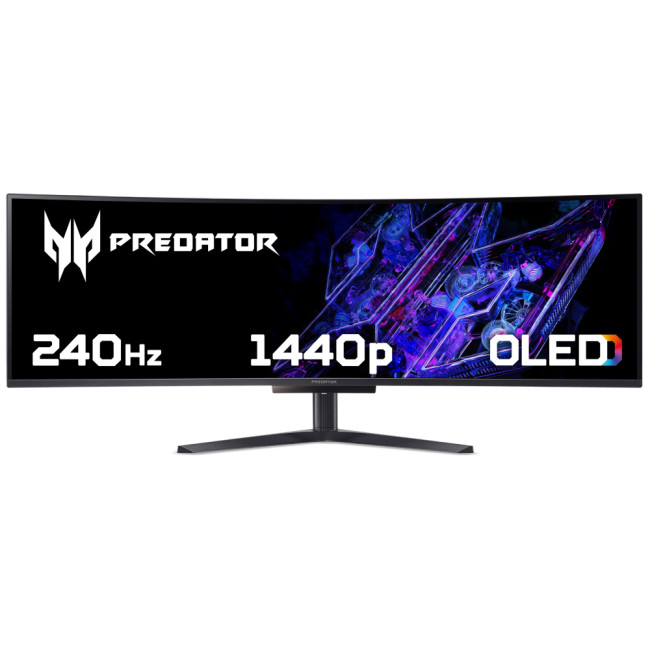
Highlights:
- Height Adjustable Stand
- Built in Speakers
- 49" Dual Quad HD Display, OLED, 5120 x 1440 Max. Resolution
- 03 ms Response Time, 240 Hz Refresh Rate
- 32:9 Aspect Ratio
- 1x HDMI | DisplayPort
- Black Colour
For immersive PC setups, the most exciting monitor in this group is the Acer X Predator X49X 49" Dual QHD OLED 240Hz curved gaming monitor. Acer's official UK page describes the Predator X49 QD-OLED as a 49-inch, 32:9 super-ultrawide display with 5120 x 1440 resolution, 240Hz refresh, 0.03ms response time, 1800R curvature, DCI-P3 99% colour coverage, a KVM switch, and USB-C with 90W power delivery. Laptop Outlet's product page also confirms the 49-inch screen size, Dual QHD class resolution, OLED panel and 240Hz refresh.
This is not just another ultrawide. It is the kind of screen you buy when you want the desk itself to feel transformed. In racing games, flight sims, MMOs and open-world titles, a 49-inch super-ultrawide can feel dramatically more enveloping than a standard 16:9 panel. It also doubles as a productivity monster for users who want a gaming screen that can replace dual-monitor layouts, thanks to its 32:9 format and PIP/PBP capabilities. Acer explicitly highlights that advanced PIP/PBP support and integrated KVM are part of the X49's appeal.
This is also the clearest answer to buyers looking for an Acer Predator OLED monitor that goes all-in on a premium experience rather than just raw speed. Yes, it is still fast. But the real attraction is scale, contrast, immersion and the sense that one monitor can dominate both your gaming setup and your wider desktop use.
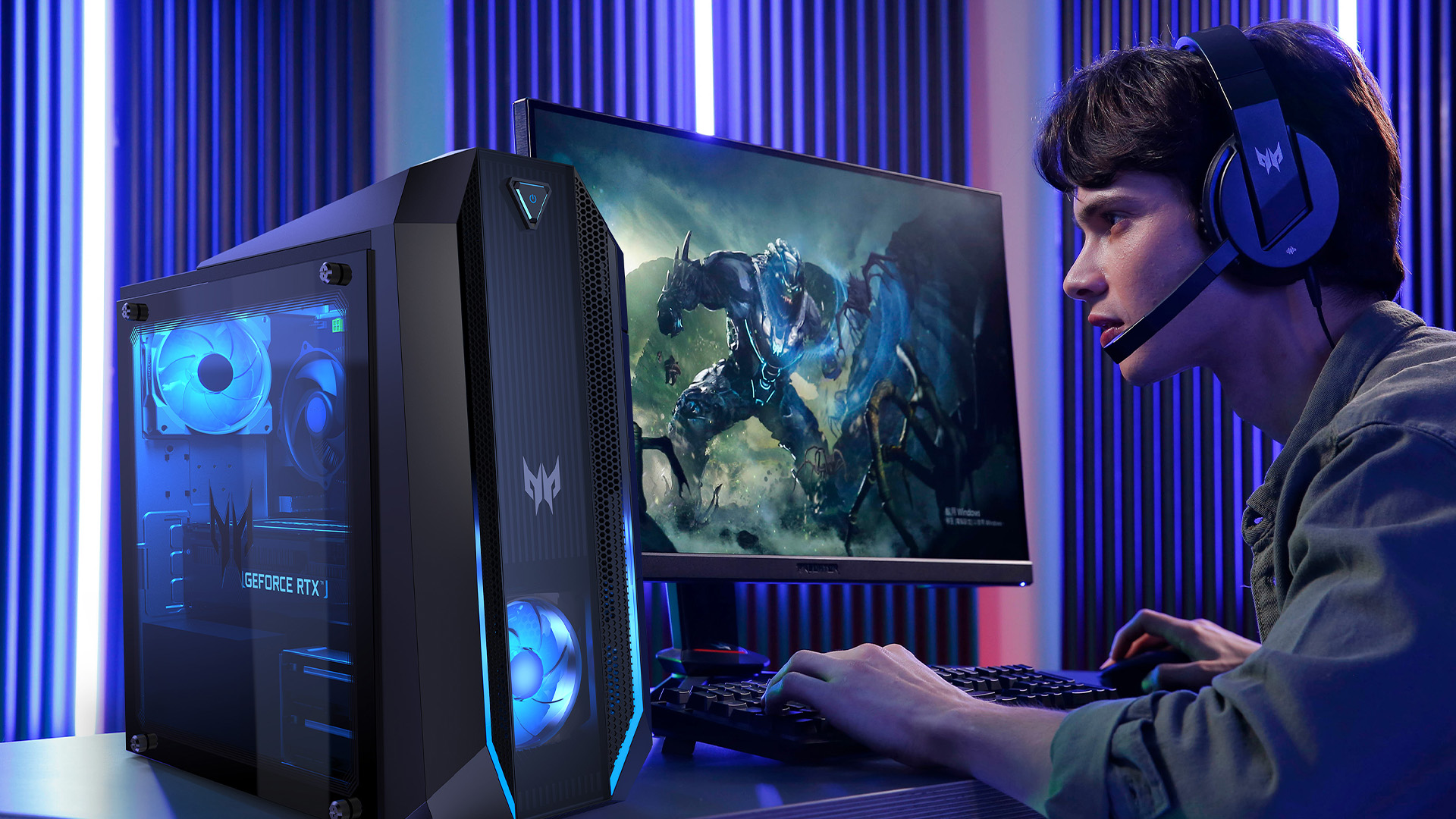
Why the X49 is special
- 49-inch 32:9 format feels like two 27-inch QHD screens in one
- 240Hz keeps it firmly in enthusiast gaming territory
- QD-OLED gives the image depth and punch traditional LCDs struggle to match
- KVM, USB-C and PIP/PBP add real desk-setup flexibility
Best Acer Predator monitor by use case
|
Use case |
Best Predator pick |
Why it fits |
|---|---|---|
|
Esports and competitive FPS |
Predator X27UZ1 |
26.5-inch QHD OLED, 280Hz, 0.03ms, esports-friendly size |
|
4K single-player and visual gaming |
Predator X32X |
31.5-inch 4K QD-OLED, 240Hz, premium image quality |
|
Immersive ultrawide setups |
Predator X49 QD-OLED |
49-inch 32:9 DQHD OLED, 240Hz, 1800R curve, KVM |
|
Mixed gaming and desk productivity |
Predator X49 QD-OLED |
PIP/PBP, USB-C power delivery and super-ultrawide workspace |
|
Premium OLED gaming at 27 inches |
Predator X27UZ1 |
Fast, sharp and easier to drive than 4K |
Predator vs Nitro: which Acer gaming monitor line is right for you?
This question matters because many buyers searching Acer Predator monitors UK are not deciding between Predator and another brand. They are deciding between Predator and Nitro.
The simplest answer is this: Nitro is for value-first gaming, Predator is for premium gaming.
Laptop Outlet's gaming experts talks about balancing refresh rate, resolution, panel type and budget when choosing a gaming display, and Acer's own brand positioning broadly supports that split between Nitro and Predator. Nitro is generally the line that makes the strongest sense for buyers who want good gaming performance without jumping into enthusiast pricing. Predator is the line to buy when you specifically want features like OLED/QD-OLED panels, very high refresh rates, larger premium formats and a more flagship-style setup. If you want a detailed discussion, read our blog on comparison of Predator vs Nitro.
So if you are weighing gaming monitors more broadly, Nitro often sits in the “smart buy” tier, while Predator sits in the “aspirational but justified” tier.
Choose Predator if:
- you want premium panel tech like OLED or QD-OLED
- you care about top-end refresh rates
- you want a 4K or ultrawide statement monitor
- your PC setup is a hobby, not just a utility
Choose Nitro if:
- you want strong value
- you mostly care about core gaming performance per pound
- you are building a good setup without chasing flagship features.
Table: Predator buying guide by setup type
|
Setup goal |
Best screen size |
Best resolution |
Best Predator style |
|---|---|---|---|
|
Competitive desk setup |
26.5—27 inch |
QHD |
Flat high-refresh OLED |
|
Premium all-round gaming |
31.5 inch |
4K UHD |
Large OLED or QD-OLED |
|
Sim racing or immersive PC battlestation |
49 inch |
Dual QHD |
Curved super-ultrawide OLED |
|
Content + gaming hybrid desk |
31.5—49 inch |
4K or Dual QHD |
OLED/QD-OLED with better connectivity |
|
High-refresh enthusiast setup |
27 inch+ |
QHD or 4K |
240Hz+ Predator panel |
Are Acer Predator monitors worth buying in the UK?
For the right buyer, yes. Laptop Outlet's Acer monitor range and gaming monitor category both make clear that Acer is active across the gaming display market, from mainstream models to more premium Predator options. The Predator models highlighted here are not trying to win on price alone. They are aimed at buyers who want specific premium outcomes: better blacks, stronger HDR-style impact, faster motion, larger formats or more immersive setups.
That means the question is not whether Predator is “worth it” in the abstract. It is whether you will benefit from what Predator adds. If you spend most of your time in ranked games, the jump to a fast OLED esports display can absolutely feel worthwhile. If you mostly play cinematic titles and already own a strong GPU, a 4K Predator panel makes more sense than a compromise budget screen. And if you want a showcase setup, the X49 is one of the clearest statement pieces in Acer's gaming monitor line right now.

Final verdict
The best Acer Predator gaming monitors are easy to understand once you match them to use case.
The Predator X27UZ1 is the best pick for esports and fast competitive gaming because it combines QHD OLED image quality with a 280Hz refresh rate and 0.03ms response time in an esports-friendly 26.5-inch format.
The Predator X32X is the best choice for 4K gaming because it gives you premium 4K QD-OLED detail without dropping out of the enthusiast refresh-rate category.

FAQs
Are Acer Predator monitors good for esports?
Yes. Predator models like the X27UZ1 are built for fast competitive gaming, with QHD resolution, OLED panel technology, a 280Hz refresh rate and a 0.03ms response time, all of which suit esports-style play.
What is the best Acer Predator monitor for 4K gaming?
Based on the models referenced here, the Predator X32X is the strongest 4K choice because it combines 4K UHD resolution with a 240Hz refresh rate and QD-OLED panel technology.
Is the Acer Predator X49 good for gaming?
Yes. Acer's official X49 page highlights its 49-inch 32:9 QD-OLED panel, 240Hz refresh rate, 0.03ms response time and 1800R curve, which make it especially strong for immersive PC gaming and sim-style setups.
What is the difference between Acer Predator and Nitro monitors?
Predator is Acer's more premium gaming monitor line, while Nitro is generally the more affordable value-oriented gaming range. Acer and Laptop Outlet both position Predator and Nitro as gamer-focused, but Predator sits higher for enthusiasts who want more advanced features.
Are Acer Predator OLED monitors worth it?
They can be, especially if you care about contrast, response time, refresh rate and overall visual impact. Models like the X27UZ1, X32X and X49 QD-OLED show how Acer uses OLED and QD-OLED to target premium gaming use cases.
Related Articles

Last Updated: August 24, 2026
Choosing between dual-mode and standard gaming monitors is becoming a key decision for gamers seeking better speed, visuals, and flexibility. As display technology advances, players now expect sharper colour, higher refresh rates, smoother motion, and features that adapt to different gaming styles.
Dual-mode monitors add a new option by offering two performance profiles in one screen, while standard gaming monitors remain popular for their simplicity and value. So, which is right for you? This guide compares their features, performance, benefits, and real-world uses to help you choose confidently, whether you play competitive shooters or immersive story-driven games at home.
Understanding the Basics: What are Dual Mode Gaming Monitors?
Dual mode gaming monitors are a relatively new category that provide two optimised display profiles within the same screen. These modes usually include:
1. A High-Resolution Mode
This mode might support 4K displays for gamers, or QHD resolution, higher brightness,
Published: November 24, 2025
The gaming landscape in 2025 is more advanced than ever, and at the centre of every elite gaming setup lies one essential component, the monitor. Performance-focused gamers now have new demands: adaptability, fluid responsiveness, and pinpoint accuracy tailored to various game genres. This is where dual mode gaming monitors stand out. Designed to deliver extraordinary flexibility, they allow you to switch between ultra-high-resolution visuals and lightning-fast frame rates depending on your playstyle.
What Are Dual Mode Gaming Monitors?
Dual mode gaming monitors are cutting-edge displays with the ability to switch between two distinct performance profiles:
- High-resolution mode – ideal for immersive open-world titles, with sharp visuals and cinematic detail.
- High refresh rate mode – optimised for competitive and fast-paced gameplay, where responsiveness and precision are key.
This new category bridges the gap between high-resolution gaming monitors for sharp visuals and high refresh rate
Last Updated: June 15, 2026
One monitor, two personalities; perfectly tuned for any game.
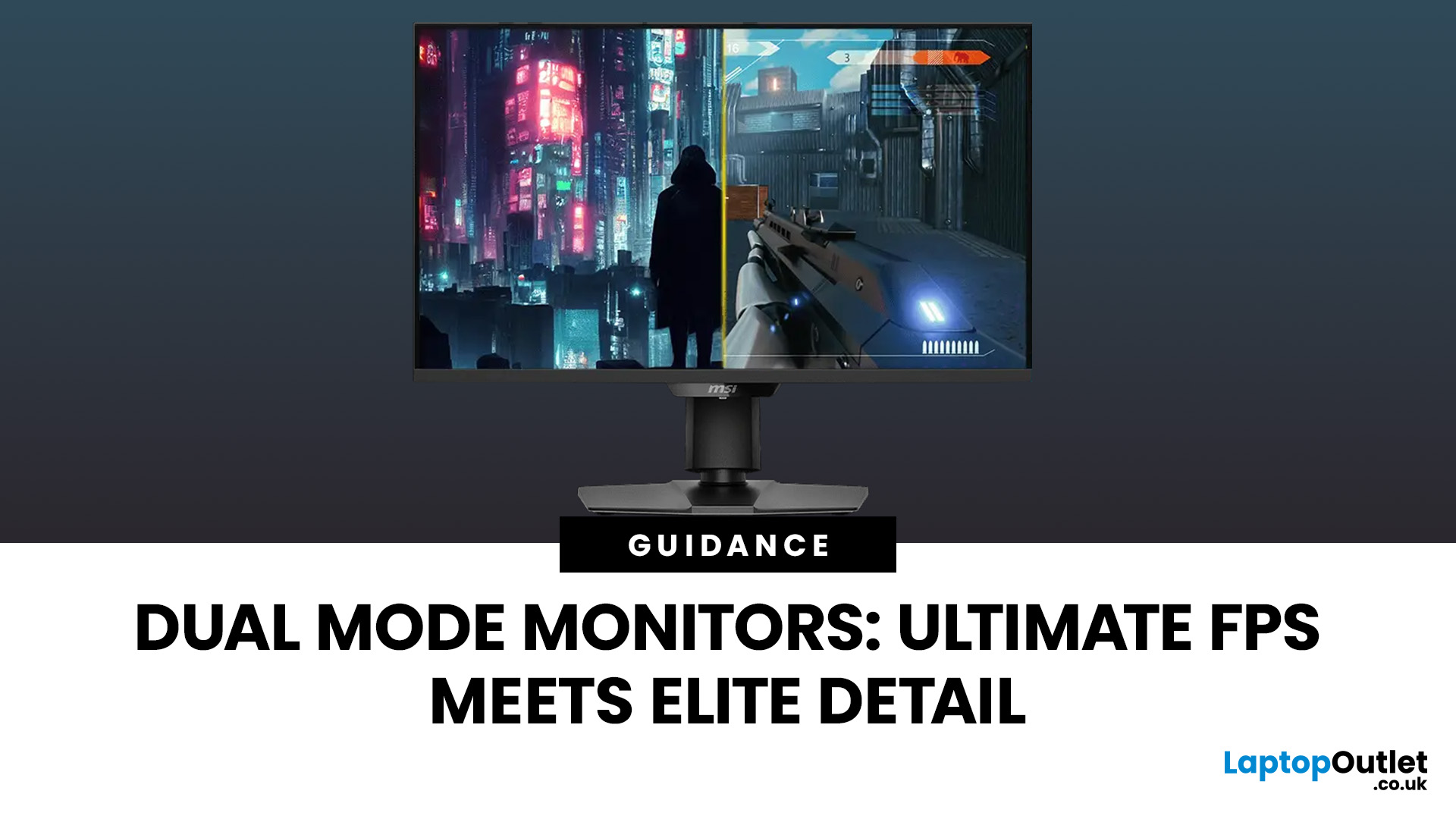
For years, gamers have faced a tough choice: do you pick a monitor with crystal-clear display and high resolution, or one with fast refresh rates for maximum speed? Trying to achieve both usually meant compromising on one side. That compromise is now a thing of the past, thanks to the dual mode gaming monitor.
This cutting-edge technology gives you the power to switch instantly between two different display modes, each optimised for a specific type of gaming. This simple switch can genuinely help improve FPS and dramatically enhance your overall visual quality.
If you want to know how dual mode gaming monitors improve FPS & visual quality, read on.
What Exactly are Dual Mode Gaming Monitors?
Before we get to the nuts and bolts of why dual mode monitor performance is so remarkable, let's nail down what they are.
A dual mode gaming monitor is a single display that has the unique, built-in ability to switch between two distinctly

Last Updated: August 28, 2026
Gaming has changed forever. If you are still using an old LCD screen, you are missing out on the best visuals possible. In 2026, the best OLED gaming monitors have become the gold standard for every serious player. Whether you want a competitive edge in shooters or deep immersion in RPGs, OLED is the answer.
But why is everyone switching? It comes down to speed and colour. OLED panels offer near-instant response times. They also provide "true blacks" that no other screen can match. In this guide, we will look at the top OLED gaming screens available. We will also explain what to look for so you can find the perfect match for your PC or console.
1. AOC Gaming Q27G41ZDF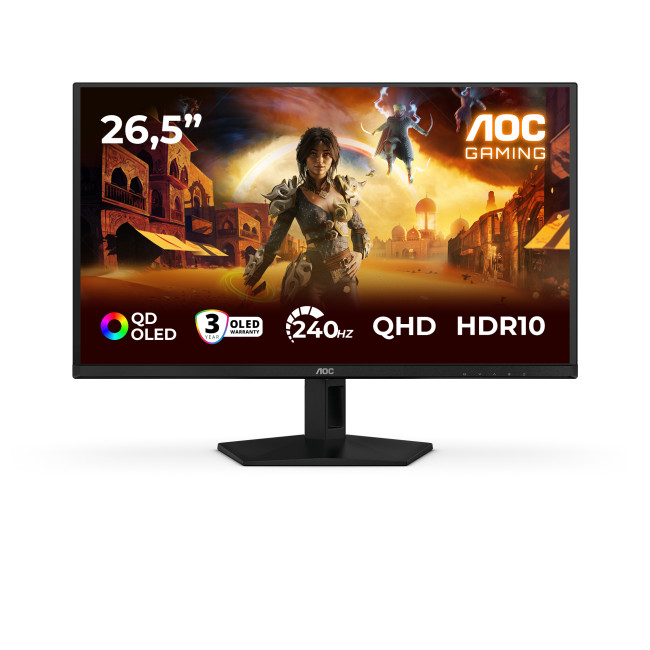
Key Specifications:
- Screen Size: 26.5-inch
- Panel Type: QD OLED
- Resolution: 2560 x 1440 (QHD)
- Refresh Rate: 240Hz
- Response Time: 0.03ms
- Aspect Ratio: 16:9
- Screen Shape: Flat
- Sync Technology: G-SYNC Compatible, Adaptive Sync
- Low Blue Light Technology: Yes
- HDR Standards: HDR10
Last Updated: December 31, 2025
If your setup is still running on an older 60–75Hz display (or a basic office screen), 2026 is the year to change that. The jump to a modern gaming monitor can be instantly noticeable: smoother camera movement, clearer motion in fast fights, and a more responsive “feel” when you aim, flick, track, or even just pan across open-world scenery. That’s why New Year gaming monitor deals are such a popular time to upgrade, stock is refreshed, prices tend to be competitive, and you can often find the exact spec combination you’ve been waiting for without paying peak-season prices.
Laptop Outlet makes this easier because there’s a wide range of gaming monitors in one place, so you can compare size, resolution, refresh rate and panel tech without bouncing between stores. A good starting point is the main gaming monitors category (it’s perfect for filtering by what matters most). And if you’re shopping across more than just monitors, it’s also worth keeping an eye on the wider promotions to save big
Last Updated: June 15, 2026
If you run an esports arena, gaming cafe, university esports lab, or content studio, your monitor choice is not a background decision. It directly affects performance, player satisfaction, brand perception, and long-term ROI. Competitive players notice the refresh rate instantly. Streamers notice colour accuracy. Venue owners notice durability. And everyone notices screen quality.
That’s why ASUS gaming monitors have become a staple across esports stages and gaming venues in the UK. From ultra-premium ASUS ROG gaming monitors built for tournament environments to scalable ASUS TUF gaming monitor options designed for multi-station rollouts, ASUS covers every level of competitive deployment.
If you're building or upgrading a gaming business, here’s what you need to know.
Why Esports & Gaming Businesses Choose ASUS
A single hardware issue during a tournament can damage a reputation fast. ASUS has built a strong position in esports by delivering consistency under pressure.
Brand Reputation
Last Updated: April 14, 2026
If you’ve been shopping for a competitive gaming display, you’ve probably noticed that BenQ 240Hz gaming monitors are becoming the new standard for serious players. But with so many options available, the big question remains:
Is 240Hz worth it — or is 144Hz still enough?
In this guide, we’ll break down what ultra-high refresh rates change in gameplay, compare 144Hz vs 240Hz BenQ monitor performance, and help you decide whether a BenQ high refresh ZOWIE monitor or a BenQ MOBIUZ high refresh monitor is the right upgrade for you.
Quick Answer — Is 240Hz Worth it?
So, is 240Hz worth it?
For many gamers, the answer is:
- Yes, if you play competitive FPS titles and want the smoothest, fastest response possible
- Maybe, if you play a mix of casual and competitive games
- Not necessarily, if you mostly play single-player or cinematic titles
A jump from 144Hz to 240Hz delivers:
- Smoother motion
- Reduced input delay
- Clearer tracking in fast-paced shooters
That’s why high refresh BenQ gaming monitors are
Last Updated: August 28, 2026
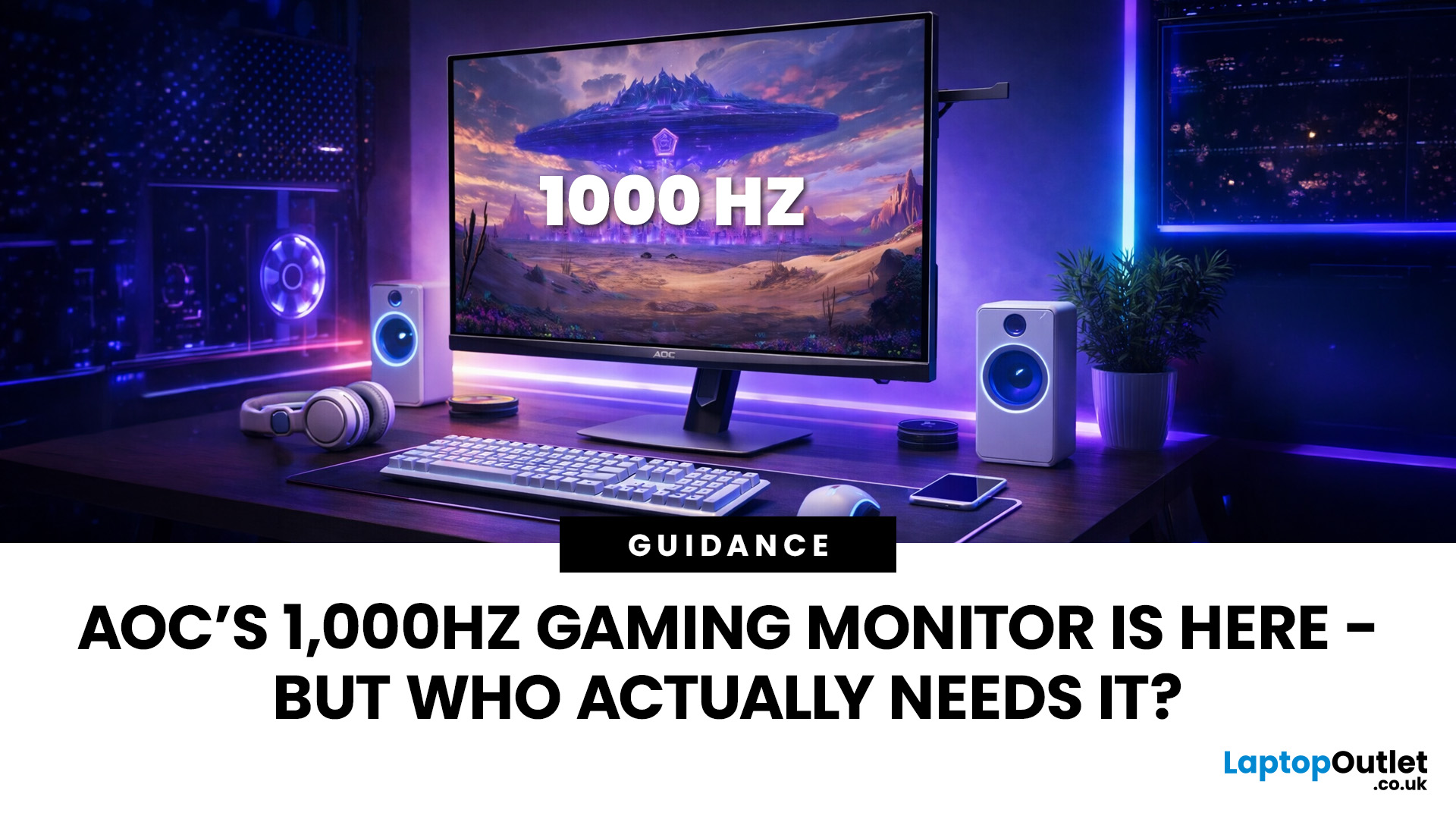
Gaming monitors have moved from 144Hz to 240Hz, then 360Hz and 500Hz in just a few years. Now AOC is pushing even further with its new AOC 1000Hz gaming monitor, the AGON PRO AGP277QK. At 1000Hz, the screen refreshes 1000 times per second, cutting frame time to just 1 millisecond. That is half the frame time of 500Hz and one quarter of 240Hz.
AOC’s new dual-mode 1000Hz monitor can switch between 500Hz at QHD and 1000Hz at a lower resolution, targeting elite competitive players. But who actually benefits from refresh rates this extreme, and should most gamers even consider waiting for it?
What AOC’s 1,000Hz Dual-Mode Monitors Actually Are
The AOC 1000Hz gaming monitor, known as the AOC AGON PRO AGP277QK, is part of a new wave of next-gen AOC AGON PRO monitors focused purely on competitive performance. It introduces a dual-mode 1000Hz monitor design, meaning it can operate at two different refresh rate and resolution combinations.
In its standard mode, the panel runs at QHD resolution with
Last Updated: August 28, 2026
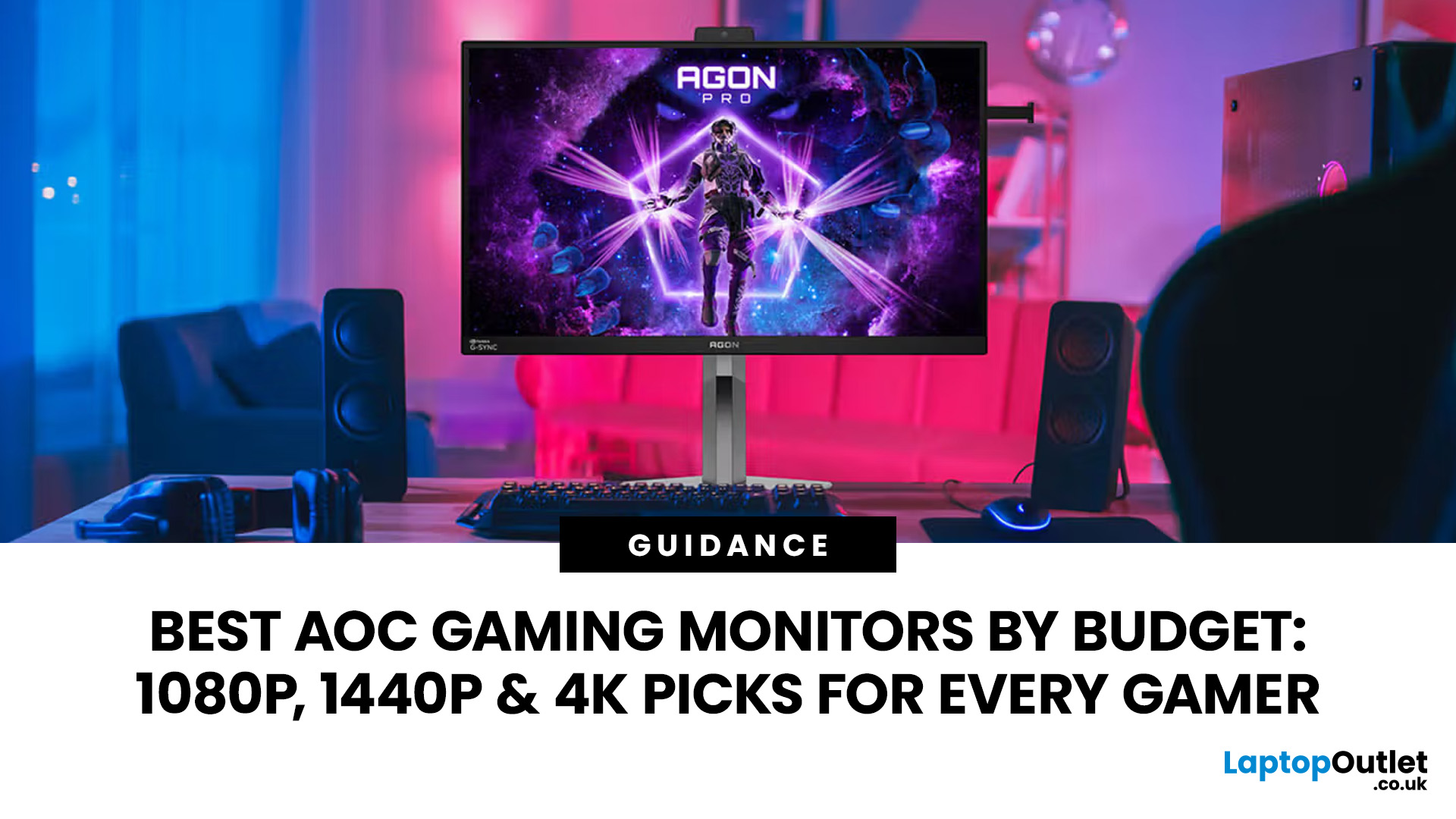
Choosing the right gaming monitor depends on factors like refresh rate, resolution, panel type, response time, and HDR support.
AOC offers gaming monitors across every budget, making it hard to know which one is right for you.
This guide highlights the best AOC gaming monitors by budget and helps you choose between 1080p, 1440p, and 4K options based on your gaming needs.
How to Choose an AOC Gaming Monitor for Your Budget
Before looking at specific recommendations, it's important to understand what you're paying for.
Resolution Matters More Than Most Gamers
Last Updated: August 28, 2026
Choosing the best gaming monitor brand can make a huge difference to your gaming experience. Whether you play competitive esports titles, immersive AAA games, or console exclusives on PS5 and Xbox Series X, the right monitor brand delivers smoother performance, better visuals, and long-term reliability.
In the UK gaming market, several brands consistently stand out for quality, innovation, and value. Companies like ASUS, LG, BenQ, AOC, Philips, and iiyama offer gaming monitors across every price range - from affordable 144Hz displays to cutting-edge OLED and 4K panels.
But with so many options available, it’s not always obvious which gaming monitor brand is best for your setup, budget, and gaming style.
Let’s discuss the best gaming monitor brands in the UK, compare their strengths, and help you choose the right one based on resolution, refresh rate, and platform compatibility.
What Makes a Gaming Monitor Brand Worth Buying in 2026?
When comparing the top gaming monitor brands, it’s important

