



Understanding N-Key Rollover and Anti-Ghosting in Gaming Keyboards
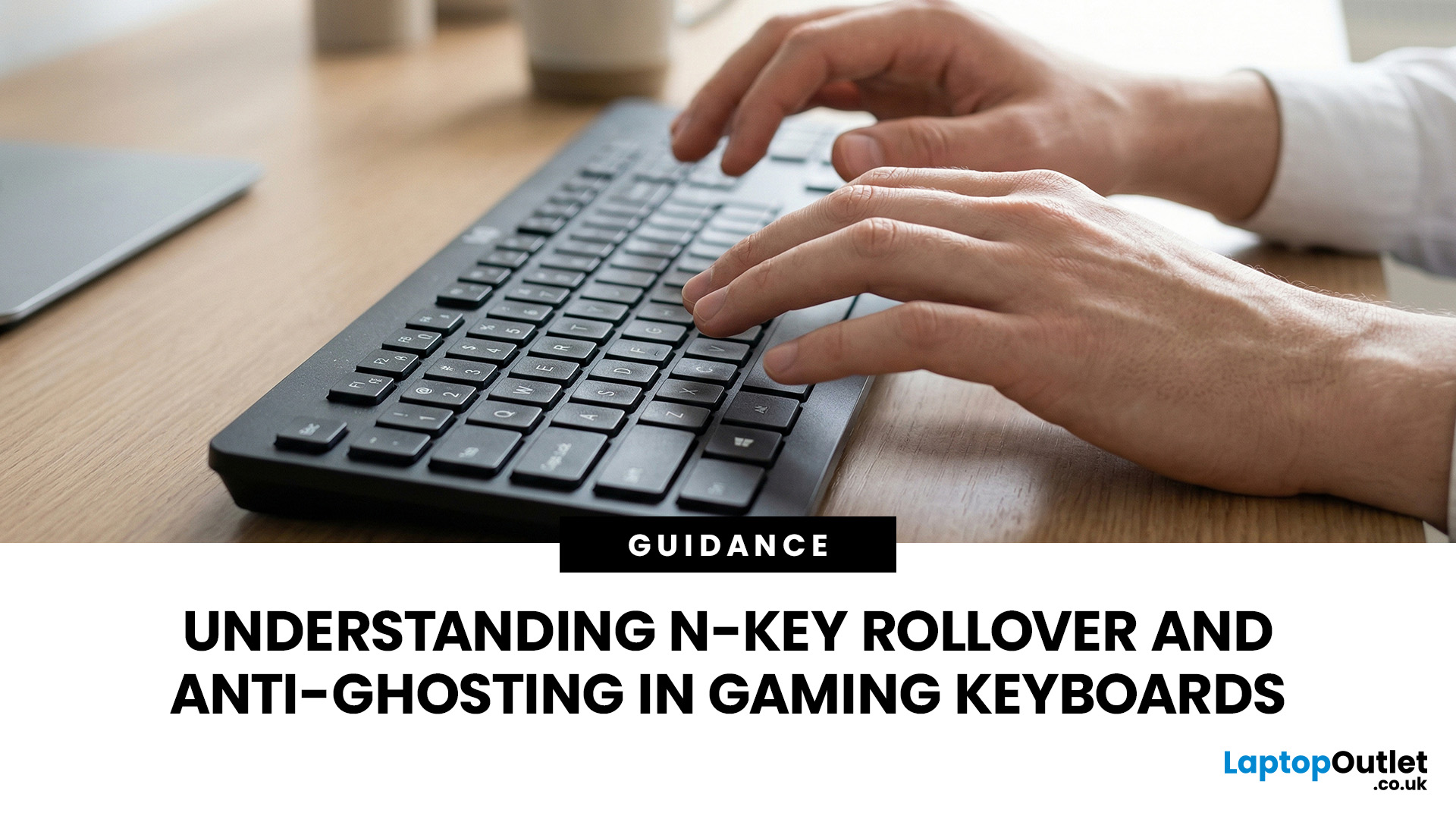
N-Key Rollover (NKRO) means a keyboard registers every key pressed simultaneously, with no inputs dropped or missed. Anti-ghosting prevents phantom keypresses from being falsely reported to your system. Both features work together on gaming keyboards to deliver accurate, reliable input during fast or complex gameplay. NKRO addresses missed real inputs; anti-ghosting eliminates false ones. Together, they ensure every command lands exactly as intended.
If you have ever been mid-battle, pressed three keys at once, and watched your character fail to jump, sprint, or reload, you have experienced the real-world impact of keyboard input limitations. This is not a game bug or a connection issue. The culprit is almost always your keyboard.
Modern gaming keyboards handle simultaneous key presses differently, and two features stand out: N-Key Rollover and anti-ghosting. Together, they are the reason a dedicated N Rollover keyboard feels so much more dependable in fast-paced games than a standard office board.
This guide breaks down exactly what each feature does, how they differ from one another, and what to look for when choosing your next keyboard for gaming.
What Is Key Rollover? Understanding the Foundation of Keyboard Input
Key Rollover describes how many keys a keyboard can correctly register when pressed simultaneously. It is the feature that directly determines how reliably a keyboard handles complex gaming inputs.
This number matters because keyboards do not simply process every physical press instantly. They scan through an internal circuit grid and report what they detect to your operating system. The more keys you press at once, the harder that scanning process becomes for standard circuit designs.
On a basic office keyboard, you may never notice any limitation. In fast-paced gaming, where simultaneous key presses are routine, the difference between 2KRO and NKRO can be the difference between a missed ability and a clean execute.
2KRO, 6KRO, and NKRO: What the Numbers Actually Mean
The "N Key Rollover keyboard" specification you see in product listings refers to the maximum number of simultaneous keypresses a keyboard can correctly detect and report. Here is what each level means in practice:
|
Rollover Type |
Simultaneous Keys Registered |
Typical Use Case |
Sufficient for Gaming? |
|
2KRO |
2 keys at once |
Budget rubber dome office keyboards |
No |
|
4KRO |
4 keys at once |
Mid-range office keyboards |
Limited |
|
6KRO |
6 keys at once |
Gaming standard (USB HID protocol) |
Yes, for most |
|
NKRO |
All keys simultaneously |
Competitive gaming, rhythm games, fast typing |
Yes, always |
How the Keyboard Matrix Creates Input Limits
Standard keyboards arrange their switches in a grid of rows and columns called a key matrix. The controller chip scans this grid rapidly, detecting which row and column each keypress activates.
When you press three or more keys that share a particular circuit path, the scan can produce conflicting signals. This is where both ghosting and input blocking originate. It is not a firmware problem; it is a direct consequence of how the matrix circuit is laid out physically.
Understanding this matrix limitation is the key to understanding why gaming keyboards invest in additional hardware to overcome it.
What Is NKRO (N-Key Rollover)?

N-Key Rollover, or NKRO, represents the highest level of key registration a keyboard can offer. The "N" in NKRO stands for "any number." So when a manufacturer advertises N Key Rollover (NKRO), they mean the keyboard can detect every single key pressed at the same time, no matter how many. The practical limit is simply the total number of physical keys on the board.
A keyboard advertising full N Key Rollover can, in theory, register every key on the layout simultaneously, something that almost never happens in practice but gives you absolute confidence that no input combination will ever be dropped.
How NKRO Actually Works
A keyboard with NKRO treats each key switch as an independent reporting unit. Rather than relying on shared row-column matrix paths, modern NKRO implementations use dedicated circuits or advanced microcontrollers to track every key individually.
When the keyboard sends data to your PC, it reports each active key as its own separate signal, rather than using the standard compressed format that limits input to six keys. This is what enables any number of simultaneous presses to be registered cleanly and without conflict.
Keyboard Rollover technology has advanced significantly over the past decade, and NKRO over a standard USB cable is now routine on mid-range and premium gaming boards.
NKRO Over USB: The Modern Reality
For years, the advice in gaming communities was to use a PS/2 connection for true NKRO. The older PS/2 protocol has no simultaneous input limit, while USB uses a compact data format called the HID boot protocol that caps simultaneous key reports at six.
That USB limitation is no longer a practical concern for most gamers. Modern gaming keyboards send extended USB HID reports that completely bypass the boot protocol restriction, allowing full NKRO over a standard USB cable without any adapters.
There is one important caveat. The extended USB report mode requires your operating system to be fully loaded. Inside the BIOS or UEFI setup screen, your keyboard automatically falls back to 6KRO. This is why many keyboards ship with 6KRO as the default and require you to enable NKRO manually, often via a key combination listed in the manual.
Does NKRO Work Over Bluetooth?
This is an important practical point that gets overlooked surprisingly often. Full N-Key Rollover requires a wired USB connection. Bluetooth keyboards are limited to 6KRO because the Bluetooth HID profile does not support the extended input reporting that NKRO relies on.
If you primarily use a wireless keyboard and need full NKRO for gaming, a wired connection is necessary. Many premium gaming keyboards support both modes, switching automatically depending on whether you are connected via USB cable or wirelessly.
What Is Keyboard Ghosting and Why Does It Happen?
Keyboard ghosting occurs when a keyboard incorrectly registers a key that was never actually pressed. This keyboard ghosting issue comes directly from the electrical design of most standard keyboard matrix circuits.
The name comes from the idea of a phantom keypress appearing with no physical cause. It is surprisingly common on standard and budget keyboards, and it tends to appear most obviously during intense gaming moments when multiple keys are held simultaneously.
Ghosting vs Blocking: Two Different Problems
These two issues are closely related but describe opposite failure modes. It is worth understanding both clearly:
- Ghosting (False Positive): The keyboard reports a key as pressed when you never physically touched it. A phantom input appears from nowhere, causing unintended in-game actions.
- Blocking (False Negative): A key you physically pressed fails to register at all. The input simply disappears, causing your character to miss an action you clearly attempted.
Both arise from the matrix circuit design. Ghosting happens when electrical current finds an unintended path through the circuit and triggers a false signal. Blocking occurs when the matrix scanning limit is reached and further inputs are quietly ignored.
It is worth noting that "keyboard ghosting" in casual gaming discussion sometimes refers to both problems collectively, though technically they are distinct. Anti-ghosting on keyboards addresses both in a well-implemented design.
Real-World Gaming Scenarios Where Ghosting Strikes
The issue tends to be most noticeable during sequences involving three or more keys held simultaneously. Here are some common examples across popular game genres:
- FPS games (e.g. Valorant, CS2): Holding W + A + Shift (sprint) and trying to press Space (jump) fails to register on lower-quality keyboards
- MOBA games (e.g. League of Legends): Moving whilst casting multiple abilities causes some ability inputs to be dropped entirely
- Fighting games: Complex directional inputs combined with multiple attack buttons trigger incorrect or missing moves
- Platformers: Precise jump + direction + dash combinations are misread or silently ignored
- MMO games: Holding movement keys whilst triggering multiple hotbar abilities simultaneously drops some commands
What Is Anti-Ghosting and How Does It Work?

Anti-ghosting on keyboards stops phantom keypresses from reaching your computer during complex simultaneous inputs. It is now standard on virtually all gaming keyboards sold in the UK in 2026.
The principle behind gaming keyboard anti-ghosting is straightforward: prevent the false signals that the matrix circuit can generate, rather than allowing them to pass through to the system unchecked.
How Isolation Diodes Prevent Ghosting
The most common anti-ghosting method involves placing a small electronic component called a diode at each key switch. Diodes allow electrical current to flow in one direction only.
When a diode is present at every key position, current cannot travel backwards through the matrix and create a phantom circuit path. Each key's signal stays isolated from its neighbours, and the controller only registers genuine physical presses. This is why mechanical keyboards with per-switch diodes tend to offer more reliable anti-ghosting than simpler rubber dome designs.
Full Anti-Ghosting vs Partial Anti-Ghosting
Not all anti-ghosting implementations cover the entire keyboard equally. Some manufacturers apply the technology only to specific zones, typically the WASD cluster and nearby gaming keys:
- Full or 100% Anti-Ghosting: Every key on the board is covered. No phantom inputs are possible from any key combination anywhere on the keyboard.
- Partial or Zone Anti-Ghosting: Coverage applies only to specific key areas, usually the gaming region. Keys outside those zones can still ghost on certain combinations.
When reading keyboard specifications, always look for "100% anti-ghosting" or "full anti-ghosting" rather than simply "anti-ghosting." The latter claim on its own can mean very limited coverage that will still let you down in less common key combinations.
Hall Effect Keyboards and NKRO by Design
Hall Effect keyboards represent one of the most comprehensive technical solutions to ghosting and rollover limitations. Instead of relying on mechanical electrical contacts, each switch uses a magnet and a Hall sensor to detect key position magnetically.
Because key presses are detected through contactless magnetic sensing rather than electrical switch closures, Hall Effect keyboards avoid the traditional ghosting issues associated with membrane and mechanical contact matrices. Full N-key rollover (NKRO) is commonly supported, allowing every key press to be registered simultaneously. Hall Effect keyboards are becoming increasingly accessible in the UK in 2026, with more affordable options appearing alongside flagship gaming boards from brands including Wooting, Keychron, and Razer.
N-Key Rollover vs Anti-Ghosting: What Is the Actual Difference?
Confusion between N Rollover vs anti ghosting is common, as both relate to accurate key input. They solve two genuinely different problems in keyboard design, and understanding each one helps you shop smarter.
A keyboard can advertise "anti-ghosting" without offering full NKRO. Equally, a keyboard with full NKRO inherently prevents ghosting as a side effect, since each key is reported through an independent channel. However, the terms are not interchangeable, and treating them as such can lead to buying the wrong board.
|
Feature |
Problem It Solves |
Technical Mechanism |
What to Look for in Specs |
|
Anti-Ghosting |
Prevents false phantom keypresses |
Isolation diodes at each key switch |
"100% anti-ghosting" or "full anti-ghosting" |
|
N-Key Rollover (NKRO) |
Registers all real simultaneous keypresses |
Independent key circuits or extended USB HID reports |
"N-Key Rollover" or "NKRO" stated explicitly |
|
6-Key Rollover (6KRO) |
Registers up to 6 simultaneous keypresses |
Standard USB HID boot protocol |
"6KRO" or "6-key rollover" |
|
2-Key Rollover (2KRO) |
Registers up to 2 simultaneous keypresses |
Basic matrix with no diode isolation |
Rarely stated explicitly; common on budget boards |
Do You Actually Need NKRO for Gaming in 2026?
Full NKRO gets marketed as essential for every gamer, but reality is more nuanced. Whether it matters genuinely depends on the game genres you play and the complexity of your typical inputs.
The honest answer is that for the vast majority of players in 2026, a keyboard with 6KRO and full anti-ghosting is more than adequate. Full NKRO becomes genuinely worthwhile in specific, well-defined scenarios.
When 6KRO Is Perfectly Sufficient
Consider a typical FPS scenario. You might hold W (forward), A or D (strafe), Shift (sprint), Space (jump), and R (reload) at the same time. That is five keys simultaneously, comfortably within a standard 6KRO limit.
Even in more complex MOBA or action RPG scenarios, the number of simultaneous physical keypresses rarely exceeds six at any given instant. Movement keys, modifier keys, and ability keys together almost never surpass what a standard gaming keyboard with 6KRO can handle.
|
Game Genre |
Typical Max Simultaneous Keys |
6KRO Sufficient? |
NKRO Recommended? |
|
FPS (Valorant, CS2, CoD) |
4 to 5 keys |
Yes |
Optional |
|
MOBA (League of Legends, Dota 2) |
5 to 6 keys |
Usually yes |
Optional |
|
RPG / MMO |
4 to 6 keys |
Yes |
Optional |
|
Platformers & Action |
3 to 5 keys |
Yes |
Optional |
|
Rhythm Games (osu!, StepMania) |
7 or more keys |
No |
Yes, needed |
|
Fighting Games |
4 to 6 keys |
Usually yes |
Optional |
When Full NKRO Makes a Genuine Difference
There are specific use cases where NKRO genuinely improves on what 6KRO can offer:
- Rhythm games: Titles such as osu!, StepMania, or Clone Hero regularly require seven or more simultaneous keypresses, particularly in harder difficulty tiers
- Stenography: Court reporting and steno software uses chord-based input that requires many keys at once as a core part of the workflow
- MIDI and music applications: Keyboard-based MIDI input often requires extended simultaneous key combinations that push past 6KRO
- Fast competitive gaming: Some tournament players prefer NKRO for peace of mind that no combination will ever be dropped, regardless of circumstance
- High-speed touch typing: Very fast typists occasionally approach 6KRO limits at high WPM when rolling across multiple keys quickly
How to Test Your Keyboard for NKRO and Anti-Ghosting Support
Testing your keyboard for rollover and anti-ghosting support takes under two minutes and needs no specialist tools. Here is a clear look at what your board can actually handle.
Both tests are straightforward and can be done right now, whether you are on a keyboard you already own or one you are considering purchasing.
The Quick WASD Holddown Test
The simplest test requires only Notepad or any text input field:
- Open Notepad or any basic text editor
- Hold down W, A, S, and D simultaneously
- While holding all four, press additional keys one at a time: Q, E, R, F, G, and so on
- Watch which additional keypresses register as characters in the editor
If keys stop appearing after a certain number held simultaneously, you have found your keyboard's rollover limit. If a character appears that you never pressed during a specific combination, you have witnessed ghosting directly.
Online Testing Tools
Free browser-based tools make rollover and anti-ghosting testing more visual and precise:
- Aqua Key Test (aquakeytest.com): Displays a visual keyboard map that highlights each key as you press it. N Rollover keyboard limits become immediately obvious when held keys stop lighting up.
- keyboardtester.com: Another clean visual tester with real-time keypress response that works well for quick rollover checks.
To test for ghosting, hold specific three-key combinations and check whether any unheld keys light up on the visual map. Any highlighted key you did not press is a ghost input.
How to Fix Keyboard Ghosting: Practical Steps Worth Trying

If your keyboard drops inputs or registers keys you never pressed, there are practical steps worth trying before replacement. Here is how to approach the fix ghosting keyboard problem methodically.
Before concluding that your hardware cannot be helped, work through the following steps in order. Some of these resolve what appears to be a ghosting issue without needing a new keyboard at all.
Software and Connection Fixes to Try First
- Enable NKRO mode manually: Many gaming keyboards have NKRO disabled by default for BIOS compatibility. Check your keyboard's manual for the toggle shortcut, often something like Fn + F10 or a dedicated NKRO switch on the underside of the board.
- Switch to a USB 3.0 port directly on your PC: Avoid USB hubs when gaming. Some hub configurations can introduce signal conflicts that mimic ghosting behaviour.
- Update your keyboard's firmware: Manufacturers release firmware updates that address known input issues on specific key combinations. Check the support section of your keyboard brand's website.
- Switch from wireless to wired: If you are using a Bluetooth connection and experiencing dropped inputs, switch to USB. Bluetooth limits you to 6KRO regardless of the board, and that cap might be the cause.
- Disable USB power saving in Windows: Open Device Manager, find your keyboard under Human Interface Devices, and disable "Allow the computer to turn off this device to save power" in the Power Management tab.
When It Is Time to Upgrade Your Keyboard
If none of the above steps resolve the issue, the problem is almost certainly a hardware limitation in your current keyboard. This is particularly common with:
- Budget rubber dome membrane keyboards with no per-key diodes
- Older office keyboards not designed with gaming input in mind
- Keyboards marketed as "anti-ghosting" but with coverage limited to specific key zones
The good news is that capable gaming keyboards with 6KRO and full anti-ghosting are widely available in the UK from around £30 to £50. Premium NKRO mechanical keyboards from brands including Corsair, SteelSeries, ASUS ROG, and Razer typically sit between £60 and £150.
Choose the right keyboard built for gaming from our wide range, including models with verified N-Key Rollover and 100% anti-ghosting from leading brands like ASUS ROG, MSI, and Acer Predator.
What to Look for When Buying a Gaming Keyboard for Input Accuracy
Choosing a keyboard with reliable Key Rollover and accurate anti-ghosting means looking beyond marketing claims and checking actual specifications. Here is what genuinely matters for gaming keyboard input accuracy.
Gaming keyboard specifications can be dense and inconsistently labelled across brands. The table below translates the key figures into plain language so you know exactly what to confirm before purchasing.
|
Specification |
What to Look For |
Warning Signs |
|
Key Rollover |
"N-Key Rollover" or "NKRO" stated explicitly; 6KRO as a minimum |
Only "anti-ghosting" listed with no rollover number anywhere |
|
Anti-Ghosting |
"100% anti-ghosting" or "full anti-ghosting" across all keys |
"Anti-ghosting" without confirmation of coverage level |
|
Switch Type |
Mechanical switches for best NKRO reliability and longevity |
Rubber dome membrane for any serious competitive gaming use |
|
Connection for NKRO |
USB wired for full NKRO; Bluetooth for 6KRO only |
Any claim of full NKRO via Bluetooth |
|
Polling Rate |
1000Hz minimum for gaming; 4000Hz or 8000Hz for competitive play |
125Hz or 250Hz (introduces noticeable input delay in gaming) |
|
BIOS Compatibility Mode |
Switchable between 6KRO and NKRO modes for flexibility |
NKRO-only with no fallback mode (causes issues in pre-boot environments) |
Switch Type and Its Relevance to NKRO
Mechanical keyboards implement NKRO most reliably because each individual switch connects to its own dedicated circuit with an isolation diode. This is why keyboards built for gaming overwhelmingly use mechanical switches rather than membrane technology for competitive and NKRO-specific designs.
Membrane keyboards can include anti-ghosting and even limited NKRO in higher-spec designs, but they are less common at that level. If NKRO and full anti-ghosting are priorities, a mechanical keyboard is the safer choice across most price points.
For a deeper look at how switch type affects overall gaming feel and reliability, take a look at our comparison of mechanical vs membrane keyboards for gaming.
Polling Rate: A Related but Separate Consideration
Polling rate is worth mentioning here as it is often confused with rollover. Polling rate determines how frequently your keyboard sends its input data to your PC, measured in Hz. A 1000Hz polling rate means the keyboard reports 1,000 times per second, once every millisecond.
A higher polling rate does not increase the number of simultaneous keys you can register. It reduces the delay between pressing a key and it reaching your game. For most players, 1000Hz is more than sufficient. Premium gaming keyboards now commonly advertise 4000Hz or 8000Hz polling for ultra-competitive play.
For a full comparison of the best current options at different price points, see our rundown of the best gaming keyboards in 2026.
Complete Your Gaming Setup with the Right Accessories
A great keyboard is just the start. Explore our full range of top accessories for gaming setups, including precision mice, headsets, controllers, and more, all from trusted brands at competitive UK prices.

Find Your True Keyboard Edge
Understanding what your N Rollover keyboard can truly do gives you a real edge when making buying decisions. N-Key Rollover and anti-ghosting work together to ensure your keyboard registers every intended input, with no phantom presses and no dropped keys.
For most gamers, 6KRO is more than sufficient for day-to-day play. Full NKRO becomes genuinely valuable in rhythm games, fighting titles, and specialist typing workflows. When shopping, always check the spec sheet rather than relying on marketing terms alone.

A Few More Things to Know...
What is the difference between N-key rollover and anti-ghosting?
N-key rollover ensures all real simultaneous keypresses register correctly. Anti-ghosting prevents false phantom inputs from appearing. They solve different problems but are commonly paired on modern gaming keyboards for complete accuracy.
How do I know if my keyboard supports NKRO?
Check the manufacturer's full specification page for "NKRO" stated explicitly. You can also verify using free online tools like Aqua Key Test or a simple WASD holddown test at home.
Is anti-ghosting the same as N-Key Rollover?
No. Anti-ghosting prevents false phantom inputs from registering. N Rollover keyboard ensures every real keypress is captured. A keyboard can have anti-ghosting without full NKRO, so always check both specifications separately.
Is anti-ghosting keyboard good for gaming?
Yes. An anti-ghosting keyboard prevents phantom keypresses during fast multi-key inputs, which is essential for competitive gaming where accurate simultaneous commands directly affect in-game performance and overall reliability.
Does N-Key Rollover work over Bluetooth?
No. Full NKRO requires a wired USB connection. Bluetooth keyboards are typically limited to 6KRO. For competitive gaming requiring complete rollover support, a wired USB connection is always recommended.
Read More
Which Gaming Keyboard and Mouse Are the Best? Enjoy Wireless Gaming
What to Look for When Buying a Refurbished Keyboard?
Best Laptop Accessories in 2026: Keyboards, Monitors, Hubs & More
Related Articles


Last Updated: July 07, 2026
Laptops are powerful enough to handle work, study, streaming, gaming and creative tasks, but the right accessories can make a big difference to how comfortable and productive your setup feels. From keyboards and monitors to laptop bags, hubs and stands, choosing the best accessories helps you get more from your device every day.
| The best laptop accessories in 2026 are the ones that make your device more comfortable, productive, portable and easier to use every day. Essential picks include a wireless keyboard and mouse, external monitor, USB-C hub, laptop stand, protective sleeve, mouse pad, webcam, headphones, cooling pad and external storage. Whether you use your laptop for work, study, gaming or travel, the right accessories can turn a basic setup into a more efficient workspace. |
In 2026, laptop users are not just looking for basic add-ons. They want accessories that improve posture, speed up multitasking, protect their devices and create a cleaner desk setup. Whether you are building
Last Updated: June 11, 2026
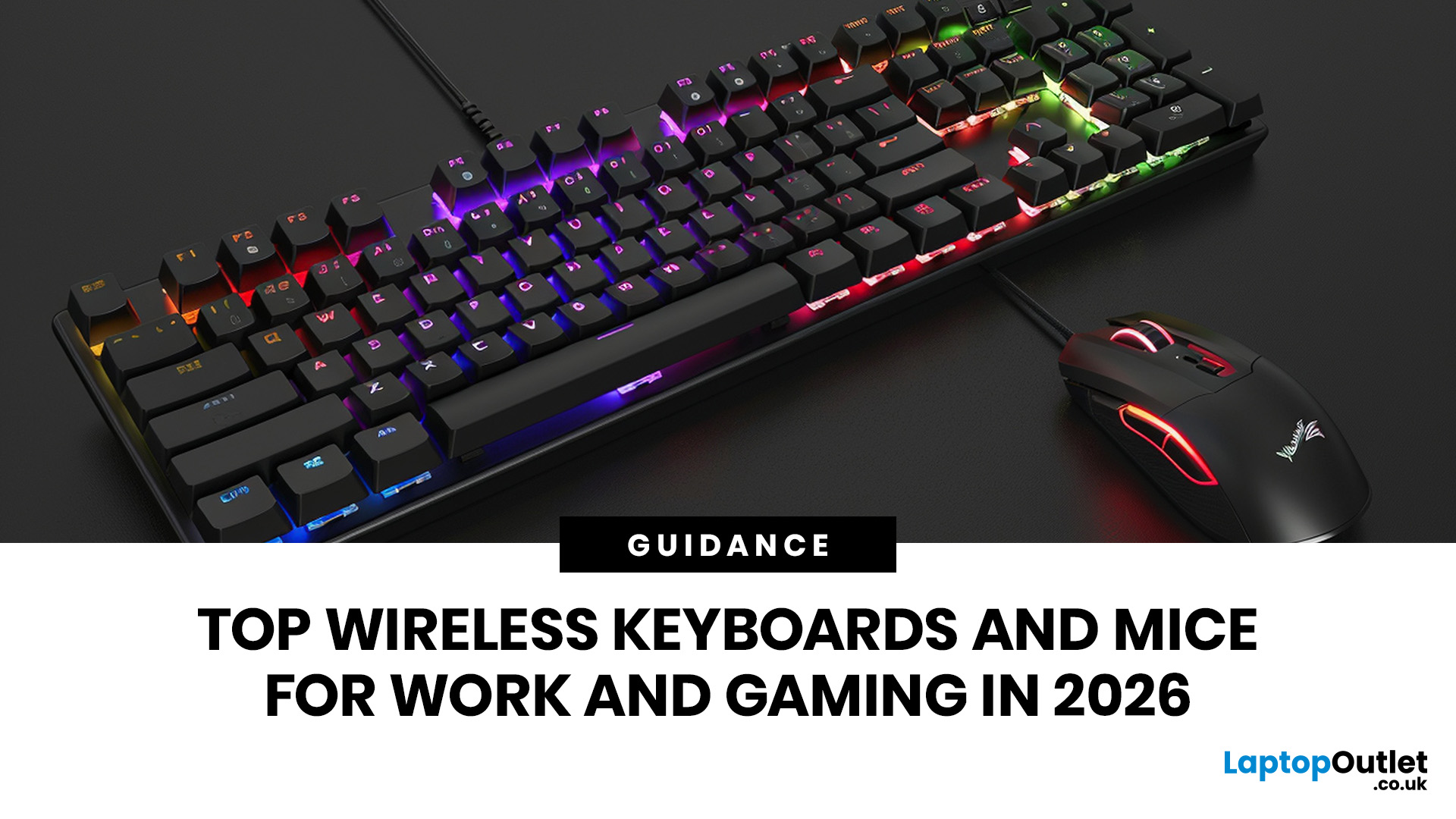
For a clean and minimalist look of your working or gaming setup, choosing the right wireless mouse and keyboard can make a bigger difference than you think.
If you're on a budget, the Logitech Wireless Mouse M235 is a reliable and affordable option.
For UK shoppers in 2026, the best setup is for comfort, connectivity, battery life, accuracy, layout, and daily usability. Some people need a simple keyboard mouse combo for emails and spreadsheets. Others want fast switches, RGB lighting, ultra-light mouse movement, and reliable wireless performance for gaming.
This guide breaks down the best wireless keyboard mouse UK options from Laptop Outlet, covering work-friendly sets, Bluetooth-ready mice, premium
Last Updated: June 25, 2026
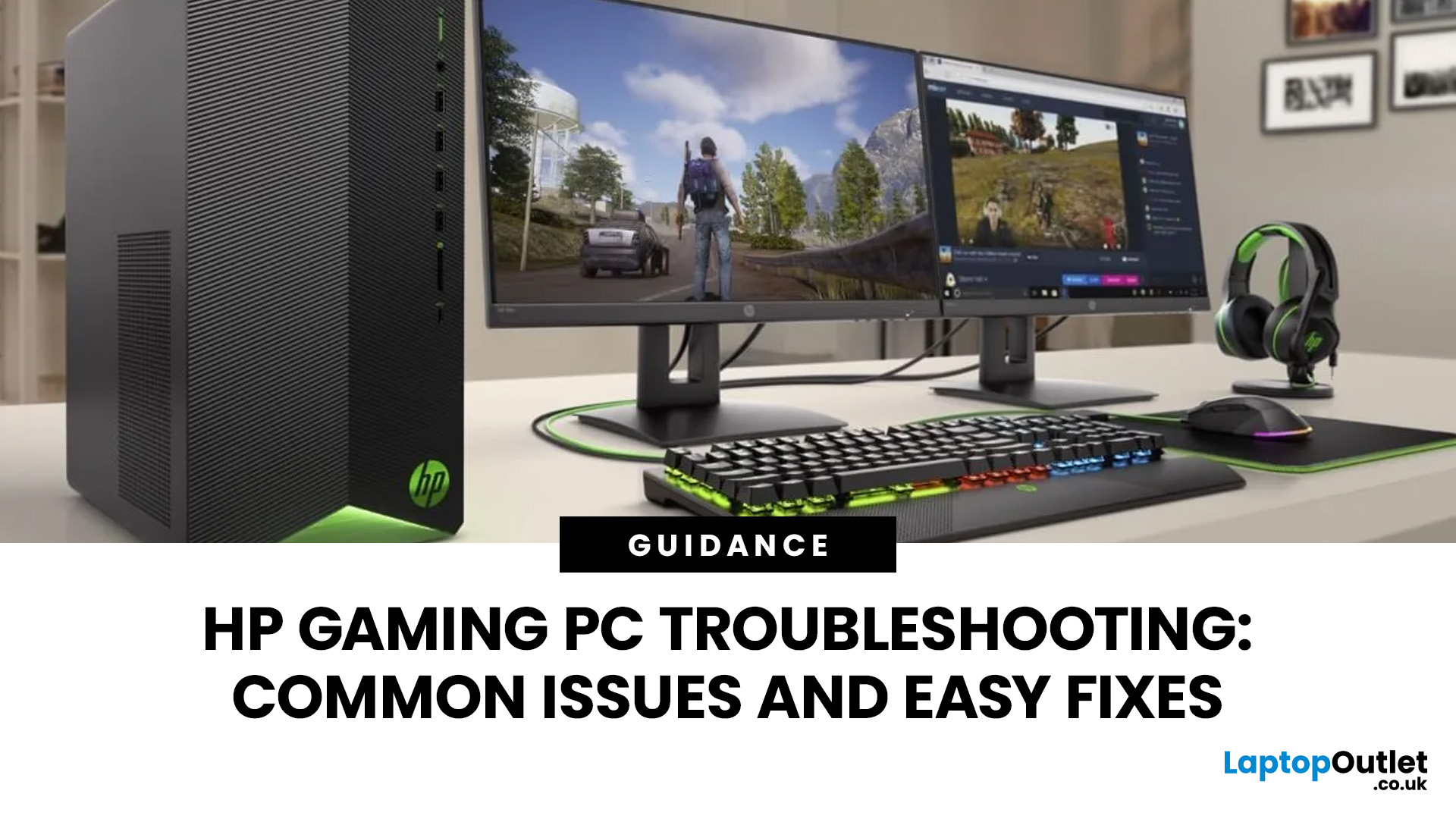
Your HP gaming PC should not feel like a boss fight before the game even loads.
HP gaming PC problems include black screens, overheating, lag, crashes, fan noise, slow performance, and startup failures. Most can be fixed by updating drivers, cleaning dust, improving airflow, freeing storage, and checking power or display connections.
You will also learn when a repair is worth it, when an upgrade makes more sense, and when it might be time to compare newer HP desktop PCs for gaming.
What Are the Most Common HP Gaming PC Problems?
Published: July 01, 2026
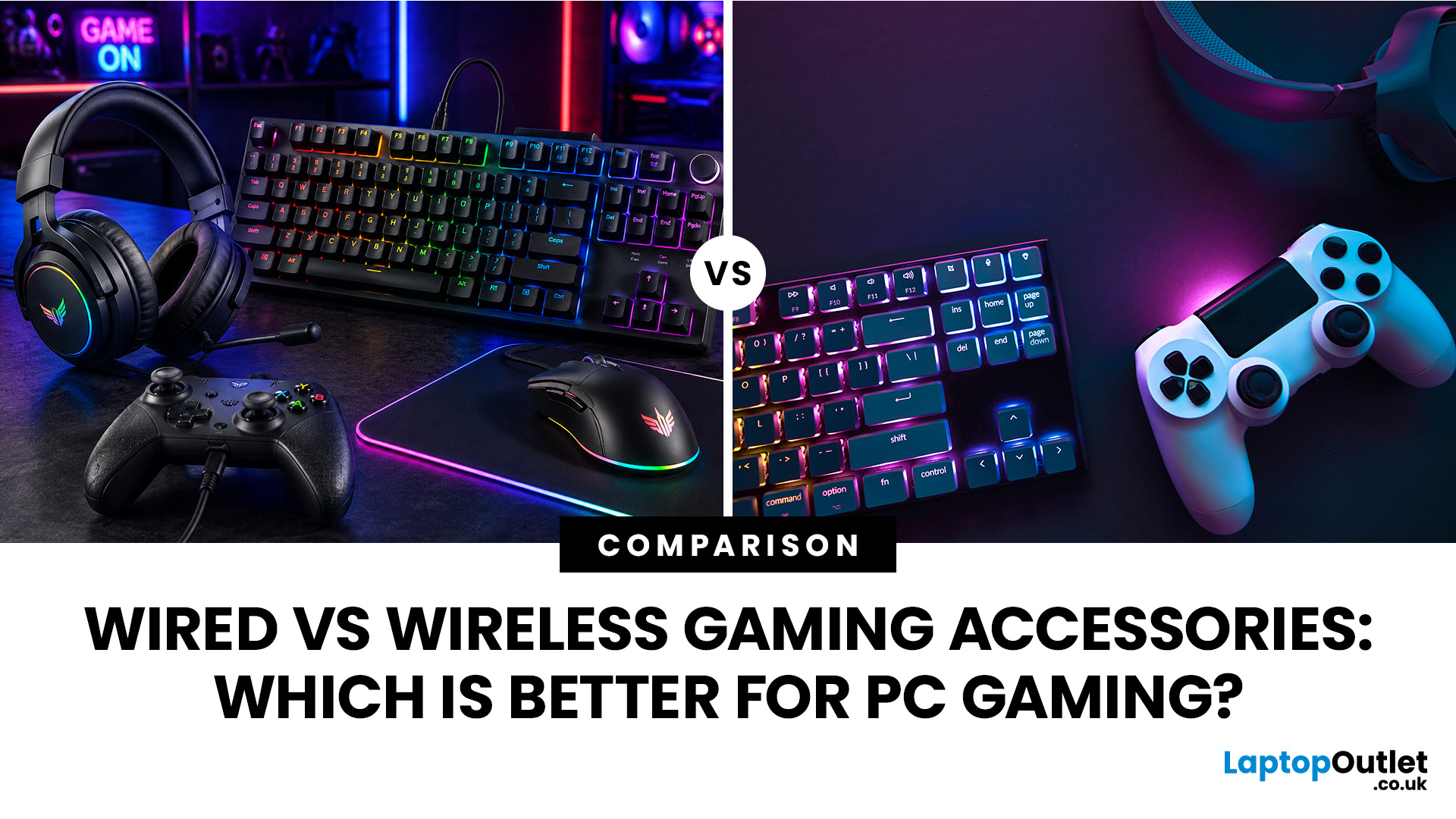
When building a PC gaming setup, choosing the right accessories matters just as much as choosing the right system. Your keyboard, mouse, headset, controller, and display all affect how comfortable, responsive, and enjoyable your games feel.
Many gamers compare wired vs wireless gaming accessories before upgrading their setup. Wired options are known for reliable performance and no battery concerns, while wireless models offer cleaner desks and more freedom of movement. Some players need speed and stability. Others want comfort, flexibility, and fewer cables. The right choice depends on what you play, how often you play, and how you use your desk.
What are Wired Gaming Accessories?
Wired gaming accessories connect directly to your PC using a cable, usually through USB or a 3.5mm audio port. Common examples include wired keyboards, mice, headsets, controllers, and charging docks.
The main appeal is consistency. You do not need to worry about charging, Bluetooth pairing, signal drops, or battery
Last Updated: July 03, 2026
Last Updated: August 25, 2026
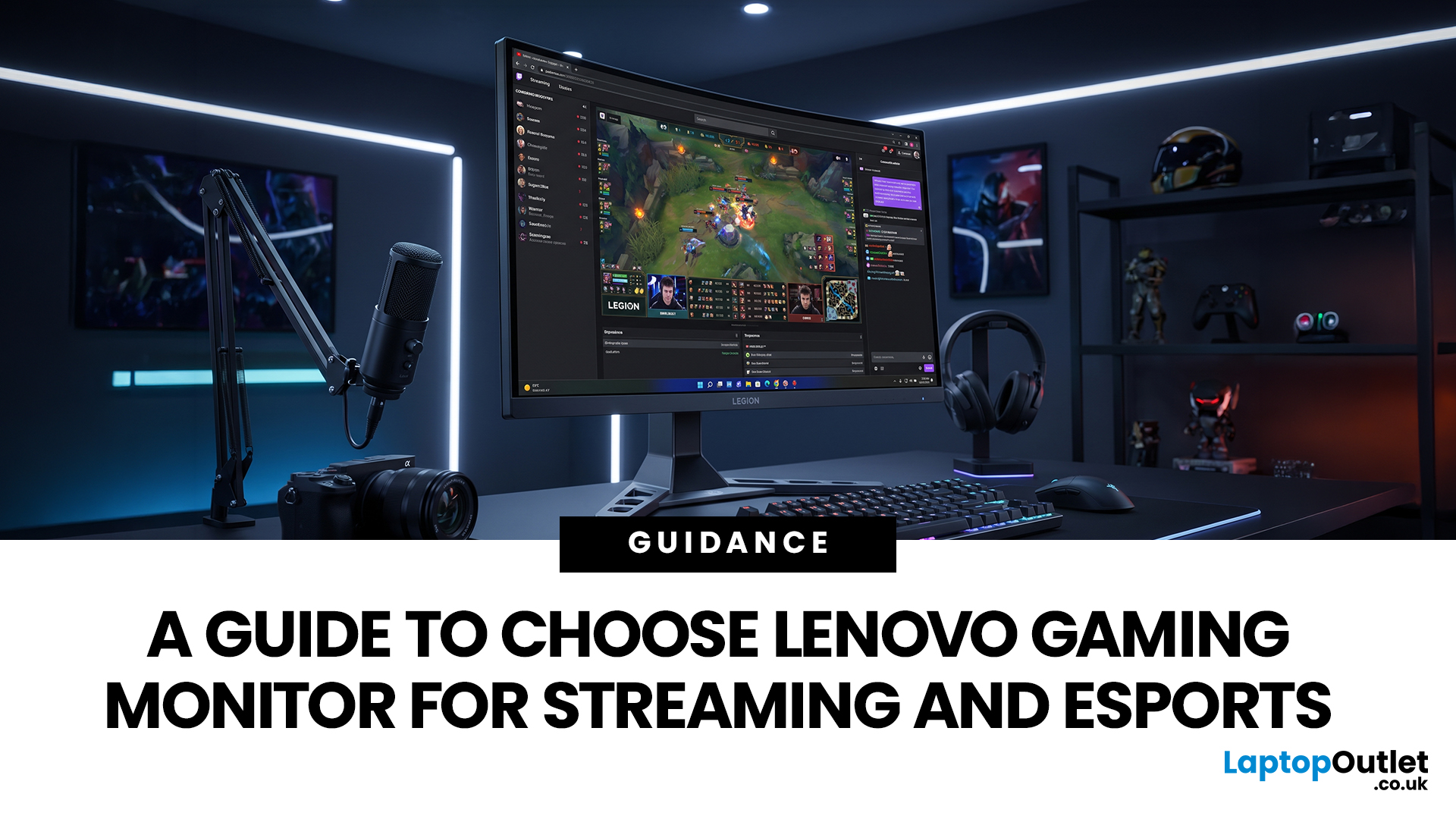
Quick answer: The best Lenovo gaming monitor for streaming and esports is the one your PC can drive consistently at its native resolution while it also handles your broadcast workflow. For many mixed-use setups, a 27-inch QHD display at 165Hz to 180Hz is the balanced choice. A 24.5-inch or 27-inch Full HD screen at 240Hz or above prioritises competitive speed, while a 34-inch UWQHD display at 165Hz to 180Hz provides more room for a single-screen streaming workspace.
Those are useful profiles, not universal rules. Your real decision depends on sustained frame rate, encoder load, game genre, desk space and whether OBS, chat and alerts live on the same display. A monitor does not encode the stream, and a 240Hz panel does not make viewers receive a 240fps broadcast. It changes the experience in front of you, which can still matter greatly during competitive play.
Last Updated: July 07, 2026
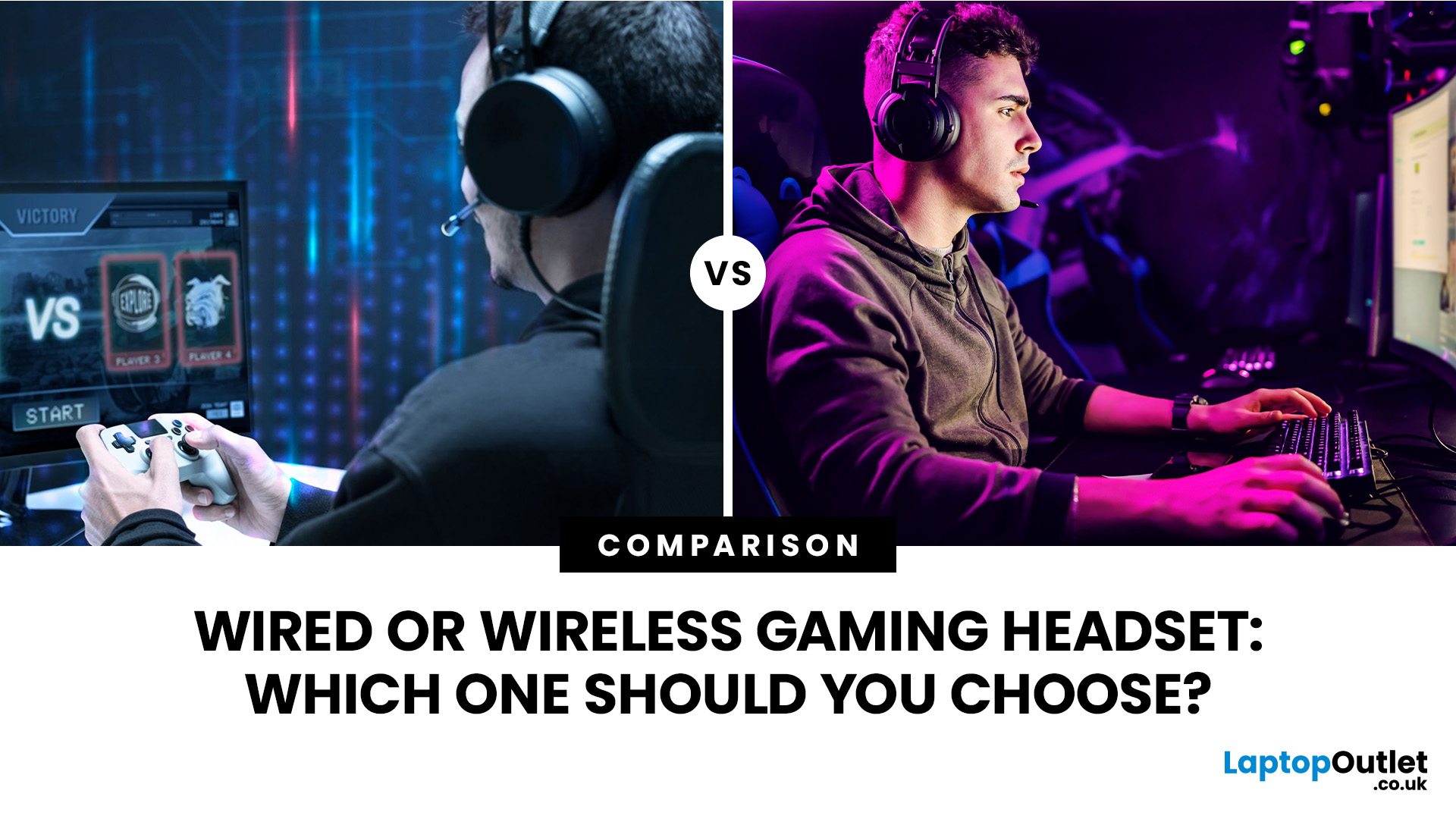
Wired gaming headsets offer near zero latency, lower prices, and no battery to manage, making them better for competitive play. Wireless gaming headsets offer freedom of movement, modern 2.4GHz low latency tech, and longer comfort, making them better for casual and everyday gaming. Your choice depends on priorities, not a single right answer.
If you are looking for advice on whether to go wired or wireless, this gaming headset comparison guide will help you. We will walk through every aspect that matters for gaming, including sound quality, latency, comfort, battery life, mic performance, and price. By the end, you will know exactly which type suits the way you play, plus a few specific headsets worth shortlisting.
Wired vs Wireless Gaming Headsets: An Overview
A wired gaming headset connects directly to your PC, console, or controller via a 3.5mm jack or USB cable. There is no signal compression, no battery to worry about, and latency is as close to zero as physically possible. That
Last Updated: July 16, 2026
Published: July 08, 2026
Published: July 08, 2026
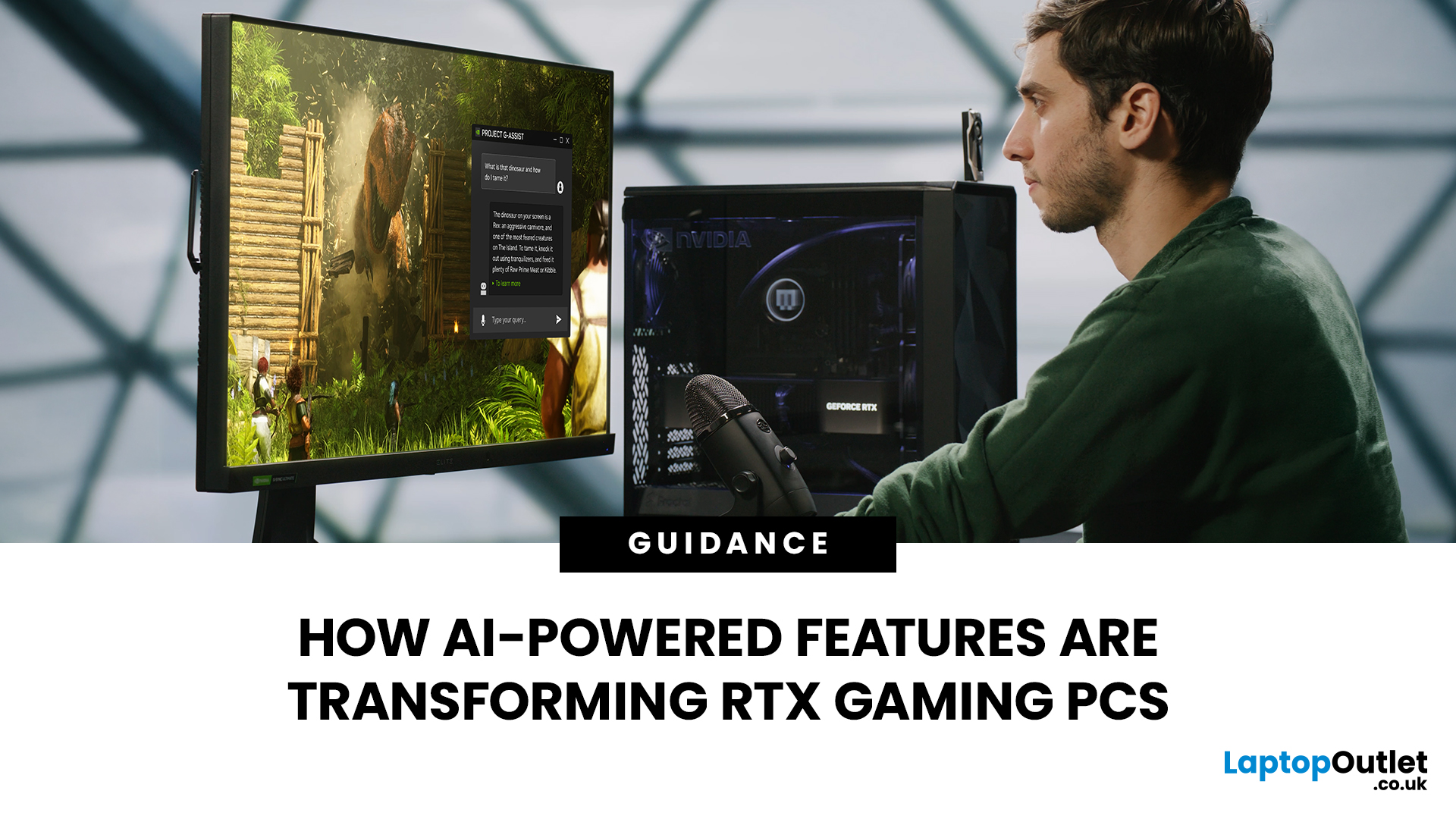
AI RTX gaming PCs can deliver real value, but only when their features align with how you actually play.
| AI-powered RTX gaming PCs use NVIDIA RTX AI features like DLSS upscaling, Frame Generation, ray tracing, and Reflex to boost FPS, improve visual quality, and reduce input lag. They are worth buying when matched to your games, monitor, and budget, especially for 1080p high-refresh, 1440p, streaming, and creator workloads. For UK gamers, prioritise RTX 5050/5060 or higher, 16GB RAM, a strong CPU, and 1TB SSD to get smoother gameplay, better ray tracing, and future-ready performance. |
Modern RTX gaming PCs use AI features like DLSS, Frame Generation, ray tracing, and NVIDIA Reflex to boost FPS, improve visuals, and reduce input lag. But the real value depends on your games, monitor, budget, and specs.
This guide explains what AI-powered RTX gaming actually means, which features matter, and how UK gamers can choose the right RTX PC without falling for marketing hype.

