



Gaming Mouse Pad or Regular Mouse Pad: Which Is Right for You?
Is a gaming mouse pad actually better, or is it just another “gaming” label slapped onto a basic desk accessory?
|
A gaming mouse pad is worth it if you need more space, steadier tracking, better desk grip, or smoother control during fast movement. A regular mouse pad is enough if you mainly browse, study, work in documents, or use your mouse casually. |
This guide breaks down gaming mouse pad vs regular mouse pad differences in simple UK buying terms. We will compare tracking, comfort, size, grip, cleaning, durability, and real use cases so you can decide whether to buy a gaming mouse pad, a standard mouse pad, or an everyday mouse mat.
|
Do not buy a gaming mouse mat because it looks “gamer.” Buy one because your current mouse pad is limiting your movement, accuracy, comfort, or desk setup. |
What Is a Gaming Mouse Pad?
A gaming mouse pad, also called a gaming mouse mat in the UK, is designed for faster, more consistent mouse movement. It usually has a larger surface, better grip, more durable edges, and a texture made to support optical and laser mouse sensors.
Gaming mouse pads are popular with FPS, MOBA, MMO, strategy, and competitive players because they give your mouse a predictable surface. That matters when small hand movements can decide whether you hit the shot or whiff completely.
Common gaming mouse pad features include:
- Larger surface area for low-DPI movement
- Smooth or textured cloth for controlled glide
- Non-slip rubber base
- Stitched or anti-fray edges
- Thicker cushioning for comfort
- Spill-resistant or easy-clean coating on some models
- Extended sizes for keyboard and mouse setups
- RGB lighting on premium options
For example, the SteelSeries QcK uses a micro-woven cloth surface and non-slip rubber base, while the Razer Gigantus V2 range uses textured micro-weave cloth and high-density rubber foam for control and comfort.
What Is a Regular Mouse Pad?
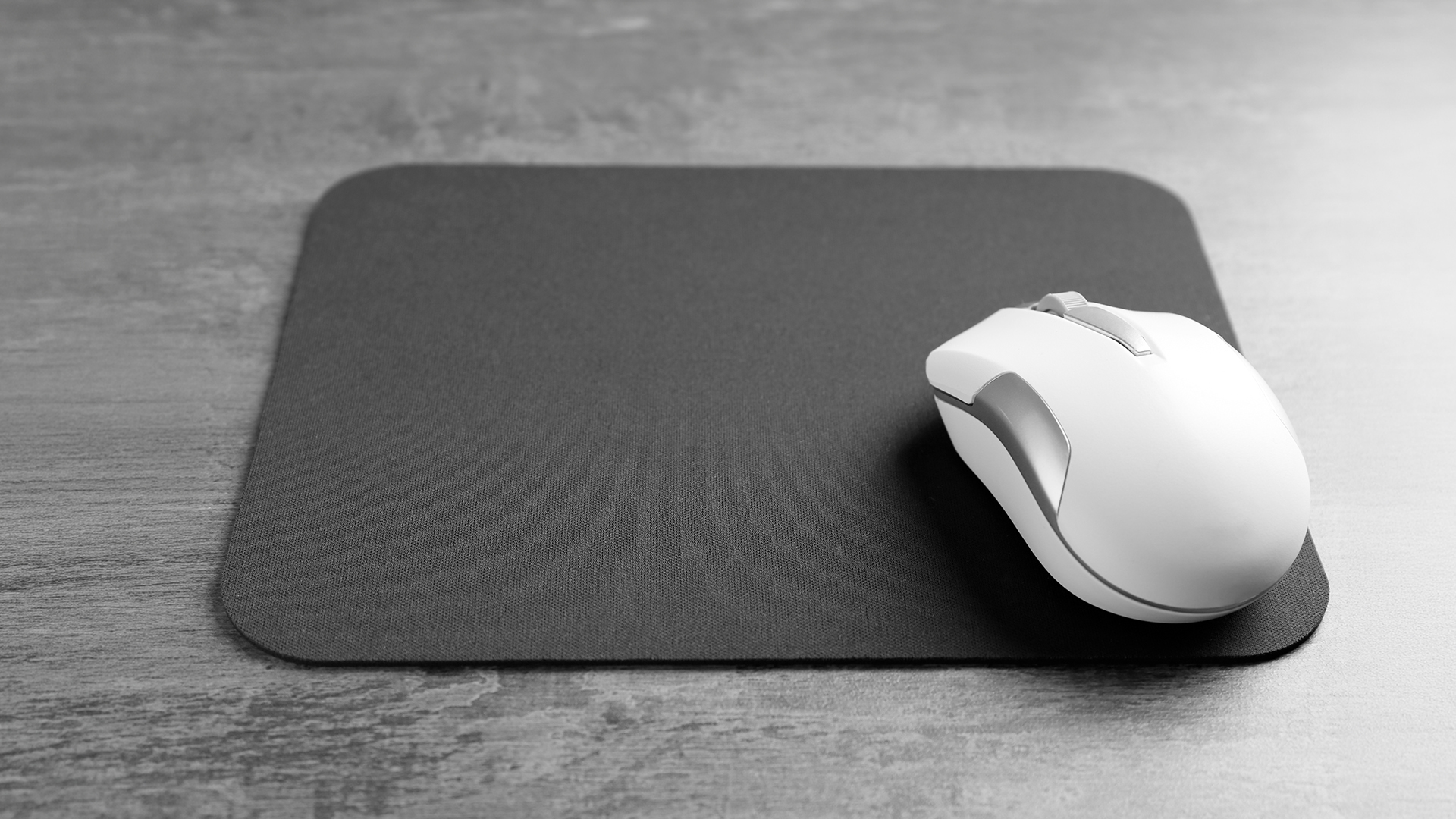
A regular mouse pad is a standard mouse surface built for everyday use. It helps your mouse track better than it would on glass, glossy desks, uneven wood, or reflective surfaces. A regular mouse pad is usually smaller, thinner, cheaper, and simpler than a gaming mouse mat. It may be made from cloth, rubber, plastic, leather-style material, or foam.
A regular mouse pad is ideal for:
- Office work
- Web browsing
- Studying
- Emails
- Admin tasks
- Basic design work
- Casual everyday laptop use
- Shared family desks
A standard mouse pad is not bad. It is just not built for fast swipes, large hand movements, or precision gaming. For many UK buyers, the best regular mouse pad is simply the one that gives enough space, does not slide around, and feels comfortable for daily use.
Gaming Mouse Pad vs Regular Mouse Pad: Quick Decision Table
|
CHOOSE A GAMING MOUSE PAD IF... |
CHOOSE A REGULAR MOUSE PAD IF... |
|---|---|
|
You play FPS, battle royale, MOBA, RTS, or competitive games |
You mainly work, study, browse, or use office apps |
|
Your mouse often runs off the edge of the pad |
You only make small cursor movements |
|
You use low DPI or low sensitivity |
You use normal or high sensitivity |
|
You want smoother glide and better stopping control |
You just need a clean surface for your mouse |
|
Your current pad moves during gaming |
Your current pad stays stable enough |
|
You want a big gaming mouse pad or full desk mat |
You have limited desk space |
|
You care about setup aesthetics |
You prefer something minimal |
|
You use a gaming mouse and want consistent sensor performance |
You use a basic office mouse |
|
The difference between gaming mouse pad and regular mouse pad is not magic. It comes down to surface consistency, size, grip, durability, and comfort. |
The Main Difference Between Gaming Mouse Pad and Regular Mouse Pad
1. Tracking Accuracy
Tracking is where gaming mouse pads usually pull ahead. A regular mouse pad can work perfectly well for normal tasks. But gaming exposes tiny inconsistencies. If the surface has uneven texture, worn patches, curled edges, or poor grip, your aim can feel off.
Gaming mouse pads are designed to give best gaming mice sensors a consistent surface. That means fewer random skips, smoother cursor movement, and better control when flicking, tracking, or micro-adjusting.
This matters most for:
- FPS games like Valorant, Counter-Strike, Call of Duty, Apex Legends, and Fortnite
- Aim trainers
- Low-DPI gaming
- Fast camera movement
- Long gaming sessions
For example, the ASUS ROG Sheath is described as optimised for smooth mouse gliding with pixel-precise tracking, while the ROG Hone Ace uses a hybrid cloth surface designed for balanced glide and stopping power.
2. Size and Desk Space
This is the biggest practical difference. A regular mouse pad is usually compact. That is fine for spreadsheets, emails, lectures, and casual scrolling. But gaming often needs wider movement, especially if you play with lower sensitivity.
A big gaming mouse pad gives you more room to aim without lifting your mouse constantly. Extended mouse mats can also hold your keyboard, reduce desk clutter and creating one clean surface.
Example:
- An FPS gamer using low DPI may need a large or XL mat.
- A work-from-home user may prefer an extended desk mat for keyboard, mouse, notebook, and coffee-zone organisation.
- A student in a small room may only need a standard mouse pad.
The Razer Gigantus V2 3XL measures 1200 mm x 500 mm x 4 mm, which makes it suitable for full-desk coverage and low-DPI movement.
3. Grip and Stability
Ever had your mouse mat slide mid-game? Instant tilt. Gaming mouse pads usually have stronger non-slip rubber bases. That keeps the pad locked down during fast swipes. Regular mouse pads may grip well when new, but cheaper versions can shift, curl, or lose friction over time.
A stable base is useful for gaming, but also for productivity. If you use your mouse all day, a pad that constantly moves is annoying, full stop.
4. Comfort and Wrist Feel
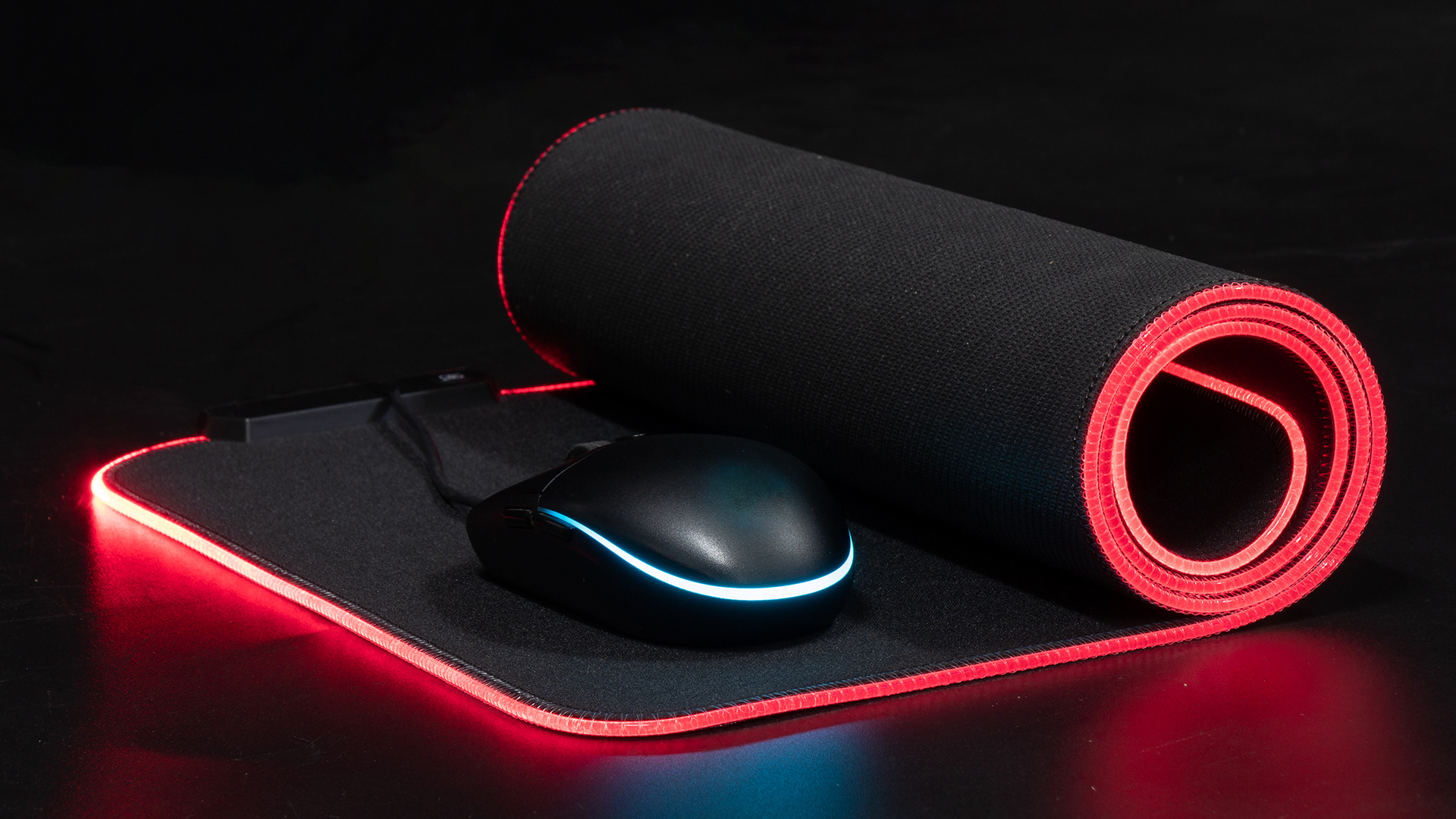
Comfort depends on thickness, surface texture, desk height, posture, and how much you move your mouse. Thicker cloth gaming mouse pads can cushion your wrist and forearm. Extended mats also create a softer resting area across the desk. Regular mouse pads can feel fine for short use, but ultra-thin or rough pads may become uncomfortable during long sessions.
For UK office and home setups, ergonomics matters. The UK Health and Safety Executive recommends keeping the mouse in line with the elbow as part of good display screen equipment posture.
So, the pad itself is not a full ergonomic fix. But the right size can help you keep your mouse close, avoid overreaching, and maintain a more natural arm position.
5. Durability and Cleaning
Regular mouse pads can fray, stain, curl, or flatten after repeated use. Gaming pads often use stitched edges, denser rubber, and more durable cloth surfaces. Some gaming models also include water, oil, or dust-repellent coatings. The ASUS ROG Scabbard II, for example, lists a spill-resistant surface with water-, oil-, and dust-repellent protection, plus anti-fray stitching.
Cleaning tip:
- Shake off dust and crumbs.
- Wipe with a damp microfibre cloth.
- Use mild soap for cloth mats if needed.
- Avoid soaking RGB mouse pads.
- Let the mat air-dry fully before use.
It is the same logic gamers and entertainment fans use when comparing a projector vs TV for a home cinema setup: the right choice depends on your space, habits, budget, and the experience you want.
Real-World Comparison Test: Regular Mouse Pad vs Gaming Mouse Pad
To compare fairly, use the same mouse, same desk, same DPI, and the same tasks. Here is a practical test format you can follow at home.
|
TEST AREA |
REGULAR MOUSE PAD RESULT |
GAMING MOUSSE PAD RESULT |
WHY IT MATTERS |
|---|---|---|---|
|
Tracking |
Fine for office use, sometimes inconsistent on worn surfaces |
More consistent across the full surface |
Better for aim and precise cursor movement |
|
Fast swipes |
Limited by smaller size |
More room for flicks and low-DPI movement |
Less mouse lifting |
|
Desk grip |
Can slide if base is thin or old |
Usually stronger rubber grip |
More stable during gaming |
|
Comfort |
Good for short sessions |
Better cushioning on thicker mats |
Helps during long work or gaming |
|
Cleaning |
Easy if simple cloth or plastic |
Easy on coated mats, more care for RGB |
Keeps tracking consistent |
|
Durability |
Can fray or curl sooner |
Often stitched or reinforced |
Better long-term value |
|
If you only move your mouse a few centimetres at a time, a regular mouse pad is enough. If you make wide, fast, repeatable movements, a gaming mouse pad feels noticeably better. |
Mini Case Studies: Which Buyer Are You?
Case 1: The FPS Gamer
You play shooters most nights. You use low sensitivity. Your mouse keeps hitting the edge of the pad.
Best choice: large or XL gaming mouse pad
Why: You need space for sweeping movements, consistent glide, and stable grip. Look at large options such as the Razer Gigantus V2, ASUS ROG Sheath, or SteelSeries QcK-style surfaces.
Case 2: The Work-From-Home User
You use Teams, spreadsheets, docs, and browser tabs all day. Your desk feels messy, and your wrist rests on a hard surface.
Best choice: extended desk mat or high-quality regular mouse pad
Why: You may not need a performance gaming surface, but a larger mat can make your setup cleaner and more comfortable. If you are building a more balanced everyday setup, pairing a comfortable desk mat with the right keyboard, mouse, and even a smartwatch for fitness, work, and everyday use can make your routine feel more organised both on and off the desk.
Case 3: The Student
A student use laptop in a bedroom, library, or shared space. You want something cheap, portable, and reliable.
Best choice: standard mouse pad or slim gaming mouse pad
Why: Portability and price matter more than full-desk coverage. A compact mat is fine unless you also game regularly.
Case 4: The Hybrid Gamer/Worker
You work during the day and game at night. You want one setup that does both.
Best choice: medium or large gaming mouse mat
Why: This gives enough control for gaming without taking over your entire desk.
Top Picks: Best Gaming Mouse Pads for UK Buyers
Below are some strong options for UK buyers, including compact pads, big gaming mouse pads, RGB options, and affordable gaming mouse pads for everyday setups.
Best All-Round Gaming Mouse Pad: SteelSeries QcK 63004
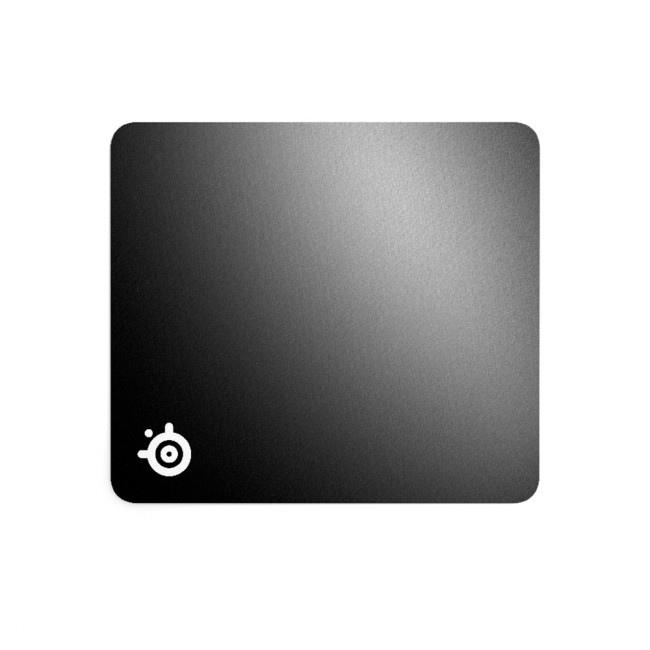
Steelseries QCK 63004 Micro-Woven Gaming Mouse Pad
Highlights:
- Pinpoint Mouse Accuracy
- Never-Slip Base
- Black Colour
The SteelSeries QcK 63004 is a strong choice if you want a reliable gaming mouse pad that keeps things simple. It is especially useful for gamers who need accurate tracking without taking up too much desk space. Its micro-woven cloth surface supports smooth and precise mouse movement, while the non-slip rubber base helps keep the pad steady during fast swipes. Because it has a compact 320 mm x 270 mm size, it works well for smaller UK desks, student setups, and gamers who want performance without needing an oversized mouse mat.
Best Affordable Gaming Mouse Pad: Razer Gigantus V2 Large
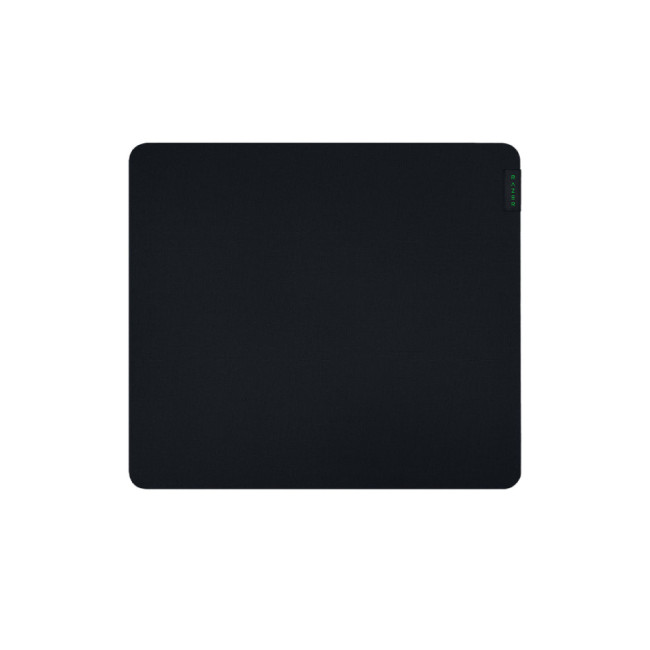
Razer Gigantus V2 Soft Gaming Mouse Pad
Highlights:
- Textured micro-weave cloth surface
- Anti-slip base
- Thick, high-density rubber foam
- Black Colour
The Razer Gigantus V2 Large is a great option for buyers who want an affordable gaming mouse pad with more room to move. Its textured micro-weave cloth surface is designed to support better tracking and controlled glide, which makes it suitable for casual and competitive gamers alike. The high-density rubber foam gives it a comfortable feel during long sessions, while the anti-slip base helps prevent unwanted movement on the desk. It is a smart upgrade if your current regular mouse pad feels too small or inconsistent.
Best Big Gaming Mouse Pad: ASUS ROG Sheath Non-Slip Gaming Mouse Pad
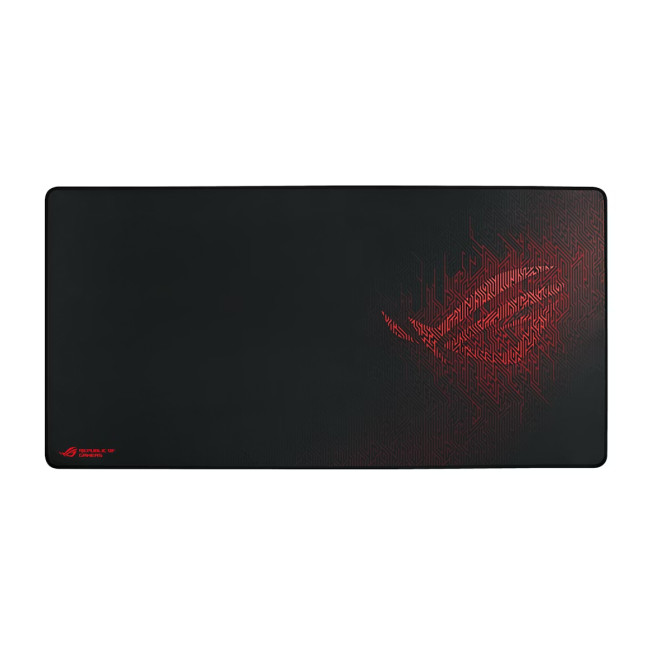
ASUS ROG Sheath Gaming Mouse Pad
Highlights:
- Surface coloration: Image
- Non-slip ROG Red Rubber Base
- Optimized for Smooth Mouse Gliding
- Black Colour
The ASUS ROG Sheath Non-Slip Gaming Mouse Pad is made for gamers who need more space. This is a strong pick if you play FPS games, use low DPI, or often run out of room during wide mouse movements. Its smooth surface supports easy gliding, while the non-slip ROG rubber base keeps the mat stable during intense gaming. The anti-fray stitching also adds durability, making it a good choice for anyone who wants a big gaming mouse pad that can handle regular use.
Best for Aim Training: ASUS ROG Hone Ace Aim Lab Edition
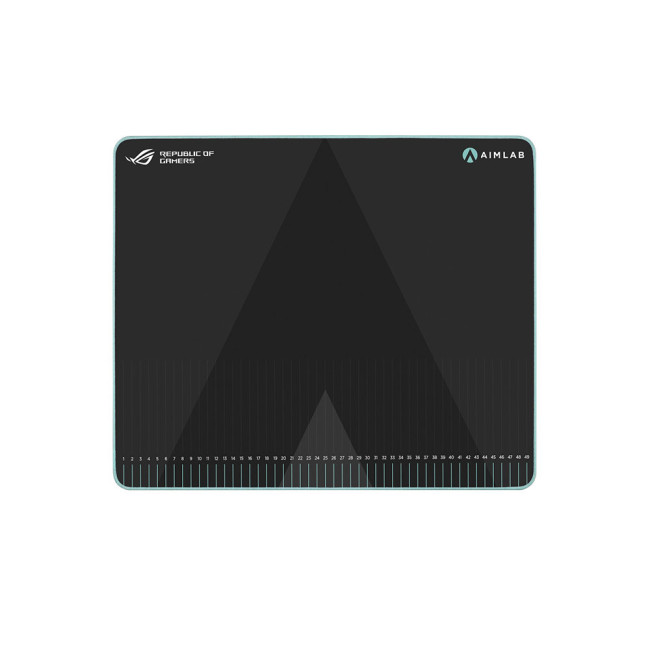
ASUS ROG Hone Ace Aim Gaming Mouse Pad
Highlights:
- Dust-Repellent
- Nano Caoating
- Non-Slip Rubber Base
- Black Colour
The ASUS ROG Hone Ace Aim Lab Edition is ideal for gamers who care about precision and aim improvement. Its hybrid cloth surface is designed to balance fast glide with stopping control, which is useful for FPS players who practise flick shots, tracking, and micro-adjustments. The measurement markings make it especially helpful for aim training routines, while the nano coating and non-slip rubber base improve everyday usability. If your goal is to build consistency, this mouse pad is more than just a desk accessory.
Best Durable Budget Gaming Mouse Mat: ASUS TUF Gaming P3
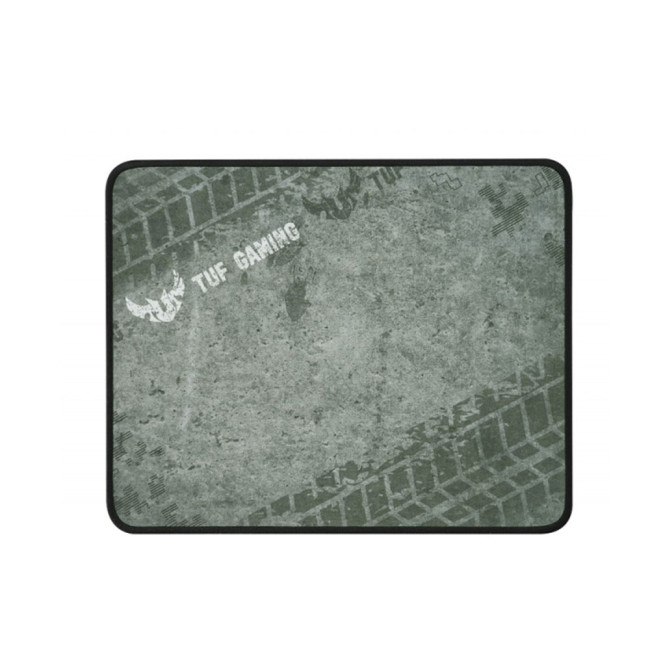
ASUS TUF Gaming P3 Durable Gaming Mouse Pad
Highlights:
- Optimized Cloth Surface for Gaming
- Durable Anti-fray Stitching to Endure More Battles
- Black Green Colour
The ASUS TUF Gaming P3 is a practical option for users who want durability without overspending. It has a gaming-optimised cloth surface that supports smooth control, making it suitable for general and everyday gaming PC use. The anti-fray stitched edges help the mat last longer, while the non-slip rubber base keeps it secure on the desk. This makes it a good choice for students, casual gamers, and anyone moving from a basic regular mouse pad to a more performance-focused gaming mouse mat.
Best Medium Gaming Mouse Pad: ASUS ROG Scabbard II Medium

ASUS ROG Scabbard II Gaming Mouse Pad
Highlights:
- Anti-Fray Flat-Edge Stitching
- Non-slip Rubber Base
- Black Colour
The ASUS ROG Scabbard II Medium is a good fit for users who want a gaming mouse pad that is not too small but also not massive. Its 360 x 260 x 3 mm size makes it suitable for most desks, including home offices, study spaces, and compact gaming setups. The spill-resistant coating helps protect the surface from everyday accidents, while the flat anti-fray stitching and non-slip base add to its durability. It is a balanced option for hybrid users who work during the day and game in the evening.
Best Full-Desk Gaming Mouse Pad: Razer Gigantus V2 3XL
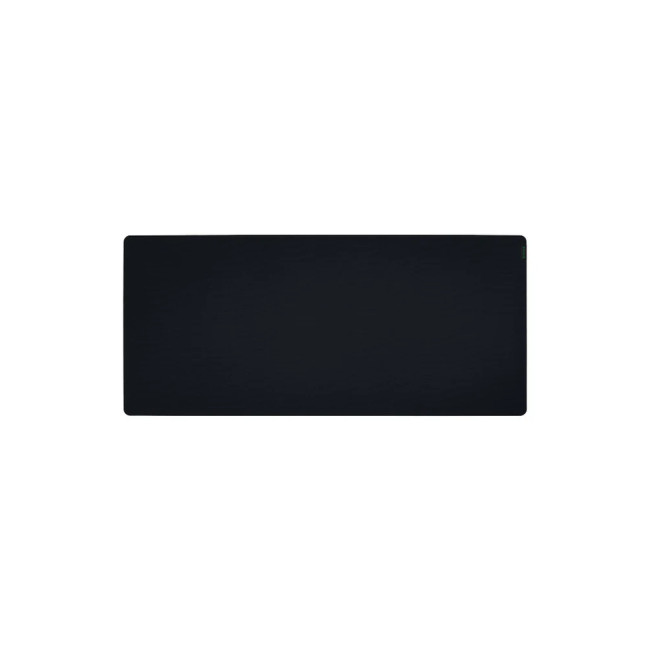
Razer Gigantus V2 Soft Gaming Mouse Mat
Highlights:
- Textured micro-weave cloth surface
- Thick, high-density rubber foam
- Anti-slip base
- Black Colour
The Razer Gigantus V2 3XL is designed for full-desk coverage. Measuring 1200 x 500 x 4 mm, it gives plenty of room for your keyboard, mouse, and wide arm movements. This makes it especially useful for low-DPI FPS gamers who need a large surface for sweeping motions. Its textured micro-weave cloth surface helps with controlled mouse movement, while the anti-slip base keeps the mat steady across the desk. If you want a cleaner and more complete gaming setup, this is one of the strongest options.
Best Extended Mouse Mat for Clean Setups: ASUS ROG Sheath BLK

ASUS ROG Sheath Extra Large Mouse Pad
Highlights:
- Material: Fabric, Rubber
- Anti-wrap edges
- Black Colour
The ASUS ROG Sheath BLK is a great option if you want an extended mouse mat that makes your setup look more organised. Its 900 x 440 x 3 mm size gives enough space for both keyboard and mouse, which helps create a more stable and unified desk surface. The smooth surface supports comfortable mouse movement, while the non-slip base and stitched edges improve long-term durability. It is a strong pick for gamers who want both performance and a clean desk aesthetic.
Best Slim Gaming Mouse Pad: SPEEDLINK CRIPT Ultra-Thin Gaming Mouse Pad
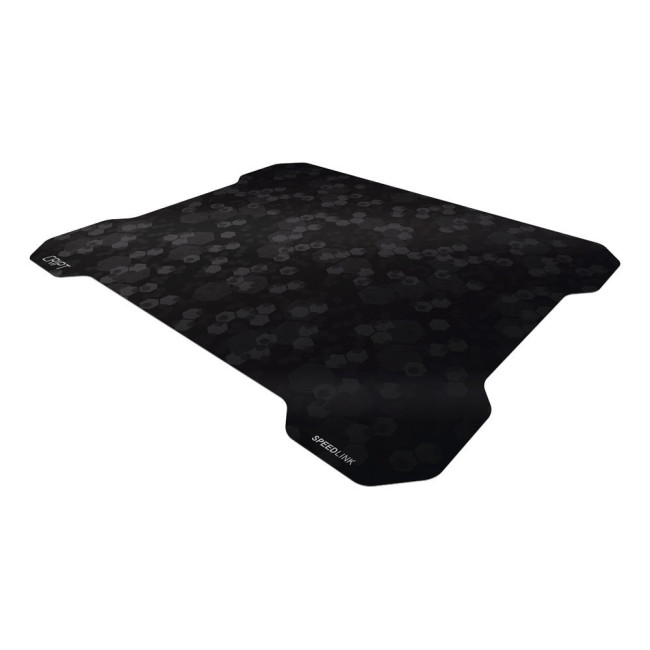
SPEEDLINK CRIPT Ultra Thin & Ultra-flat Gaming Mousepad
Highlights:
- Fast mouse movements
- The non-slip backing
- Black Colour
The SPEEDLINK CRIPT Ultra-Thin Gaming Mouse Pad is ideal for users who prefer a slim and lightweight mouse pad. At just 0.8 mm thick, it sits almost flat on the desk and is easy to carry, store, or use with a laptop setup. Its fast-glide surface supports quick mouse movement, while the non-slip backing helps keep it stable during use. The dirt-resistant and easy-clean design also makes it practical for everyday gaming, studying, and general PC use.
Best RGB Gaming Mouse Pad: SteelSeries QcK Prism XL
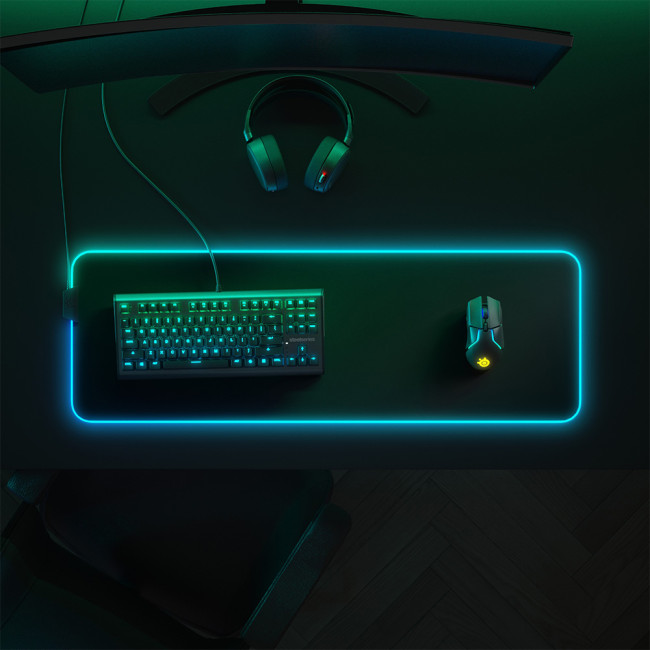
Steelseries QCK Prism XL Gaming Mouse Pad
Highlights:
- 2-zone RGB dynamic illumination
- Pinpoint Mouse Accuracy
- Black Colour
The SteelSeries QcK Prism XL is the best choice if you want gaming performance with RGB style. It offers a large 900 x 300 x 4 mm surface, giving you enough space for keyboard and mouse movement. The micro-woven cloth surface supports accurate tracking, while the never-slip base helps keep the mat secure during fast gaming sessions. Its 2-zone RGB illumination adds a premium look, making it a good option for gamers building a more complete RGB setup with matching keyboard, mouse, and headset accessories.
Best Regular Mouse Pad: When Simple Is Better
A regular mouse pad is the smarter buy when you do not need extra gaming performance.
Choose a regular mouse pad if:
- You mostly use your mouse for office work
- You prefer a smaller desk footprint
- You use high mouse sensitivity
- You do not play competitive games
- You want the lowest-cost solution
- You need something portable for a laptop bag
- You want a clean, minimal desk look
The best regular mouse pad should still have:
- A smooth surface
- A non-slip base
- Enough room for your hand movement
- Easy-clean material
- No curling edges
- Comfortable thickness
Avoid the cheapest mouse pads regular users often regret: tiny pads with weak grip, rough print coatings, or edges that curl after a few weeks.
| Pattern interrupt: Bigger is not always better. A full desk mat on a tiny student desk can feel more annoying than premium. |
Gaming Mouse vs Regular Mouse: Does the Mouse Matter Too?
Yes. A good mouse pad helps, but it cannot fully fix a poor mouse. The gaming mouse vs regular mouse debate is similar to mouse pads. A gaming mouse usually gives you better sensor performance, adjustable DPI, faster polling rates, extra buttons, and more customisation. A regular mouse is fine for daily tasks, but less ideal for competitive play.
Best setup logic:
- If your mouse is basic and your pad is poor, upgrade the mouse first.
- If your mouse is already decent but tracking feels inconsistent, upgrade the mouse pad.
- If you game seriously, upgrade over time.
- If you only work or study, a good regular mouse and standard mouse pad are enough.
You can browse keyboard and mouse accessories UK if you want to complete your desk setup without going full esports mode.
How to Choose the Right Mouse Pad or Mouse Mat
1. Match the size to your use
- Small: Travel, laptop use, casual browsing
- Medium: Hybrid work and light gaming
- Large: FPS gaming and low-DPI play
- XL/extended: Keyboard and mouse setups
- 3XL: Full-desk coverage and maximum movement space
2. Choose the right surface
- Control cloth: Better stopping power and aim control
- Speed cloth: Faster glide for quick movement
- Hard surface: Very fast but less cushioned
- Hybrid surface: Balanced speed and control
3. Check the base
Look for rubber or anti-slip backing. This is underrated. A pad that slides around is an instant no.
4. Think about thickness
- Thin pads: More desk feel, easier to carry
- 3 mm pads: Balanced comfort and control
- 4 mm+ pads: More cushioning and better for uneven desks
5. Consider cleaning
If you snack at your desk, drink coffee, or share your setup, easy-clean surfaces matter. Spill-resistant models are worth considering.
Common Buying Mistakes to Avoid
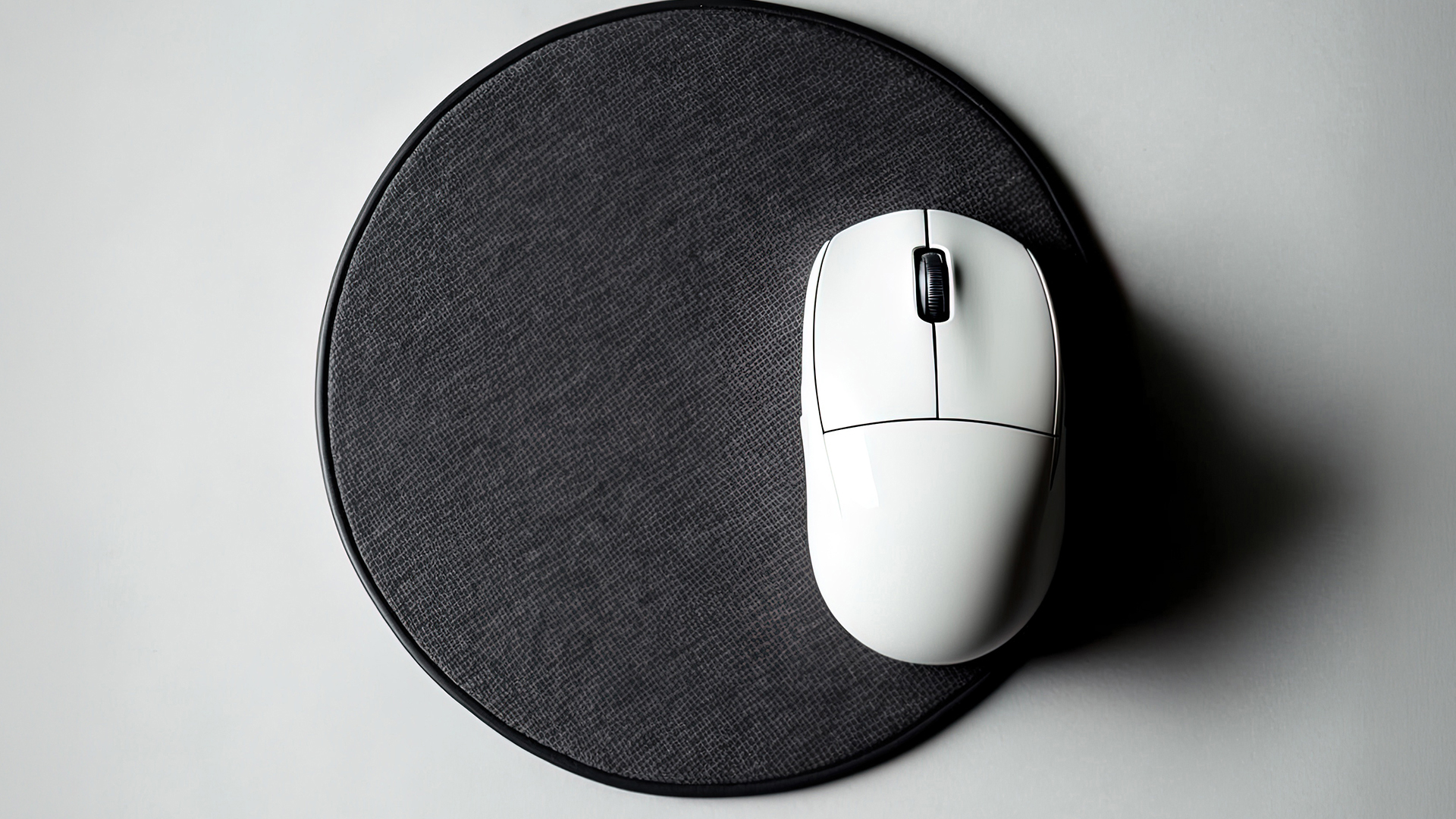
Mistake 1: Buying only for RGB
RGB looks clean, but surface quality matters more. A flashy pad with poor glide is still a bad pad.
Mistake 2: Choosing a pad that is too small
If you play shooters, do not underestimate size. Running out of mouse space mid-fight is peak pain.
Mistake 3: Ignoring desk space
Measure your desk before buying an extended mat. Make sure there is space for your monitor stand, keyboard, speakers, and accessories.
Mistake 4: Thinking every gaming pad is the same
They vary by texture, speed, control, thickness, edge stitching, and coating.
Mistake 5: Forgetting the rest of the setup
A mouse pad is part of a wider setup. You may also want better peripherals, cable management, or audio. Check computer accessories deals or buy PC gaming headsets if you are upgrading more than one item.
The same buying rule applies to other accessories too: whether you are comparing leather vs clear phone cases or choosing a gaming mouse pad, the best option is the one that fits how you actually use it every day.

Final Verdict: Should You Buy a Gaming Mouse Pad or Regular Mouse Pad?
Choose a gaming mouse pad if you game regularly, use low DPI, want more desk space, need better tracking, or care about consistent mouse movement. It is not just marketing when the surface, size, and grip solve a real problem.
Choose a regular mouse pad if you mainly work, study, browse, or need a simple everyday mouse pad. A standard mouse pad is still a good buy when your tasks are casual and your current tracking feels fine.
Here is the simplest decision:
If your current mouse pad feels too small, slippery, rough, inconsistent, or uncomfortable, upgrade to a gaming mouse mat. If it already works well for your daily tasks, save the money and stick with a regular mouse pad.

Common Questions for Gaming Mouse Pad vs Regular Mouse Pad
Is a gaming mouse pad better than a regular mouse pad?
A gaming mouse pad is better for gaming because it usually offers more space, better grip, smoother tracking, and more durable construction. For office work or studying, a regular mouse pad is often enough.
Does a gaming mouse pad improve aim?
It can help improve consistency, especially if your current pad is too small, uneven, or slippery. It will not magically make you better, but it gives your mouse a more reliable surface for practice.
What size mouse pad is best for gaming?
For most gamers, a large mouse pad is the safest choice. FPS players using low DPI may prefer XL, XXL, or 3XL mats. Casual gamers can use medium sizes.
Are big gaming mouse pads worth it?
Yes, if you need more movement space or want a cleaner desk setup. A big gaming mouse pad is especially useful for low-sensitivity FPS players and keyboard-plus-mouse desk layouts.
Can I use a regular mouse pad for gaming?
Yes, especially for casual gaming. But if you play competitive games, a regular mouse pad may feel too small or inconsistent compared with a dedicated gaming mouse mat.
What is the best gaming mouse pad for beginners?
A medium or large cloth gaming mouse pad is best for beginners. It gives a good balance of control, comfort, and price without taking over the desk.
What is the best regular mouse pad for work?
The best regular mouse pad for work has a smooth surface, non-slip base, comfortable thickness, and enough space for normal cursor movement. Avoid tiny promotional pads if you use your mouse all day.
| Read More: |
| Best Smartwatches for Fitness, Work and Everyday Use in 2026 |
| Best iPhone Cases Compared: Leather vs Clear Phone Cases |
| Projector vs TV: Which is the Best Display for Your Home Cinema? |
Related Articles


Last Updated: January 27, 2026
The world of PC gaming has changed forever thanks to a massive leap in graphics innovation. If you have looked at modern gaming desktop PCs recently, you have likely seen the term "RTX" everywhere.
But what is NVIDIA RTX technology exactly? It is not just a fancy label on a box. It represents a total shift in how your computer creates the images you see on screen.
By combining clever artificial intelligence with raw power, NVIDIA has made games look like Hollywood films while keeping them running smoothly.
Introduction to NVIDIA RTX Technology
NVIDIA RTX (Ray Tracing Texel eXtreme) is more than just a brand name. it is a high-end computing platform. It combines specialized hardware cores with advanced software to create lifelike visuals.
A Brief History of NVIDIA Graphics Cards
Before RTX, we had the GTX (Giga Texel Shader eXtreme) series. These cards were powerful, but they relied on "rasterisation." This is a method where a 3D scene is squashed into 2D pixels on your screen. It worked

Last Updated: January 27, 2026
Building or buying a high-end gaming PC is an exciting journey for any enthusiast. The market moves fast, and staying updated on the latest hardware is essential for the best experience.
In this gaming desktop PC breakdown, we will explore the core parts that make a machine powerful. We will look at the latest processors from AMD and Intel, the incredible graphics power of NVIDIA RTX and Radeon RX, alongside other core components.
Whether you want to play the newest AAA titles or compete in esports, understanding these parts is vital. Let us dive into the modern world of gaming PC technologies.
Understanding Gaming Desktop PCs
A gaming desktop PC is a high-performance computer designed specifically to handle demanding video games. Unlike standard PCs, these machines focus on graphical power and fast processing speeds. They use specialised parts that can handle high heat and heavy workloads.
While gaming laptops and consoles are popular, the desktop remains the "gold standard" for several
Last Updated: August 25, 2026
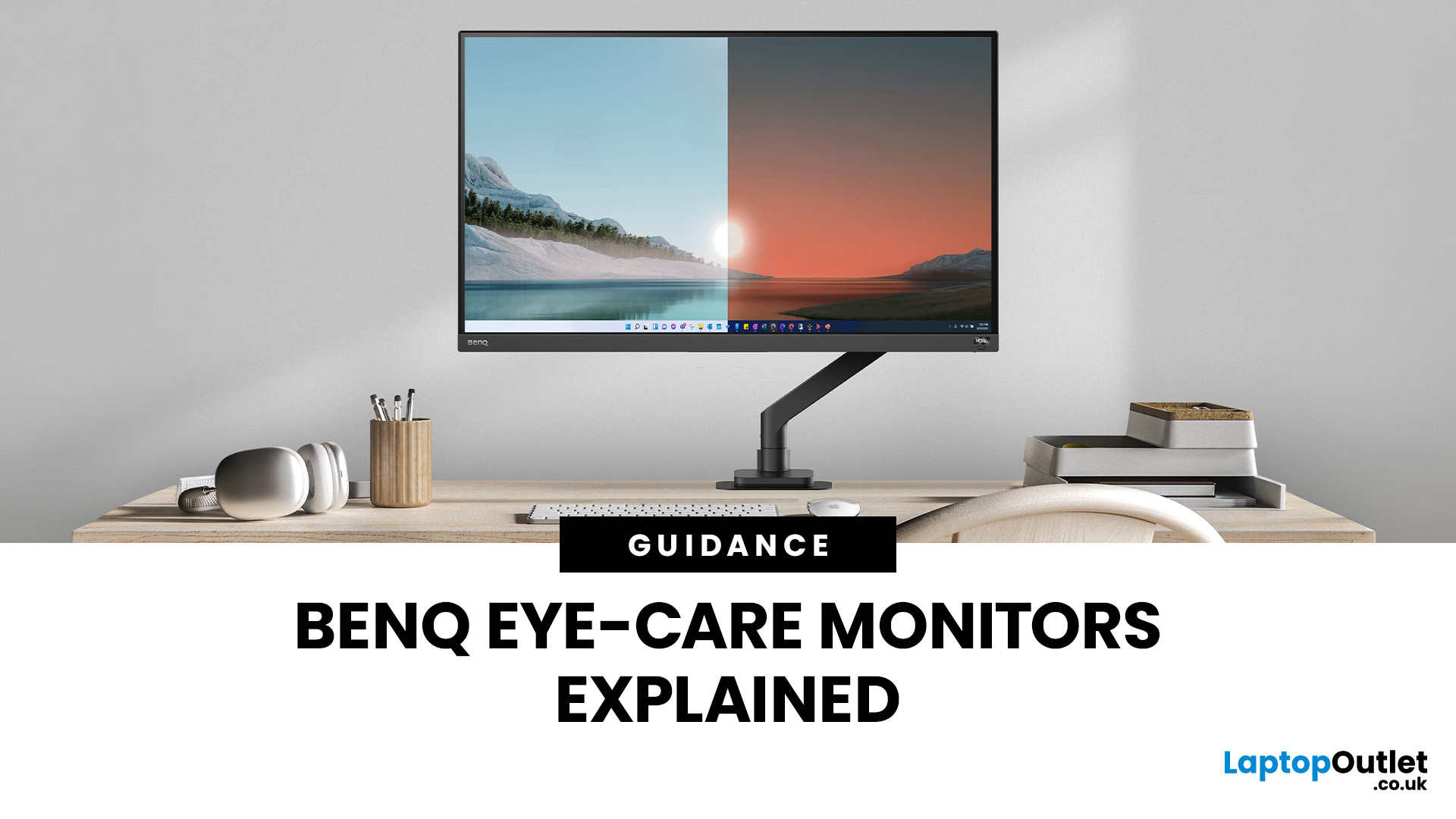
If you spend hours a day on a screen, you’ve probably felt it: tired eyes, headaches, dryness or that slightly gritty end-of-day sensation. While no monitor can solve every cause of screen-related discomfort, BenQ Eye-Care monitors include features designed to make longer sessions more comfortable by managing brightness, reducing flicker and giving you control over blue-heavy light, particularly for evening use.
What BenQ Eye-Care Means: Features and What They’re For
Several BenQ monitor ranges include comfort-focused tools under the Eye-Care umbrella. The exact feature set varies by model, but the typical options include:
- BenQ Brightness Intelligence, sometimes called Brightness Intelligence Plus or B.I.+, to adjust the screen according to your surroundings and displayed content
- Visual Optimizer, the newer name for B.I.+ on supported BenQ monitors, which can adapt brightness and colour temperature
- BenQ Low Blue Light or Low Blue Light Plus modes to reduce blue-heavy light output
- BenQ
Published: March 04, 2026
If your remote setup still revolves around “a decent laptop and home Wi-Fi”, you’re behind. In 2026, remote work is judged by output and presence. Your audio quality affects how credible you sound. Your connectivity affects whether clients trust you. Your screen space affects how quickly you work. And your security setup determines whether your business data is actually protected.
Most people still treat home-office tech like: A chair. A webcam. A desk lamp. Useful, yes, but disconnected. What professionals need now is a deliberate tech stack. One that reduces friction, prevents small failures, and works the same way every single day.
That is Remote Work 2.0. It is not about owning more gear. It is about engineering reliability into your workday.
What Remote Work 2.0 Really Means in 2026
For professionals, four elements matter more than anything else:
1. Stable connectivity
If your connection drops mid-presentation, nothing else matters. Wi-Fi 7 and modern mesh systems are no longer

Last Updated: March 10, 2026
Every year, the back-to-school season brings a rush of shopping. But in 2026, it is not just about stationery and backpacks. Tech has become one of the biggest spending categories on every student's list.
Whether you are a parent, a student, or simply trying to stay informed, knowing the latest back-to-school tech trends can save you time, money, and a few headaches.
So, what are students actually buying this year? Let's break it down.
Why Tech Is Now a Back-to-School Essential
Learning has changed. Most schools and universities across the UK now expect students to have access to their own devices. Hybrid learning, digital coursework, and online collaboration tools have made tech a necessity rather than a luxury.
In fact, a growing number of UK schools have moved to fully digital classrooms. This means students need reliable, capable devices from day one.
Parents and students are also more tech-savvy than ever. They know what to look for. And they are not just buying cheap.
Published: March 13, 2026
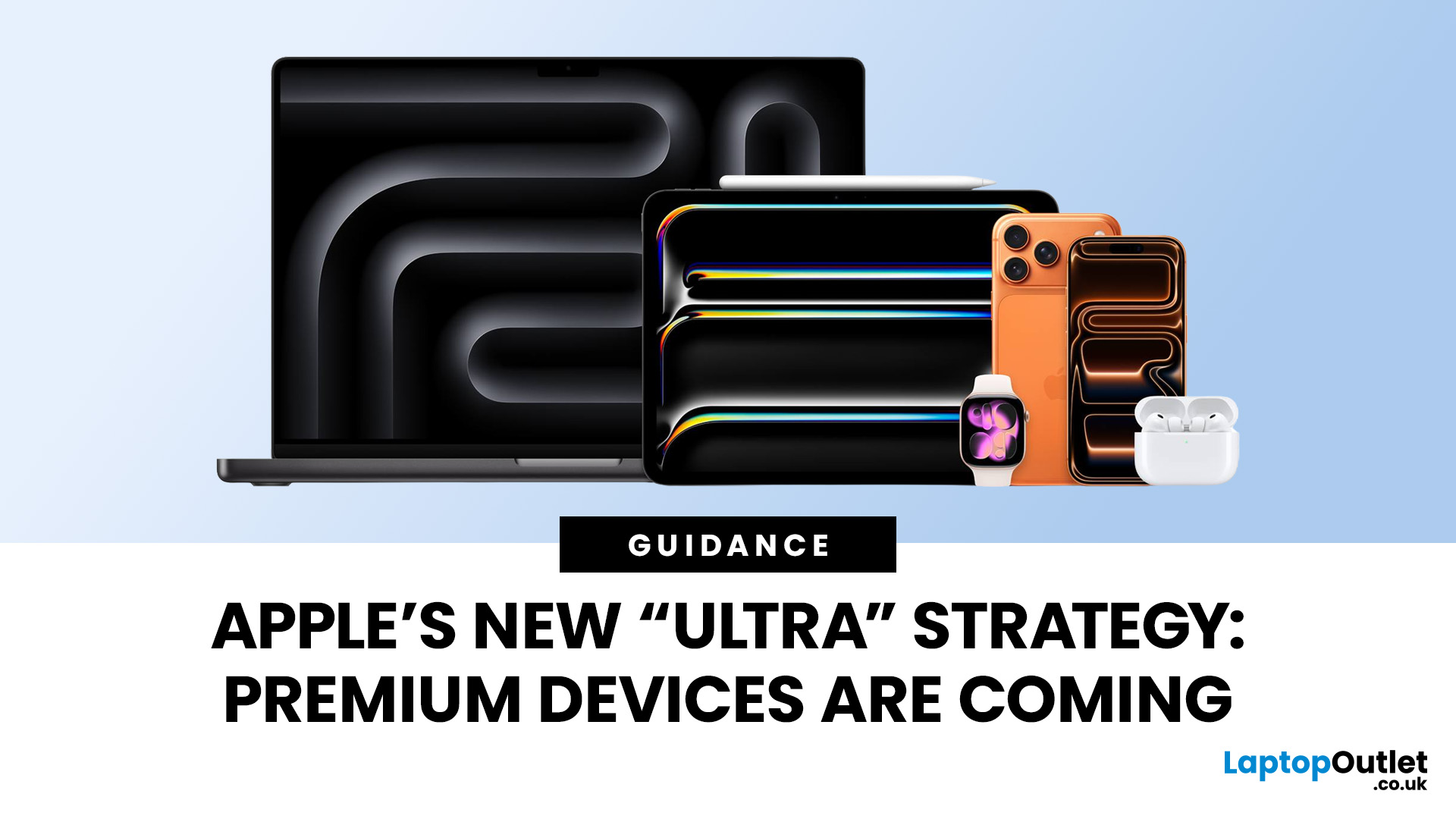
Apple has always been known for premium tech. But now the company is pushing things even further. Reports suggest Apple is introducing a brand-new ultra-premium tier of products, with devices that sit above the current “Pro” lineup.
From the iPhone Ultra and Apple Fold to AirPods Ultra and MacBook Ultra, Apple’s next wave of hardware could redefine what “flagship” means. And with Apple’s 50th anniversary approaching in 2026, the company appears to be preparing some of its most ambitious devices yet.
Apple Ultra Devices Strategy: A New Super-Premium Tier
For years, Apple’s product hierarchy was simple:
- Standard models (iPhone, iPad, MacBook Air)
- Pro devices for professionals
- Occasional high-end models like the Apple Watch Ultra
But Apple is now reportedly creating a new “Ultra” category above Pro, focused on extreme performance, premium materials, and experimental tech. Analysts say Apple is planning Ultra-tier devices across the iPhone, Mac, and AirPods lineup, expanding the concept

Published: March 16, 2026
Whether you're a dedicated gym-goer or just trying to stay a bit more active, technology is making it easier than ever to reach your health goals. The fitness tech trends 2026 landscape is packed with impressive innovations, from AI-driven coaching to next-generation health trackers. Here's a look at the seven trends worth keeping an eye on this year.
1. AI-Powered Personal Coaching
AI fitness apps and devices are no longer just logging your reps and steps. In 2026, they're acting more like personal trainers.
- AI analyses your movement patterns, heart rate, and recovery data in real time.
- Your training plan adapts daily based on how your body is actually responding.
- These apps work best when paired with capable hardware, such as AI-ready laptops or a modern smartphone, to process data quickly.
This is one of the most significant shifts in future fitness technology right now. You no longer need to pay for a personal trainer to receive genuinely tailored guidance.
2. Next-Level Smartwatches

Last Updated: April 07, 2026
The UK discards roughly 1.6 million tonnes of e-waste every single year. A significant chunk of that is perfectly functional tech that got replaced too soon, machines that still work, still perform, and still have years of life left in them.
Earth Day 2026 falls on 22nd April, and it's a timely reminder that the most sustainable tech gadget is often the one that already exists. Earth Day deals 2026 at Laptop Outlet are one of the most effective, affordable ways to act on that. No compromise. Just a smarter purchase.
Why Buying New Tech Costs More Than You Think
Manufacturing a single laptop produces up to 400kg of CO2 and draws on rare earth minerals extracted under difficult conditions. When you buy new, that environmental cost is baked in before the device even reaches you. And when it gets discarded a few years later, the damage is compounded.
Refurbished tech breaks that cycle. Every device available during Earth Day tech deals at Laptop Outlet is professionally
Last Updated: May 13, 2026
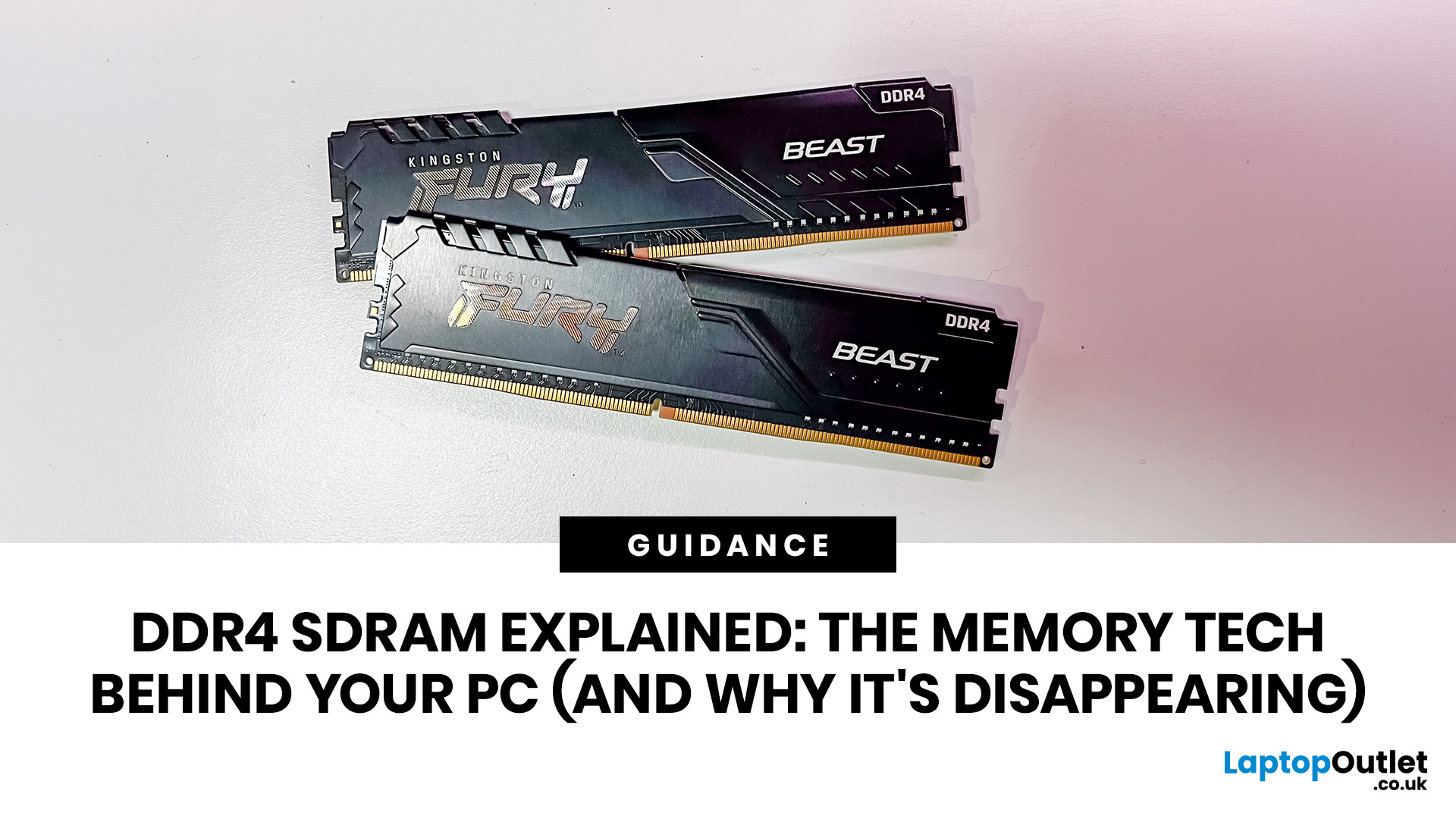
DDR4 is basically the reliable older sibling of modern PC memory. It powered gaming rigs, office PCs, laptops, creator setups and budget builds for years. But now? DDR5 has entered the chat, and new PC hardware is slowly moving on.
Still, DDR4 is not suddenly useless. Far from it. If your current PC uses DDR4, a memory upgrade can still make your system feel faster, smoother and less stressed. This guide has DDR4 SDRAM explained in plain English: what DDR4 memory is, how it works, how it compares with DDR5, and why it is gradually disappearing from new builds.
What is DDR4 SDRAM?
DDR4 stands for Double Data Rate 4. SDRAM stands for Synchronous Dynamic Random-Access Memory. Put together, DDR4 SDRAM is a type of computer memory used in desktops, laptops, workstations and servers.
In normal human terms, DDR4 is the short-term memory your PC uses while it is switched on. It temporarily holds the data your processor needs right now, such as open browser tabs, game assets, APPs, system

Last Updated: June 16, 2026
Prime tech deals move fast. The best laptop, gaming, monitor, and PC upgrade offers can disappear long before most shoppers finish comparing specs.
The best deal is the one that matches your needs, not necessarily the biggest discount.
For UK buyers in 2026, the challenge is finding genuine tech value without rushing into the wrong deal. Whether you need a laptop, work setup, or gaming upgrade, the smartest move is to compare specs and value, not just discounts. It is knowing what to buy, when to buy it, and how to judge whether a deal is actually worth

