



Gaming Headset Comparison: Wired or Wireless, Which Should You Choose?
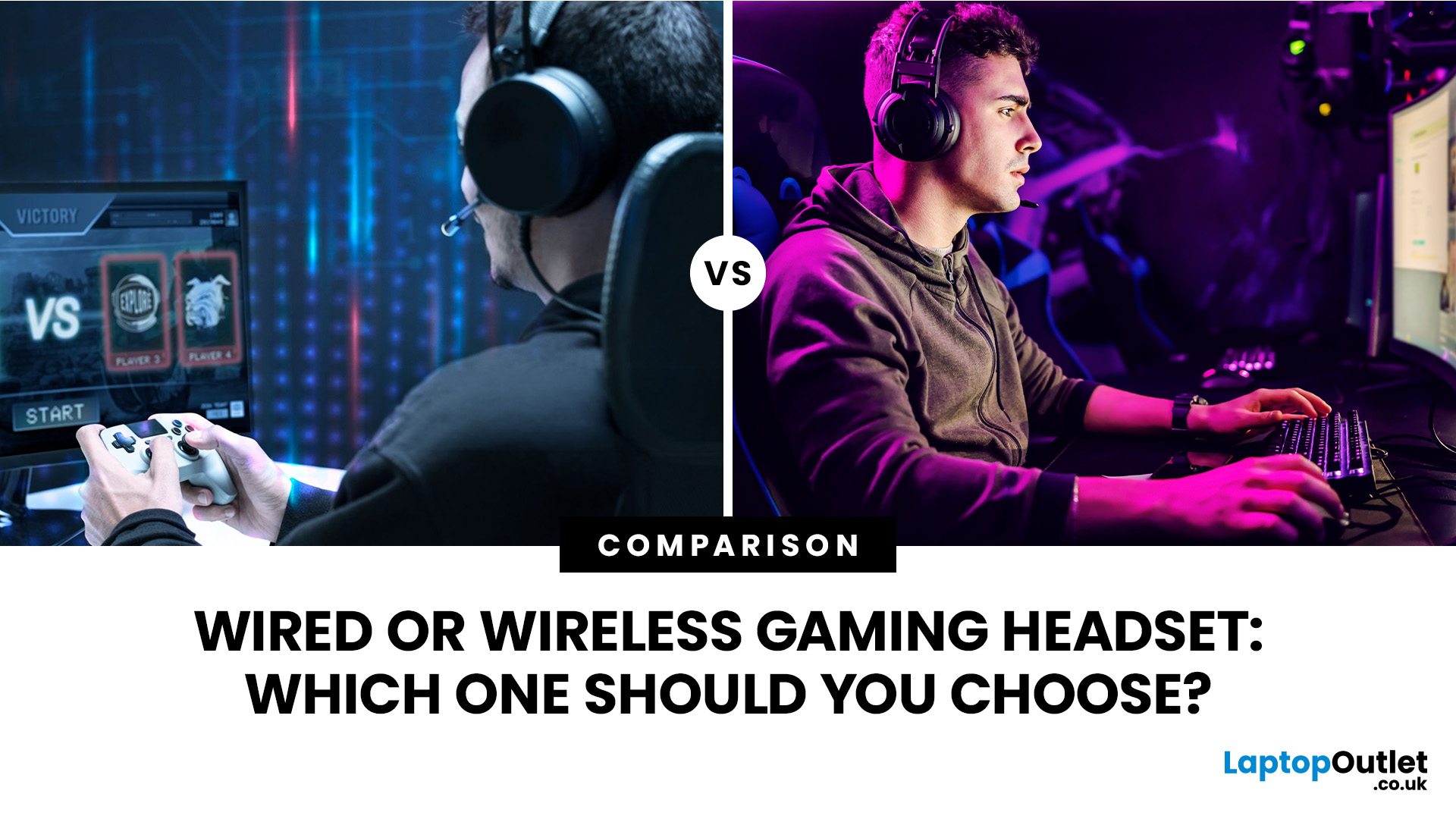
Wired gaming headsets offer near zero latency, lower prices, and no battery to manage, making them better for competitive play. Wireless gaming headsets offer freedom of movement, modern 2.4GHz low latency tech, and longer comfort, making them better for casual and everyday gaming. Your choice depends on priorities, not a single right answer.
If you are looking for advice on whether to go wired or wireless, this gaming headset comparison guide will help you. We will walk through every aspect that matters for gaming, including sound quality, latency, comfort, battery life, mic performance, and price. By the end, you will know exactly which type suits the way you play, plus a few specific headsets worth shortlisting.
Wired vs Wireless Gaming Headsets: An Overview
A wired gaming headset connects directly to your PC, console, or controller via a 3.5mm jack or USB cable. There is no signal compression, no battery to worry about, and latency is as close to zero as physically possible. That is why competitive esports players and tournament setups still lean heavily towards wired.
A wireless gaming headset, on the other hand, uses either Bluetooth or a dedicated 2.4GHz USB dongle to transmit audio. The latest 2.4GHz models have pushed latency down to 10–25ms, which is practically imperceptible during casual and even competitive play. They also bring the freedom of movement that many streamers, console gamers, and casual players genuinely value.
From budget picks to premium options, Laptop Outlet stocks a wide range of the best gaming headsets with flexible payment options and fast UK delivery. Browse today!
Latency and Response Time
Latency is the delay between an in-game sound occurring and you actually hearing it through your headset. For competitive gaming, this matters more than almost anything else. Missing a footstep or a reload cue by even 20ms can cost you a round.
Wired Latency
Wired headsets deliver near-zero latency. The audio signal travels through the cable almost instantaneously, which is why tournament and esports environments still default to wired setups. There is no signal processing or wireless transmission involved, so what you hear matches what is happening on screen in real time.
Wireless Latency
Standard Bluetooth headsets typically carry a latency of 40–250ms, which is noticeable and not recommended for gaming. However, dedicated 2.4GHz gaming headsets have changed the picture significantly. In 2026, the best 2.4GHz models achieve latency between 10 and 25ms, which is below the human perception threshold of roughly 30ms for most listeners.
Audio Quality and Sound Performance
Audio quality is where many buyers focus their attention, and rightly so. Whether you are listening for enemy footsteps or getting lost in a game's soundtrack, the headset needs to deliver clarity across the full frequency range.
Wired Audio Quality
A wired connection carries an uncompressed audio signal. There is no need for digital encoding or decoding, so you get the cleanest possible signal path, particularly important if you are using a dedicated DAC (digital-to-analogue converter) or sound card. At the same price point, wired headsets typically invest their budget into larger drivers and better acoustic tuning rather than wireless hardware.
Wireless Audio Quality
Wireless headsets in 2026 use advanced digital signal processing that has narrowed the quality gap considerably. Premium 2.4GHz models from brands like Razer, ASUS, and Acer now deliver audio quality that, in blind listening tests, most users cannot distinguish from wired equivalents. Virtual 7.1 surround sound and spatial audio features are also more common in wireless models, adding positional depth to your audio that some wired budget sets lack.
Microphone Quality
A good wireless headset with mic or a reliable wired headset with mic is essential if you are playing team-based games, streaming, or just chatting with friends. The microphone quality between wired and wireless headsets is no longer as clear-cut as it once was.
Wired Microphone Performance
Wired headsets benefit from a direct, stable signal path for the microphone feed. There is no compression affecting your voice, which means the clarity is generally consistent. Budget wired headsets often include cardioid or unidirectional microphones that do a good job of rejecting background noise from the sides and back.
Wireless Microphone Performance
Modern wireless gaming headsets now include AI-powered noise cancellation that can isolate your voice from background sounds remarkably well. Detachable boom microphones on wireless models, like those found on the Razer Barracuda X Chroma, can achieve near-broadcast quality. Some wireless models are even certified by Discord and TeamSpeak for voice clarity, which is a meaningful real-world benchmark.
Comfort and Design
If you are gaming for three or four hours at a stretch, comfort becomes as important as performance. Headset fatigue, sweaty ear cups, and a heavy frame will ruin your session faster than audio quality ever will.
Wired Comfort Considerations
Wired headsets do not need to accommodate a battery, so manufacturers can sometimes achieve a lighter build. However, the cable can become a source of friction. It can snag on your gaming chair, get caught on desk edges, or pull the headset sideways during longer sessions. For desk-based PC gamers with a tidy cable run, this is rarely a problem, but it is worth considering.
Wireless Comfort Considerations
Without a cable, wireless headsets offer completely unrestricted movement. This makes them particularly popular with console gamers who sit further from their screen, streamers who move around during live streams, and anyone who finds cable management a nuisance. Most 2026 wireless gaming headsets use lightweight suspension headbands and breathable memory foam ear cushions designed for sessions of four hours or more.
Gaming Headset Battery Life
Battery life is the one area where wired headsets will always win by default. They simply do not have a battery. But that is not the full picture when it comes to wireless headsets in 2026.
What to Expect from Wireless Battery Life
|
WIRELESS TIER |
TYPICAL BATTERY LIFE |
FAST CHARGE |
|---|---|---|
|
Budget (under £60) |
20–35 hours |
Varies |
|
Mid-Range (£60–£130) |
40–70 hours |
Often included |
|
Premium (£130+) |
70–300 hours |
Standard |
Compatibility and Connectivity
Getting your headset to actually work with your platform of choice is more important than many buyers realise before purchase. Both wired and wireless headsets have different compatibility considerations.
Wired Compatibility

Wired headsets with a 3.5mm jack are the most universally compatible gaming accessory you can buy. They work with PC, PS5, Xbox Series X|S, Nintendo Switch, Mac, and mobile devices without any drivers or pairing. USB wired headsets are similarly straightforward, though they are typically limited to PC and certain consoles. No software, no setup, plug in and go.
Wireless Compatibility
Wireless headsets require a USB dongle or Bluetooth pairing, which means compatibility depends on the platform. Many premium wireless gaming headsets support PC, PlayStation, Nintendo Switch, and Mac via their dongle, but Xbox wireless support is less common due to Microsoft's proprietary wireless protocol. Always check the compatibility list before buying a wireless headset for console use.
Compatibility issues can occur. If you run into audio, microphone, or connection problems, our guide on how to fix common gaming headset problems can help.
Cable Management and Portability
The practical realities of living with a headset day to day matter more than spec sheets suggest. Whether you game at a desk or on the sofa, how a headset fits into your physical space affects your experience.
Wired Headsets at Your Desk
Wired headsets introduce a cable that needs to be routed neatly. For dedicated desktop gamers with a clean cable management setup, this is minimal friction. However, the cable can get tangled, caught on armrests, or limit how far you can move during a session. Cables also wear at connection points over time, which can reduce lifespan.
Wireless Headsets for Clean Setups
Wireless headsets are a firm favourite amongst those who value a tidy gaming setup. Without a cable, your desk looks cleaner and there is nothing to snag or tangle. They are also significantly better for travel and LAN events, where carrying a cable-free headset is a practical advantage.
Noise Cancellation Features
The term “noise cancellation” is used loosely across gaming headsets and means different things in different contexts. It is important to understand what kind you are actually getting.
Passive Noise Isolation
Most over-ear gaming headsets, both wired and wireless, offer passive noise isolation. This is simply the physical seal created by the ear cups around your ears, which blocks out ambient sound. Closed-back designs with memory foam pads tend to perform best here.
Active Noise Cancellation (ANC)
True active noise cancellation uses microphones to detect ambient sound and generates an opposing signal to cancel it out. This is more common in wireless headsets, as it requires battery power and onboard processing. ANC on a noise cancelling headset is particularly useful in noisy environments such as open-plan rooms, shared houses, or public spaces.
Durability and Longevity
How long a headset lasts is a genuine factor when spending £30 to £150+ on a peripheral you will use daily.
Wired Durability
Wired headsets have fewer components to fail. There is no battery to degrade, no wireless chip to malfunction, and no firmware to go wrong. The main vulnerability is the cable itself, particularly at the connection points where repeated bending and flexing can cause wires to fray. Reinforced braided cables mitigate this, and high-quality wired headsets can last several years with normal care.
Wireless Durability
Wireless headsets have more internal components, each of which can potentially fail. The battery is the biggest long-term concern, as lithium-ion cells typically lose capacity after 12–18 months of regular charging. Some premium wireless headsets address this with replaceable batteries, which extends their useful life significantly. The USB dongle is also a potential weak point; losing it can render the headset unusable for gaming.
Price and Value for Money
Budget is often the deciding factor, and the pricing landscape in 2026 is worth understanding clearly before you make a decision.
Wired and Wireless Headsets Pricing
|
BUDGET RANGE |
WIRED OPTIONS |
WIRELESS OPTIONS |
|---|---|---|
|
Under £40 |
Strong audio, basic mic, solid build |
Limited; Bluetooth only or very basic wireless |
|
£40–£80 |
Excellent drivers, virtual surround sound, USB or 3.5mm |
Entry-level 2.4GHz, good for casual gaming |
|
£80–£130 |
Premium build, 50mm drivers, detachable mic |
Mid-range 2.4GHz + Bluetooth, ANC, multi-platform |
|
£130+ |
Audiophile-adjacent, pro-grade |
High-end surround sound, AI mic, RGB, long battery |
Gaming Headset Comparison at a Glance
Here is a direct side-by-side breakdown of how wired and wireless gaming headsets compare across every key metric, to help you make a decision at a glance.
|
FEATURE |
WIRED HEADSET |
WIRELESS HEADSET |
WINNER |
|---|---|---|---|
|
Latency |
Near-zero (~<1ms) |
10–25ms (2.4GHz) / 40–250ms (Bluetooth) |
Wired |
|
Audio Quality |
Uncompressed, clean signal |
Compressed; excellent at mid-premium tiers |
Wired |
|
Microphone |
Reliable, interference-free |
AI noise cancellation at premium tier |
Tied |
|
Comfort |
Good; cable can restrict movement |
Full freedom of movement |
Wireless |
|
Battery Life |
No battery needed |
20–300 hours depending on model |
Wired |
|
Compatibility |
Universal (3.5mm / USB) |
Platform-dependent (check before buying) |
Wired |
|
Noise Cancellation |
Passive isolation only |
Passive + active ANC + AI mic filtering |
Wireless |
|
Portability |
Cable limits movement |
Fully portable, no cable |
Wireless |
|
Durability |
Fewer failure points |
Battery degradation over time |
Wired |
|
Price / Value |
Better value per pound |
Premium for wireless components |
Wired |
|
Setup Simplicity |
Plug and play |
Dongle/pairing required |
Wired |
|
Multi-Device Use |
Limited to one device |
Switch between PC, console, and phone |
Wireless |
|
Desk Aesthetics |
Cable clutter |
Clean, cable-free setup |
Wireless |
Take a look at our guide on what to look for in a gaming headset to learn which specifications are worth paying attention to before you buy.
Which Should You Choose? Wired or Wireless?
The answer to the wireless headset vs wired headset question depends on your gaming style, platform, and priorities. Here is a practical breakdown.
|
Choose Wireless If You…
|
A great headset is just one part of a proper gaming setup. Discover our range of the best gaming accessories, including wireless and wired gaming mice, keyboards and more.
Recommended Wired and Wireless Gaming Headsets for You
To help you choose your next upgrade, here are our top recommended wired and wireless gaming headsets available right now at Laptop Outlet.
Best Wired Gaming Headsets
|
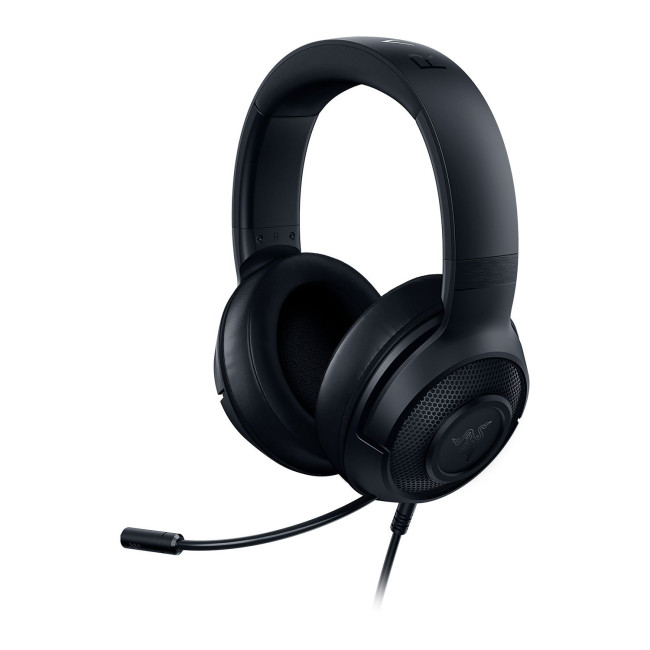
Razer Kraken X Lite 7.1 Wired Gaming Headset The go-to budget wired pick. Ultra-light at just 230g with 7.1 virtual surround sound, cardioid mic, and 40mm custom-tuned drivers. Ideal for long sessions on PC, console, or mobile. |
|
|
|
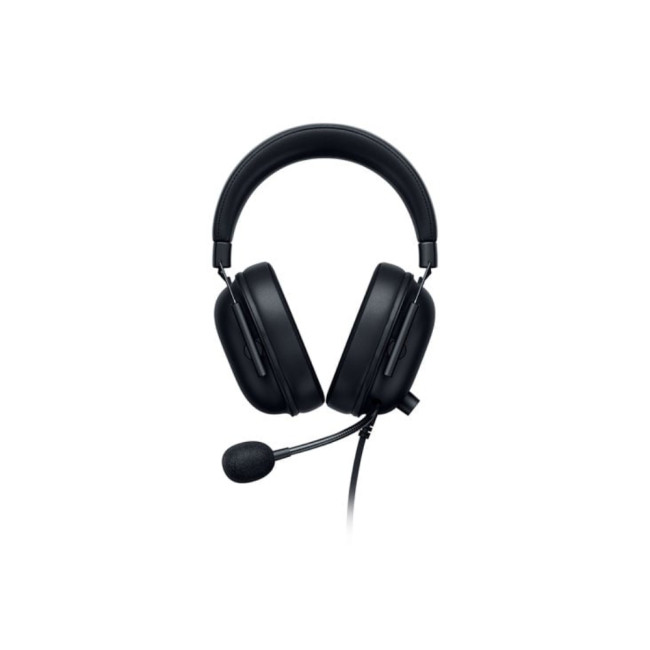
Razer BlackShark V2 X Wired Gaming Headset (Xbox) Razer’s esports-grade wired headset with Triforce 50mm drivers and a Hyperclear cardioid mic. Breathable memory foam ear cushions and passive noise cancellation at under £40. |
|
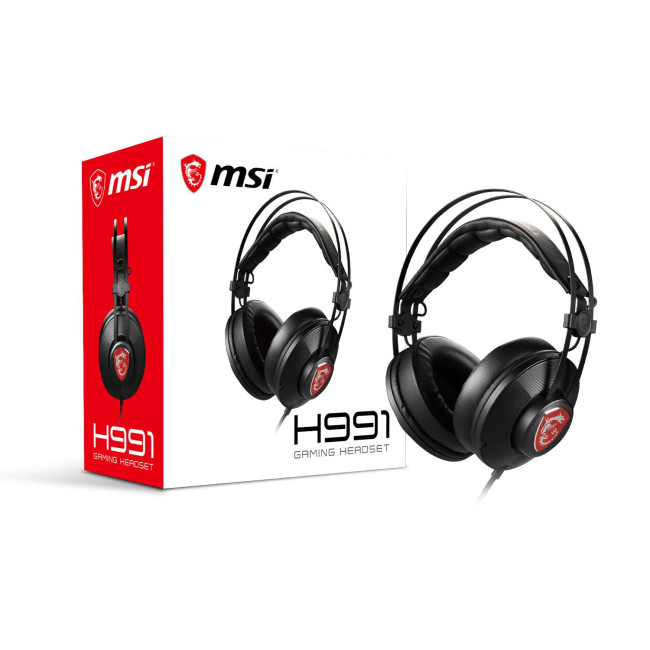
MSI H991 Wired Over-Ear Gaming Headset Great-value wired headset from MSI with virtual 7.1 surround, a self-adjusting headband, and an intelligent vibration system. Plug in via 3.5mm jack across PC, PlayStation, Xbox, Switch, and mobile. |
|
Best Wireless Gaming Headsets
|
|
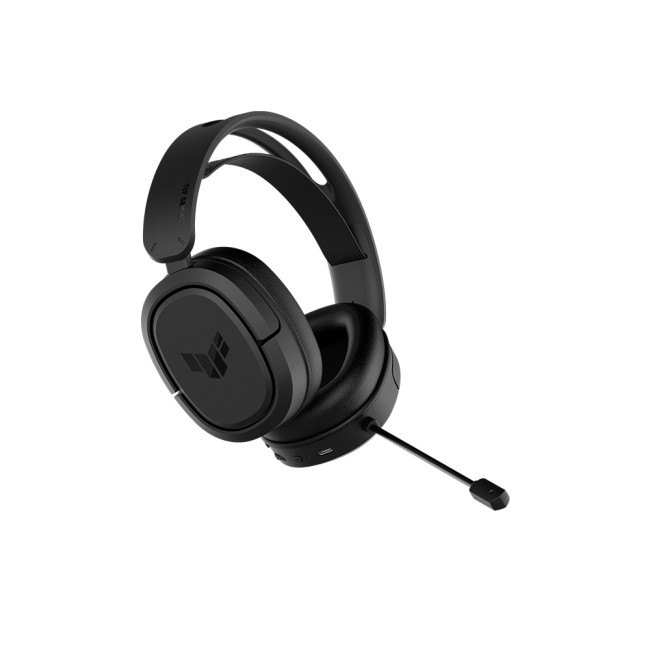
ASUS TUF Gaming H1 7.1 Surround 2.4GHz Wireless Ultra-low latency 2.4GHz wireless via USB-C dongle, 25m range, virtual 7.1 surround, and a Discord and TeamSpeak certified boom mic. 295g lightweight build for extended comfort. |
|
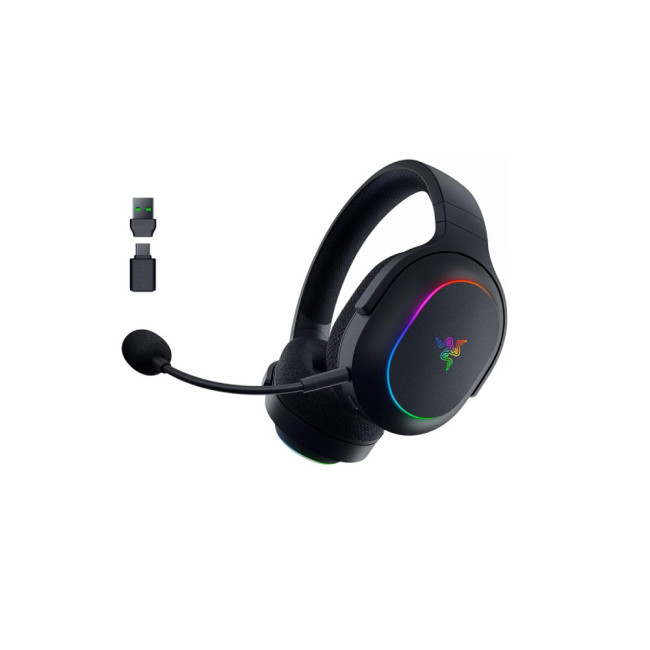
Razer Barracuda X Chroma Wireless Multi-Platform Dual wireless with SmartSwitch (2.4GHz + Bluetooth), up to 70 hours battery, TriForce 40mm drivers, detachable HyperClear mic, and Chroma RGB. Works across PC, PlayStation, Switch, Mac, and mobile. |
|
|
|
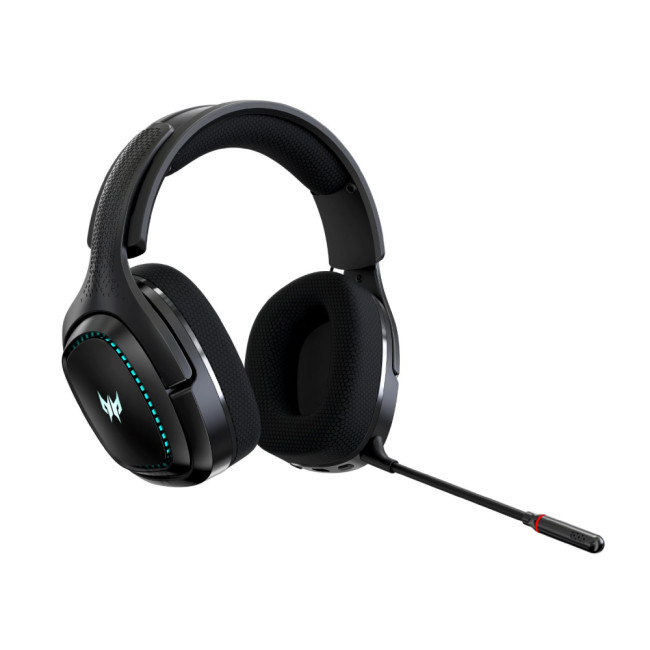
Acer Predator Galea 550 Wireless Gaming Headset Premium wireless headset from Acer’s Predator gaming line, now at a significantly reduced price. Built for immersive audio and extended gaming sessions with a solid wireless connection. |
Looking for more options? Explore our full range of headphones and earphones, including over-ear, on-ear, and in-ear options for gaming, music, and everyday use.

So, Wired Reliability or Wireless Freedom?
This gaming headset comparison comes down to knowing what you prioritise.
- Wired gaming headsets remain the smartest choice for competitive gamers, budget buyers, and anyone who values zero-latency, plug-and-play reliability.
- Wireless gaming headsets are a genuinely capable option for casual players, console gamers, and those who value a clean setup and freedom of movement.
Whichever route you choose, the right headset is the one that fits your playstyle, platform, and budget, not just the spec sheet.
Looking to upgrade your whole rig alongside your new headset? Check out our range of PC gaming laptops for a setup that matches your new audio gear.

Just In Case You Were Wondering...
Are wired or wireless gaming headsets better?
Neither is universally better. Wired headsets offer zero latency and better value; wireless provides freedom and convenience. In 2026, 2.4GHz wireless is good enough for most gamers.
Should I get a wired or wireless gaming headset?
Choose wired for competitive gaming or tight budgets. Choose wireless if you game on a console, value a tidy setup, or want multi-device flexibility. Budget above £65 is recommended for quality wireless.
Which headphone is best for gaming, wired or wireless?
Wired headphones generally edge out at budget and competitive tiers. For casual and console gaming, premium 2.4GHz wireless headsets match wired quality with added convenience and comfort.
Is wired or wireless better for gaming?
Wired is technically superior for latency and reliability. Wireless 2.4GHz is nearly as good for casual play. For ranked or tournament gaming, wired remains the safer and more consistent choice.
Why do gamers prefer wired headphones?
Wired headphones offer zero latency, no charging, universal compatibility, and better value per pound. Competitive gamers prefer them for consistent audio with no risk of battery failure or wireless interference.
| Read More |
| 10 Best Gaming Headsets Under £100 for Gaming and Music |
| What is A VR Headset? Enhance Your Gaming Experience |
| Are Refurbished Headphones Worth It? Pros, Cons & Buying Guide |
Related Articles

Last Updated: June 08, 2026
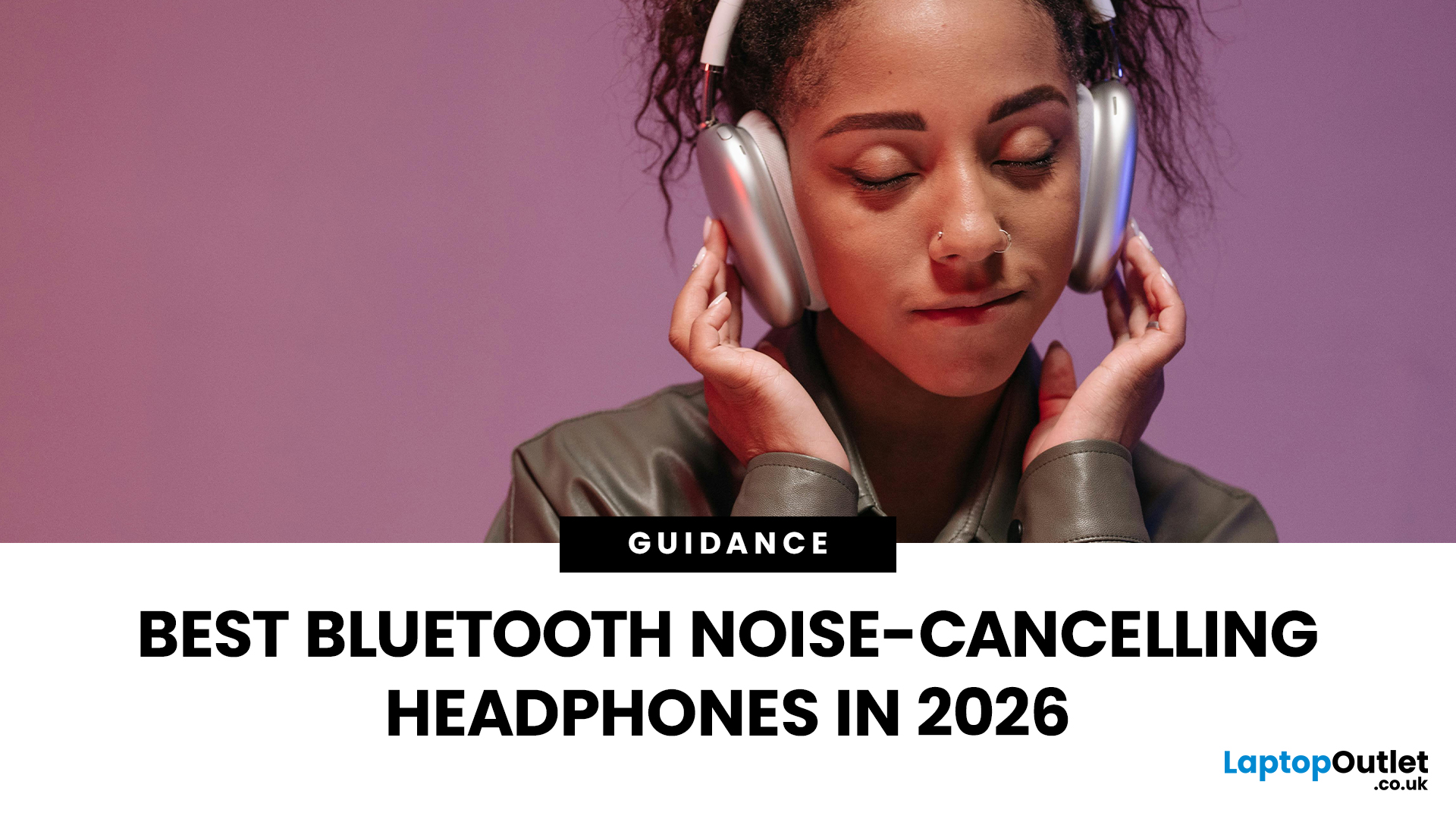
Noise is one of the biggest distractions in modern life. Whether you are working from a busy home, taking Teams calls in an open office, gaming late at night, travelling by train or trying to focus in a café, good noise cancelling headphones can make a noticeable difference.
| The best noise-cancelling headphones are those that block background noise effectively while offering clear audio, comfort, reliable battery life, and good microphone quality. Whether you need them for work calls, travel, gaming, or music, choosing the right model depends on your budget and daily usage. |
In 2026, the best Bluetooth headphones with noise cancellation are no longer just for music lovers. Many now include adaptive ANC, voice-isolating microphones, multi-device pairing, low-latency gaming modes and long battery life. That makes them useful for work, study, gaming, streaming, commuting and everyday entertainment.
Best Bluetooth Noise-Cancelling Headphones UK: Quick Comparison
| PRODUCT | BEST FOR | CONNECTION TYPE |
Published: June 04, 2026
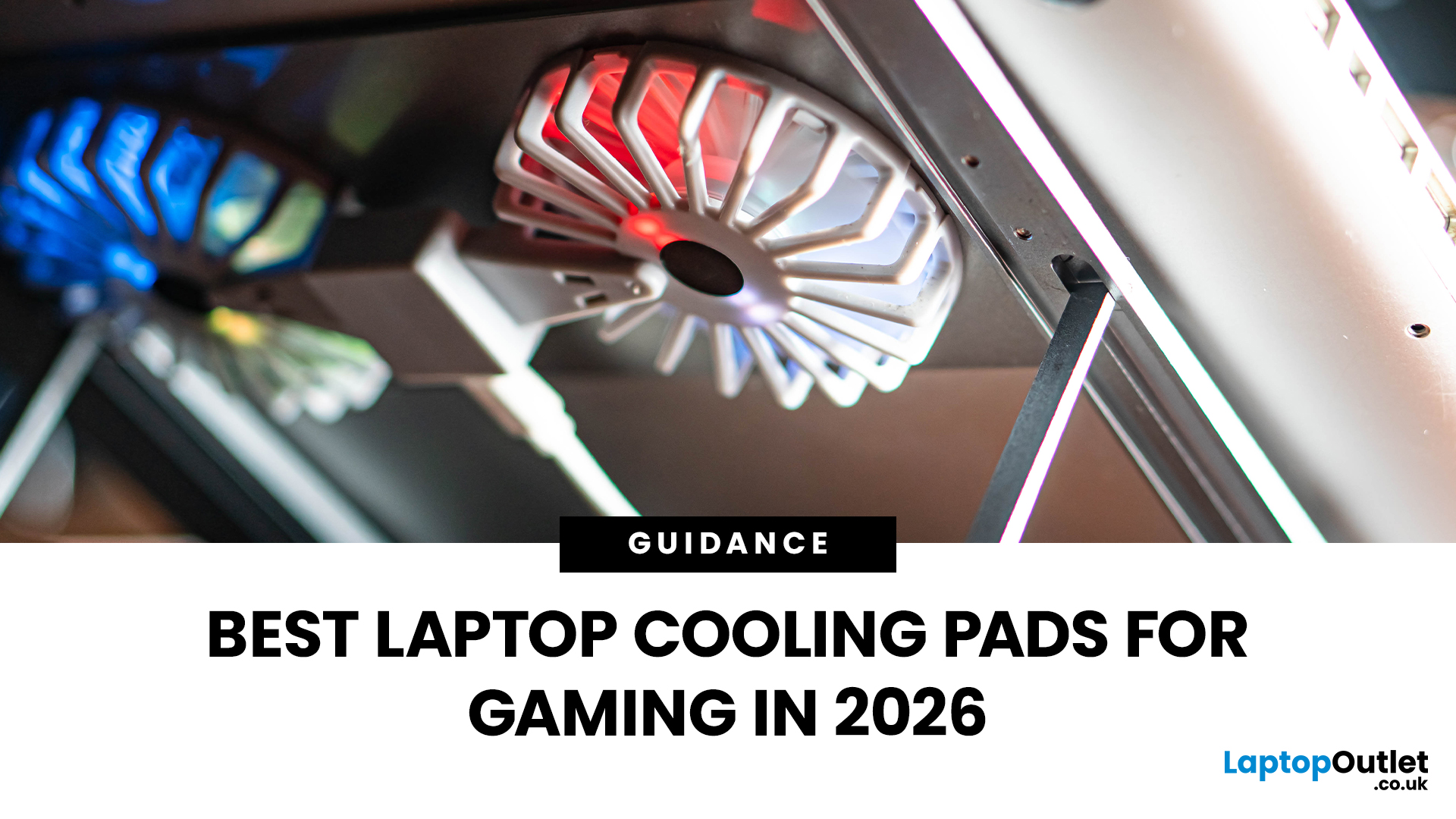
Gaming laptops are built to push frames, load heavy worlds, and keep up with long sessions. But when temperatures climb, performance can take a hit. That is where the right cooling setup matters.
A gaming laptop cooling pad can help improve airflow around your laptop, raise it into a better position, and reduce heat build-up during long gaming sessions. For more advanced setups, PC builders may also look at liquid coolers, CPU coolers, and performance cooling fans to keep gaming rigs running cooler and more consistently.
In this guide, we break down the Best laptop cooling pads UK shoppers should look for in 2026, what features actually matter, and the top cooling picks to upgrade your gaming space.
Why Laptop Cooling Matters for Gaming
Gaming pushes your laptop harder than everyday browsing or streaming. The CPU and GPU work together to deliver smooth frame rates, detailed graphics, and fast response times. More power means more heat.
When your laptop gets too hot, it may reduce performance
Last Updated: July 14, 2026
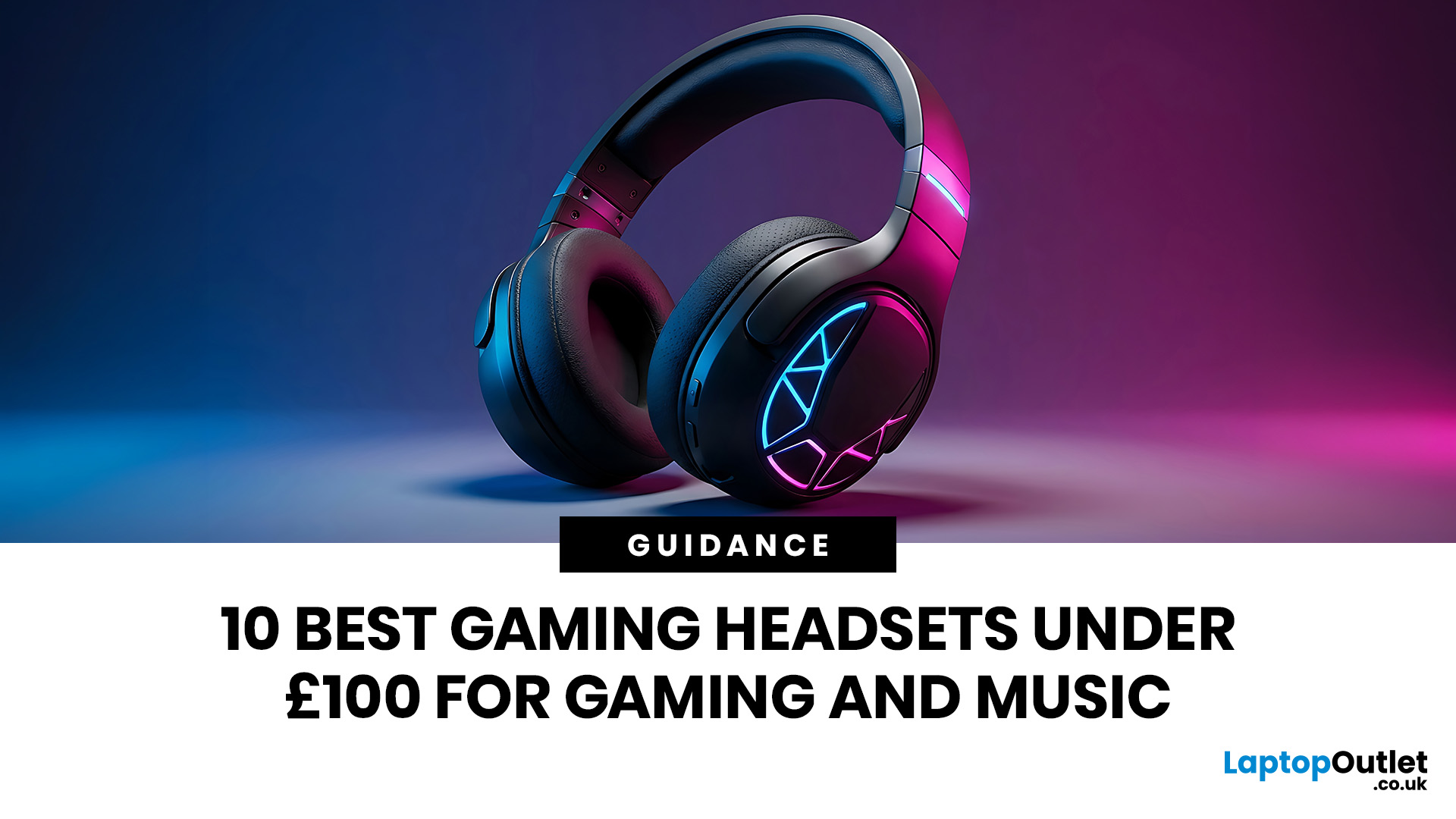
Finding the best gaming headsets UK players can actually rely on should not feel like a side quest with impossible difficulty. Whether you are grinding ranked matches, jumping into weekend co-op, streaming with friends, or just vibing to your favourite playlist, the right headset can completely change the experience.
A good headset is not only about loud audio. It is about clean sound, clear voice chat, comfort during long sessions, and solid value for money. That is why a budget gaming headset can still be a total win when it gets the basics right. You do not always need a super-premium setup to hear footsteps, enjoy cinematic soundtracks, or keep your squad comms crisp.
In this guide, we have rounded up 10 strong picks for gamers who want quality without overspending. Most of these are good gaming headsets under 100, while a few premium “stretch picks” are included because they are worth watching when deals drop. Prices can change, so it is always smart to check the latest offer before
Published: June 11, 2026
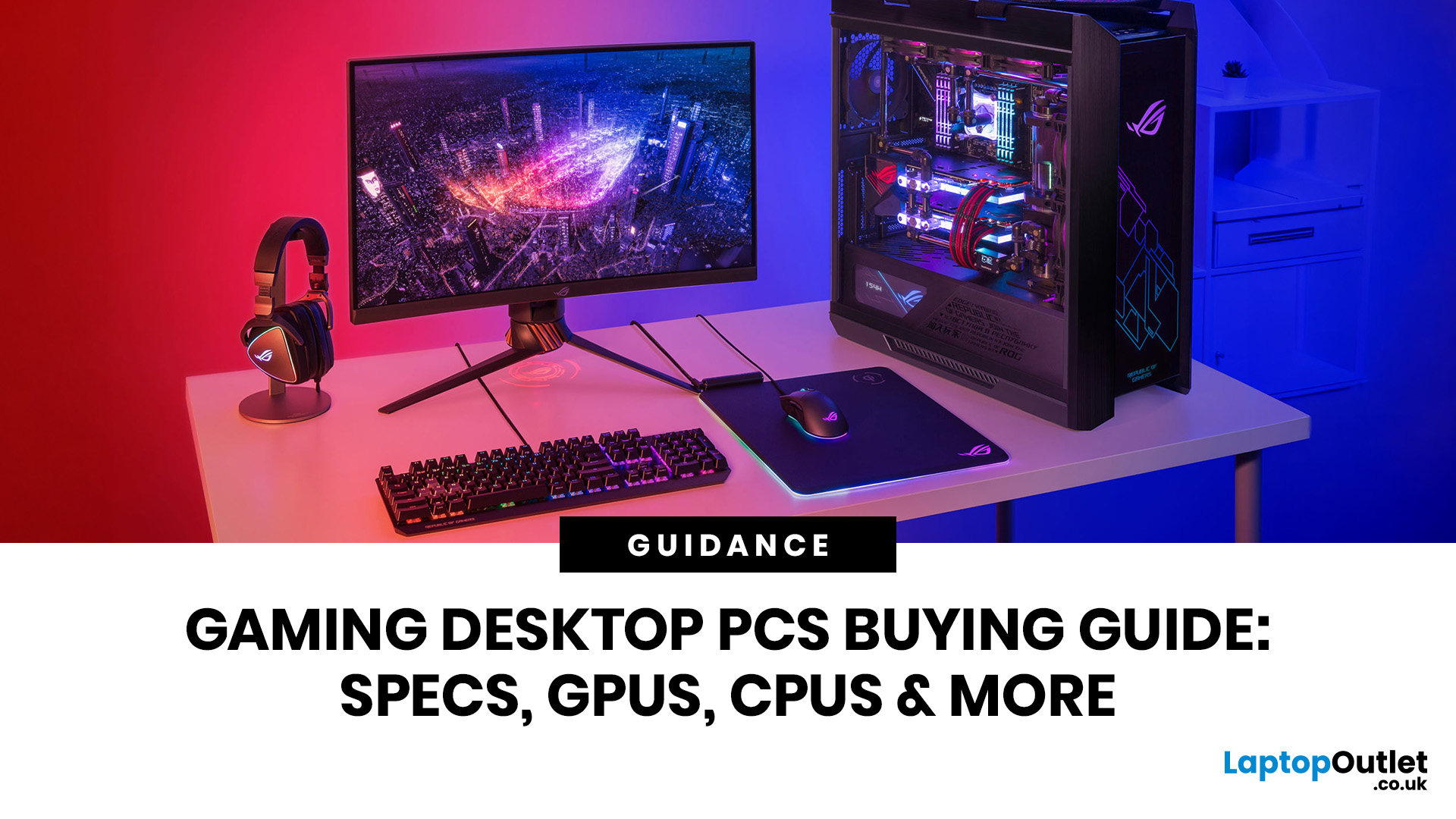
Choosing the right gaming desktop can be the difference between smooth, immersive gameplay and a system that struggles within a year. This gaming PC buying guide explains the key components that affect gaming performance, future-proofing, and value for money, so you can buy with confidence rather than guessing from confusing spec sheets.
A good gaming PC is not just about the most expensive graphics card. It is about balance. The CPU, GPU, RAM, storage, cooling, power supply, motherboard, and case all work together. Whether you play competitive esports, cinematic single-player titles, open-world RPGs, racing games or VR, understanding the right configuration helps you avoid overspending and choose a desktop that lasts.
This article is designed as a practical gaming PC specs guide for beginners, but it also includes up-to-date 2026 advice for buyers comparing modern RTX, Radeon, Intel, and AMD-powered systems.
Why Buy a Gaming Desktop PC?
A gaming desktop PC remains one of the best choices
Last Updated: June 11, 2026
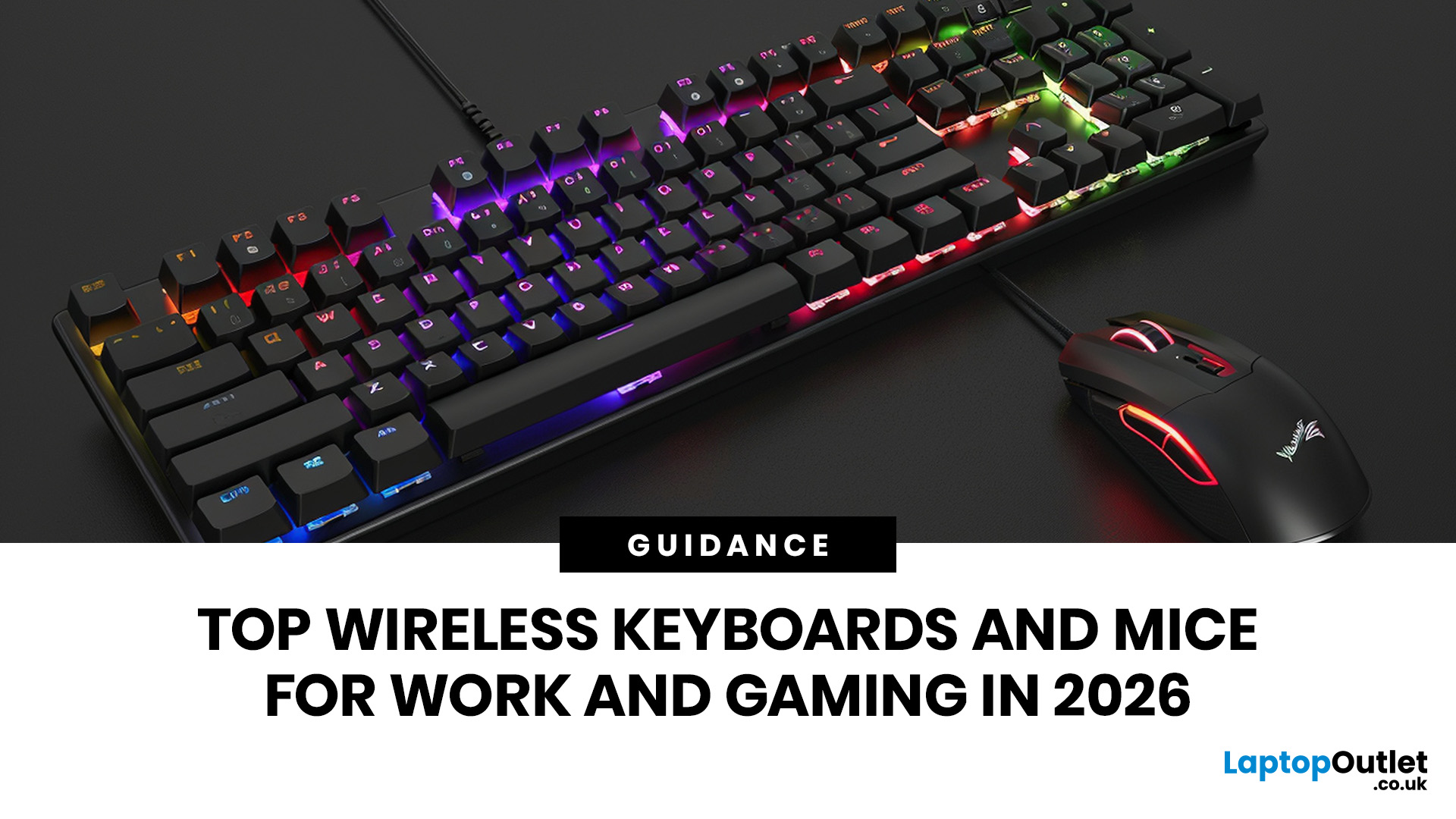
For a clean and minimalist look of your working or gaming setup, choosing the right wireless mouse and keyboard can make a bigger difference than you think.
If you're on a budget, the Logitech Wireless Mouse M235 is a reliable and affordable option.
For UK shoppers in 2026, the best setup is for comfort, connectivity, battery life, accuracy, layout, and daily usability. Some people need a simple keyboard mouse combo for emails and spreadsheets. Others want fast switches, RGB lighting, ultra-light mouse movement, and reliable wireless performance for gaming.
This guide breaks down the best wireless keyboard mouse UK options from Laptop Outlet, covering work-friendly sets, Bluetooth-ready mice, premium
Last Updated: June 15, 2026
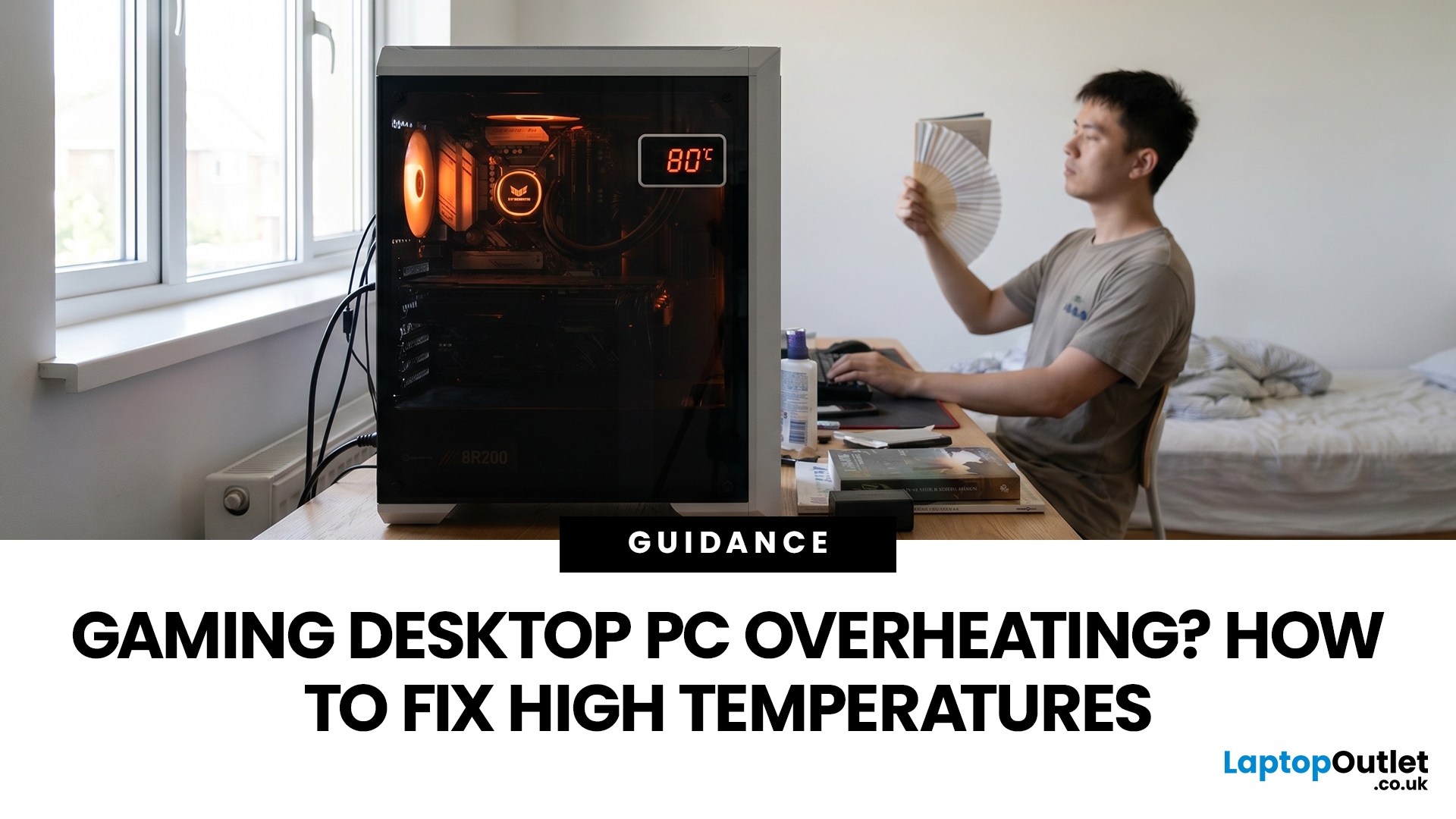
A gaming PC overheating usually comes down to one of five things: blocked airflow, dust build-up, weak cooling, aggressive game settings, or poor contact between the CPU/GPU and its cooler.
| Here is the fast version:
|
Gaming PC Overheating: What It Means and Why It Matters
You’re mid-match. Your FPS is smooth. Then suddenly, the game stutters, the fans sound like a jet engine, and your PC feels like it could toast bread.
That is not “just gaming PC life”.
A hot gaming desktop is normal. An overheating
Last Updated: June 22, 2026
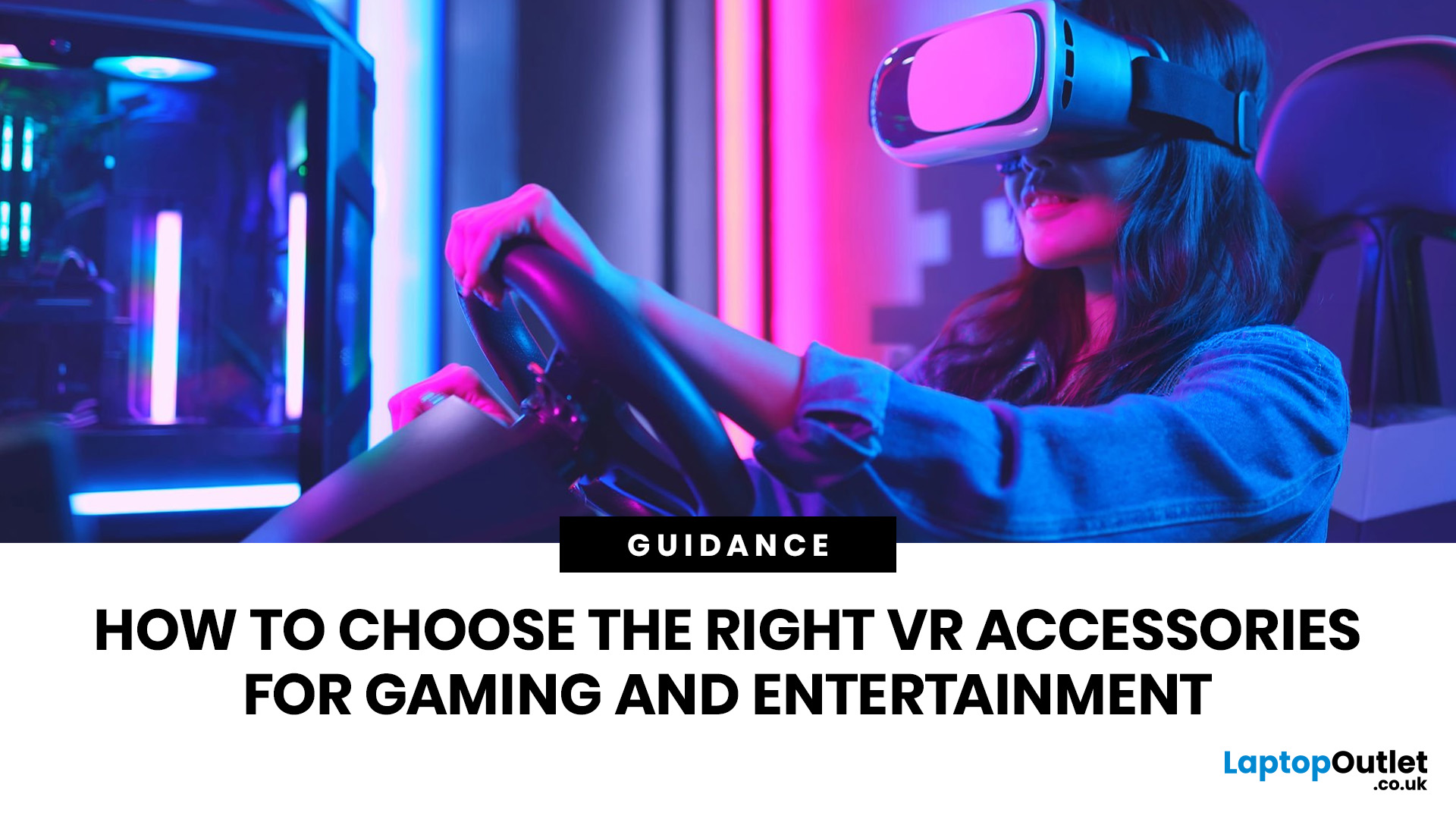
The right VR accessories depend on which headset you own and how you use it. For most users, the highest-impact upgrades are a comfort head strap with a battery pack, a silicone face cover for hygiene, and an audio solution. If you wear glasses, prescription lens inserts are well worth the investment.
The best approach is not to buy every accessory at once. Start with the one or two upgrades that fix your biggest pain points, then build your setup around how you actually play, watch, exercise or socialise in VR.
This guide explains how to choose VR accessories by headset type, play style, comfort needs and budget.
Why VR Accessories Make a Real Difference
Even the best VR headsets ship with compromises. Manufacturers keep costs down by including basic foam facial interfaces, lightweight straps that can feel unbalanced, and built-in audio that rarely matches a dedicated headset. The right virtual reality accessories address exactly those shortcomings without requiring you to buy an entirely
Last Updated: June 25, 2026
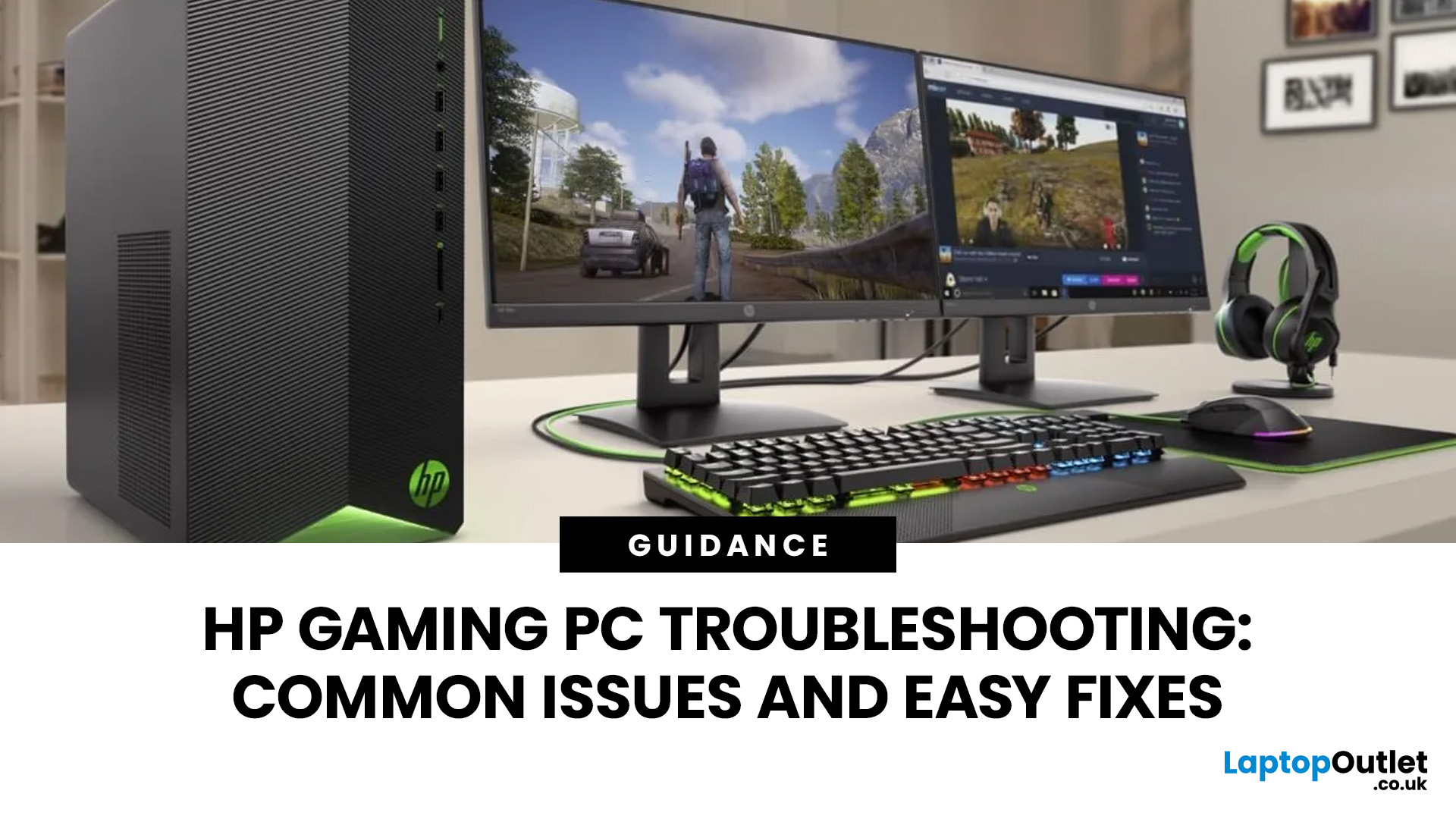
Your HP gaming PC should not feel like a boss fight before the game even loads.
HP gaming PC problems include black screens, overheating, lag, crashes, fan noise, slow performance, and startup failures. Most can be fixed by updating drivers, cleaning dust, improving airflow, freeing storage, and checking power or display connections.
You will also learn when a repair is worth it, when an upgrade makes more sense, and when it might be time to compare newer HP desktop PCs for gaming.
What Are the Most Common HP Gaming PC Problems?
Published: July 01, 2026
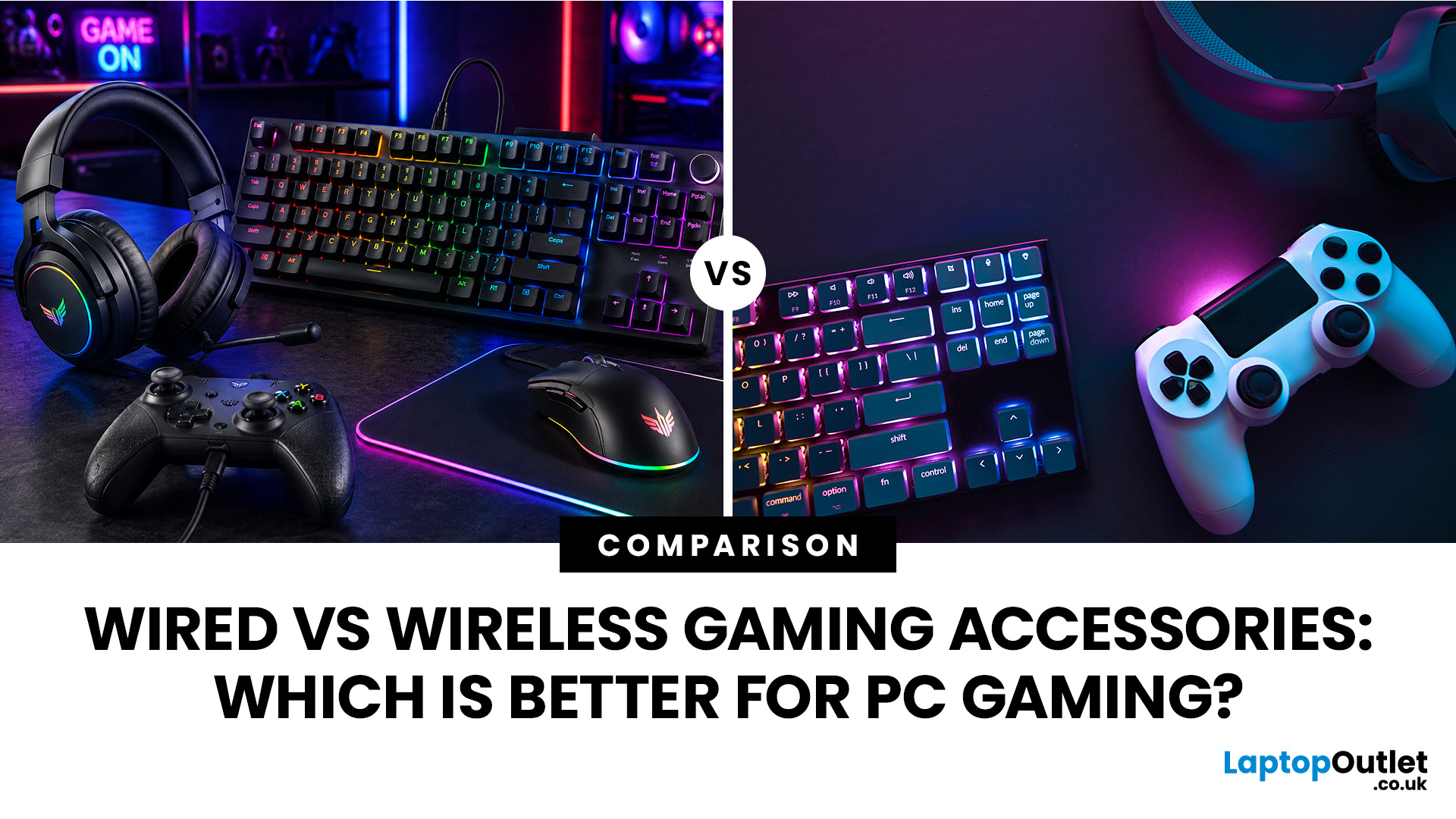
When building a PC gaming setup, choosing the right accessories matters just as much as choosing the right system. Your keyboard, mouse, headset, controller, and display all affect how comfortable, responsive, and enjoyable your games feel.
Many gamers compare wired vs wireless gaming accessories before upgrading their setup. Wired options are known for reliable performance and no battery concerns, while wireless models offer cleaner desks and more freedom of movement. Some players need speed and stability. Others want comfort, flexibility, and fewer cables. The right choice depends on what you play, how often you play, and how you use your desk.
What are Wired Gaming Accessories?
Wired gaming accessories connect directly to your PC using a cable, usually through USB or a 3.5mm audio port. Common examples include wired keyboards, mice, headsets, controllers, and charging docks.
The main appeal is consistency. You do not need to worry about charging, Bluetooth pairing, signal drops, or battery
Last Updated: July 03, 2026

