



What to Look for When Buying a Refurbished Keyboard?
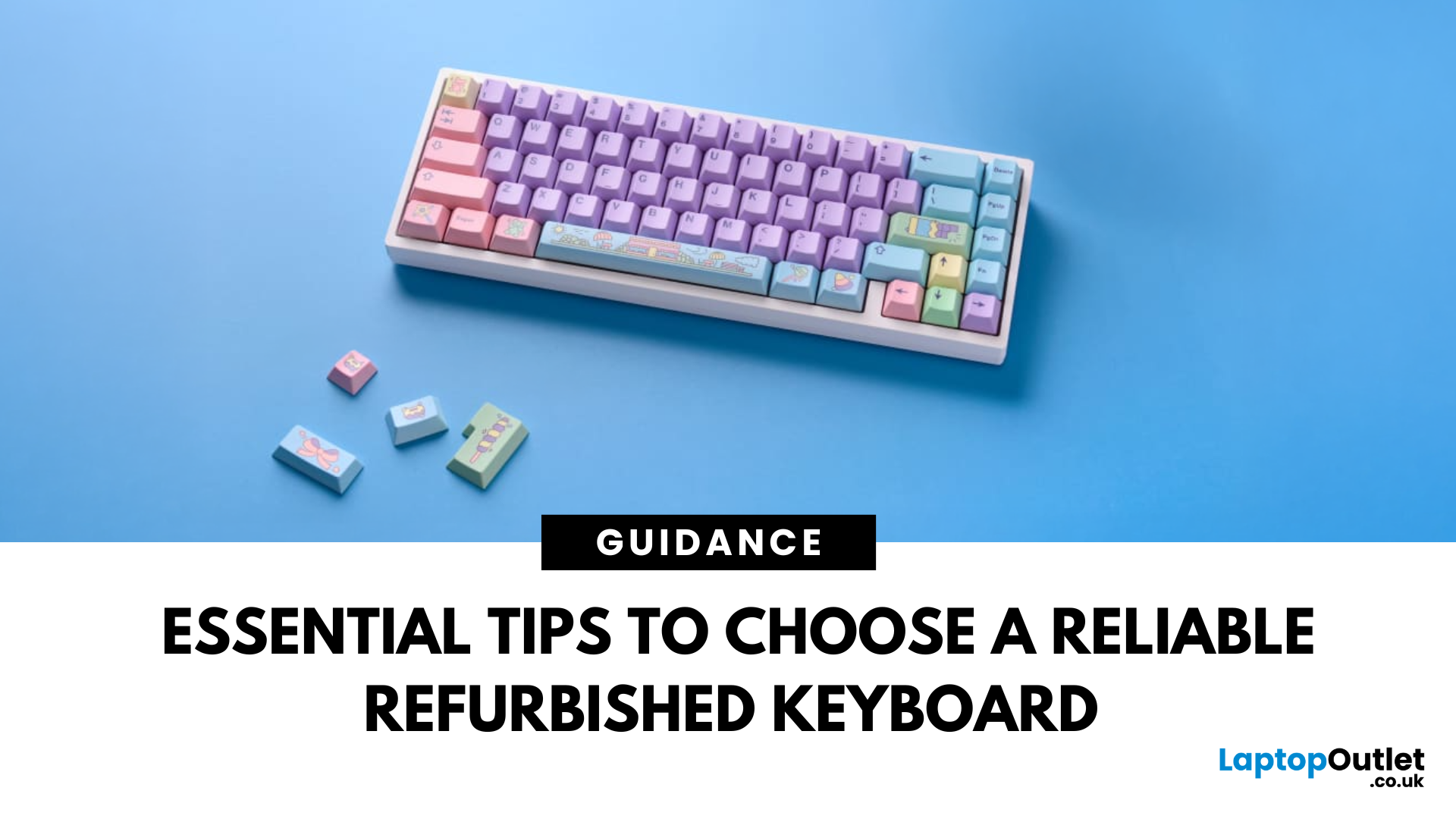
In today’s world of work, study, and gaming, the keyboard has become an essential tool for almost every digital task. But finding the right keyboard, one that feels good to type on, lasts for years, and fits your budget can be a challenge, especially with premium models commanding high prices. That’s why many smart buyers are turning to refurbished keyboards as a practical way to enjoy top-quality performance at a fraction of the cost.
Yet, like any piece of refurbished tech, a second-hand keyboard needs careful consideration before you buy. It’s not just about making sure it works; it’s about finding the right type, switch feel, layout, and condition that suits your daily needs.
This guide will walk you through everything you should look for when buying a refurbished keyboard.
So, let’s get into it!
Understand Your Keyboard Needs Before You Buy
Before diving into specifications and price comparisons, it’s important to identify what you actually need from a keyboard.
Are You a Heavy Typist or Office User?
If your day revolves around writing reports, coding, or extended typing sessions, you’ll benefit from a keyboard that offers tactile feedback and well-spaced keys. Mechanical keyboards, known for their responsive keystrokes and long-lasting durability, are often the preferred choice for professional writers, coders, and frequent typists. The precision and feel they offer can make a real difference over long periods of use.
Do You Prefer a Quiet, Casual Setup?
For casual browsing, occasional typing, or shared spaces like home offices, a membrane keyboard may be a better fit. These keyboards have a softer keypress, create less noise, and are generally more affordable.
Are You a Gamer Seeking Performance Features?
If you’re a gamer, your needs will likely include specialised features like anti-ghosting, programmable keys, or RGB backlighting mostly available in high-performance mechanical keyboards. The responsiveness of mechanical switches combined with gaming-specific features can enhance your gaming experience significantly.
Do You Need Wireless Convenience or a Reliable Wired Connection?
Wireless keyboards are perfect for those aiming for a clutter-free desk or a portable setup, while wired keyboards remain the choice for users who want a stable connection without latency especially important for competitive gaming or professional environments.
By understanding your specific requirements, you’ll save time and avoid unnecessary spending.
Mechanical vs Membrane Keyboards; What’s the Difference?
When it comes to keyboards, the choice between mechanical and membrane is often the first decision you’ll make, and it can significantly affect your typing experience.
Mechanical Keyboards — Precision, Durability & Performance
Mechanical keyboards use individual mechanical switches beneath each key. These switches are built with moving parts, such as springs and metal contacts, which create a tactile and audible response when pressed. This design makes mechanical keyboards highly responsive, consistent, and durable, often lasting for tens of millions of key presses.
Gamers and professional typists often prefer mechanical keyboards because of their speed, precision, and feedback. Each keystroke feels deliberate and satisfying, reducing the chances of accidental presses. However, they can be noisier and heavier, which might not suit all environments.
Our Top Pick
Refurbished ASUS ROG Falchion Ace HFX Analog Wired Gaming Keyboard Black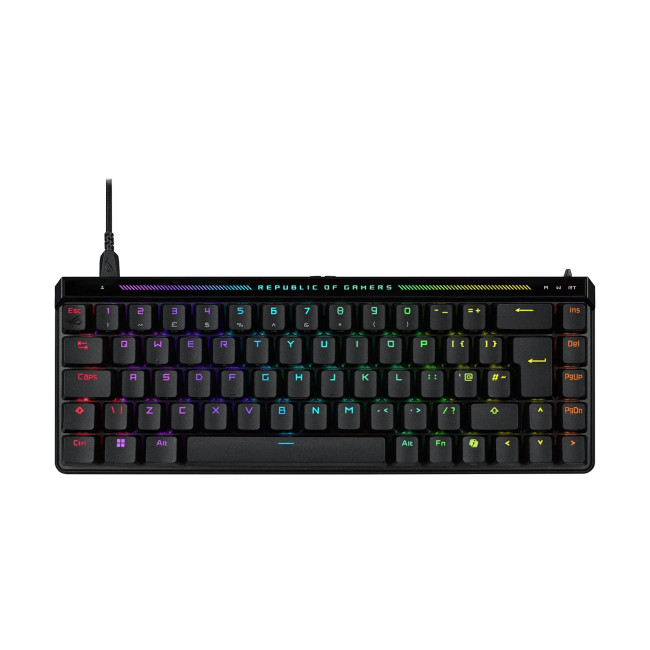
Membrane Keyboards — Quiet Operation & Affordability
Membrane keyboards work by using a flexible rubber dome beneath the keys, which completes a circuit when pressed. They tend to offer a softer, quieter typing experience with less tactile feedback. These keyboards are lighter, more compact, and usually less expensive than mechanical ones.
They are ideal for casual use, home offices, or shared environments where noise levels need to be kept low. However, membrane keyboards generally have a shorter lifespan, and their keys can feel “mushy” or less responsive over time.
Which Should You Choose?
If you prioritise typing speed, gaming performance, or a premium feel, a mechanical keyboard is likely your best choice. If you want a quiet, budget-friendly option for occasional use, a membrane keyboard may suit your needs perfectly. Understanding the differences helps you buy confidently, especially when choosing from refurbished keyboard options.
Know Your Keyboard Switch Types
Not all mechanical keyboards feel the same, and that’s down to the switch type used beneath each key. The switch mechanism directly impacts how your keyboard feels, sounds, and responds.
Popular Switch Types You Should Know
Some of the most common mechanical switches include Cherry MX, Kailh, and Romer-G; each offering unique characteristics.
-
Cherry MX Red: Linear, smooth, low resistance; perfect for gaming.
-
Cherry MX Blue: Clicky, tactile, audible; ideal for typing enthusiasts.
-
Cherry MX Brown: Tactile, quiet, balanced; great for mixed use.
-
Kailh and Romer-G: Known for gaming, offering variations in speed and feel depending on the brand.
Tactile, Linear, or Clicky
-
Tactile switches give you a noticeable bump when the key actuates, providing feedback that’s great for typing.
-
Linear switches move straight up and down without feedback, making them smooth and quick. They are ideal for gamers.
-
Clicky switches offer both a tactile bump and an audible click, giving you a responsive typing experience with sound.
Why Switch Types Matter in Refurbished Keyboards
Switch types affect fatigue, typing accuracy, and overall comfort. Brands like Logitech, Corsair, and Razer have built their reputation for high-performance switch designs. Knowing which switch suits you, ensure your refurbished purchase delivers a typing or gaming experience you’ll love.
Keyboard Layout and Size
Keyboards come in various layouts and sizes, each designed for different preferences and workspace needs.
Full-Size Keyboards
These include a full set of keys, including the number pad, function keys, and arrow keys. They are perfect for data entry, gaming setups, or desktop use where space isn’t a concern.
Tenkeyless (TKL)
TKL keyboards omit the number pad, making them more compact without sacrificing essential keys. They’re a favourite among gamers and professionals who want a cleaner desk space.
60% Compact Keyboards
These ultra-compact keyboards remove the function row, arrow keys, and number pad. They’re ideal for travel or minimalist setups but may require key combinations for certain functions.
Wired vs Wireless
Wired keyboards offer reliable connections with zero input lag, which is essential for gaming and professional work. Wireless refurbished keyboards provide convenience, reduce cable clutter, and are perfect for casual or portable use. You can explore various Wireless Refurbished Keyboards available at Laptop Outlet for a flexible setup.
Choosing the right size and connectivity type depends on how and where you’ll use your keyboard.
Best Wired Refurbished Keyboard:
Refurbished Microsoft Wired Keyboard 600 USB Full-size Waterproof French Keyboard Layout Black This is a reliable, full-size wired keyboard from Microsoft, featuring a French layout and a spill-resistant design. It offers quiet, responsive, thin-profile keys and includes convenient media and calculator hotkeys for everyday use.
Best Wireless Refurbished Keyboard:
Refurbished Lenovo Select Modern Wireless Combo Keyboard and Mouse Set - German Layout This stylish wireless combo set from Lenovo includes a keyboard with a 2.5-zone layout and floating, responsive keys, alongside an ergonomic 3-button mouse. The keyboard is rechargeable via USB-C, while the mouse offers long battery life, connecting both via a single USB receiver, and features a German layout.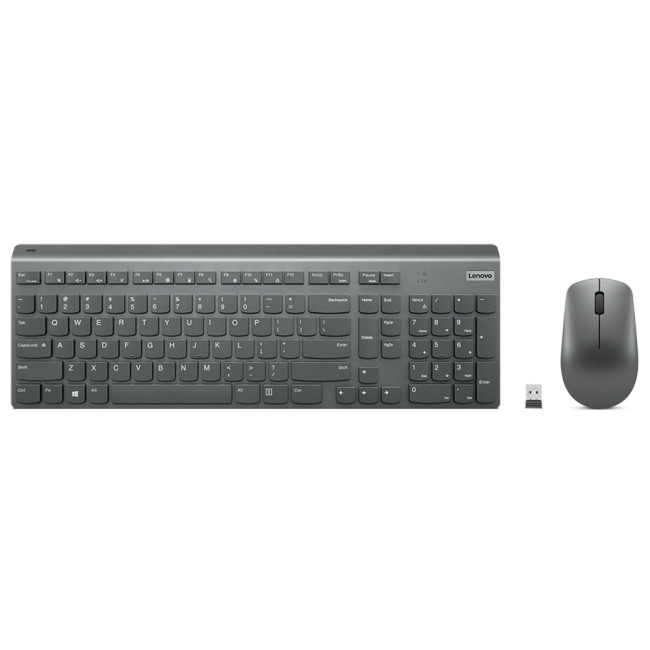
Essential Condition Checks Before Buying a Refurbished Keyboard
A refurbished keyboard should offer reliable performance, but checking its condition is a step you should never skip.
Check for Cosmetic Wear and Tear
Inspect the keyboard for visible signs of use; worn keycaps, faded legends, casing scratches, or missing keys. Refurbished keyboards may show minor marks but should never have structural damage.
Test Key Responsiveness and Functionality
Ensure every key responds as expected. There should be no sticking keys, unresponsive switches, or inconsistent feedback. Testing this upfront prevents frustration later.
Check Connectivity and Pairing
Whether wired or wireless, your keyboard should connect easily to your device. Test USB ports, wireless receivers, or Bluetooth pairing. Check battery health for wireless models if possible.
Confirm Device Compatibility
Ensure the keyboard works seamlessly with your system, whether that’s Windows, macOS, or even gaming consoles. Compatibility guarantees you can make full use of your keyboard’s features right from the start.
Compatibility with Your Setup
A keyboard compatibility with your setup goes beyond physical connection; it’s about ensuring a smooth, frustration-free experience.
Check Operating System Support
Some keyboards are designed for specific operating systems. For example, macOS keyboards have different function key mappings compared to Windows models. Always confirm that your chosen keyboard is compatible with your device’s OS.
Confirm Connection Type
Does the keyboard use USB-A, USB-C, Bluetooth, or a proprietary wireless receiver? Make sure your device supports the connection type to avoid unnecessary adapters or compatibility issues.
Software Support for Customisation
Some high-end keyboards offer software for customising RGB lighting, macros, or key functions. Make sure the software is compatible with your operating system and that all features are supported on a refurbished unit.
Ensuring full compatibility helps you avoid hassle and ensures your keyboard works exactly how you need it to.
Understanding Keyboard Grading and Warranty
When buying a refurbished keyboard, understanding product grading and warranty policies helps you know exactly what to expect.
Refurbished Grading Explained
-
New Open Box: Essentially unused, just unsealed. Perfect condition.
-
Refurbished – Excellent: Minimal cosmetic signs of use, fully tested.
-
Refurbished – Very Good: Some visible wear, guaranteed functional.
-
Refurbished – Good: Noticeable signs of use but 100% operational.
This grading helps you balance price with condition, you can decide if you prefer a nearly new unit or are happy with some cosmetic wear to save more.
|
Why Warranty and After-Sales Support Matter Buying from Laptop Outlet ensures you get a warranty-backed purchase. Whether it's a defect, compatibility issue, or unforeseen problem, having access to after-sales support and a fair return policy is essential when buying refurbished tech. |
Where to Buy Refurbished Keyboards?
At Laptop Outlet, we believe buying a refurbished keyboard should be as straightforward and rewarding as buying new; without the high price tag. That’s why every refurbished keyboard we offer goes through a professional testing process, ensuring reliable performance and lasting quality. With clear product grading, honest descriptions, and warranty-backed protection, we make sure our customers know exactly what they’re getting.
Our refurbished keyboards are selected from leading brands, offering a wide choice of mechanical, membrane, wireless, and gaming models to suit every user. Whether you’re setting up a home office, upgrading your gaming gear, or replacing a worn-out favourite, you’ll find great value with the confidence of buying from a retailer that understands refurbished tech inside out.
And if you’re looking to complete your setup, Laptop Outlet also brings you a range of high-quality refurbished peripherals from keyboards to Refurbished Headphones; all carefully tested and competitively priced.
Find Your Perfect Refurbished Keyboard at Laptop Outlet
Buying a refurbished keyboard is a smart way to save money without compromising on quality but only if you know what to look for.
At Laptop Outlet, we make it easy to find a keyboard that fits both your setup and your budget. Whether you need a mechanical keyboard for work, a wireless option for your home office, or a gaming keyboard to match your setup, we’ve got you covered.
What’s more, you can pair your chosen keyboard with the tech gear you already use. Whether it’s one of our powerful refurbished gaming laptops, a sharp and reliable refurbished monitor, or a high-performance refurbished desktop PC, we have everything you need to complete your setup in one place. With a wide range of refurbished peripherals including keyboards, mice, and refurbished headphones;Laptop Outlet is your trusted destination for affordable, high-quality tech.
Explore the full range of Refurbished Keyboards today and build your perfect setup with confidence.
| Read More: |
| Which Gaming Keyboard and Mouse Are the Best? Enjoy Wireless Gaming |
| how to clean laptop keyboard |
| How to change the keyboard language |
Related Articles

Last Updated: December 15, 2025
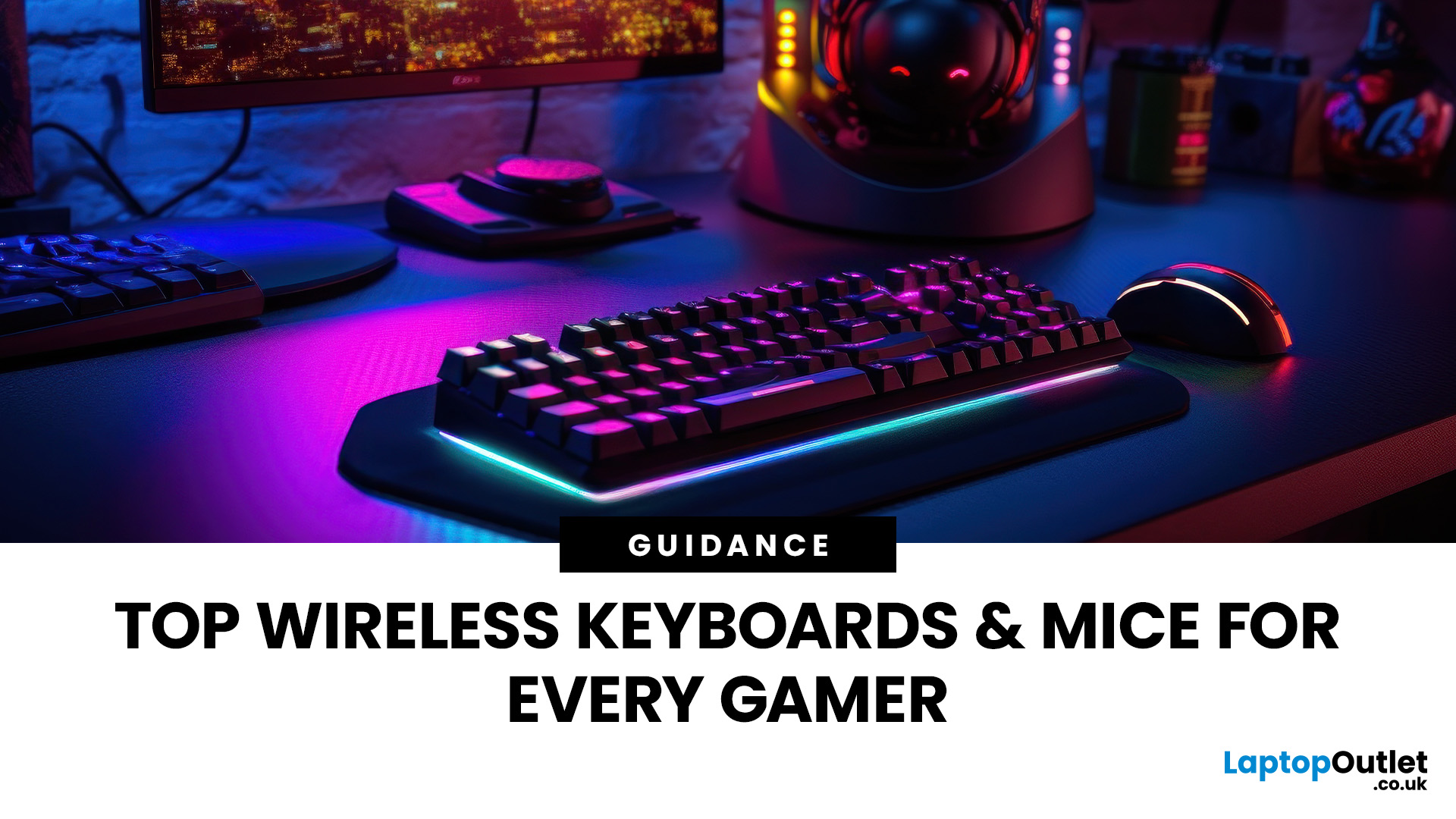
Gaming has evolved beyond just powerful PCs and sharp monitors. Now, your keyboard and mouse can make or break your gameplay. With modern wireless gaming technology, lag-free performance and ultra-fast response times are no longer exclusive to wired setups.
In this guide, we’ll help you discover the best wireless gaming keyboards and mice available right now; the perfect mix of speed, comfort, and freedom.
Whether you’re a casual player, a competitive esports enthusiast, or someone who just hates cable clutter, we’ve rounded up the top wireless setups that deliver professional-grade precision and style.
5 Best Wireless Gaming Keyboards
These five wireless gaming keyboards cover everything from compact esports layouts to premium custom-style boards.
1. ASUS ROG Falchion RX Low Profile Wired/Wireless RGB Gaming Keyboard – White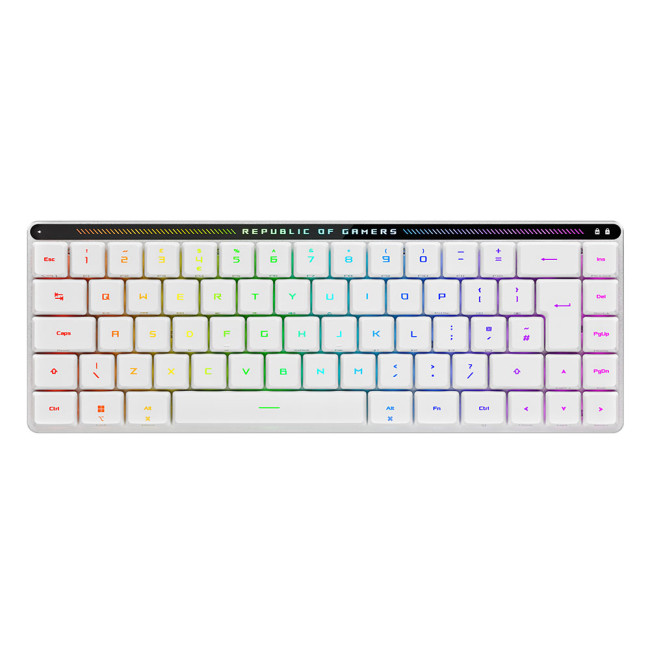
A slim 65% gaming keyboard that gives you full-size power in a backpack-friendly footprint.
Specifications
- Form Factor: 65% compact layout
- Switches: ROG
Last Updated: August 28, 2026
Dust, crumbs, skin oils, and drink residue can make a laptop keyboard look grubby or leave keys slow and sticky. Cleaning it correctly takes only a few minutes, but excess liquid or unsuitable products can damage the key coating and electronics.
How to Clean a Keyboard Safely: Quick Answer
Shut down and unplug the laptop. Remove loose debris with short bursts of compressed air, then wipe the keys with a soft microfibre cloth lightly dampened with 70% isopropyl alcohol. Never spray liquid directly onto the keyboard and let it dry fully before switching it on.
What You Will Need
- Soft microfibre cloth
- Compressed air
- Cotton buds or a soft brush
- 70% isopropyl alcohol
How to Clean a Laptop Keyboard Step by Step
1. Turn Off and Unplug the Laptop
Save your work, shut the laptop down and disconnect the charger and accessories. Cleaning
Last Updated: August 11, 2026
Changing your keyboard language lets you type in different languages, access regional characters, and use a layout that matches your physical keyboard. It is also one of the quickest ways to fix keys that produce the wrong symbols.
The process varies slightly between Windows, macOS, ChromeOS, Android, and iOS. This guide explains how to switch keyboard language on each platform, change a keyboard from US to UK and stop the layout from changing unexpectedly.
Quick Answer: How Do You Switch Keyboard Language?
On Windows, press Windows key + Spacebar. On a Mac, press Control + Spacebar. Chromebook users can press Ctrl + Shift + Space, while phone and tablet users can select the globe or language icon on the on-screen keyboard. These shortcuts only work when more than one keyboard language or layout has been added to the device.
Keyboard Language vs Keyboard Layout
A keyboard language controls features such as autocorrect, spelling suggestions and predictive text. A keyboard layout determines
Last Updated: October 03, 2025
Level Up Your Gameplay
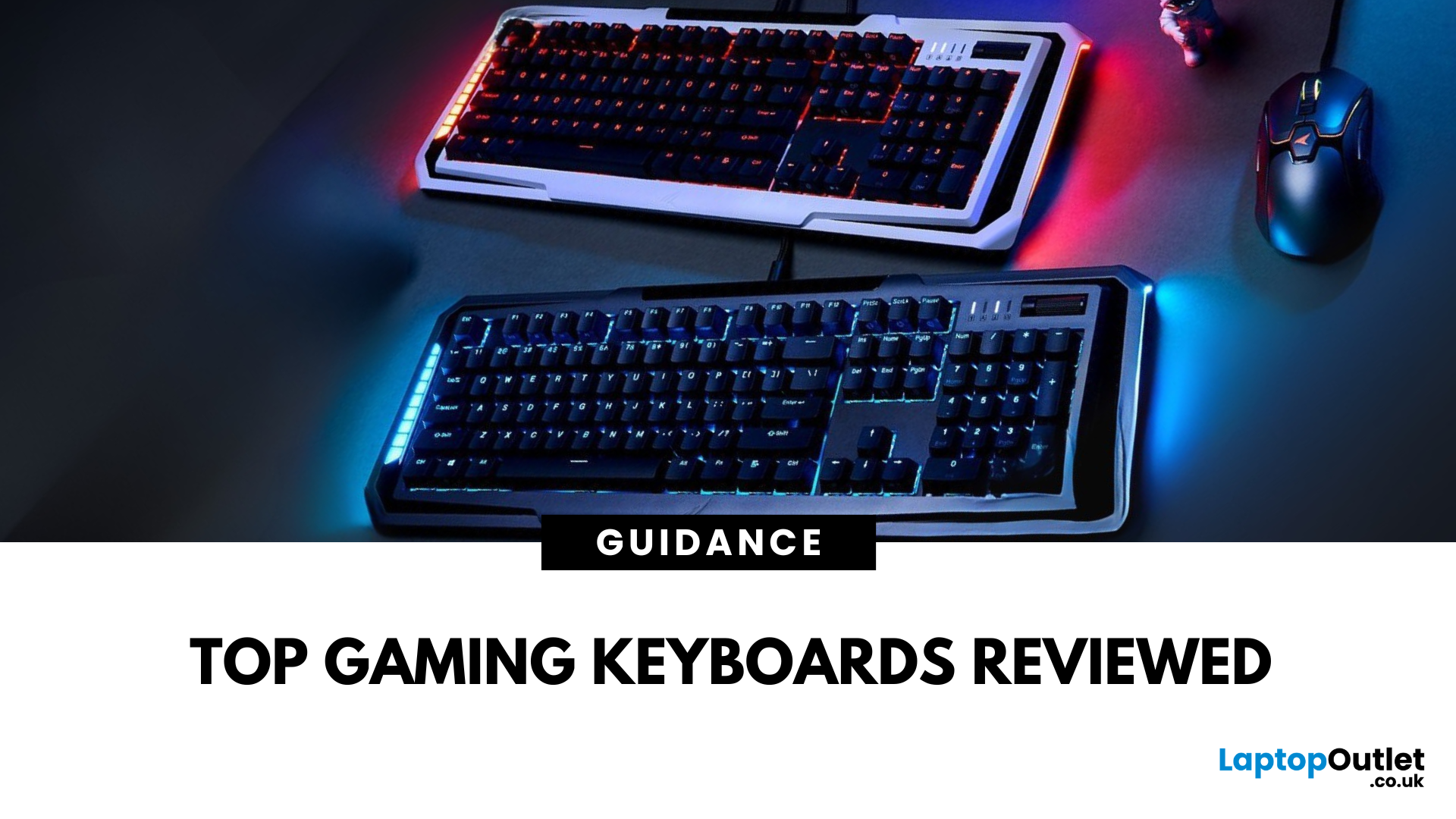
In fast-paced gaming, your keyboard can make or break your performance. But what makes a keyboard truly gaming-ready? Here’s a guide to help you find the best keyboard for gaming, focusing on key features instead of specific products.
Why Your Gaming Keyboard Matters
A good gaming keyboard offers:
Faster response times
Customisable keys for complex commands
Enhanced durability for intense sessions
Mechanical vs Membrane Keyboards
Mechanical Keyboards
Preferred for gaming due to:
Tactile feedback
Faster actuation
Longer lifespan (50M+ keystrokes)
Membrane Keyboards
Budget-friendly and quieter but:
Less responsive for competitive gaming
Shorter lifespan
Tip: Mechanical keyboards with red or silver switches are ideal for fast-paced FPS and MOBA games.
Key Features to Look For in a Gaming Keyboard
1. Switch Type
- Linear switches (Red): Smooth, fast keypresses
- Tactile switches (Brown): Feedback without loud clicks
- Clicky switches

