



Wired vs Wireless Gaming Accessories: Which Is Better for PC Gaming?
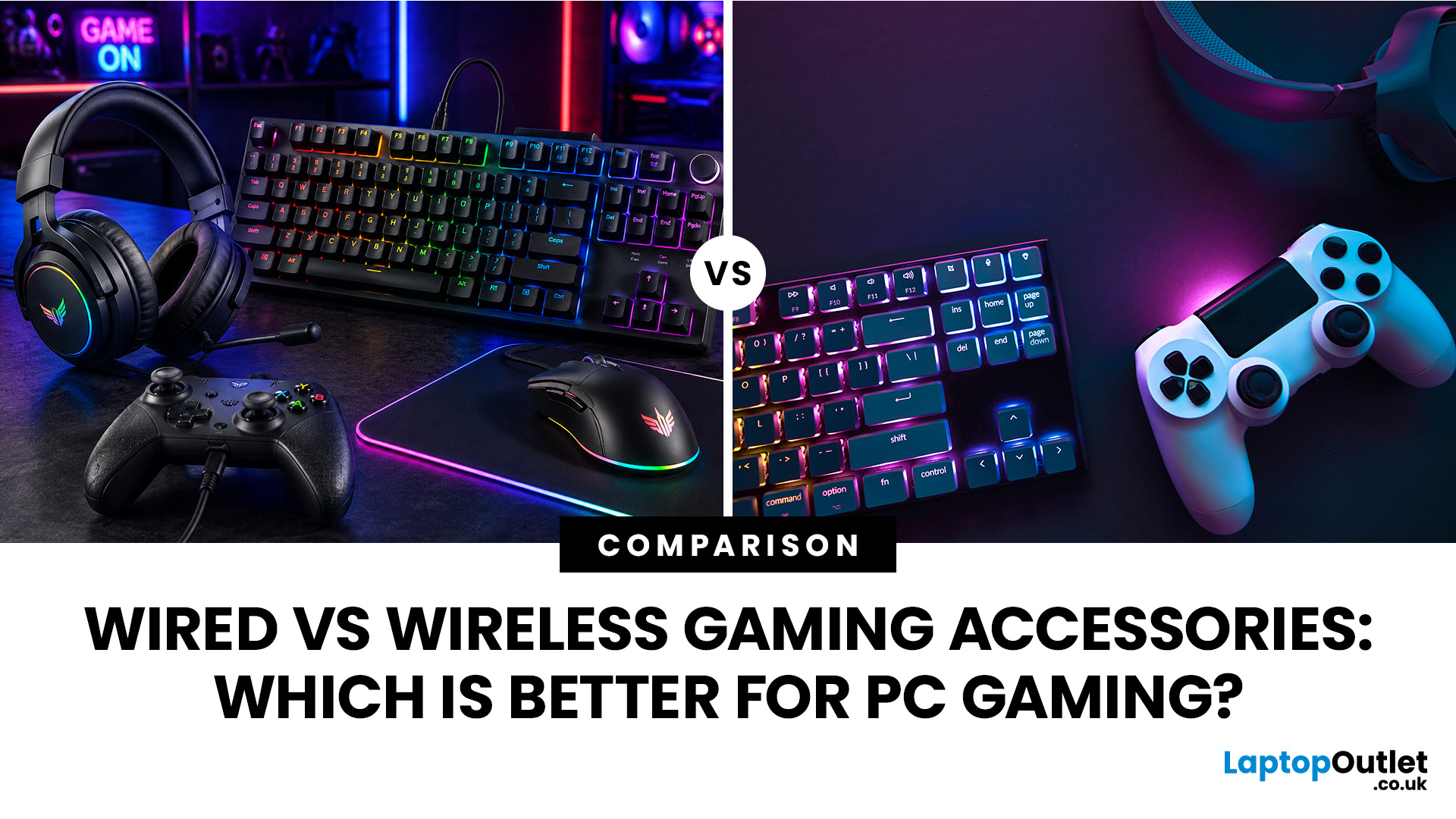
When building a PC gaming setup, choosing the right accessories matters just as much as choosing the right system. Your keyboard, mouse, headset, controller, and display all affect how comfortable, responsive, and enjoyable your games feel.
Many gamers compare wired vs wireless gaming accessories before upgrading their setup. Wired options are known for reliable performance and no battery concerns, while wireless models offer cleaner desks and more freedom of movement. Some players need speed and stability. Others want comfort, flexibility, and fewer cables. The right choice depends on what you play, how often you play, and how you use your desk.
What are Wired Gaming Accessories?
Wired gaming accessories connect directly to your PC using a cable, usually through USB or a 3.5mm audio port. Common examples include wired keyboards, mice, headsets, controllers, and charging docks.
The main appeal is consistency. You do not need to worry about charging, Bluetooth pairing, signal drops, or battery health. Once connected, the device is ready to use.
A wired setup is often preferred by competitive players because it offers stable input and dependable response. It also works well if you want a simple setup without managing multiple wireless receivers or charging cables.
What are Wireless Gaming Accessories?
Wireless gaming accessories connect without a main cable, usually through Bluetooth or a 2.4GHz USB receiver. These include wireless mice, keyboards, headsets, controllers, and other wireless gaming gear.
The main benefit is freedom. You get fewer cables, a cleaner desk, and more room to move. This can be especially useful if you play from a larger desk, stream, switch between devices, or use your PC for both gaming and work.
Modern wireless accessories are much better than older models. Many now offer strong battery life, stable connections, and low-latency performance. Still, you need to charge them and choose quality products to avoid connection issues.
Wired vs Wireless Gaming Accessories: Quick Comparison
|
FEATURE |
WIRED GAMING ACCESSORIES |
WIRELESS GAMING ACCESSORIES |
|---|---|---|
|
Connection |
Cable-based |
Bluetooth or 2.4GHz receiver |
|
Latency |
Very low and consistent |
Low on good-quality models |
|
Battery |
No charging needed |
Needs charging or batteries |
|
Desk setup |
More cables |
Cleaner and more flexible |
|
Price |
Usually more affordable |
Often more expensive |
|
Best for |
Competitive gaming, reliability |
Comfort, clean setups, casual gaming |
|
Setup effort |
Simple plug-and-play |
May need pairing or receiver setup |
Are Wired Accessories Better for Competitive Gaming?
If you play competitive PC games, wired accessories are still a safe choice. A wired mouse, headset or affordable gaming keyboard gives you a stable connection without battery interruptions. This matters most in FPS games, esports titles, and fast-paced games where timing is important.
A wired gaming accessories setup is also easier to maintain. You plug in your devices, adjust your settings, and play. There is no need to check battery levels before a long session.
Wired gear makes sense if you play games such as:
- Counter-Strike 2
- Valorant
- Call of Duty
- Fortnite
- Apex Legends
- League of Legends
Are Wireless Accessories Good for PC Gaming?
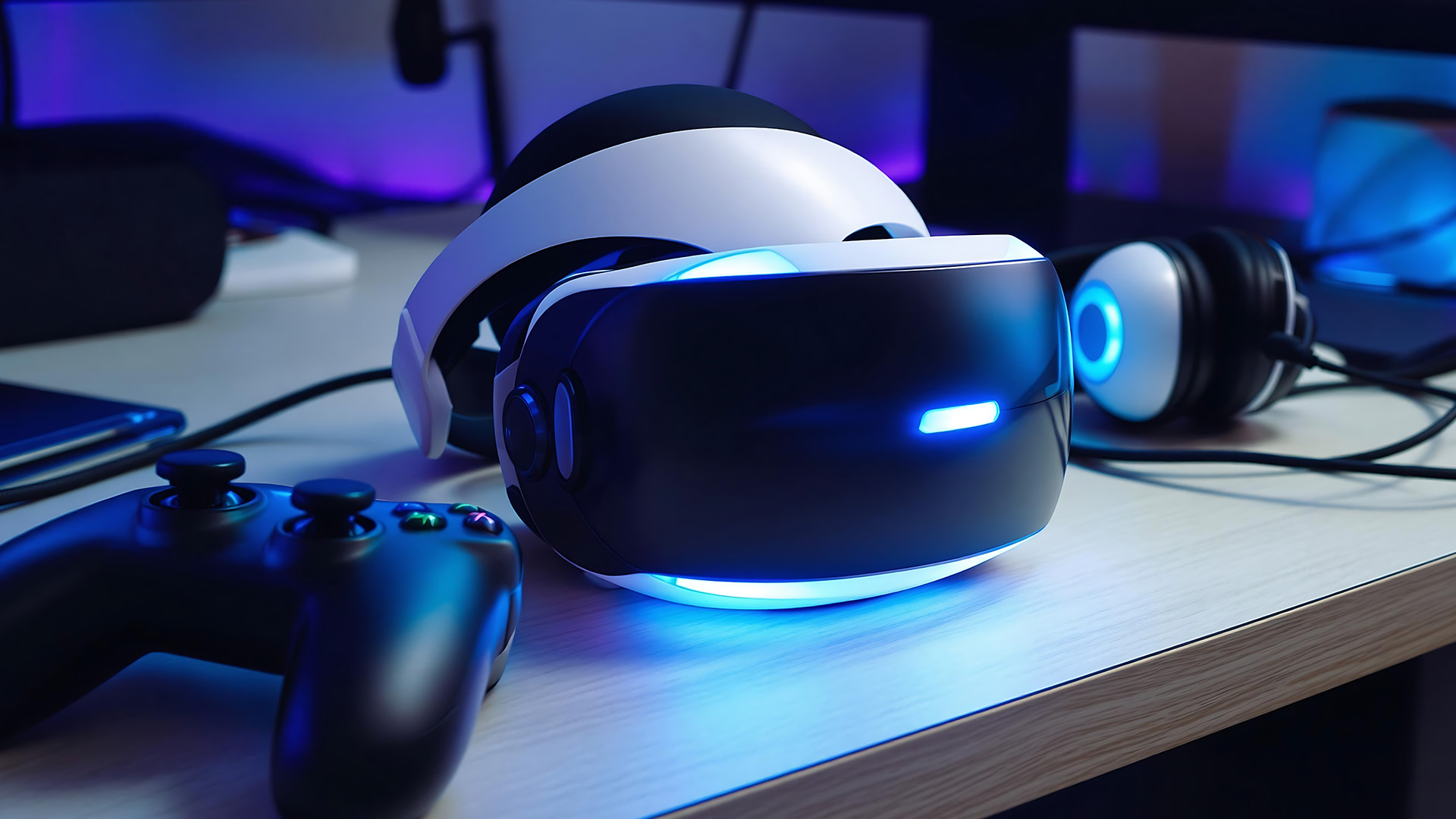
Yes, wireless accessories are good for PC gaming, especially if you value comfort and a tidy setup. The best wireless gaming accessories now offer strong response times, better battery life, and reliable connectivity for most users.
Wireless options are especially useful if you dislike cable drag, move your mouse across a large desk, or want more freedom while wearing a headset. They are also ideal if your gaming setup is part of your workspace and you want everything to look cleaner.
A wireless gaming accessories setup works well for:
- Casual gaming
- Single-player games
- Streaming setups
- Hybrid work and gaming desks
- Living room PC gaming
- Players who prefer less cable clutter
The only thing to manage is charging. If you forget to charge your devices, a wireless mouse or headset can interrupt your session. For many users, that trade-off is still worth it. Before you decide, it helps to understand the main types of gaming accessories and how each one fits your gaming style.
Wired vs Wireless Gaming Mouse: Which Should You Choose?
Your mouse is one of the most important gaming peripherals for PC, especially if you play shooters or competitive games.
- A wired mouse gives you stable performance and no battery concerns. It is a reliable option if you want consistent tracking and do not mind the cable.
- A wireless mouse gives you more freedom of movement. There is no cable pulling across the desk, which can make aiming feel smoother and more natural. This is one reason many gamers now prefer wireless mice for comfort.
|
CHOOSE A WIRED MOUSE IF |
CHOOSE A WIRELESS MOUSE IF |
|---|---|
|
You play competitive FPS games |
You want less cable drag |
|
You want a lower-cost option |
You prefer a cleaner desk |
|
You dislike charging devices |
You use wide mouse movements |
|
You want simple plug-and-play use |
You switch between setups often |
If you are still comparing both options, browse wired and wireless gaming mouse options to find a model that suits your grip style, DPI needs, and game type.
Wired vs Wireless Gaming Headsets: Which is Better?
Wired vs wireless gaming headsets are not only about sound. They also affect comfort, communication, and how freely you can move during long gaming sessions.
- Wired headsets are easy to use and do not need charging. They are a good choice if you want reliable audio for team chat, streaming, or late-night gaming.
- Wireless headsets are more comfortable if you move around often, sit back from your desk, or dislike cables near your keyboard and mouse. They are also useful if you take breaks between matches and want to keep your headset on without being tied to the PC.
|
FEATURE |
WIRED HEADSET |
WIRELESS HEADSET |
|---|---|---|
|
Charging |
Not needed |
Required |
|
Audio reliability |
Very consistent |
Depends on model and battery |
|
Movement |
Limited by cable |
More flexible |
|
Best for |
Long sessions at a desk |
Comfort and freedom |
|
Cost |
Often cheaper |
Usually higher |
Wired vs Wireless Gaming Keyboards
A gaming keyboard affects typing comfort, movement, shortcuts, and in-game response. Both wired and wireless options can work well, depending on your needs.
- A wired keyboard is ideal if you want a fixed desk setup and reliable performance. It is also usually easier to find at a lower price.
- A wireless keyboard is better if you want a cleaner setup or use the same desk for work and gaming. It also helps if you prefer a minimal look without multiple cables across your desk.
For most users, the difference comes down to desk style. If your keyboard stays in one place, wired is practical. If you move it often or want less clutter, wireless is more convenient.
Wired vs Wireless Gaming Controllers
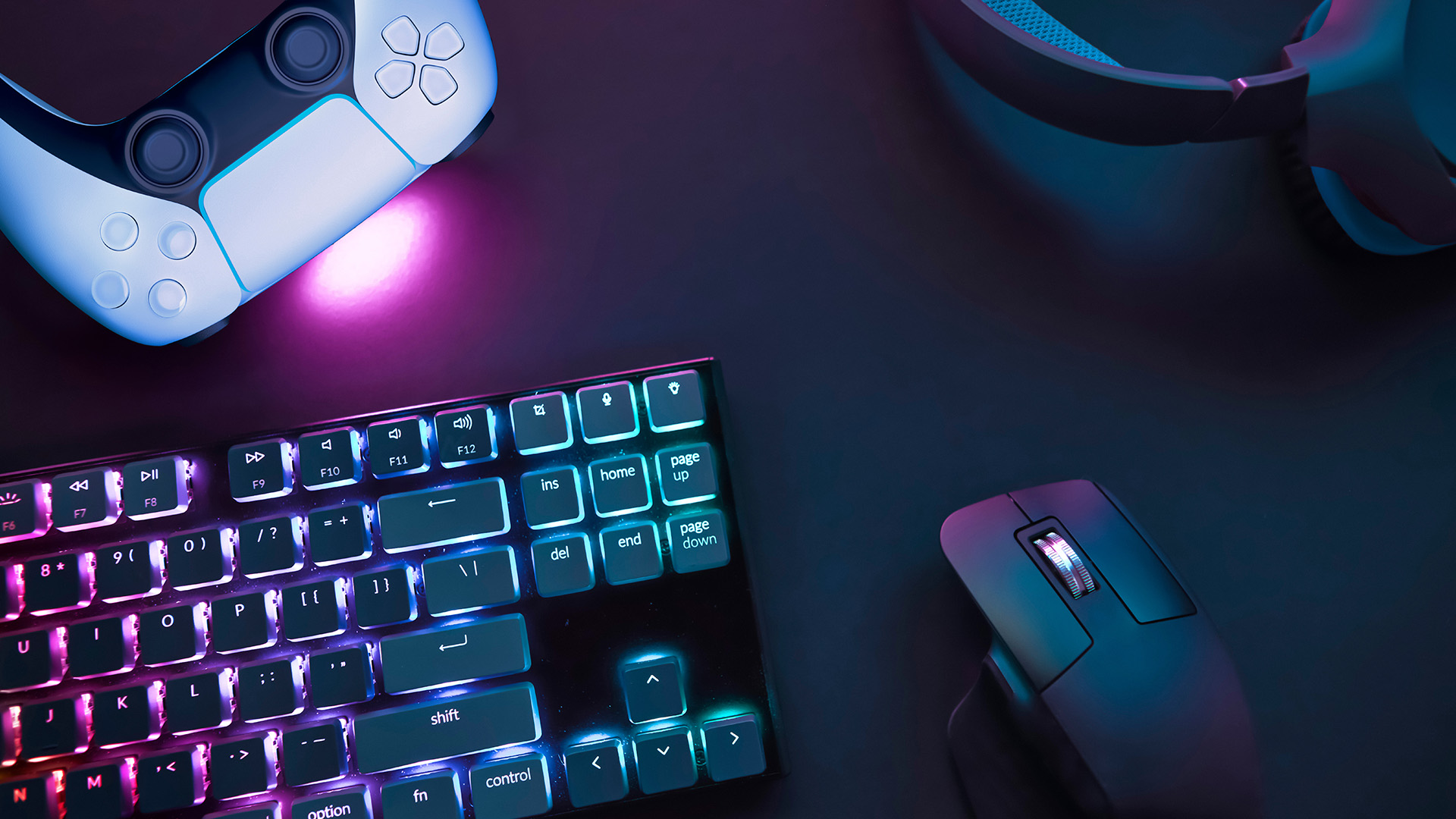
Many PC gamers use a controller for racing, sports, fighting, platform, and adventure games. This is one area where wireless can be especially useful.
- A wired controller is simple, reliable, and does not need charging. It works well if you sit close to your PC.
- A wireless controller is better if you sit farther from your screen or use your PC with a TV or larger monitor. It gives you more freedom and feels more natural for relaxed gaming.
If you play games that feel better with a controller, compare PC gaming controller options before deciding between wired and wireless models.
Which Setup is Better for Different Users?
There is no single answer for everyone. The best choice depends on how you play.
|
USER TYPE |
BETTER CHOICE |
WHY |
|---|---|---|
|
Competitive FPS gamer |
Wired |
Stable response and no charging |
|
Casual gamer |
Wireless |
Comfort and fewer cables |
|
Budget buyer |
Wired |
Usually more affordable |
|
Streamer |
Wireless headset, wired keyboard |
Comfort plus stable control |
|
Desk setup enthusiast |
Wireless |
Cleaner appearance |
|
Long-session gamer |
Mixed setup |
Balance comfort and reliability |
|
Controller player |
Wireless |
Easier relaxed gaming |
|
Esports-focused player |
Wired |
Consistent performance |
For many PC gamers, a mixed setup makes the most sense. You might use a wired keyboard for reliability, a wireless mouse for comfort, and a wireless headset for freedom of movement. If you are planning a bigger setup refresh, our guide to Top Gaming PC Accessories to Upgrade Your Gaming Setup in 2026 covers more useful upgrades to improve comfort, control, and overall gameplay.
How to Build a Wired Gaming Accessories Setup
A wired setup is best if you want reliability and lower maintenance. It is also easier if you do not want to think about battery levels. A good wired gaming accessories setup may include:
|
ACCESSORY |
WHAT TO LOOK FOR |
|---|---|
|
Wired keyboard |
Fast switches, solid build, comfortable layout |
|
Wired mouse |
Lightweight design, accurate sensor, suitable grip shape |
|
Wired headset |
Clear microphone, comfortable earcups, reliable audio |
|
Wired controller |
Strong cable, comfortable buttons, PC compatibility |
|
Cable management |
Clips, sleeves, or desk routing |
Keep the setup tidy by routing cables behind the desk and using a USB hub only if your PC has limited ports.
How to Build a Wireless Gaming Accessories Setup
A wireless setup is better if you want comfort and less clutter. It is also useful if your gaming desk doubles as a work area. A good wireless gaming accessories setup may include:
|
ACCESSORY |
WHAT TO CHECK |
|---|---|
|
Wireless mouse |
Battery life, weight, charging method |
|
Wireless keyboard |
Connection type, layout, battery life |
|
Wireless headset |
Comfort, microphone quality, charging time |
|
Wireless controller |
Compatibility, range, battery type |
|
Charging station |
Easy access and cable organisation |
For the best result, keep USB receivers close to your devices and charge accessories before long sessions.
What are Wireless Gaming Comfort Accessories?
Wireless gaming comfort accessories are products that make your setup easier to use without adding more cables. These may include wireless headsets, wireless controllers, rechargeable mice, compact keyboards, and charging docks.
They are useful if you care about movement, desk space, and long-session comfort. They will not automatically make you a better player, but they can make your setup feel easier and more enjoyable to use.
Do Gaming Monitors Matter Alongside Accessories?
Yes. Your accessories control how you play, but your monitor controls what you see and how smoothly the game feels. Even the best mouse or keyboard will not feel as responsive if your display has a low refresh rate or slow response time.
If you want smoother visuals, lower blur, and better overall PC gaming performance, compare gaming monitors for better PC performance alongside your accessories. A balanced setup should include both responsive controls and a display that can keep up with your PC hardware.
Wired vs Wireless Gaming Peripherals: Pros and Cons
When comparing wired vs wireless gaming peripherals, focus on practical differences instead of assuming one is always better.
|
TYPE |
PROS |
CONS |
|---|---|---|
|
Wired gaming gear |
Reliable, affordable, no charging, stable response |
More cables, less flexible, can clutter the desk |
|
Wireless gaming gear |
Cleaner setup, better movement, more comfortable |
Needs charging, can cost more, quality varies |
Wired is better for users who value consistency. Wireless is better for users who value comfort and a cleaner setup.
Which Gaming Accessories Should You Buy First?
If you are upgrading gradually, start with the accessory that affects your gameplay most.
For FPS games, upgrade your mouse first. For typing-heavy games and shortcuts, upgrade your keyboard. For team games, get a better headset. For racing or sports games, consider a controller. For visual smoothness, upgrade your monitor.
You do not need to buy everything at once. A smart setup is built around your actual gaming habits, not just the latest trend.
Wrapping Up
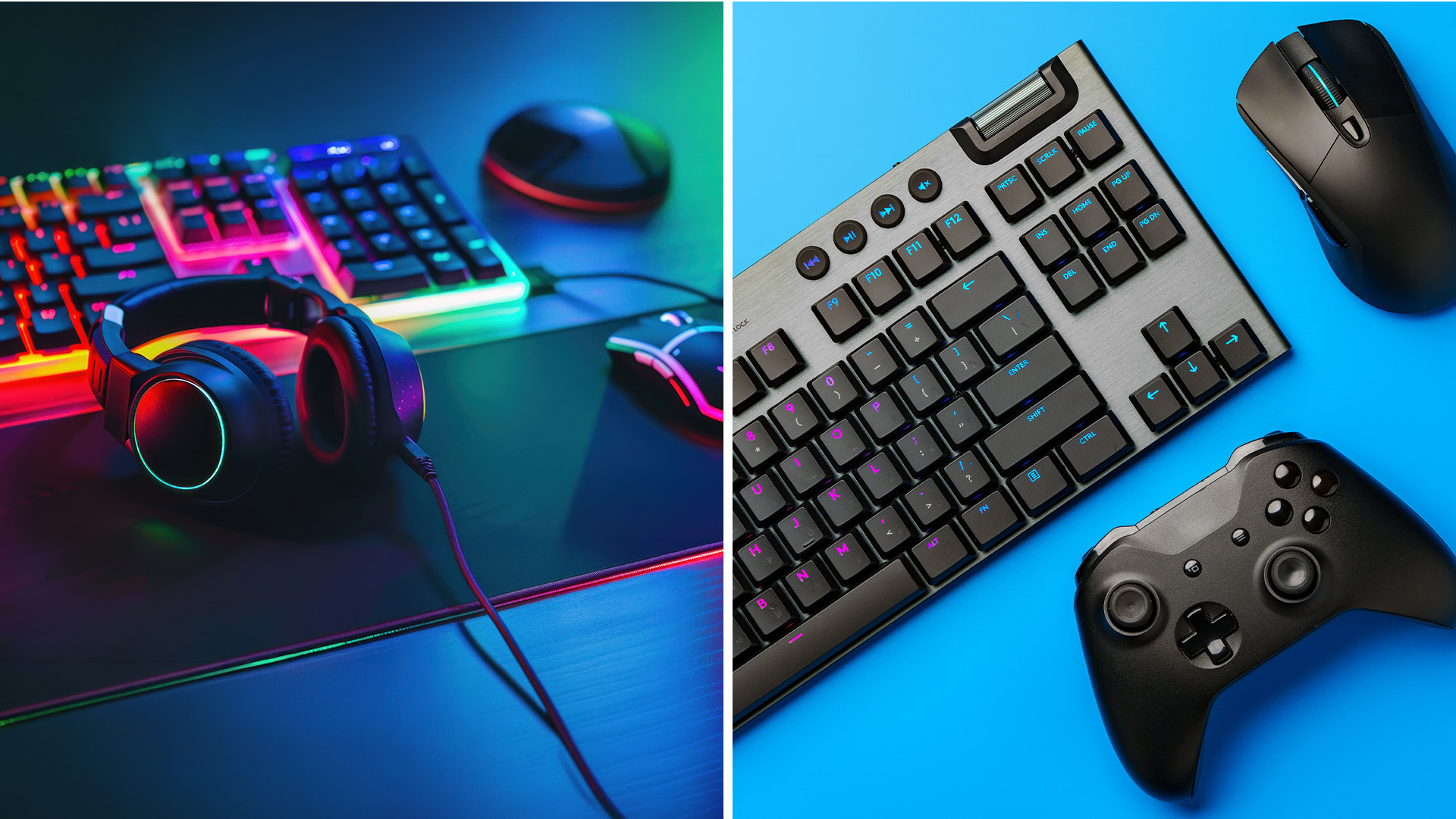
The choice between wired vs wireless gaming accessories comes down to your priorities.
- Choose wired if you want reliable performance, lower cost, and no charging worries. It is the better option for competitive players, budget buyers, and anyone who wants a simple plug-and-play setup.
- Choose wireless if you want more freedom, fewer cables, and a cleaner desk. It is a strong choice for casual gamers, streamers, controller users, and anyone who values comfort.
For most PC gamers, the best setup is a mix of both. Use wired where stability matters most and wireless where comfort makes the biggest difference.
Still Got Questions?
Are wired gaming accessories better than wireless?
Wired accessories are better for stable performance, low latency, and no battery concerns. Wireless accessories are better for comfort and cleaner setups.
Do wireless gaming accessories have input lag?
Good wireless gaming accessories have very low latency, especially models using 2.4GHz receivers. For competitive gaming, wired is still the safest option.
Are wireless gaming accessories worth it?
Yes, wireless accessories are worth it if you want less cable clutter, more comfort, and more freedom of movement.
Can I mix wired and wireless gaming gear?
Yes. Many PC gamers use a wired keyboard with a wireless mouse, wireless headset, or wireless controller.
What accessories do I need for PC gaming?
Most PC gamers need a keyboard, mouse, headset, monitor, and possibly a controller depending on the games they play.

