



Intel Core i7 vs i9 Gaming PCs: Which Should You Choose in 2026?
Buying a gaming PC should feel exciting, not confusing.
|
For most gamers, Intel Core i7 is the better choice than i9 in 2026 because it offers excellent gaming performance at a lower price. A Core i9 is only worth the extra cost if you stream, edit videos, multitask heavily, or want a premium high-end PC. For pure gaming, especially at 1440p or 4K, spend more on the graphics card instead of upgrading from i7 to i9. |
The Intel Core i7 vs i9 choice comes down to value: for most UK gamers in 2026, a Core i7 gaming PC delivers excellent performance for less. A Core i9 gaming PC is better if you also stream, edit, multitask heavily, or want a premium setup.
This guide compares i7 vs i9 gaming performance, real-world value, heat, power, GPU pairing, and use cases so you can choose with confidence.
i7 or i9 for Gaming in a Glance
For most gamers, choose Intel Core i7.
Choose Intel Core i9 only if you need more than gaming.
|
BUYER TIPE |
BEST CHOICE |
WHY |
|---|---|---|
|
Casual gaming |
Core i7 |
More than enough performance |
|
1080p high FPS esports |
Core i7 |
Strong single-core speed and better value |
|
1440p gaming |
Core i7 |
GPU matters more than CPU |
|
4K gaming |
Core i7 or i9 |
Graphics card is the main performance driver |
|
Gaming + streaming |
Core i9 |
More headroom for background workloads |
|
Gaming + editing/rendering |
Core i9 |
Better for heavy multitasking |
|
Premium no-compromise build |
Core i9 |
Best for top-end users |
|
Key takeaway |
What Is the Difference Between i7 and i9 for Gaming?
The biggest difference between an i7 vs i9 processor is not whether one can game and the other cannot. Both can. The difference is how much extra performance headroom you get.
Generally, Intel Core i9 processors offer:
- Higher boost clock speeds
- More cores or threads in some generations
- Larger cache in many models
- Better performance in heavy multi-core workloads
- Higher heat and cooling demands
- Higher overall system cost
Intel Core i7 processors usually offer:
- Excellent gaming performance
- Strong multi-core capability
- Lower cost than i9 systems
- Easier cooling in many builds
- Better price-to-performance for gamers
That is why the difference between i7 and i9 for gaming often depends on the rest of the PC. A Core i9 with a weak GPU is not a smart gaming build. A Core i7 paired with a strong graphics card often delivers a better real-world experience.
Intel Core i7 vs Intel Core i9: Specs vs Real-World Value
Specs matter, but they do not tell the full story.
A high-end i9 may look better on paper, but gaming performance depends on the complete system:
- Graphics card
- CPU
- RAM speed and capacity
- Storage speed
- Cooling
- Monitor resolution and refresh rate
- Game engine optimisation
Here is a simple comparison using well-known Intel desktop examples.
|
FEATURE |
INTEL CORE I7 EXAMPLE |
INTEL CORE I9 EXAMPLE |
WHAT IT MEANS |
|---|---|---|---|
|
Typical positioning |
High-performance |
Enthusiast/premium |
i9 sits above i7 |
|
Gaming ability |
Excellent |
Excellent |
Both are strong for gaming |
|
Multitasking |
Very strong |
Stronger |
i9 has more headroom |
|
Streaming/editing |
Good |
Better |
i9 suits heavier workloads |
|
Heat output |
High, but manageable |
Usually higher |
i9 needs stronger cooling |
|
Value for money |
Better |
Lower unless you use the extra power |
i7 wins for most gamers |
Do not buy based on the badge alone. The best CPU for gaming is the one that fits your GPU, monitor, budget, and workload.
i7 vs i9 Gaming Performance: What Will You Actually Notice?
Here is the honest answer: in many games, especially at 1440p or 4K, the visible difference between a strong Intel Core i7 and Core i9 can be small when both are paired with the same graphics card.
Why?
Because at higher resolutions, the GPU does most of the heavy lifting.
At 1080p
CPU performance matters more, especially in:
- Competitive shooters
- Battle royale titles
- Simulation games
- Strategy games
- High-refresh esports setups
If you are chasing very high FPS on a 240Hz or 360Hz monitor, an i9 may provide extra headroom in some CPU-heavy games. But a modern i7 is still more than capable for of high-FPSh FPS competitive gaming.
At 1440p
This is the sweet spot for many UK gamers. At 1440p, the graphics card becomes more important. A Core i7 with a stronger GPU is usually a better buy than a Core i9 with a weaker GPU.
At 4K
At 4K, the GPU is the main factor. Unless you are also streaming, editing, or multitasking heavily, the i9 advantage becomes less important for pure gaming.
|
Key takeaway For gaming alone, spend more on the graphics card before upgrading from i7 to i9. |
This same balance between CPU power and graphics capability is also changing portable play, with Intel-powered handheld gaming PCs becoming more capable for gamers who want performance beyond a traditional desktop setup.
When an Intel Core i7 Gaming PC Makes the Most Sense
A Core i7 gaming PC is the best choice for most people because it gives you high-end performance without pushing the budget too far into enthusiast territory.
Choose an i7 gaming PC if you:
- Mainly play games
- Want strong FPS without overspending
- Use a 1080p, 1440p, or 4K gaming monitor
- Want a balanced gaming desktop
- Occasionally stream or edit light content
- Prefer better price-to-performance
A good i7 PC is ideal for games such as competitive shooters, racing titles, RPGs, open-world games, and modern AAA releases. It is also strong enough for Discord, browser tabs, game launchers, recording tools, and everyday productivity.
For most buyers comparing intel i7 vs i9, this is the practical answer: the i7 gives you nearly everything you need for gaming, while leaving more budget for a better GPU, SSD, RAM, monitor, or peripherals.
You can explore Intel performance gaming PCs if you want a balanced Intel gaming desktop without overpaying for unused CPU power.
When an Intel Core i9 Gaming PC Is Worth It
A Core i9 is not a waste of money. It is simply not necessary for every gamer.
Choose an i9 gaming PC if you:
- Stream gameplay regularly
- Edit videos or create content
- Render 3D projects
- Run heavy multitasking workloads
- Use professional creative software
- Want a premium gaming and workstation hybrid
- Plan to pair the CPU with a top-tier graphics card
The Intel i9 processor vs i7 comparison becomes more favourable to i9 when your PC is doing several demanding things at once.
For example:
- Gaming while streaming to Twitch or YouTube
- Gaming while recording high-bitrate footage
- Editing 4K video after gameplay sessions
- Running multiple monitors with background apps
- Using AI, rendering, or productivity tools alongside gaming
In these cases, the i9’s extra performance headroom can make the whole PC feel smoother.
|
Pattern interrupt: |
If you want a system that can handle gaming, streaming, and creative work, it is worth looking at Intel gaming PCs built for gamers and creators rather than choosing by processor name alone.
GPU Pairing Matters More Than the CPU Badge
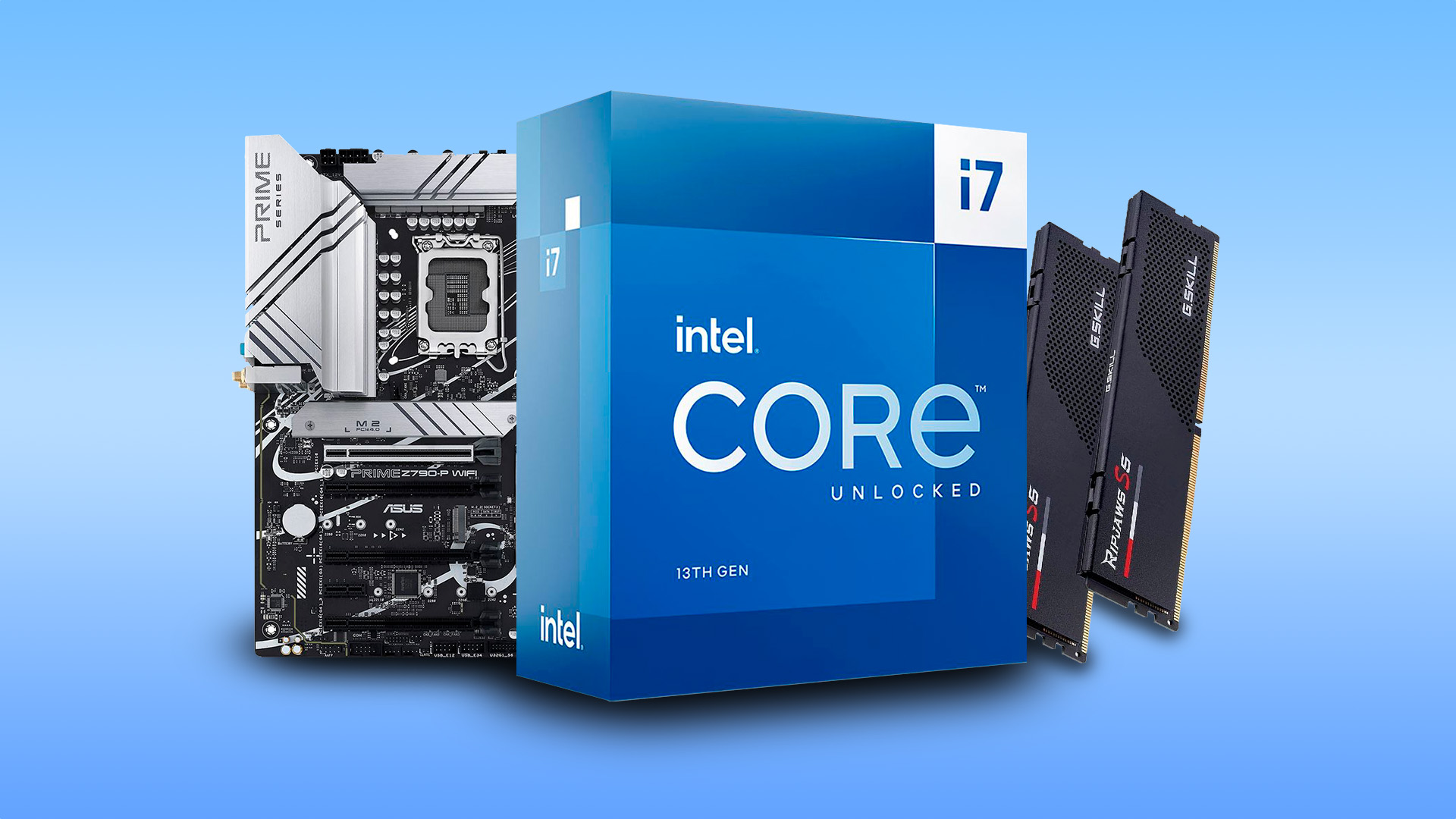
One of the biggest mistakes buyers make is choosing a Core i9 and then compromising on the graphics card.
For gaming, that is usually the wrong trade-off.
A better gaming build might be:
- Core i7 + stronger GPU
rather than
- Core i9 + weaker GPU
This is especially true at 1440p and 4K.
Practical GPU Pairing Advice
|
BUILD TYPE |
CPU RECOMMENDATION |
WHY |
|
Budget-friendly gaming desktop |
Core i5 or i7 |
Better value |
|
Mid-range gaming desktop |
Core i7 |
Ideal balance |
|
High-end gaming desktop |
Core i7 or i9 |
Depends on streaming/editing needs |
|
Creator/gaming hybrid |
Core i9 |
More multitasking headroom |
|
Premium enthusiast build |
Core i9 |
Best for no-compromise setups |
If you are browsing high-performance gaming desktops, look at the full specification, not just the CPU name. GPU, RAM, SSD, cooling, and PSU quality all affect the final experience.
CPU choice is important, but graphics performance often shapes the real gaming experience, especially as Intel handheld gaming performance continues to improve in newer portable gaming devices.
Price-to-Performance: Why i7 Usually Wins
The i7 vs i9 price gap can often be better spent elsewhere.
For a gamer, that extra money may deliver more value if invested in:
- A better graphics card
- More RAM
- A larger SSD
- A higher refresh-rate monitor
- Better cooling
- A quality mechanical keyboard or gaming mouse
This is where real-world gaming value matters.
An i9 may benchmark higher, but if the difference is small in the games you play, the extra spend may not improve your experience enough to justify the cost.
Simple Buying Rule
Ask yourself:
- Will I use this PC mostly for gaming?
- Am I playing at 1440p or 4K?
- Could the extra money get me a better GPU?
- Do I stream or edit regularly?
- Do I need workstation-level multitasking?
If your answers are mostly gaming-focused, choose i7. If your answers include streaming, editing, rendering, or professional workloads, consider i9.
Heat, Power, and Cooling: The Hidden Cost of i9
Performance is not free. Higher-end CPUs can draw more power under heavy loads and create more heat.
That means a Core i9 gaming desktop may need:
- A stronger CPU cooler
- Better case airflow
- A higher-quality motherboard
- A capable power supply
- More careful thermal management
A Core i7 can also run hot, especially high-performance unlocked models, but i9 systems are generally more demanding when pushed hard.
This matters because heat affects:
- Fan noise
- Long gaming sessions
- Boost performance
- System stability
- Component lifespan
For many buyers, a cooler and quieter i7 gaming PC is more enjoyable than a hotter i9 build that rarely uses its full potential.
|
Key takeaway: The i9 does not just cost more upfront. It may also require stronger cooling and better supporting components. |
i7 or i9 for Streaming?
If you stream casually, a Core i7 is usually enough.
If you stream seriously, a Core i9 is the better long-term choice.
A Core i7 can handle gaming, voice chat, browser tabs, and streaming software well. But if you want to stream at high quality while playing demanding games and recording footage, the extra headroom of an i9 becomes useful.
Choose i7 for:
- Casual streaming
- Discord screen sharing
- Occasional gameplay recording
- Light content creation
Choose i9 for:
- Regular live streaming
- High-bitrate recording
- Gaming and editing on the same PC
- Heavy OBS scenes and multiple background apps
This is one of the clearest cases where gaming i7 vs i9 depends on workload, not just FPS. Intel official product specifications for Intel Core i7-14700K, including cores, threads, cache, memory support, and power figures.
Best CPU for Gaming in 2026: The Balanced Answer
The best CPU for gaming is not always the most expensive one.
For most UK buyers in 2026:
- Best value: Intel Core i7
- Best for gaming and streaming: Intel Core i9
- Best for pure 1440p gaming: Intel Core i7 with a stronger GPU
- Best for premium creators: Intel Core i9
- Best balanced desktop: Core i7, 32GB RAM, fast SSD, strong GPU
If you are comparing the latest processors for gaming, remember that processor generations also matter. A newer i7 can sometimes be a better choice than an older i9, depending on the model, platform, power use, and system configuration.
Common Mistakes to Avoid When Choosing i7 vs i9
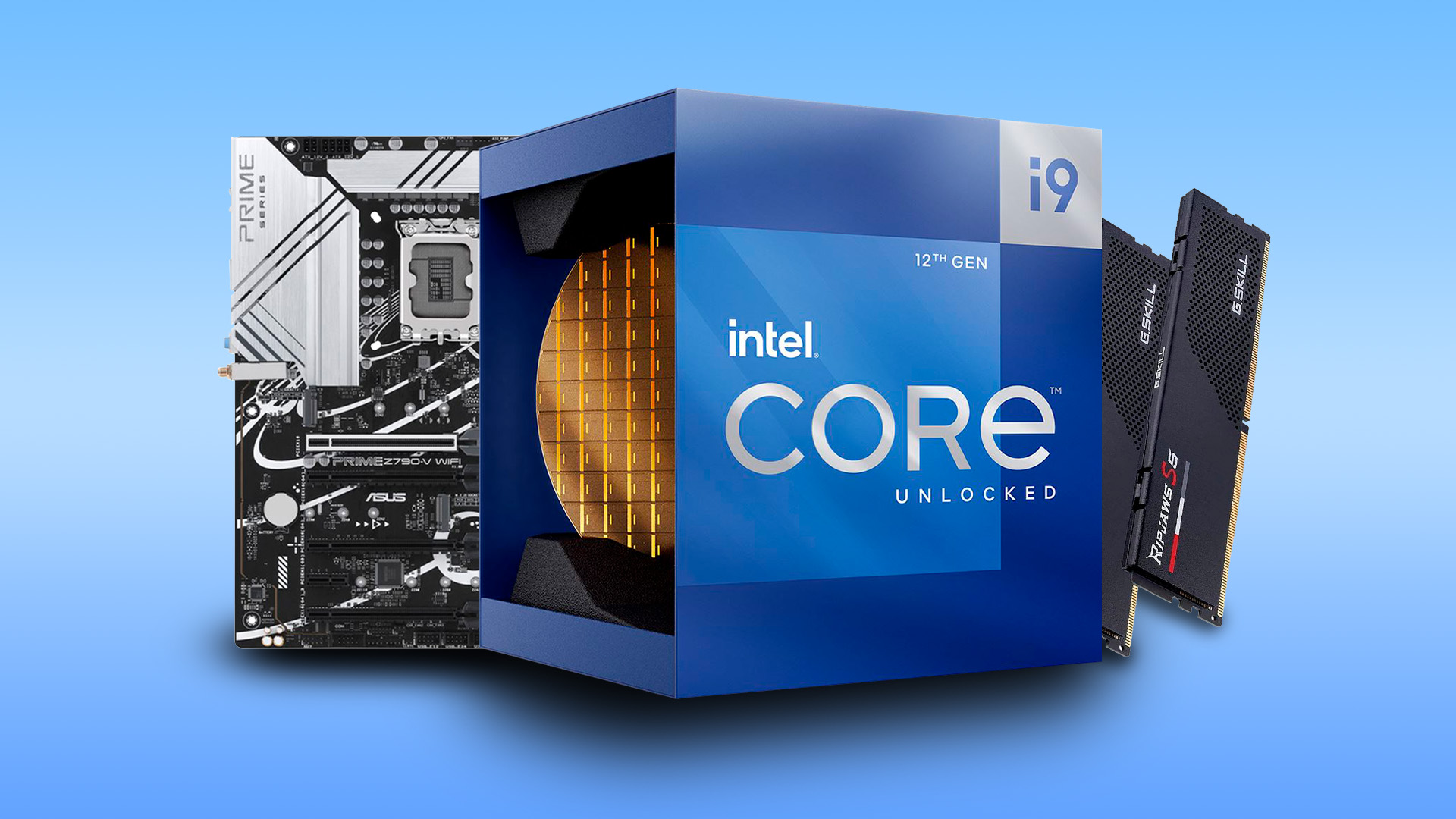
Buying i9 just because it sounds better
Core i9 is more powerful, but that does not automatically make it the better gaming purchase.
Ignoring the GPU
For most gaming desktops, the graphics card has a bigger impact on FPS than moving from i7 to i9.
Forgetting about cooling
A powerful CPU needs proper airflow and cooling. Do not overlook the case, cooler, and PSU.
Comparing CPU names across generations
An i7 from a newer generation may beat or closely match an older i9 in some workloads.
Paying for performance you will not use
If you do not stream, edit, render, or multitask heavily, i9 may be unnecessary.

Final Recommendation: Intel Core i7 vs i9
Choose Intel Core i7 if you want the best balance of gaming performance, value, and everyday power. It is the right choice for most gamers, especially if your priority is smooth gameplay at 1080p, 1440p, or 4K with a strong graphics card.
Choose Intel Core i9 if you want a premium system for gaming plus serious streaming, editing, rendering, or multitasking. It is the better option for creators, professionals, and enthusiasts who will actually use the extra CPU headroom.
In the Intel Core i7 vs i9 debate, the winner depends on how you use your PC. For pure gaming, i7 is usually the smarter buy. For gaming plus heavy workloads, i9 earns its place.

Common Questions for Intel Core i7 vs i9 Gaming PC
Is Intel Core i7 good enough for modern gaming?
Yes. Intel Core i7 is more than good enough for modern gaming. A recent i7 gaming PC can handle competitive esports, AAA games, 1440p gaming, and even 4K gaming when paired with the right graphics card.
Is an Intel i9 worth the extra cost for gaming?
For gaming alone, usually not. The i9 is worth it if you also stream, edit videos, render projects, or run demanding multitasking workloads. If you only play games, an i7 with a better GPU is often the smarter choice.
Is i7 enough for high FPS competitive gaming?
Yes. A modern Intel Core i7 is strong enough for high FPS competitive gaming, especially when paired with a powerful GPU and fast RAM. For extreme high-refresh setups, i9 can help in some CPU-heavy games, but i7 remains the better value for most players.
Which is better for streaming: i7 or i9?
For casual streaming, i7 is enough. For regular streaming, high-quality recording, and gaming while running multiple background apps, i9 is better because it gives you more performance headroom.
Related Articles

Last Updated: February 26, 2026
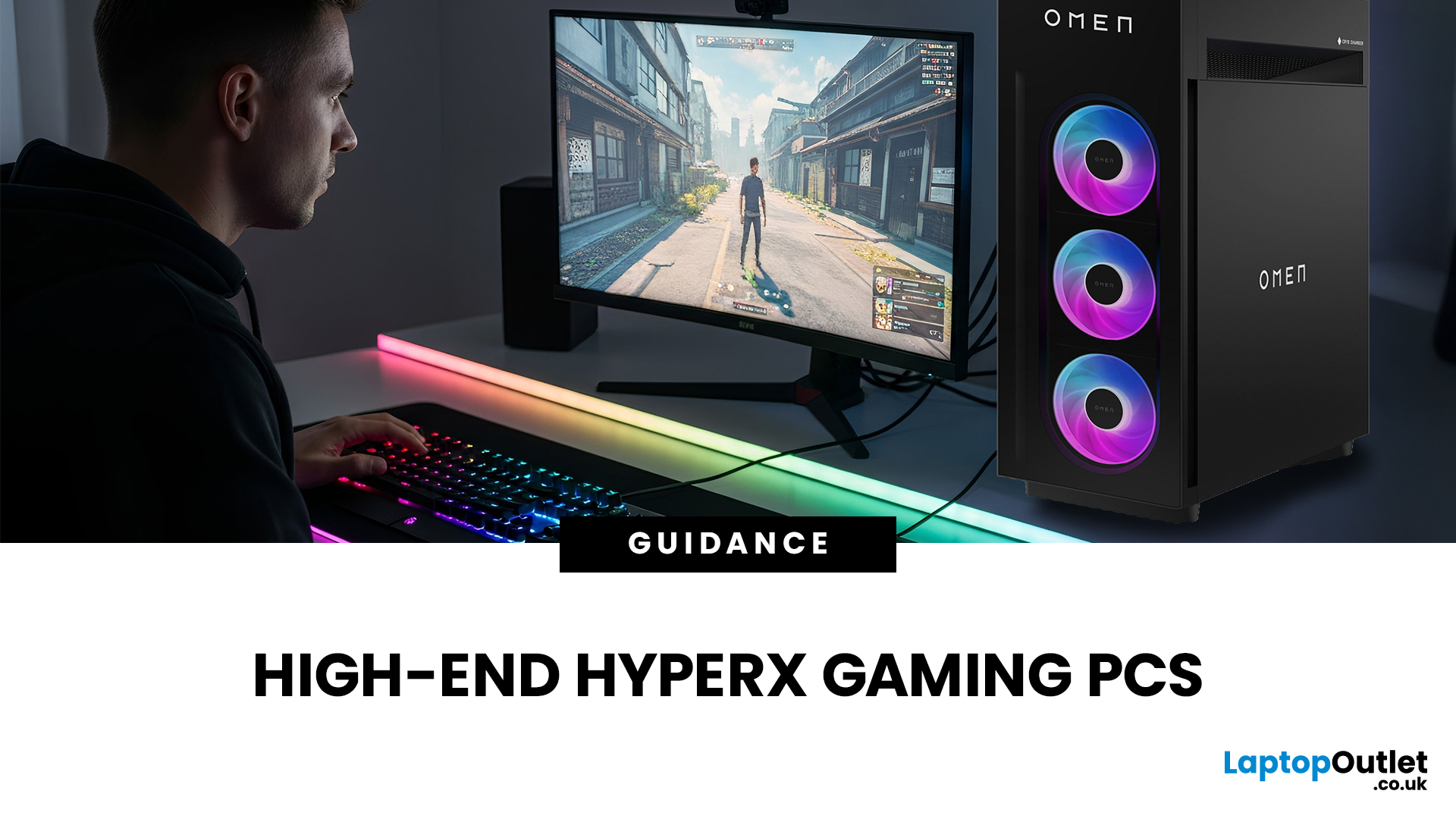
If you're looking to elevate your gaming experience in 2026, HyperX is one of the most exciting names to watch. Now operating under HP, HyperX is known for its premium gaming accessories and enthusiast-grade components, and it is now making a strong mark in the desktop PC space. This complete breakdown covers HyperX gaming PC specs, performance capabilities, and feature sets.
Best HyperX Gaming PCs in 2026: Top Picks
If you’re after powerful, prebuilt desktops that deliver high-end gaming performance and match or even surpass many systems often paired with HyperX accessories, it’s important to note that HyperX itself does not manufacture gaming PCs. Instead, HP, the parent company behind HyperX, produces some of the strongest desktop gaming machines on the market. Among them, the two HyperX OMEN towers below stand out. They offer top-tier specs, modern cooling solutions, and excellent upgrade potential.
OMEN 35L GT16-0034na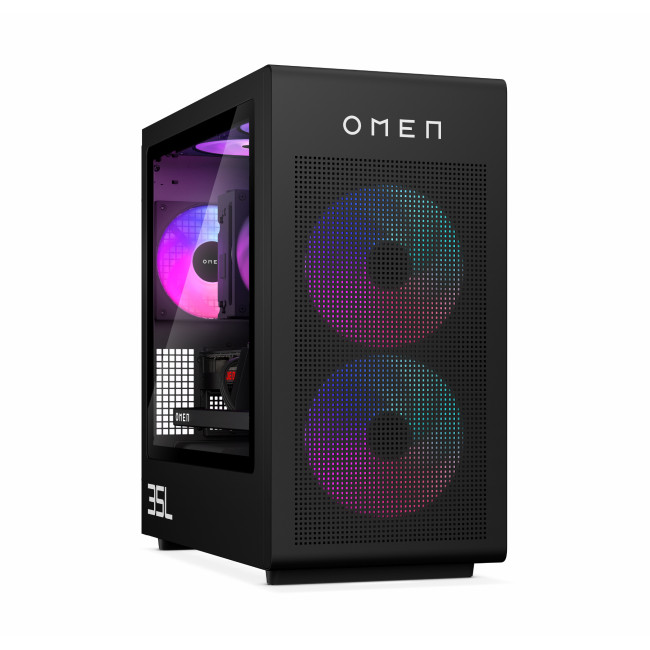
- CPU: Intel Core Ultra 7 265K (20-core)
- GPU: NVIDIA

Last Updated: June 10, 2026
Hades II has arrived, and it’s already proving itself as one of the most stylish, addictive, and fast-paced roguelikes of the year. Supergiant Games has taken everything players loved from the first title and given it more flair, more depth, more chaos, and far more visual punch. And with all that comes the question many players are quietly asking: what are the best gaming PCs and laptops for Hades II?
Whether you're upgrading your battlestation, grabbing a powerful yet portable gaming laptop, or hunting a cheap refurbished gaming laptop for Hades 2, this guide breaks down real, current system requirements, recommended modern hardware, and the best deals you can jump on right now.
Let’s dig in.
Why Gaming PCs and Laptops for Hades II Matters?
Although Hades II is beautifully optimised, it is still more demanding than the original game. More spell effects, more enemies on screen, more layered environments, higher-resolution assets and a broader range of animations mean your hardware needs

Last Updated: February 19, 2026
A new year is the perfect excuse to retire the sluggish desktop that wheezes when you open five tabs or the “gaming PC” that now struggles to hold stable FPS in modern titles. New Year desktop PC deals are one of the best windows to upgrade because prices tend to be sharper, stock gets refreshed, and you can often jump up a whole performance tier for less than you’d expect.
If you’re shopping from the UK, this is also the season where desktop PC New Year deals UK searches explode for a reason: people want a better PC for less, and they want it delivered quickly and safely. Laptop Outlet’s New Year event is built for that kind of upgrade run, tech across categories, limited-time promos, and a straightforward way to browse by what you actually need. You can start with huge savings in New Year tech sale while you compare options and decide your budget.
What counts as a “great deal” in 2026?
The best New Year desktop PC Deals don’t just mean “lowest price.” A great deal in 2026 is one where

Last Updated: January 27, 2026
Intel has remained a titan in the world of PC gaming for decades. Their processors power some of the most capable high-performance gaming desktops on the market today.
Recently, we have seen a massive shift in how these chips operate. The evolution from the classic Core i-series to the brand-new Ultra Core processors marks a new era. These advancements are not just about speed; they are redefining the entire gaming experience.
If you want a top-tier machine, understanding how Intel CPUs work in gaming desktops is essential.
The Role of a CPU in Gaming
The CPU acts as the brain of your computer. It handles every logic calculation and physics instruction required for your game.
CPU vs GPU: Understanding the Balance
The GPU handles the visuals and graphics rendering. Meanwhile, the CPU manages physics, logic, and artificial intelligence.
You need a strong balance between both components to avoid lag. If one is too slow, the other cannot perform at its full potential during intense sessions.
Last Updated: January 27, 2026
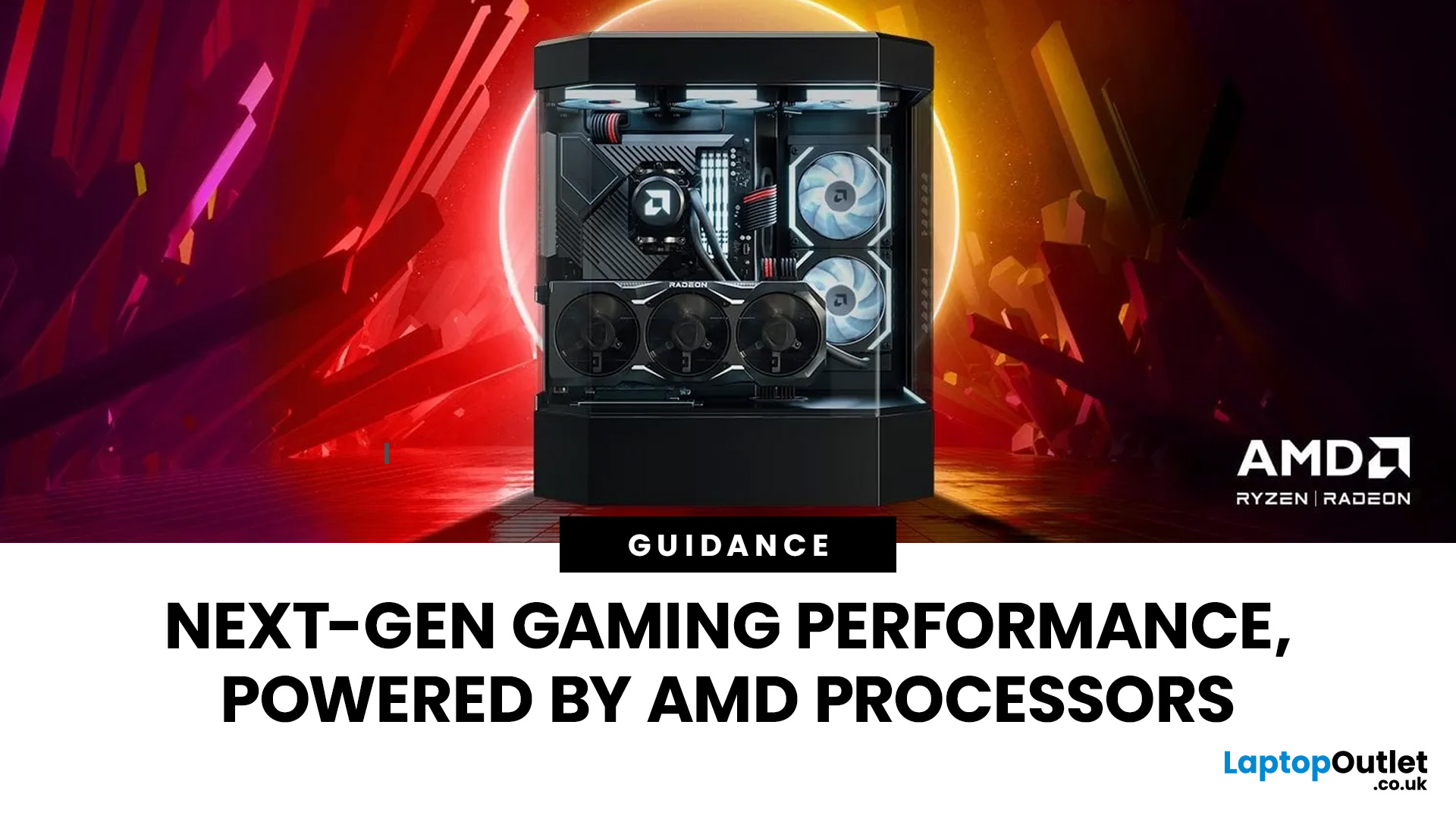
Over the past decade, AMD has transformed from an underdog in the CPU market to a dominant force in gaming PCs.
With its Ryzen series, AMD has consistently delivered processors that combine high performance, competitive pricing, and innovative features. For UK gamers, this has meant more choice, better value, and the ability to build powerful rigs without overspending.
In this guide, we’ll explore exactly how AMD processors work in gaming PCs, the key features that make them stand out, and the benefits they bring to gamers.
Understanding AMD Processors in Gaming PCs
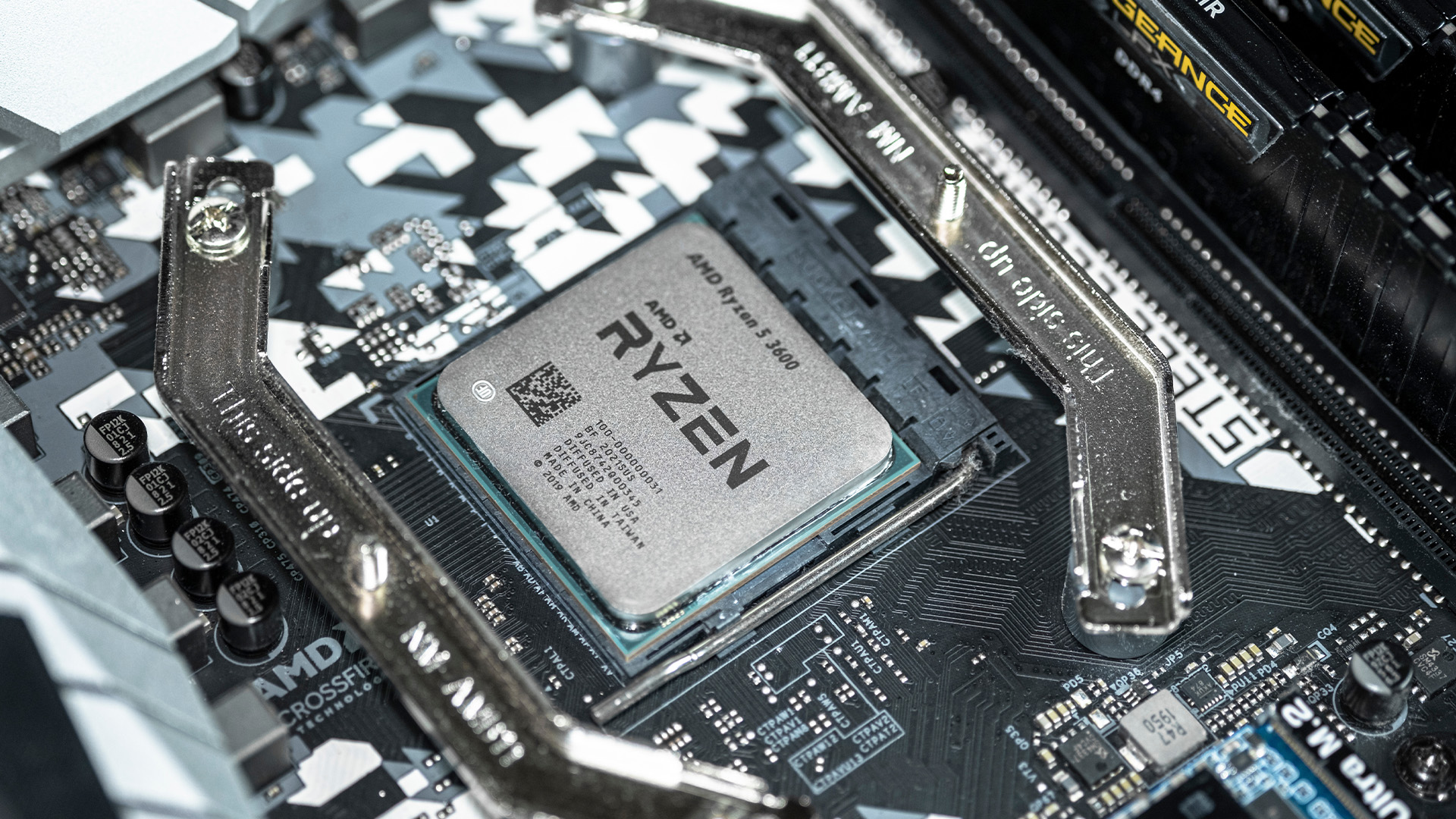
In any gaming setup, the Central Processing Unit (CPU) acts as the primary coordinator. It handles complex AI logic, processes game physics, and manages all background system tasks while your graphics card renders the visuals.
AMD has revolutionised this space by moving away from traditional "monolithic" chip designs where everything is on one piece of silicon. Instead, the modern AMD CPU architecture uses a modular

Last Updated: January 27, 2026
The world of PC gaming has changed forever thanks to a massive leap in graphics innovation. If you have looked at modern gaming desktop PCs recently, you have likely seen the term "RTX" everywhere.
But what is NVIDIA RTX technology exactly? It is not just a fancy label on a box. It represents a total shift in how your computer creates the images you see on screen.
By combining clever artificial intelligence with raw power, NVIDIA has made games look like Hollywood films while keeping them running smoothly.
Introduction to NVIDIA RTX Technology
NVIDIA RTX (Ray Tracing Texel eXtreme) is more than just a brand name. it is a high-end computing platform. It combines specialized hardware cores with advanced software to create lifelike visuals.
A Brief History of NVIDIA Graphics Cards
Before RTX, we had the GTX (Giga Texel Shader eXtreme) series. These cards were powerful, but they relied on "rasterisation." This is a method where a 3D scene is squashed into 2D pixels on your screen. It worked

Last Updated: January 27, 2026
Building or buying a high-end gaming PC is an exciting journey for any enthusiast. The market moves fast, and staying updated on the latest hardware is essential for the best experience.
In this gaming desktop PC breakdown, we will explore the core parts that make a machine powerful. We will look at the latest processors from AMD and Intel, the incredible graphics power of NVIDIA RTX and Radeon RX, alongside other core components.
Whether you want to play the newest AAA titles or compete in esports, understanding these parts is vital. Let us dive into the modern world of gaming PC technologies.
Understanding Gaming Desktop PCs
A gaming desktop PC is a high-performance computer designed specifically to handle demanding video games. Unlike standard PCs, these machines focus on graphical power and fast processing speeds. They use specialised parts that can handle high heat and heavy workloads.
While gaming laptops and consoles are popular, the desktop remains the "gold standard" for several
Last Updated: July 20, 2026
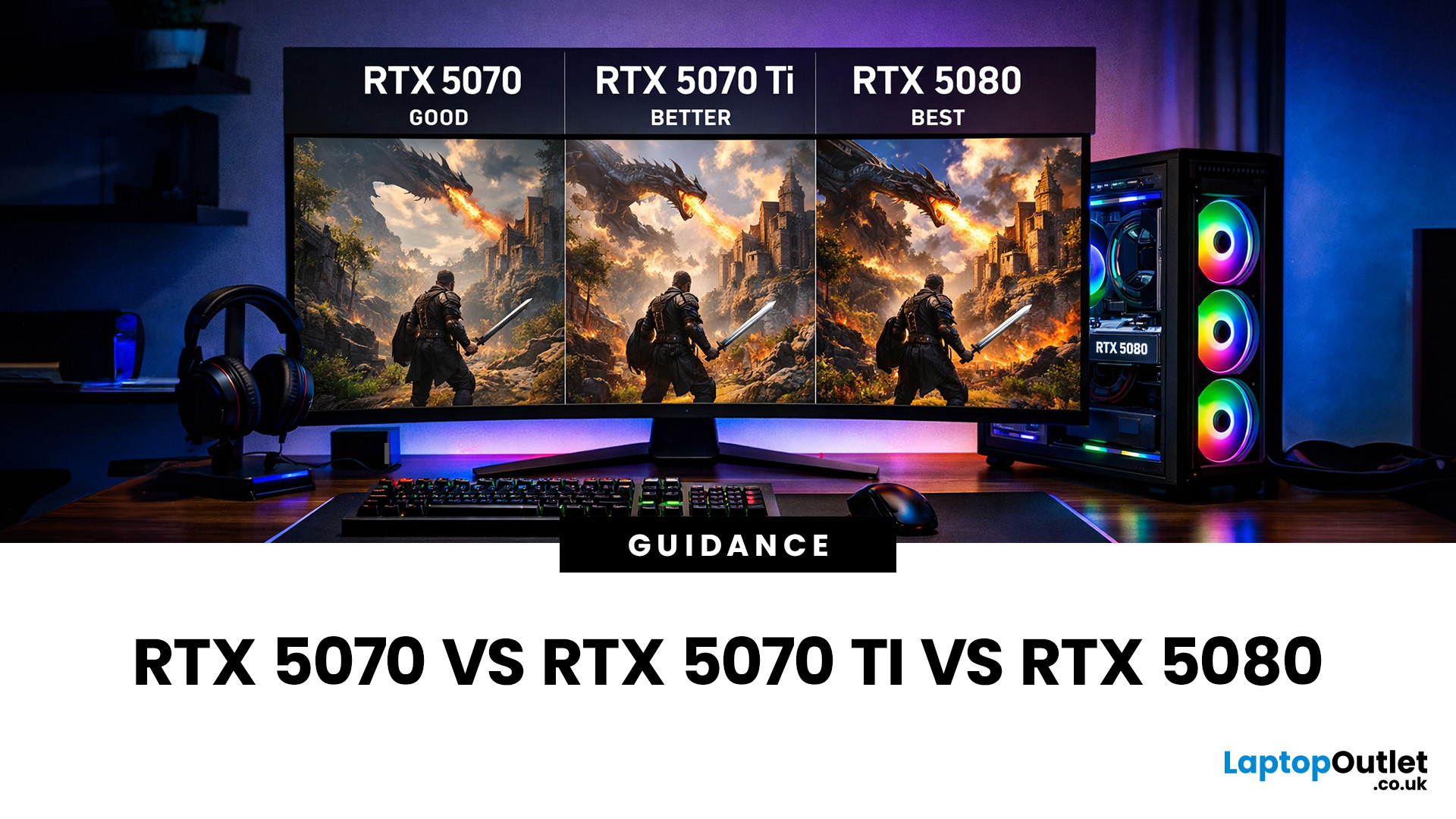
Choosing between an RTX 5070 and RTX 5080 gaming PC is one of the biggest decisions you may face when buying or upgrading a gaming desktop. Although both GPUs support NVIDIA’s latest gaming technologies, they are designed for different resolutions, performance targets, system budgets, and types of players.
In this RTX 5070 vs RTX 5080 comparison, we examine gaming performance, ray tracing, power requirements, system specifications, overall value and the right graphics card for you. We will also briefly explain where the RTX 5070 Ti fits for buyers who want more performance than the RTX 5070 without moving to a premium RTX 5080 gaming PC.
Whether you are considering an RTX 5070 prebuilt PC or planning a high-end custom desktop, this guide will help you understand the difference between RTX 5070 and 5080 gaming systems.
Understanding the RTX 50 Series Line-Up
NVIDIA’s RTX 50 series GPUs are designed to push performance further while improving efficiency and AI-powered features. Across the
Published: June 11, 2026
Choosing the right gaming desktop can be the difference between smooth, immersive gameplay and a system that struggles within a year. This gaming PC buying guide explains the key components that affect gaming performance, future-proofing, and value for money, so you can buy with confidence rather than guessing from confusing spec sheets.
A good gaming PC is not just about the most expensive graphics card. It is about balance. The CPU, GPU, RAM, storage, cooling, power supply, motherboard, and case all work together. Whether you play competitive esports, cinematic single-player titles, open-world RPGs, racing games or VR, understanding the right configuration helps you avoid overspending and choose a desktop that lasts.
This article is designed as a practical gaming PC specs guide for beginners, but it also includes up-to-date 2026 advice for buyers comparing modern RTX, Radeon, Intel, and AMD-powered systems.
Why Buy a Gaming Desktop PC?
A gaming desktop PC remains one of the best choices
Last Updated: June 15, 2026
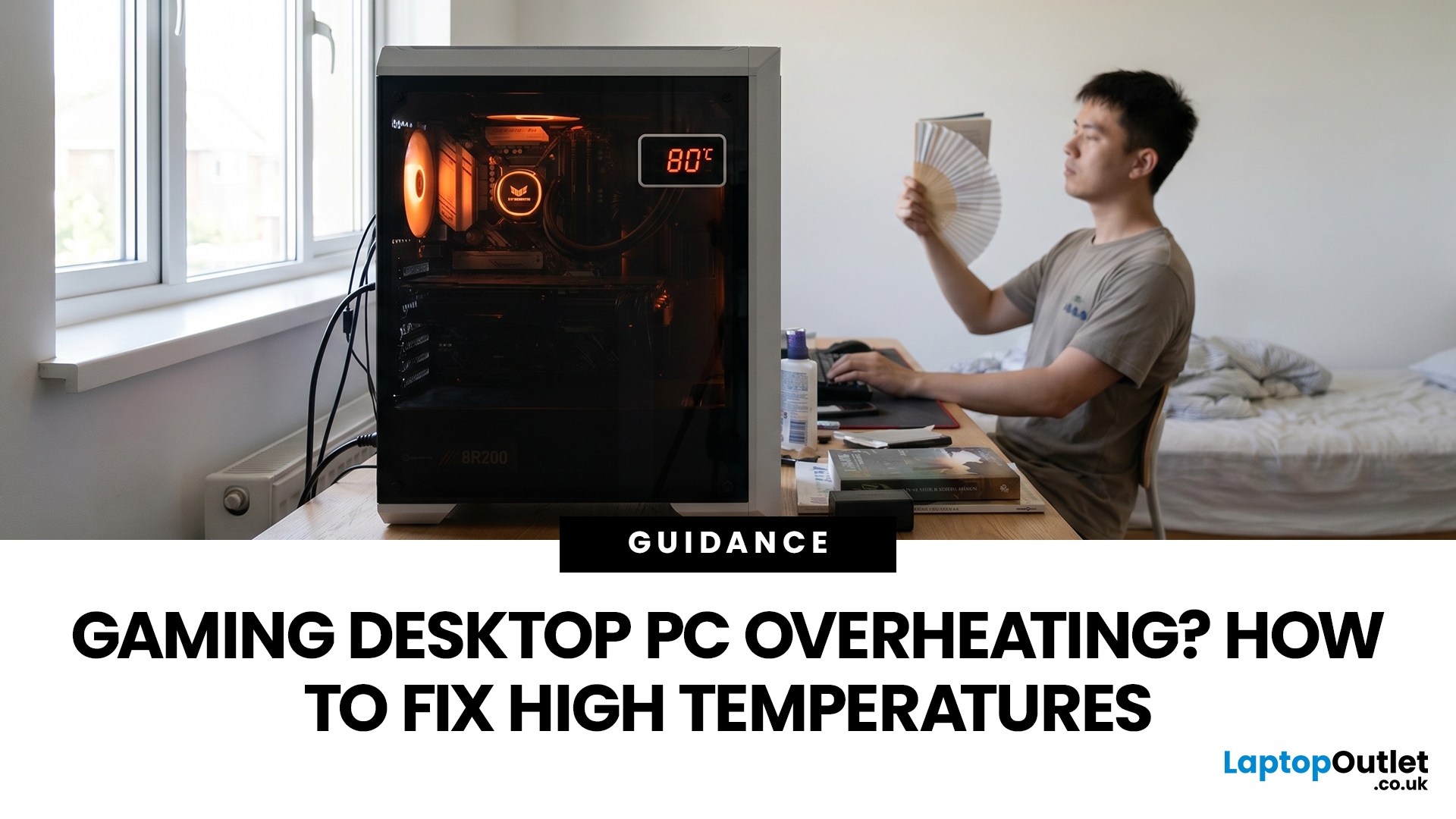
A gaming PC overheating usually comes down to one of five things: blocked airflow, dust build-up, weak cooling, aggressive game settings, or poor contact between the CPU/GPU and its cooler.
| Here is the fast version:
|
Gaming PC Overheating: What It Means and Why It Matters
You’re mid-match. Your FPS is smooth. Then suddenly, the game stutters, the fans sound like a jet engine, and your PC feels like it could toast bread.
That is not “just gaming PC life”.
A hot gaming desktop is normal. An overheating

