



BenQ Productivity Monitors: 4K, Ultrawide & Programming Monitors for Multitasking and Coding
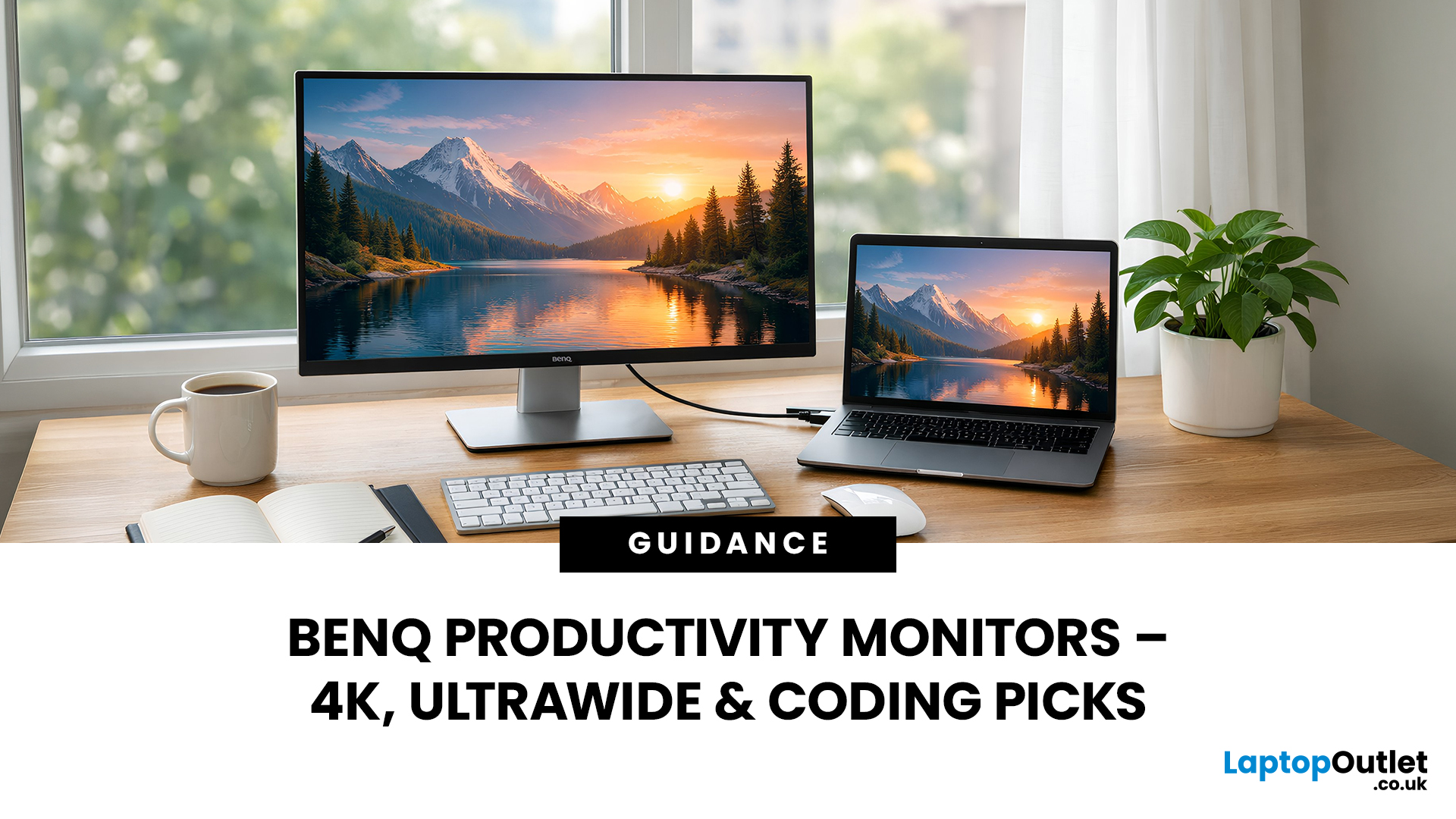
When you spend hours each day working across spreadsheets, dashboards, documents, or lines of code, your monitor becomes more than just a screen. It becomes the centre of your workflow. The right display can make work feel smoother, reduce fatigue, and help you stay focused for longer.
That’s exactly where BenQ productivity monitors stand out. Designed with knowledge workers, developers, and multitaskers in mind, BenQ offers a range of displays built for modern professional demands. Whether you need pixel-perfect clarity, extra-wide space for multiple apps, or coding-specific features, there’s a BenQ option tailored to the way you work.
Why Productivity-Focused Monitors Matter for Knowledge Work
A standard office monitor can get the job done, but knowledge work has evolved. Today’s workflows often involve multiple applications running side by side, detailed content review, long hours of screen time, and constant context switching. That’s why choosing the right monitor is no longer just about size. Productivity displays a need to support:
- Clear readability for text-heavy tasks
- Enough screen space for multitasking
- Comfort features for extended sessions
- Ergonomic adjustability
- Accurate colour and sharp detail
With BenQ productivity monitors, the focus is on building displays that actively improve the working experience rather than simply showing content. For professionals working in coding, finance, design, research, or business operations, the benefits of a productivity-first monitor are immediate. You can keep more windows visible, reduce the need for constant scrolling, and maintain better posture throughout the day.
BenQ Programming Monitors (RD Series) for Developers
Developers and engineers often have very specific monitor needs. Coding isn’t visually demanding in the same way as video editing, but it is mentally demanding, and readability is everything.
That’s where BenQ Programming monitors come in.
BenQ’s RD series is built specifically for programming workflows, with features designed around code clarity, comfort, and focus. Unlike standard office screens, these monitors prioritise text contrast, anti-glare performance, and developer-friendly aspect ratios.
Why programming monitors are different
Coding sessions often last for hours. A developer may spend an entire day switching between IDEs, documentation, terminals, and browser tools. A monitor that reduces strain and improves text rendering can make a noticeable difference.
Key advantages include:
- Better text sharpness and contrast
- Reduced reflections in bright environments
- Screen modes designed for code readability
- Ergonomic flexibility for long sessions
4K BenQ Productivity Monitors for Multitasking and Detail
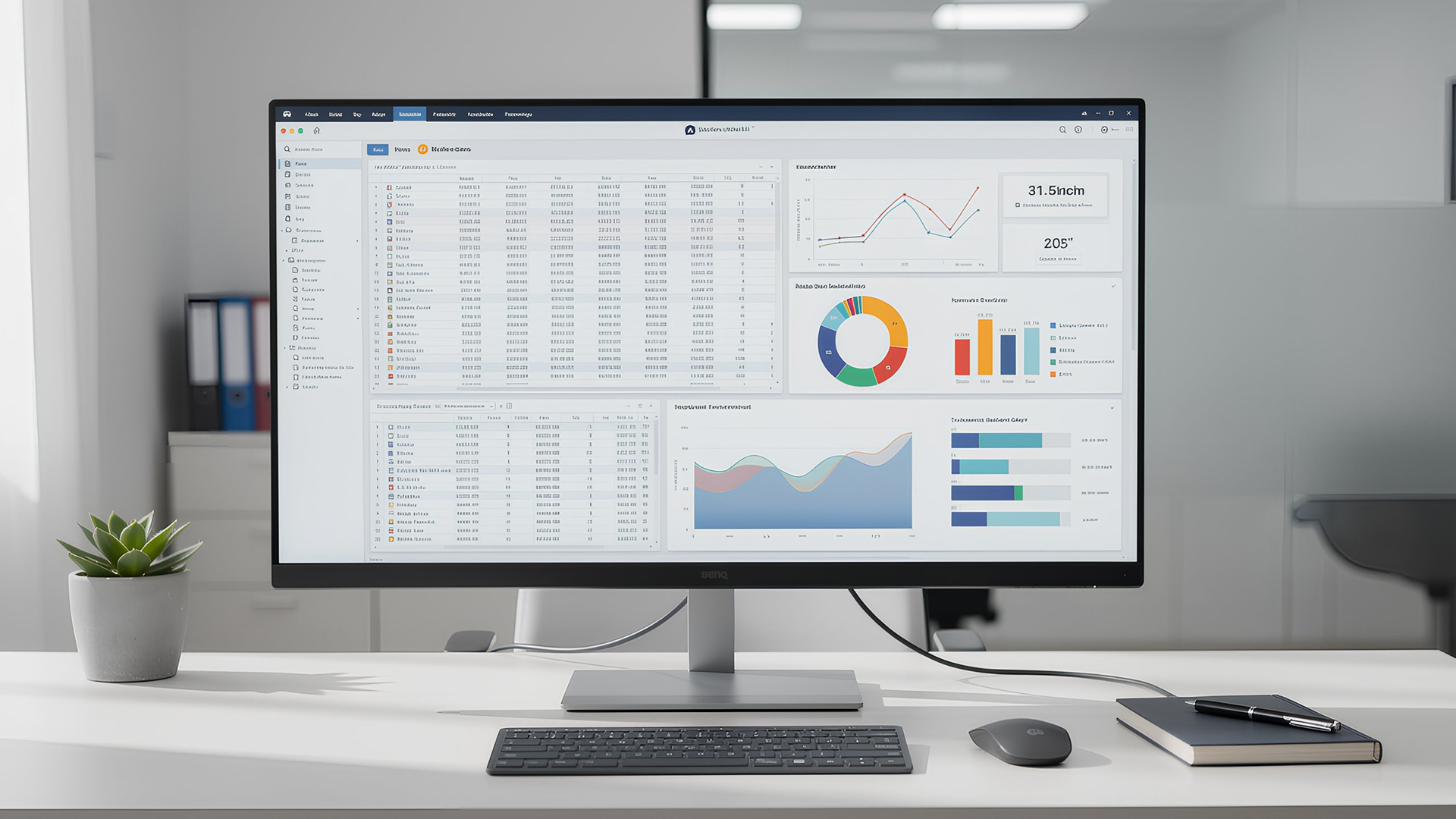
For many professionals, resolution matters just as much as size. Higher resolution means more workspace, sharper text, and clearer visuals, especially when you’re handling complex data or multiple windows. A BenQ 4K monitor for work can be a major upgrade for productivity.
What does 4K add to your workflow?
4K resolution provides roughly four times the pixel count of Full HD. With a 4K display, you can comfortably run multiple applications side by side without sacrificing readability. That translates into:
- More usable screen real estate
- Sharper fonts and cleaner UI elements
- Improved detail for data-heavy tasks
- Better clarity when zooming out on spreadsheets or timelines
Best use cases for 4K productivity monitors
4K BenQ monitors are particularly useful for:
- Analysts working in large spreadsheets
- Professionals using dashboards and reporting tools
- Office multitaskers managing email, documents, and calls
- Creators who need sharp detail without stepping up to full studio-level displays
BenQ’s professional range includes BenQ 4K productivity monitors designed for long-term comfort, not just high resolution. If your workday involves fine detail and heavy multitasking, a 4K display can reduce friction and improve focus.
BenQ Options for Widescreen and Ultrawide Workflows
Not everyone wants more pixels. Some people want more width. Ultrawide monitors have become increasingly popular for productivity because they allow you to spread out your workspace naturally, without relying on multiple screens. BenQ offers several strong options in the widescreen space, including BenQ ultrawide productivity monitors built for modern multitasking.
Why ultrawide can be better than dual monitors
An ultrawide monitor gives you a continuous workspace with no bezel gap in the middle. Instead of turning your head between two displays, you can keep everything within one smooth visual field. That’s useful for:
- Timeline-based work
- Wide spreadsheets
- Side-by-side coding and testing
- Multiple browser windows open at once
Ideal workflows for ultrawide productivity
Ultrawide monitors are especially popular among:
- Developers running IDE + terminal + documentation
- Project managers tracking multiple tools at once
- Finance professionals working across wide datasets
- Hybrid workers who want a clean desk setup
Choosing between widescreen and dual-screen setups depends on your work style, but BenQ’s ultrawide productivity line is built to make multitasking feel seamless. Many buyers find it helpful to compare productivity and gaming displays side by side, so our guide to BenQ gaming monitors for console vs PC is a great next read if you want a monitor that can do both.
Eye-Care & Ergonomics During Long Coding Sessions
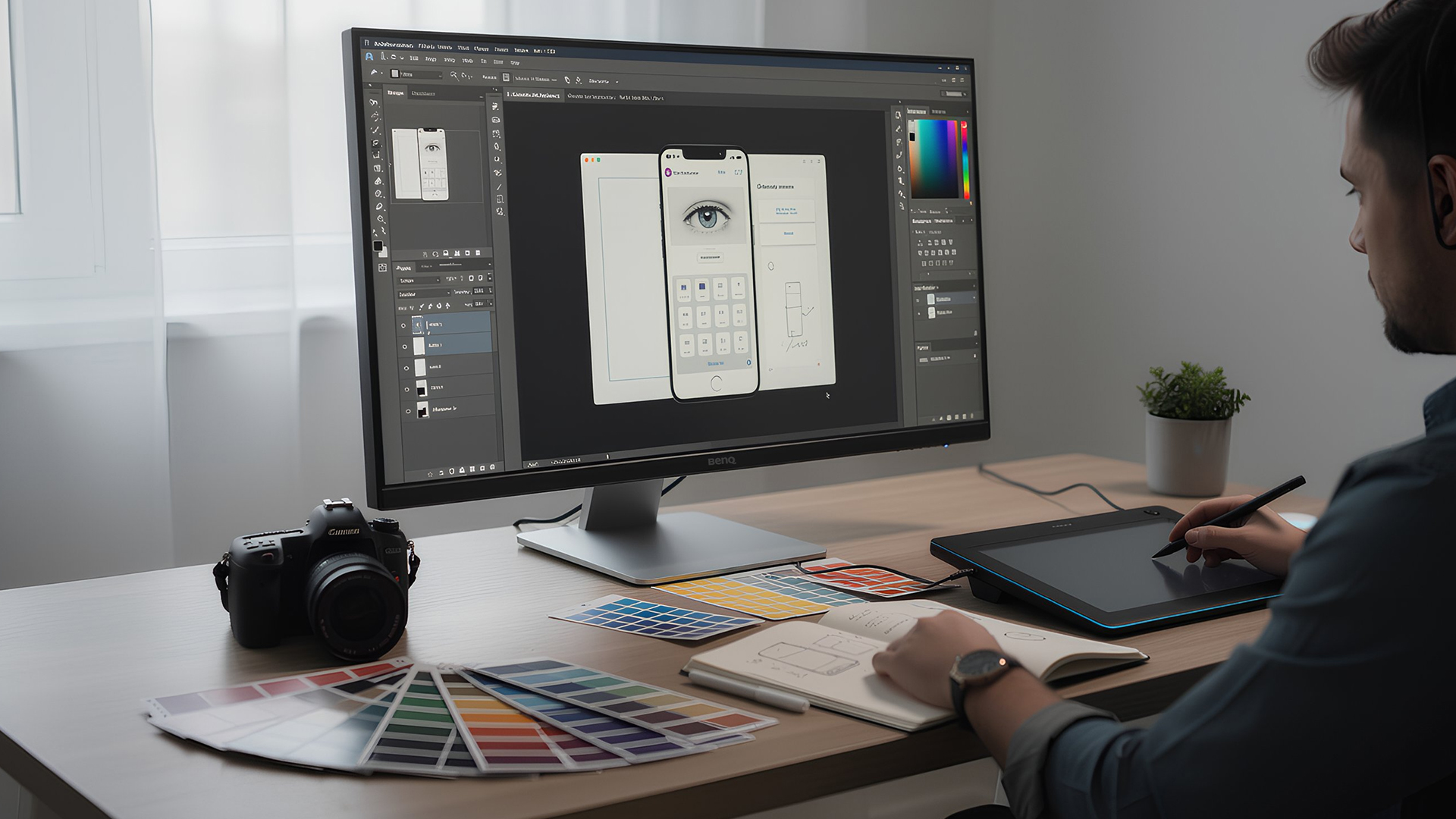
Even the best workflow falls apart if your screen leaves you tired, strained, or uncomfortable. That’s why BenQ places a strong emphasis on eye-care technology and ergonomic design across its productivity range. If you work long hours at a desk, these features matter more than most people realise.
Eye-care features that support comfort
Many BenQ productivity monitors include built-in technologies such as:
- Low Blue Light modes to reduce harsh colour output
- Flicker-Free backlighting for smoother viewing
- Brightness Intelligence to adapt screen brightness automatically
- Anti-glare coatings to minimise reflections
These features are particularly useful for developers, writers, and analysts who spend extended periods reading text on screen. If you’re also interested in reducing eye strain during long workdays, our guide to BenQ Eye-Care monitors breaks down the comfort features that make a real difference for coding and office use.
Ergonomics for better posture and focus
BenQ productivity models also tend to offer strong ergonomic adjustability, including:
- Height adjustment
- Tilt and swivel control
- Pivot rotation for vertical coding layouts
When paired with a proper chair and desk setup, monitor ergonomics can help reduce neck strain and improve overall comfort. For anyone investing in BenQ monitors for coding, eye-care and posture support are just as important as resolution or size.
Recommended Models Available at Laptop Outlet
BenQ MA270UP – 27"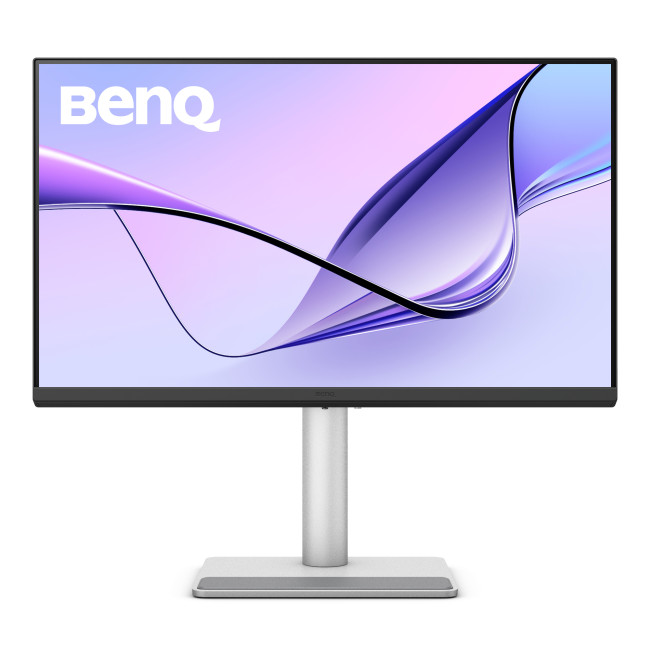
Key Specifications
- Screen size: 27 inches
- Resolution: UHD 4K (3840 × 2160)
- Panel type: IPS (In-Plane Switching)
- Refresh rate: 60 Hz
- Aspect ratio: 16:9
- Colour support: Wide-gamut colour accuracy (Nano Gloss enhances clarity)
- Ports: USB-C with power delivery, HDMI, DisplayPort, USB hub
- Ergonomics: Height adjustable stand, tilt/swivel
- Built-in features: Low Blue Light, Flicker-Free tech
Standout Features
- USB-C Connection: One-cable solution for video, data and up to 65W charging, perfect for MacBook and USB-C laptops.
- Nano Gloss Display: Provides excellent clarity and reduced glare compared to standard matte panels, making text and UI elements pop.
- Professional Colour Support: Great for office productivity, presentations, and detailed content without noticeable colour shifts.
- Comfort-First Design: Ergonomic stand and eye-care tech help reduce fatigue during long work sessions.
Best Use Cases
- Remote and hybrid workers who need crisp, high-resolution screens for multitasking and video calls.
- MacBook users appreciating a single USB-C dock-like connection for display, charging and peripherals.
- Professionals handling documents, spreadsheets, dashboards or data analysis, the 4K resolution gives more workspace and sharper text.
- Office multitasking setups where both clarity and comfort matter throughout the day.
For shoppers looking for value-focused options, you may also want to explore our roundup of the best budget BenQ 27-Inch monitors, featuring affordable models that still deliver excellent everyday performance.
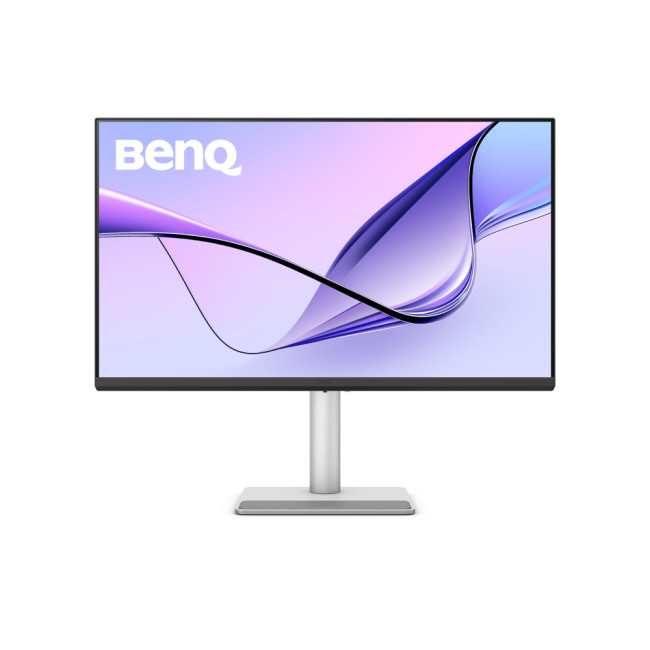
BenQ MA320U 80 – 31.5"
Key Specifications
- Screen size: 31.5 inches
- Resolution: UHD 4K (3840 × 2160)
- Panel type: IPS
- Refresh rate: 60 Hz
- Aspect ratio: 16:9
- Colour accuracy: Factory calibrated for precise colour
- Ports: HDMI ×2, DisplayPort ×1, USB hub (Type-A)
- Stand adjustability: Tilt, height, pivot
Standout Features
- Large 31.5" Workspace: More physical screen area means generous space for side-by-side windows, dashboards, or reference materials.
- True 4K Detail: Stay productive with sharp text and clean visuals, especially handy for data-rich tasks.
- IPS Panel Wide Viewing Angles: Colour and clarity stay consistent even when viewing from an angle, useful when collaborating or mentoring colleagues.
- Balanced Connectivity: Standard ports work with most laptops and desktops without dongles.
Best Use Cases
- Finance and data professionals who need to display multiple spreadsheets or dashboards at once.
- Multitaskers who benefit from a larger screen without stepping into ultrawide territory.
- Office environments where a larger screen can replace dual monitors for streamlined workflow.
- Reviewing documents, presentations, and detailed reports where extra screen real estate makes work smoother.
BenQ GW2791 – 27"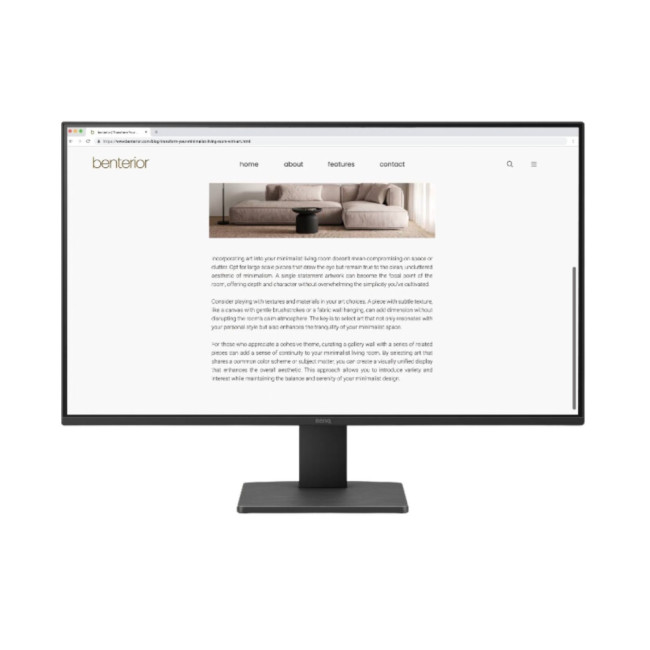
Key Specifications
- Screen size: 27 inches
- Resolution: Full HD (1920 × 1080)
- Panel type: IPS (In-Plane Switching)
- Refresh rate: 100 Hz
- Response time: 5 ms
- Ports: HDMI ×2, DisplayPort ×1 (USB-C not included)
- Eye-Care tech: Low Blue Light, Flicker-Free
- Stand: Tilt adjustment
Standout Features
- Smooth 100Hz Refresh: A higher refresh rate than typical office monitors, great for everyday work, learning, and casual video.
- IPS Panel: Offers wide viewing angles and consistent colour whether you’re centred or sharing the screen.
- Eye-Care Technology: Includes BenQ Eye-Care staples like Low Blue Light and Flicker-Free backlighting to reduce strain during long sessions.
- Slim Bezels: Minimal distractions and a cleaner multi-monitor setup.
Best Use Cases
- Home office workers who want a comfortable, easy-to-view screen for documents, video calls, and web tasks.
- Students and casual users who value smooth motion for media and everyday browsing.
- Budget-minded buyers looking for a solid 27″ display that’s easy on the eyes without breaking the bank.
BenQ PD2725U – 27"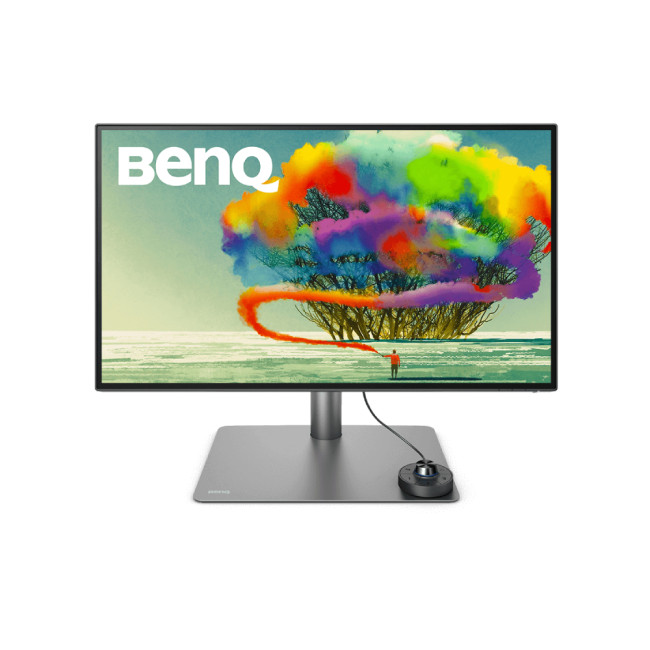
Key Specifications
- Screen size: 27 inches
- Resolution: 4K Ultra HD (3840 × 2160)
- Panel type: IPS LED
- Refresh rate: 60 Hz
- Colour support: High colour accuracy (often >99% coverage of sRGB and Display P3)
- Ports: USB-C with power delivery, HDMI, DisplayPort, USB hub
- Ergonomics: Height, tilt, swivel, pivot adjustments
Standout Features
- True 4K Detail: Huge pixel count for sharp text, refined visuals, and maximum workspace, ideal for complex documents and design workflows.
- High-Accuracy Colour: Great for creative professionals who need reliable colour reproduction alongside productivity work.
- USB-C Docking: One cable handles display, data, and charging — neat and efficient for modern laptops.
- Flexible Ergonomics: Fine-tune your setup for comfort whether you’re coding, editing, or presenting.
Best Use Cases
- Creative professionals who juggle design tools, colour-critical work, and general productivity.
- Hybrid workers who use laptops and want a powerful external display with USB-C convenience.
- Advanced multitaskers who benefit from 4K’s extra screen real estate for spreadsheets, dashboards, and documents.
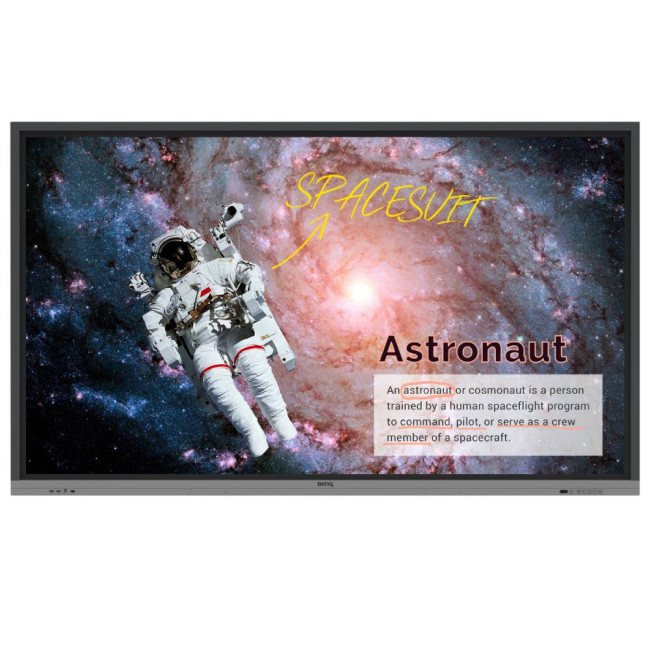
Refurbished BenQ Education RE8601
Key Specifications
- Screen size: 86 inches
- Resolution: 4K Ultra HD (3840 × 2160)
- Touch technology: Interactive multi-touch panel
- Connectivity: HDMI, USB, wireless casting support
- Built-in speakers: Yes
- Mount: Wall or stand compatible
Standout Features
- Massive Interactive Display: An 86″ 4K screen built to replace projectors — perfect for classrooms, meeting rooms, and collaborative spaces.
- Touch-Enabled: Intuitive touch control lets users annotate, interact with content, and engage students or teams.
- Refurbished Value: Offers premium performance at a lower cost while maintaining quality and functionality.
- Wireless Casting Support: Easy screen sharing from laptops, tablets, or mobile devices.
Best Use Cases
- Educational environments, from primary schools to universities, where interactive lessons boost engagement.
- Conference rooms and huddle spaces for dynamic collaborative work and presentations.
- Hybrid learning and meetings that need a central, easy-to-interact display accessible to all participants.
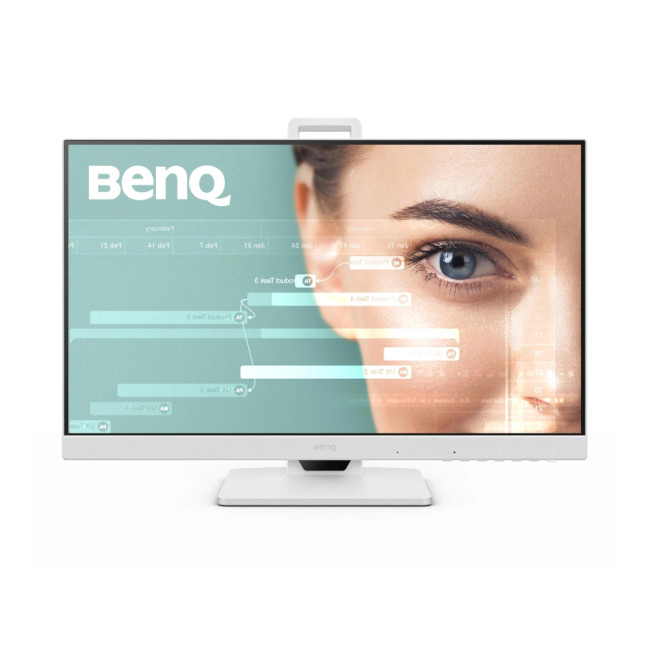
BenQ GW2486TC – 23.8"
Key Specifications
- Screen size: 23.8 inches
- Resolution: Full HD (1920 × 1080)
- Panel type: IPS
- Refresh rate: 100 Hz
- Ports: USB-C with power delivery, HDMI, DisplayPort, USB hub
- Eye-Care tech: Low Blue Light, Flicker-Free
- Stand: Height, tilt and swivel adjustable
Standout Features
- USB-C Convenience: One-cable connection for display, power, and peripherals, perfect for laptop-based setups.
- Smooth Motion: Enhanced 100Hz refresh for fluid scrolling and video playback in everyday tasks.
- Compact Productivity: A great balance of form-factor, performance and comfort for smaller desks.
- Eye-Care Ready: Built-in comfort tech to support longer work or study sessions.
Best Use Cases
- Home office users prioritising a clean, uncluttered workspace with USB-C simplicity.
- Students or remote workers who need a capable general-purpose screen without stepping up to 4K.
- Casual content consumers and office workflows that benefit from smooth visuals and strong connectivity.
Choosing Between Programming, Office, and Creator BenQ Lines
BenQ’s monitor range is broad, and choosing the right one depends on what kind of work you do most. Let’s break down the key differences.
Programming monitors (RD series)
Best for:
- Developers
- Engineers
- Text-heavy workflows
- Long coding sessions
Office productivity monitors
These are the classic BenQ productivity monitors aimed at broad workplace needs. Best for:
- General business use
- Remote work setups
- Multitasking across documents and email
- Daily professional tasks
Creator and design-focused monitors
These displays focus more on colour accuracy and creative performance, though many still work well for general productivity. Best for:
- Content creators
- Photographers
- Video editors
- Colour-sensitive work
Explore our full guide to BenQ monitors for creators to see which models are built specifically for creative precision.
How to decide
Ask yourself:
- Do I spend most of my day coding or reading text?
- Do I need maximum resolution or maximum width?
- Do I work with colour-critical content?
- Am I trying to reduce eye strain and improve comfort?
Once you know your priorities, choosing between BenQ Programming monitors, 4K productivity displays, or ultrawide setups becomes much easier. To get a broader understanding of BenQ’s full monitor range, including how each series is designed for different users, take a look at BenQ Monitors explained in our article.

Find the Right BenQ Monitor for the Way You Work
Choosing the right monitor isn’t just about screen size or resolution, it’s about how you work, what you create, and how long you spend in front of your screen each day. BenQ’s focus on eye-care technology, smart connectivity, and practical ergonomics means you’re not just upgrading your display, you’re upgrading your entire work experience. Explore the full range at Laptop Outlet and choose a monitor that supports your productivity today and scales with your needs tomorrow.

Quick Answers to Common Questions
What makes BenQ Programming monitors different from standard office models?
BenQ Programming monitors are built specifically for developers, with features that enhance code readability, reduce glare, and support long sessions of text-focused work. They often include specialised display modes and ergonomics that standard office monitors don’t prioritise.
Is a 4K BenQ monitor better than QHD for coding and data work?
A BenQ 4K monitor for work can be better if you want maximum screen space and sharper text. It’s especially useful for large spreadsheets, dashboards, and multitasking. However, QHD can still be an excellent choice for coding if you prefer slightly larger UI scaling and lower GPU demands.
Should developers use an ultrawide BenQ monitor or two standard screens?
It depends on the workflow. BenQ ultrawide productivity monitors offer a seamless single workspace, ideal for side-by-side coding and documentation. Dual monitors can provide more separation between tasks. Ultrawide is often preferred for cleaner setups and continuous viewing.
How do Eye-Care features help during long programming sessions?
Eye-care technologies like Low Blue Light and Flicker-Free backlighting reduce visual fatigue during extended screen time. For developers using BenQ monitors for coding, these features can improve comfort, focus, and long-term usability.
Can a BenQ productivity monitor also handle light gaming?
Yes, many BenQ productivity monitors can handle casual or light gaming, especially those with good refresh rates and response times. While they aren’t designed as dedicated gaming monitors, they are versatile enough for after-hours entertainment alongside professional use.
Related Articles

Last Updated: August 12, 2026
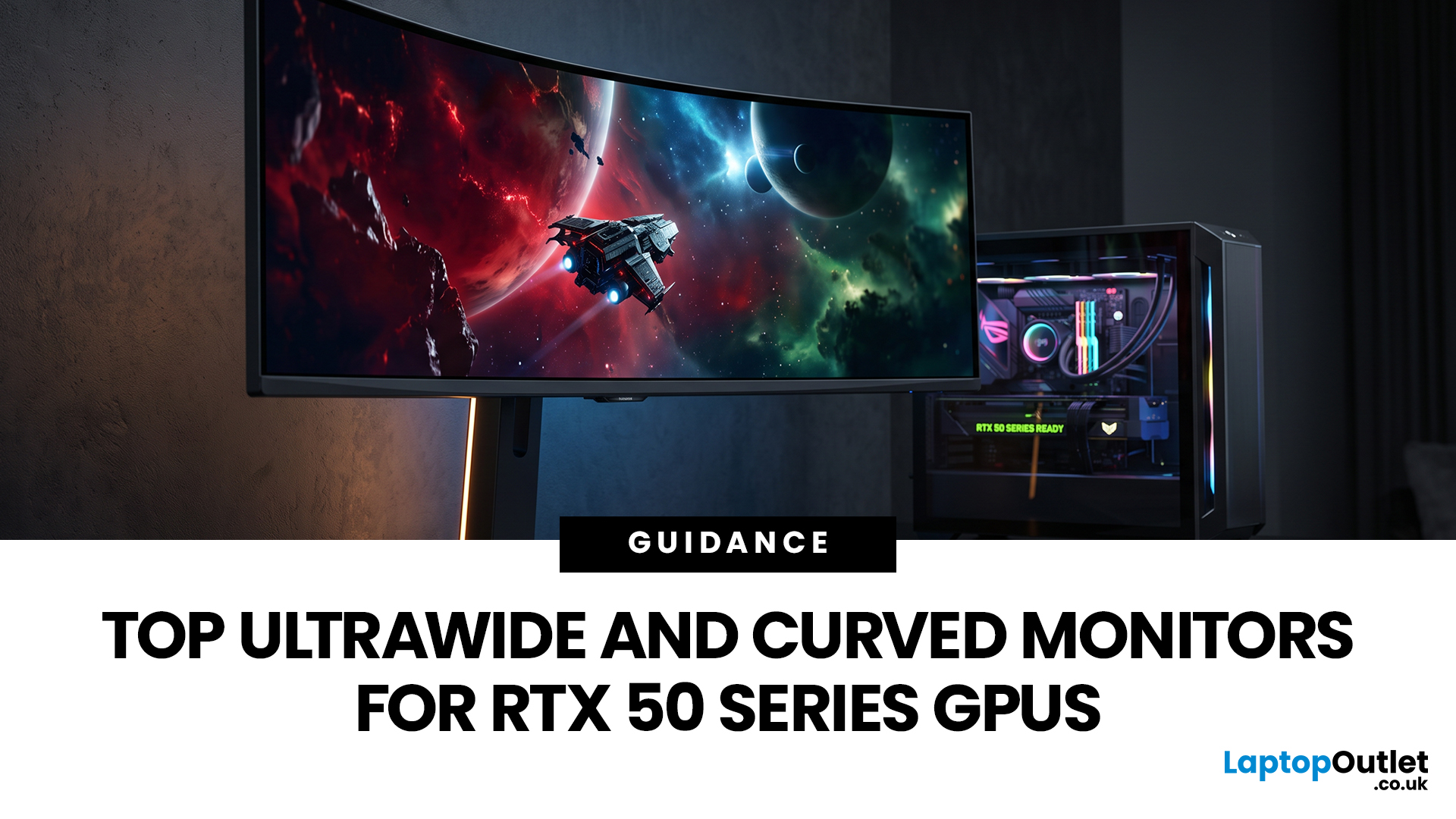
Picking a monitor for an RTX 50 Series GPU isn’t just about chasing the highest refresh rate, it’s about getting the right vibe for your setup. Think resolution, panel type and aspect ratio that actually match how you game, how powerful your RTX 5080 or RTX 5070 Ti is, and how much space you’ve got on your desk.
If you’re on an RTX 5080, a massive 49-inch 5120 × 1440 ultrawide hits different for immersive racing, sim and open-world gameplay. The RTX 5070 Ti feels right at home on a 34-inch 3440 × 1440 ultrawide, while a compact QHD curved monitor is perfect if you want smooth, high-refresh gaming on a budget.
Quick Comparison
| Best For | Monitor | Screen and Resolution | Refresh Rate | Panel | Main Strength | Consider Before Buying |
| RTX 5080 | Philips Evnia 49M2C8900 | 48.9-inch, 5120 × 1440, 32:9 | 240Hz | QD-OLED | Maximum immersion with OLED picture quality | Requires substantial desk space and strong GPU performance |
| RTX 5070 Ti | AOC G4 CU34G4Z | 34-inch, 3440 × 1440, 21:9 | 240Hz | Fast VA | Strong balance of speed, |
Last Updated: September 01, 2026
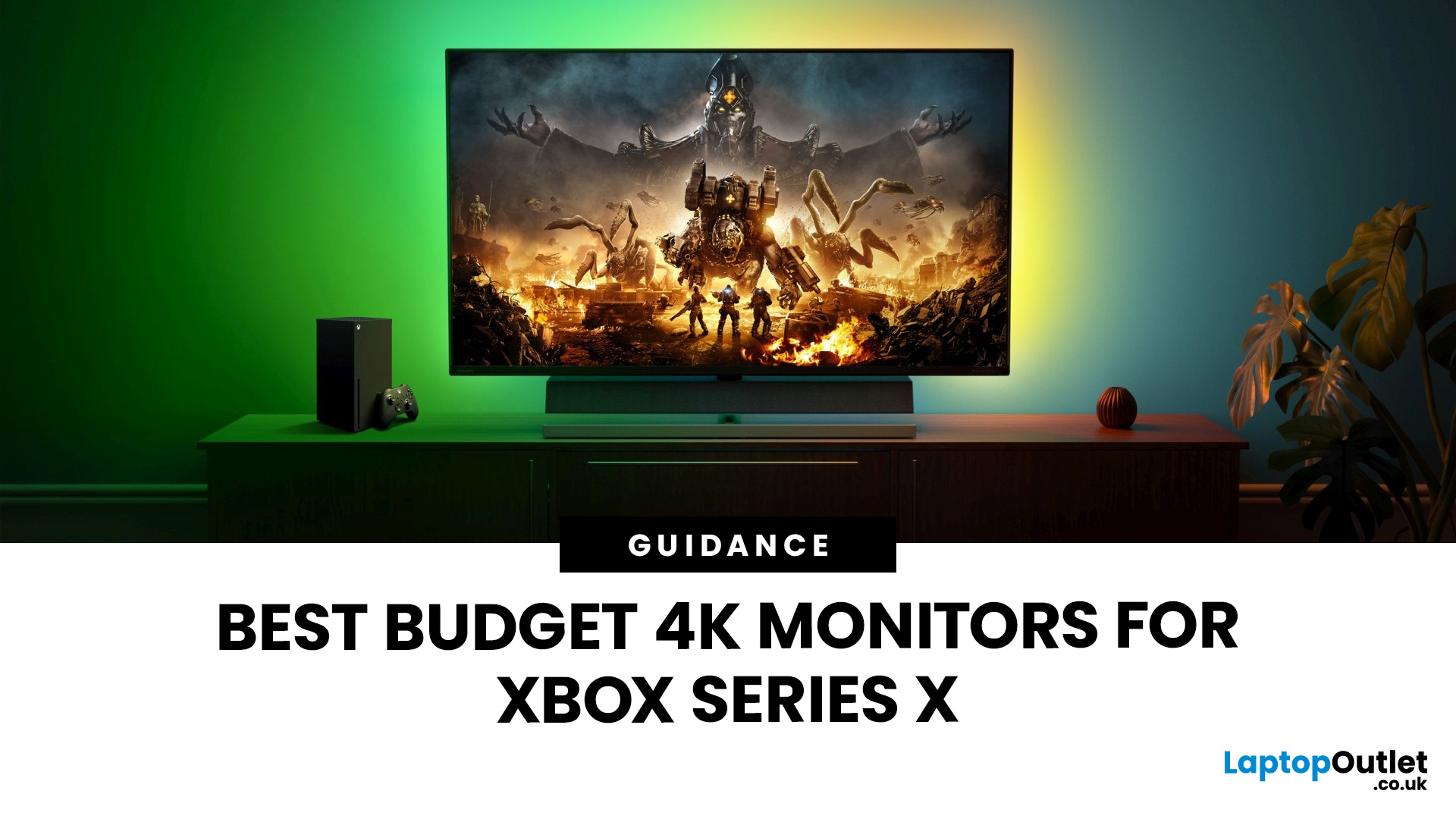
If you're looking to unlock true next-gen performance on your Xbox Series X without stretching your budget, you’re in the right place. The console is capable of extraordinary visuals, which includes from razor-sharp 4K resolution and buttery-smooth 120Hz gameplay to HDR brilliance and ultra-low latency. But to experience these features properly, you need the right display. That’s why we’ve curated a detailed guide to the best budget-friendly 4K monitors for Xbox Series X, helping you choose a display that enhances every moment of your gaming while keeping your wallet happy.
Why a 4K Monitor is Ideal for Xbox Series X
The Xbox Series X was built for 4K gaming. While you can play on lower resolutions, a monitor that fully supports the console’s capabilities will significantly improve your experience. Here’s why a 4K monitor for next-gen consoles is the perfect match:
True 4K Resolution
With a 4K monitor, you get four times the pixel density of 1080p, giving you:
- Sharper textures
- Improved

Last Updated: August 28, 2026
Gaming has changed forever. If you are still using an old LCD screen, you are missing out on the best visuals possible. In 2026, the best OLED gaming monitors have become the gold standard for every serious player. Whether you want a competitive edge in shooters or deep immersion in RPGs, OLED is the answer.
But why is everyone switching? It comes down to speed and colour. OLED panels offer near-instant response times. They also provide "true blacks" that no other screen can match. In this guide, we will look at the top OLED gaming screens available. We will also explain what to look for so you can find the perfect match for your PC or console.
1. AOC Gaming Q27G41ZDF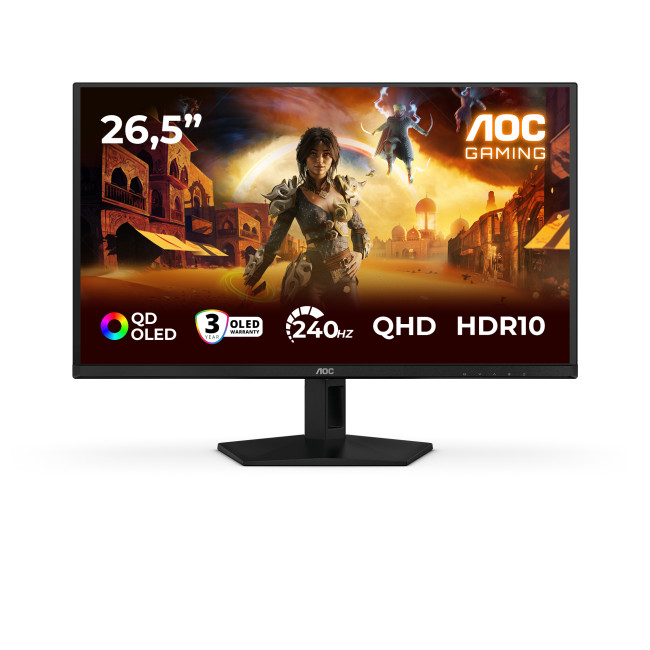
Key Specifications:
- Screen Size: 26.5-inch
- Panel Type: QD OLED
- Resolution: 2560 x 1440 (QHD)
- Refresh Rate: 240Hz
- Response Time: 0.03ms
- Aspect Ratio: 16:9
- Screen Shape: Flat
- Sync Technology: G-SYNC Compatible, Adaptive Sync
- Low Blue Light Technology: Yes
- HDR Standards: HDR10
Last Updated: August 28, 2026
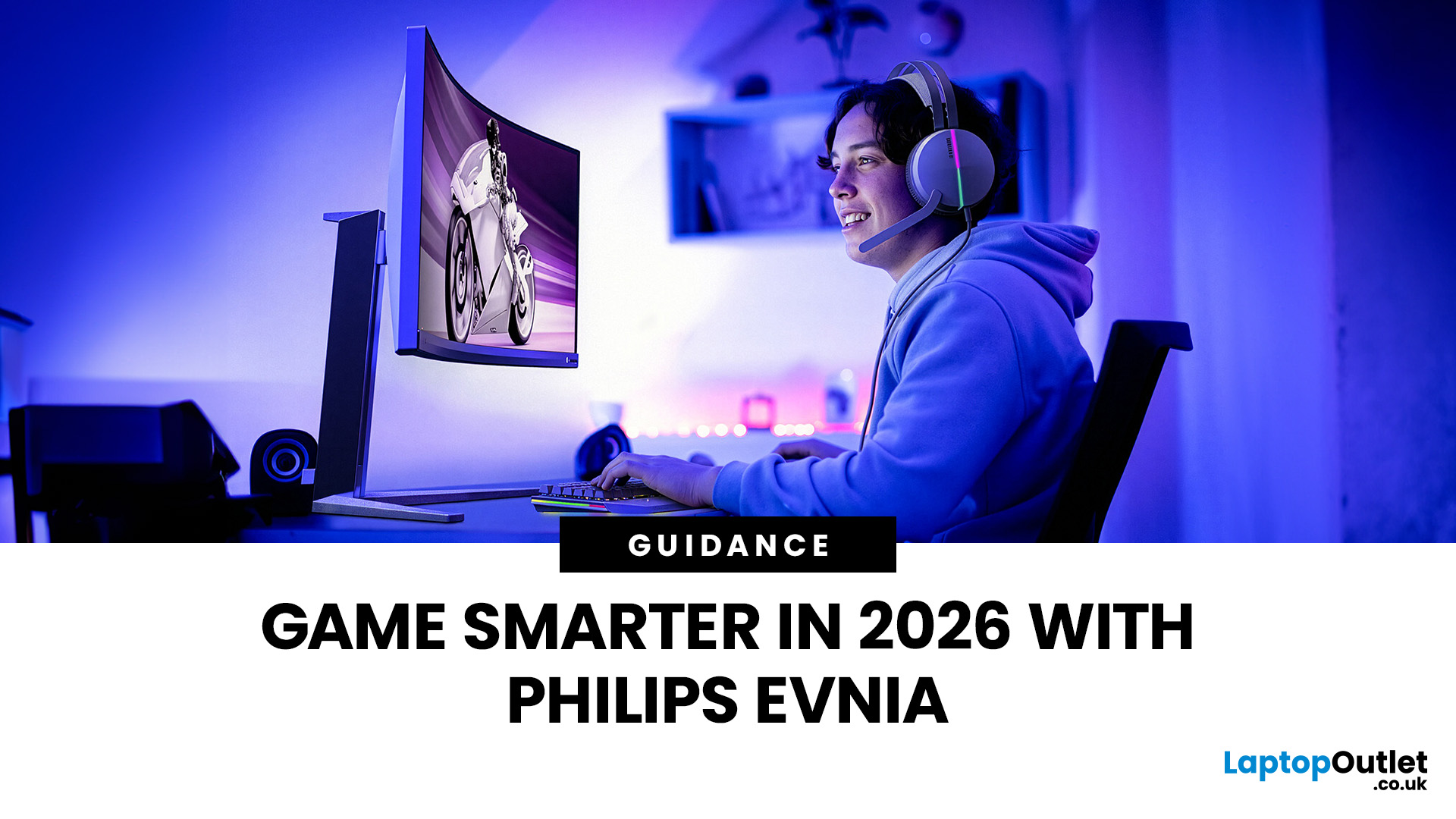
Gaming has changed rapidly over the last few years. In 2026, players demand more than just a clear picture. They want fluid movement, deep colours, and hardware that looks as good as the game itself. This is where Philips Evnia monitors come into play.
The Evnia range was designed to break the "typical gamer" stereotype. These screens combine high-end performance with a sleek, modern aesthetic. Whether you are a competitive esports player or a casual console gamer, there is a model tailored for you.
Finding the right display can be tricky. You have to balance refresh rates, resolution, and panel types. In this guide, we break down the five best Philips monitors for gaming to help you level up your setup.
1. Philips Evnia 24M2N3201A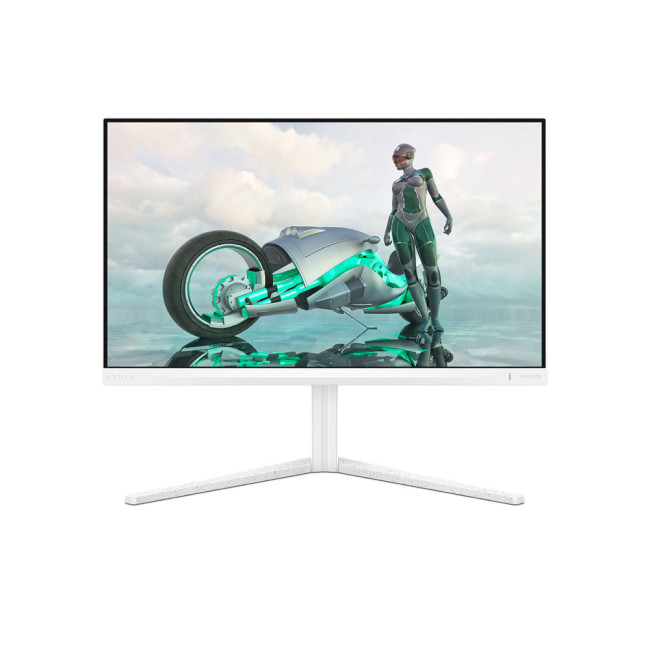
Key Specifications:
- Screen Size: 23.8 Inches
- Panel Type: Fast IPS
- Resolution: Full HD (1920 x 1080)
- Refresh Rate: 180Hz
- Response Time: 1ms (GtG)
- Aspect Ratio: 16:9
- Screen Shape: Flat
- Connectivity: 2x HDMI 2.0, 1x DisplayPort 1.4
- Features: Adaptive Sync,
Last Updated: December 31, 2025
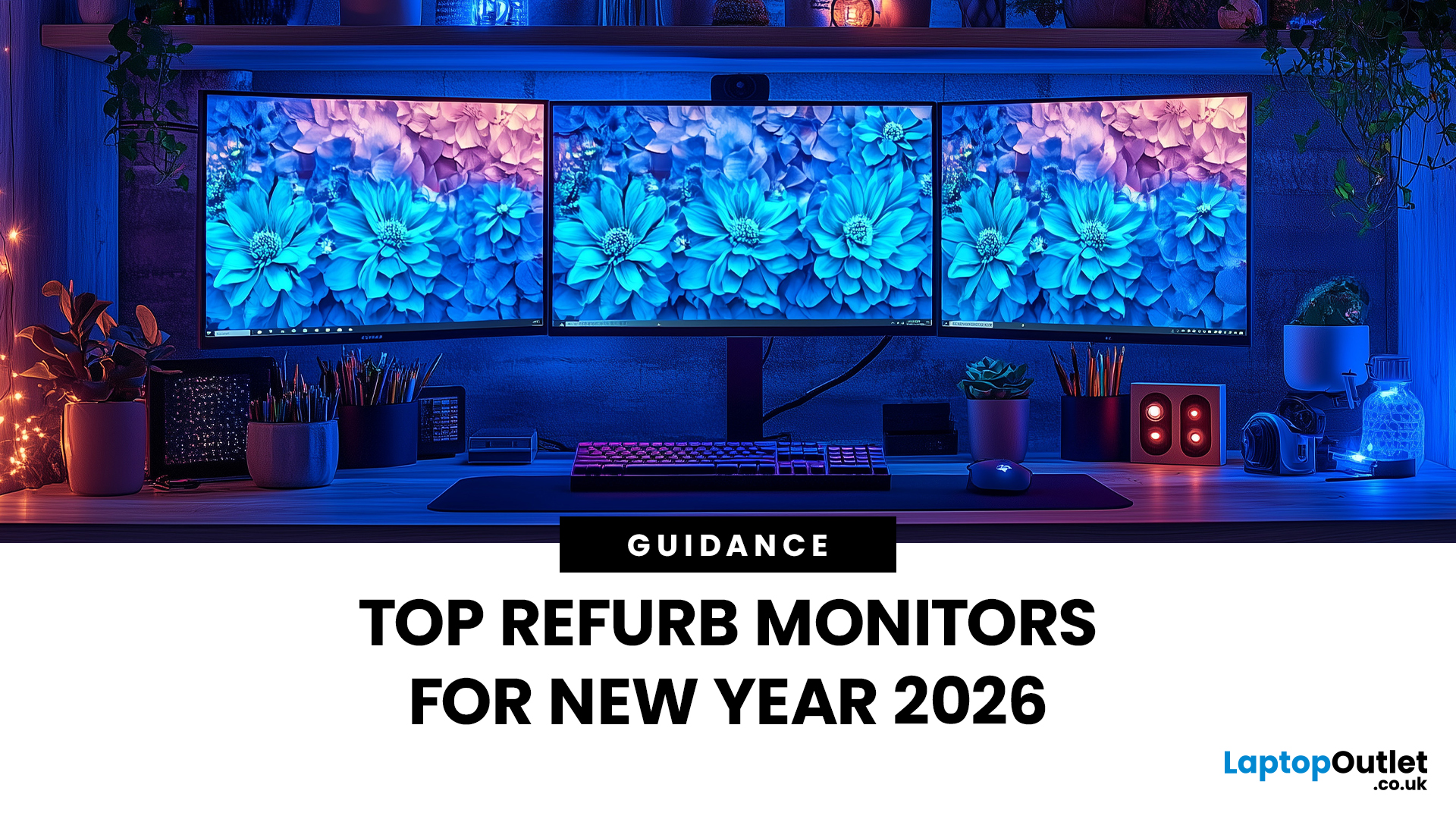
Upgrading your display is one of the smartest ways to refresh your setup for the year ahead. A better monitor can make work feel smoother, games look sharper, and day-to-day browsing far more comfortable, without needing a whole new PC. The good news? You don’t have to pay full retail to get a premium panel. Choosing refurbished is a practical way to access higher specs (4K, OLED, high refresh rates, USB-C portability) for less, while keeping perfectly usable tech in circulation for longer. That’s especially true during New Year promotions, when clearance pricing and seasonal offers often collide. You’ll see everything from portable screens for hybrid work to big-format displays built for entertainment and collaborative spaces.
Classroom-Ready 4K Touch: Refurbished BenQ Education
If you’re upgrading a classroom, meeting room, training space, or collaborative studio, the BenQ RE8601 is a standout. At 86 inches with 4K clarity and interactive touch, it’s built for hands-on presentations,
Last Updated: December 31, 2025
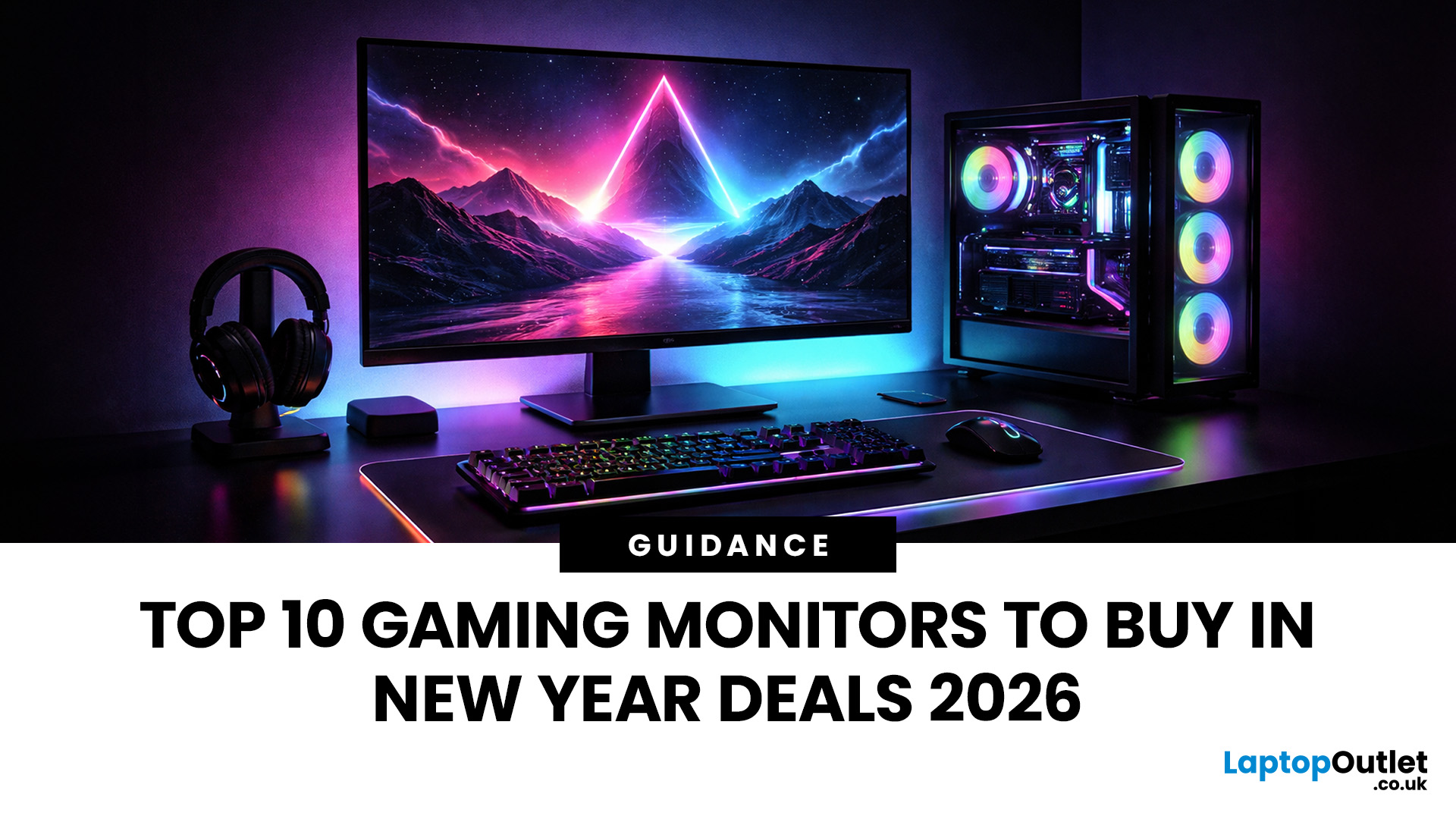
If your setup is still running on an older 60–75Hz display (or a basic office screen), 2026 is the year to change that. The jump to a modern gaming monitor can be instantly noticeable: smoother camera movement, clearer motion in fast fights, and a more responsive “feel” when you aim, flick, track, or even just pan across open-world scenery. That’s why New Year gaming monitor deals are such a popular time to upgrade, stock is refreshed, prices tend to be competitive, and you can often find the exact spec combination you’ve been waiting for without paying peak-season prices.
Laptop Outlet makes this easier because there’s a wide range of gaming monitors in one place, so you can compare size, resolution, refresh rate and panel tech without bouncing between stores. A good starting point is the main gaming monitors category (it’s perfect for filtering by what matters most). And if you’re shopping across more than just monitors, it’s also worth keeping an eye on the wider promotions to save big
Last Updated: July 10, 2026
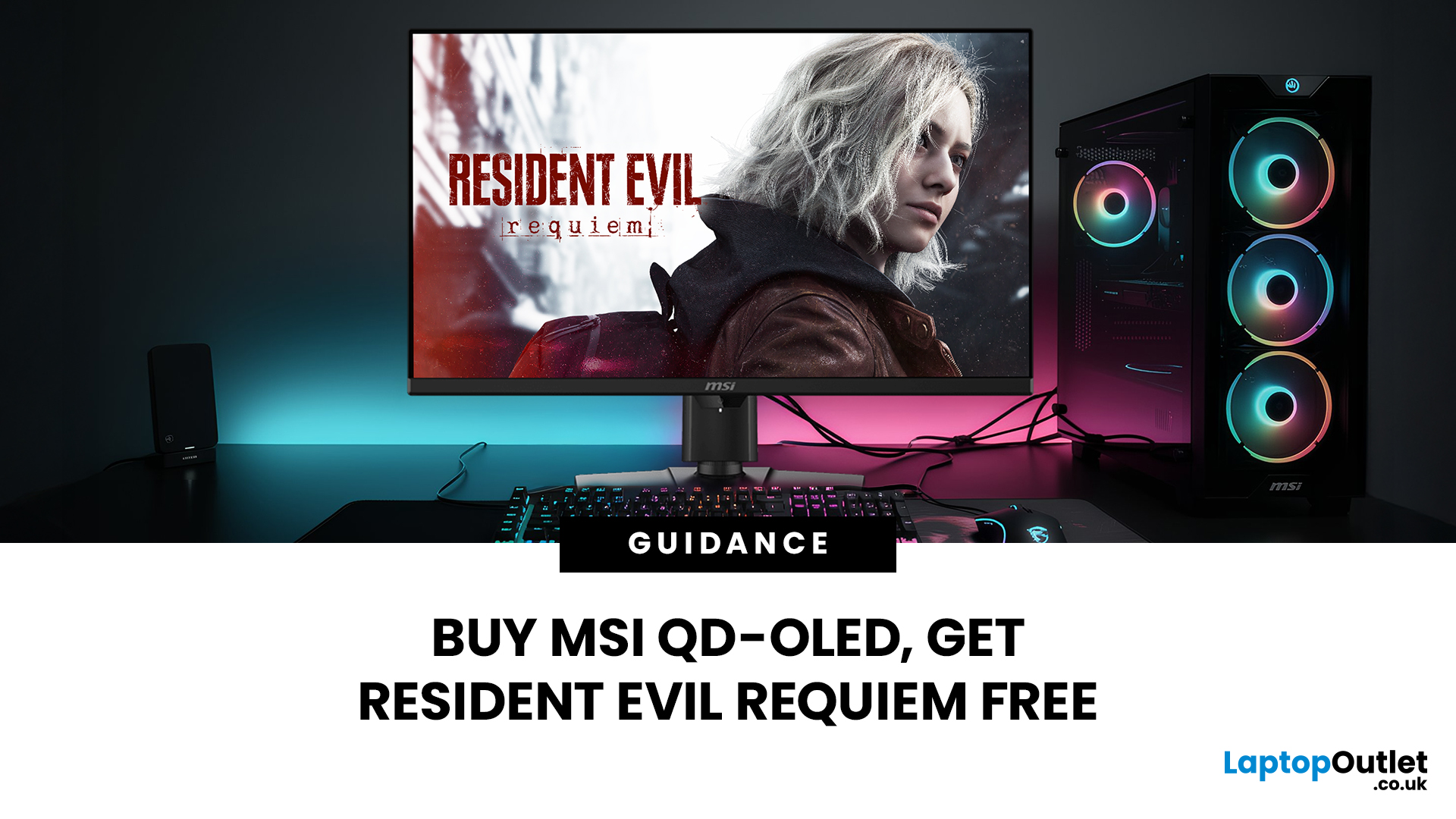
Gaming is about to get a whole lot better. If you are looking for a screen upgrade, now is the perfect time. MSI is currently offering a deal that is hard to ignore. When you buy a selected MSI QD-OLED monitor, you can get Resident Evil Requiem free.
This latest title usually costs £51.99. However, for a limited time, you can add it to your library without spending an extra penny. Combining the terrifying visuals of Resident Evil with the ground-breaking technology of QD-OLED is a match made in heaven.
In this guide, we will look at the best MSI gaming monitors included in this deal.
Why This Gaming Deal Matters
Gaming hardware is expensive. Getting a £51.99 game for free helps offset the cost of your new screen. But beyond the money, it is about the experience. MSI QD-OLED monitors are currently the pinnacle of display technology.
They offer:
- Perfect Blacks: No "halo" effect around bright objects.
- Vivid Colours: Quantum Dots provide a wider colour gamut.
- Instant Response: 0.03 ms is
Last Updated: June 15, 2026
If you run an esports arena, gaming cafe, university esports lab, or content studio, your monitor choice is not a background decision. It directly affects performance, player satisfaction, brand perception, and long-term ROI. Competitive players notice the refresh rate instantly. Streamers notice colour accuracy. Venue owners notice durability. And everyone notices screen quality.
That’s why ASUS gaming monitors have become a staple across esports stages and gaming venues in the UK. From ultra-premium ASUS ROG gaming monitors built for tournament environments to scalable ASUS TUF gaming monitor options designed for multi-station rollouts, ASUS covers every level of competitive deployment.
If you're building or upgrading a gaming business, here’s what you need to know.
Why Esports & Gaming Businesses Choose ASUS
A single hardware issue during a tournament can damage a reputation fast. ASUS has built a strong position in esports by delivering consistency under pressure.
Brand Reputation
Last Updated: March 13, 2026
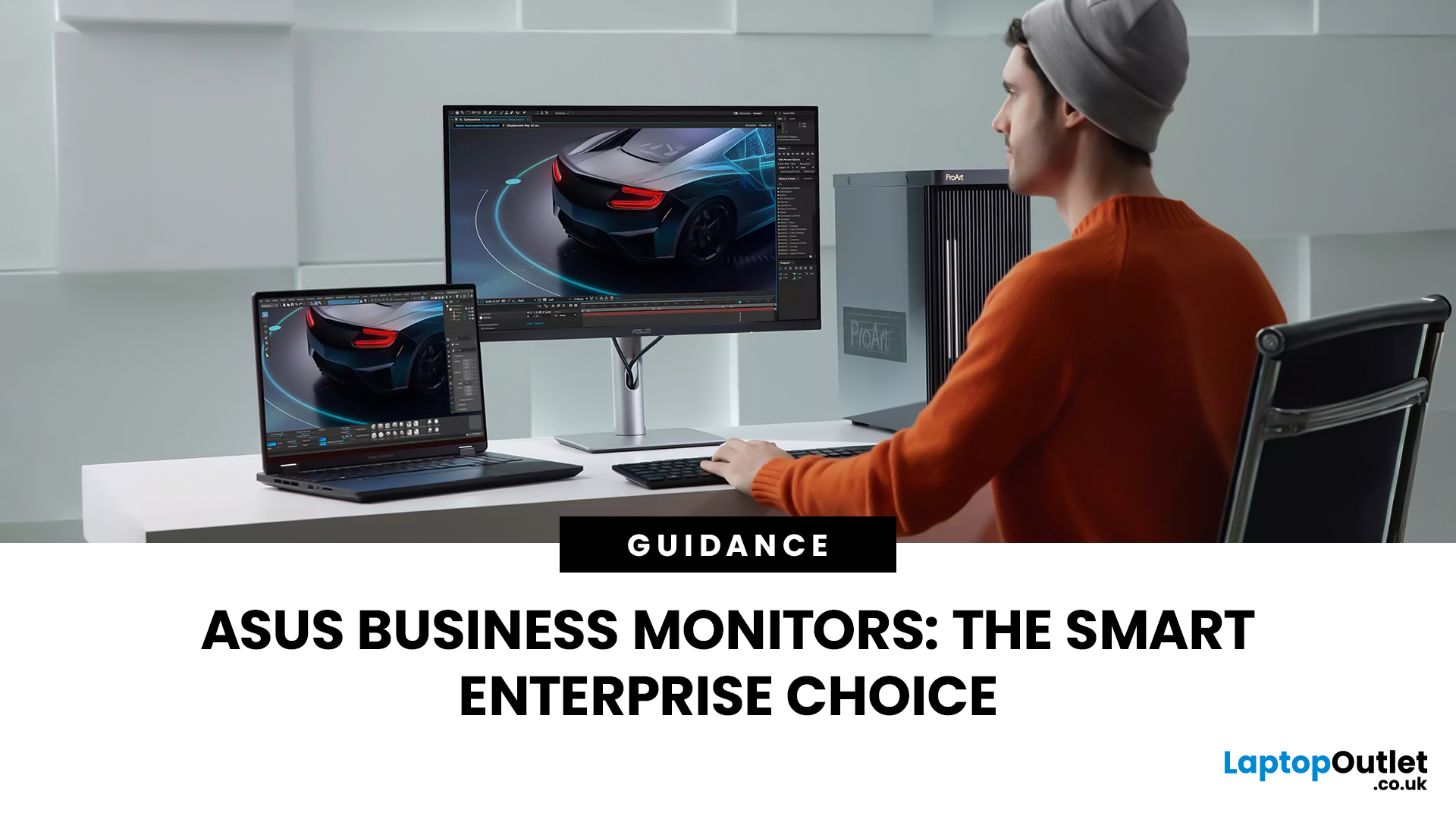
Modern workplaces are more screen-based than ever and in the UK, the average office employee now spends over 6 hours a day looking at a monitor. For businesses, that makes display choice more than just a tech detail; it’s a productivity and wellbeing decision.
The right ASUS business monitors can improve workflow efficiency, reduce eye strain, and support hybrid teams with flexible connectivity like USB-C docking. Whether you’re equipping a corporate office, a call centre, or a growing enterprise rolling out hundreds of workstations, choosing the right monitor spec matters.
In this buying framework, we’ll break down what UK organisations should prioritise, from screen size and ergonomics to ASUS Eye Care features, bulk purchasing, and the best monitor options for business use in 2026.
Why ASUS Monitors Work Well for Modern Workplaces

In today’s business environment, monitors are no longer just office accessories, they’re core productivity tools. From finance teams working across spreadsheets
Last Updated: March 13, 2026
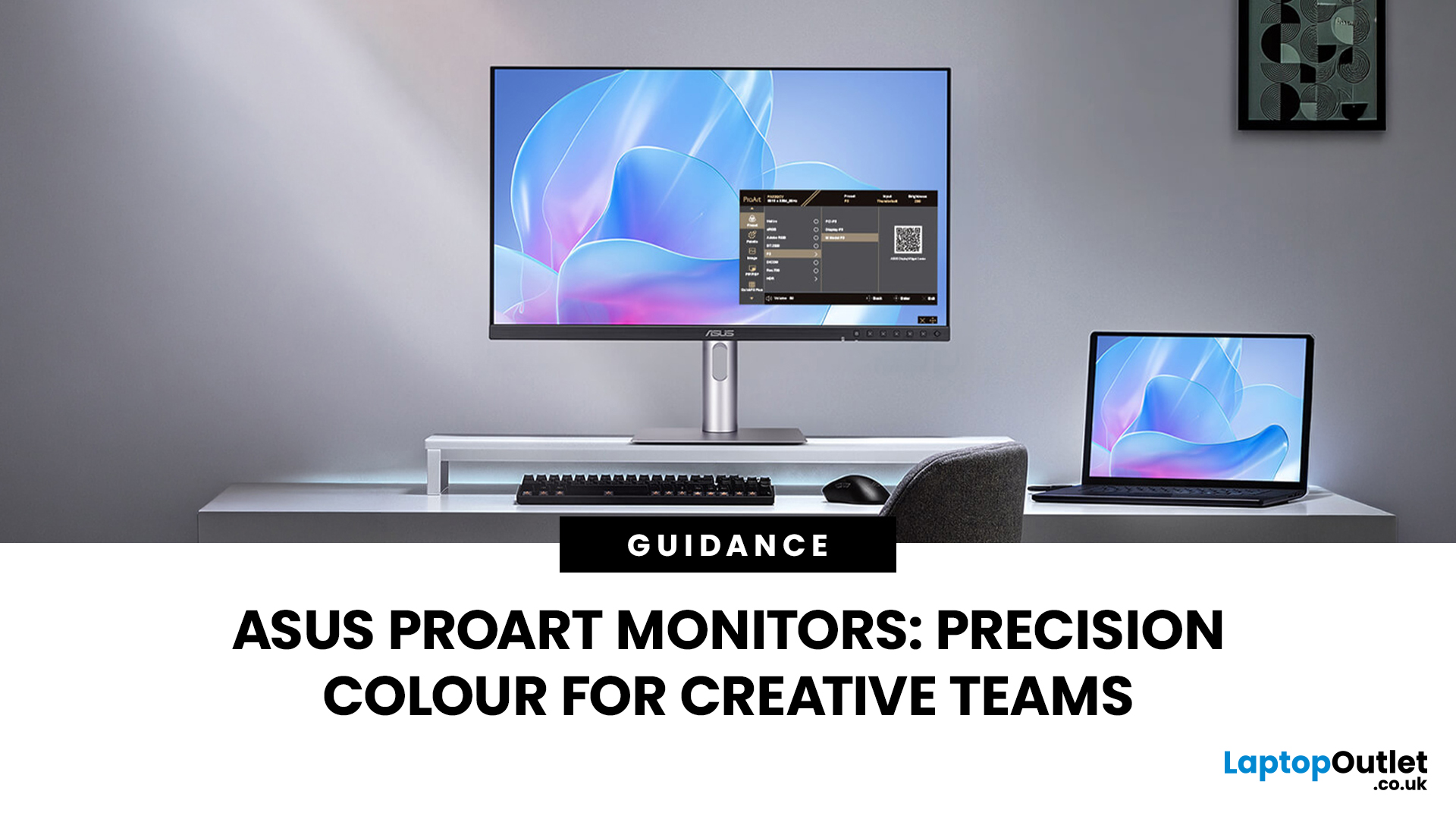
Creative work is more colour-critical than ever and studies show the average designer spends over 7 hours a day staring at a screen. That means your monitor isn’t just a display… it’s basically your studio. If colours are even slightly off, edits don’t match, prints come out wrong, and client work gets messy fast.
That’s where ASUS ProArt monitors come in. Built specifically for creators, they deliver factory-calibrated accuracy, wide colour coverage, and crisp 4K detail that makes photo editing, graphic design, and video workflows feel effortless. Whether you’re running a creative agency, an in-house design team, or a full studio setup, ProArt screens help you work with confidence, not guesswork.
Let’s break down what makes them worth it.
What Creative Teams Need from a Monitor
Not all monitors are built the same and creative teams feel that difference immediately. A standard office screen might be fine for spreadsheets, but when you’re adjusting skin tones, matching brand colours, or

