



A Complete Guide to the Different Types of Printers
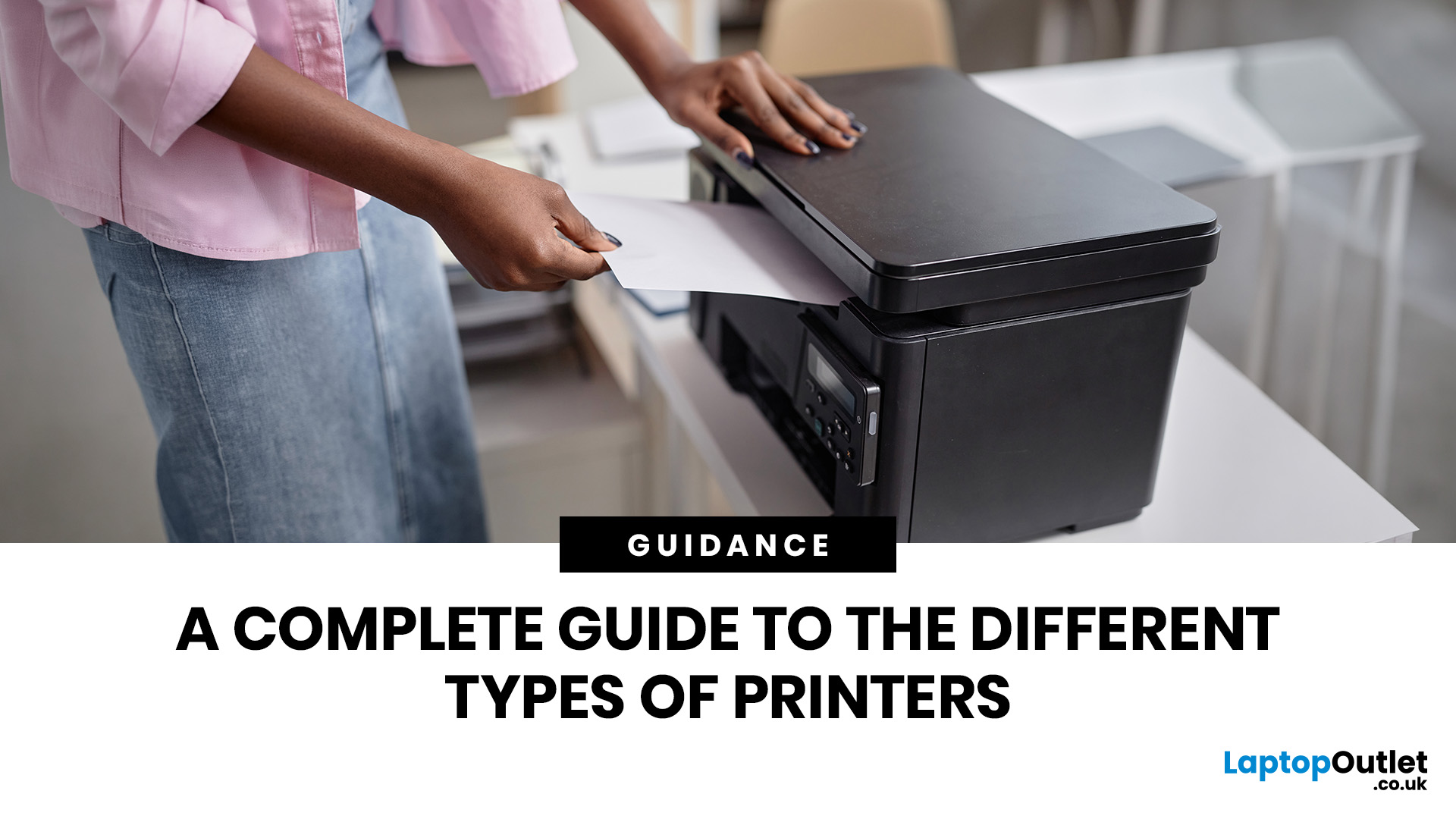
Quick Answer: The main types of printers are inkjet, laser, multifunction (all-in-one), and label printers. Inkjet printers are great for photos and colour printing at home. Laser printers suit high-volume office use. Multifunction printers combine printing, scanning, and copying. Label printers handle specialist tasks like shipping labels. The right choice depends on your print volume, budget, and intended use.
Choosing the right printer feels overwhelming when you are faced with so many options. Inkjet or laser? All-in-one or dedicated? It is easy to spend money on a printer that simply does not match your needs. This guide cuts through the noise. We'll cover the various types of printers in detail. By the end, you will know exactly which printer fits your home, business, or creative needs.
What Are the Main Types of Printers Available Today?
There are several categories of printers commonly available to UK buyers, each designed with a different use case in mind. Understanding what sets them apart is the first step to making a smart purchase.
Here is a quick overview of the main printer types covered in this guide:
- Inkjet printers — versatile, colour-capable, great for home use and photo printing
- Laser printers — fast, sharp, and cost-efficient for high-volume document printing
- Multifunction/all-in-one printers — print, scan, copy, and sometimes fax in a single unit
- Label printers — specialist devices for adhesive labels, barcodes, and shipping tags
- Thermal printers — use heat rather than ink; ideal for receipts and tickets
- Photo printers — optimised for producing high-quality photographic prints at home
- Dot matrix printers — older technology still used for multi-part carbon copy forms
- 3D printers — build three-dimensional objects rather than printing on flat paper
- Wide format printers — large-scale printing for posters, banners, CAD drawings, and architectural plans
If your focus is getting work done efficiently, a look through the dedicated range of printers for office use is a solid place to start. Likewise, if you are setting up at home, the curated selection of home printers covers everything from budget-friendly inkjets to capable all-in-ones.

Inkjet printers are the most popular type of computer printer for home users in the UK. They work by firing microscopic droplets of liquid printer ink through tiny nozzles in the printhead, building up the image or text dot by dot on the page.
They handle colour printing and photo output exceptionally well, making them a go-to choice for households, students, and creative professionals. You will find inkjet printers at a wide range of price points, from around £40 for a basic model up to several hundred pounds for a professional photo printer.
Who Should Buy an Inkjet Printer?
Inkjet printers are ideal for home users who print occasionally and care about colour quality and photo output. If you print family photos, school projects, boarding passes, or the occasional work document, an inkjet is almost certainly your best match.
However, if you print hundreds of pages a month, the running costs can climb quickly with standard cartridge models. In that case, consider an EcoTank-style inkjet or switch to a laser printer for better value over time.
| Tip: Epson EcoTank and Canon MegaTank printers use large refillable ink tanks rather than cartridges. The upfront cost is higher, but the cost per page is dramatically lower, making them brilliant for families and home-office users who print regularly. |
Pros and Cons of Inkjet Printers
|
PROS |
CONS |
|---|---|
|
Excellent colour accuracy and photo quality |
Standard cartridges can be expensive to replace |
|
Lower upfront purchase price (from around £40) |
Slower print speeds compared to laser printers |
|
Handles a wide variety of paper types including photo paper |
Ink can smear if the page gets wet or damp |
|
Compact models available — ideal for small spaces |
Print heads can dry out with infrequent use |
|
EcoTank and MegaTank models offer very low cost per page |
Not ideal for high-volume black-and-white printing |
|
Great for occasional users who need colour flexibility |
Colour cartridges often run low faster than expected |
Shop a wide selection of inkjet printers at Laptop Outlet, including EcoTank and standard cartridge models.
What Is a Laser Printer and How Does It Work?
Laser printers use a completely different technology to inkjets. Instead of liquid ink, they use a fine powder called toner, which is fused onto the paper using heat and pressure. The result is sharp, crisp text and significantly faster print speeds.
There are different kinds of printer within the laser category: monochrome (black and white only) and colour laser models. Monochrome laser printers are a staple in offices where large volumes of text documents need to be printed quickly and at a low cost per page.
Who Should Buy a Laser Printer?
If you print frequently and your documents are mostly text-based, the laser printers can save you a significant amount over time compared to a standard inkjet. Small businesses, home offices, and anyone printing 200 or more pages a month will typically find laser the smarter, more economical investment.
Colour laser printers are worth considering for businesses that need occasional colour alongside heavy mono printing. They are not the ideal tool for vivid photo output, but they produce clean, professional colour documents reliably.
Pros and Cons of Laser Printers
|
PROS |
CONS |
|---|---|
|
Fast print speeds — typically 20 to 40+ pages per minute (ppm) for mono |
Higher upfront purchase cost than comparable inkjet models |
|
Very low cost per page, especially for mono output |
Colour laser printers can be significantly more expensive |
|
Toner doesn't dry out between uses — reliable after periods of inactivity |
Larger and heavier than most inkjet models |
|
Crisp, sharp text output — professional quality every time |
Not the best choice for photo printing |
|
Handles high-volume print runs with ease |
Uses more energy during the warm-up cycle |
|
Toner cartridges yield hundreds to thousands of pages |
Colour toner sets (4 cartridges) can be costly to replace |
Browse the full range of best laser printers at Laptop Outlet, including mono and colour laser models.
What Are All-in-One Printers and Are They Worth the Money?
Multifunction printers (MFPs), also called all-in-one printers, combine printing with scanning, copying, and sometimes faxing in a single compact device. They are among the most versatile types of printers available today.
For most homes and small businesses, an all-in-one makes perfect practical sense. Instead of buying a separate printer and scanner, you get everything in one footprint, saving both money and valuable desk space.
Who Should Buy an All-in-One Printer?
All-in-one printers are the smart choice for home offices, freelancers, students, and small businesses that need print, scan, and copy capability without the clutter of multiple machines. They are also a solid choice for families who want one flexible device that handles everything from schoolwork to scanning important documents.
If space is tight or your budget does not stretch to separate devices, an all-in-one gives you the most functionality per pound spent. Just decide whether you need an inkjet or laser engine inside, based on your typical print volume and document types.
Pros and Cons of Multifunction Printers
|
PROS |
CONS |
|---|---|
|
Print, scan, copy, and fax in a single unit |
If one function breaks, the entire unit may be affected |
|
Saves desk space compared to buying multiple devices |
Can be pricier than a single-function printer of similar quality |
|
Cost-effective overall versus separate scanner and printer |
Some budget models have noticeably slow scan speeds |
|
Wide range of models available at every budget level |
Larger footprint than a basic printer |
|
Ideal for home offices and remote workers |
Advanced features (fax, ADF) may go completely unused |
|
Many models support wireless, cloud, and mobile printing |
Premium laser MFPs can be a significant investment |
Explore the wide range of multifunctional printers at Laptop Outlet, covering both inkjet and laser all-in-ones.
What Are Label Printers and Who Really Needs One?
Label printers are specialist devices designed specifically to produce adhesive labels, barcodes, address stickers, and product tags. They are not your everyday home printer, but for the right user, they are an absolute game changer for efficiency.
If you run an e-commerce business, manage a warehouse, or handle regular shipping, a dedicated label printer saves hours every week compared to printing labels on a standard inkjet or laser machine.
Who Should Buy a Label Printer?
Label printers are a must-have for online sellers on platforms like eBay, Amazon, Etsy, and Vinted. They are also widely used in retail, warehousing, healthcare, logistics, and hospitality for product tagging and compliance labelling.
If you print fewer than 10 labels a week, your standard home printer will likely cope just fine. But if you are despatching dozens of parcels daily, a dedicated label printer pays for itself quickly in time saved alone.
Pros and Cons of Label Printers
|
PROS |
CONS |
|---|---|
|
Fast and precise — purpose-built for label output |
Limited to label-specific tasks only |
|
No ink or toner needed on thermal models |
Label rolls are an ongoing consumable cost |
|
Compact, lightweight, and desk-friendly |
Not suitable for general document printing |
|
Supports barcodes, QR codes, and custom label formats |
Some entry-level models have limited connectivity |
|
Integrates with platforms like Royal Mail Click & Drop, eBay, and Amazon |
Label design software can have a learning curve |
|
Thermal labels are durable and smudge-resistant |
Direct thermal output can fade in heat or sunlight over time |
Browse our range of label printers at Laptop Outlet, from compact handhelds to high-volume desktop models.
What Other Printer Types Are Worth Knowing About?
Beyond the four main categories, there are several other different kinds of printer that are worth understanding, particularly if you have specialist requirements.
Thermal Printers
Thermal printers use heat to produce images on heat-sensitive paper. They require no ink or toner, making them extremely low maintenance. You will find them in supermarket tills, ticket machines, and courier services. They are not suitable for general home or office use but are highly reliable in commercial settings.
Photo Printers
Dedicated photo printers use six or more ink colours to produce smoother gradients, more accurate skin tones, and richer blacks than a standard inkjet can manage. Perfect for photographers and creatives who want physical prints at home without compromising on quality. Prices usually start from around £70 in the UK.
Dot Matrix Printers
An older type of computer printer, dot matrix machines work by striking an ink-soaked ribbon against paper. They are slow and noisy but virtually indestructible and capable of printing multi-part carbonless forms. They are still used in some manufacturing, banking, and logistics environments where carbon copies are legally required.
3D Printers
3D printers are a completely different category. Rather than printing on flat paper, they build three-dimensional objects layer by layer using materials like PLA filament, resin, or nylon. Used by product designers, engineers, hobbyists, and schools. Prices start from around £150 for entry-level FDM models and can exceed £5,000 for professional resin printers.
Wide Format / Large Format Printers
Wide format printers handle media wider than A3, typically from 24 inches upwards. Architects, graphic designers, and engineers use them for CAD drawings, blueprints, banners, and signage. They are based on inkjet technology at large scale. Expect to pay from £500 to several thousand pounds for a quality wide format model.
Which Printer Is Right for You? Summary Table
Use this summary to quickly match your situation to the most suitable printer type. The right choice between the different types of printer on the market depends on your print volume, content type, and budget.
|
PRINTER TYPE |
BEST FOR |
PRINT QUALITY |
RUNNING COST |
|---|---|---|---|
|
Inkjet |
Home users, photo printing, mixed use |
Excellent for colour |
Medium to high (cartridges) |
|
EcoTank Inkjet |
Regular home users wanting low running costs |
Excellent colour and text |
Low (after initial outlay) |
|
Mono Laser |
Offices, high-volume document printing |
Sharp text, no colour |
Very low |
|
Colour Laser |
Business colour documents, presentations |
Good colour, excellent text |
Medium |
|
Multifunction (Inkjet) |
Home offices, remote workers, mixed tasks |
Good colour and text |
Medium |
|
Multifunction (Laser) |
Small to medium businesses |
Excellent text output |
Low to medium |
|
Label Printer |
E-commerce sellers, retail, warehouses |
Precise label output |
Low (thermal) to medium |
|
Photo Printer |
Photography enthusiasts, creative users |
Outstanding colour depth |
Medium to high |
|
Thermal Printer |
Retail, hospitality, receipts, tickets |
Basic text and graphics |
Very low (no ink) |
|
Wide Format Printer |
Architects, designers, signage, CAD plans |
Excellent large-scale colour and line accuracy |
Medium to high (specialist inks and media) |
|
3D Printer |
Prototyping, engineering, education, creative industries |
Three-dimensional objects (not flat prints) |
Low to medium (filament or resin) |
Still not sure where to land? Our guide to buying a printer breaks down all the key specs and features to help you understand your needs and find the right one.
How Much Should You Expect to Spend on a Printer in the UK?
Printer prices in the UK vary widely depending on type, brand, and features. Here's a sensible breakdown to help you set a realistic budget before you start shopping.
- Budget inkjet (basic home printing): £40 to £60
- Mid-range inkjet or EcoTank model: £80 to £250
- Entry-level mono laser printer: £70 to £130
- Mid-range colour laser printer: £150 to £400
- All-in-one inkjet printer: £50 to £250
- All-in-one laser printer: £150 to £600+
- Label printer: £30 to £200
- Dedicated photo printer: £60 to £400
One important tip: always factor in the cost of ink or toner alongside the retail price. A £35 printer that requires £25 cartridges every month will cost far more than a £150 EcoTank model over the course of a year. Always check the manufacturer's published ISO page yield figures for cartridges before buying.
It's also worth checking whether the printer accepts compatible third-party cartridges, which can reduce running costs substantially. Just make sure you're buying from a reputable supplier to avoid issues with print quality or warranty.
What Should You Think About Before Buying a Printer?
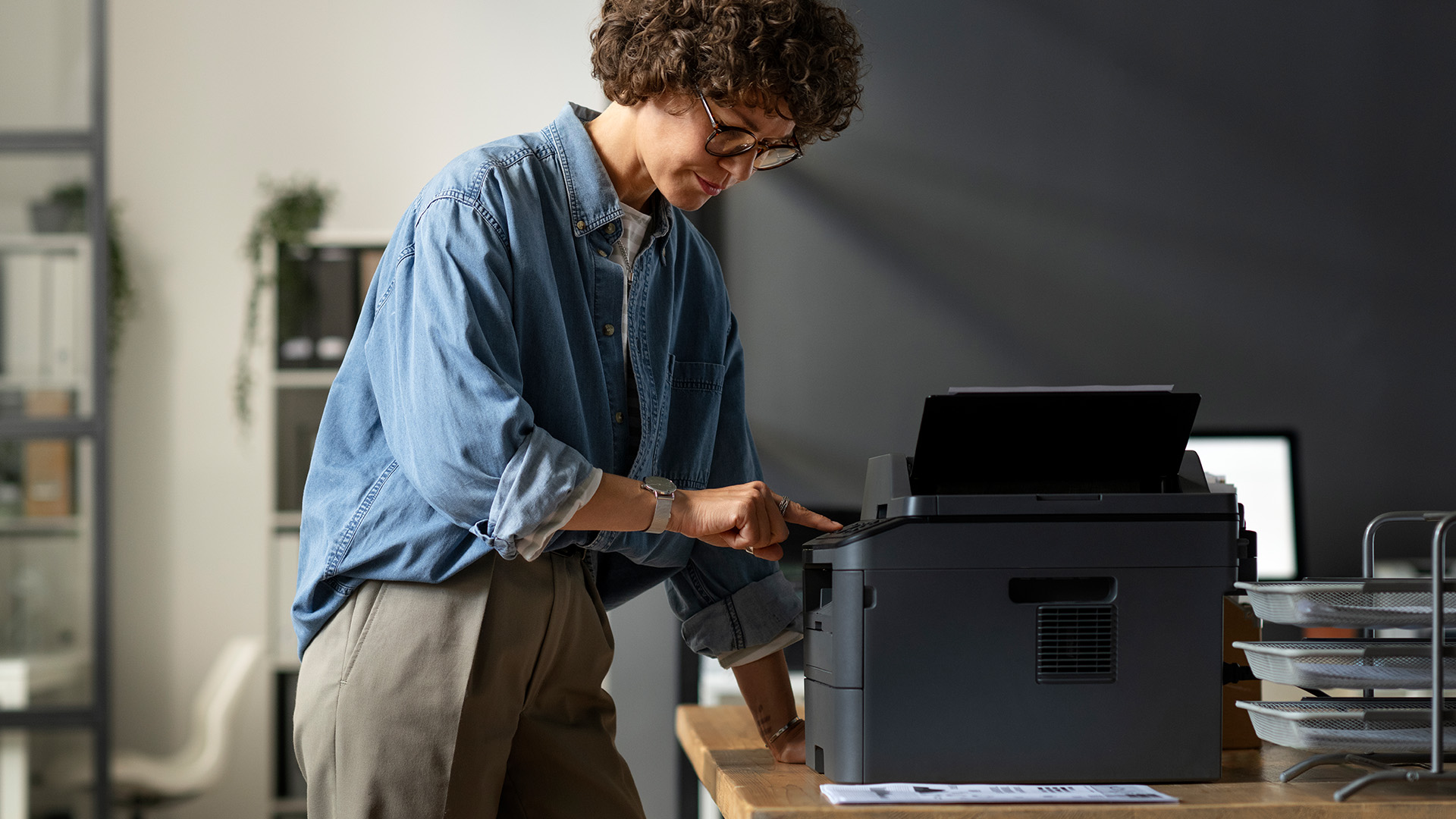
The different types of printers have their own strengths and weaknesses. Before committing to a purchase, take a moment to consider the following:
- Print volume: How many pages do you typically print per week or month? High-volume users should look at laser or tank-based inkjet models rather than standard cartridge printers.
- Colour vs. mono: If you only ever print text documents, a mono laser printer is much cheaper to run. Colour is only worth paying for if you genuinely use it.
- Connectivity: Most modern printers support Wi-Fi as standard. Check for Bluetooth, USB, Ethernet, and cloud printing support if these matter to your workflow.
- Paper handling: Check paper tray capacity, whether duplex (double-sided) printing is supported automatically, and whether the model includes an automatic document feeder (ADF) for scanning multiple pages.
- Running costs: Compare the cost per page using ISO yield figures rather than guessing from cartridge prices alone. This number tells you the true long-term cost.
- Physical size: Laser and MFP models can be large and heavy. Measure your desk or office space before ordering, and check the product dimensions in the listing.
- Compatibility: Confirm the printer works with your operating system — Windows, macOS, Chrome OS, or Linux. Check for mobile printing support if you print from a phone or tablet.
- Brand support and warranty: HP, Canon, Xerox, Brother, and Epson all have strong UK support networks. Check what warranty is included, typically 12 months, and whether extended cover is available.
A little careful thought at this stage saves a lot of frustration later. The printer types that look cheapest upfront are not always the best value over time.

Smart Printing Starts with the Right Choice
There is no single best printer for everyone, which is exactly why understanding the types of printers available matters so much before you buy.
Inkjet models offer versatility and colour quality at a low entry price. Laser printers deliver speed and economy for high-volume text printing. All-in-ones eliminate the need for separate scanner and copier devices. Label printers and thermal models serve specialist business needs that standard printers simply cannot match efficiently.
The right decision comes down to what you print, how often you print it, and what you are willing to spend on consumables over time. Get those three things right and you will have a printer that earns its place on your desk every single day.
Laptop Outlet stocks a wide range of printers from HP, Brother, Epson, and Canon at competitive UK prices, so you can find the perfect match without overspending.

The "Need to Know" Bits
What are the most common types of printers?
The most common types are inkjet, laser, and multifunction printers. Each suits different needs based on print volume, colour requirements, and budget.
Is an inkjet or laser printer better for home use?
Inkjet printers are generally better for home use due to their lower upfront cost, compact size, and excellent colour output for photos and mixed documents.
What is the cheapest type of printer to run in the UK?
Mono laser printers typically have the lowest cost per page, making them the most economical long-term choice for high-volume black-and-white document printing.
What does an all-in-one printer actually do?
An all-in-one printer combines printing, scanning, copying, and sometimes faxing into a single compact device, ideal for home offices and small businesses.
What type of printer is best for printing photos at home?
A dedicated photo printer or a high-quality inkjet printer delivers the best results for home photo printing, offering accurate colours and fine detail.
What is a thermal printer used for?
Thermal printers are mainly used for printing receipts, tickets, and shipping labels in retail, hospitality, and logistics settings without requiring any ink.
Are label printers worth buying for a small business?
Yes, label printers save considerable time and money for small businesses that ship regularly, producing faster, neater, and more professional-looking address labels.
What is the difference between a laser and an inkjet printer?
Laser printers use toner and heat for fast, sharp text output. Inkjet printers use liquid ink and excel at producing high-quality colour prints and photos.
Which printer type is best suited to an office environment?
Laser printers or laser multifunction printers are best for offices, offering fast speeds, consistently sharp text output, and a low cost per printed page.
| Read More |
| How to Set Up a Wireless Printer: Step-by-Step Guide |
| How to Choose the Best Printer for Small Business |
| Why Is My Printer Not Working? Easy Fixes for Common Issues |
Related Articles

Last Updated: July 06, 2026
Laser printers are built for sharp text, fast output, and lower long-term running costs, but even reliable machines can develop faults. Smudged pages, streaks, repeated paper jams, faded print, offline errors, slow printing, and ghosting are common laser printer problems that occur in homes, student setups, and busy offices alike. The good news is that many laser printer issues can be diagnosed and fixed without calling support straight away.
This guide covers practical laser printer troubleshooting for the problems people hit most often, what usually causes them, and the steps worth trying before you replace parts or upgrade the printer.
If you want a clearer picture of how laser printers work before you start diagnosing faults, read our complete guide to laser printers, including how they work, where they perform best, and who should buy one.
A Quick Diagnostic Table for Common Laser Printer Problems
Before getting into the details, start here. In most cases, the symptom points you towards
Last Updated: April 22, 2026
Laser printers are built for sharp text, fast output, and dependable running costs, but they still need routine care to stay reliable year after year. Dust, paper debris, toner residue, worn feed parts, and poor storage habits can all shorten a printer’s life long before any major component actually fails.
The good news is that laser printer maintenance does not need to be complicated. A sensible routine can help reduce smudging, paper jams, streaks, faded print, and unnecessary consumable waste. It can also help you maintain stable print quality for longer, which matters whether you are printing coursework at home, handling household paperwork, or managing documents in a busy office.
This guide covers the practical side of laser printer cleaning and long-term care, including how to clean a laser printer safely, what to check regularly, how to handle toner and drum maintenance, and when maintenance stops making sense, and replacement becomes the smarter choice. If you are still weighing
Last Updated: April 21, 2026
Setting up an all-in-one printer is usually much easier than people expect. The part that trips most users up is not the printer itself, but the order. If you prepare the hardware first, connect it the right way, and install the correct software in the right place, most all-in-one printer setup jobs are straightforward.
This guide walks through how to set up an all-in-one printer step by step, including USB, Wi-Fi, and network setup, driver installation, scanning setup, and the small configuration choices that make the printer easier to live with long term. If you are installing a multifunction printer at home, in a home office, or for a small team, this is the practical setup flow that saves the most time.
What is an All-in-One Printer Setup?
An all-in-one printer setup is the process of getting a multifunction printer ready to print, scan, copy, and in some cases fax. That means more than plugging it in and printing one test sheet. A proper setup also includes network access, driver
Last Updated: July 06, 2026
If your printer is acting up, the short answer is this: most all in one printer problems are fixable without replacing the whole machine. The fastest wins usually come from checking the connection, clearing the print queue, confirming the right printer is selected, inspecting paper loading, and running the built-in cleaning or alignment tools before assuming the hardware has failed. Microsoft, Brother, Epson, Canon, and HP all point users toward those same basics first, which is a strong sign that the smartest troubleshooting is usually methodical, not dramatic.
That is exactly what this guide is here to do. Instead of giving you random fixes with no logic behind them, this article breaks down the most common all-in-one printer issues, shows what each symptom usually means, and explains the best way to fix it. So, whether your machine is offline, feeding paper badly, refusing to scan, printing faded documents, or suddenly producing blank pages like it has given up on communication,
Published: April 24, 2026
If you want an all-in-one printer to last, the best approach is simple: keep it clean, use the built-in maintenance tools properly, and deal with small print-quality issues before they turn into bigger faults. Good all in one printer maintenance is less about deep cleaning every week and more about doing the right checks at the right time.
For most homes and small offices, that means cleaning the scanner glass and document feeder areas regularly, using printhead cleaning only when print quality drops, keeping paper and supplies in good condition, and not treating laser and inkjet models the same way. That last point matters. A multifunction printer cleaning routine for an inkjet is not the same as multifunction printer care for a laser model with a separate drum unit.
The Best Way to Keep an All-in-One Printer Working Well
The simplest all-in-one printer maintenance guide starts with routine care, not emergency fixes. Keep dust off the exterior, keep the scanner glass and ADF strip clean,
Published: April 24, 2026
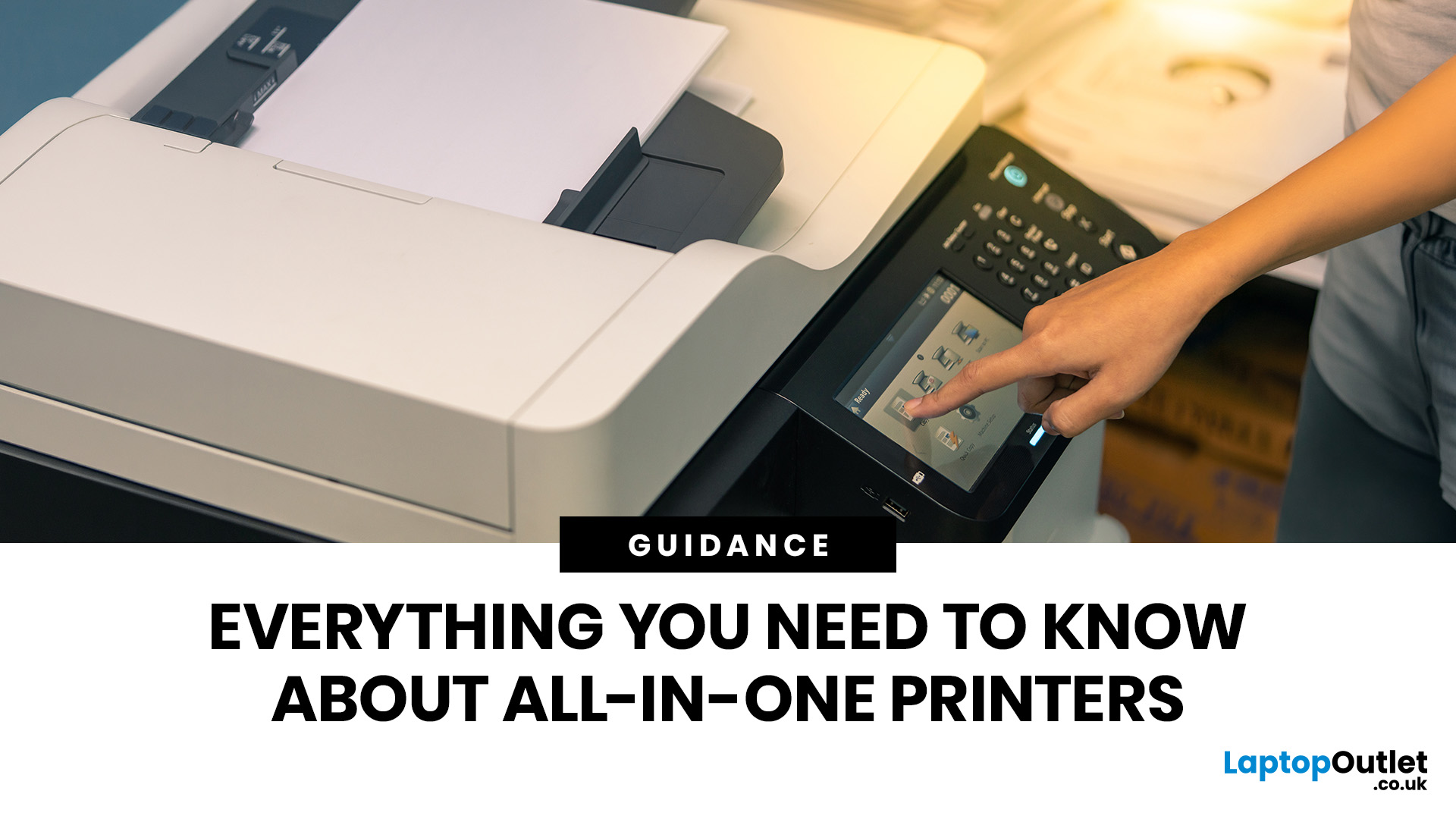
An all-in-one printer is a machine that lets you print, scan, copy, and sometimes fax from one device. It is designed to save space, reduce setup hassle, and handle everyday home or office tasks without needing separate equipment.
An all-in-one printer, sometimes called a multifunction printer or MFP, combines multiple jobs into one device. Retailer and manufacturer guidance broadly agrees on the core value proposition: one device, less clutter, fewer cables, and a more streamlined workflow for home and office users.
Nobody wakes up thinking, “You know what would absolutely change my life today? A printer.” And yet, the second you need to print a return label, scan a signed document, copy schoolwork, or send a form to the office, your printer suddenly becomes the main character.
That is exactly why these all-in-one printers guide exists. We explain how all-in-one printers work, their key features, the main types, their benefits, costs, setup, maintenance, and how to choose the best one
Last Updated: June 10, 2026
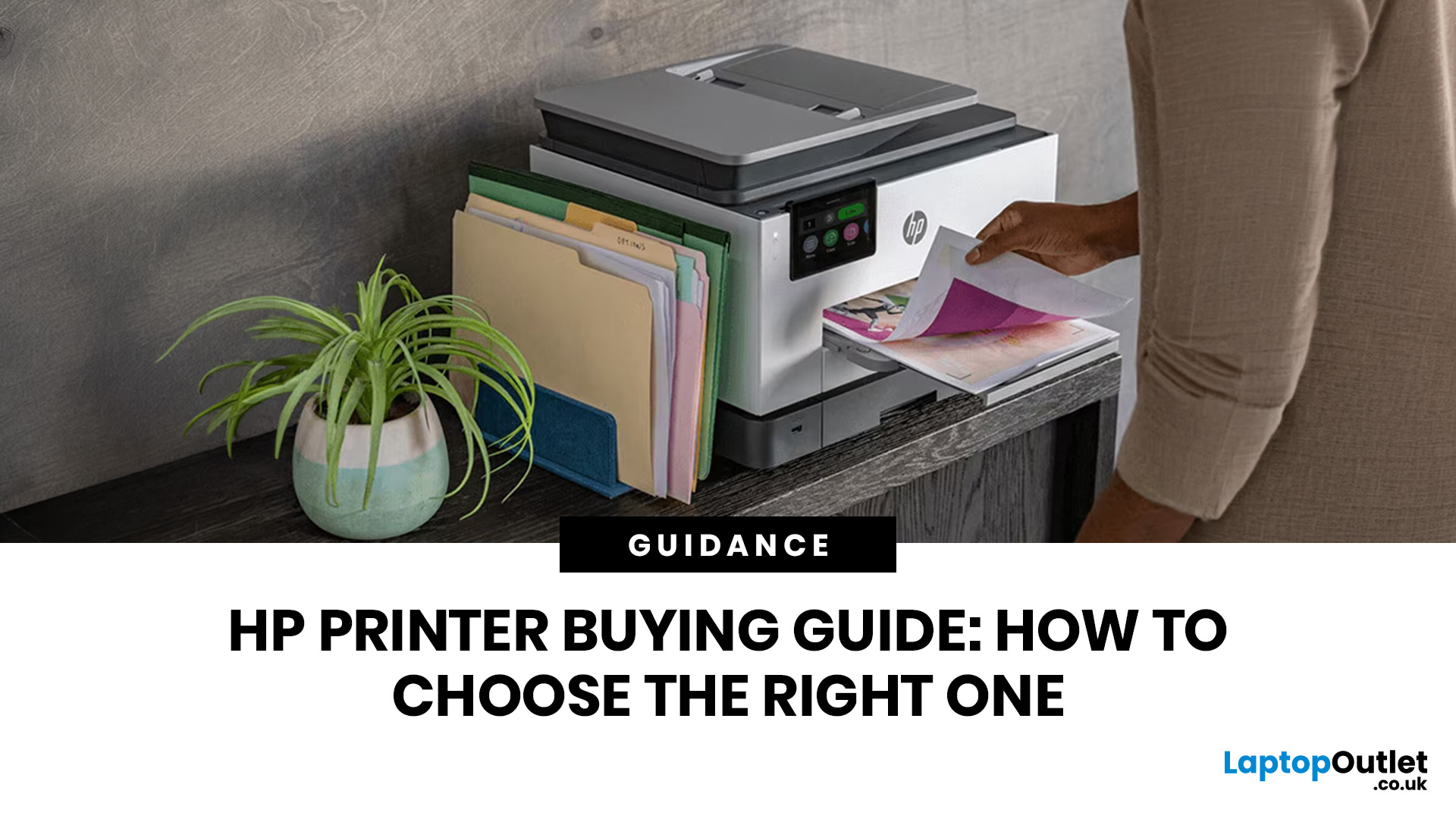
The best HP printer depends on what you print, how often you print, whether you need scanning or copying, and how much you want to spend on ink or toner. For home users, an HP inkjet or all-in-one printer is usually the best choice. For offices and small businesses, HP OfficeJet, LaserJet or multifunctional printers are better for speed, reliability and heavier workloads.
Buying a printer can feel confusing because HP offers many different models for different users. Some are made for simple home printing. Some are designed for students and families. Others are built for small businesses, offices, shipping labels, high-volume printing or professional document handling. That is why choosing the right printer is not just about finding the cheapest model. It is about understanding your print habits, running costs, space, connectivity and long-term needs.
This HP printer guide 2026 will take you from basic printer knowledge to more advanced buying terms, so whether you are buying your first
Last Updated: July 06, 2026
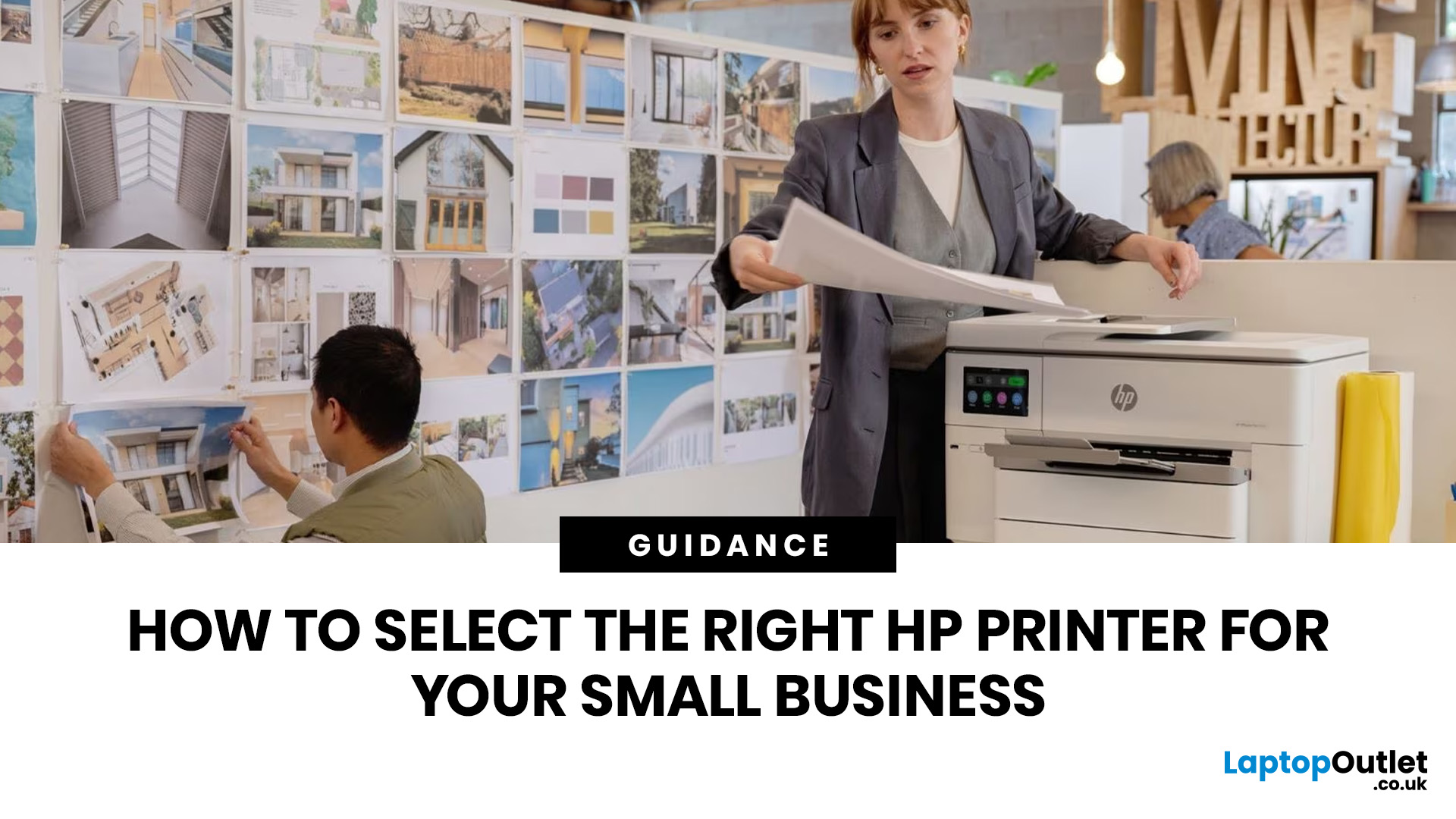
Buying one of the many HP printers for small business setups out there sounds easy until you start comparing them properly. Some are better for fast document printing, some are built for scanning and colour work, and some save you more money over time. The trick is not buying the fanciest one. It is buying the one that suits your workload. This guide walks through the HP printer types that make the most sense for home offices, small teams, and day-to-day business use.
Which HP Printer Type Should a Small Business Choose?
- If your business prints mixed colour documents, scans paperwork regularly and needs one compact machine, go for an HP all-in-one in the OfficeJet Pro range. OfficeJet Pro printers are best for higher-volume printing and all-around productivity in a home or home office, which is exactly the kind of workload many sole traders, hybrid workers and small teams deal with.
- If your business prints lots of text-heavy documents and speed matters more than photo-quality colour, choose
Last Updated: June 10, 2026
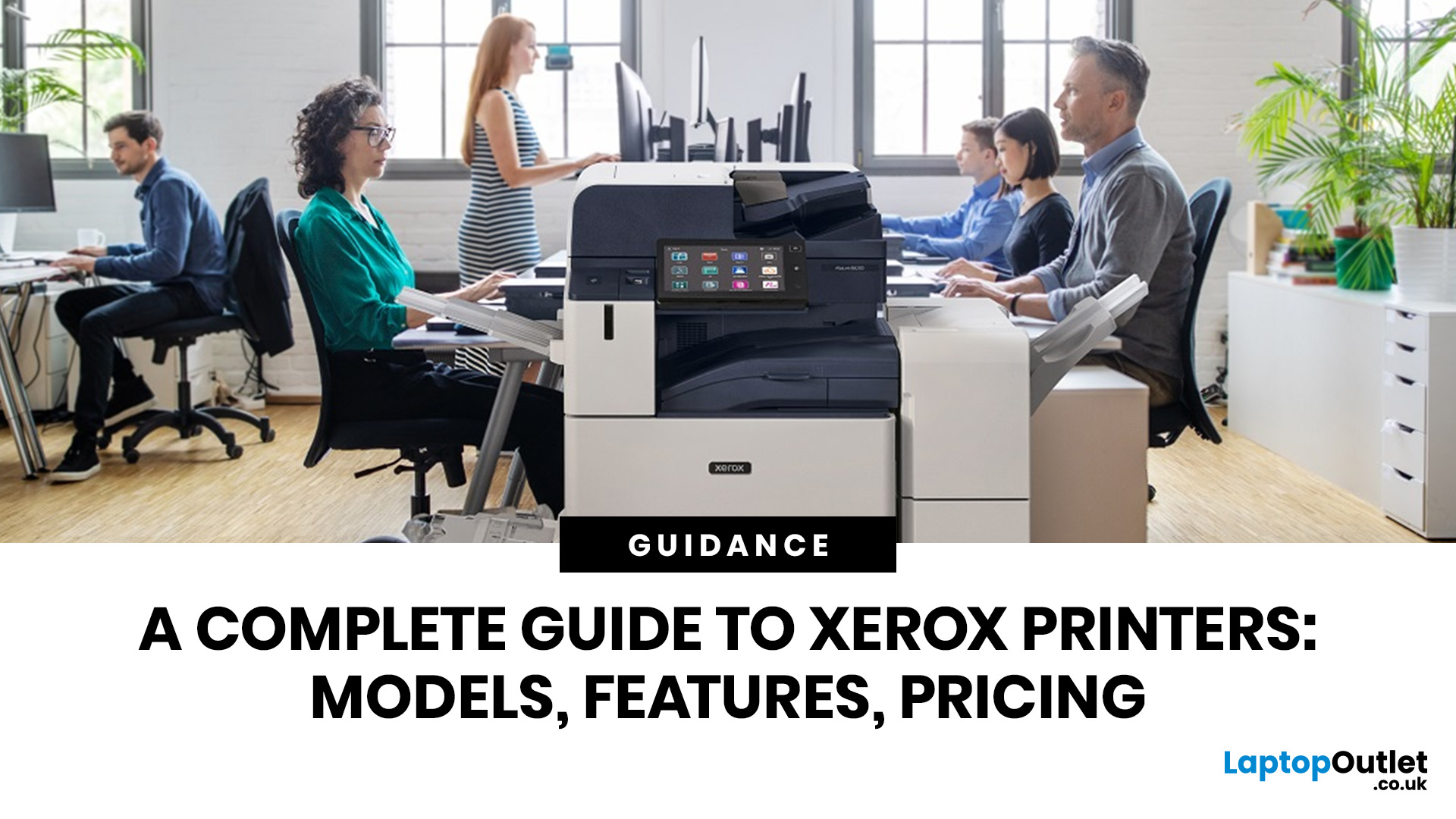
A Xerox printer is a document printer or multifunction device designed for reliable office, business, and home printing. Most modern Xerox printers focus on laser or LED printing, fast document output, strong security, mobile printing and multifunction features such as scanning, copying, faxing and cloud connectivity.
Xerox is a trusted name in business printing, best known for office printers, copiers and multifunction devices. While the brand is still strongly linked with photocopying, modern Xerox printers do much more than copy documents.
Today’s Xerox devices can print, scan, copy, fax, support mobile and cloud printing, manage user access and help businesses control print costs. Many models also include Wi-Fi, reliable paper handling, security features and easy touchscreen controls.
If you are comparing printers, looking for a Xerox printer, or trying to understand whether Xerox is right for your home or office, this guide breaks everything down in simple words.
What is a Xerox
Last Updated: May 05, 2026
HP printers are reliable, but even the best machines throw a wobble from time to time. The good news is that the vast majority of issues are easy to resolve on your own. This guide will show you how to fix common HP printer problems without calling a professional. Whether you've got an HP OfficeJet, DeskJet, LaserJet, or ENVY, many of the checks below apply across the range.
What Are the Most Common HP Printer Problems?
Before diving into individual fixes, it helps to know what you are actually dealing with. HP printers, from compact home models to full office workhorses, tend to run into the same handful of issues time and again.
Here is a quick overview of the most frequently reported HP printer problems and what typically causes them:
| Problem | Most Likely Cause |
| Printer not printing | Stuck print queue, offline status, driver fault |
| Paper jam | Overfilled tray, worn rollers, torn paper fragments |
| Printer showing offline | Wi-Fi dropout, incorrect default printer setting |
| Blank or faded pages |

