



Epson Printers
Shop Epson printers for home, EcoTank and office printing at Laptop Outlet. Our range includes compact home printers, refillable Epson EcoTank models and multifunction devices built for everyday documents, colour printing, scanning and copying. Whether you need an affordable Epson printer for occasional use or a reliable wireless printer for regular home office tasks, you will find practical options with the features that matter most.
Epson is a popular choice for buyers who want sharp print quality, easy usability and lower running costs across different types of printing. From family admin and study tasks to creative projects and business paperwork, our Epson printer range is selected to offer dependable performance and excellent value. Browse Epson printers with confidence and choose a model that suits your space, workload and budget.
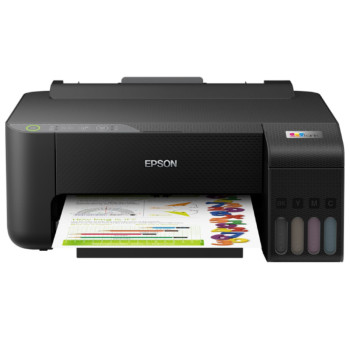
Finance available
Free Delivery *
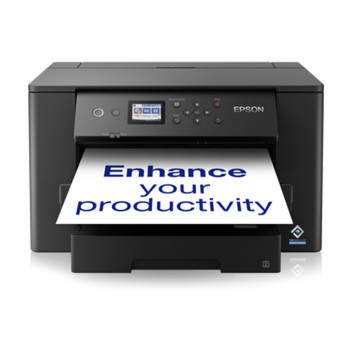
Finance available
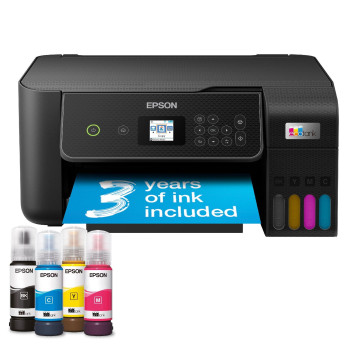
Finance available
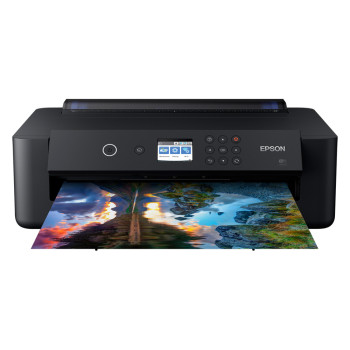
Finance available
Free Delivery *
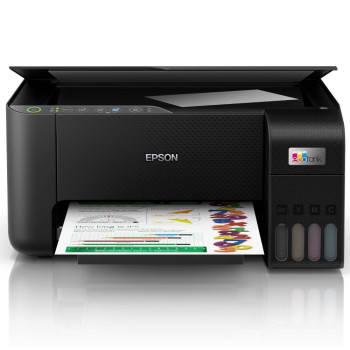
Finance available
Free Delivery *
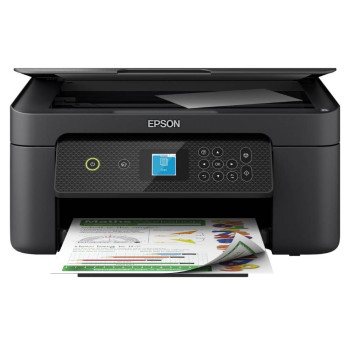
Finance available
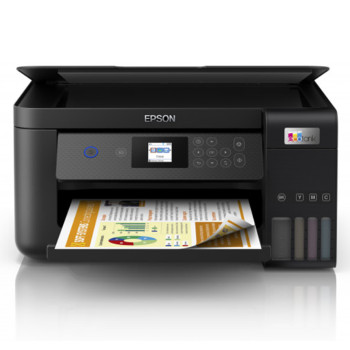
Finance available
Free Delivery *
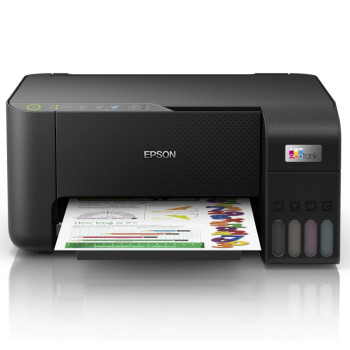
Finance available
Showing 8 of 8 Items
Epson Printers for Home, EcoTank, and Office Printing
Looking for Epson printers that combine sharp everyday printing, strong colour performance and long-term value? Our range of Epson printers includes compact home models, refillable EcoTank options and versatile all-in-one machines built for family use, hybrid working, creative tasks and business printing.
Whether you want an affordable Epson printer for occasional paperwork, a wireless multifunction model for daily home use or the best Epson printer for regular office demands, this category gives you practical options that feel easy to buy and easy to use.
Why Epson Printers Are Such a Popular Choice
Epson has become a go-to brand for buyers who want more than basic printing. For many households and home offices, the appeal comes down to flexibility. You can choose a simple everyday model for letters, homework, and labels, step up to an all-in-one for scanning and copying, or move into the EcoTank range if lower long-term printing costs matter more than the lowest upfront cost.
That broad appeal is exactly why Epson remains so competitive. Buyers looking at home printing want convenience. People working from home want reliability and ease of wireless connectivity. More value-conscious shoppers want a printer that feels economical over time, not just on day one. Epson covers those needs well, which is why so many customers shortlist the brand when comparing across the wider market.
If you are still deciding between brands, it can help to explore our printer collection first and narrow things down by how you print most often, rather than by price alone.
Epson Printers for Everyday Home Use
For light to moderate printing at home, Epson offers a strong mix of compact, user-friendly printers that suit day-to-day tasks without overcomplicating things. If your usual jobs include travel documents, schoolwork, forms, labels and occasional colour printing, an entry-level Epson printer can be a smart and cost-effective choice.
Many buyers in this part of the market also want scan-and-copy functionality on the same machine. That is where Epson’s multifunction range stands out. If flexibility matters as much as print quality, it is worth browsing the best all-in-one printers to compare what works best for home admin, study and mixed daily use.
EcoTank Value That Makes Sense for Regular Printing
One of Epson’s biggest strengths is EcoTank. If you print regularly, refillable ink tank models can be far more appealing than constantly replacing cartridges. That is why Epson is especially popular with families, students, home offices and small businesses that want to keep printing simple while getting better long-term value.
This is also where Epson feels especially commercial in today’s market. Shoppers are asking what it costs to live with. An affordable Epson printer can be a strong entry point, but for heavier use, EcoTank often becomes the better-value decision over time.
A Strong Choice for Photo Printing and Creative Work
If colour quality matters, Epson photo printers are well worth considering. They appeal to users who want cleaner colour, better detail and more polished results for family photos, coursework, craft projects, marketing materials or creative hobbies at home.
For many shoppers, this is where the brand feels different from a purely document-led office machine. Epson balances everyday practicality with colour performance, making it a compelling choice for households that want one printer to do more than churn out plain text pages.
Epson for Home Office and Business Printing
If you need a dependable office printer, Epson is also a strong contender. Home-office buyers often look for features such as wireless printing, automatic double-sided printing, scanning, copying, and straightforward mobile use, which are exactly the features that help make day-to-day workflows smoother.
The best Epson printer for work depends on volume and routine. If you print invoices, reports, forms, or customer paperwork every week, it is worth paying attention to paper handling, running costs, and whether you need a more capable multifunction setup rather than a basic printer.
Some buyers will also look at an affordable Brother printer for business-led practicality, compare selected HP printers for everyday home and work use, or review Canon printing solutions if photo quality or mixed-use flexibility is high on the list. That is why Epson works best when matched to your actual printing habits rather than chosen solely on brand name.
Why Buy Epson Printers from Laptop Outlet?
At Laptop Outlet, our Epson range is built around what customers actually care about: trusted performance, sensible running costs, practical features and strong value across different budgets. That makes it easier to shop with confidence, whether you are replacing an older printer, upgrading to EcoTank or buying your first multifunction model for home or work.
We also offer flexible payment options at checkout. We accept all major credit and debit cards, including MasterCard, Visa, Visa Debit, Maestro and American Express. You can also pay securely via PayPal, Klarna, Apple Pay, and Google Pay.
Read More
Refurbished Laser vs. Inkjet Printers: Which Is Better for You?
Read more