




Blog Categories






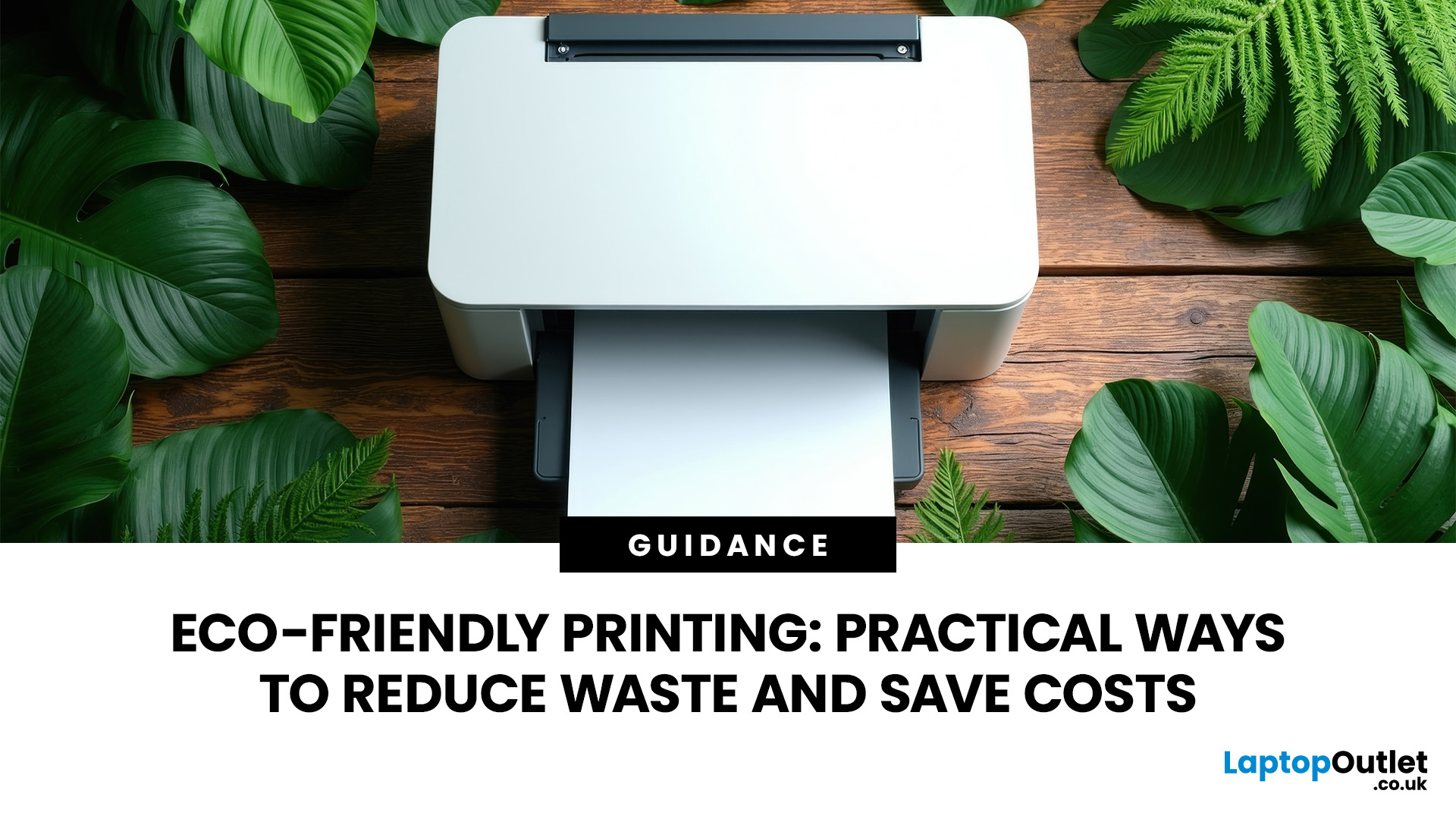 Eco Friendly Printing Practical Ways to Reduce Waste and Save Costs
Eco friendly printing does not require an expensive sustainability programme or an immediate equipment upgrade. Simple changes to printer settings, paper choices, consumables and everyday habits can reduce waste while lowering running costs.
The most effective approach is to print only when necessary, use both sides of each sheet, select appropriate quality settings and choose equipment that matches your workload. These sustainable printing practices are equally useful for households, hybrid workers and small businesses.
This guide explains 12 practical ways to reduce printing waste without compromising document quality. It also covers paper certification, cartridge recycling, energy efficient printing and the features worth checking when comparing printers for home and office.
What Is Eco-Friendly Printing?
Eco friendly printing means reducing the paper, ink, toner, electricity and equipment consumed throughout the printing process. It considers not only what you print, but also how efficiently
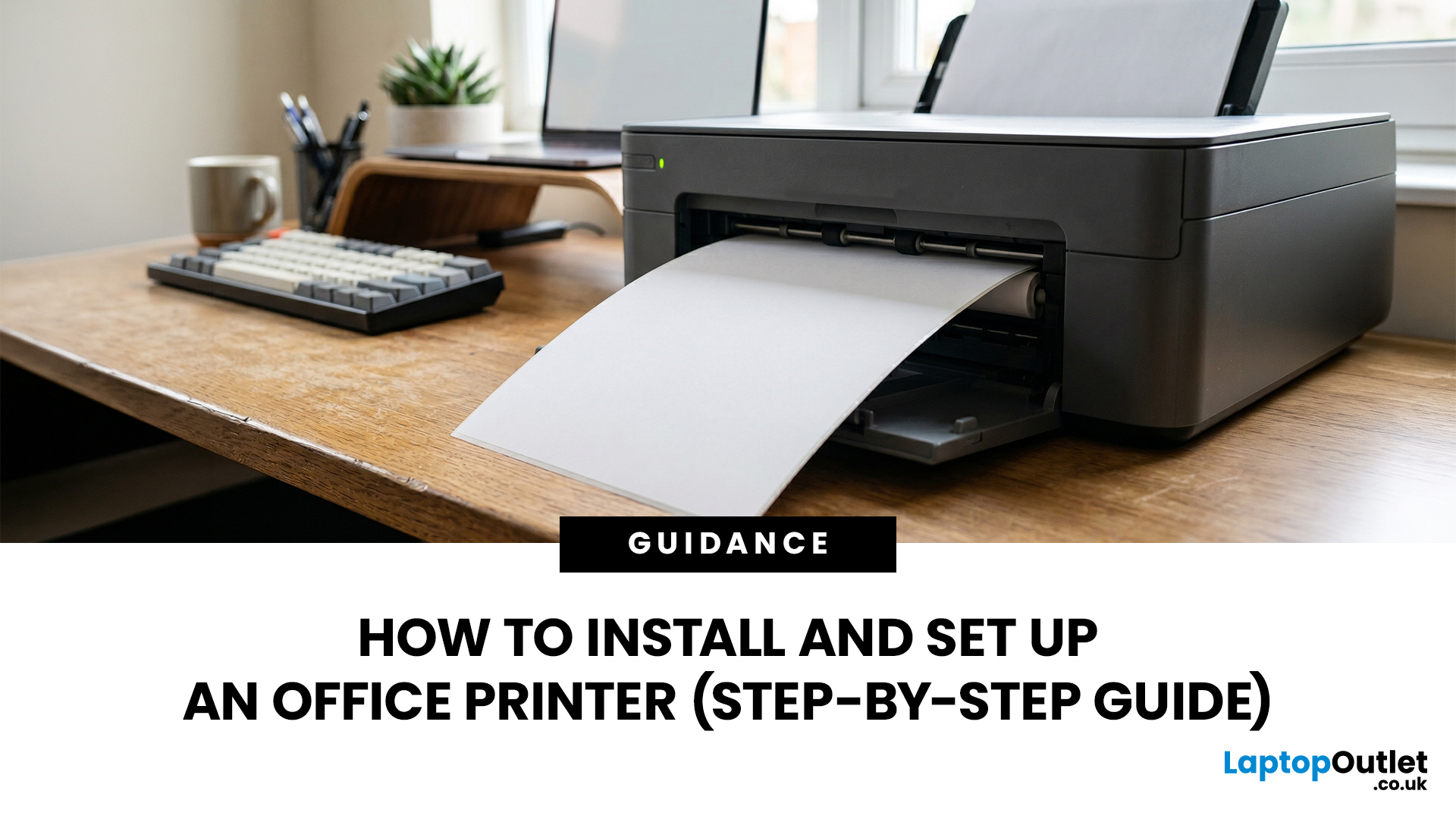 How to Install and Set Up an Office Printer (Step-by-Step Guide)
Office printer setup starts with unboxing and placing the printer, loading paper, installing ink or toner, connecting it by USB, Ethernet, or Wi-Fi, adding it in Windows 11 or Apple settings, then printing a test page. For offices, also set admin passwords, default paper rules, secure print options, firmware updates, and a simple maintenance routine before sharing it with staff securely.
Getting a new printer out of the box is the easy part. The part that trips most people up is knowing exactly what to do next, in the right order, across different operating systems and connection types. If you are in the same situation, don’t worry. This office printer setup guide will take you through the complete process from start to finish. Let’s get started.
Before You Start: Office Printer Setup Checklist
Good preparation prevents most installation problems. Before you begin your office printer initial setup, gather the basics and decide who will manage the printer after it goes live.
| WHAT TO PREPARE |
|---|

July 06, 2026
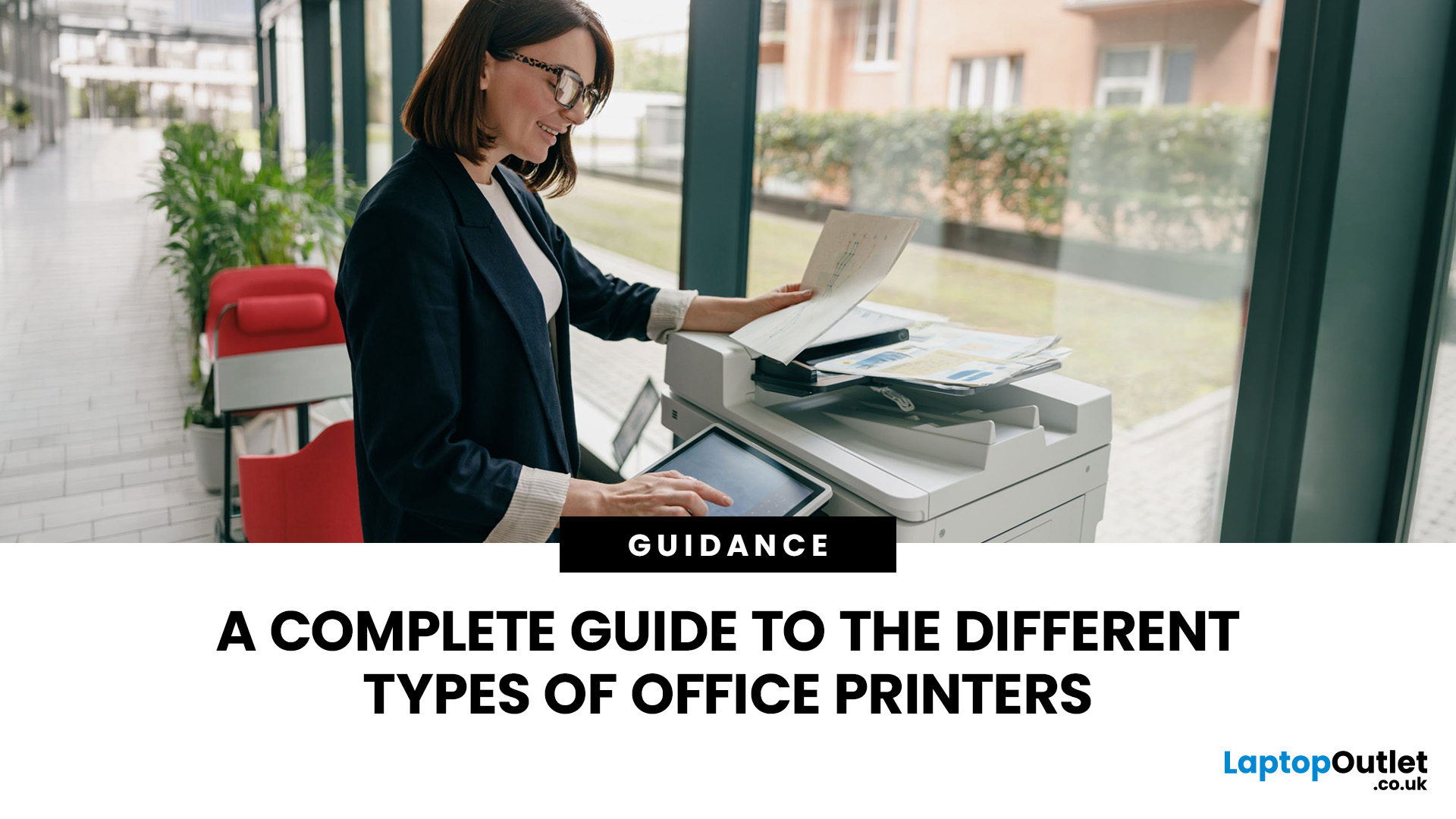
The main types of office printers are inkjet, laser, multifunction (all-in-one), and large-format printers. Inkjets handle colour-rich documents at a lower upfront cost. Laser printers deliver fast, sharp text at a lower cost per page. Multifunction devices combine printing, scanning, and copying in one unit. Large-format printers are used for oversized output such as technical drawings and marketing materials.
Choosing the right printer for your office can feel surprisingly complicated once you start looking at the options available. This guide will have office printer types explained, covering how each works, what it is genuinely best for, its practical pros and cons, and a few standout models to consider in 2026.
1. Inkjet Printers
What Is an Inkjet Printer?
An inkjet printer works by firing tiny droplets of liquid ink directly onto paper through microscopic nozzles. The print head moves back and forth across the page, placing ink with high precision to build up the final image or text.
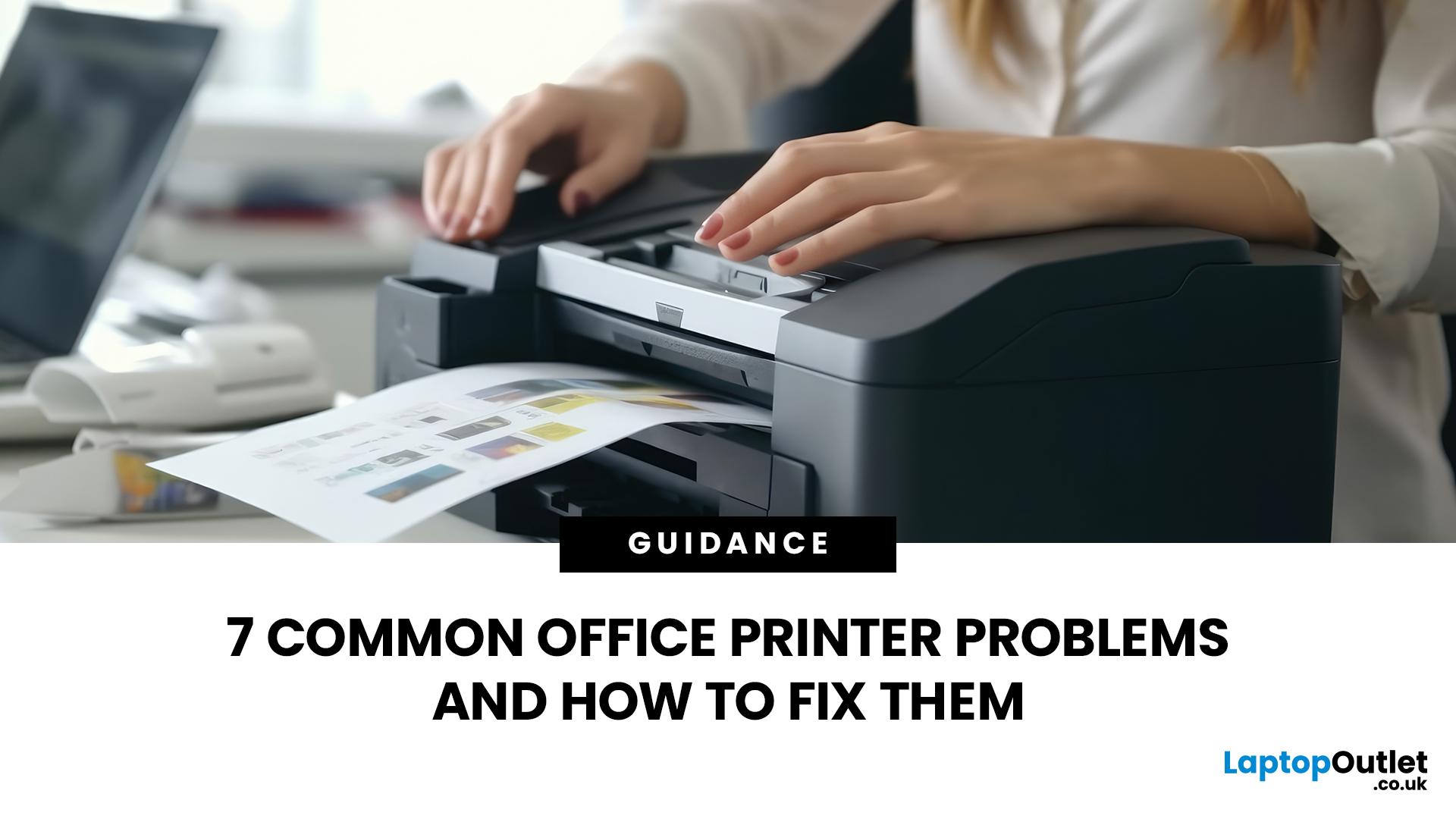 7 Common Office Printer Problems and How to Fix Them
The most common office printer problems are: paper jams, the printer showing as offline, faded or streaky prints, smudged or blurry output, ghosting (faint duplicate images), wrinkled or curled pages, and slow printing. Most can be fixed without a technician by checking connections, clearing jams carefully, updating drivers, and replacing low ink or toner cartridges promptly.
This guide walks you through the seven most common office printer issues and exactly how to fix them, regardless of whether you use an HP, Brother, Epson, Canon, Xerox, or any other brand.
Problem 01 – Office Printer Paper Jams
Paper jams are one of the most reported office printer problems. They happen when a sheet gets stuck in the feed path and blocks any further printing. Common causes include overfilled trays, damp or wrinkled paper, misaligned guides, and worn feed rollers.
There is also the frustrating "ghost jam", where the printer displays a jam error even though no paper is visibly stuck. This is usually
 The Complete Guide to Home Printers in 2026: Types, Features & Buying Advice
A printer sounds simple… until you need one.
Then suddenly you are comparing inkjet vs laser, cartridges vs ink tanks, print speed, Wi-Fi, duplex printing, scanners, toner, photo quality, paper sizes and running costs. And the worst part? The cheapest printer on the shelf can become the most expensive one after a few months of ink refills.
This home printers guide is here to make the decision easier.
Whether you are buying for schoolwork, hybrid working, family documents, shipping labels, retail paperwork
 Why Your Home Printer Isn’t Working: Common Issues & Fixes
Your document is ready, your deadline is real, and your printer has chosen chaos.
When your home printer is not working, even a simple print job can turn into a frustrating delay. From offline errors and paper jams to driver issues and connection problems, most home printer problems have quick fixes once you know where to look.
This guide explains the common causes and practical steps to get your printer working again.
 Latest Home Printing Trends in 2026: What to Expect Next
Printers are no longer just “that thing in the corner” for the occasional return label.
For UK buyers, the most important shift is simple: people want printers that are affordable to run, easy to connect and useful for both home and work.
For UK homes, hybrid workers, students and small businesses, printers remain an important everyday tool. But with so many options available, choosing the right one can be challenging.
This guide explores the latest home printing trends in 2026 and what UK buyers should look for when choosing a printer for home, work or study.
Why Home Printing Still Matters for UK Buyers
The idea that nobody needs a printer anymore is outdated.
Many UK households now use printers for:
- Hybrid work documents
- School and university assignments
- Returns labels
- Invoices
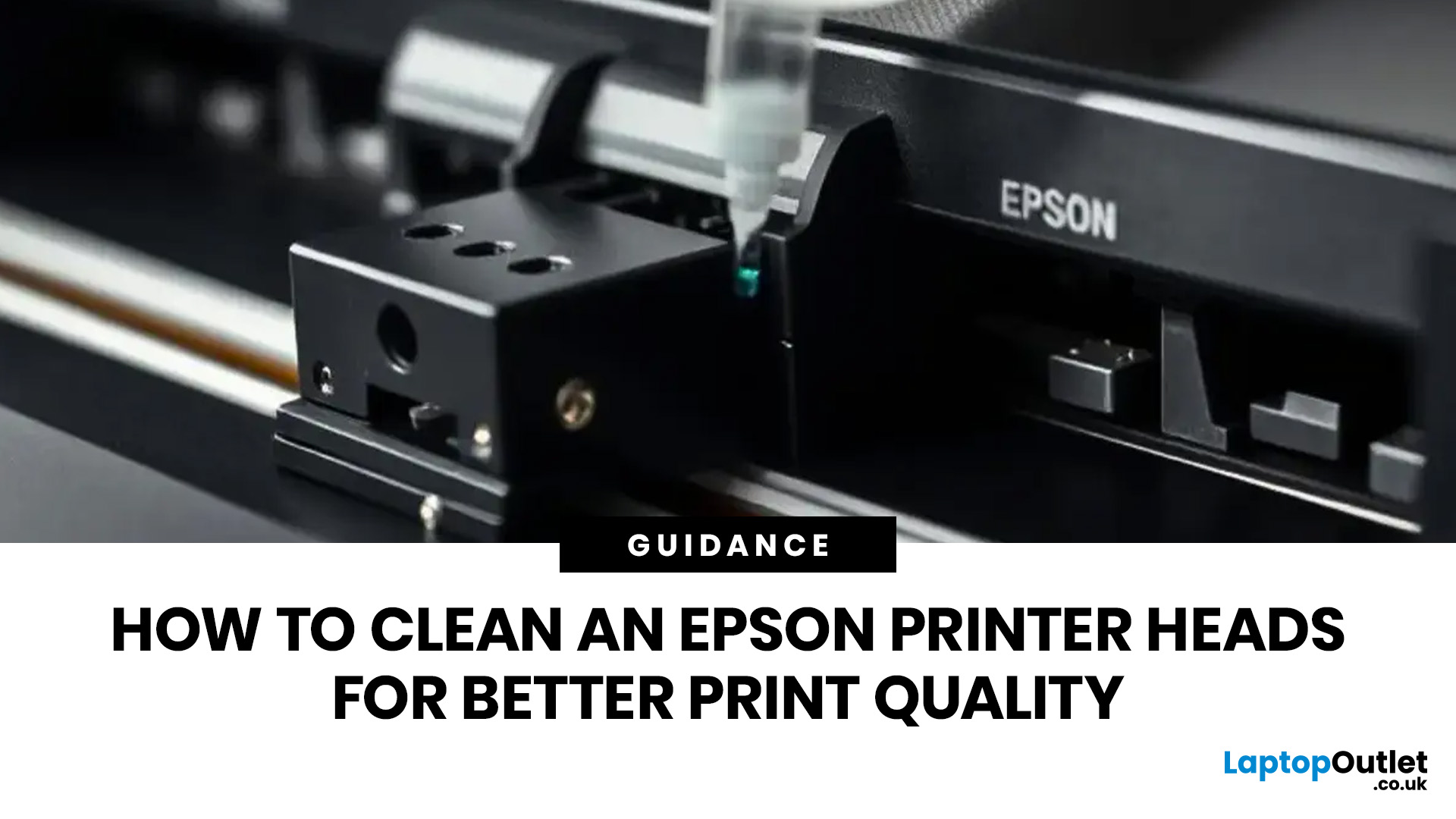 How to Clean an Epson Printer Heads for Better Print Quality
If your Epson prints look faded, streaky, patchy, or show missing colours, the print head may be clogged. You can usually fix this by running a nozzle check, using the built-in print head cleaning tool, and printing a test page to check the results.
Let’s be honest: when your Epson printer starts printing faded text, weird lines, missing colours, or completely blank pages, it feels like the printer has chosen chaos. But before you assume it is broken or start shopping for a new one, there is one simple thing you should check first: The Print Head.
If you are wondering how to clean an Epson print head, you are in the right place. Most print quality issues happen because the print head nozzles are clogged with dried ink. The good news? You can usually fix this with built-in print head cleaning tools, and you do not need to be a tech expert to do it. In this guide, you will learn what an Epson print head does, why it gets clogged, how to clean it properly, and what to do if your printer
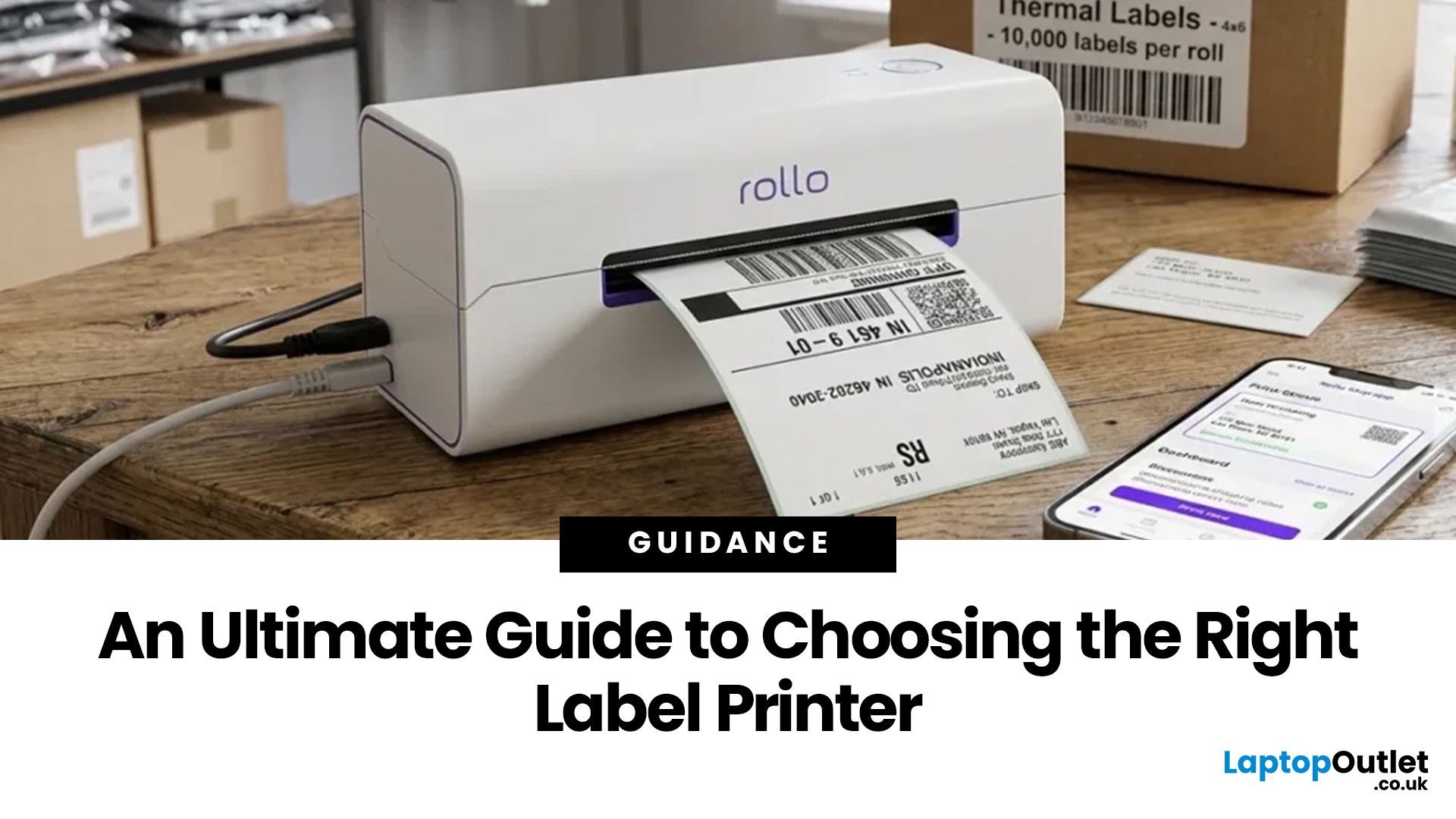 An Ultimate Guide to Choosing the Right Label Printer
Choosing the right label printer doesn’t have to be complicated. This label printers guide makes it easy to understand the main features, costs, label printer types, and how to choose a label printer that fits your home, office, or business needs.
Whether you’re organising your home office, printing parcel labels, managing stock, creating barcodes, or simply keeping things neat, the right label printer can save time and make everything look more professional.
In this
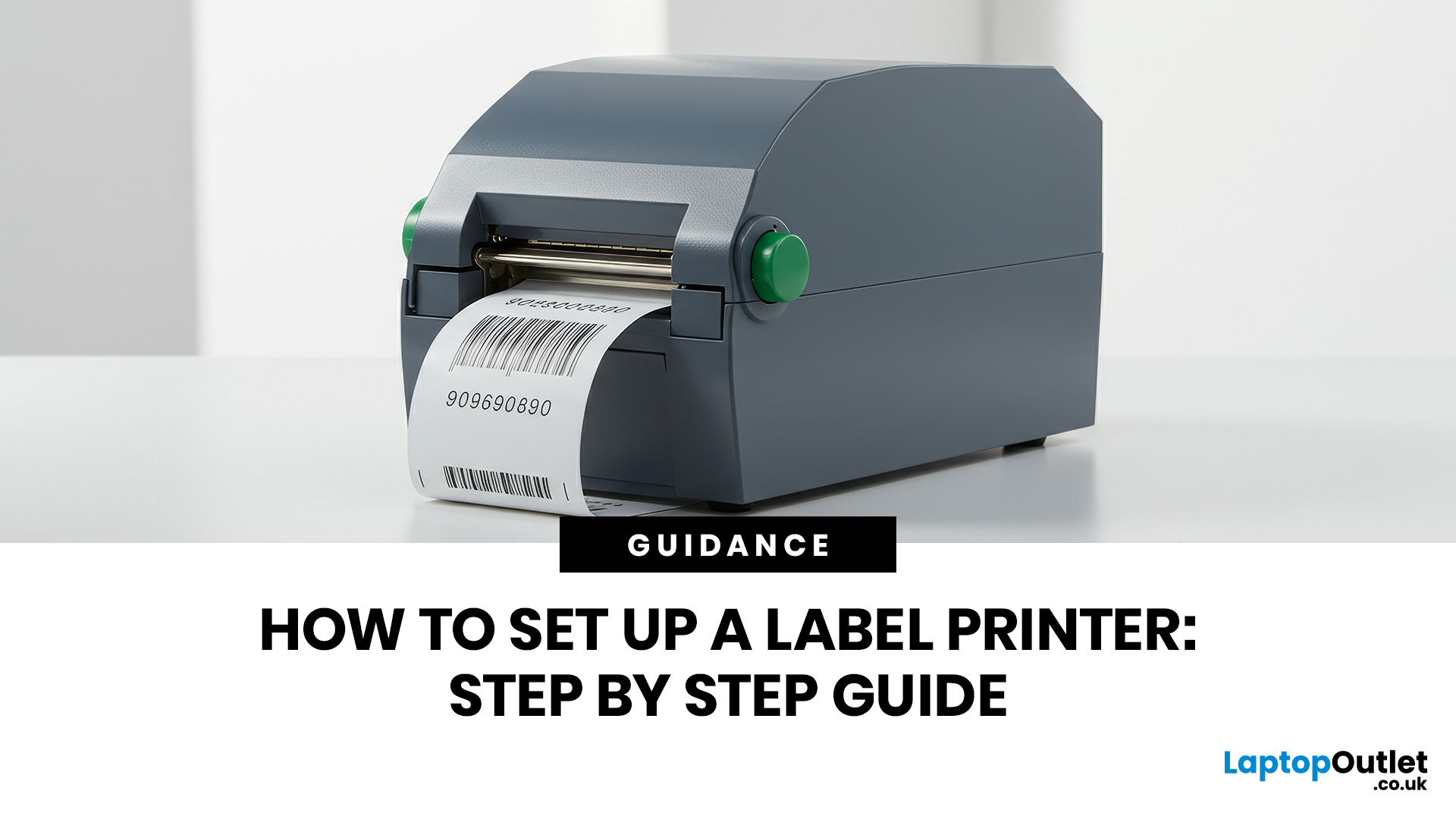 How to Set Up a Label Printer: Step by Step Guide
You are printing shipping labels, barcode labels, address stickers, product tags, file labels, or office labels. Setting up a label printer properly from the start saves time and avoids annoying print errors later.
This label printer setup guide walks you through every step in a clear, beginner-friendly way, so you can install, configure, and start printing labels without guessing your way through the manual.
Why Label Printer Setup Guide Matters
A label printer may look like a plug-and-play device, but the setup still matters. If the printer driver is wrong, the labels may print sideways. If the label size
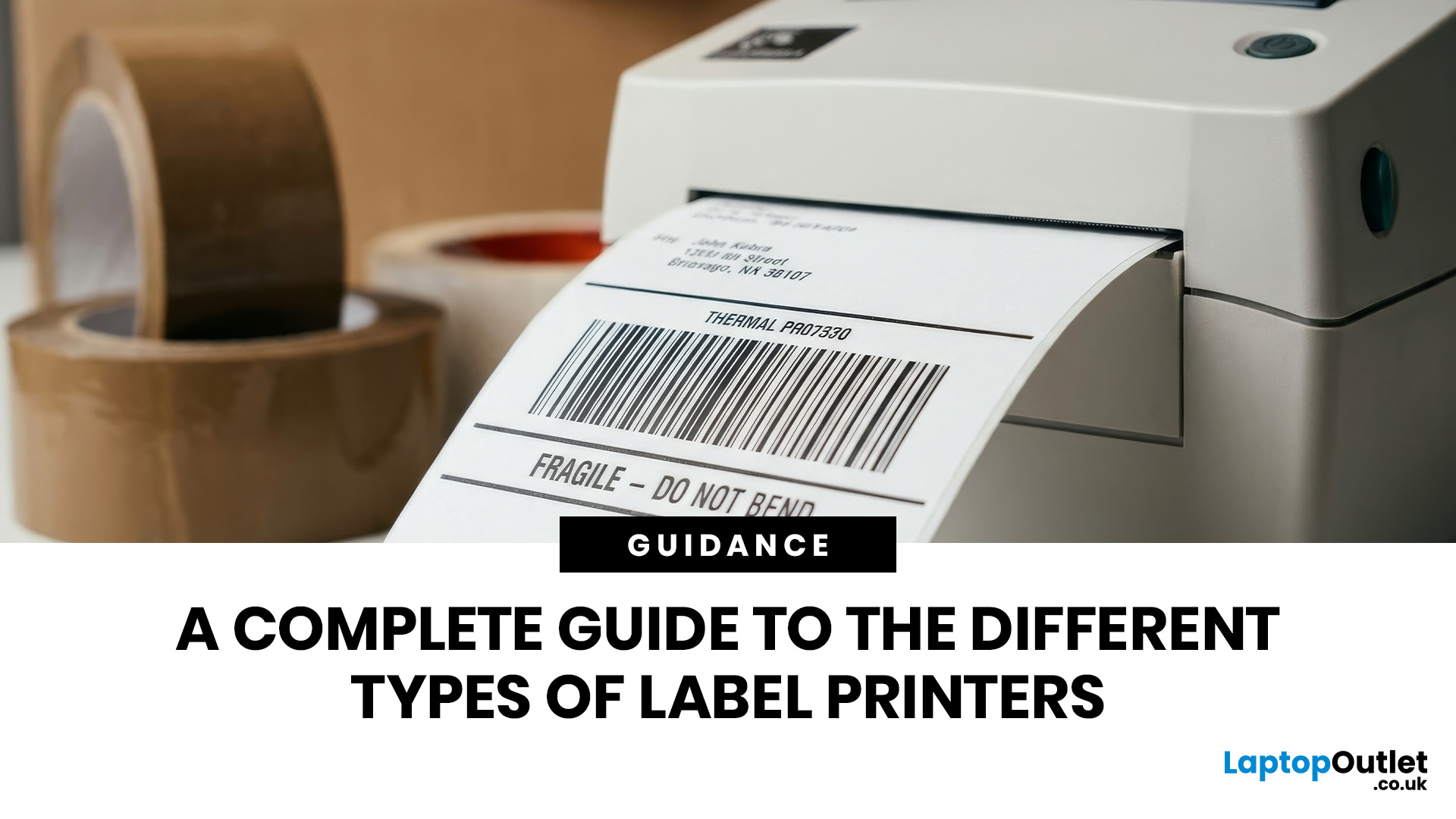 A Complete Guide to the Different Types of Label Printers
The main types of label printers are direct thermal, thermal transfer, inkjet, and laser. Direct thermal printers use heat-sensitive paper with no ink or ribbon, making them ideal for short-term labels like shipping and receipts. Thermal transfer printers use a wax or resin ribbon for durable, long-lasting labels. Inkjet and laser printers can print onto standard label sheets and work well for colour-rich or low-volume tasks. The right choice depends on your print volume, label durability requirements, and budget.
Whether you are running a small e-commerce shop, managing a busy warehouse, or simply trying to get your home office organised, choosing the right label printer can make a real difference. There are several label printer types on the market, each suited to different tasks, environments, and budgets.
This guide breaks down all the major types of label printers, explains how each technology works, and helps you figure out which one is the right fit for your needs.
Label Printer
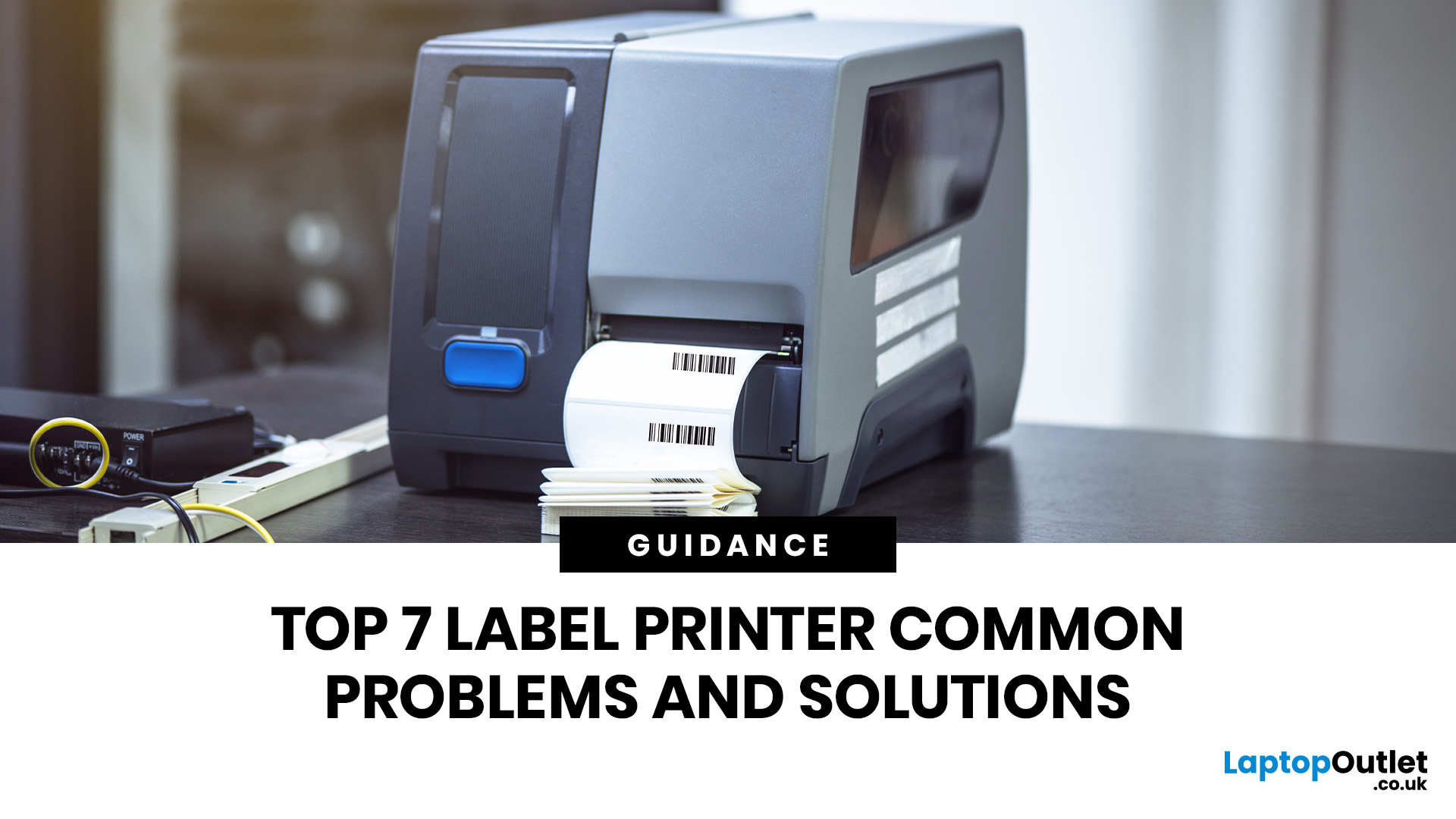 Top 7 Label Printer Common Problems and Solutions
Label printers are practical, reliable, and incredibly useful when they work as expected. Whether you use one for shipping labels, barcodes, product tags, warehouse labels, office organisation, or home storage, a good label printer can save time and keep everything running smoothly.
Like any printer, label printers can occasionally run into problems. You may find your label printer not printing, producing faded labels, jamming midway through a job, or printing blurry labels that are difficult to scan. These label printer issues can be frustrating, especially when you need quick and accurate prints for business operations.
The good news is that many label printer common problems are easy to fix once you know what is causing them. In this guide, we’ll walk you through the top seven label printer errors users often face and show you how to solve them with simple, practical steps. This guide covers seven common label printer issues, explains what causes them, and shows you how to solve them