



How to Choose the Best Printer for Small Business
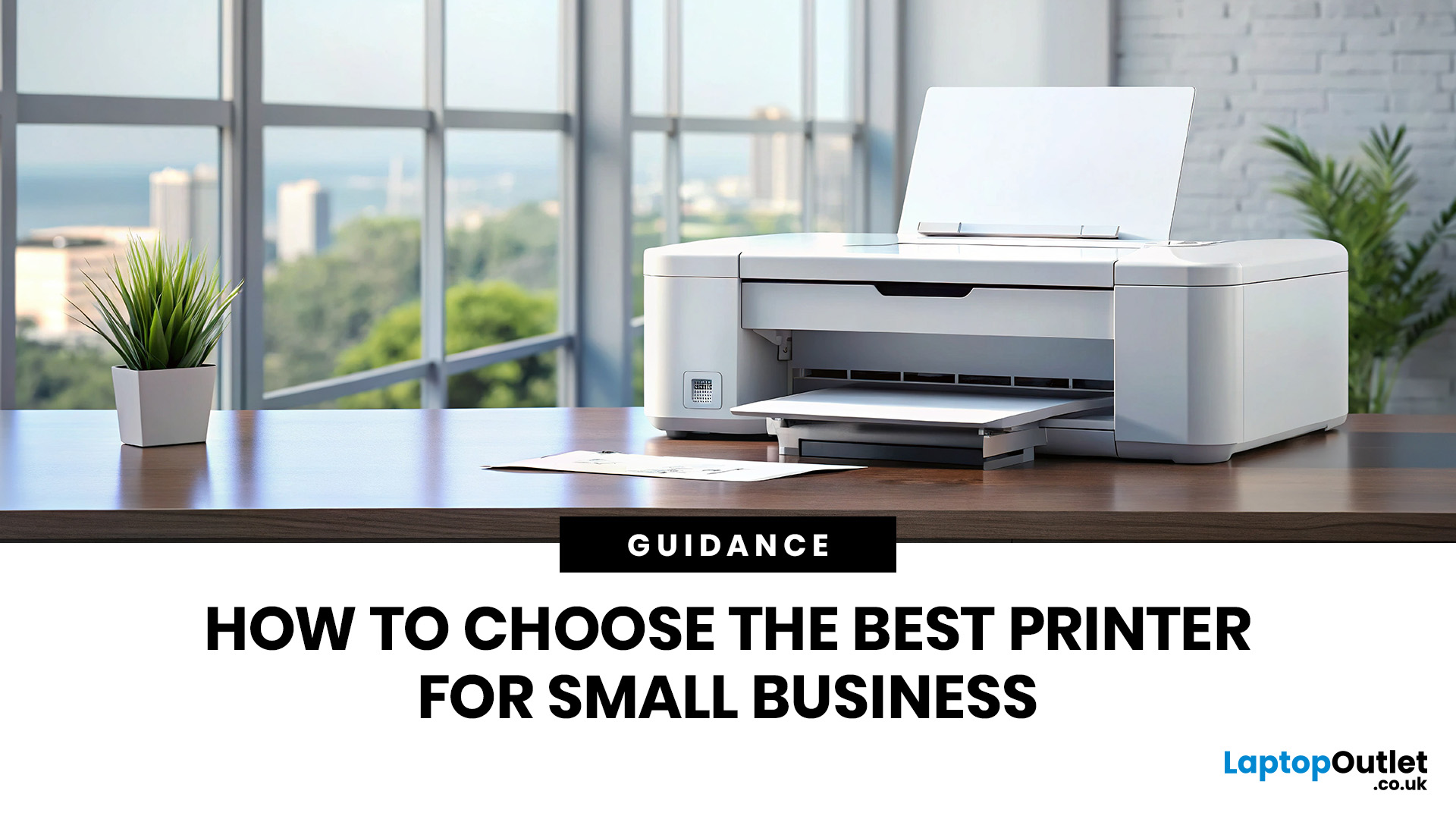
Quick Answer: Choosing the best printer for small business comes down to your print volume, budget, and document types. For mostly text, a laser printer offers fast speeds and low running costs. For colour-rich output, an inkjet is worth a look. If you need to print, scan, and copy, an all-in-one covers every base.
Running a small business means every purchase needs to earn its keep. A printer is no different. Whether you're producing invoices, contracts, client proposals, or marketing materials, finding the best printer for small business use can save you a surprising amount of time, money, and frustration over a year.
The UK printer market in 2026 is packed with options. Getting this decision wrong costs you far more in ink, toner, and paper waste than the device itself. This guide covers everything you genuinely need to know before you buy a printer, from print technology and running costs to connectivity and security.
What Types of Printer Are Available for Small Businesses?
Before you spend a penny, you need to know what you are actually buying. There are three main categories of printers suitable for small businesses, and each one suits a different working style.
Inkjet Printers
Inkjet printers work by spraying tiny droplets of liquid ink onto paper. They are brilliant for producing vibrant colour prints and high-quality photographs, which makes them popular with designers, photographers, and marketing-focused businesses.
The downside? Ink cartridges can be expensive to replace, especially if you print frequently. However, modern ink tank models (like those from Epson EcoTank and Canon PIXMA series) have dramatically reduced the cost per page. If your business relies on colour-rich documents, the inkjet models are well worth considering.
- Best for: Creative studios, marketing teams, businesses printing photos or brochures
- Print speed: Typically 10-20 pages per minute (ppm) for standard documents
- Cost per page: Can range from 2p to 10p+ depending on cartridge type
- Hardware cost: From around £60 to £350+
Browse the best inkjet printers available now to achieve professional, high-quality colour output for every creative business project.
Laser Printers
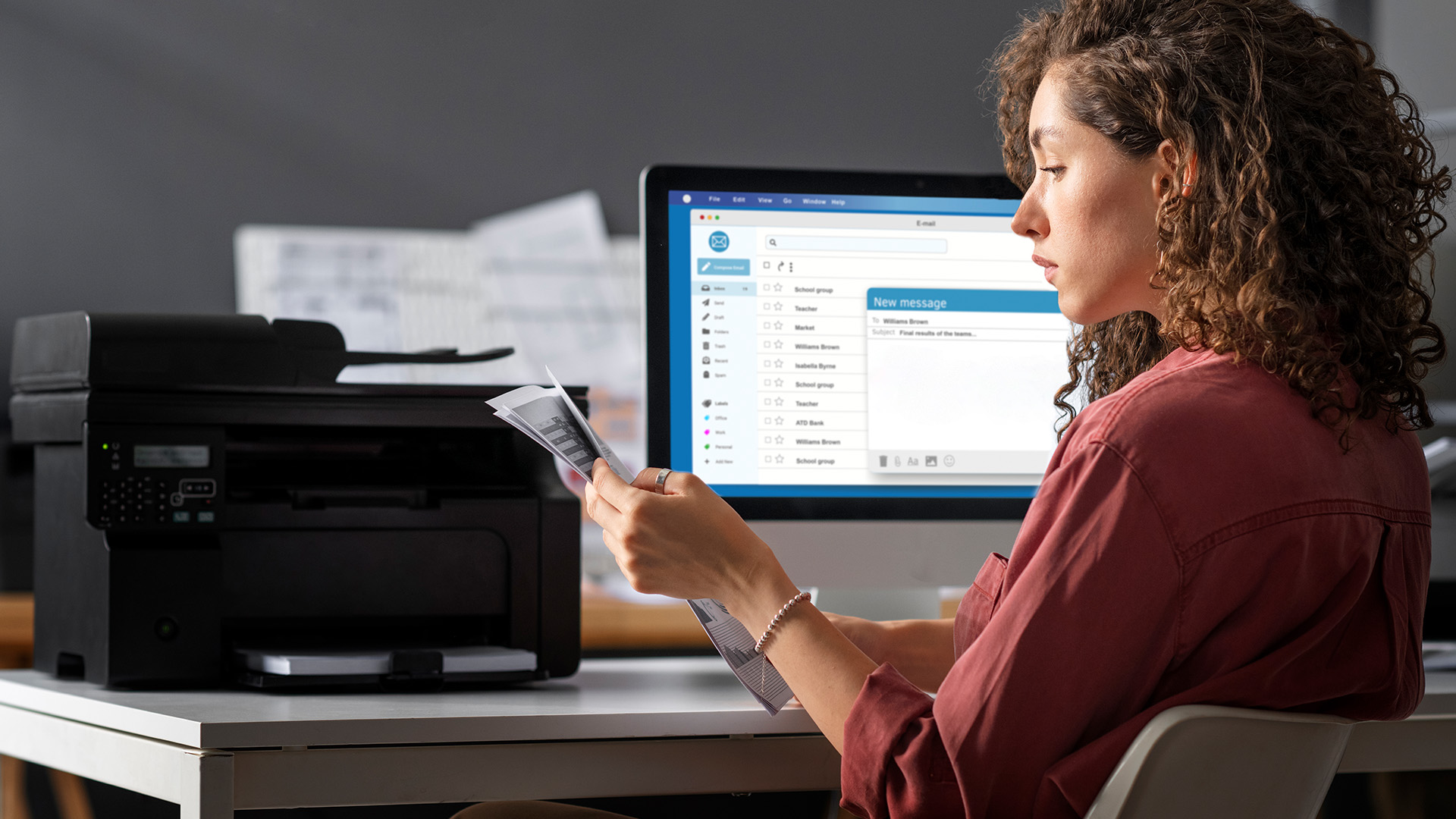
Laser printers use heat to fuse toner powder onto paper. They are fast, reliable, and deliver crisp, professional text every single time. For businesses that churn through documents, invoices, and reports, laser printing models are almost always the smarter long-term investment.
Toner cartridges last far longer than ink cartridges, meaning a lower cost per page over time. A standard mono laser toner can yield 3,000 pages or more, compared to a few hundred from a typical inkjet cartridge.
- Best for: Offices printing large volumes of text documents, invoices, contracts
- Print speed: 25-40 ppm for mono models
- Cost per page: As low as 0.5p to 2p for mono printing
- Hardware cost: From around £100 to £500+
Upgrade to advanced laser printing solutions today to ensure fast, reliable performance and cost-effective results for busy office environments.
All-in-One Printers
Also known as multifunction printers, they combine printing, scanning, copying, and sometimes faxing into a single device. If you are tight on desk space or want to cut down on equipment costs, an AIO is a genuinely smart choice.
The best multifunction printer for small business will handle a range of tasks without compromising on quality. Many modern AIO models also support duplex (double-sided) printing and high-capacity paper trays, which cuts down on both paper waste and interruptions.
- Best for: Small offices that need to scan, copy, and print regularly
- Key advantage: One device, multiple functions, less clutter
- Formats available: Both inkjet AIO and laser AIO versions exist
Shop the latest multifunction printers to streamline office tasks and improve workspace efficiency with a versatile, all-in-one hardware solution.
Inkjet vs Laser vs All-in-One: A Side-by-Side Comparison
Not sure which type fits your business? Here is a clear comparison across the factors that matter most to UK small business owners.
|
Feature |
Inkjet |
Laser (Mono) |
Laser (Colour) |
All-in-One AIO |
|
Print Quality (Text) |
Good |
Excellent |
Excellent |
Excellent |
|
Print Quality (Photo/Colour) |
Excellent |
Poor |
Very Good |
Varies by model |
|
Print Speed |
Moderate |
Fast |
Moderate-Fast |
Moderate-Fast |
|
Cost Per Page |
Medium-High |
Very Low |
Low-Medium |
Low (laser AIO) |
|
Upfront Cost |
Low-Medium |
Medium |
Medium-High |
Medium-High |
|
Scan/Copy/Fax |
Depends on model |
No (standalone) |
No (standalone) |
Yes |
|
Warm-up Time |
Instant |
5-15 seconds |
5-20 seconds |
Varies |
|
Ideal Monthly Volume |
Up to 500 pages |
500-5,000 pages |
300-2,000 pages |
Up to 3,000 pages |
What Print Volume Does Your Small Business Actually Need?
Print volume is the single most overlooked factor when people shop for small business printers. It's measured in pages per month, and most manufacturers publish both a "recommended monthly volume" and a "maximum duty cycle." Do not confuse the two.
The maximum duty cycle is what the machine can physically produce in a month. The recommended volume is what it's comfortably designed to handle without accelerated wear. Always size to the recommended figure.
Here's a practical guide based on typical small business scenarios:
|
Monthly Print Volume |
Recommended Printer Type |
Example Use Case |
|
Under 200 pages |
Inkjet or entry-level AIO |
Freelancers, home-based businesses |
|
200-500 pages |
Inkjet AIO or entry laser |
Sole traders, small retail |
|
500-2,000 pages |
Mono or colour laser AIO |
Small offices, professional services |
|
2,000-5,000 pages |
Business-grade laser |
Accountants, solicitors, logistics firms |
|
5,000+ pages |
Workgroup or MFP laser |
Busy offices, print-heavy industries |
Running a printer above its recommended volume leads to more frequent breakdowns, higher repair bills, and a significantly shorter lifespan. Getting this figure right upfront is one of the best investments you can make.
What Key Features Should You Look for in a Small Business Printer?
A lot of buyers focus on the headline price and miss the features that actually make a difference day to day. Here's what really matters for business use.
Does It Print at a Useful Speed?
Print speed is measured in pages per minute (PPM). For light individual use, 15 to 20 PPM is perfectly reasonable. If your team queues jobs throughout the day, aim for 30 PPM or above.
Slow print speeds might not sound significant, but they become a genuine productivity bottleneck when three or four people are waiting for the same shared device.
What Print Quality Does Your Business Actually Need?
Print quality is measured in dots per inch (DPI). The higher the DPI, the sharper and more detailed the output. For standard business documents, text, and spreadsheets, 600 DPI is more than adequate. For brochures, product sheets, or anything client-facing with graphics, look for 1,200 DPI or above.
Does It Support Automatic Duplex Printing?
Automatic duplex printing lets the printer flip and print both sides of a page without manual intervention. It cuts paper use by up to 50% and makes a measurable difference to paper costs over a full year.
If a printer only offers manual duplex, skip it for office use. Flipping pages by hand during a busy workday wastes time that your staff should be spending on more valuable tasks.
What Connectivity Does It Offer?
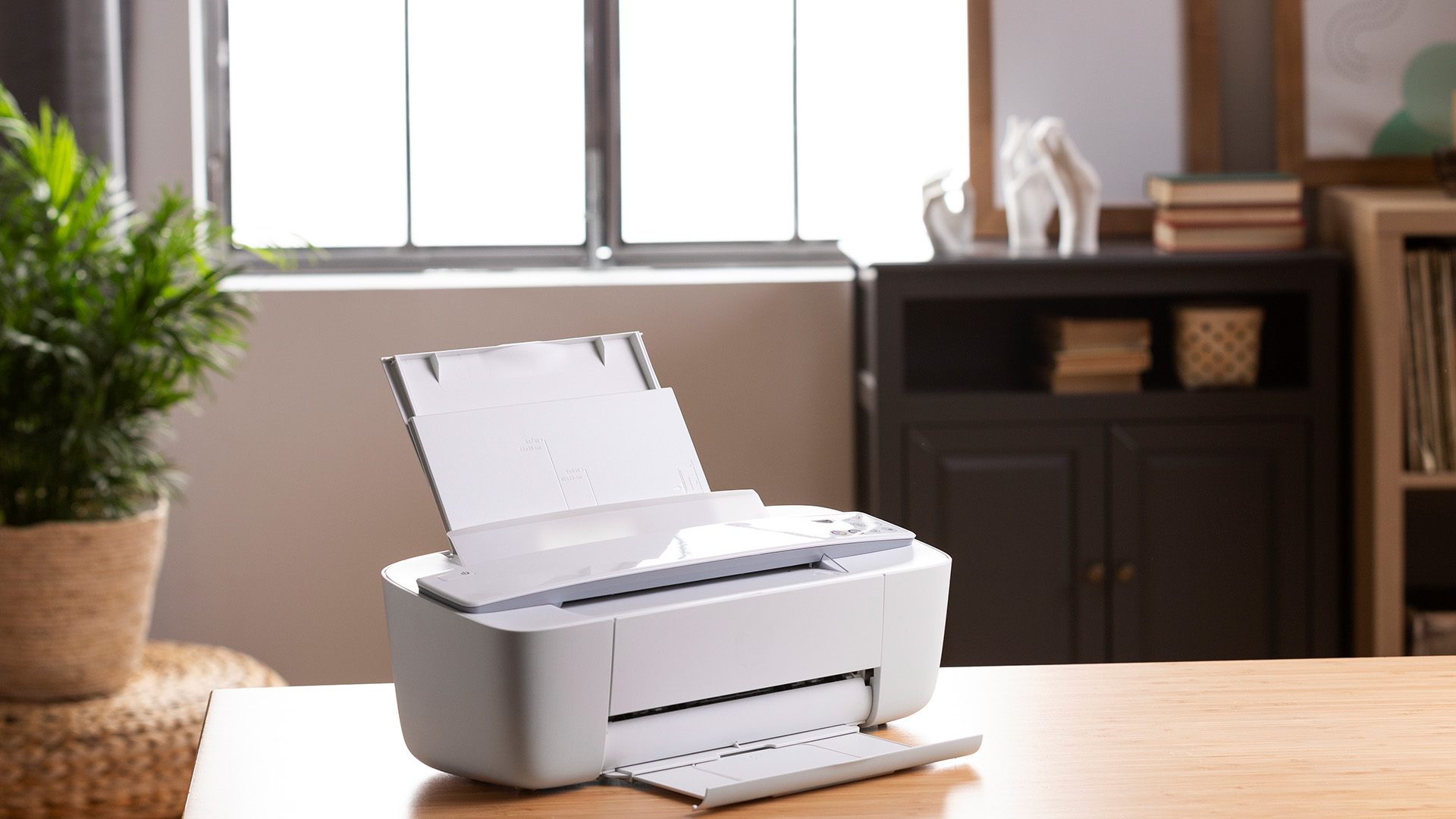
In 2026, a business printer should offer all of the following as standard:
- Wi-Fi: For wireless printing across the office without cables
- Ethernet: For wired network connections in offices with a fixed LAN setup
- USB: For direct connections when needed
- Mobile printing: Apple AirPrint, Mopria, or manufacturer app support
- Cloud integration: Compatibility with Google Drive, OneDrive, or Dropbox
How Good Is the Paper Handling?
Check the paper input capacity carefully. A 150-sheet tray is adequate for a single user, but a team of four will be constantly refilling it. For shared office use, target a minimum of 250 sheets, ideally 500.
Also verify that the printer supports the paper formats your business regularly uses: A4 is standard, but if you need A3 output, envelopes, or labels, confirm compatibility before you buy.
Does It Have an Automatic Document Feeder (ADF)?
If you regularly scan or copy multi-page documents (contracts, reports, invoices), an automatic document feeder is a huge time saver. It allows you to scan a stack of pages without manually placing each one on the flatbed glass.
- Standard ADF: Scans one side of each page as it feeds through.
- Duplex ADF (DADF): Scans both sides of a page in a single pass.
Are Security Features Included?
This is something many buyers overlook entirely. If your business prints sensitive documents, financial data, or client information, printer security is not optional. Look for:
- PIN-protected or secure print release (jobs held until authenticated)
- Secure Wi-Fi with WPA2 or WPA3 encryption
- User access controls and authentication
- Automatic data wiping from internal memory
Many top rated printers for small business now include built-in security features as standard, particularly from brands like HP, Brother, and Canon. It's worth verifying this before purchasing, especially if your business handles regulated data.
Does It Have a User-Friendly Control Panel?
A clear LCD or touchscreen display makes navigating settings, initiating scans, and managing jobs significantly easier. For a personal desktop printer, a simple button layout is fine. For a shared office device used by multiple staff, a proper touchscreen interface reduces user errors and saves training time.
Not sure where to start? Use our comprehensive printer buying guide to find the right specification for your team's exact needs before you purchase.
How Much Should You Spend on a Small Business Printer?
Budget is always a conversation when finding a good printer for small business. Here is a realistic breakdown of what your money buys you in 2026, and where the real value sits.
|
Budget Range |
What You Get |
Best For |
|
Under £100 |
Basic inkjet or entry mono laser, limited features |
Micro-businesses, very low print volumes |
|
£100 to £200 |
Solid mono laser, wireless, duplex, good build quality |
Sole traders, small teams printing mainly documents |
|
£200 to £350 |
Colour laser AIO or high-spec inkjet AIO with ADF |
Small offices needing scan, copy, and colour output |
|
£350 to £600 |
Business-grade colour laser AIO, high tray capacity, security features |
Growing businesses with 1,000+ pages/month |
|
£600+ |
Workgroup-level MFP, high-speed, large paper handling, advanced features |
Busy offices, print-intensive sectors |
Browse the full range of commercial printers available to understand what is currently on the market across different price points.
What Are the Real Running Costs of a Small Business Printer?
The purchase price is just the beginning. The true cost of owning (TCO) a printer includes consumables, energy use, and maintenance. This is where many small business owners get caught out.
Cost Per Page: The Number That Really Matters
Cost per page (CPP) tells you how much it costs in consumables to print a single page. For a high-volume business, even a fraction of a penny difference per page adds up significantly over a year.
- Mono laser: Typically 0.5p to 1.5p per page
- Colour laser: Around 3p to 8p per page for full colour
- Standard inkjet: Around 3p to 10p per page
- Ink tank inkjet (e.g., EcoTank, PIXMA G): As low as 0.5p to 1.5p per page
Tip: Always calculate your annual printing cost using the formula: monthly page volume x CPP x 12. Then compare it against the hardware cost to find your true total cost of ownership.
Toner vs Ink: Which Is Cheaper in the Long Run?
Laser toner cartridges have a higher upfront price (typically £15 to £80 per cartridge) but yield far more pages. A standard Brother HL-L2400DW toner cartridge, for example, can yield around 3,000 pages, whereas a standard inkjet cartridge might yield 300 to 500 pages.
For businesses printing over 500 pages per month, laser almost always wins on running costs. For lower volumes, ink tank inkjet models (sometimes called CISS or EcoTank) can be just as economical.
Energy Consumption: An Overlooked Business Expense
With UK energy prices still elevated in 2026, the running wattage of your printer matters. Laser printers use more energy during the fusing process (typically 300-900W during printing), while inkjets use far less (around 10-40W). If your printer runs all day, energy costs are a genuine consideration.
Look for Energy Star-certified models, which are independently verified to use less power, particularly in standby mode.
Which Printer Brands Are Most Reliable for Small Businesses in the UK?
Brand matters when it comes to driver support, toner availability, and long-term reliability. Here are the brands that consistently perform well for UK small businesses in 2026.
Brother is widely regarded as the go-to brand for no-nonsense business printing in the UK. Their laser printers and AIO models are known for exceptional reliability, generous toner yields, and competitive running costs. The HL and MFC ranges are particularly popular with small offices.
HP (Hewlett-Packard) offers one of the widest ranges of business printers available, from the budget-friendly LaserJet Pro to the enterprise-grade LaserJet Enterprise. HP subscription plans (Instant Ink) can also reduce cartridge costs for moderate print volumes, though read the terms carefully before committing.
Canon is a strong choice for businesses that need quality colour output. Their imageCLASS laser range performs exceptionally well in small office environments, and the PIXMA G ink tank series delivers outstanding cost efficiency for lower-volume colour printing.
Epson's EcoTank and WorkForce ranges are popular with businesses that print colour documents regularly and want minimal cost per page. Their heat-free PrecisionCore inkjet technology also reduces energy consumption compared to laser alternatives.
Xerox remains a trusted name for workgroup-level and high-volume printing, particularly where document management and security features are needed. Their VersaLink and WorkCentre ranges suit growing small businesses that want to scale without switching equipment.
Should You Buy a New or Refurbished Printer for Your Business?
Refurbished printers are a perfectly valid option, especially for start-ups and small businesses managing tight budgets. A professionally refurbished device from a reputable UK retailer, like Laptop Outlet, can offer significant savings without compromising on day-to-day performance.
The best small business printer for your needs does not have to be brand new. Refurbished business-grade machines often outlast cheaper new consumer models because they're built to a higher standard in the first place.
When considering a refurbished model, check the following before you buy:
- Has it been tested and certified by the retailer?
- Does it come with a warranty? (90 days minimum; 12 months is better)
- Are replacement consumables, toner, and drum units still readily available?
- What is the current page count on the drum unit?
For those on a tighter budget, high-quality budget-friendly home printers are available within the refurbished range for smaller workloads.
Quick Checklist: What to Check Before You Buy a Small Business Printer
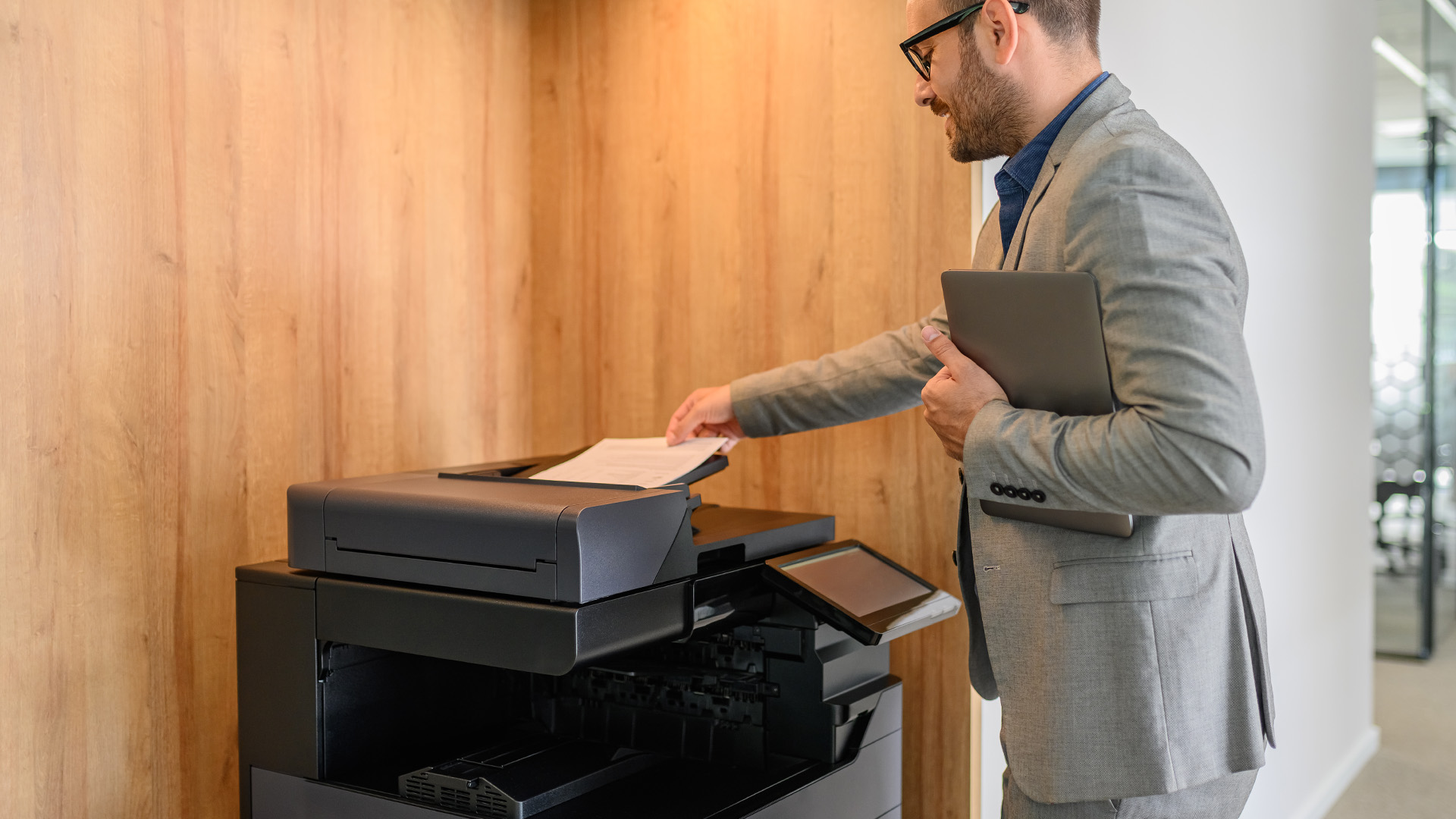
Use this as your final sense-check before making a purchase. The best small office printer should tick most of these boxes for your specific business needs.
- Print type (inkjet, mono laser, colour laser, AIO) matches your primary use case
- Monthly duty cycle comfortably exceeds your average print volume
- Cost per page (CPP) works out affordable over 12 months at your volume
- Automatic duplex printing is included
- Wireless or network connectivity suits your office setup
- Paper tray capacity handles your typical load without constant refilling
- ADF included if you scan or copy multi-page documents
- Print resolution meets your quality standards
- Security features match your data handling requirements
- Consumables (toner, ink, drum units) are readily available and competitively priced in the UK
- Manufacturer support and firmware updates are actively maintained
- Energy rating is acceptable for your usage patterns
By ensuring your chosen model meets these criteria, you can secure a cost-effective solution that supports your business growth without any hidden surprises

Final Words for Business Buyers
Finding the best printer for small business use is not about buying the most expensive model on the shelf. It's about matching the right technology to your actual working needs. Consider your print volume, the types of documents you produce, your running cost budget, and the connectivity your team relies on daily.
Laser printers win on running costs and speed for text-heavy offices. Inkjets shine for colour quality at a lower upfront cost. All-in-ones deliver the greatest flexibility for businesses that also need scanning and copying. Whatever route you take, always factor in the total cost of ownership over two years, not just the sticker price.

In Case You Were Wondering...
What is the best printer for small business use in the UK in 2026?
The best option depends on your volume and needs. For most UK small businesses, a laser multifunction from HP, Brother, or Canon offers the best balance of speed, reliability, and low running costs.
Is a laser printer or inkjet better for a small business?
Laser printers are better for high-volume document printing with lower running costs. Inkjet suits businesses needing vibrant colour output at lower monthly print volumes below 500 pages.
Do small businesses need a colour printer or is mono sufficient?
Mono is sufficient for invoices, reports, and internal documents. Businesses producing client-facing materials or presentations benefit more from colour output.
What is a multifunction printer and does a small business need one?
A multifunction printer prints, scans, copies, and sometimes faxes. Most small offices benefit from this versatility, especially when desk space is limited.
Is it worth buying a refurbished printer for a small business?
Yes, if bought from a reputable seller, such as Laptop Outlet. Certified refurbished business printers offer premium features at significantly lower cost with acceptable reliability and support.
What connectivity should a small business printer have?
Look for Wi-Fi, USB, Ethernet, and mobile printing support as a minimum. Cloud storage integration is increasingly useful for hybrid working teams.
| Read More |
| A Complete Guide to the Different Types of Printers |
| How to Set Up a Wireless Printer: Step-by-Step Guide |
| Why Is My Printer Not Working? Easy Fixes for Common Issues |
Related Articles

Published: April 24, 2026
An all-in-one printer is a machine that lets you print, scan, copy, and sometimes fax from one device. It is designed to save space, reduce setup hassle, and handle everyday home or office tasks without needing separate equipment.
An all-in-one printer, sometimes called a multifunction printer or MFP, combines multiple jobs into one device. Retailer and manufacturer guidance broadly agrees on the core value proposition: one device, less clutter, fewer cables, and a more streamlined workflow for home and office users.
Nobody wakes up thinking, “You know what would absolutely change my life today? A printer.” And yet, the second you need to print a return label, scan a signed document, copy schoolwork, or send a form to the office, your printer suddenly becomes the main character.
That is exactly why these all-in-one printers guide exists. We explain how all-in-one printers work, their key features, the main types, their benefits, costs, setup, maintenance, and how to choose the best one
Last Updated: June 10, 2026
The best HP printer depends on what you print, how often you print, whether you need scanning or copying, and how much you want to spend on ink or toner. For home users, an HP inkjet or all-in-one printer is usually the best choice. For offices and small businesses, HP OfficeJet, LaserJet or multifunctional printers are better for speed, reliability and heavier workloads.
Buying a printer can feel confusing because HP offers many different models for different users. Some are made for simple home printing. Some are designed for students and families. Others are built for small businesses, offices, shipping labels, high-volume printing or professional document handling. That is why choosing the right printer is not just about finding the cheapest model. It is about understanding your print habits, running costs, space, connectivity and long-term needs.
This HP printer guide 2026 will take you from basic printer knowledge to more advanced buying terms, so whether you are buying your first
Last Updated: July 06, 2026
Buying one of the many HP printers for small business setups out there sounds easy until you start comparing them properly. Some are better for fast document printing, some are built for scanning and colour work, and some save you more money over time. The trick is not buying the fanciest one. It is buying the one that suits your workload. This guide walks through the HP printer types that make the most sense for home offices, small teams, and day-to-day business use.
Which HP Printer Type Should a Small Business Choose?
- If your business prints mixed colour documents, scans paperwork regularly and needs one compact machine, go for an HP all-in-one in the OfficeJet Pro range. OfficeJet Pro printers are best for higher-volume printing and all-around productivity in a home or home office, which is exactly the kind of workload many sole traders, hybrid workers and small teams deal with.
- If your business prints lots of text-heavy documents and speed matters more than photo-quality colour, choose
Last Updated: June 10, 2026
A Xerox printer is a document printer or multifunction device designed for reliable office, business, and home printing. Most modern Xerox printers focus on laser or LED printing, fast document output, strong security, mobile printing and multifunction features such as scanning, copying, faxing and cloud connectivity.
Xerox is a trusted name in business printing, best known for office printers, copiers and multifunction devices. While the brand is still strongly linked with photocopying, modern Xerox printers do much more than copy documents.
Today’s Xerox devices can print, scan, copy, fax, support mobile and cloud printing, manage user access and help businesses control print costs. Many models also include Wi-Fi, reliable paper handling, security features and easy touchscreen controls.
If you are comparing printers, looking for a Xerox printer, or trying to understand whether Xerox is right for your home or office, this guide breaks everything down in simple words.
What is a Xerox
Last Updated: May 05, 2026
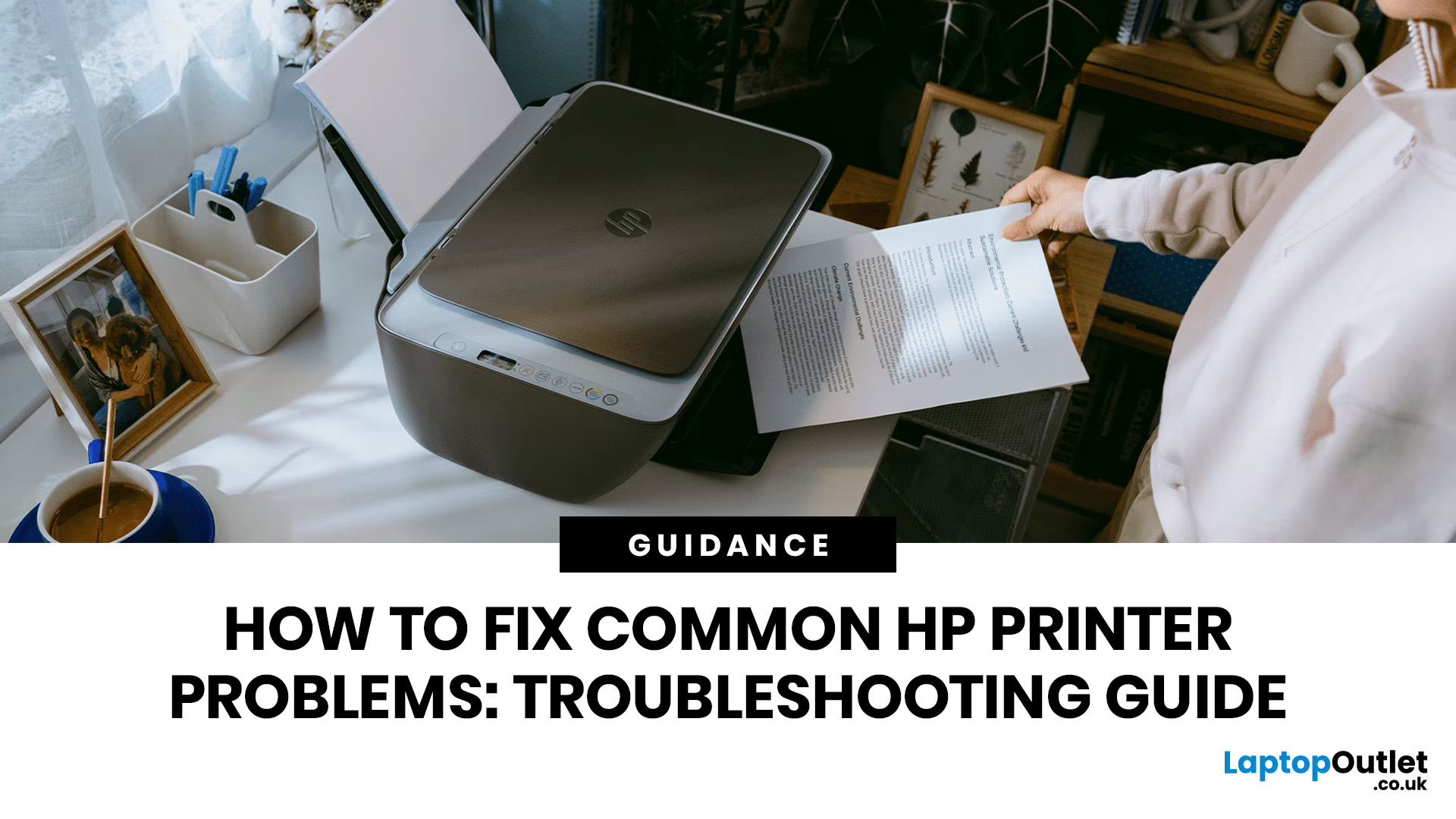
HP printers are reliable, but even the best machines throw a wobble from time to time. The good news is that the vast majority of issues are easy to resolve on your own. This guide will show you how to fix common HP printer problems without calling a professional. Whether you've got an HP OfficeJet, DeskJet, LaserJet, or ENVY, many of the checks below apply across the range.
What Are the Most Common HP Printer Problems?
Before diving into individual fixes, it helps to know what you are actually dealing with. HP printers, from compact home models to full office workhorses, tend to run into the same handful of issues time and again.
Here is a quick overview of the most frequently reported HP printer problems and what typically causes them:
| Problem | Most Likely Cause |
| Printer not printing | Stuck print queue, offline status, driver fault |
| Paper jam | Overfilled tray, worn rollers, torn paper fragments |
| Printer showing offline | Wi-Fi dropout, incorrect default printer setting |
| Blank or faded pages |
Last Updated: May 05, 2026
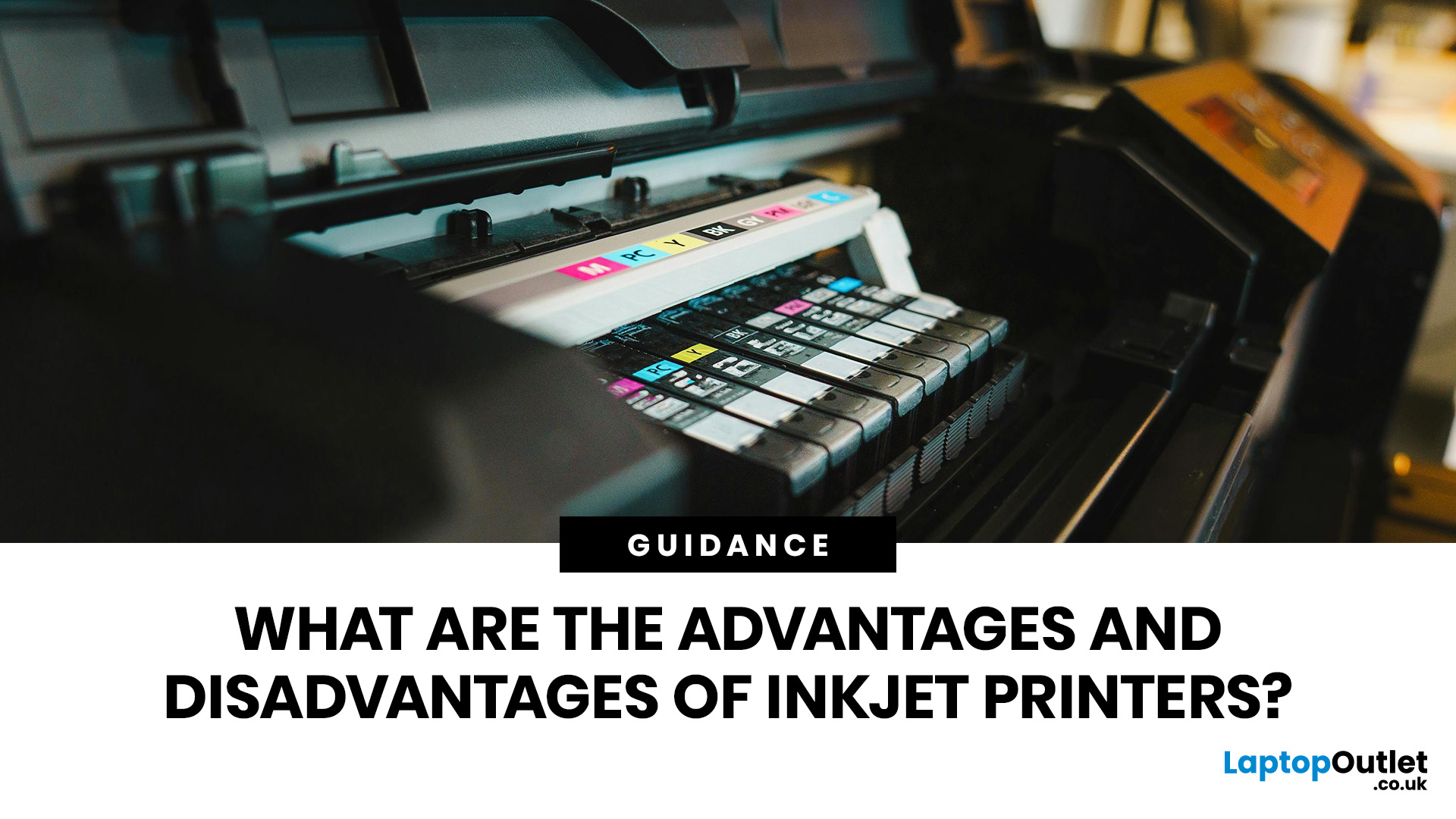
Quick Answer: Inkjet printers offer high colour quality, a compact design, and a lower upfront price, making them ideal for homes, students, creative projects, and light office use. The main disadvantages are higher ink costs on cartridge models, slower print speeds, possible ink smudging, and printhead maintenance when the printer sits unused.
Choosing a printer sounds simple until you start comparing ink costs, print speed, colour quality, maintenance, and the difference between inkjet and laser models. For many UK homes, students, hybrid workers, and small offices, an inkjet printer still makes a lot of sense. It is usually compact, affordable to buy, and strong at printing colour documents, photos, homework, labels, and everyday paperwork.
The part that needs more thought is the long-term cost. Some inkjet printers are cheap upfront, but can become expensive when you replace cartridges often. Others, such as refillable ink tank models, cost more upfront but may suit regular printing
Last Updated: May 06, 2026
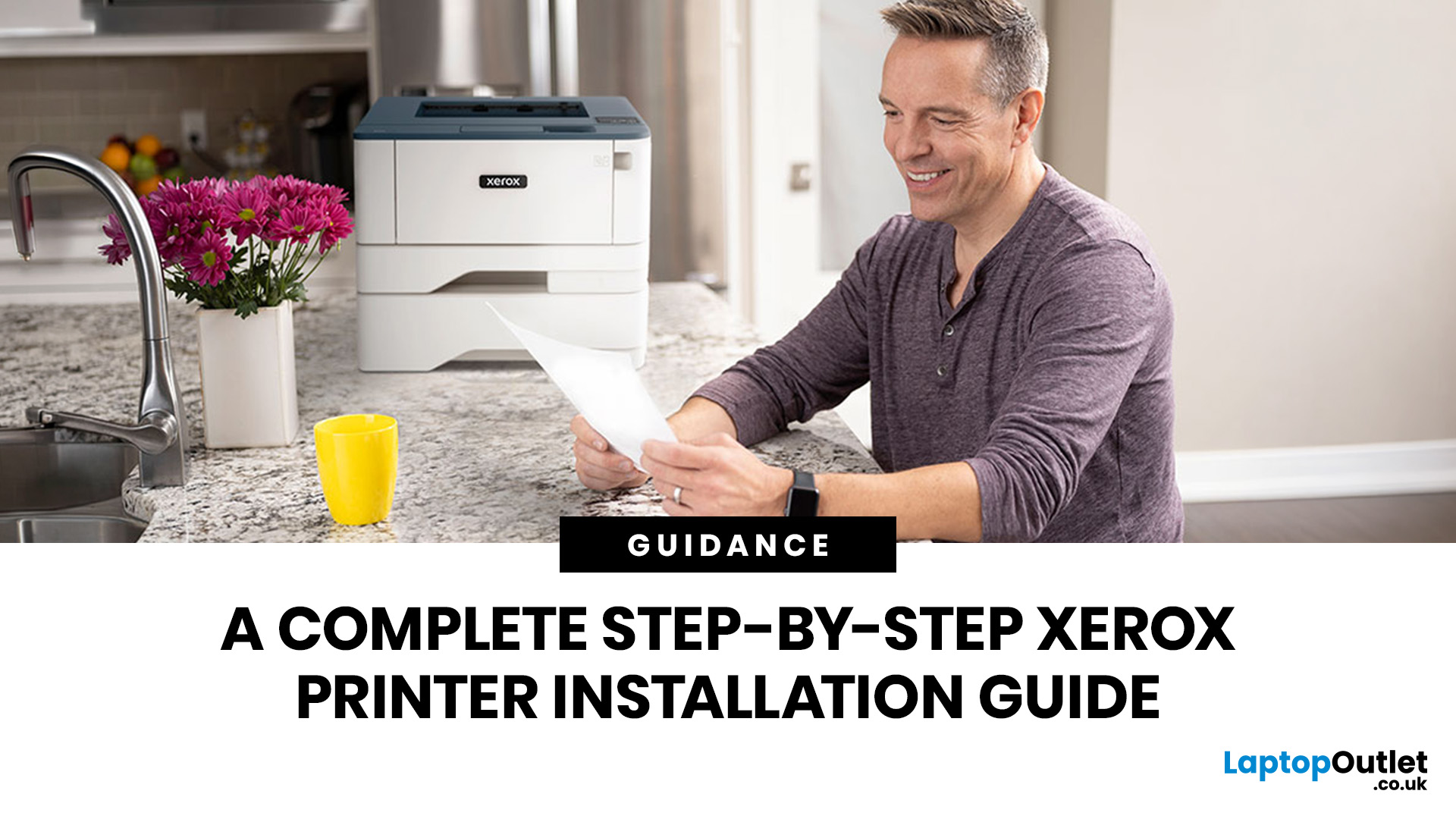
Xerox has been making printers for over 50 years, and their modern range is some of the most capable kit available for home and office use. However, even the best printer is useless if it's not set up correctly. This complete Xerox printer installation guide walks you through every method, every platform, and the most common problems you're likely to run into (with fixes), so you can get set up quickly and get on with your day.
1. What Do You Need Before Starting a Xerox Printer Installation?
A smooth installation begins well before any cable is plugged in or software is run. Taking five minutes to gather the right items and verify your system compatibility saves considerably more time than troubleshooting avoidable errors later.
What Hardware and Consumables Do You Need?
- Your Xerox printer with all packaging materials and shipping tape removed
- Power cable (supplied in the box)
- USB cable (Type-A to Type-B) for direct USB setups -- note that Xerox does not always include this in
Last Updated: July 07, 2026
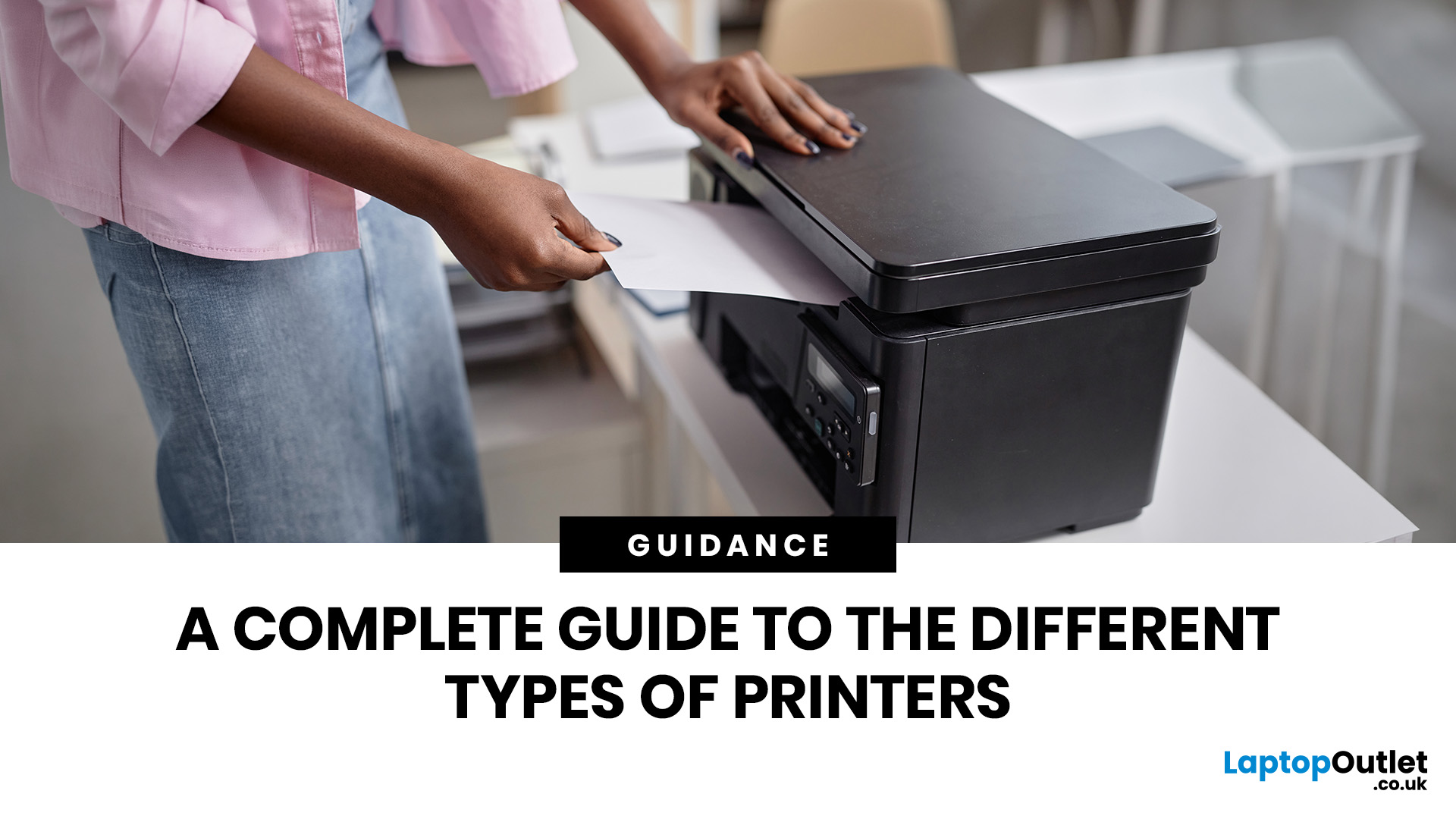
Quick Answer: The main types of printers are inkjet, laser, multifunction (all-in-one), and label printers. Inkjet printers are great for photos and colour printing at home. Laser printers suit high-volume office use. Multifunction printers combine printing, scanning, and copying. Label printers handle specialist tasks like shipping labels. The right choice depends on your print volume, budget, and intended use.
Choosing the right printer feels overwhelming when you are faced with so many options. Inkjet or laser? All-in-one or dedicated? It is easy to spend money on a printer that simply does not match your needs. This guide cuts through the noise. We'll cover the various types of printers in detail. By the end, you will know exactly which printer fits your home, business, or creative needs.
What Are the Main Types of Printers Available Today?
There are several categories of printers commonly available to UK buyers, each designed with a different use case in mind. Understanding what
Last Updated: July 09, 2026
If you are comparing Xerox printer types, the easiest way to narrow it down is to start with how you print. For home use and light admin, compact mono, or colour laser models usually make the most sense. For small teams and busier desks, multifunction and office-focused Xerox models are often the better fit. Our current Xerox range reflects that clearly, with mono laser, colour laser, multifunction and VersaLink options aimed at home working, small businesses and larger office environments.
This guide breaks down the different Xerox printers that matter most, what each type is best at, and how to choose the right one without overbuying.
Which Xerox Printer Type Should You Choose?
If you mainly print forms, invoices, and text-heavy documents, mono laser is the strongest place to start. Xerox mono laser models are for straightforward document printing and regular office use, while other Xerox models are a fit for small to medium businesses and home working.
If you need colour for reports,
Last Updated: May 12, 2026
Buying a printer in 2026 should be straightforward, but with dozens of models, technologies, and pricing traps to navigate, it can feel overwhelming. This complete printers buying guide cuts through the noise and helps you find exactly what you need, at the right price, for your home, home office, or business.
What Is a Printer and What Does It Do?
A printer is a hardware device that takes digital data from a computer, phone, or tablet and reproduces it as a physical document or image on paper. It bridges the gap between the digital and physical worlds and remains one of the most widely used pieces of office and home technology in the UK.
Modern printers do a great deal more than simply print text. Today's models can scan documents, copy pages, send faxes, print directly from USB drives, and even connect to cloud services. Whether you need to print a single boarding pass or thousands of invoices each month, there is a printer designed precisely for that purpose.
Whether you are looking

