



Guide to Laser Printers: How They Work, Benefits, Uses, and What to Buy

If most of your printing revolves around invoices, reports, coursework, labels, forms, shipping documents, and everyday admin, a Laser printer usually makes more sense than many buyers first realise. A lot of people still think of Laser printers as large, office-only machines built for big companies, but that view is out of date. Today, you can find compact monochrome models for home desks, colour models for presentation-heavy work, and multifunction machines that print, scan, copy, and fax without dominating your space.
That matters because the right Laser printer can save time every week, keep text consistently sharp, reduce day-to-day hassle, and lower running costs when your workload is document-heavy. The wrong one can leave you paying extra for features you never use or relying on a machine that isn't actually built for the way you print.
This guide explains how Laser printers work, where they perform best, the main advantages and disadvantages to weigh up, and which features matter most before you buy. It also covers maintenance, troubleshooting, and the difference between home and office-focused models, so you can choose with confidence rather than guesswork.
If you are already comparing document-first options, browse the Laser Printer collection to see monochrome and colour models for home, study, and office use.
Quick Answer: Is a Laser Printer Right for You?
A Laser printer is usually a strong fit if you print lots of black-and-white documents, work from home, manage regular admin, or run a small office that needs consistent, fast document output. It is often the better choice for contracts, reports, coursework, forms, letters, spreadsheets, labels, and other text-led pages where speed, clarity, and efficiency matter.
A different printer type may suit you better if you mainly print glossy photos, colour-accurate creative work, or only print a few casual mixed pages each month and want the lowest upfront price above all else.
Here is the simplest way to think about it:
|
If this sounds like you |
A Laser printer is often a strong fit because |
A different type may suit you better if |
|
You print lots of black-and-white documents |
It is quick, crisp, and usually economical over time |
You mainly print photos or art prints |
|
You work from home and need reliable paperwork |
It handles regular admin without fuss |
You only print a few mixed pages each month |
|
You run a small office or shared workspace |
It is better suited to repeated daily use |
You need a compact photo-first home printer |
|
You need one machine for business documents |
Many models offer duplex, Wi-Fi, ADF, and strong paper handling |
You want the lowest upfront price above all else |
What is a Laser Printer?
A Laser printer uses toner powder, an electrostatically charged drum, and heat to transfer text or images onto paper. Unlike an inkjet printer, which sprays liquid ink through tiny nozzles, a Laser printer builds the image electrically and then fuses toner onto the page.
In practical terms, that usually means faster output, cleaner text, and more consistent results on document-heavy work. That is the core reason Laser printers have become such a dependable choice for paperwork-led environments.
For most buyers, the appeal is straightforward: Laser printers are built for documents. They suit users who print contracts, coursework, spreadsheets, letters, forms, reports, and other text-focused pages often enough to care about speed, neatness, and running efficiency.
How Laser Printers Work
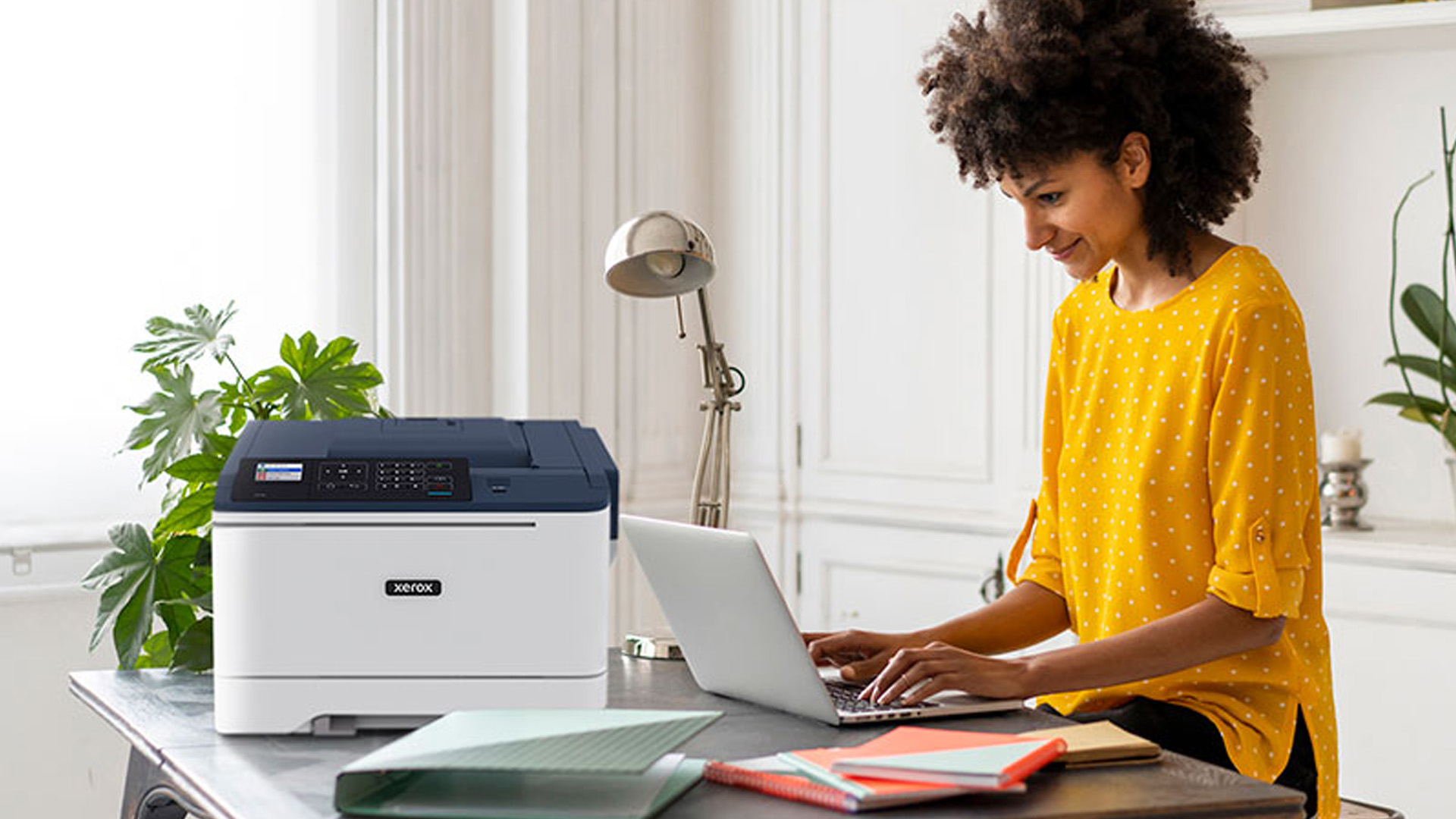
If you have ever wondered how a Laser printer works in real terms, the process is easier to follow than it sounds. In simple terms, the printer creates an invisible electrical image, applies toner to it, and then fuses the toner to the paper using heat and pressure.
The Laser printing process step by step
1. Your document is processed digitally
The printer receives the file from your laptop, desktop, phone, or network and converts it into printable data.
2. The drum is given an electrical charge
Inside the printer is a light-sensitive drum. This drum holds an electrostatic charge and serves as the surface on which the page image is formed.
3. The Laser writes the page onto the drum
The Laser targets specific points on the drum and changes the electrical charge in the exact pattern of the text and graphics you want to print.
4. Toner sticks to the imaged areas
Toner is a fine powder rather than liquid ink. It is attracted to the parts of the drum that now hold the image.
5. The image transfers onto paper
As paper passes through the printer, the toner image is transferred from the drum onto the sheet.
6. The fuser seals the result
Finally, the paper passes through the fuser, which uses heat and pressure to bond the toner permanently to the page. That is why Laser printer output comes out dry, durable, and ready to handle immediately.
The main Laser printer parts that matter
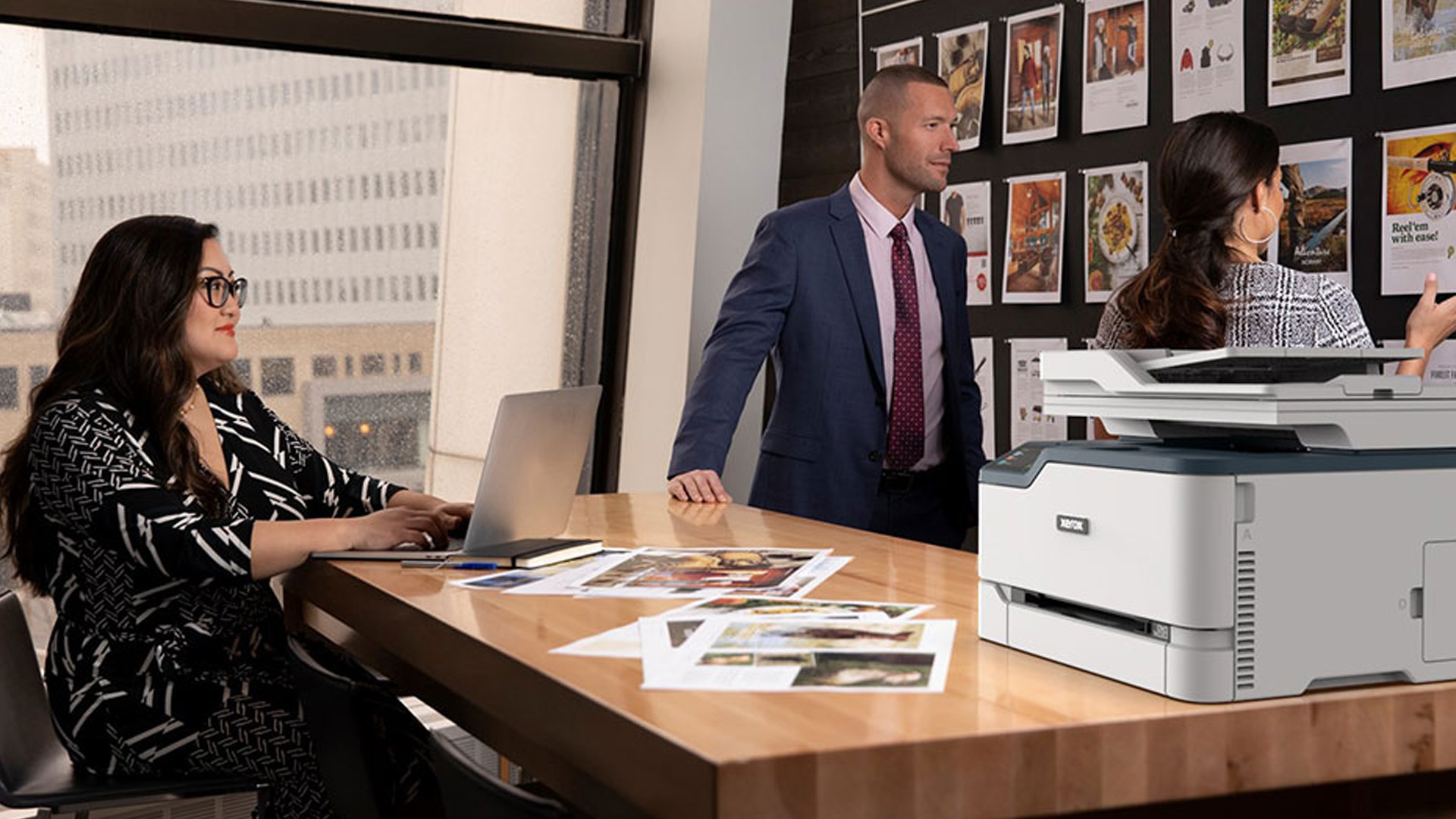
When you read product specs or support pages, these are the parts you will see most often:
- Toner cartridge: Holds the powder used for printing
- Drum unit: Builds the electrostatic image that the toner follows
- Transfer system: Helps move toner from the drum to paper
- Fuser unit: Uses heat and pressure to fix toner permanently to the sheet
- Paper trays and rollers: Feed media accurately through the machine
You do not need to memorise the physics to buy well. What matters is understanding why Laser printers are so good at producing sharp documents. They create the full-page image with precision, then firmly press the toner onto the paper instead of laying down wet ink line by line.
Types of Laser Printers
Not every Laser printer solves the same problem. This is where many buyers go wrong. They decide they want a Laser printer and stop there, when the better question is: what kind of Laser printer fits the way I actually work?
Monochrome Laser printers
A monochrome Laser printer prints only in black and white. For invoices, contracts, lesson plans, returns labels, admin packs, essays, and general paperwork, this is usually the most cost-effective route. If colour does not add anything important to your print jobs, mono keeps things efficient and focused.
Colour Laser printers
Colour Laser printers are a better fit when you want Laser speed and text sharpness, but also print charts, branded handouts, presentations, internal posters, or client-facing documents where colour improves clarity. They are not usually the first choice for high-end photo printing, but they are extremely useful for polished office graphics and business documents.
Single-function Laser printers
These print only. They are a smart buy if you already scan digitally, use your phone for document capture, or simply do not need copy-and-scan tools on your desk. Single-function machines are often easier to place and simpler to compare.
Multifunction Laser printers
These combine printing, scanning, and copying, and sometimes include fax. If you need one machine for admin work, a home office, a reception desk, or a small team, a multifunction model often makes the most sense. It cuts clutter and keeps core document tasks in one place.
If scanning and copying matter just as much as printing, it is worth exploring the wider All-in-One printer range alongside Laser-specific options.
Home Laser Printers vs Office Laser Printers
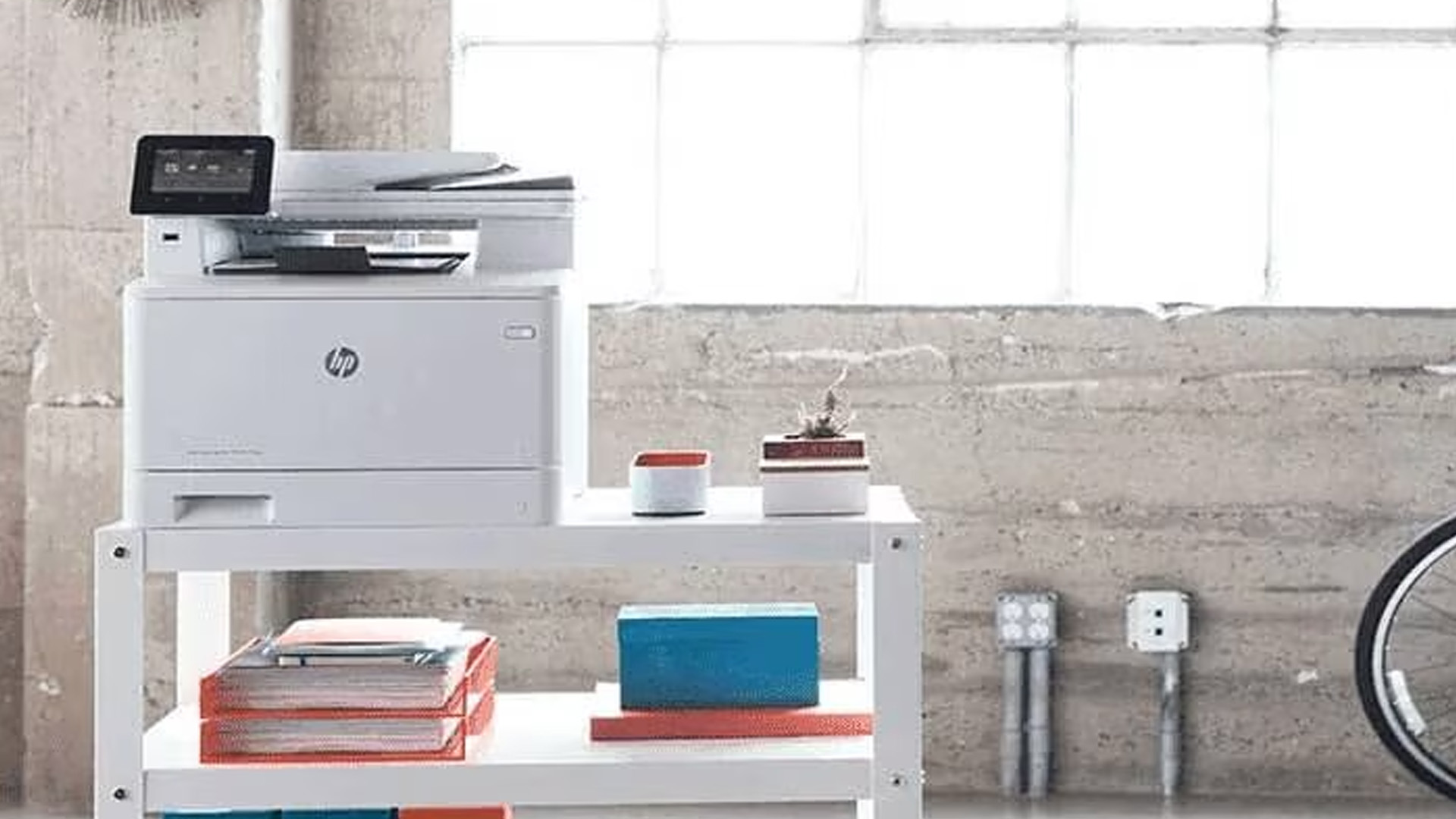
This distinction matters more than many product listings make clear.
|
Type |
Usually best for |
What to expect |
|
Home Laser printer |
Home office, students, family paperwork |
Compact size, simpler controls, lower paper capacity, strong everyday document performance |
|
Office Laser printer |
Small businesses, departments, shared workspaces |
Faster speeds, larger trays, better networking, higher duty expectations, more robust paper handling |
|
Multifunction office Laser printer |
Teams that print, copy, and scan regularly |
ADF, duplex, network sharing, better workflow convenience |
|
Colour office Laser printer |
Presentation-led or customer-facing work |
Better colour document output without losing business-friendly speed |
If you are shopping by use case first, the Office Printer collection is useful for comparing higher-workload models, while the Home Printer range is better suited to buyers prioritising space, simplicity, and budget.
Laser Printer Benefits and Advantages
This is the part most buyers care about most: what are the real advantages of a Laser printer, and when do they justify the spend?
1. Fast print speeds
Laser printers are built for pace. That matters when you are printing a ten-page report just before a meeting or a batch of invoices before collection. Faster output is not just a spec-sheet win. It reduces interruptions and keeps the admin moving.
2. Sharp, professional text
This is where Laser printing earns its reputation. Black text is usually cleaner, edges look tighter, and small fonts stay more readable. If your work is built around contracts, coursework, spreadsheets, packing slips, forms, or formal letters, that matters every day.
3. Better suited to document-heavy work
Laser machines are at their best when printing is routine rather than occasional. If paperwork lands on your tray all week, they make that workload feel easier. One of the biggest real-world uses for a Laser printer is repeated, dependable document printing without constant fuss.
4. Lower running costs for the right workload
Laser printers do not always have the lowest upfront price, but if you print a lot of text documents, they often make better financial sense over time. This is especially true with monochrome models used for regular black-and-white output. Buyers who focus only on purchase price often miss the bigger cost picture.
5. Smudge-resistant pages
Because toner is fused to the sheet, pages come out ready to handle. That is useful in busy environments where documents are stacked, filed, passed around, or packed immediately.
6. Better paper handling for busy workflows
Many Laser models are designed with stronger tray capacity, automatic duplex printing, manual feed options, and more consistent handling of everyday office media. That makes them easier to live with in document-heavy settings.
7. Strong feature sets in modern models
A modern Laser printer can be far more flexible than many buyers expect. Depending on the model, you may get:
- automatic duplex printing
- Wi-Fi or Ethernet
- mobile printing
- secure print functions
- higher paper capacity
- automatic document feeders on multifunction models
- touchscreen controls on business-focused devices
8. A good fit for shared workspaces
If several people need one dependable printer, a Laser printer often makes the conversation easier. It is built around repeat use, quick output, and clean document handling, which is exactly what shared workspaces need.
If you are still deciding between formats, start broad with the full Printer collection and then narrow by print type, speed, and function once you know how much you actually print.
Disadvantages of Laser Printer
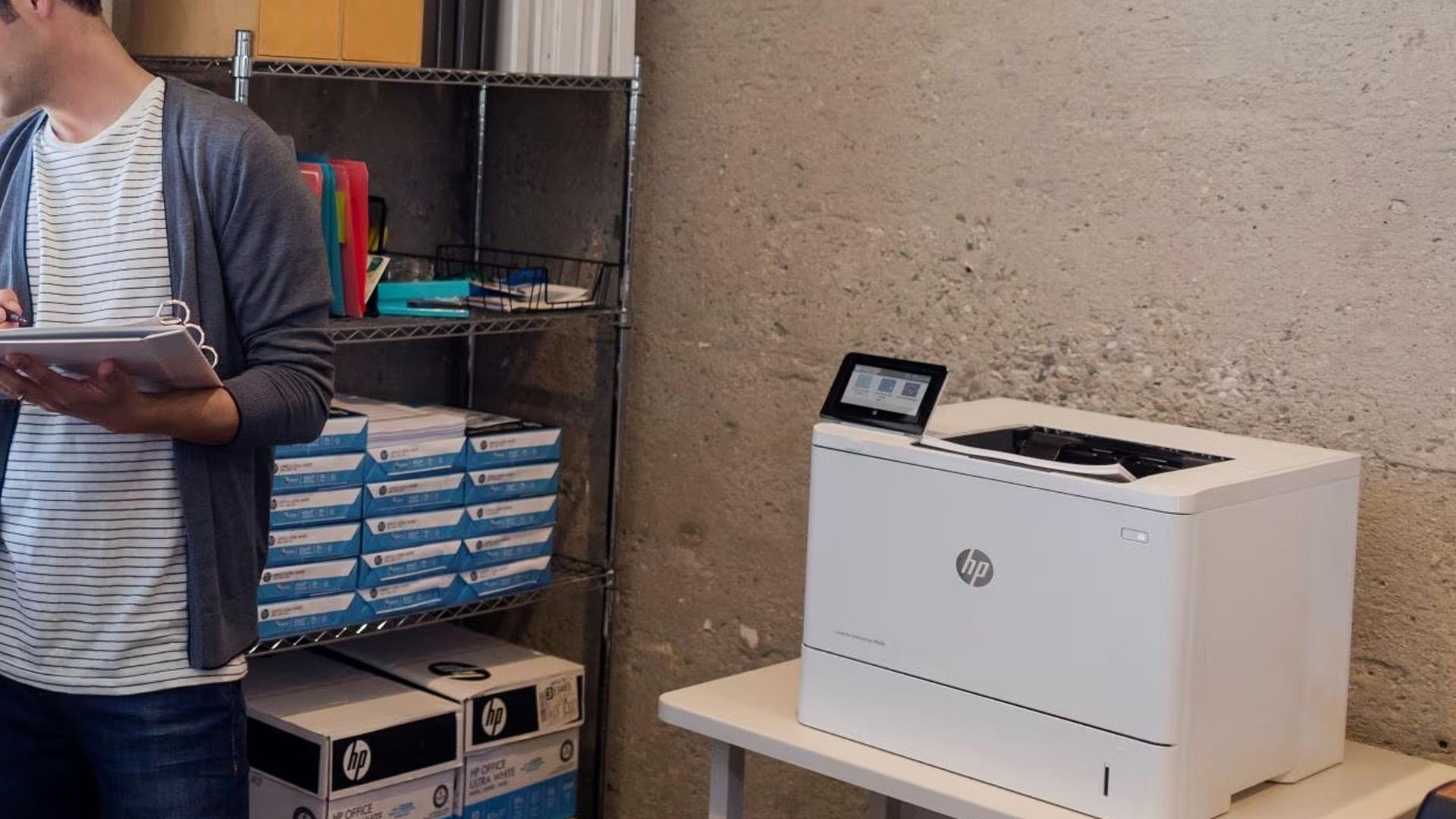
A good guide should be honest about the downsides, too. Laser printer disadvantages are not deal-breakers for the right buyer, but they do matter.
Higher upfront cost
Laser printers often cost more to buy than entry-level inkjet models. That does not mean they are poor value. It means you should buy them for the right reason. If you print only a few casual pages each month, the benefit may take longer to justify.
Photo printing is not their strongest job
Laser printers can handle graphics and images well enough for many business needs, but they are generally not the best choice for glossy family photos, colour-accurate creative prints, or hobby photo work. If photos are the priority, an inkjet or photo-specific printer is usually the better fit.
Colour Laser can get expensive
Colour Laser printers are useful, but they can become costly if you print a lot of high-coverage colour pages. For presentation decks and charts, they are excellent. For constant photo-style colour output, they are rarely the cheapest route.
Bigger footprint than some home printers
Even compact Laser models are not always tiny. Add paper trays, output trays, or scanner lids, and desk space quickly becomes a real consideration. Measure before buying, especially for smaller home offices.
Parts and consumables still matter
Toner is only part of the ownership picture. Depending on the model, you may also need to think about drum units, maintenance items, or longer-term wear parts. A cheaper printer is not automatically the cheaper machine to own.
Some models are overkill for light use.
This is one of the most common buying mistakes. People buy a business-ready machine for occasional family use and then never make use of its speed, capacity, or features. The best Laser printer is not the biggest one you can afford. It is the one that matches your monthly workload.
Best Uses for Laser Printers
The easiest way to decide is to picture your real print routine. These are the situations where Laser printers make the most sense.
Home offices
For remote workers, freelancers, accountants, tutors, consultants, and anyone handling regular paperwork at home, Laser is often the sweet spot. A compact monochrome model covers reports, letters, invoices, contracts, and admin beautifully. If you also scan signed forms or copy documents regularly, a multifunction Laser is even better.
Students and study setups
Laser printers work well for essays, revision packs, lecture notes, and application forms. If the print queue is mostly text, a monochrome Laser keeps life simple and pages readable.
Small businesses
If your team prints labels, invoices, order slips, internal paperwork, account sheets, and customer documents every day, a Laser printer is hard to ignore. This is where speed, paper capacity, and lower document costs start to matter more than the headline purchase price.
Professional document environments
Legal offices, healthcare admin teams, estate agencies, school admin departments, and reception desks all benefit from clear text, reliable feeding, and steady daily output. These are exactly the environments where the best Laser printers tend to prove their value.
Shared household paperwork
Not every home printer needs to be photo-led. If your household prints forms, returns labels, school sheets, travel documents, and work papers more often than photos, a Laser can still be the smarter home buy.
Presentation and business colour output
A colour Laser printer is often the better choice when you need branded proposals, internal reports with charts, or clean meeting handouts. It gives you a better pace and document presentation than many buyers expect, without trying to be a photo printer.
What to Look for Before Buying a Laser Printer
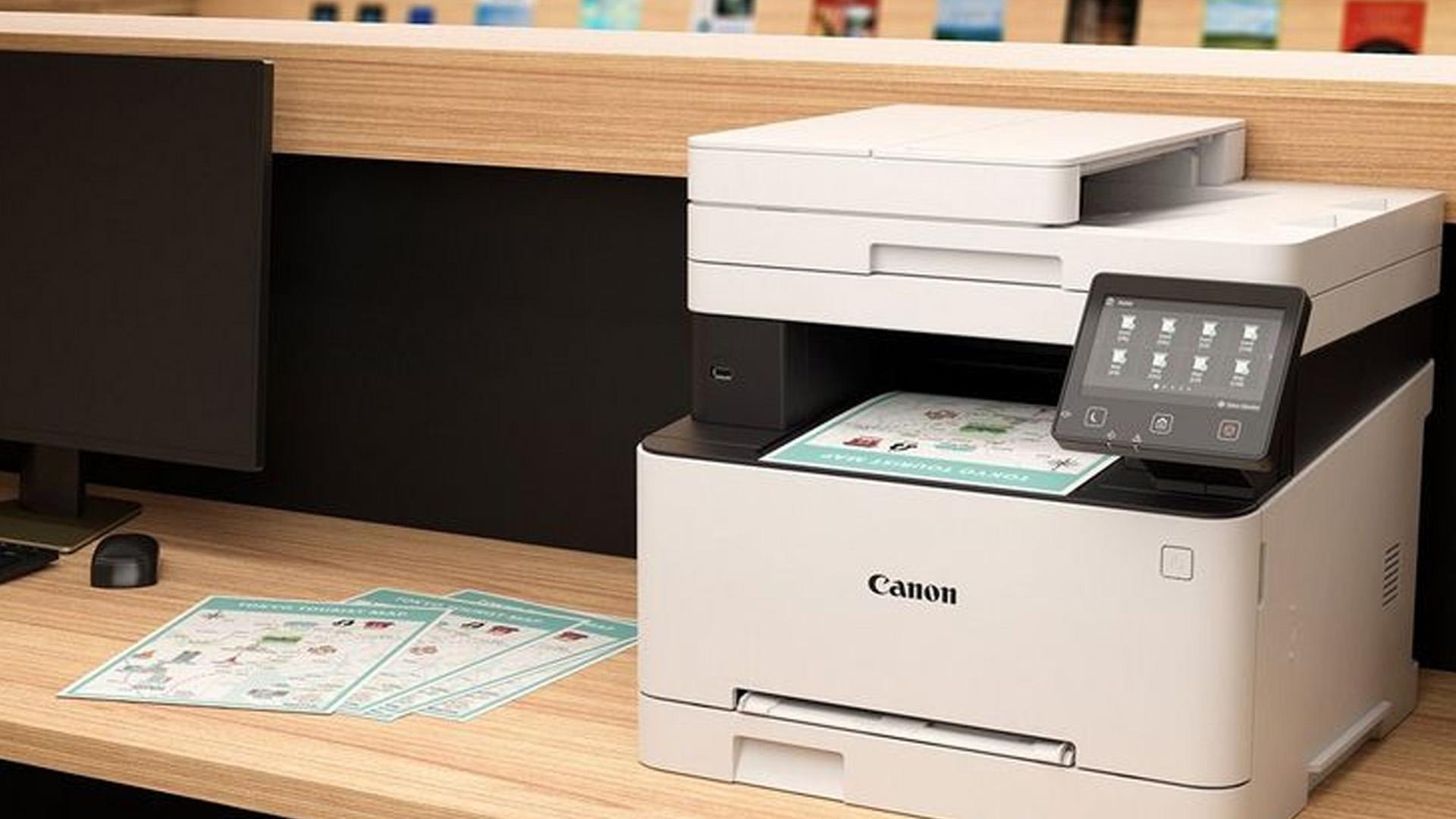
This is where smart buyers separate the genuinely useful specs from the marketing noise. These features matter most in everyday ownership.
Print type: mono or colour
Start with the obvious question. Do you genuinely need colour? If 90% of your output is black text, a monochrome machine is usually the better value.
Function: print only or multifunction
Do not pay for scan and copy features you will never use. At the same time, do not underestimate the convenience of a multifunction machine if paperwork comes in as often as it goes out.
Print speed
Pages per minute is a useful guide, especially if you print in batches. It matters less whether you print one boarding pass a week and more whether you print fifteen invoices every morning.
Automatic duplex printing
This should be high on your checklist. Duplex saves paper, makes longer documents easier to manage, and feels far more polished in daily use.
Paper capacity
A small tray is not a problem until it becomes one. If you are refilling constantly, the machine becomes irritating quickly. This matters most for office users and shared spaces.
Connectivity
Check whether you want USB-only, Wi-Fi-only, Ethernet-only, or all three. Mobile printing support is especially useful for mixed-device homes and workspaces.
Recommended workload and duty expectations
If your print volume is growing, pay attention to models designed for regular use rather than occasional home output. This is where business-oriented office printers begin to justify themselves.
Toner yield and ongoing costs
Do not compare printers without checking replacement toner options. A cheap printer can become expensive if cartridges are low-yielding or need replacing frequently.
Size, noise, and placement
A Laser printer that barely fits your desk is not a good buy. Think about where paper loads, where output lands, and whether the printer will sit in a quiet room or a busy shared area.
Brand and supply availability
Supplies, support, firmware, and replacement parts all matter. If you prefer to shop by brand, the Canon printer collection is a useful place to compare document-first Canon models alongside broader category browsing.
Laser Printer Maintenance Tips
Good Laser printer maintenance is not complicated, but it does reward consistency. You do not need to dismantle anything routinely. You simply need the right habits. These tips help protect print quality, reliability, and overall lifespan.
1. Use the right paper
This sounds basic, but it prevents a surprising number of problems. Cheap, damp, folded, or unsuitable media can cause poor print quality, misfeeds, and jams. If you print envelopes, labels, or heavier stock, make sure the media is Laser-compatible and supported by the printer.
2. Store paper properly
Paper absorbs moisture and is more prone to damage than people expect. Keep it flat, dry, and away from damp storage areas. Poor paper creates avoidable frustration.
3. Do not overfill the tray
If the tray has a maximum fill line, respect it. Overfilling affects feed reliability. So does failing to adjust the paper guides correctly.
4. Clean only what your model supports
Some printers make basic user cleaning easy. Others are less hands-on. Follow your manual rather than treating every printer the same. If your model supports drum or corona wire cleaning, do it carefully and exactly as directed.
5. Replace consumables at the right time
Do not wait until print quality falls apart. Toner, drum units, and maintenance items wear gradually. If your printer warns that a part is nearing the end of its life, take it seriously.
6. Keep dust and debris under control
A dusty environment is hard on any printer. Wipe the exterior, keep the paper path area clean, and avoid storing the machine where fluff, dirt, or airborne debris builds up quickly.
7. Update drivers and firmware when needed
If you run into connectivity issues, print queue oddities, or compatibility glitches, software updates matter as much as physical maintenance.
If you want a deeper maintenance-focused read, our blog on How to Maintain a Laser Printer for Long-Term Use is a natural next step. And if you are still comparing formats for home-friendly use, browse the Home Printer range to weigh Laser against more affordable mixed-use family models.
Basic Laser Printer Troubleshooting Guide

Even a good printer has off days. The key is knowing which problems are minor and which ones suggest a part may need attention or replacing.
Streaks, lines, or repeating marks
This often points to toner, the drum, or a cleaning issue. If your printer supports it, check the drum, clean the corona wire, or run the internal cleaning cycle. If marks keep repeating at the same interval down the page, a wear part may be involved.
Faded print
Low toner is the obvious first thing to check, but also look at print settings, media choice, and whether the printer is running in economy mode. If the printer has a separate drum and it is worn, that can affect quality, too.
Paper jams
Open the area indicated by the error message, remove the paper carefully without tearing it, and check for any scraps left inside. Then go back to the basics: paper condition, tray loading, guide position, and media settings.
Toner smudging or rubbing off
If toner comes away from the page, the paper may be incompatible with the printer, the environment may be too cold or humid, or the fusing stage may not be working properly. This is a sign worth addressing quickly rather than ignoring.
Printer not found or offline
Start with the easy wins. Restart the printer, check the cable or Wi-Fi connection, confirm the printer is on the correct network, and refresh the driver if needed.
For a more focused fault-finding walkthrough, check out our Laser Printer Troubleshooting Guide: Fix Common Issues guide.
Laser Printers vs All-in-One Printers: Which Is Better?
This question confuses many buyers because it compares two different ideas.
A Laser printer is a type of printing technology. An all-in-one printer refers to the full set of functions. An all-in-one can be Laser or inkjet. So, the real comparison is not Laser vs all-in-one in a strict technical sense. It is usually one of these:
- Laser print-only vs multifunction all-in-one
- Laser all-in-one vs inkjet all-in-one
- document-first printing vs mixed home use
Here is the simplest shortcut:
|
Your priority |
Better fit |
|
Fast, frequent document printing |
Laser printer |
|
Print, scan, and copy in one machine |
All-in-one printer |
|
Photo-heavy home use |
Inkjet or photo-focused all-in-one |
|
Busy office paperwork plus scan/copy |
Multifunction Laser printer |
|
Lowest upfront spend for occasional mixed use |
Entry-level all-in-one |
If scanning and copying are non-negotiable, compare the All-in-One printer range. If your priority is speed, crisp text, and lower running costs for document-heavy printing, start with the Laser Printer category. Still deciding between the two? Our Laser Printers vs All-in-One Printers: Which Is Best for You guide offers a clearer side-by-side comparison.
How UK Buyers Can Choose the Right Laser Printer
If you want a faster shortlist, this filter-first approach makes the decision easier.
Choose a monochrome Laser printer if:
- You mainly print black-and-white documents
- You want lower running costs for text-heavy output
- Speed and readability matter more than colour
- Your use case is home office admin, coursework, forms, invoices, or reports.
Choose a colour Laser printer if:
- You print charts, handouts, or presentations regularly
- You want a cleaner office colour than a basic entry printer tends to deliver
- You still value Laser speed and document handling
- Photo printing is not your main goal
Choose a multifunction Laser printer if:
- You scan or copy paperwork every week
- You want one device instead of a separate printer and scanner
- You handle signed forms, IDs, records, or client documents
- You need a better fit for small business workflows
Choose an office-oriented model if:
- Multiple users share the printer
- Your print volume is climbing
- You are tired of tiny trays and constant refills
- Network access, security, or faster throughput matter
Choose a home-oriented model if:
- Desk space is limited
- You want a simpler machine
- Your workload is steady but not extreme
- Value and ease of setup matter more than advanced admin features
A practical way to shop is to start broad in the Printer collection, then narrow into Laser Printers, Office Printers, or Home Printers, depending on how and where the printer will be used.

Final Verdict
Laser printers are not the right answer for every buyer, but for document-led printing they are often the most practical one. If your pages are mostly text, admin, forms, labels, revision notes, or business paperwork, the case for Laser is strong. You get better speed, cleaner text, more confidence on repeated jobs, and a machine that feels built for real work rather than occasional convenience.
The key is choosing the right type. A monochrome Laser is often the smartest choice for pure paperwork. A colour Laser makes sense when presentations and charts matter. A multifunction Laser earns its place when scanning and copying are part of the routine. And if you mainly print photos or only need a casual family printer, another format may suit you better.
That is the honest answer: buy a Laser printer for the workload, not just the label!

Frequently Asked Questions About Laser Printers
What are the pros and cons of a Laser printer?
A Laser printer is best known for fast print speeds, sharp text quality, and lower running costs for frequent document printing. It is a strong choice for offices, home workers, and anyone who prints lots of forms, reports, invoices, or coursework. The main drawbacks are a higher upfront cost, a larger footprint than some inkjet models, and weaker photo-printing performance.
What are two disadvantages of Laser printers?
Two common disadvantages of Laser printers are the higher purchase price and the fact that they are not ideal for photo printing. While they are excellent for text-heavy documents, they are usually less suitable for glossy photos or colour-accurate creative work.
Is a Laser printer better than a normal printer?
A Laser printer is better than a standard inkjet printer for fast, frequent, document-heavy printing. It usually delivers sharper text, quicker output, and better long-term value for offices or home users who print regularly. However, for casual home use or photo printing, an inkjet printer may be the better option.
Can Laser printers do color printing?
Yes, Laser printers can do colour printing. Colour Laser printers are designed for documents such as presentations, charts, handouts, and branded materials. They are excellent for business colour printing, although they are usually not the best choice for high-quality photo printing.
What are two hazards when dealing with Laser printers?
Two common hazards when dealing with Laser printers are heat and toner exposure. Laser printers use a hot fuser unit, which can cause burns if touched during or just after printing. Toner is a fine powder, so care should also be taken to avoid inhaling it or spreading it during cartridge changes or cleaning.
What are the benefits of Laser printing?
The main benefits of Laser printing are fast print speeds, crisp text quality, smudge-resistant pages, and efficient performance for high-volume document printing. Laser printers are especially useful for offices, students, and home workers who need reliable, professional-looking paperwork with lower long-term running costs.
What are the uses of Laser printer?
Laser printers are used for printing invoices, reports, contracts, coursework, forms, spreadsheets, labels, shipping documents, and other document-heavy materials. They are commonly used in offices, schools, home workspaces, healthcare administration, and businesses that need fast, reliable text printing.
Which lasts longer, Laser or inkjet?
Laser printers often last longer than inkjet printers in document-heavy environments because they are built for repeated, high-volume use. They also avoid issues linked to drying ink. However, lifespan still depends on build quality, maintenance, and how heavily the printer is used.
Is Laser printing better than ink printing?
Laser printing is better than ink printing for text-heavy documents, speed, and frequent everyday printing. Ink printing is usually better for photos, creative projects, and users who need richer image detail or colour accuracy. The better option depends on whether your priority is paperwork or image quality.
Is a thermal printer better than a Laser printer?
A thermal printer is better than a Laser printer for specialist tasks such as shipping labels, receipts, and barcode printing. A Laser printer is better for general office use, including reports, letters, forms, and presentations. The right choice depends on whether you need label printing or full document printing.
| Read More: |
| How to Choose the Right Printer for Your Needs |
| Top 10 Ways to Save Money on Printer Ink in 2026 |
| Why Is My Printer Not Working? Easy Fixes for Common Issues |
Related Articles

Last Updated: April 03, 2026
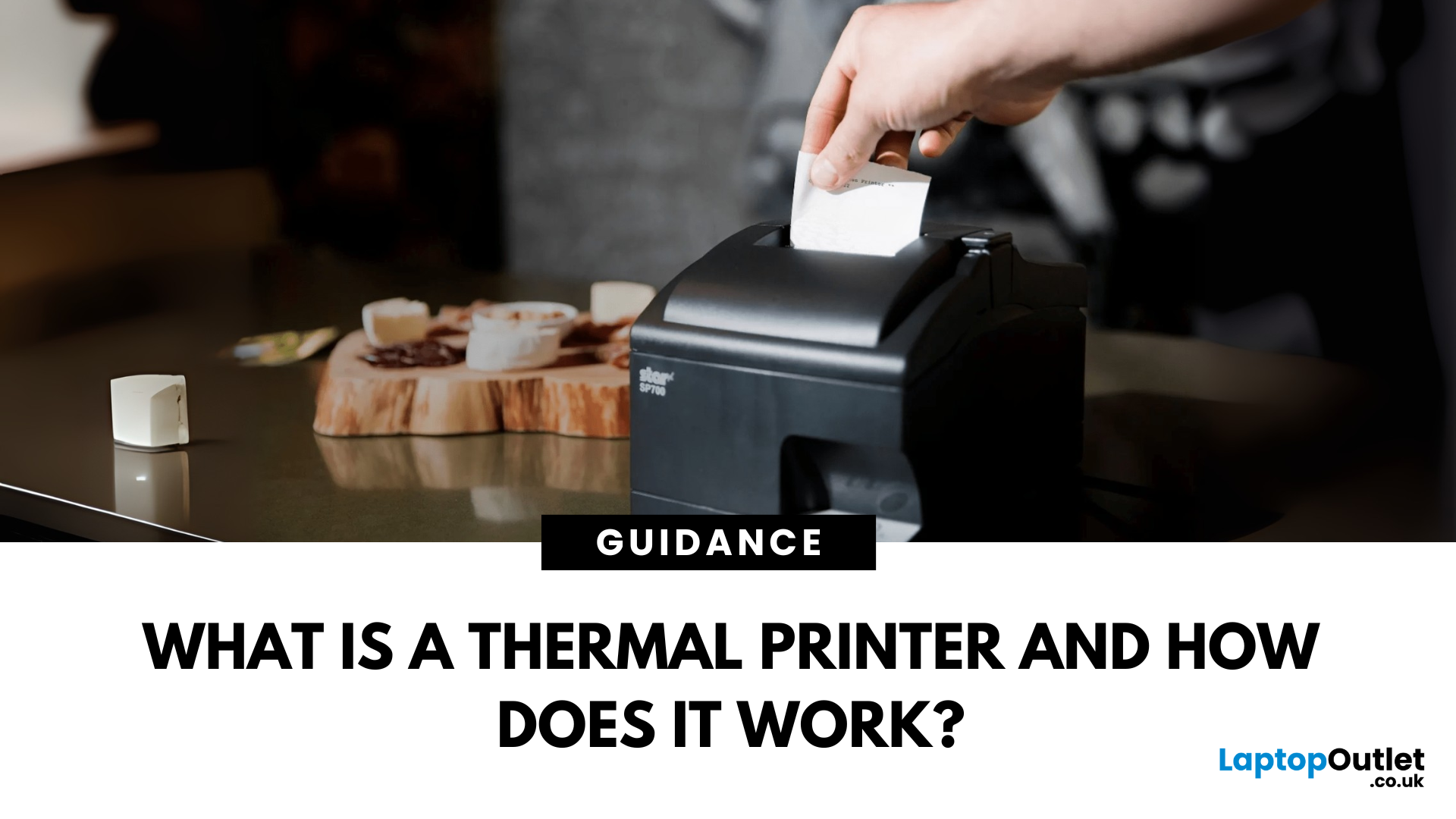
Thermal printers are essential tools across retail, healthcare, manufacturing, and logistics sectors. They are fast, efficient, and remarkably low maintenance. If you've ever wondered how a small device without ink or toner can produce crisp, high-speed prints especially for labels and receipts - this in-depth guide will give you the full picture. Whether you're using a mini thermal printer at a pop-up stall or a thermal printer for shipping labels in a warehouse, the core principles remain the same.
From the science behind thermal printing to choosing between direct thermal and thermal transfer models, this blog explores how thermal printers work, what they're best used for, their benefits and drawbacks, and how to maintain them. Let's dig deep.
What Is a Thermal Printer?
A thermal printer is a specialised type of printer that produces images or text using heat. Unlike inkjet or laser printers that rely on ink cartridges or toner, thermal printers generate output by applying heat to a
Last Updated: April 03, 2026
Tired of high printing costs or dealing with slow, unreliable printers? You’re not alone. Choosing the right printer, especially a refurbished one, can be tricky, but it doesn’t have to be.
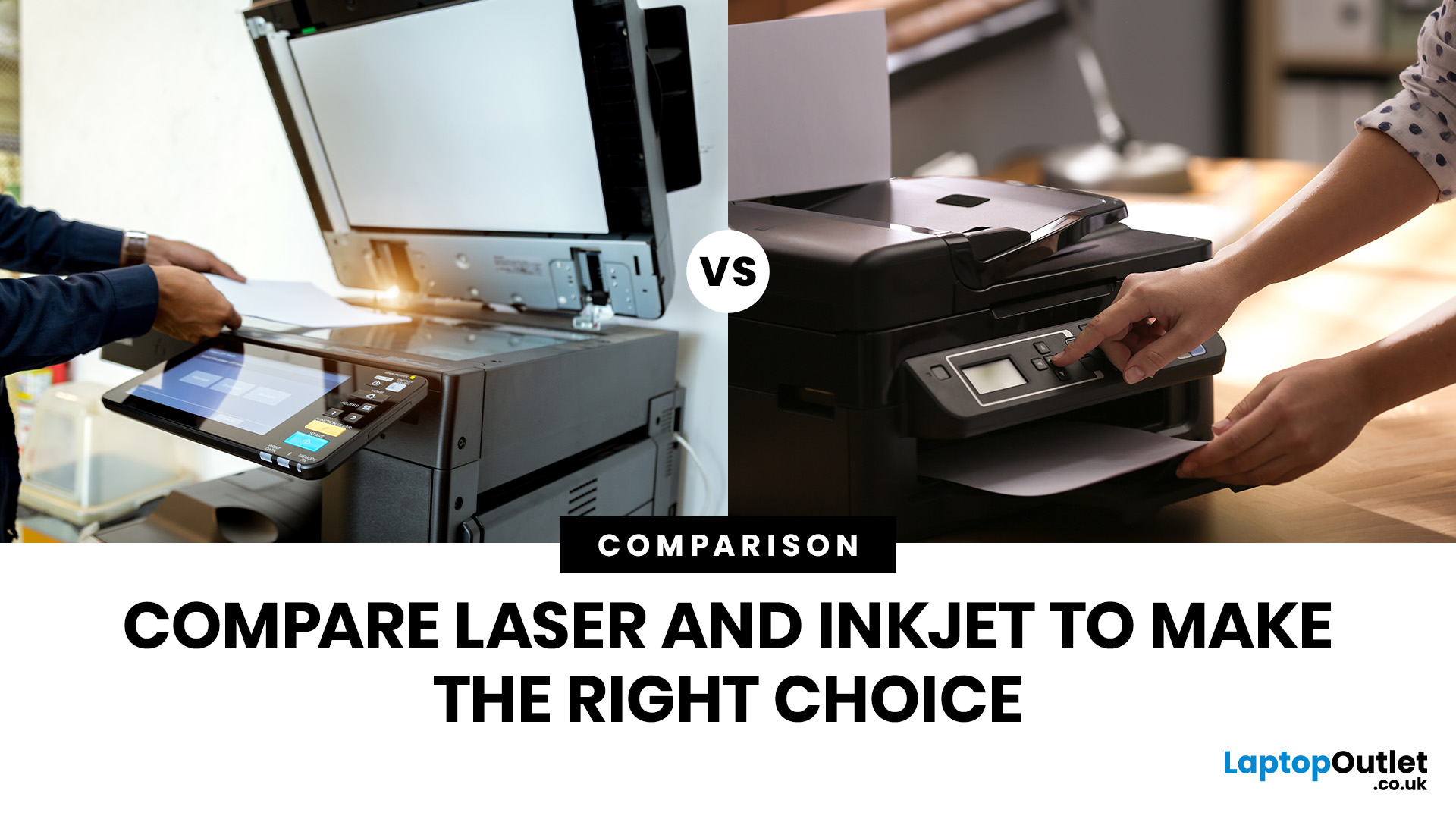
Whether you're looking for speed, colour quality, or overall value, understanding refurbished laser vs inkjet printers is key. Each has its own strengths, and the best choice depends on how you plan to use it.
In this blog, we’ll break it all down in simple terms helping you find the right printer for your home, office, or study setup, without the stress or confusion.
Let’s dive in.
Understanding the Two Types: Laser vs. Inkjet Printers
Before you decide which refurbished printer is right for you, it helps you to understand how each type works and what they’re best at.
Laser Printers
Laser printers use a completely different method to print pages. Instead of spraying ink, they use a laser beam, heat, and powdered toner to produce text and images. These printers are known for speed, consistency, and

Last Updated: April 03, 2026
A printer upgrade may not sound exciting, but it makes a real difference—clean prints, quick scans, and no paper jams. That’s why New Year printer deals matter, as January is when people reset workspaces and prepare for school or home offices.
Printer New Year deals 2026 aren’t just about lower prices—they’re about choosing the right printer for your needs. From HP and Canon for home use to Brother and Xerox for high-volume printing, the best deal is the one that fits your habits and keeps costs low.
If you’re browsing Laptop Outlet, it’s easiest to begin broad and then narrow. Many shoppers start by clicking Start 2026 with New Year Tech Deals and then head into the printers section once they’ve set a budget and a goal—because the sale covers a wide range of tech categories and often includes meaningful discounts. From there, you can compare models across inkjet, laser, and multifunction types in one place via best document pc printers (don’t worry, we’ll keep it simple and practical below).
Last Updated: April 22, 2026
In the late 1980s, owning a printer wasn’t simple, unlike today - it was expensive, rare, and felt like a luxury. Printing was something most people could only dream of having at home.
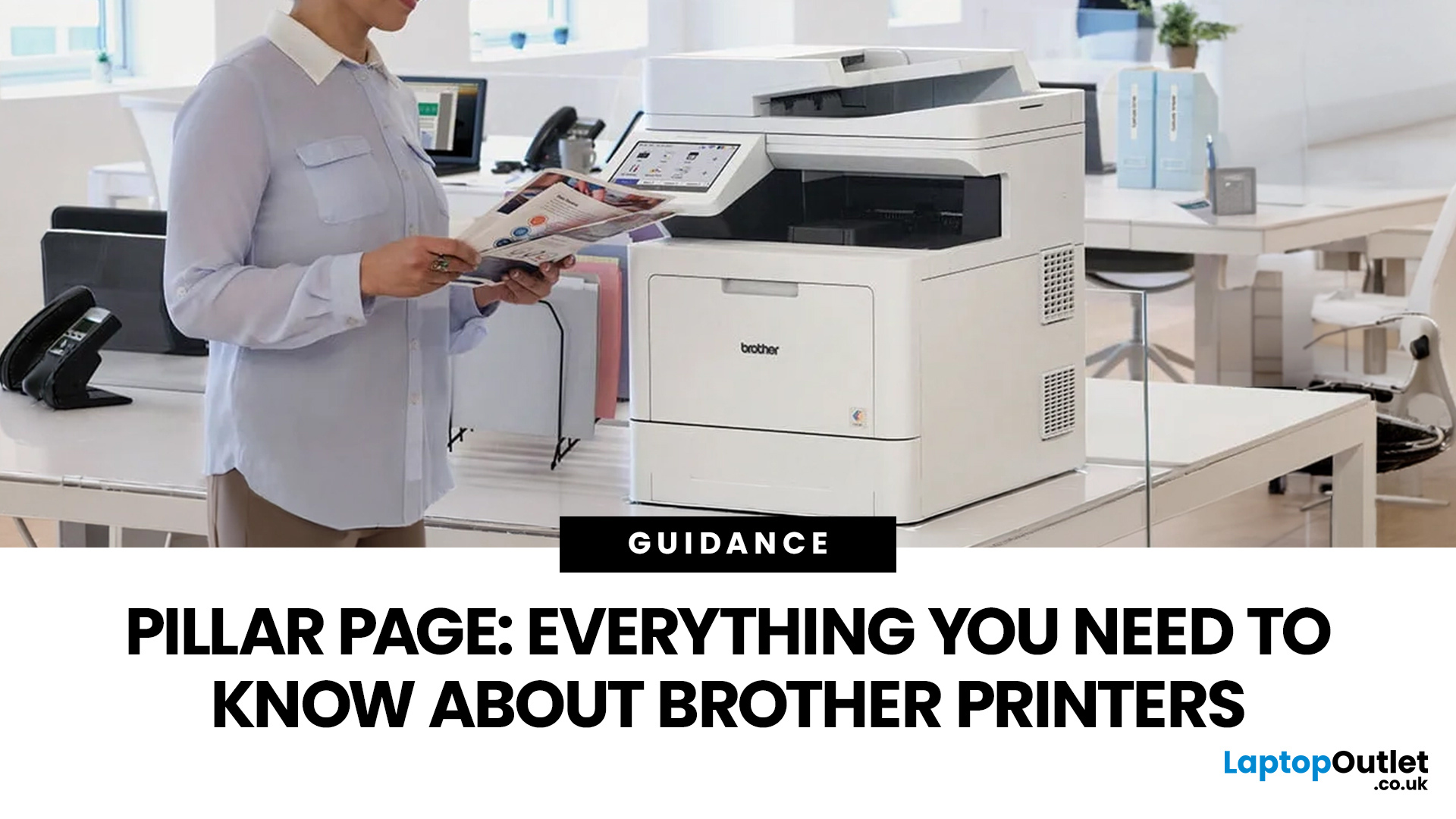
Then Brother stepped onto the scene, redefining what a printer could be. They didn’t just enter the market, they changed it. By combining reliability, efficiency, and affordability, their printers quickly became a staple in offices and homes, setting a new standard for what printing could be.
Brother printers are widely used across the UK because they offer a practical mix of reliability, performance, and ease of use. However, with so many options available, inkjet, laser, all-in-one, wireless, the real challenge is understanding which one actually suits your needs.
This guide shows how their reliable, affordable, and easy-to-use printers fit real-life needs and helps you pick the right one without the tech overload.
What Makes Brother Printers So Popular?
Brother has built its reputation by focusing on
Last Updated: April 22, 2026
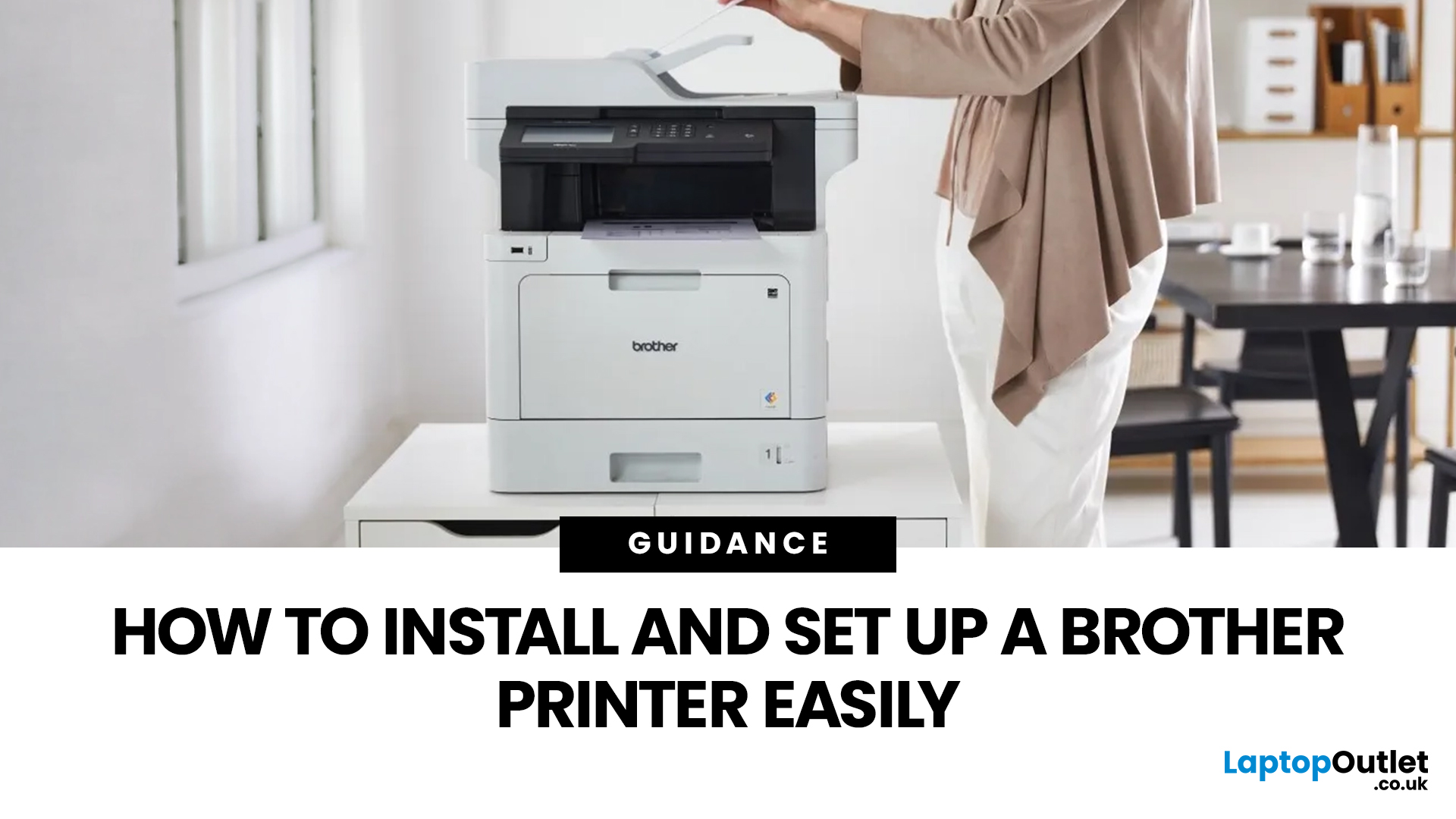
Setting up a new printer should be simple, but for many users, it can quickly become confusing. From installing toner to connecting to Wi-Fi and downloading drivers, even small steps can feel overwhelming if you are not sure what to do first.
This guide is designed to make Brother printer setup straightforward and stress-free. Whether you are installing a printer for the first time, replacing an old device, or setting up a wireless connection in a home or office environment, this step-by-step guide will walk you through everything you need to know.
By the end of this guide, you will have your Brother printer fully installed, connected, and ready to use.
Before You Start: What You Need for Brother Printer Setup
Before jumping into the installation process, it helps to prepare everything in advance. This avoids interruptions and makes the setup process much smoother.
You will typically need:
- Your Brother printer
- Power cable
- Ink cartridges or toner (included with most models)
- Paper for testing
Last Updated: April 22, 2026
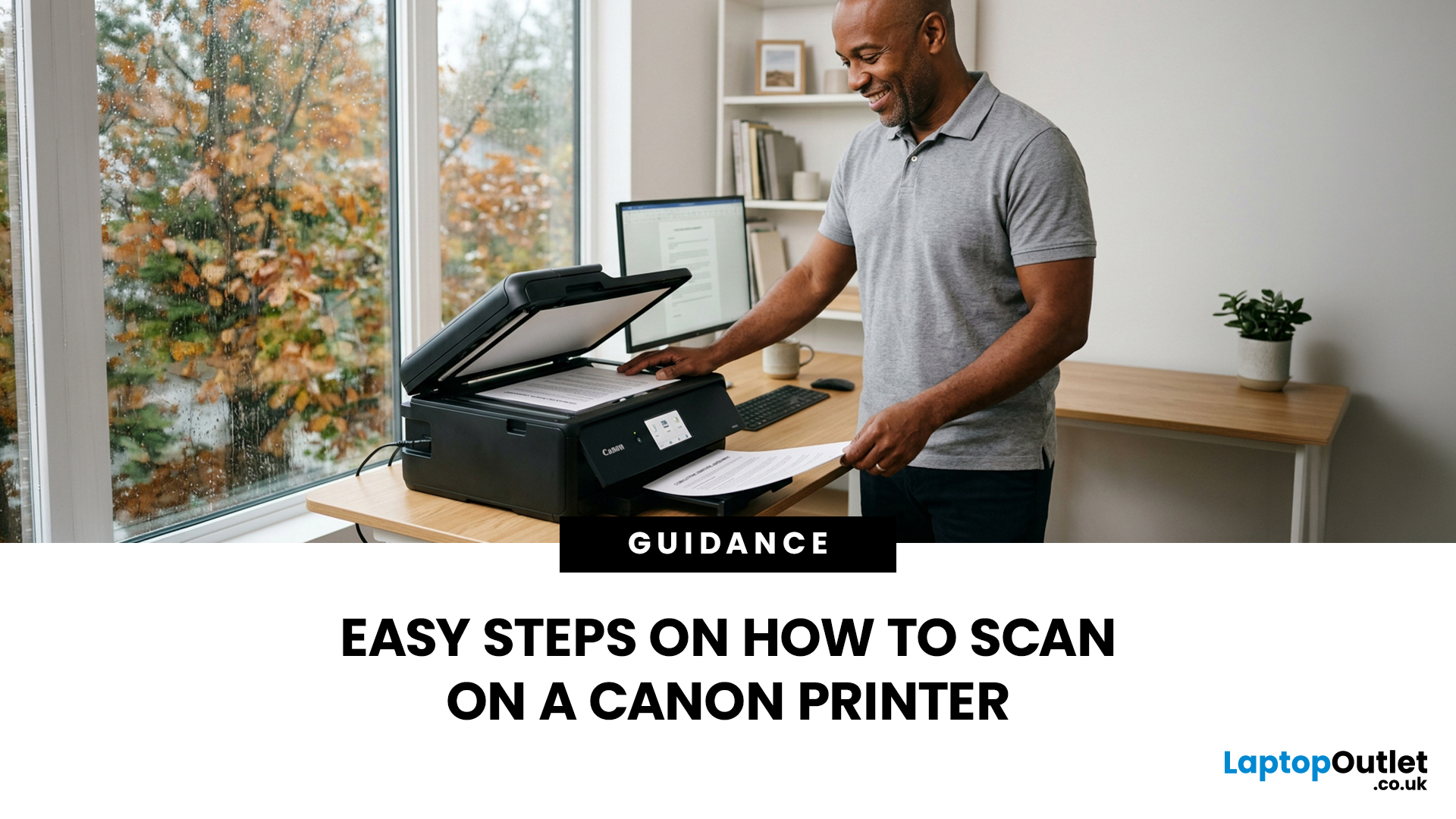
Canon makes some of the most popular multipurpose printers on the market, and for good reason. They're reliable, straightforward to use, and the scanning function is genuinely one of the better ones you'll find on a home or office printer. But if you've never used it before, staring at the control panel wondering where to start is a perfectly normal experience.
This guide covers everything you need to know to scan a document on a Canon printer, whether you're on Windows, Mac, or going straight from the printer itself. No fluff, just the steps that actually work.
Get These Things Sorted Before You Start
You don't need much to get going, but skipping these checks is how people end up wasting twenty minutes troubleshooting something obvious.
Make sure your Canon printer is switched on and connected to your computer, either by USB or over Wi-Fi. If it's a wireless connection, both your printer and computer need to be on the same network. Also confirm that your Canon drivers are installed.
Last Updated: April 22, 2026
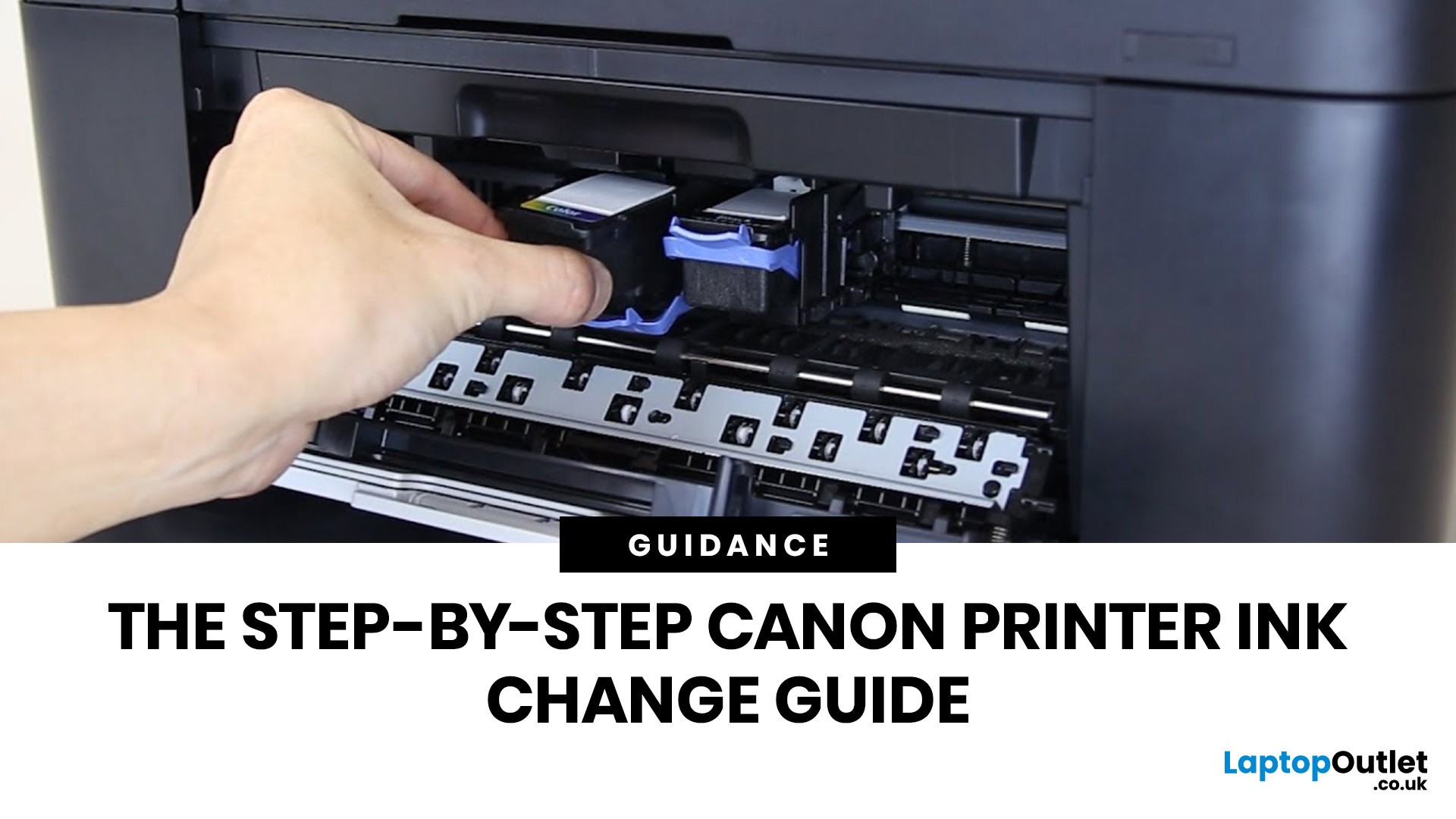
Running out of ink at the wrong moment is genuinely frustrating. Knowing how to change ink in a Canon printer quickly and confidently means less downtime, less wasted paper, and no panicked Googling mid-print.
Canon makes some of the most reliable inkjet printers on the market, and replacing the ink is one of those tasks that feels daunting the first time but becomes routine very quickly. This guide covers everything from the tools you need to the steps themselves, plus tips on cartridge costs, common mistakes, and what to do if problems persist after installation.
What You Need Before You Start
Before diving into the steps, it's worth taking a moment to get everything in order. A well-prepared workspace makes a Canon printer cartridge change much smoother and avoids unnecessary mess or confusion.
Here's what to have ready:
- The correct replacement cartridge for your specific Canon model
- A clean, flat surface to work on
- A tissue or lint-free cloth for any small drips
Always check your
Last Updated: April 22, 2026
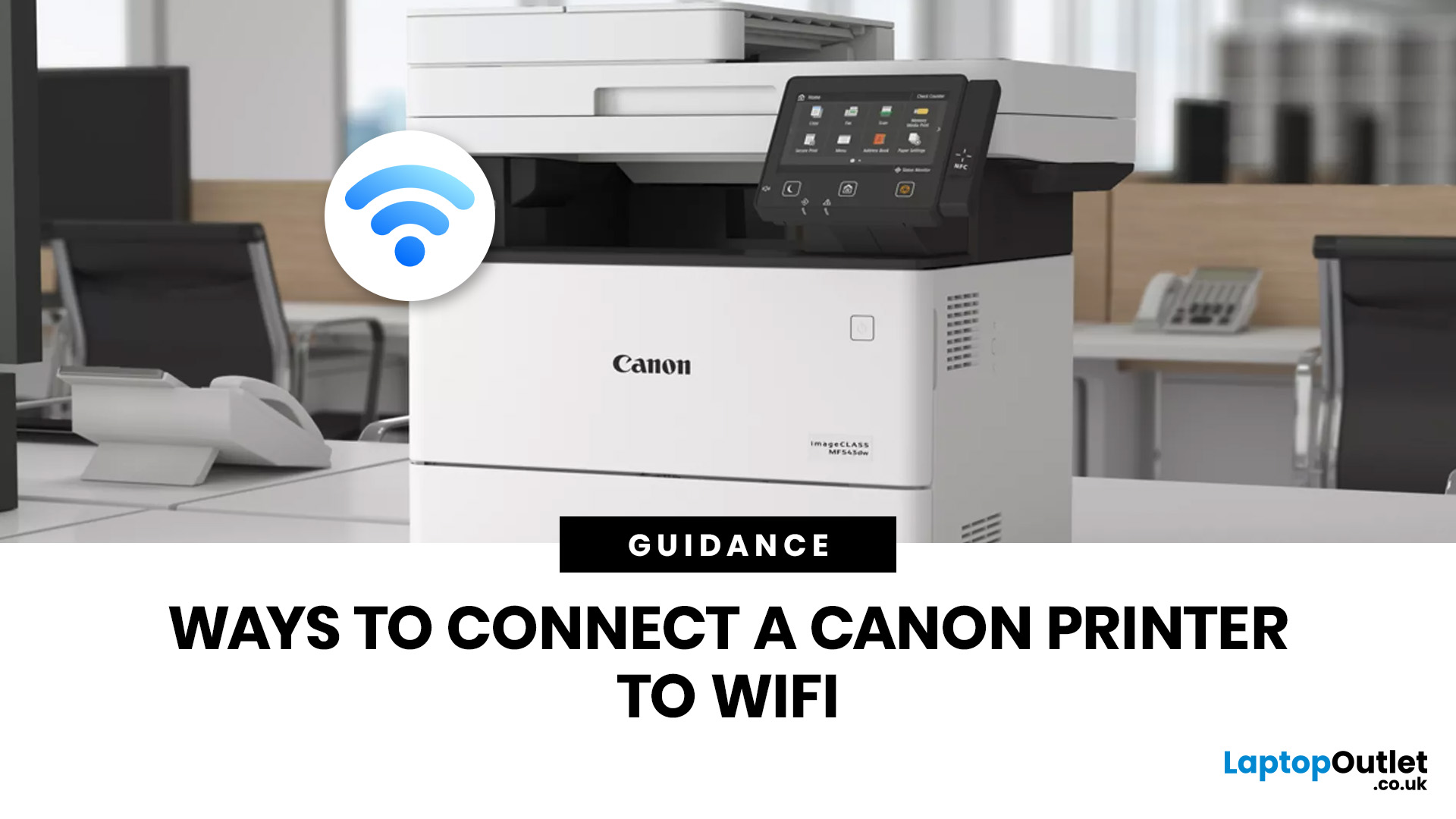
Getting your Canon printer onto your home or office WiFi is easier than you might think. This guide covers every method available to help you connect Canon printer to WiFi, whether you have a touchscreen model, a basic entry-level printer, or you prefer to set things up from your phone. We have also included a troubleshooting section at the end for when things do not go quite to plan.
What to Have Ready Before You Begin
It is worth taking two minutes to gather everything before you start setting up Canon printer to WiFi, as it will save you stopping halfway through. Most connection problems come down to one missing detail at this stage.
Here is what you will need:
- Your WiFi network name (SSID) and password (case-sensitive)
- A Canon wireless printer with the WiFi indicator light present
- The Canon PRINT Inkjet/SELPHY app if you plan to set up via smartphone
One thing worth checking: most Canon
Last Updated: June 05, 2026
Buying a new printer sounds straightforward until you're faced with dozens of models, confusing specs, and overlapping features. If you're specifically looking at the best Canon printers, you've already made a solid start. Canon is one of the most trusted names in printing, with a range that covers everything from budget-friendly home models to high-volume business workhorses.
This Canon printer buying guide walks you through every series, every key feature, and every use case, so you can buy with confidence and get exactly what you need.
Start With Your Printing Needs and Usage Type
Before choosing a Canon printer, it is important to understand how often you will use it and what tasks you need it for, as this directly affects performance, features, and overall cost. A clear understanding of your usage helps narrow down the best options quickly.
Light Home Use Vs Heavy Office Workloads
If you only print occasionally, such as documents, tickets, or homework, basic home printers are usually

Last Updated: April 22, 2026
Printers are one of those devices you only notice when something goes wrong. One day everything works fine, and the next day your printer refuses to print, shows as offline, or gets stuck with a paper jam. These issues can be frustrating, especially when you need something printed urgently.
The good news is that most Brother printer problems are not serious. In many cases, the issue is related to setup, connectivity, or simple maintenance rather than a fault with the printer itself. Once you understand how to diagnose and fix these problems, you can save time and avoid unnecessary replacements.
This guide covers the most common Brother printer issues and provides clear, practical solutions. Whether you are using a home printer, a multifunctional device, or a printer for office use, this troubleshooting guide will help you get things working again quickly.
Understanding Common Brother Printer Problems
Before jumping into fixes, it helps to understand why problems occur in the first place.

