



Best Ultraportable and lightweight Lenovo Laptops in 2026
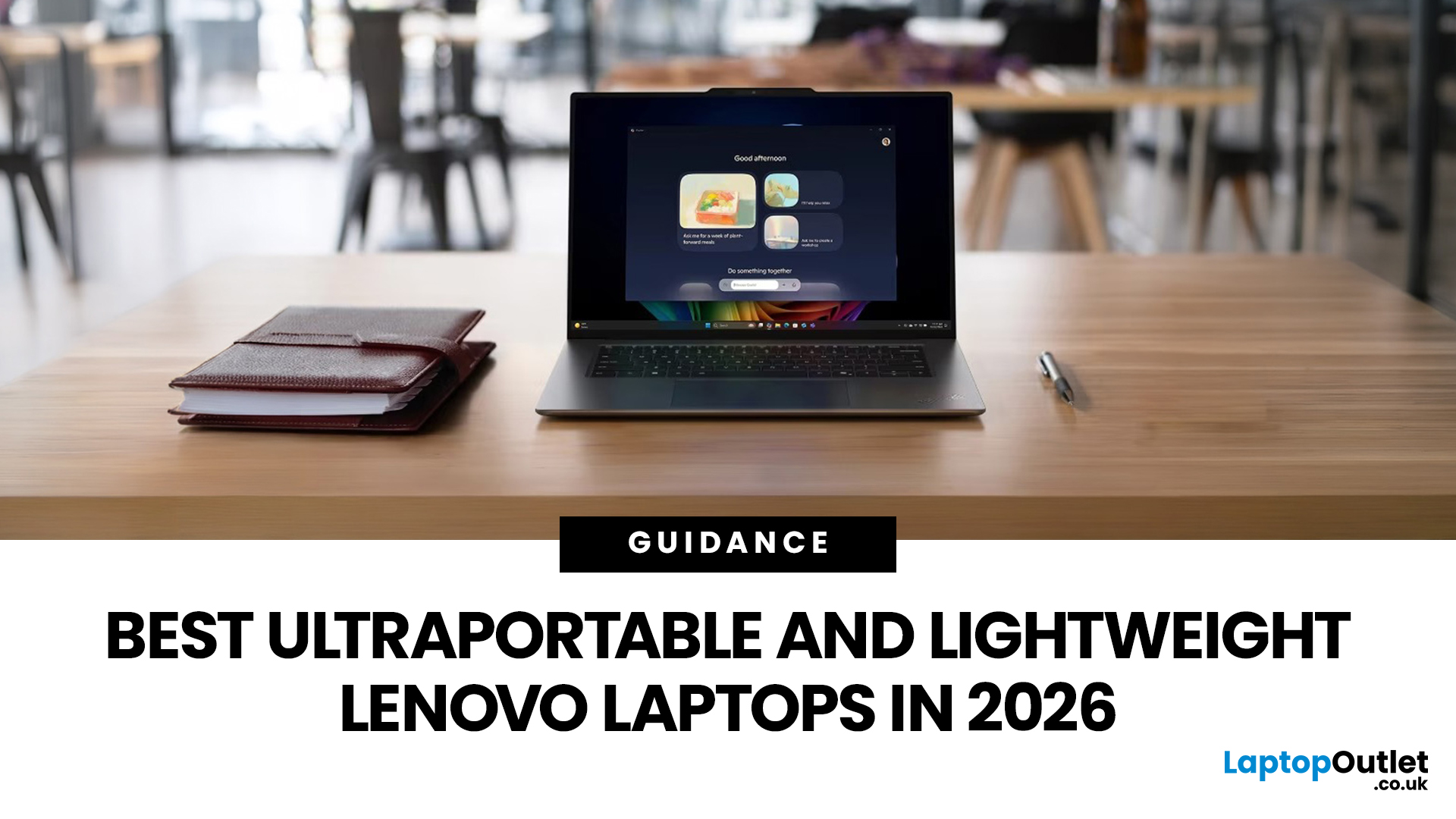
The best lightweight Lenovo laptops in 2026 are not all trying to do the same job. If we want the lightest premium 14-inch option, Lenovo’s Yoga Slim 7i Ultra Gen 11 Aura Edition stands out at 975g with a 75Wh battery. If business travel comes first, the ThinkPad X1 Carbon Gen 13 Aura Edition is still one of the strongest all-round choices thanks to its sub-1kg starting weight on some configs, proper business-grade connectivity, and classic ThinkPad focus.
That matters because buyers looking for ultraportable Lenovo laptops usually care about more than one thing at once: low carry weight, reliable battery life, enough ports to avoid living off dongles, and a screen that still feels good after a full day of work, study or travel. In this guide, we break down the best current Lenovo options for commuters, students, professionals, creators and home users, using Lenovo’s own 2026-era spec sheets first and independent reviews where they add useful trade-offs.
What Counts as a Genuinely Lightweight Lenovo Laptop in 2026?
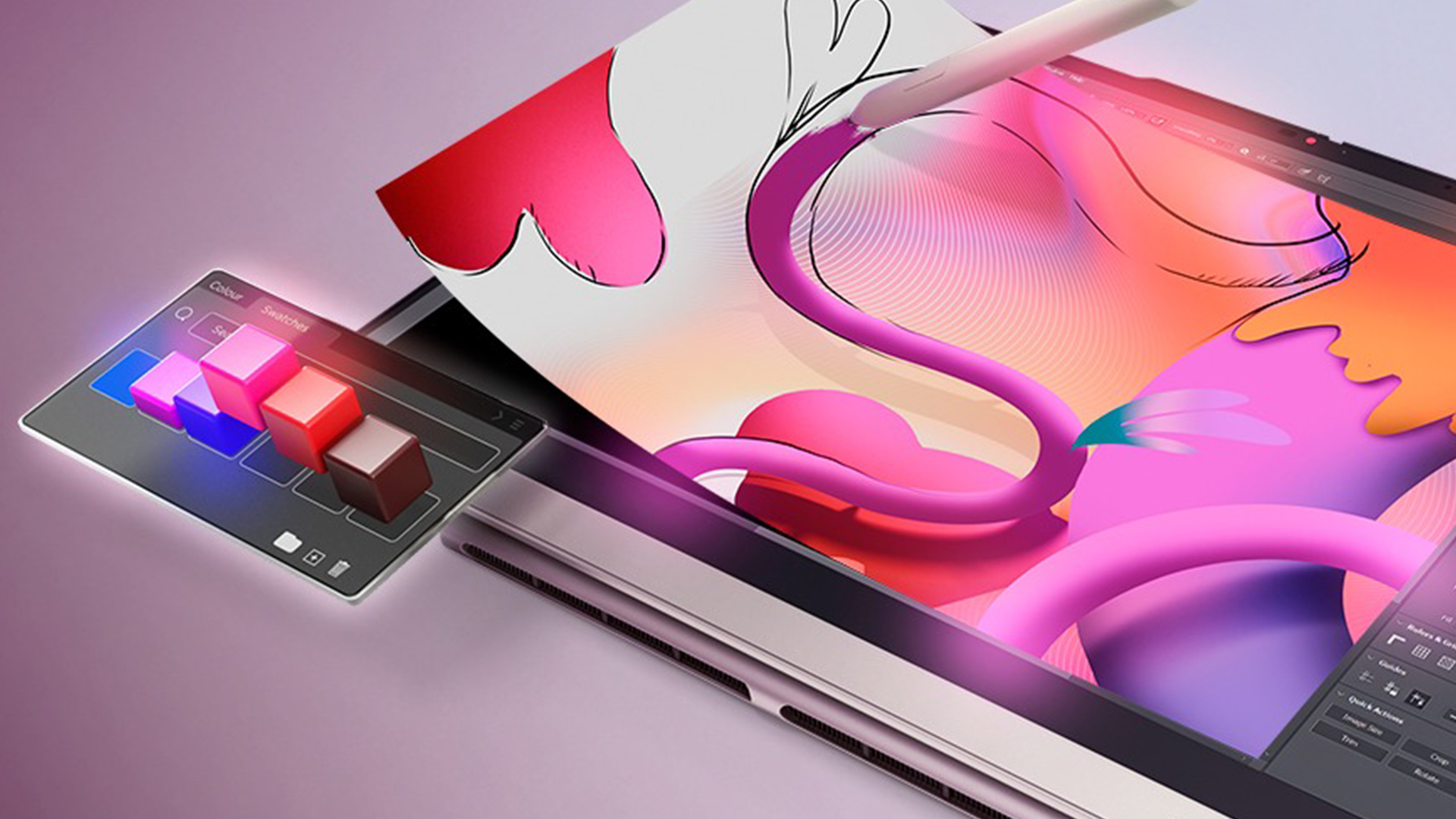
A genuinely lightweight Lenovo laptop in 2026 is usually under about 1.6kg, ideally 14 inches or smaller, and still practical enough for real everyday use. That means the right machine is not just thin on paper. It also needs enough battery capacity, decent thermals, and a port layout that fits the way you work.
That is why some of the best thin and light Lenovo laptops are not the absolute lightest models. A sub-1kg chassis looks great in a spec sheet, but if it gives up essential ports, battery size or screen comfort, it may not be the best laptop to carry every day.
It is also worth separating “AI PC” marketing from actual portability. Microsoft defines Copilot+ PCs as devices with 40+ TOPS NPUs, and Lenovo now has several mobility-focused models that meet that bar. That can matter if you care about on-device AI features, but for most buyers the bigger questions are still weight, keyboard quality, battery life and I/O.
Which are the best lightweight Lenovo laptops in 2026?
The table below focuses on the Lenovo lines that make the most sense for portability-led buying in 2026. We have used official starting weights, official battery capacities and Lenovo documentation, while treating battery-life figures as best-case vendor tests rather than guaranteed real-world endurance.
|
Model |
Weight |
Best for |
|
1.1kg |
Lightest travel-friendly pick, web-first use, casual home use, kids |
|
|
1.21kg |
Business travel, hybrid work, office buyers |
|
|
1.26kg |
Compact Windows productivity, commuting professionals, students |
|
|
1.31kg |
Kids, classroom use, note-taking, simple hybrid use |
|
|
1.38kg |
Modern business buyers, office fleets, practical mobility |
|
|
1.43kg |
Best-value Windows travel pick, work and study |
|
|
1.58kg |
Everyday home use, students, budget buyers |
|
|
1.58kg |
Simple ChromeOS productivity, browsing, schoolwork |
|
|
1.65kg |
Budget business use, spreadsheet work, general Windows tasks |
|
|
1.65kg |
Buyers who want more processing headroom in a still-reasonable carry weight |
Looking to compare more portable lenovo laptops side by side? That is the easiest next step once you know your target weight, screen size and budget.
Which Lenovo Range is Best for Mobility?
The best Lenovo range for mobility depends on what “portable” means in your day-to-day life.
Are ThinkPad Models Still the Best for Business Travel?
Yes, ThinkPad is still the safest answer for business travel. The X1 Carbon Gen 13 Aura Edition gives you the lightest traditional business-first setup here, while the T14s Gen 6 Snapdragon adds longer official battery claims and stronger battery-first efficiency. The trade-off is that ThinkPads tend to prioritise work practicality over the most eye-catching display or the thinnest possible chassis.
Are Yoga Models the Best Lenovo Laptops for Mobility if You Want Premium Design?
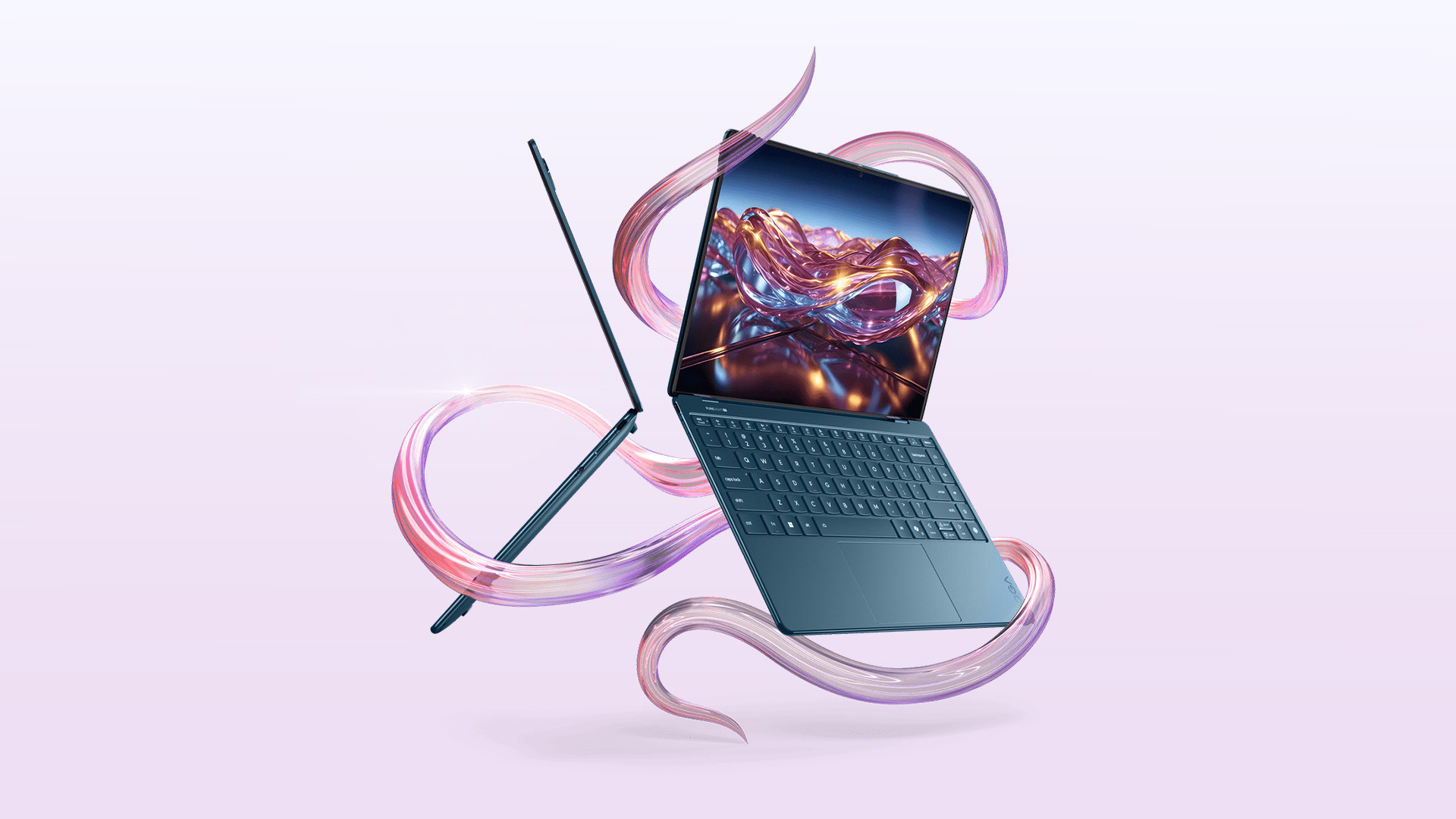
Yes, for many home users and creators, Yoga is where Lenovo’s best mobility-focused design work now sits. The 2026 Yoga Slim 7i Ultra drops to 975g, while the Yoga Slim 7i Aura Edition Gen 10 still offers a strong mix of 1.19kg portability, a 70Wh battery and higher-end display options. That is why Lenovo Yoga lightweight laptops are often the best fit when you want a laptop that feels premium in hand as well as easy to carry.
Where do ThinkBook and IdeaPad Fit?
ThinkBook and IdeaPad are the practical middle ground. ThinkBook 13x Gen 4 is a very smart pick for hybrid workers and small businesses that want a compact, premium-feeling machine without stepping into flagship ThinkPad pricing. IdeaPad Slim 5x is more about value, giving buyers a more forgiving port mix and lower-entry portability. That makes them sensible Lenovo Slim laptops for buyers who care about travel weight but still watch cost closely.
If your shortlist is work-first rather than general-use, browse our best lenovo business laptops collection for easier filtering by security, support and office use.
Which Lightweight Lenovo Laptop is Best for Each Type of User?
Students
For students, the best fits are the Lenovo 300e, IdeaPad 1 15AMN7 and IdeaPad 3 Chrome. The 300e makes the most sense for younger users, classrooms and note-taking because Lenovo positions the 300e range around education and versatility, while this one, at 1.31kg with a touchscreen 2-in-1 design. The IdeaPad 1 is the better option for sixth form, college and university buyers who want a bigger screen and fuller Windows setup, while the IdeaPad 3 Chrome suits web-first study and lighter admin.
Professionals and Office Users
For professionals, the ThinkPad T14 is the best overall answer, followed by the ThinkPad L13 and ThinkPad L14 Gen 6. These are the most credible Lenovo lightweight laptops if your day revolves around documents, calls, multiple browser tabs, spreadsheets and hybrid working rather than casual home use.
Business buyers
For business buyers and office managers, the ThinkPad T14 and L14 Gen 6 are the two easiest machines to justify. The T14 is lighter and more travel-friendly. The L14 Gen 6 gives you a modern Core Ultra platform and a 14-inch business format that still stays below 1.4kg on the current listing. The V14 is the better value-led business laptop option if budget matters more than premium ThinkPad fit and finish.
Kids
For kids, the Lenovo 300e is the standout. Lenovo’s own positioning for the 300e focuses on durability and education, and the model keeps the size down at 11.6 inches with a 2-in-1 touchscreen design that is easier to handle than a full 15.6-inch laptop.
For a wider look at our current laptops, it is worth comparing the full range once you know whether you want a clamshell, 2-in-1, business-first or value-first. For more Lenovo buying advice, you can also read common Lenovo laptop issues for troubleshooting help.
Is Snapdragon, Intel or AMD Better in a Lightweight Lenovo Laptop?
Intel is the safer default; Snapdragon is the battery-first choice; AMD is the flexibility pick if you want a convertible.
If you want the least risky purchase for software compatibility and docks, Intel still makes the most sense. That is why machines such as the X1 Carbon, ThinkPad X9 and Yoga Slim 7i lines are easy recommendations for buyers who want portable Lenovo laptops without changing how they work.
If you want the strongest battery-first travel experience, Snapdragon deserves serious attention. Lenovo rates the ThinkPad T14s Gen 6 Snapdragon for up to 29.16 hours of local 1080p video playback in its best-case test setup, and its official spec starts at 1.24kg. That does not mean 29 hours of real office use, but it does point to the kind of efficiency frequent travellers should care about.
If you want a 2-in-1 that can sketch, present, and switch between laptop and tablet mode without becoming bulky, AMD currently looks especially strong in Lenovo’s Yoga 7 2-in-1 Gen 10. If portability matters but you also want more gaming power for less, take a look at our roundup of the best Lenovo LOQ laptops for budget gaming in 2026 to see which models offer the strongest value.
When Should You Upgrade, Replace, or Troubleshoot Instead?
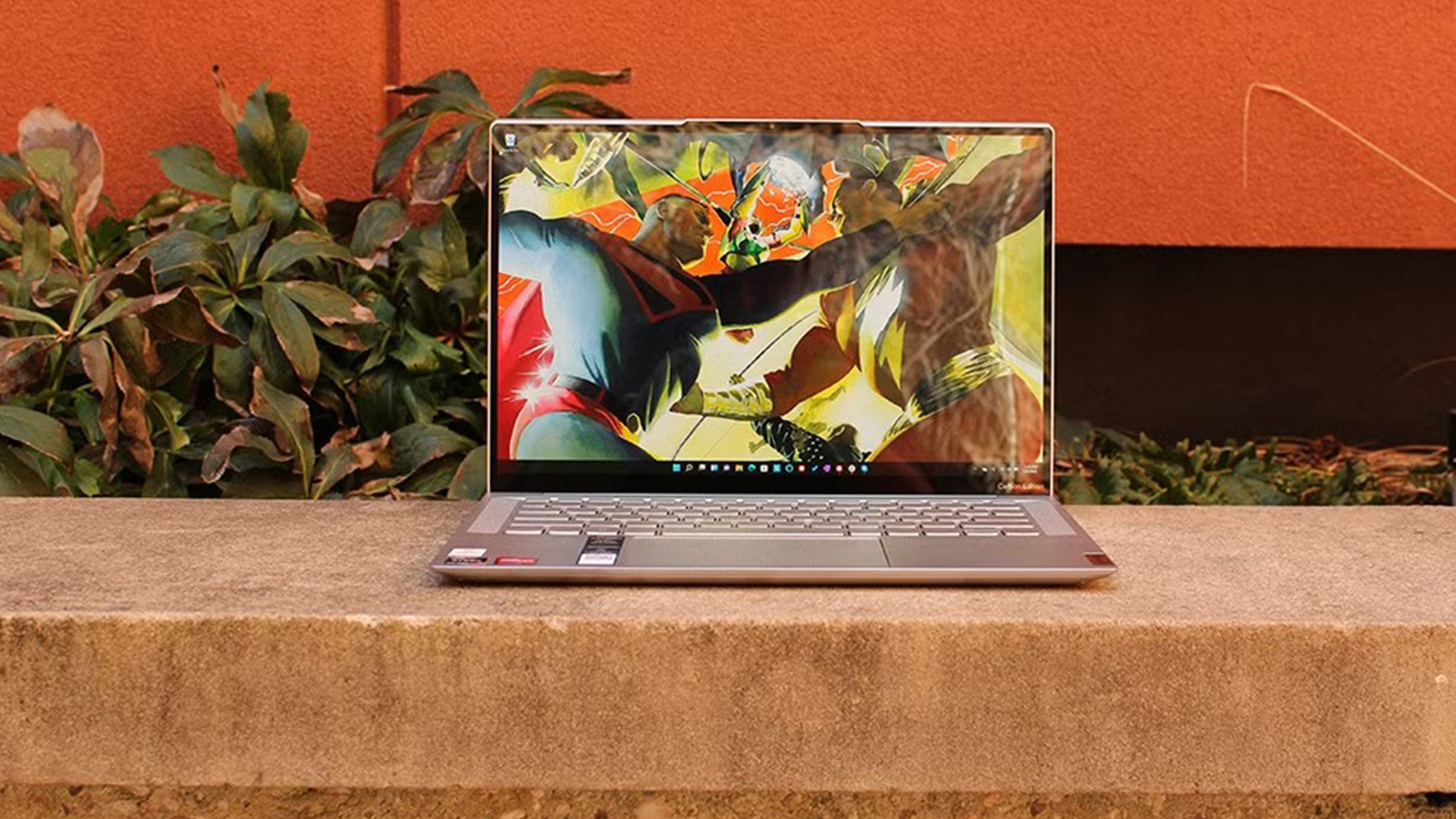
Upgrade now if your current laptop is heavy enough that you keep leaving it behind, if its real battery life no longer covers a normal work or study day, or if you are stuck on 8GB RAM and older low-efficiency silicon. Those are the moments when a modern lightweight Lenovo feels meaningfully different, not just newer.
Replace instead of repairing if your current machine needs both a battery and a major component repair, or if it is physically intact but still too bulky for the way you work now. In mobility-led buying, weight and charger dependence are not minor annoyances; they are part of the actual product fit.
Wait, if your existing laptop is still under roughly 1.4kg, has solid battery life, and already matches your workload. A lighter laptop is only a better laptop if it changes your daily experience.
If you are still narrowing it down, our Lenovo range is the best place to compare weight, screen size and form factor, while our Lenovo business laptops page makes more sense for office-first buying.

Which Lightweight Lenovo Laptop Should You Buy?
For most buyers, the ThinkPad T14 is the clearest all-round choice from the our current Lenovo range, because it balances low carry weight, solid business-ready features and everyday practicality better than anything else here. If you want something even more compact for regular commuting, the ThinkPad L13 is a strong alternative, while the Lenovo V14 makes the most sense if value matters as much as portability.
For shoppers who want the lightest possible option, the Lenovo Chromebook Duet 11M889 is the easiest pick, and if you prefer a newer 14-inch business machine with a little more room for office-focused use, the ThinkPad L14 Gen 6 is another smart buy. In other words, the best lightweight Lenovo laptop depends less on chasing the smallest number on the spec sheet and more on choosing the model that fits how you work, travel, and use your laptop day to day.

FAQs
What is the lightest Lenovo laptop in 2026?
The lightest current Lenovo option we found in this roundup is the Yoga Slim 7i Ultra Gen 11 Aura Edition at a 975g starting weight.
Which Lenovo laptop is best for business travel?
The ThinkPad X1 Carbon Gen 13 Aura Edition is the best business-travel choice for most buyers because it combines sub-1kg starting weight on some configs with HDMI, USB-A and Thunderbolt 4.
Are Lenovo laptops under 1.5kg powerful enough for work?
Yes, many Lenovo laptops under 1.5kg are easily powerful enough for everyday work, meetings, multitasking and light creative tasks. Current examples in this category include the X1 Carbon, ThinkPad X9, Yoga Slim 7i, T14s Gen 6 Snapdragon, Yoga 7 2-in-1 OLED configs and IdeaPad Slim 5x.
Are Yoga or ThinkPad laptops better for mobility?
Yoga is usually better for premium consumer portability and display-led buying, while ThinkPad is better for business mobility, ports and work-focused usability.
Is a Snapdragon Lenovo laptop worth buying in 2026?
Yes, a Snapdragon Lenovo laptop is worth buying if battery life and efficiency are your priorities, but it is still wise to check specialist apps and accessories before you commit. Lenovo’s ThinkPad T14s Gen 6 Snapdragon pairs a 1.24kg starting weight with a 58Wh battery and very strong official battery claims, which makes it a serious mobility option.
Related Articles


Last Updated: March 06, 2026
The way we use laptops is changing fast. Not because screens got bigger or batteries got longer. But because the chips inside are now purpose-built to run artificial intelligence tasks directly on your device, no internet connection required.
Welcome to the age of the AI laptop.
In 2026, this is no longer a niche conversation for tech enthusiasts. It is a mainstream reality. Chipmakers, laptop brands, and software developers are all lining up to make on-device AI a standard feature. But the real question is: are everyday users actually ready for it?
Let us break it all down.
What Is an AI Laptop, Exactly?
Before exploring adoption, it helps to understand what separates an AI laptop from a standard one.
An AI laptop is a device equipped with a dedicated Neural Processing Unit (NPU), a chip specifically built to handle AI-related tasks locally. Unlike standard laptops that offload AI computations to the cloud, an AI laptop processes these tasks directly on the device. This is what the

Last Updated: November 18, 2025
Staying competitive means leveraging technology that works smarter, faster, and more securely. Artificial Intelligence (AI) is transforming industries worldwide, from streamlining workflows to enhancing cybersecurity. A particularly exciting innovation within this revolution is the AI laptop, a new class of computing devices designed to optimise productivity and protect sensitive data.
The Rise of AI for Business
AI has evolved from a futuristic concept into a core driver of efficiency across all sectors. Companies use it to analyse data, automate decisions, enhance customer experiences, and predict market trends. According to recent studies, organisations that integrate AI into their daily operations report higher productivity, lower operational costs, and improved employee satisfaction.
However, until recently, much of this innovation happened in the cloud. Now, with AI chips and neural processing units (NPUs) embedded in personal devices, AI is moving to the edge, directly onto the
Last Updated: February 17, 2026
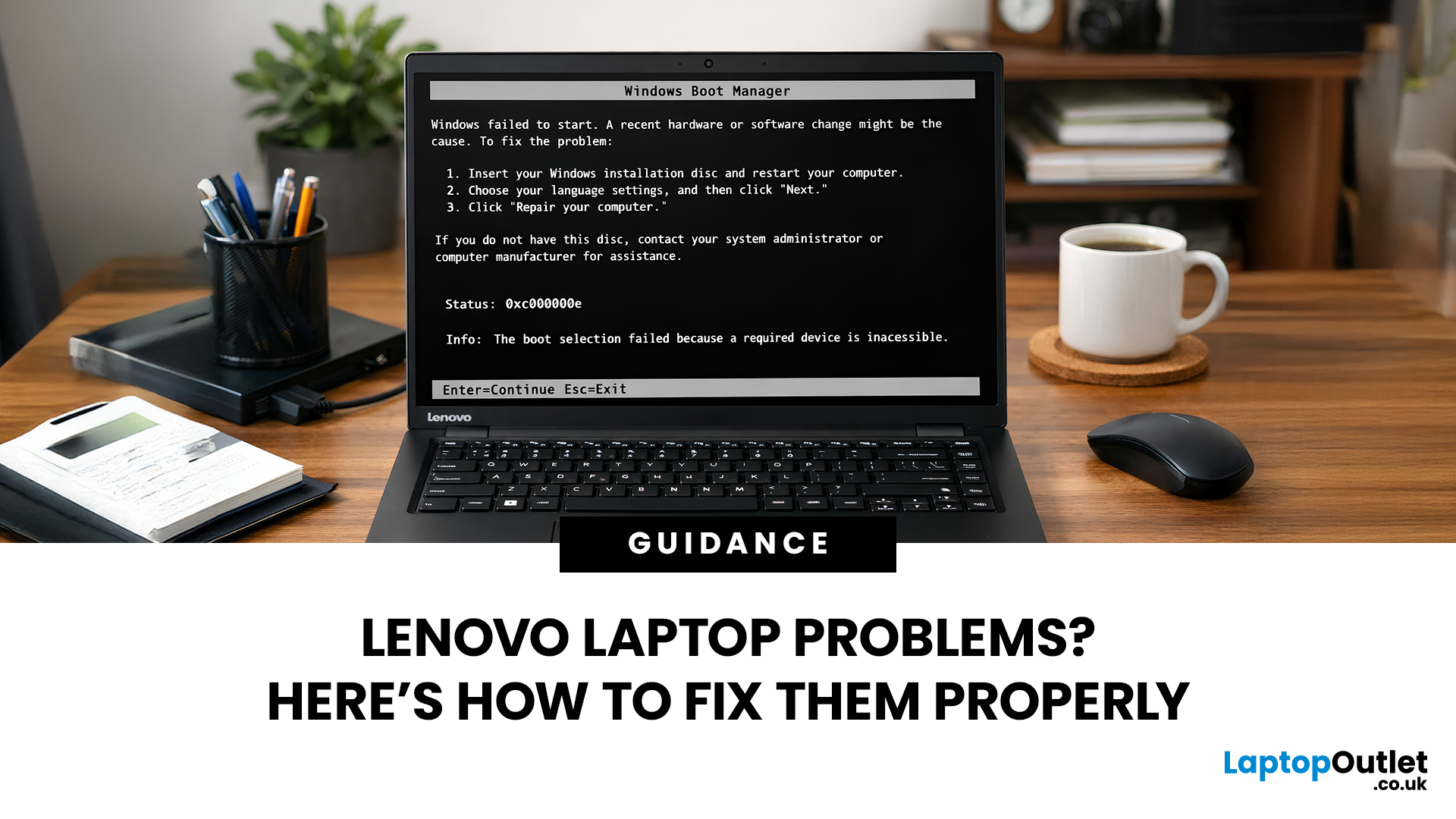
Lenovo laptops are widely trusted across the world, from ThinkPads in corporate offices to IdeaPads in student halls and Legion machines built for gaming. They’re generally dependable, however, even well-built machines can develop faults over time.
We regularly see the same issues cropping up across different Lenovo ranges, and in most cases the fix is simpler than people expect.
Before assuming your device is finished, it’s worth slowing down and checking a few things properly. Many common Lenovo laptop issues are software-related or power-related rather than serious hardware faults.
Below are some of the most common Lenovo laptop issues, why they occur, and what you can realistically do to solve them.
Quick Diagnostic Check Before You Start
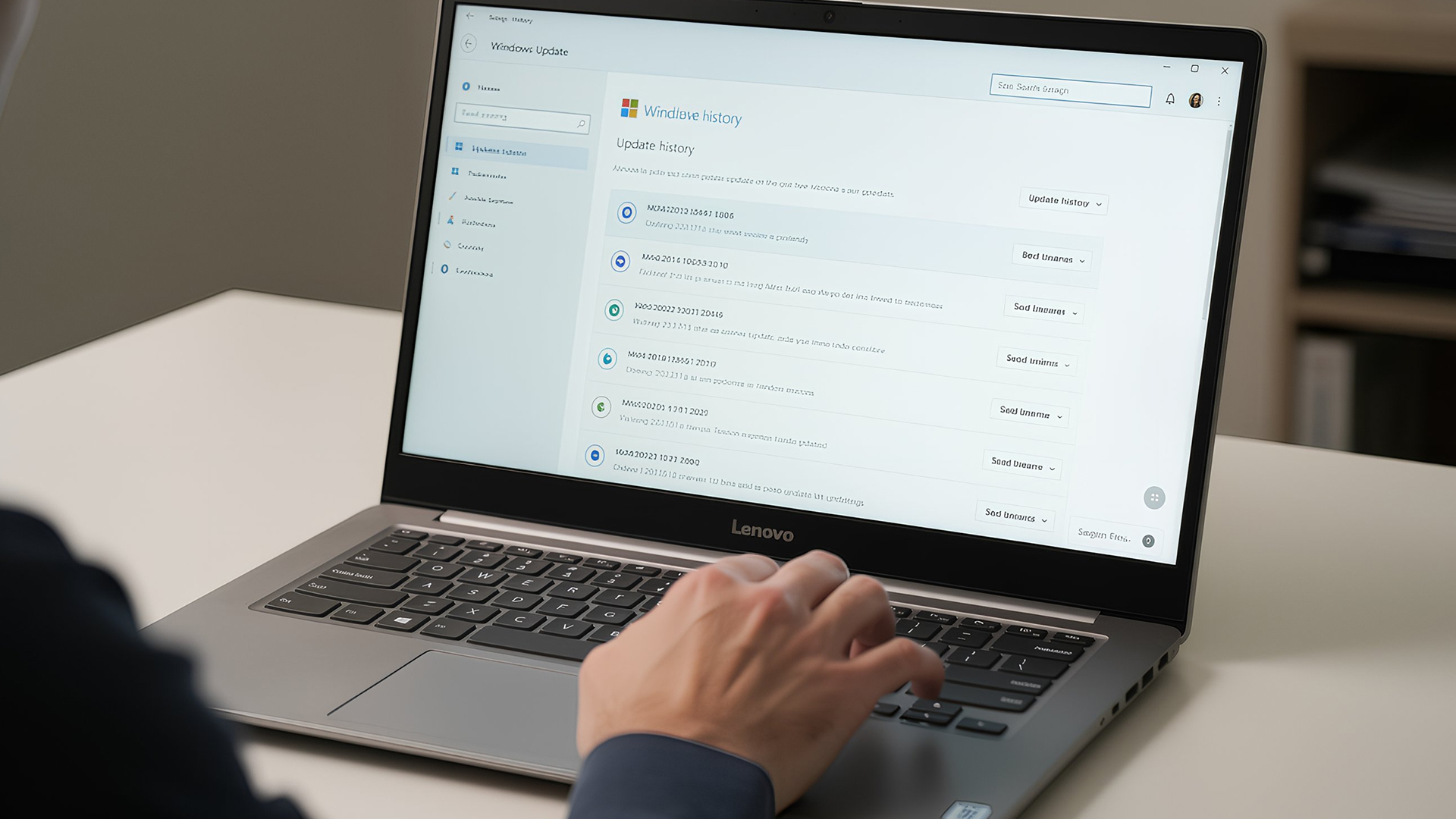
Before diving into specific faults, ask yourself:
- Did this issue begin after a Windows update?
- Has the laptop recently overheated?
- Was it dropped or exposed to liquid?
- Is the battery older than three years?
- Does the problem occur only on battery
Published: March 05, 2026
AI laptop buying in 2026 is not a trend you have to imagine. It is already changing how people shortlist, compare, and commit to a purchase.
Two shifts are happening at once. The first is behavioural: more people are using AI tools to conduct early research, compress reviews into a few usable insights, and quickly turn a vague requirement into a shortlist. Adyen’s UK retail research finds that 35% of UK consumers use AI to shop, and 56% of those say it influences what they buy.
The second shift is product-led: laptops are now being sold as AI PCs, with new labels and performance claims built around NPUs and TOPS. The problem is that marketing language and real-world value do not always line up. A badge can inflate the price, while the things that make a laptop genuinely pleasant to own are still the basics: screen, keyboard, battery, cooling, ports, and RAM.
So, the practical question in 2026 is not “Should you buy AI?” It is “Where does AI genuinely save time or improve the experience,
Last Updated: April 07, 2026
Buying an AI laptop in 2026 should be a quick decision. You pick a size, set a budget, and choose the “best” chip, right? In reality, the AI label is doing far too much work. Two laptops can sit side by side, both advertised as “AI-powered”, yet behave completely differently once you start writing documents, editing photos, joining video calls, or trying the latest Windows features.
That confusion usually comes down to one thing: people treat “AI laptop” as a single spec, when it’s really a mix of three engines working together.
- CPU: the general performance engine for everything you already do
- GPU: the visual and creative engine, also used for some AI workloads
- NPU: the efficiency engine for AI tasks that are built to run locally
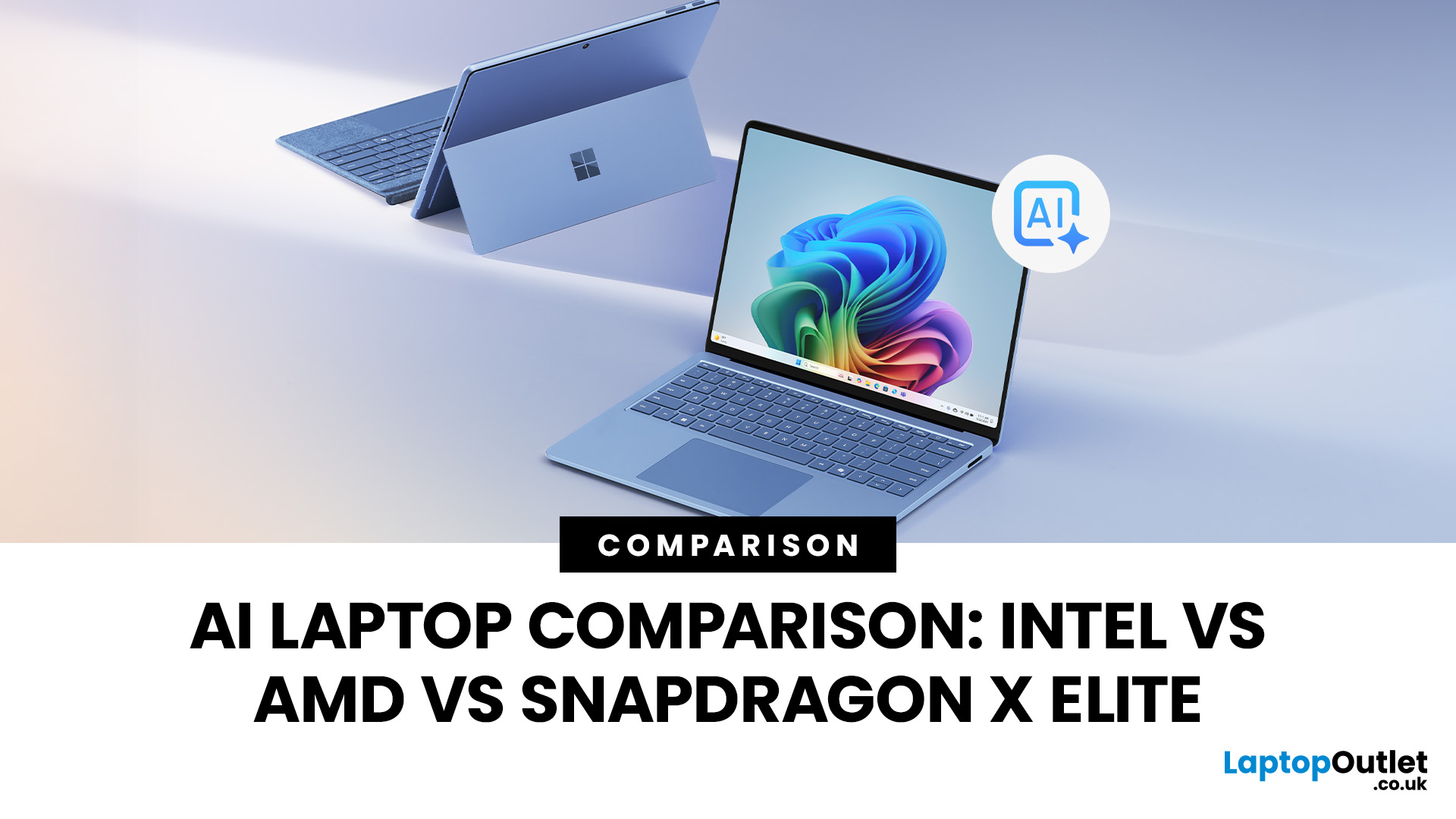
This guide compares the 3 platforms shoppers are most likely to cross-shop when searching for an AI laptop today: Intel Core Ultra 200V (Lunar Lake), AMD Ryzen AI 300 (XDNA 2), and Qualcomm Snapdragon X Elite. We’ll keep it practical, explain the specs, and help
Last Updated: March 09, 2026
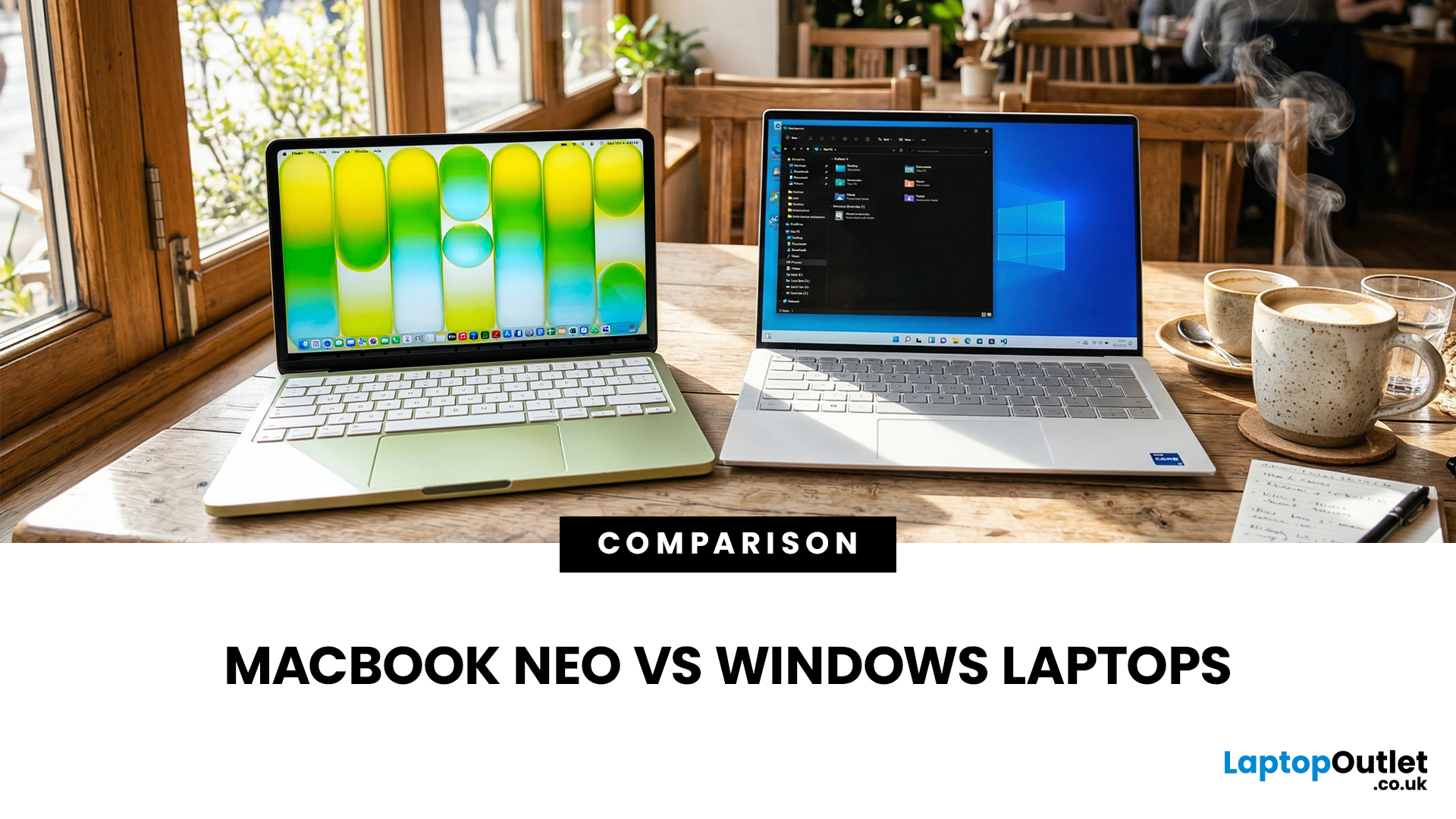
If you are comparing MacBook Neo vs Windows laptops, you are really asking one question: should you buy Apple’s cheapest Mac, or get a budget Windows laptop with more ports and more choice?
MacBook Neo is new, starts at £599, and is designed to be a simple, premium-feeling everyday laptop with macOS, long battery life, and strong call quality.
Budget Windows laptops can offer more screen sizes, more ports, and sometimes better upgrade options. But quality is inconsistent in this price range, and that’s where Neo tries to win.
Below is the practical, buyer-focused breakdown.
10-Second Answer Box
Choose MacBook Neo if
- You want the cleanest everyday experience for browsing, school, docs, and calls
- You value build quality and trackpad feel
- You want a laptop that stays fast and quiet for years, without tweaking settings
Choose a budget Windows laptop if
- You want more ports like HDMI and USB-A built in
- You need a bigger screen for the money
- You want the flexibility of Windows software and lots
Published: March 10, 2026
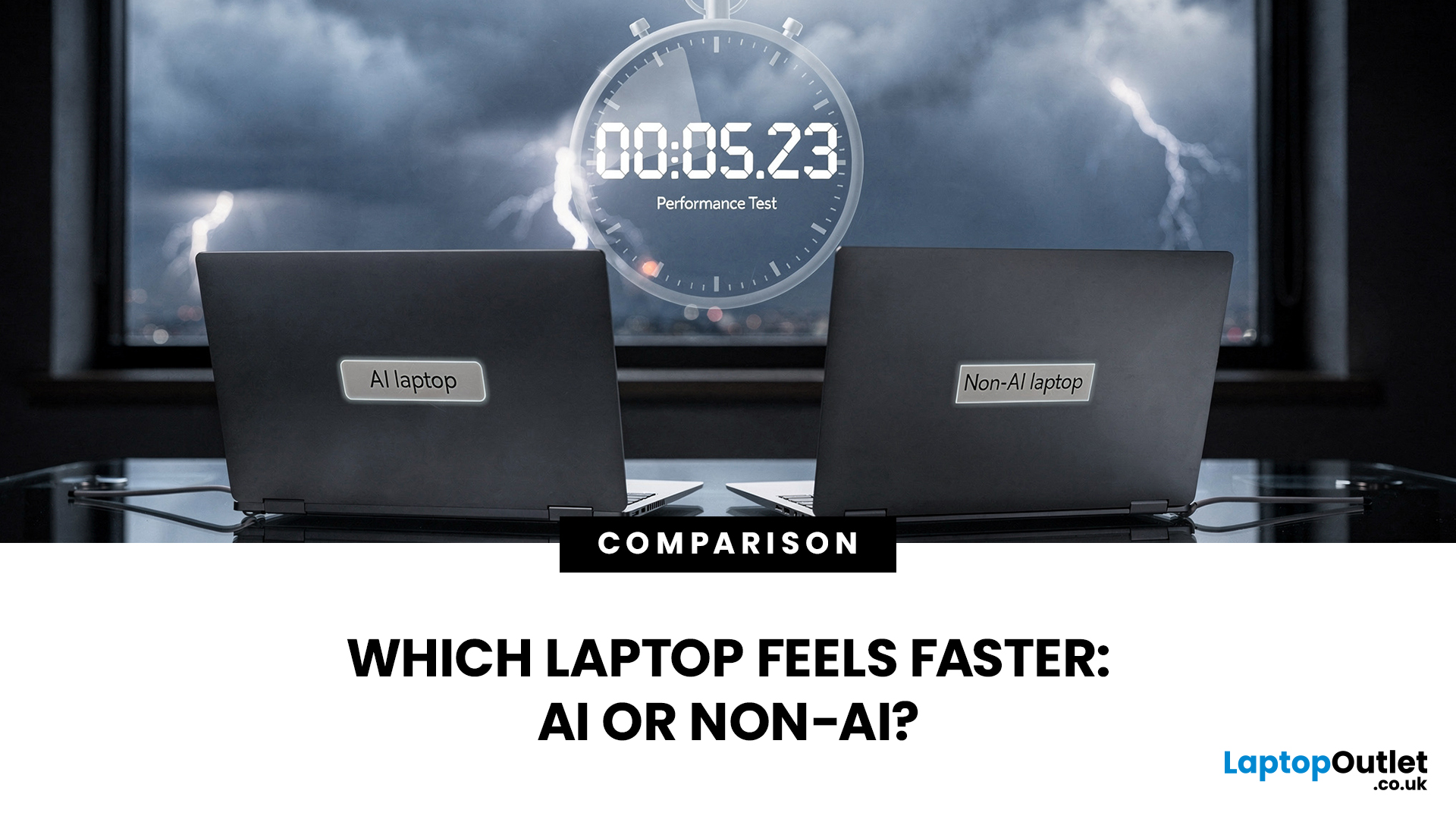
If you’re comparing AI vs non-AI laptops in 2026, the most important thing to understand is this: an “AI laptop” is not automatically faster at everything. In everyday tasks like browsing, working with Office documents, email, and file management, a powerful non-AI laptop can feel just as fast as a newer AI model.
Where AI laptops change, the experience is when you stack AI features on top of normal usage, and the laptop stays smooth. That’s the difference buyers actually feel: better battery efficiency under mixed workload, quieter operation, and on-device features that don’t steal as much CPU and GPU time.
This guide works like an AI laptop performance test, using the kind of checks you can actually repeat at home or at work: wake-from-sleep, app launch behaviour, video calls with camera effects enabled, captioning latency, and battery drain under a realistic office day. It will help you decide whether an AI laptop is worth it for your workload, or whether a well-specced non-AI laptop
Last Updated: June 05, 2026
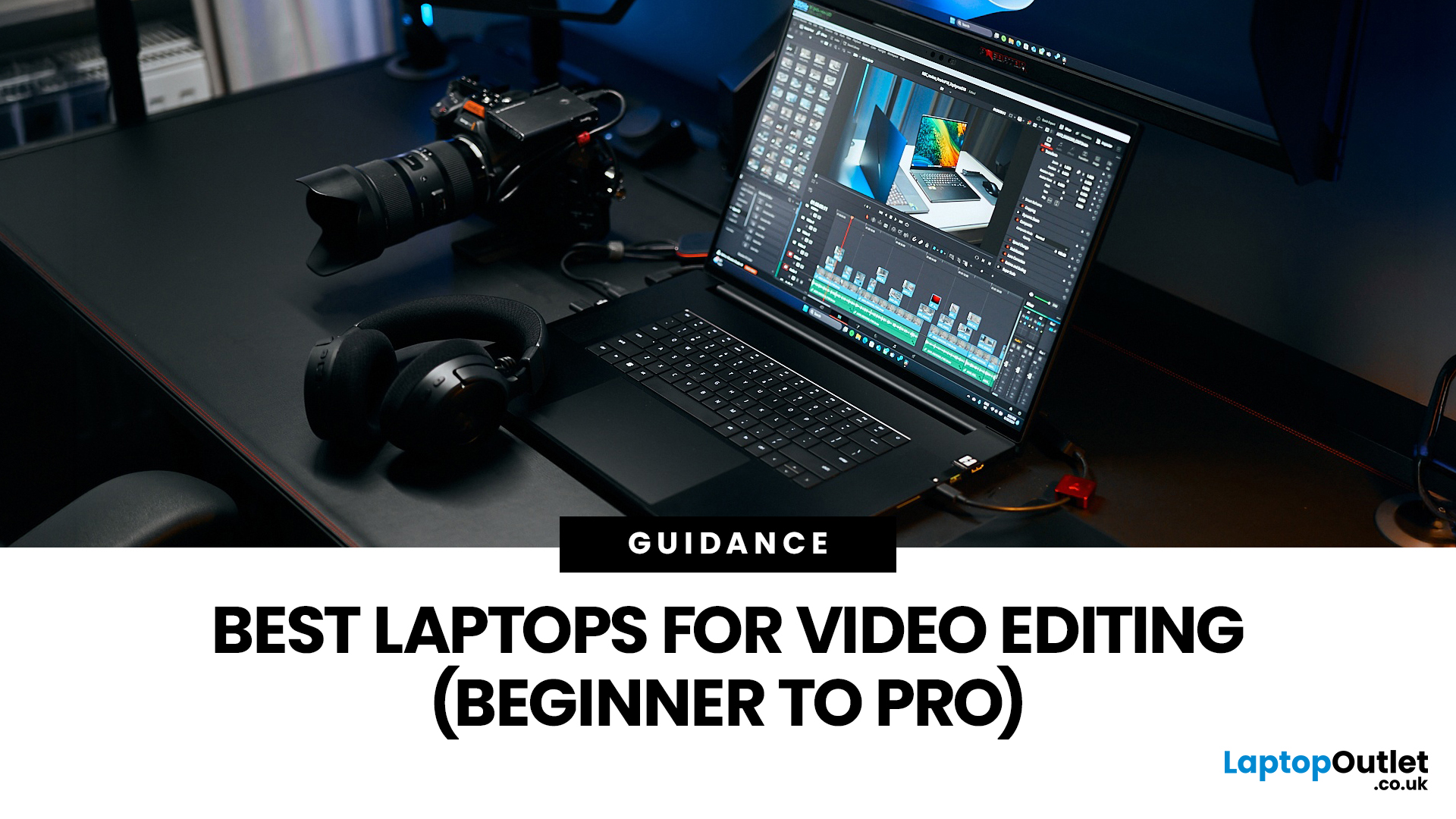
Choosing the right laptops for video editing can feel far more complicated than it should. Some brands focus on AI features; others push gaming specs, and many guides make it sound as though you need a studio-grade machine just to edit a few clips.
In reality, the best laptop depends on the type of editing you do.
A beginner creating YouTube videos, reels, or student projects will not need the same machine as someone working on commercial edits, colour grading in DaVinci Resolve, or handling large 4K client timelines. That is why this guide breaks down the best laptops for video editing by editing level, workflow, and real-world use case.
Whether you need a machine for social content, advanced post-production, or portable editing on the move, these are the options worth considering.
If your creative work also includes Photoshop, Illustrator, or wider Adobe software, it is worth reading our guide to the best laptops for Adobe Creative Cloud apps as well.
What to Look for in Laptops for Video
Last Updated: June 18, 2026
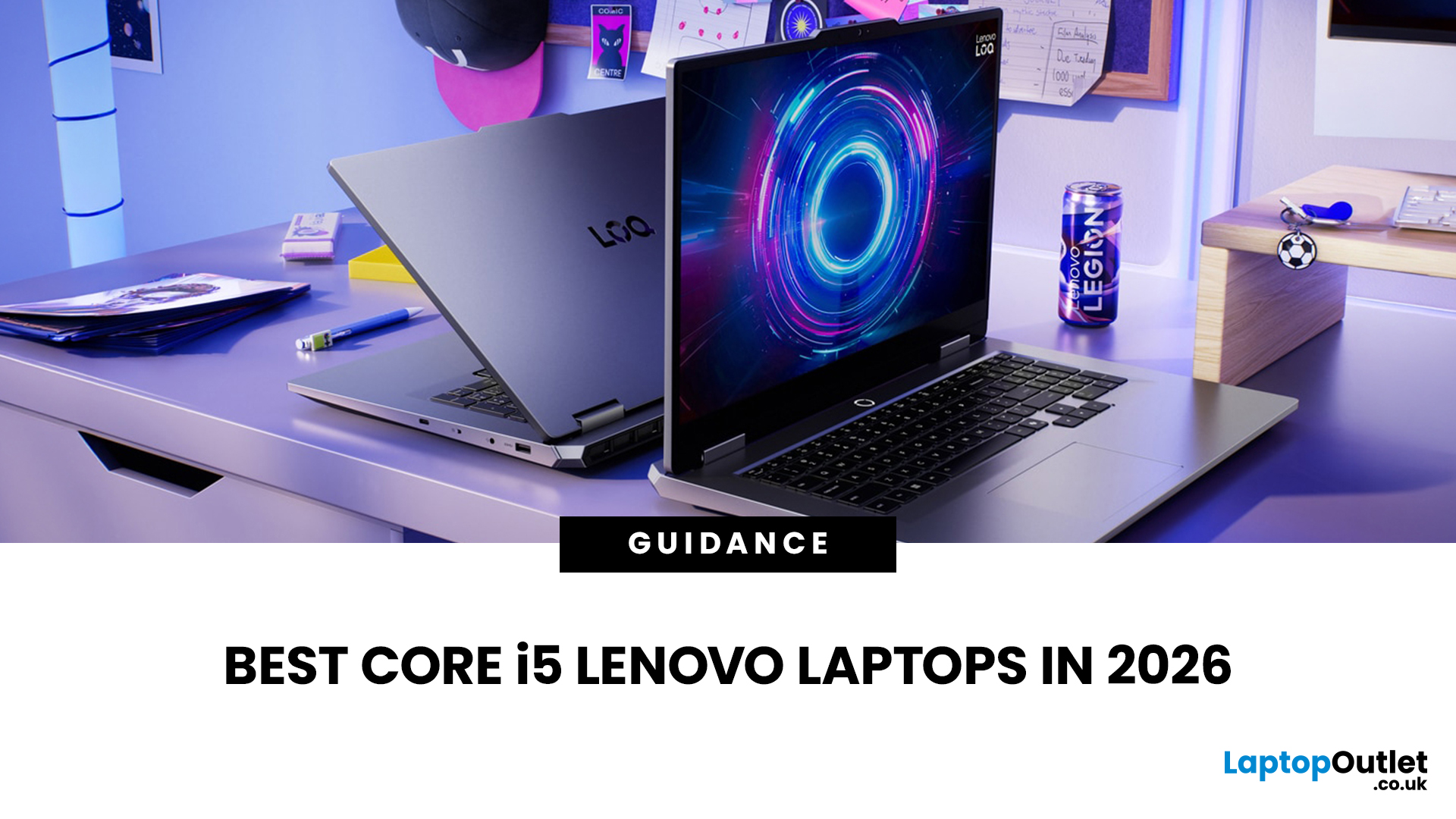
If you are searching for Core i5 Lenovo laptops, you are likely looking for a balance of performance, price, and reliability. And that is exactly where Lenovo stands out in 2026. From affordable everyday machines to durable business devices, Lenovo’s Core i5 lineup covers a wide range of use cases. Whether you need a laptop for work, study, or general productivity, there is a model that fits without pushing into premium pricing.
This guide breaks down the best options available right now, with a focus on real-world usability, value, and what each model is good for.
Why Choose a Lenovo Core i5 Laptop in 2026?
Lenovo continues to be one of the most consistent brands when it comes to mid-range laptops. Its Core i5 models are particularly popular because they offer:
- Reliable everyday performance
- Strong build quality across price ranges
- Good keyboard and typing experience
- Wide choice across business and budget segments
For most users, a Core i5 processor is more than enough for:
- Office work

Last Updated: May 01, 2026
Streaming accounted for over 38% of total TV and video consumption globally last year, overtaking traditional viewing for the first time. That means more people are now watching films on laptops, tablets, and personal screens than ever before, not TVs.
But here’s the problem: most laptops aren’t actually built for a good viewing experience.
You can open the same film on two different laptops and get completely different results. On one, colours look rich, scenes feel immersive, and everything flows smoothly. On another, the image feels dull, brightness struggles in daylight, and the whole experience falls flat - even if the specs look similar on paper.
That’s where most buyers get caught out. Terms like “Full HD,” “OLED,” or “high brightness” sound impressive, but they don’t always translate into a better streaming experience. Many people end up choosing based on performance or price, while overlooking what actually matters for watching films.
This guide breaks that down clearly - focusing

