



LCD vs LED Monitors Which Display Should You Choose
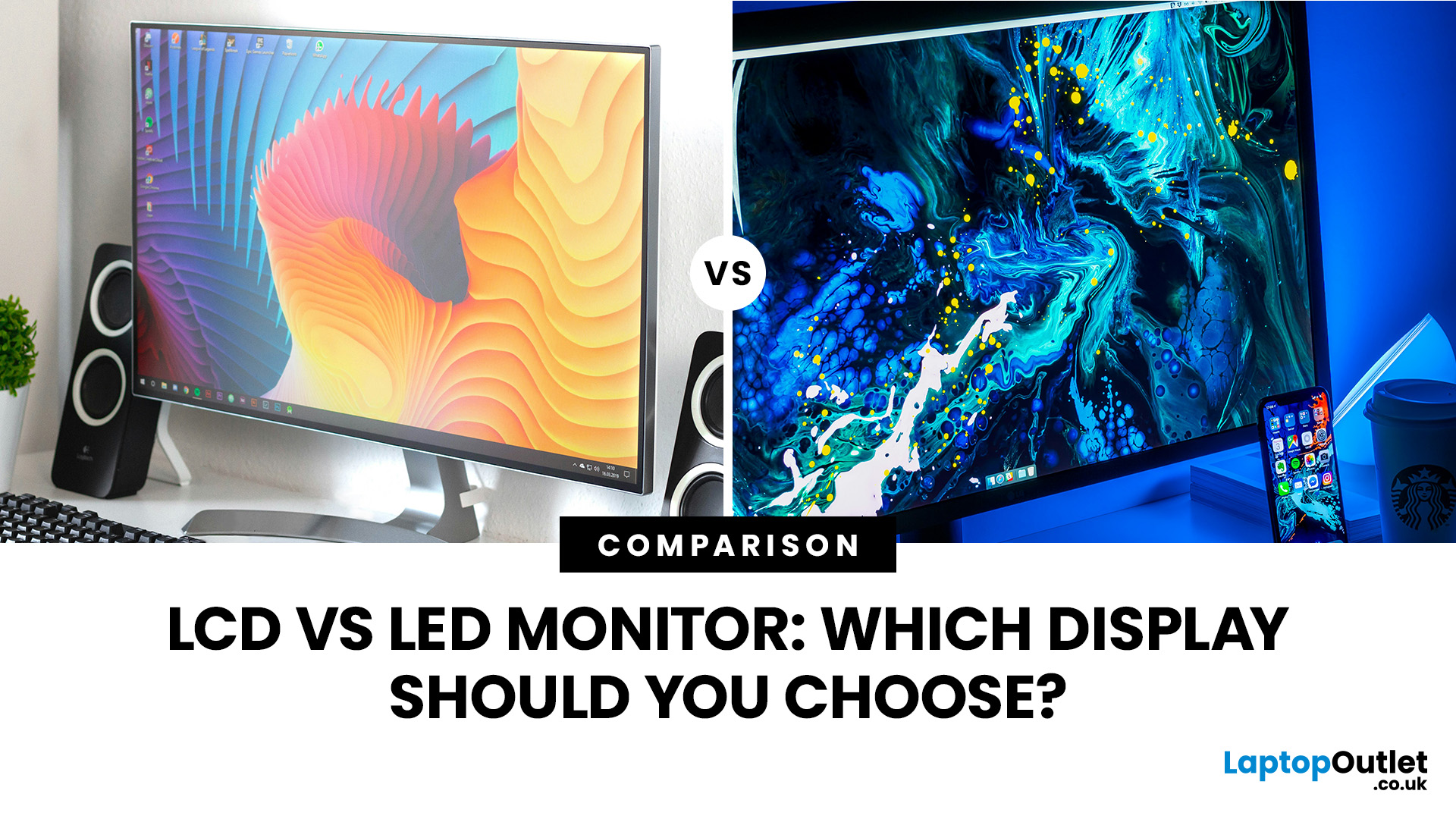
Comparing LCD vs LED monitors? An LED monitor is an LCD that uses energy-efficient LED backlighting, while older LCDs typically use fluorescent CCFL lights.
LED-backlit models are generally slimmer, more efficient and more widely available. However, the LED label alone does not guarantee better colours, smoother gaming or greater eye comfort. Panel type, refresh rate, response time, resolution and brightness all matter too.
LCD vs LED Monitors at a Glance
The main difference between a traditional LCD monitor and an LED monitor is the backlight. A traditional LCD commonly uses CCFL tubes, while an LED monitor uses smaller light-emitting diodes. The actual picture in both cases is controlled by a liquid crystal display (LCD) layer.
|
Feature |
Traditional CCFL-Backlit LCD |
LED-Backlit LCD Monitor |
|
Image technology |
Liquid crystals |
Liquid crystals |
|
Backlight |
CCFL fluorescent tubes |
Light-emitting diodes |
|
Power use |
Usually higher |
Usually lower |
|
Design |
Often thicker and heavier |
Usually slimmer and lighter |
|
Brightness control |
More limited |
Often more precise |
|
Availability |
Mainly older or second-hand models |
Standard choice for modern monitors |
|
Best suited to |
Basic use on a very limited budget |
Gaming, work, study and entertainment |
In most cases, a modern LED screen monitor is the sensible option. The more important decision is then which panel, resolution and performance specifications suit your setup.
What Is an LCD Monitor?
LCD stands for liquid crystal display. An LCD display panel contains liquid crystals positioned between layers of material and colour filters. When an electrical signal is applied, the crystals control how much light passes through each pixel. Red, green and blue subpixels then combine at different intensities to produce the image you see.
The crystals do not create their own light, so LCD displays require a separate backlight. Older desktop LCD monitors usually relied on cold cathode fluorescent lamps, better known as CCFLs. These tubes provided consistent illumination but made monitors bulkier and generally consumed more electricity than later LED-backlit designs.
Modern product descriptions can make the terminology confusing. A monitor may be called LCD, LED, IPS or even IPS LED, but those labels are not necessarily competing technologies. LCD describes the broad display technology, LED describes the backlight, and IPS describes one type of LCD panel.
Traditional LCD monitors can still deliver clear text and usable images. You can explore affordable LCD monitors, but check the specification because many products categorised as LCD already use LED backlighting.
What Is an LED Monitor?
An LED monitor is normally an LCD monitor illuminated by light-emitting diodes. In other words, “LED monitor” is everyday shorthand for “LED-backlit LCD monitor”. The liquid crystals still shape the image, while the LEDs provide the light needed to make it visible.
LEDs can sit around the display’s edges or more broadly behind the panel. Advanced systems may use dimming zones to control light in different areas, but an LED label alone does not confirm that local dimming is included.
LED backlighting now appears in everything from low-cost office screens to premium gaming displays. Compare modern LED monitors to see how widely their specifications vary.
LCD vs LED: What Is the Real Difference?
The LCD vs LED display debate is mainly a comparison of backlights, not two completely separate ways of creating an image. Think of the LCD panel as the layer that controls the picture and the backlight as the light source that lets you see it.
This is why phrases such as LED versus LCD monitors can be misleading. Most LED monitors belong to the wider LCD family. OLED is different because its pixels emit their own light.
For shoppers, the practical comparison is therefore between older CCFL-backlit LCD screens and newer LED-backlit LCD screens. LED backlighting usually offers lower power use, a thinner build and better brightness control. It does not automatically determine resolution, viewing angles, colour accuracy or gaming speed.
For a closer look at self-emissive display technologies, our AMOLED vs OLED comparison explains how the two differ in colour, contrast, power efficiency and everyday use.
LCD Picture Quality vs LED Picture Quality
An LED-backlit monitor can provide bright images and better control over dark areas, particularly with an effective local-dimming system.
However, LCD picture quality depends on more than the light source. These specifications can have a bigger effect:
- Panel type: IPS panels generally prioritise colour consistency and wide viewing angles. VA panels are known for strong native contrast, while TN panels often focus on speed and affordability.
- Resolution: Full HD is suitable for general use, while QHD and 4K can show finer detail and offer more workspace.
- Colour coverage: Look for stated coverage of relevant colour spaces rather than assuming every LED display is colour-accurate.
- Contrast ratio: Higher native contrast can improve the depth of dark scenes.
- Brightness and HDR: Peak brightness, local dimming and HDR support affect how highlights are displayed.
- Factory calibration: A well-calibrated screen can produce more accurate colours from the start.
For design and video work, explore colour-accurate IPS monitors and check colour-gamut coverage, calibration and resolution rather than relying on an LCD or LED label.
LCD Power Consumption and Energy Efficiency
LED backlighting generally uses less energy than the CCFL tubes found in older LCD monitors. LEDs can produce the required brightness efficiently, generate less heat and offer more precise brightness control. A thinner, modern power supply and automatic energy-saving settings may reduce consumption further.
That does not mean every LED model uses less power than every traditional LCD. Screen size, brightness, refresh rate and built-in features all affect real-world usage.
When comparing LCD power consumption, check the product’s on-mode energy use under comparable conditions. Comfortable brightness and sleep settings can reduce consumption further.
LCD vs LED Display for Gaming
For gaming, a modern LED-backlit LCD monitor is usually the practical choice because almost all current LCD gaming monitors use LED backlighting. But the backlight is not what makes a screen fast. Refresh rate, pixel response time, input lag and adaptive-sync support have a much greater impact on gameplay.
Prioritise these features:
- Refresh rate: A 144Hz, 165Hz, 240Hz or faster monitor can show motion more smoothly when your PC produces enough frames per second.
- Response performance: Fast pixel transitions help reduce visible smearing and ghosting. Treat advertised response-time figures cautiously because testing methods vary.
- Adaptive sync: AMD FreeSync or compatible variable-refresh technology can reduce tearing and stutter.
- Resolution: Full HD is easier to drive at high frame rates, while QHD offers a sharper image. 4K needs more graphics power.
- Panel behaviour: Fast IPS, VA and TN displays have different strengths, so check independent performance measurements where possible.
- Connectivity: Make sure HDMI or DisplayPort versions support your intended resolution and refresh rate.
For fast-paced play, compare high-refresh gaming monitors by their complete specification rather than choosing purely because “LED” appears in the name.
Is LCD or LED Better for Work and Study?
For most home offices, classrooms and study setups, an LED-backlit LCD monitor is the better all-round option. These screens are widely available, efficient and offered in sizes and resolutions for almost every desk.
For documents and spreadsheets, focus on sharp text, comfortable brightness, an adjustable stand and enough space to multitask. A 24-inch Full HD screen suits compact desks, while a 27-inch QHD model provides more room and higher pixel density.
Screen size should still match your viewing distance and available desk depth. If you are unsure how manufacturers calculate display dimensions, the monitor size guide explains diagonal measurements and how to choose a practical fit.
Are LCD or LED Monitors Better for Your Eyes?
Neither label automatically makes a monitor better for your eyes. Eye comfort depends on the individual model, your settings, room lighting and how long you use the screen without a break.
Look for flicker-free brightness control, an anti-glare surface, clear text and a brightness range that works in your room. Low-blue-light modes can make the screen look warmer in the evening, although they do not replace sensible viewing habits. Position the monitor at a comfortable height, avoid reflections and take regular breaks from close-up focus.
Older CCFL-backlit displays may offer less flexible brightness control, while many modern LED monitors include eye-comfort features. Still, the individual model matters more than the word LED on the box.
Dust, fingerprints and incorrect cleaning products can also reduce screen clarity, so follow the right steps when cleaning your monitor or TV screen to avoid damaging its coating.
Which Monitor Should You Choose?
Choose a modern LED-backlit LCD monitor in most situations. It offers the widest selection, generally efficient operation and access to current features. Then narrow your options according to what you actually do:
- For everyday home use, prioritise value, Full HD or QHD resolution and useful connections.
- For office work, look for sharp text, ergonomic adjustment and enough screen space.
- For gaming, focus on refresh rate, response performance, adaptive sync and suitable resolution.
- For creative work, prioritise panel quality, colour coverage, calibration and resolution.
- For a second-hand bargain, check whether an older LCD uses CCFL or LED backlighting and consider its age, condition and power use.
Do not pay extra solely for an LED label. Two LED-backlit models can perform very differently, so compare the complete specification against your setup and budget.

Final Verdict
In the LCD vs LED monitors comparison, LED-backlit LCD is the clear modern choice over an older CCFL-backlit LCD. It is generally slimmer, more efficient and easier to find. But it is not a separate panel technology, and the backlight alone does not decide whether a monitor is great for gaming, colour work or daily productivity.
Ready to find a display that fits your setup? Browse PC monitors for work, gaming, study and everyday entertainment.

Is LED or LCD Better for Gaming?
A modern LED-backlit LCD monitor is normally the better choice because current gaming displays use this technology. However, refresh rate, response performance, input lag, adaptive sync and resolution matter more than the backlight label.
Is an LCD or LED Monitor Better for Your Eyes?
Neither is automatically better for your eyes. Look for flicker-free dimming, comfortable brightness, an anti-glare finish and clear text. Good positioning, suitable room lighting and regular screen breaks are equally important.
Why Is LCD Better Than LED?
LCD is not inherently better than LED because most LED monitors are LCD monitors with LED backlighting. An older CCFL-backlit LCD may cost less second-hand, but a modern LED-backlit model is generally slimmer, more efficient and more practical.
Do LCD and LED Monitors Use Different Display Panels?
Not necessarily. LED describes the backlight, while LCD describes the image-forming technology. Both can use LCD panel types such as IPS, VA or TN, depending on the model.
Are All Modern LCD Monitors LED-Backlit?
Most modern LCD computer monitors use LED backlighting, although you should still check the specification. Older LCD models are more likely to use CCFL fluorescent backlights.
Related Articles

Last Updated: August 11, 2026
Last Updated: September 03, 2026
An AOC curved gaming monitor can be a strong choice for immersive gaming, especially if you play racing, simulation, RPG, open-world or cinematic single-player games. The curved screen helps draw more of the display into your natural field of view, which can make gameplay feel more engaging on larger panels. For many PC gamers, the sweet spot is a 27-inch or 32-inch high-resolution QHD monitors. For maximum immersion, an AOC 34 curved gaming monitor or another ultrawide curved gaming monitor can offer a wider, more cinematic view.
Are AOC Curved Gaming Monitors Good for Immersive Gaming?
Yes, AOC curved gaming monitors can be good for immersive gaming, but the experience depends on three things:
- Screen size
- Resolution
- Refresh rate
A curved display is most effective when the screen is large enough for the curve to matter. On a 24-inch screen, the curve may feel subtle. On a 32-inch or 34-inch screen, it becomes much more noticeable because the edges of the panel sit further into your peripheral
Published: July 27, 2026
Last Updated: September 03, 2026
Last Updated: August 11, 2026
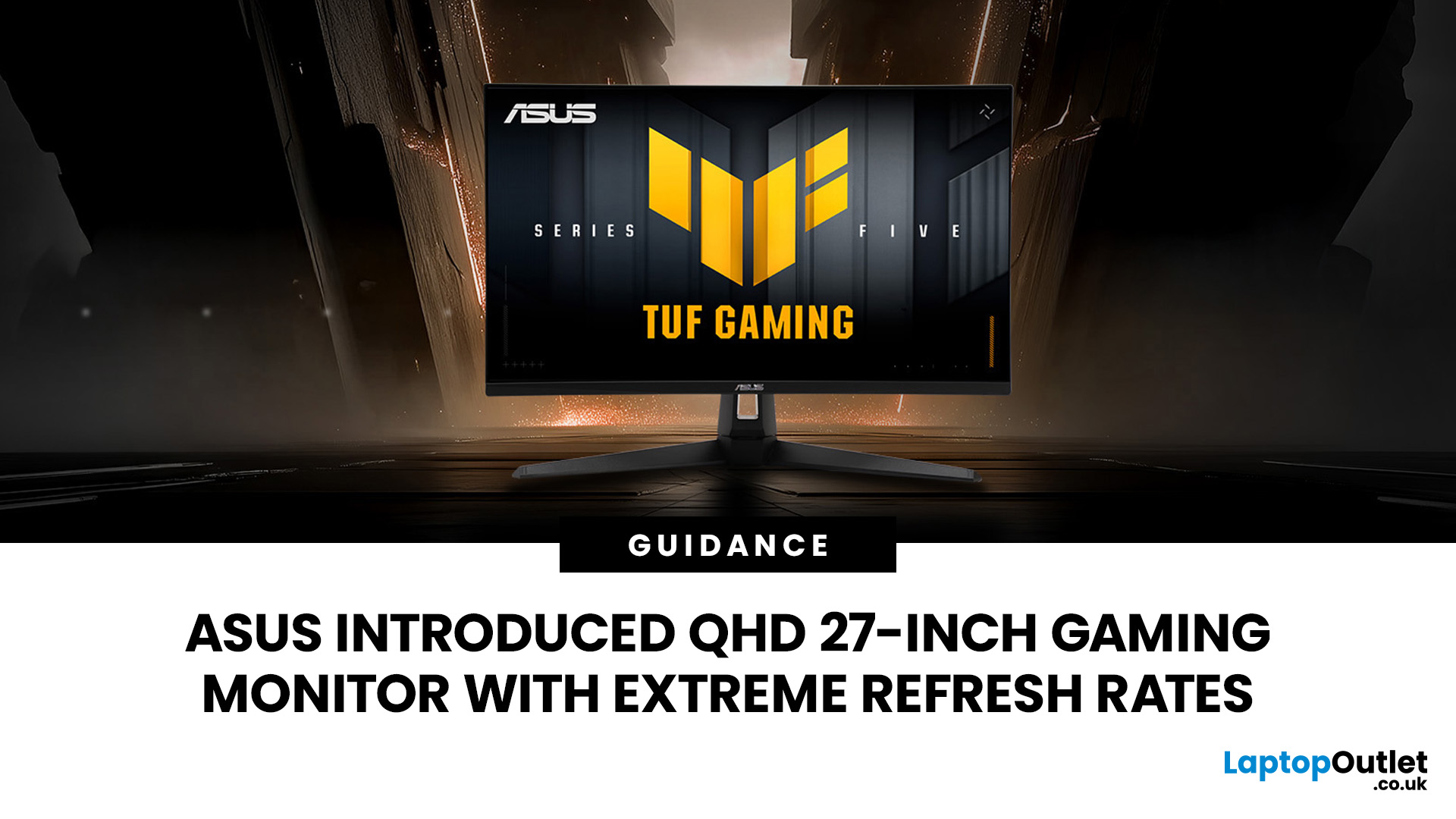
The ASUS VG27AQM5F is a 27 inch QHD gaming monitor built primarily for competitive PC players who want a higher refresh rate without dropping to Full HD resolution. As an ASUS QHD monitor, it combines a 2560 x 1440 Fast IPS panel with a maximum 320Hz refresh rate, adaptive-sync support and ASUS ELMB Sync. This ASUS new gaming display launch is aimed at players seeking smoother competitive gameplay, although its tilt-only stand, basic HDR capability and service-only USB-C port remain important limitations.
ASUS VG27AQM5F Quick Answer
| Question | Answer |
| Best suited to | Competitive PC gamers who regularly play above 200fps and still want QHD detail |
| Main strengths | 320Hz refresh rate, Fast IPS panel, 95% DCI-P3 coverage and broad adaptive-sync support |
| Main limitations | Tilt-only stand, modest 300cd/m² brightness, basic HDR10 support and no functional USB-C display input |
| Testing status | Specification-based assessment, not a hands-on review |
| UK availability | Available through UK retail channels, but not |
Last Updated: August 13, 2026
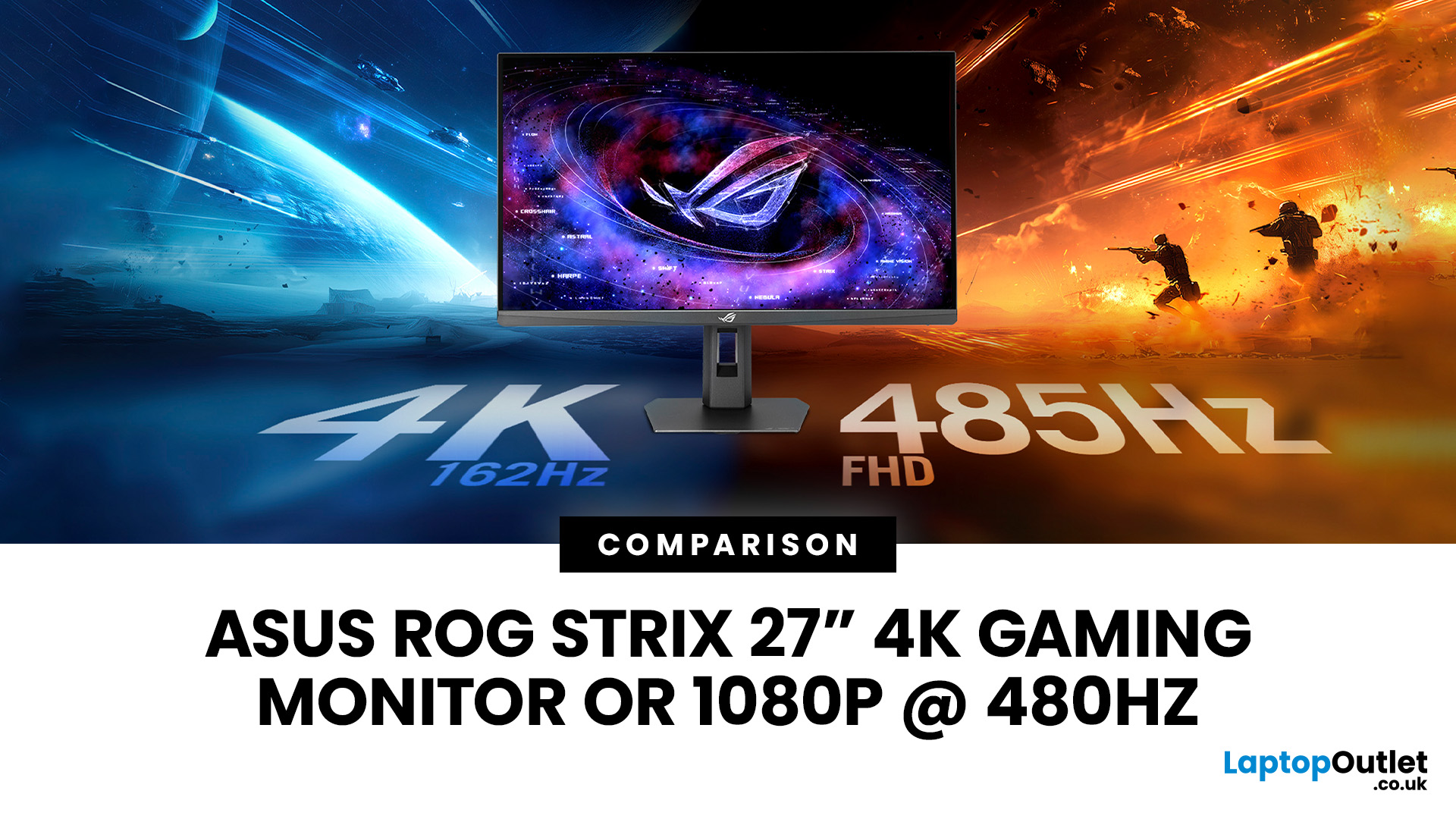
The ASUS ROG Strix XG27UCGR Gen2 is a 27 inch 4K gaming monitor that runs at up to 162Hz in 4K and switches to Full HD at 485Hz for esports. It succeeds the original XG27UCG’s 160Hz and 320Hz dual mode, adding a much faster competitive setting, Smart Pixel processing and a lower quoted minimum response time.
Most gaming monitors make you choose between resolution and refresh rate. A sharp 4K screen suits visually detailed games, while an ultra-fast Full HD display is usually better suited to competitive titles where responsiveness matters more than image detail.
The ASUS ROG Strix XG27UCGR Gen2 attempts to cover both uses. Its native mode delivers 3840 x 2160 resolution at up to 162Hz. Activating Frame Rate Boost changes the monitor to 1920 x 1080 and raises the refresh rate to 485Hz. ASUS confirms both modes for the XG27UCGR, alongside a Fast IPS panel, Smart Pixel processing and a manufacturer-rated minimum response time of 0.3ms.
ASUS ROG Strix XG27UCGR Specifications
The XG27UCGR Gen2
Last Updated: September 03, 2026
Refresh rate is one of the first specifications you will notice when shopping for a gaming monitor. A higher number promises smoother movement and faster feedback, but that does not automatically mean a 240Hz display is the right choice for your setup.
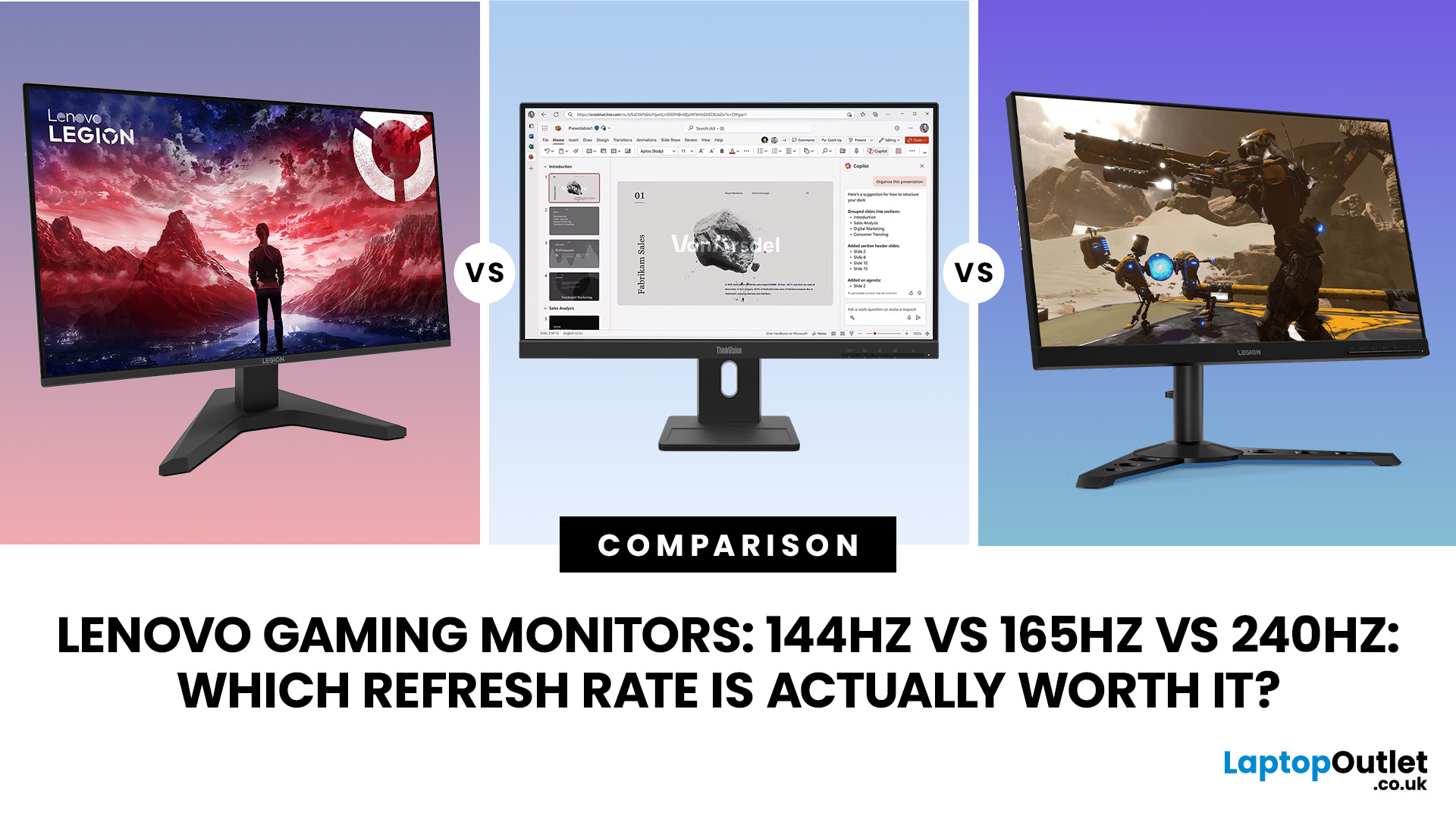
The best Lenovo monitor refresh rate depends on the games you play, the frame rates your computer can produce and whether you prioritise competitive responsiveness or sharper graphics. A casual player running cinematic games at 70 frames per second will gain little from 240Hz, while a competitive FPS player maintaining more than 200fps may notice a meaningful improvement.
This guide compares 144Hz, 165Hz, and 240Hz Lenovo gaming monitors so you can pay for performance you will actually use.
Quick Answer: Is 144Hz, 165Hz or 240Hz Best?
For most PC gamers, 144Hz or 165Hz offers the best balance of smoothness, hardware requirements, and value. Choose 240Hz when you mainly play competitive shooters and your PC can regularly produce close to 240fps
Last Updated: August 24, 2026
Published: August 06, 2026
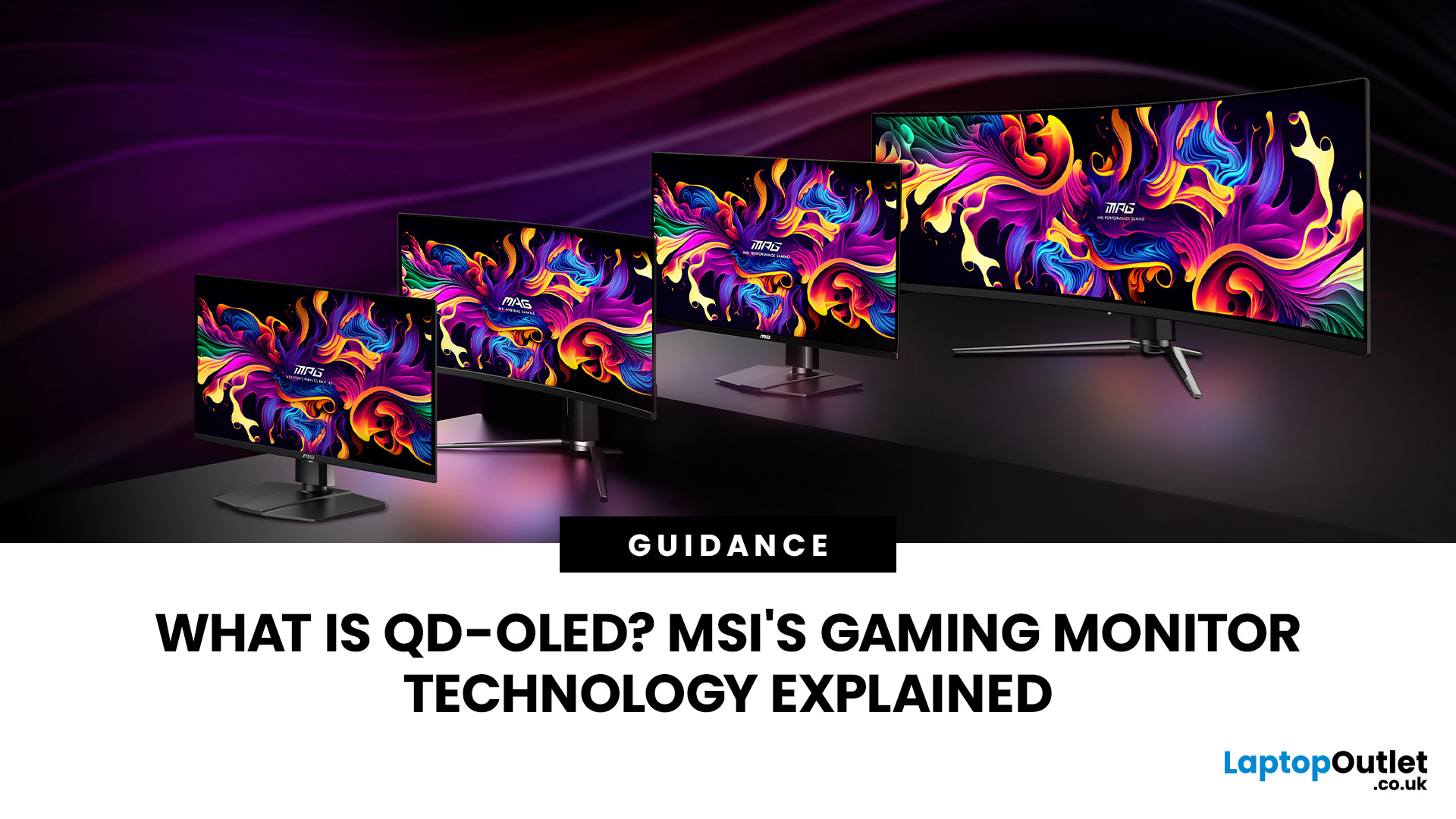
An MSI QD OLED monitor combines the individual pixel control of OLED with a quantum-dot colour conversion layer. The result is a display designed to produce deep blacks, vivid colours, fast response times, and convincing HDR performance. That sounds impressive, but specifications such as 0.03ms response times, True Black certification, and OLED Care can make choosing a monitor confusing. This guide explains how the technology works, what MSI adds and whether a QD-OLED display is right for your gaming setup.
How Does QD OLED Technology Work?
A conventional LCD monitor needs a backlight behind its pixels. Even when displaying a dark scene, some light can pass through the panel, which may make black areas appear grey. QD-OLED works differently because it is self-emissive. Its pixels generate their own light and can switch off individually when the image requires black. The process involves three main stages:
- A blue OLED layer produces the original light.
- Quantum dots convert part of that blue
Last Updated: August 11, 2026

