



60Hz vs 144Hz Gaming Monitors: Which Refresh Rate Should You Choose?
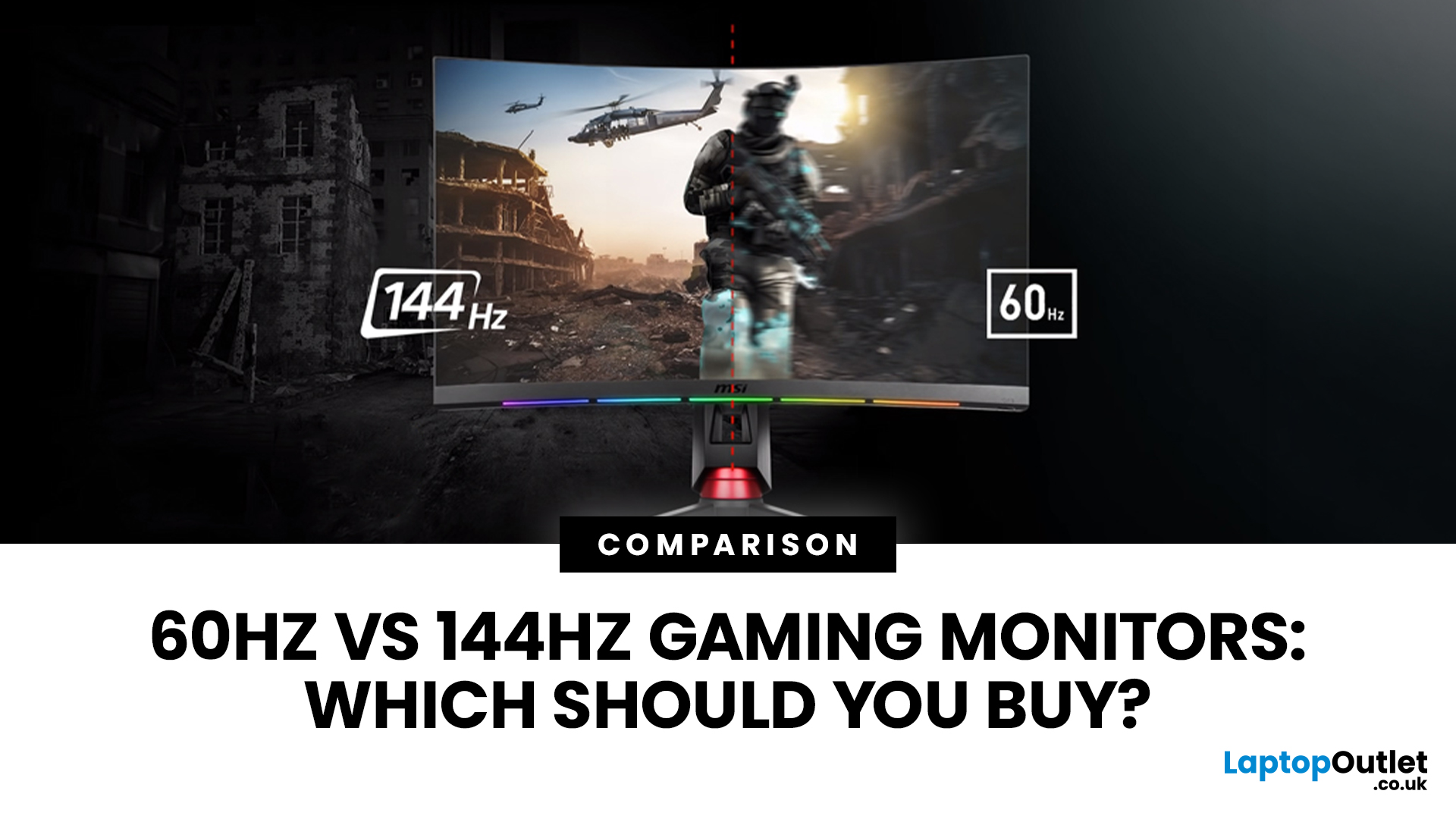
Choosing between a 60Hz and 144Hz gaming monitor is not just a numbers game.
A 144Hz screen can make movement smoother and controls more responsive, but its value depends on your games, frame rates, resolution and budget.
Is 60Hz or 144Hz Better for Gaming?
For most PC gamers buying a new monitor, 144Hz is the better choice. It makes fast movement clearer, reduces the time between screen updates and feels noticeably smoother when your PC produces more than 60 frames per second (FPS). It is especially worthwhile for shooters, racing games, fighting games and other quick-reaction titles.
A 60Hz gaming monitor is still perfectly usable for slower strategy games, turn-based titles, visual adventures and systems that rarely exceed 60 FPS. It can also make sense when image quality, 4K resolution or a lower price matters more than competitive speed.
|
Feature |
60Hz Monitor |
144Hz Monitor |
|
Screen updates |
Up to 60 times per second |
Up to 144 times per second |
|
Time between refreshes |
16.67ms |
6.94ms |
|
Motion |
Suitable for casual play |
Smoother during fast movement |
|
Best suited to |
Slower games and 60 FPS systems |
Fast and competitive games |
|
Hardware demand |
Lower |
Higher if targeting 144 FPS |
|
Buying verdict |
Fine for limited budgets |
Better long-term PC gaming choice |
Refresh rate is only one part of the decision, so use our gaming monitor buying guide to compare resolution, panel type, response time, adaptive sync and connectivity before choosing a display.
What Does a Gaming Monitor Refresh Rate Mean?
Refresh rate tells you how many times a monitor can update its image every second. It is measured in hertz. A 60Hz refresh rate allows the screen to refresh up to 60 times per second, while a 144Hz refresh rate allows up to 144 updates.
That does not mean a 144Hz monitor automatically runs a game at 144 FPS. The PC creates the frames; the monitor displays them. If your PC produces 55 FPS, a faster screen cannot generate the missing frames.
This distinction between FPS and Hz is the key to understanding any gaming monitor refresh rate. For the best result, the monitor, PC and game settings need to work as a team.
60Hz vs 144Hz: What Difference Will You Actually Notice?
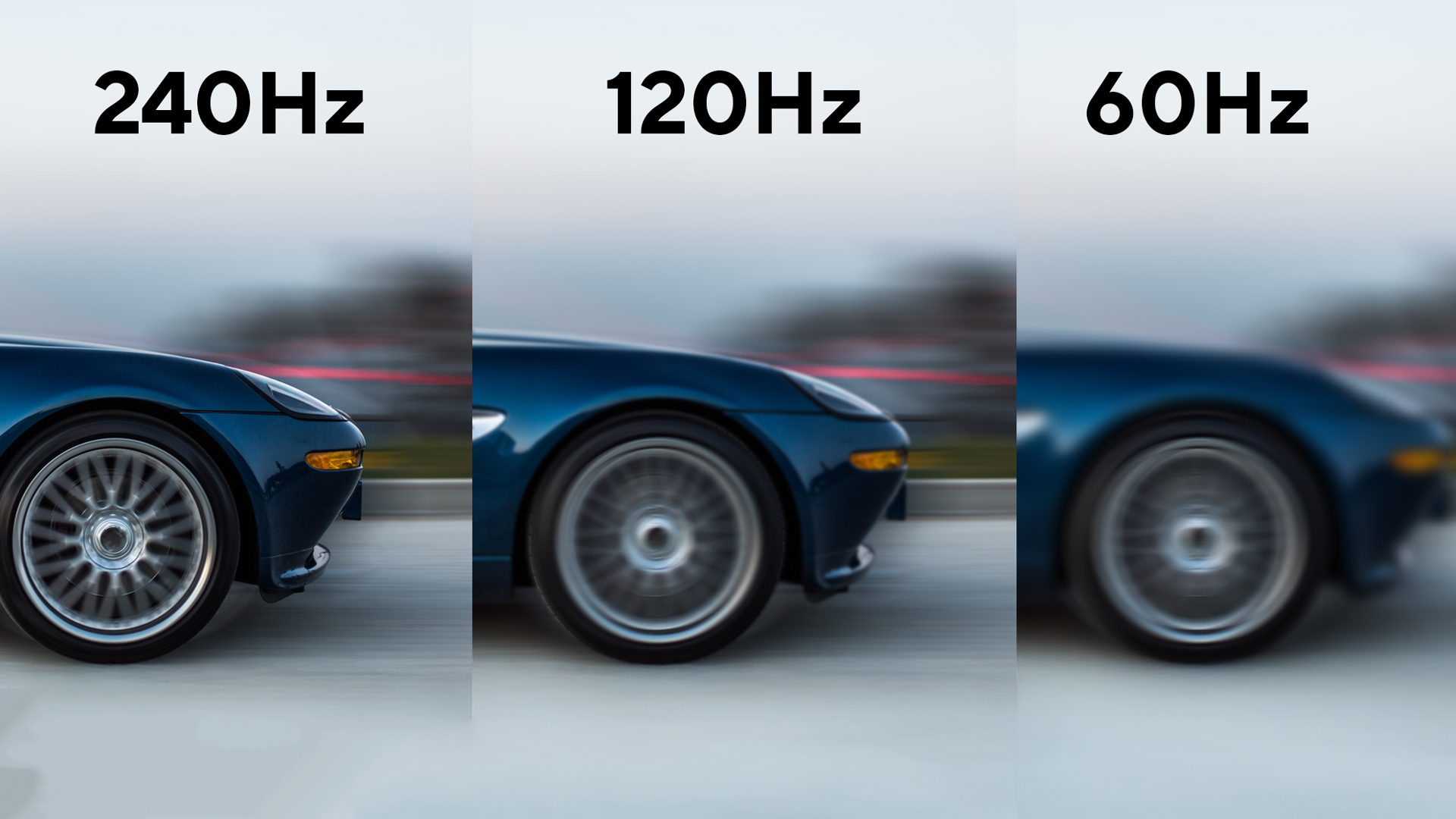
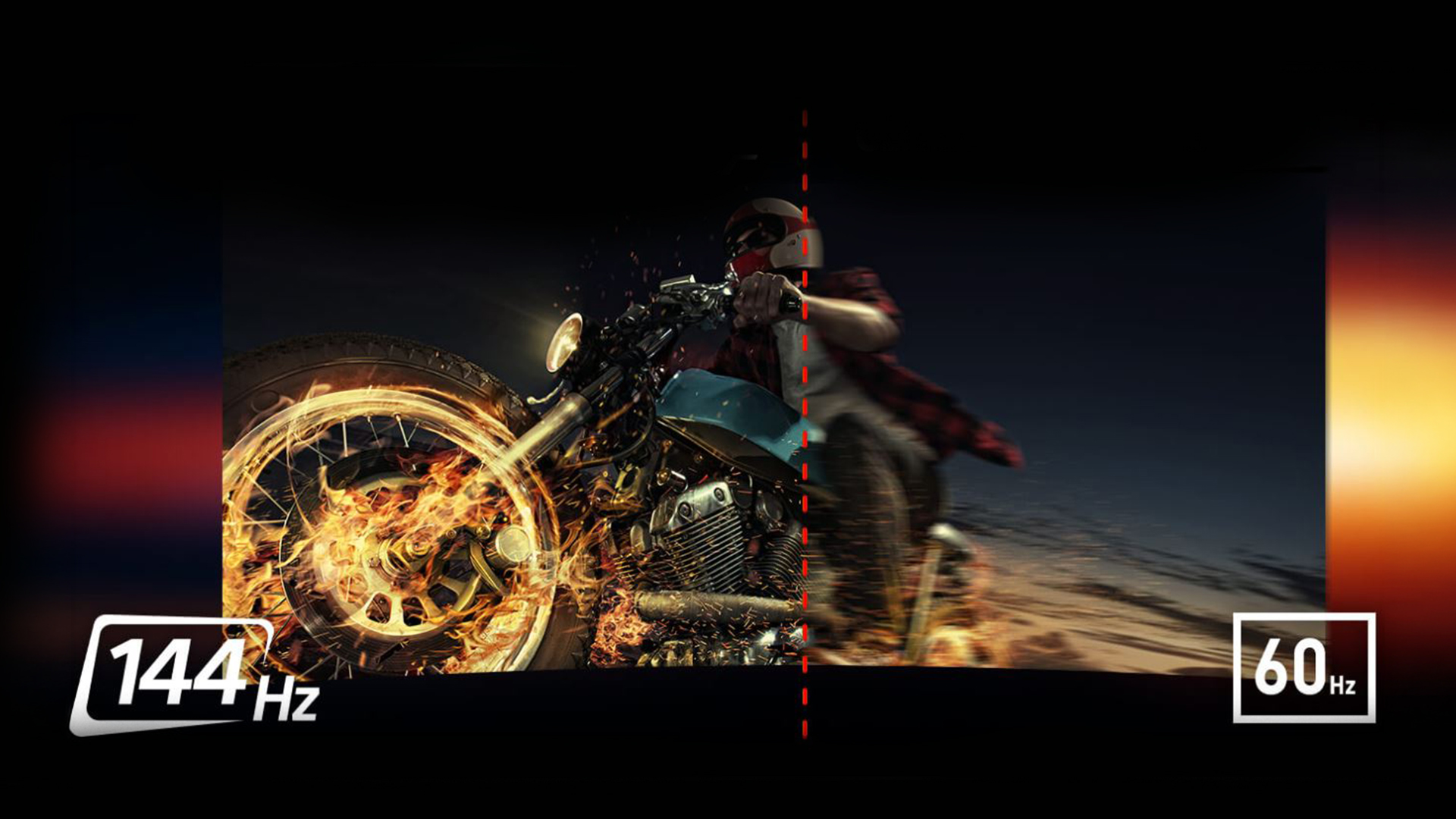
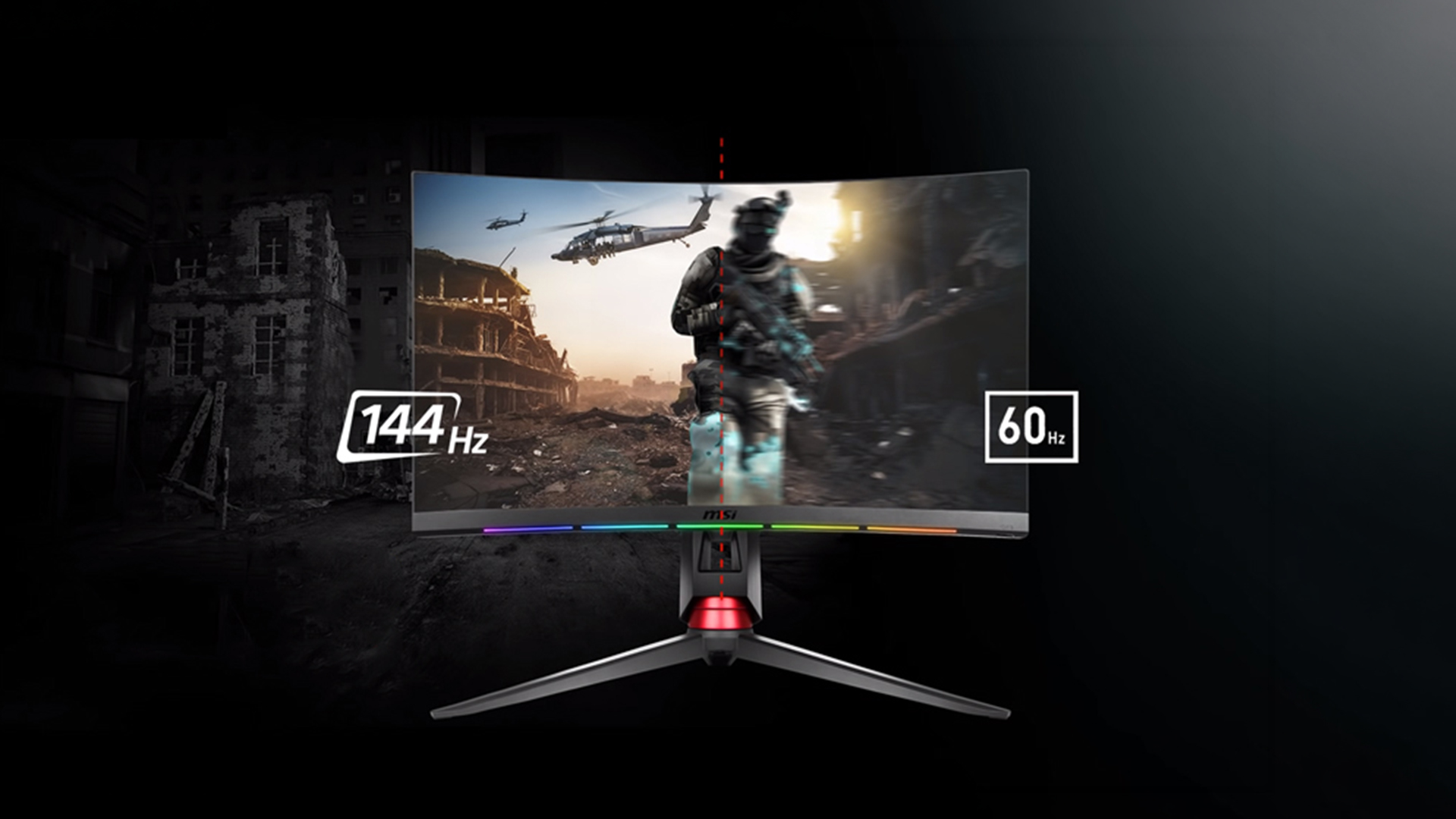
Many players notice the jump from 60Hz to 144Hz. Camera pans look cleaner, scrolling appears smoother and moving targets are easier to track. Even desktop cursor movement can feel more immediate.
The technical difference is also meaningful. A 60Hz monitor begins a new refresh every 16.67 milliseconds. At 144Hz, that interval falls to about 6.94 milliseconds. This does not represent the complete input lag of a gaming setup, but it gives the screen more frequent opportunities to show a newly rendered frame.
This gives you more frequent visual feedback when turning, aiming or reacting. It will not provide instant esports skills, but it removes one potential bottleneck.
Is a 60Hz Gaming Monitor Still Good?
Yes. 60 Hz monitors are not suddenly unusable just because faster options exist. If your favourite games are turn-based RPGs, management sims, card games or slower story-led adventures, 60Hz can deliver a good experience. It is also enough for games locked to 60 FPS and for older or entry-level computers that cannot consistently render higher frame rates.
A lower refresh rate may let you prioritise resolution, contrast or colour. A detailed 4K 60Hz panel can suit cinematic games better than a basic 1080p 144Hz model. If scenery matters more than rapid movement, compare 4K gaming displays rather than choosing on refresh rate alone.
However, check current prices before buying. Entry-level high-refresh monitors are widely available, so a new 60Hz model is less appealing if a comparable 144Hz or 165Hz screen costs only a little more.
When Is a 144Hz Gaming Monitor Worth It?
A 144Hz gaming monitor makes the most sense when you regularly achieve more than 60 FPS or plan to upgrade your PC. The improvement is clearest in games built around speed and precise timing, including competitive shooters, racing games, rhythm games, sports titles and fighting games.
You do not need exactly 144 FPS. A game running at 90, 110 or 130 FPS can still feel smoother than on a 60Hz display. Variable refresh rate can also reduce tearing and visible stutter within its supported range.
For a balanced setup, start with 144Hz refresh rate monitors and compare response time, panel type, adaptive sync and resolution as well as price. Many newer models run at 165Hz or 180Hz. These are natural alternatives, not a completely different class of display.
Which Games Benefit Most From 144Hz?
Not every game gains equally from a faster screen.
- Competitive shooters: Faster refreshes make quick turns and target tracking clearer in games such as Counter-Strike 2, Valorant and Fortnite.
- Racing, sports and fighting games: Rapid movement looks smoother, while animations and inputs can feel more immediate.
- Strategy and simulation games: Scrolling improves, but resolution, screen size and image quality may matter more.
- Cinematic games: High settings, ray tracing and 4K can keep performance nearer 60 FPS. Do not sacrifice the picture quality you value purely to chase a larger refresh-rate number.
Do You Need a Powerful GPU for 144Hz?
Required PC power depends on the game, resolution and gaming monitor refresh rate you want to target. An affordable graphics card may push an esports title beyond 144 FPS at 1080p, while a demanding 4K game can challenge much faster hardware.
Check performance in the games you play. If your system delivers above 60 FPS, a 144Hz monitor can display more of those frames. If not, reduce suitable graphics settings, use supported upscaling or choose a lower resolution. CPU performance also matters at very high frame rates.
Do FreeSync and G-Sync Matter?
An uneven frame rate on a fixed-refresh display can cause screen tearing. Traditional V-Sync can prevent it, but may add latency or stutter when performance changes.
Variable refresh rate, offered through AMD FreeSync or NVIDIA G-Sync compatibility, adjusts display timing to follow the GPU. It is useful when a game moves between 80 and 120 FPS rather than holding 144 FPS.
Check the monitor’s supported variable refresh range, connection requirements and compatibility with your graphics hardware. A logo alone does not tell you how well every model performs.
What About PS5 and Xbox Series X/S?
Current consoles make this comparison slightly different. PS5 and Xbox Series X/S games commonly target 30, 60 or up to 120 FPS rather than 144 FPS. A 144Hz monitor can still be a good console display, but the console will normally use a supported 60Hz or 120Hz mode instead of its full 144Hz capability.
Look for 120Hz support over HDMI at your chosen resolution. For 4K at 120Hz, HDMI 2.1 is normally required across the console, monitor and cable. Check VRR compatibility too, as PC features may work differently with a console.
If you only play console games capped at 60 FPS, 60Hz can be sufficient. If you play supported competitive titles at 120 FPS or also connect to a gaming PC, a 120Hz-or-higher monitor is the more flexible buy.
Resolution or Refresh Rate: Which Should Come First?
This depends on what you play and what your hardware can handle.
- Choose 1080p at 144Hz or above for affordable competitive gaming and easier high FPS.
- Choose 1440p at 144Hz or above for a strong balance of sharpness and speed.
- Choose 4K at 60Hz when detail matters more than fast motion and your budget is limited.
- Choose 4K at 120Hz or above for a premium PC or console setup with suitable hardware.
Screen shape matters too, but it is a separate decision. Affordable curved gaming monitors can make ultrawide and larger displays feel more immersive, yet the curve itself does not improve refresh rate or reduce input lag.
If you want high resolution without giving up smooth gameplay, find out whether a 4K 144Hz gaming monitor is worth it in 2026 before investing in a more demanding premium setup.
Should You Consider 240Hz Instead?
Moving from 60Hz to 144Hz is a bigger visible leap than moving from 144Hz to 240Hz. At 240Hz, each refresh interval drops to about 4.17 milliseconds. That can help serious competitive players, but it requires very high, stable frame rates to justify the added cost.
Consider 240Hz gaming displays if you mainly play esports titles, your system regularly exceeds 144 FPS and responsiveness is a higher priority than resolution or premium image quality. For mixed gaming, 144Hz, 165Hz or 180Hz is usually the better-value zone.
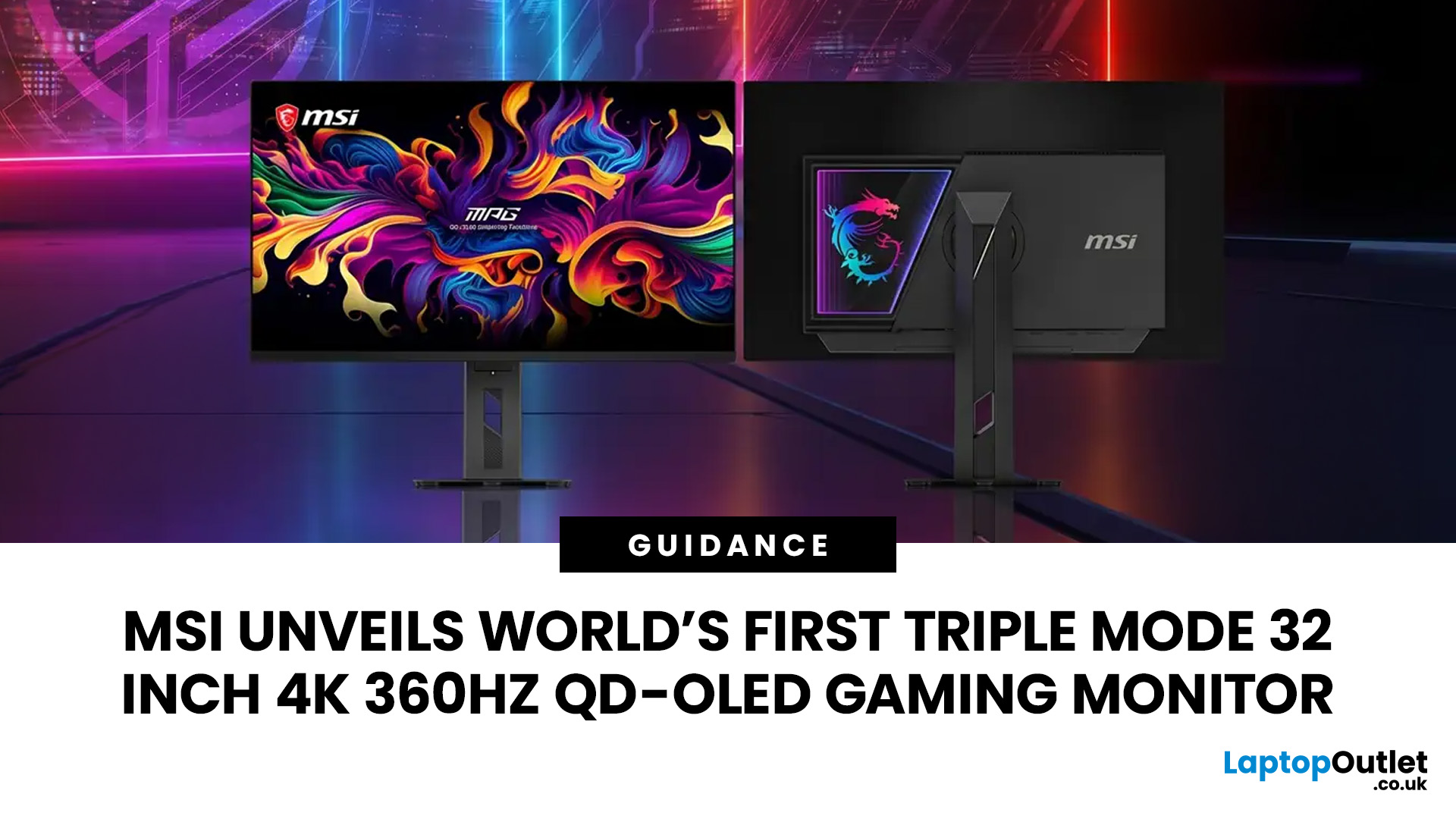
Premium displays are pushing this flexibility even further, with products such as MSI’s triple-mode 32-inch 4K 360Hz QD-OLED gaming monitor allowing players to switch between resolution and refresh-rate modes for different games.
How to Make Sure Your Monitor Is Running at 144Hz
Do not plug in a 144Hz monitor and accidentally leave it at 60Hz:
- Use an HDMI or DisplayPort connection supporting the required mode.
- In Windows, open Settings > System > Display > Advanced display.
- Select the monitor and choose 144Hz or the highest refresh rate monitor supported option.
- Check the NVIDIA or AMD settings if the option is missing.
- Enable adaptive sync when supported and check that games are not capped at 60 FPS.
Cable and port capabilities vary by monitor, graphics card and resolution, so check the product specifications rather than assuming every HDMI cable will unlock every mode.

Final Verdict: Should You Choose 60Hz or 144Hz?
For most PC gamers, 144Hz is the best gaming monitor refresh rate for balancing smoothness, responsiveness, hardware demands and price. It offers a clear upgrade over 60Hz in fast-paced games and still works well when the frame rate sits below 144 FPS. It also provides more room for future PC upgrades.
Choose 60Hz if you mainly play slower games, your hardware is limited to around 60 FPS, or you would rather spend your budget on a sharper panel. Choose 144Hz or above if you play competitive games, regularly exceed 60 FPS or simply want everyday movement to feel smoother.
Ready to upgrade? Compare the best gaming monitors by resolution, refresh rate, panel technology and connectivity to find a display that genuinely suits your setup.

FAQs
Is 144Hz Worth It Over 60Hz?
Yes, for most PC gamers who can achieve more than 60 FPS. A 144Hz monitor provides smoother motion and more frequent visual updates, with the biggest difference appearing in fast-paced and competitive games.
Is 60Hz Bad for Gaming?
No. A 60Hz monitor is suitable for casual play, slower genres and games capped at 60 FPS. However, 144Hz is generally a better new purchase when the price difference is small and your PC can exceed 60 FPS.
Do I Need 144 FPS for 144Hz?
No. You receive the full refresh benefit at 144 FPS, but frame rates between 60 and 144 FPS can still appear smoother than they would on a 60Hz monitor. Variable refresh rate can improve the experience when FPS changes.
Do You Need a Powerful GPU for a 144Hz Monitor?
Not always. Lightweight esports games can reach high frame rates on modest hardware, especially at 1080p. Demanding games at 1440p or 4K require more graphics power, and CPU performance can also limit maximum FPS.
Can PS5 and Xbox Use a 144Hz Monitor?
Yes, but PS5 and Xbox Series X/S generally output at up to 120Hz in supported games rather than 144Hz. Check that the monitor accepts 120Hz over HDMI at your chosen resolution and supports the console features you need.
Can You Tell the Difference Between 60Hz and 144Hz?
Most people can notice the difference, especially during quick camera movement, aiming and desktop scrolling. The improvement is usually clearer in fast games than in static or slow-moving content.
Related Articles

Last Updated: July 16, 2026
Last Updated: September 24, 2026
Last Updated: July 30, 2026
MSI has revealed a gaming monitor that sounds almost unreal on paper: a 32 inch 4K monitor with a 360Hz refresh rate, QD-OLED visuals, and a Triple Mode feature that lets gamers switch between different resolution and speed settings. Officially known as the MSI MPG OLED 322URDX36 (MSI lists the panel at 31.5 inches, though it's widely rounded to 32 inches), this display was unveiled ahead of COMPUTEX 2026 and is designed for players who want sharp 4K detail, ultra-smooth motion, and flexible performance in one premium screen.
For years, gamers had to choose between resolution and speed. A 4K monitor gave better image quality, while a lower-resolution, high-refresh-rate screen gave smoother competitive gameplay. MSI's new Triple Mode gaming monitor aims to close that gap, letting users move between 4K 360Hz, 1440p 520Hz, and Full HD 680Hz depending on the game, their hardware, and personal preference.
That makes it one of the most interesting display announcements for serious PC gamers,
Last Updated: August 11, 2026
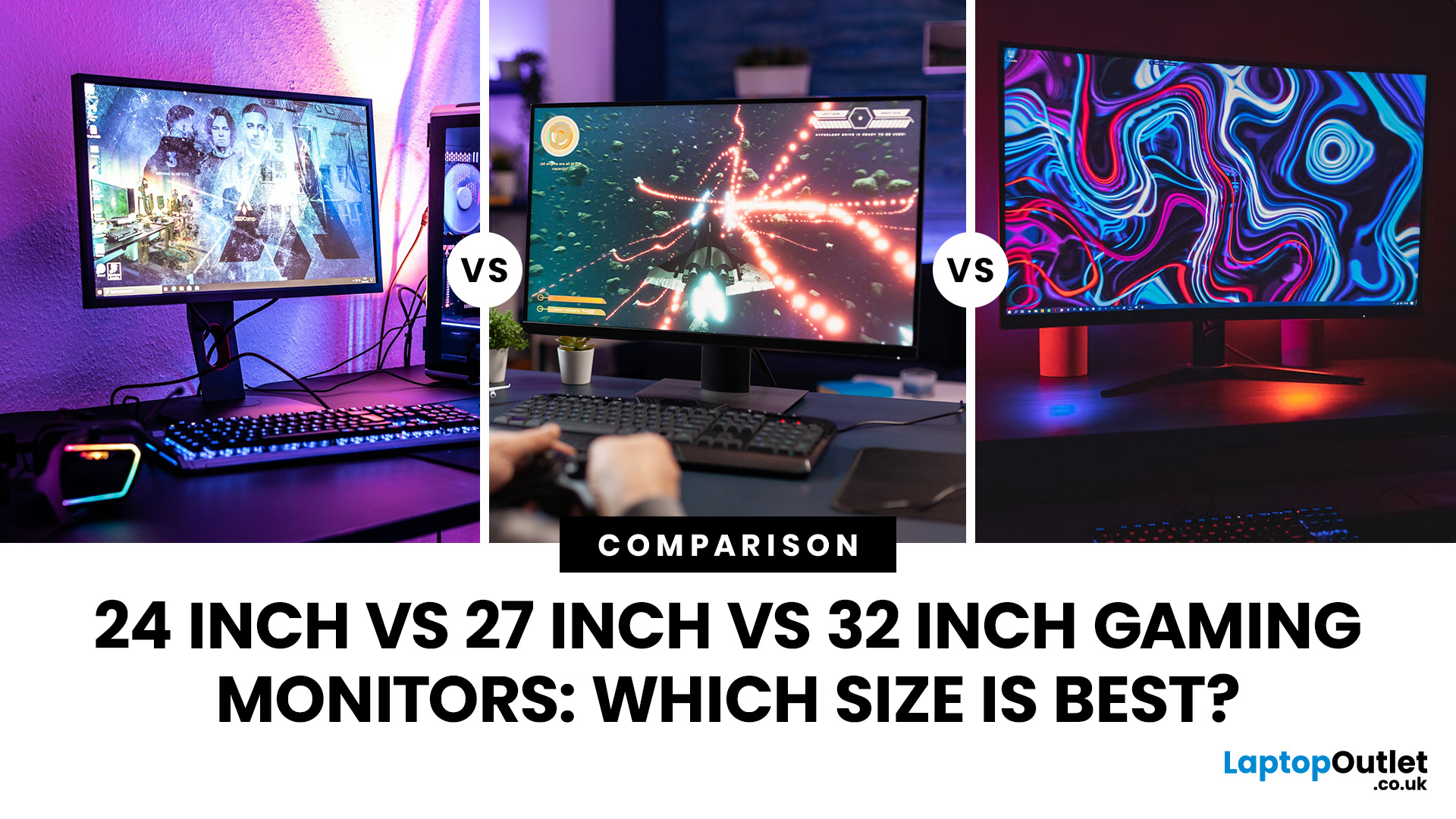
Picking the best gaming monitor size isn’t just about going big or going home. Your screen size actually changes how your games look, feel, and perform. A 24-inch setup is clutch for competitive play, a 27-inch hits that sweet spot between clarity and immersion, and a 32-inch screen? That’s where things get seriously cinematic.
Size alone isn’t the whole story. Resolution, desk space, refresh rate, and what you actually play all matter. This gaming monitor size comparison breaks down 24, 27, and 32-inch displays so you can find your perfect match.
24 Inch vs 27 Inch vs 32 Inch Gaming Monitors: Quick Comparison
The following table provides a quick overview of how the three most popular gaming monitor sizes compare.
| Feature | 24-Inch Monitor | 27-Inch Monitor | 32-Inch Monitor |
| Recommended resolution | 1920 × 1080 | 2560 × 1440 | 2560 × 1440 or 3840 × 2160 |
| Best suited to | Competitive gaming | Mixed gaming and everyday use | Immersive and cinematic gaming |
| Typical desk requirement | Small | Medium | Large |
| Graphics |
Last Updated: August 11, 2026
Last Updated: September 03, 2026
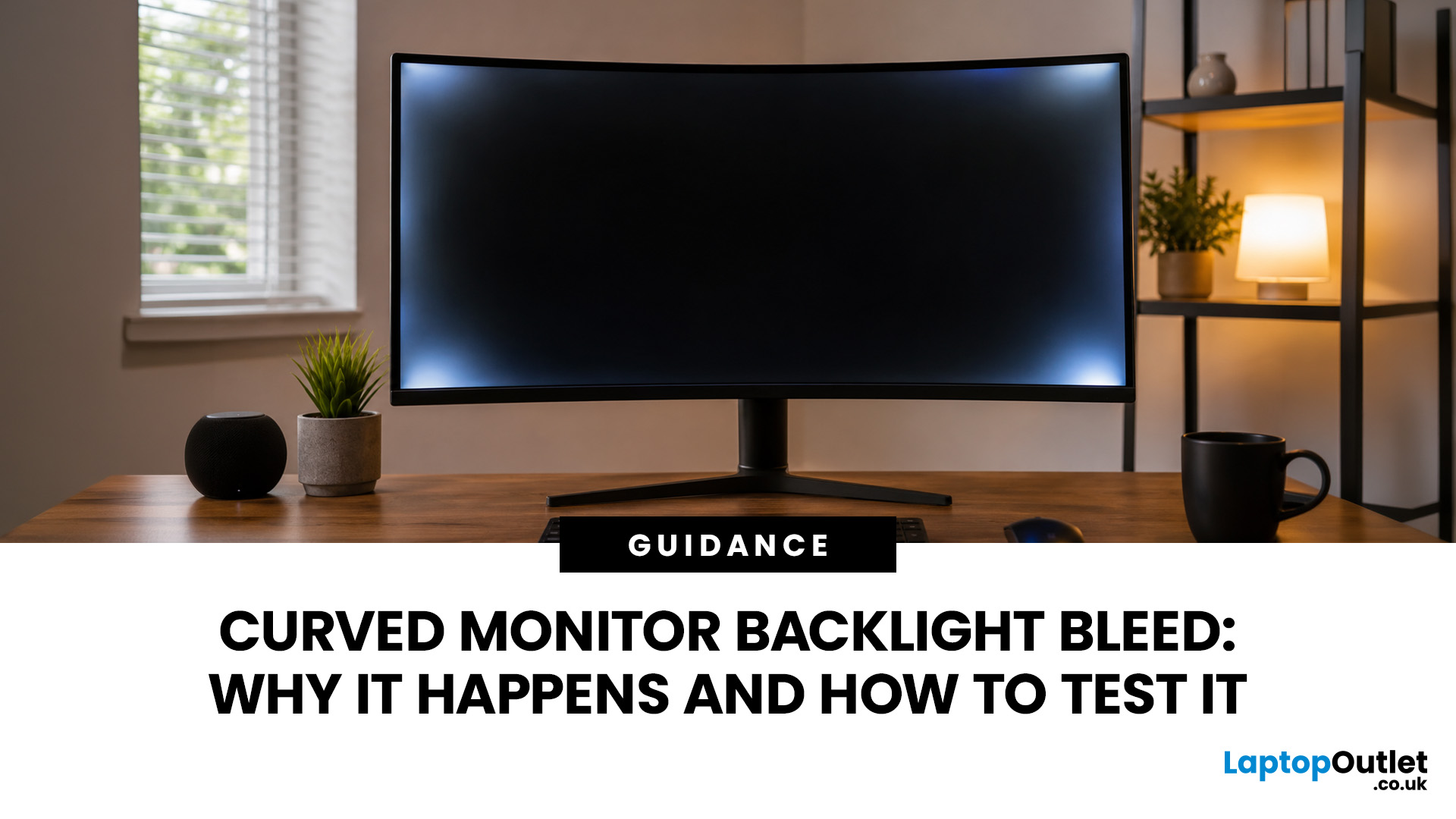
An AOC curved gaming monitor can be a strong choice for immersive gaming, especially if you play racing, simulation, RPG, open-world or cinematic single-player games. The curved screen helps draw more of the display into your natural field of view, which can make gameplay feel more engaging on larger panels. For many PC gamers, the sweet spot is a 27-inch or 32-inch high-resolution QHD monitors. For maximum immersion, an AOC 34 curved gaming monitor or another ultrawide curved gaming monitor can offer a wider, more cinematic view.
Are AOC Curved Gaming Monitors Good for Immersive Gaming?
Yes, AOC curved gaming monitors can be good for immersive gaming, but the experience depends on three things:
- Screen size
- Resolution
- Refresh rate
A curved display is most effective when the screen is large enough for the curve to matter. On a 24-inch screen, the curve may feel subtle. On a 32-inch or 34-inch screen, it becomes much more noticeable because the edges of the panel sit further into your peripheral
Published: July 27, 2026
Last Updated: September 03, 2026
Last Updated: August 11, 2026
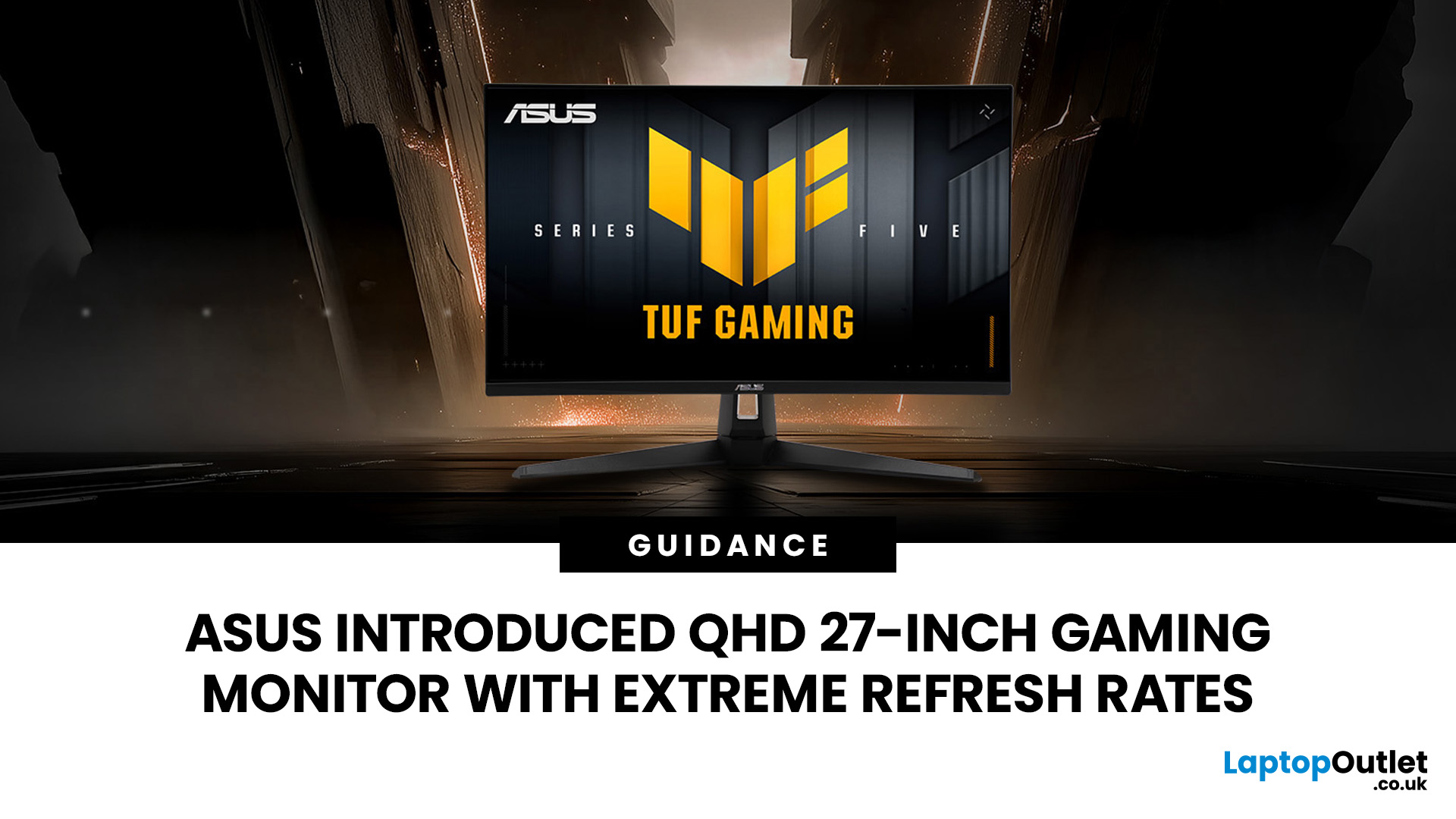
The ASUS VG27AQM5F is a 27 inch QHD gaming monitor built primarily for competitive PC players who want a higher refresh rate without dropping to Full HD resolution. As an ASUS QHD monitor, it combines a 2560 x 1440 Fast IPS panel with a maximum 320Hz refresh rate, adaptive-sync support and ASUS ELMB Sync. This ASUS new gaming display launch is aimed at players seeking smoother competitive gameplay, although its tilt-only stand, basic HDR capability and service-only USB-C port remain important limitations.
ASUS VG27AQM5F Quick Answer
| Question | Answer |
| Best suited to | Competitive PC gamers who regularly play above 200fps and still want QHD detail |
| Main strengths | 320Hz refresh rate, Fast IPS panel, 95% DCI-P3 coverage and broad adaptive-sync support |
| Main limitations | Tilt-only stand, modest 300cd/m² brightness, basic HDR10 support and no functional USB-C display input |
| Testing status | Specification-based assessment, not a hands-on review |
| UK availability | Available through UK retail channels, but not |
Last Updated: August 13, 2026
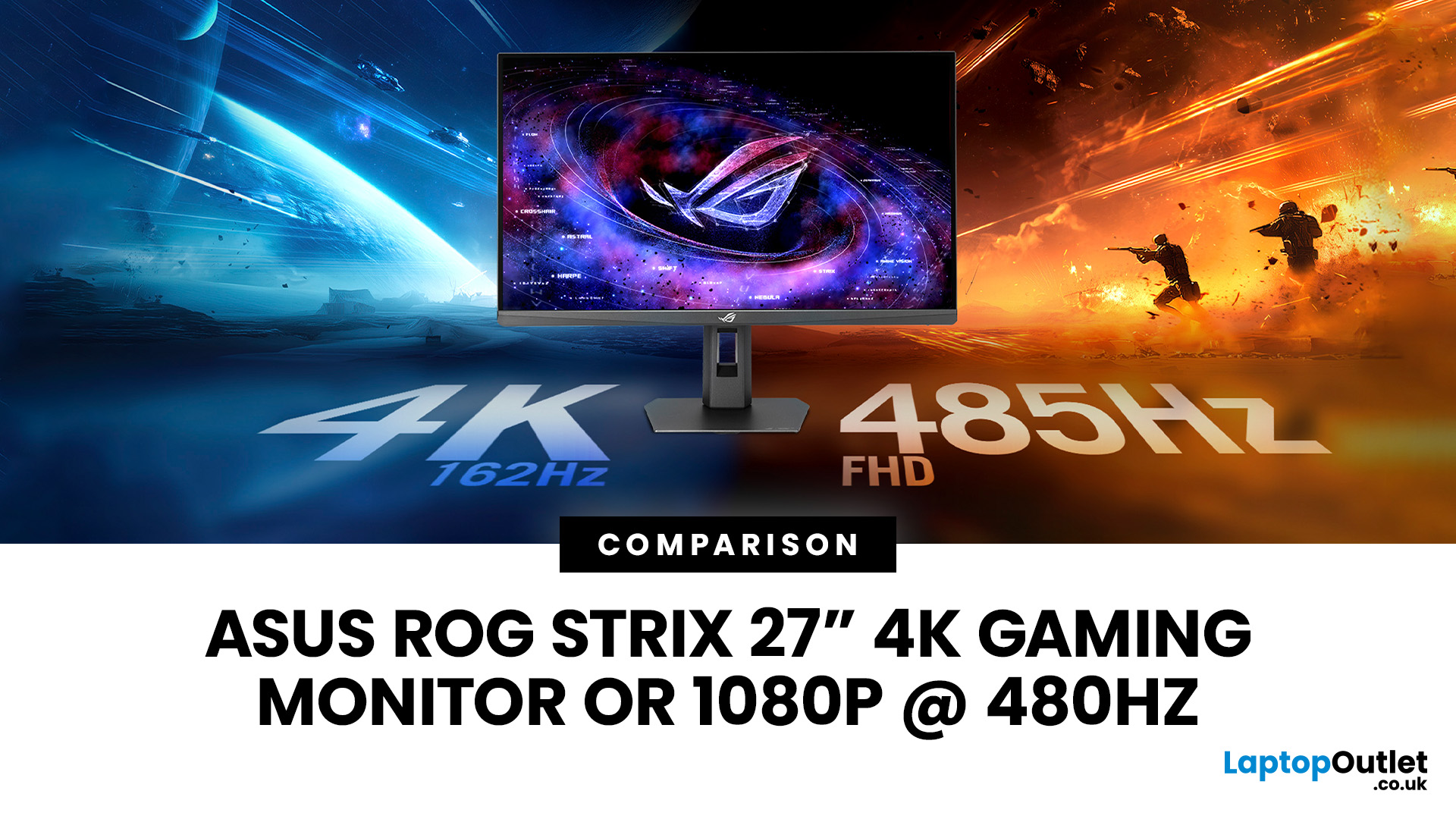
The ASUS ROG Strix XG27UCGR Gen2 is a 27 inch 4K gaming monitor that runs at up to 162Hz in 4K and switches to Full HD at 485Hz for esports. It succeeds the original XG27UCG’s 160Hz and 320Hz dual mode, adding a much faster competitive setting, Smart Pixel processing and a lower quoted minimum response time.
Most gaming monitors make you choose between resolution and refresh rate. A sharp 4K screen suits visually detailed games, while an ultra-fast Full HD display is usually better suited to competitive titles where responsiveness matters more than image detail.
The ASUS ROG Strix XG27UCGR Gen2 attempts to cover both uses. Its native mode delivers 3840 x 2160 resolution at up to 162Hz. Activating Frame Rate Boost changes the monitor to 1920 x 1080 and raises the refresh rate to 485Hz. ASUS confirms both modes for the XG27UCGR, alongside a Fast IPS panel, Smart Pixel processing and a manufacturer-rated minimum response time of 0.3ms.
ASUS ROG Strix XG27UCGR Specifications
The XG27UCGR Gen2

